
Cursed Japanese School Diary Prompt
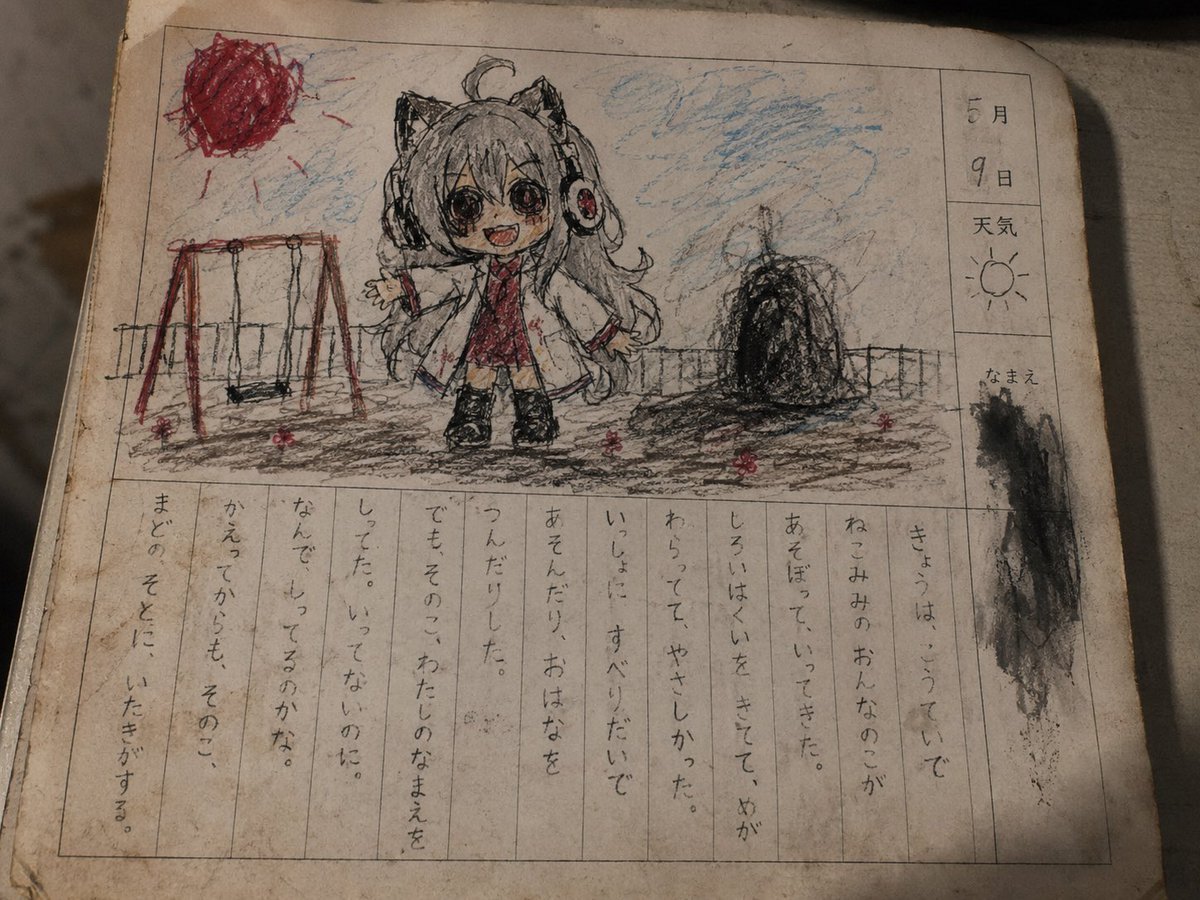
An image-to-image prompt for gpt-image-2 that replicates the nostalgic yet eerie look of a Japanese child's school diary from decades past.
- Prompt included
- Model and format preset
- Free template
The prompt behind this image
Copy the exact prompt behind Cursed Japanese School Diary Prompt, or open it in the studio and make it yours.
Based on the original character in the reference image, draw it as a page from a "creepy picture diary," the kind an elementary school student from the Showa to early Heisei era might have written. The image should be the page of an old picture-diary notebook. The composition has a child-drawn-looking picture in the top half, and a vertically written diary entry column in the bottom half. The paper is slightly yellowed, stained, creased, with fingerprint smudges, eraser marks, pencil smearing, and water stains from rain. The overall texture should look like an old piece of paper that's been scanned. In the picture area at the top, draw the reference character in a child's doodle style. Be sure to preserve the character's features. Do not break the character's unique elements — hairstyle, eyes, ears, horns, wings, tail, clothing, accessories, color scheme, silhouette, atmosphere, etc. However, don't draw it too well. As if drawn by an elementary schooler with crayon and pencil, the lines should be shaky, the coloring sloppy, and the outlines distorted. The horror direction should not be a flashy monster, but the feeling of "something a child casually drew that's oddly scary." Include a sense of wrongness in the character in the picture — such as smiling but with eyes filled in solid black, the face being just slightly too big, a shadow that doesn't match a human's, looking outside the paper, only the red color being oddly intense, or an unexplainable black mass in the background. In the diary column, there are lines of child-like handwritten vertical text. The text does not need to be fully legible. In places it's illegible, faded, and has erased marks. The tone of the writing should feel like a normal diary that gradually becomes scary, in the style of "きょう、〇〇ちゃんとあそびました。でも、〇〇ちゃんはぼくのなまえをしっていました。どうしてかな。" The diary content should use the above as an image/inspiration and change every time. Creepy touches such as: it knows my name, it told me "you mustn't," or it tries to make me write a lie in the diary like "write that it rained today" — things along those lines. Do not include garbled text or meaningless English letters. On the right side, there are columns for 「{argument name="Date" default="May ◯"}」 and 「天気」. There is also a name field, but the name should be blurred or made illegible. The printed ruled lines and frame should be slightly misaligned, like an old school printout. The art style should not be a realistic horror illustration, but should have the texture of a photograph taken of an actual picture diary. It should look slightly tilted as if shot with a smartphone, with a shadow cast on it, and fine scratches and stains visible on the surface of the paper. The scariness should be quiet — the type you notice only after the fact.
How to use Cursed Japanese School Diary Prompt in 3 steps
- 1Upload ImagePNG, JPG or paste
Add your photo
Upload the photo the template builds on. The prompt, model and format are already set.
- 2…a portrait of your subject in softgolden-hour light, 85mm…
Personalize
Edit the subject and creative details for your destination.
- 3Generate
Generate
Press Generate — your image is created in PicX Studio, so you can compare it with the original and refine one variable at a time.
More like this
Templates with the same subject, style or setup. Open one to see its prompt.
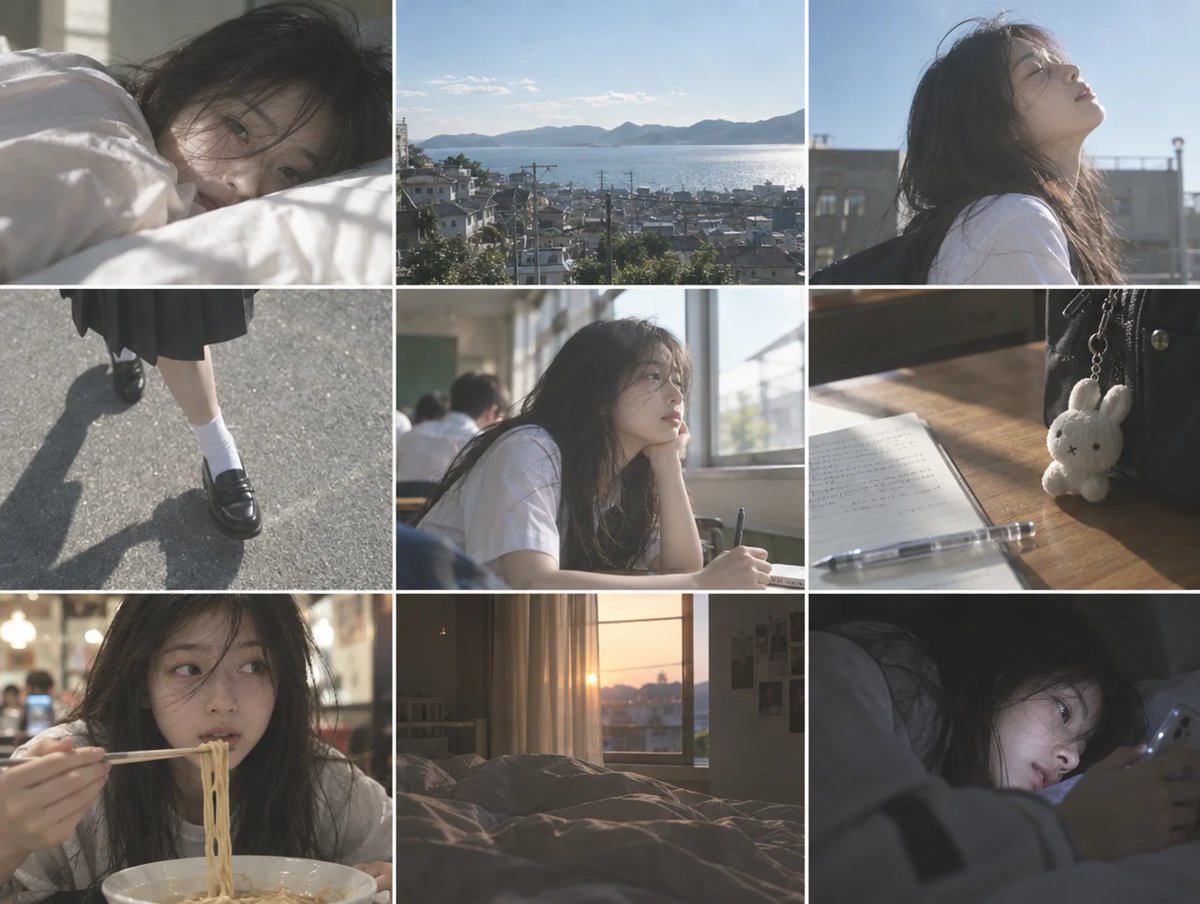
Cinematic Schoolgirl Diary Collage

Minecraft Japanese Research Lab Exploration
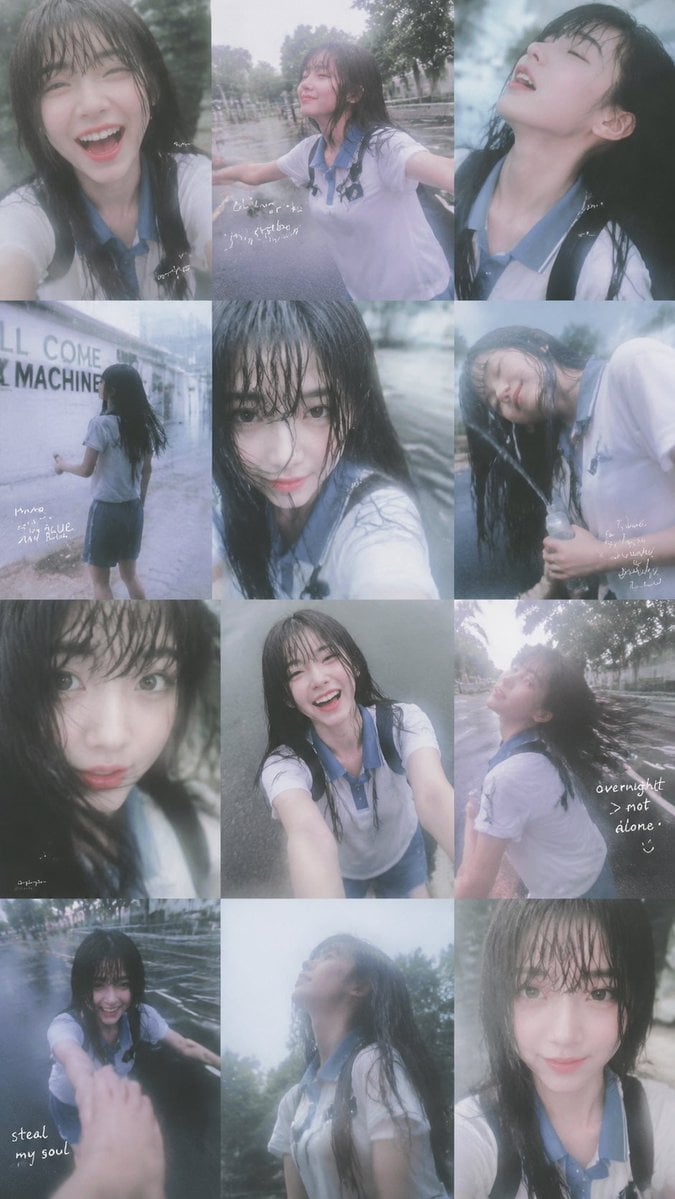
Rainy Schoolgirl Photo Diary Collage

Japanese Architectural Concrete Studio Fashion Campaign

Japanese Minimalist Concrete Studio Fashion Editorial

Blue Backdrop Luxury Fashion Portrait Campaign
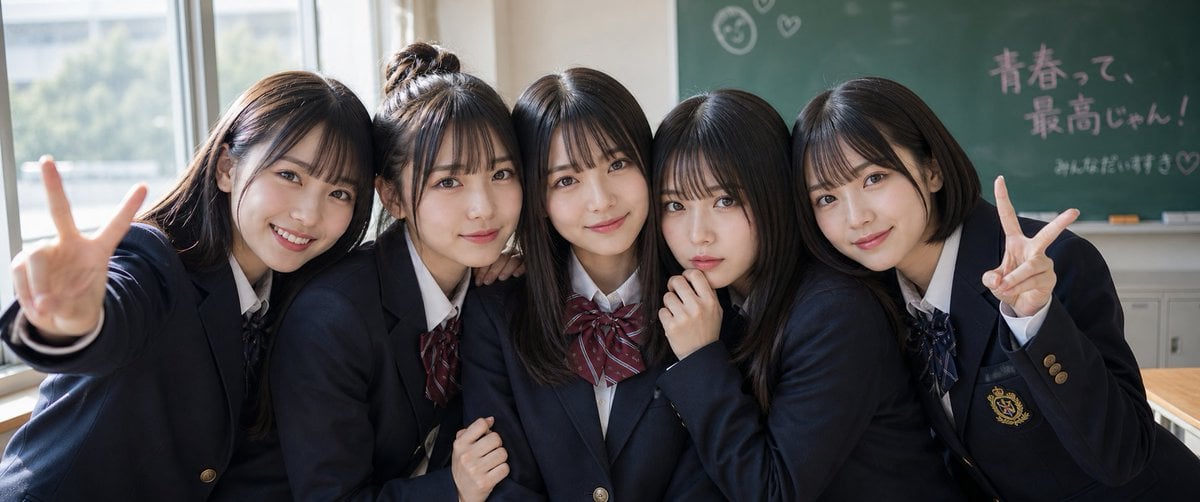
Japanese Schoolgirls Ultra Wide Wallpaper
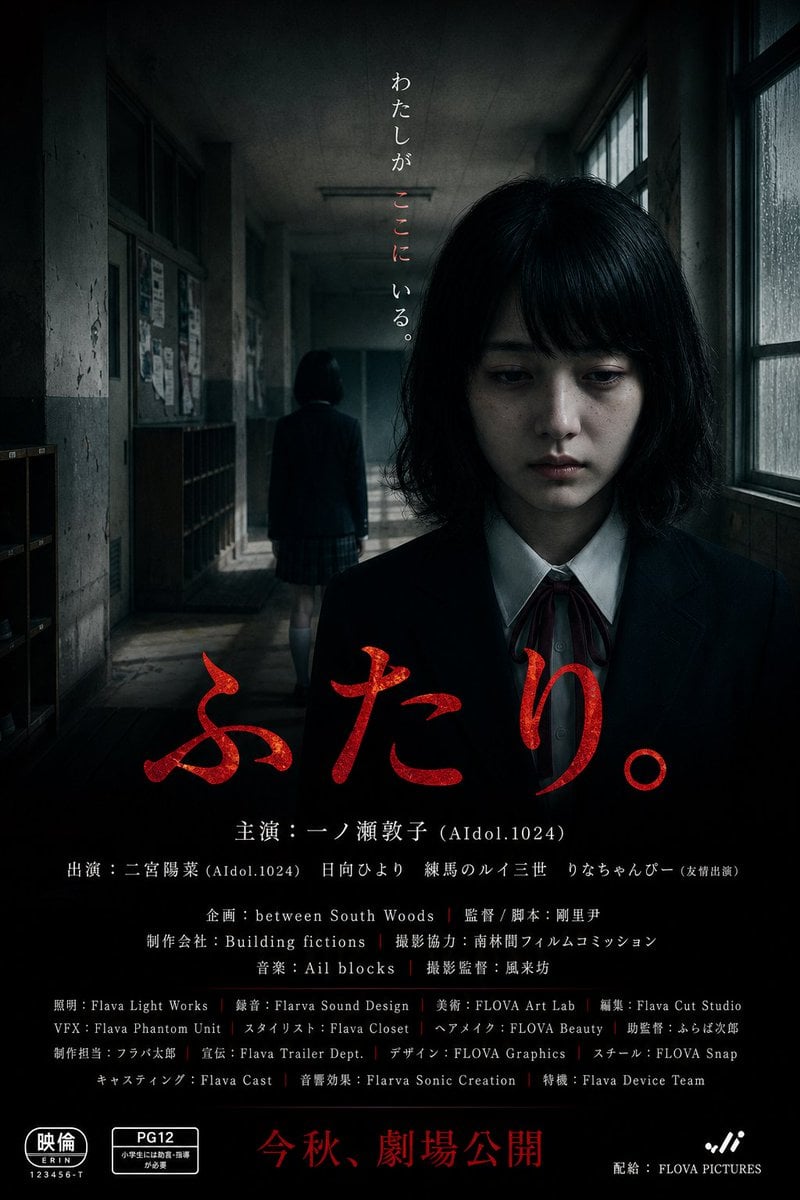
Japanese School Horror Poster

Japanese Journal Style Cat Diary

Japanese Film Reflection Idol
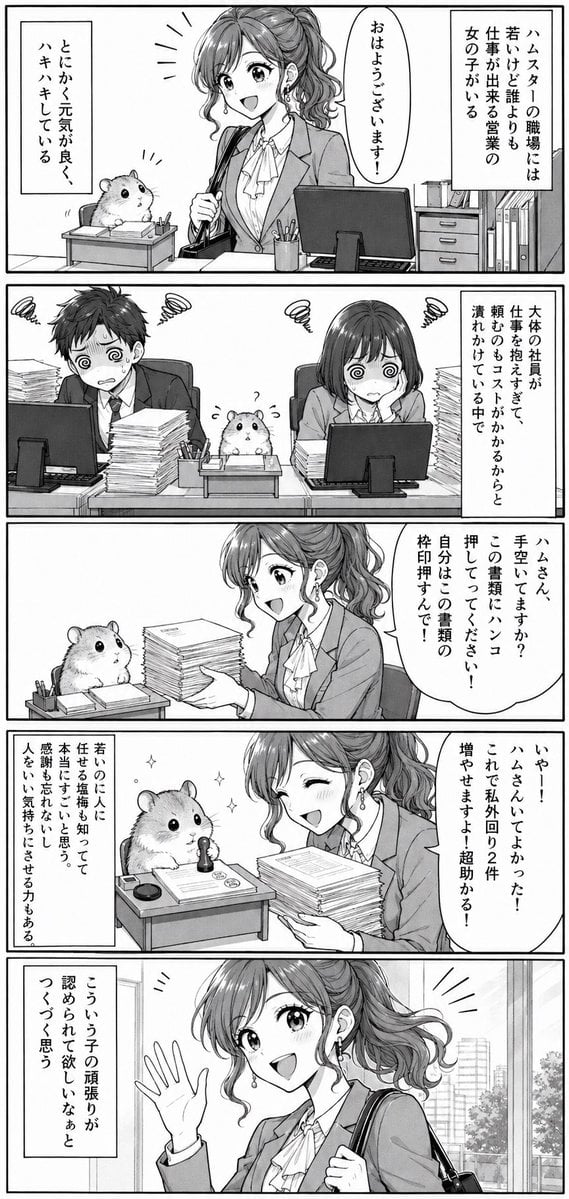
Office Hamster Manga Diary
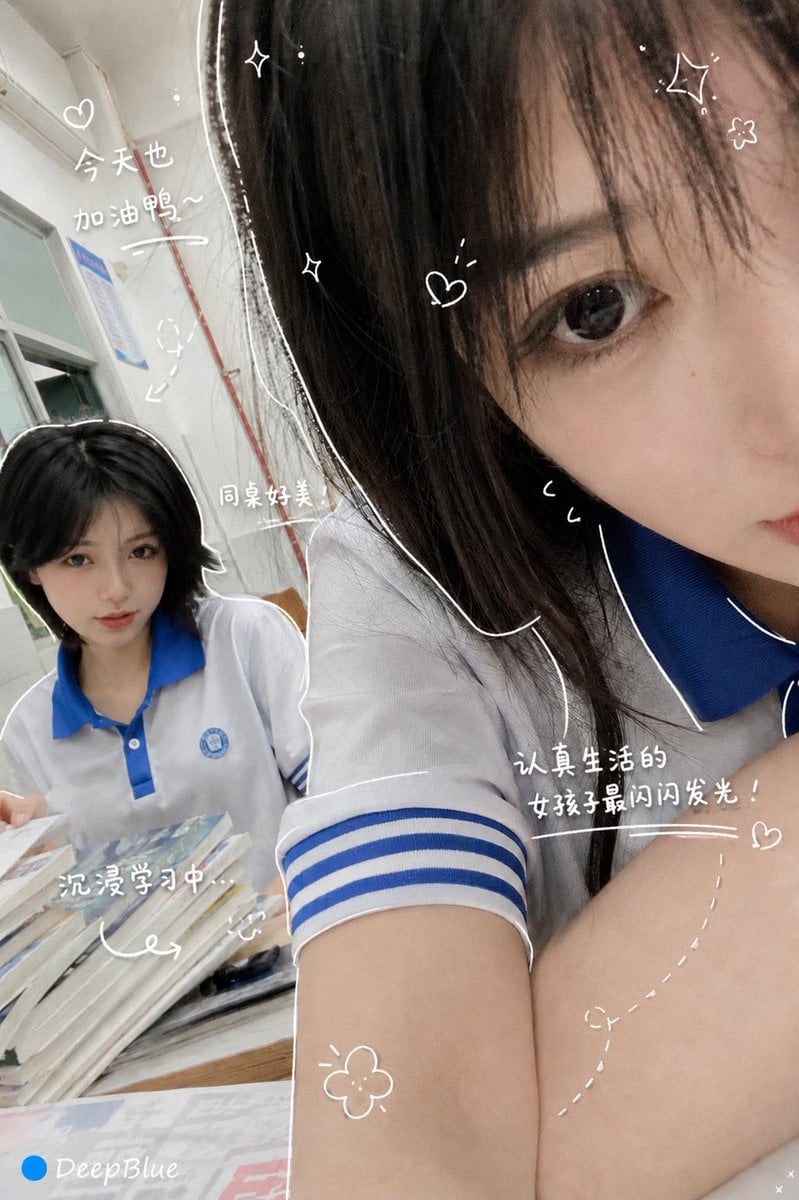
Hand-Drawn Diary Doodle Overlay
Make it yours
Cursed Japanese School Diary Prompt works as-is. These are the safest ways to change it without losing the look.
Change one field
Copy a single group, rewrite it, and generate again so you can see what that field is doing.
Keep the frame, change the subject
Hold the composition and light of Cursed Japanese School Diary Prompt, then swap wardrobe, props or the person for a new take.
| If the result… | Why | Fix |
|---|---|---|
| The result drifts from the preview | Too many fields changed at once. | Reuse Cursed Japanese School Diary Prompt as-is first, then change one group — subject, light, or setting. |
| The model over-stylizes the scene | The prose prompt leaves finish and camera underspecified. | Add one camera or lighting sentence and stay on GPT Image 2. |
More GPT Image 2 templates
Other prompts made for GPT Image 2.

Realistic Portrait of Woman and Deer

The Vista Modular Condo Poster

AI Model Routing Comparison Infographic

2.5D Anime Art Board

Isometric Productivity Desk Scene

New York Double Exposure Poster

Four-Panel AI Landscape Comparison

NESCAFÉ Coffee Map Poster

Brutalist Cogito Chinese Typography Poster

Cinematic Luxury Terrace Portrait
More image prompts
Fresh picks from across the catalog.
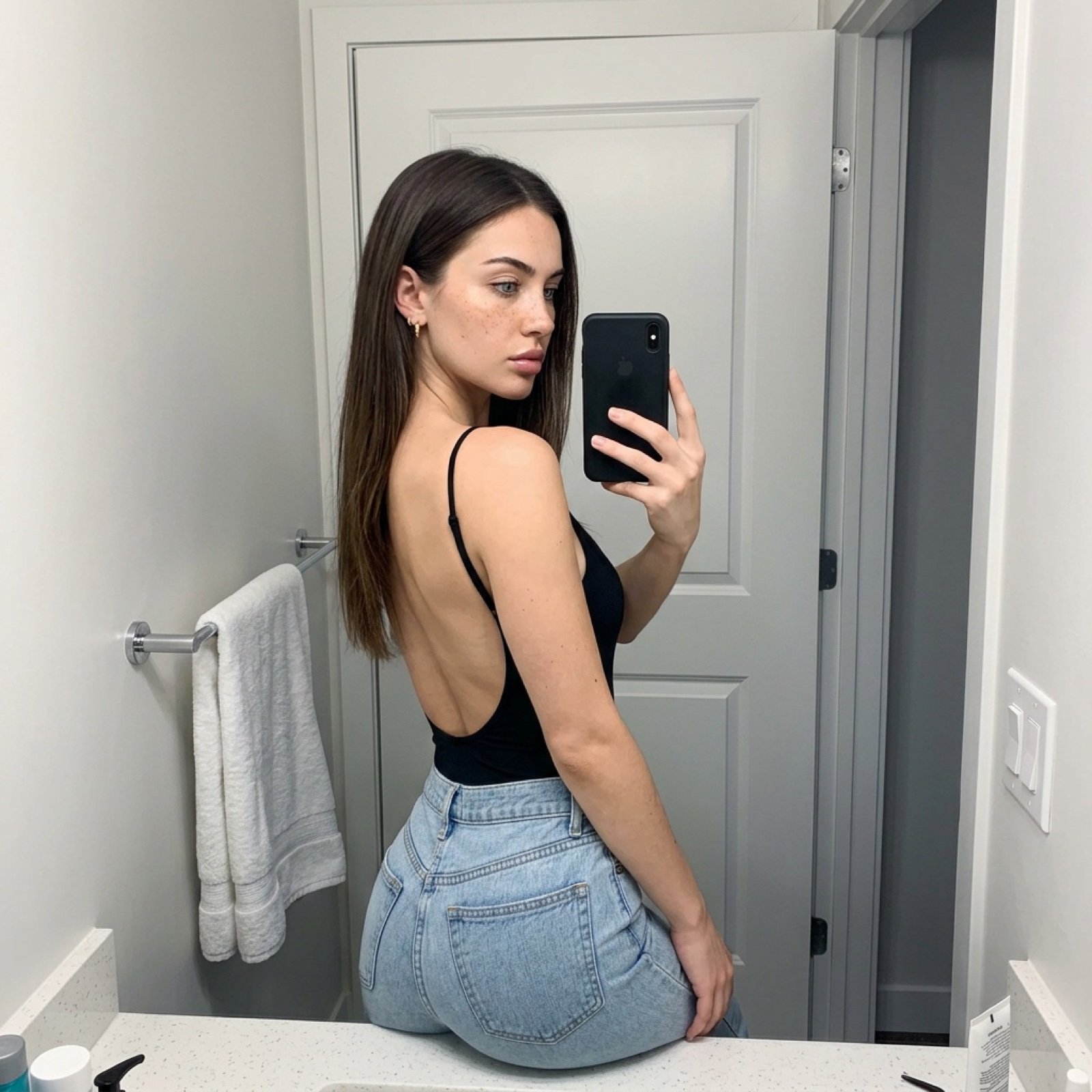
Viral TikTok Mirror Selfie Prompt
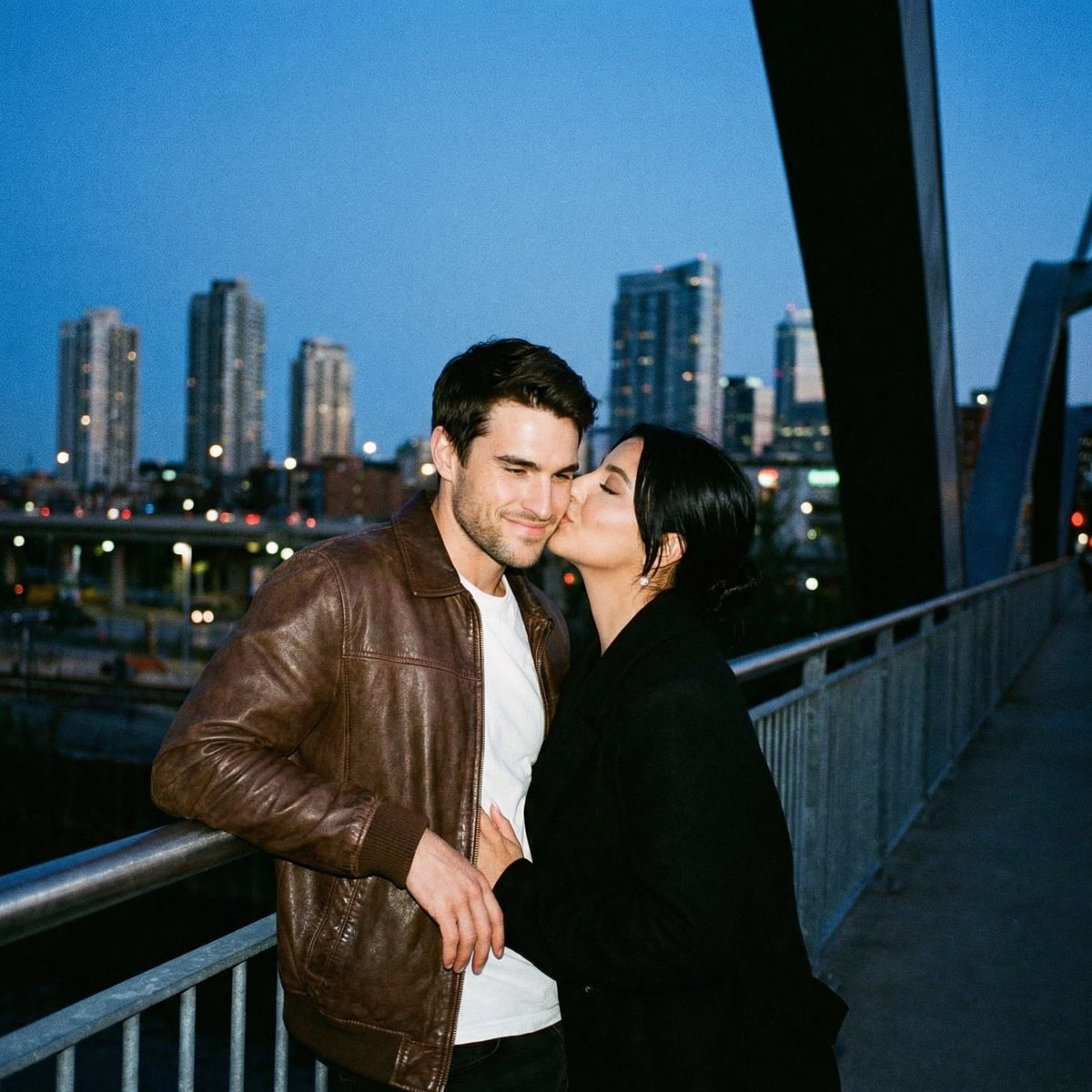
Ultra Analog Film Candid Romance Scene
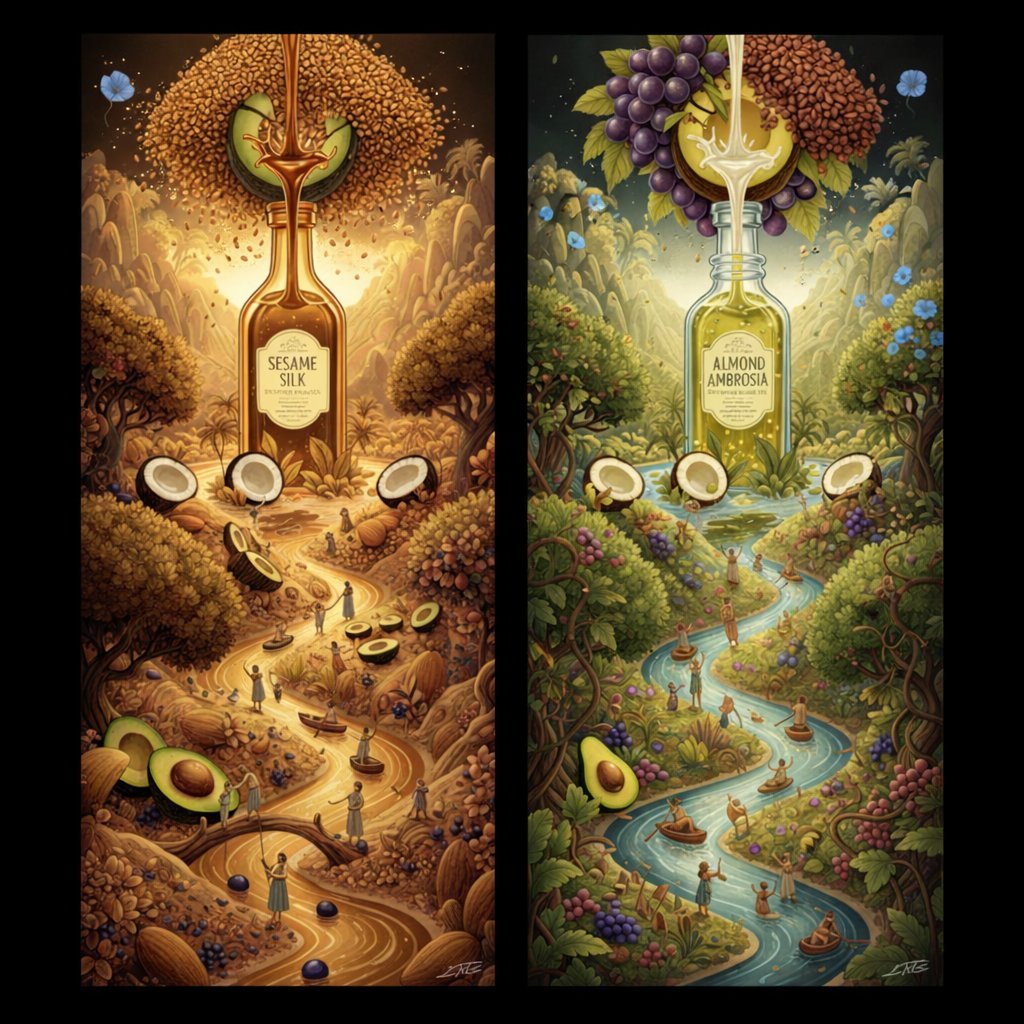
Surrealist Diptych of Sesame and Almond Oil Landscapes

Bohemian Luxury Overhead Portrait

Showa Modern Meisen Kimono Fashion
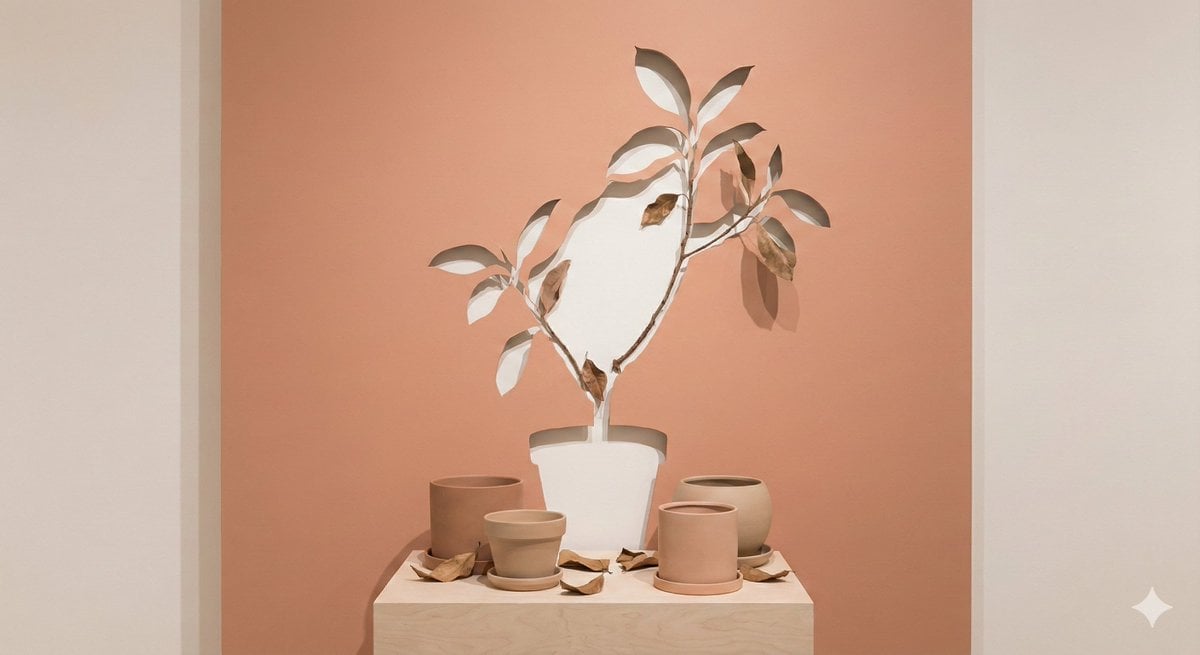
Negative Space Character Composition
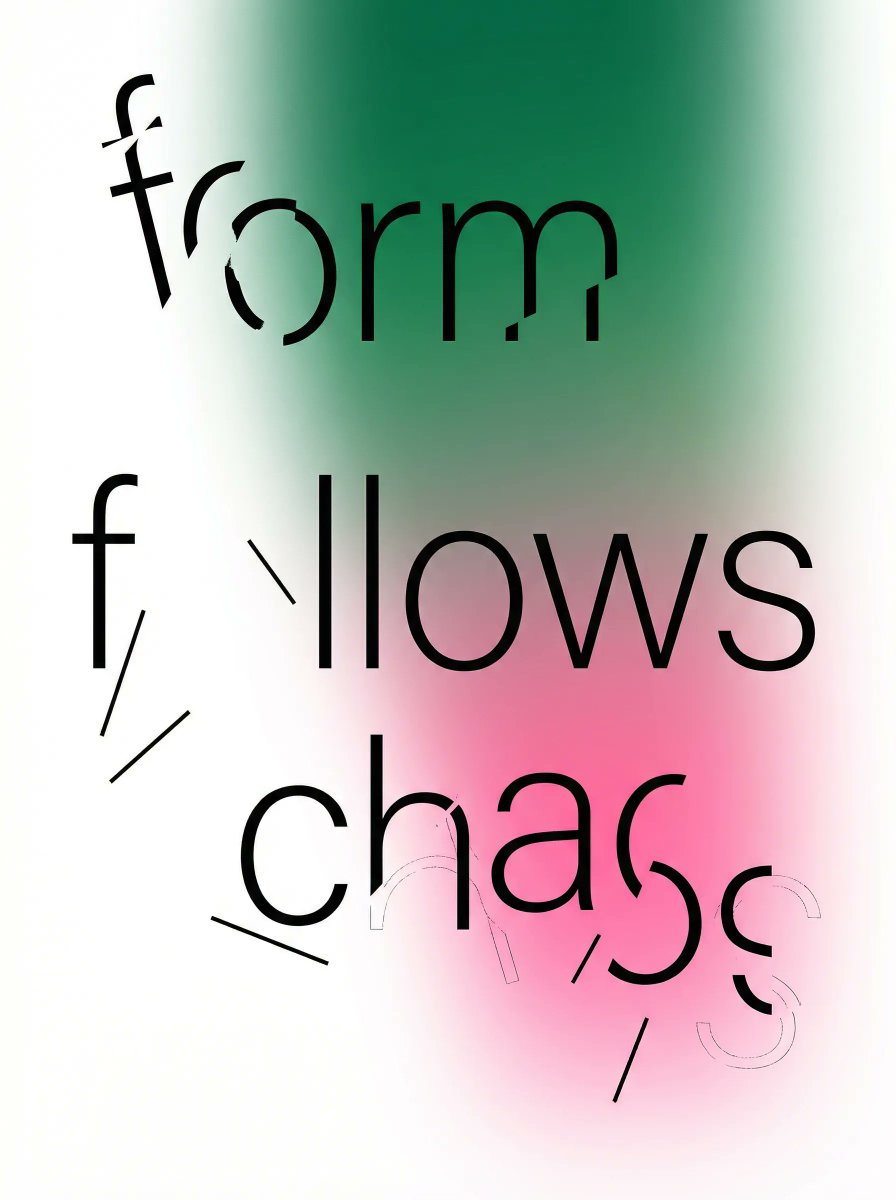
Fragmented Typography Poster Prompt (Minimalist Chaos)
Advertising Visual Prompt: Chocolate Bar Process Display
Cinematic Photoreal Portrait in a Forest Stream (Pocahontas Inspired)
Dynamic Food Advertisement with Flavor Wave
Browse template categories
Cursed Japanese School Diary Prompt questions
How do I use the Cursed Japanese School Diary Prompt template?
Add your photo if the template asks for one, edit the prompt if you like — the template's model and format are already selected — and press Generate. Your version opens in PicX Studio.
Can I customize the Cursed Japanese School Diary Prompt template?
Yes. You can change the subject, setting, lighting, mood, format, and available model controls before creating your image.
Is the Cursed Japanese School Diary Prompt template free?
Opening and editing this template is free. Generating uses credits, shown on the Generate button when you are signed in.
Which AI model should I use?
Start with GPT Image 2, which is the model associated with this template. You can compare another compatible model for a different finish.
Looking for something else? Browse all templates.

Your photo, any look
Thousands of ready templates for every top image and video model, from one credit balance.