
Cinematic Schoolgirl Diary Collage
A structured prompt for generating a nostalgic 3x3 film-style collage of a Japanese schoolgirl's quiet everyday moments.
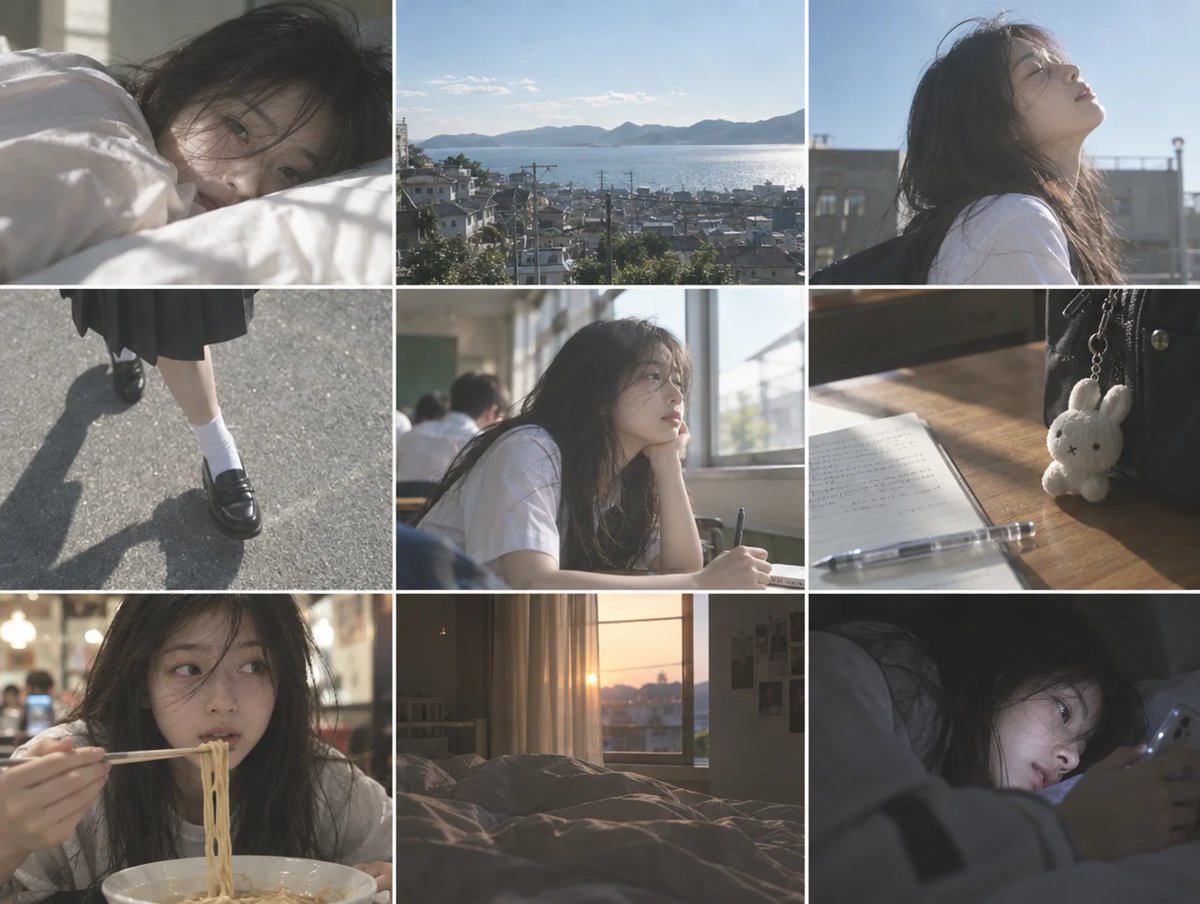
- Prompt included
- Model and format preset
- Free template
The prompt behind this image
Copy the exact prompt behind Cinematic Schoolgirl Diary Collage, or open it in the studio and make it yours.
Goal: Create a cinematic 3x3 photo collage showing quiet everyday moments from the life of a Japanese high school girl, with pale colors, soft sunlight, and a nostalgic film-still atmosphere. Canvas: Landscape collage, 1200x900 aspect ratio, divided into exactly 9 equal rectangular panels in a 3 columns by 3 rows grid. Use thin clean white gutters between panels. Overall look should feel like screenshots from an indie coming-of-age movie shot on 35mm film. Subject: The recurring character is {argument name="main character" default="a Japanese teenage girl with long messy black hair, pale skin, delicate features, and a tired dreamy expression"}. She wears {argument name="school outfit" default="a simple white short-sleeve school blouse with a dark pleated skirt, white socks, and black loafers"}. Her mood is quiet, introspective, sleepy, and slightly melancholic, never posed like a fashion shoot. Panel count and layout: Include exactly 9 discrete panels: 1. Top left: close-up of the girl lying in bed under white sheets in soft morning window light, only her face and messy hair visible, sleepy eyes looking toward camera. 2. Top center: wide scenic view from a hillside town overlooking a sparkling inland sea, rooftops, utility poles, distant islands and mountains under a pale blue sky. 3. Top right: side-profile medium close-up of the girl outdoors on a school rooftop or terrace, wearing a white blouse, face tilted upward into bright sunlight, wind moving her hair, blue sky behind her. 4. Middle left: downward crop of her legs walking on sunlit asphalt, dark pleated skirt hem, white socks, black loafers, long sharp shadow stretching across the road. 5. Middle center: classroom scene with the girl seated by a bright window, elbow on desk, chin resting on her hand, holding a pen over a notebook, other students blurred in the background. 6. Middle right: close-up still life on a wooden school desk: open notebook with small writing, clear mechanical pencil, black school bag, and one small white bunny plush keychain hanging from the bag. 7. Bottom left: close-up of the girl eating ramen in a casual restaurant, holding chopsticks with noodles lifted above a white bowl, warm interior bokeh lights, her eyes glancing sideways. 8. Bottom center: empty bedroom at sunset with unmade bed in the foreground, curtains, window, orange sun low outside, soft dusty golden light filling the room. 9. Bottom right: dark nighttime close-up of the girl lying in bed under blankets, face lit by a smartphone screen, looking tired and absorbed. Visual style: {argument name="visual style" default="pale pastel colors, low contrast, soft haze, realistic Japanese cinema photography, natural skin texture, slight film grain, gentle lens bloom, imperfect candid framing"}. Use shallow depth of field in character panels, natural backlight, sun flares, and subdued highlights. The overall palette should be airy whites, muted grays, washed blues, warm sunset amber, and soft shadow tones. Constraints: Keep the same girl recognizable across all panels. Make it photorealistic, not anime or illustration. Avoid text overlays, captions, logos, watermarks, exaggerated makeup, glamour posing, or overly saturated colors. The collage should feel like a coherent diary of one ordinary day, from morning bed to school, town views, food, sunset bedroom, and late-night phone use.
How to use Cinematic Schoolgirl Diary Collage in 3 steps
- 1Upload ImagePNG, JPG or paste
Add your photo
Upload the photo the template builds on. The prompt, model and format are already set.
- 2…a portrait of your subject in softgolden-hour light, 85mm…
Personalize
Edit the subject and creative details for your destination.
- 3Generate
Generate
Press Generate — your image is created in PicX Studio, so you can compare it with the original and refine one variable at a time.
More like this
Templates with the same subject, style or setup. Open one to see its prompt.
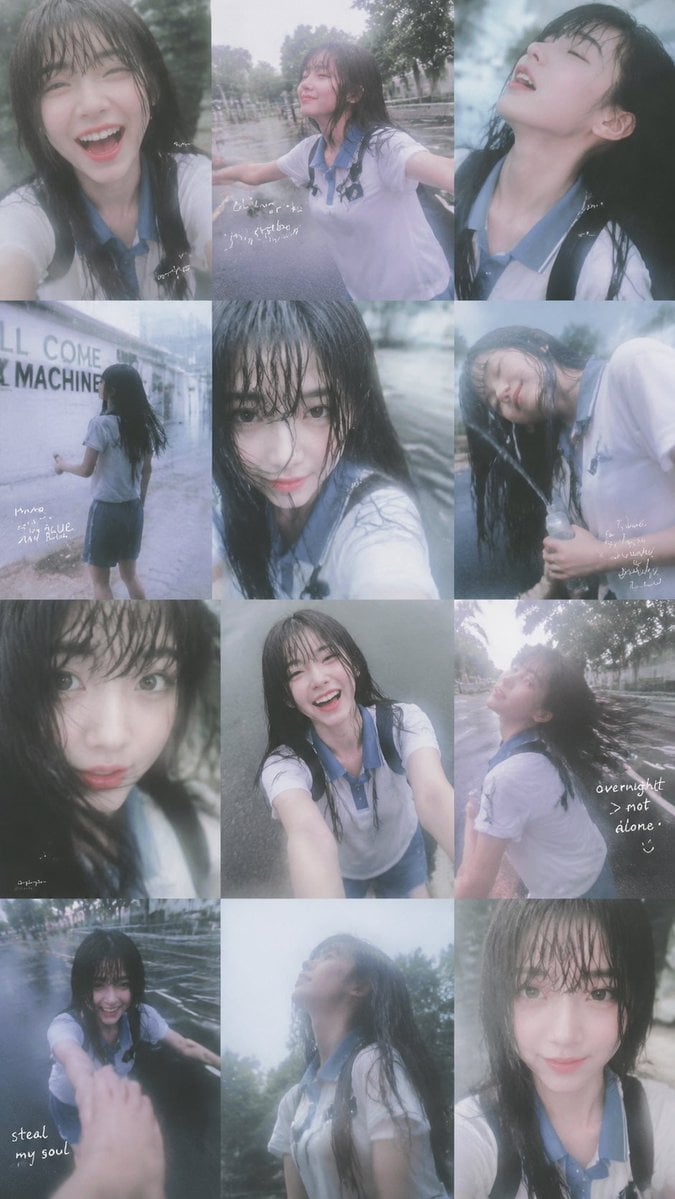
Rainy Schoolgirl Photo Diary Collage

Chaotic Anime Schoolgirl Fan Collage
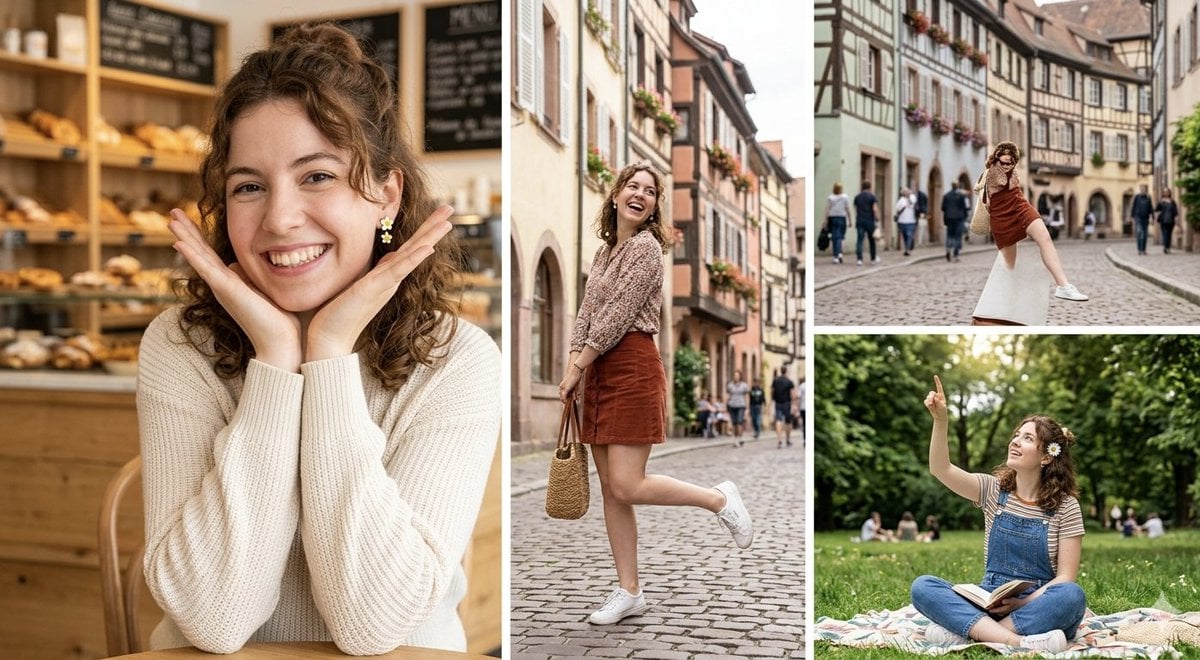
European Travel Photo Diary Collage
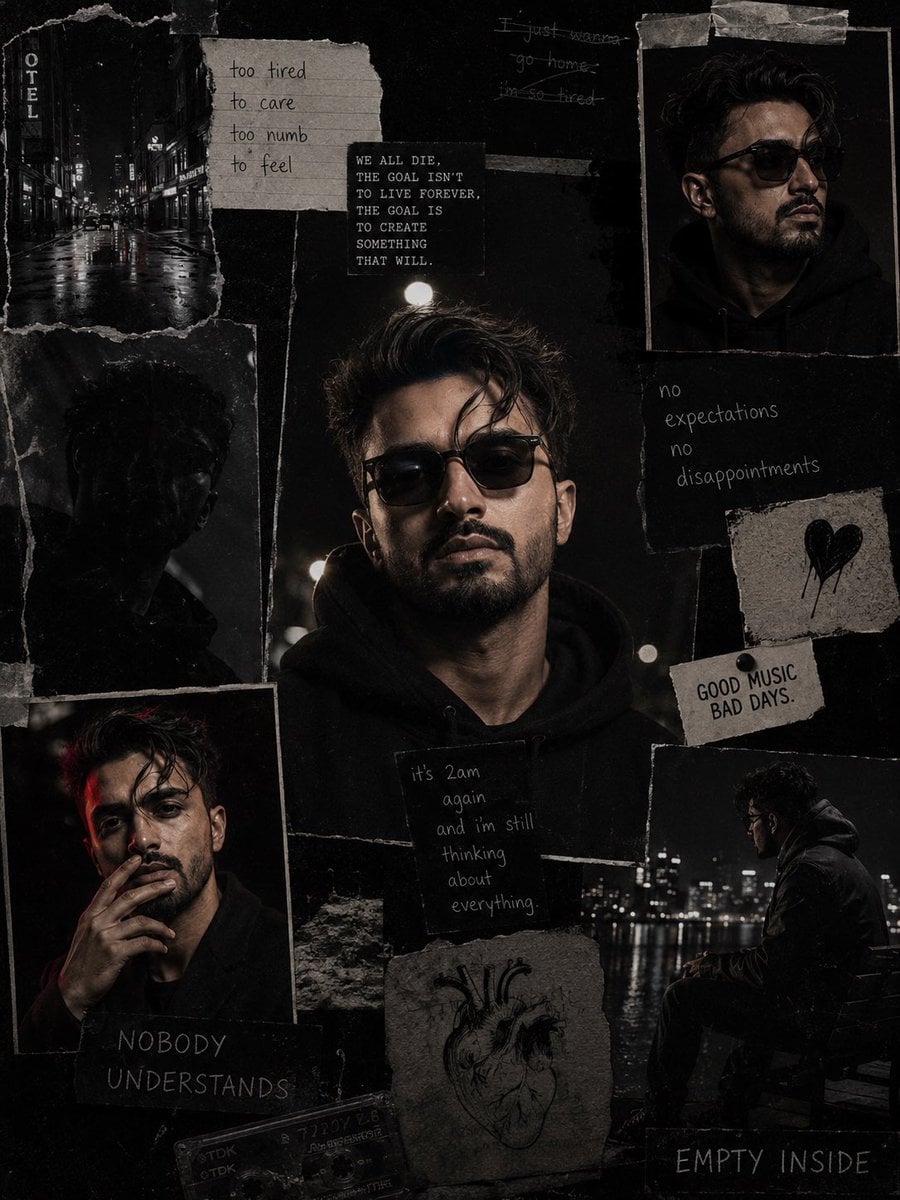
Dark Cinematic Diary Collage

Paper Cut Finale Fireworks

Paper Cut Garden Maze

Paper Cut Rooftop Concert

Paper Cut Bicycle Coast

Paper Cut Castle Gate

Paper Cut Kitchen Chaos

Paper Cut Carnival Ride

Paper Cut Rainy Bus Stop
Make it yours
Cinematic Schoolgirl Diary Collage works as-is. These are the safest ways to change it without losing the look.
Change one field
Copy a single group, rewrite it, and generate again so you can see what that field is doing.
Keep the frame, change the subject
Hold the composition and light of Cinematic Schoolgirl Diary Collage, then swap wardrobe, props or the person for a new take.
| If the result… | Why | Fix |
|---|---|---|
| The result drifts from the preview | Too many fields changed at once. | Reuse Cinematic Schoolgirl Diary Collage as-is first, then change one group — subject, light, or setting. |
| The model over-stylizes the scene | The prose prompt leaves finish and camera underspecified. | Add one camera or lighting sentence and stay on GPT Image 2. |
More GPT Image 2 templates
Other prompts made for GPT Image 2.

Six VTuber Japanese Logo Sheet

Realistic Portrait of Woman and Deer

The Vista Modular Condo Poster

AI Model Routing Comparison Infographic

2.5D Anime Art Board

Isometric Productivity Desk Scene

New York Double Exposure Poster

Four-Panel AI Landscape Comparison

Japanese Tatami Lifestyle Magazine Cover

NESCAFÉ Coffee Map Poster
More image prompts
Fresh picks from across the catalog.
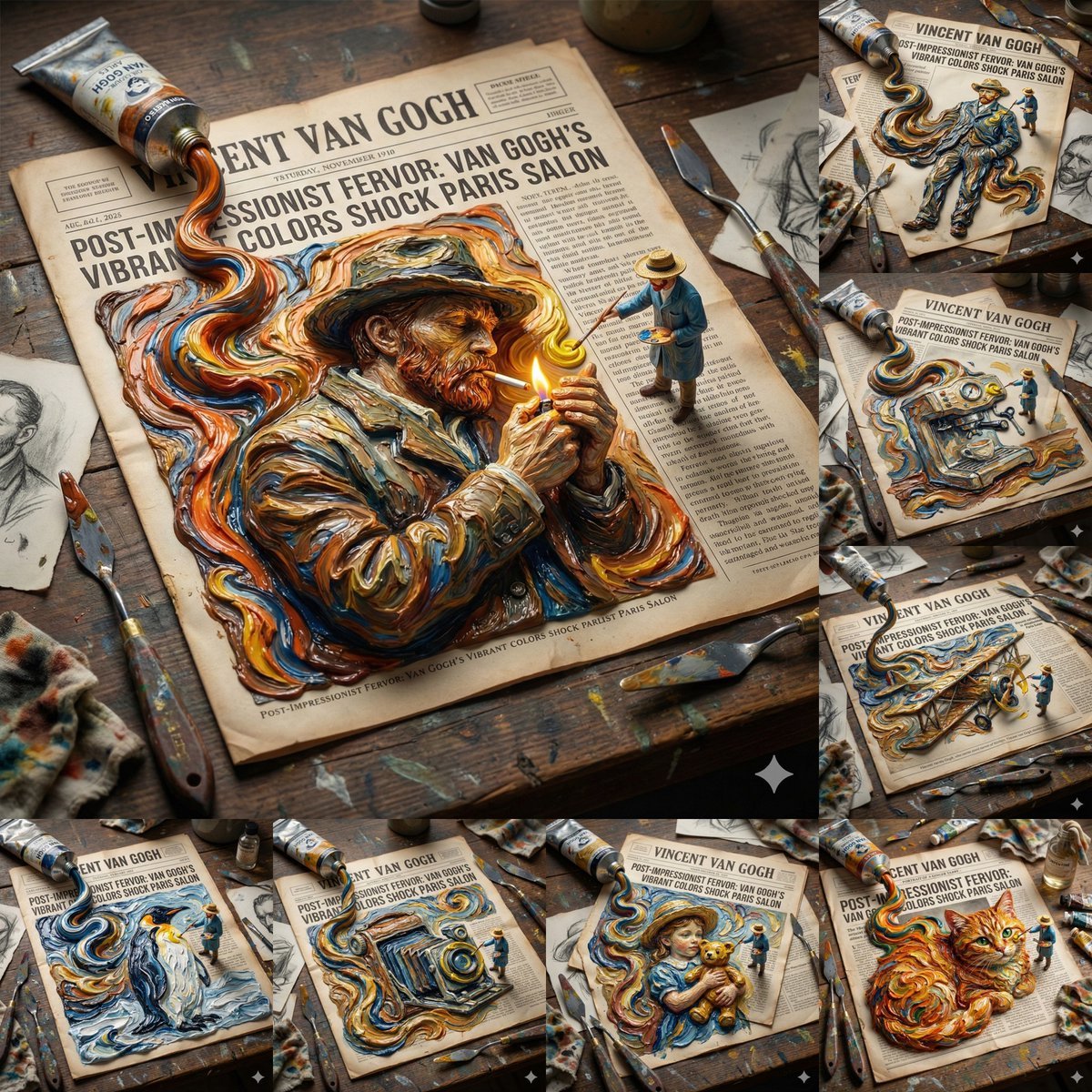
Van Gogh Style Transfer (JSON Template)
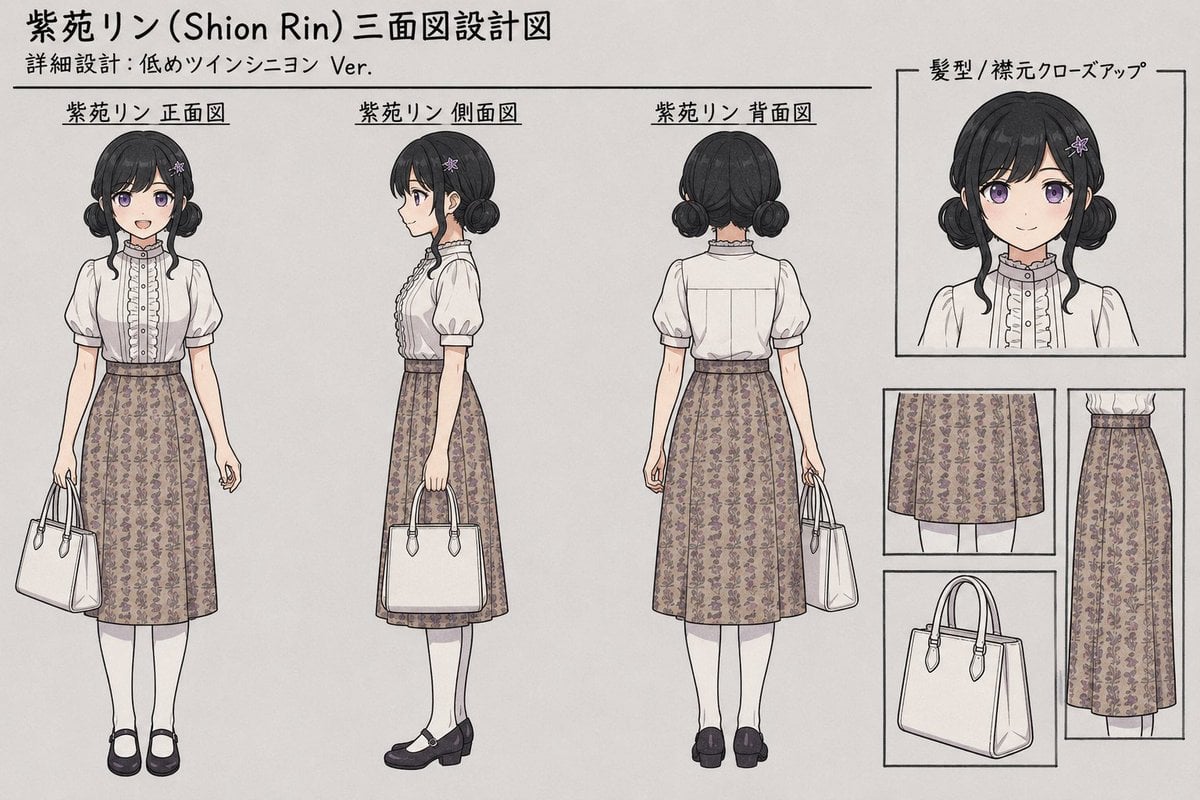
Shion Rin Three-View Design Sheet

Energy field barrier VFX and pose adjustment YAML prompt
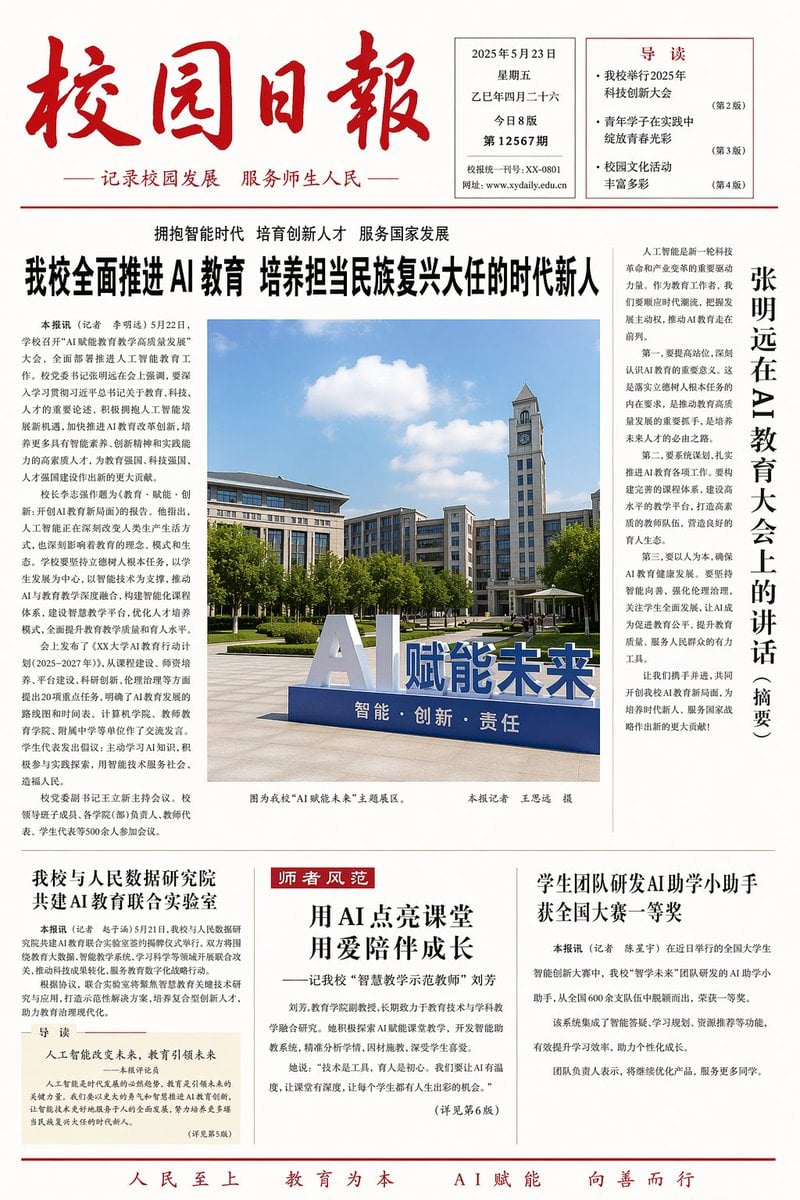
Minimalist Layout and Document Prompts
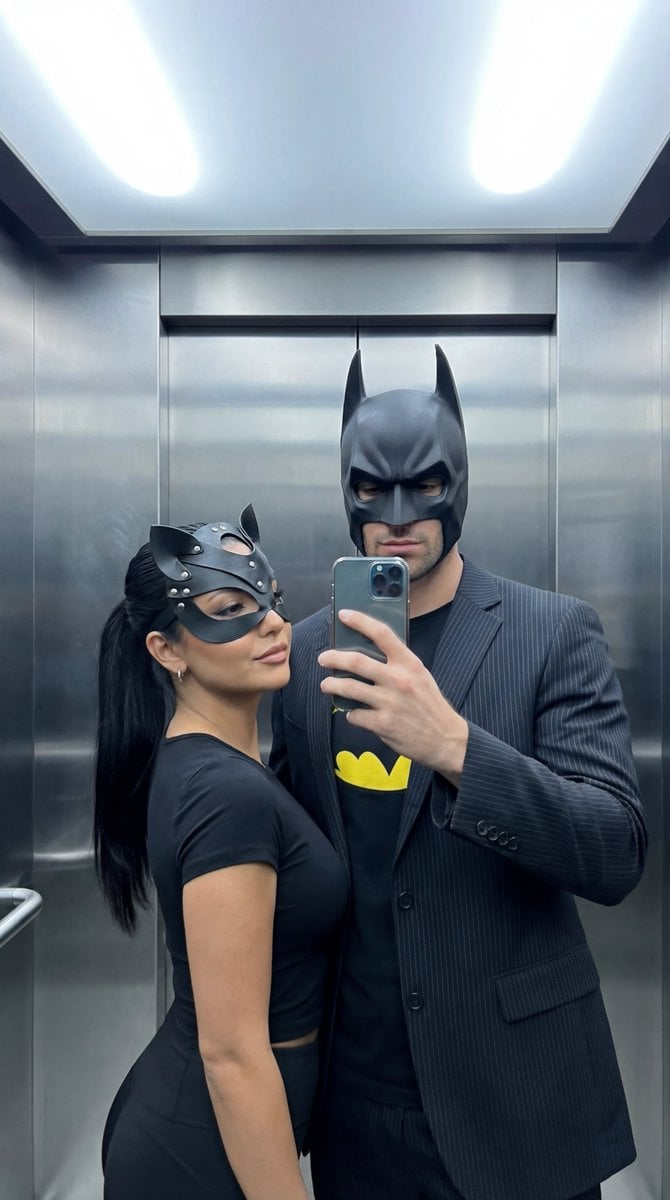
Cinematic Mirror Selfie: Batman and Catwoman Cosplay

Premium Beverage Product Photography Prompt
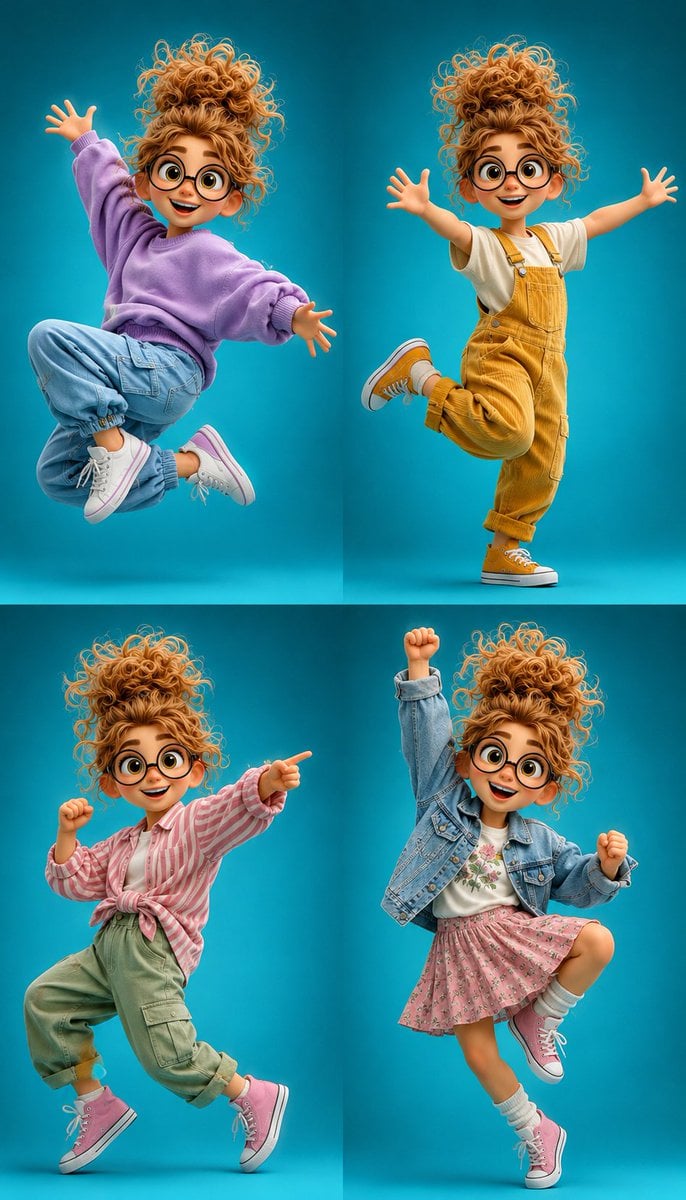
3D Cartoon Character Pose Sheet

Beach Day Image Generation
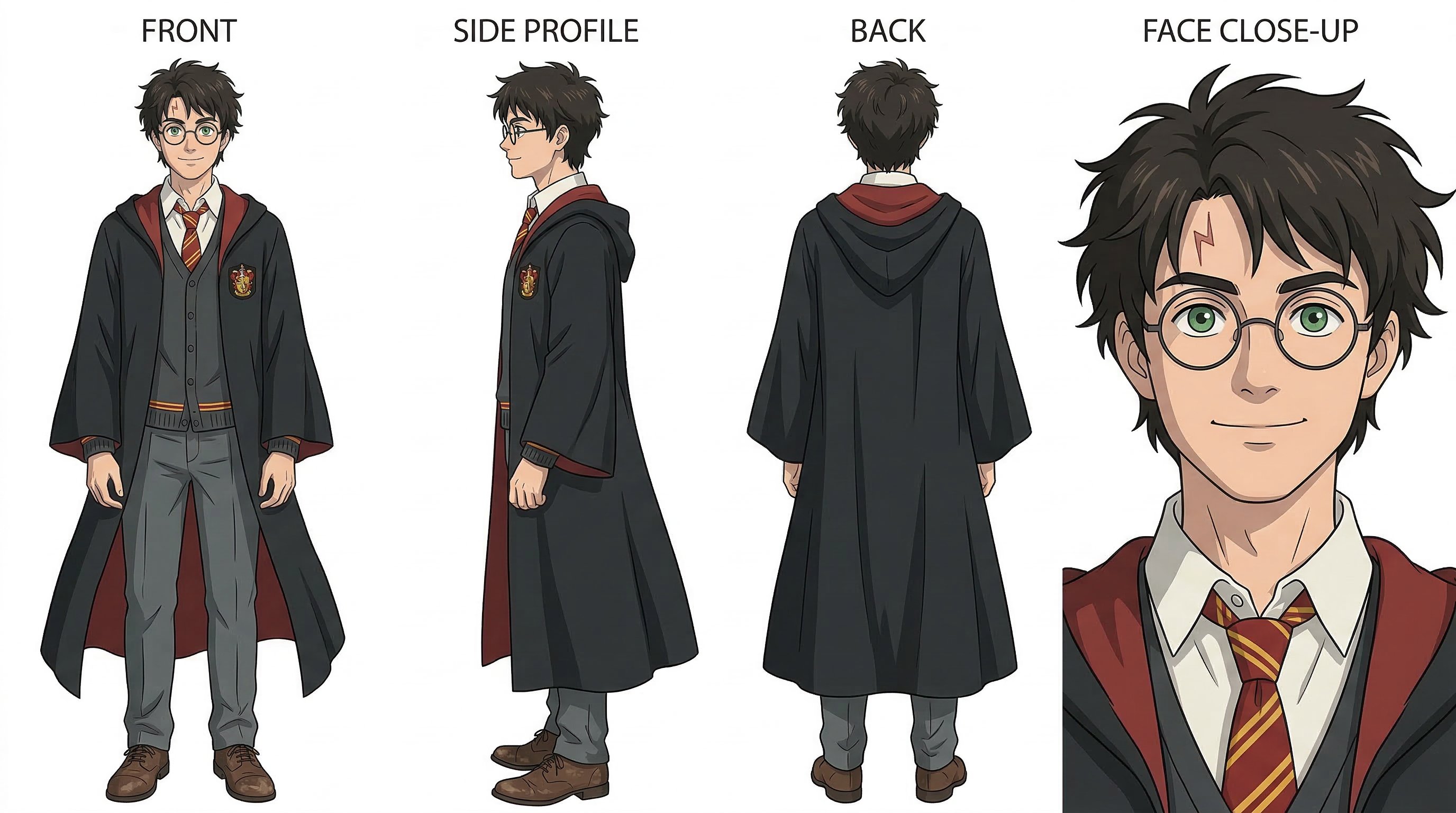
Nano Banana 2
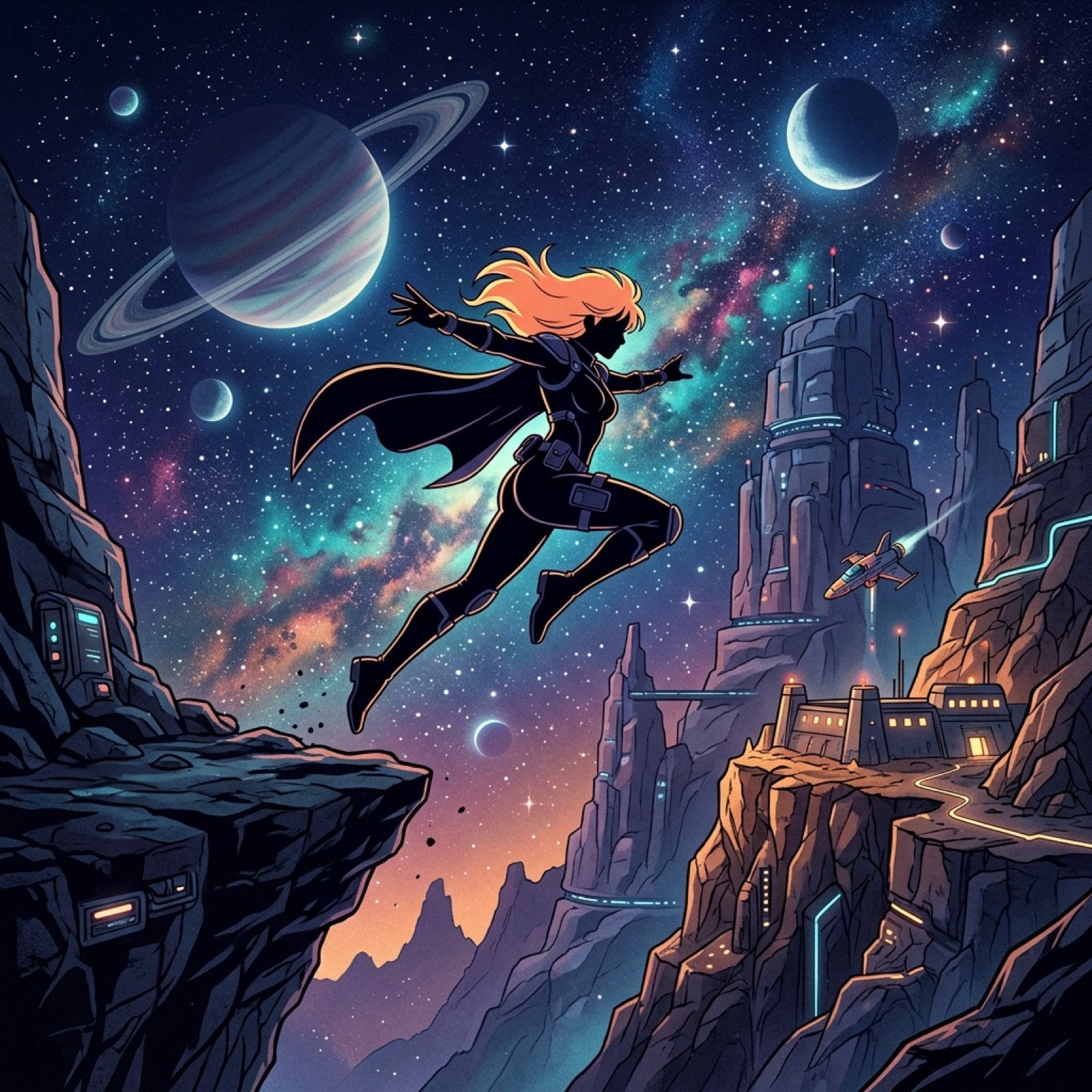
Retro Anime Silhouette Prompt
Browse template categories
Cinematic Schoolgirl Diary Collage questions
How do I use the Cinematic Schoolgirl Diary Collage template?
Add your photo if the template asks for one, edit the prompt if you like — the template's model and format are already selected — and press Generate. Your version opens in PicX Studio.
Can I customize the Cinematic Schoolgirl Diary Collage template?
Yes. You can change the subject, setting, lighting, mood, format, and available model controls before creating your image.
Is the Cinematic Schoolgirl Diary Collage template free?
Opening and editing this template is free. Generating uses credits, shown on the Generate button when you are signed in.
Which AI model should I use?
Start with GPT Image 2, which is the model associated with this template. You can compare another compatible model for a different finish.
Looking for something else? Browse all templates.

Your photo, any look
Thousands of ready templates for every top image and video model, from one credit balance.