
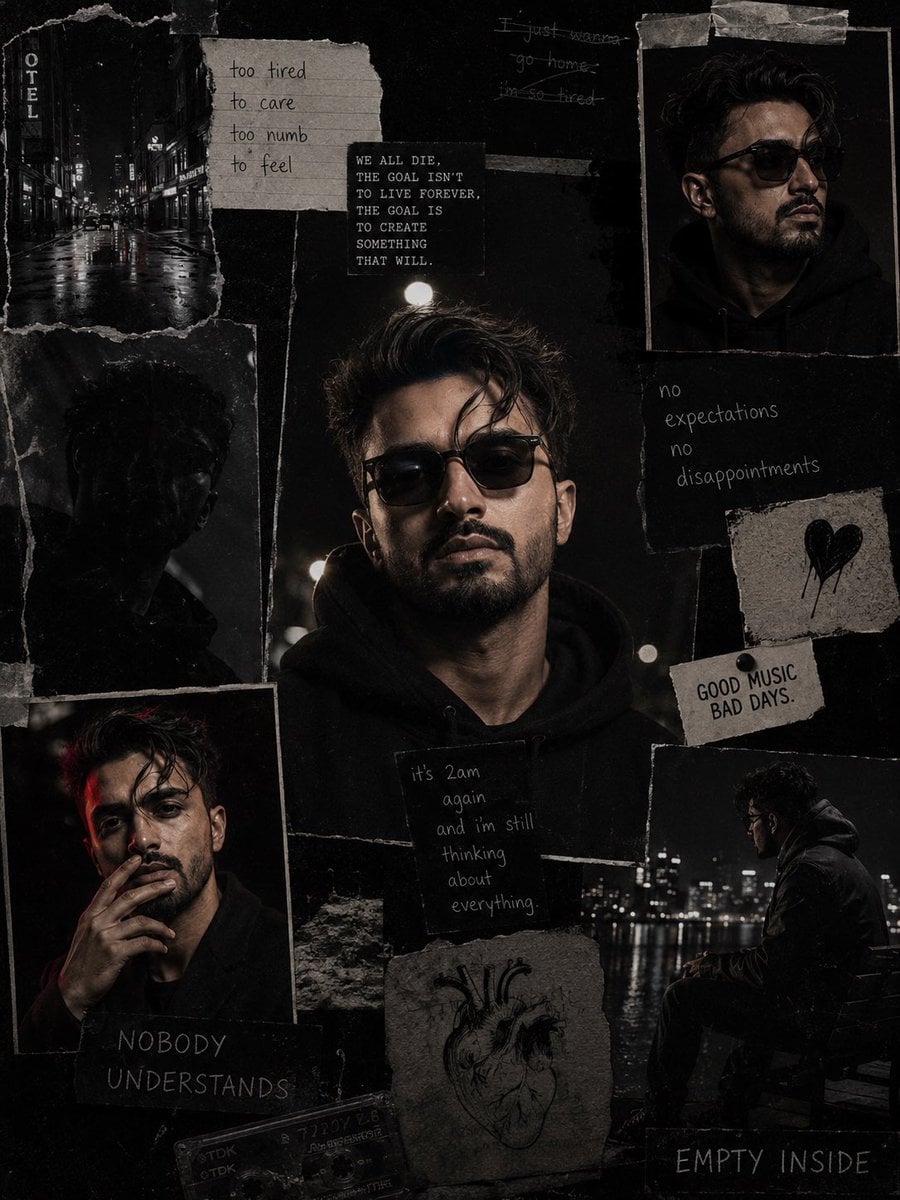
Dark Cinematic Diary Collage
A sophisticated prompt for creating hyper-realistic, dark cinematic collage portraits with a scrapbook aesthetic.
- Prompt included
- Model and format preset
- Free template
The prompt behind this image
Copy the exact prompt behind Dark Cinematic Diary Collage, or open it in the studio and make it yours.
Use my uploaded face image as the primary identity reference. Preserve my exact facial identity, face shape, hairstyle, hair texture, beard style, skin tone, eye shape, eyebrows, nose, lips, and all unique facial details with maximum accuracy. Do not change my face or make me look like a different person. Create a hyper-realistic dark cinematic collage portrait inspired by the reference image. Make a moody black-and-white/low-saturation aesthetic with a gritty film texture. Create a scrapbook-style layout with multiple torn paper photo frames of me in different poses and moments. Main center portrait: a close-up portrait of me wearing a {argument name="clothing" default="black hoodie"} and {argument name="accessory" default="dark sunglasses"}, looking serious and calm, shot at night with dramatic shadows and soft street lighting. Surrounding collage elements: •{argument name="setting" default="night street"} photos with wet roads and city lights •side profile portrait wearing sunglasses •sitting alone outdoors at night, reflective mood •close-up smoking-style pose (no visible cigarette if needed) •dark abstract shadows and grainy photographs •torn paper edges, tape marks, handwritten notes, old journal aesthetic •small handwritten quotes and emotional text elements like: “no expectations, no disappointments” “it’s 2am again and I’m still thinking about everything” “good music, bad days” “nobody understands” “empty inside” Style: luxury streetwear editorial + dark aesthetic + emotional diary collage. Lighting: cinematic night photography, high contrast, deep blacks, soft highlights. Texture: vintage film grain, scratched paper, realistic imperfections. Make it look like a real photographed magazine collage, not AI-generated. Maintain my face identity consistently in every frame.
How to use Dark Cinematic Diary Collage in 3 steps
- 1Upload ImagePNG, JPG or paste
Add your photo
Upload the photo the template builds on. The prompt, model and format are already set.
- 2…a portrait of your subject in softgolden-hour light, 85mm…
Personalize
Edit the subject and creative details for your destination.
- 3Generate
Generate
Press Generate — your image is created in PicX Studio, so you can compare it with the original and refine one variable at a time.
More like this
Templates with the same subject, style or setup. Open one to see its prompt.
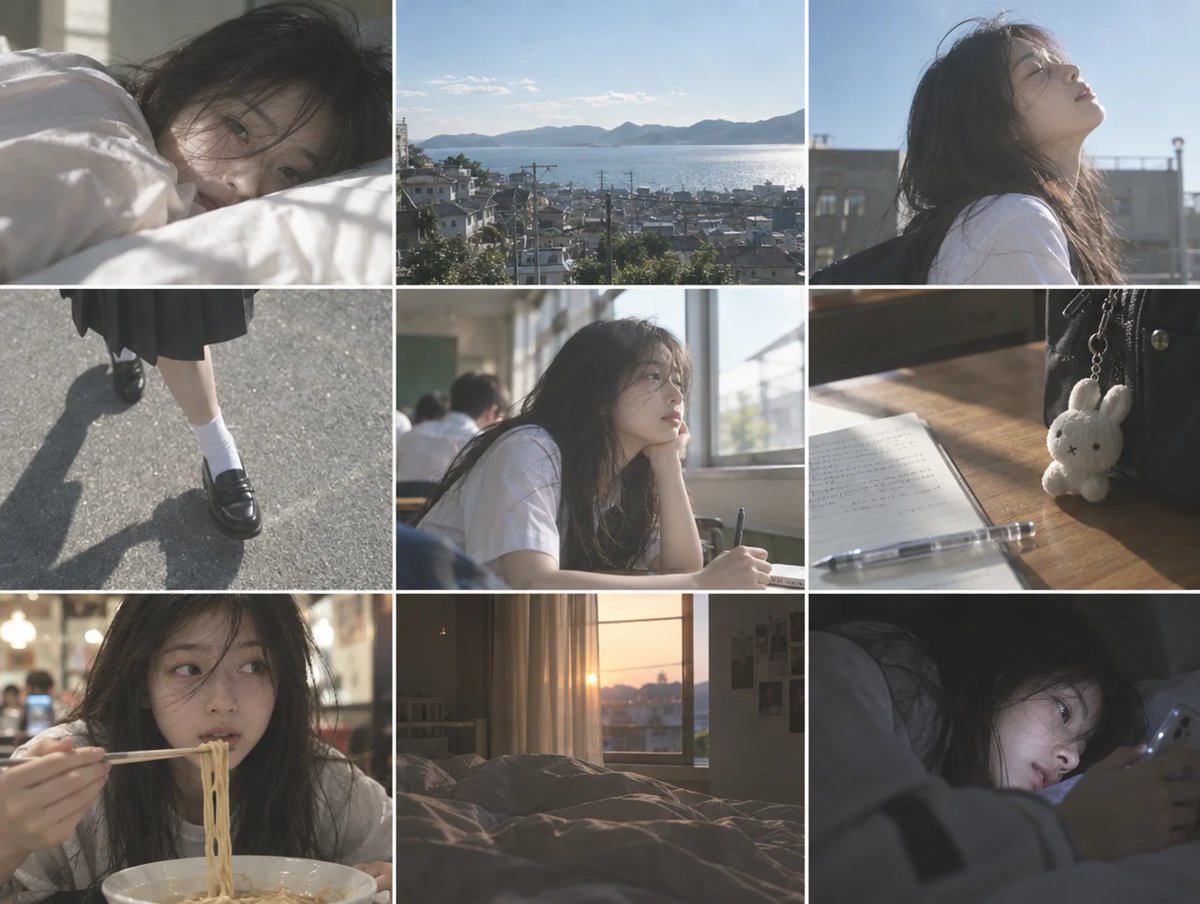
Cinematic Schoolgirl Diary Collage
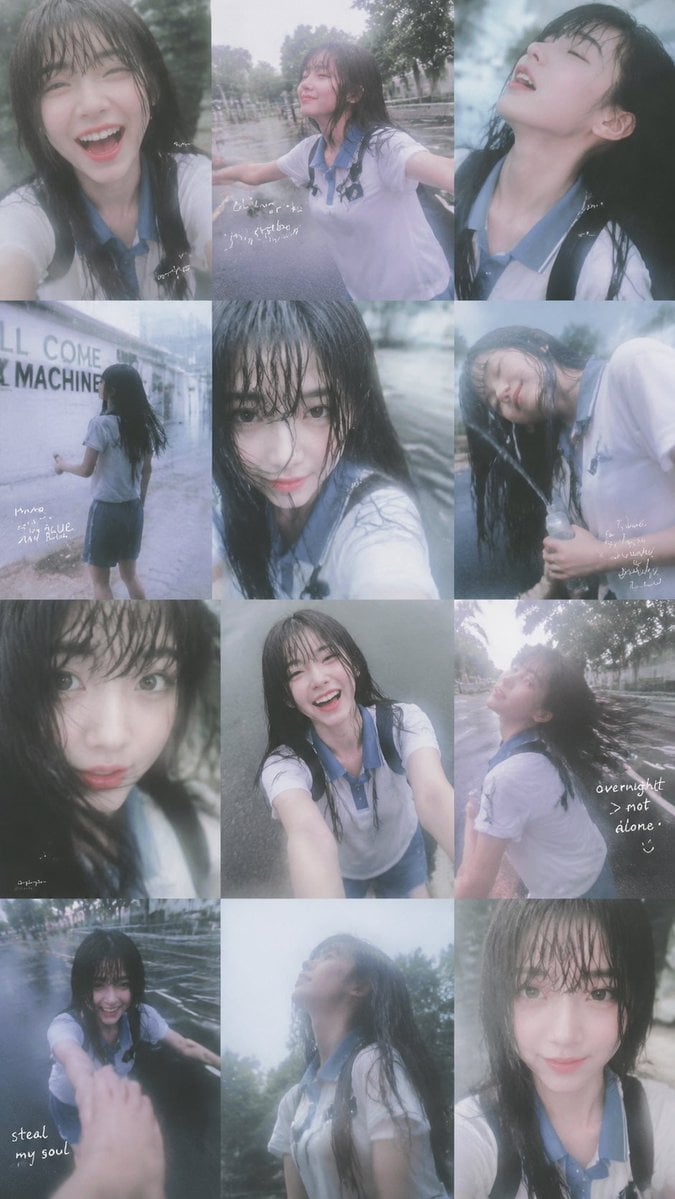
Rainy Schoolgirl Photo Diary Collage
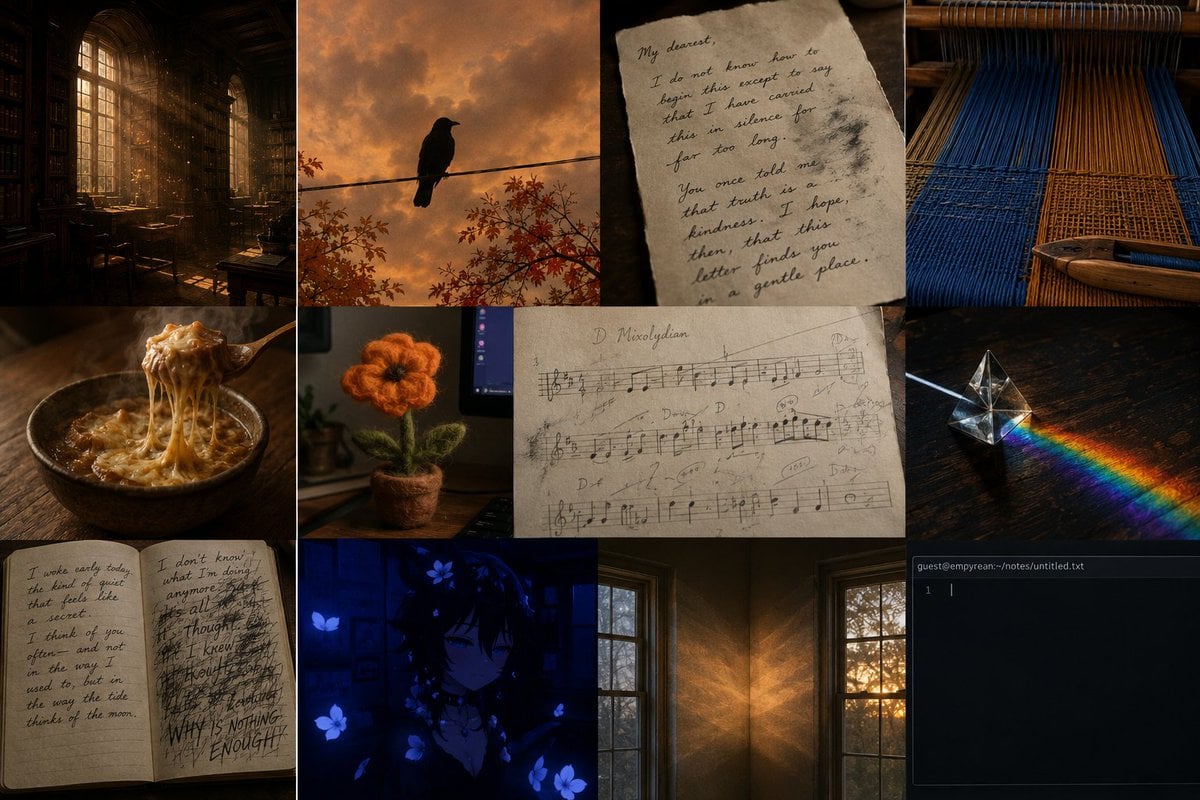
Dark Academia AI Moodboard Collage
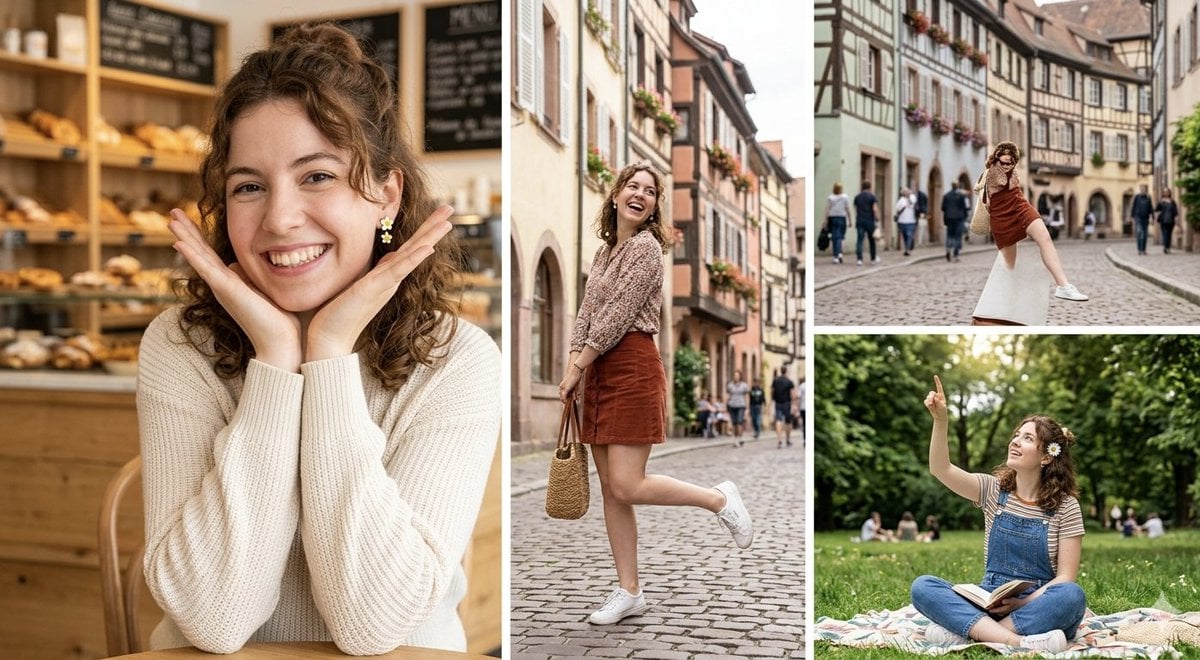
European Travel Photo Diary Collage

Paper Cut Finale Fireworks

Paper Cut Garden Maze

Paper Cut Rooftop Concert

Paper Cut Bicycle Coast

Paper Cut Castle Gate

Paper Cut Kitchen Chaos

Paper Cut Carnival Ride

Paper Cut Rainy Bus Stop
Make it yours
Dark Cinematic Diary Collage works as-is. These are the safest ways to change it without losing the look.
Change one field
Copy a single group, rewrite it, and generate again so you can see what that field is doing.
Keep the frame, change the subject
Hold the composition and light of Dark Cinematic Diary Collage, then swap wardrobe, props or the person for a new take.
| If the result… | Why | Fix |
|---|---|---|
| The result drifts from the preview | Too many fields changed at once. | Reuse Dark Cinematic Diary Collage as-is first, then change one group — subject, light, or setting. |
| The model over-stylizes the scene | The prose prompt leaves finish and camera underspecified. | Add one camera or lighting sentence and stay on Nano Banana 2. |
More Nano Banana 2 templates
Other prompts made for Nano Banana 2.

Photorealistic Leaf Shaped Like a Dragon

K-Pop Idol Portrait Grid for Rapid Selection

Poetic Rain Forest Portrait During Golden Hour

Urban Street Portrait with Cartoon Inner Self Duo

Candid Nighttime Photo with Cat Prompt

High-Concept 3D Diorama Generation Prompt

Cinematic Futuristic Studio Portrait Template

Skincare Editorial Photography Collage Prompt

Hyper-Realistic Commercial Product Photography (Splash Effect)

Hyper-Realistic Nightclub Portrait Prompt
More image prompts
Fresh picks from across the catalog.
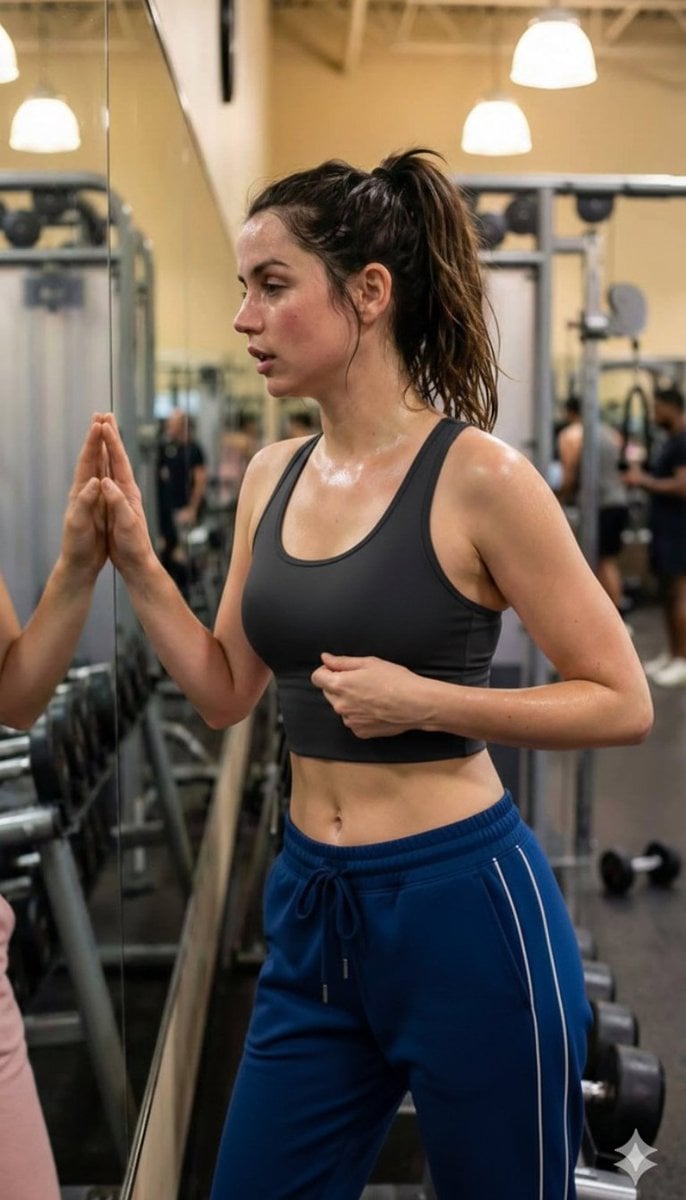
Post-Workout Gym Moment (JSON Format)
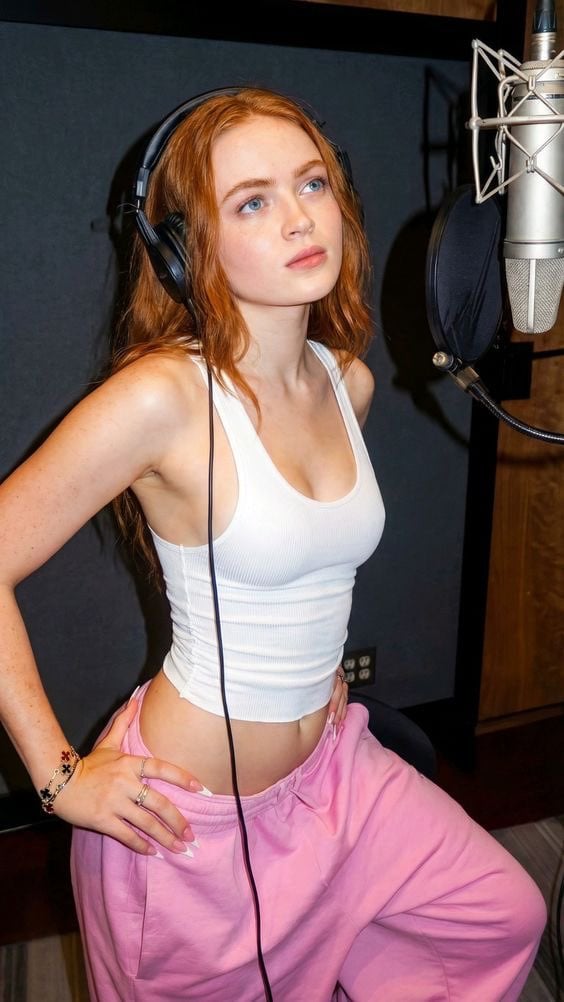
Structured Prompt for Focused Singer in Recording Booth
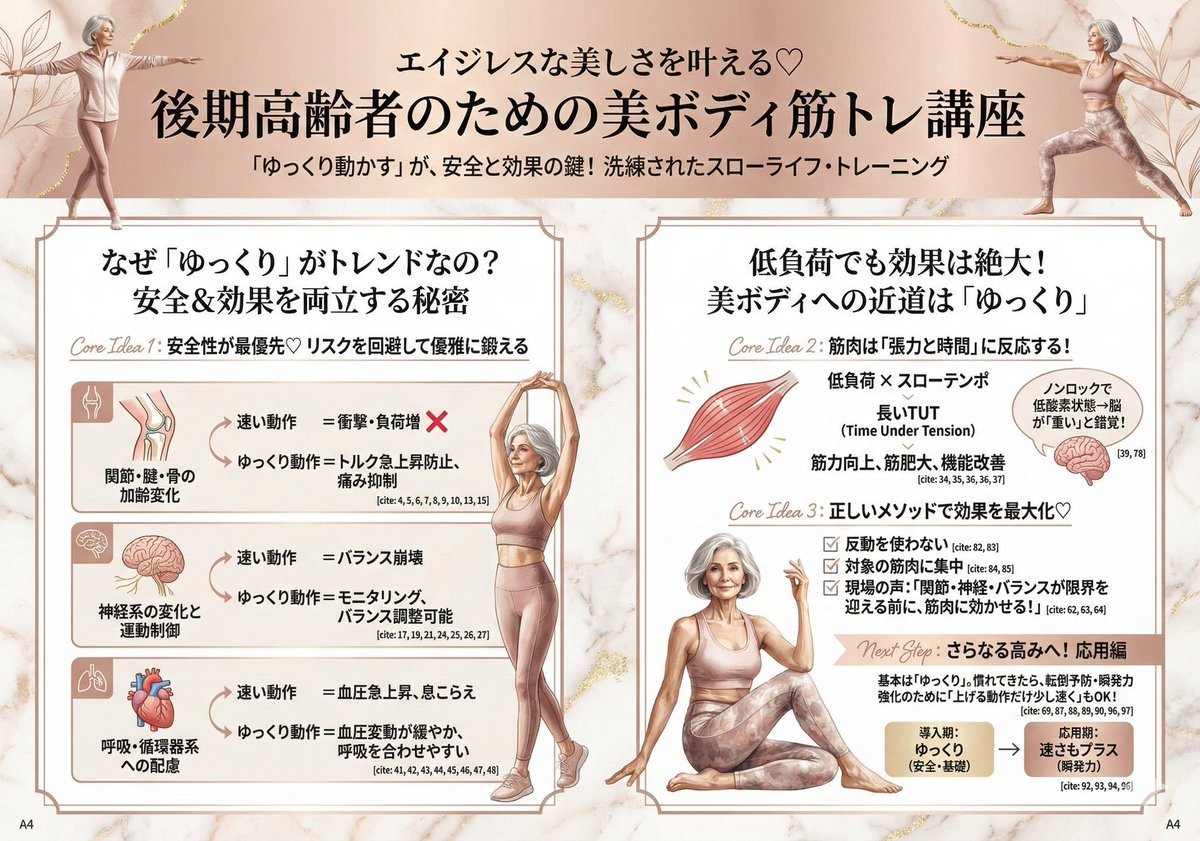
Infographic for Minato-ku Women's Fashion Magazine
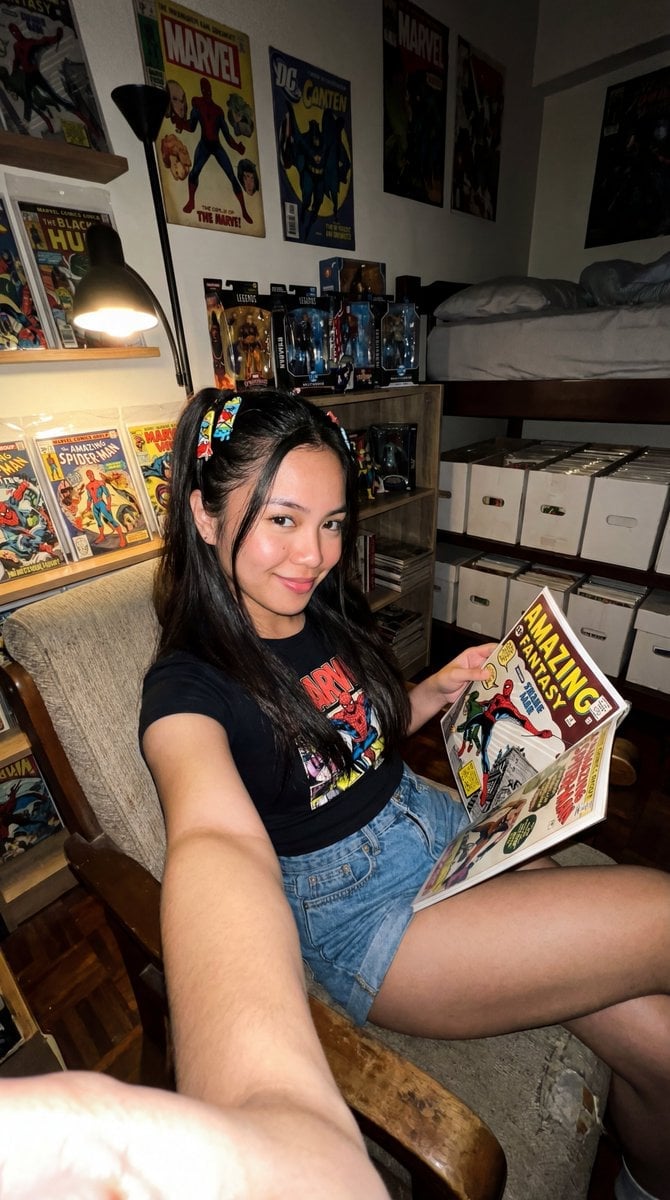
Filipina Comic Geek Selfie in Collector's Room

X Ozayrr Irl Chatgpt Image 2 Vs Google
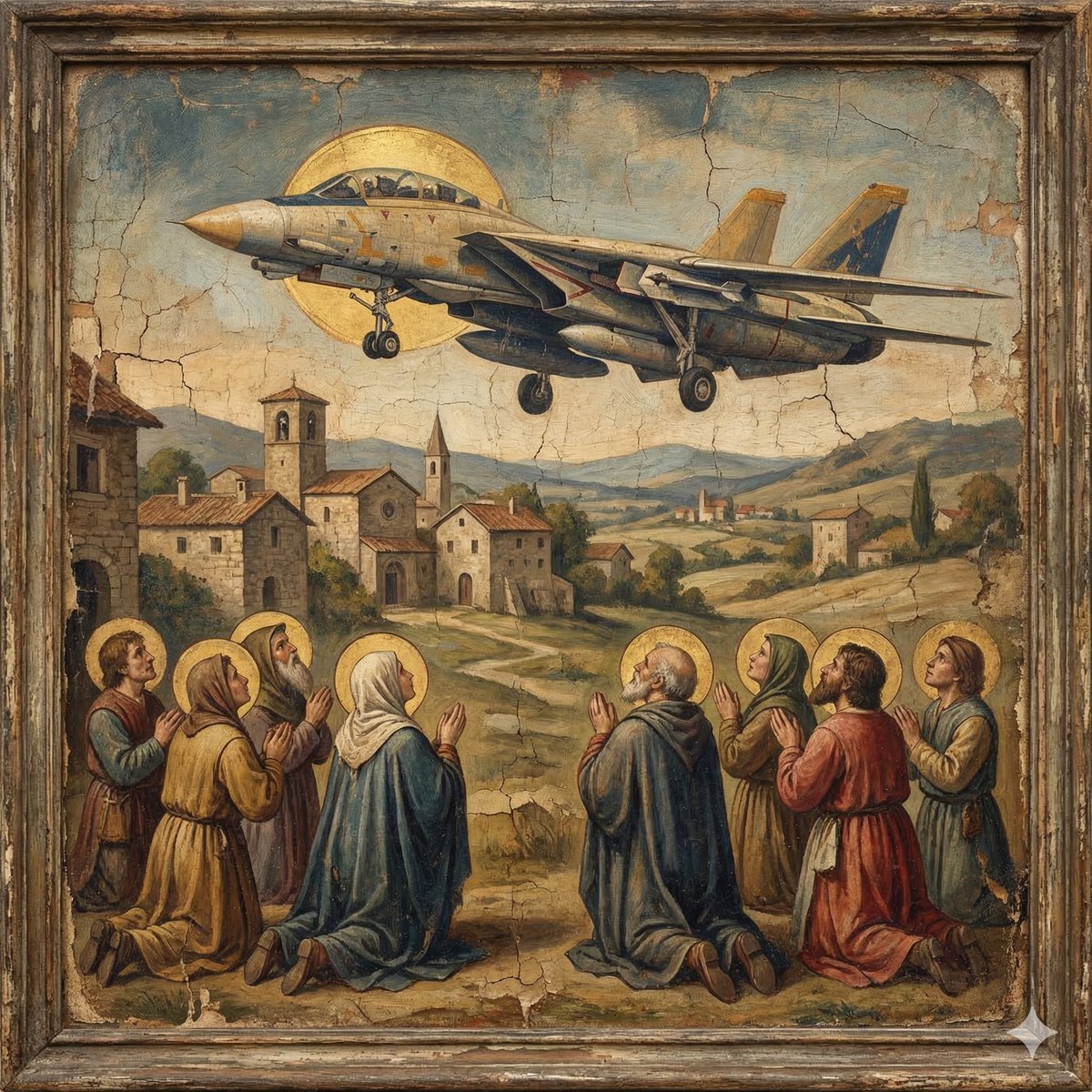
F-14D in the Style of a Western Religious Painting
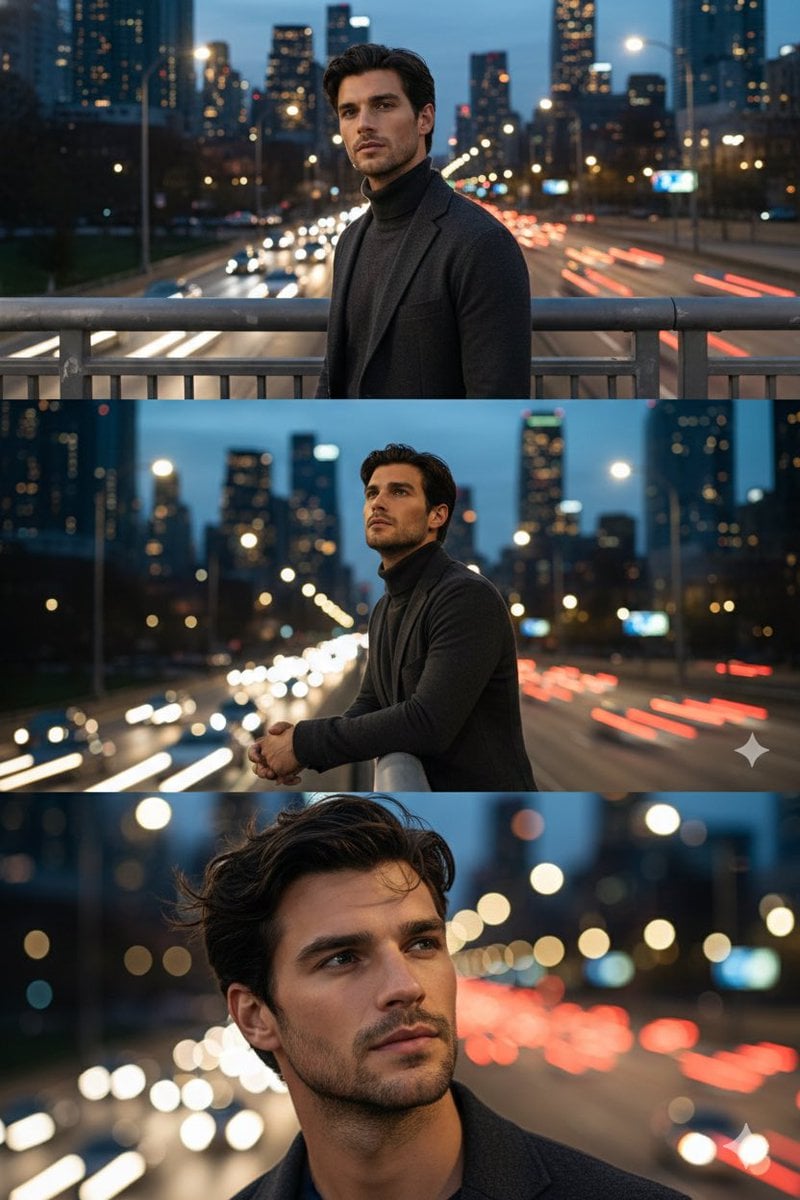
Cinematic Triptych Portrait on a Night Bridge
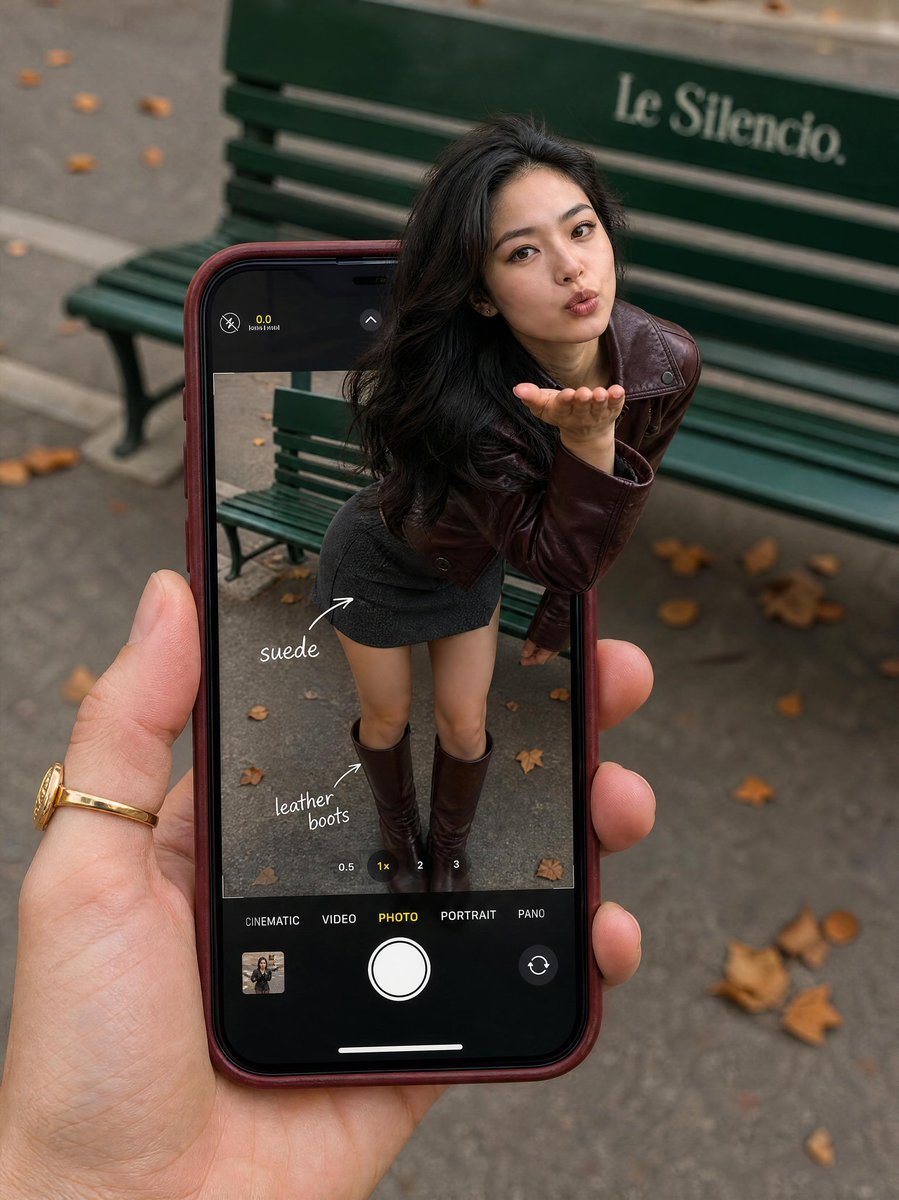
Parisian Fashion Phone Frame
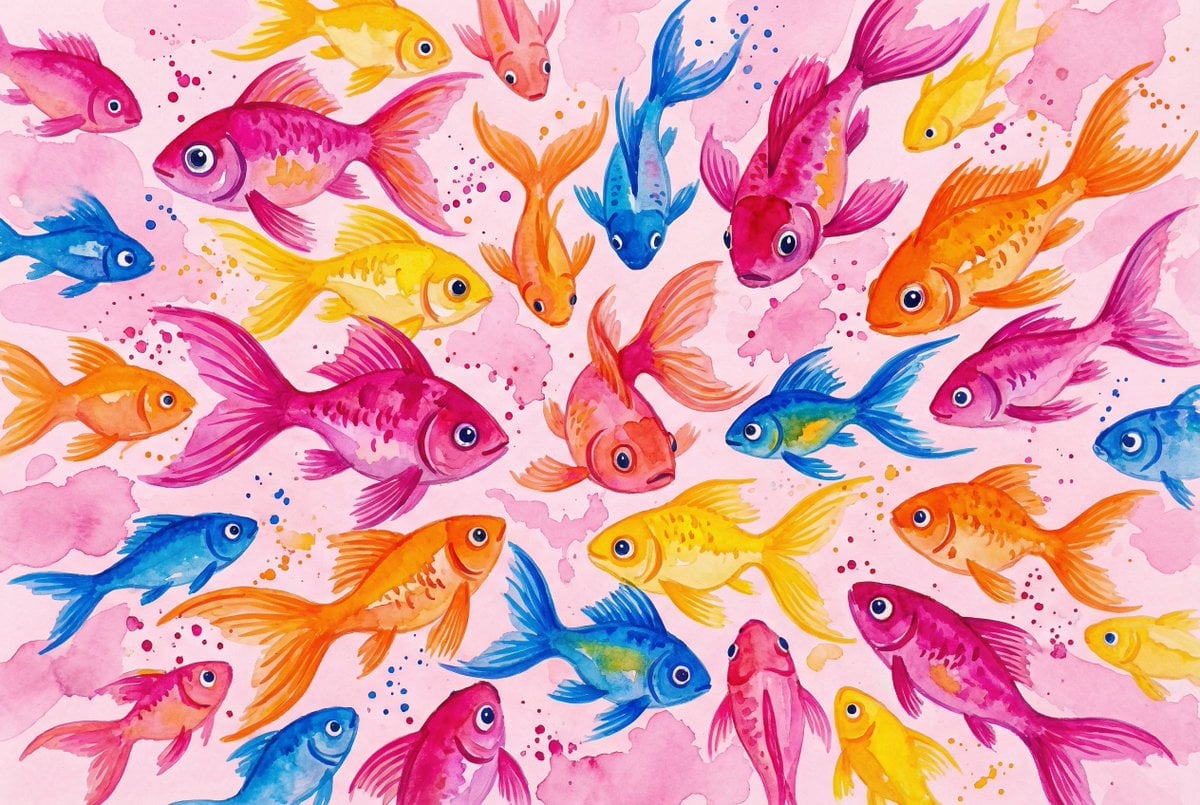
Watercolor School of Stylized Fish
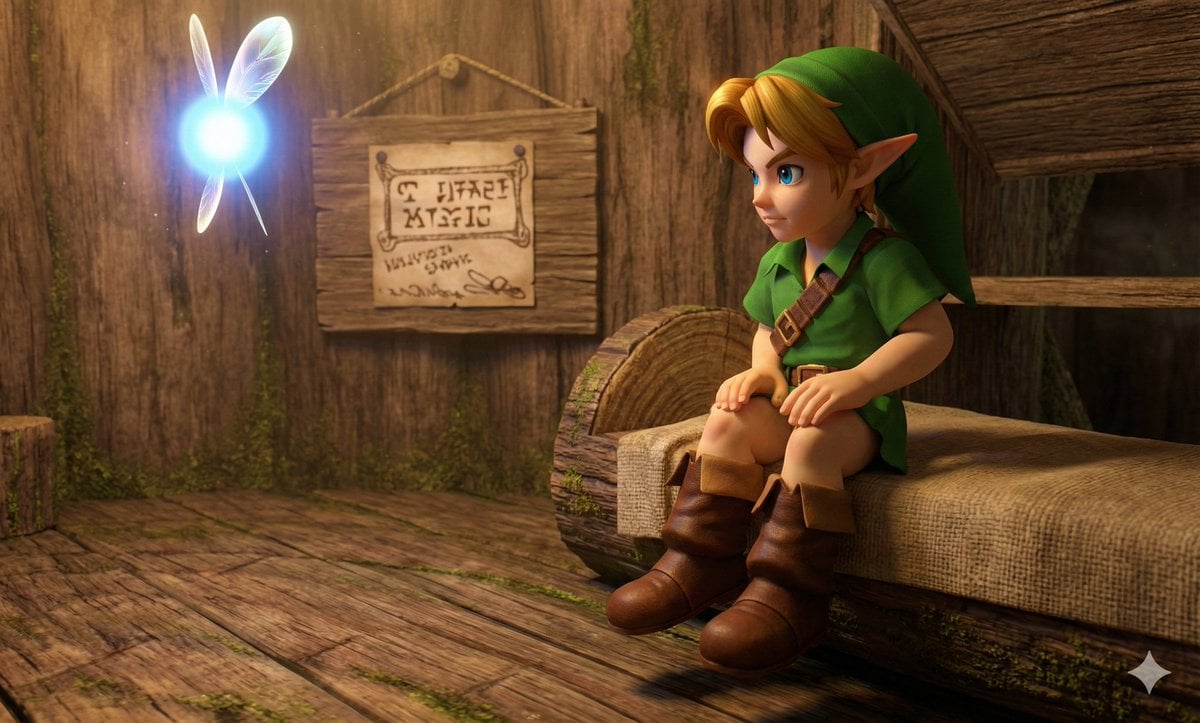
Hyper faithful image remaster
Browse template categories
Dark Cinematic Diary Collage questions
How do I use the Dark Cinematic Diary Collage template?
Add your photo if the template asks for one, edit the prompt if you like — the template's model and format are already selected — and press Generate. Your version opens in PicX Studio.
Can I customize the Dark Cinematic Diary Collage template?
Yes. You can change the subject, setting, lighting, mood, format, and available model controls before creating your image.
Is the Dark Cinematic Diary Collage template free?
Opening and editing this template is free. Generating uses credits, shown on the Generate button when you are signed in.
Which AI model should I use?
Start with Nano Banana 2, which is the model associated with this template. You can compare another compatible model for a different finish.
Looking for something else? Browse all templates.

Your photo, any look
Thousands of ready templates for every top image and video model, from one credit balance.