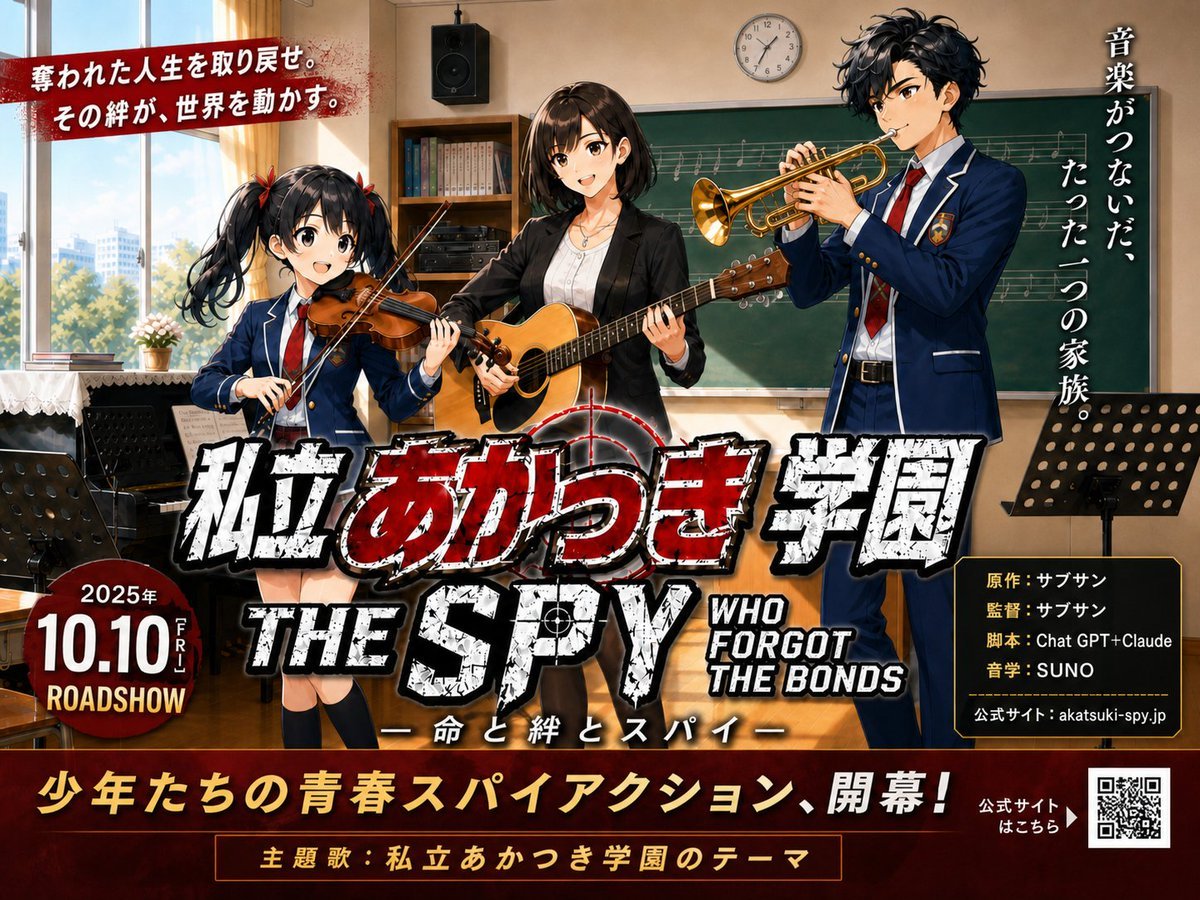
How do I use the Japanese School Horror Poster template?
Edit the prompt in the box under the preview — the template's model and format are already selected — and press Generate. Your version appears right on this page.
Generates a photorealistic Japanese psychological horror film poster set in a dark school corridor with authentic title, tagline, and production credits.

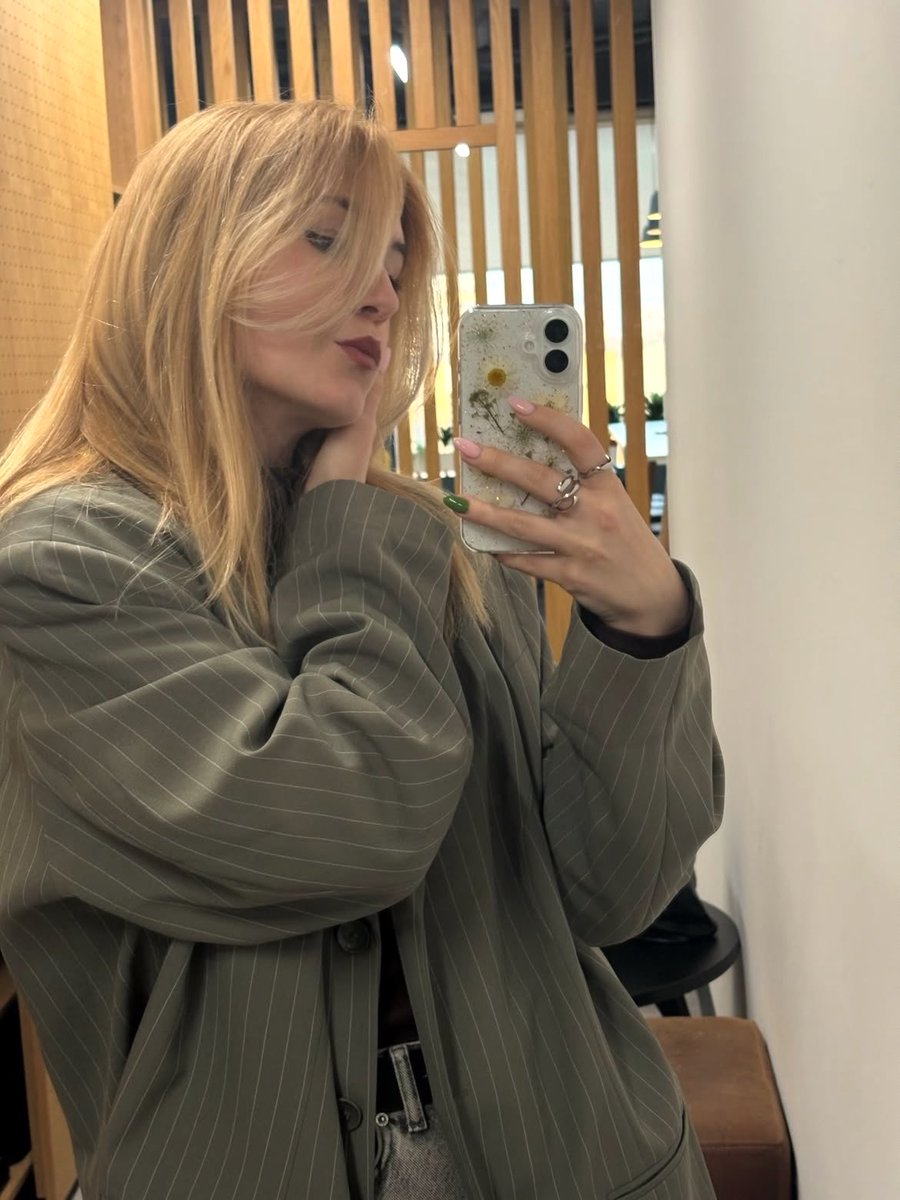
This template uses your photo — add one with the + button.
{"type":"Japanese psychological horror movie poster","format":"vertical theatrical one-sheet","aspect_ratio":"2:3","mood":"cold, oppressive, eerie, cinematic, damp school-horror atmosphere","setting":{"location":"old Japanese school corridor","time":"late afternoon or overcast daylight","details":"long narrow hallway with grimy concrete walls, scuffed floor, shoe lockers and bulletin boards on the left, tall rain-streaked windows on the right, dim fluorescent ceiling lights, deep shadows and bluish-green grading"},"composition":{"foreground":"a Japanese high school girl in a dark blazer, white shirt, and red ribbon tie stands close to camera on the right half of the poster; shoulder-length black bob hair, face deliberately obscured by a flat black square censor-like block, unsettling stillness","background":"one distant schoolgirl silhouette in uniform stands or walks away in the center-left of the hallway, partially backlit and out of focus","lighting":"low-key cinematic lighting, window rim light, heavy vignette, misty dust in the air, high contrast blacks","camera":"portrait poster framing, shallow depth of field, 35mm film look, realistic live-action photography style"},"text_layout":{"count":"7 discrete text groups","groups":[{"position":"upper center vertical","text":"{argument name=\"vertical tagline\" default=\"わたしが ここに いる。\"}","style":"thin vertical Japanese type, mostly white with the word ここに in muted red"},{"position":"lower center dominant title","text":"{argument name=\"movie title\" default=\"ふたり。\"}","style":"huge rough handwritten Japanese calligraphy in blood-red, textured and glowing subtly"},{"position":"below title","text":"主演:一ノ瀬敦子(AIdol.1024)","style":"small white serif Japanese credits"},{"position":"mid-lower credits line","text":"出演:二宮陽菜(AIdol.1024) 日向ひより 緑馬のルイ三世 りなちゃんぴー(友情出演)","style":"small white credits"},{"position":"lower credits block","text":"企画:between South Woods|監督/脚本:阿里丹\n制作会社:Building fictions|撮影協力:南林間フィルムコミッション\n音楽:Ail blocks|撮影監督:風来坊\n照明:Flava Light Works|録音:Flarva Sound Design|美術:FLOVA Art Lab|編集:Flava Cut Studio\nVFX:Flava Phantom Unit|スタイリスト:Flava Closet|ヘアメイク:FLOVA Beauty|助監督:ふらぼ次郎\n制作担当:フラバ太郎|宣伝:Flava Trailer Dept.|デザイン:FLOVA Graphics|スチール:FLOVA Snap\nキャスティング:Flava Cast|音響効果:Flarva Sonic Creation|特機:Flava Device Team","style":"dense centered tiny white production credits with occasional red vertical dividers"},{"position":"bottom center","text":"{argument name=\"release text\" default=\"今秋、劇場公開\"}","style":"large red Japanese release announcement"},{"position":"bottom corners","text":"left: two small rating/format boxes including 映倫 and PG12; right: 配給:FLOVA PICTURES with a minimal white distributor logo","style":"authentic film poster legal marks and distributor branding"}]},"typography":"Japanese horror poster typography mixing elegant white Mincho-style credits with rough red brush lettering; all text integrated like a professional theatrical poster","color_palette":"near-black shadows, desaturated teal-gray hallway, sickly green-blue window light, deep crimson red title accents, white credits","quality":"photorealistic live-action film poster, high detail, believable Japanese indie horror trailer poster, no extra characters beyond the 2 schoolgirls, no gore, no cartoon style"}
Edit the prompt in the box under the preview — the template's model and format are already selected — and press Generate. Your version appears right on this page.
Yes. You can change the subject, setting, lighting, mood, format, and available model controls before creating your image.
Opening and editing this template is free. Generating uses credits, shown on the Generate button when you are signed in.
Start with GPT Image 2, which is the model associated with this template. You can compare another compatible model for a different finish.
Follow a topic to a crawlable collection of related PicX Studio templates.