
Showa Modern Meisen Kimono Fashion
A detailed character transformation prompt to style characters in Showa-era modern fashion featuring Meisen-style kimonos with geometric patterns and western accessories.

- Prompt included
- Model and format preset
- Free template
The prompt behind this image
Copy the exact prompt behind Showa Modern Meisen Kimono Fashion, or open it in the studio and make it yours.
Use the attached image as a character reference, and draw a new illustration in a {argument name="fashion theme" default="Showa-modern Japanese-Western fusion fashion"} style while keeping the character's identity intact. Preserve the reference image's facial features, hairstyle, hair color, eye color and shape, apparent age, body type, atmosphere, charm, impression of personality, thematic motifs, racial/species characteristics, and symbolic details — do not turn her into a different character. Do not reproduce the original outfit; carry over only what makes the character recognizable, and dress her in a completely new outfit. Treat the reference image purely as material for grasping the character's identity — do not carry over the original image's outfit, pose, composition, camera angle, body orientation, hand position, gaze direction, background, or layout. Make the outfit a Showa-modern Japanese-Western fusion style inspired by meisen kimono fabric. Base it on a light meisen-style kimono, the kind of fashionable, urban outing wear typical of the early Showa era. Incorporate {argument name="kimono pattern" default="geometric patterns, yagasuri (arrow-feather) patterns, stripes, diagonal color-block divisions, abstract floral patterns, and Art Deco-style elements"}, to create a bold, modern pattern composition typical of meisen. Subtly add the slight bleeding, faint misalignment, and softened outlines characteristic of pre-dyed ikat weaving, to convey the distinctive texture of meisen fabric. Use a colorful, retro-feeling palette, and feel free to use navy, deep crimson, dusty purple, unbleached cream, mustard, and blue-green as accent colors. Rather than an overly luxurious formal outfit, give it the approachability and elegance of fashionable everyday wear. Pair it with a Western-style hat, a short haori jacket, a shawl, gloves, a leather bag, and boots or pumps, creating an urban, elegant style where Japanese and Western clothing blend naturally. Where appropriate, subtly reflect the character's symbolic motifs in the obidome (obi clasp), hat ornament, embroidery, bag hardware, accessories, and other small items. Set the background as {argument name="background setting" default="an early-Showa-era streetscape, in front of a classic Japanese coffee shop (jun-kissa), a street corner with a streetcar, a shopping street with retro signage, or the interior of a nostalgic café"}, among other options. Incorporate warm-colored lighting, old-fashioned street lamps, cobblestones, classic architecture, wooden furniture, and stained glass, to create a nostalgic, refined Showa-modern atmosphere. However, keep the background understated — the character should always remain the star. Give the pose, composition, camera angle, and expression natural variation, so the result reads as a single illustration with narrative quality and atmosphere, rather than a static standing character sheet. Match the finish to the reference image's art style, coloring, line texture, and color usage, without breaking the mood of the original image.
How to use Showa Modern Meisen Kimono Fashion in 3 steps
- 1Upload ImagePNG, JPG or paste
Add your photo
Upload the photo the template builds on. The prompt, model and format are already set.
- 2…a portrait of your subject in softgolden-hour light, 85mm…
Personalize
Edit the subject and creative details for your destination.
- 3Generate
Generate
Press Generate — your image is created in PicX Studio, so you can compare it with the original and refine one variable at a time.
More like this
Templates with the same subject, style or setup. Open one to see its prompt.

Premium Editorial Branding Poster Charcoal Green

80s College Gate

1988 Mall Style

80s Polka Dot Saree
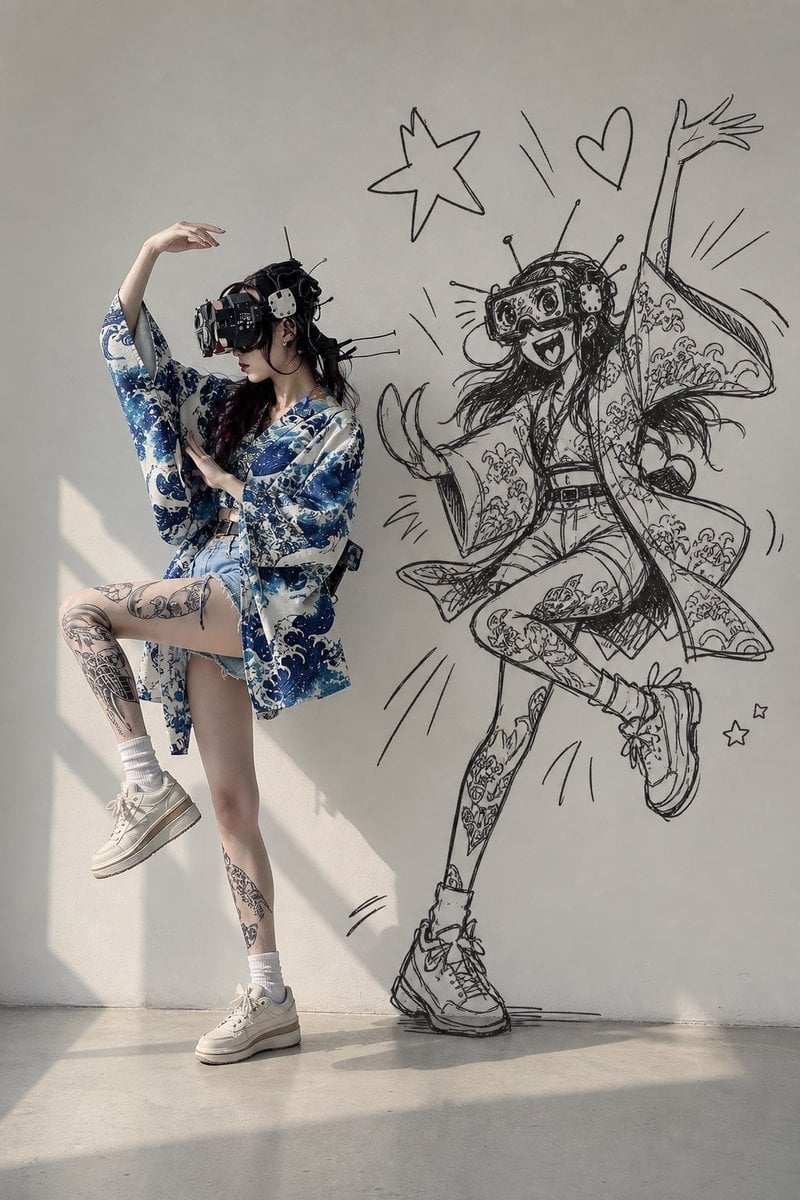
VR Kimono Fashion With Manga Wall Art

Modern Korean Fashion Editorial Board
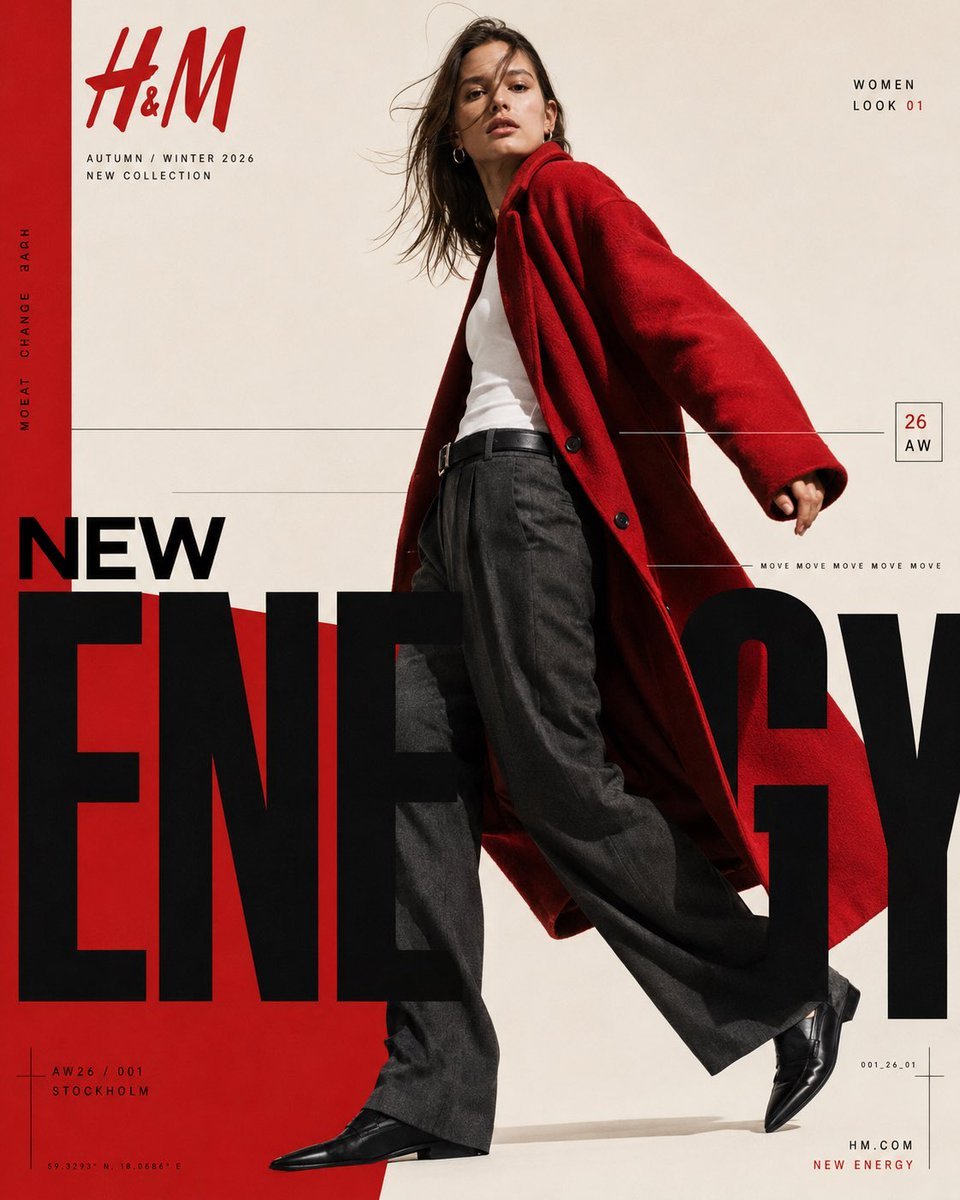
Modern Fashion Editorial Poster

Paper Cut Craft Illustration
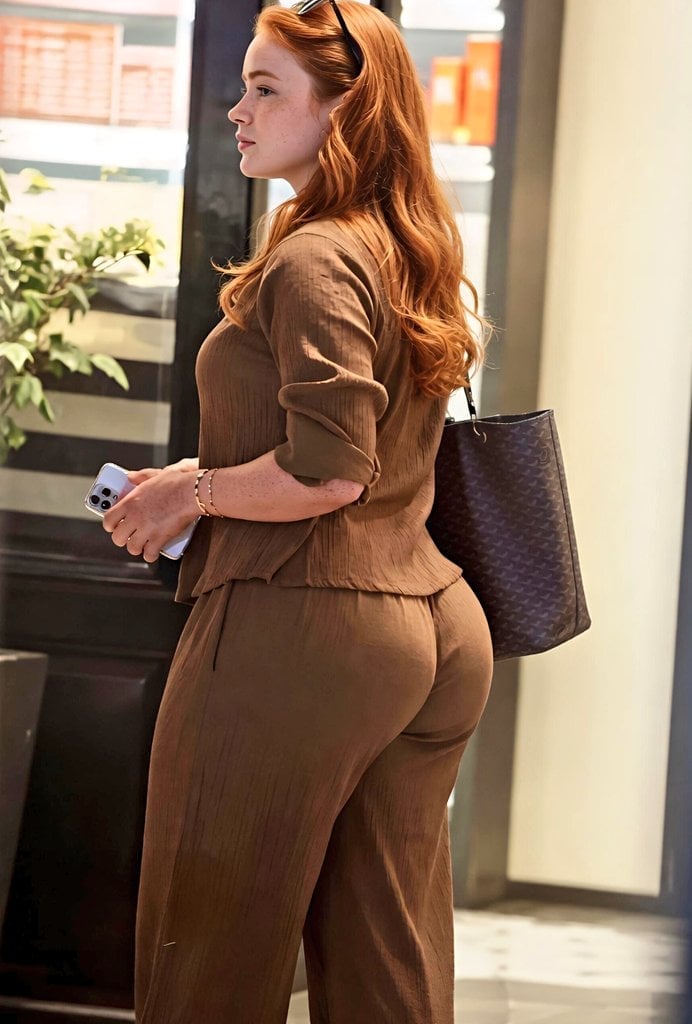
Modern Interior Casual Fashion Portrait
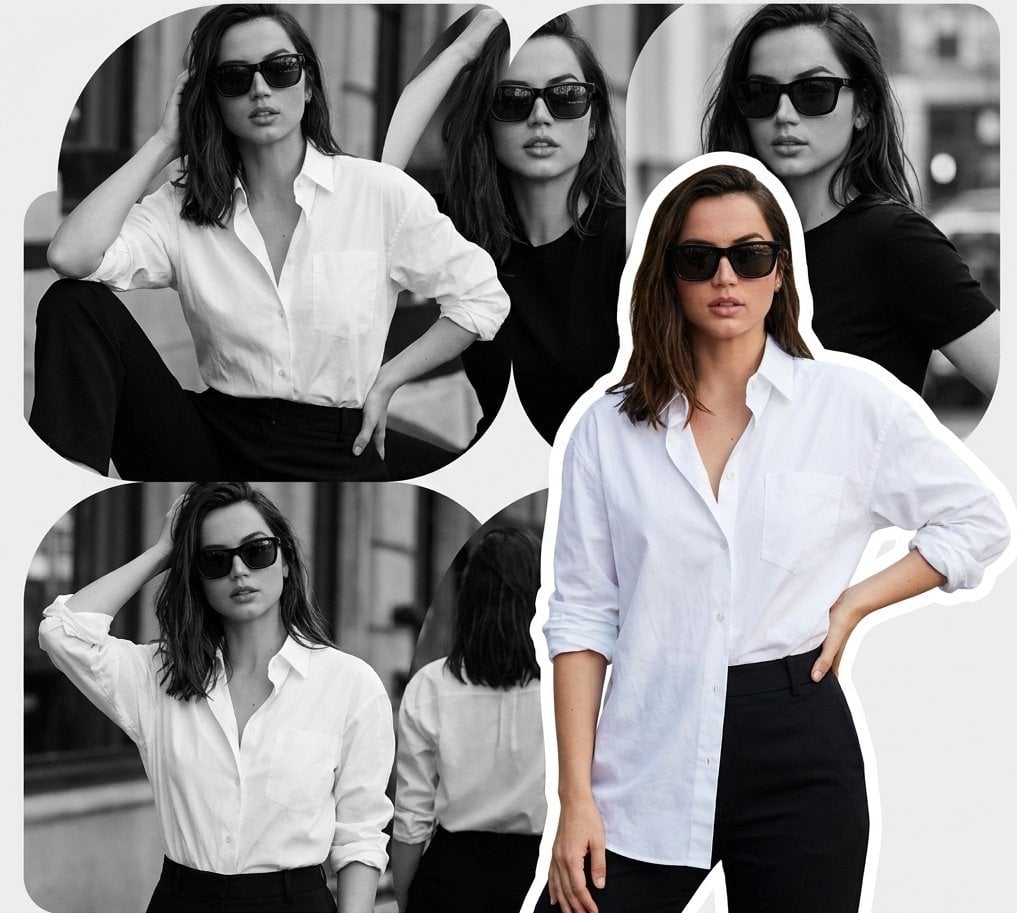
Modern Fashion Editorial Collage Poster

Urban Fashion Editorial Collage Streetwear Poster

Polo Ralph Lauren Luxury American Heritage Fashion Campaign
Make it yours
Showa Modern Meisen Kimono Fashion works as-is. These are the safest ways to change it without losing the look.
Change one field
Copy a single group, rewrite it, and generate again so you can see what that field is doing.
Keep the frame, change the subject
Hold the composition and light of Showa Modern Meisen Kimono Fashion, then swap wardrobe, props or the person for a new take.
| If the result… | Why | Fix |
|---|---|---|
| The result drifts from the preview | Too many fields changed at once. | Reuse Showa Modern Meisen Kimono Fashion as-is first, then change one group — subject, light, or setting. |
| The model over-stylizes the scene | The prose prompt leaves finish and camera underspecified. | Add one camera or lighting sentence and stay on GPT Image 2. |
More GPT Image 2 templates
Other prompts made for GPT Image 2.

Six VTuber Japanese Logo Sheet

Realistic Portrait of Woman and Deer

The Vista Modular Condo Poster

AI Model Routing Comparison Infographic

2.5D Anime Art Board

Isometric Productivity Desk Scene

New York Double Exposure Poster

Four-Panel AI Landscape Comparison

Japanese Tatami Lifestyle Magazine Cover

NESCAFÉ Coffee Map Poster
More image prompts
Fresh picks from across the catalog.
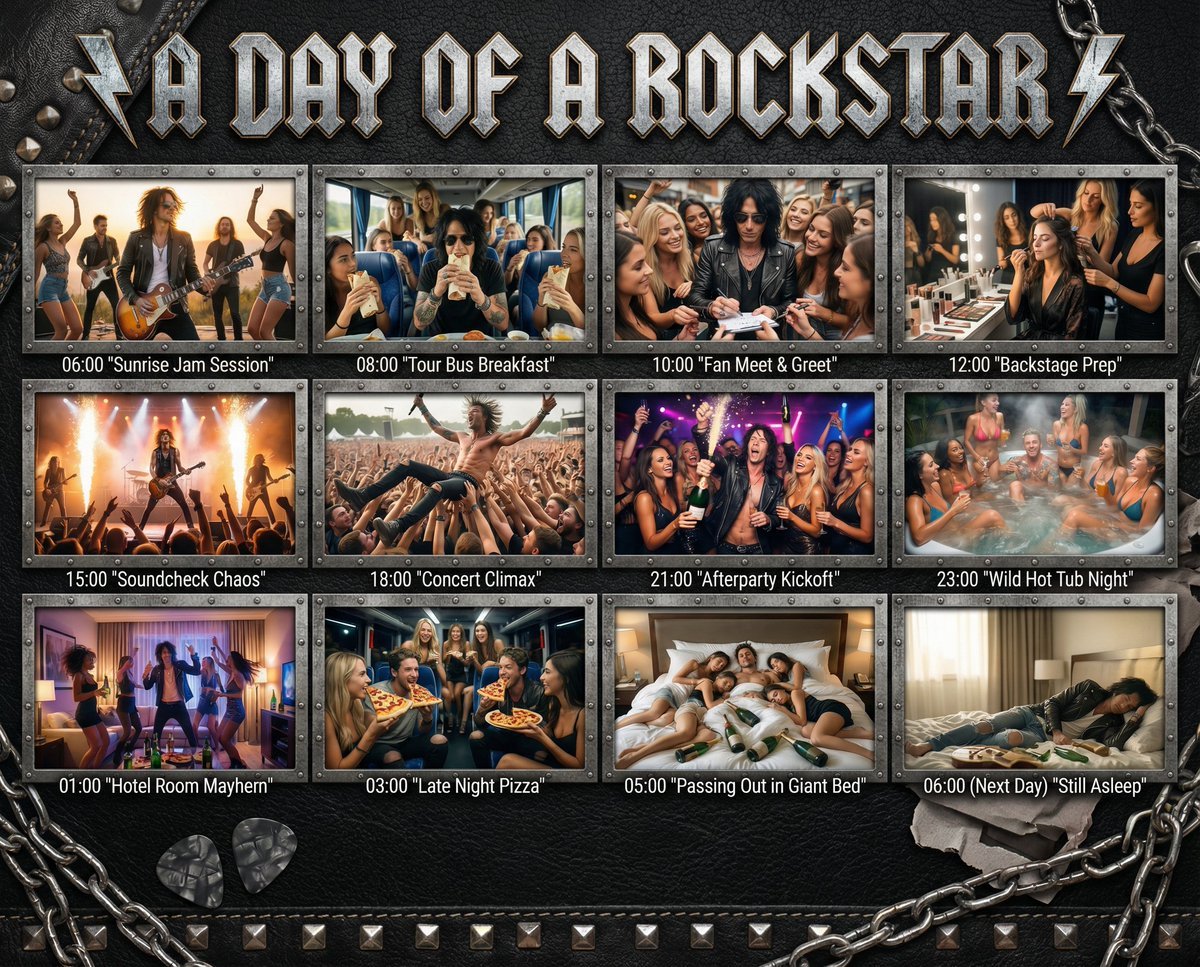
Cinematic 12-Panel Timeline of a Subject's Epic Day
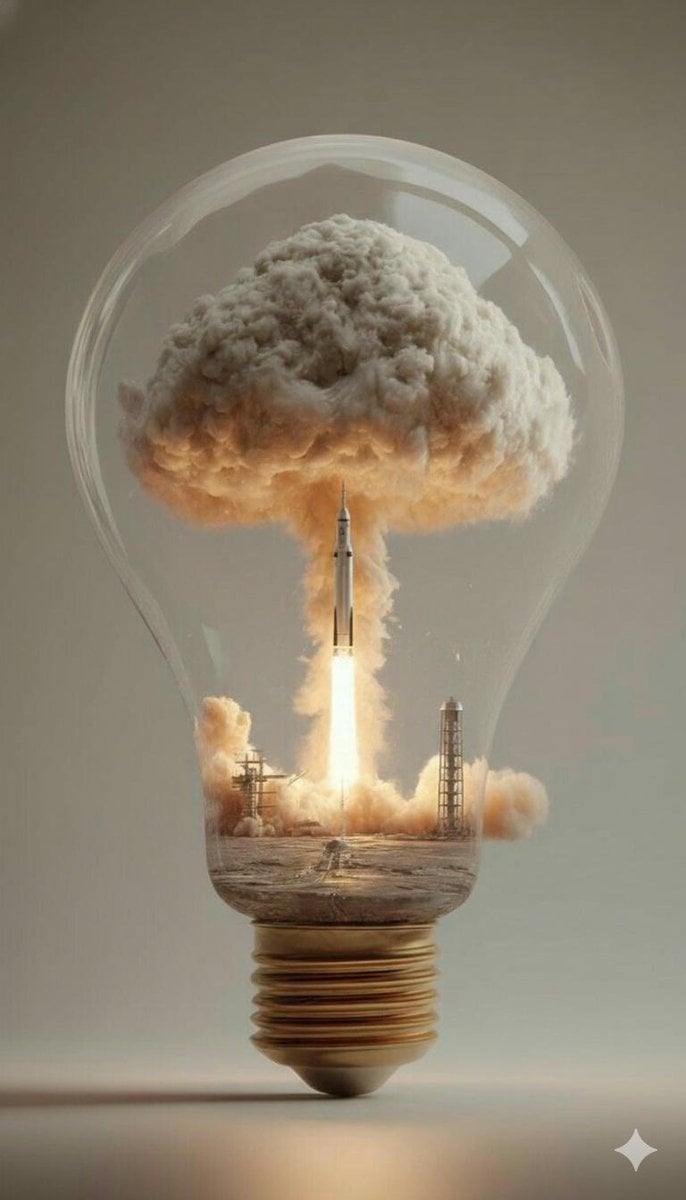
Surreal Rocket Launch in a Lightbulb
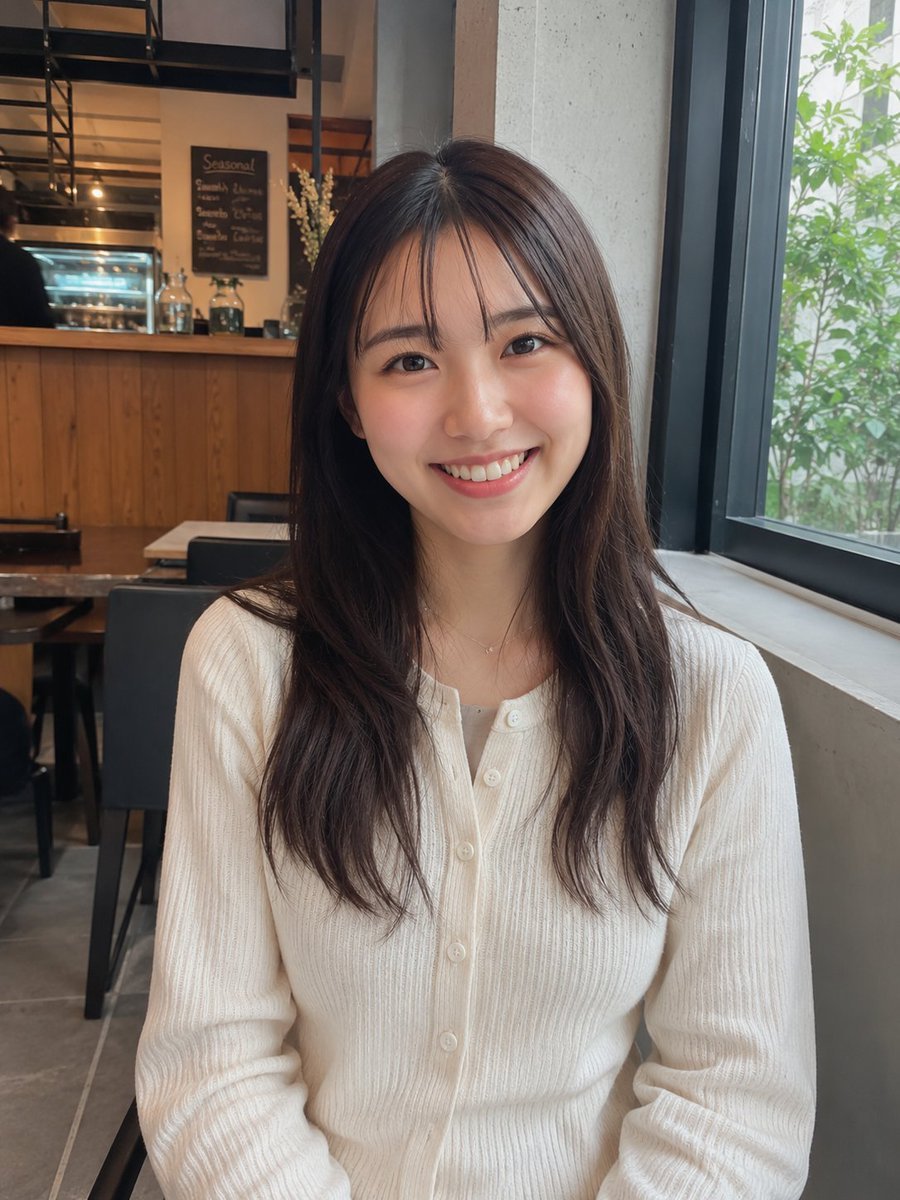
Realistic Cafe Portrait of Young Japanese Woman
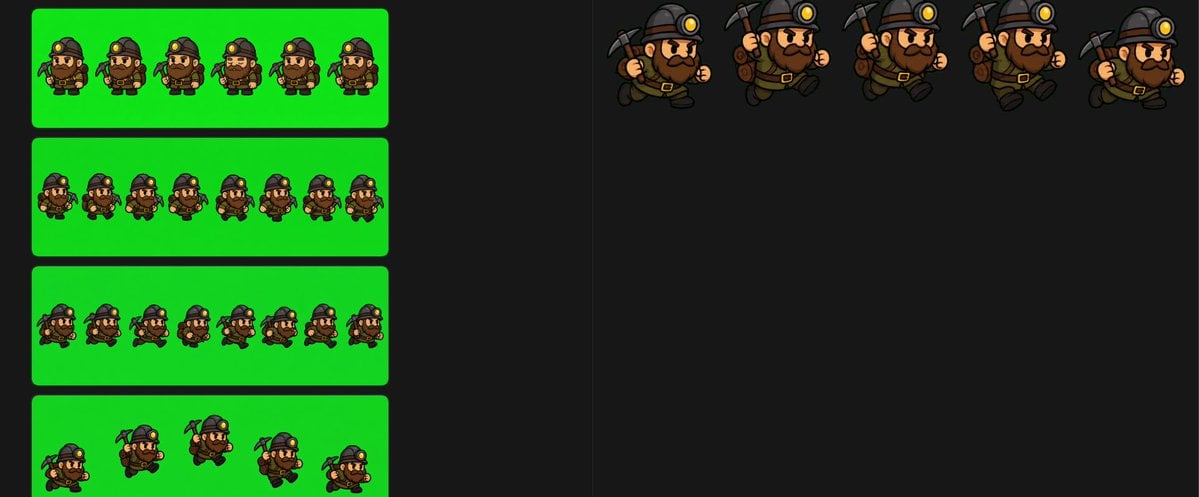
Chibi Miner Game Sprite Sheet
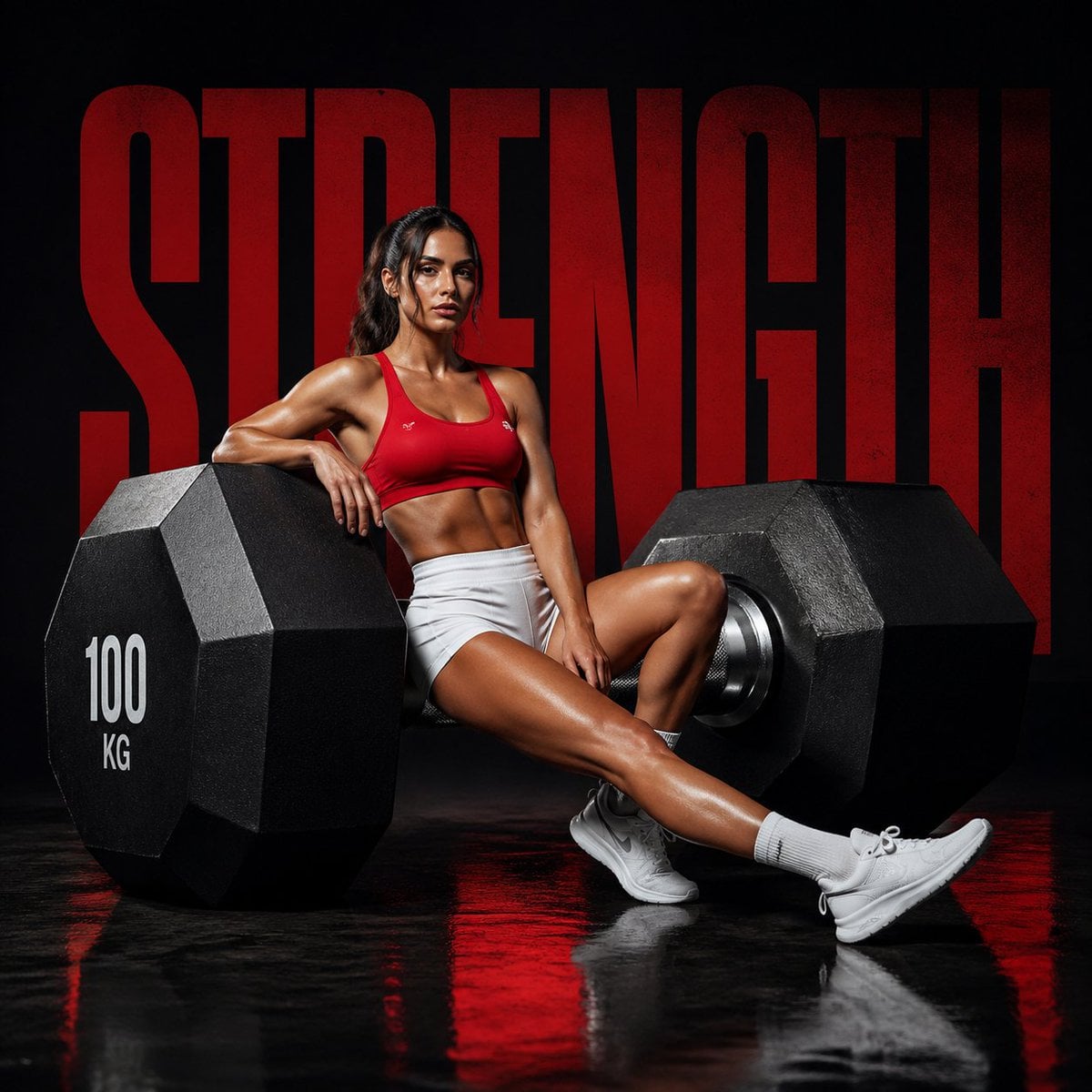
Luxury Fitness Campaign
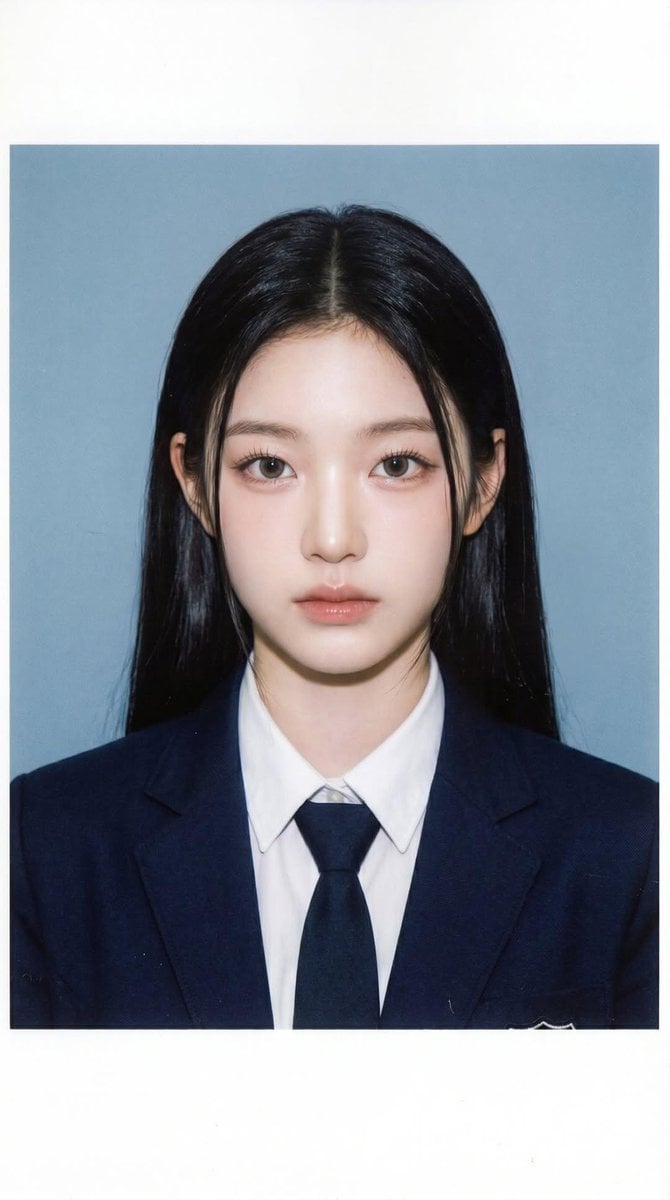
School ID Photo Portrait
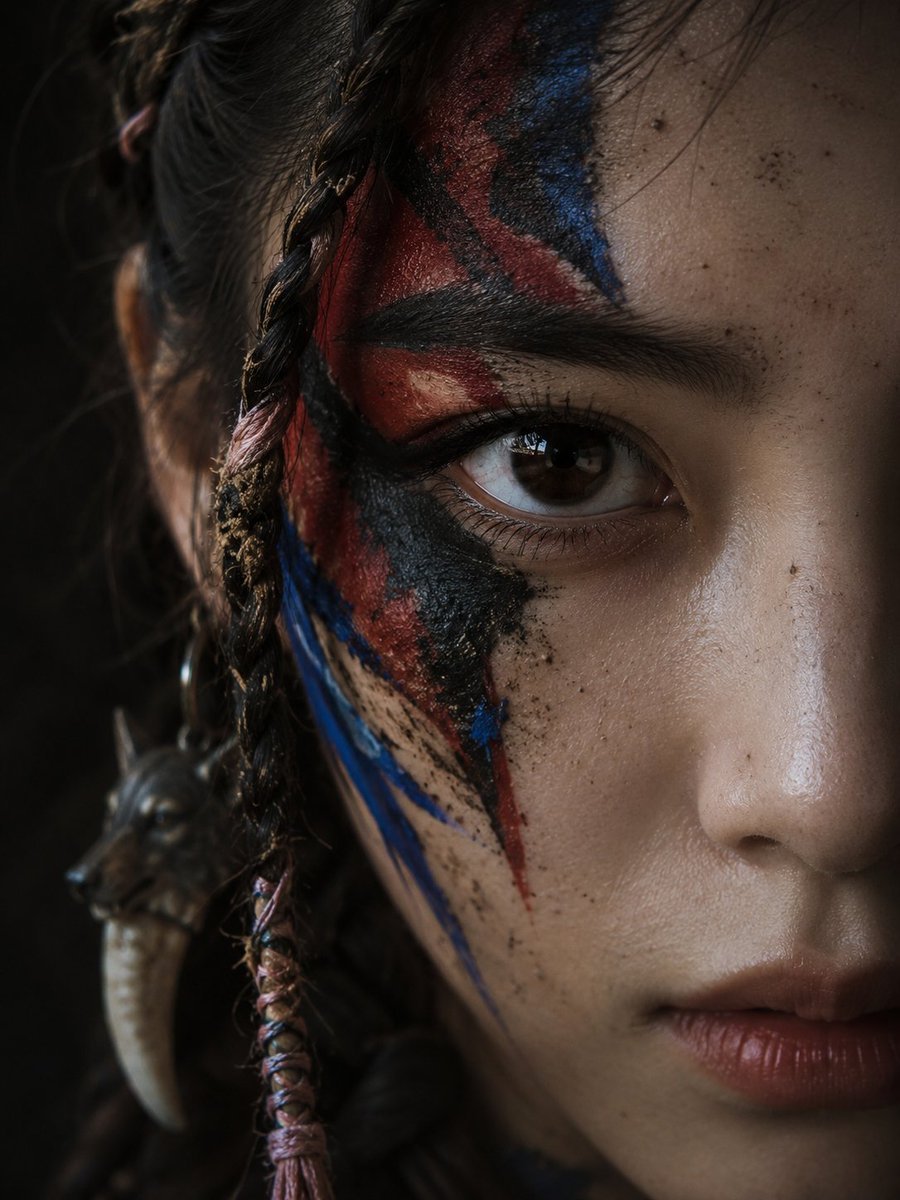
Cinematic Tribal Warrior Portrait
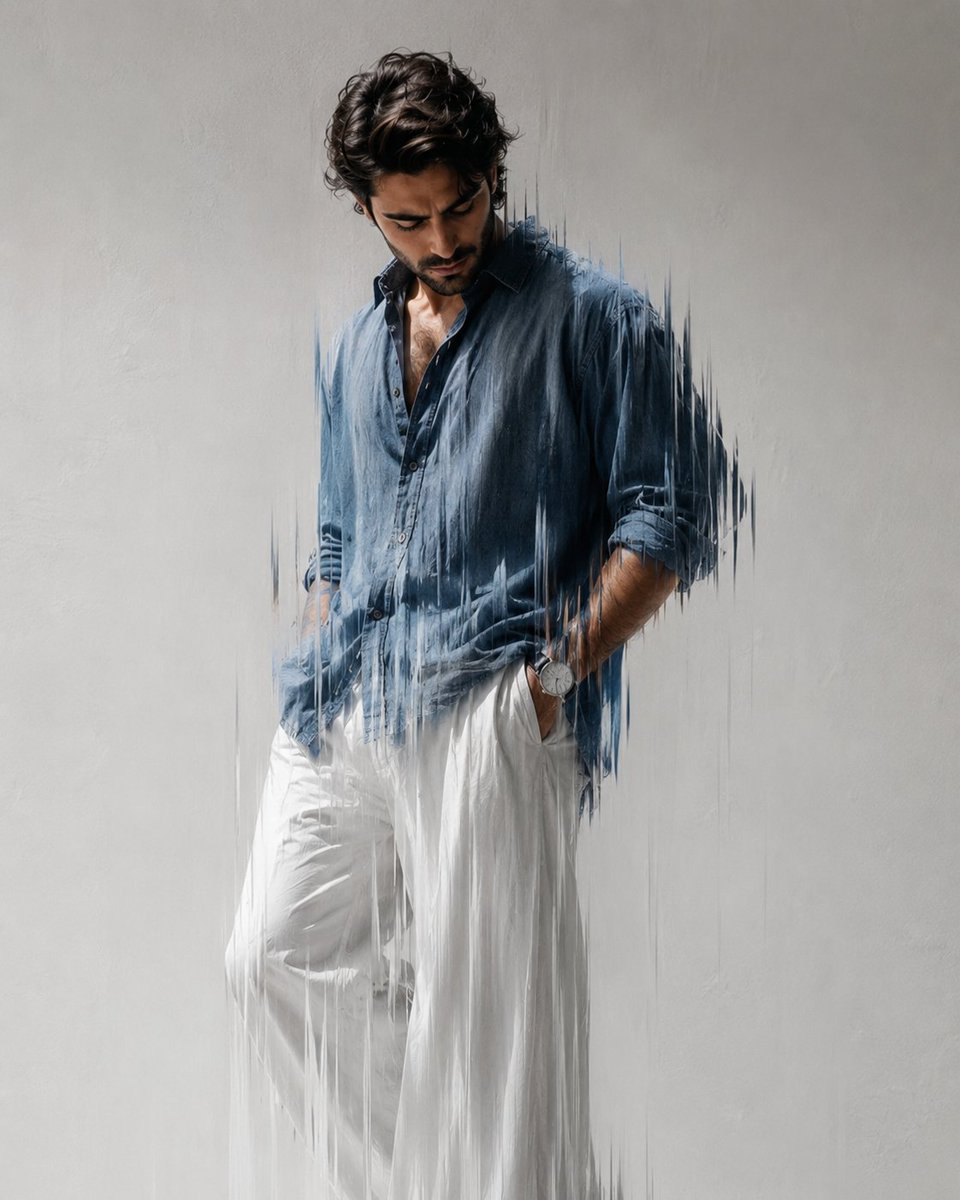
Editorial Fashion Photography with Motion Blur
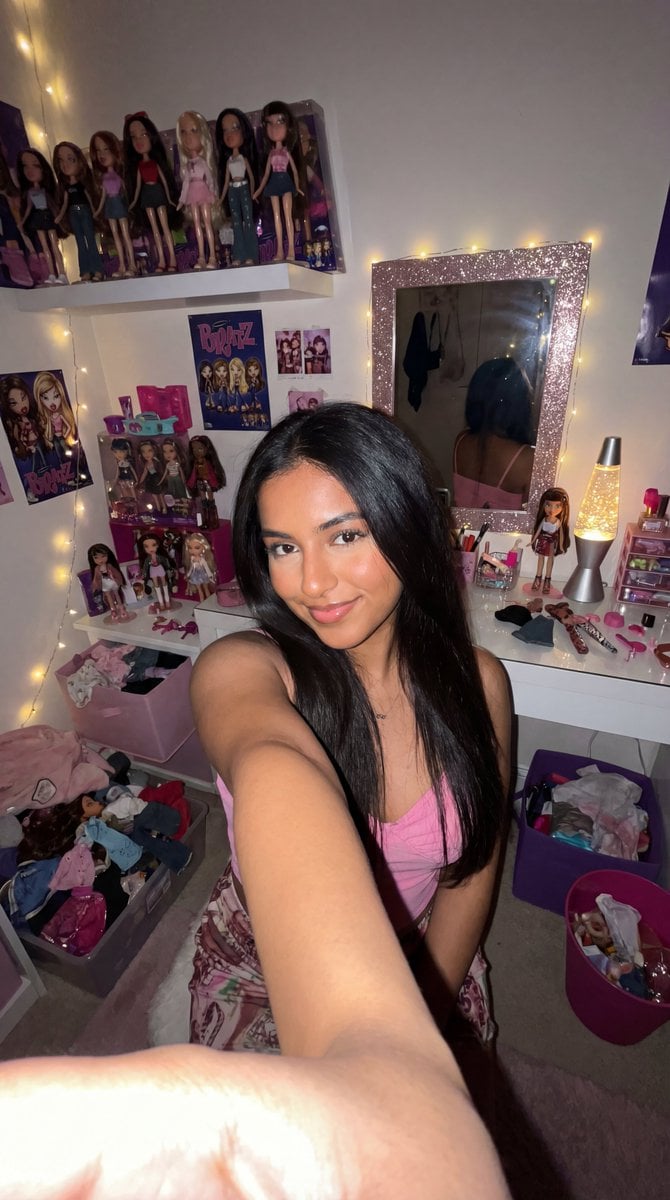
8k Ultra-Photorealistic Bratz Doll Themed Selfie
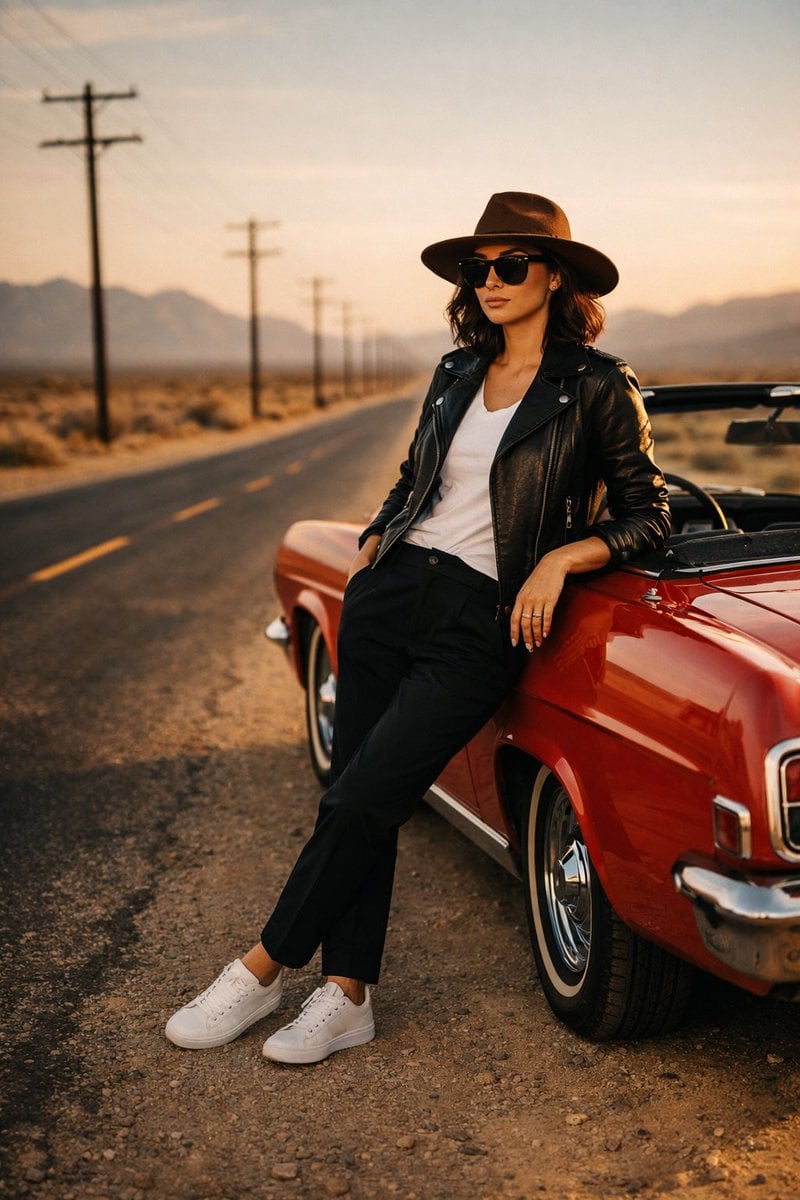
Cinematic Desert Highway Fashion Portrait
Browse template categories
Showa Modern Meisen Kimono Fashion questions
How do I use the Showa Modern Meisen Kimono Fashion template?
Add your photo if the template asks for one, edit the prompt if you like — the template's model and format are already selected — and press Generate. Your version opens in PicX Studio.
Can I customize the Showa Modern Meisen Kimono Fashion template?
Yes. You can change the subject, setting, lighting, mood, format, and available model controls before creating your image.
Is the Showa Modern Meisen Kimono Fashion template free?
Opening and editing this template is free. Generating uses credits, shown on the Generate button when you are signed in.
Which AI model should I use?
Start with GPT Image 2, which is the model associated with this template. You can compare another compatible model for a different finish.
Looking for something else? Browse all templates.

Your photo, any look
Thousands of ready templates for every top image and video model, from one credit balance.