
Hand-Drawn Diary Doodle Overlay
A prompt to add a stylish hand-drawn doodle layer and diary-style monologue text on top of an image.
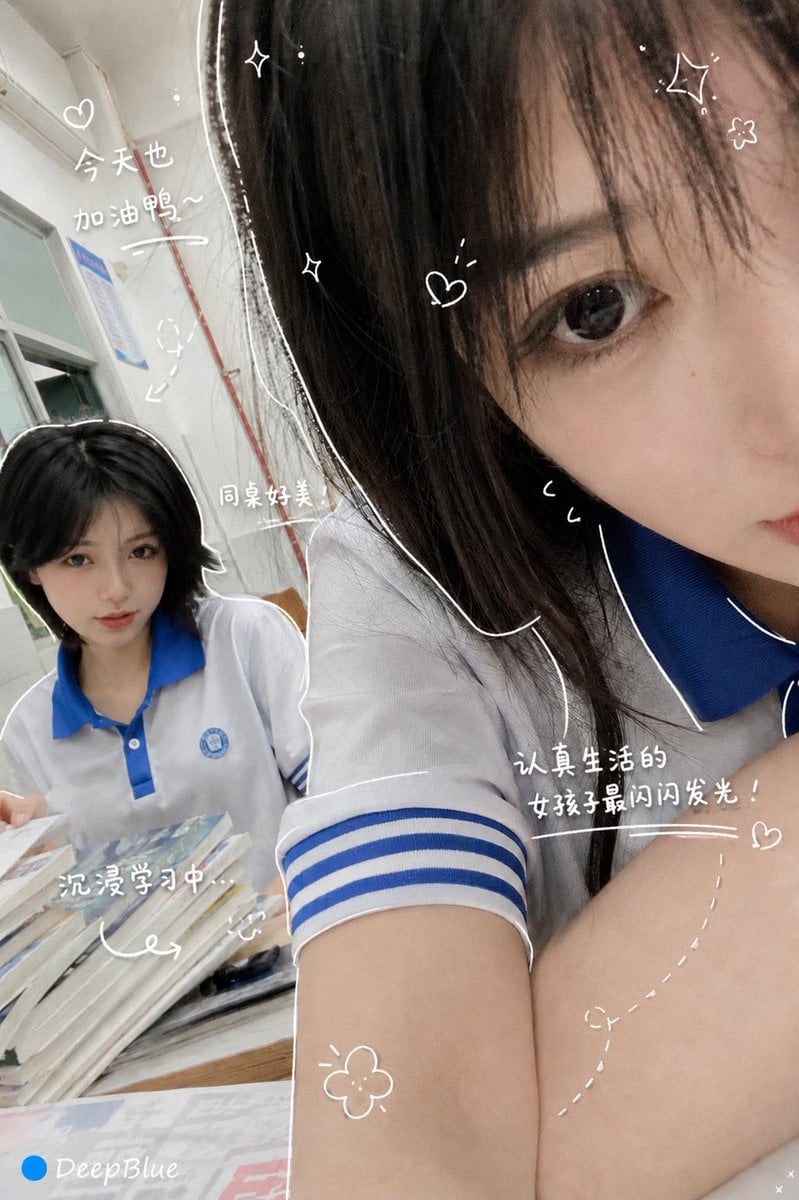
- Prompt included
- Model and format preset
- Free template
The prompt behind this image
Copy the exact prompt behind Hand-Drawn Diary Doodle Overlay, or open it in the studio and make it yours.
在圖片上方加上一層手繪疊加。最終成品要時髦、放鬆、毫不費力地隨性。繪製規則:用細細的手繪線條,像是用{argument name="畫筆顏色" default="白色"}筆畫上去。保持單筆勾勒風格:粗糙、略帶不均。沿著物件外緣加上描邊。可用箭頭或虛線引導視線。文字規則:使用手寫字。保持簡短,像輕鬆的{argument name="文字內容" default="內心獨白"}。語氣:像日記、簡短、以情緒為主。旁白要正面又甜甜的。裝飾:適度加入{argument name="裝飾物" default="蒸氣、閃光、愛心、小小表情臉"}。不要太滿;留一些「留白」。
How to use Hand-Drawn Diary Doodle Overlay in 3 steps
- 1Upload ImagePNG, JPG or paste
Add your photo
Upload the photo the template builds on. The prompt, model and format are already set.
- 2…a portrait of your subject in softgolden-hour light, 85mm…
Personalize
Edit the subject and creative details for your destination.
- 3Generate
Generate
Press Generate — your image is created in PicX Studio, so you can compare it with the original and refine one variable at a time.
More like this
Templates with the same subject, style or setup. Open one to see its prompt.

Hand-Drawn Doodle Grid Poster
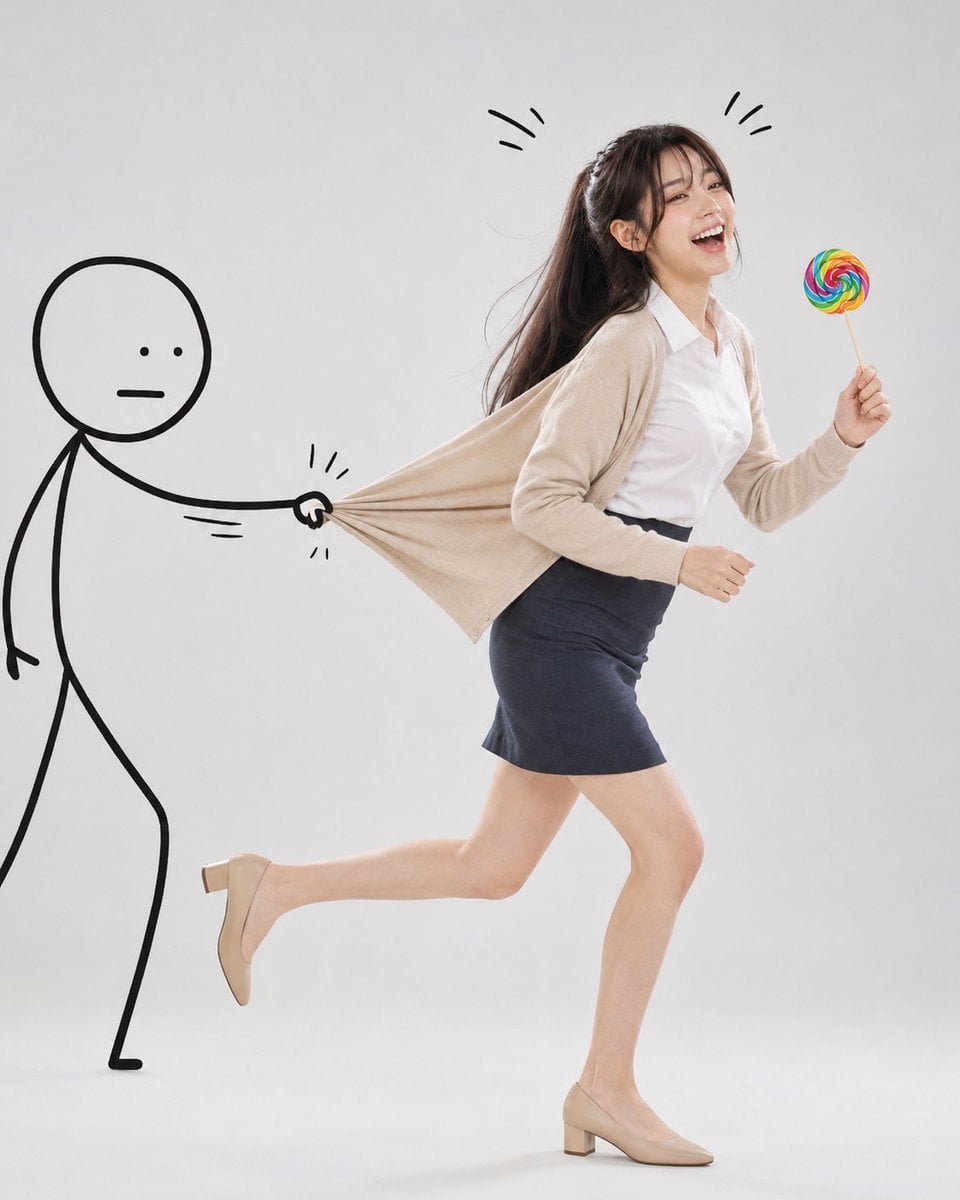
Surreal Studio Photography with Hand-Drawn Doodle
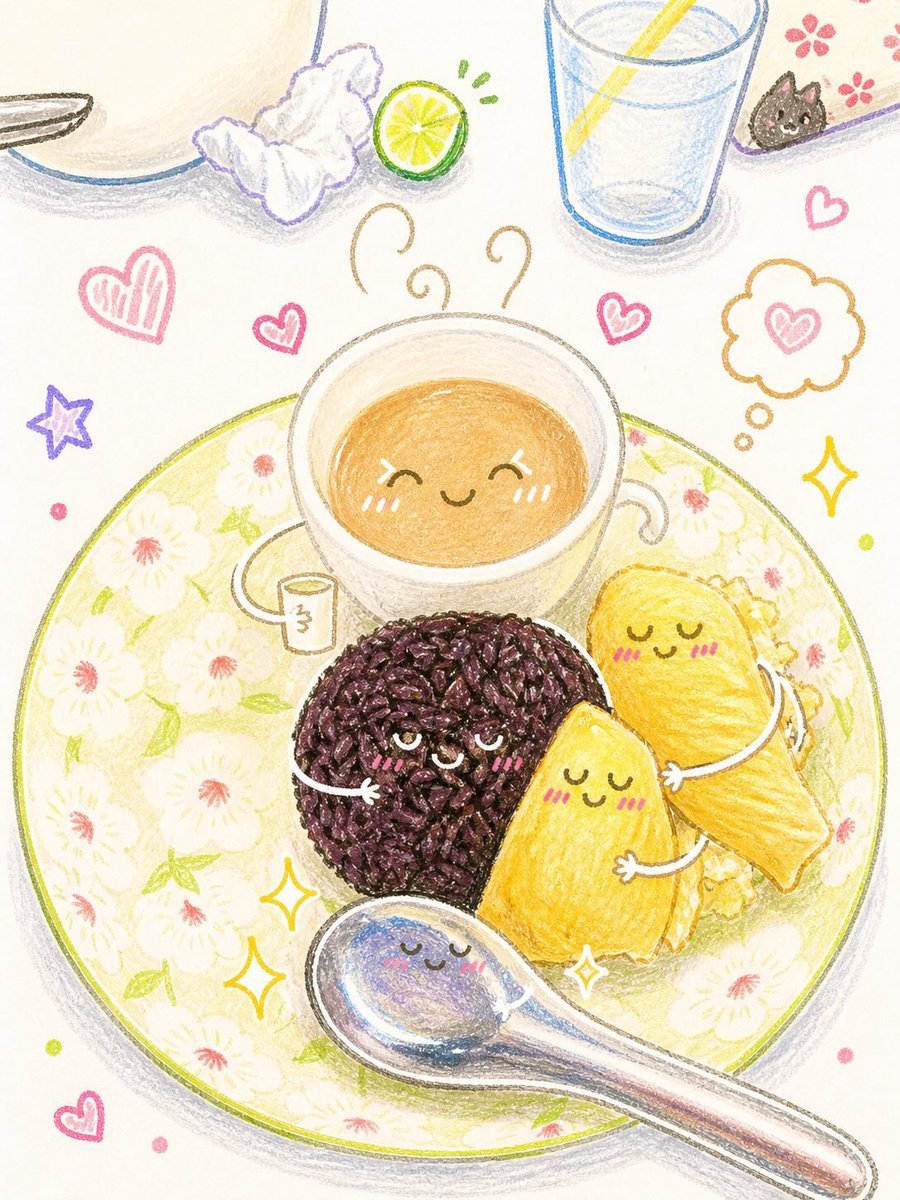
Interactive Hand-Drawn Doodle Art
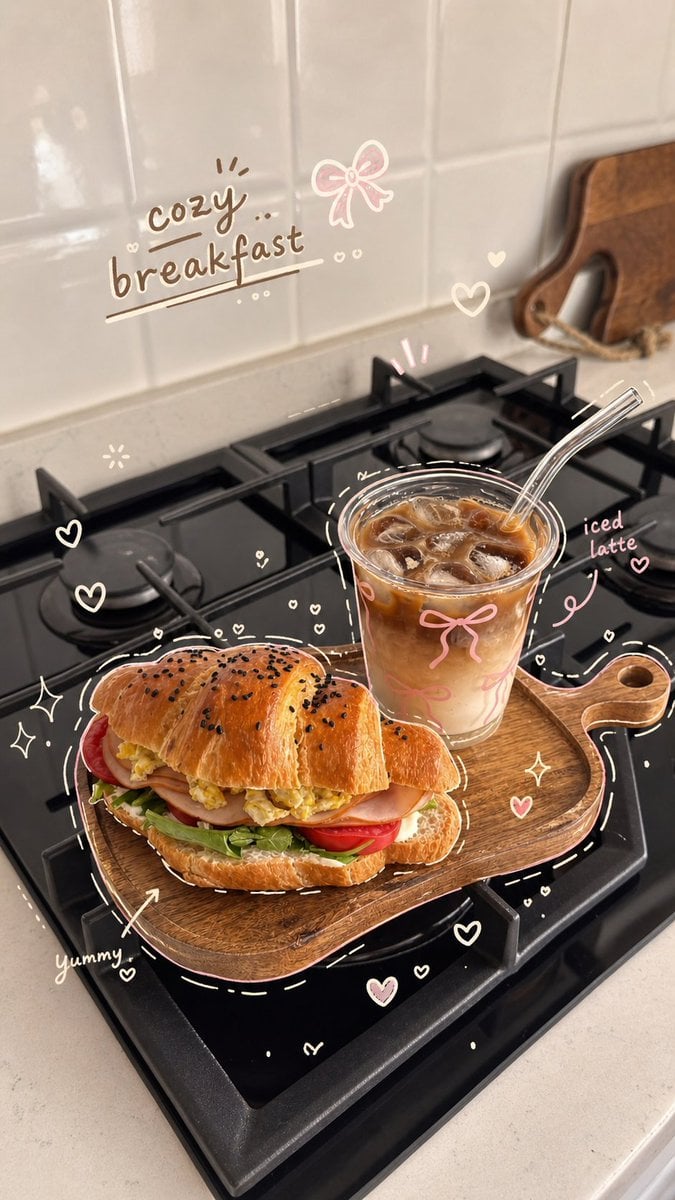
Cozy Hand-Drawn Food Doodle
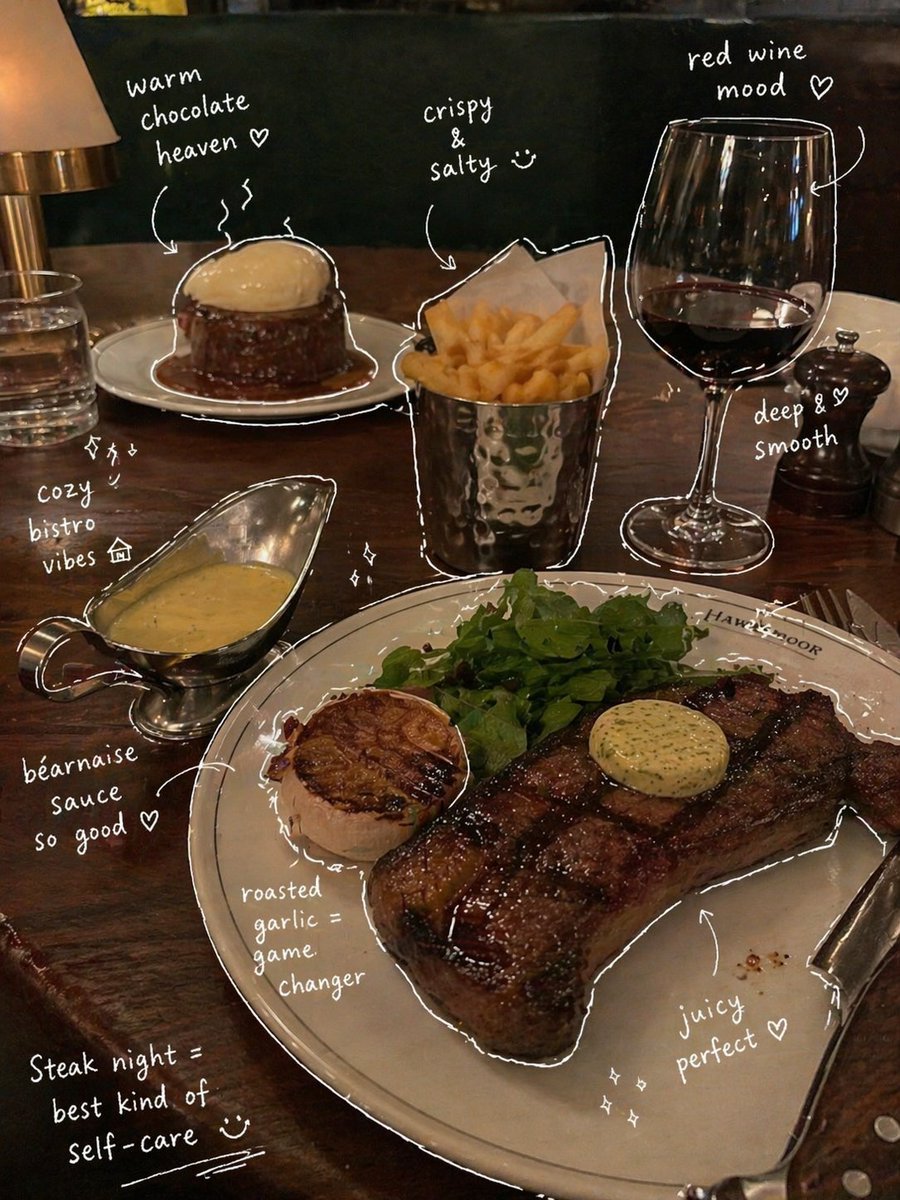
Hand-Drawn Annotated Food Diary Style
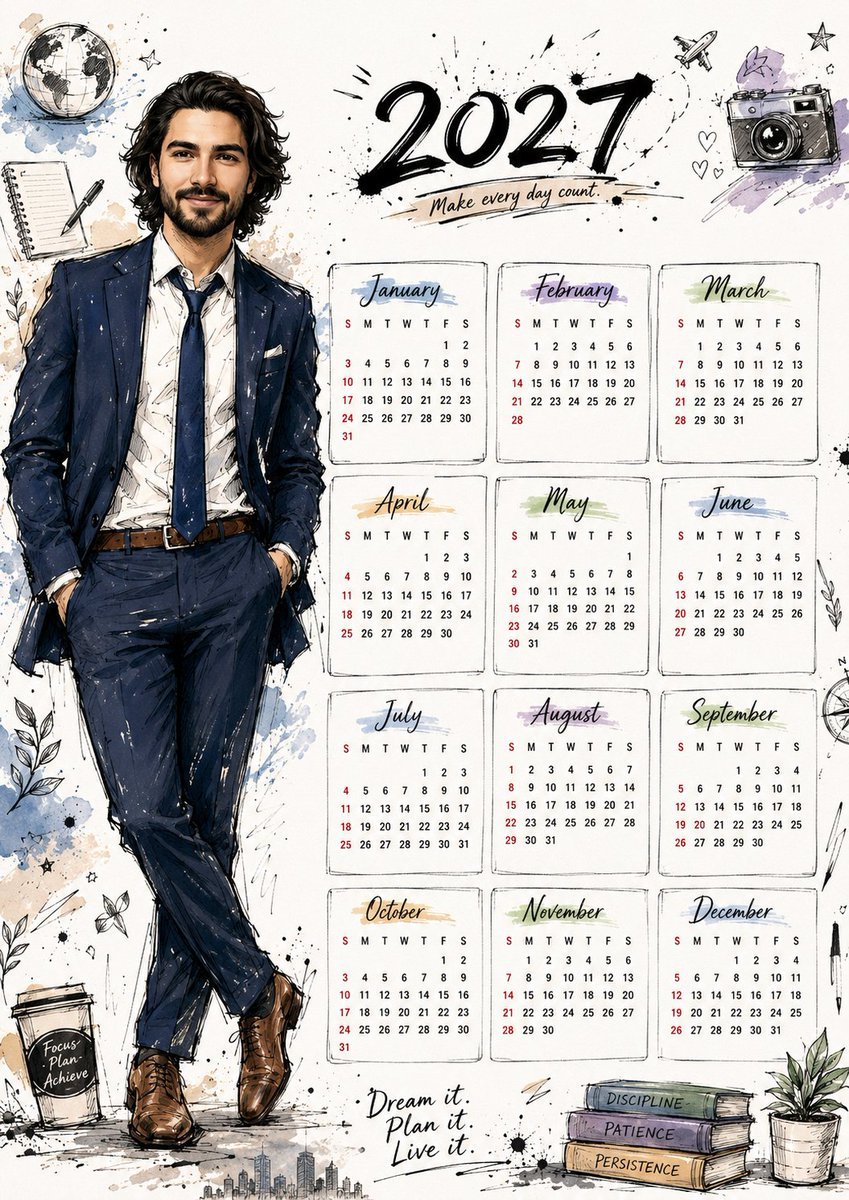
Hand Drawn Doodle Calendar Illustration
Simple Hand-Drawn Koala Mascot

Hand-drawn Breakfast Journal Aesthetic Poster
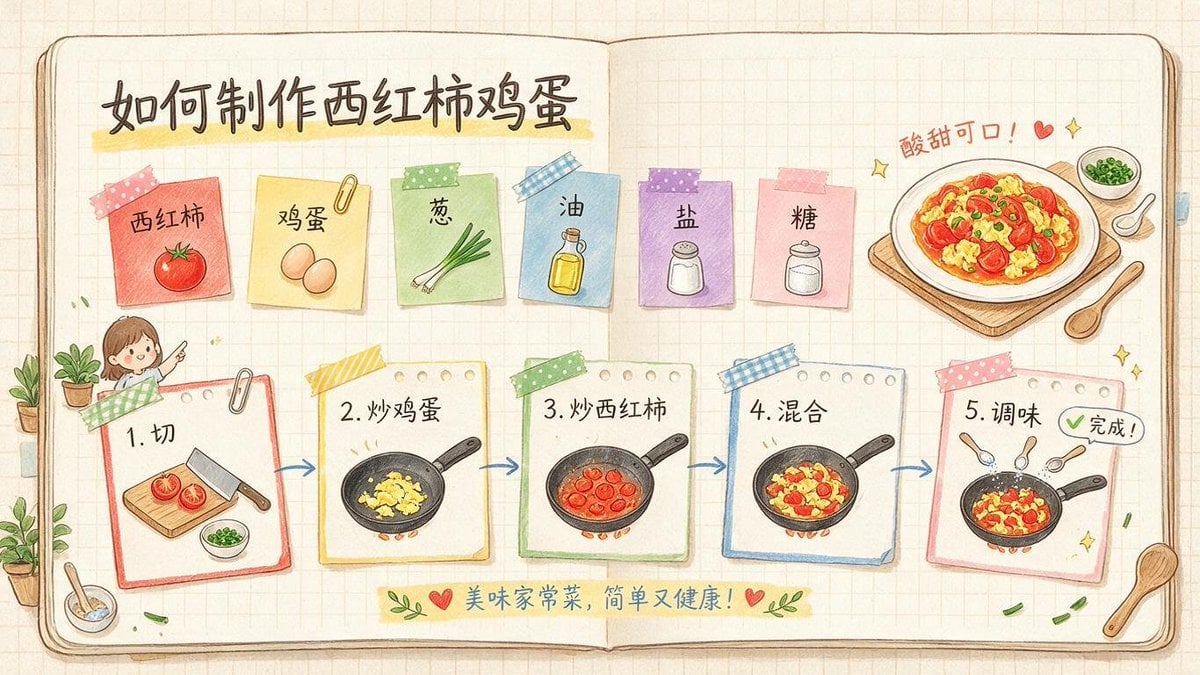
Hand-Drawn Tomato Egg Recipe Infographic

Minimal Hand-Drawn Sketch Watercolor Portrait
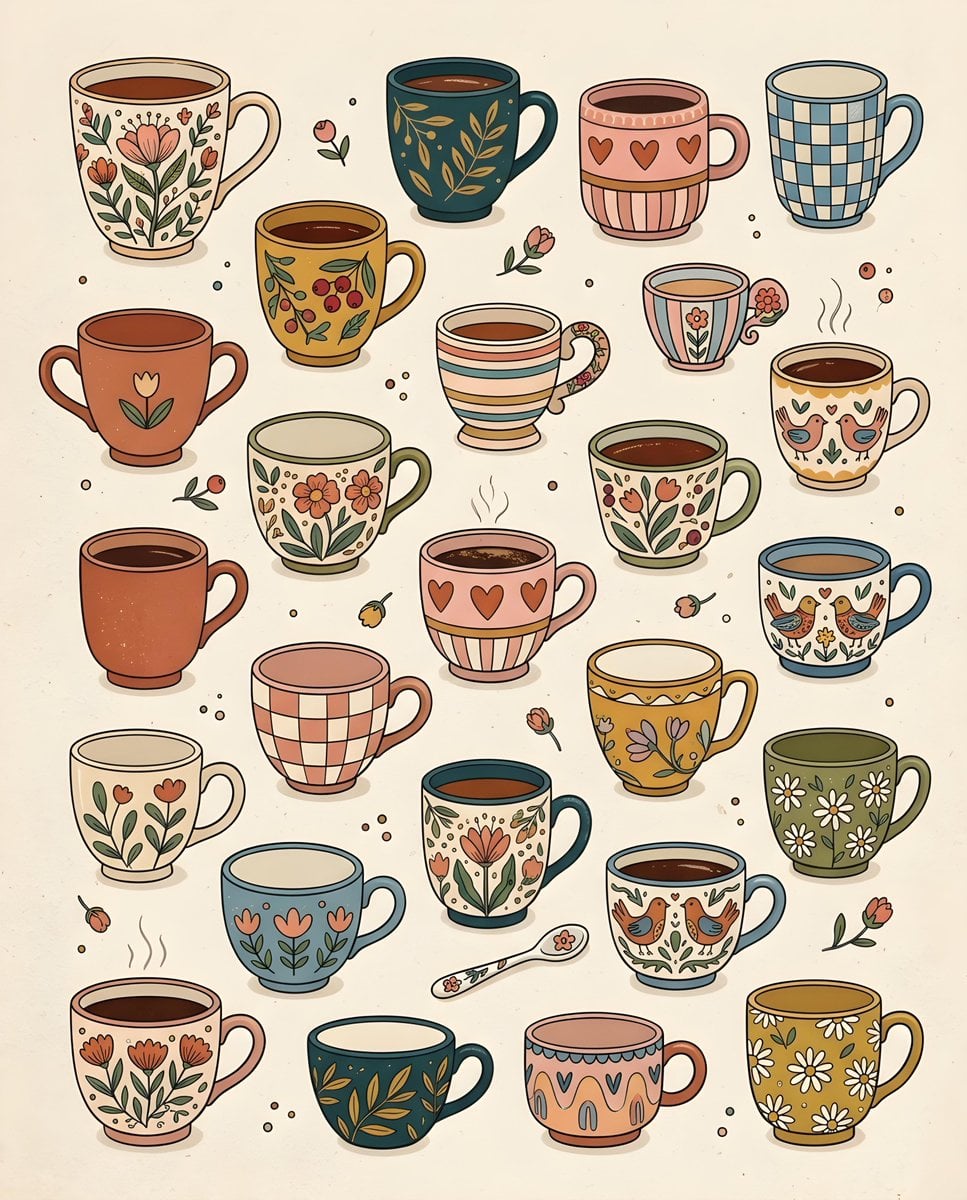
Whimsical Hand-Drawn Teacups

Real Illustration Split Portrait Transition
Make it yours
Hand-Drawn Diary Doodle Overlay works as-is. These are the safest ways to change it without losing the look.
Change one field
Copy a single group, rewrite it, and generate again so you can see what that field is doing.
Keep the frame, change the subject
Hold the composition and light of Hand-Drawn Diary Doodle Overlay, then swap wardrobe, props or the person for a new take.
| If the result… | Why | Fix |
|---|---|---|
| The result drifts from the preview | Too many fields changed at once. | Reuse Hand-Drawn Diary Doodle Overlay as-is first, then change one group — subject, light, or setting. |
| The model over-stylizes the scene | The prose prompt leaves finish and camera underspecified. | Add one camera or lighting sentence and stay on GPT Image 2. |
More GPT Image 2 templates
Other prompts made for GPT Image 2.

Six VTuber Japanese Logo Sheet

Realistic Portrait of Woman and Deer

The Vista Modular Condo Poster

AI Model Routing Comparison Infographic

2.5D Anime Art Board

Isometric Productivity Desk Scene

New York Double Exposure Poster

Four-Panel AI Landscape Comparison

Japanese Tatami Lifestyle Magazine Cover

NESCAFÉ Coffee Map Poster
More image prompts
Fresh picks from across the catalog.
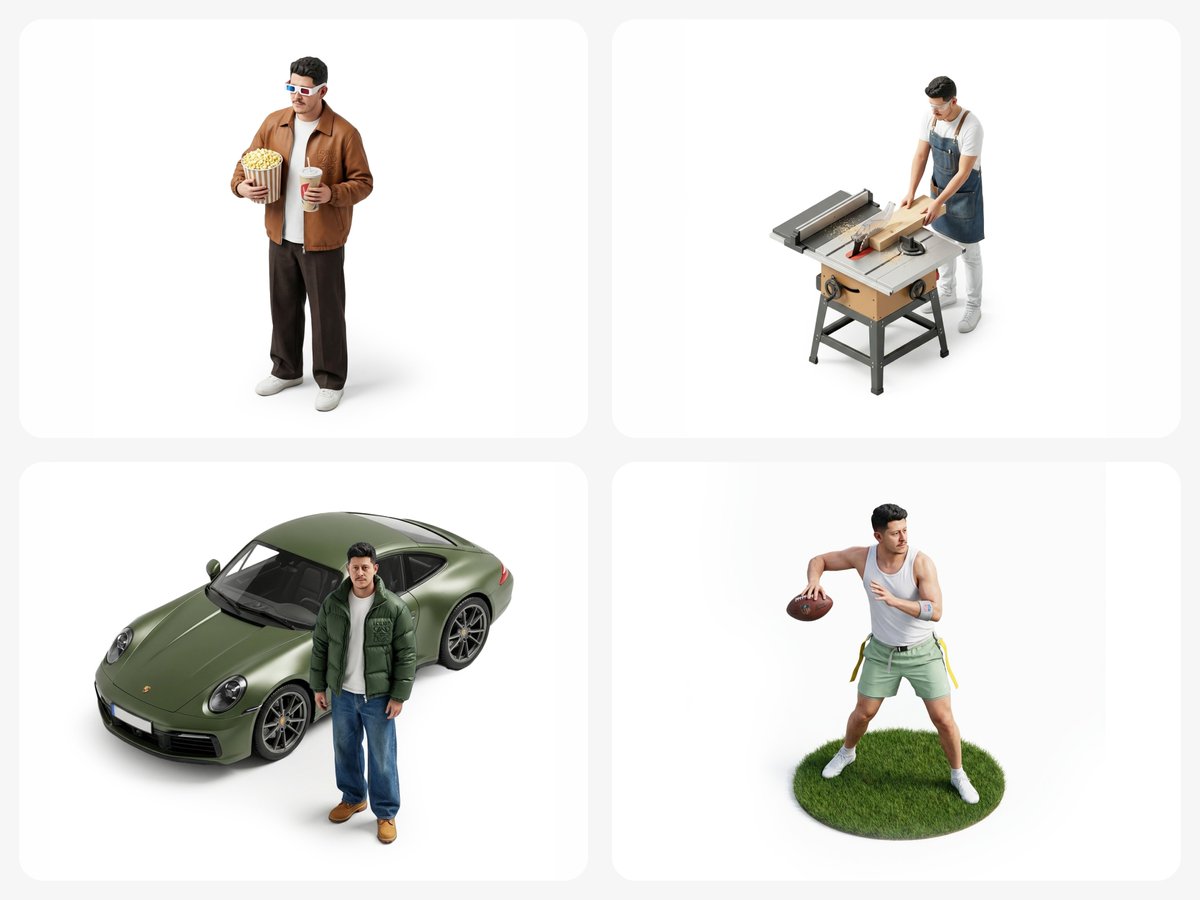
Isometric Figurine from Selfie Prompt Template
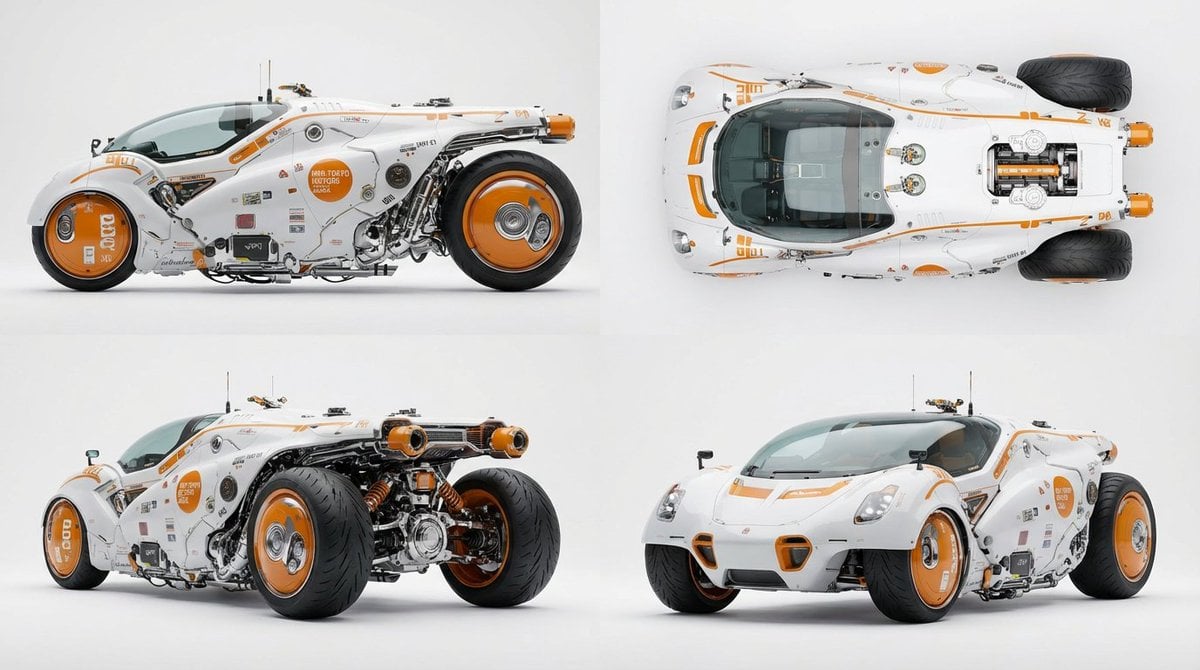
Multi-View Car Sheet
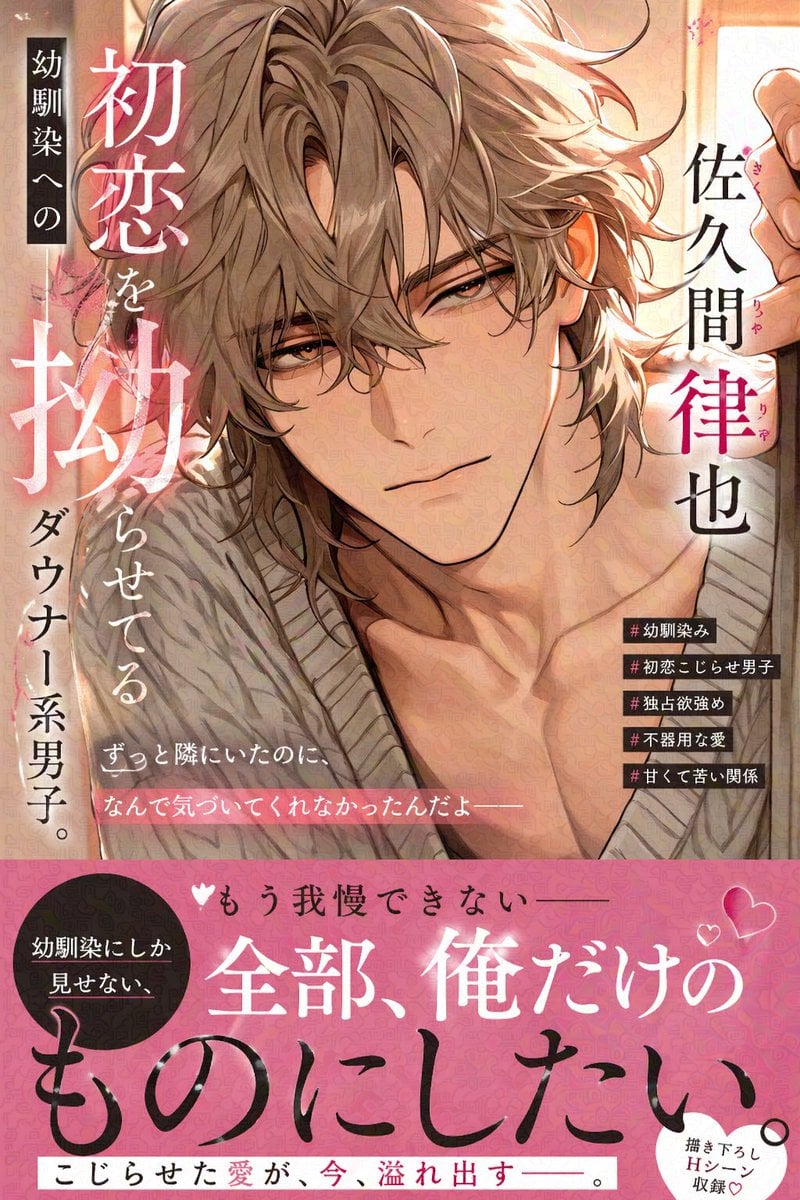
Comic Book Cover with Obi Prompt

Ancient Temple Portrait — White Dress Nano Banana
Character Generation and Document Summary Visualization
Cyberpunk Techwear Street Shot
Pencil Sketch Portrait with Artist S Han
Face and Hairstyle Swap for Studio Portrait

Dark Samurai Ink Wash Poster
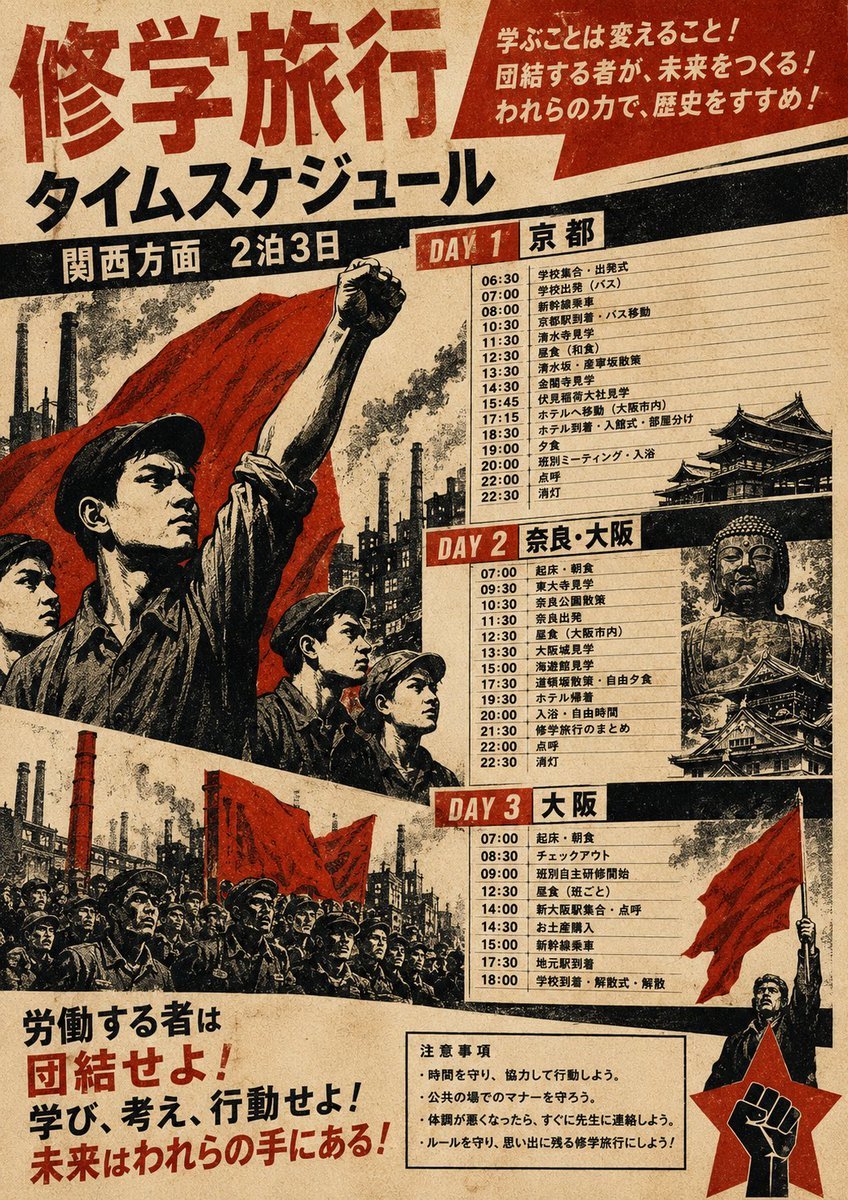
Propaganda School Trip Schedule Poster
Browse template categories
Hand-Drawn Diary Doodle Overlay questions
How do I use the Hand-Drawn Diary Doodle Overlay template?
Add your photo if the template asks for one, edit the prompt if you like — the template's model and format are already selected — and press Generate. Your version opens in PicX Studio.
Can I customize the Hand-Drawn Diary Doodle Overlay template?
Yes. You can change the subject, setting, lighting, mood, format, and available model controls before creating your image.
Is the Hand-Drawn Diary Doodle Overlay template free?
Opening and editing this template is free. Generating uses credits, shown on the Generate button when you are signed in.
Which AI model should I use?
Start with GPT Image 2, which is the model associated with this template. You can compare another compatible model for a different finish.
Looking for something else? Browse all templates.

Your photo, any look
Thousands of ready templates for every top image and video model, from one credit balance.