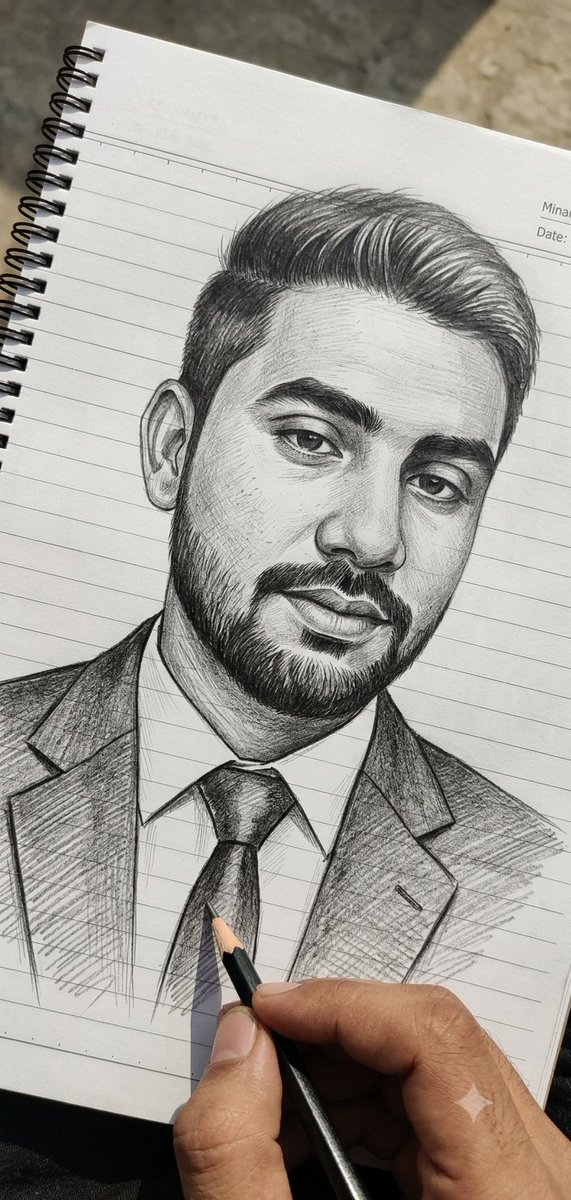
How do I use the 81-pencil-sketch-portrait-with-artist-s-han template?
Choose the primary action to open PicX Studio with the available template settings. Review the model and format, personalize the creative direction, and generate when ready.
From @venturetwins on X | Score: 61.8 Change the subject, setting, or lighting one variable at a time.

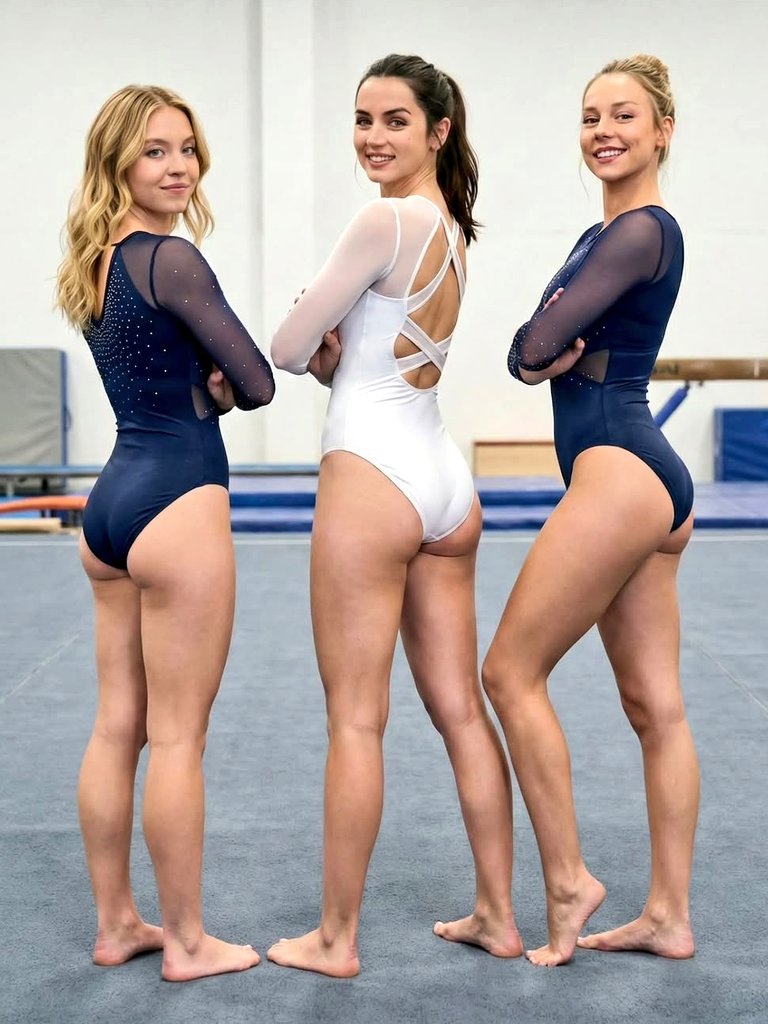
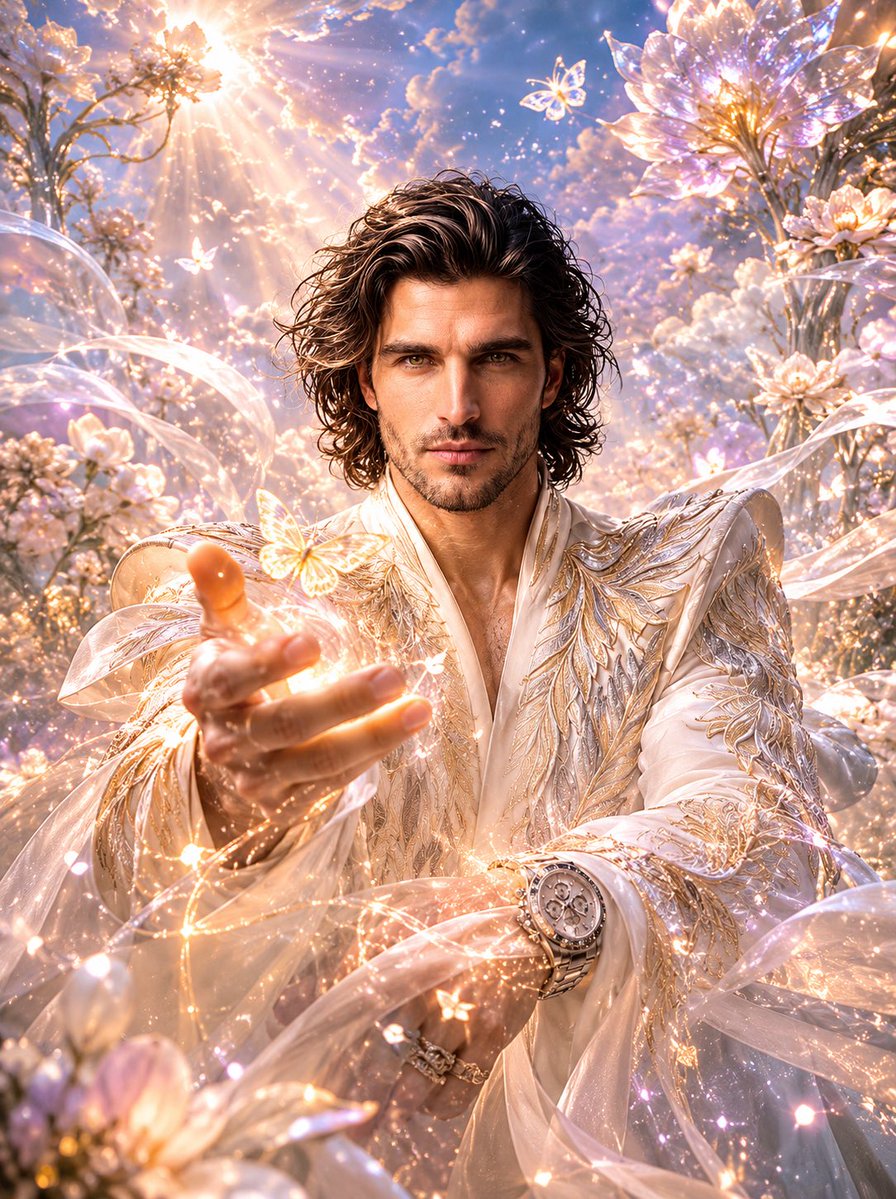
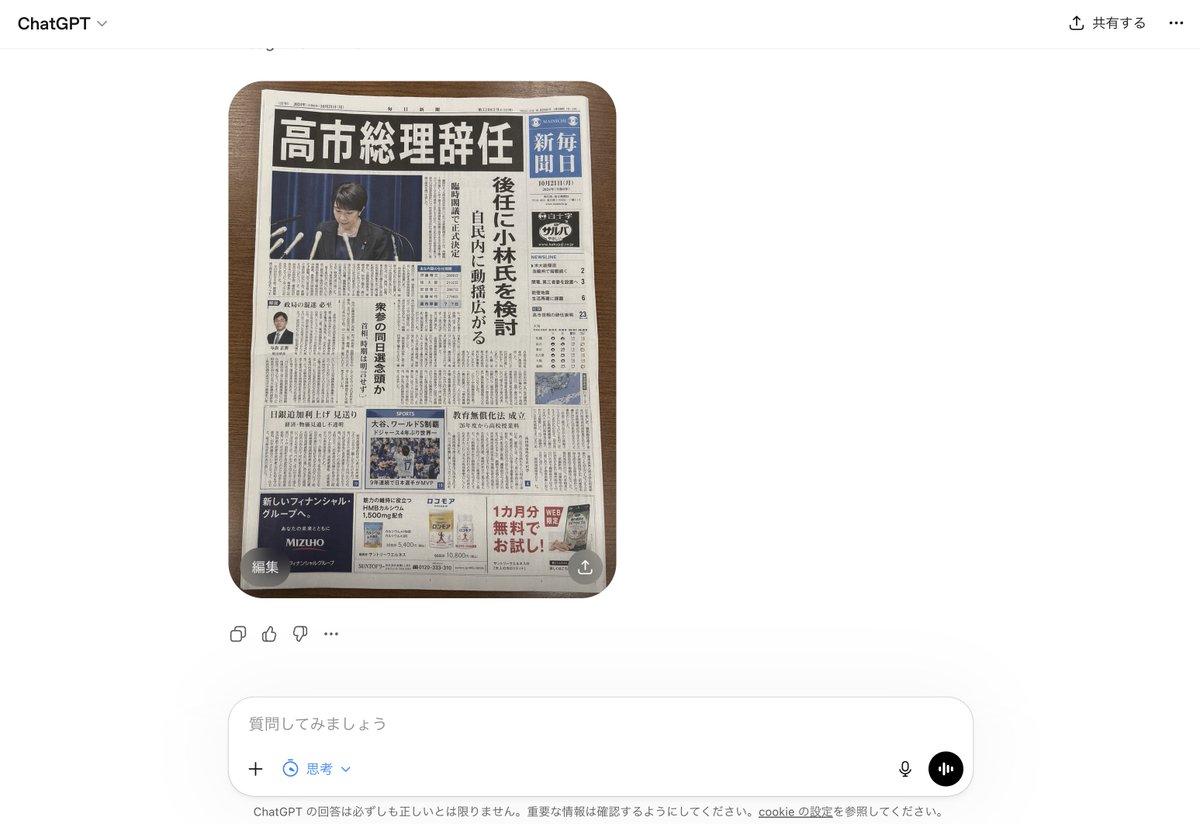
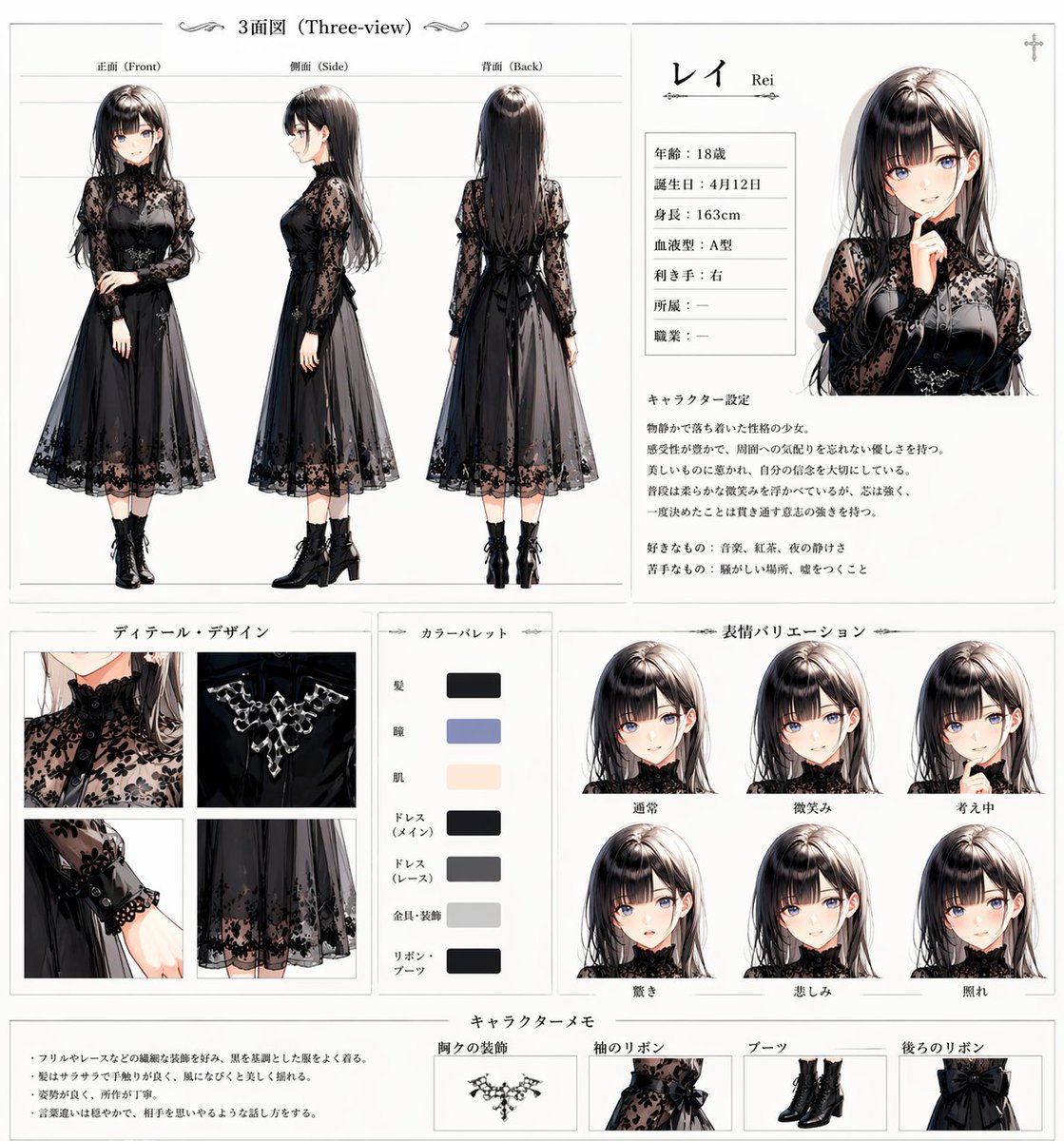
Create a photo-style line drawing / pencil sketch of the faces identical to the uploaded reference image — keep every facial feature, proportion, and expression exactly the same. Use black and gray pencil tones with intricate, fine line detailing, drawn on a notebook-page style background. Show a right hand holding a pen and an eraser near the sketch, as if the artist is still working.
Choose the primary action to open PicX Studio with the available template settings. Review the model and format, personalize the creative direction, and generate when ready.
Yes. You can change the subject, setting, lighting, mood, format, and available model controls before creating your image.
This template is free to open and customize. Generation usage is shown in PicX Studio before you create.
Start with nano-banana, which is the model associated with this template. You can compare another compatible model for a different finish.
© 2026 PicX Studio. All rights reserved.

Follow a topic to a crawlable collection of related PicX Studio templates.
43,474 public templates available. Verified via the PicX Studio public templates API; refreshed hourly.









![69-untitled — FORMAT: 15s / 145 BPM / 14 SHOTS
SUBJECT: @[image1]
WARDROBE: Clean modern outfit
ENVIRONMENT: Street / indoor transitions
MOOD: Discovery → contr](/_next/image?url=https%3A%2F%2Fcdn.picxstudio.com%2Fuploads%2Fpost69_img0_d45faecf-38c3-4bcb-81a4-f6eb1cf42bb2.jpg&w=828&q=100)








![118-google-nano-banana-pro-skincare-product- — A professional skincare shot of a [product container] with [cap/lid], labeled [brand, product, descriptor, volume](/_next/image?url=https%3A%2F%2Fcdn.picxstudio.com%2Fuploads%2Fpost118_img0_332898b8-29ea-42a9-87ab-9ed746a3f944.jpg&w=828&q=100)




![75-cinematic-sport-in-midjourney-v7 — [close-up] of [an athlete performing a key action] in [sport-specific environment],
with dramatic lighting, high-speed ph](/_next/image?url=https%3A%2F%2Fcdn.picxstudio.com%2Fuploads%2Fpost75_img0_29c96604-31bd-49f1-88dd-2396ed946239.jpg&w=828&q=100)










![79-cinematic-sport-logo-render-in-midjourne — 3d render of [logo name/ shape,...] made out of clear glass, glowing and sparkling with light reflections, on a bl](/_next/image?url=https%3A%2F%2Fcdn.picxstudio.com%2Fuploads%2Fpost79_img0_a5057526-9cc7-4a02-805f-4faa62dd929b.jpg&w=828&q=100)
![86-hyper-realistic-ai-selfie-prompt-generat — Raw iPhone [model] photo, [shot type] of [character details: age, ethnicity, specific features], [hair with imperf](/_next/image?url=https%3A%2F%2Fcdn.picxstudio.com%2Fuploads%2Fpost86_img0_c444d40d-a07d-4013-8b75-e692799481c0.jpg&w=828&q=100)