
Nostalgic Travel Collage Scrapbook
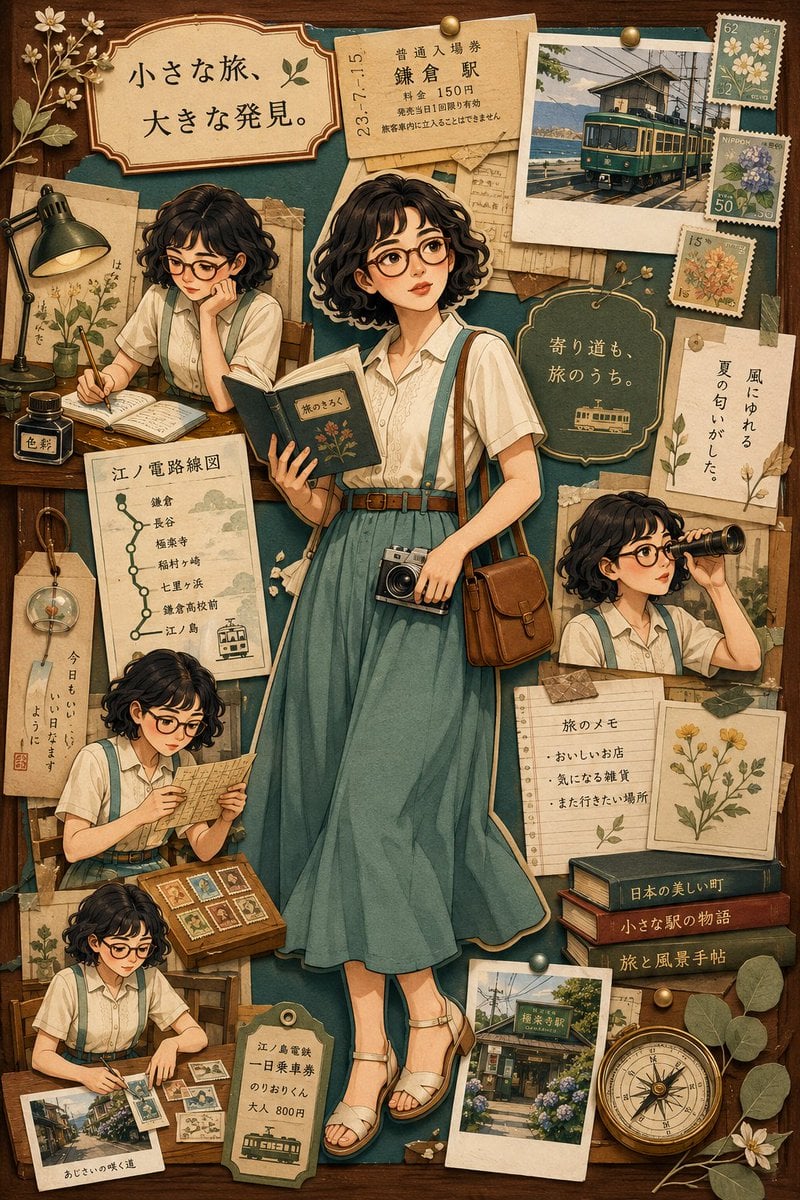
A high-precision prompt for creating a nostalgic travel collage in a scrapbook style, featuring a character with short bob hair and glasses surrounded by vintage travel artifacts.
- Prompt included
- Model and format preset
- Free template
The prompt behind this image
Copy the exact prompt behind Nostalgic Travel Collage Scrapbook, or open it in the studio and make it yours.
Theme: {argument name="theme" default="a travel-memory collage / travel collage"} Subject & Expression: {argument name="subject" default="a short black bob haircut, round glasses"}, translucent natural makeup, a soft, intelligent expression, a calm atmosphere that conveys quiet curiosity Clothing & Pose: a white short-sleeved blouse, a pale blue-green long skirt, thin suspenders, a brown shoulder bag, a classic camera hanging from her neck, standing with a small travel notebook in one hand. Around her, small versions of the same person appear, showing mid-journey actions such as writing in the notebook, reading a map, sorting stamps, and peering into the distance Background & Light: a scrapbook-style background based on a retro wooden board, layered with a local train route map, old tickets, travel photos, pressed flowers, handwritten notes, stamps, old books, information cards, and train-window scenery. Soft summer natural light, a slightly nostalgic, warm atmosphere Composition & Camera: a vertical 9:16 composition, a poster-like layout with the subject placed large in the center, a collage composition with small scenes scattered evenly around, a layered look with a cut-and-pasted paper feel, a high-detail screen visible down to the finest details Texture & Style: high detail, 4K quality, a gentle hand-drawn illustration touch, a retro collage expression that conveys the texture of paper, an elegant color scheme based on deep blue-green and brown, a finish like a magazine cover, a delicate, warm travel-themed world Negative: low quality, unnatural face, unnatural hands, extra fingers, missing fingers, warped fingers, strange gaze, asymmetrical eyes, distorted face, warped body, broken clothing, excessive processing, excessive skin retouching, excessive exposure, unnatural background, illegible text, typos, logos, watermarks
How to use Nostalgic Travel Collage Scrapbook in 3 steps
- 1
Open
The prompt is already in the box next to the preview, with the template's model and format selected.
- 2…a portrait of your subject in softgolden-hour light, 85mm…
Personalize
Edit the subject and creative details for your destination.
- 3Generate
Generate
Press Generate — your image is created in PicX Studio, so you can compare it with the original and refine one variable at a time.
More like this
Templates with the same subject, style or setup. Open one to see its prompt.

Travel Poster Graphic Collage

Paris Travel Collage Grid - Face Reference

Japan Travel Brochure Poster
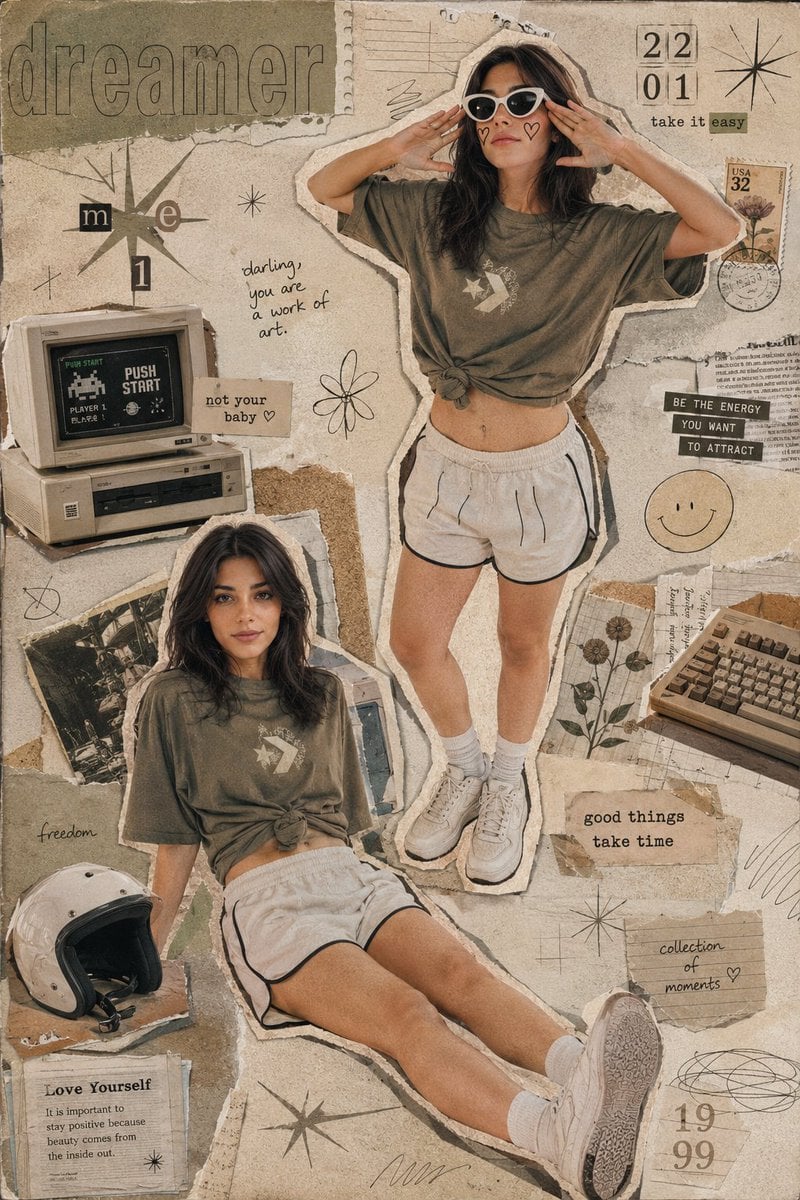
Y2K Retro Scrapbook Collage Poster
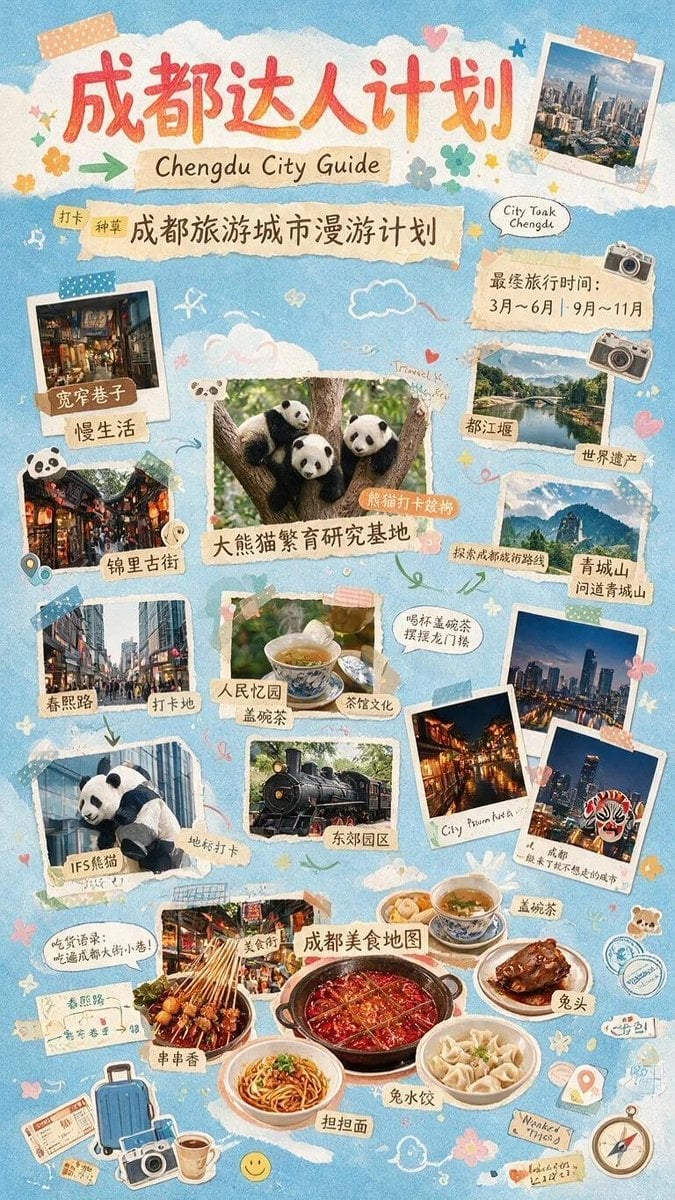
Chengdu Scrapbook Travel Guide Poster
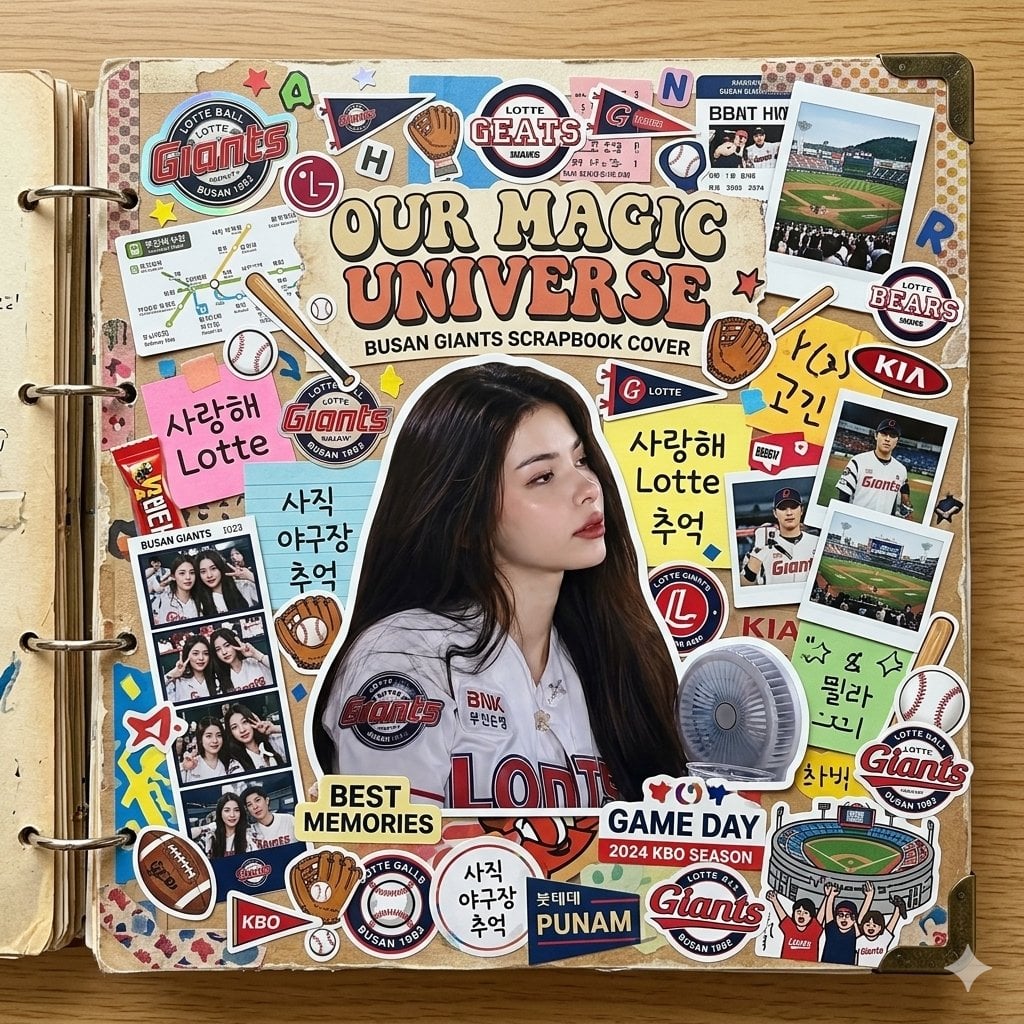
Scrapbook Cover Sticker Collage Effect
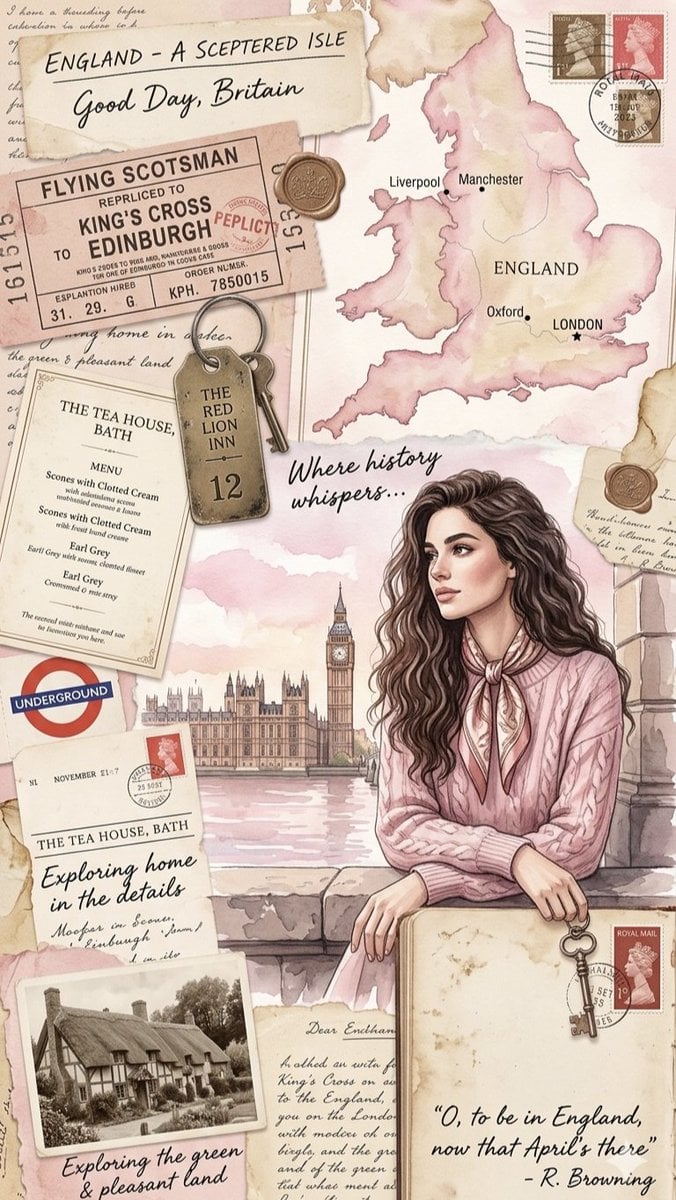
Vintage England Travel Scrapbook

Paper Cut Finale Fireworks

Paper Cut Garden Maze

Paper Cut Rooftop Concert

Paper Cut Bicycle Coast

Paper Cut Castle Gate
Make it yours
Nostalgic Travel Collage Scrapbook works as-is. These are the safest ways to change it without losing the look.
Change one field
Copy a single group, rewrite it, and generate again so you can see what that field is doing.
Keep the frame, change the subject
Hold the composition and light of Nostalgic Travel Collage Scrapbook, then swap wardrobe, props or the person for a new take.
| If the result… | Why | Fix |
|---|---|---|
| The result drifts from the preview | Too many fields changed at once. | Reuse Nostalgic Travel Collage Scrapbook as-is first, then change one group — subject, light, or setting. |
| The model over-stylizes the scene | The prose prompt leaves finish and camera underspecified. | Add one camera or lighting sentence and stay on GPT Image 2. |
More GPT Image 2 templates
Other prompts made for GPT Image 2.

Six VTuber Japanese Logo Sheet

Realistic Portrait of Woman and Deer

The Vista Modular Condo Poster

AI Model Routing Comparison Infographic

2.5D Anime Art Board

Isometric Productivity Desk Scene

New York Double Exposure Poster

Four-Panel AI Landscape Comparison

Japanese Tatami Lifestyle Magazine Cover

NESCAFÉ Coffee Map Poster
More image prompts
Fresh picks from across the catalog.
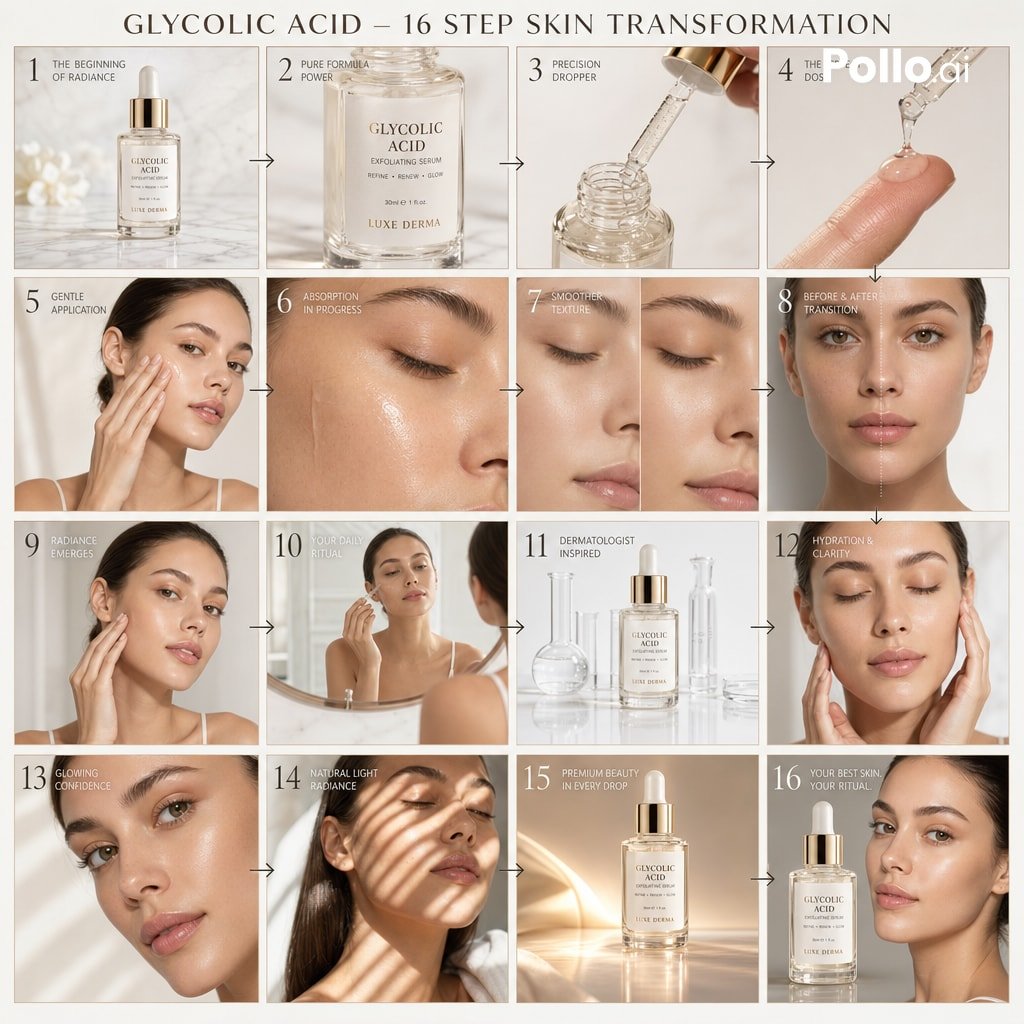
Luxury Skincare Ad Storyboard
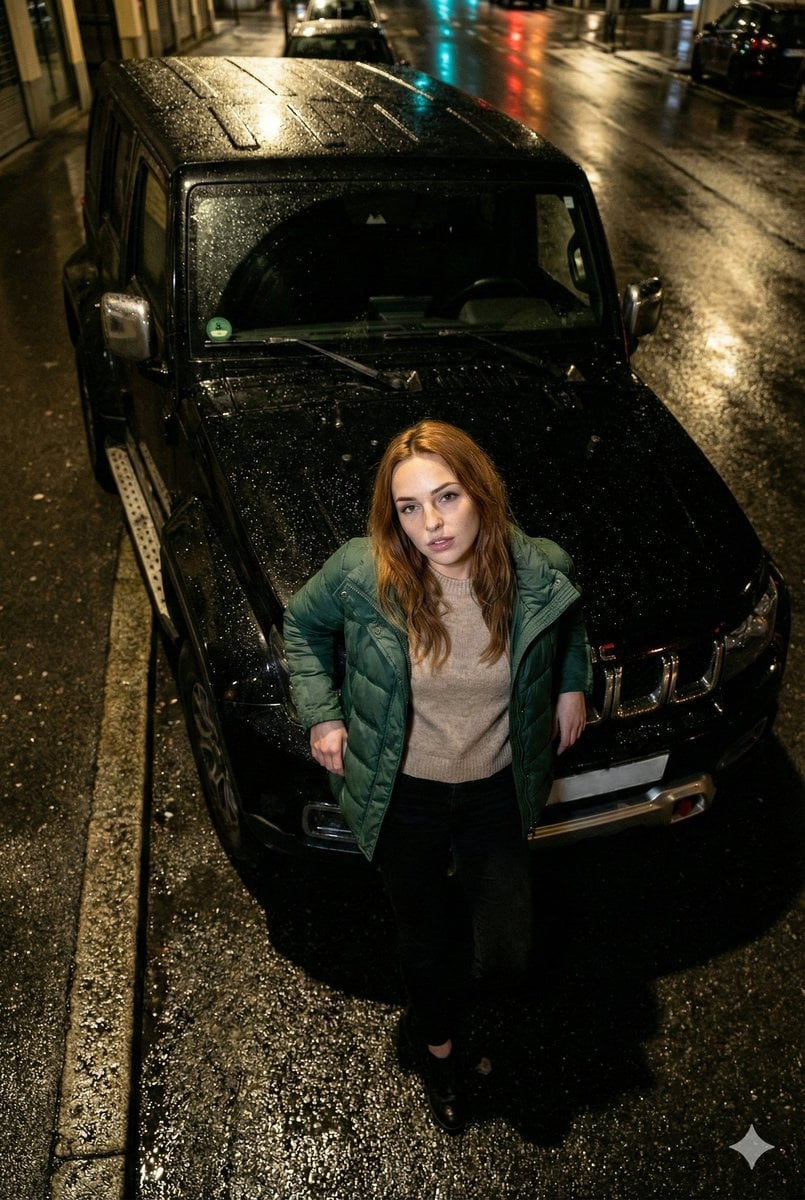
High-Angle Flash Photo on SUV Hood at Night
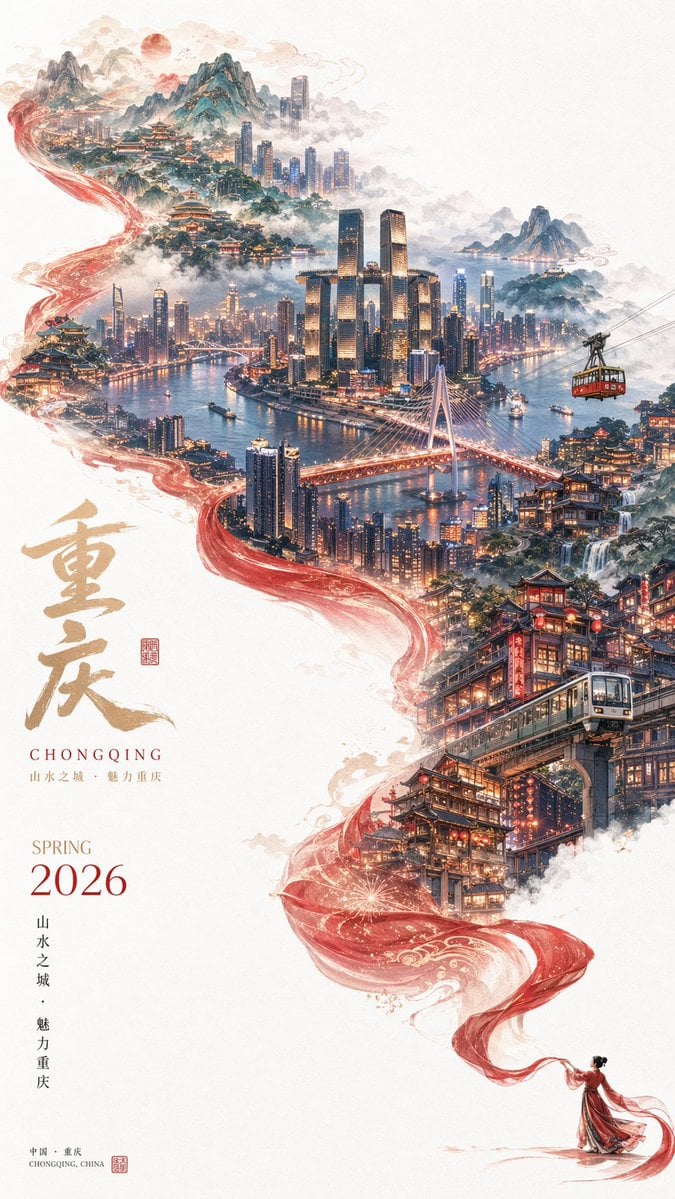
Surreal Cityscape Travel Poster
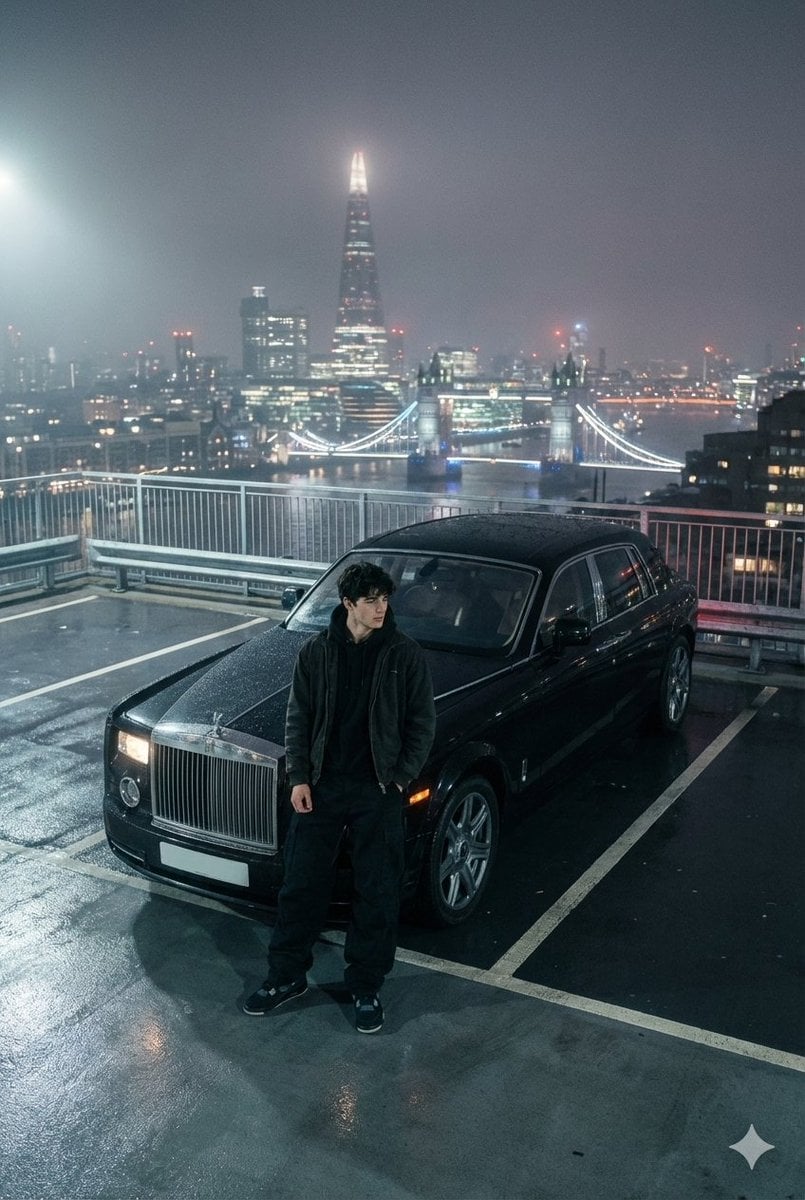
Moody London Rooftop Fashion Editorial
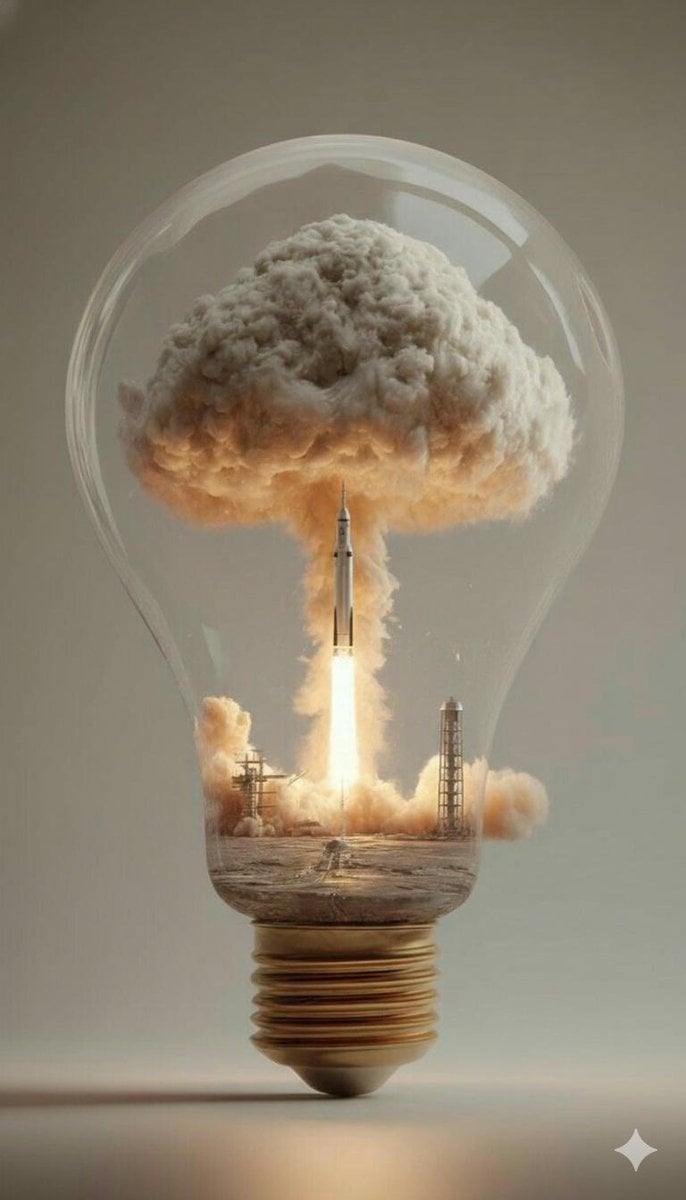
Surreal Rocket Launch in a Lightbulb
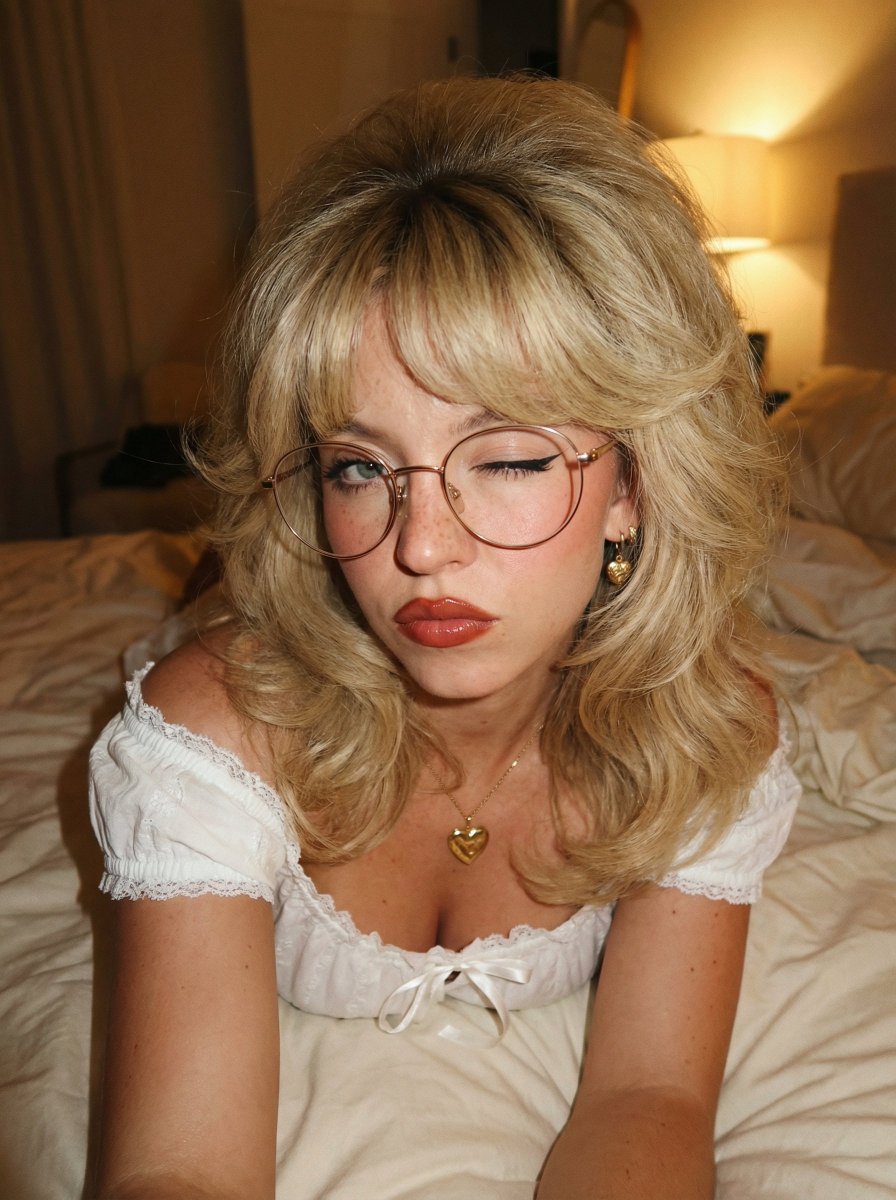
Retro 70s Coquette Selfie Portrait
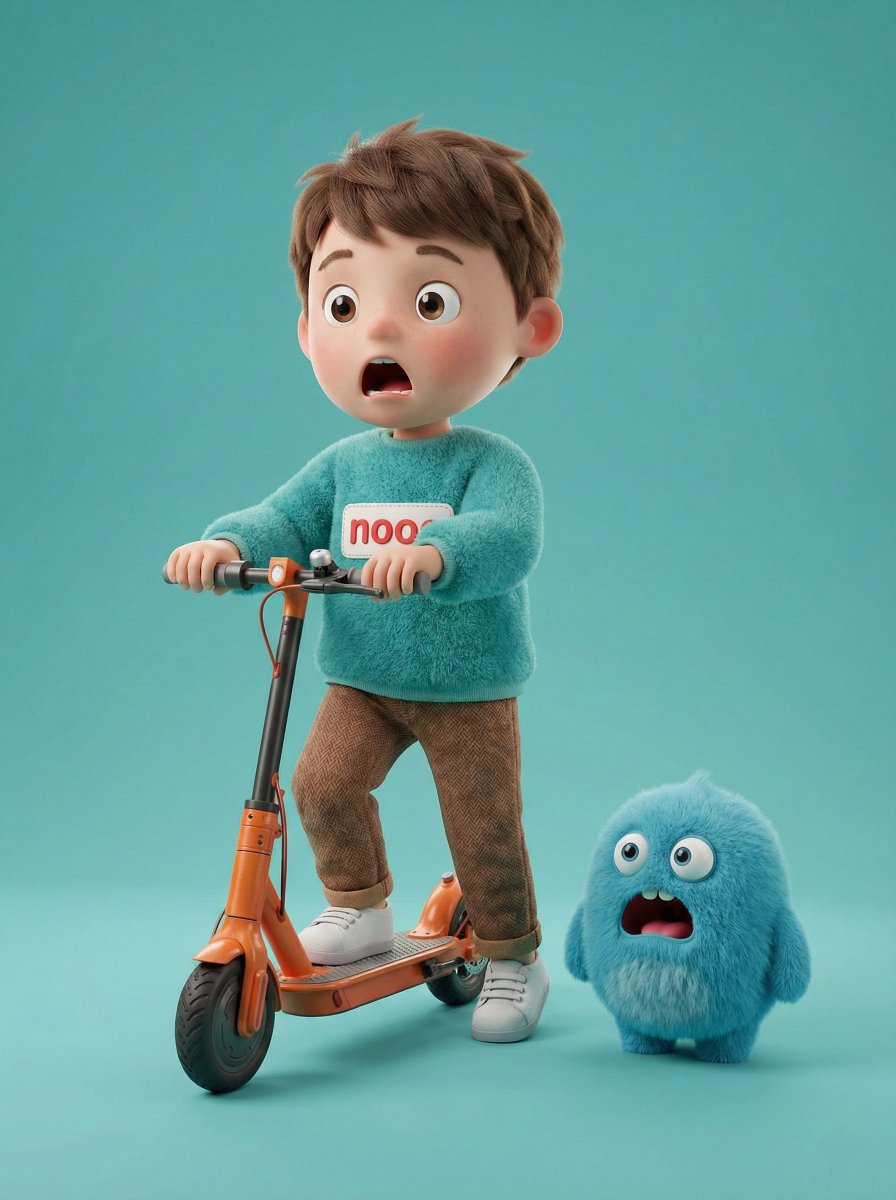
3D Render of Boy and Furry Monster on Scooter
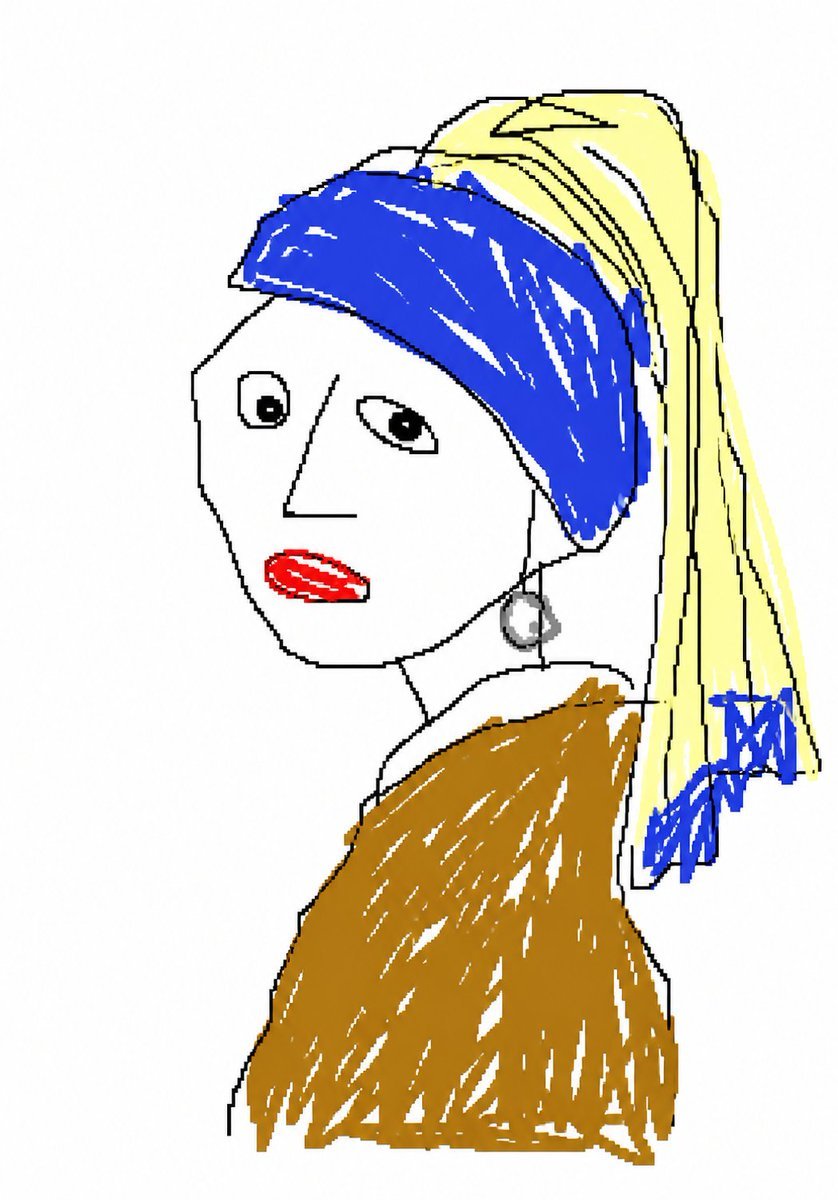
MS Paint Doodle Remake
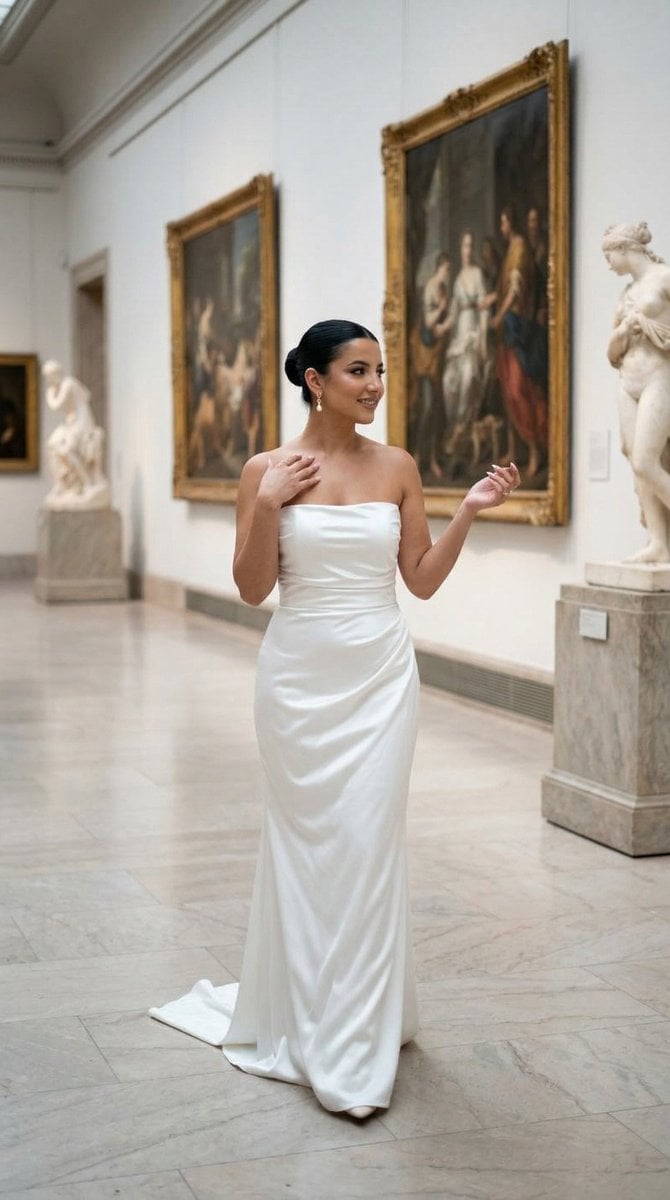
Nano Banana - Dancing Carefree Paris
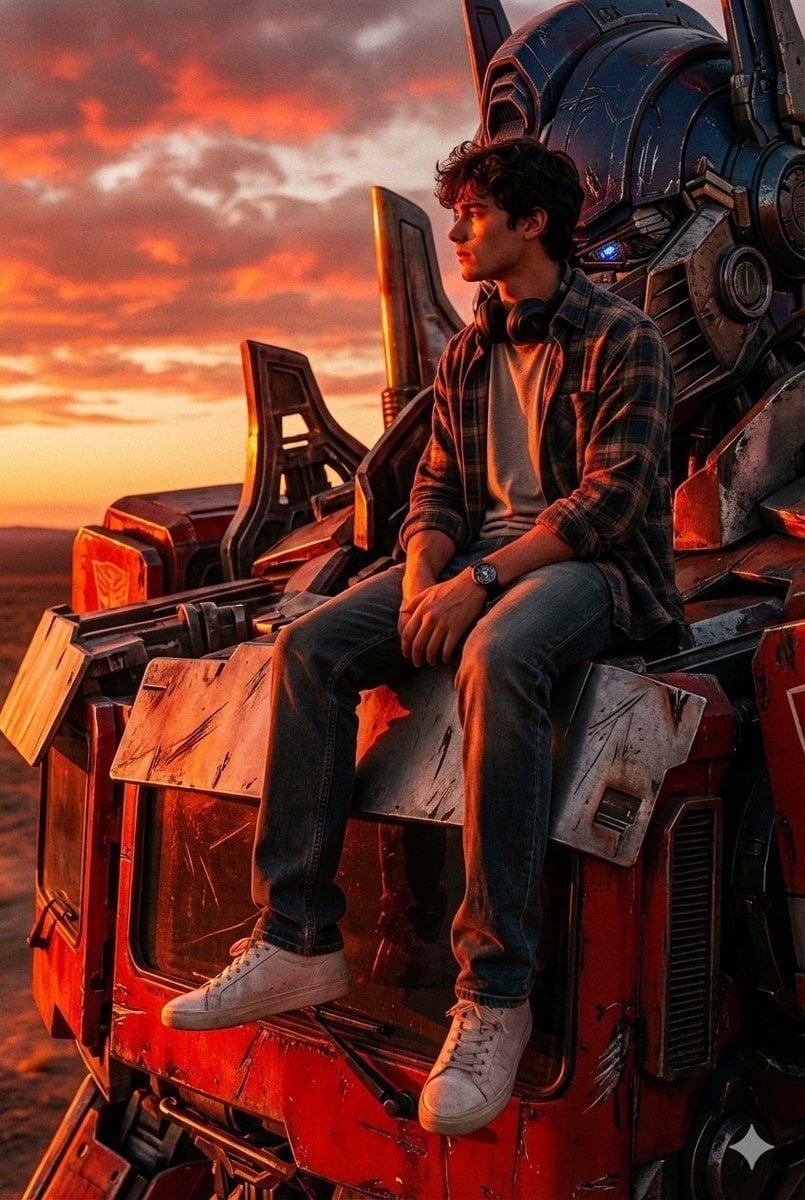
Colossal Optimus Prime and Human Cinematic Photo Prompt
Browse template categories
Nostalgic Travel Collage Scrapbook questions
How do I use the Nostalgic Travel Collage Scrapbook template?
Add your photo if the template asks for one, edit the prompt if you like — the template's model and format are already selected — and press Generate. Your version opens in PicX Studio.
Can I customize the Nostalgic Travel Collage Scrapbook template?
Yes. You can change the subject, setting, lighting, mood, format, and available model controls before creating your image.
Is the Nostalgic Travel Collage Scrapbook template free?
Opening and editing this template is free. Generating uses credits, shown on the Generate button when you are signed in.
Which AI model should I use?
Start with GPT Image 2, which is the model associated with this template. You can compare another compatible model for a different finish.
Looking for something else? Browse all templates.

Your photo, any look
Thousands of ready templates for every top image and video model, from one credit balance.