
Dusk Sky Feather Poster
Generates a minimalist double-exposure gallery poster that transforms a dusk utility-line sky photo into a large feather silhouette while preserving the original scene above.
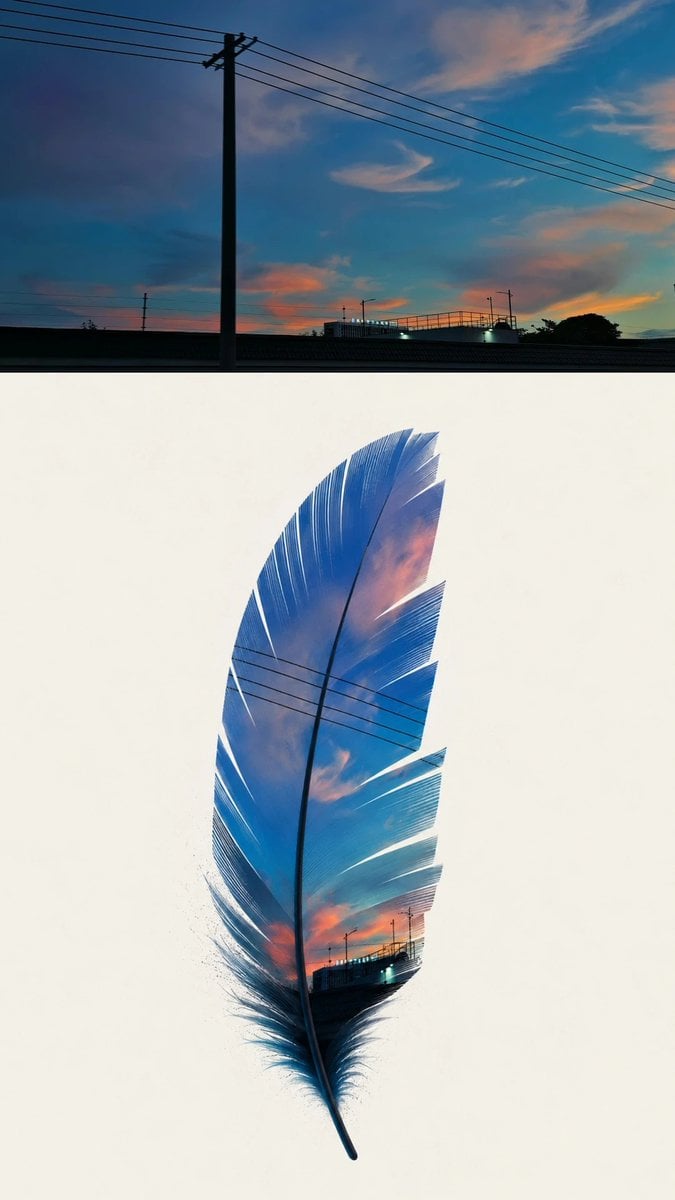
- Prompt included
- Model and format preset
- Free template
The prompt behind this image
Copy the exact prompt behind Dusk Sky Feather Poster, or open it in the studio and make it yours.
Create a vertical gallery-grade poster from a source-like everyday scene: a dusk city-sky photograph with deep blue sky, teal-to-cyan gradients, soft orange-pink clouds, black utility pole silhouettes, multiple diagonal power lines, a low bridge or rooftop horizon, and tiny streetlights. Compose the image as a before-and-after poster: the top 30% is a wide rectangular strip showing the original unedited photo, with one tall black utility pole slightly left of center, exactly 5 prominent diagonal power lines crossing the sky from upper left to upper right, a dark horizontal bridge line near the bottom, and warm sunset clouds. The bottom 70% is a clean warm-white gallery background containing one large centered feather silhouette, vertical and slightly curved, filled with the same sky photo textures so the original scene remains visibly embedded inside the feather. The feather must have a dark central quill running from bottom tip to near the top, fine barbs along both sides, delicate cut slits and misaligned sliced gaps, and the same diagonal power lines continuing through the feather interior. Use the photo’s strongest visual features only: blue sky gradient, orange cloud patches, black linework from power cables, dark horizon silhouettes, small light spots, and edge flow. Keep the feather abstract and photographic, not a realistic bird feather illustration; avoid plain animal silhouettes, avoid cartoon style, avoid full redraw, avoid extra objects, avoid text, avoid watermark. Overall style: minimalist framed art print, high contrast, subtle film grain, crisp negative space, elegant double-exposure collage. Use {argument name="silhouette subject" default="a single feather"}, {argument name="source scene" default="dusk city sky with utility poles and power lines"}, {argument name="background color" default="warm white"}, {argument name="primary colors" default="deep blue, cyan, teal, orange-pink"}, and {argument name="poster layout" default="top original-photo strip with large transformed silhouette below"}.
How to use Dusk Sky Feather Poster in 3 steps
- 1Upload ImagePNG, JPG or paste
Add your photo
Upload the photo the template builds on. The prompt, model and format are already set.
- 2…a portrait of your subject in softgolden-hour light, 85mm…
Personalize
Edit the subject and creative details for your destination.
- 3Generate
Generate
Press Generate — your image is created in PicX Studio, so you can compare it with the original and refine one variable at a time.
More like this
Templates with the same subject, style or setup. Open one to see its prompt.
Skyscraper Symbiote Ascent Vertical Poster

Gpt2 Infographic Edu Visual Biomimetic Skyray Aircraft Poster

Japan Travel Brochure Poster

Cartoon TV Show Poster Pack

Trendy Cafe Drink Promo Poster

Urban Fashion Editorial Collage Streetwear Poster

Premium Fashion Editorial Cover Layout System

Polo Ralph Lauren Luxury American Heritage Fashion Campaign

Monochrome Halftone Editorial Fashion Poster

Retro Mirror Luxury Fashion Campaign Poster

Luxury Fashion Campaign Typography Poster System

Premium Fashion Editorial Campaign Poster System
Make it yours
Dusk Sky Feather Poster works as-is. These are the safest ways to change it without losing the look.
Change one field
Copy a single group, rewrite it, and generate again so you can see what that field is doing.
Keep the frame, change the subject
Hold the composition and light of Dusk Sky Feather Poster, then swap wardrobe, props or the person for a new take.
| If the result… | Why | Fix |
|---|---|---|
| The result drifts from the preview | Too many fields changed at once. | Reuse Dusk Sky Feather Poster as-is first, then change one group — subject, light, or setting. |
| The model over-stylizes the scene | The prose prompt leaves finish and camera underspecified. | Add one camera or lighting sentence and stay on GPT Image 2. |
More GPT Image 2 templates
Other prompts made for GPT Image 2.

Six VTuber Japanese Logo Sheet

Realistic Portrait of Woman and Deer

The Vista Modular Condo Poster

AI Model Routing Comparison Infographic

2.5D Anime Art Board

Isometric Productivity Desk Scene

New York Double Exposure Poster

Four-Panel AI Landscape Comparison

Japanese Tatami Lifestyle Magazine Cover

NESCAFÉ Coffee Map Poster
More image prompts
Fresh picks from across the catalog.
Kimono Figure with Blue Umbrella
Emerald and Charcoal Mixed-Media Pop Realism Portrait Prompt
X Ohmuyi 那就来个歪头杀吧

Sunny Slice Anime Pizza Collab Ad
High-Contrast Studio Product Shot of Serum Bottle
Cyberpunk Runway Fashion Poster

Skin Comparison Portrait — Nano Banana Pro
Nighttime Italian Restaurant Portrait Prompt
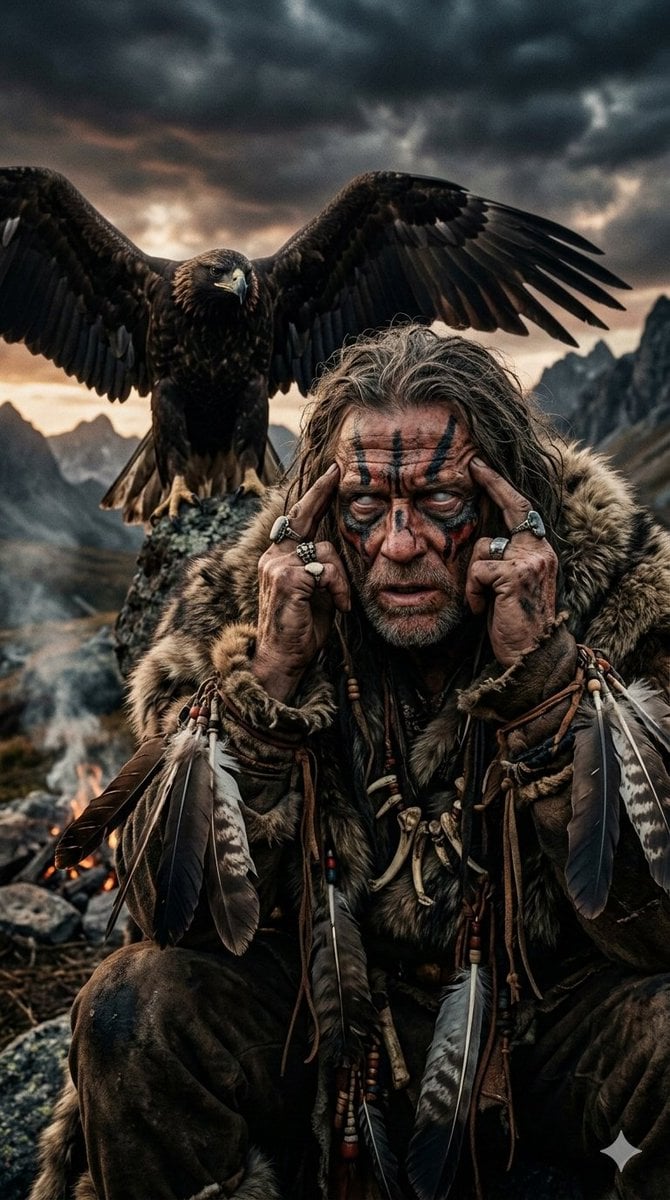
Prehistoric Shaman Bonded with Eagle Spirit
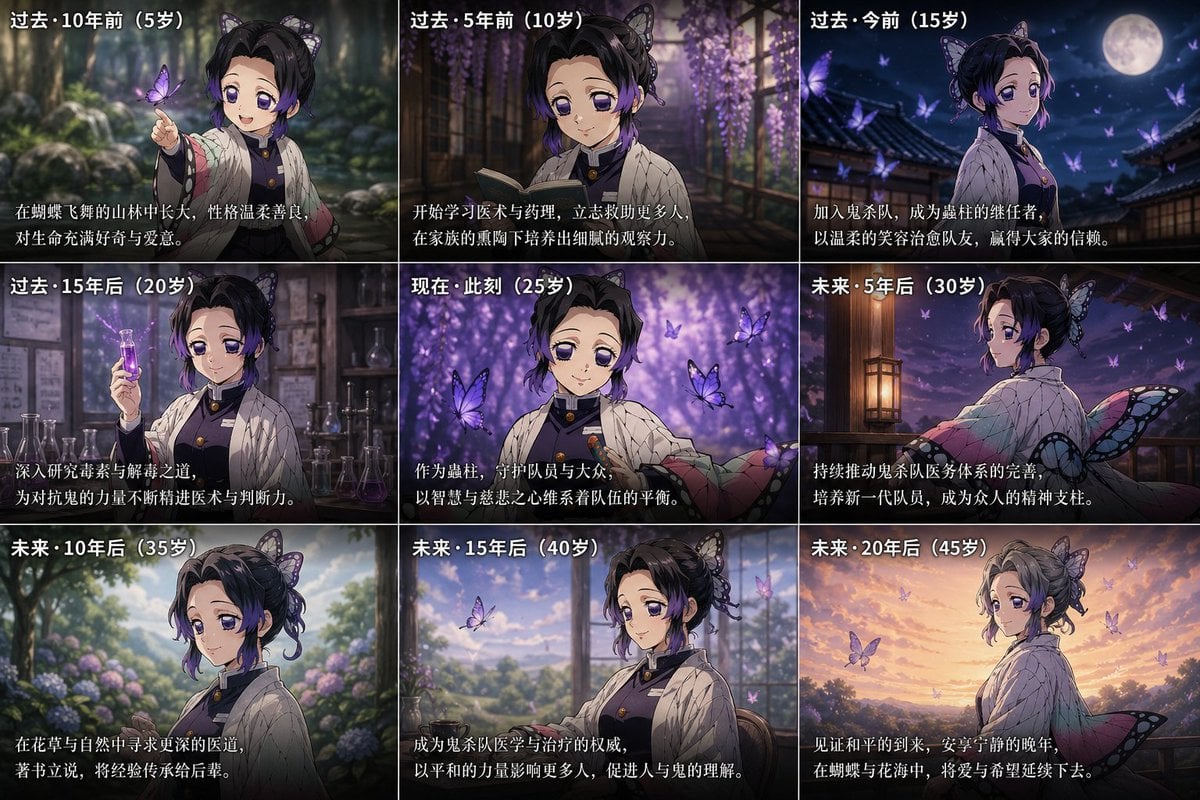
Life Story Grid Prompt
Browse template categories
Dusk Sky Feather Poster questions
How do I use the Dusk Sky Feather Poster template?
Add your photo if the template asks for one, edit the prompt if you like — the template's model and format are already selected — and press Generate. Your version opens in PicX Studio.
Can I customize the Dusk Sky Feather Poster template?
Yes. You can change the subject, setting, lighting, mood, format, and available model controls before creating your image.
Is the Dusk Sky Feather Poster template free?
Opening and editing this template is free. Generating uses credits, shown on the Generate button when you are signed in.
Which AI model should I use?
Start with GPT Image 2, which is the model associated with this template. You can compare another compatible model for a different finish.
Looking for something else? Browse all templates.

Your photo, any look
Thousands of ready templates for every top image and video model, from one credit balance.