
High-Contrast Studio Product Shot of Serum Bottle
A highly technical prompt for generating a high-contrast, photorealistic studio product shot of a cylindrical serum bottle.
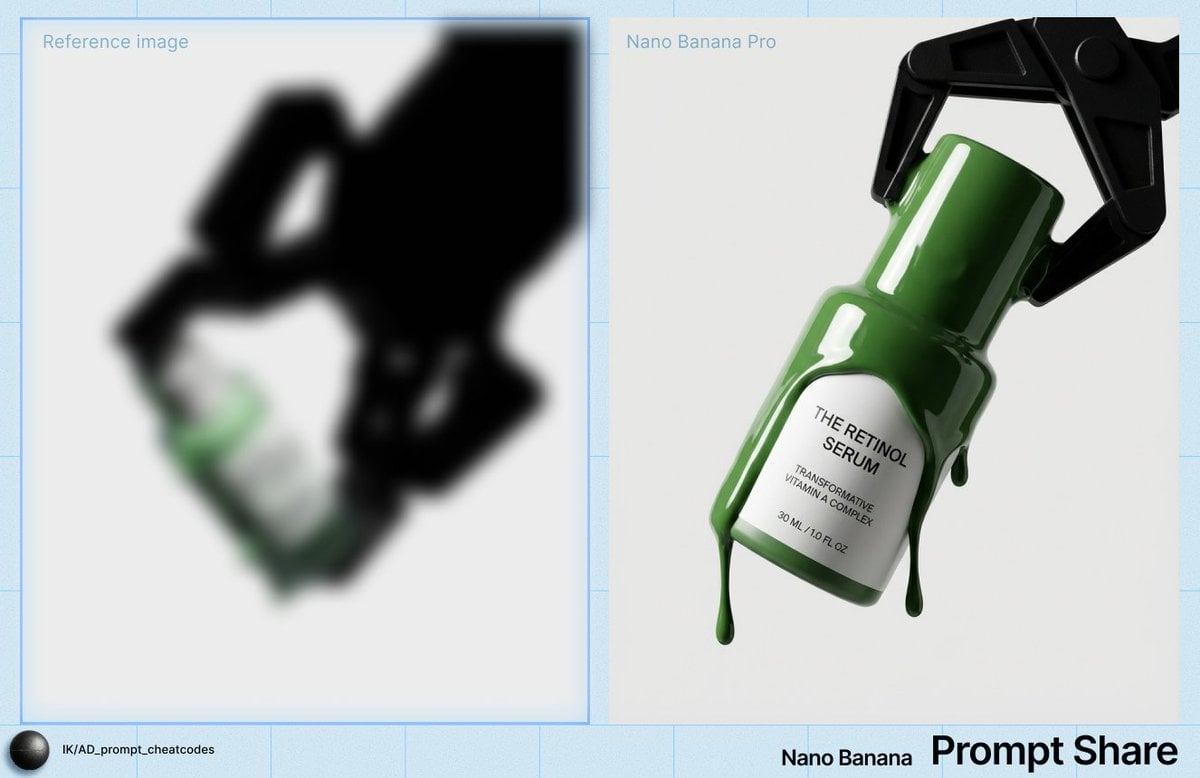
- Prompt included
- Model and format preset
- Free template
The prompt behind this image
Copy the exact prompt behind High-Contrast Studio Product Shot of Serum Bottle, or open it in the studio and make it yours.
IMAGE: A single cylindrical serum bottle is positioned slightly right of center in the frame, diagonally tilted from the upper right toward the lower left, creating a bottom-weighted composition with most visual mass concentrated in the lower middle of the image; the camera presents a three-quarter front view of the bottle, with the front label and a slight portion of its right side visible, viewed from slightly above eye level and angled downward, as if the camera is hovering just above the subject; the bottle appears suspended mid-air, gripped near its neck by a black mechanical clamp that enters from the upper right corner, partially cropped by the frame edge so that the top and rightmost portions of the clamp extend beyond the border; the bottle’s cylindrical body has rounded edges and a smooth, matte label surface, while the cap is also cylindrical with a flat top, and the entire form is oriented diagonally, pointing toward the lower left corner; thick, glossy {argument name="liquid color" default="green"} liquid coats the upper portion of the bottle and cap, forming viscous drips that curve downward under gravity, with rounded edges and reflective highlights indicating a semi-transparent, gel-like texture; the clamp consists of angular, geometric components—rectangular arms and jointed segments with sharp edges—forming a rigid, industrial silhouette around the bottle’s neck, its matte black surface absorbing most of the light and appearing nearly featureless; the environment is a seamless, uniform light-grey background with no visible horizon or texture, creating a clean, studio-like setting with no foreground or background objects besides the clamp and bottle; the camera perspective feels close to medium-close distance with minimal perspective distortion, suggesting a normal to slightly telephoto focal length; focus is sharp across both the clamp and the bottle, with no noticeable depth-of-field blur, giving the image a crisp, product-catalog clarity; lighting is hard and directional from the upper left, producing bright specular highlights along the bottle’s curved surface and the glossy green liquid, while casting deep, dense shadows across the clamp, which reads as a near-black silhouette; the light creates subtle reflections on the bottle’s smooth surfaces and accentuates the thickness of the dripping liquid; effects include high contrast between the white label, black clamp, and grey background, with clean edges, minimal visible grain, and a slightly stylized color grade that emphasizes the green liquid as the only saturated accent; the color palette is restrained—neutral grey background, black clamp, white label, and a vivid green liquid—creating a cool, clinical, high-contrast atmosphere; there is no visible haze, dust, or motion blur, and the scene appears entirely static and controlled. TEXT: Title: “{argument name="product title" default="THE RETINOL SERUM"}”; Body: “TRANSFORMATIVE VITAMIN A COMPLEX”; Other: “30 ML / 1.0 FL OZ”.
How to use High-Contrast Studio Product Shot of Serum Bottle in 3 steps
- 1
Open
The prompt is already in the box next to the preview, with the template's model and format selected.
- 2…a portrait of your subject in softgolden-hour light, 85mm…
Personalize
Edit the subject and creative details for your destination.
- 3Generate
Generate
Press Generate — your image is created in PicX Studio, so you can compare it with the original and refine one variable at a time.
More like this
Templates with the same subject, style or setup. Open one to see its prompt.

Stylized Fashion Portrait Bold Color Contrast Editorial

Soft Shadow Studio Minimalist Product Shot

Cappuccino Bottle Splash Product Ad
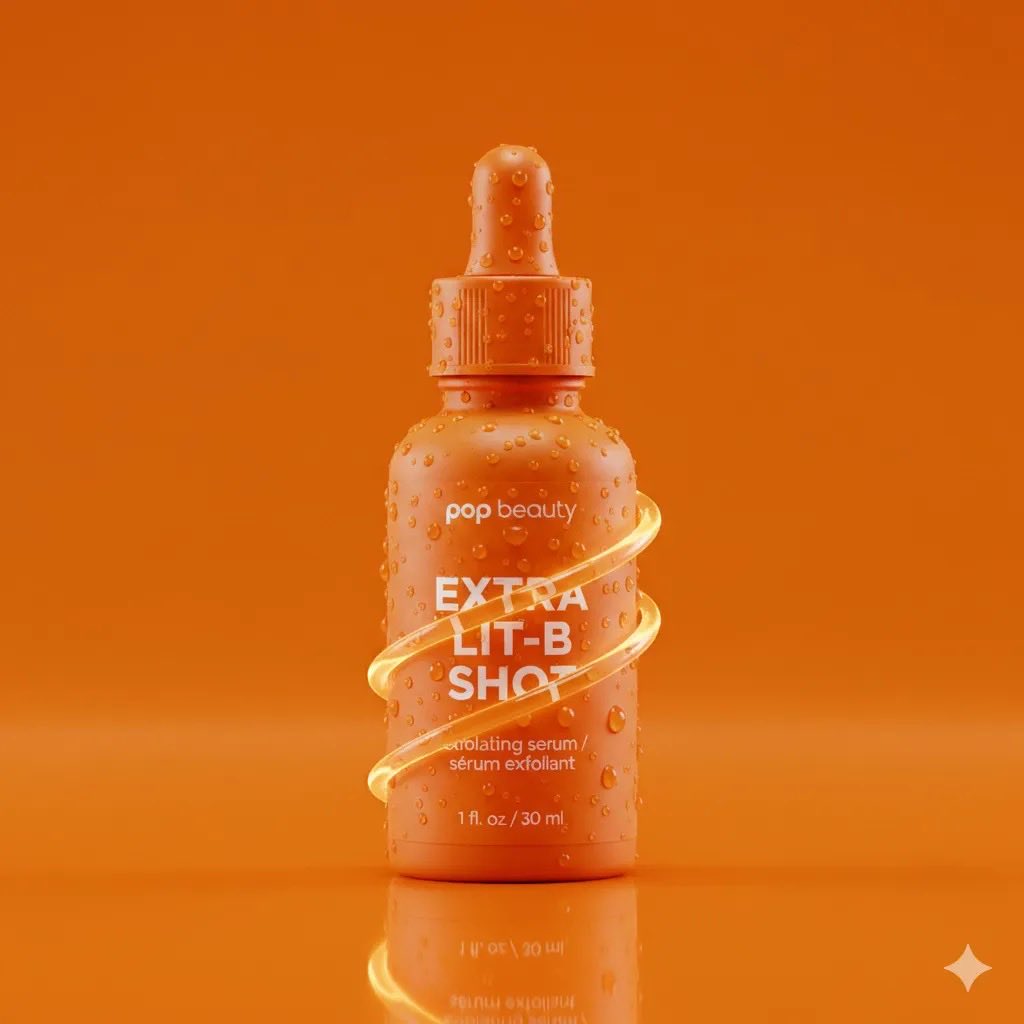
Product Photography Prompt: Orange Serum Bottle

80s Couple Studio Portrait

1985 Studio Portrait

A k.pop idol on the stage with mic

Dramatic High Contrast Studio Portrait

Trendy Cafe Drink Promo Poster

Japanese Architectural Concrete Studio Fashion Campaign

Cinematic Low-Angle Fashion Portrait Smoke Editorial
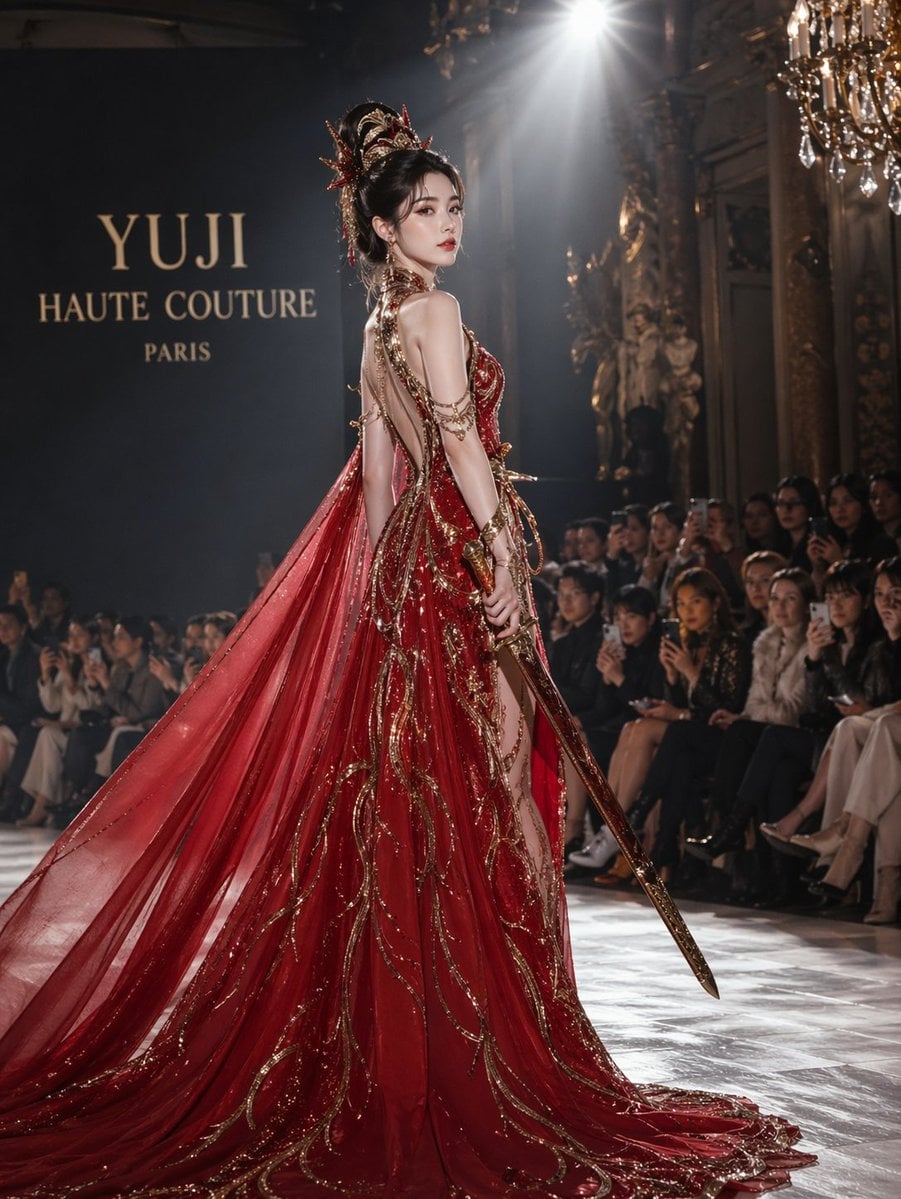
High-Fashion Bauhaus Geometric Cutout Editorial
Make it yours
High-Contrast Studio Product Shot of Serum Bottle works as-is. These are the safest ways to change it without losing the look.
Change one field
Copy a single group, rewrite it, and generate again so you can see what that field is doing.
Keep the frame, change the subject
Hold the composition and light of High-Contrast Studio Product Shot of Serum Bottle, then swap wardrobe, props or the person for a new take.
| If the result… | Why | Fix |
|---|---|---|
| The result drifts from the preview | Too many fields changed at once. | Reuse High-Contrast Studio Product Shot of Serum Bottle as-is first, then change one group — subject, light, or setting. |
| The model over-stylizes the scene | The prose prompt leaves finish and camera underspecified. | Add one camera or lighting sentence and stay on Nano Banana 2. |
More Nano Banana 2 templates
Other prompts made for Nano Banana 2.

Photorealistic Leaf Shaped Like a Dragon

K-Pop Idol Portrait Grid for Rapid Selection

Poetic Rain Forest Portrait During Golden Hour

Urban Street Portrait with Cartoon Inner Self Duo

Candid Nighttime Photo with Cat Prompt

High-Concept 3D Diorama Generation Prompt

Cinematic Futuristic Studio Portrait Template

Skincare Editorial Photography Collage Prompt

Hyper-Realistic Commercial Product Photography (Splash Effect)

Hyper-Realistic Nightclub Portrait Prompt
More image prompts
Fresh picks from across the catalog.
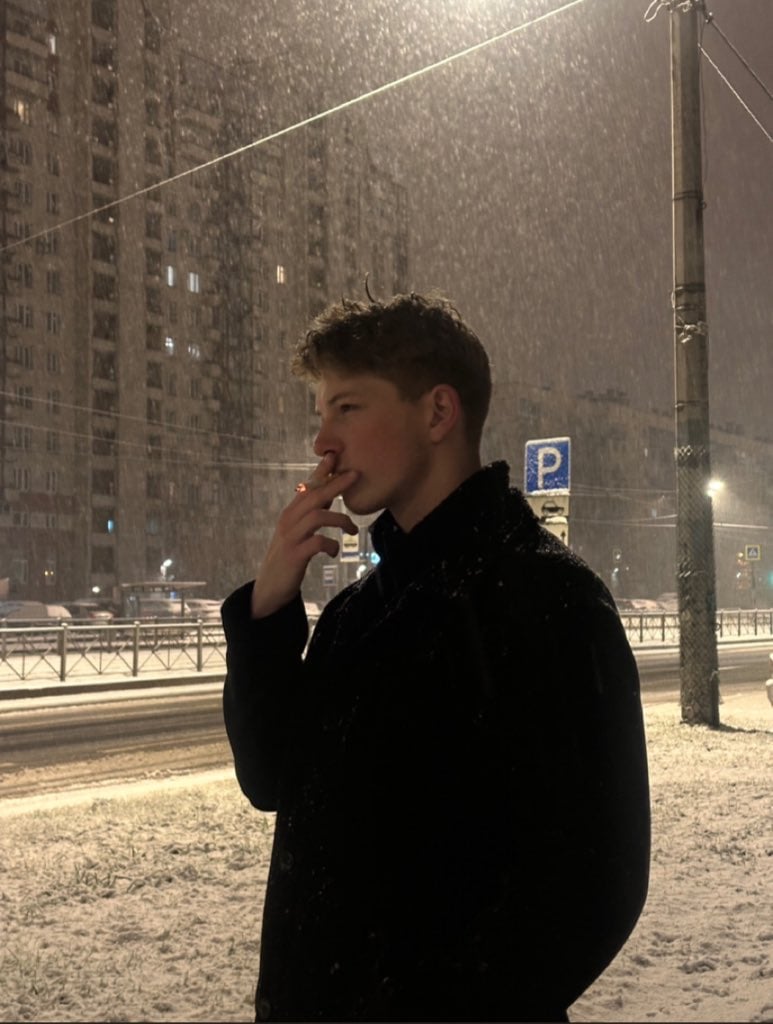
Photorealistic Night Portrait of Man Smoking in Snow
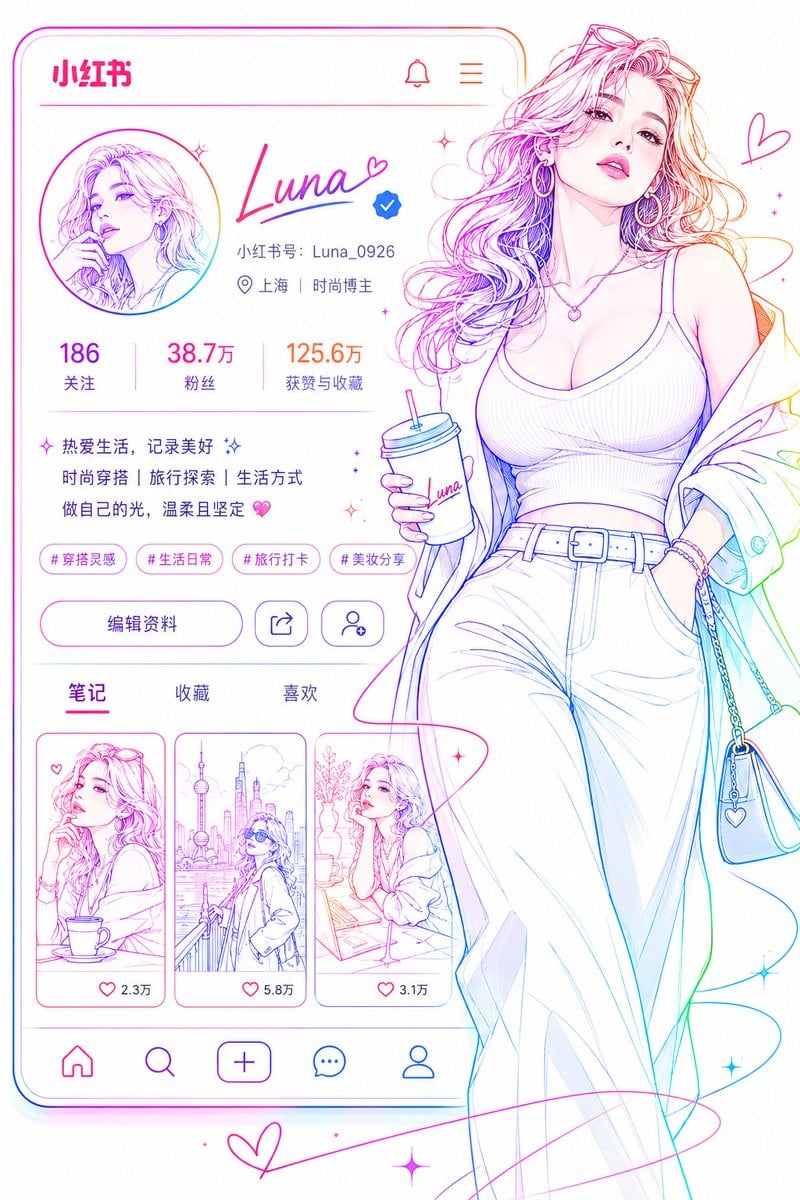
Social Media Profile Neon Line Art
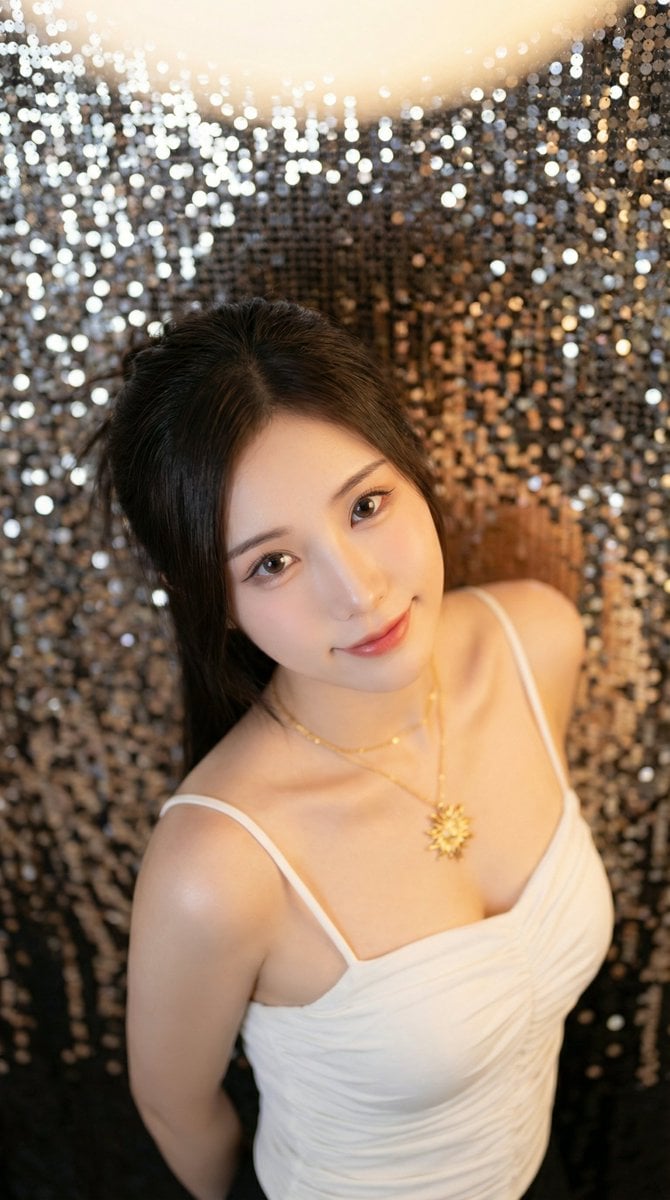
High-Angle Close-up Portrait with Mosaic Background
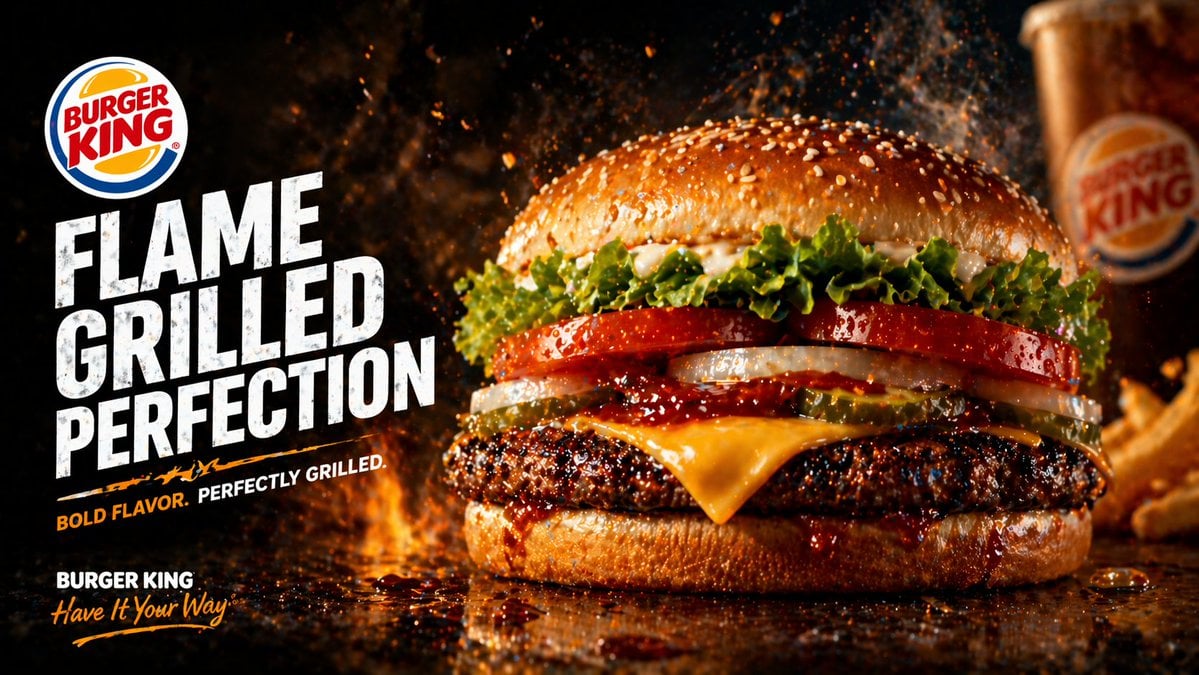
Flame-Grilled Burger Ad Poster
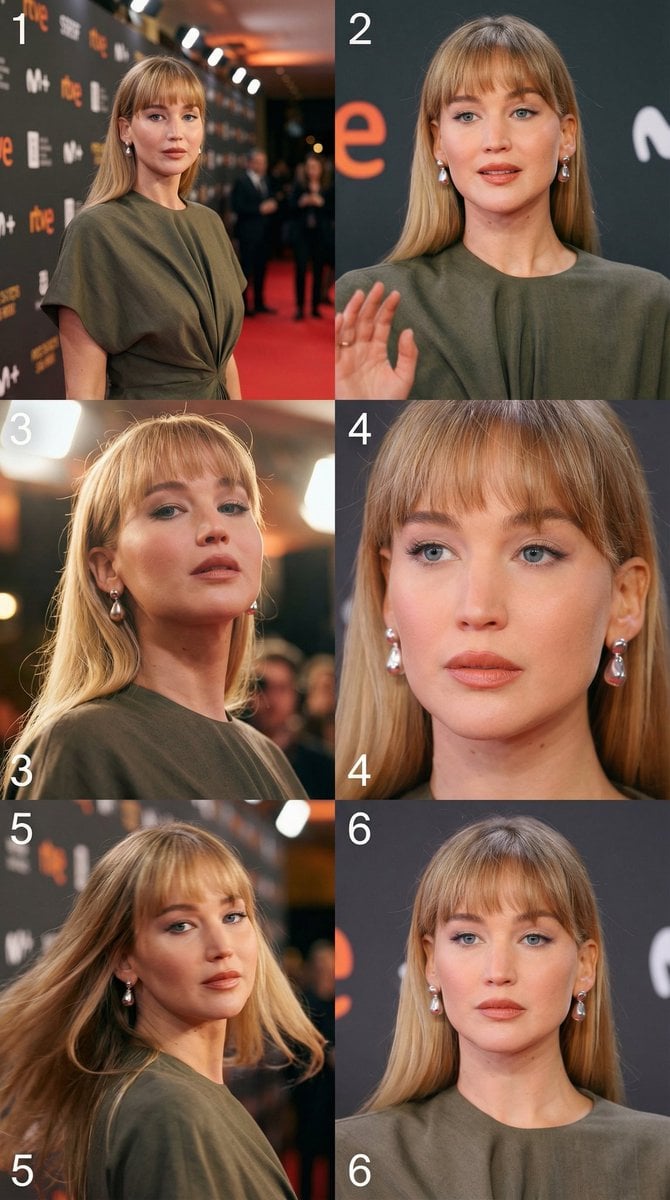
Cinematic 3x2 storyboard grid from a single image reference
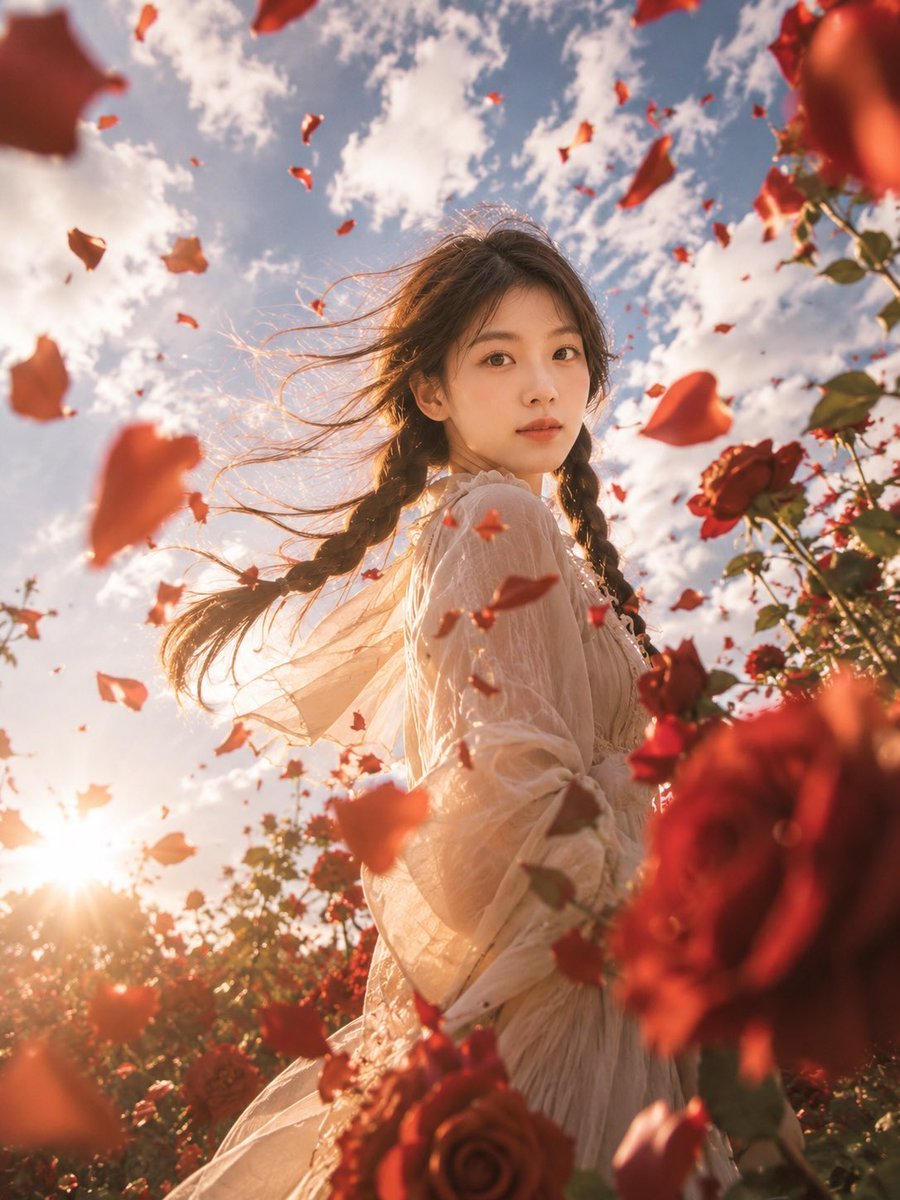
Windblown Rose Garden Portrait
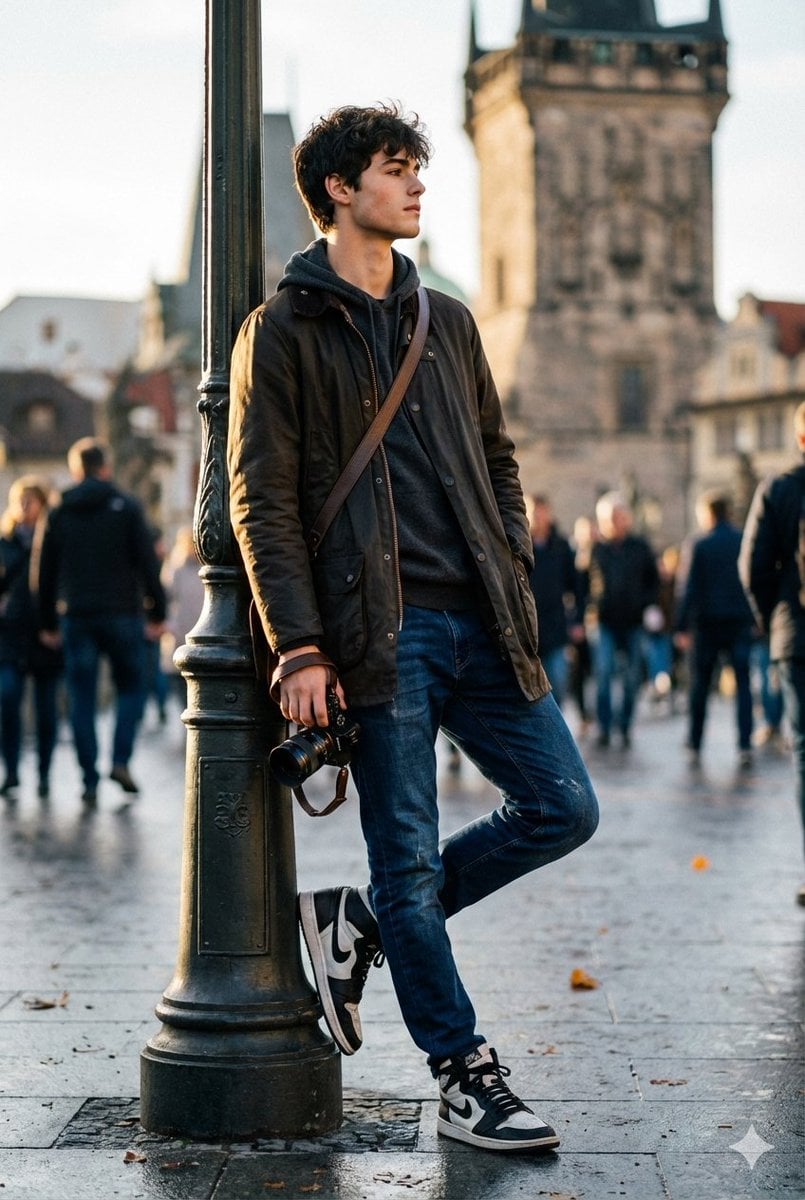
High-End Street Photography Transformation

Jirai-kei Girl with Claymore in Bamboo Forest
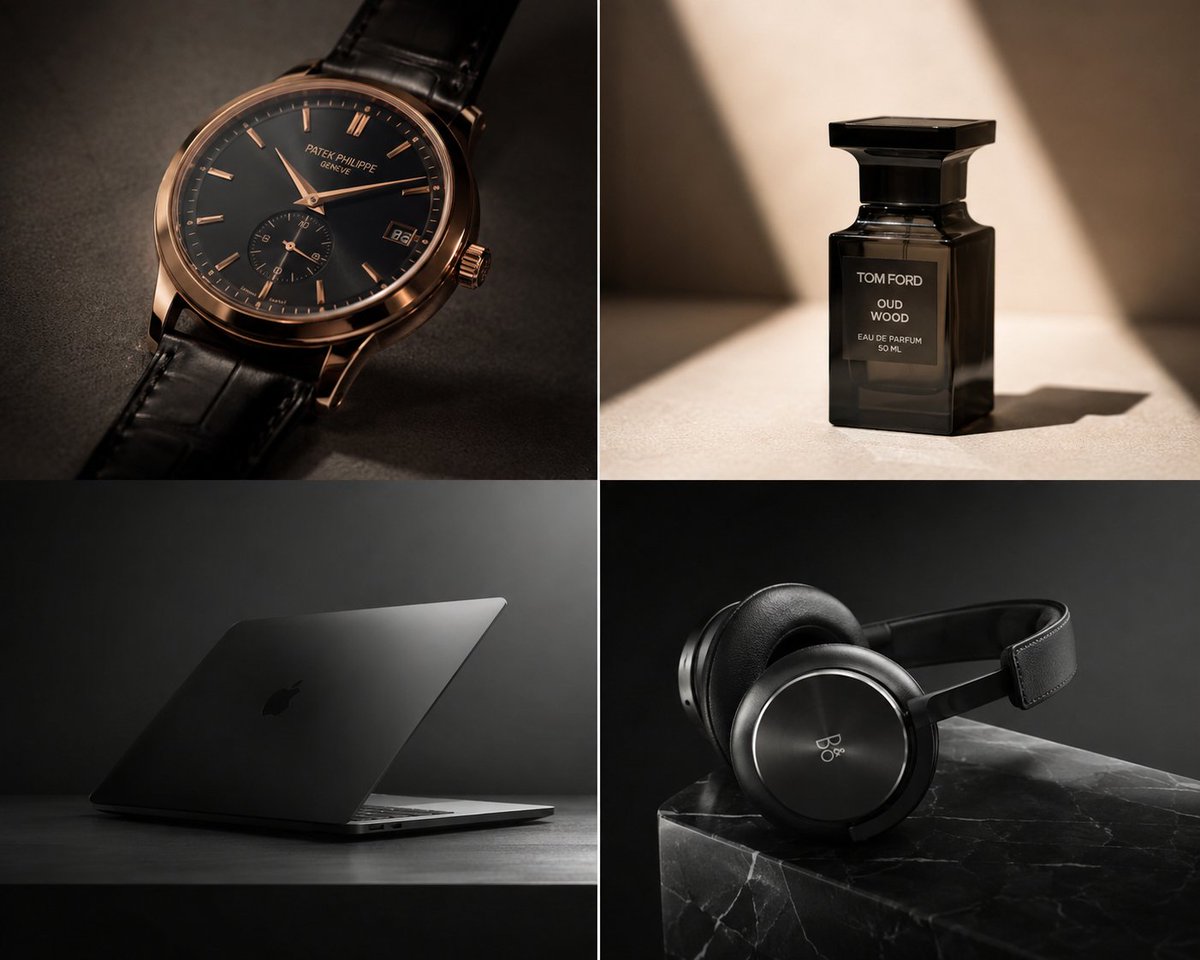
Premium Luxury Tech Editorial Style

Hāng to Lā (Good to Bad) Rating Infographic Prompt
Browse template categories
High-Contrast Studio Product Shot of Serum Bottle questions
How do I use the High-Contrast Studio Product Shot of Serum Bottle template?
Add your photo if the template asks for one, edit the prompt if you like — the template's model and format are already selected — and press Generate. Your version opens in PicX Studio.
Can I customize the High-Contrast Studio Product Shot of Serum Bottle template?
Yes. You can change the subject, setting, lighting, mood, format, and available model controls before creating your image.
Is the High-Contrast Studio Product Shot of Serum Bottle template free?
Opening and editing this template is free. Generating uses credits, shown on the Generate button when you are signed in.
Which AI model should I use?
Start with Nano Banana 2, which is the model associated with this template. You can compare another compatible model for a different finish.
Looking for something else? Browse all templates.

Your photo, any look
Thousands of ready templates for every top image and video model, from one credit balance.