
High-Angle Close-up Portrait with Mosaic Background
A structured JSON prompt for Nano Banana Pro focusing on a high-angle, close-up portrait of a young woman.
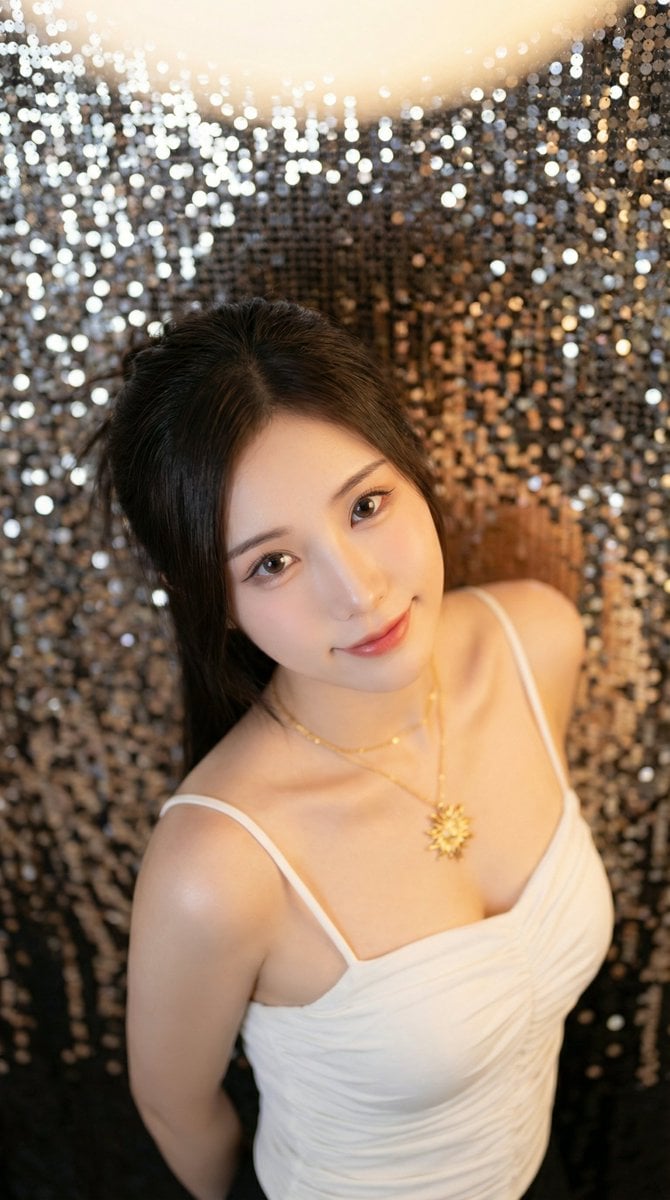
- Prompt included
- Model and format preset
- Free template
The prompt behind this image
Copy the exact prompt behind High-Angle Close-up Portrait with Mosaic Background, or open it in the studio and make it yours.
{ "colors": { "palette": [ "#1c1b21", "#f4ece0", "#d9bba2", "#8a7e73", "#a0a0a0" ], "dominant_colors": [ "silver", "off-white", "dark brown", "warm skin tone" ] }, "composition": { "layout": "High-angle close-up, looking down at subject.", "perspective": "Top-down, emphasizing her face and upper body against a blurred background.", "focal_point": "The woman's face, particularly her eyes and lips." }, "lighting": { "source": "Soft, directional light from the upper right.", "mood": "Intimate, warm, and sultry.", "qualities": "Creates soft shadows and highlights on her face and shoulders, emphasizing texture." }, "typography": { "present": false }, "effects": { "textures": "Reflective mosaic tiles, smooth skin, ribbed fabric.", "filters": "Warm color grading, soft focus on the background." }, "master_prompt": "A high-angle, close-up photograph of a young woman with {argument name="hair color" default="dark brown"} hair tied back, looking up at the camera with a gentle smile. She wears a {argument name="clothing type" default="white, textured, off-the-shoulder top"} and a delicate silver necklace. The background is a wall of small, reflective silver mosaic tiles, creating a shimmering effect. Soft, warm light from the upper right illuminates her face and shoulders. The focus is sharp on her eyes and lips, with a shallow depth of field." }
How to use High-Angle Close-up Portrait with Mosaic Background in 3 steps
- 1
Open
The prompt is already in the box next to the preview, with the template's model and format selected.
- 2…a portrait of your subject in softgolden-hour light, 85mm…
Personalize
Edit the subject and creative details for your destination.
- 3Generate
Generate
Press Generate — your image is created in PicX Studio, so you can compare it with the original and refine one variable at a time.
More like this
Templates with the same subject, style or setup. Open one to see its prompt.

Found Photograph: Us, 1970

80s Couple Studio Portrait

80s Bollywood Star

80s Golden Hour Cinema

Me in 1985

1985 Studio Portrait

Hyper-Realistic Minecraft POV Portrait

Rooftop Fisheye — Cat-Ear Balaclava at Golden Hour

Rainy Café Window Moody Portrait

Wide-Angle Dramatic Facial Close-up

untitled

2025 Aesthetic Photography
Make it yours
High-Angle Close-up Portrait with Mosaic Background works as-is. These are the safest ways to change it without losing the look.
Change one field
Copy a single group, rewrite it, and generate again so you can see what that field is doing.
Keep the frame, change the subject
Hold the composition and light of High-Angle Close-up Portrait with Mosaic Background, then swap wardrobe, props or the person for a new take.
| If the result… | Why | Fix |
|---|---|---|
| The result drifts from the preview | Too many fields changed at once. | Reuse High-Angle Close-up Portrait with Mosaic Background as-is first, then change one group — subject, light, or setting. |
| The model over-stylizes the scene | The prose prompt leaves finish and camera underspecified. | Add one camera or lighting sentence and stay on Nano Banana 2. |
More Nano Banana 2 templates
Other prompts made for Nano Banana 2.

Photorealistic Leaf Shaped Like a Dragon

K-Pop Idol Portrait Grid for Rapid Selection

Poetic Rain Forest Portrait During Golden Hour

Urban Street Portrait with Cartoon Inner Self Duo

Candid Nighttime Photo with Cat Prompt

High-Concept 3D Diorama Generation Prompt

Cinematic Futuristic Studio Portrait Template

Skincare Editorial Photography Collage Prompt

Hyper-Realistic Commercial Product Photography (Splash Effect)

Hyper-Realistic Nightclub Portrait Prompt
More image prompts
Fresh picks from across the catalog.
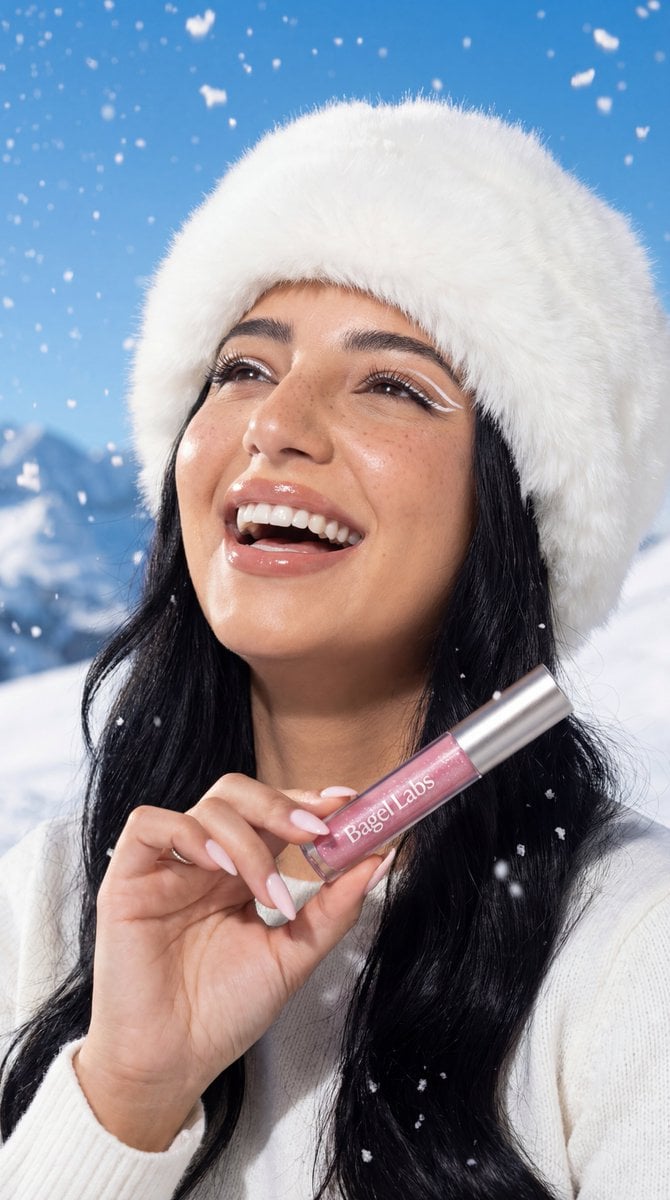
Ultra-Photorealistic Winter Beauty Ad Product Replacement
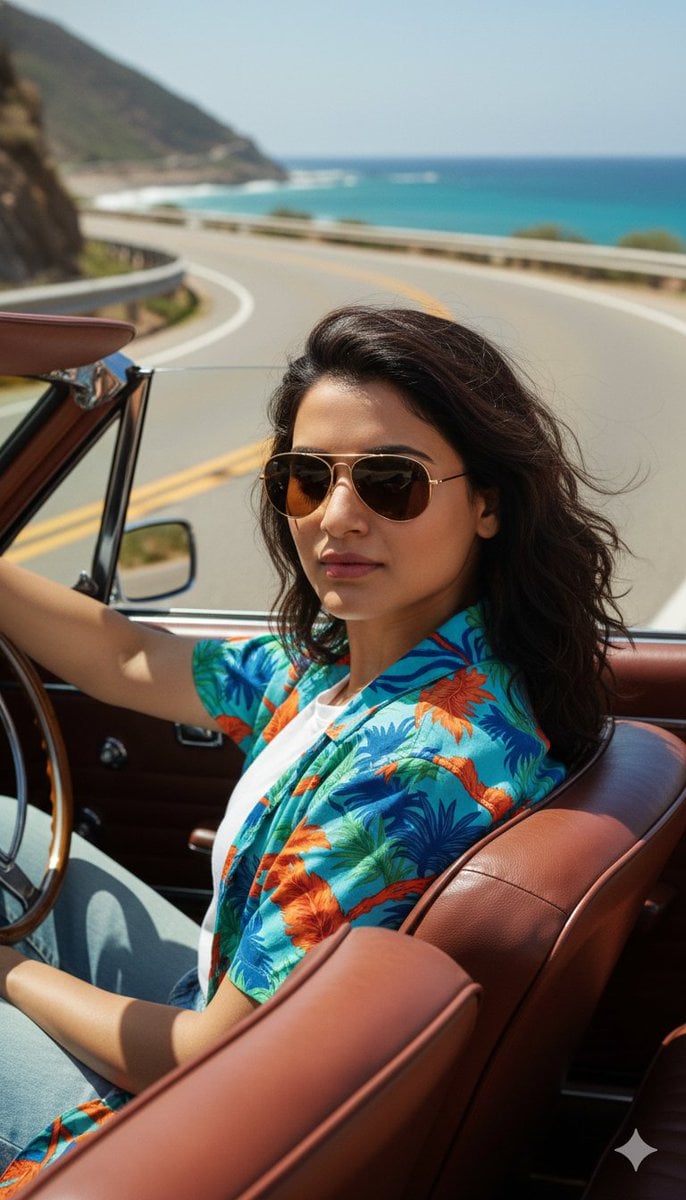
Cinematic Portrait of Man Driving Vintage Convertible
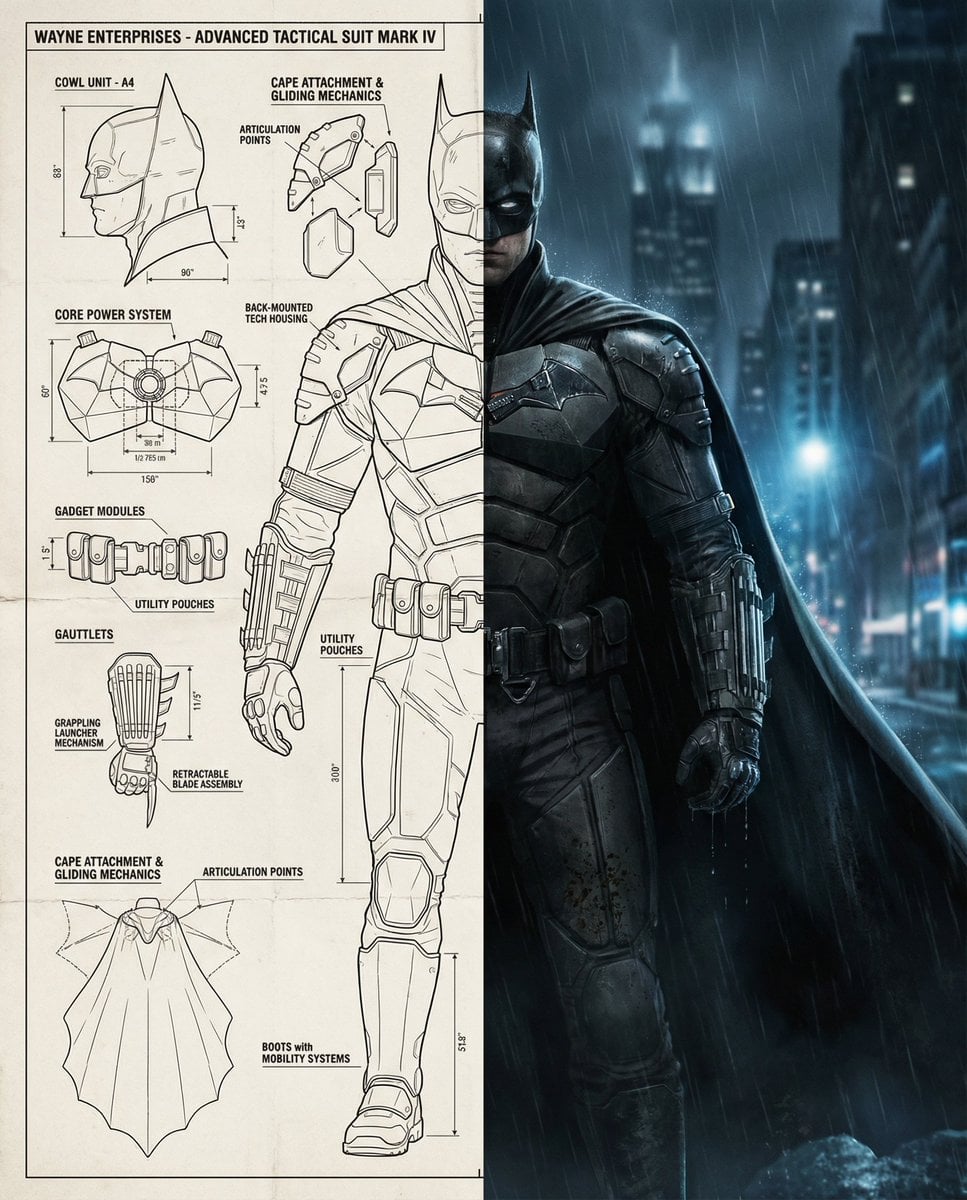
Split-Screen Cinematic Batman Blueprint
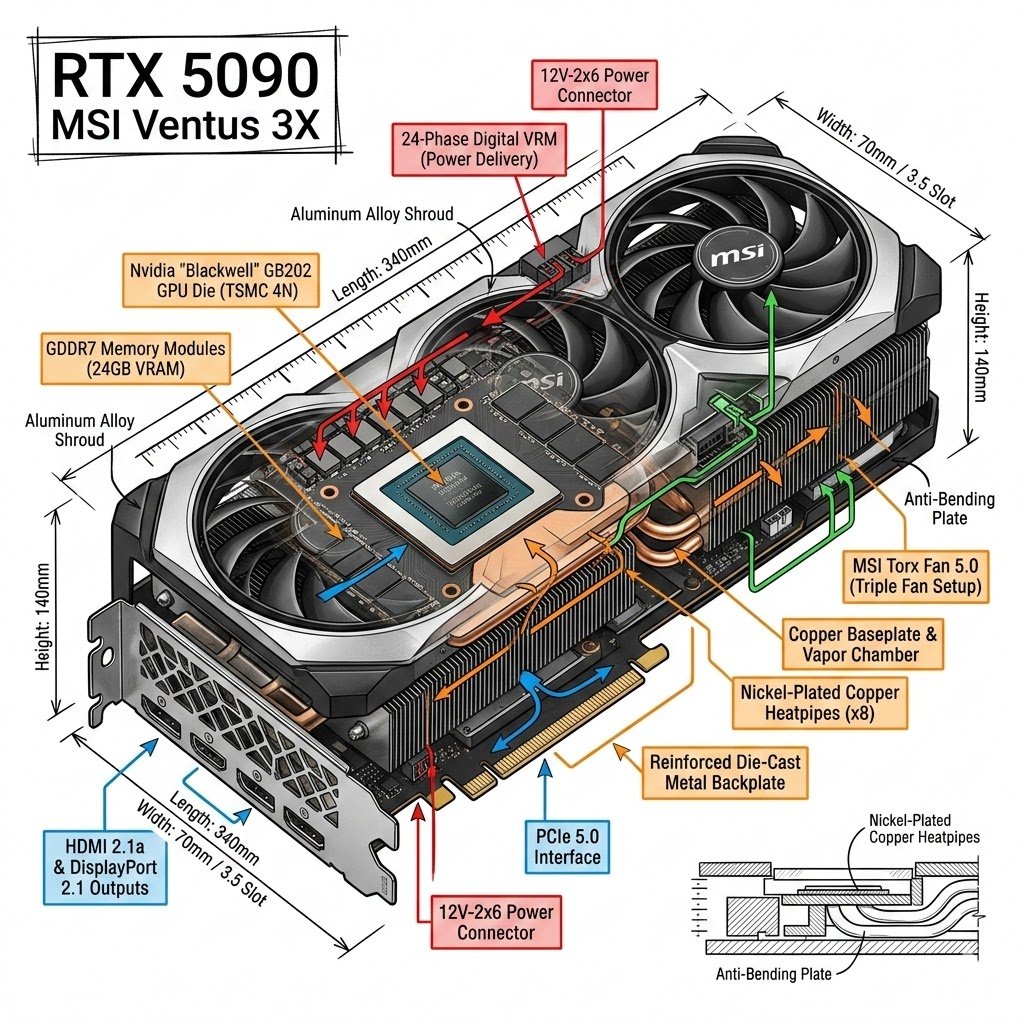
Infographic Style Image Generation Prompt for Nano Banana 2
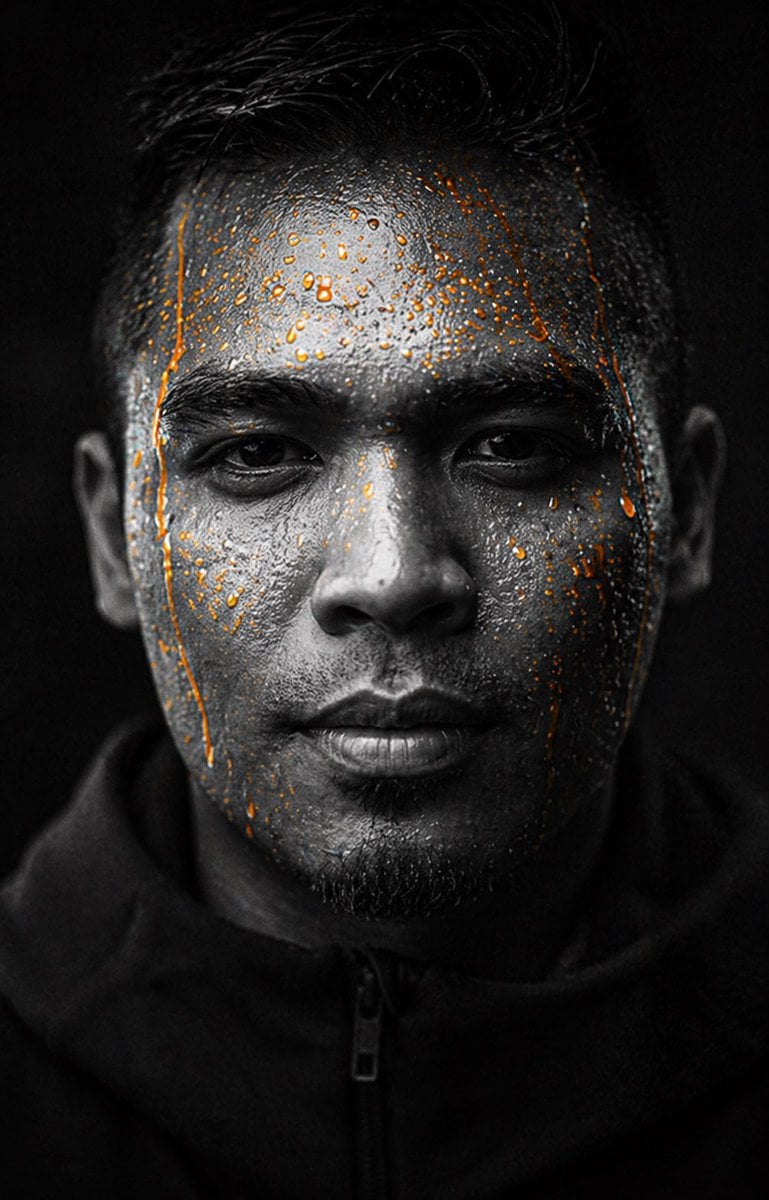
Gpt2 Profile Avatar Dark Gatorade Style Portrait

Cute chibi cat-eared girl illustration
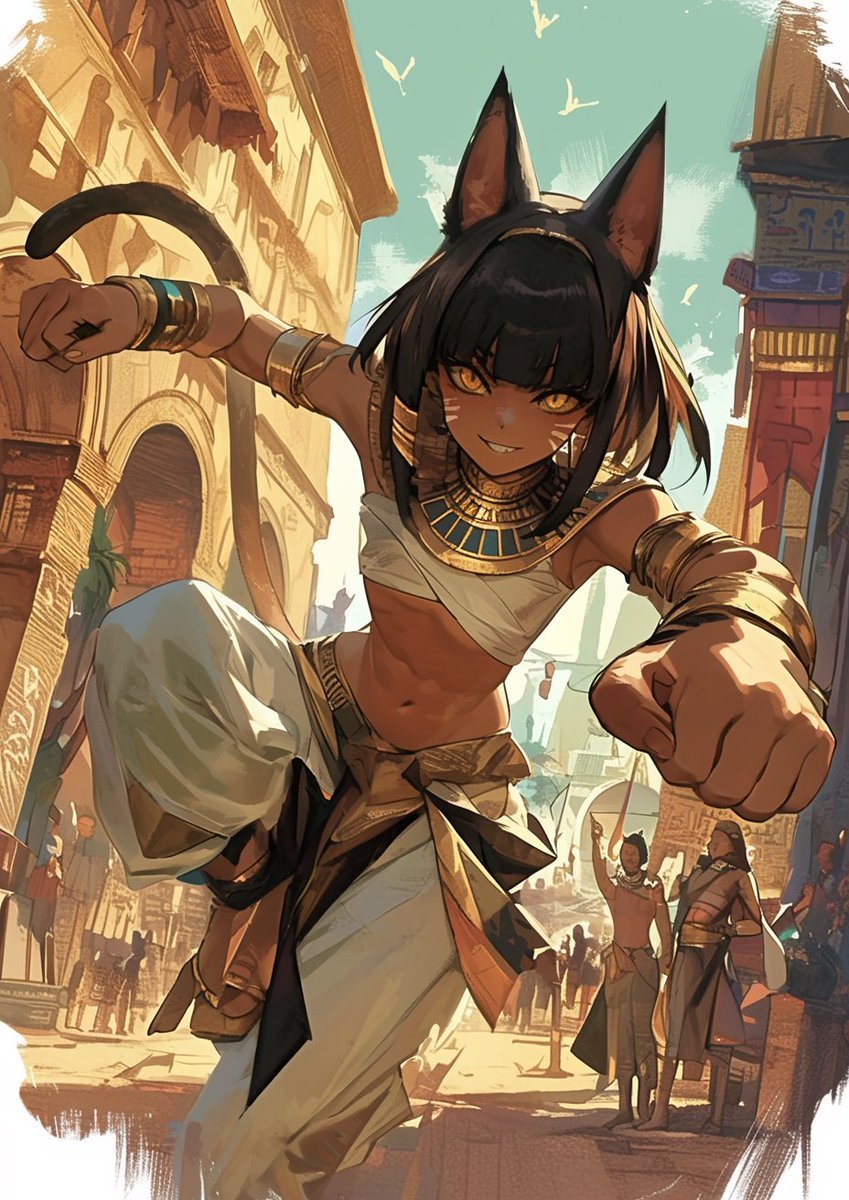
LINE Sticker Generation Prompt

Weighted Prompt for 3D Pop-Up Comic Diorama
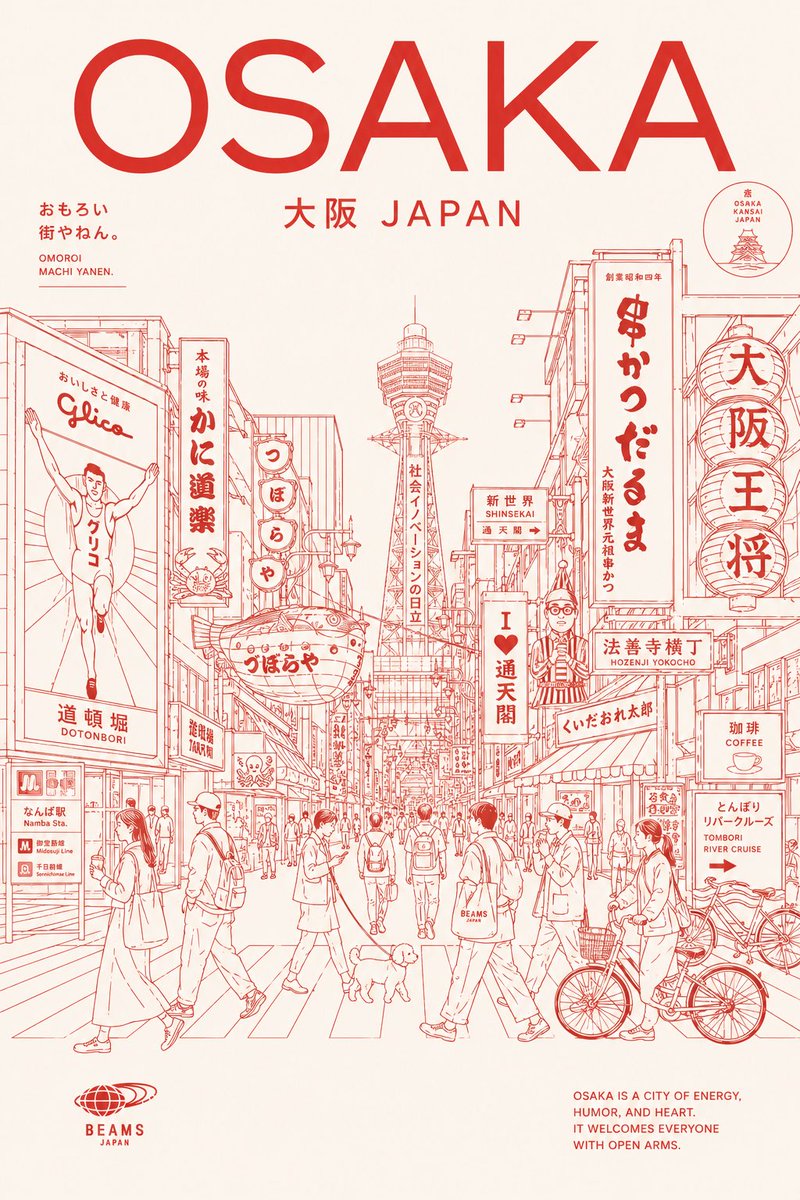
Osaka Red Line Travel Poster
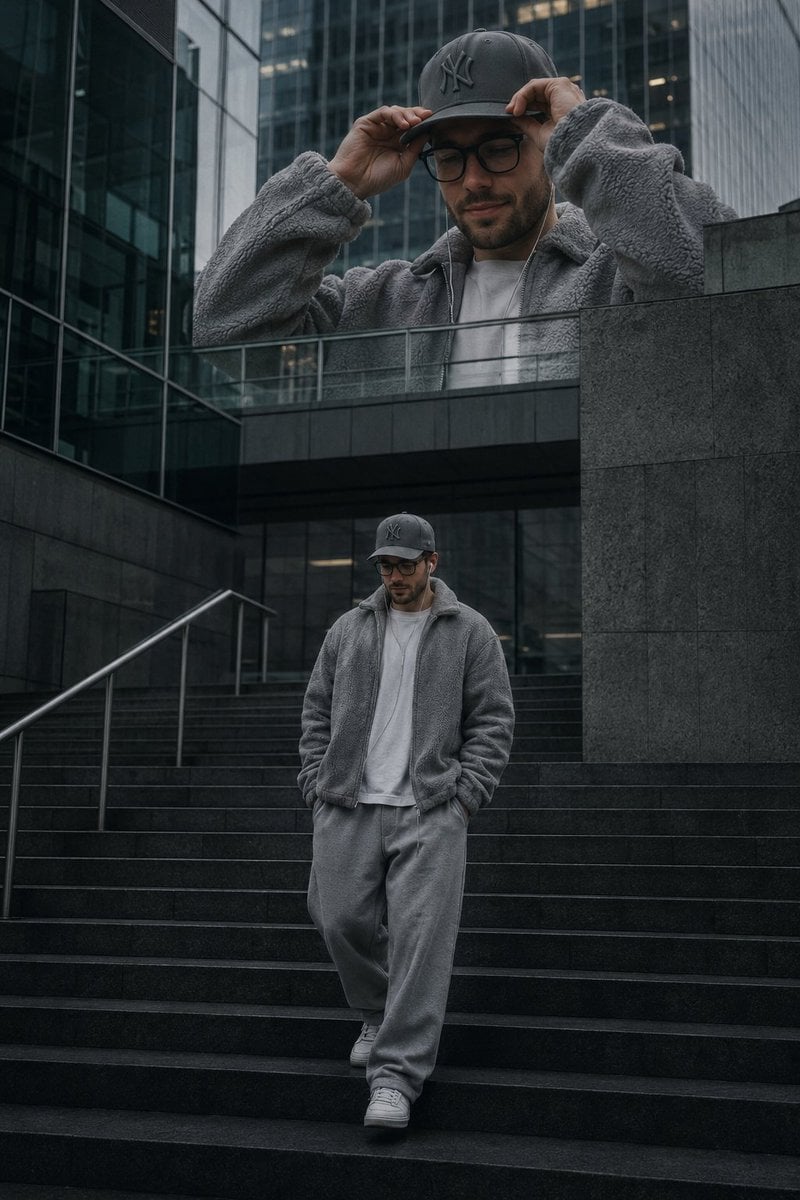
Luxury Streetwear Urban Editorial
Browse template categories
High-Angle Close-up Portrait with Mosaic Background questions
How do I use the High-Angle Close-up Portrait with Mosaic Background template?
Add your photo if the template asks for one, edit the prompt if you like — the template's model and format are already selected — and press Generate. Your version opens in PicX Studio.
Can I customize the High-Angle Close-up Portrait with Mosaic Background template?
Yes. You can change the subject, setting, lighting, mood, format, and available model controls before creating your image.
Is the High-Angle Close-up Portrait with Mosaic Background template free?
Opening and editing this template is free. Generating uses credits, shown on the Generate button when you are signed in.
Which AI model should I use?
Start with Nano Banana 2, which is the model associated with this template. You can compare another compatible model for a different finish.
Looking for something else? Browse all templates.

Your photo, any look
Thousands of ready templates for every top image and video model, from one credit balance.