
Ultra-Photorealistic Winter Beauty Ad Product Replacement
A complex JSON prompt for Nano Banana Pro focusing on product replacement within a reference image.
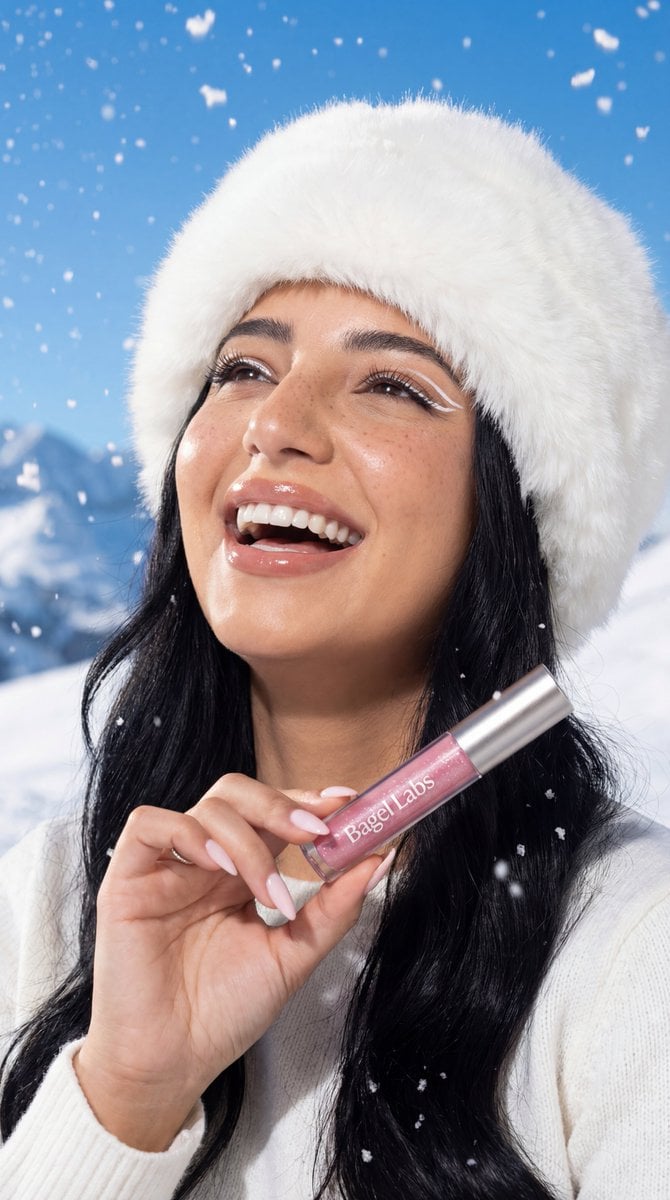
- Prompt included
- Model and format preset
- Free template
The prompt behind this image
Copy the exact prompt behind Ultra-Photorealistic Winter Beauty Ad Product Replacement, or open it in the studio and make it yours.
- Generation Request › Meta Data › Tool
- NanoBanana Pro
- Generation Request › Meta Data › Task Type
- photoreal_beauty_product_reference_edit
- Generation Request › Meta Data › Version
- v1.3_WINTER_BEAUTY_BAGEL_LABS_VISIBLE_TEXT
- Generation Request › Meta Data › Priority
- highest
- Generation Request › References › Reference Image 1 › Source
- UPLOAD_IMAGE (REQUIRED)
- Generation Request › References › Reference Image 1 › Purpose
- COMPOSITION + IDENTITY + LIGHTING + ENVIRONMENT
- Generation Request › References › Reference Image 1 › Strict Lock
- true
- Generation Request › References › Reference Image 1 › Lock Strength
- max
- Generation Request › References › Reference Image 1 › No Layout Drift
- true
- Generation Request › References › Reference Image 1 › No Pose Drift
- true
- Generation Request › References › Reference Image 1 › Preserve Framing
- true
- Generation Request › References › Reference Image 1 › Preserve Expression
- true
- Generation Request › References › Reference Image 1 › Preserve Eye Direction
- true
- Generation Request › References › Reference Image 1 › Preserve Lighting Mood
- true
- Generation Request › References › Reference Image 1 › Preserve Color Tone
- true
- Generation Request › References › Reference Image 1 › Preserve Skin Details
- true
- Generation Request › References › Reference Image 1 › Preserve Background
- true
- Generation Request › References › Reference Image 1 › Preserve Hand Position
- true
- Generation Request › References › Reference Image 1 › Preserve Wardrobe
- true
- Generation Request › Output Settings › Aspect Ratio
- match_reference
- Generation Request › Output Settings › Orientation
- match_reference
- Generation Request › Output Settings › Resolution
- ultra_high_res
- Generation Request › Output Settings › Render Style
- ultra_photoreal_beauty_advertising
- Generation Request › Output Settings › Sharpness
- crisp_but_natural
Raw JSON
{
  "generation_request": {
    "meta_data": {
      "tool": "NanoBanana Pro",
      "task_type": "photoreal_beauty_product_reference_edit",
      "version": "v1.3_WINTER_BEAUTY_BAGEL_LABS_VISIBLE_TEXT",
      "priority": "highest"
    },
    "references": {
      "reference_image_1": {
        "source": "UPLOAD_IMAGE (REQUIRED)",
        "purpose": "COMPOSITION + IDENTITY + LIGHTING + ENVIRONMENT",
        "strict_lock": true,
        "lock_strength": "max",
        "no_layout_drift": true,
        "no_pose_drift": true,
        "preserve_framing": true,
        "preserve_expression": true,
        "preserve_eye_direction": true,
        "preserve_lighting_mood": true,
        "preserve_color_tone": true,
        "preserve_skin_details": true,
        "preserve_background": true,
        "preserve_hand_position": true,
        "preserve_wardrobe": true
      }
    },
    "output_settings": {
      "aspect_ratio": "match_reference",
      "orientation": "match_reference",
      "resolution": "ultra_high_res",
      "render_style": "ultra_photoreal_beauty_advertising",
      "sharpness": "crisp_but_natural",
      "film_grain": "none_or_minimal",
      "color_grade": "clean_true_to_life_cool_winter",
      "retouch_level": "editorial_minimal_keep_texture",
      "noise_reduction": "low"
    },
    "hard_constraints": [
      "ONE female subject only.",
      "Maintain the existing pose, framing, lighting, snowy alpine background, and falling snow.",
      "Modify only the cosmetic product in her hand.",
      "The brand name 'Bagel Labs' must be clearly readable on the product.",
      "Natural skin texture must remain visible.",
      "No watermark."
    ],
    "creative_prompt": {
      "scene_summary": "Create a luxury winter beauty advertising image in a bright snowy alpine environment with falling snow and a clear blue sky. The model wears a white fluffy fur hat and a white knitted sweater. She laughs joyfully with her head slightly tilted back, eyes looking upward. Her long wavy brunette hair frames her face, with visible natural freckles, radiant winter skin, glossy lips, and bold white graphic eyeliner accents.\n\nProduct feature:\n- Replace the cosmetic item in her hand with a premium Bagel Labs lipstick.\n- Packaging: translucent pink body filled with fine shimmering micro-glitter.\n- Accents: sleek brushed silver metallic cap with clean reflections.\n- Branding: the text 'Bagel Labs' is printed clearly and sharply on the tube in a modern sans-serif font, high contrast and easy to read.\n\nProduct realism:\n- Correct scale relative to fingers.\n- Realistic contact shadows between the product and hand.\n- Specular highlights consistent with snowy daylight.\n\nOverall aesthetic:\n- Ultra-photorealistic, high-end beauty advertising.\n- Crisp focus, editorial lighting, premium modern luxury mood."
    },
    "negative_prompt": [
      "unreadable brand text",
      "misspelled logo"
    ]
  }
}How to use Ultra-Photorealistic Winter Beauty Ad Product Replacement in 3 steps
- 1
Open
The prompt is already in the box next to the preview, with the template's model and format selected.
- 2…a portrait of your subject in softgolden-hour light, 85mm…
Personalize
Edit the subject and creative details for your destination.
- 3Generate
Generate
Press Generate — your image is created in PicX Studio, so you can compare it with the original and refine one variable at a time.
More like this
Templates with the same subject, style or setup. Open one to see its prompt.
Luxury Toothpaste Commercial Storyboard
Cosmetic Tube Product — Nano Banana 2
Nano Banana Pro Instax Mini 8
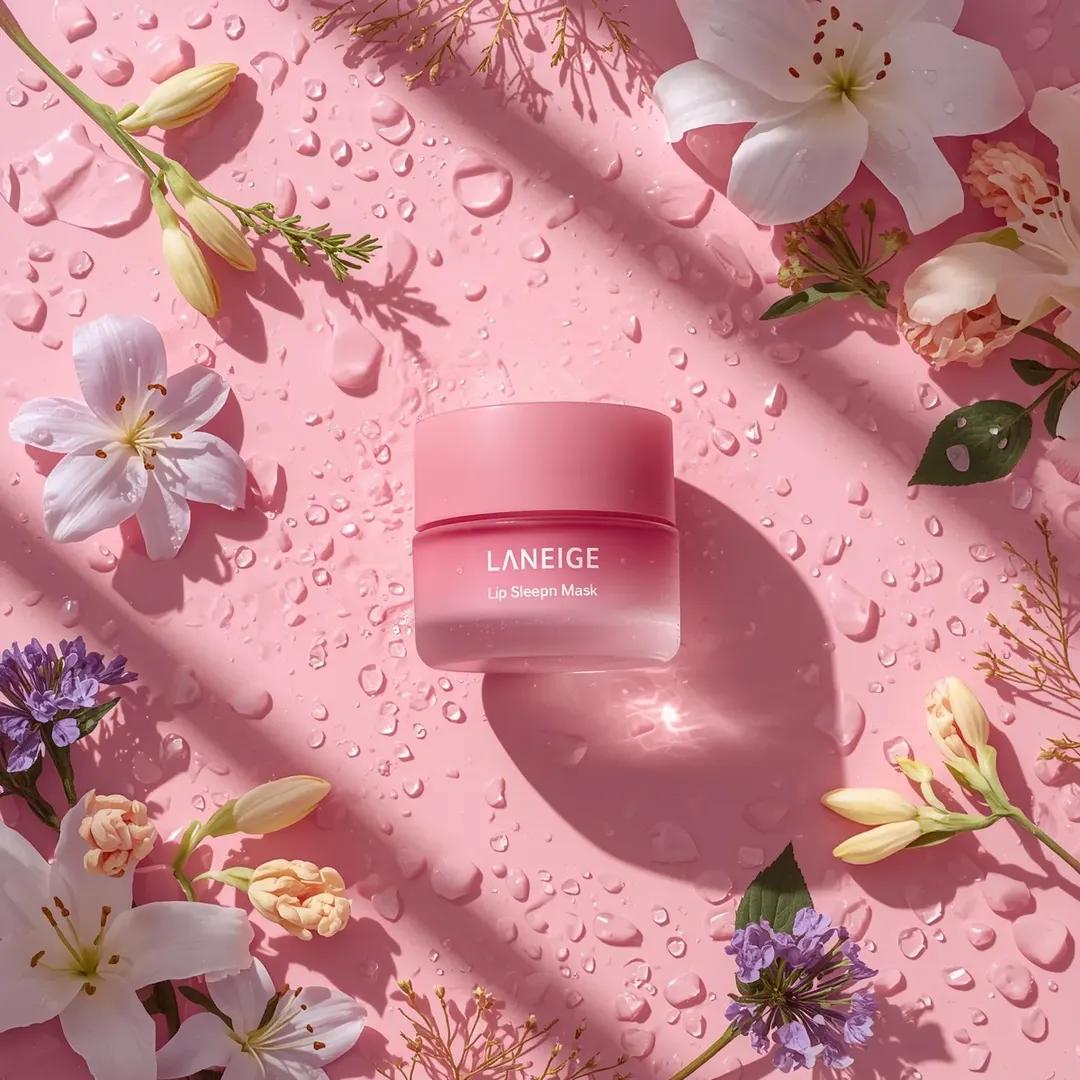
A hyper-realistic beauty product photograph of a pink jar placed

A k.pop idol on the stage with mic

Trendy Cafe Drink Promo Poster
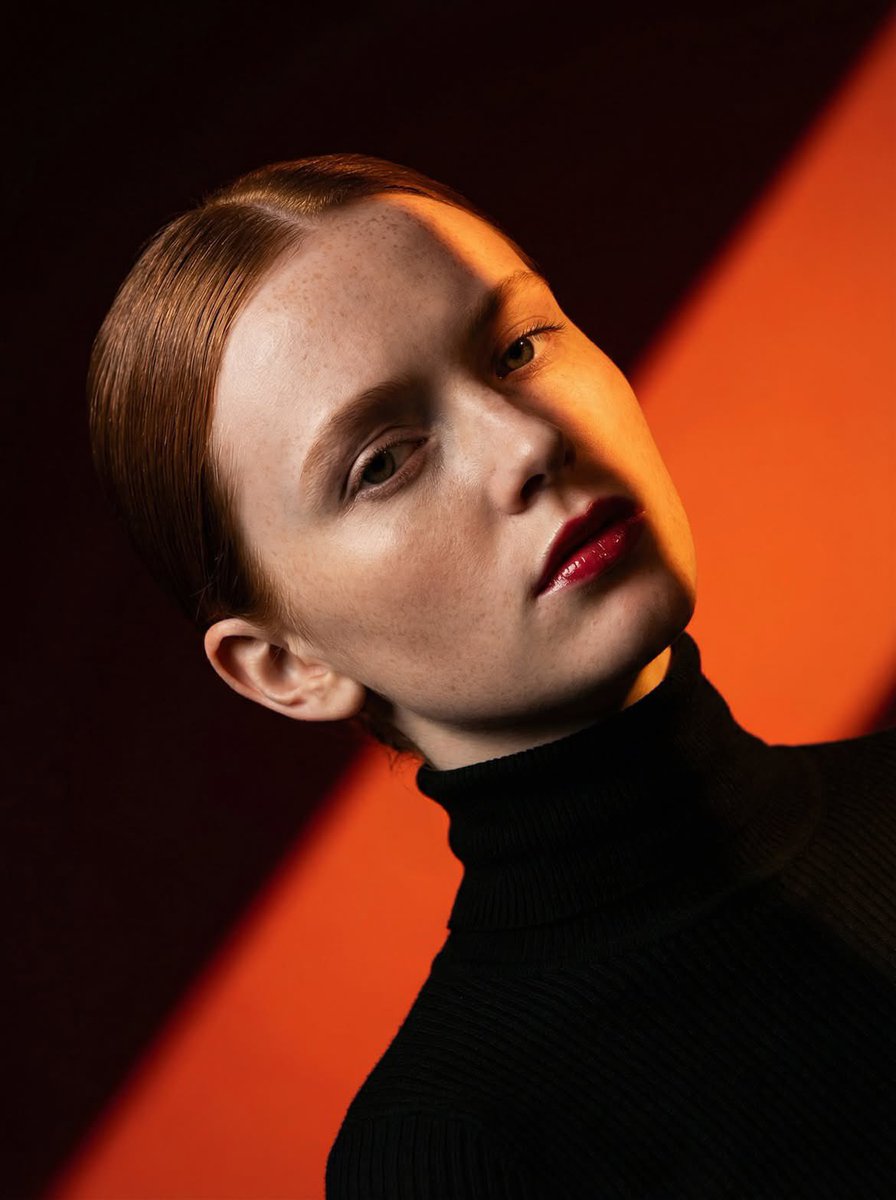
Geometric Color-Block Beauty Editorial Portrait
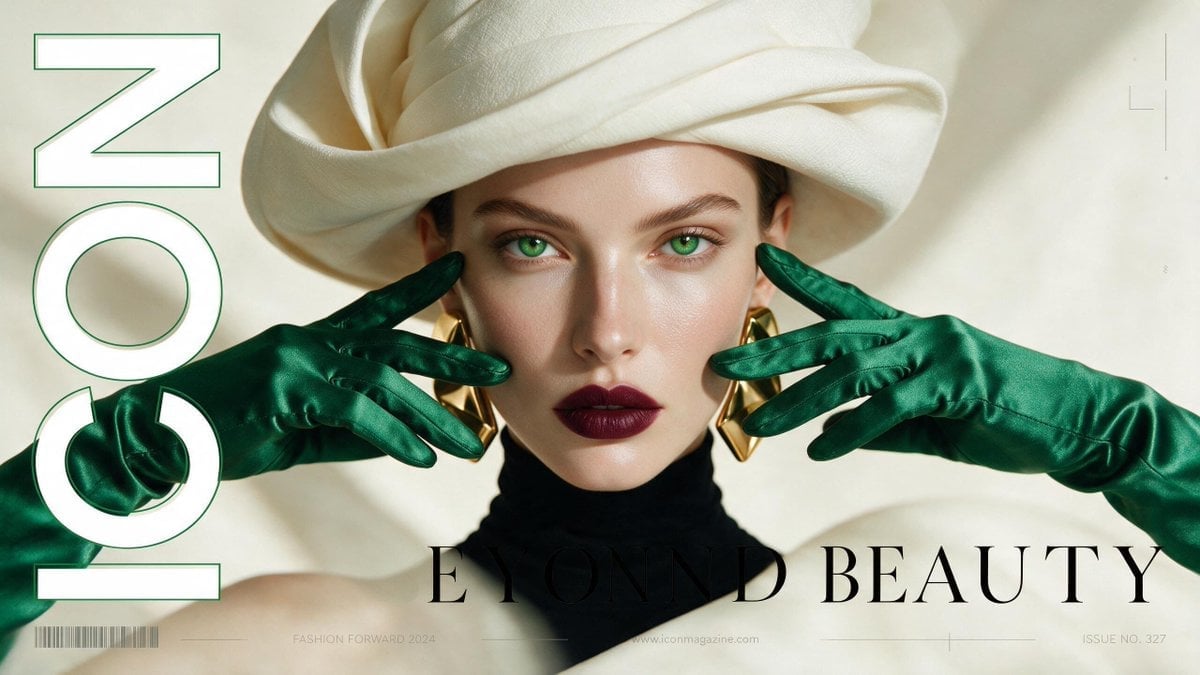
High-Fashion Editorial Magazine Cover ICON
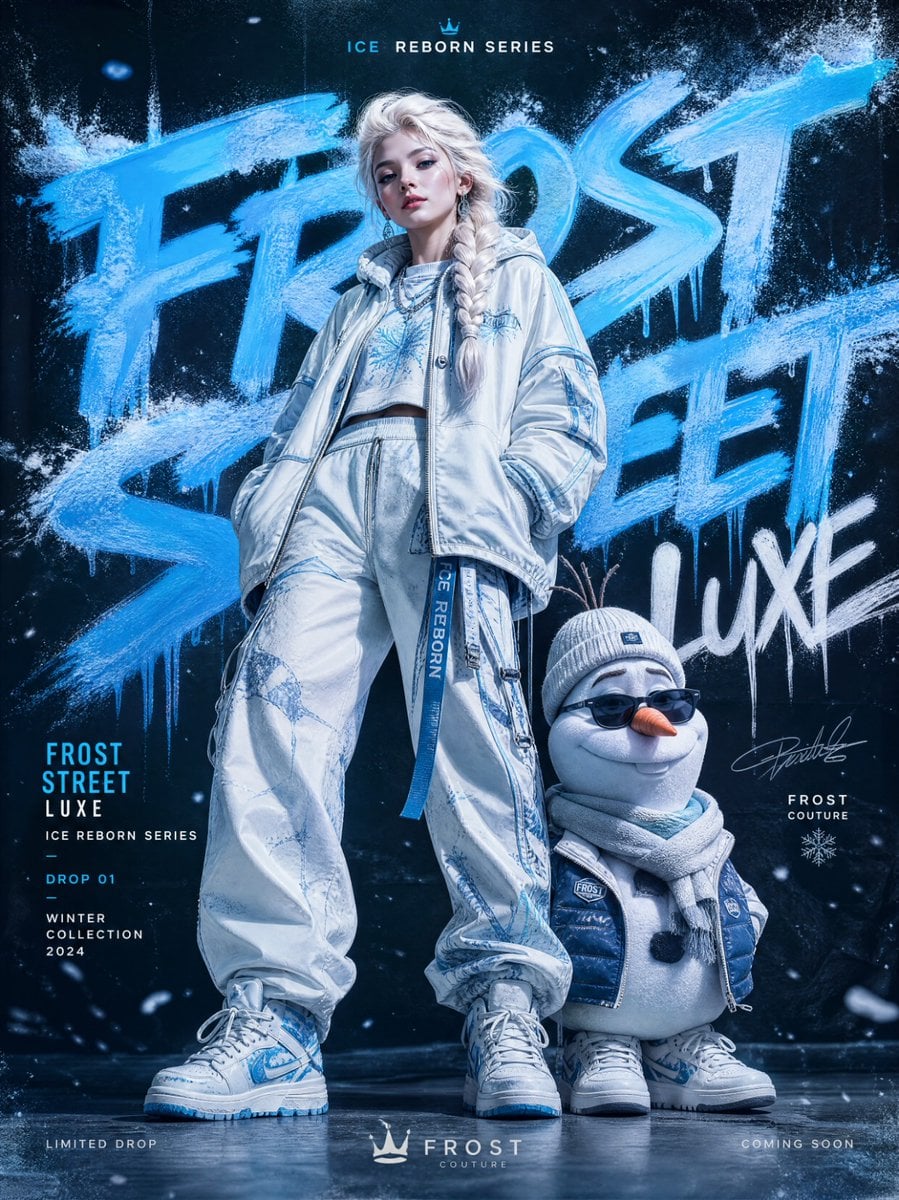
Frozen Street Luxe Graffiti Fashion Campaign
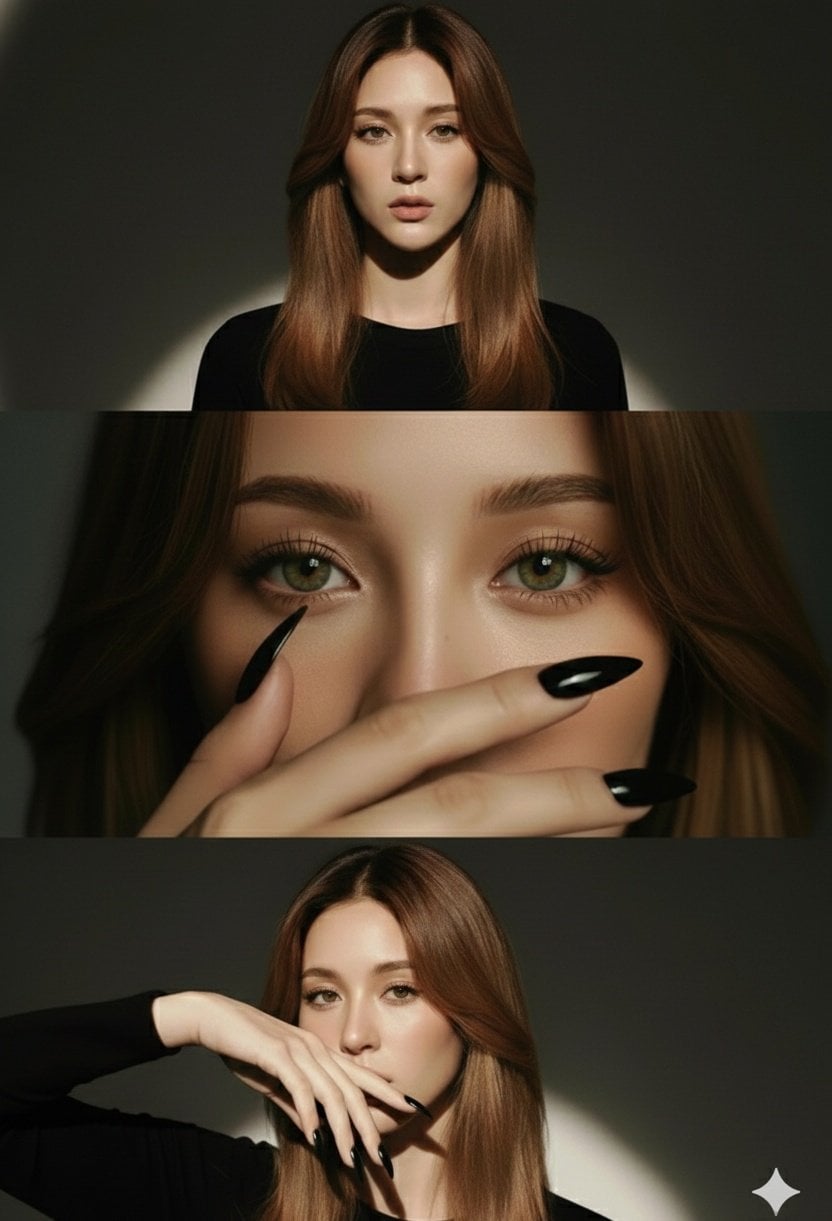
High-Fashion Editorial Studio Portrait Triptych
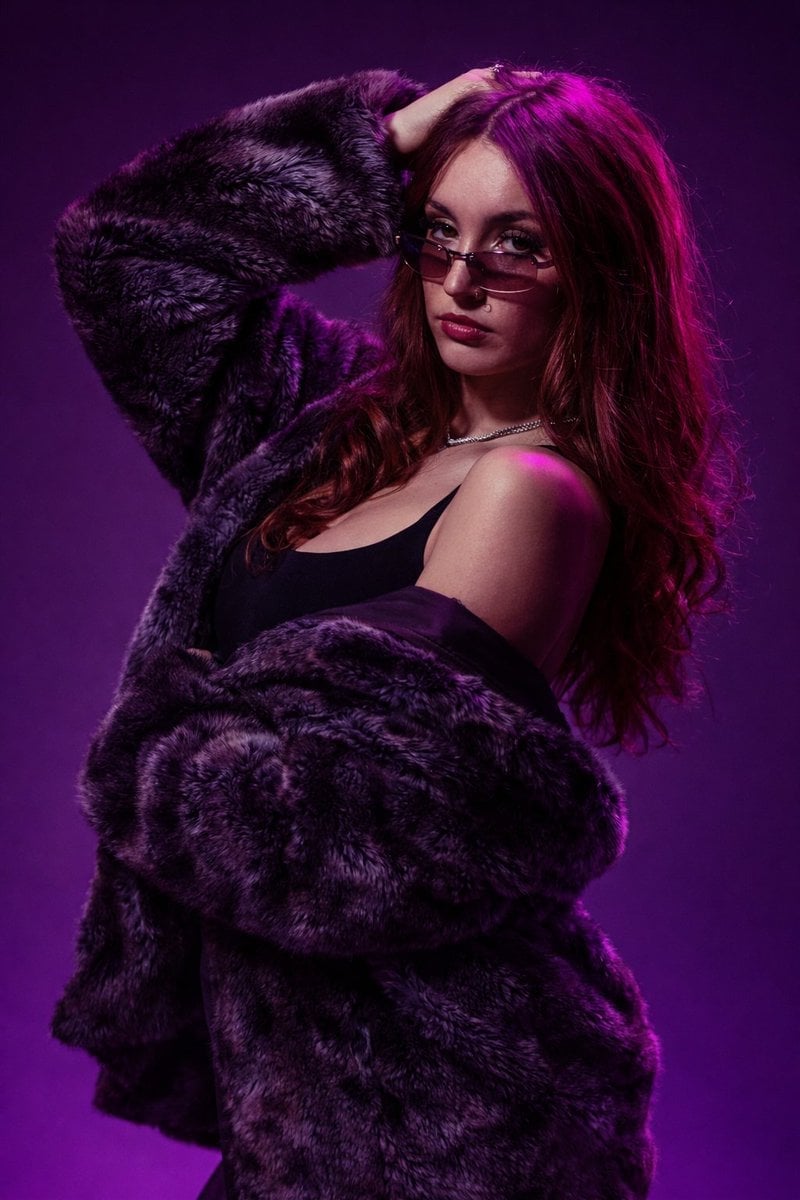
Studio Fashion Portrait Moody Purple Gradient
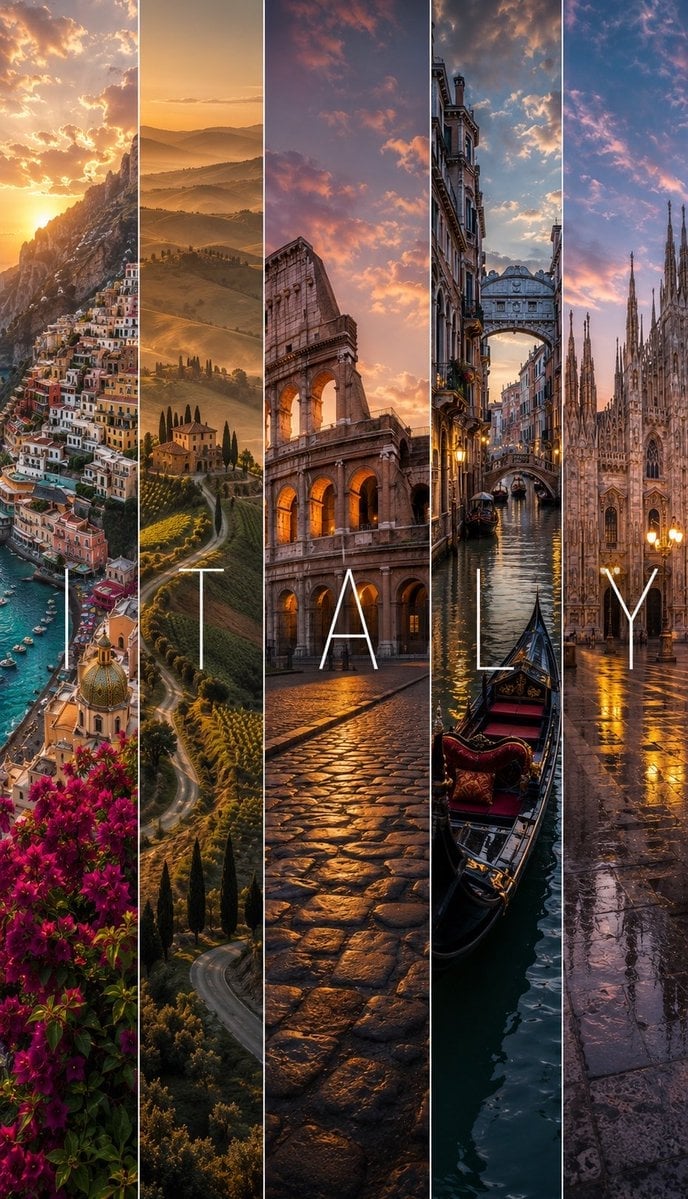
Cinematic Destination Letter Panel Poster
Make it yours
Ultra-Photorealistic Winter Beauty Ad Product Replacement works as-is. These are the safest ways to change it without losing the look.
Swap the setting
Keep the rest of the prompt and replace the location block. The current setting is “true”.
Swap the light
One lighting change is enough to compare takes. Current light: “true”.
Change one field
Copy a single group, rewrite it, and generate again so you can see what that field is doing.
| If the result… | Why | Fix |
|---|---|---|
| The result drifts from the preview | Too many fields changed at once. | Reuse Ultra-Photorealistic Winter Beauty Ad Product Replacement as-is first, then change one group — subject, light, or setting. |
| Nano Banana 2 ignores part of the JSON | Some models flatten or skip nested keys. | Keep the same values and paste them as a short paragraph instead. |
More Nano Banana 2 templates
Other prompts made for Nano Banana 2.

Photorealistic Leaf Shaped Like a Dragon

K-Pop Idol Portrait Grid for Rapid Selection

Poetic Rain Forest Portrait During Golden Hour

Urban Street Portrait with Cartoon Inner Self Duo

Candid Nighttime Photo with Cat Prompt

High-Concept 3D Diorama Generation Prompt

Cinematic Futuristic Studio Portrait Template

Skincare Editorial Photography Collage Prompt

Hyper-Realistic Commercial Product Photography (Splash Effect)

Hyper-Realistic Nightclub Portrait Prompt
More image prompts
Fresh picks from across the catalog.
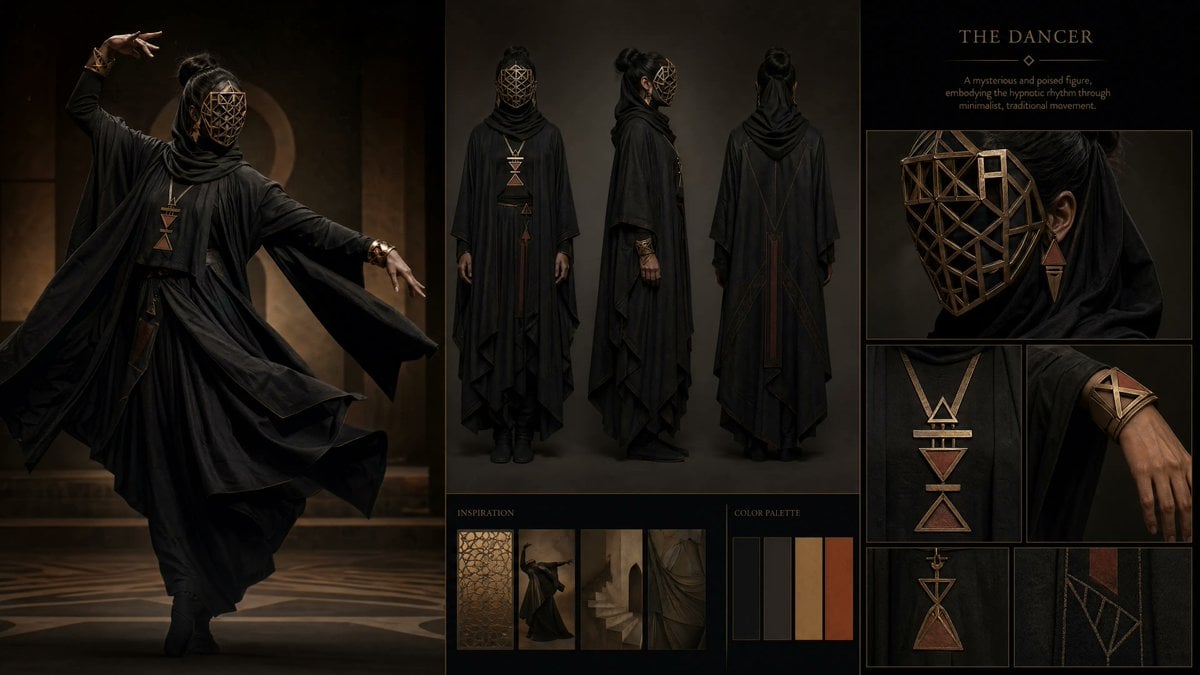
Dark Ritual Dancer Concept Board
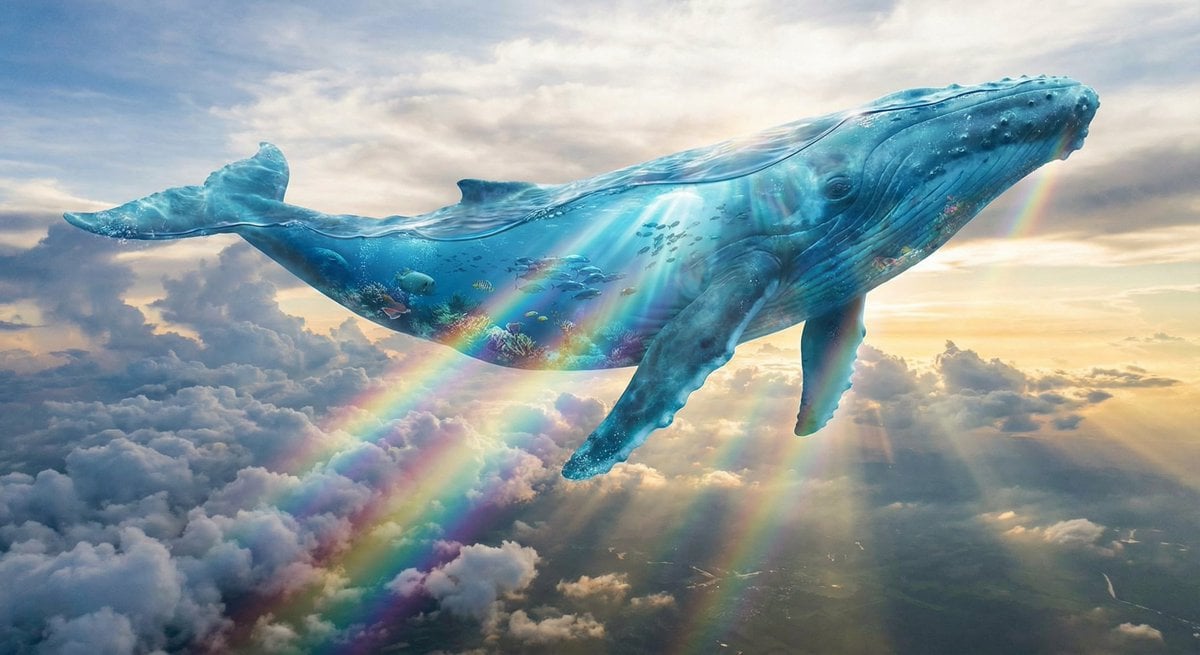
Surreal translucent blue whale in the clouds

Chibi Character Tehepero Pose Prompt for Nano Banana Pro
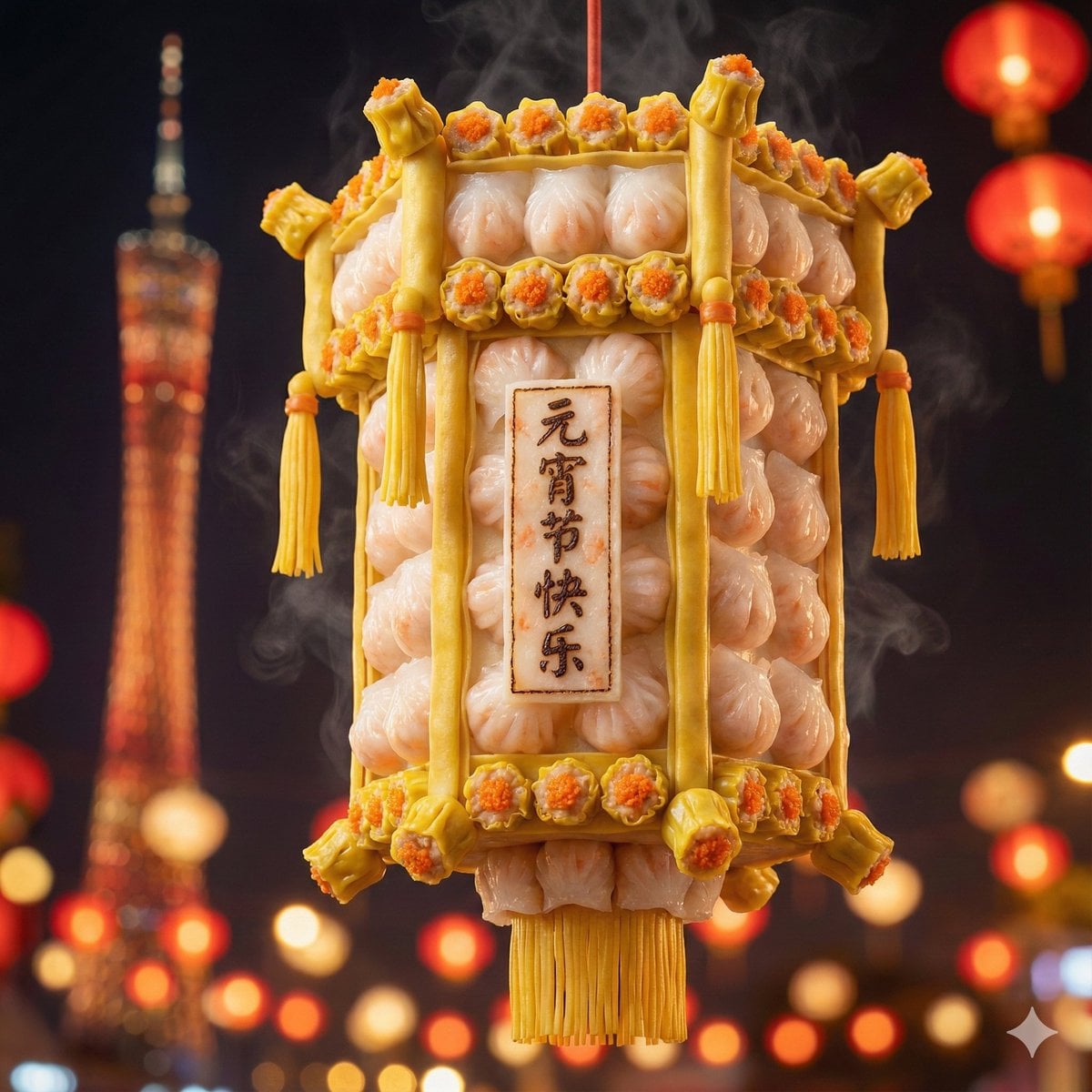
Food-Themed Festival Scene Generation Prompt (Iterative)
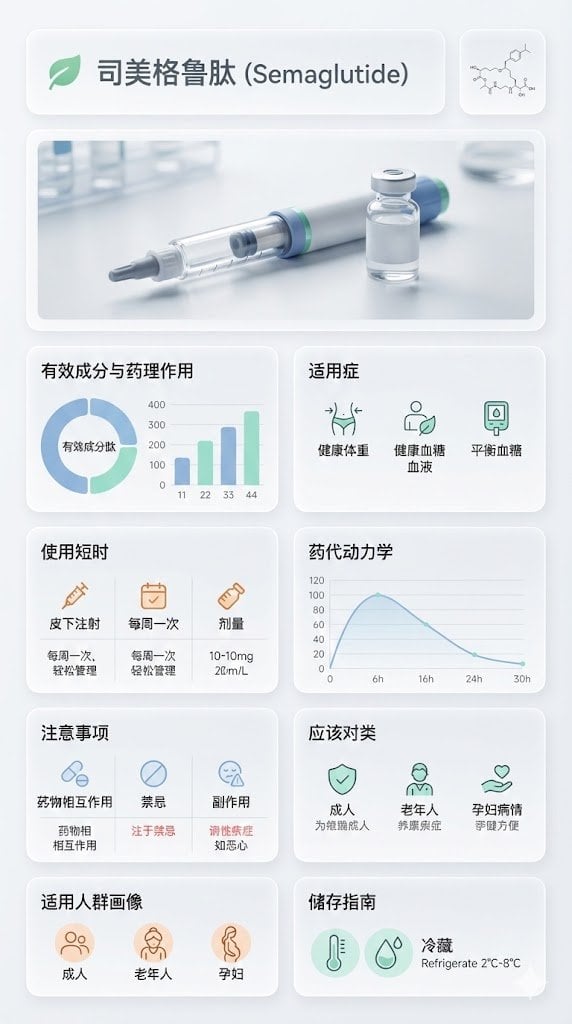
Medical Infographic Poster for Drug Information (Bento Grid Style)

Golden Hour Grass Portrait — Wong Kar-wai Inspired Nano Banana
Request for Beach Selfie Prompt
High-Fashion Monochrome Studio Portrait
Four Seasons Puzzle for 2026 New Year Greeting
Moonlit Gothic Cannon Maiden
Browse template categories
Ultra-Photorealistic Winter Beauty Ad Product Replacement questions
How do I use the Ultra-Photorealistic Winter Beauty Ad Product Replacement template?
Add your photo if the template asks for one, edit the prompt if you like — the template's model and format are already selected — and press Generate. Your version opens in PicX Studio.
Can I customize the Ultra-Photorealistic Winter Beauty Ad Product Replacement template?
Yes. You can change the subject, setting, lighting, mood, format, and available model controls before creating your image.
Is the Ultra-Photorealistic Winter Beauty Ad Product Replacement template free?
Opening and editing this template is free. Generating uses credits, shown on the Generate button when you are signed in.
Which AI model should I use?
Start with Nano Banana 2, which is the model associated with this template. You can compare another compatible model for a different finish.
Looking for something else? Browse all templates.

Your photo, any look
Thousands of ready templates for every top image and video model, from one credit balance.