
Split-Screen Cinematic Batman Blueprint
A complex prompt generating a split-screen image contrasting two styles of Batman.
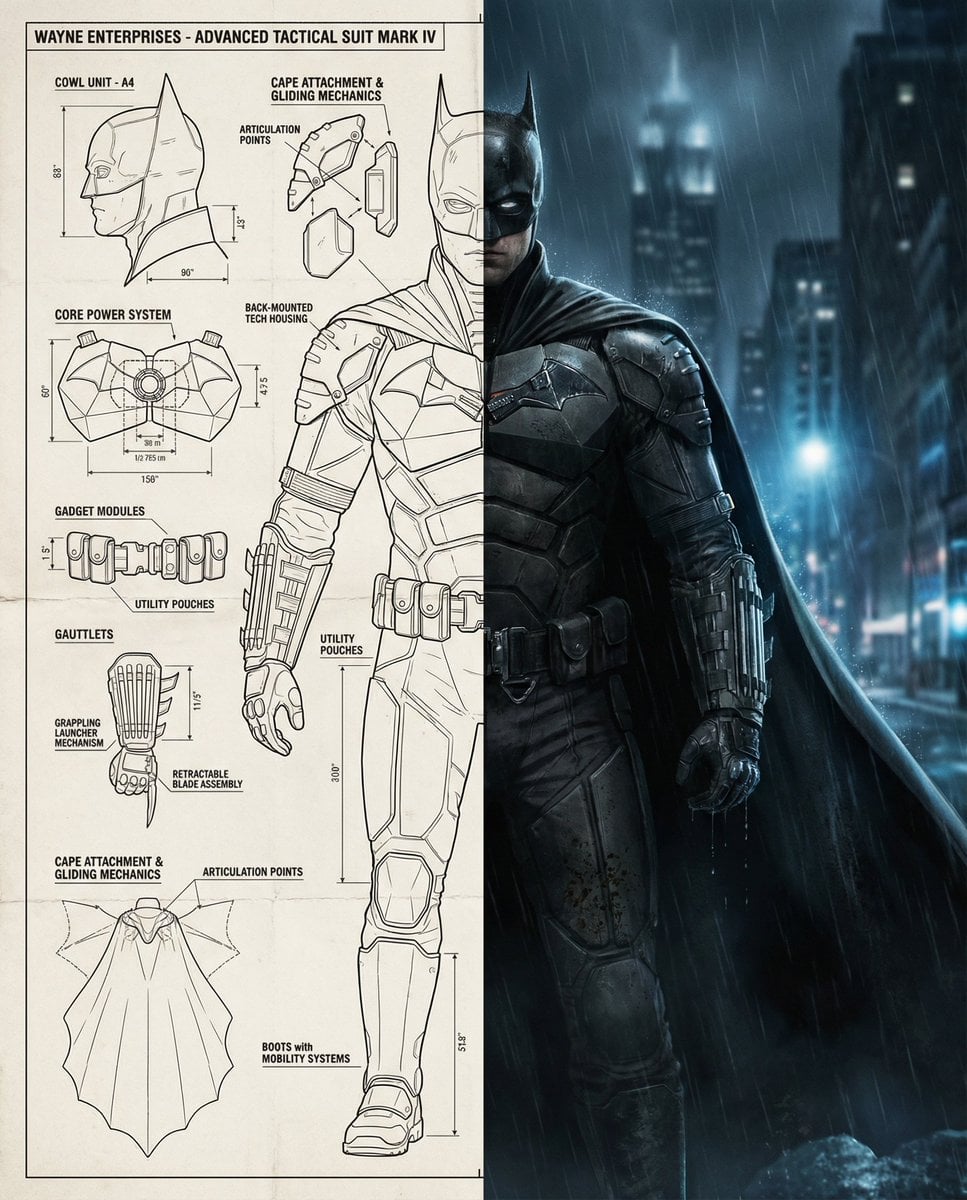
- Prompt included
- Model and format preset
- Free template
The prompt behind this image
Copy the exact prompt behind Split-Screen Cinematic Batman Blueprint, or open it in the studio and make it yours.
Split-screen cinematic composition featuring Batman, divided vertically into two distinct halves. Left Side – Technical Blueprint Panel Highly detailed Batman suit technical blueprint, inspired by aerospace and military engineering schematics. Black ink line art on an off-white blueprint background. The blueprint shows labeled components and exploded views, including: Batman cowl side Chest armor plating and core power system Utility belt modules and gadgets Gauntlets with grappling launcher and blade details Boots with reinforced armor and mobility systems Cape attachment system and gliding mechanics Shoulder armor plates and articulation points Back-mounted tech housing grounded realism Precise measurements, arrows, technical annotations, clean drafting style, high mechanical realism. No color fills, blueprint-style presentation, Stark-style technical clarity but Wayne Enterprises aesthetic. Right Side – Cinematic Hyperrealistic Batman Ultra-realistic Batman standing in a dark, moody urban environment at night, inspired by modern Batman films. He wears a grounded, tactical Batsuit with realistic armor textures, matte black and charcoal tones, subtle wear and battle damage. Batman stands heroically in a three-quarter pose, cape draped naturally, glowing city lights and rain-soaked atmosphere behind him. Lighting is dramatic and cinematic, with cool blue highlights and deep shadows. Eyes are white or dimly illuminated through the cowl, expression stoic and intimidating. Background is a dark Gotham skyline, blurred skyscrapers, fog, and subtle rain particles. The overall tone is gritty, grounded, realistic, and cinematic. Visual Style Hyperrealistic cinematic realism Dark superhero aesthetic High-detail armor textures Blueprint technical illustration contrast Movie-poster quality Camera & Composition Vertical split layout Left side flat technical schematic Right side cinematic portrait Low-angle perspective on Batman Strong contrast between white blueprint and dark cinematic scene Mood Keywords Dark Gritty Tactical Intimidating Intelligent Heroic Noir Negative Prompt Cartoon style, comic illustration, anime, bright colors, toy-like armor, glossy plastic suit, futuristic sci-fi tech, low detail, flat lighting, watermark, text overlays, logos Aspect Ratio poster crop: 4:5
How to use Split-Screen Cinematic Batman Blueprint in 3 steps
- 1
Open
The prompt is already in the box next to the preview, with the template's model and format selected.
- 2…a portrait of your subject in softgolden-hour light, 85mm…
Personalize
Edit the subject and creative details for your destination.
- 3Generate
Generate
Press Generate — your image is created in PicX Studio, so you can compare it with the original and refine one variable at a time.
More like this
Templates with the same subject, style or setup. Open one to see its prompt.

Automotive Blueprint Split Composition

Blueprint Split Reality Archetype Prompt
Automotive Blueprint Split Composition
Blueprint Split Reality Archetype Prompt
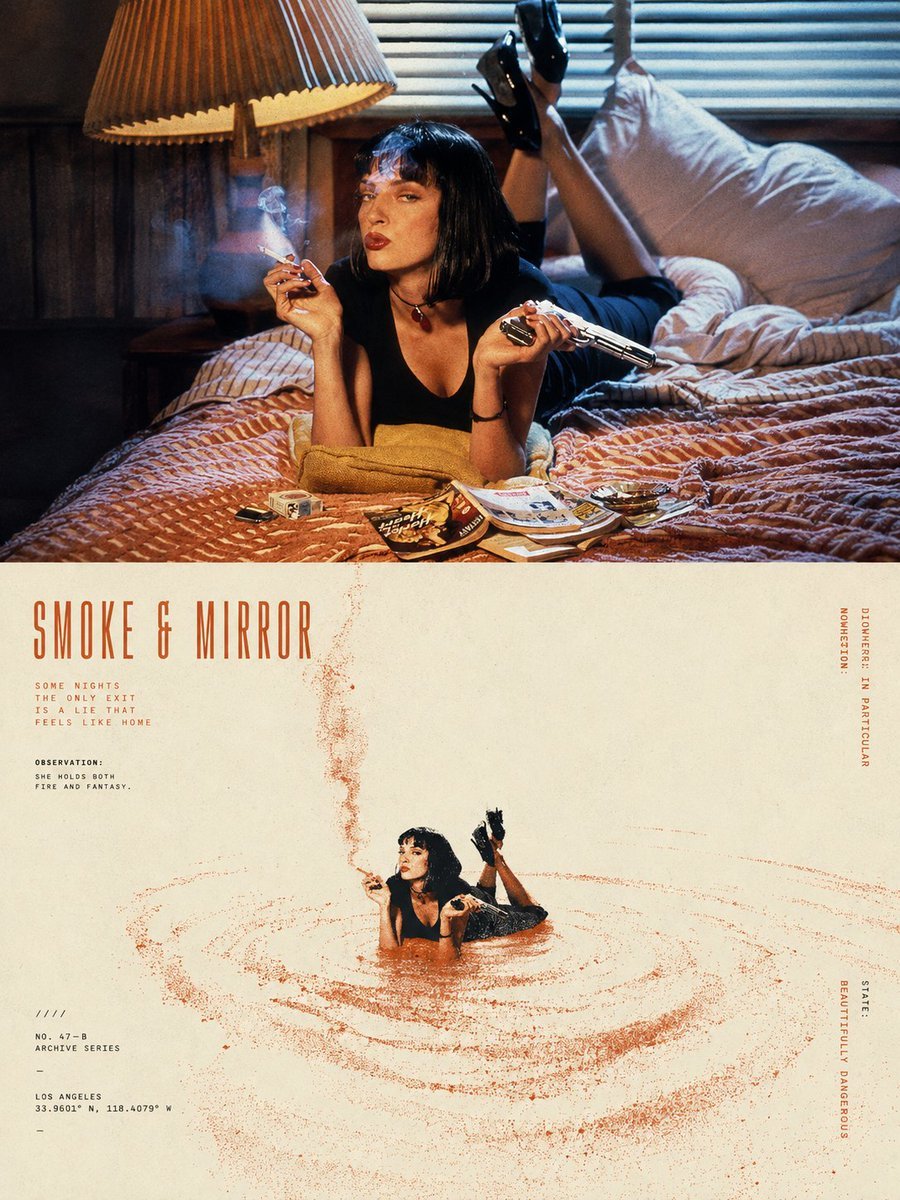
Split-Screen Surreal Printmaking Design
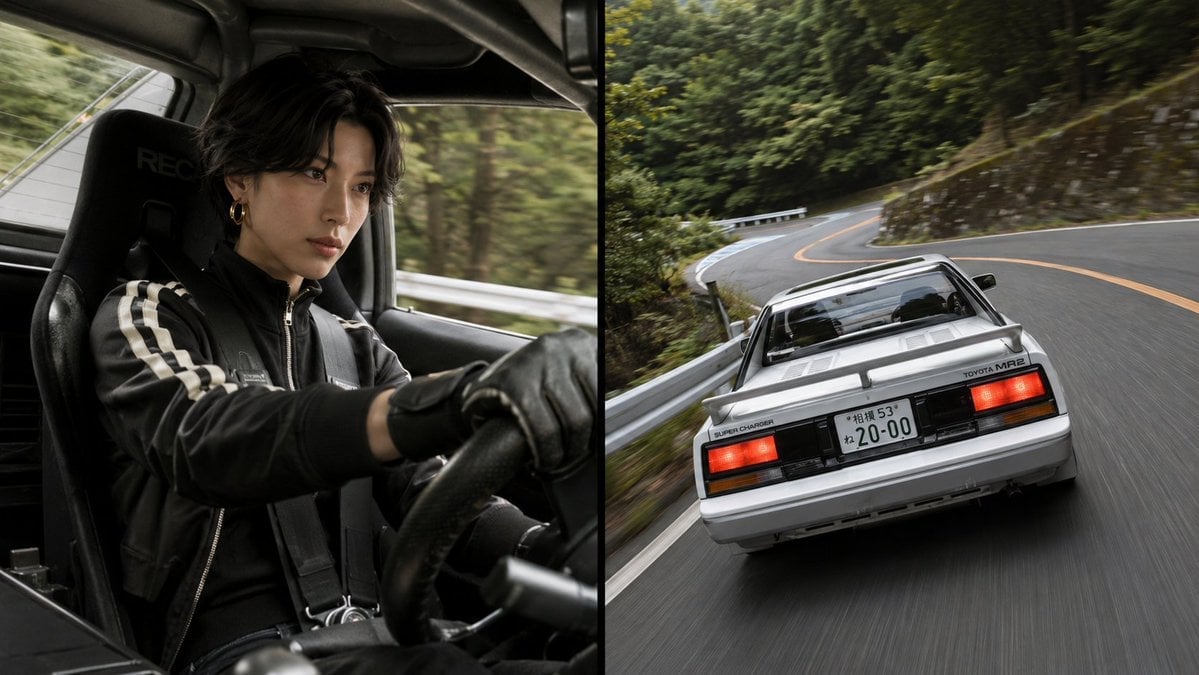
Split-Screen MR2 Touge Drive

Paper Tunnel Book Architecture
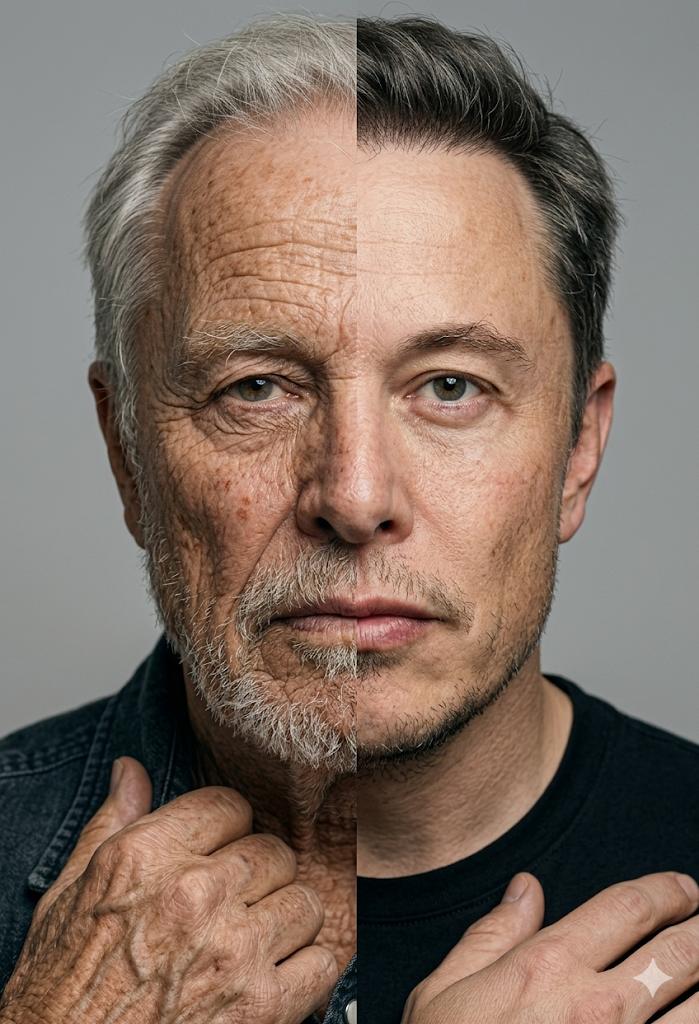
Split Screen Aging Effect
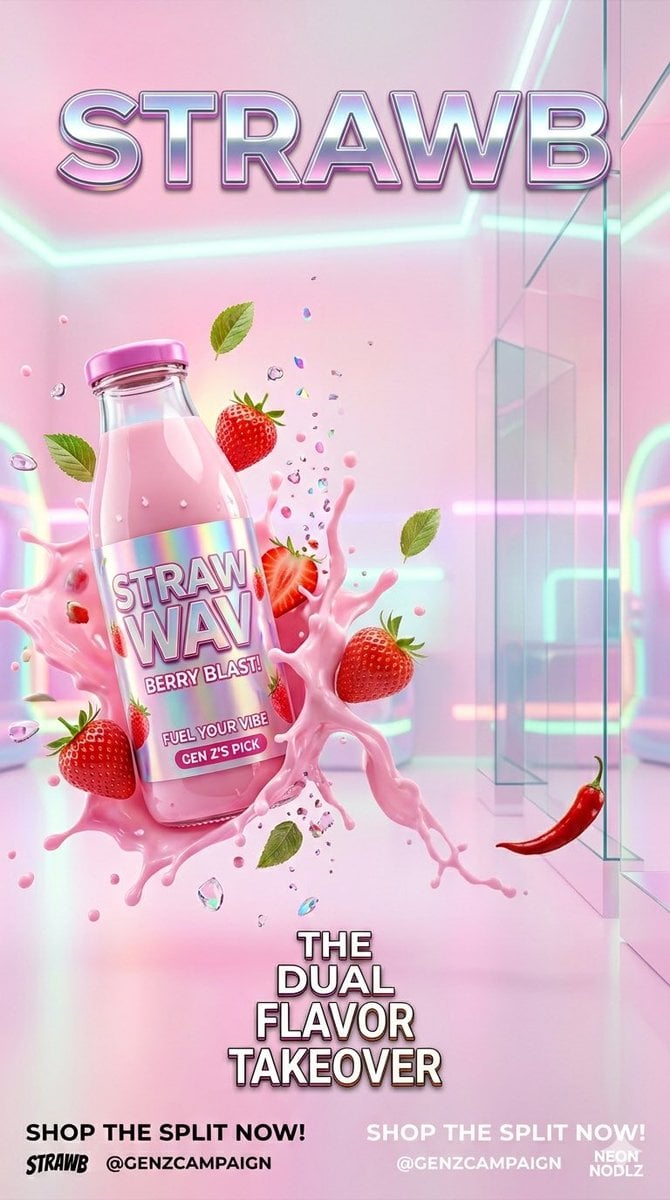
Gen Z Split Screen Advertising Poster
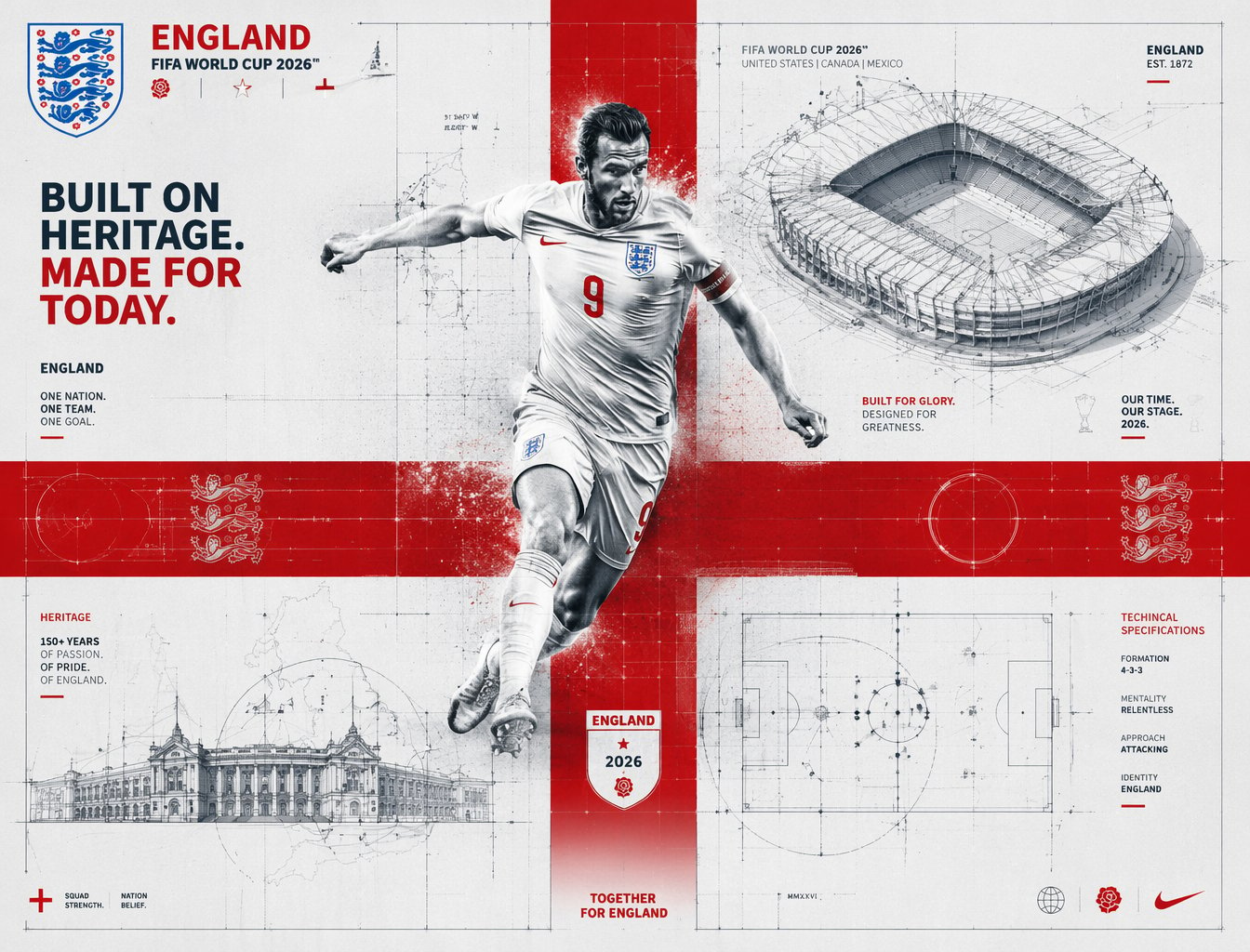
FIFA 2026 England — Blueprint Heritage
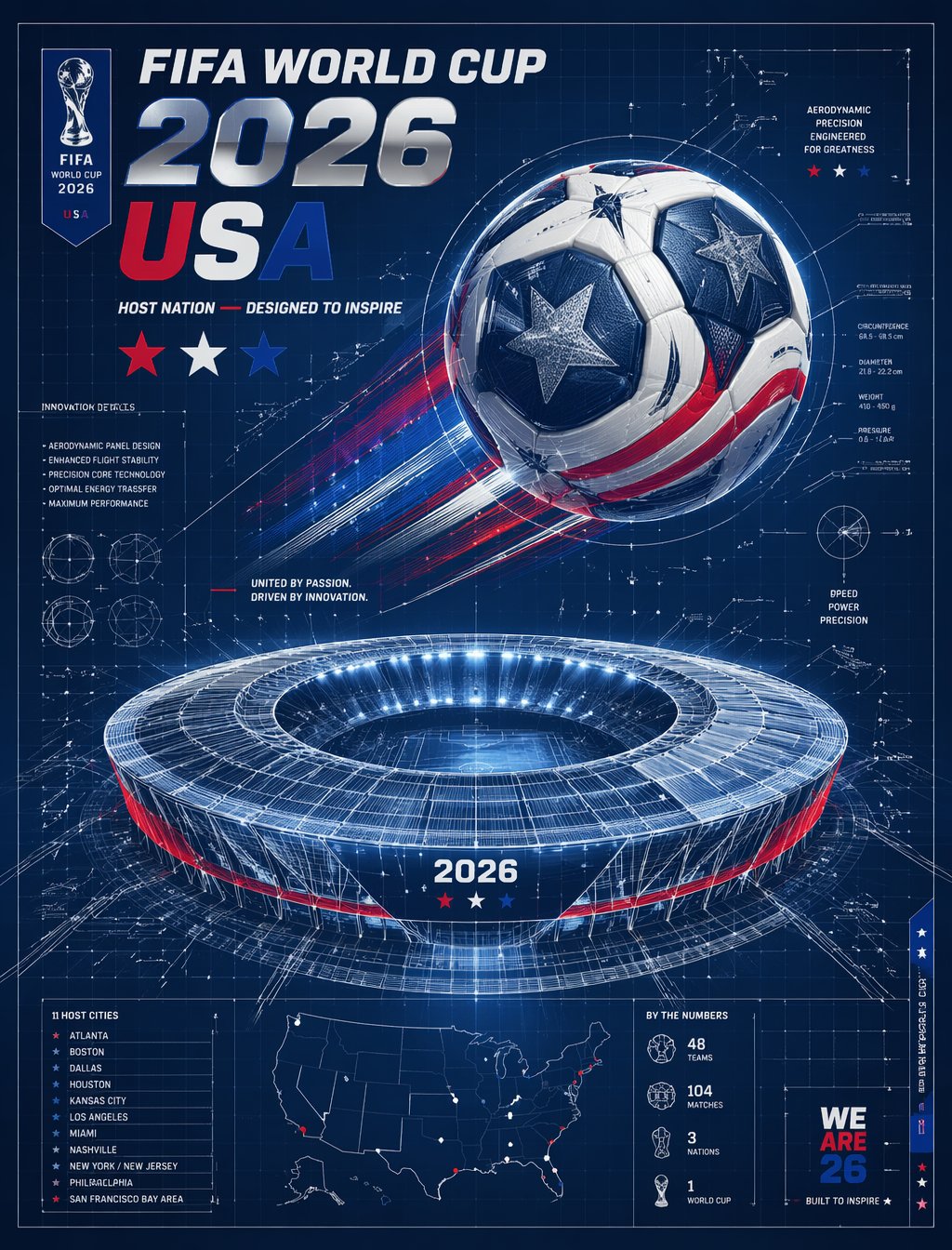
FIFA 2026 USA — Blueprint Host Nation
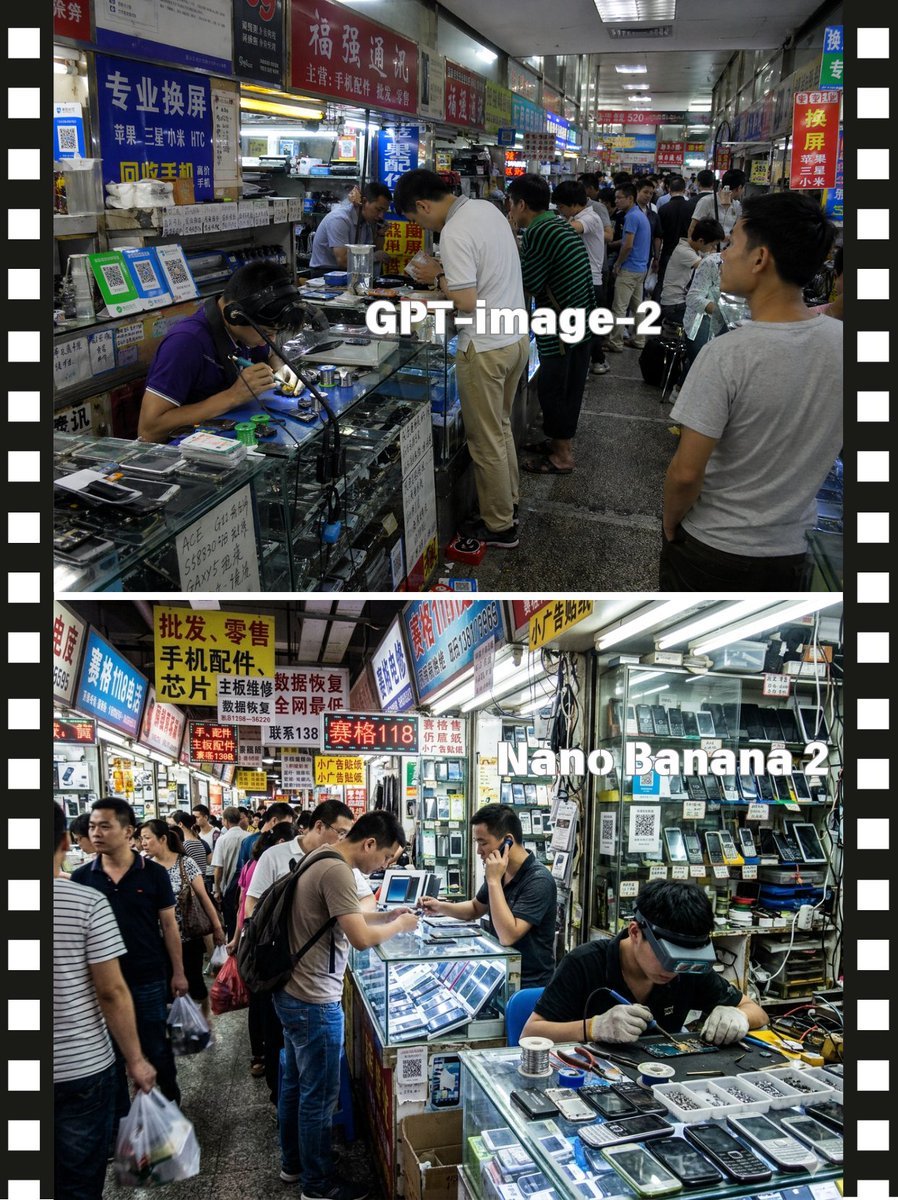
Split-Screen China Phone Market Comparison
Make it yours
Split-Screen Cinematic Batman Blueprint works as-is. These are the safest ways to change it without losing the look.
Change one field
Copy a single group, rewrite it, and generate again so you can see what that field is doing.
Keep the frame, change the subject
Hold the composition and light of Split-Screen Cinematic Batman Blueprint, then swap wardrobe, props or the person for a new take.
| If the result… | Why | Fix |
|---|---|---|
| The result drifts from the preview | Too many fields changed at once. | Reuse Split-Screen Cinematic Batman Blueprint as-is first, then change one group — subject, light, or setting. |
| The model over-stylizes the scene | The prose prompt leaves finish and camera underspecified. | Add one camera or lighting sentence and stay on Nano Banana 2. |
More Nano Banana 2 templates
Other prompts made for Nano Banana 2.

Photorealistic Leaf Shaped Like a Dragon

K-Pop Idol Portrait Grid for Rapid Selection

Poetic Rain Forest Portrait During Golden Hour

Urban Street Portrait with Cartoon Inner Self Duo

Candid Nighttime Photo with Cat Prompt

High-Concept 3D Diorama Generation Prompt

Cinematic Futuristic Studio Portrait Template

Skincare Editorial Photography Collage Prompt

Hyper-Realistic Commercial Product Photography (Splash Effect)

Hyper-Realistic Nightclub Portrait Prompt
More image prompts
Fresh picks from across the catalog.
AI image prompt for a girl joining university
Generic Ultra-Realistic 8K Cinematic Photograph Template
Four-Panel Train Station Pose Collage
Cinematic Night City Triptych Portrait
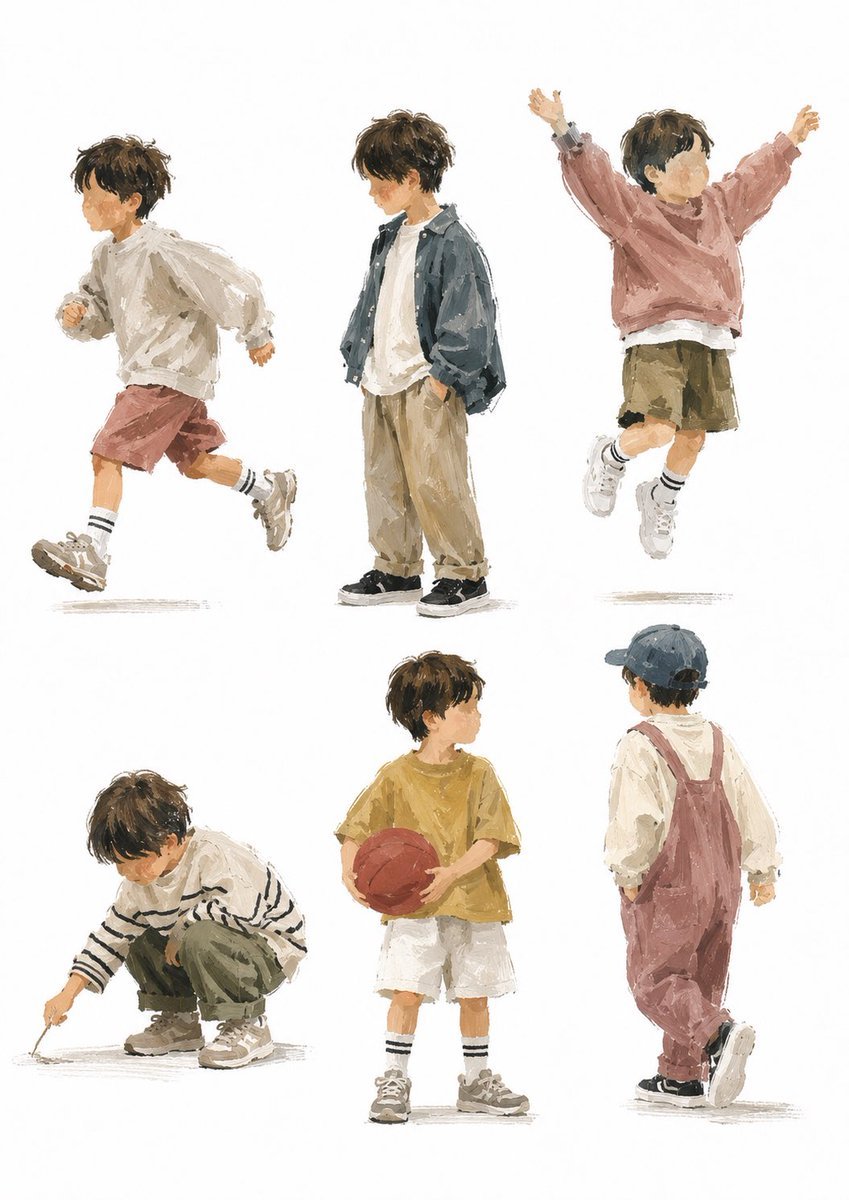
Painterly Boy Fashion Character Sheet
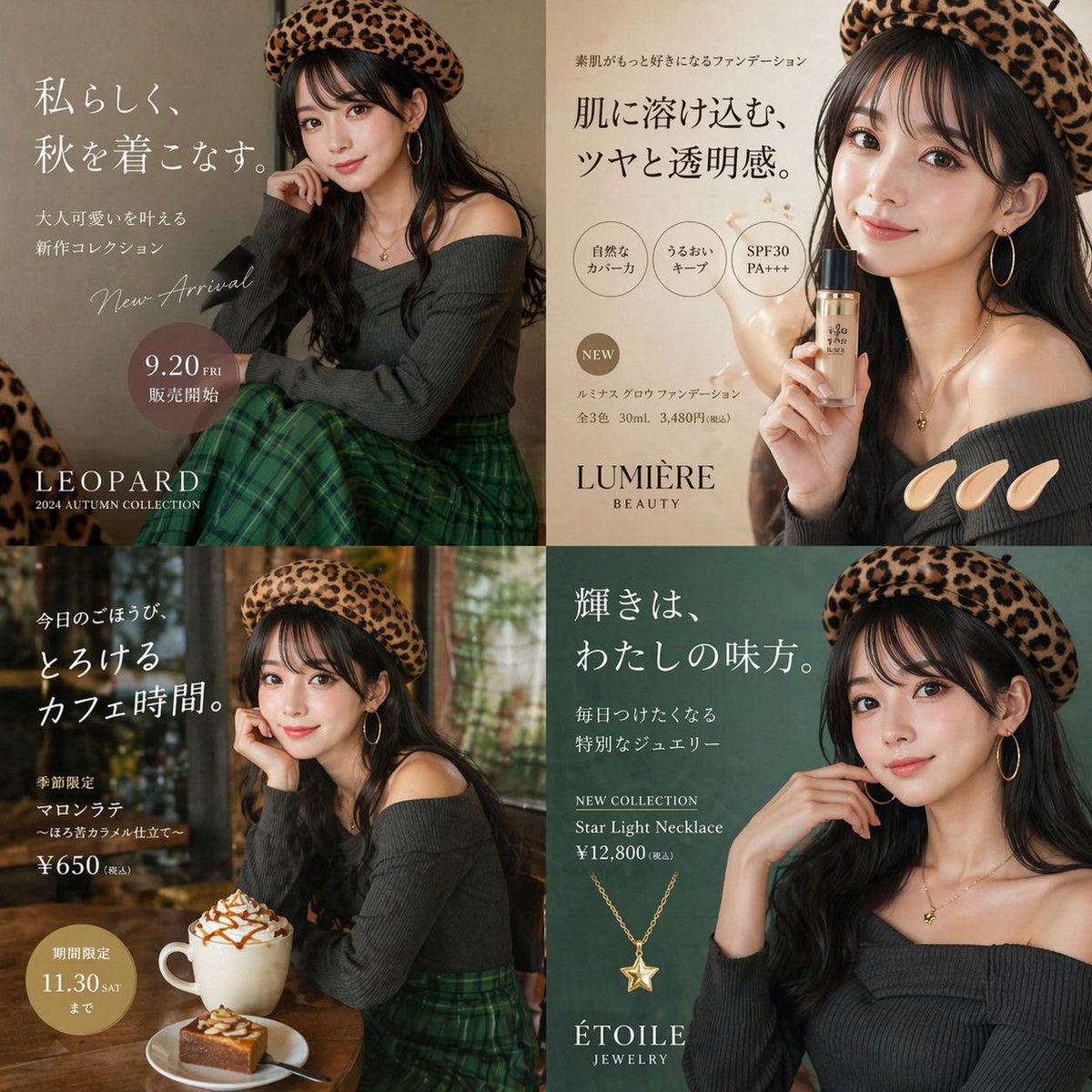
Autumn Fashion Lifestyle Ad Collage
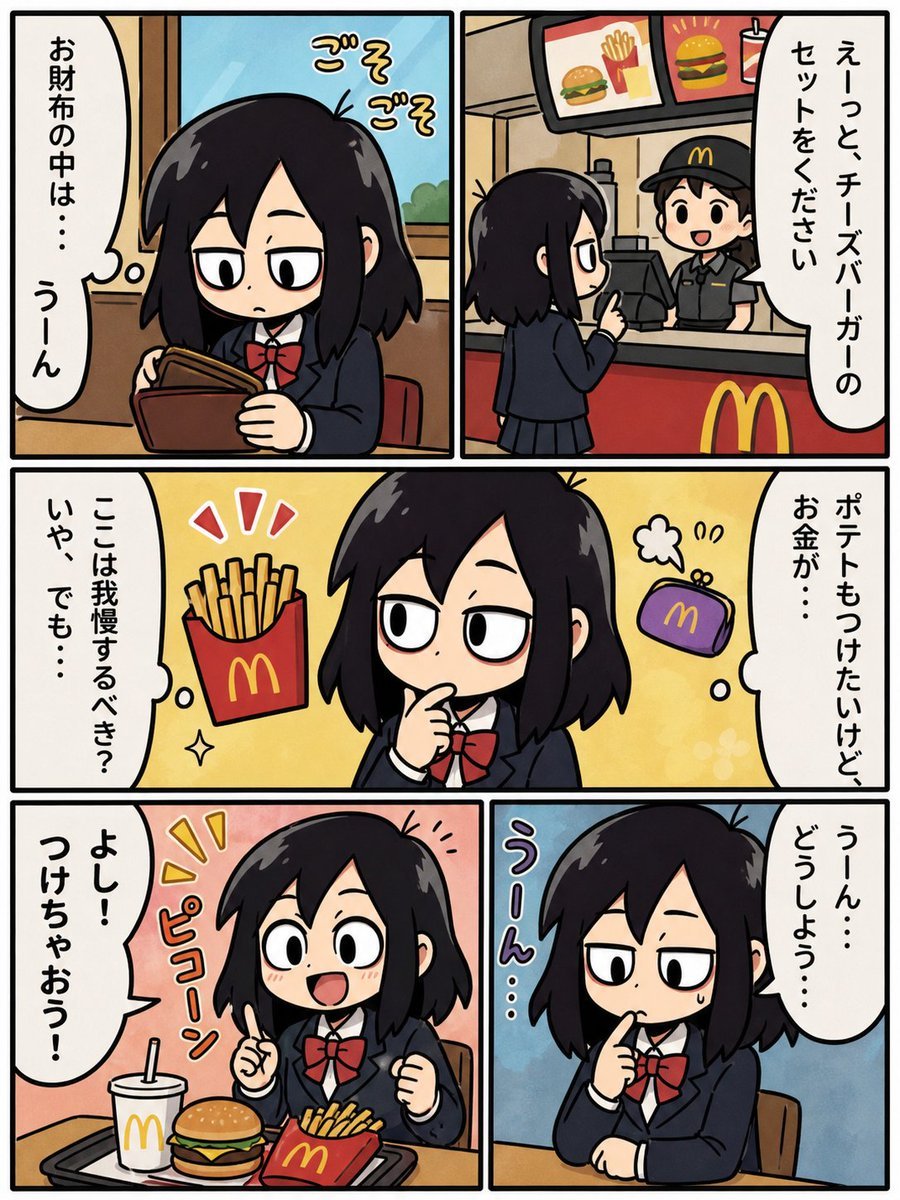
Fast Food Schoolgirl Manga Page
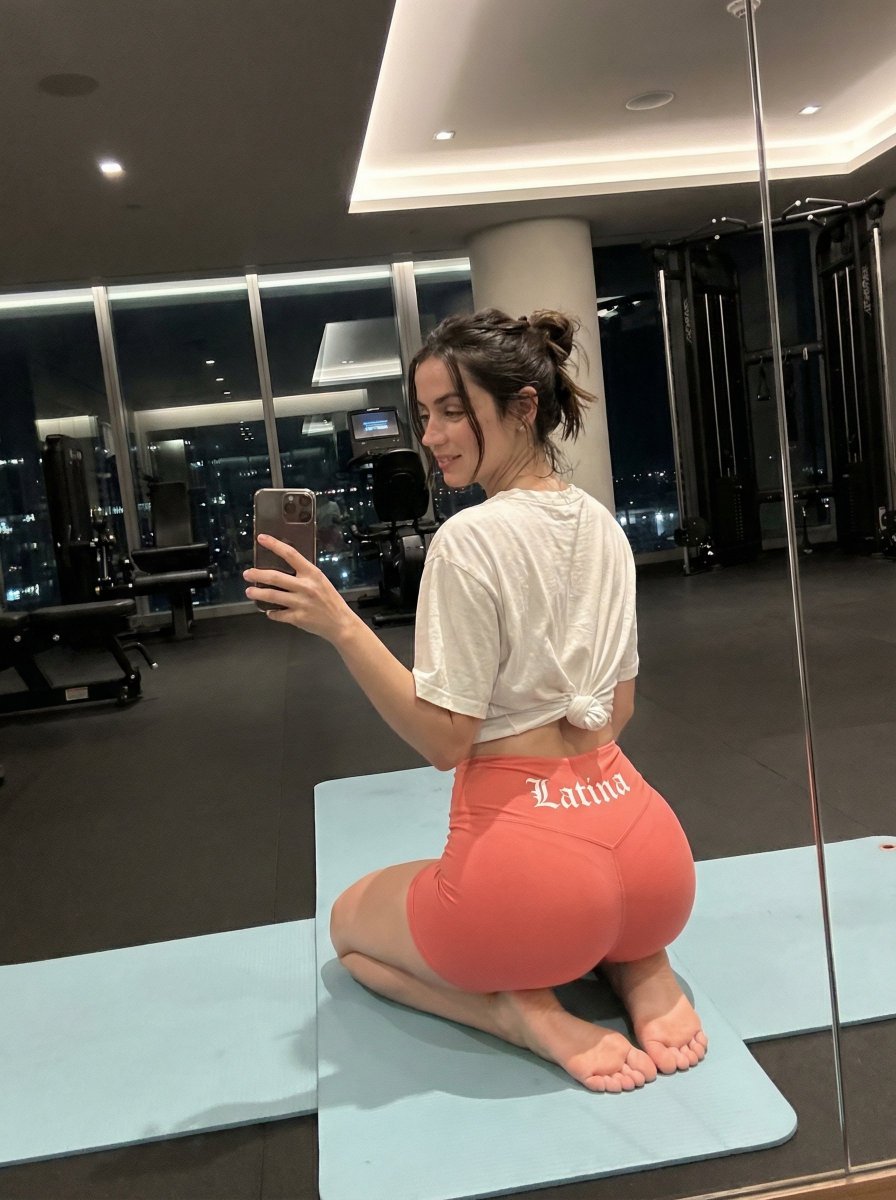
Exaggerated Hourglass Gym Selfie Prompt
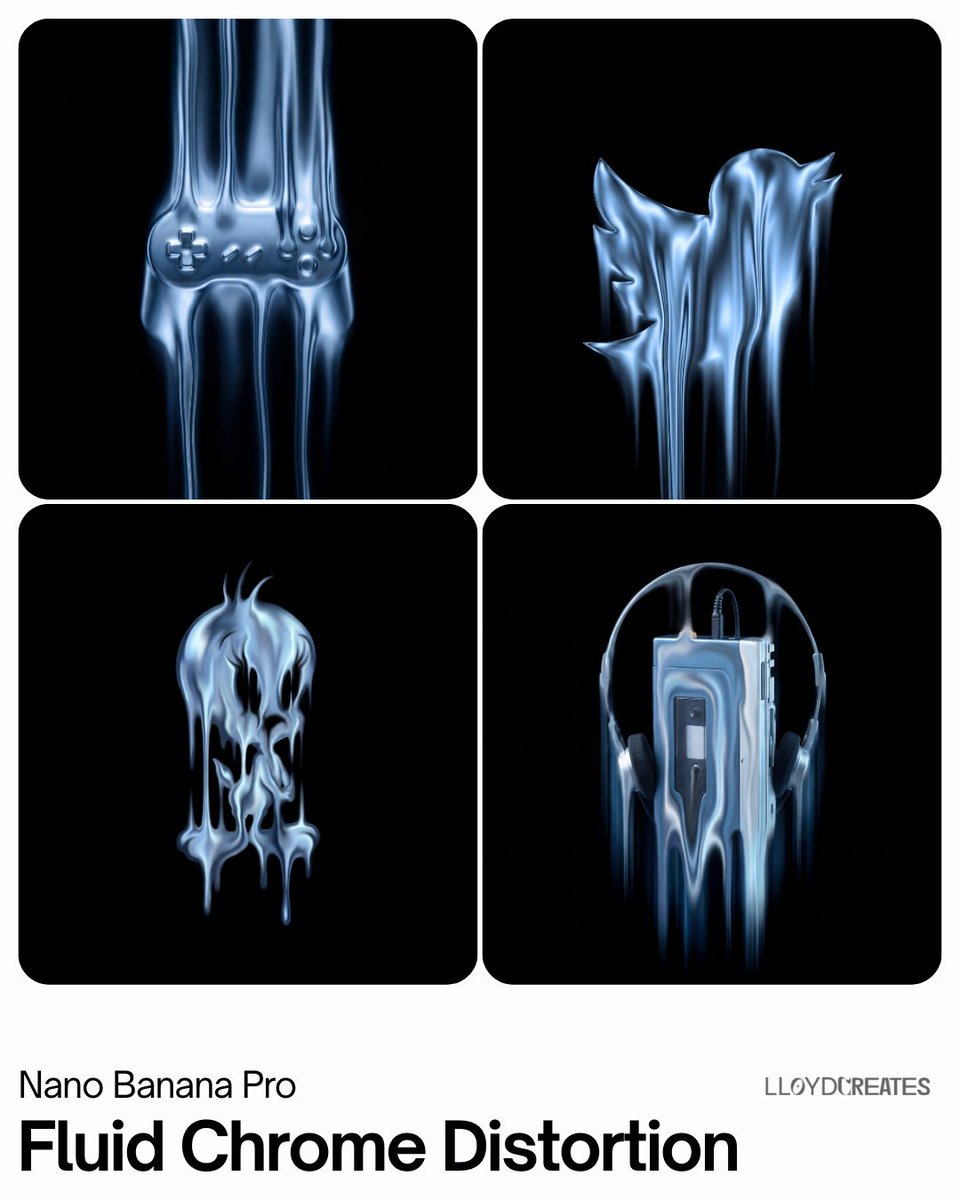
Fluid Chrome Distortion Product Render
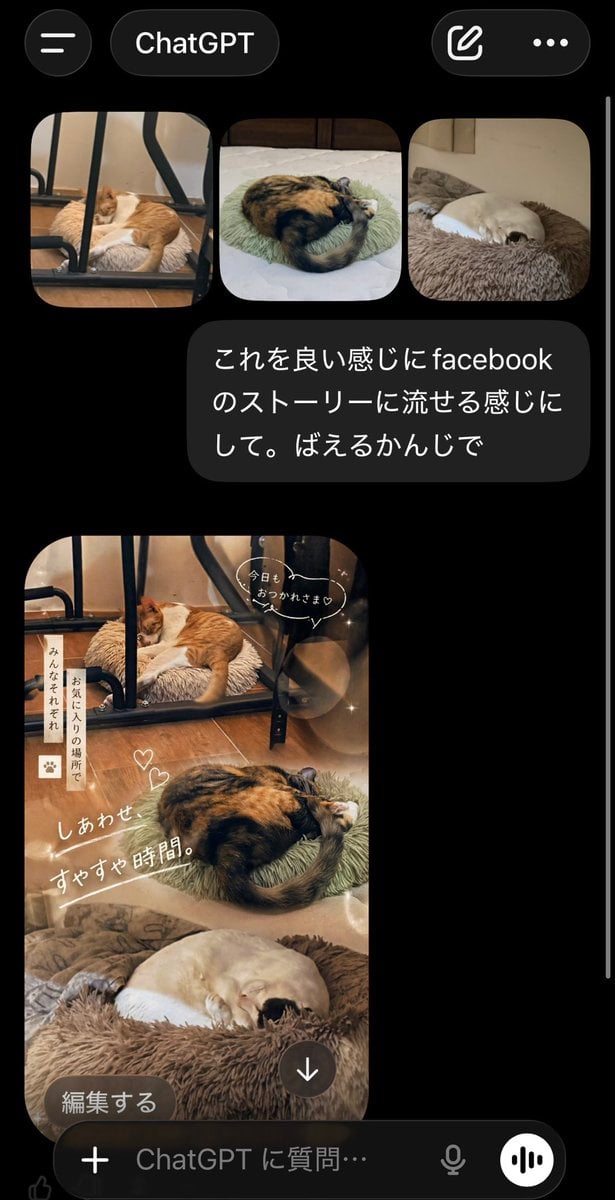
ChatGPT App Cat Story Screenshot
Browse template categories
Split-Screen Cinematic Batman Blueprint questions
How do I use the Split-Screen Cinematic Batman Blueprint template?
Add your photo if the template asks for one, edit the prompt if you like — the template's model and format are already selected — and press Generate. Your version opens in PicX Studio.
Can I customize the Split-Screen Cinematic Batman Blueprint template?
Yes. You can change the subject, setting, lighting, mood, format, and available model controls before creating your image.
Is the Split-Screen Cinematic Batman Blueprint template free?
Opening and editing this template is free. Generating uses credits, shown on the Generate button when you are signed in.
Which AI model should I use?
Start with Nano Banana 2, which is the model associated with this template. You can compare another compatible model for a different finish.
Looking for something else? Browse all templates.

Your photo, any look
Thousands of ready templates for every top image and video model, from one credit balance.