
Painterly Boy Fashion Character Sheet
A prompt for generating a stylish six-pose children’s fashion illustration sheet with soft Japanese editorial watercolor texture.
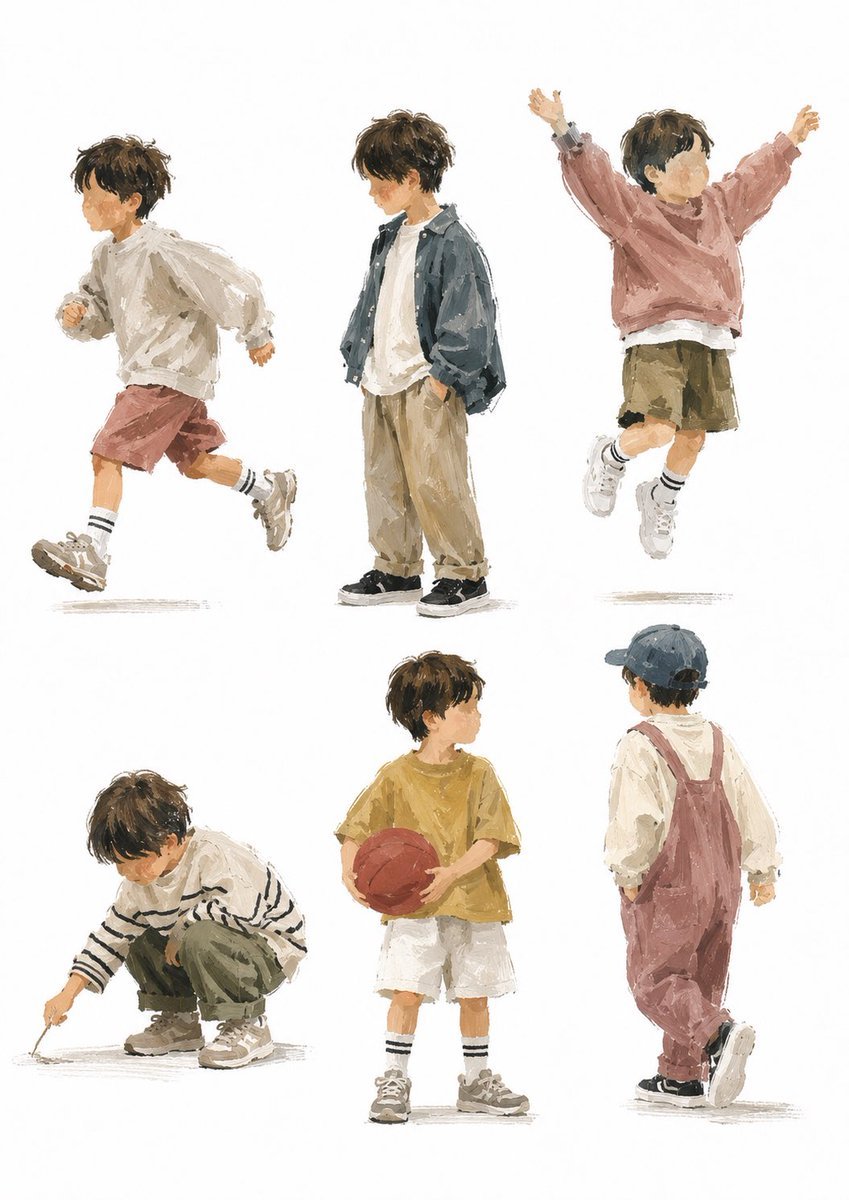
- Prompt included
- Model and format preset
- Free template
The prompt behind this image
Copy the exact prompt behind Painterly Boy Fashion Character Sheet, or open it in the studio and make it yours.
Goal: Create a stylish children’s fashion character sheet featuring {argument name="character name" default="a young boy"} in six separate full-body poses, drawn as loose painterly editorial illustrations on a clean white background. Canvas: Vertical portrait canvas, about 3:4 ratio, with generous white space and no borders, props, scenery, captions, or logos. Arrange the figures in a balanced 2-row by 3-column grid, each figure isolated with a faint gray grounding shadow beneath the shoes. Visual style: Modern Japanese lifestyle illustration, soft gouache and watercolor texture mixed with rough digital brush strokes, muted earthy colors, visible dry-brush edges, casual sketchbook looseness, fashionable but natural children’s clothing, warm gentle atmosphere. Keep anatomy childlike and expressive, around preschool to early elementary age. Faces should be intentionally anonymized with a small soft square blur over each face, while hair, clothing, pose, and body language remain clear. Subject details: The child has tousled {argument name="hair color" default="dark brown"} short hair, a slim small build, white socks, chunky sneakers, and relaxed oversized clothing. Use neutral lighting with no strong cast shadows. Layout and exact figure count: Include exactly 6 separate full-body illustrations: 1. Top left: side-view running pose facing left, wearing an oversized off-white hoodie or sweatshirt, muted dusty-rose shorts, striped white socks, and beige chunky sneakers; one knee lifted, arms bent, energetic motion. 2. Top center: standing pose facing slightly left, hands in pockets, wearing a loose dark blue-gray jacket over an off-white T-shirt, baggy beige pants, and black sneakers; calm casual attitude. 3. Top right: jumping pose with both arms raised in a V shape, wearing a dusty pink sweatshirt, olive-khaki shorts, striped socks, and white sneakers; joyful airborne posture. 4. Bottom left: crouching pose facing left, drawing on the ground with a stick, wearing a cream sweater with black horizontal stripes, olive green pants, and beige sneakers; focused quiet mood. 5. Bottom center: standing front-facing pose holding {argument name="sports ball" default="a red basketball"} with both hands, wearing a mustard yellow T-shirt, white shorts, striped socks, and gray sneakers; relaxed sporty look. 6. Bottom right: back-view walking pose facing right, wearing a navy baseball cap, cream long-sleeve shirt, dusty rose overalls, and black sneakers; one foot lifted mid-step. Constraints: Use exactly six figures and no additional characters. Do not add text. Preserve the clean white background and painterly fashion-illustration mood. Keep clothing colors muted: {argument name="color palette" default="cream, dusty rose, olive khaki, mustard yellow, beige, navy, dark blue-gray"}.
How to use Painterly Boy Fashion Character Sheet in 3 steps
- 1Upload ImagePNG, JPG or paste
Add your photo
Upload the photo the template builds on. The prompt, model and format are already set.
- 2…a portrait of your subject in softgolden-hour light, 85mm…
Personalize
Edit the subject and creative details for your destination.
- 3Generate
Generate
Press Generate — your image is created in PicX Studio, so you can compare it with the original and refine one variable at a time.
More like this
Templates with the same subject, style or setup. Open one to see its prompt.

Luxury Black-and-White Fashion Contact Sheet

80s College Gate

1988 Mall Style

80s Polka Dot Saree
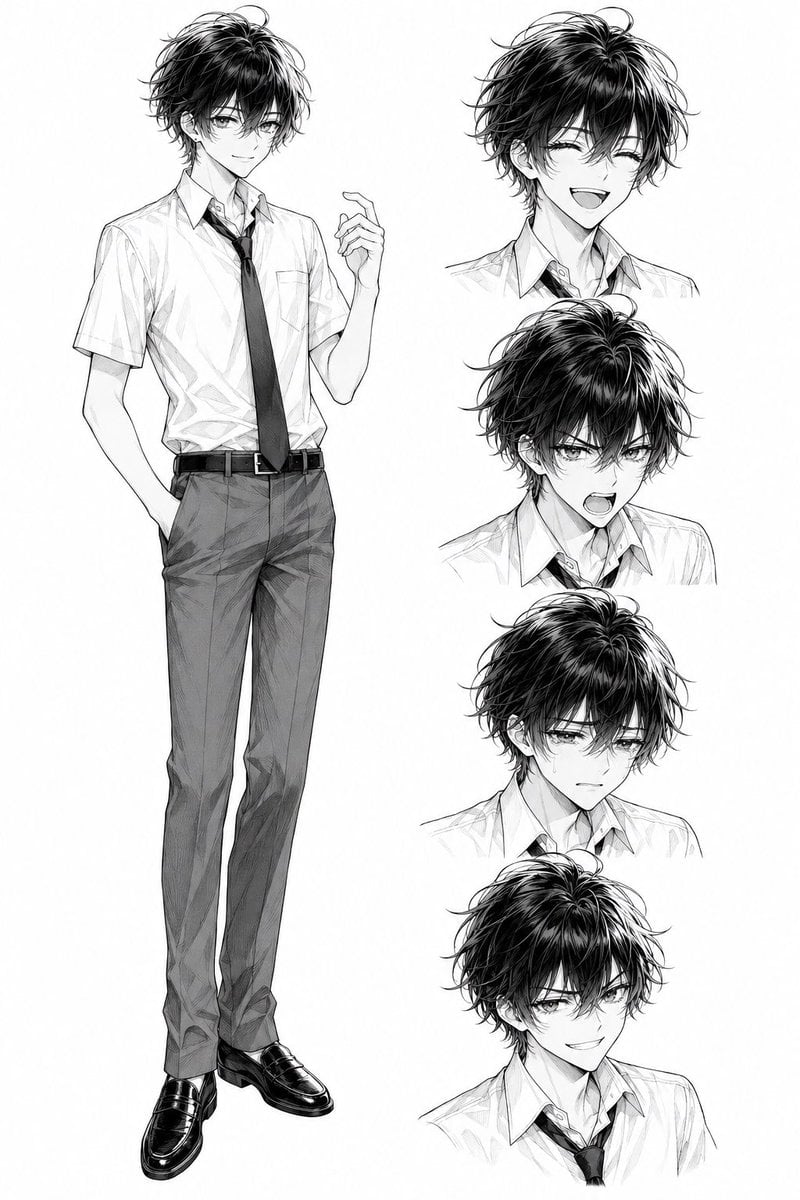
Monochrome Anime Schoolboy Expression Sheet
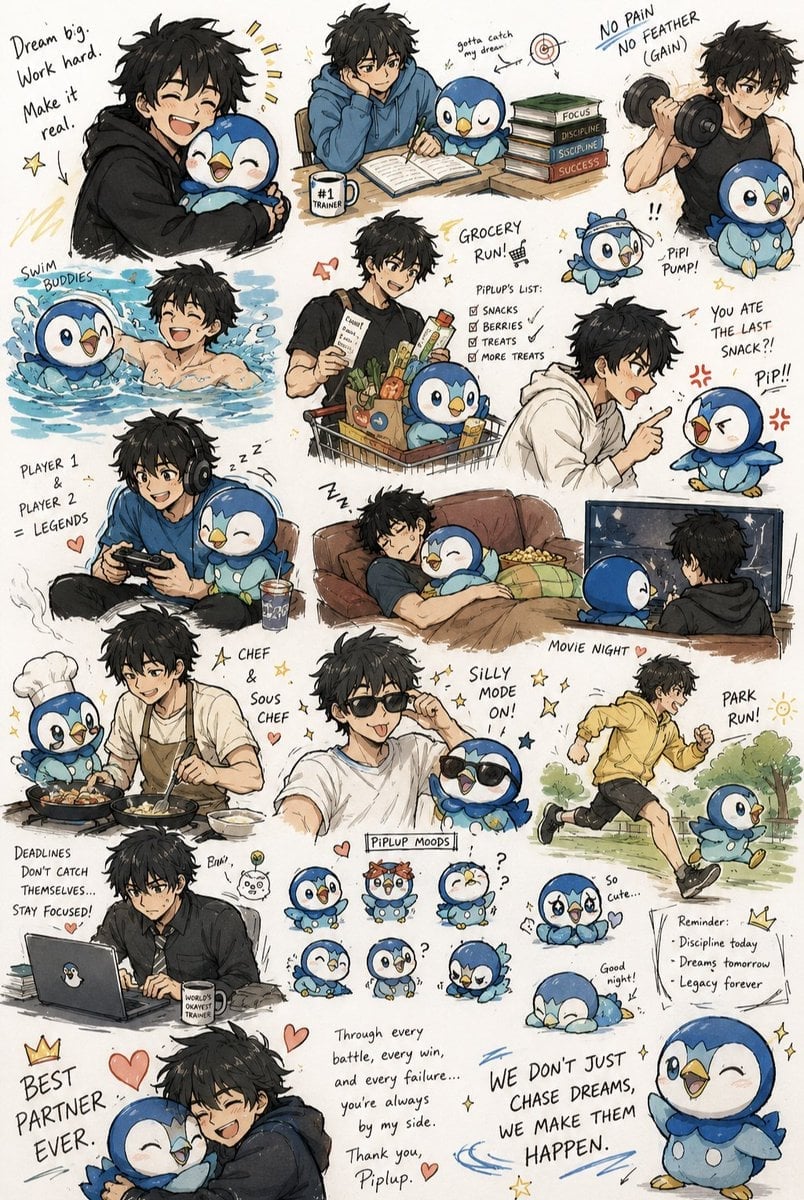
Anime Boy and Piplup Adventure Sheet

Polo Ralph Lauren Luxury American Heritage Fashion Campaign

Cinematic Street Fashion Photographer Portrait

High-Fashion Editorial Magazine Cover ICON

Fine Art Monochrome Fashion Portrait

Korean Streetwear Minimalist Campaign Portrait

Cinematic Korean Streetwear Street Portrait
Make it yours
Painterly Boy Fashion Character Sheet works as-is. These are the safest ways to change it without losing the look.
Change one field
Copy a single group, rewrite it, and generate again so you can see what that field is doing.
Keep the frame, change the subject
Hold the composition and light of Painterly Boy Fashion Character Sheet, then swap wardrobe, props or the person for a new take.
| If the result… | Why | Fix |
|---|---|---|
| The result drifts from the preview | Too many fields changed at once. | Reuse Painterly Boy Fashion Character Sheet as-is first, then change one group — subject, light, or setting. |
| The model over-stylizes the scene | The prose prompt leaves finish and camera underspecified. | Add one camera or lighting sentence and stay on GPT Image 2. |
More GPT Image 2 templates
Other prompts made for GPT Image 2.

Six VTuber Japanese Logo Sheet

Realistic Portrait of Woman and Deer

The Vista Modular Condo Poster

AI Model Routing Comparison Infographic

2.5D Anime Art Board

Isometric Productivity Desk Scene

New York Double Exposure Poster

Four-Panel AI Landscape Comparison

Japanese Tatami Lifestyle Magazine Cover

NESCAFÉ Coffee Map Poster
More image prompts
Fresh picks from across the catalog.
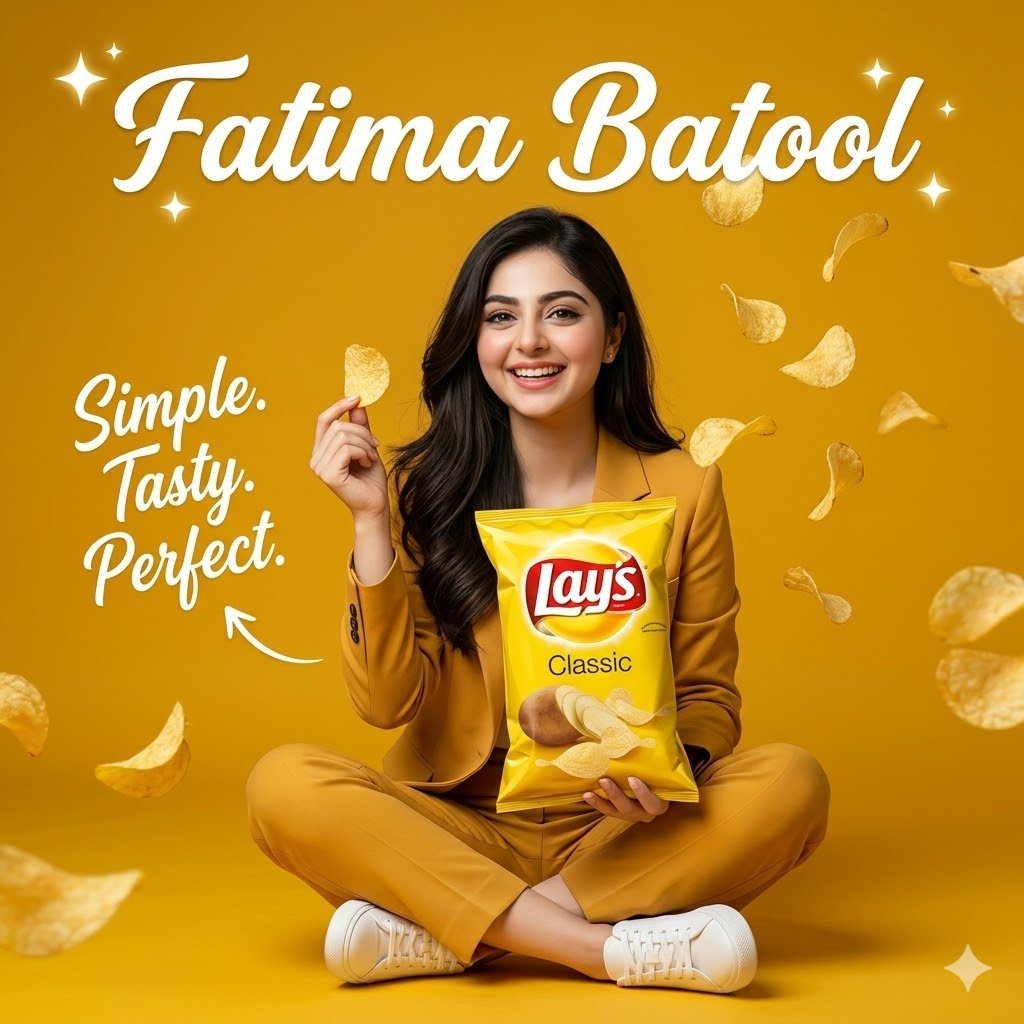
Modern Snack Commercial Advertisement
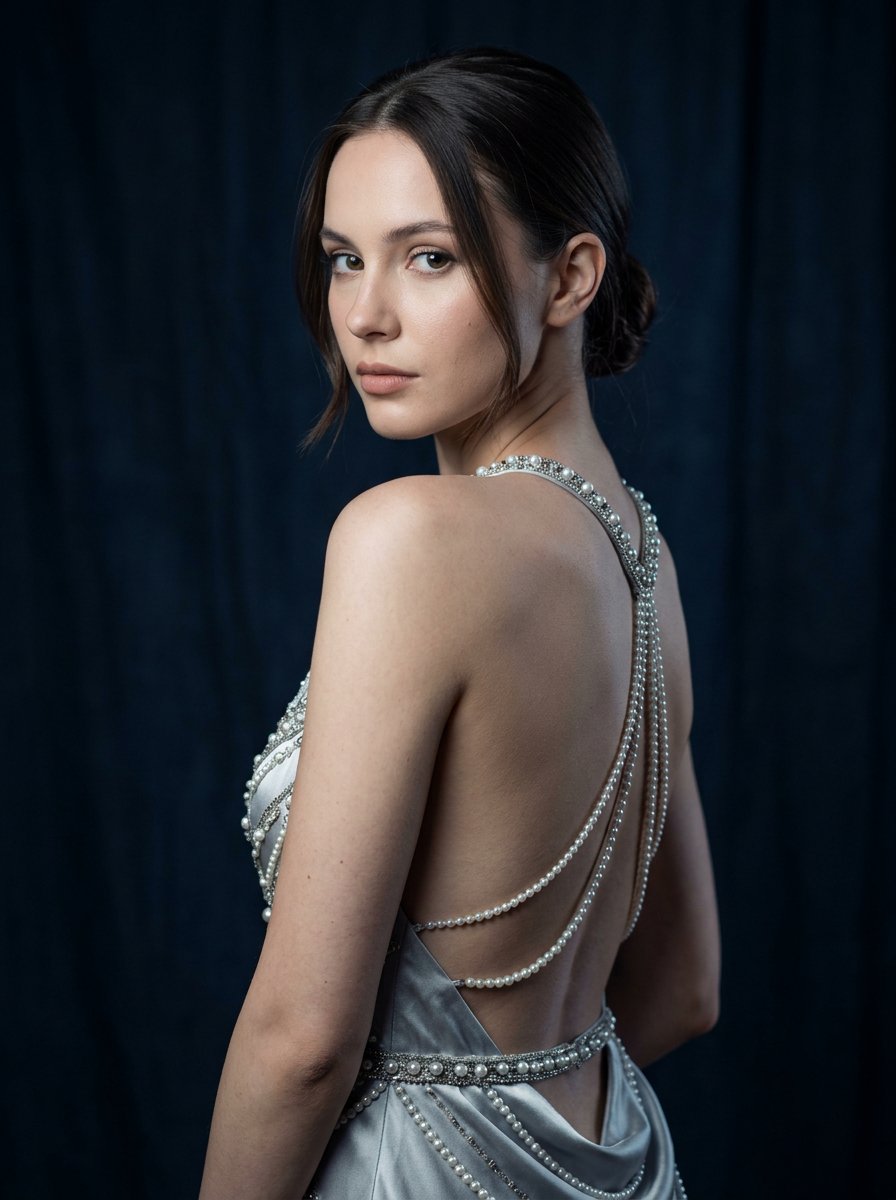
Silver Pearl Couture Portrait
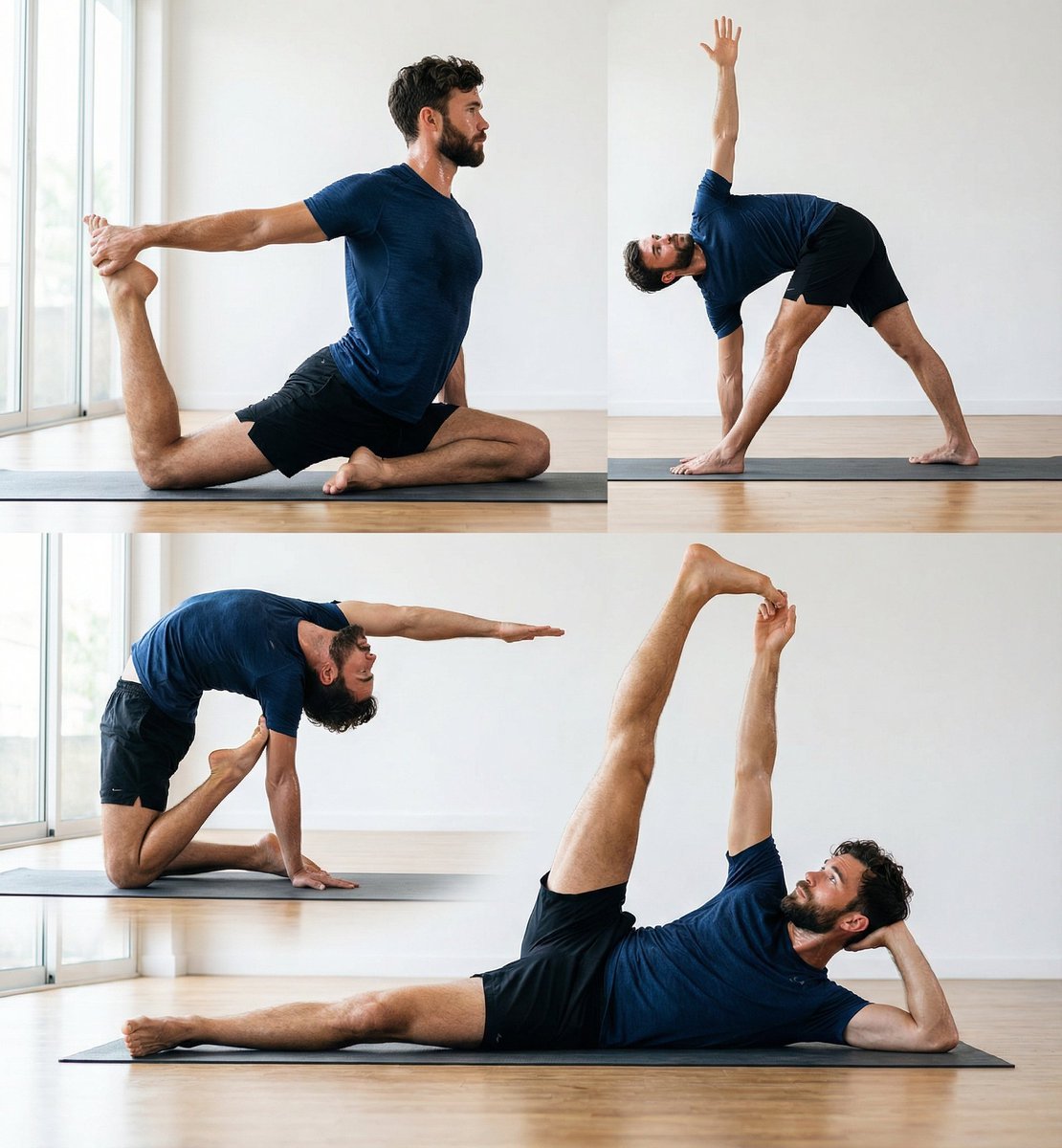
Pose transfer for fitness shots
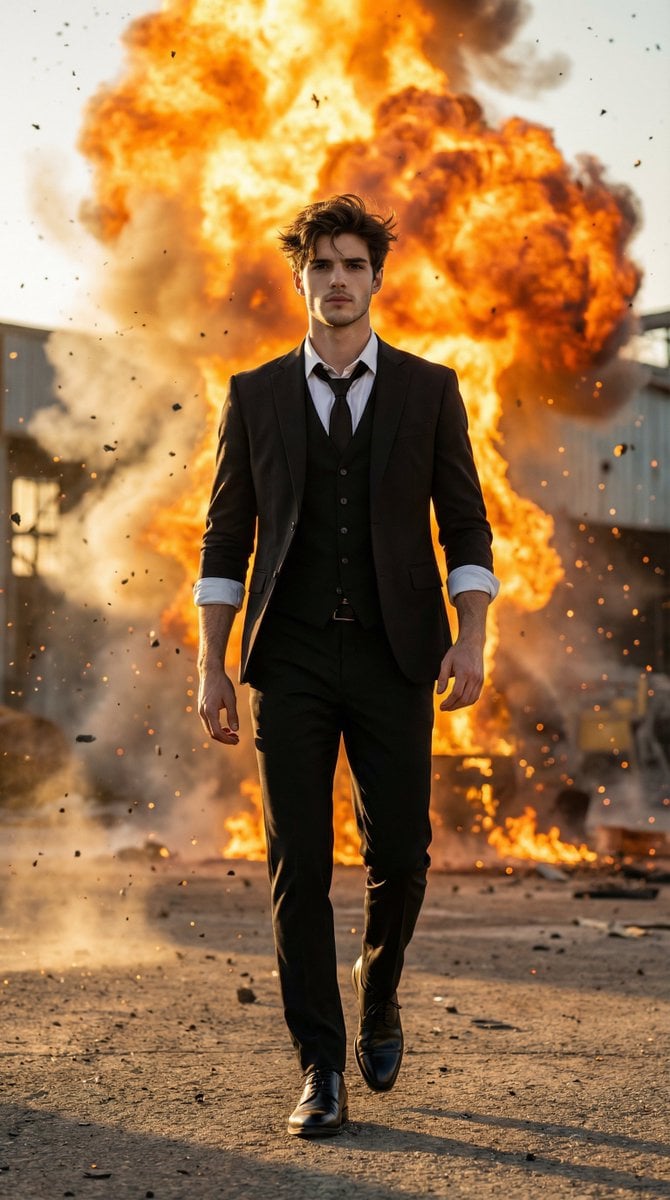
Action Hero Walking Away from Explosion Prompt (Image-to-Image)
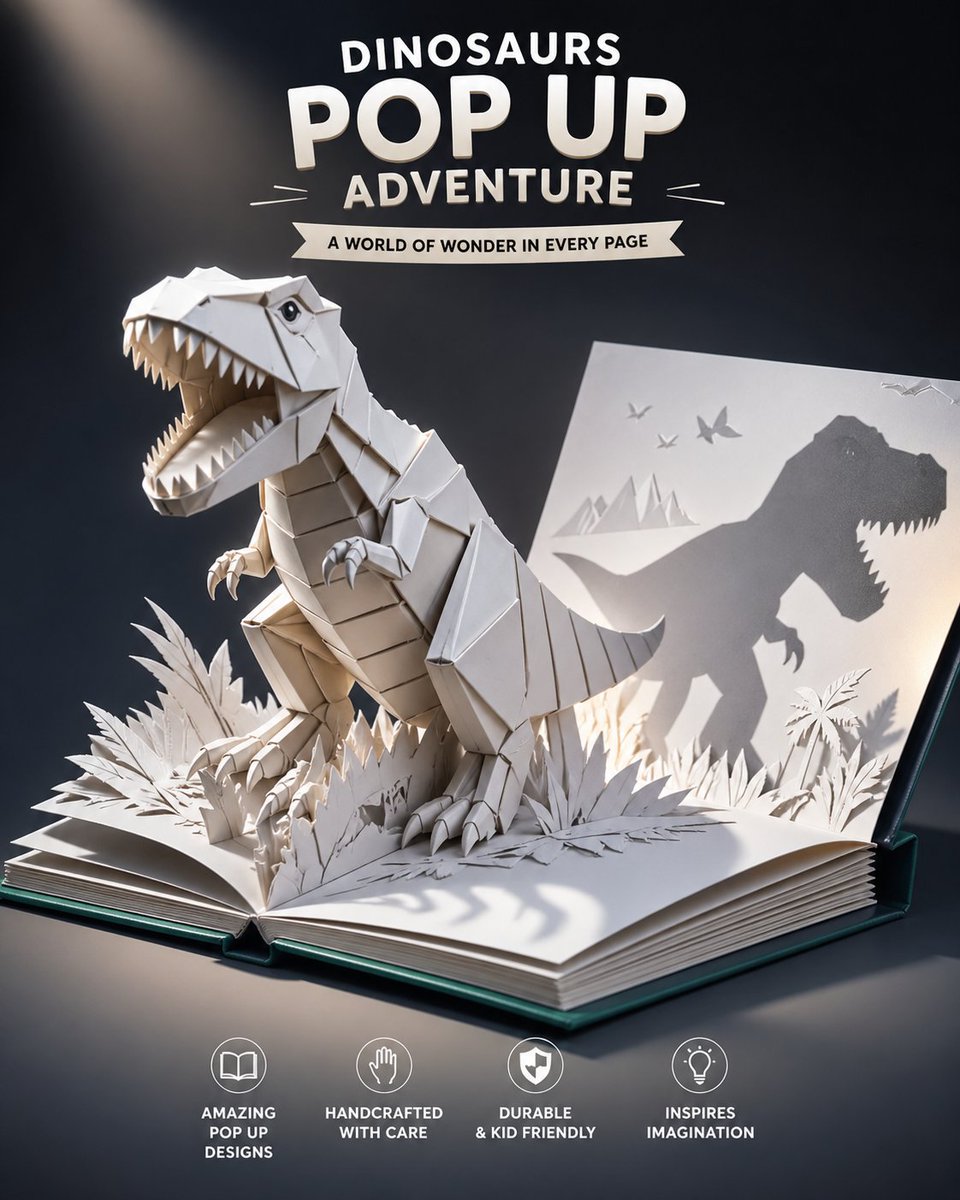
Origami Dinosaur Pop-Up Book Ad

Cinematic Profile Portrait Prompt with Backlighting and Bokeh

Asimov Visionary Split-Scene Concept Art Prompt
Ultra-Realistic Natural Light Portrait in Cozy Bedroom

Vintage Photo Restoration to DSLR Quality Prompt (Truncated)

Selfie to Professional Headshot Prompt
Browse template categories
Painterly Boy Fashion Character Sheet questions
How do I use the Painterly Boy Fashion Character Sheet template?
Add your photo if the template asks for one, edit the prompt if you like — the template's model and format are already selected — and press Generate. Your version opens in PicX Studio.
Can I customize the Painterly Boy Fashion Character Sheet template?
Yes. You can change the subject, setting, lighting, mood, format, and available model controls before creating your image.
Is the Painterly Boy Fashion Character Sheet template free?
Opening and editing this template is free. Generating uses credits, shown on the Generate button when you are signed in.
Which AI model should I use?
Start with GPT Image 2, which is the model associated with this template. You can compare another compatible model for a different finish.
Looking for something else? Browse all templates.

Your photo, any look
Thousands of ready templates for every top image and video model, from one credit balance.