
Split-Screen China Phone Market Comparison
A realistic two-panel comparison poster showing crowded Chinese mobile phone repair market scenes, suitable for visual model comparisons or tech-market editorial graphics.
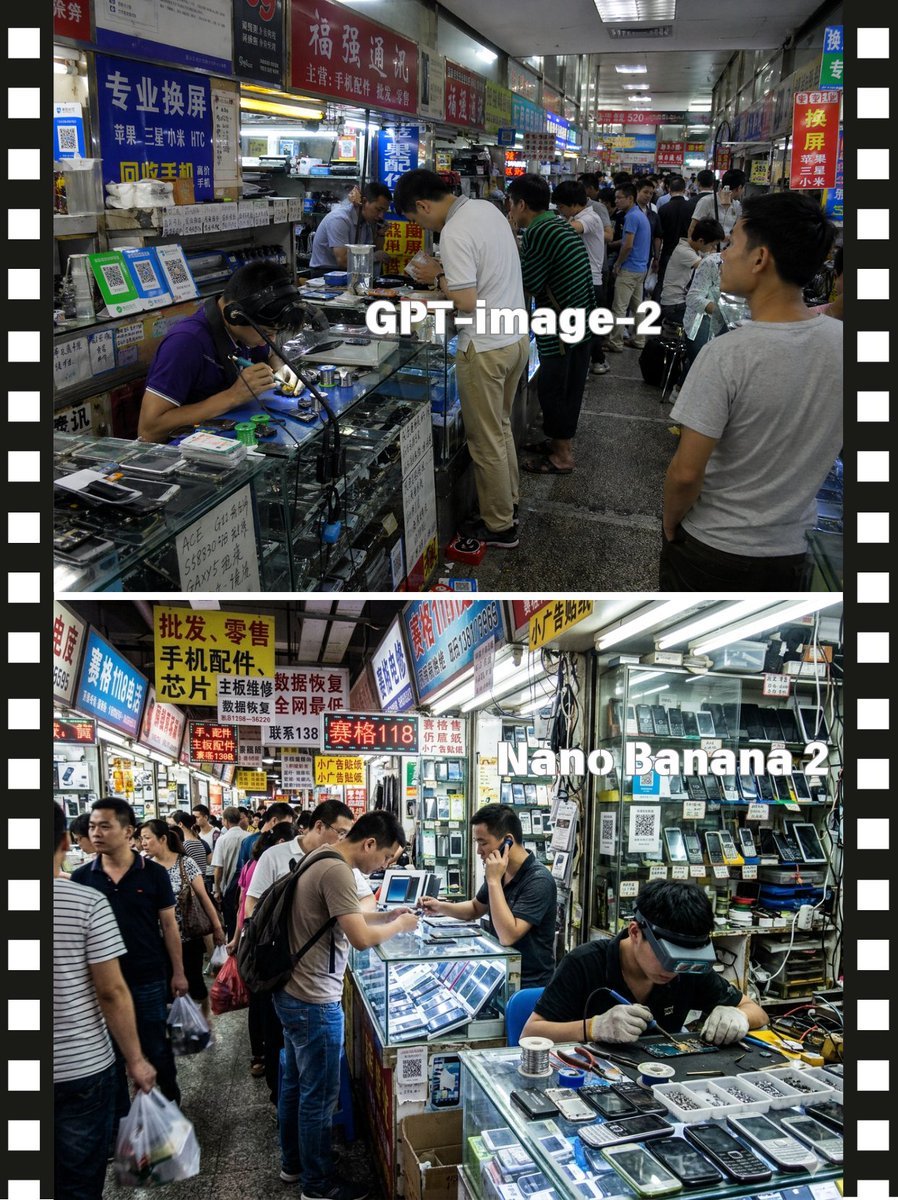
- Prompt included
- Model and format preset
- Free template
The prompt behind this image
Copy the exact prompt behind Split-Screen China Phone Market Comparison, or open it in the studio and make it yours.
- Type
- split-screen market comparison poster
- Style
- photo-realistic documentary photography
- Subject
- busy indoor electronics repair and mobile phone parts market in China
- Layout › Format
- vertical poster with 2 stacked comparison panels
- Layout › Divider
- thin white horizontal divider between panels
- Layout › Side Borders
- black filmstrip-style borders on left and right edges with evenly spaced white perforation rectangles
- Layout › Panels › 0 › Position
- top half
- Layout › Panels › 0 › Overlay Text
- GPT-image-2
- Layout › Panels › 0 › Scene
- narrow fluorescent-lit shopping corridor lined with glass display counters and densely packed Chinese shop signs
- Layout › Panels › 0 › Crowd Count
- around 12 visible shoppers and vendors
- Layout › Panels › 0 › Primary Action
- customers leaning over counters while technicians repair phones and sell parts
- Layout › Panels › 0 › Details
- one seated technician in a purple polo shirt soldering at the front left counter, a tall customer in a white polo shirt bending over the central glass case, another customer in a green striped shirt beside him, a man in a light gray T-shirt standing in the right foreground with his back partly to camera, glass counters filled with smartphone screens, tools, spare parts, and small electronics, overhead signage in red, blue, yellow, and white with Chinese text about screen replacement, phone accessories, and repairs, deep perspective down the corridor with many small stalls and ceiling strip lights
- Layout › Panels › 0 › Text Style
- large bold white sans-serif text centered over the scene
- Layout › Panels › 1 › Position
- bottom half
- Layout › Panels › 1 › Overlay Text
- Nano Banana 2
- Layout › Panels › 1 › Scene
- another crowded indoor mobile phone market aisle, brighter and more cluttered, with open repair stalls and walls full of phones and parts
- Layout › Panels › 1 › Crowd Count
- around 11 visible shoppers and vendors
- Layout › Panels › 1 › Primary Action
- technicians working at counters while customers browse and talk
- Layout › Panels › 1 › Details
- front-right technician seated at a glass counter, wearing dark clothes and white gloves, repairing a device with tools spread out, center customer with a backpack leaning over a lit display case, another vendor at center-right holding a phone to his ear, left side aisle filled with walking shoppers carrying plastic bags, glass showcases displaying old mobile phones, screens, batteries, and accessories, shop walls densely stacked with hanging phones and packaged components, many bright Chinese signboards overhead in yellow, red, blue, and white advertising wholesale, retail, mobile accessories, chip repair, and data recovery
- Layout › Panels › 1 › Text Style
- large bold white sans-serif text placed across the upper-right center of the panel
- Camera › Angle
- eye level
- Camera › Lens
- wide-angle documentary street photo lens
- Camera › Composition
- deep corridor perspective with strong leading lines from counters and ceiling lights
- Lighting
- cool fluorescent indoor lighting, slightly harsh commercial mall illumination
Raw JSON
{"type":"split-screen market comparison poster","style":"photo-realistic documentary photography","subject":"busy indoor electronics repair and mobile phone parts market in China","layout":{"format":"vertical poster with 2 stacked comparison panels","divider":"thin white horizontal divider between panels","side_borders":"black filmstrip-style borders on left and right edges with evenly spaced white perforation rectangles","panels":[{"position":"top half","overlay_text":"GPT-image-2","scene":"narrow fluorescent-lit shopping corridor lined with glass display counters and densely packed Chinese shop signs","crowd_count":"around 12 visible shoppers and vendors","primary_action":"customers leaning over counters while technicians repair phones and sell parts","details":["one seated technician in a purple polo shirt soldering at the front left counter","a tall customer in a white polo shirt bending over the central glass case","another customer in a green striped shirt beside him","a man in a light gray T-shirt standing in the right foreground with his back partly to camera","glass counters filled with smartphone screens, tools, spare parts, and small electronics","overhead signage in red, blue, yellow, and white with Chinese text about screen replacement, phone accessories, and repairs","deep perspective down the corridor with many small stalls and ceiling strip lights"],"text_style":"large bold white sans-serif text centered over the scene"},{"position":"bottom half","overlay_text":"Nano Banana 2","scene":"another crowded indoor mobile phone market aisle, brighter and more cluttered, with open repair stalls and walls full of phones and parts","crowd_count":"around 11 visible shoppers and vendors","primary_action":"technicians working at counters while customers browse and talk","details":["front-right technician seated at a glass counter, wearing dark clothes and white gloves, repairing a device with tools spread out","center customer with a backpack leaning over a lit display case","another vendor at center-right holding a phone to his ear","left side aisle filled with walking shoppers carrying plastic bags","glass showcases displaying old mobile phones, screens, batteries, and accessories","shop walls densely stacked with hanging phones and packaged components","many bright Chinese signboards overhead in yellow, red, blue, and white advertising wholesale, retail, mobile accessories, chip repair, and data recovery"],"text_style":"large bold white sans-serif text placed across the upper-right center of the panel"}]},"camera":{"angle":"eye level","lens":"wide-angle documentary street photo lens","composition":"deep corridor perspective with strong leading lines from counters and ceiling lights"},"lighting":"cool fluorescent indoor lighting, slightly harsh commercial mall illumination","mood":"busy, crowded, practical, authentic tech-market atmosphere","quality":"high-detail realistic photography, natural color, sharp storefront signage, reflective glass counters"}How to use Split-Screen China Phone Market Comparison in 3 steps
- 1Upload ImagePNG, JPG or paste
Add your photo
Upload the photo the template builds on. The prompt, model and format are already set.
- 2…a portrait of your subject in softgolden-hour light, 85mm…
Personalize
Edit the subject and creative details for your destination.
- 3Generate
Generate
Press Generate — your image is created in PicX Studio, so you can compare it with the original and refine one variable at a time.
More like this
Templates with the same subject, style or setup. Open one to see its prompt.

Split-Screen Surreal Printmaking Design

Split-Screen MR2 Touge Drive
Split Screen Aging Effect

Gen Z Split Screen Advertising Poster
Meta Restaurant Photo within Phone Screen

Automotive Blueprint Split Composition

Blueprint Split Reality Archetype Prompt

Monochrome Elevator Profile Cat Ear Selfie

Dark Marble Bathroom Racing Jacket Mirror Selfie

Anime Split-Screen Sword Confrontation
Anime Countryside iPhone Lock Screen
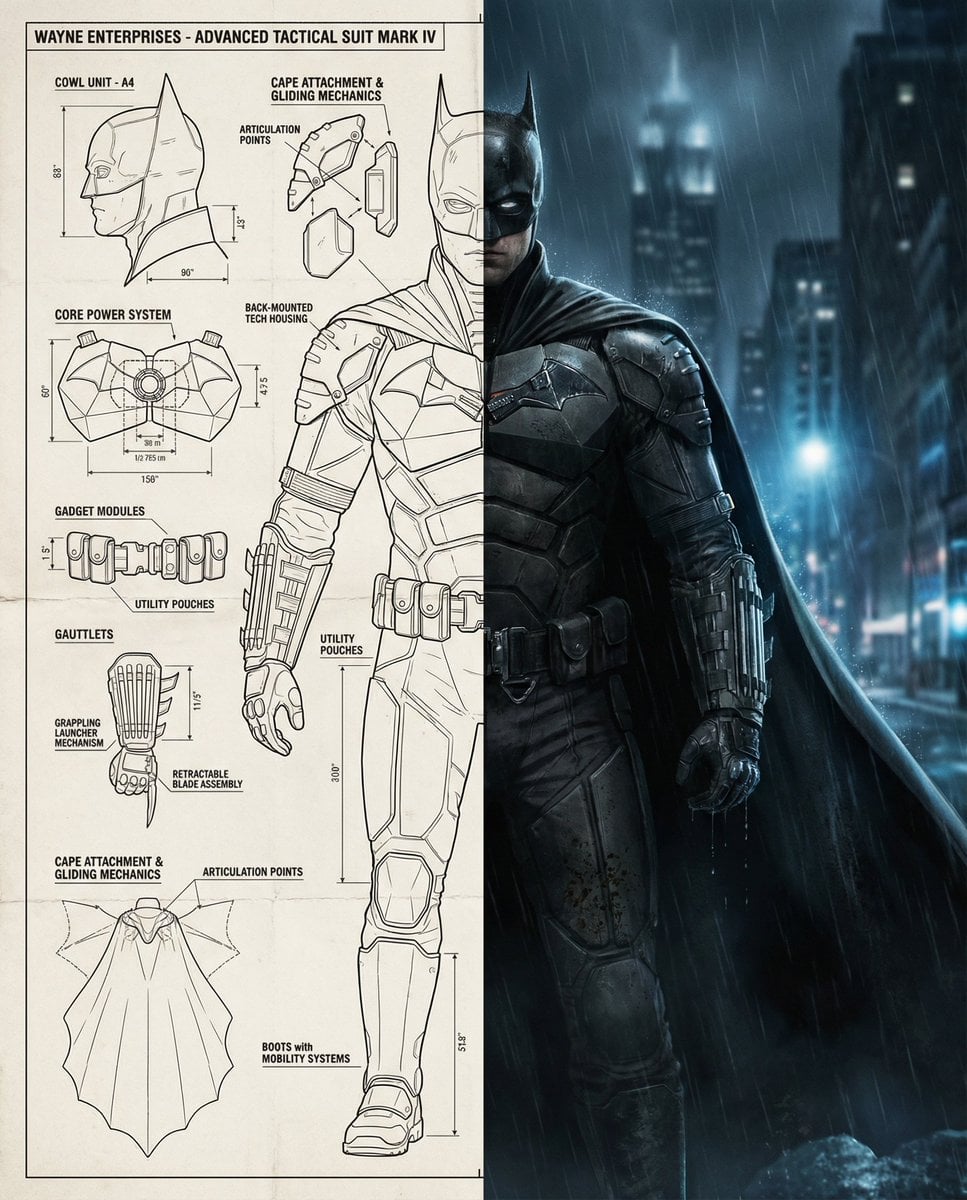
Split-Screen Cinematic Batman Blueprint
Make it yours
Split-Screen China Phone Market Comparison works as-is. These are the safest ways to change it without losing the look.
Swap the light
One lighting change is enough to compare takes. Current light: “cool fluorescent indoor lighting, slightly harsh commercial mall illumination”.
Change one field
Copy a single group, rewrite it, and generate again so you can see what that field is doing.
Keep the frame, change the subject
Hold the composition and light of Split-Screen China Phone Market Comparison, then swap wardrobe, props or the person for a new take.
| If the result… | Why | Fix |
|---|---|---|
| The result drifts from the preview | Too many fields changed at once. | Reuse Split-Screen China Phone Market Comparison as-is first, then change one group — subject, light, or setting. |
| GPT Image 2 ignores part of the JSON | Some models flatten or skip nested keys. | Keep the same values and paste them as a short paragraph instead. |
More GPT Image 2 templates
Other prompts made for GPT Image 2.

Six VTuber Japanese Logo Sheet

Realistic Portrait of Woman and Deer

The Vista Modular Condo Poster

AI Model Routing Comparison Infographic

2.5D Anime Art Board

Isometric Productivity Desk Scene

New York Double Exposure Poster

Four-Panel AI Landscape Comparison

Japanese Tatami Lifestyle Magazine Cover

NESCAFÉ Coffee Map Poster
More image prompts
Fresh picks from across the catalog.
Nano Banana Pro brand hero image (variant tweet)

Prompt Share for Nano Banana Pro
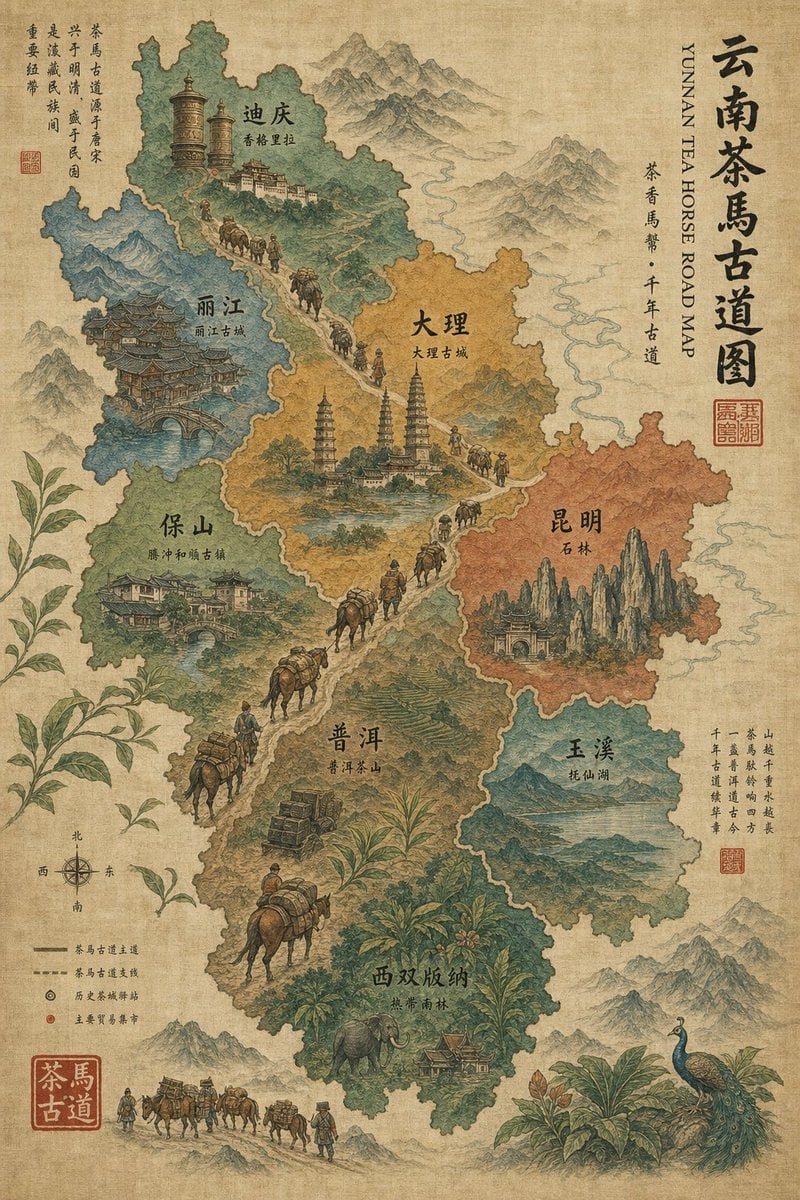
Vintage Yunnan Tea Horse Road Map

Winter Hiking Couple Selfie JSON Prompt
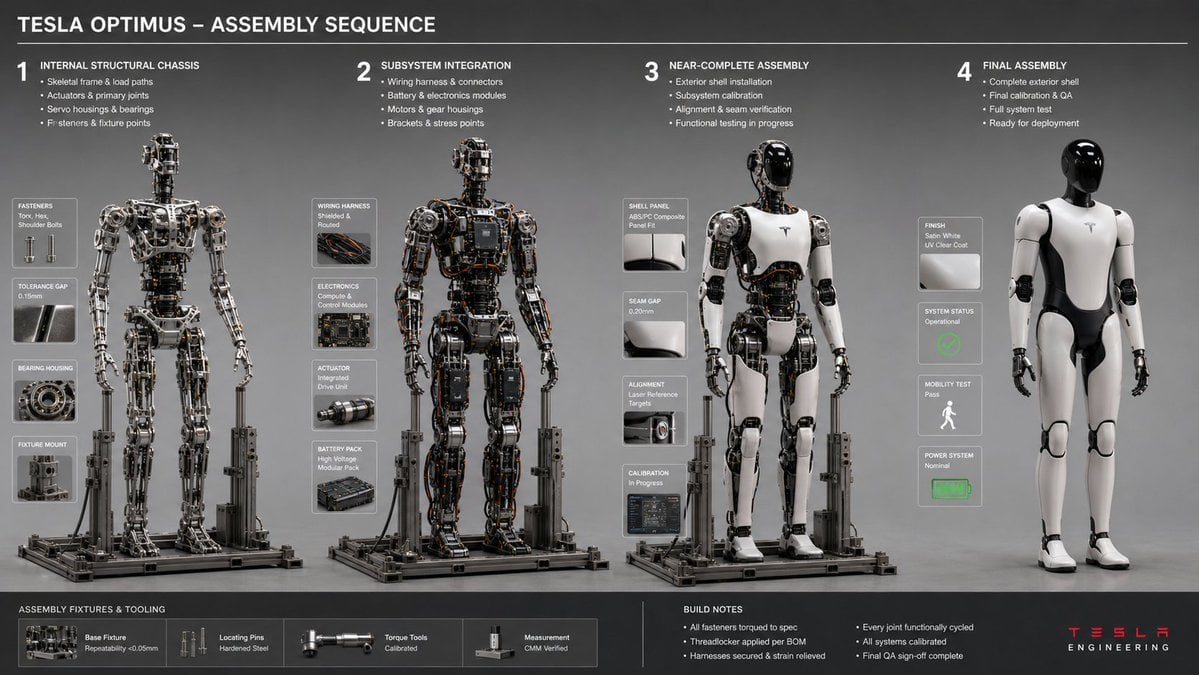
Engineering Assembly Documentation Layout

Nightlife Glamour Fashion Shoot in Glass Elevator
Seedance - Brand Commercial

Super Robot Wars Battle Scene Generator

Steampunk Cat Airship Over the Sea

Cluttered Bedroom Mirror Selfie with Exaggerated Physique
Browse template categories
Split-Screen China Phone Market Comparison questions
How do I use the Split-Screen China Phone Market Comparison template?
Add your photo if the template asks for one, edit the prompt if you like — the template's model and format are already selected — and press Generate. Your version opens in PicX Studio.
Can I customize the Split-Screen China Phone Market Comparison template?
Yes. You can change the subject, setting, lighting, mood, format, and available model controls before creating your image.
Is the Split-Screen China Phone Market Comparison template free?
Opening and editing this template is free. Generating uses credits, shown on the Generate button when you are signed in.
Which AI model should I use?
Start with GPT Image 2, which is the model associated with this template. You can compare another compatible model for a different finish.
Looking for something else? Browse all templates.

Your photo, any look
Thousands of ready templates for every top image and video model, from one credit balance.