
Meta Restaurant Photo within Phone Screen
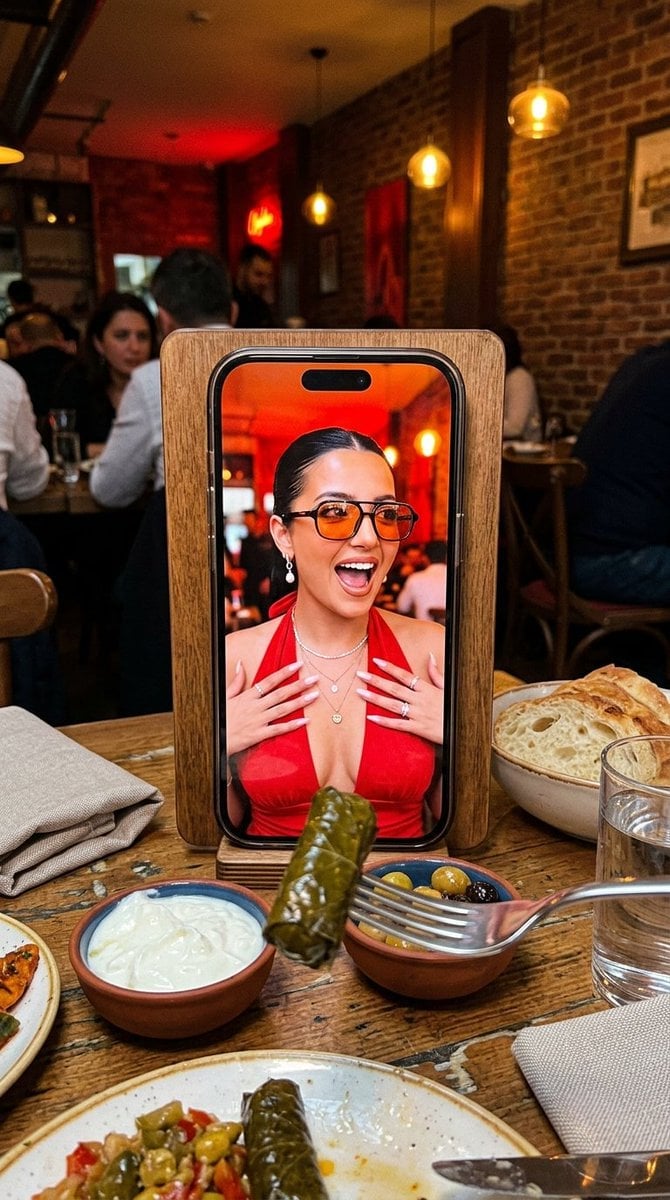
A clever composition of an iPhone propped on a restaurant table, showing a portrait of a woman on its screen, set in a cozy Istanbul eatery.
- Prompt included
- Model and format preset
- Free template
The prompt behind this image
Copy the exact prompt behind Meta Restaurant Photo within Phone Screen, or open it in the studio and make it yours.
Ultra-photorealistic vertical 4:5 candid photo, a clever meta composition shot at a {argument name="location" default="cozy Istanbul restaurant table"}. In the center stands an iPhone 17 propped upright against a wooden menu holder, and on its screen is a full-frame portrait of a young woman, as if a photo of her is displayed on the phone. On the phone screen: she wears tinted orange-lens sunglasses and a red halter-neck (tie-at-the-neck) dress, sleek hair pulled back, pearl earrings, layered necklaces, mouth open in a playful surprised expression, a warm red interior glowing behind her. In the real foreground, on the warm wooden table: a pair of chopsticks (or a fork) lifting a piece of Turkish sarma (stuffed grape leaves) toward the phone, a small bowl of creamy white yogurt beside it, a bottle of olive oil, a glass of water, and a folded cloth napkin resting on the table. Behind the table, a softly blurred {argument name="atmosphere" default="Istanbul meyhane interior: warm wood, deep red leather banquette, soft pendant lighting, an authentic lived-in atmosphere"}. Lighting: warm cozy indoor restaurant light, soft natural glow, gentle shadows, candid snapshot mood. Shot on a phone camera, fine grain, shallow depth of field, realistic food and fabric texture. Negative: plastic skin, over-smoothed AI face, doll face, cartoon, 3D render, distorted hands, extra fingers, bad anatomy, mangled food, unreadable labels, watermark, random text, logo clutter.
How to use Meta Restaurant Photo within Phone Screen in 3 steps
- 1
Open
The prompt is already in the box next to the preview, with the template's model and format selected.
- 2…a portrait of your subject in softgolden-hour light, 85mm…
Personalize
Edit the subject and creative details for your destination.
- 3Generate
Generate
Press Generate — your image is created in PicX Studio, so you can compare it with the original and refine one variable at a time.
More like this
Templates with the same subject, style or setup. Open one to see its prompt.
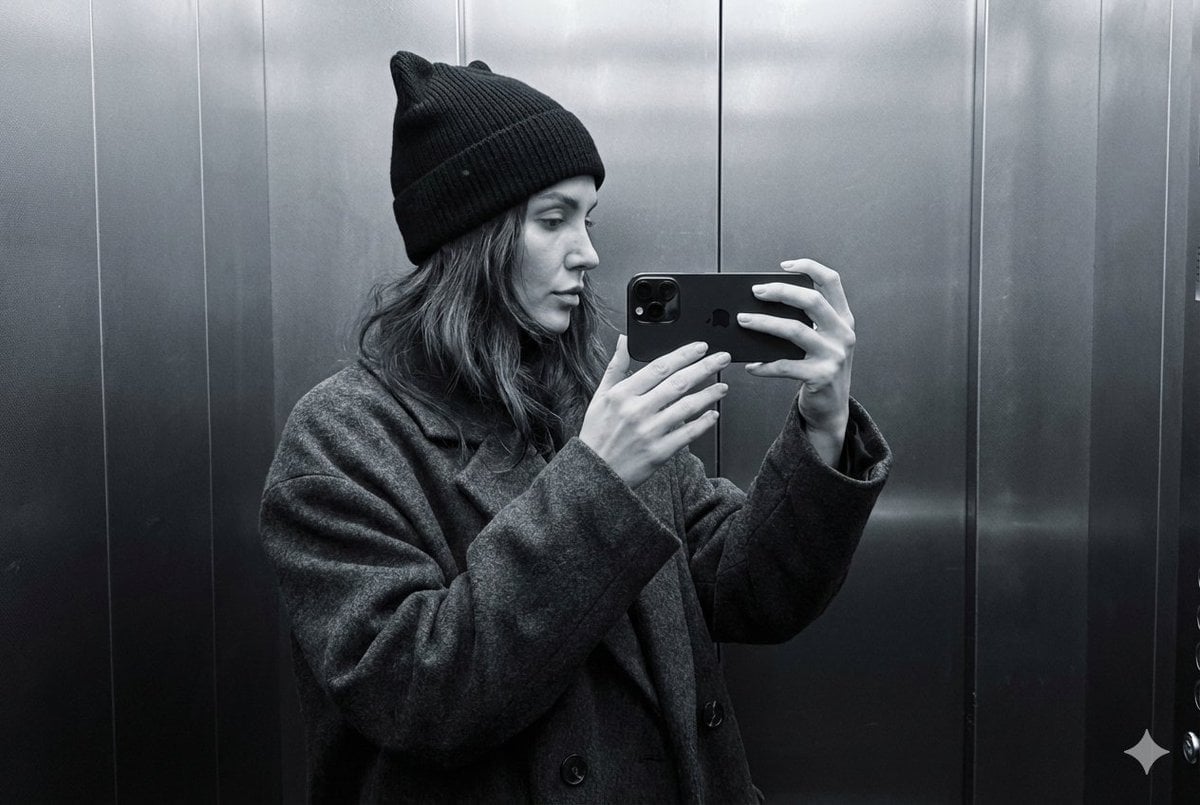
Monochrome Elevator Profile Cat Ear Selfie
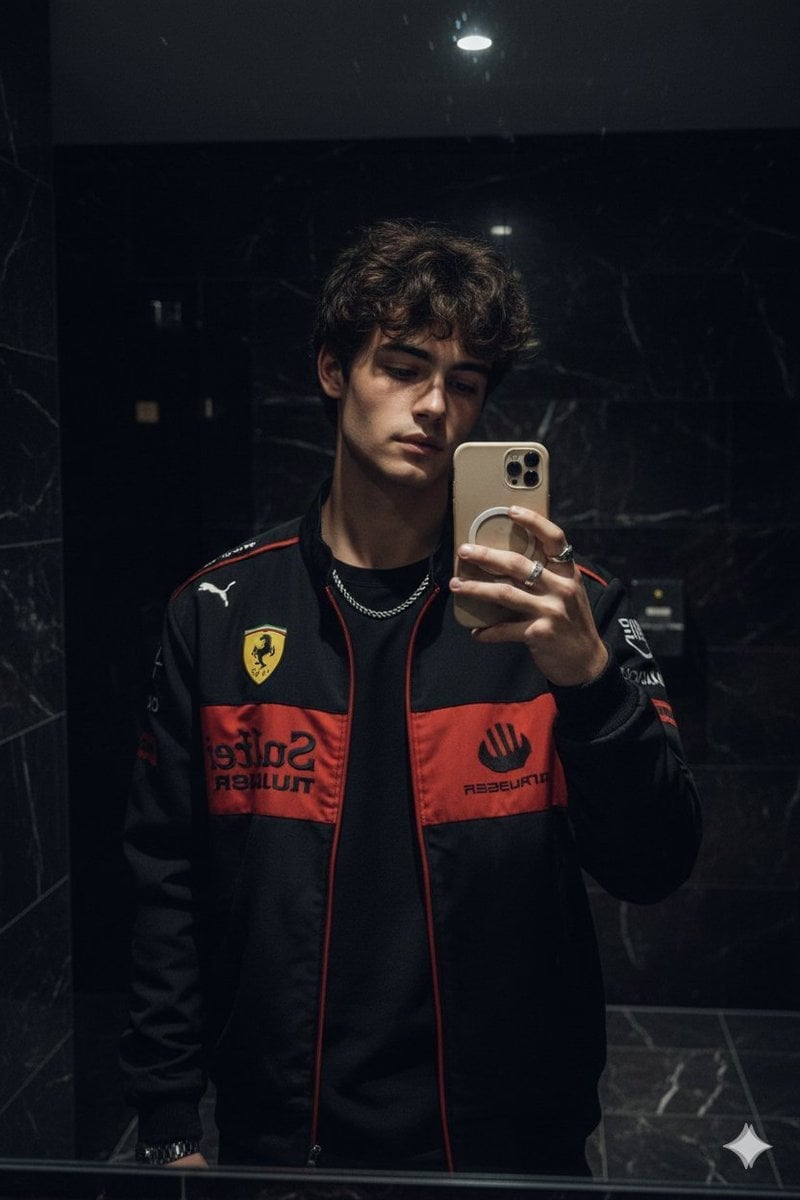
Dark Marble Bathroom Racing Jacket Mirror Selfie
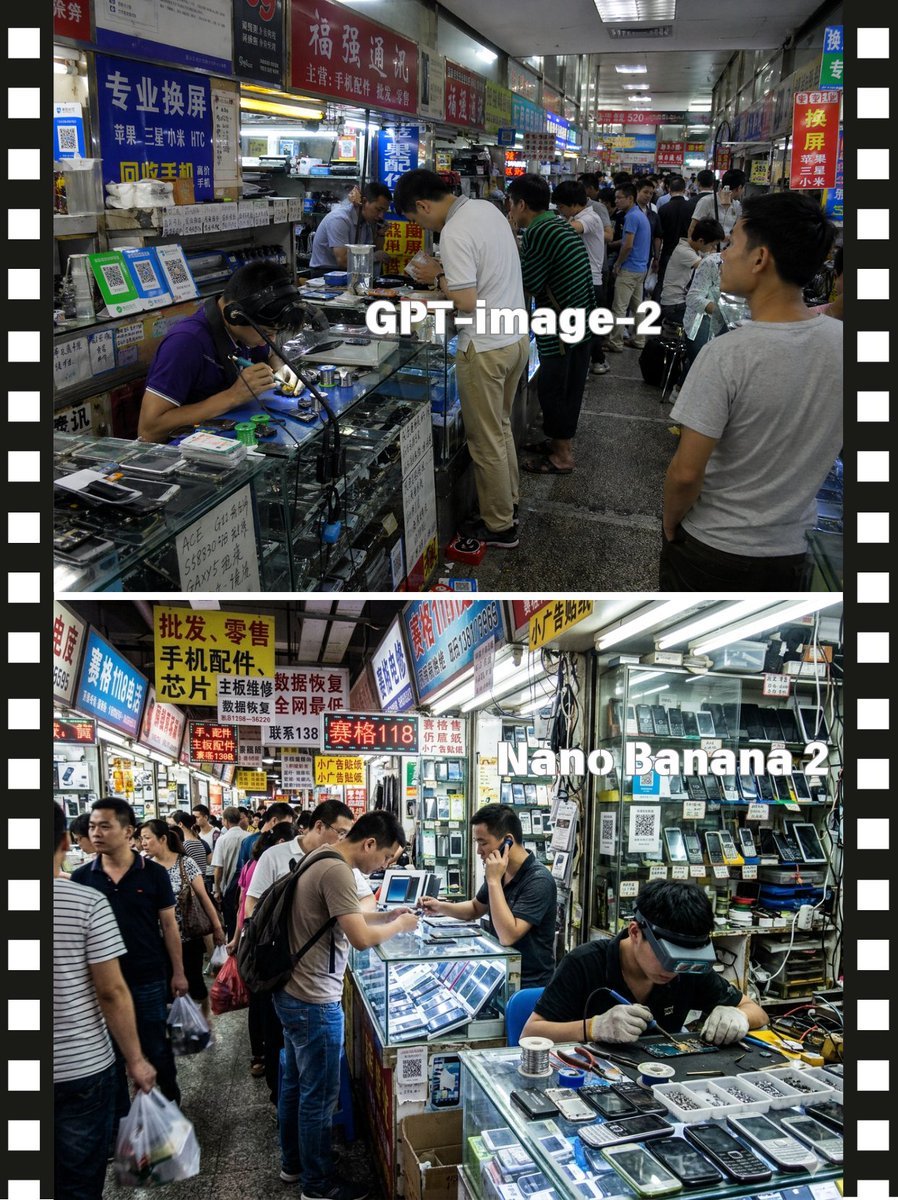
Split-Screen China Phone Market Comparison
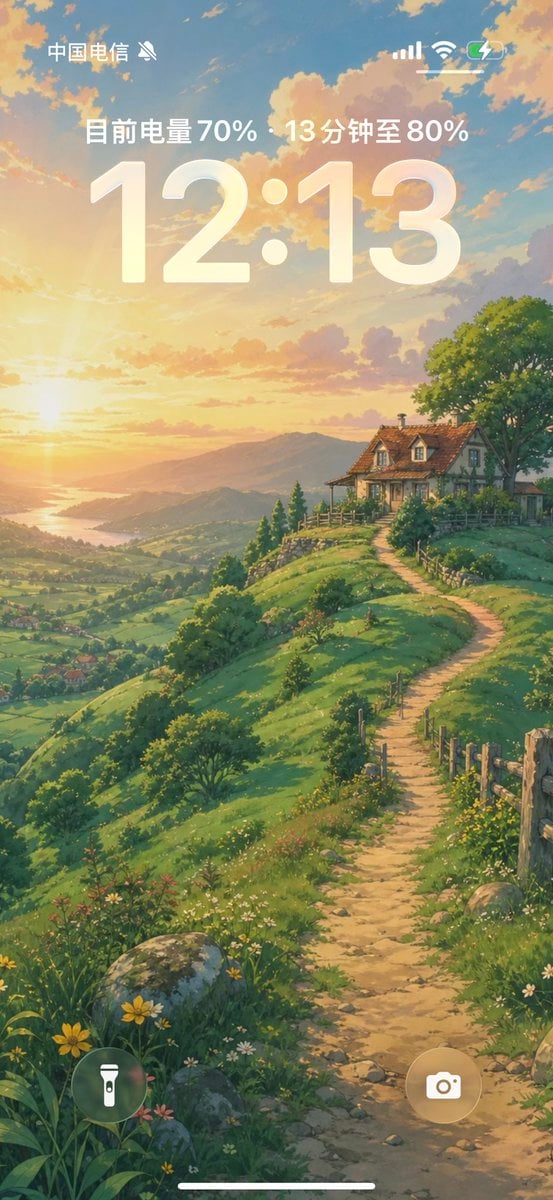
Anime Countryside iPhone Lock Screen
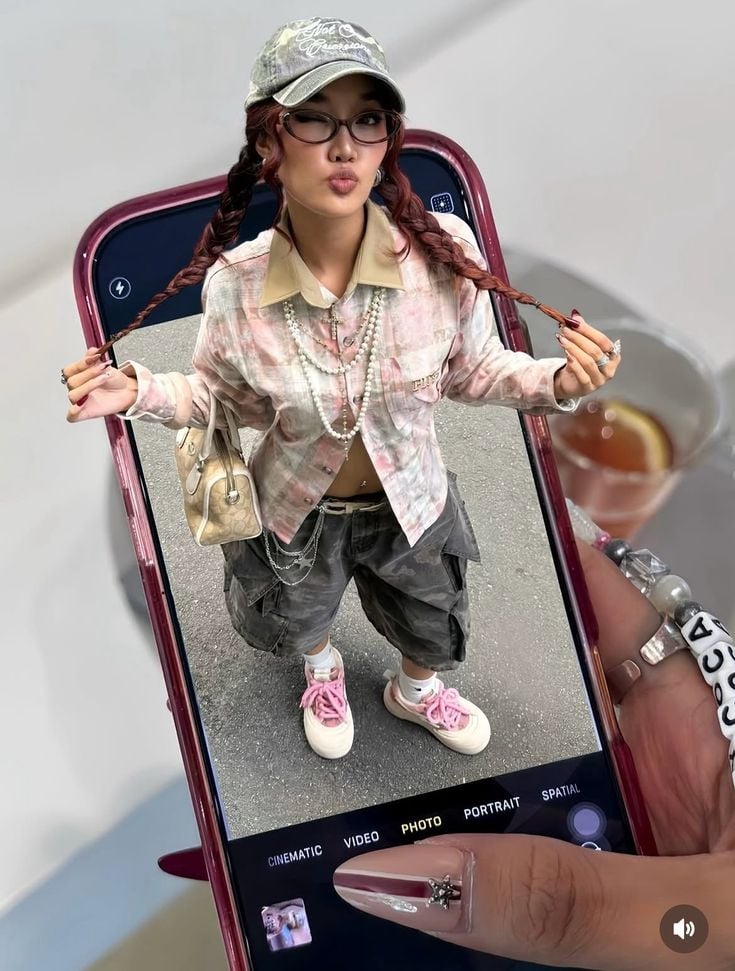
Phone Within a Phone
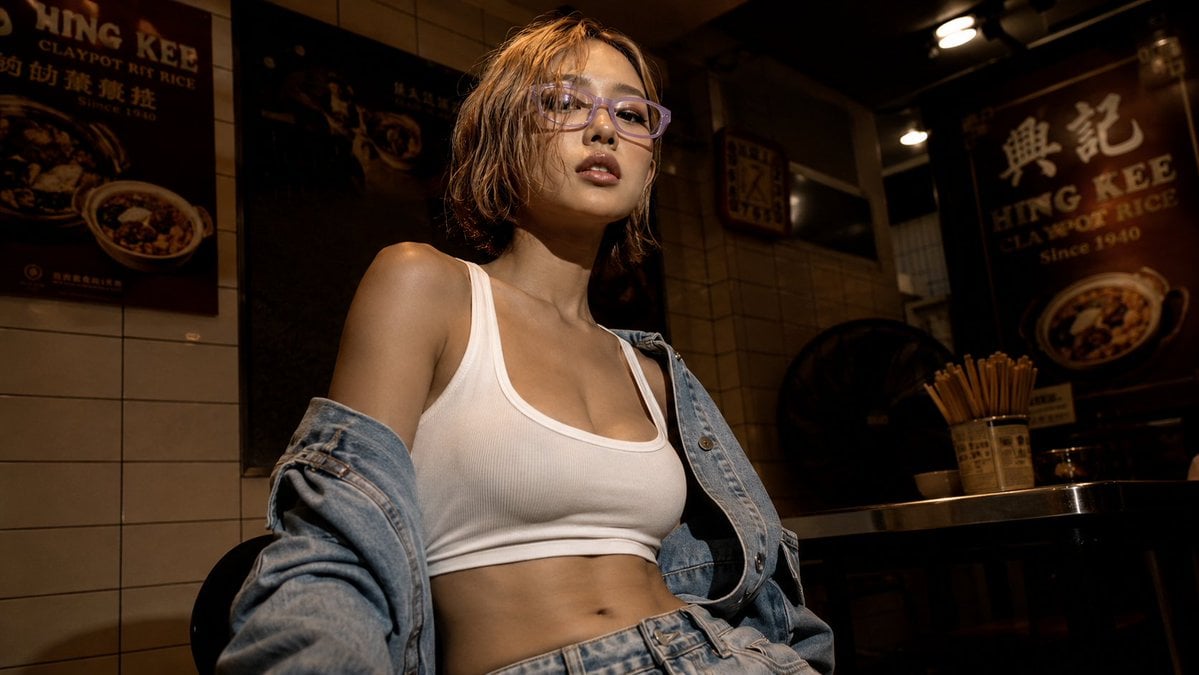
Cinematic Hong Kong Restaurant Portrait
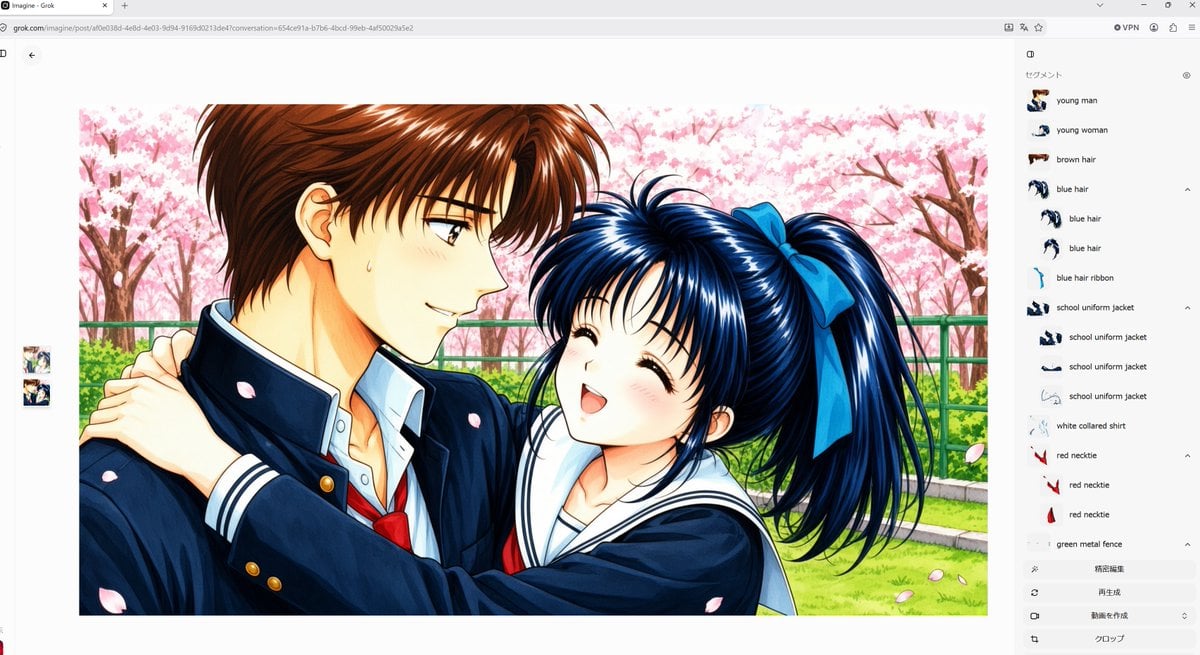
Anime Couple Segmentation UI Screenshot
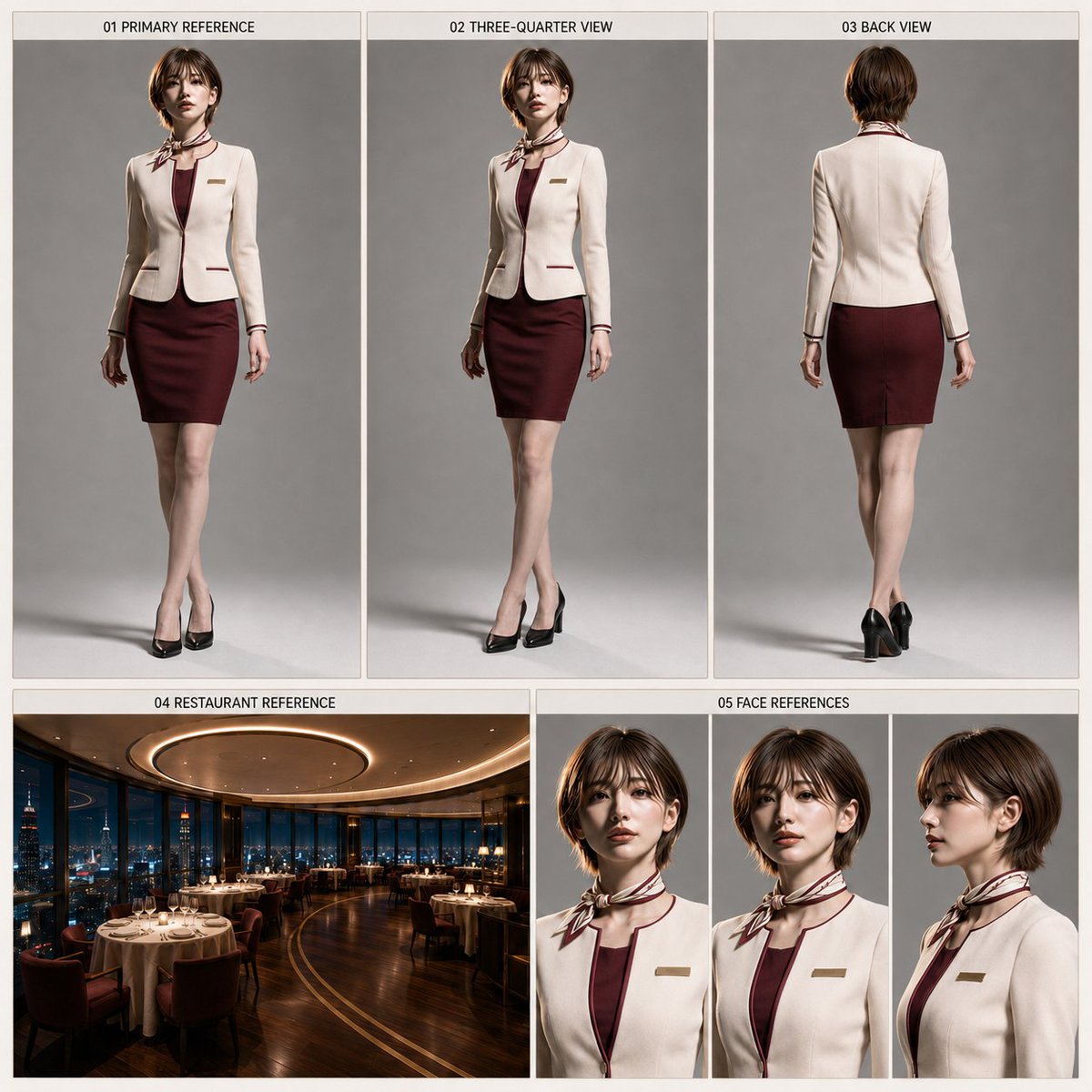
Restaurant Manager Character Sheet Generator
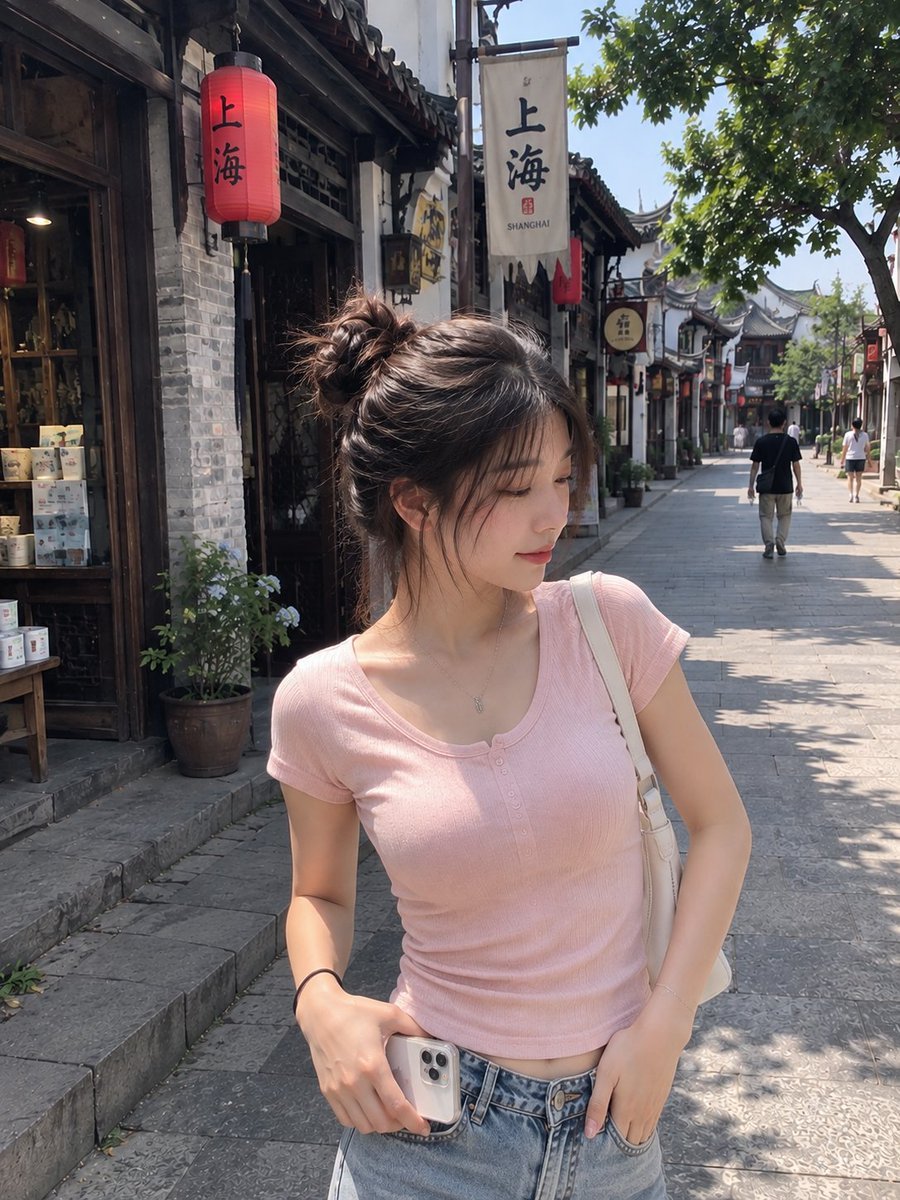
Realistic Chinese Street Smartphone Photo
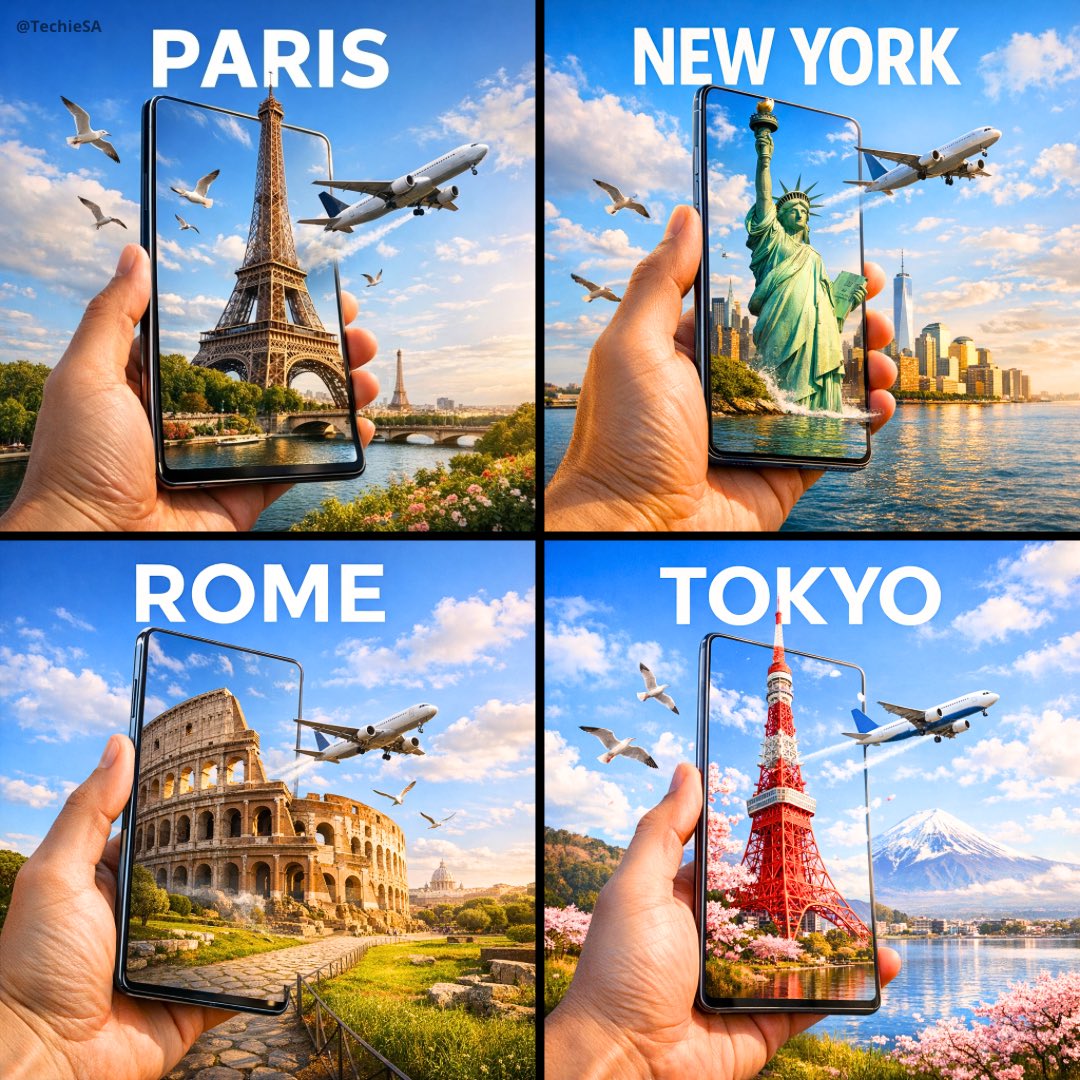
Travel Ad Phone Portal 3D Effect
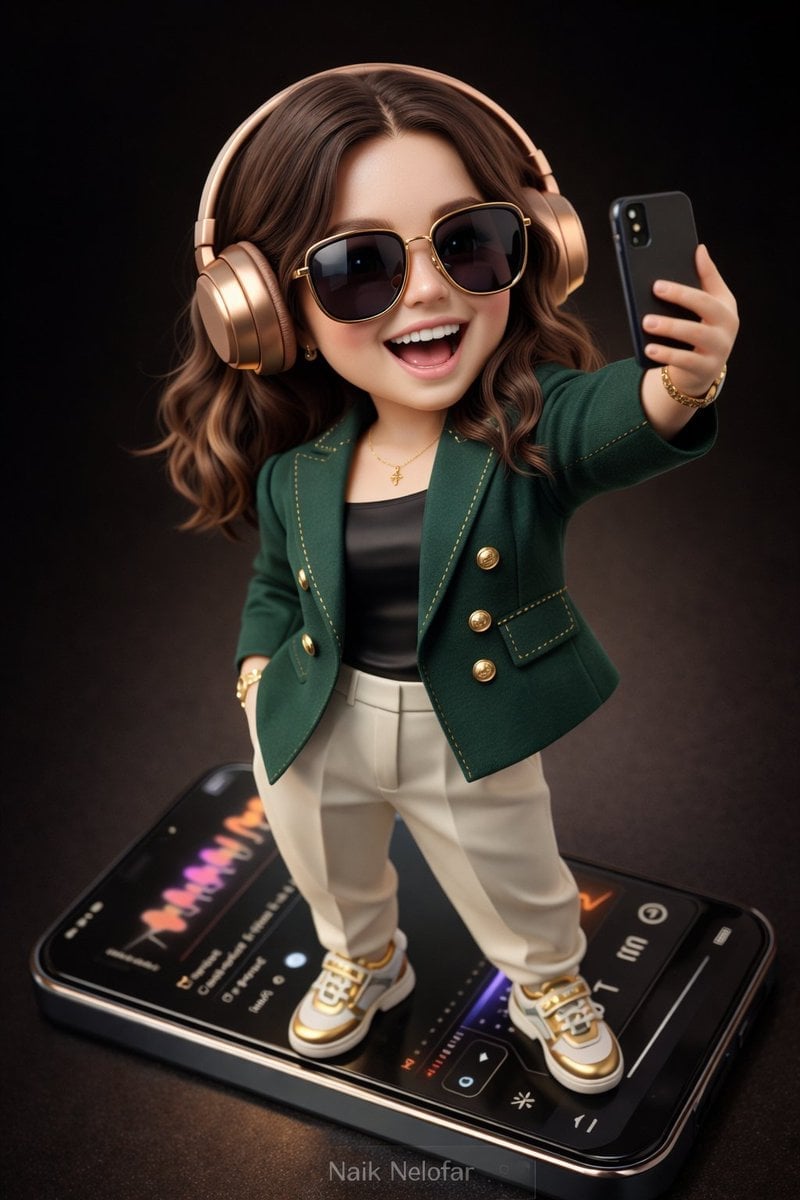
Chibi Designer Toy Character on Smartphone
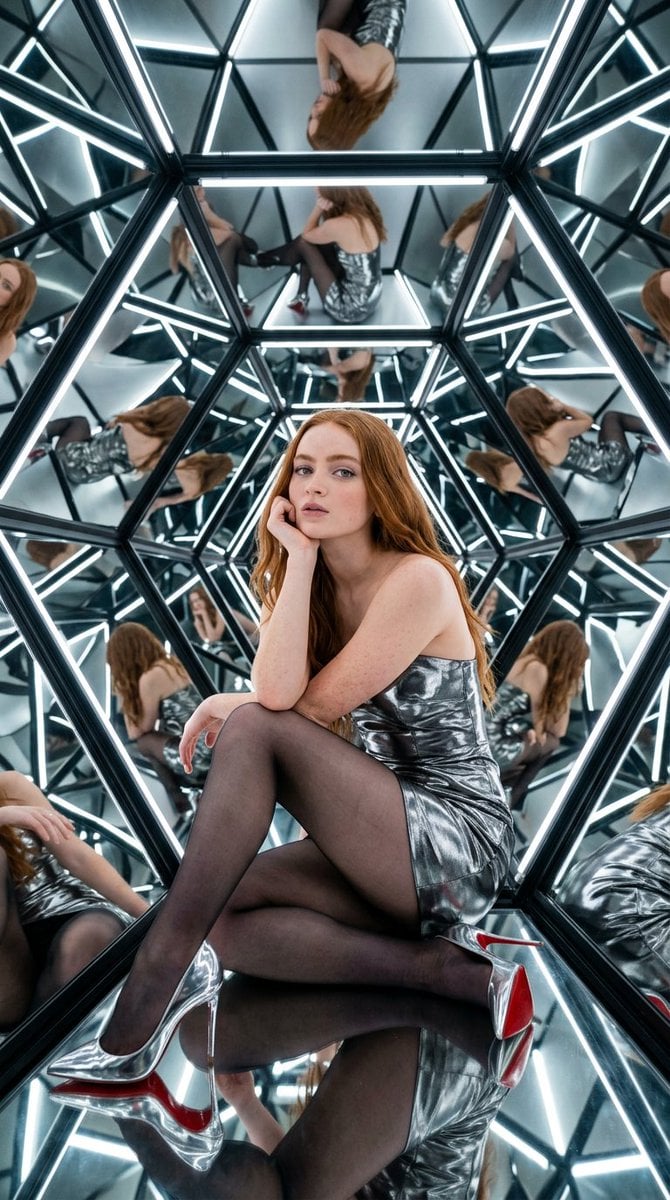
Bright, high-contrast light from LED strips within the structure
Make it yours
Meta Restaurant Photo within Phone Screen works as-is. These are the safest ways to change it without losing the look.
Change one field
Copy a single group, rewrite it, and generate again so you can see what that field is doing.
Keep the frame, change the subject
Hold the composition and light of Meta Restaurant Photo within Phone Screen, then swap wardrobe, props or the person for a new take.
| If the result… | Why | Fix |
|---|---|---|
| The result drifts from the preview | Too many fields changed at once. | Reuse Meta Restaurant Photo within Phone Screen as-is first, then change one group — subject, light, or setting. |
| The model over-stylizes the scene | The prose prompt leaves finish and camera underspecified. | Add one camera or lighting sentence and stay on Nano Banana 2. |
More Nano Banana 2 templates
Other prompts made for Nano Banana 2.

Photorealistic Leaf Shaped Like a Dragon

K-Pop Idol Portrait Grid for Rapid Selection

Poetic Rain Forest Portrait During Golden Hour

Urban Street Portrait with Cartoon Inner Self Duo

Candid Nighttime Photo with Cat Prompt

High-Concept 3D Diorama Generation Prompt

Cinematic Futuristic Studio Portrait Template

Skincare Editorial Photography Collage Prompt

Hyper-Realistic Commercial Product Photography (Splash Effect)

Hyper-Realistic Nightclub Portrait Prompt
More image prompts
Fresh picks from across the catalog.

Anime Football Champion Collector Poster

Dramatic Low-Light Portrait Generation Prompt
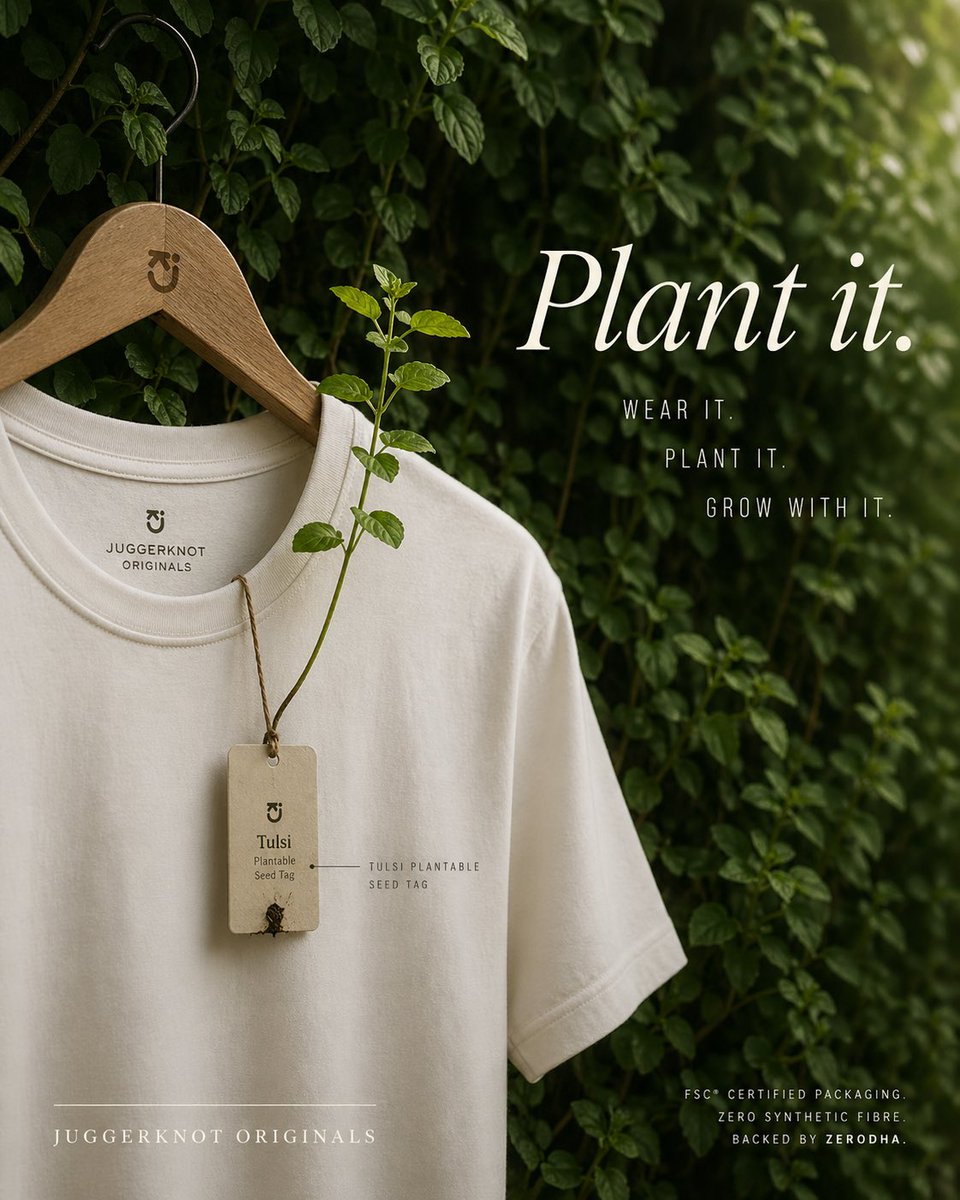
Sustainable T-Shirt Plantable Tag Ad
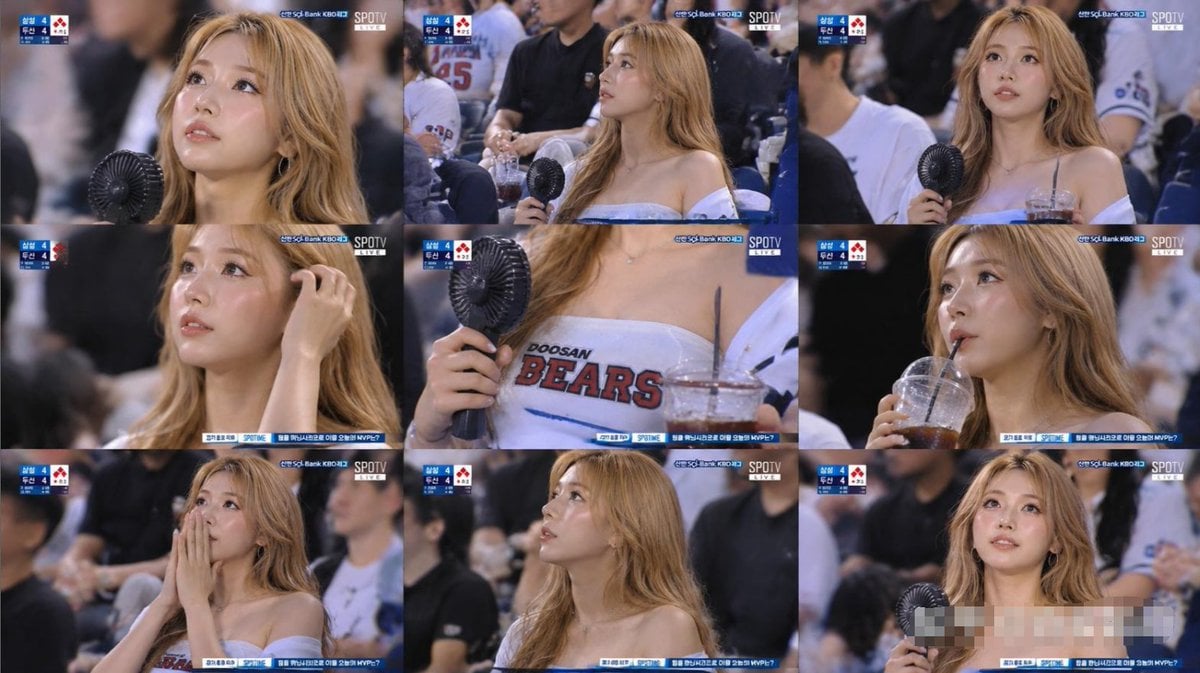
KBO Baseball Fan Television Broadcast Storyboard
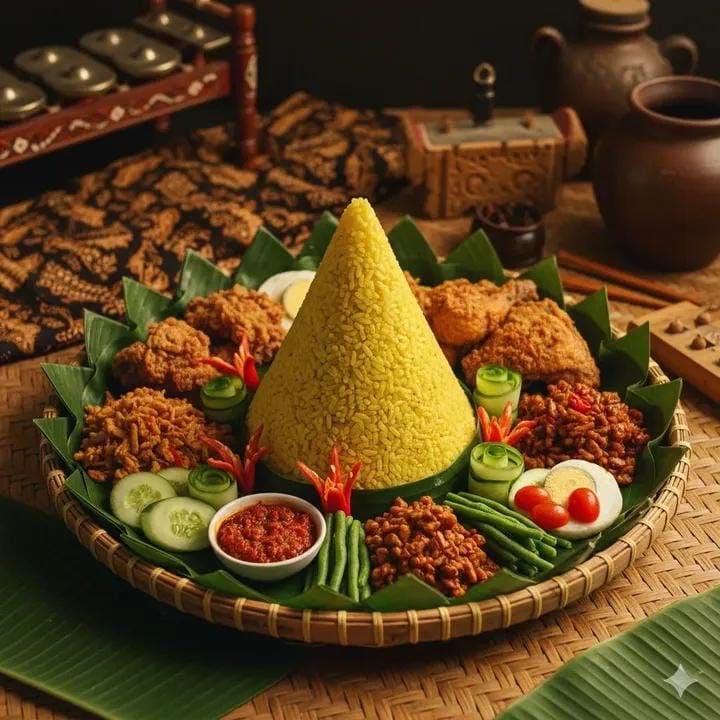
Authentic Indonesian Nasi Tumpeng Food Photography

Cinematic Lumberjack Portrait Prompt
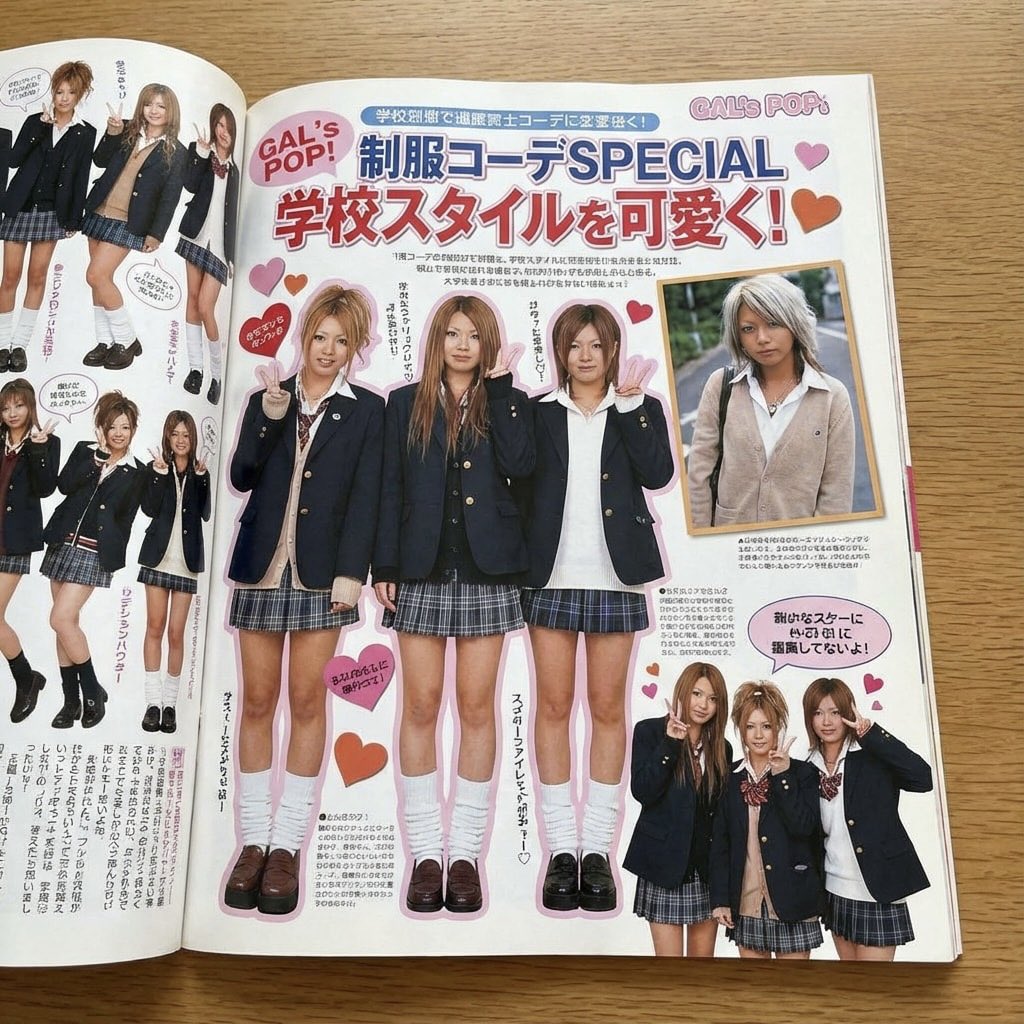
Japanese gyaru magazine spread on school uniforms

Board Game Scene with Multiple Characters Prompt
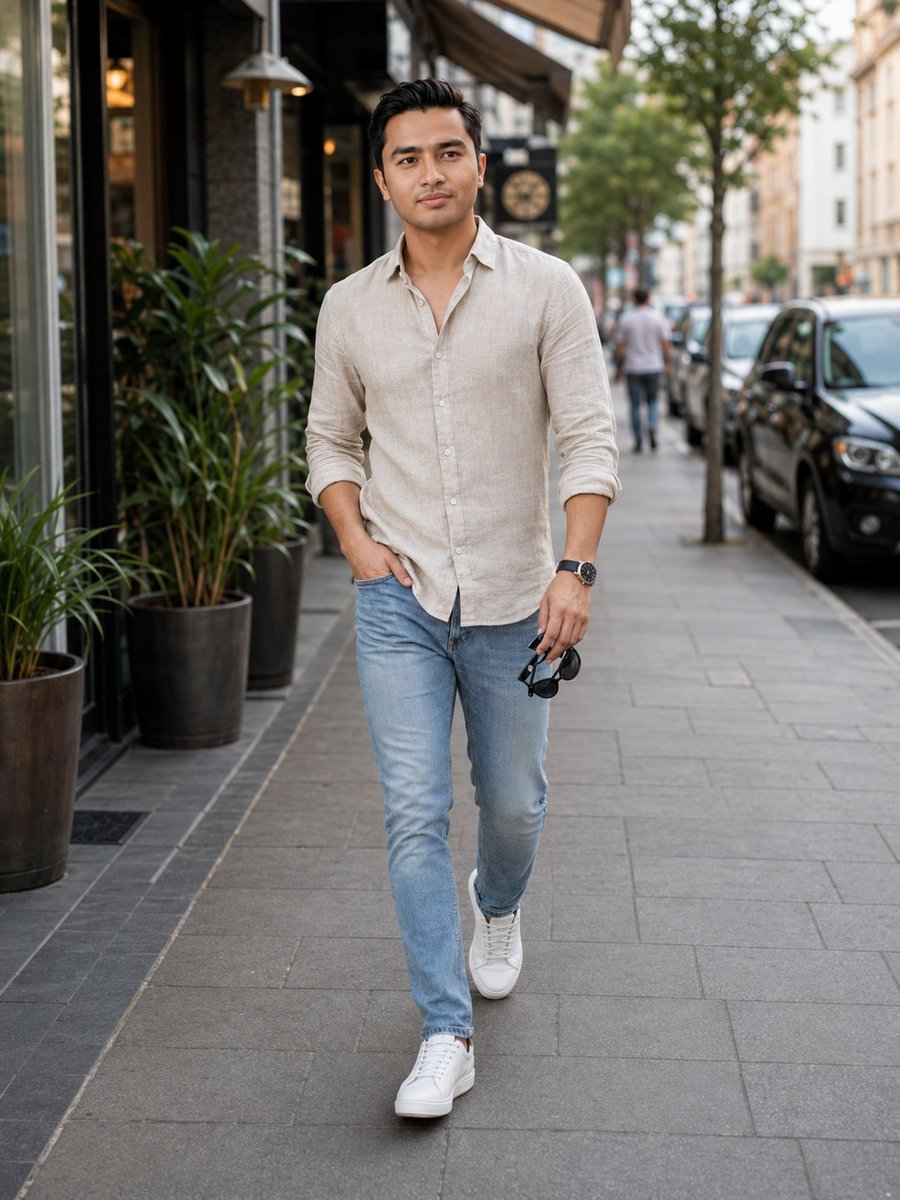
Urban Male Fashion Editorial
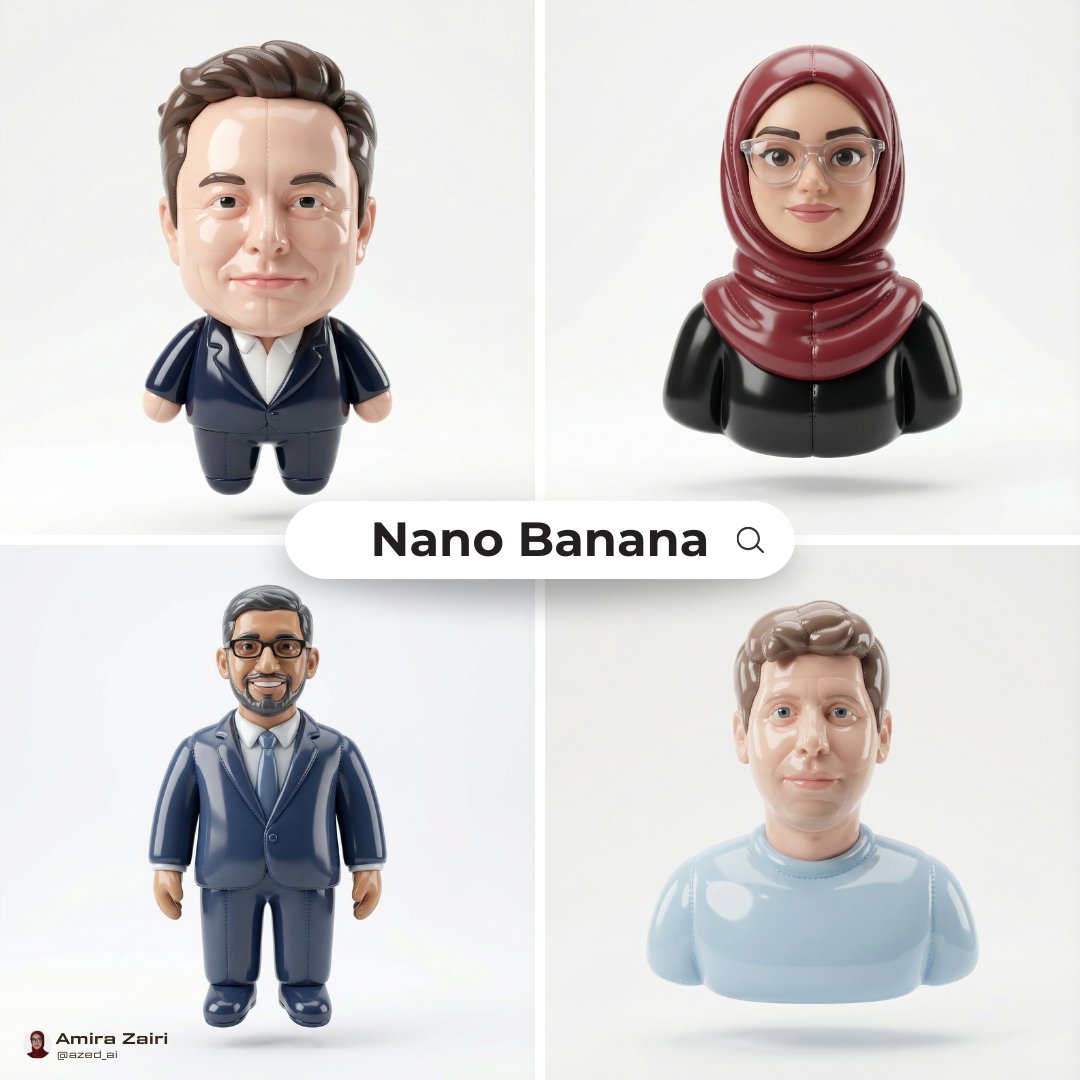
Inflatable Character Creation Prompt
Browse template categories
Meta Restaurant Photo within Phone Screen questions
How do I use the Meta Restaurant Photo within Phone Screen template?
Add your photo if the template asks for one, edit the prompt if you like — the template's model and format are already selected — and press Generate. Your version opens in PicX Studio.
Can I customize the Meta Restaurant Photo within Phone Screen template?
Yes. You can change the subject, setting, lighting, mood, format, and available model controls before creating your image.
Is the Meta Restaurant Photo within Phone Screen template free?
Opening and editing this template is free. Generating uses credits, shown on the Generate button when you are signed in.
Which AI model should I use?
Start with Nano Banana 2, which is the model associated with this template. You can compare another compatible model for a different finish.
Looking for something else? Browse all templates.

Your photo, any look
Thousands of ready templates for every top image and video model, from one credit balance.