
Phone Within a Phone
Phone Within a Phone is a ready photo look.
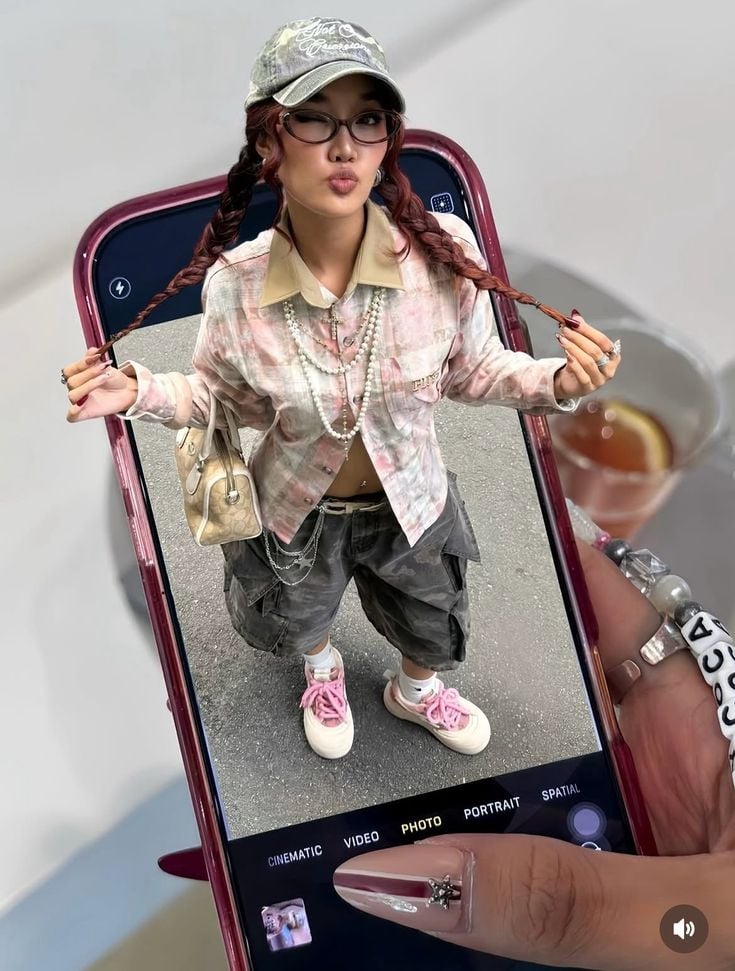
- Prompt included
- Model and format preset
- Premium template
The prompt behind this image
Copy the exact prompt behind Phone Within a Phone, or open it in the studio and make it yours.
- Prompt
- A creative streetwear fashion editorial featuring a surreal perspective where a young woman appears inside a smartphone screen being held by another hand. The phone camera interface is visible, including photo mode UI elements, creating a layered reality effect. The woman inside the screen poses confidently, wearing a trendy Y2K-inspired outfit: cropped patterned shirt, low-rise cargo pants, pink sneakers, layered pearl necklaces, small handbag, baseball cap, and glasses. She playfully holds her braided hair while making a pout expression. The outer hand holding the phone is detailed with manicured nails and jewelry, adding realism. Neutral studio background outside the phone contrasts with the street-like texture inside the screen. Soft natural lighting, clean shadows, Gen-Z fashion aesthetic, digital-meets-physical storytelling.
- Negative Prompt
- cartoon illustration, fantasy elements, blurry UI, distorted hands, low resolution, messy composition, overexposed lighting
- Style
- surreal streetwear fashion editorial
- Lighting
- soft natural lighting with realistic shadows
- Camera › Angle
- top-down handheld phone perspective
- Camera › Lens
- 35mm
- Camera › Aperture
- f/4
- Camera › Focus
- sharp focus on subject inside phone and phone edges
- Composition
- frame-within-a-frame, smartphone UI as visual element
- Background
- minimal neutral studio backdrop outside the phone, street texture inside screen
- Mood
- playful, trendy, Gen-Z, digital-native
- Quality
- ultra high resolution, photorealistic surrealism, editorial fashion photography
Raw JSON
{
  "prompt": "A creative streetwear fashion editorial featuring a surreal perspective where a young woman appears inside a smartphone screen being held by another hand. The phone camera interface is visible, including photo mode UI elements, creating a layered reality effect. The woman inside the screen poses confidently, wearing a trendy Y2K-inspired outfit: cropped patterned shirt, low-rise cargo pants, pink sneakers, layered pearl necklaces, small handbag, baseball cap, and glasses. She playfully holds her braided hair while making a pout expression. The outer hand holding the phone is detailed with manicured nails and jewelry, adding realism. Neutral studio background outside the phone contrasts with the street-like texture inside the screen. Soft natural lighting, clean shadows, Gen-Z fashion aesthetic, digital-meets-physical storytelling.",
  "negative_prompt": "cartoon illustration, fantasy elements, blurry UI, distorted hands, low resolution, messy composition, overexposed lighting",
  "style": "surreal streetwear fashion editorial",
  "lighting": "soft natural lighting with realistic shadows",
  "camera": {
    "angle": "top-down handheld phone perspective",
    "lens": "35mm",
    "aperture": "f/4",
    "focus": "sharp focus on subject inside phone and phone edges"
  },
  "composition": "frame-within-a-frame, smartphone UI as visual element",
  "background": "minimal neutral studio backdrop outside the phone, street texture inside screen",
  "mood": "playful, trendy, Gen-Z, digital-native",
  "quality": "ultra high resolution, photorealistic surrealism, editorial fashion photography"
}How to use Phone Within a Phone in 3 steps
- 1
Open
The prompt is already in the box next to the preview, with the template's model and format selected.
- 2…a portrait of your subject in softgolden-hour light, 85mm…
Personalize
Edit the subject and creative details for your destination.
- 3Generate
Generate
Press Generate — your image is created in PicX Studio, so you can compare it with the original and refine one variable at a time.
More like this
Templates with the same subject, style or setup. Open one to see its prompt.

Cinematic Academic Signaling Thumbnail
Aesthetic Hobby Girl Collage Youtube Thumbnail

Mirror Selfie

Blueberry Energy Drink Mockup

These PNG Don’t Exist

Headphones Lifestyle Nine Panel Grid

Tropical Hammock Latte — Nano Banana iPhone Style

Persephone deity card

Mirror Selfie Chibi Characters Pixar Style

A k.pop idol on the stage with mic
Meta Restaurant Photo within Phone Screen

Professional Creative Portrait in Teal Chair
Make it yours
Phone Within a Phone works as-is. These are the safest ways to change it without losing the look.
Swap the setting
Keep the rest of the prompt and replace the location block. The current setting is “minimal neutral studio backdrop outside the phone, street texture inside screen”.
Swap the light
One lighting change is enough to compare takes. Current light: “soft natural lighting with realistic shadows”.
Change one field
Copy a single group, rewrite it, and generate again so you can see what that field is doing.
| If the result… | Why | Fix |
|---|---|---|
| The result drifts from the preview | Too many fields changed at once. | Reuse Phone Within a Phone as-is first, then change one group — subject, light, or setting. |
| PicX Studio ignores part of the JSON | Some models flatten or skip nested keys. | Keep the same values and paste them as a short paragraph instead. |
More image prompts
Fresh picks from across the catalog.
China May Day Rail Travel Infographic

Epic Sci-Fi Parallel Worlds Artwork

Google Nano Banana Pro Skincare Product

Japanese Pest Lifecycle Infographic

High-Contrast Monochrome Studio Portrait Prompt

Vibrant Children's Shoe Ad Poster
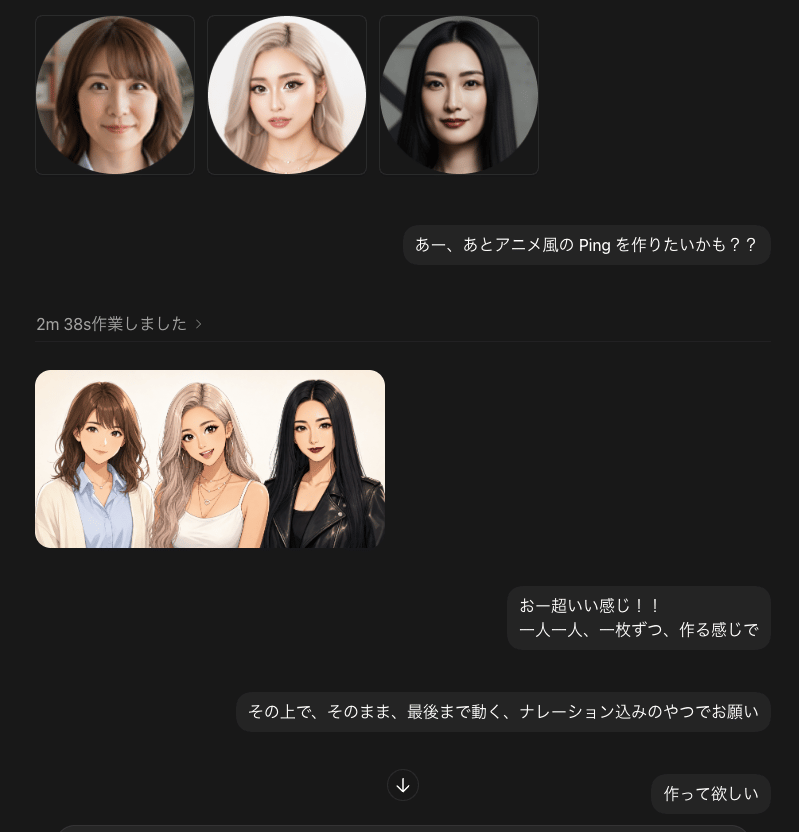
Dark Chat UI Anime Conversion Screenshot
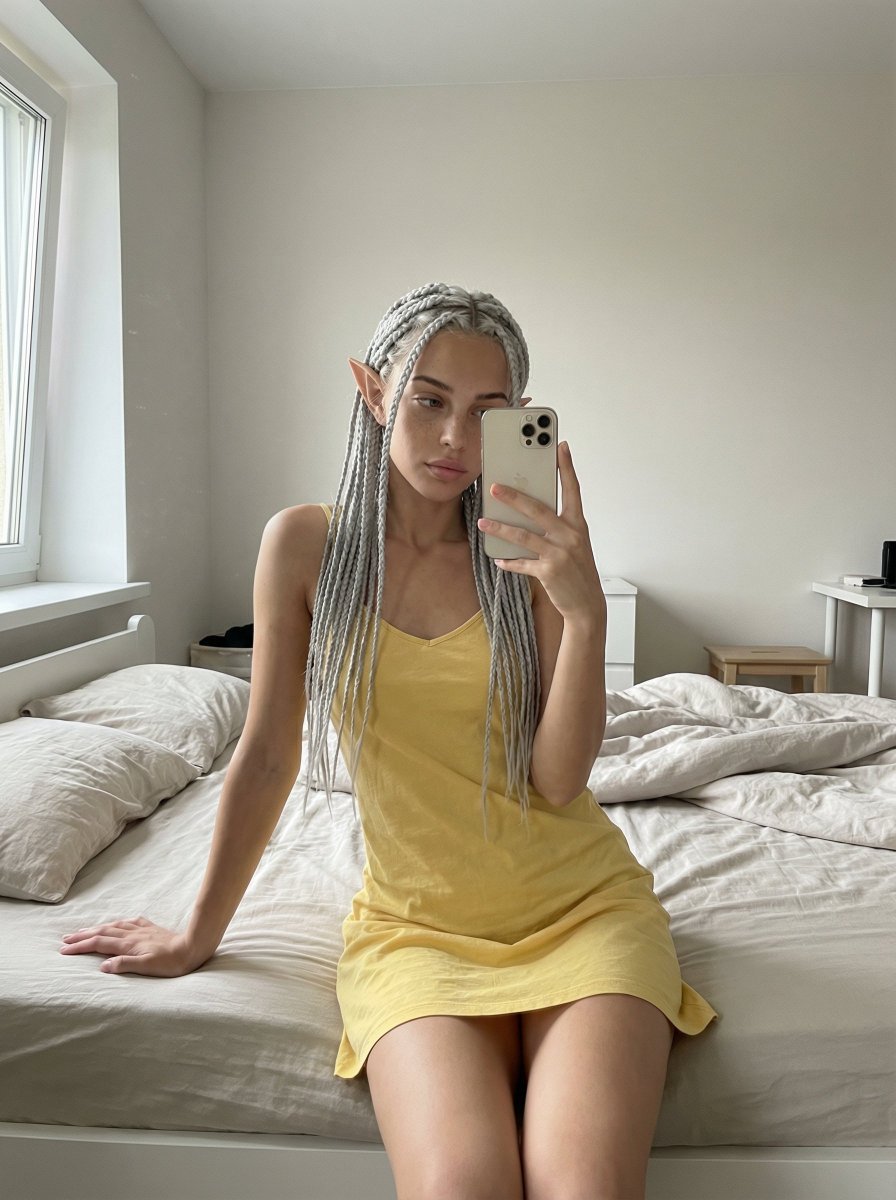
Unfiltered, Candid Bedroom Selfie Simulation
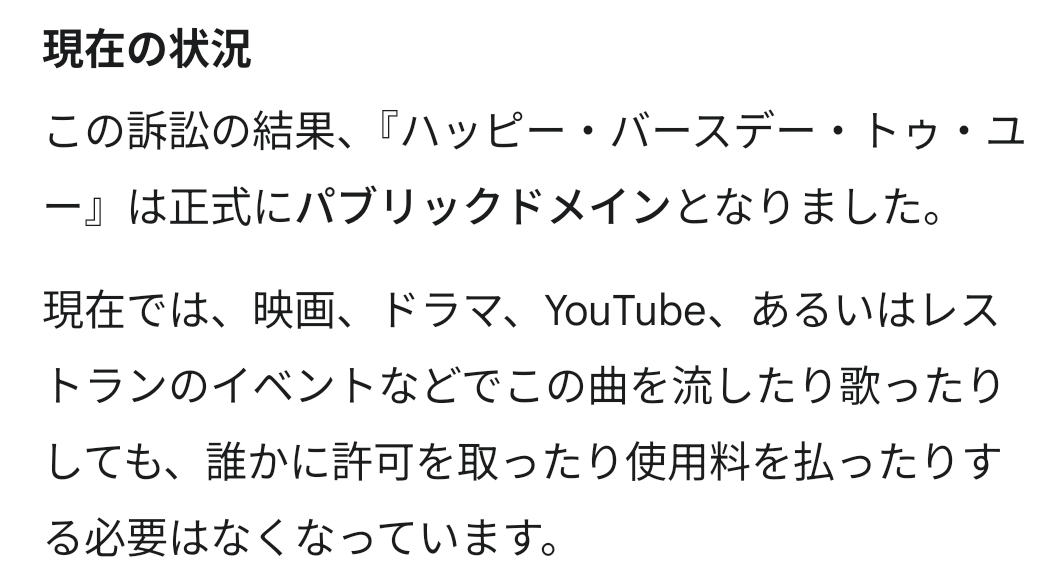
Happy Birthday Song Copyright Prompt
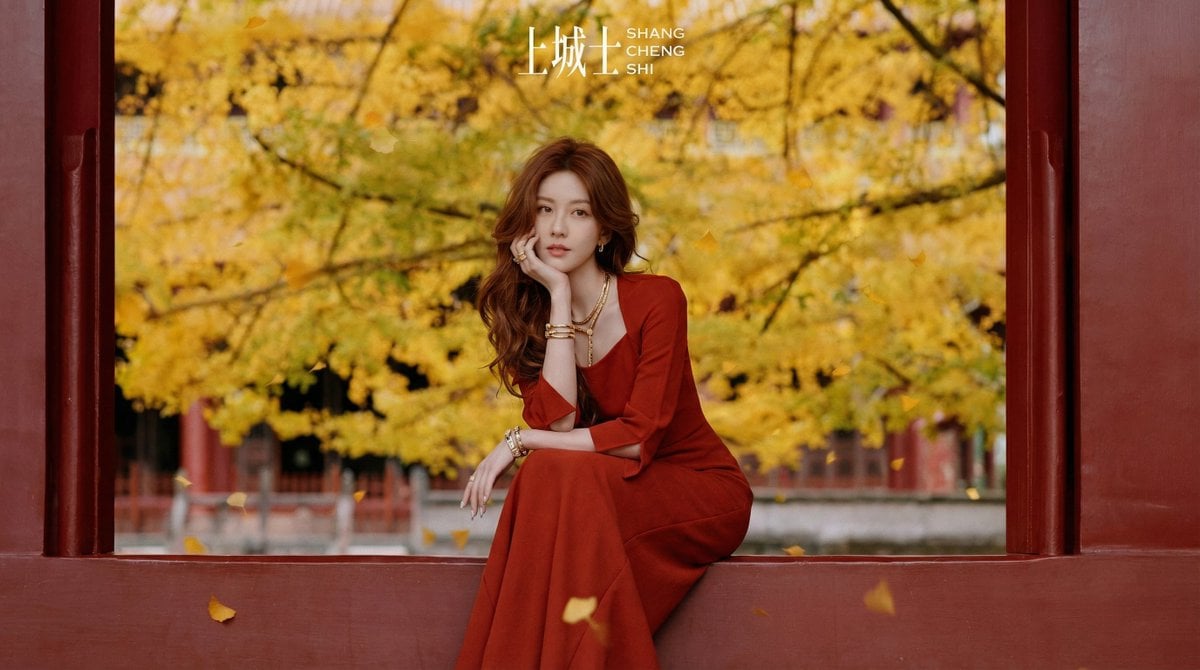
Cinematic Chinese Style Fashion Editorial Prompt
Browse template categories
Phone Within a Phone questions
How do I use the Phone Within a Phone template?
Add your photo if the template asks for one, edit the prompt if you like — the template's model and format are already selected — and press Generate. Your version opens in PicX Studio.
Can I customize the Phone Within a Phone template?
Yes. You can change the subject, setting, lighting, mood, format, and available model controls before creating your image.
Is the Phone Within a Phone template free?
Opening and editing this template is free. Generating uses credits, shown on the Generate button when you are signed in.
Which AI model should I use?
Choose a compatible model in PicX Studio based on the style, speed, and output controls your project needs.
Looking for something else? Browse all templates.

Your photo, any look
Thousands of ready templates for every top image and video model, from one credit balance.