
Cinematic Academic Signaling Thumbnail
Cinematic Academic Signaling Thumbnail is a ready photo look.
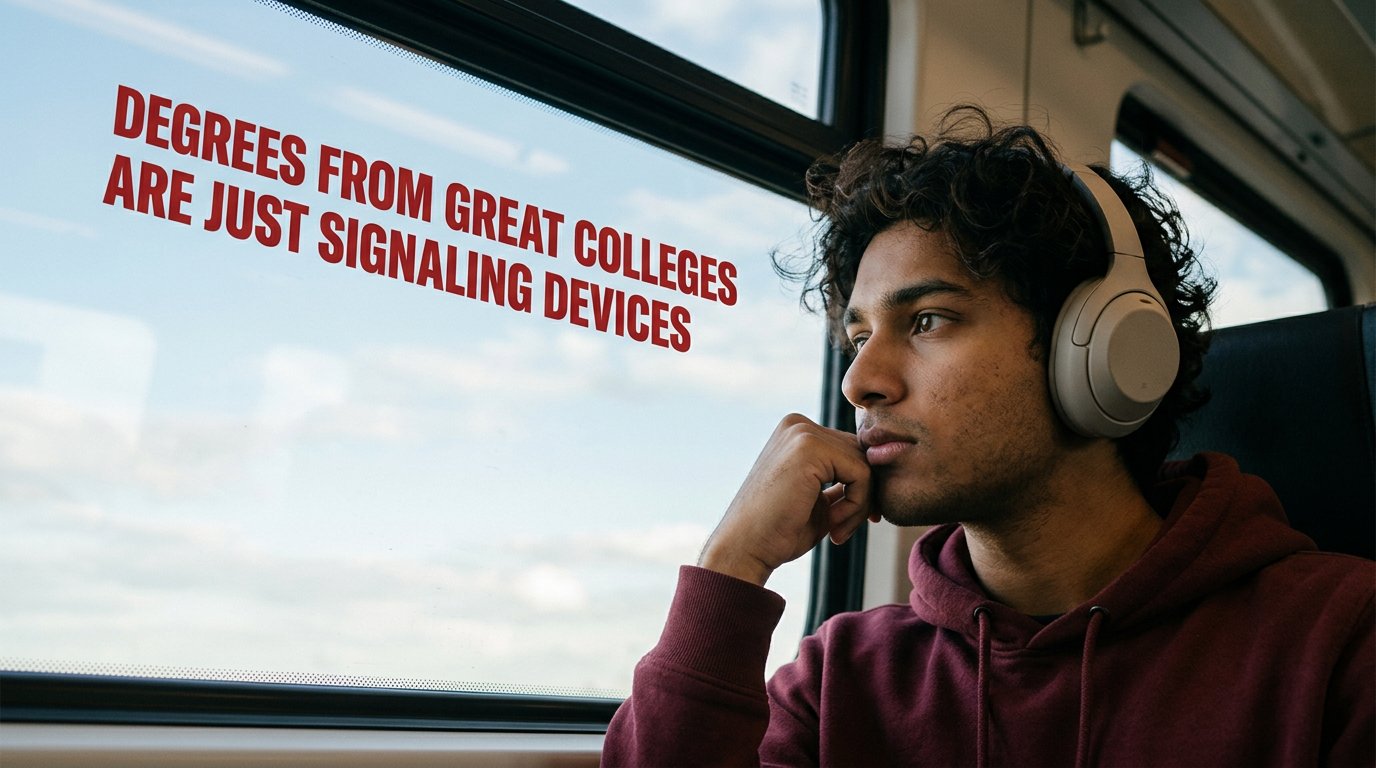
- Prompt included
- Model and format preset
- Free template
The prompt behind this image
Copy the exact prompt behind Cinematic Academic Signaling Thumbnail, or open it in the studio and make it yours.
Create a 1280x720 YouTube thumbnail with a cinematic, contemplative mood. Scene Composition Right side of frame: Young South Asian male (early 20s), medium brown skin tone, soft facial features, slight stubble, thick curly dark hair. Wearing beige over-ear headphones (modern, minimal design) and a maroon hoodie. He is seated next to a large train window. His elbow rests on the window ledge, cheek resting lightly on his knuckles in a thoughtful pose. He is looking outside, not at the camera. Expression: introspective, slightly distant, thoughtful — not sad, not dramatic, just reflective. Framing: close-up, shoulder and head visible. Subject occupies right third of frame. Camera angle: slightly angled from inside the train cabin, eye-level perspective. Lens look: 50mm natural perspective. Depth of field: shallow — subject sharp, outside slightly soft. Environment Left side of frame: Large train window showing bright sky with soft white clouds against pale blue background. Clouds should feel natural and slightly overexposed like real daylight through glass. Window frame visible at top and left edge — dark matte metal. Subtle reflection of interior on the glass. Lighting: Natural daylight from window acting as key light. Soft shadow on side of face opposite window. Warm interior tones balanced with cool sky outside. Color grading: Slight cinematic tone. Muted highlights. Natural skin tones. Very subtle film grain. No heavy contrast. Text Placement On the sky portion (left side), large bold red text: “Degrees from great colleges are just signaling devices” Font: clean bold sans-serif (similar to Helvetica Bold or Arial Black) Color: deep red (#B22222 or similar) Slight perspective alignment matching the window angle. Even spacing. No drop shadow. No glow. Text must look naturally placed against sky — not floating unnaturally. (natural skin texture, subtle pores, real train cabin lighting, authentic window reflections, slight noise in shadows, realistic headphone material texture, cotton hoodie fabric detail, ambient daylight softness, documentary photography style) ❌ NEGATIVE PROMPT No exaggerated facial features No hyper-sharp skin No plastic skin texture No extra fingers No distorted hand No warped headphones No floating text No neon colors No HDR oversaturation No artificial glow No dramatic cinematic orange-teal filter No unrealistic clouds No double reflections No extreme blur No fisheye distortion No cartoon style No watermark No AI artifacts No text spelling mistakes No overly perfect symmetry
How to use Cinematic Academic Signaling Thumbnail in 3 steps
- 1
Open
The prompt is already in the box next to the preview, with the template's model and format selected.
- 2…a portrait of your subject in softgolden-hour light, 85mm…
Personalize
Edit the subject and creative details for your destination.
- 3Generate
Generate
Press Generate — your image is created in PicX Studio, so you can compare it with the original and refine one variable at a time.
More like this
Templates with the same subject, style or setup. Open one to see its prompt.
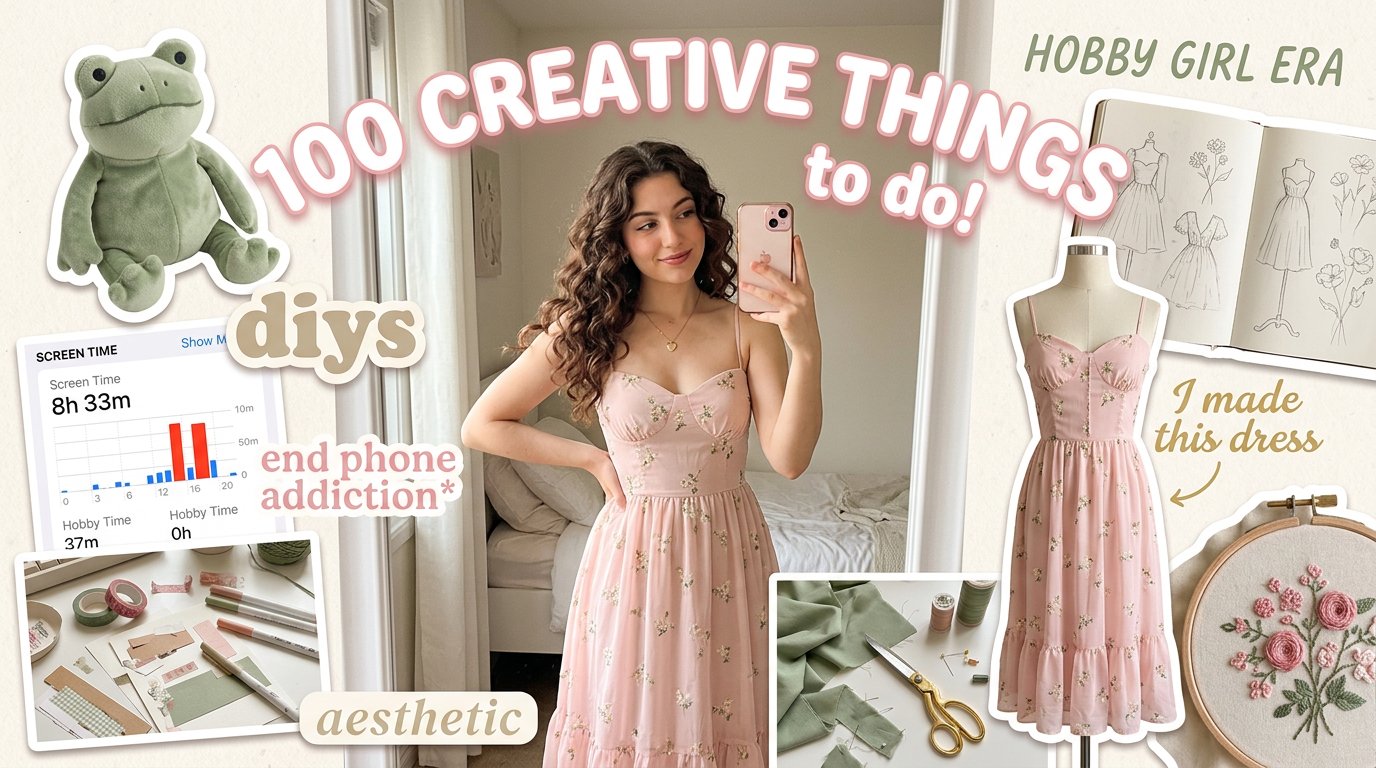
Aesthetic Hobby Girl Collage Youtube Thumbnail

Blueberry Energy Drink Mockup

These PNG Don’t Exist

Mirror Selfie Chibi Characters Pixar Style

A k.pop idol on the stage with mic

Minimalist Fashion Editorial Split Layout

Warm Window Side Café Studio Portrait

Cozy Café Ice Cream Hands Close-Up

Subway Platform Quiet Introspective Portrait

Parisian Outdoor Café Silver-Hair Portrait
Warm Window Side Café Studio Portrait
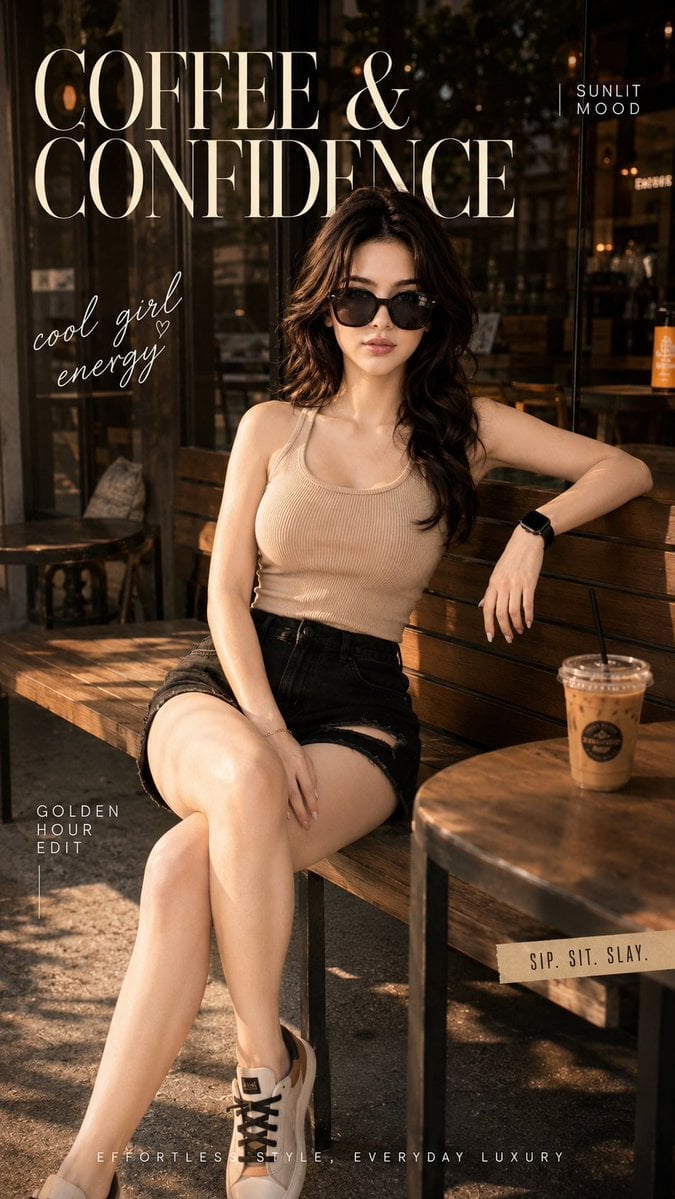
Ultra-Cinematic Lifestyle Fashion Portrait
Make it yours
Cinematic Academic Signaling Thumbnail works as-is. These are the safest ways to change it without losing the look.
Change one field
Copy a single group, rewrite it, and generate again so you can see what that field is doing.
Keep the frame, change the subject
Hold the composition and light of Cinematic Academic Signaling Thumbnail, then swap wardrobe, props or the person for a new take.
| If the result… | Why | Fix |
|---|---|---|
| The result drifts from the preview | Too many fields changed at once. | Reuse Cinematic Academic Signaling Thumbnail as-is first, then change one group — subject, light, or setting. |
| The model over-stylizes the scene | The prose prompt leaves finish and camera underspecified. | Add one camera or lighting sentence and stay on PicX Studio. |
More image prompts
Fresh picks from across the catalog.
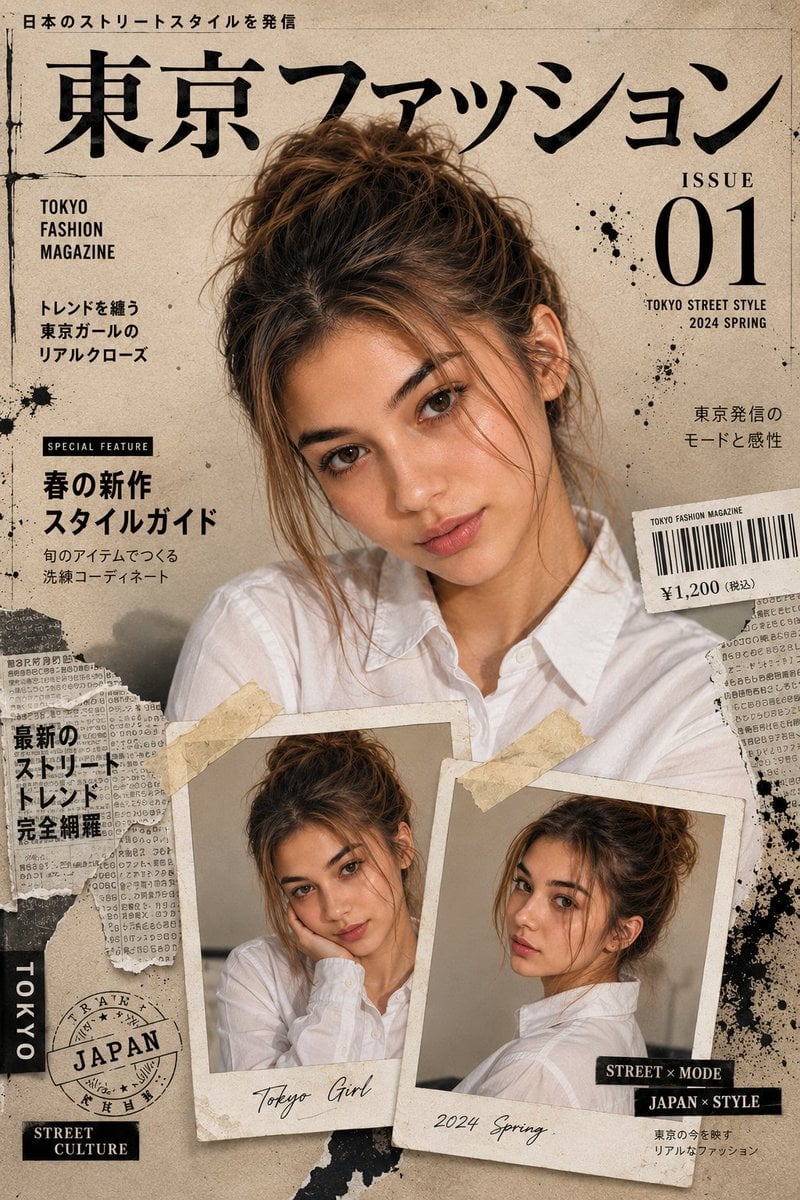
Japanese Fashion Magazine Cover

Nostalgic Home Video Doll Effect

Japanese Cloud Insole Ad Banner

Anime Countryside Dog Walk T-Shirt Scene
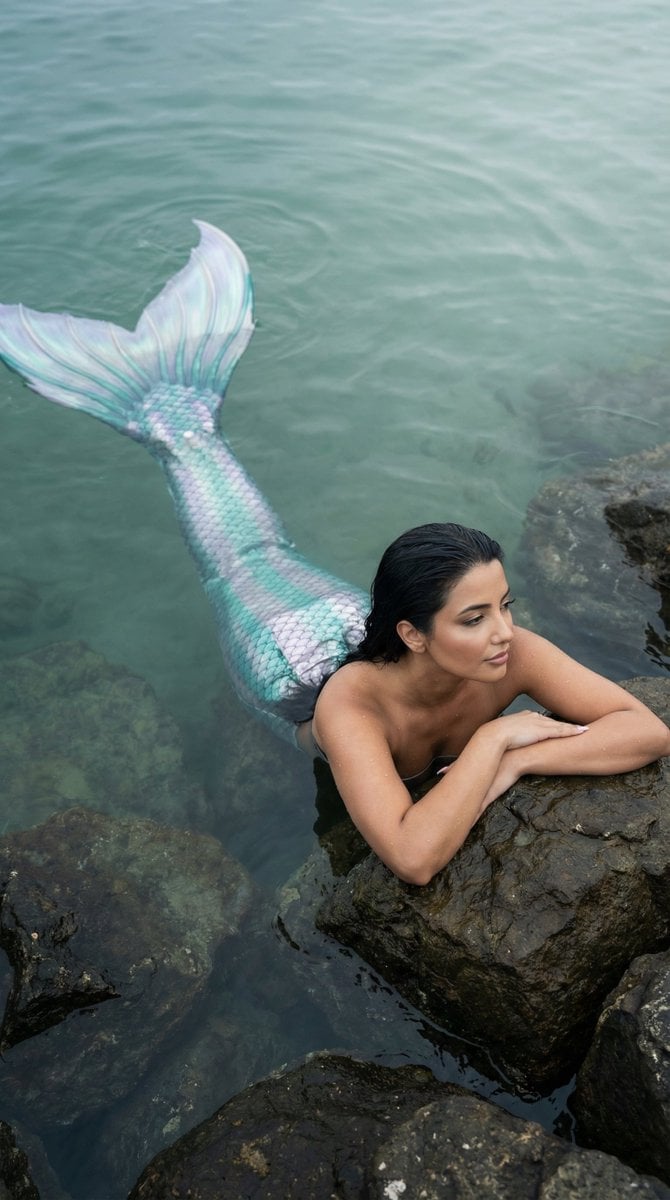
Cinematic Mermaid Portrait in Shallow Water

Hyper-realistic Fashion Photoshoot Prompt
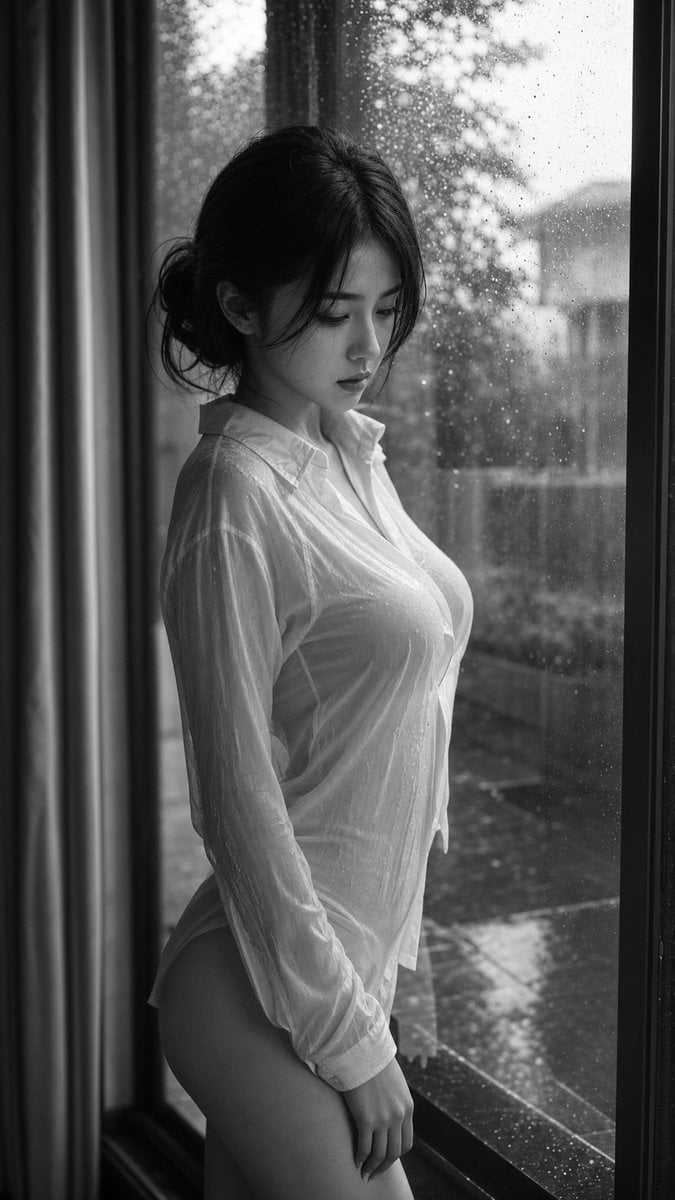
Cinematic Black and White Portrait

Stunning Winter Photo Prompt for Gemini Nano Banana

Subway Juice Drink Advertisement
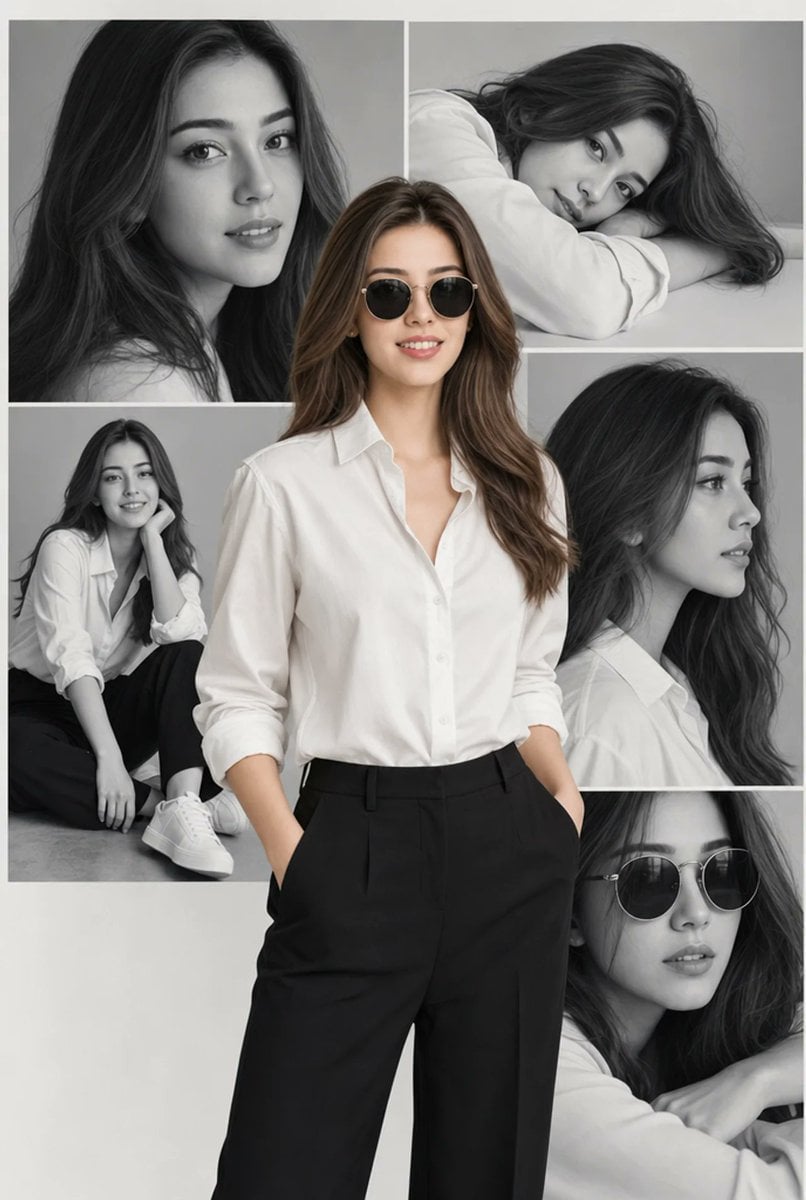
Editorial Portrait Collage
Browse template categories
Cinematic Academic Signaling Thumbnail questions
How do I use the Cinematic Academic Signaling Thumbnail template?
Add your photo if the template asks for one, edit the prompt if you like — the template's model and format are already selected — and press Generate. Your version opens in PicX Studio.
Can I customize the Cinematic Academic Signaling Thumbnail template?
Yes. You can change the subject, setting, lighting, mood, format, and available model controls before creating your image.
Is the Cinematic Academic Signaling Thumbnail template free?
Opening and editing this template is free. Generating uses credits, shown on the Generate button when you are signed in.
Which AI model should I use?
Choose a compatible model in PicX Studio based on the style, speed, and output controls your project needs.
Looking for something else? Browse all templates.

Your photo, any look
Thousands of ready templates for every top image and video model, from one credit balance.