
Japanese Cloud Insole Ad Banner
A polished Japanese e-commerce hero image for cushioned insoles, ideal for marketplace listings, product ads, and conversion-focused online storefronts.
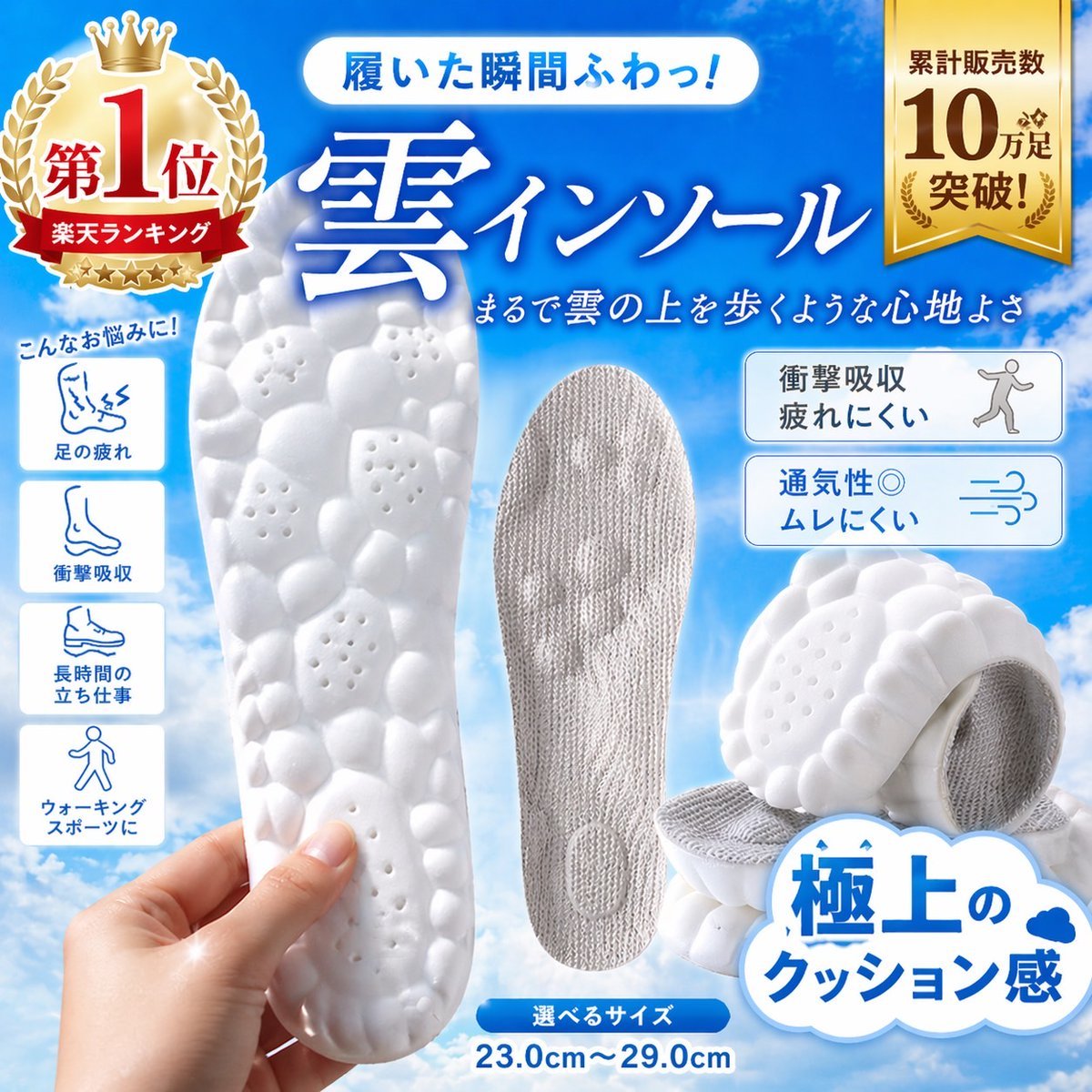
- Prompt included
- Model and format preset
- Free template
The prompt behind this image
Copy the exact prompt behind Japanese Cloud Insole Ad Banner, or open it in the studio and make it yours.
Create a high-converting Japanese e-commerce product advertisement square image for a pair of ultra-cushioned insoles, styled like a Rakuten marketplace hero banner. Bright sky-blue gradient background with soft white clouds, clean glossy commercial design, energetic and premium. Large central Japanese headline in bold white calligraphic serif text with blue glow: "雲インソール". Above it, a rounded white capsule banner with blue text: "履いた瞬間ふわっ!". Below the main headline, smaller white handwritten-style Japanese subheading: "まるで雲の上を歩くような心地よさ". Show 4 insole product views total: 1 large white foam sole held vertically in a realistic human hand at lower left foreground, featuring a pebble-like bubble texture with small ventilation holes; 1 gray fabric-covered insole standing upright in the center; 2 stacked angled white insoles at lower right, emphasizing thick soft cushioning and textured underside. Add a large gold award badge at top left with crown and laurel, containing the Japanese text "第1位" and a red ribbon reading "楽天ランキング". Add a vertical gold ribbon badge at top right with the Japanese text "累計販売数 10万足 突破!". On the left side, place 4 vertically stacked rounded white icon boxes under a small blue handwritten caption "こんなお悩みに!", with simple blue line icons and labels: 1 "足の疲れ", 2 "衝撃吸収", 3 "長時間の立ち仕事", 4 "ウォーキング スポーツに". On the right side, place 2 rounded white feature boxes with blue outlines and blue-gray icon illustrations: top box text "衝撃吸収 疲れにくい" with a walking person icon; bottom box text "通気性◎ ムレにくい" with airflow lines icon. At the bottom right, add a large white cloud-shaped callout with bold blue Japanese text "極上の クッション感" and a tiny blue cloud icon. At the bottom center, place a small blue rounded label "選べるサイズ" with large blue size text underneath: "23.0cm〜29.0cm". Use crisp product-photography lighting, soft shadows, glossy highlights, vivid contrast, and a polished online shopping ad composition optimized for instant conversion.
How to use Japanese Cloud Insole Ad Banner in 3 steps
- 1Upload ImagePNG, JPG or paste
Add your photo
Upload the photo the template builds on. The prompt, model and format are already set.
- 2…a portrait of your subject in softgolden-hour light, 85mm…
Personalize
Edit the subject and creative details for your destination.
- 3Generate
Generate
Press Generate — your image is created in PicX Studio, so you can compare it with the original and refine one variable at a time.
More like this
Templates with the same subject, style or setup. Open one to see its prompt.

Minecraft Japanese Research Lab Exploration

Japanese Architectural Concrete Studio Fashion Campaign

Japanese Minimalist Concrete Studio Fashion Editorial

Blue Backdrop Luxury Fashion Portrait Campaign
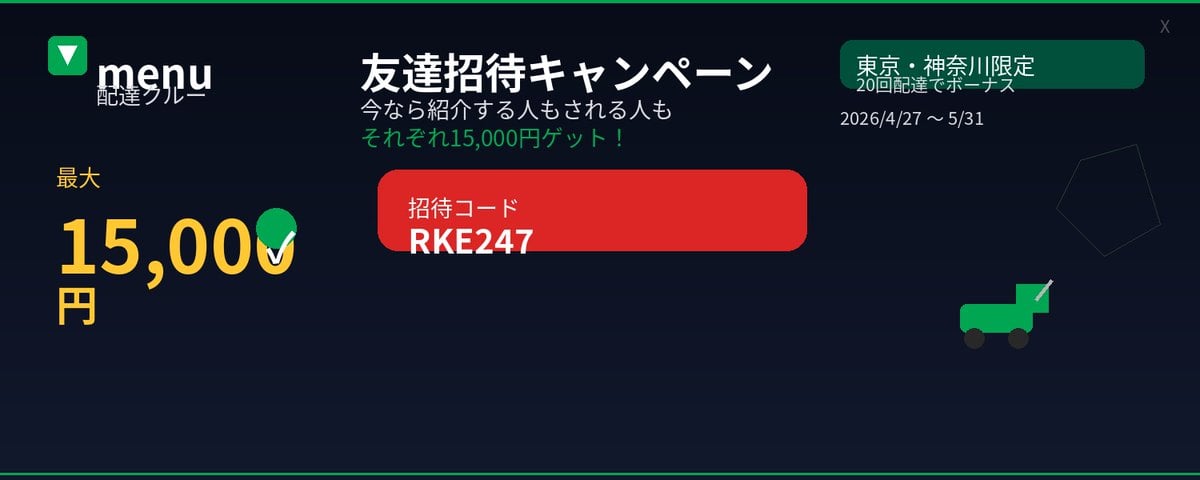
Japanese Delivery Referral Banner
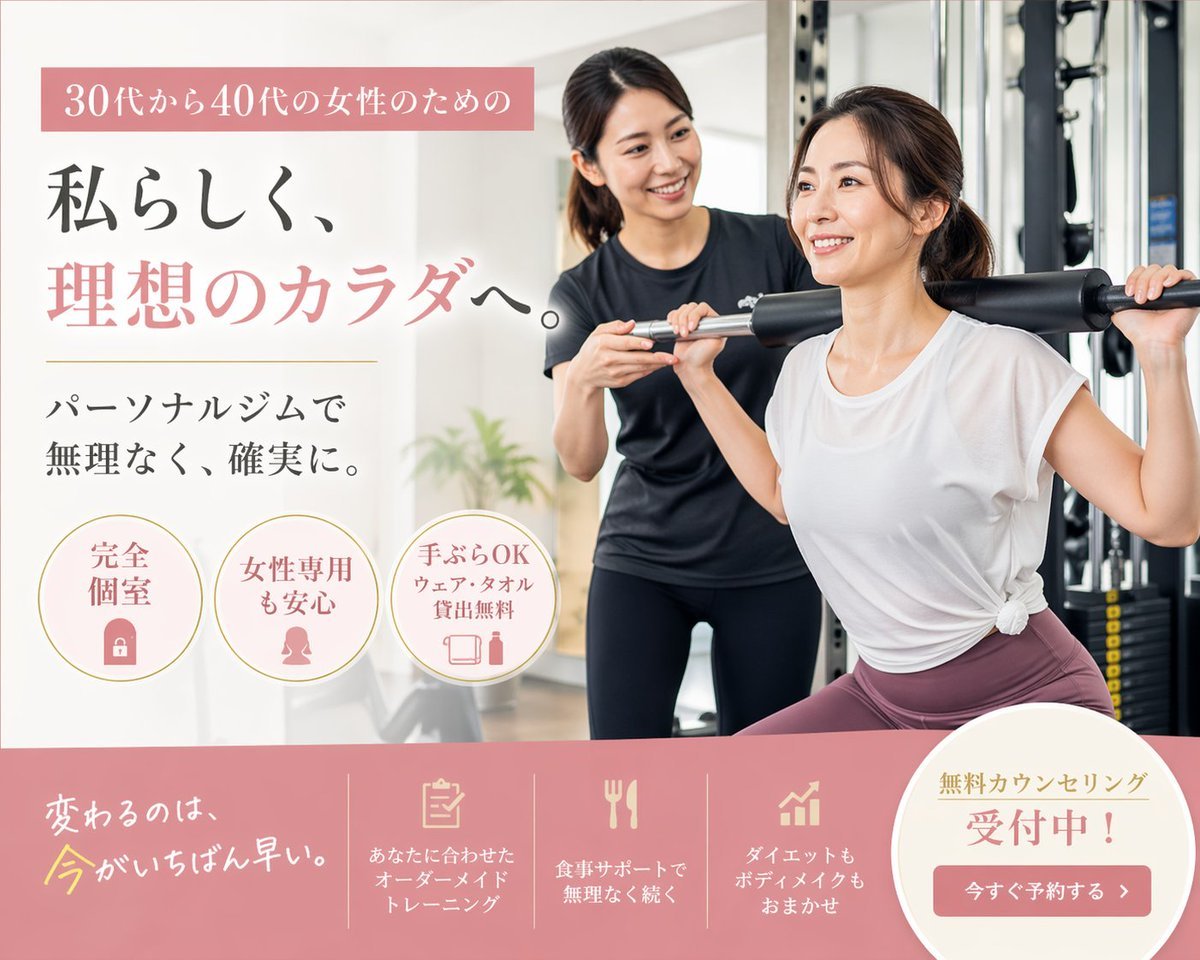
Japanese Women's Gym Hero Banner
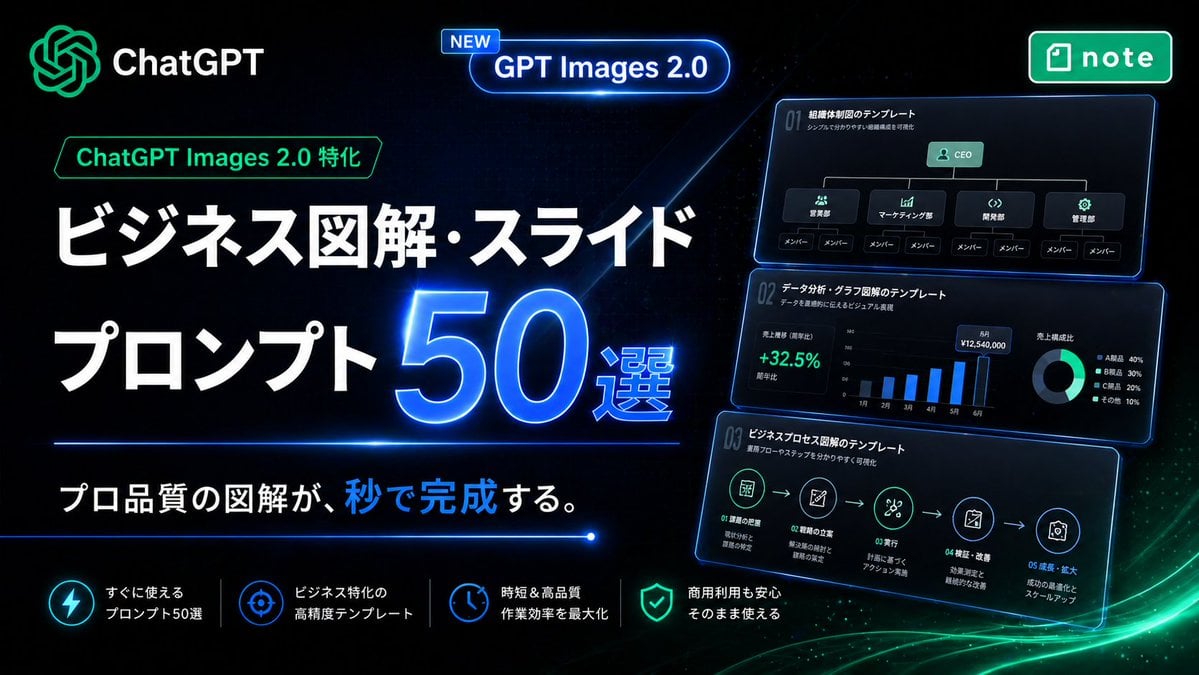
Neon Japanese AI Prompt Promo Banner
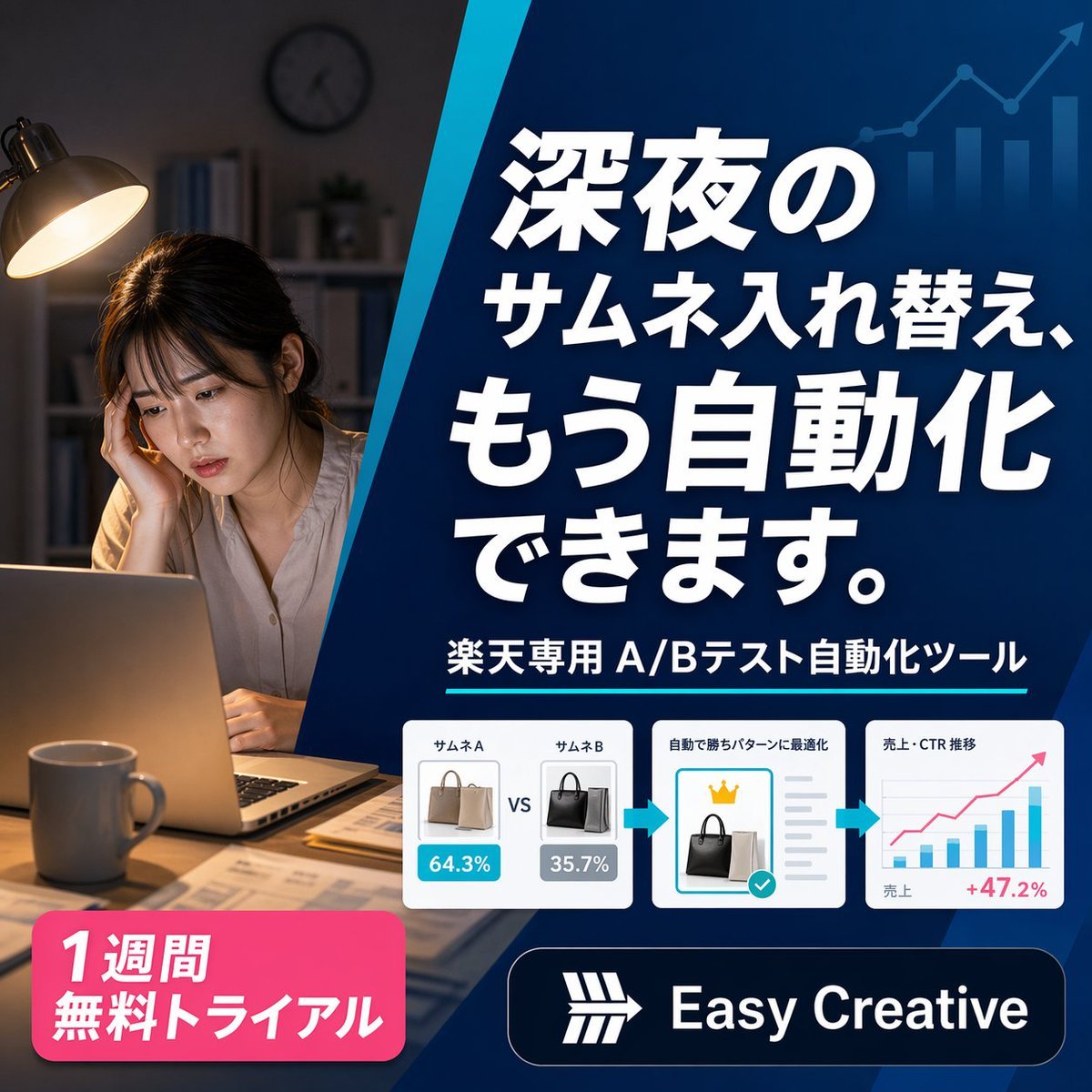
Japanese SaaS Ad Banner at Night
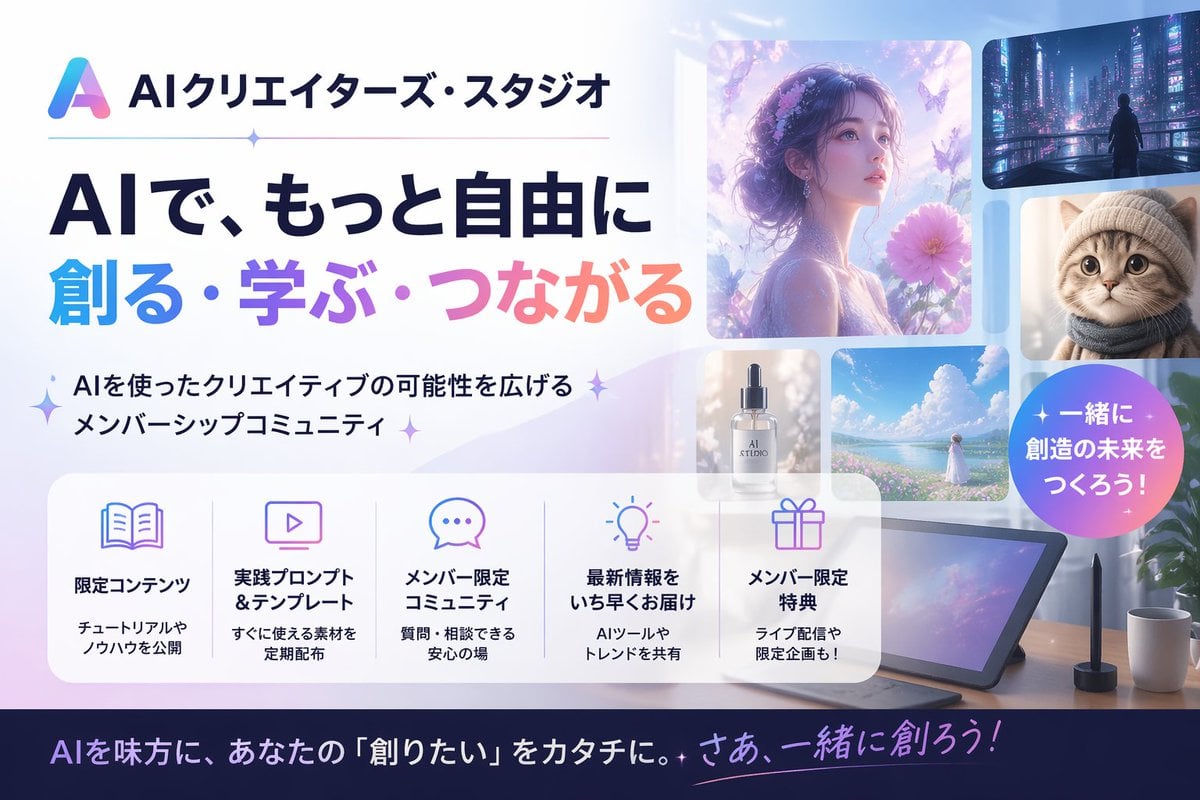
Japanese AI Creator Studio Banner

Japanese AI Consulting OGP Banner

Floating Woman Above Cityscape with Notifications

Gpt2 Social Media Post 4 Panel Japanese Digital Ad Banner Grid
Make it yours
Japanese Cloud Insole Ad Banner works as-is. These are the safest ways to change it without losing the look.
Change one field
Copy a single group, rewrite it, and generate again so you can see what that field is doing.
Keep the frame, change the subject
Hold the composition and light of Japanese Cloud Insole Ad Banner, then swap wardrobe, props or the person for a new take.
| If the result… | Why | Fix |
|---|---|---|
| The result drifts from the preview | Too many fields changed at once. | Reuse Japanese Cloud Insole Ad Banner as-is first, then change one group — subject, light, or setting. |
| The model over-stylizes the scene | The prose prompt leaves finish and camera underspecified. | Add one camera or lighting sentence and stay on GPT Image 2. |
More GPT Image 2 templates
Other prompts made for GPT Image 2.

Realistic Portrait of Woman and Deer

The Vista Modular Condo Poster

AI Model Routing Comparison Infographic

2.5D Anime Art Board

Isometric Productivity Desk Scene

New York Double Exposure Poster

Four-Panel AI Landscape Comparison

NESCAFÉ Coffee Map Poster

Brutalist Cogito Chinese Typography Poster

Cinematic Luxury Terrace Portrait
More image prompts
Fresh picks from across the catalog.
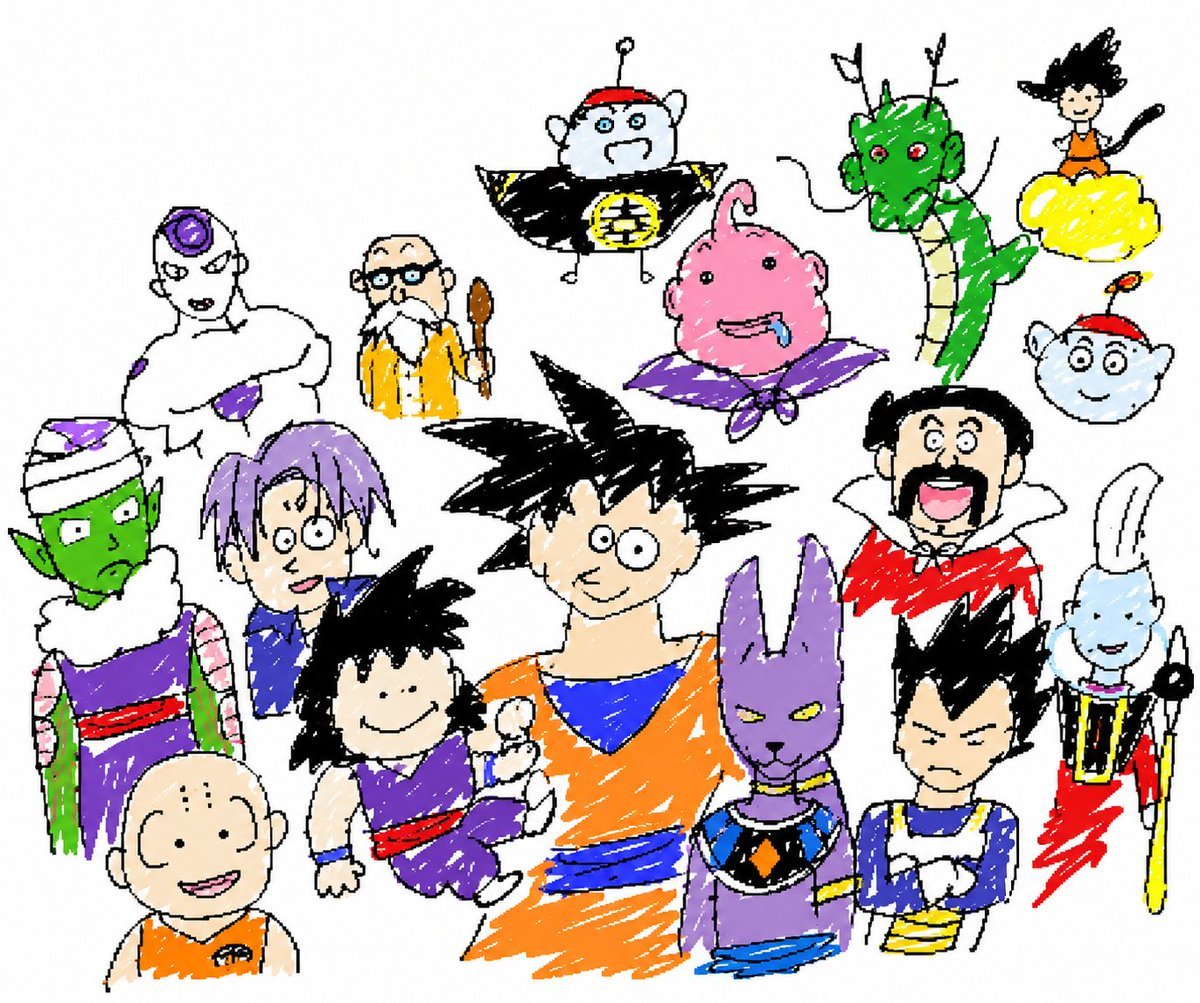
Unrestricted Photo Restoration Parody
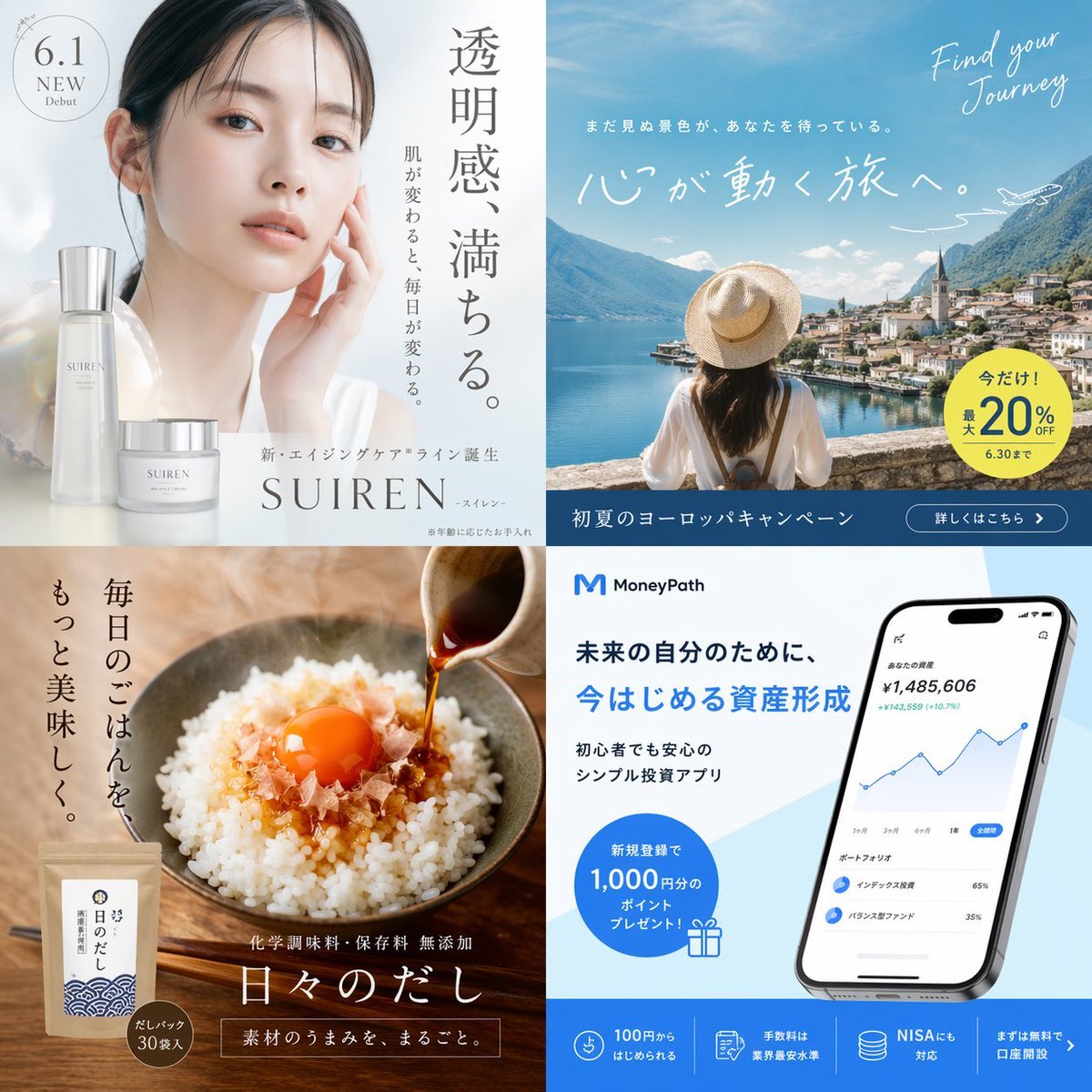
2x2 Japanese Banner Ad Grid
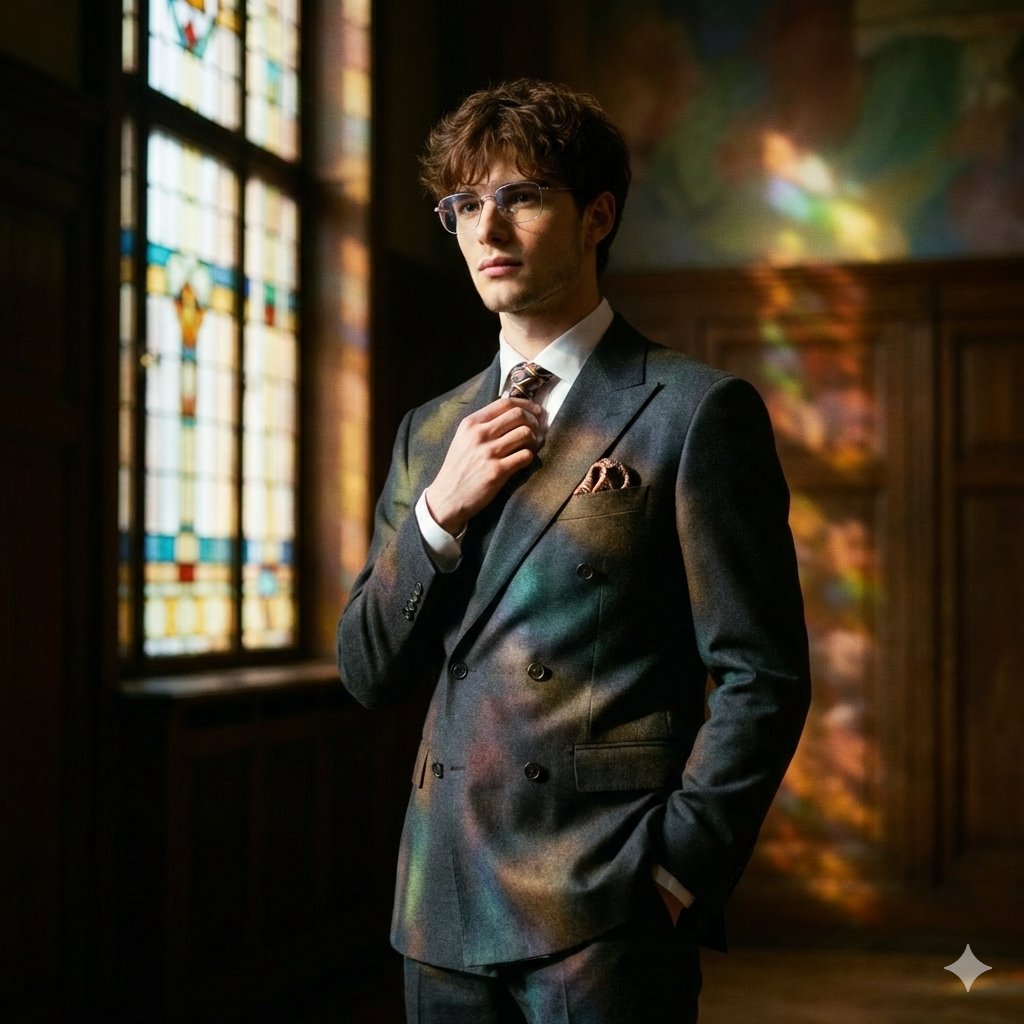
Retro Art Deco Suit Editorial

Cinematic Winter Forest Portrait Prompt
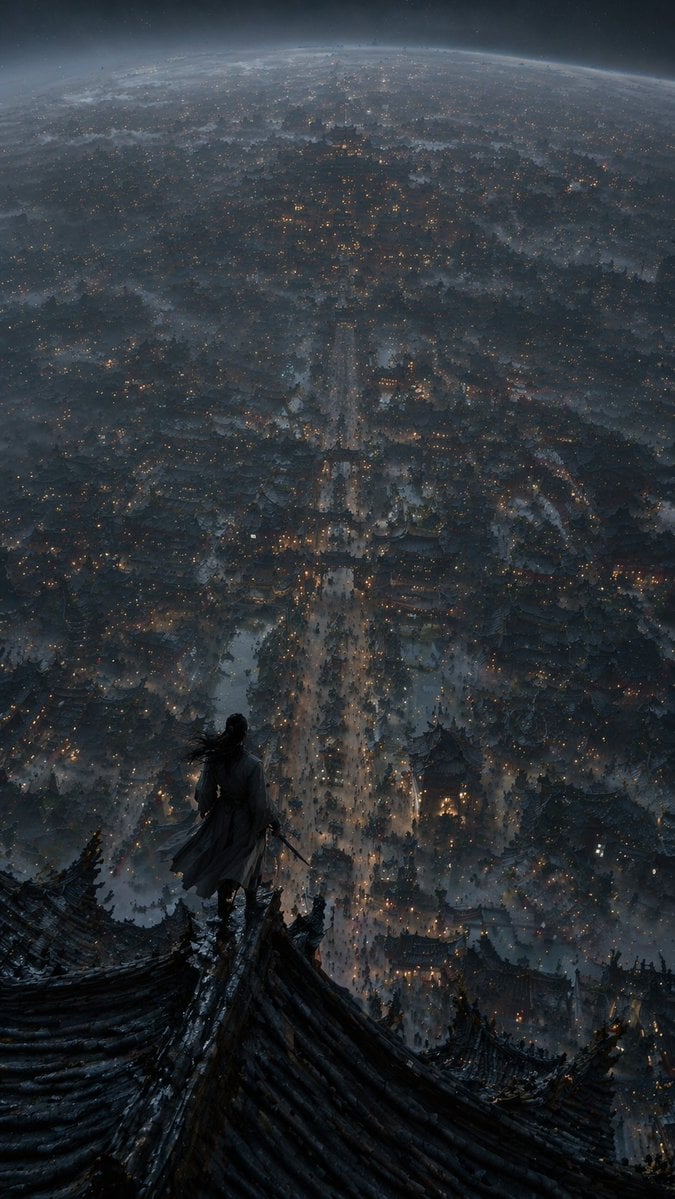
Xianxia Cityscape from God's-Eye View
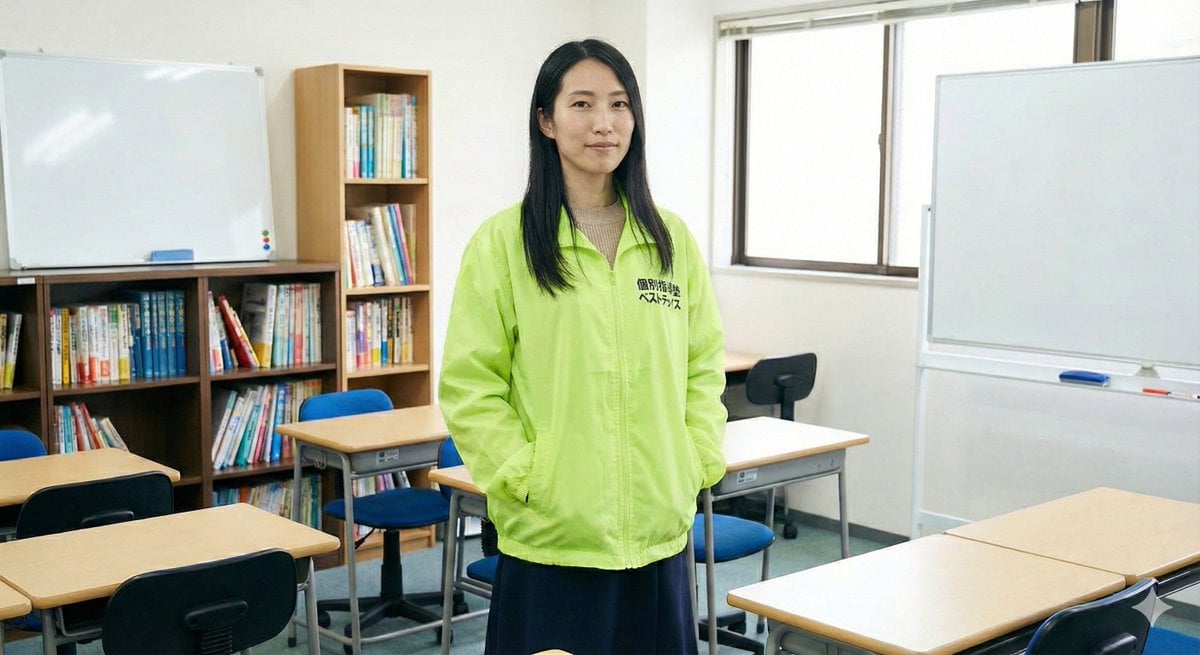
Character Generation Based on Literary Description

Long-Exposure Cinematic Street Photography Portrait

General Luxury Product Hero Shot Prompt
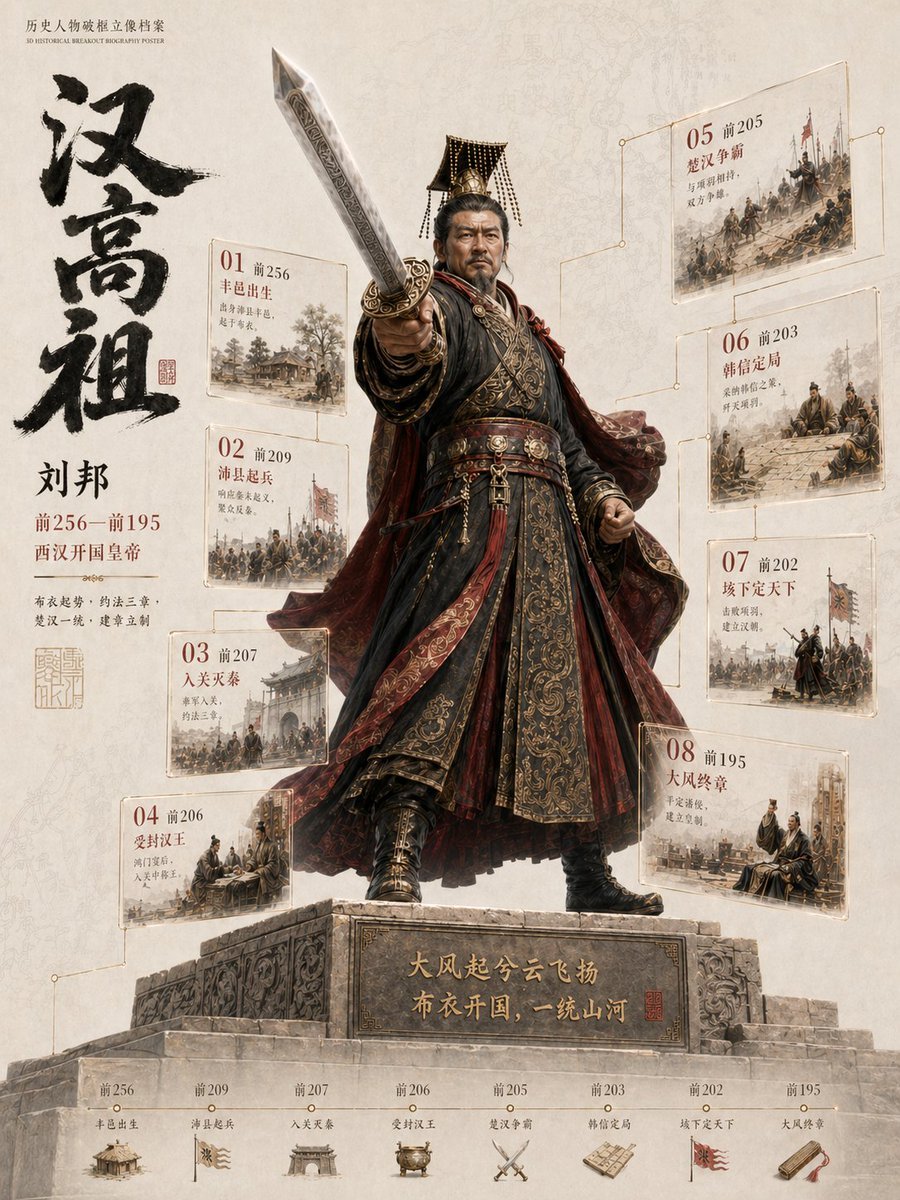
3D Historical Biography Poster Template

Spring Cafe Reading Editorial
Browse template categories
Japanese Cloud Insole Ad Banner questions
How do I use the Japanese Cloud Insole Ad Banner template?
Add your photo if the template asks for one, edit the prompt if you like — the template's model and format are already selected — and press Generate. Your version opens in PicX Studio.
Can I customize the Japanese Cloud Insole Ad Banner template?
Yes. You can change the subject, setting, lighting, mood, format, and available model controls before creating your image.
Is the Japanese Cloud Insole Ad Banner template free?
Opening and editing this template is free. Generating uses credits, shown on the Generate button when you are signed in.
Which AI model should I use?
Start with GPT Image 2, which is the model associated with this template. You can compare another compatible model for a different finish.
Looking for something else? Browse all templates.

Your photo, any look
Thousands of ready templates for every top image and video model, from one credit balance.