
3D Historical Biography Poster Template
A comprehensive prompt template for creating ultra-detailed 3D cinematic posters of historical figures, featuring information fragments and archival aesthetics.
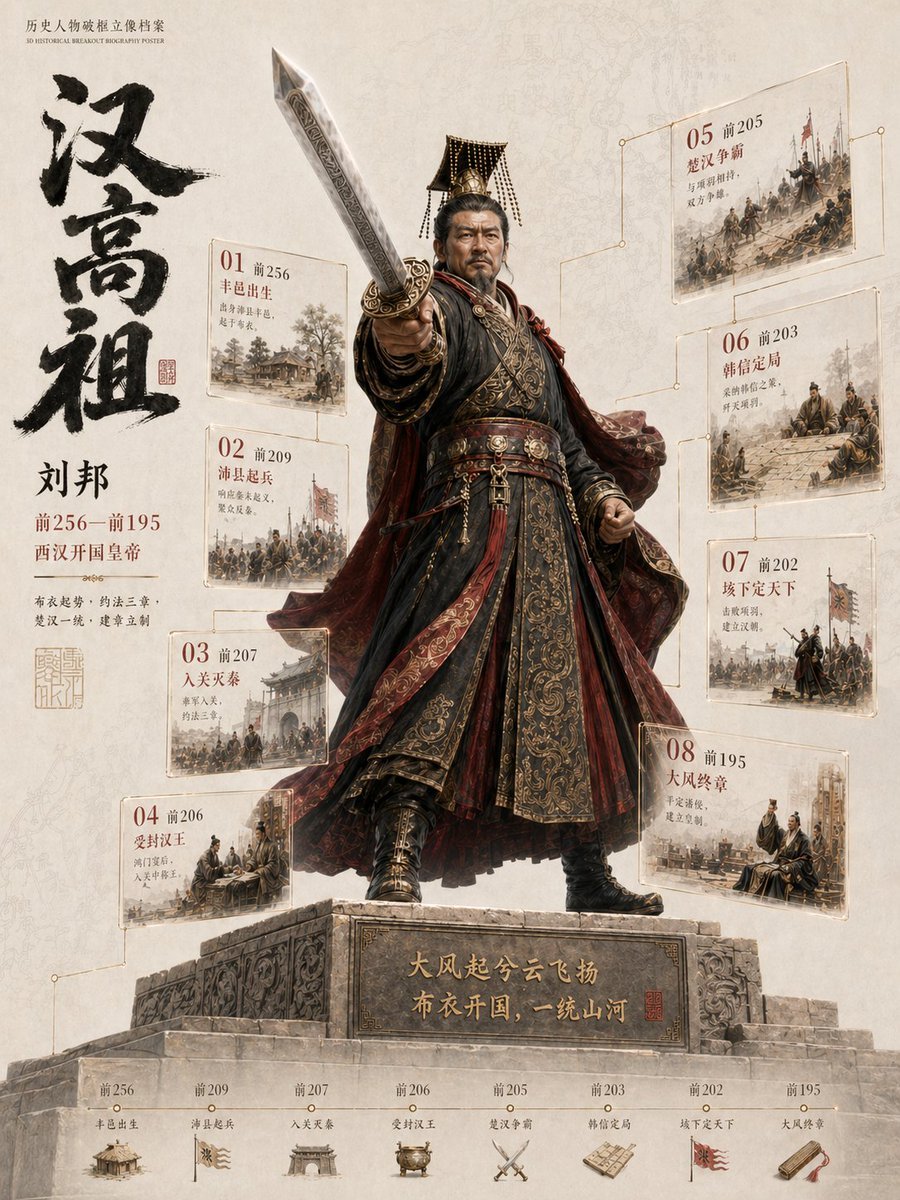
- Prompt included
- Model and format preset
- Premium template
The prompt behind this image
Copy the exact prompt behind 3D Historical Biography Poster Template, or open it in the studio and make it yours.
Create a highly detailed “3D Historical Breakout Biography Poster”. Main Character: {argument name="character name" default="[INSERT CHARACTER NAME]"} Character Identity: [Emperor / General / Strategist / Philosopher / Reformer / Scholar / Military Leader] Historical Era: {argument name="historical era" default="[INSERT DYNASTY OR HISTORICAL PERIOD]"} Core Keywords: {argument name="keywords" default="[INSERT KEYWORDS]"} Main Color Palette: [Black Gold Crimson / Deep Blue Silver / Dark Ink Gold / Iron Black] Aspect Ratio: 3:4 Vertical Poster Design an ultra cinematic historical archive-style poster with a full-body 3D historical figure as the absolute center focus. The character must appear realistic, monument-like, powerful, and historically accurate with strong cinematic presence. Clothing, armor, robes, weapons, crown, boots, fabric textures, and accessories must accurately match the historical era. The figure should not stand still. Create a dramatic “breaking out of the frame” action pose toward the viewer with strong cinematic depth and perspective distortion. One arm or symbolic object must extend forward aggressively. The breakout object can be an imperial sword, spear, command scroll, royal decree, military token, book scroll, jade tablet, ceremonial weapon, or dynasty banner. Keep the forward object fully visible and uncropped. The central figure stands on a refined memorial-style base with subtle historical engravings. The figure should feel visually heavy and dominant while the surrounding information system feels light, elegant, transparent, and floating. Around the character, place 6–10 floating historical event fragments designed like lightweight museum archive shards instead of thick information cards. Use transparent acrylic/glass panels, glowing borders, fine gold annotation lines, layered infographic fragments, and floating manuscript textures. These fragments may contain years, event titles, short annotations, historical scenes, military maps, dynasty seals, territory outlines, and ancient document textures. The floating fragments should appear at different depths and angles. Some closer to the camera, some partially hidden behind armor or weapons, creating strong cinematic layering and realistic spatial depth. On the left side, include a large East Asian calligraphy-style title composition featuring the character’s name, birth/death years, dynasty name, role labels, historical keywords, and legendary subtitle with seal-style typography. At the bottom, create a thin elegant horizontal timeline using fine gold lines, small circular markers, minimal year labels, and subtle annotations inspired by museum exhibition guides. Avoid heavy information bars. Background style should combine ancient parchment textures, faded maps, museum wall aesthetics, ink textures, seal stamps, fragmented historical documents, war stra
How to use 3D Historical Biography Poster Template in 3 steps
- 1
Open
The prompt is already in the box next to the preview, with the template's model and format selected.
- 2…a portrait of your subject in softgolden-hour light, 85mm…
Personalize
Edit the subject and creative details for your destination.
- 3Generate
Generate
Press Generate — your image is created in PicX Studio, so you can compare it with the original and refine one variable at a time.
More like this
Templates with the same subject, style or setup. Open one to see its prompt.

Japan Travel Brochure Poster

Cartoon TV Show Poster Pack

Trendy Cafe Drink Promo Poster

Urban Fashion Editorial Collage Streetwear Poster

Premium Fashion Editorial Cover Layout System

Polo Ralph Lauren Luxury American Heritage Fashion Campaign

Monochrome Halftone Editorial Fashion Poster

Retro Mirror Luxury Fashion Campaign Poster

Luxury Fashion Campaign Typography Poster System

Premium Fashion Editorial Campaign Poster System

Ultra-Stylized High-Fashion Streetwear Poster

Urban Fashion Editorial Collage Poster
Make it yours
3D Historical Biography Poster Template works as-is. These are the safest ways to change it without losing the look.
Change one field
Copy a single group, rewrite it, and generate again so you can see what that field is doing.
Keep the frame, change the subject
Hold the composition and light of 3D Historical Biography Poster Template, then swap wardrobe, props or the person for a new take.
| If the result… | Why | Fix |
|---|---|---|
| The result drifts from the preview | Too many fields changed at once. | Reuse 3D Historical Biography Poster Template as-is first, then change one group — subject, light, or setting. |
| The model over-stylizes the scene | The prose prompt leaves finish and camera underspecified. | Add one camera or lighting sentence and stay on GPT Image 2. |
More GPT Image 2 templates
Other prompts made for GPT Image 2.

Six VTuber Japanese Logo Sheet

Realistic Portrait of Woman and Deer

The Vista Modular Condo Poster

AI Model Routing Comparison Infographic

2.5D Anime Art Board

Isometric Productivity Desk Scene

New York Double Exposure Poster

Four-Panel AI Landscape Comparison

Japanese Tatami Lifestyle Magazine Cover

NESCAFÉ Coffee Map Poster
More image prompts
Fresh picks from across the catalog.
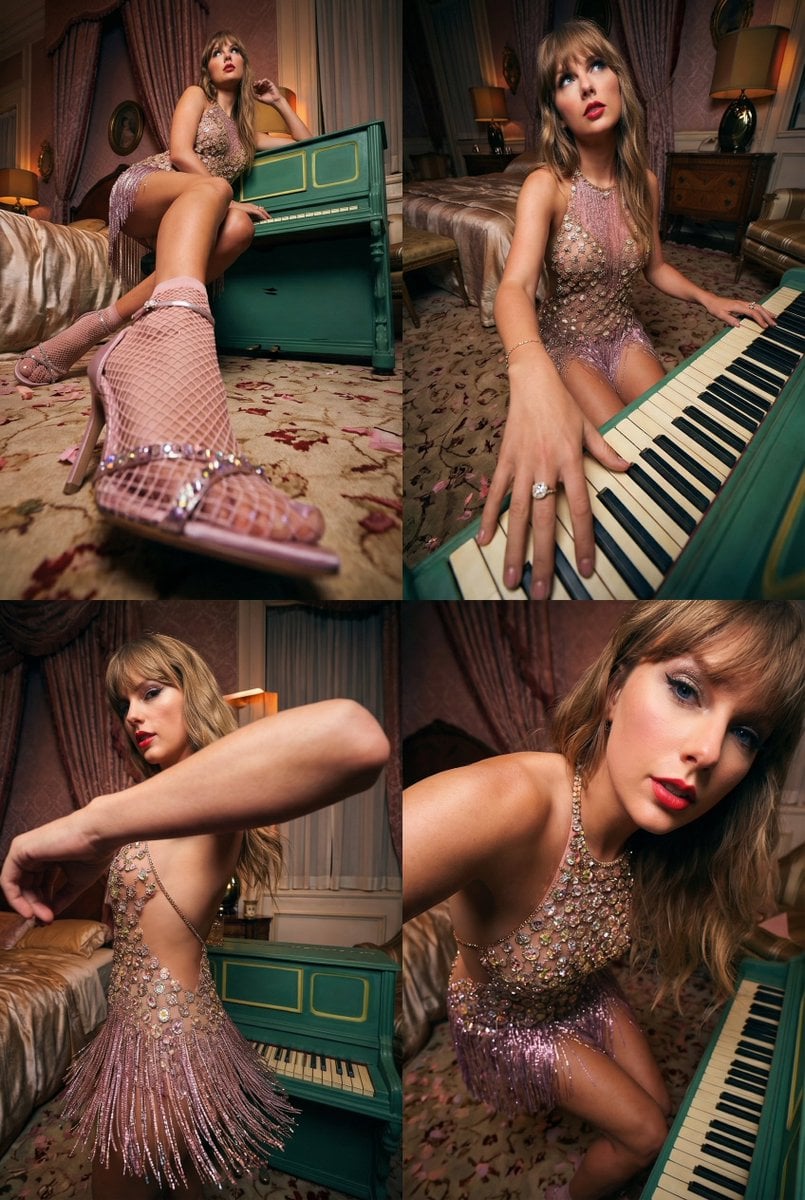
Transformative Photo Enhancement Prompt
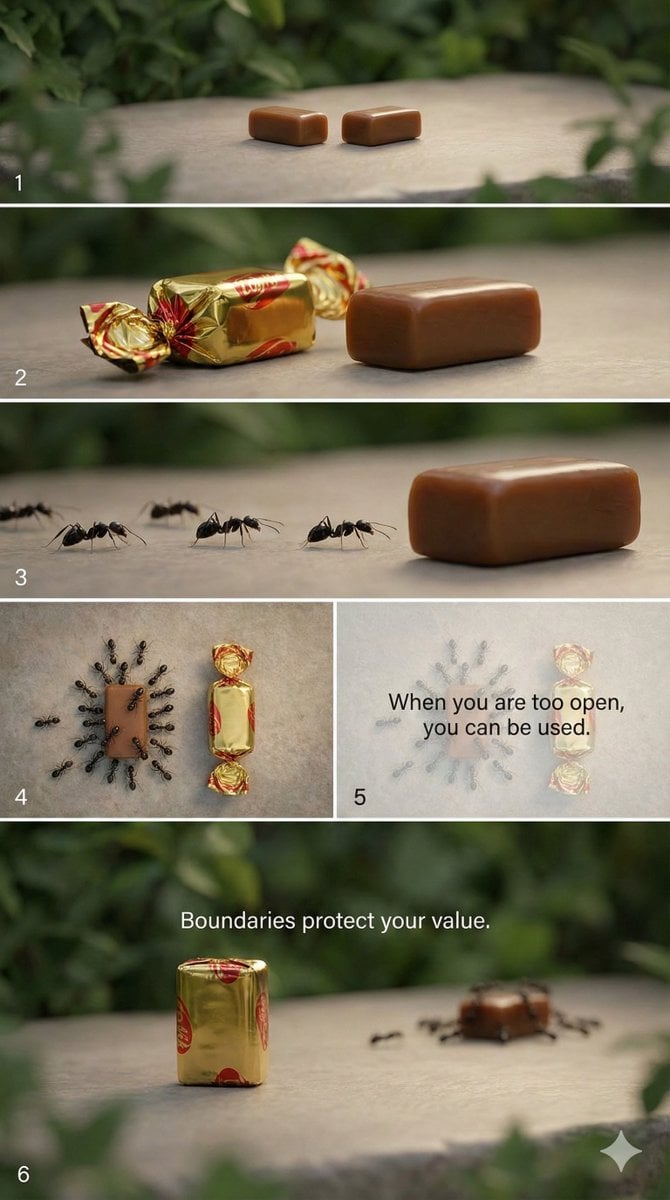
Multi-Scene Cinematic Video Prompt: Boundaries and Value
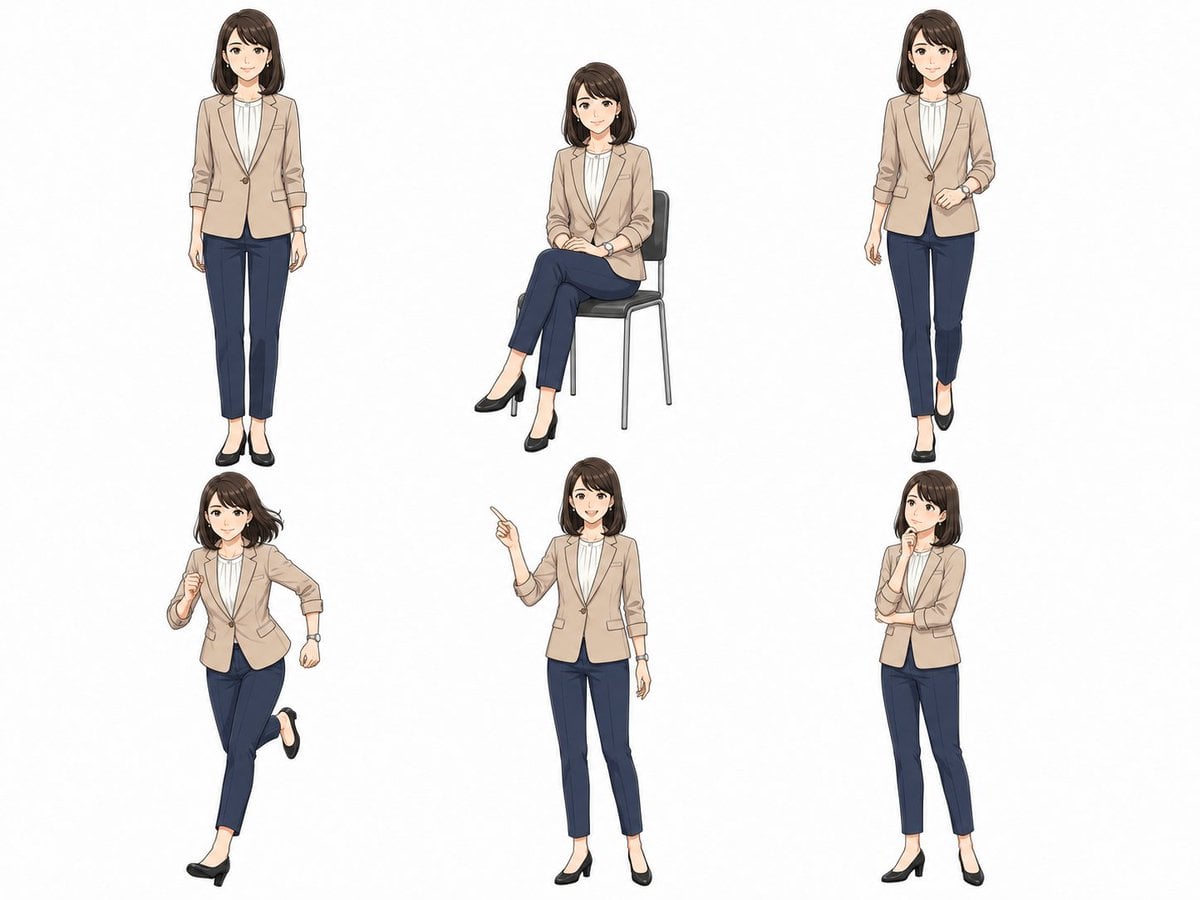
Anime Businesswoman Pose Sheet
Dramatic Stone Corridor With Arched Windows
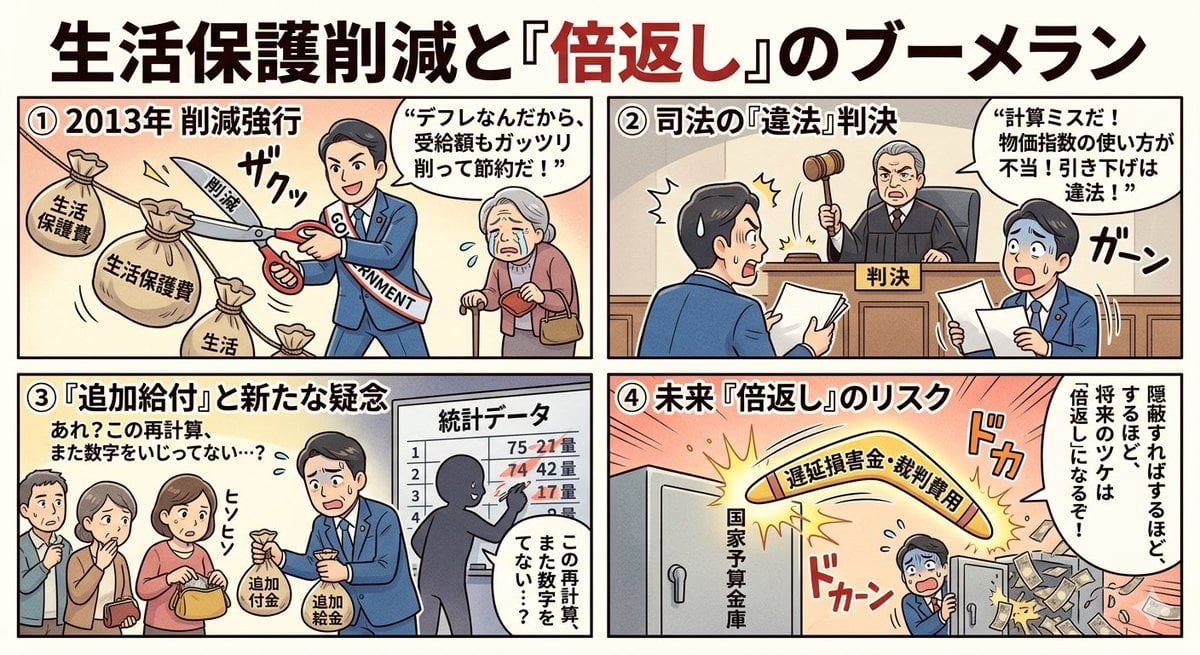
Four-Panel Manga: Boomerang of Double Repayment
High-Energy Smoothie Product Shot
Pink Fur Fashion Editorial with Calf

Golden Hour Bus Ride Portrait
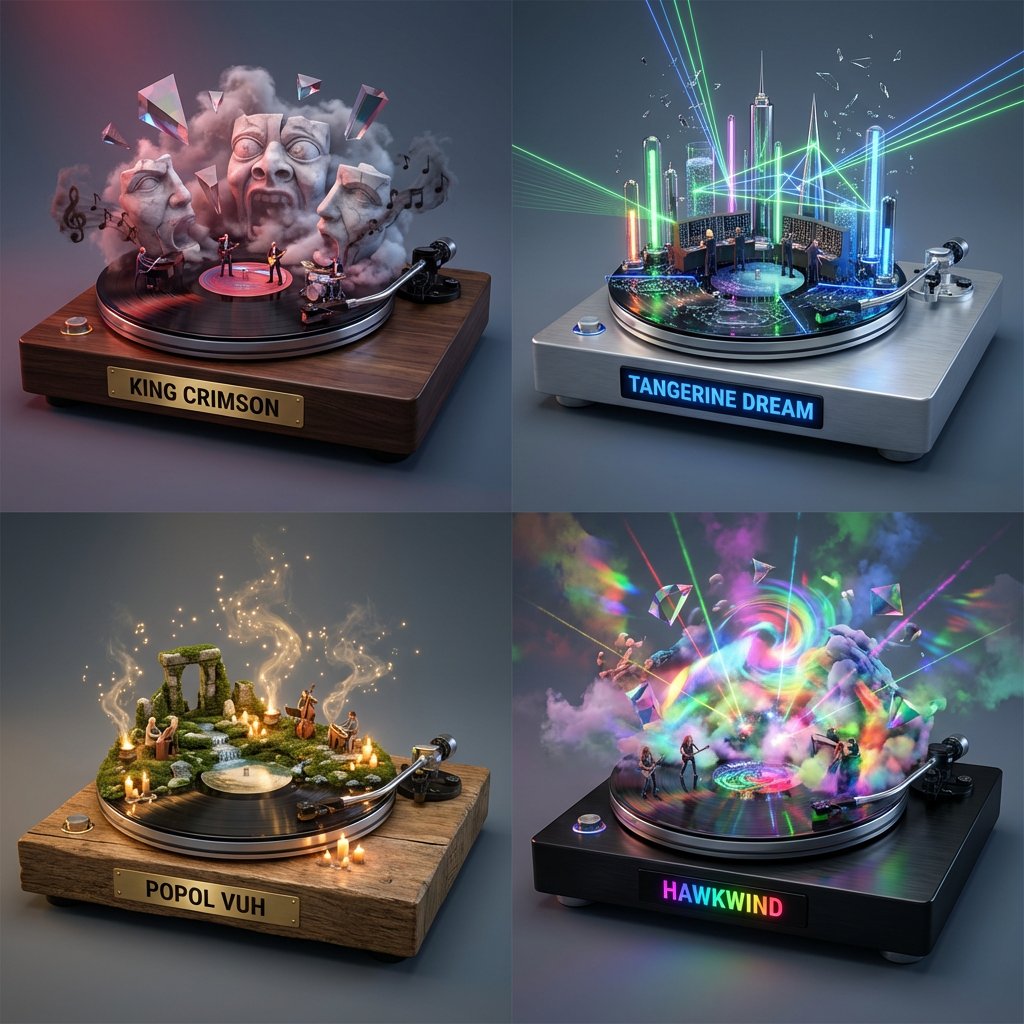
Music Curation: Audio-Visual Dioramas for Pink Floyd Fans
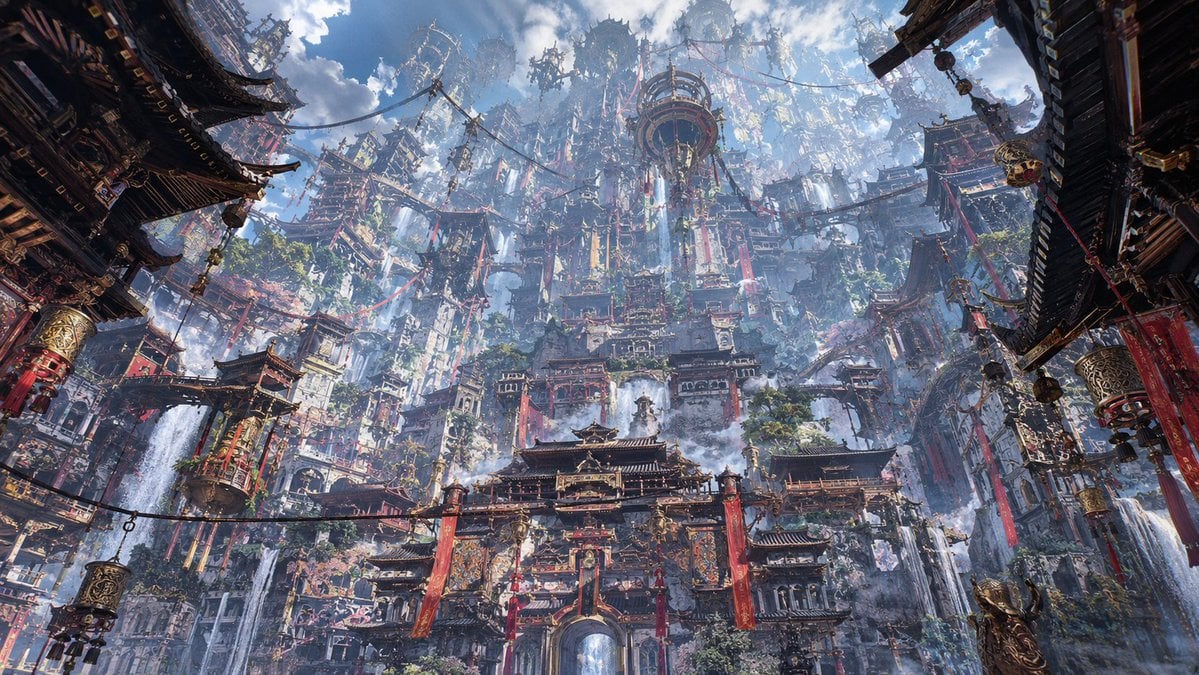
Maximalist Sky Temple City
Browse template categories
3D Historical Biography Poster Template questions
How do I use the 3D Historical Biography Poster Template template?
Add your photo if the template asks for one, edit the prompt if you like — the template's model and format are already selected — and press Generate. Your version opens in PicX Studio.
Can I customize the 3D Historical Biography Poster Template template?
Yes. You can change the subject, setting, lighting, mood, format, and available model controls before creating your image.
Is the 3D Historical Biography Poster Template template free?
Opening and editing this template is free. Generating uses credits, shown on the Generate button when you are signed in.
Which AI model should I use?
Start with GPT Image 2, which is the model associated with this template. You can compare another compatible model for a different finish.
Looking for something else? Browse all templates.

Your photo, any look
Thousands of ready templates for every top image and video model, from one credit balance.