
Multi-Scene Cinematic Video Prompt: Boundaries and Value
A detailed, multi-scene prompt designed for video generation tools (Gemini Nano Banana Pro and Veo 3.1) that uses the symbolic contrast between a wrapped and unwrapped toffee to convey a moral message about boundaries…
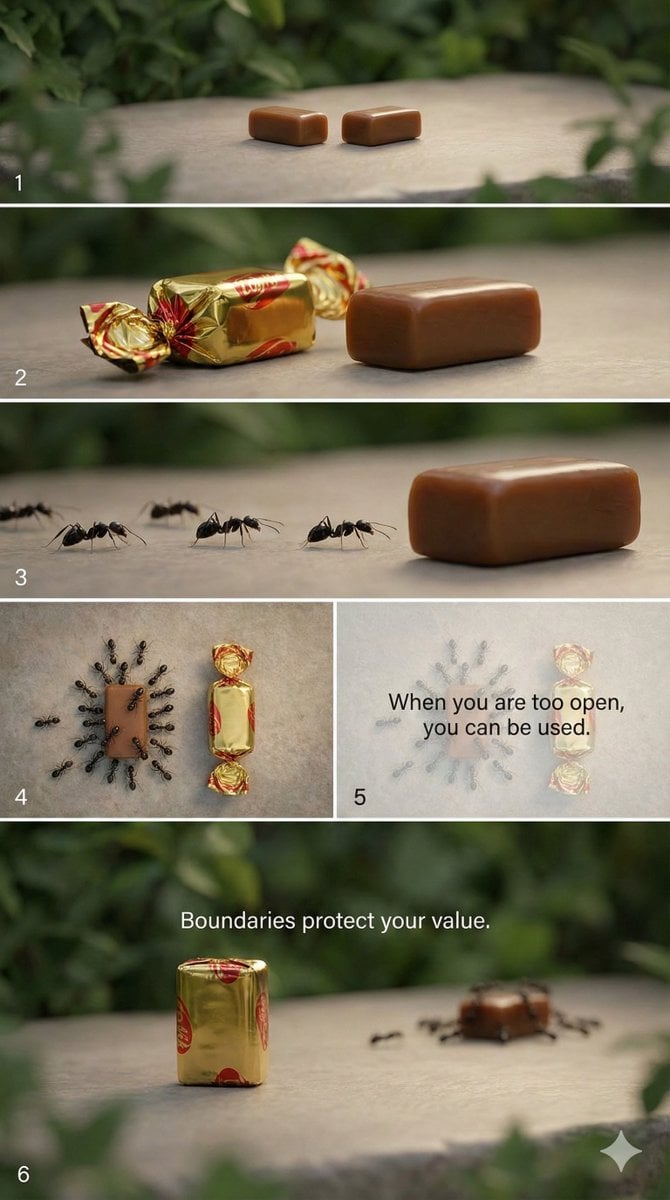
- Prompt included
- Model and format preset
- Free template
The prompt behind this image
Copy the exact prompt behind Multi-Scene Cinematic Video Prompt: Boundaries and Value, or open it in the studio and make it yours.
"style": "cinematic, symbolic, minimal, realistic", "aspect_ratio": "9:16", "scenes": [ { "scene_number": 1, "description": "A quiet outdoor setting with a clean surface under soft natural light. Two identical toffees are placed side by side.", "camera": "slow zoom-in", "mood": "calm, neutral" }, { "scene_number": 2, "description": "One toffee is neatly wrapped in shiny paper. The other toffee is unwrapped, fully exposed.", "camera": "static close-up", "mood": "contrast, anticipation" }, { "scene_number": 3, "description": "Ants begin to appear and slowly crawl toward the unwrapped toffee, completely ignoring the wrapped one.", "camera": "macro shot, slow motion", "mood": "uneasy, revealing" }, { "scene_number": 4, "description": "More ants gather around the unwrapped toffee, covering it, while the wrapped toffee remains untouched and protected.", "camera": "top-down shot", "mood": "warning, realization" }, { "scene_number": 5, "description": "Text fades in on screen as the ants swarm the unwrapped toffee.", "text_overlay": "{argument name="first message" default="When you are too open, you can be used."}", "camera": "gentle fade", "mood": "reflective" }, { "scene_number": 6, "description": "Final frame focuses on the wrapped toffee standing alone, clean and intact.", "text_overlay": "{argument name="second message" default="Boundaries protect your value."}", "camera": "slow zoom-out", "mood": "empowering, calm" } ], "audio": { "background_music": "soft ambient piano", "sound_effects": "subtle nature ambience" } }
How to use Multi-Scene Cinematic Video Prompt: Boundaries and Value in 3 steps
- 1
Open
The prompt is already in the box next to the preview, with the template's model and format selected.
- 2…a portrait of your subject in softgolden-hour light, 85mm…
Personalize
Edit the subject and creative details for your destination.
- 3Generate
Generate
Press Generate — your image is created in PicX Studio, so you can compare it with the original and refine one variable at a time.
More like this
Templates with the same subject, style or setup. Open one to see its prompt.
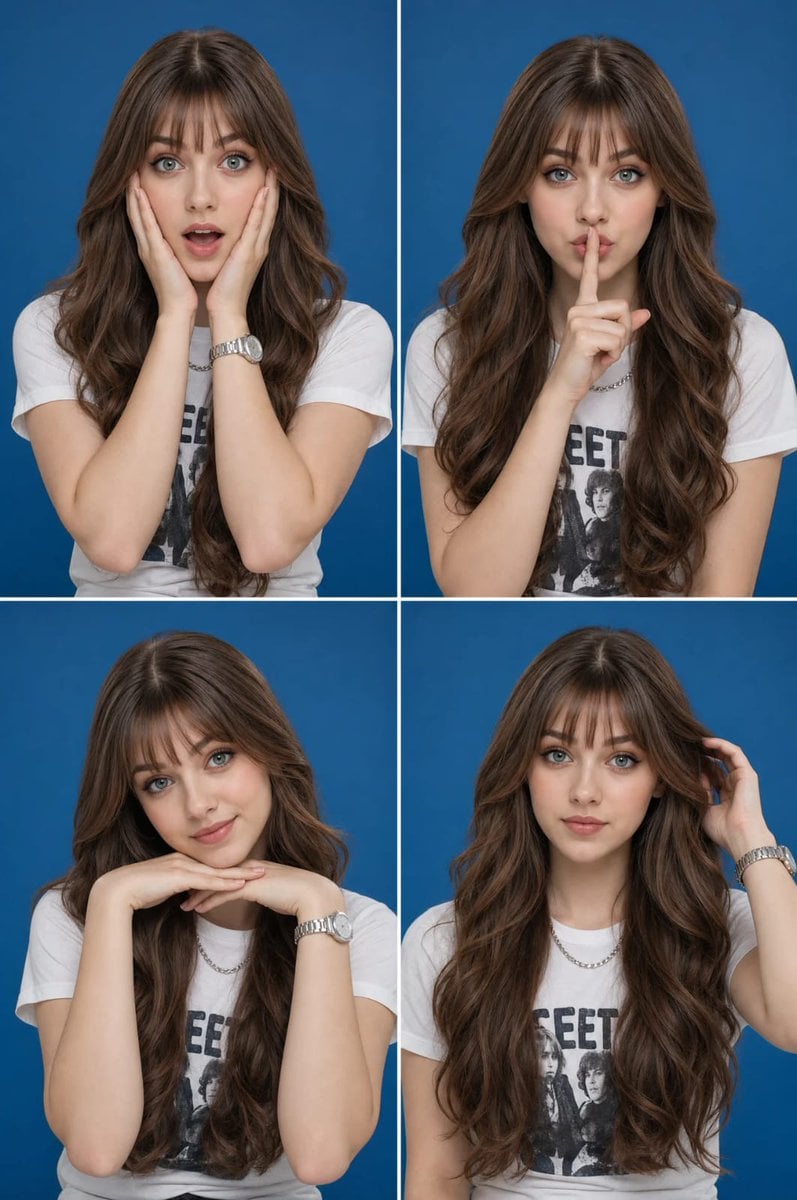
Multi-Expression Portrait Collage
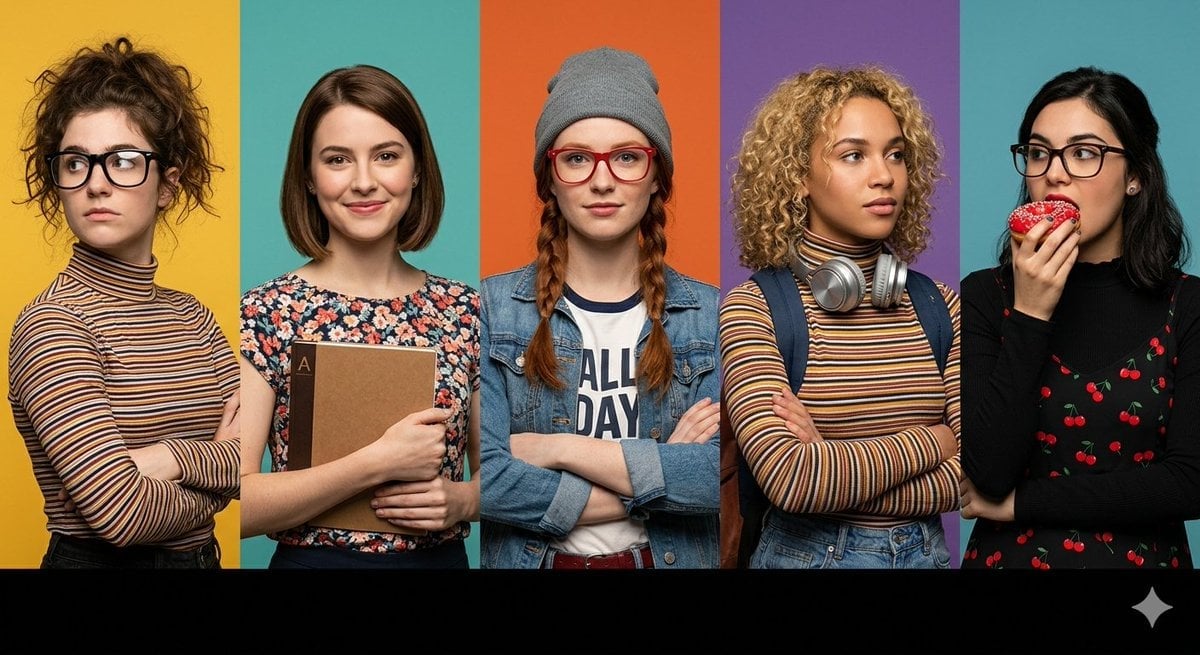
Multi-Panel Cinematic Studio Shot

Multi-Panel Comic Illustration
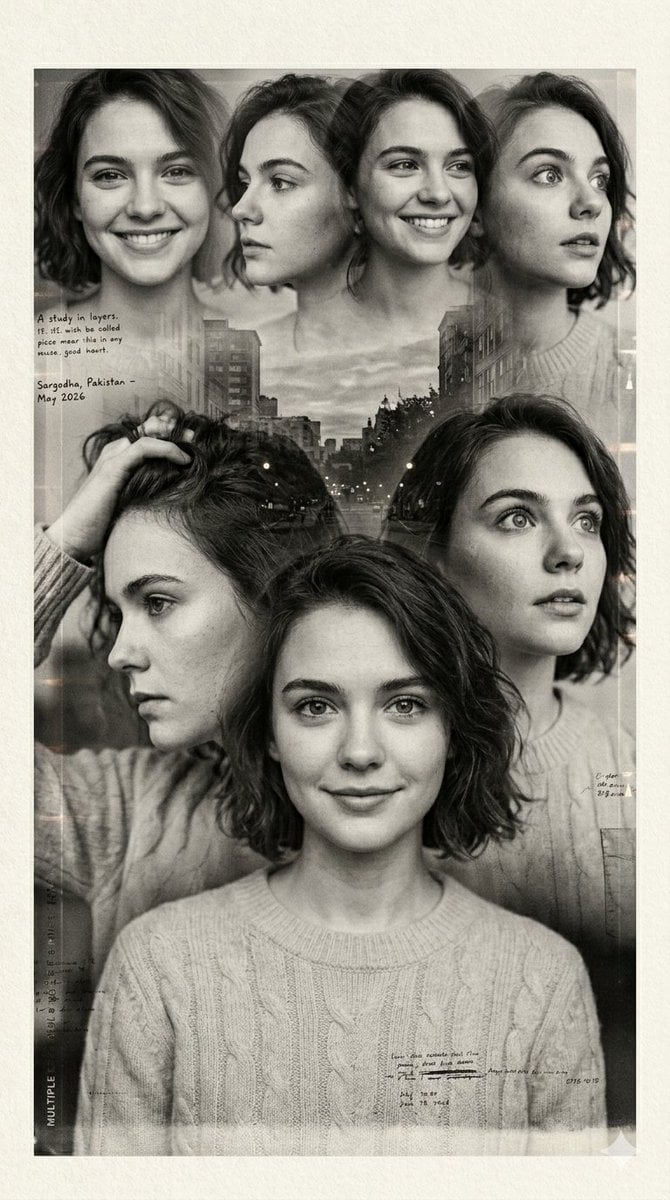
Multiple Exposure Sepia Portrait
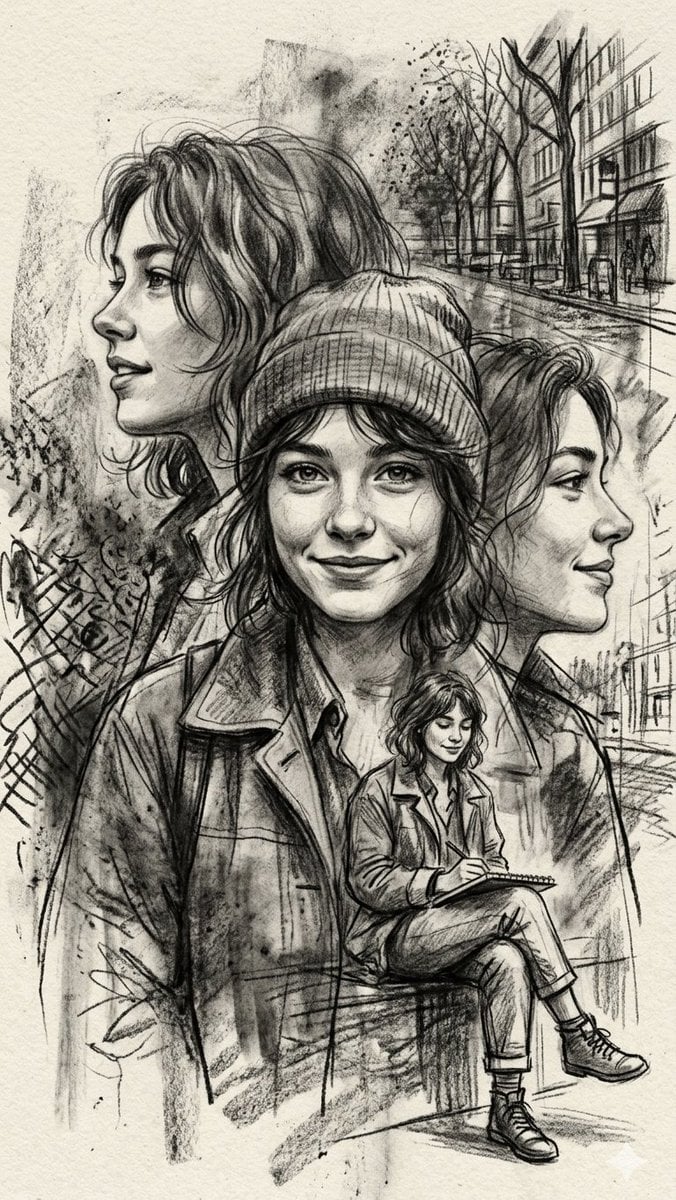
Multi-Layered Artist Journal Sketch
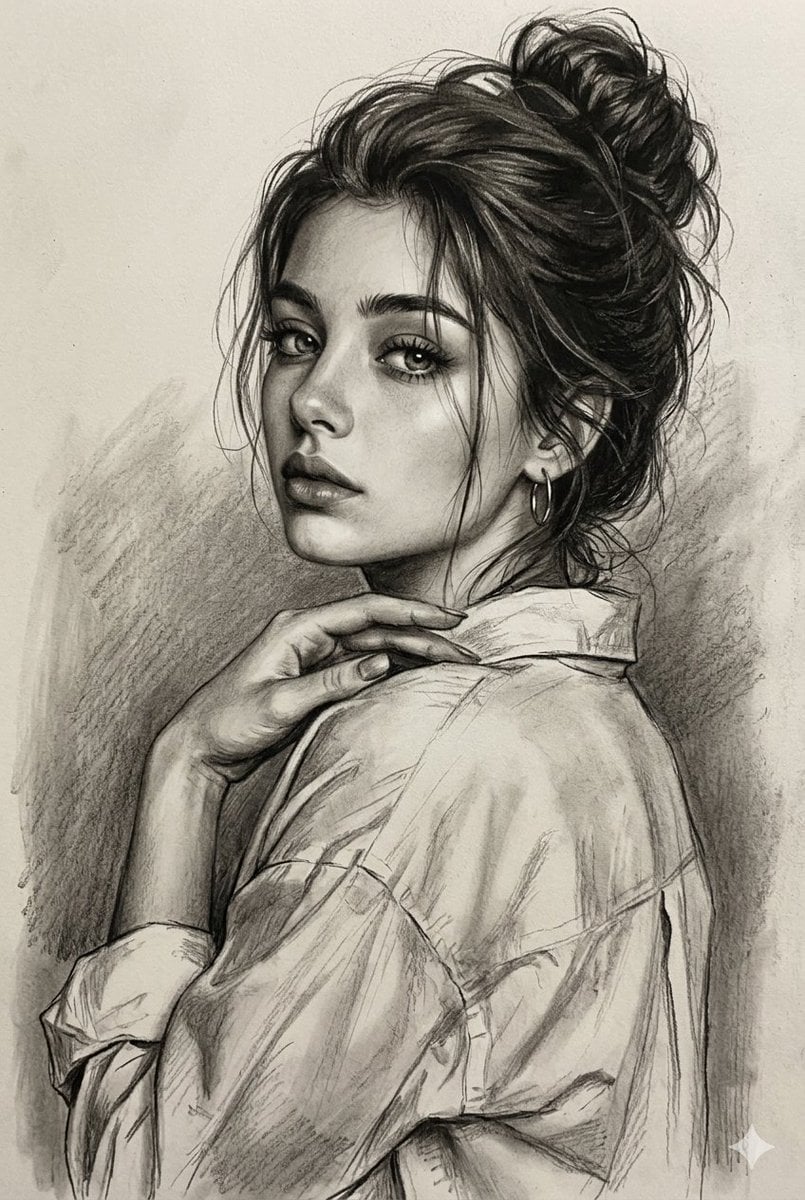
Multi-Medium Portrait Study
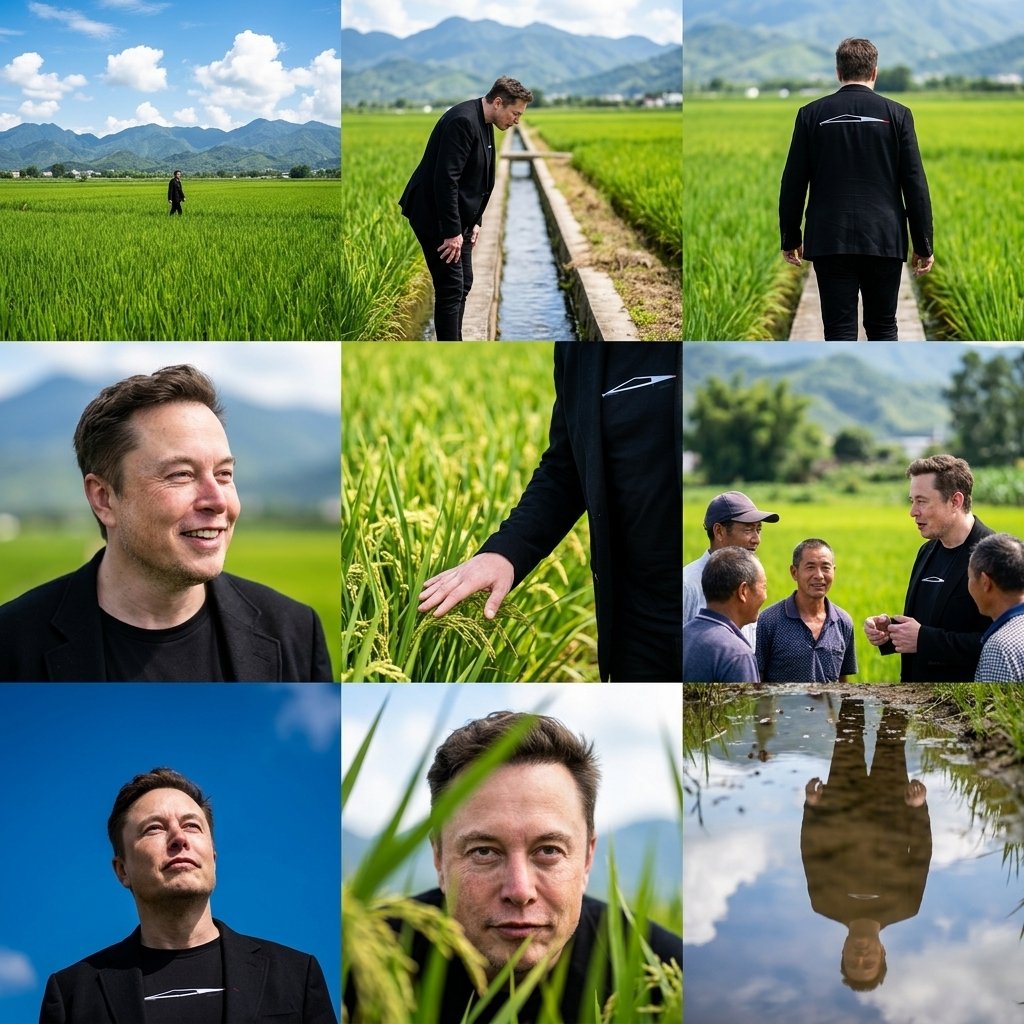
Rural Fields Multi-Perspective Grid
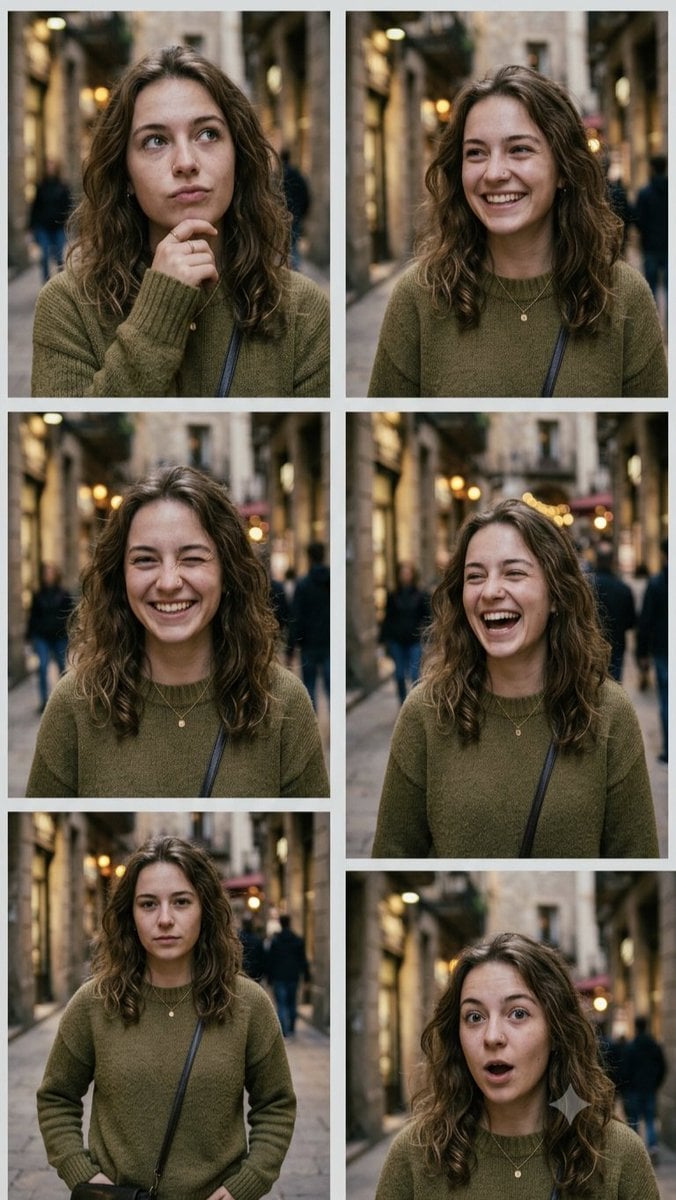
Multi-Expression Emotional Portrait Series
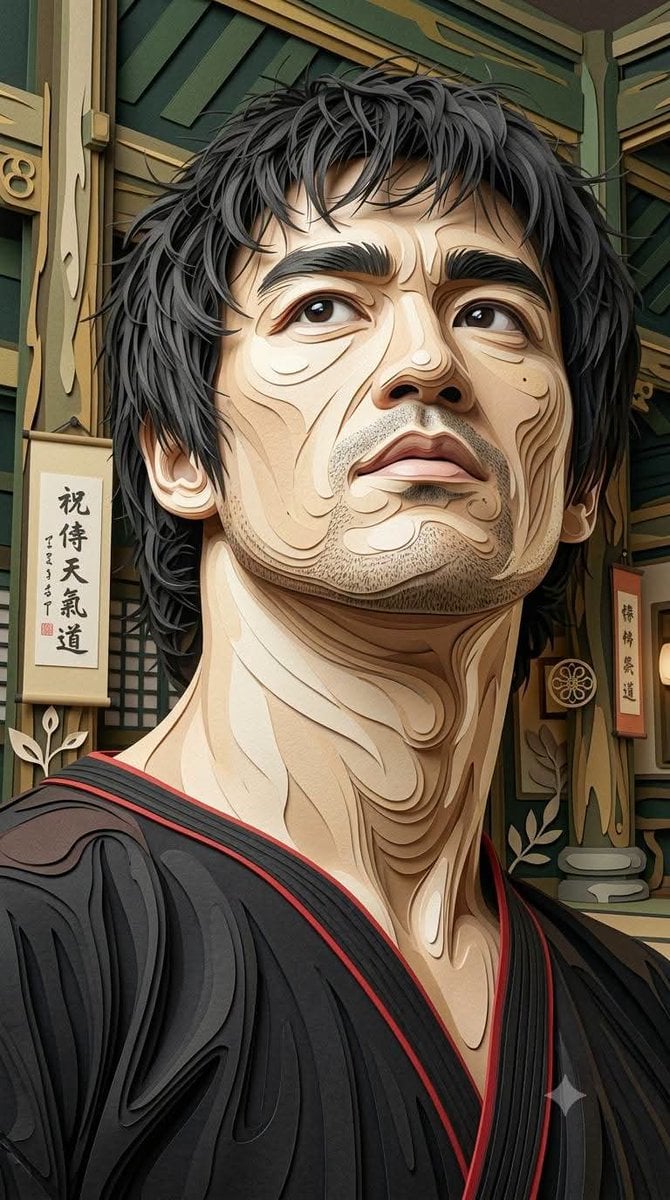
Multi-Layered Paper Relief Sculpture
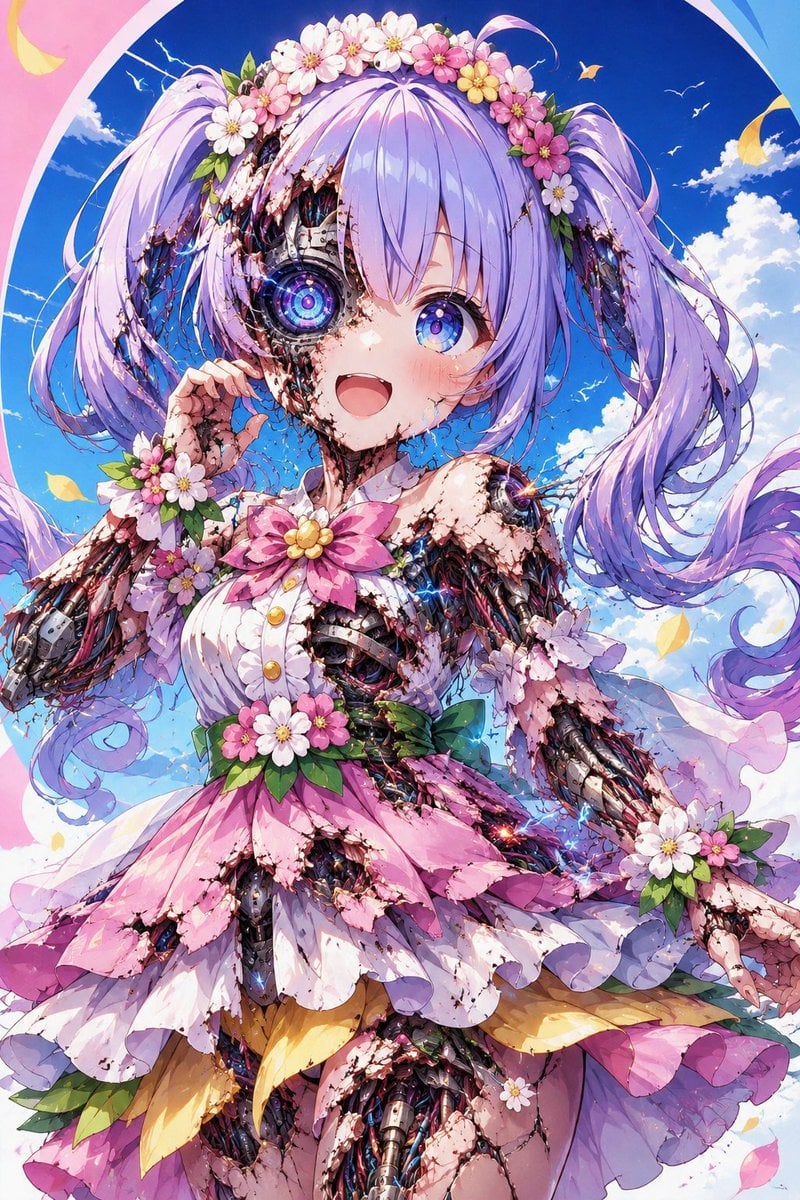
Multi-Layered Cyborg Transformation Prompt
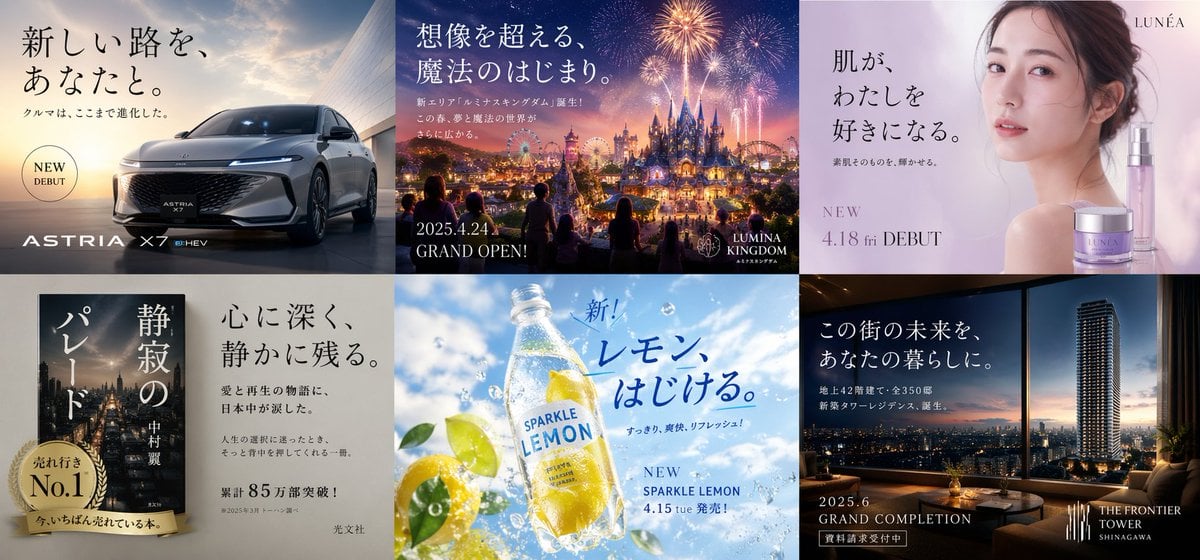
Multi-industry Japanese Ad Collage
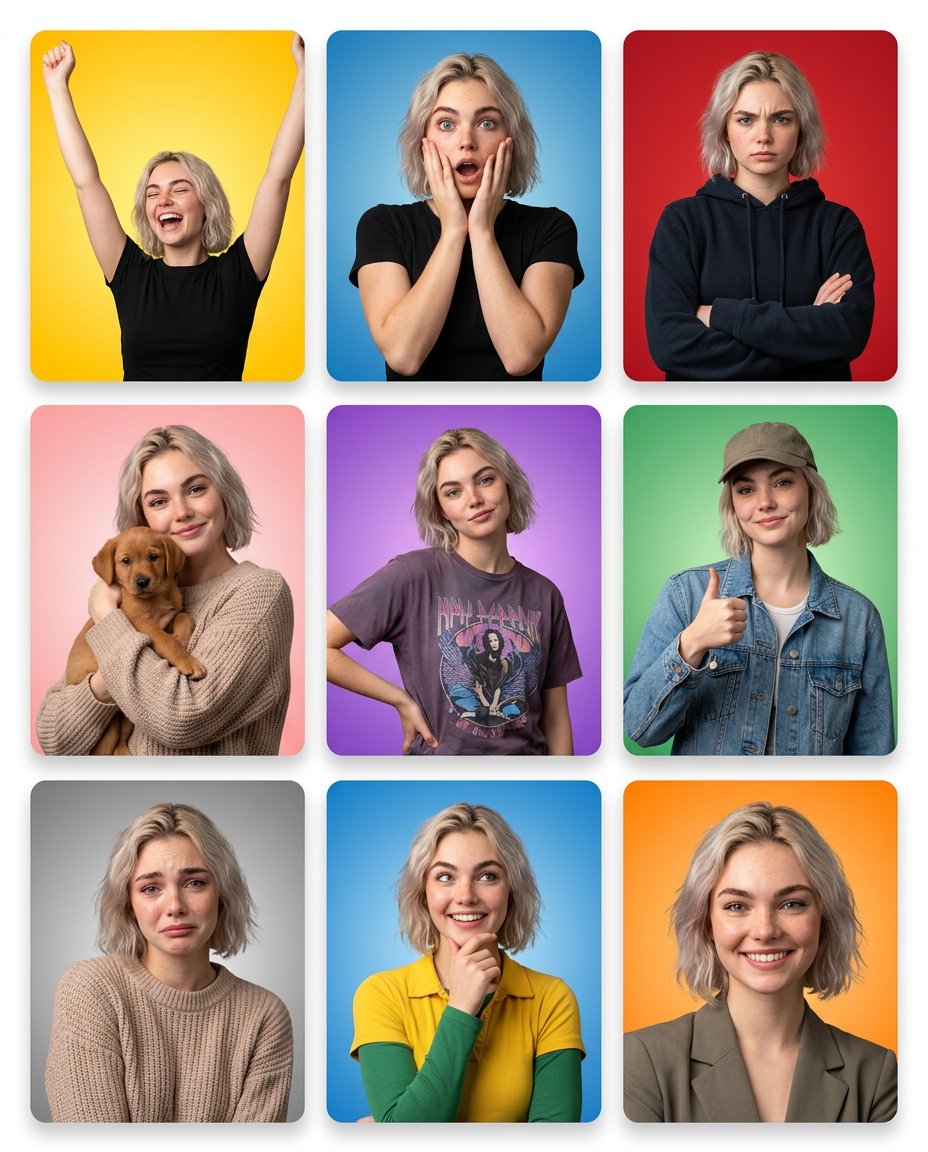
Multi-Panel Emotional State Grid
Make it yours
Multi-Scene Cinematic Video Prompt: Boundaries and Value works as-is. These are the safest ways to change it without losing the look.
Change one field
Copy a single group, rewrite it, and generate again so you can see what that field is doing.
Keep the frame, change the subject
Hold the composition and light of Multi-Scene Cinematic Video Prompt: Boundaries and Value, then swap wardrobe, props or the person for a new take.
| If the result… | Why | Fix |
|---|---|---|
| The result drifts from the preview | Too many fields changed at once. | Reuse Multi-Scene Cinematic Video Prompt: Boundaries and Value as-is first, then change one group — subject, light, or setting. |
| The model over-stylizes the scene | The prose prompt leaves finish and camera underspecified. | Add one camera or lighting sentence and stay on Nano Banana 2. |
More Nano Banana 2 templates
Other prompts made for Nano Banana 2.

Photorealistic Leaf Shaped Like a Dragon

K-Pop Idol Portrait Grid for Rapid Selection

Poetic Rain Forest Portrait During Golden Hour

Urban Street Portrait with Cartoon Inner Self Duo

Candid Nighttime Photo with Cat Prompt

High-Concept 3D Diorama Generation Prompt

Cinematic Futuristic Studio Portrait Template

Skincare Editorial Photography Collage Prompt

Hyper-Realistic Commercial Product Photography (Splash Effect)

Hyper-Realistic Nightclub Portrait Prompt
More image prompts
Fresh picks from across the catalog.

Home Appliance Commercial Poster
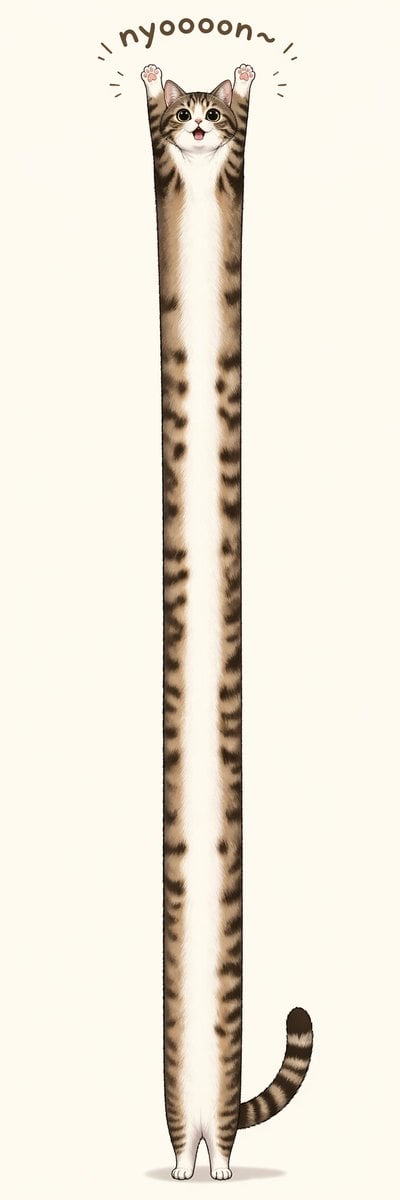
Long Stretching Tabby Cat
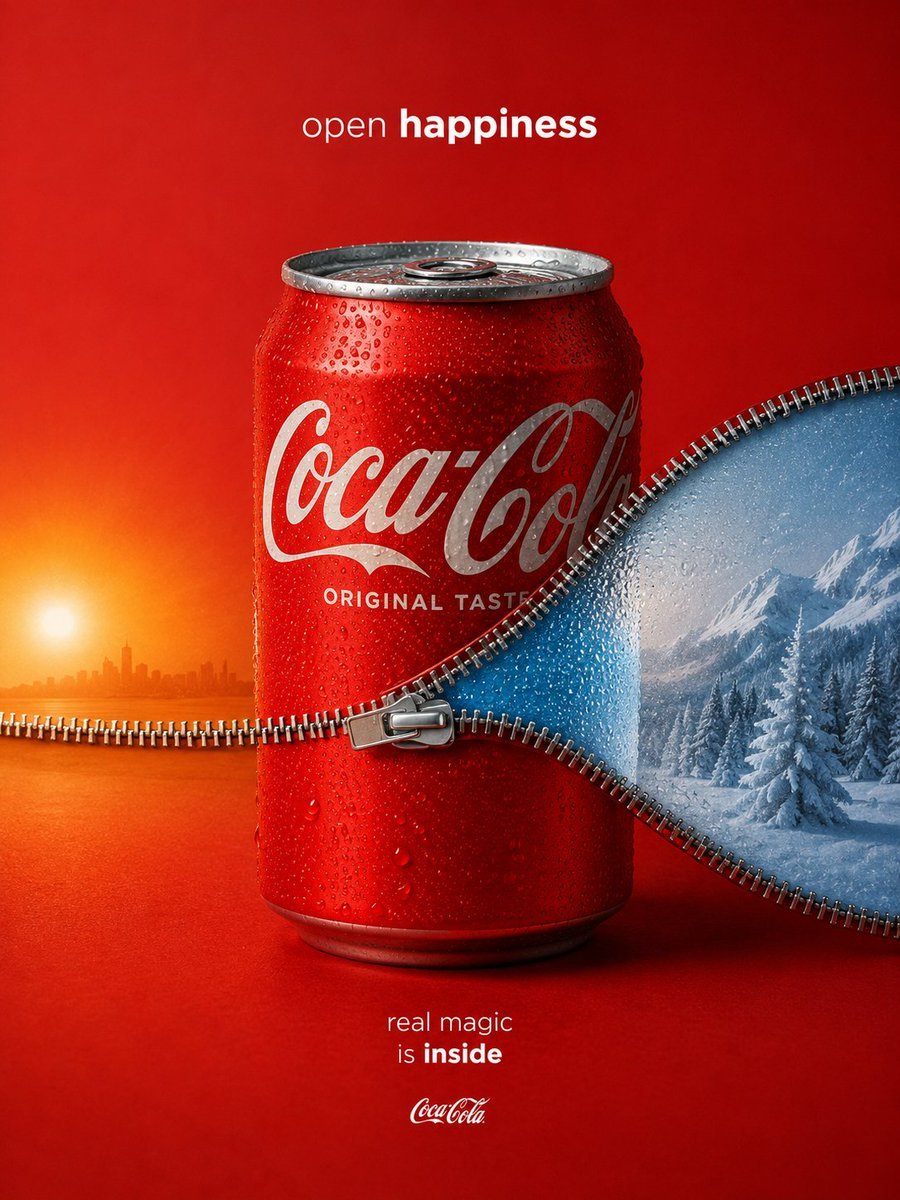
Zippered Coca-Cola World Ad
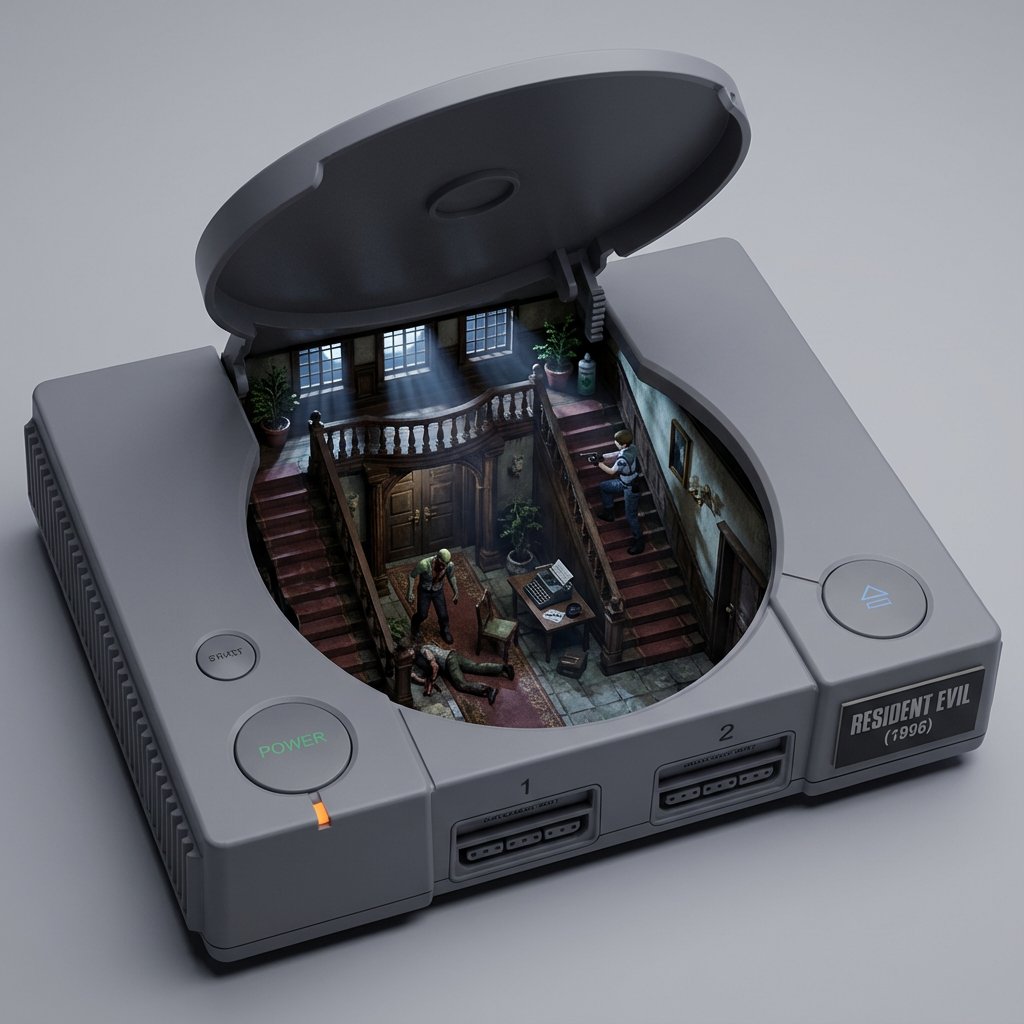
Game/Book Diorama Concept Generator
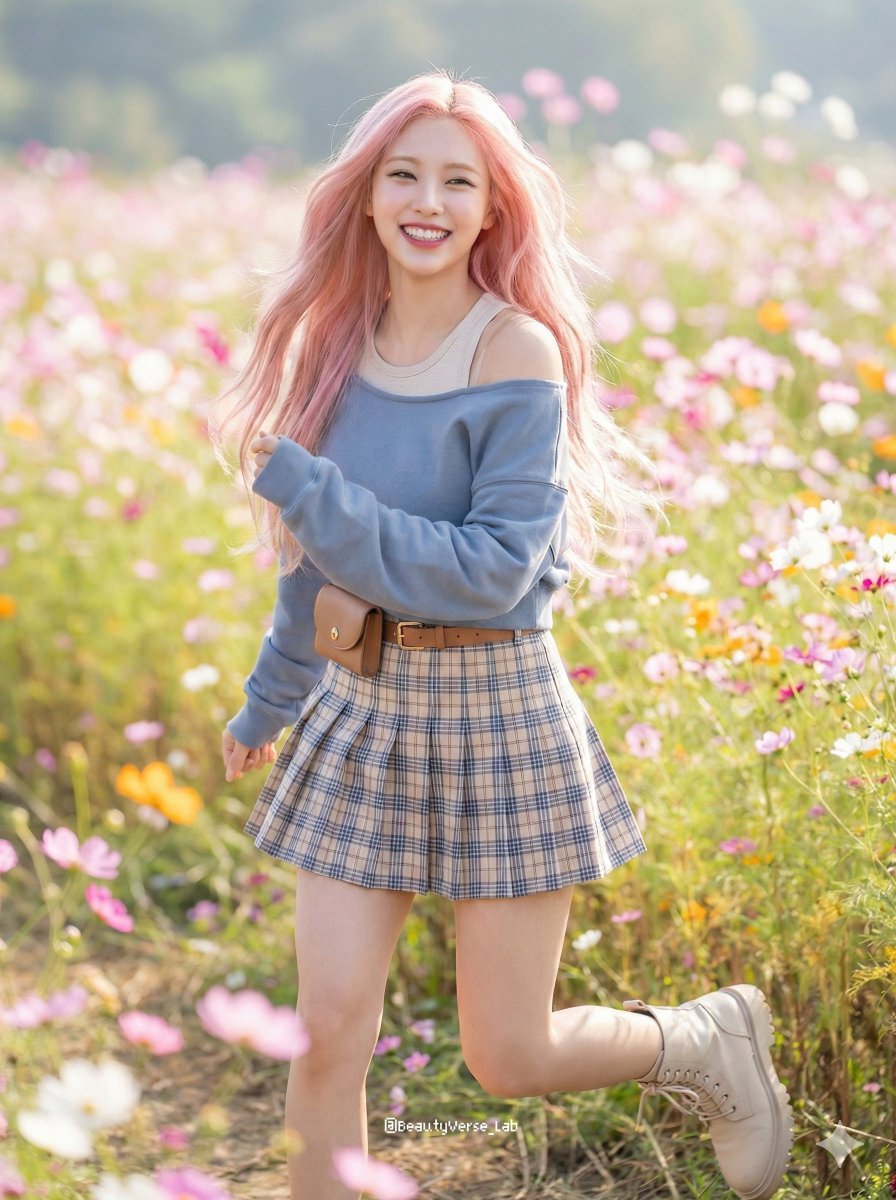
Dynamic K-Pop Idol Running in a Flower Field
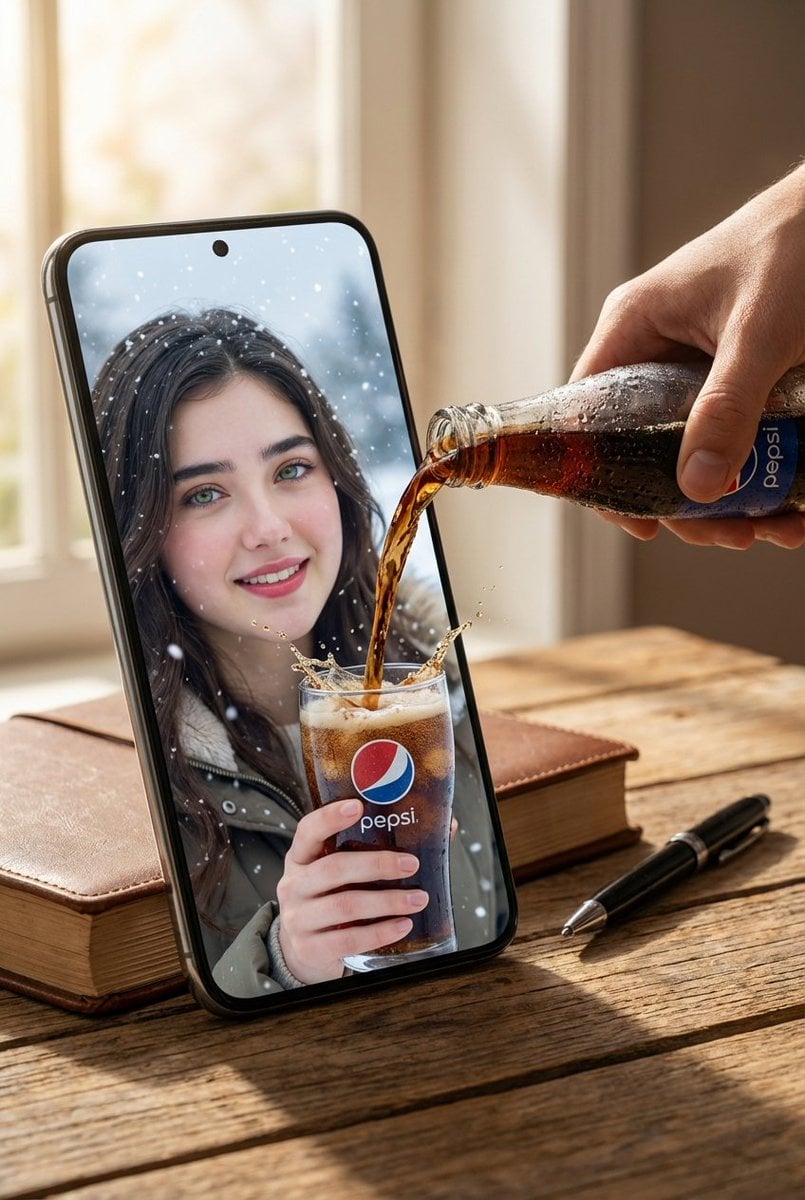
Surreal Pepsi Pouring Composite Prompt
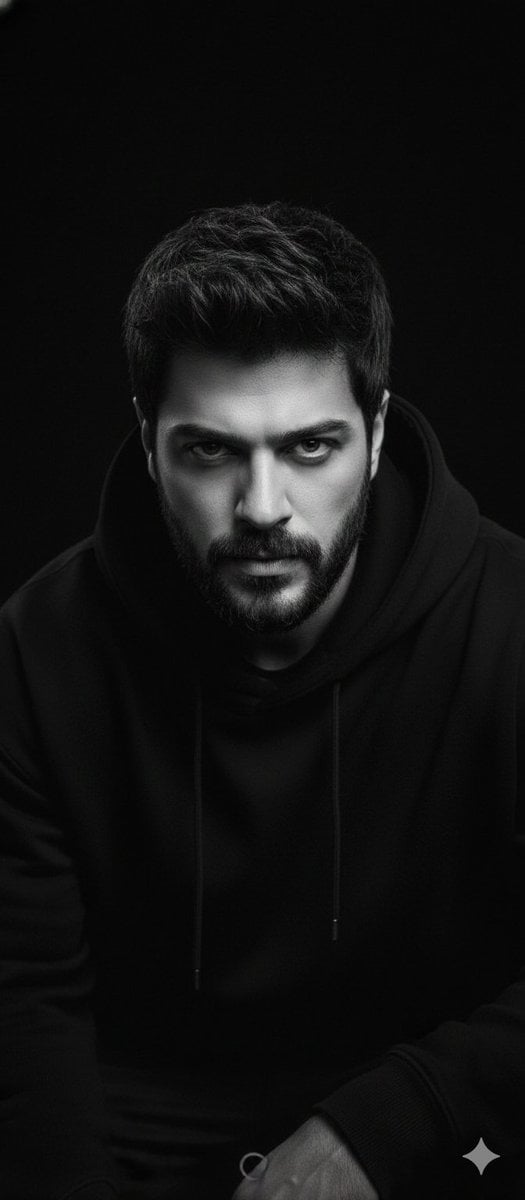
Black and White Portrait with 35mm Lens Look
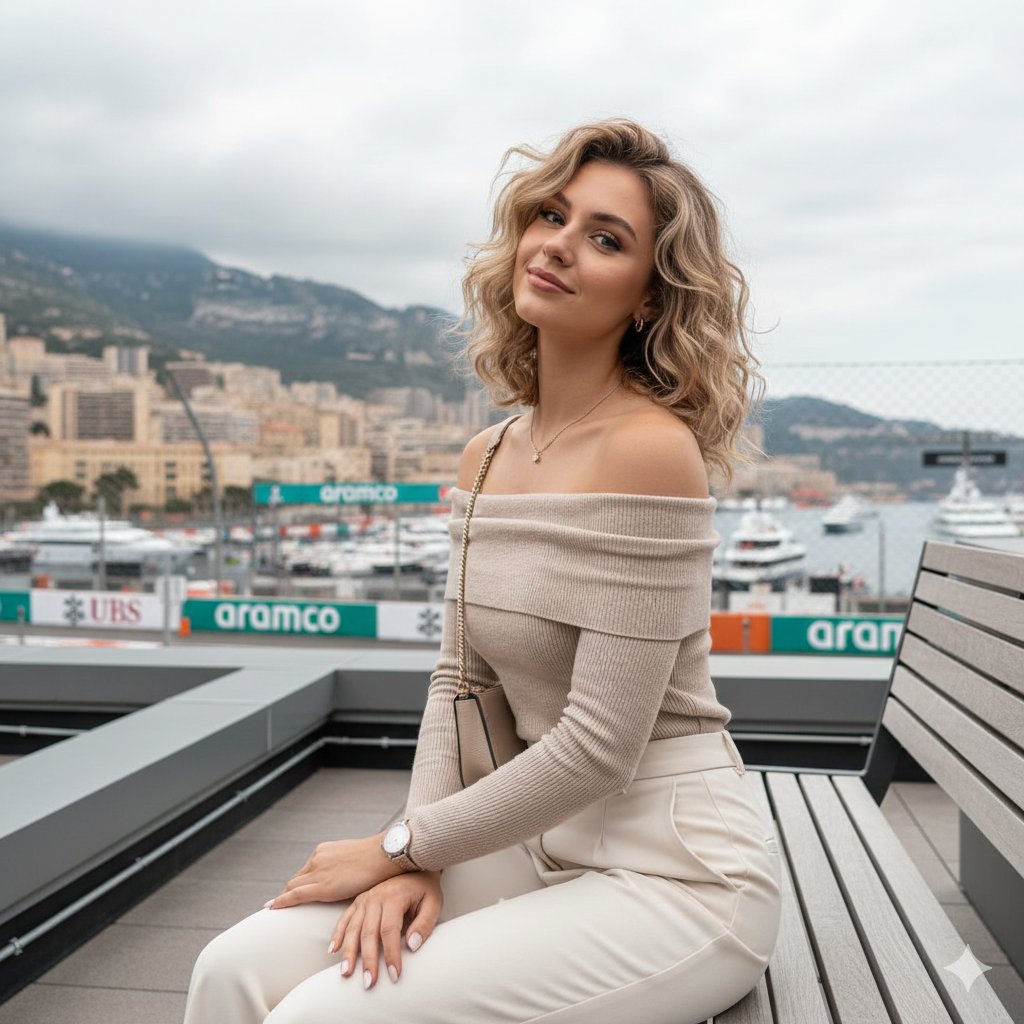
Detailed JSON-structured image generation prompt for a relaxed luxury portrait
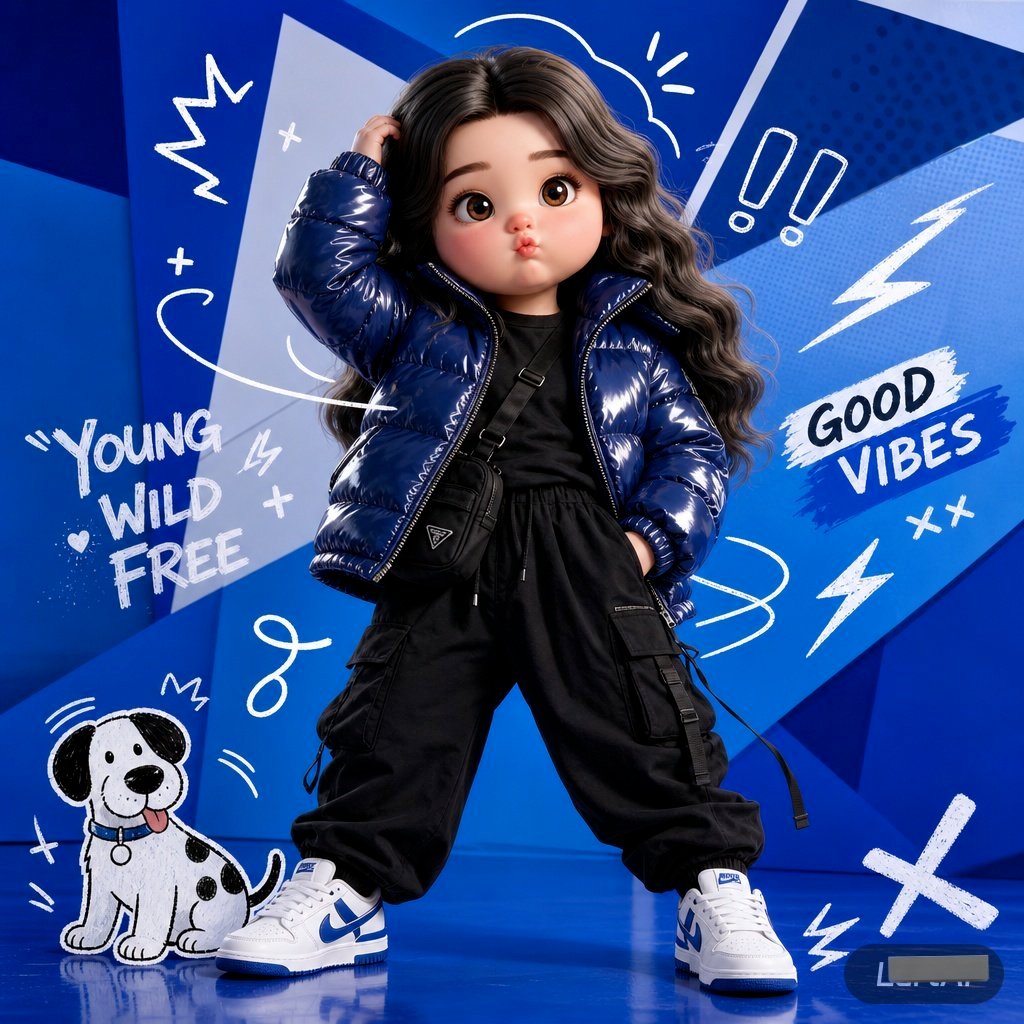
Pop Art Streetwear Fashion Photography
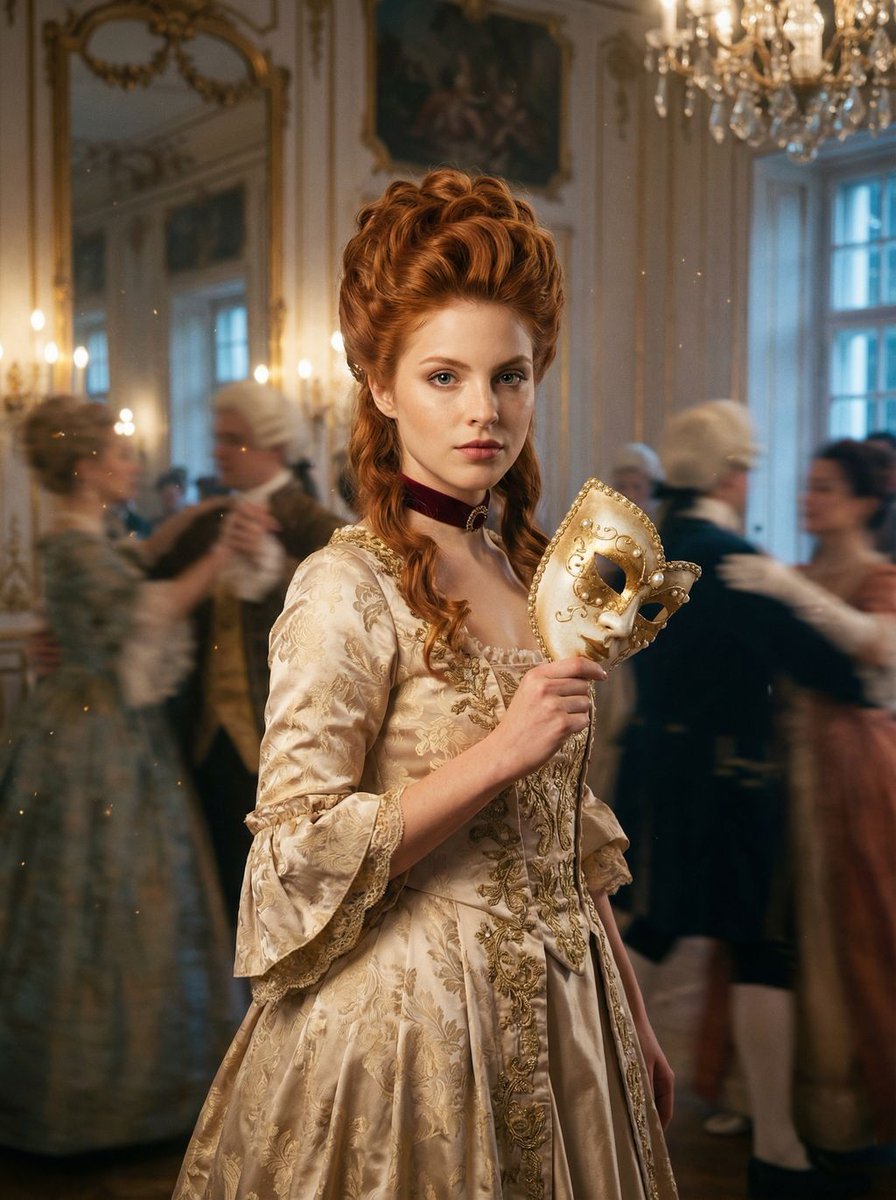
Rococo Masquerade Ball Editorial
Browse template categories
Multi-Scene Cinematic Video Prompt: Boundaries and Value questions
How do I use the Multi-Scene Cinematic Video Prompt: Boundaries and Value template?
Add your photo if the template asks for one, edit the prompt if you like — the template's model and format are already selected — and press Generate. Your version opens in PicX Studio.
Can I customize the Multi-Scene Cinematic Video Prompt: Boundaries and Value template?
Yes. You can change the subject, setting, lighting, mood, format, and available model controls before creating your image.
Is the Multi-Scene Cinematic Video Prompt: Boundaries and Value template free?
Opening and editing this template is free. Generating uses credits, shown on the Generate button when you are signed in.
Which AI model should I use?
Start with Nano Banana 2, which is the model associated with this template. You can compare another compatible model for a different finish.
Looking for something else? Browse all templates.

Your photo, any look
Thousands of ready templates for every top image and video model, from one credit balance.