
Long Stretching Tabby Cat
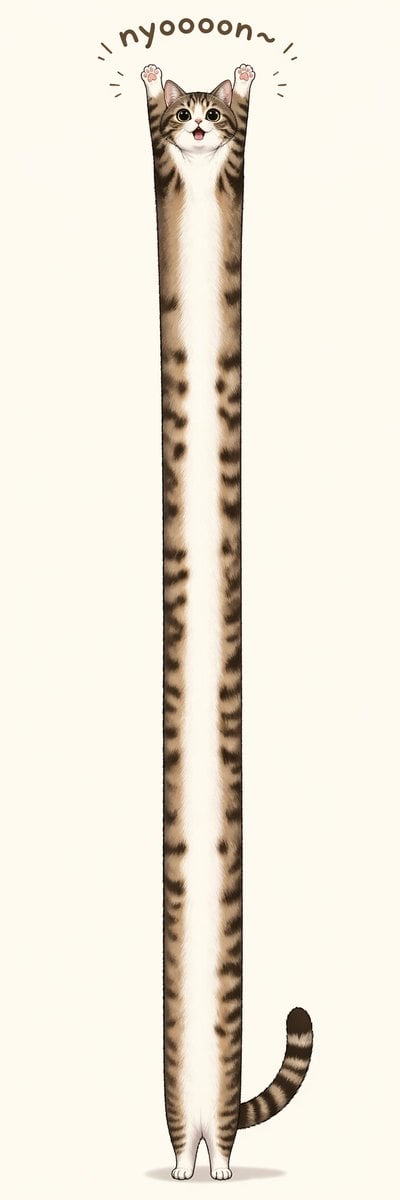
A cute surreal cat illustration designed for memes, stickers, or social posts featuring an impossibly elongated standing tabby on a clean tall canvas.
- Prompt included
- Model and format preset
- Free template
The prompt behind this image
Copy the exact prompt behind Long Stretching Tabby Cat, or open it in the studio and make it yours.
A whimsical minimalist illustration of a {argument name="cat breed" default="brown tabby kitten"} standing upright in the exact center of a very tall vertical canvas, with an absurdly elongated, noodle-like body stretched from near the top to near the bottom of the image. The cat has a small round face with large glossy eyes, a tiny open smiling mouth, upright ears, and both front paws raised straight overhead in a cheering pose, showing 2 visible pink paw pads. Its fur is soft and detailed, with a white muzzle, chest, belly, and inner legs, and brown-and-black tabby stripes along the sides, head, arms, and tail. The body is extremely thin and vertically extended, creating a comical exaggerated proportion, while the hind paws remain tiny and close together at the bottom. Add 1 curved striped tail extending to the lower right side. Above the head, place the playful hand-drawn text "{argument name="caption text" default="nyoooon~"}" in a rounded dark brown font, arched like a semicircle, with 6 short motion lines around the raised paws and text to emphasize stretching. Use a clean off-white or warm light beige background with no scenery, only a faint soft oval shadow beneath the feet. Cute, polished digital illustration style, centered composition, high detail in fur, humorous Japanese sticker or social-media mascot vibe, lots of negative space, extra-tall aspect ratio.
How to use Long Stretching Tabby Cat in 3 steps
- 1Upload ImagePNG, JPG or paste
Add your photo
Upload the photo the template builds on. The prompt, model and format are already set.
- 2…a portrait of your subject in softgolden-hour light, 85mm…
Personalize
Edit the subject and creative details for your destination.
- 3Generate
Generate
Press Generate — your image is created in PicX Studio, so you can compare it with the original and refine one variable at a time.
More like this
Templates with the same subject, style or setup. Open one to see its prompt.

Cat Photobomb Selfie — 0.5x Wide Angle Café Chaos

Surreal Cat Astronaut — Humanoid Face Freefall

Low Angle Floor Selfie With Upside Down Cat

Woman in Mall with Chanel Bag - Heart Gesture
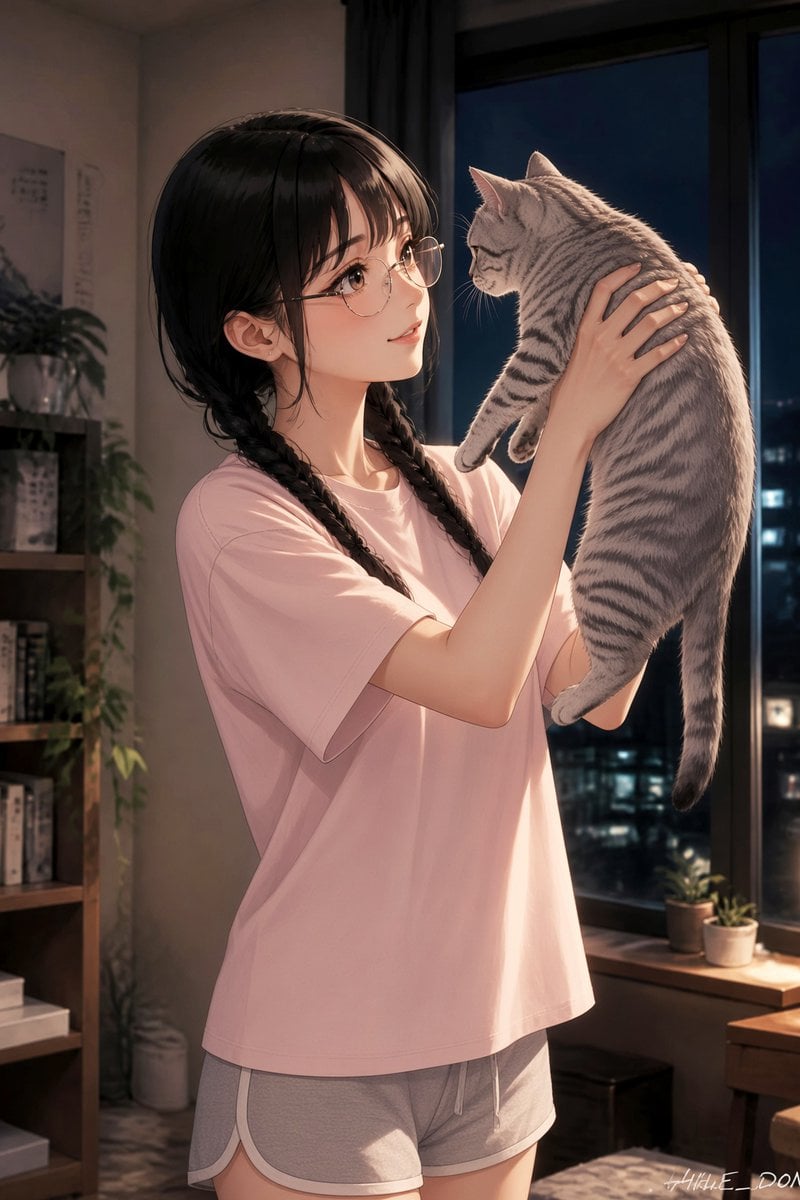
Anime Girl Holding Tabby Cat
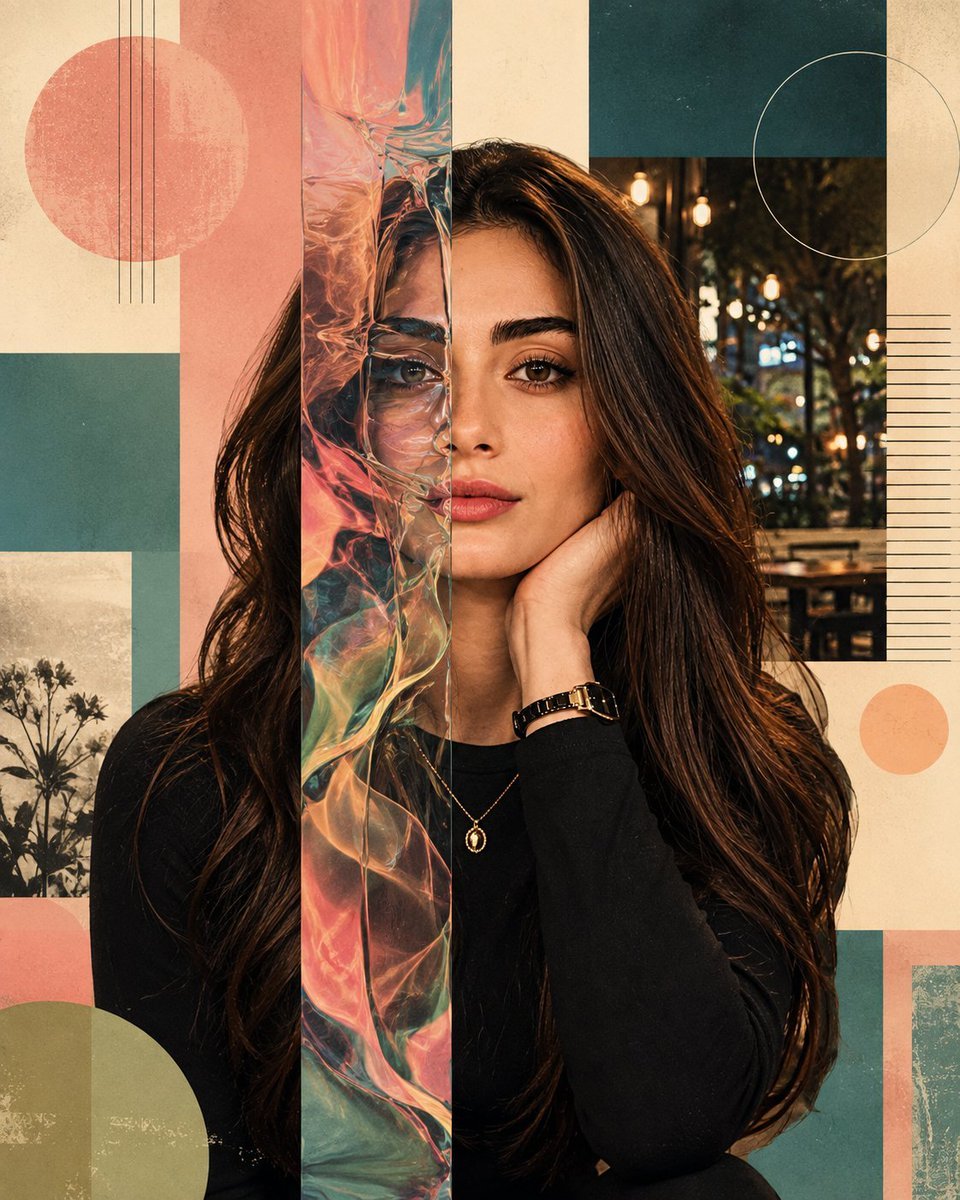
Surreal Iridescent Portrait with Tabby Cat
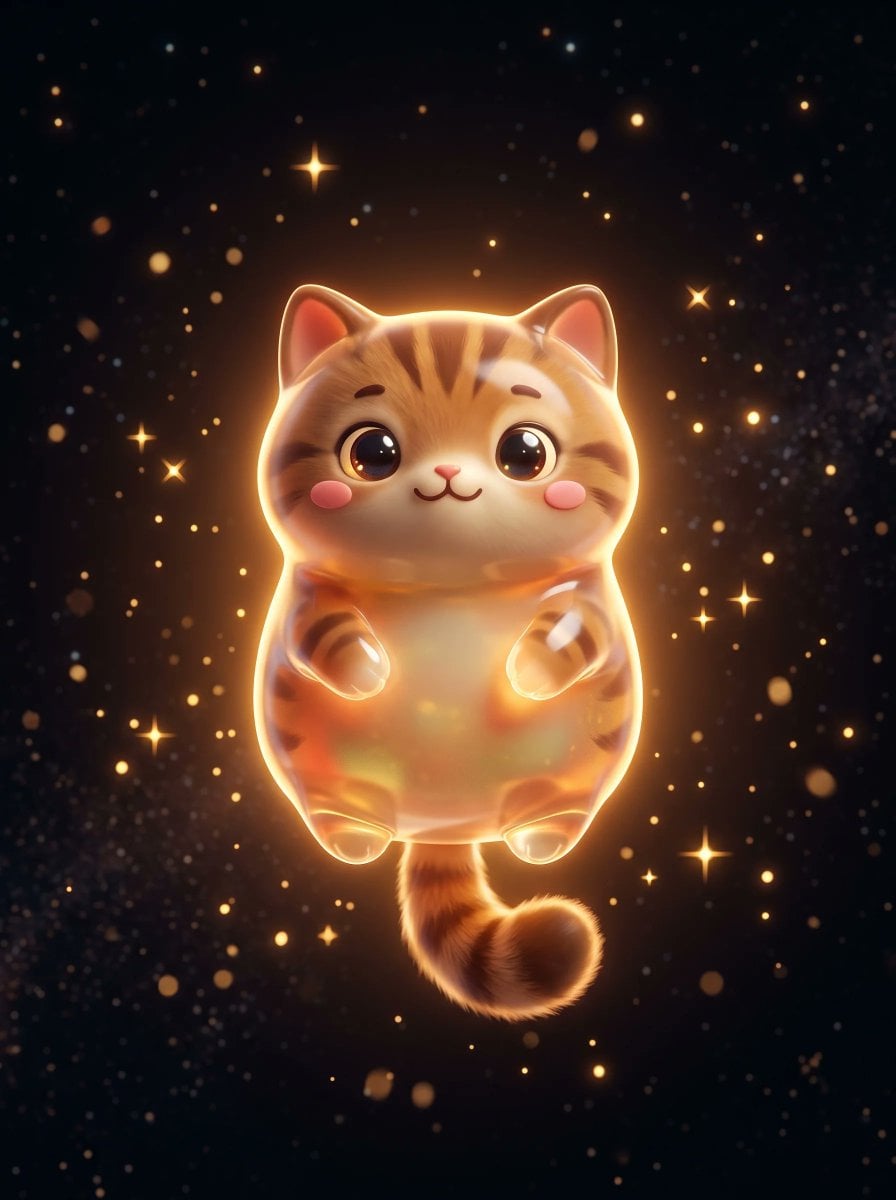
Cute Floating Glossy Space Tabby Cat
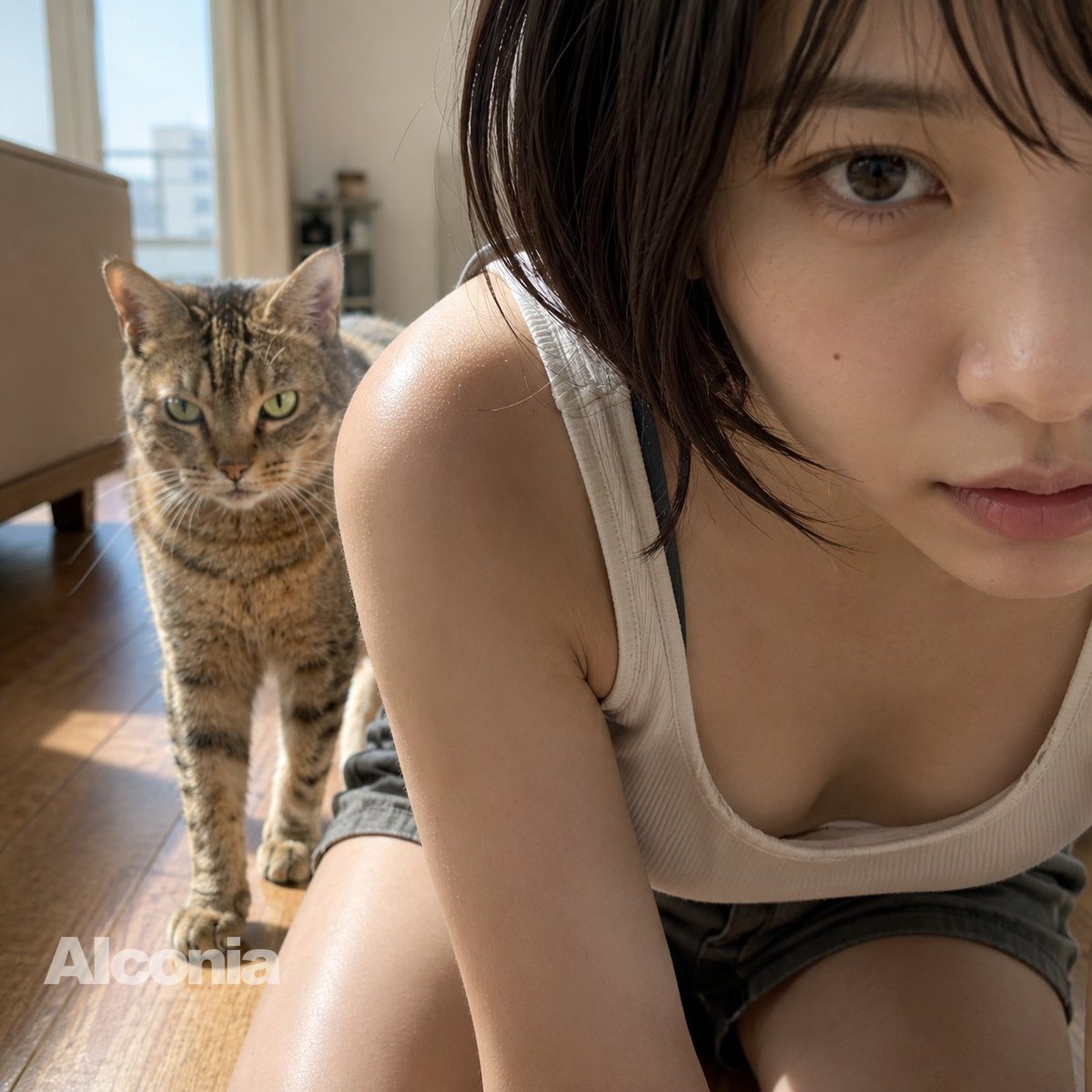
Morning Selfie With Tabby Cat

Vintage Workshop Diorama with Tabby Cats
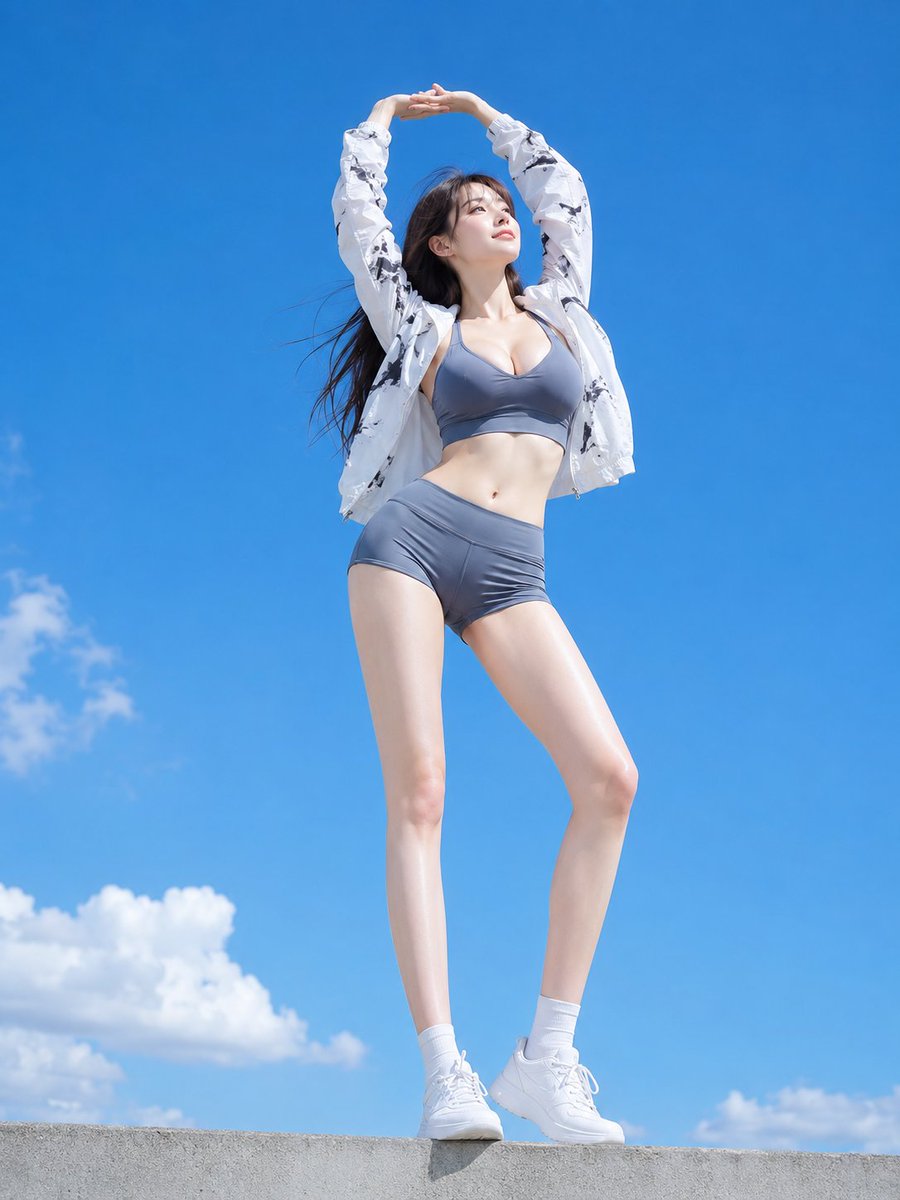
Woman Stretching in Sports Wear Under Blue Sky
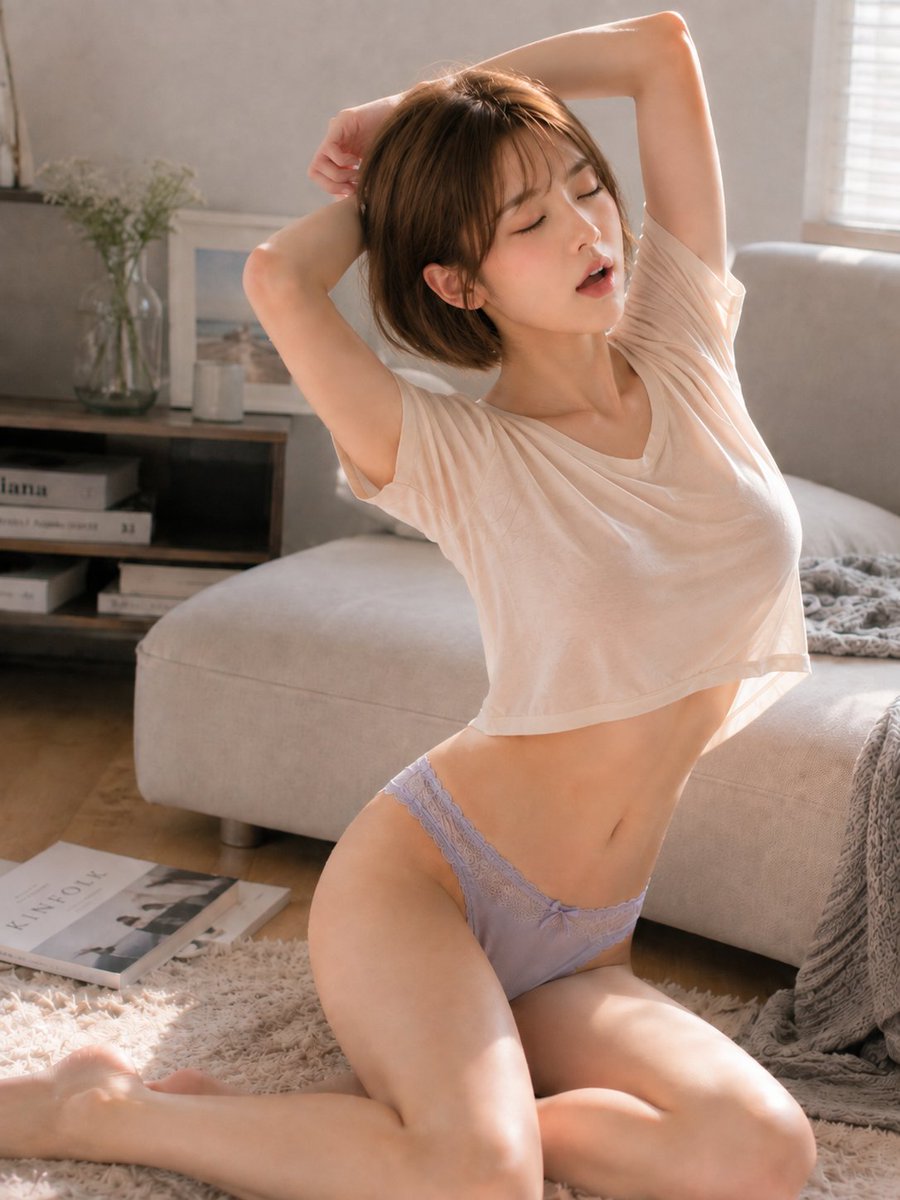
Cozy Morning Stretching Portrait

A double exposure, long exposure editorial photograph of a man Use image
Make it yours
Long Stretching Tabby Cat works as-is. These are the safest ways to change it without losing the look.
Change one field
Copy a single group, rewrite it, and generate again so you can see what that field is doing.
Keep the frame, change the subject
Hold the composition and light of Long Stretching Tabby Cat, then swap wardrobe, props or the person for a new take.
| If the result… | Why | Fix |
|---|---|---|
| The result drifts from the preview | Too many fields changed at once. | Reuse Long Stretching Tabby Cat as-is first, then change one group — subject, light, or setting. |
| The model over-stylizes the scene | The prose prompt leaves finish and camera underspecified. | Add one camera or lighting sentence and stay on GPT Image 2. |
More GPT Image 2 templates
Other prompts made for GPT Image 2.

Six VTuber Japanese Logo Sheet

Realistic Portrait of Woman and Deer

The Vista Modular Condo Poster

AI Model Routing Comparison Infographic

2.5D Anime Art Board

Isometric Productivity Desk Scene

New York Double Exposure Poster

Four-Panel AI Landscape Comparison

Japanese Tatami Lifestyle Magazine Cover

NESCAFÉ Coffee Map Poster
More image prompts
Fresh picks from across the catalog.
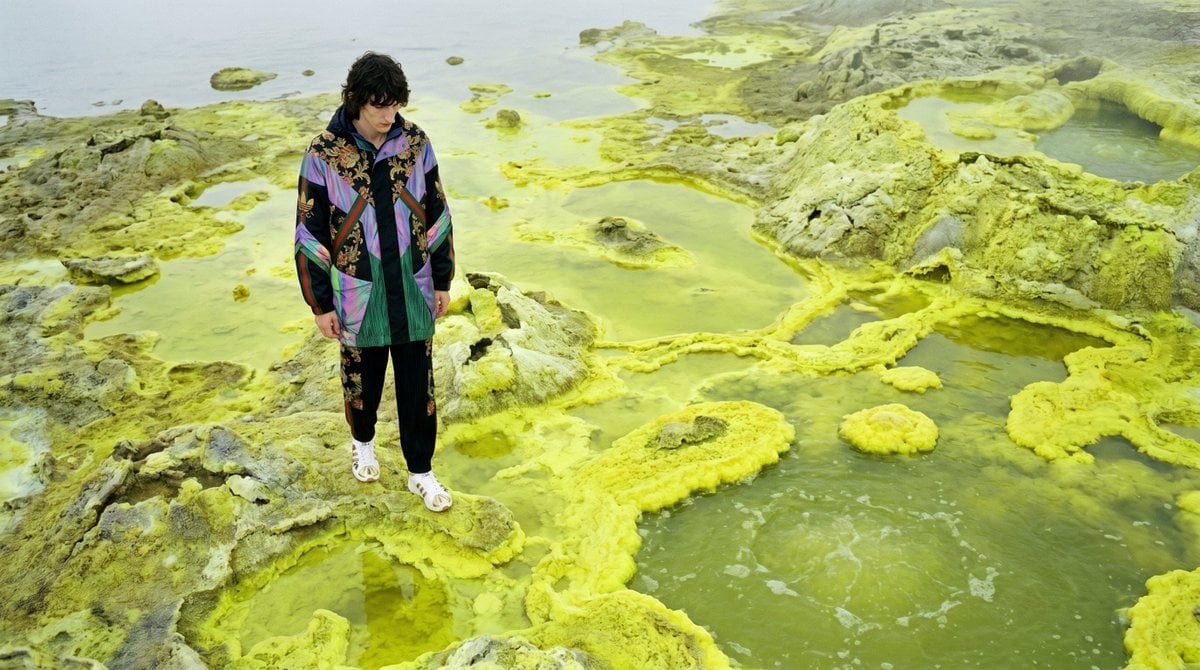
Surreal Sulfur Hot Spring Explorer
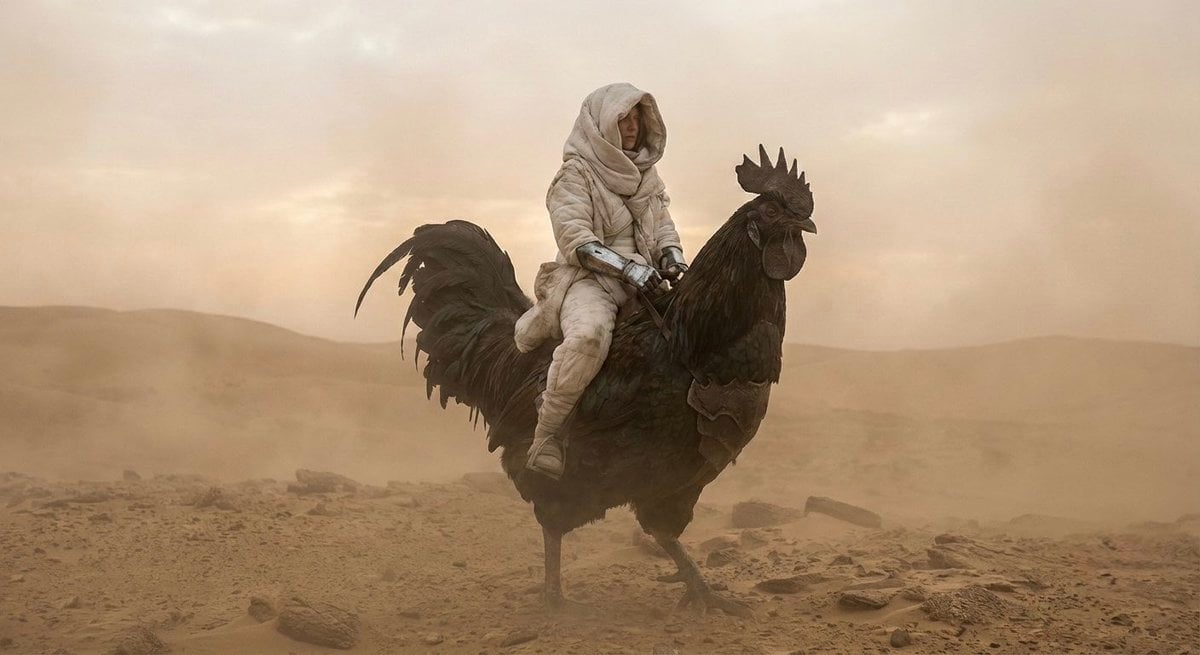
Dune-Inspired Epic Scene with Woman Riding a Giant Rooster

Hyper-Realistic Commercial Food Photography Prompt for Gemini Nano Banana Pro
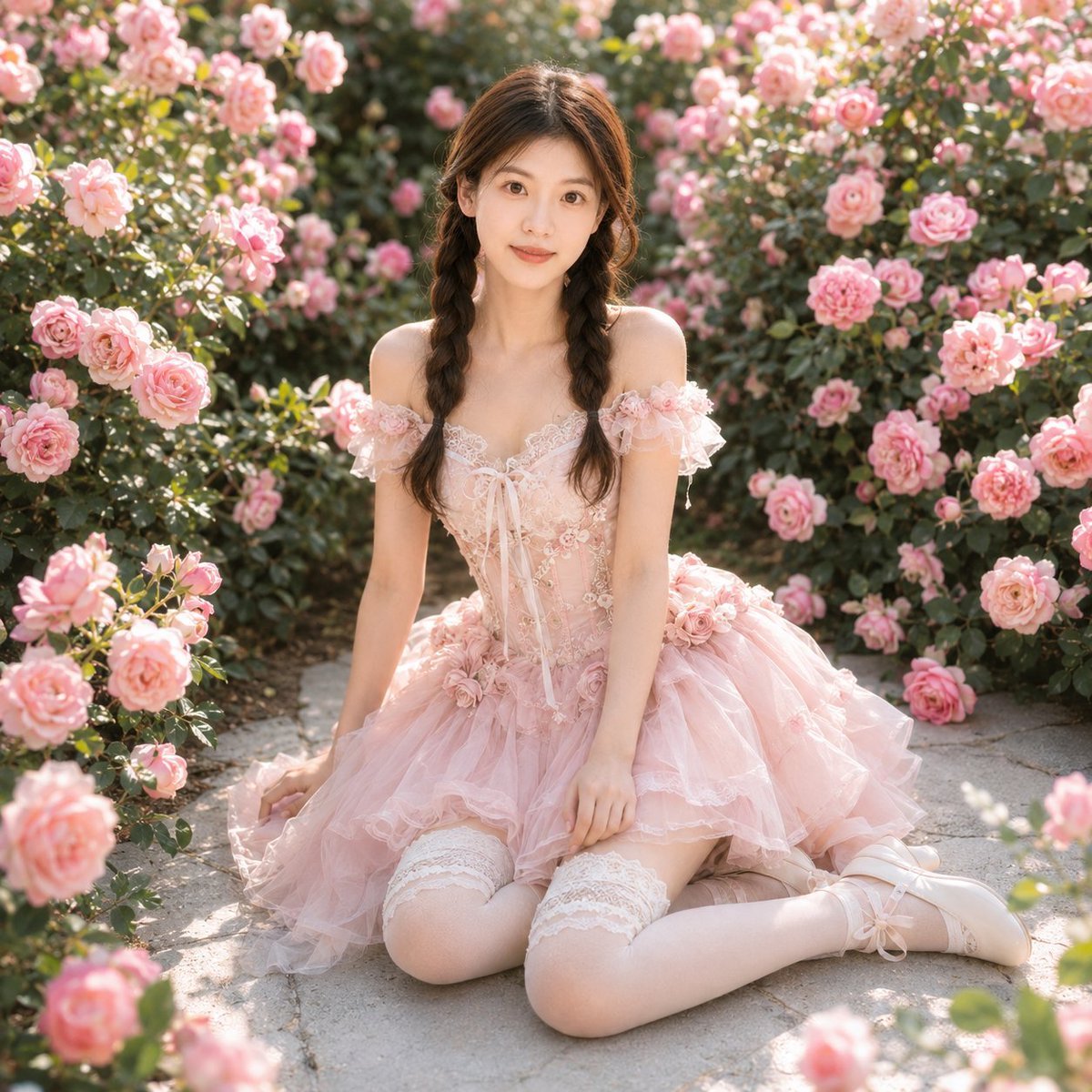
Identity-Based Rose Garden Portrait
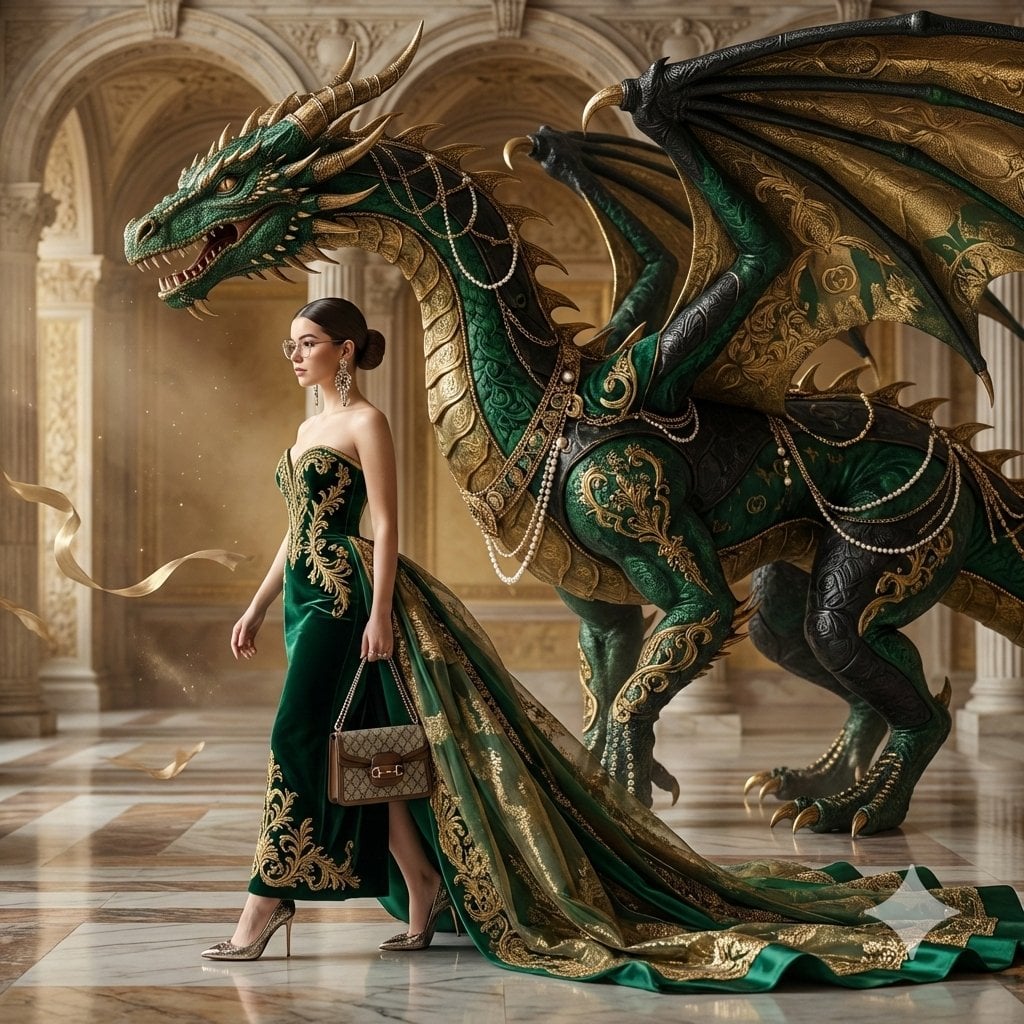
untitled
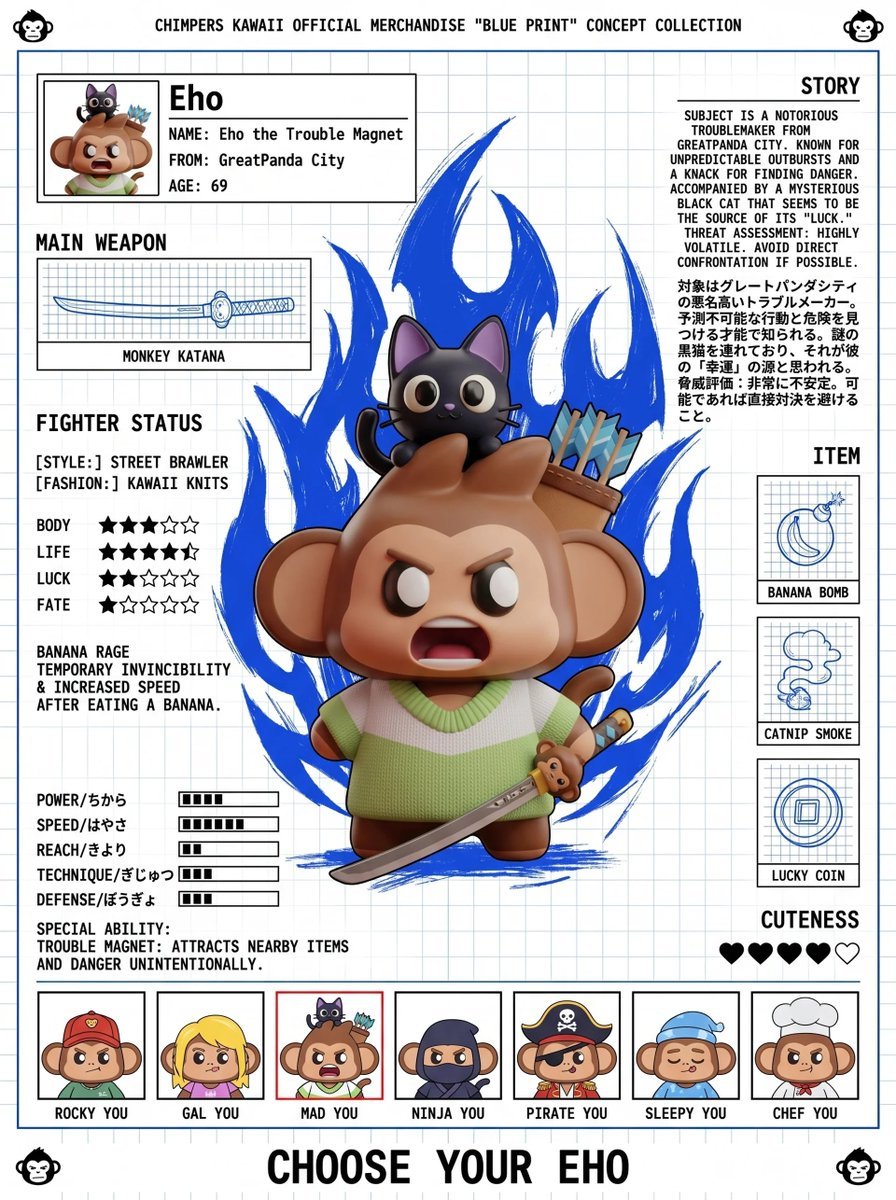
Fighting Game Blueprint Poster
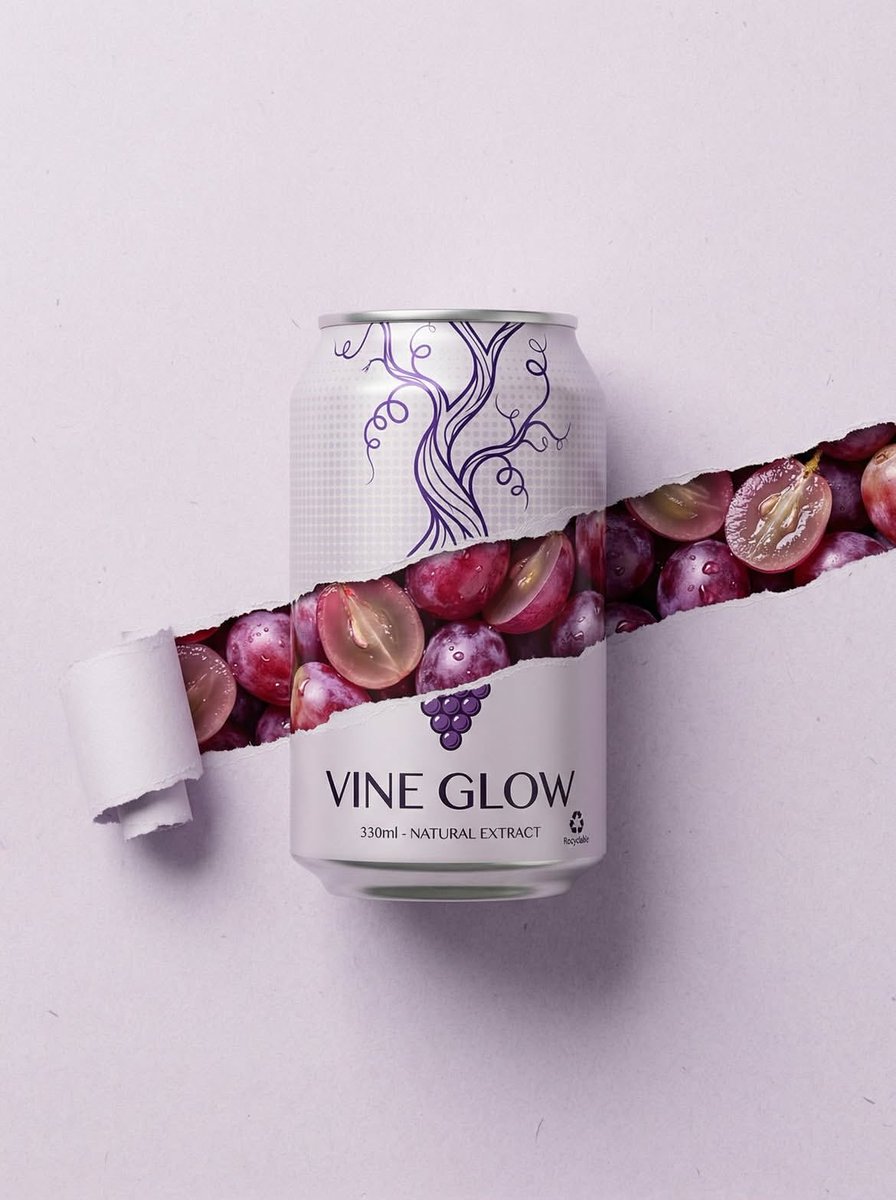
Ripped Paper Effect Beverage Can Mockups
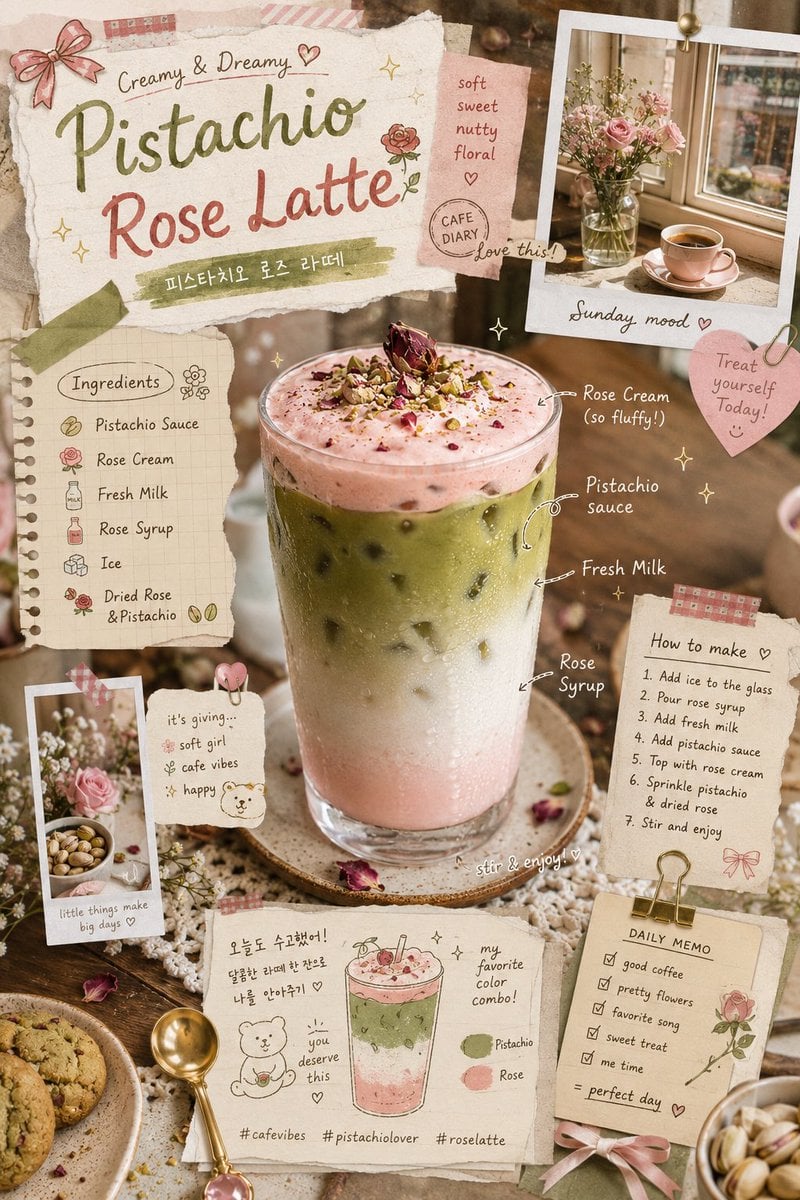
Pistachio Rose Latte Scrapbook Poster
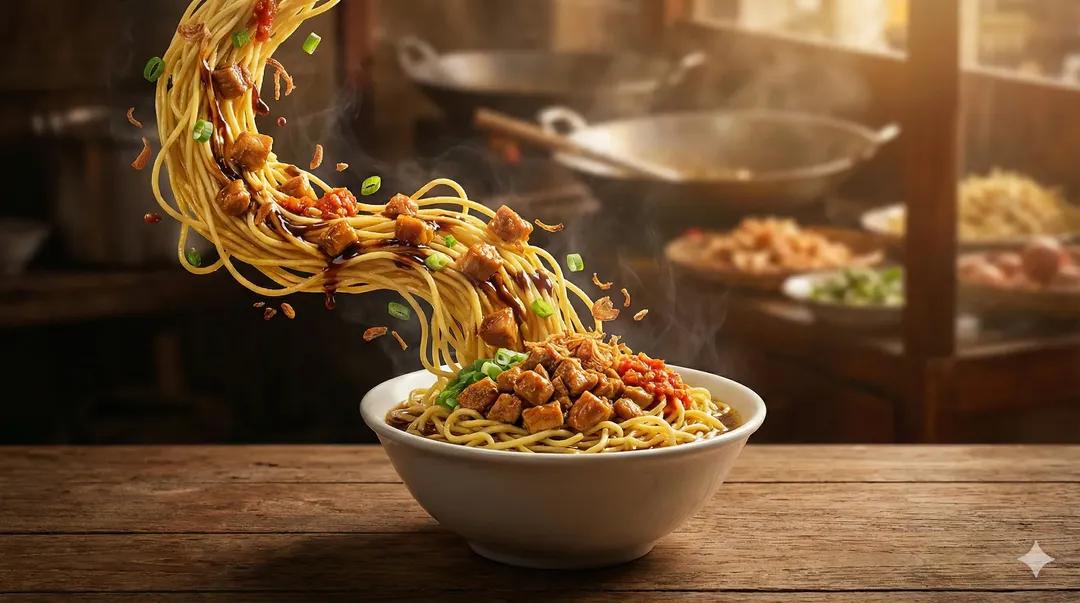
Ultra-Realistic Cinematic Food Photography of Noodles
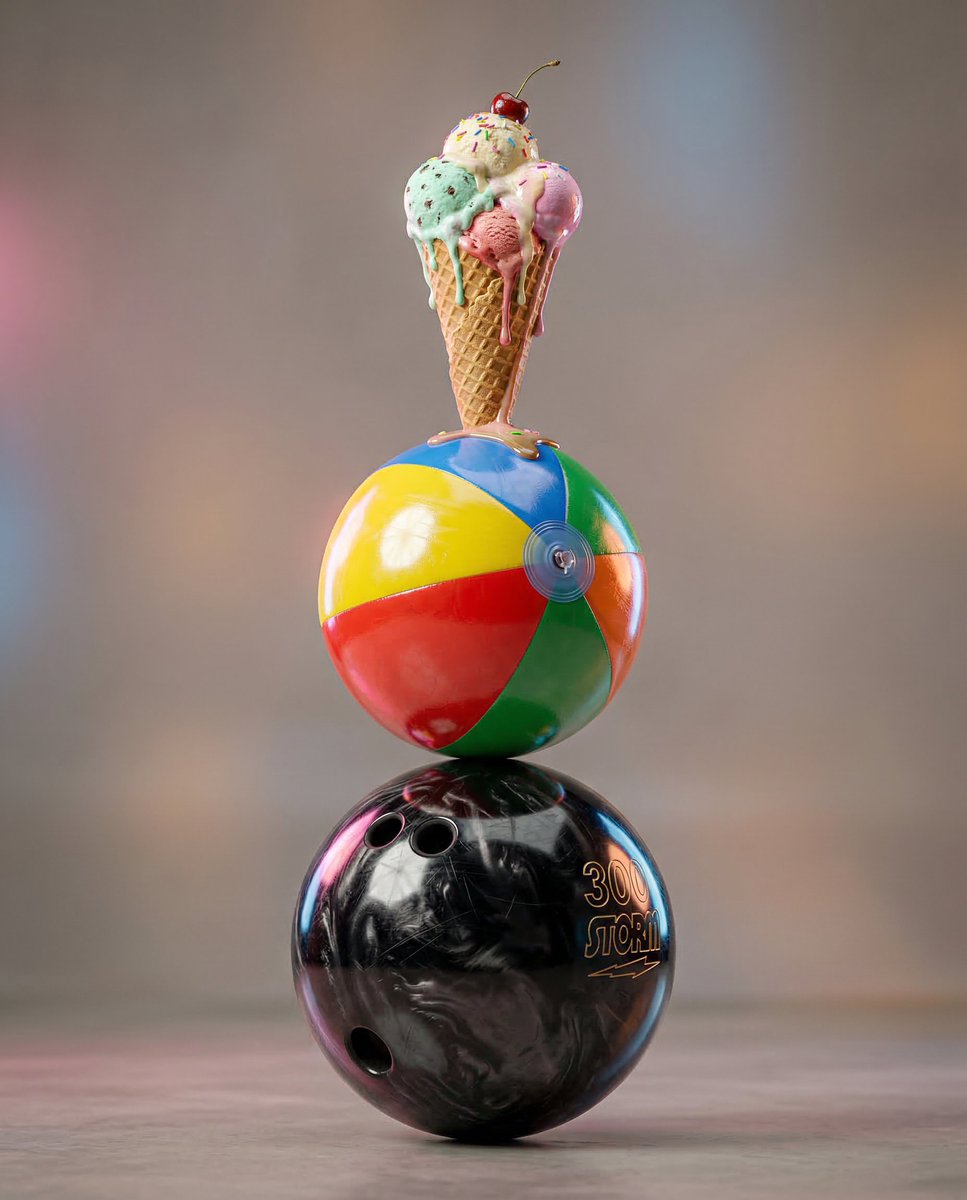
Surreal hyper-detailed totem stack prompt
Browse template categories
Long Stretching Tabby Cat questions
How do I use the Long Stretching Tabby Cat template?
Add your photo if the template asks for one, edit the prompt if you like — the template's model and format are already selected — and press Generate. Your version opens in PicX Studio.
Can I customize the Long Stretching Tabby Cat template?
Yes. You can change the subject, setting, lighting, mood, format, and available model controls before creating your image.
Is the Long Stretching Tabby Cat template free?
Opening and editing this template is free. Generating uses credits, shown on the Generate button when you are signed in.
Which AI model should I use?
Start with GPT Image 2, which is the model associated with this template. You can compare another compatible model for a different finish.
Looking for something else? Browse all templates.

Your photo, any look
Thousands of ready templates for every top image and video model, from one credit balance.