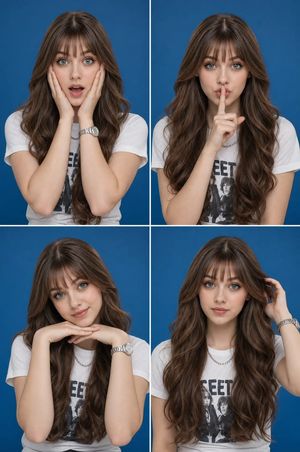
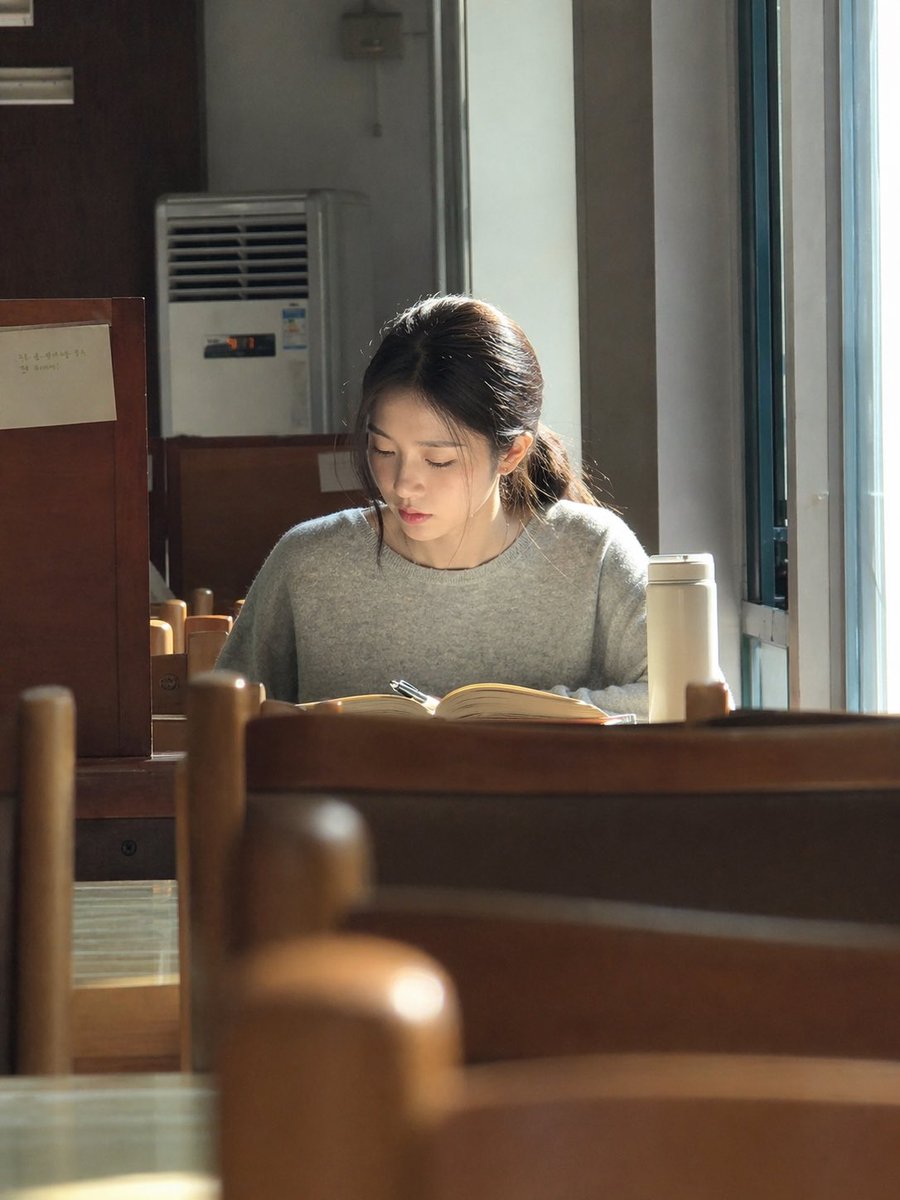
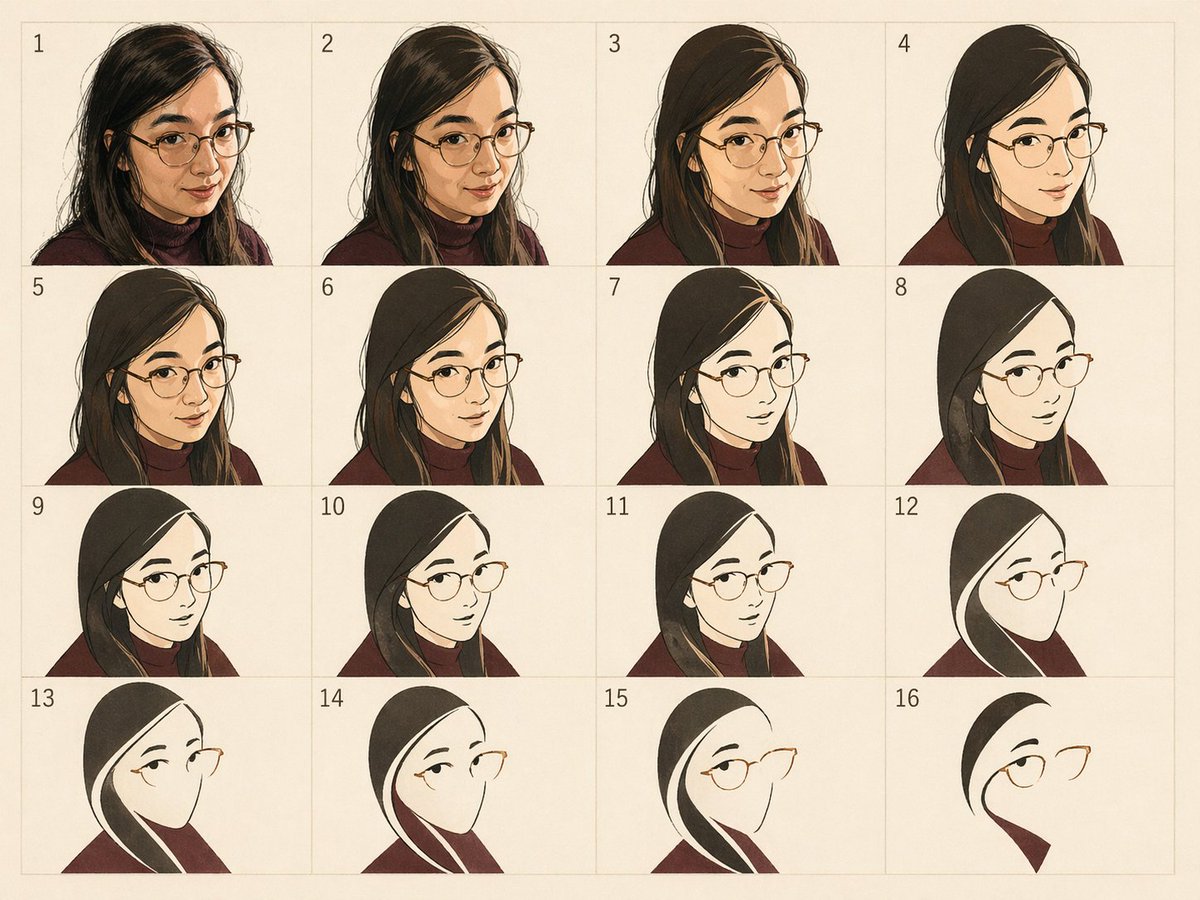
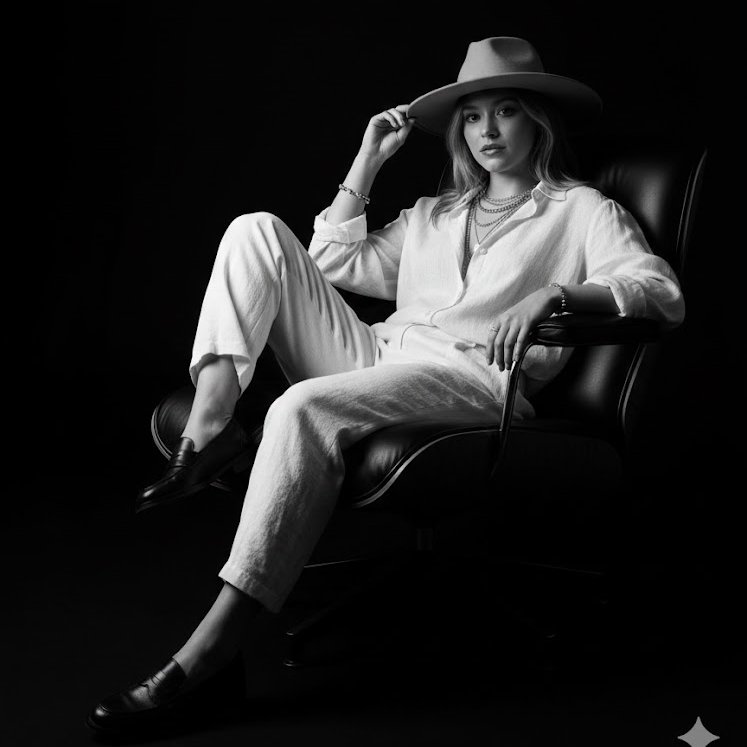
How do I use the Multi-Medium Portrait Study template?
Choose the primary action to open PicX Studio with the available template settings. Review the model and format, personalize the creative direction, and generate when ready.
A detailed prompt for generating a serene portrait of a woman that can be rendered in various artistic styles including pencil sketch, oil painting, watercolor,
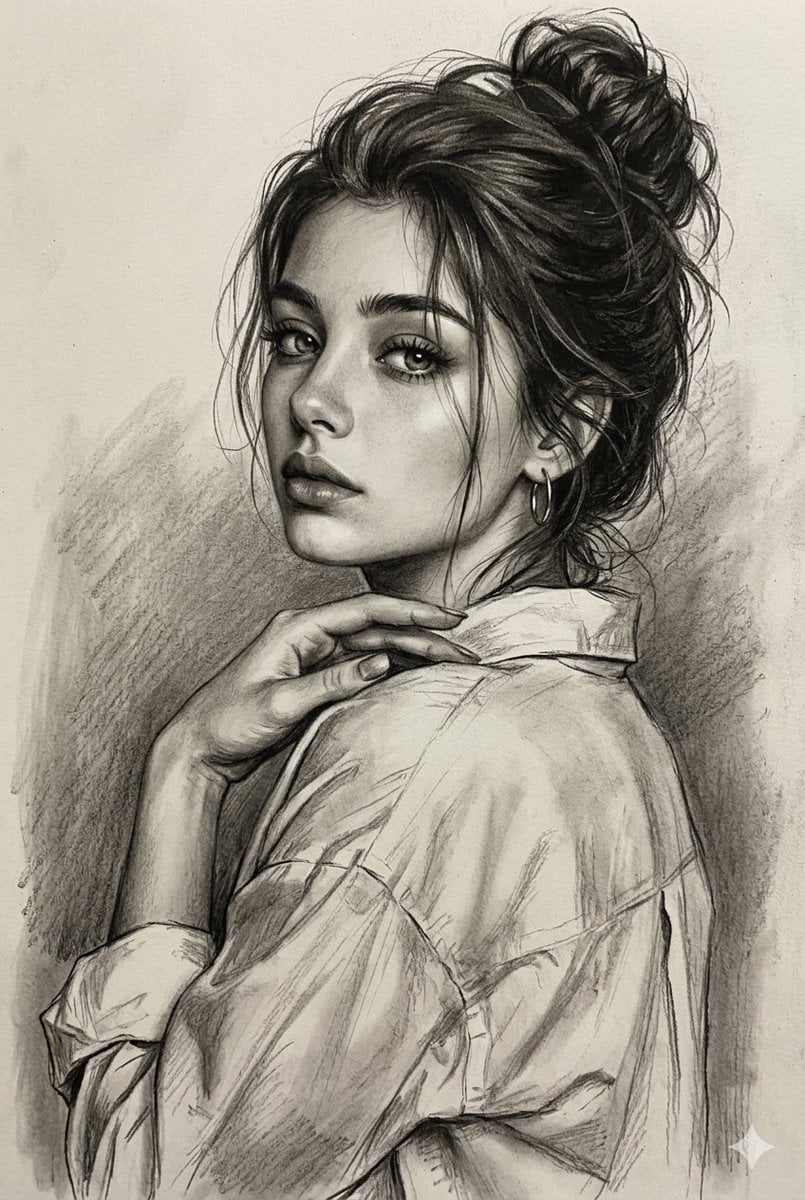
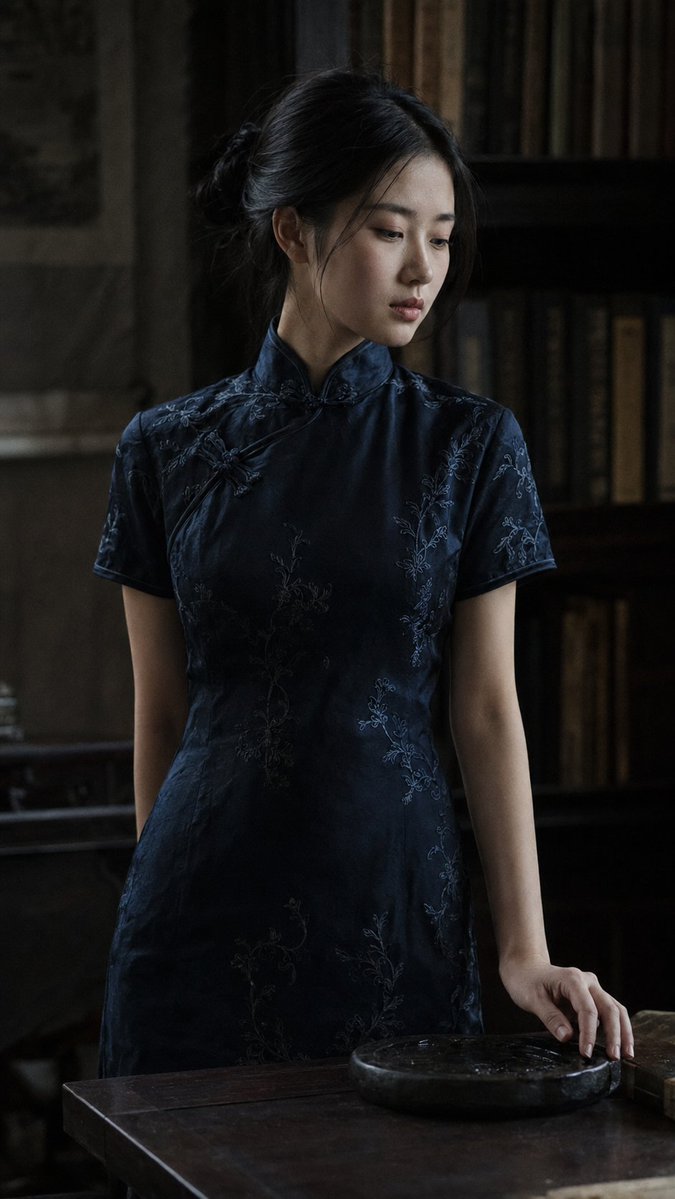
A beautifully rendered portrait of {argument name="subject" default="a young woman looking back over her shoulder with a serene and captivating expression"}. Her {argument name="hair style" default="dark hair is styled up in a messy, voluminous bun with soft, loose tendrils framing her face"}. She has large, expressive eyes, perfectly shaped eyebrows, and full lips, with one hand elegantly resting near her collarbone on the shoulder of her loose-fitting, oversized button-up shirt. The image can be depicted in {argument name="artistic medium" default="various artistic mediums: as a detailed black and white graphite pencil sketch with soft charcoal shading and cross-hatched backgrounds; as a classic, rich oil painting on textured canvas with expressive brushstrokes and a warm, atmospheric backdrop of deep amber and blue tones; as a delicate watercolor painting with soft, fluid washes of muted blues, purples, and earth tones bleeding into the paper; or as a mixed media piece combining precise pencil outlines of the figure against a textured, gold-flecked impasto background"}.
Choose the primary action to open PicX Studio with the available template settings. Review the model and format, personalize the creative direction, and generate when ready.
Yes. You can change the subject, setting, lighting, mood, format, and available model controls before creating your image.
This template is free to open and customize. Generation usage is shown in PicX Studio before you create.
Start with Nano Banana 2, which is the model associated with this template. You can compare another compatible model for a different finish.
Follow a topic to a crawlable collection of related PicX Studio templates.