
Photoreal Alien in Dark Ravine
This prompt generates a disturbing full-body sci-fi horror portrait of a realistic humanoid alien in a bleak rocky canyon, ideal for cinematic concept art and creature design.
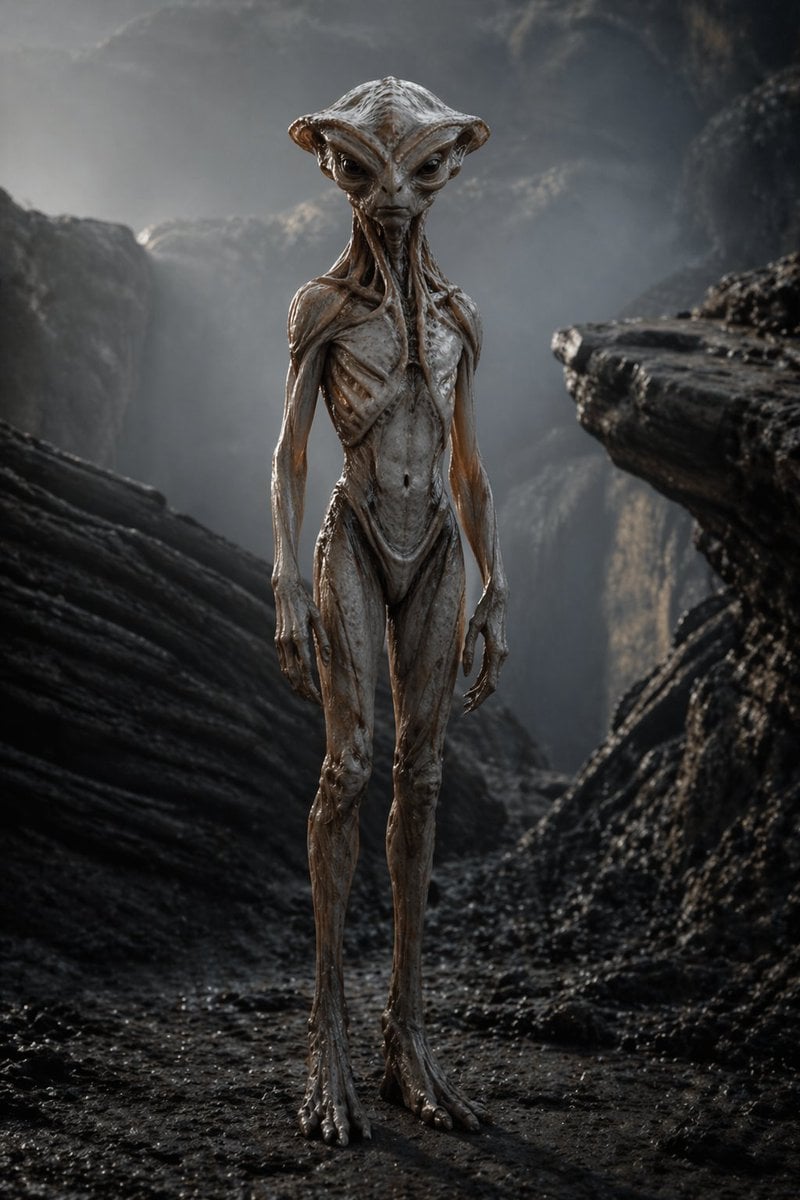
- Prompt included
- Model and format preset
- Free template
The prompt behind this image
Copy the exact prompt behind Photoreal Alien in Dark Ravine, or open it in the studio and make it yours.
A full-body cinematic portrait of a deeply unsettling humanoid alien standing alone in a dark rocky ravine, centered in the frame and facing forward in a neutral upright pose with both arms hanging low at its sides. The creature is extremely tall and emaciated, with elongated limbs, narrow shoulders, a sunken torso, visible rib-like structures, taut sinewy anatomy, long forearms, oversized hands with long thin fingers, and long digitigrade-looking feet planted on wet black ground. Its skin is hairless, slick, pale gray-beige with brownish fleshy undertones, semi-organic and biomechanical in appearance, with glossy damp highlights, leathery textures, stretched membranes, tendons, grooves, and subtle vein-like striations. The neck and upper chest are fused into a disturbing organic structure, with tendril-like folds and open channels running from the clavicle area upward into the head. The head is broad and mushroom- or hammer-shaped with a ridged crown and flared side lobes, giving a nonhuman silhouette; the face should feel unreadable and alien rather than cute or familiar. Place the figure in a narrow canyon of dark eroded stone, with 2 large foreground rock masses framing the subject on the left and right, and a misty cliff wall receding behind it. Use cold desaturated lighting, soft fog, damp surfaces, shallow atmospheric haze, and a grim monochrome palette of charcoal, slate, ash gray, and muted flesh tones. The mood should be uncanny, realistic, oppressive, and biologically plausible, like a high-end sci-fi horror still. Ultra-detailed photorealism, sharp texture on the creature, subtle depth of field, dramatic natural backlight from above, no clothing, no tools, no background creatures, no gore, no text.
How to use Photoreal Alien in Dark Ravine in 3 steps
- 1Upload ImagePNG, JPG or paste
Add your photo
Upload the photo the template builds on. The prompt, model and format are already set.
- 2…a portrait of your subject in softgolden-hour light, 85mm…
Personalize
Edit the subject and creative details for your destination.
- 3Generate
Generate
Press Generate — your image is created in PicX Studio, so you can compare it with the original and refine one variable at a time.
More like this
Templates with the same subject, style or setup. Open one to see its prompt.
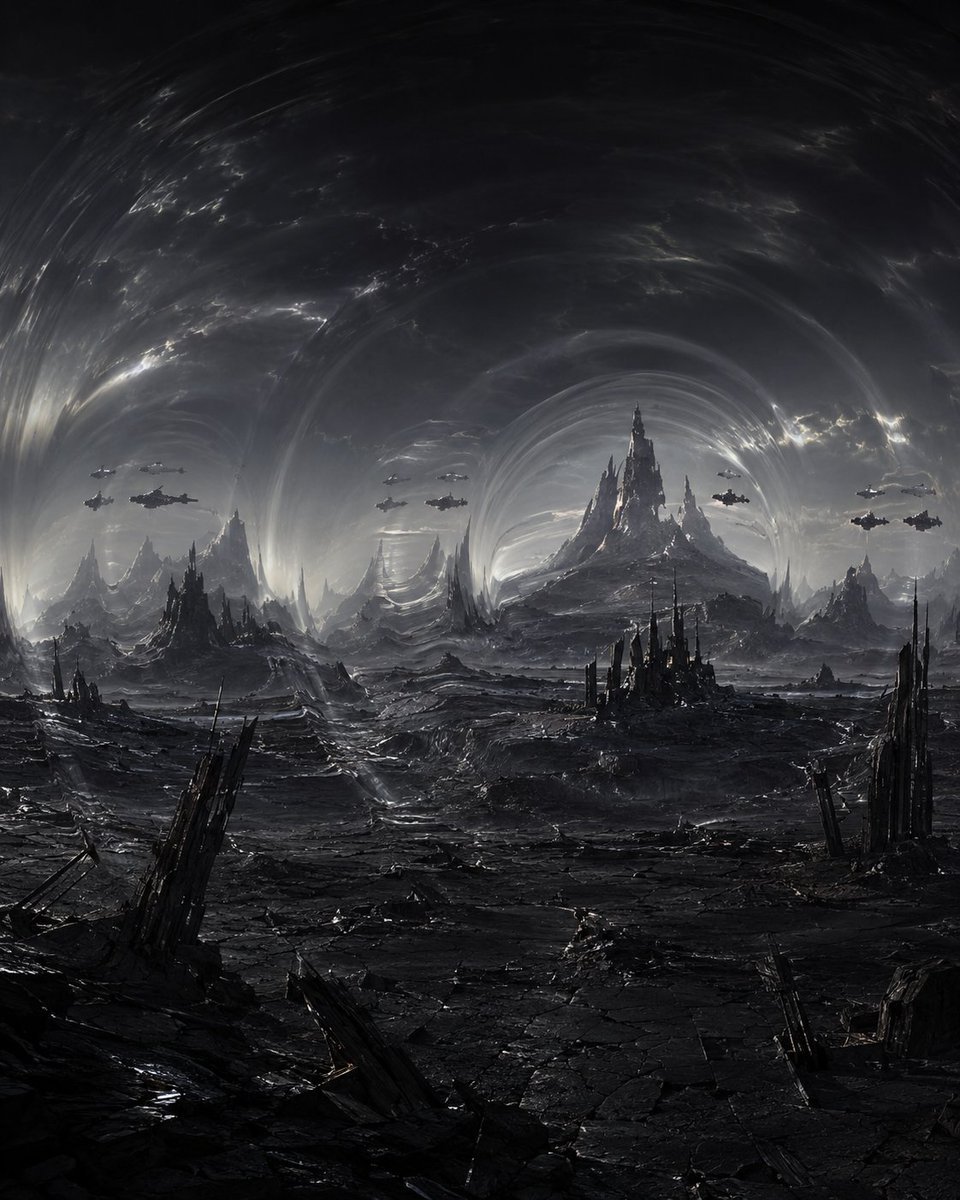
Dark Alien Vibration Wasteland

Selective Color Monochrome Football Poster

Photoreal Village Lanterns Minecraft Scene

Photoreal Snow Biome Name Tag UI

Photoreal Selfie Minecraft Block World

Photoreal Selfie Minecraft Village Ghast UI
Dark Alien Megastructure Cavern

Night Sports Car Portrait — Cinematic Moody

Cinematic Eye Light Portraits — 3 Nano Banana Prompts

Horror Cinematic Portrait
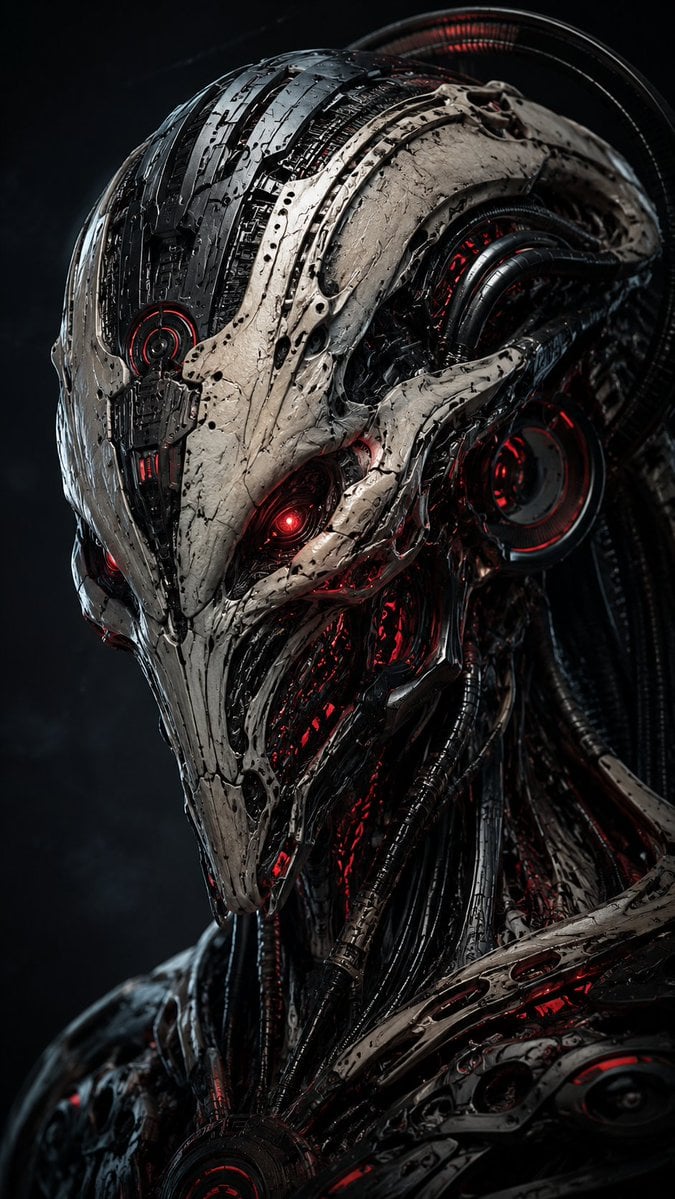
Mecha Alien at Gravity Edge
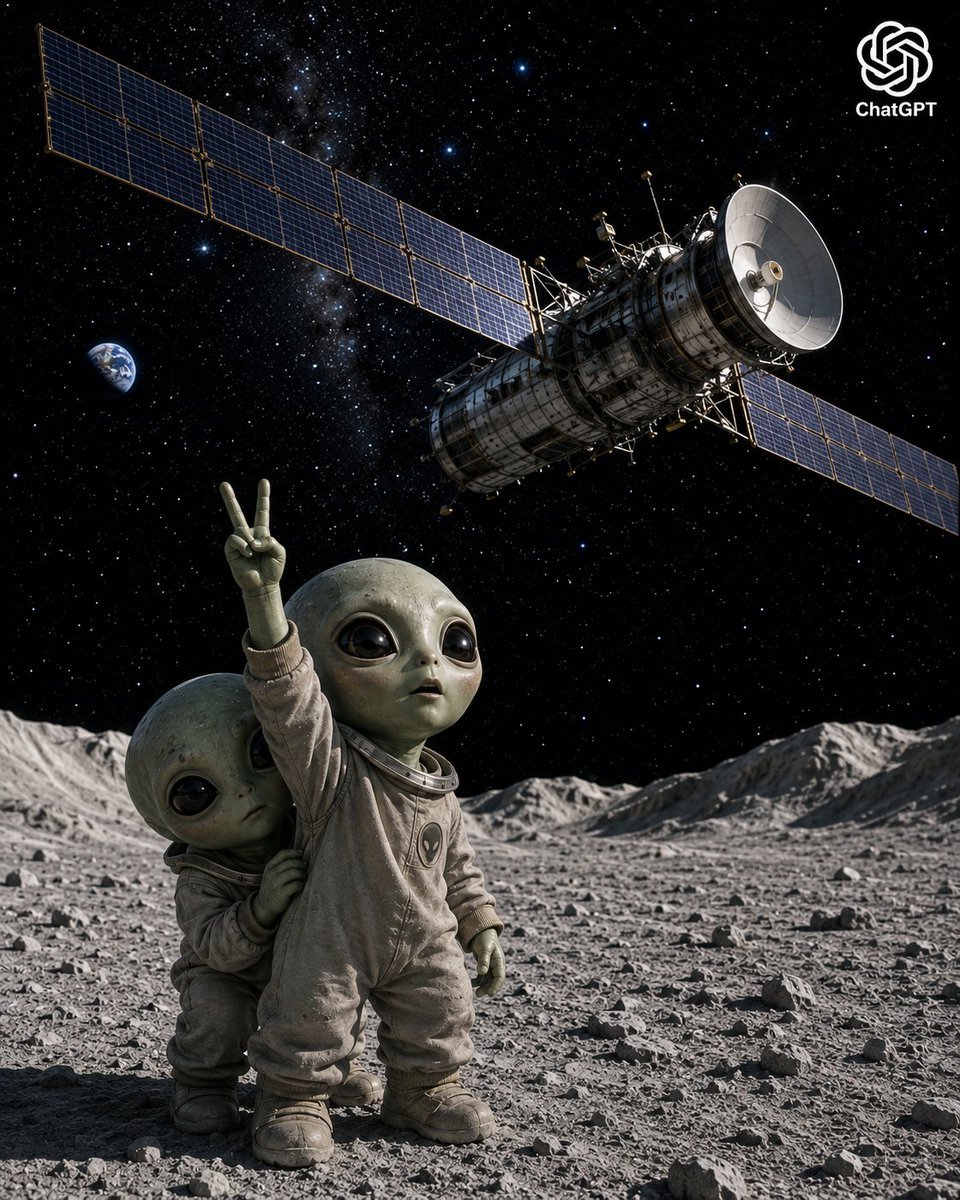
Lunar Alien Babies and Satellite
Make it yours
Photoreal Alien in Dark Ravine works as-is. These are the safest ways to change it without losing the look.
Change one field
Copy a single group, rewrite it, and generate again so you can see what that field is doing.
Keep the frame, change the subject
Hold the composition and light of Photoreal Alien in Dark Ravine, then swap wardrobe, props or the person for a new take.
| If the result… | Why | Fix |
|---|---|---|
| The result drifts from the preview | Too many fields changed at once. | Reuse Photoreal Alien in Dark Ravine as-is first, then change one group — subject, light, or setting. |
| The model over-stylizes the scene | The prose prompt leaves finish and camera underspecified. | Add one camera or lighting sentence and stay on GPT Image 2. |
More GPT Image 2 templates
Other prompts made for GPT Image 2.

Six VTuber Japanese Logo Sheet

Realistic Portrait of Woman and Deer

The Vista Modular Condo Poster

AI Model Routing Comparison Infographic

2.5D Anime Art Board

Isometric Productivity Desk Scene

New York Double Exposure Poster

Four-Panel AI Landscape Comparison

Japanese Tatami Lifestyle Magazine Cover

NESCAFÉ Coffee Map Poster
More image prompts
Fresh picks from across the catalog.
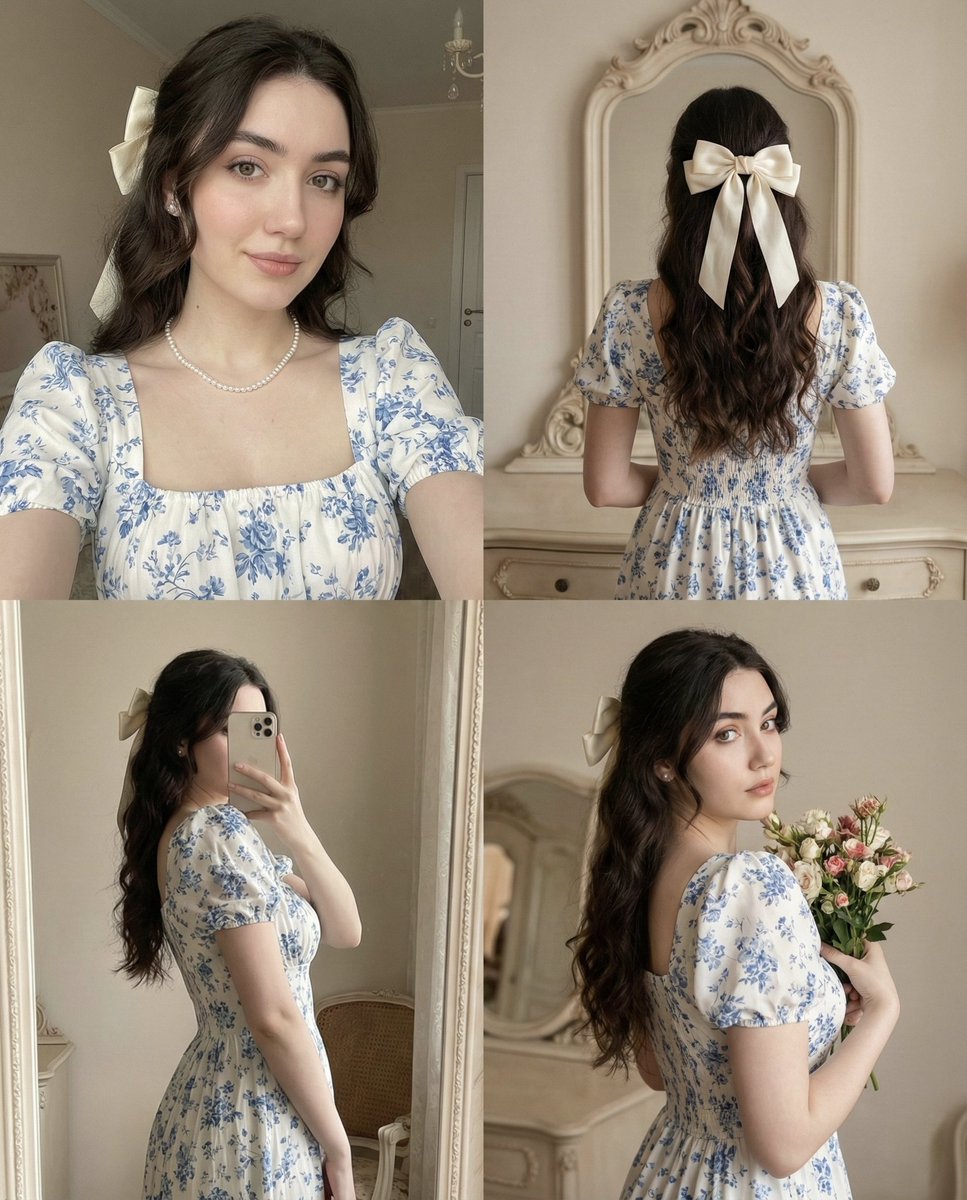
2x2 Collage with Pose and Identity Lock Prompt
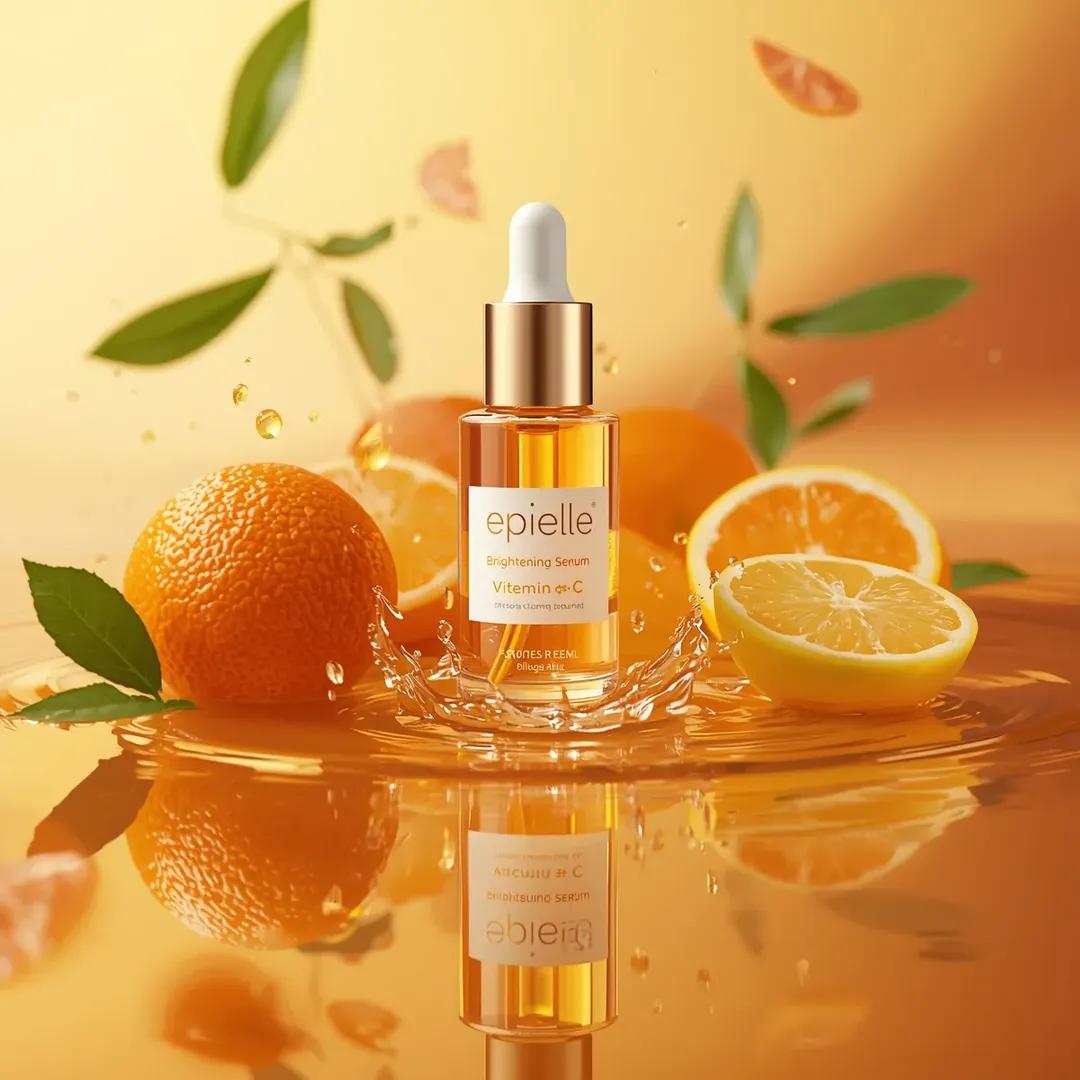
Ultra-High-End Skincare Product Photography Prompt
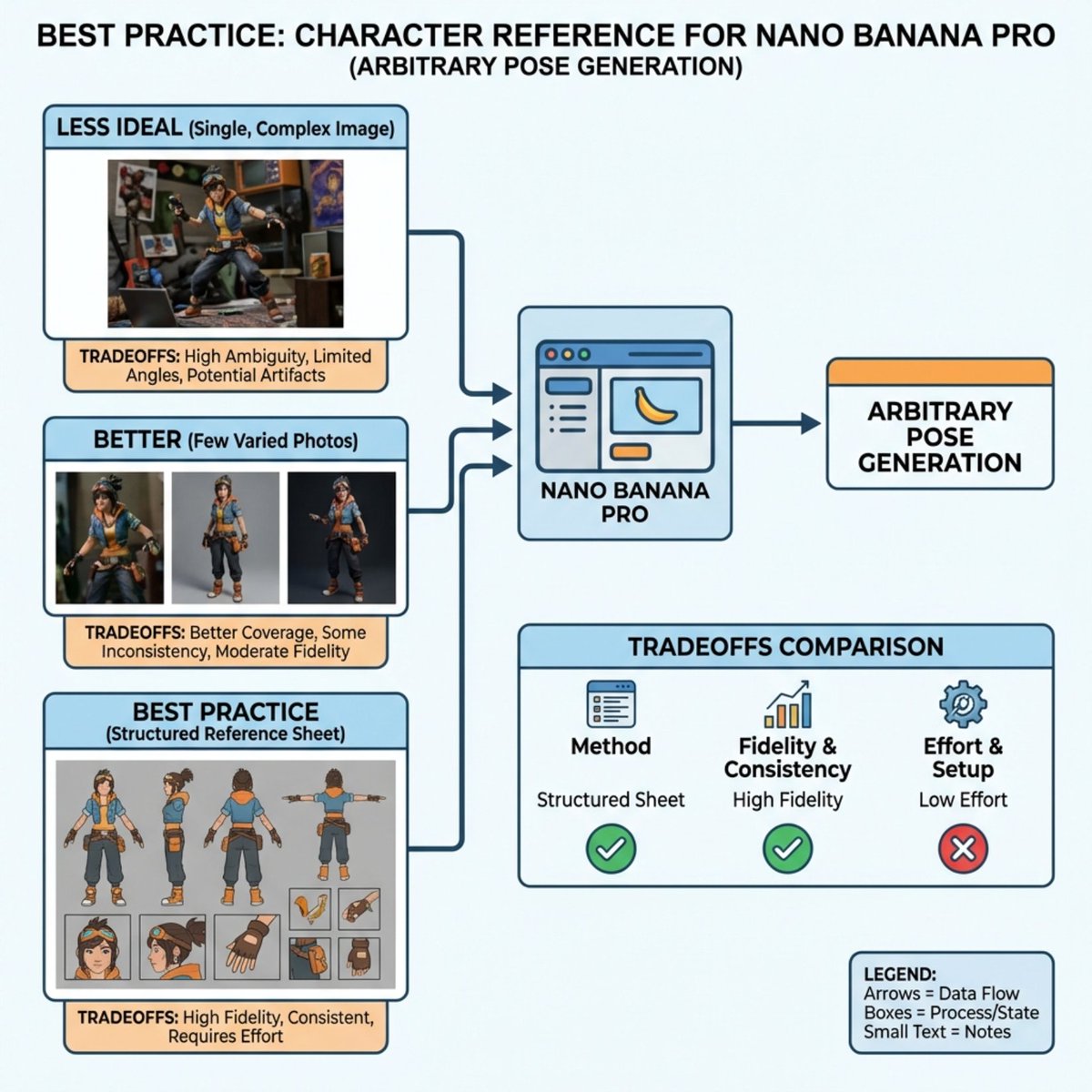
Nano Banana Pro Explains Itself
Conceptual Fashion Shadow Portrait
Empty Baseball Stadium Noodle Scene

03 Beverly Hills Convertible — California Series
Neon Studio Fitness Influencer
Flat Color to Rendered Anime Shading
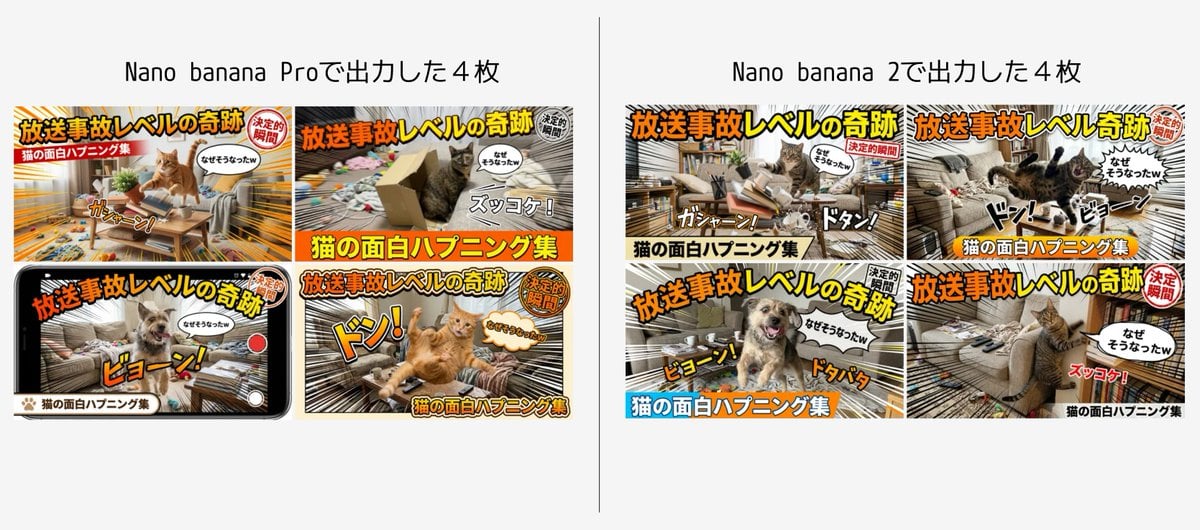
Detailed Japanese Prompt for Variety Show Style Image
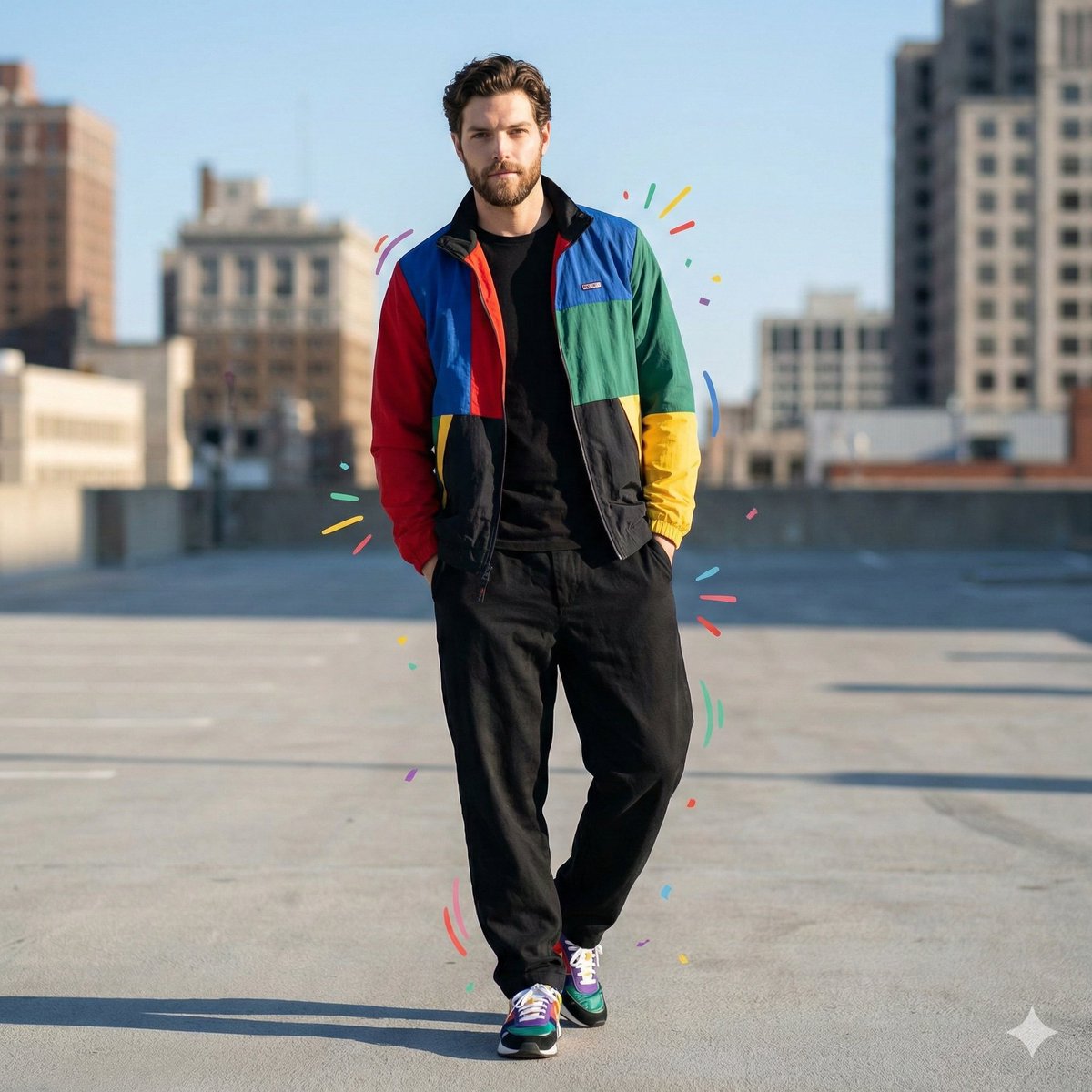
Color-Blocked Fashion Portrait with Graphic Accents
Browse template categories
Photoreal Alien in Dark Ravine questions
How do I use the Photoreal Alien in Dark Ravine template?
Add your photo if the template asks for one, edit the prompt if you like — the template's model and format are already selected — and press Generate. Your version opens in PicX Studio.
Can I customize the Photoreal Alien in Dark Ravine template?
Yes. You can change the subject, setting, lighting, mood, format, and available model controls before creating your image.
Is the Photoreal Alien in Dark Ravine template free?
Opening and editing this template is free. Generating uses credits, shown on the Generate button when you are signed in.
Which AI model should I use?
Start with GPT Image 2, which is the model associated with this template. You can compare another compatible model for a different finish.
Looking for something else? Browse all templates.

Your photo, any look
Thousands of ready templates for every top image and video model, from one credit balance.