
Neon Studio Fitness Influencer
Neon Studio Fitness Influencer is a ready photo look.
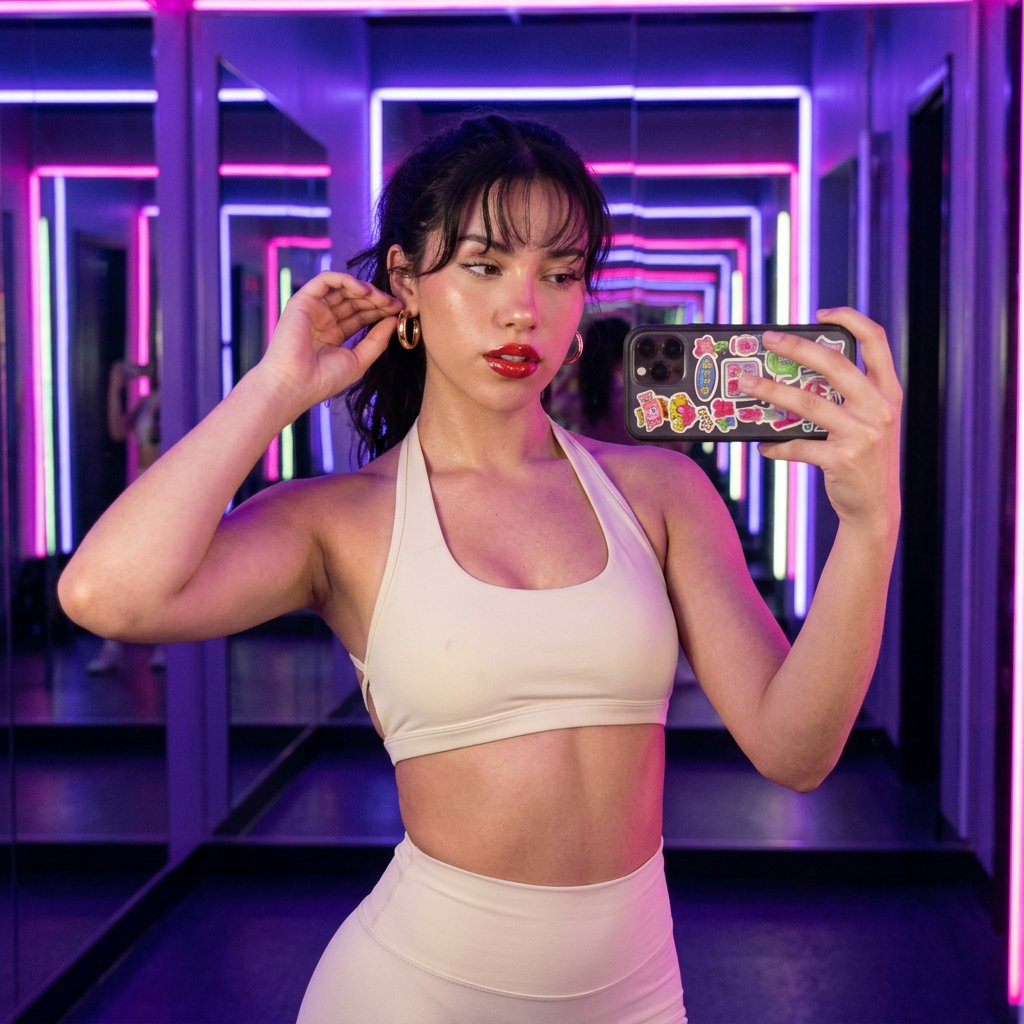
- Prompt included
- Model and format preset
- Free template
The prompt behind this image
Copy the exact prompt behind Neon Studio Fitness Influencer, or open it in the studio and make it yours.
Prompt: { "prompt_text": "Ultra-realistic photograph of a charismatic mid-20s influencer woman, approximately 27 years old, matching the exact appearance from the uploaded reference image. Shot on iPhone 15 Pro, UGC aesthetic, slight camera grain, candid moment style with authentic depth of field limitations. She is standing in the neon-lit corridor of a premium boutique fitness studio — the kind with floor-to-ceiling mirrors and pulsing club-style lighting in deep purple and electric pink — captured just after an early morning cycling or sculpt class before the studio fills up. She wears a cream halter-neck sports bra with a completely open back, the halter strap tied elegantly at the nape of her neck, paired with high-waist seamless cream leggings that catch the neon glow in soft, painterly streaks. Gold hoops catch the purple-pink ambient club lighting, glinting subtly against her jaw. Her hair is slightly damp at the edges — post-workout realness — falling loosely around her shoulders. She stands with one hand on a mirrored wall, the other raised adjusting her gold hoop earring, weight shifted onto one leg with a subtle hip pop. Her gaze is direct, confident eye contact straight into the camera lens, with a soft fierce expression — effortlessly camera-ready even at dawn. Neon purple and pink light rakes across her open back, creating dramatic rim light against her cream outfit. Matching the exact facial structure, skin texture, body proportions, and overall appearance from the uploaded reference image. Slight lens aberration, off-center candid framing, authentic UGC energy. Ensure the influencer is the identical person from the reference image in every aspect, including natural asymmetries, pores, and organic skin variations. Aspect ratio 9:16.", "scene": { "location": "Premium boutique fitness studio neon-lit corridor with floor-to-ceiling mirrors", "time_of_day": "Early_Morning", "setting": "Indoor", "mood": "Fierce_Workout" }, "camera": { "angle": "Slightly_Above", "framing": "Full_Body", "depth_of_field": "Shallow_Bokeh", "shot_type": "Candid" }, "lighting": { "source": "Neon_Club", "temperature": "Moody_Purple", "effects": "Rim_Light" }, "outfit": { "top": "Cream halter-neck sports bra with fully open back, halter strap tied at nape", "bottom": "High-waist seamless cream leggings", "shoes": "Barefoot", "accessories": "Gold hoops", "skin_showing": "Back/Midriff/Shoulders", "style_vibe": "Athleisure" }, "pose": { "body_position": "Standing", "signature_move": "One hand on mirrored wall, other hand raised adjusting earring, weight shifted to one leg with hip pop to the side", "hand_placement": "Adjusting_Clothes", "eye_contact": "Direct_Into_Camera", "expression": "Fierce_Gaze" }, "props": "Adjusting_Jewelry", "technical": { "aspect_ratio": "9:16", "reference_image": "Identity_Preservation_Priority_High" } }
How to use Neon Studio Fitness Influencer in 3 steps
- 1Upload ImagePNG, JPG or paste
Add your photo
Upload the photo the template builds on. The prompt, model and format are already set.
- 2…a portrait of your subject in softgolden-hour light, 85mm…
Personalize
Edit the subject and creative details for your destination.
- 3Generate
Generate
Press Generate — your image is created in PicX Studio, so you can compare it with the original and refine one variable at a time.
More like this
Templates with the same subject, style or setup. Open one to see its prompt.

Subway Platform Quiet Introspective Portrait
Warm Window Side Café Studio Portrait

Futuristic Studio Neon Ring Minimalist Portrait
Warm Window Side Café Studio Portrait
Futuristic Studio Neon Ring Minimalist Portrait
Neon AI Influencer Studio Ad

80s Couple Studio Portrait

80s Neon Disco Night

1985 Studio Portrait
Fitness Influencer Reels Grid

A k.pop idol on the stage with mic
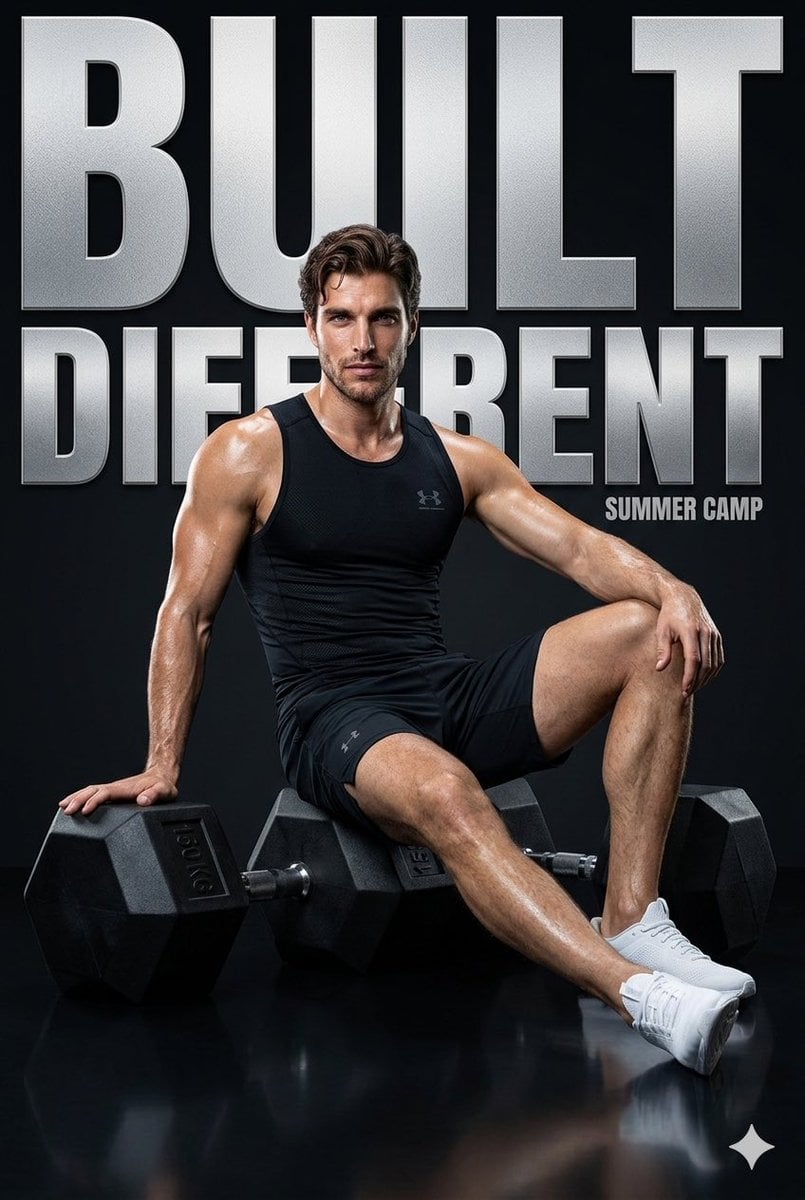
Fitness Campaign Studio Poster
Make it yours
Neon Studio Fitness Influencer works as-is. These are the safest ways to change it without losing the look.
Change one field
Copy a single group, rewrite it, and generate again so you can see what that field is doing.
Keep the frame, change the subject
Hold the composition and light of Neon Studio Fitness Influencer, then swap wardrobe, props or the person for a new take.
| If the result… | Why | Fix |
|---|---|---|
| The result drifts from the preview | Too many fields changed at once. | Reuse Neon Studio Fitness Influencer as-is first, then change one group — subject, light, or setting. |
| The model over-stylizes the scene | The prose prompt leaves finish and camera underspecified. | Add one camera or lighting sentence and stay on PicX Studio. |
More image prompts
Fresh picks from across the catalog.
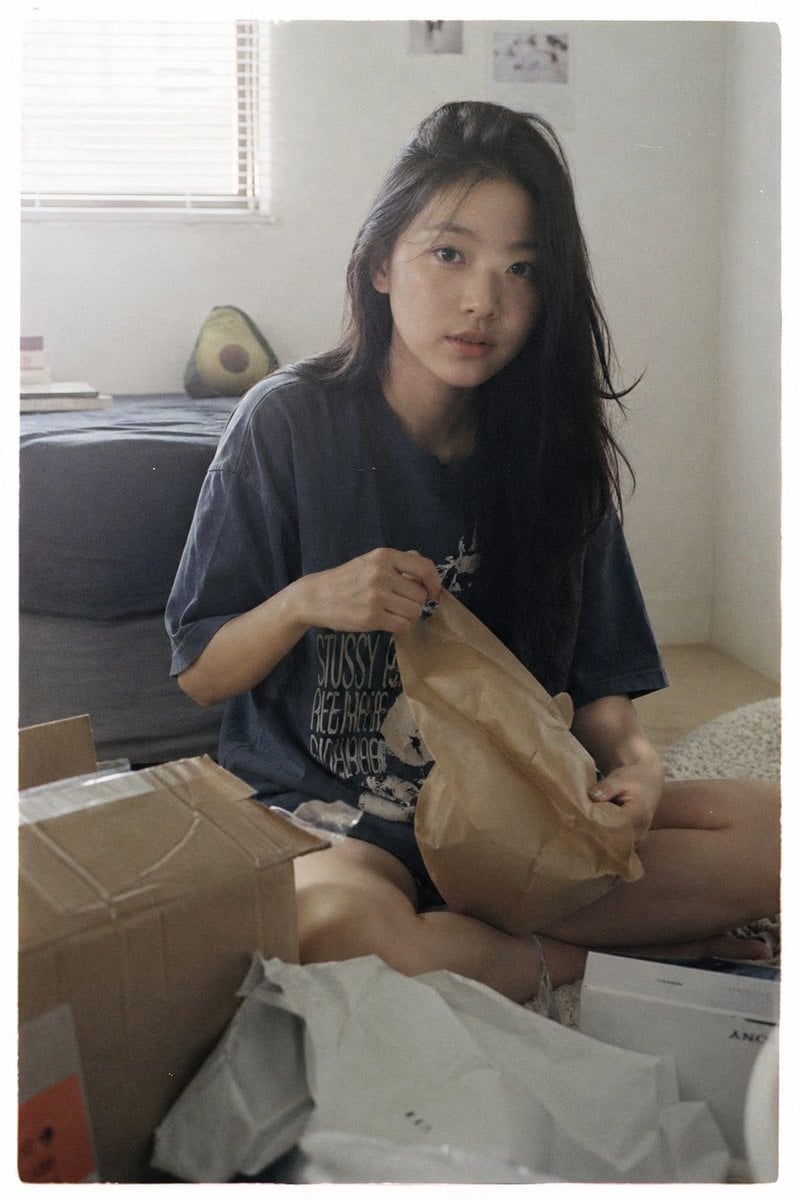
Japanese Film Aesthetic Unboxing Scene
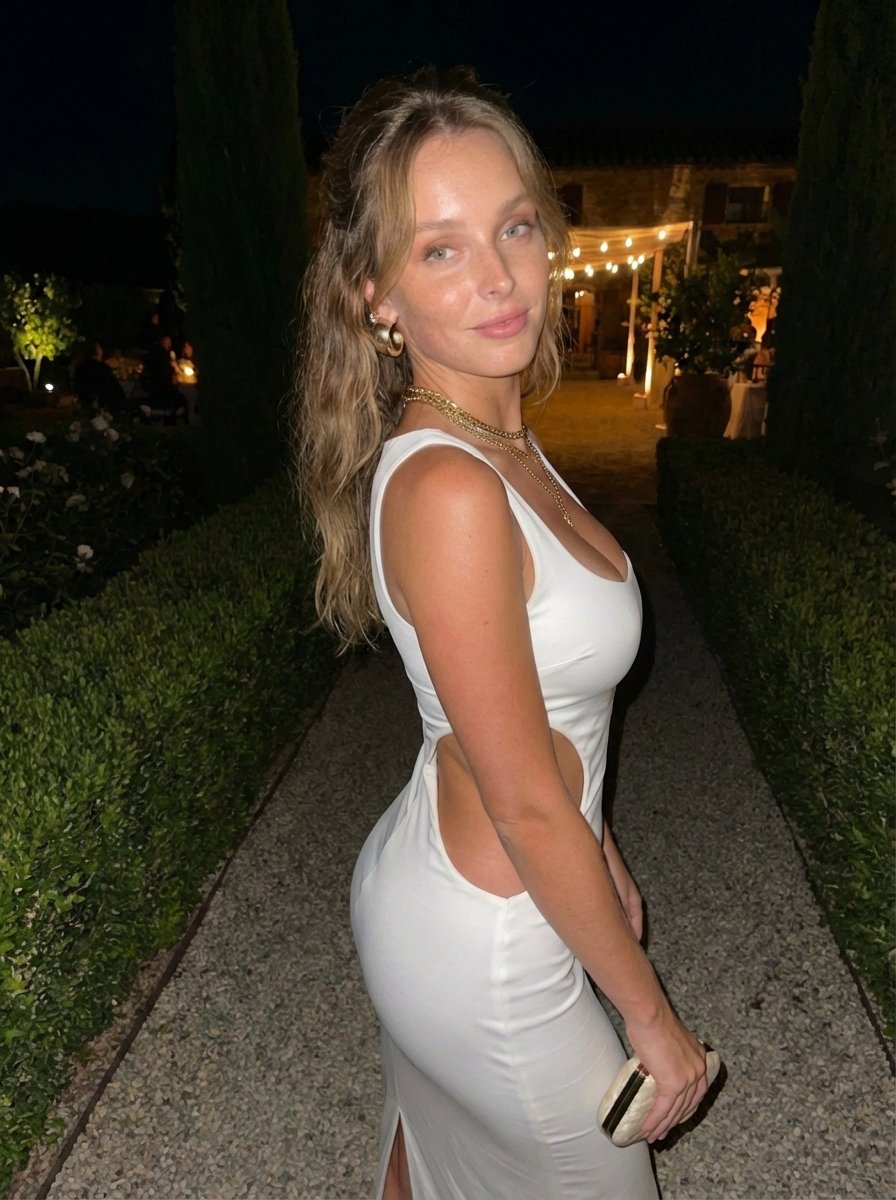
Candid Flash Photo of Woman in Avant-Garde Silk Gown
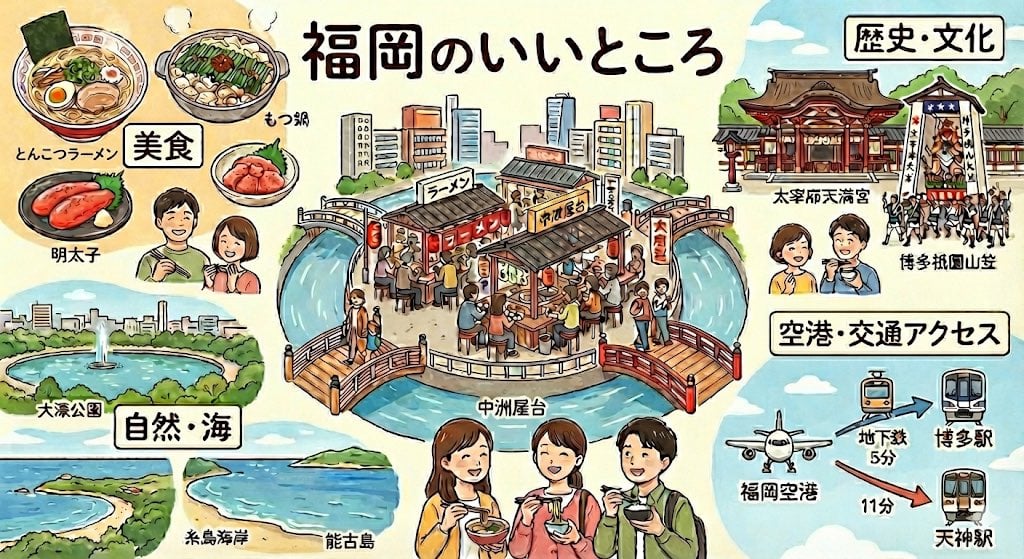
Summarize Fukuoka’s good points in one image
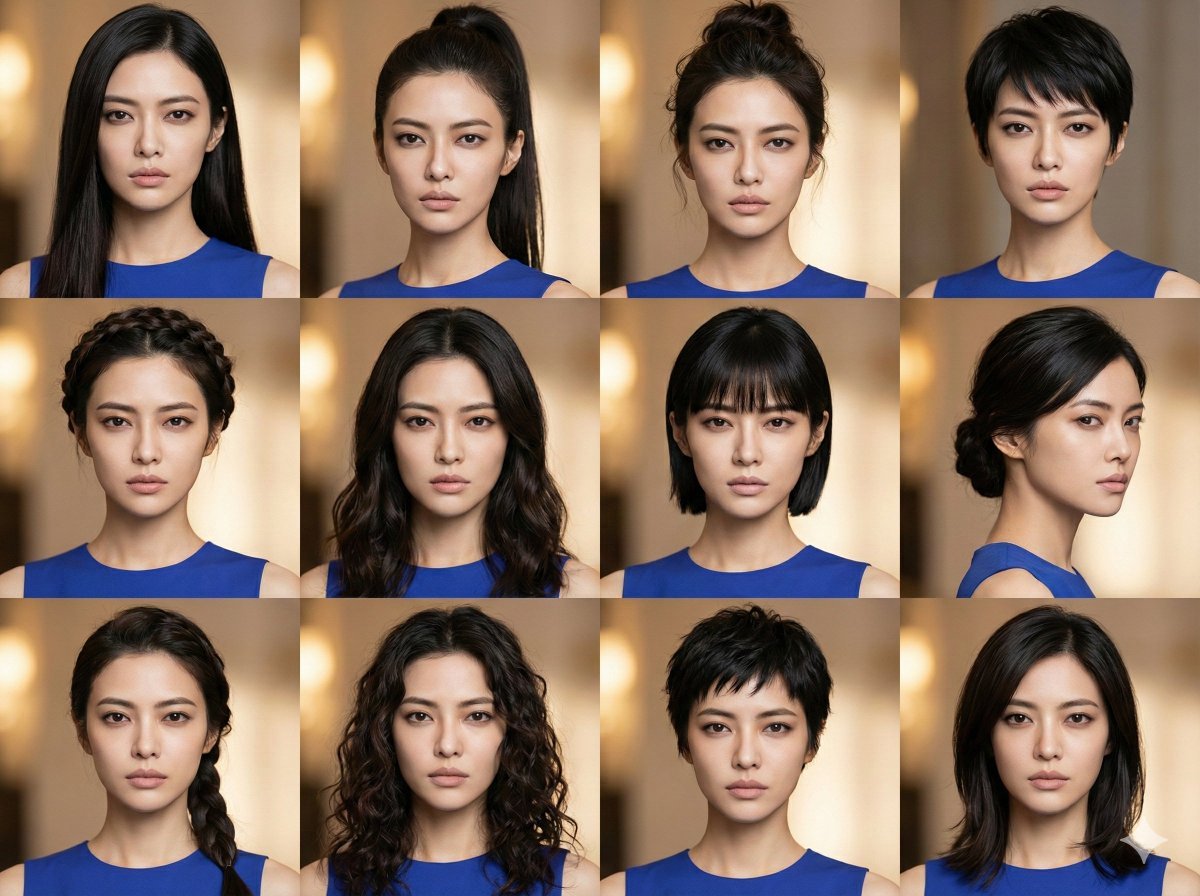
Female Hairstyle Collage for New Year Look
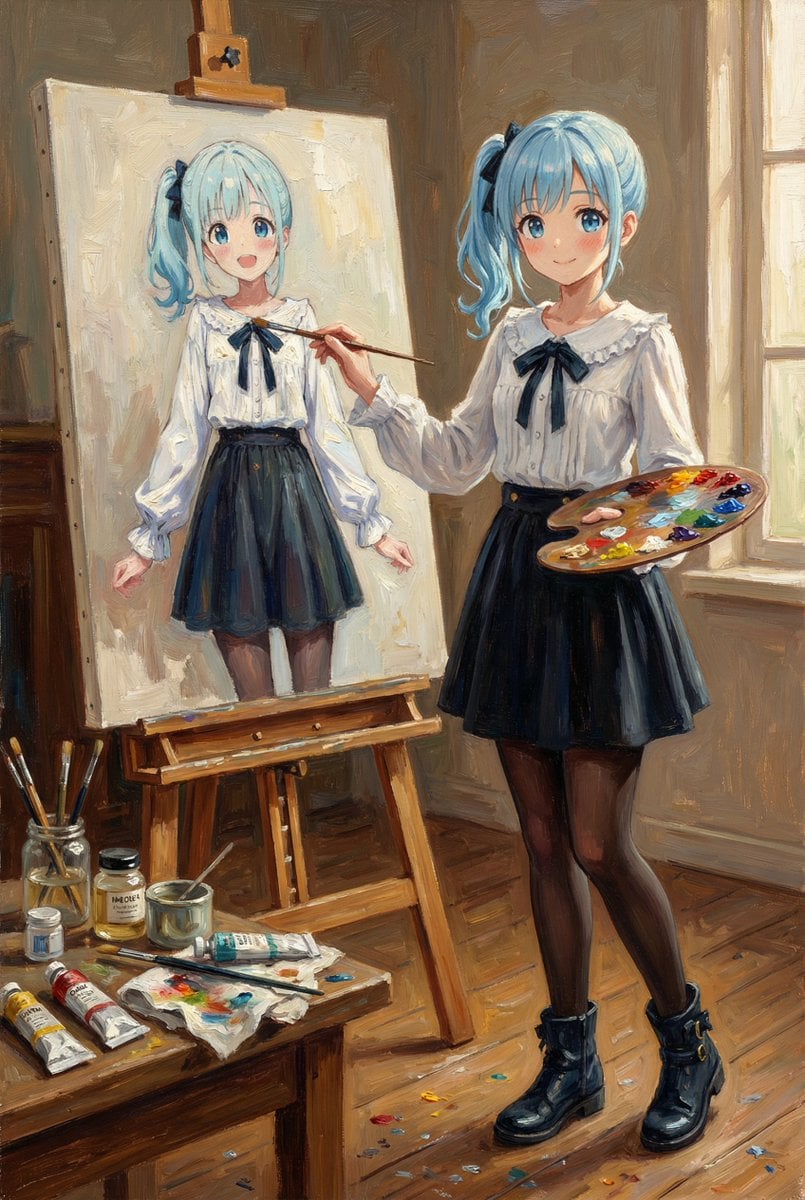
Reference Character Painting Self-Portrait in Oil Style
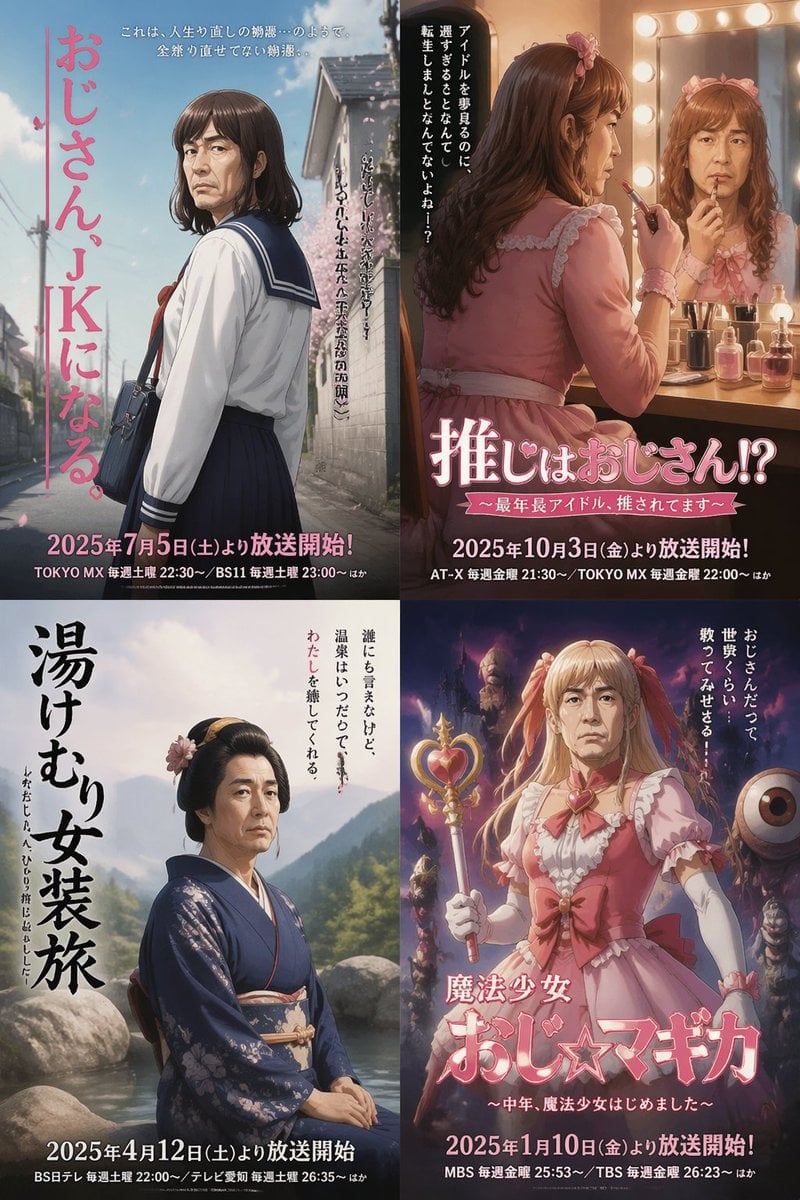
Four Japanese Ojisan Parody Posters
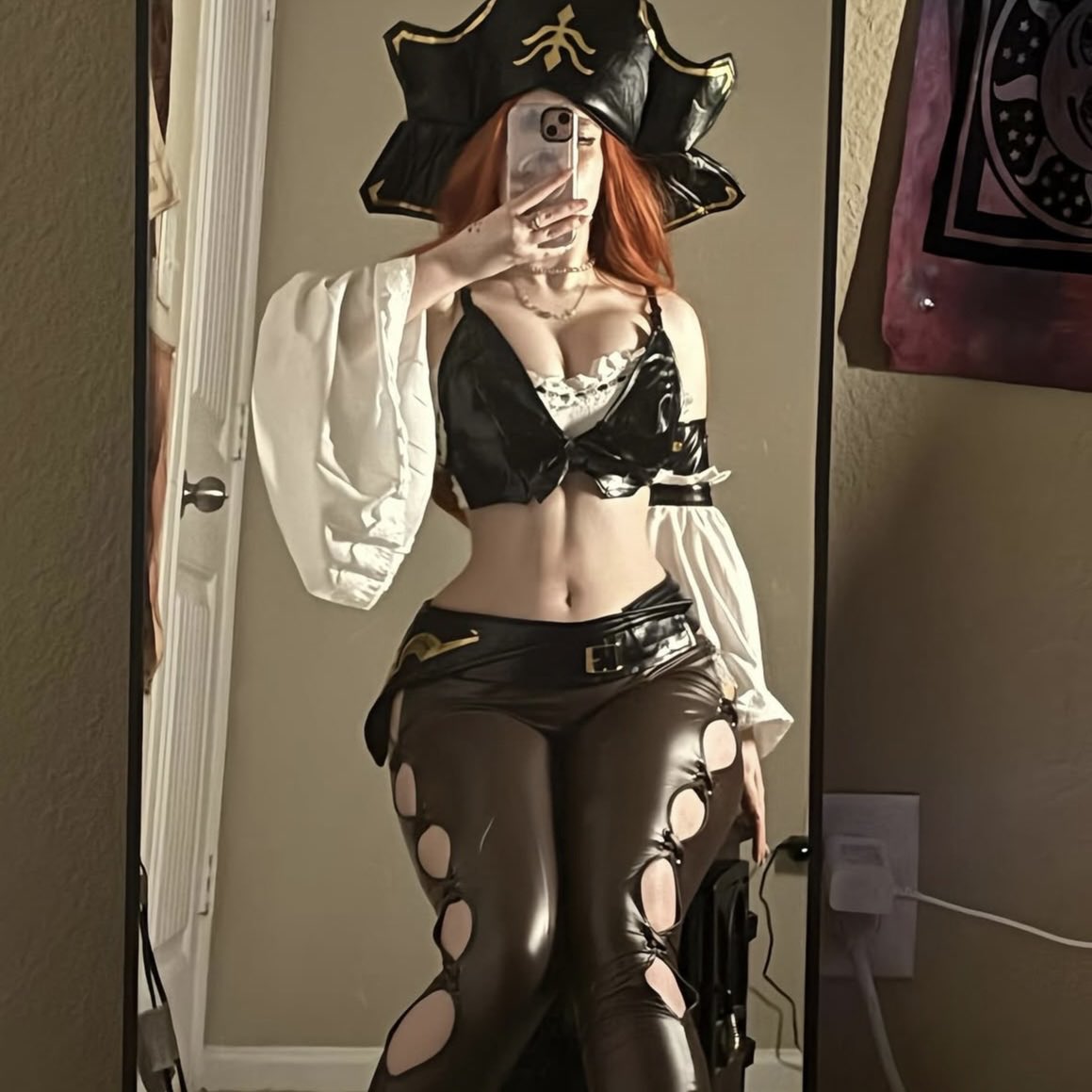
Miss Fortune Realistic Selfie Prompt

Cinematic Behind-the-Scenes VFX Artists Prompt
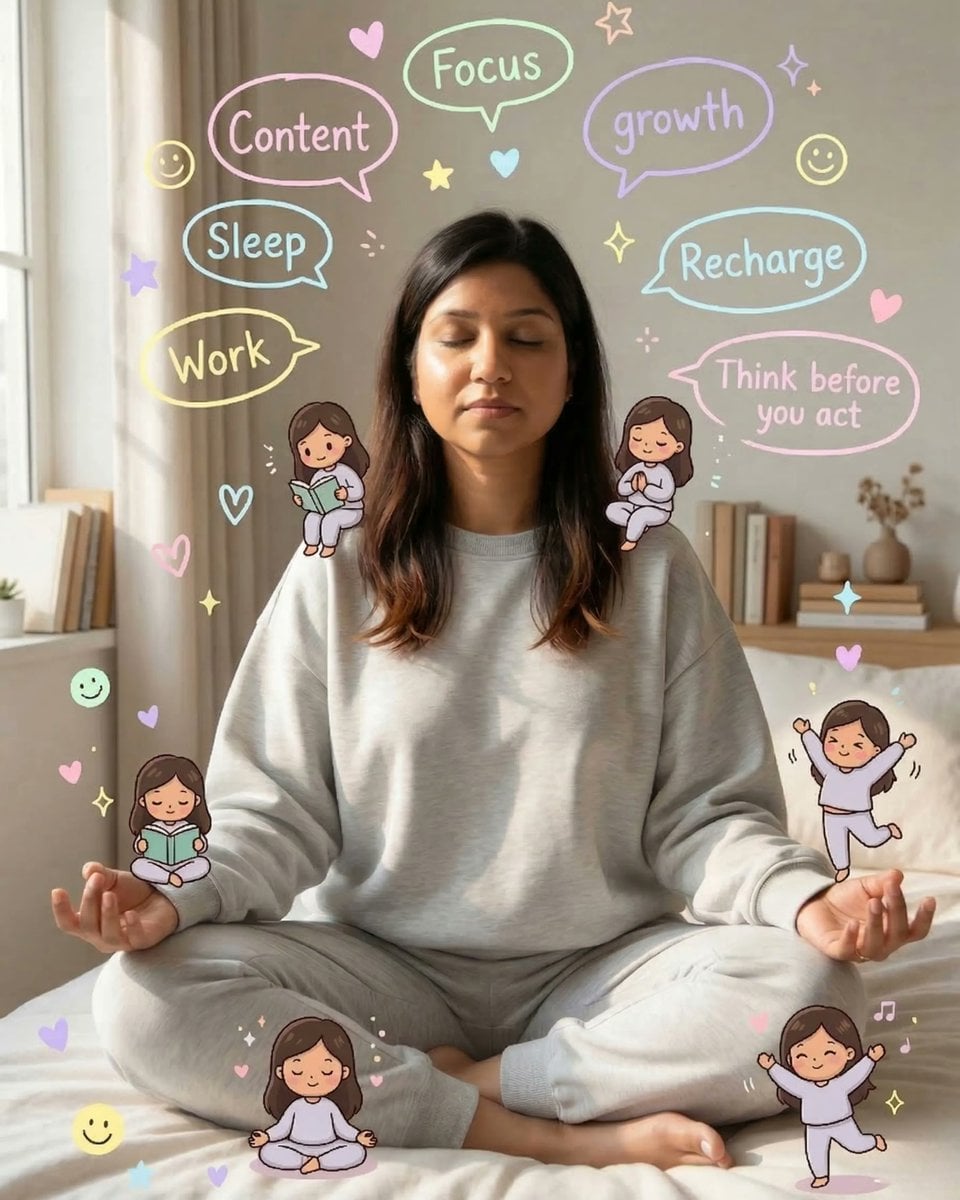
Cozy Meditation Scene with Chibi Doodles
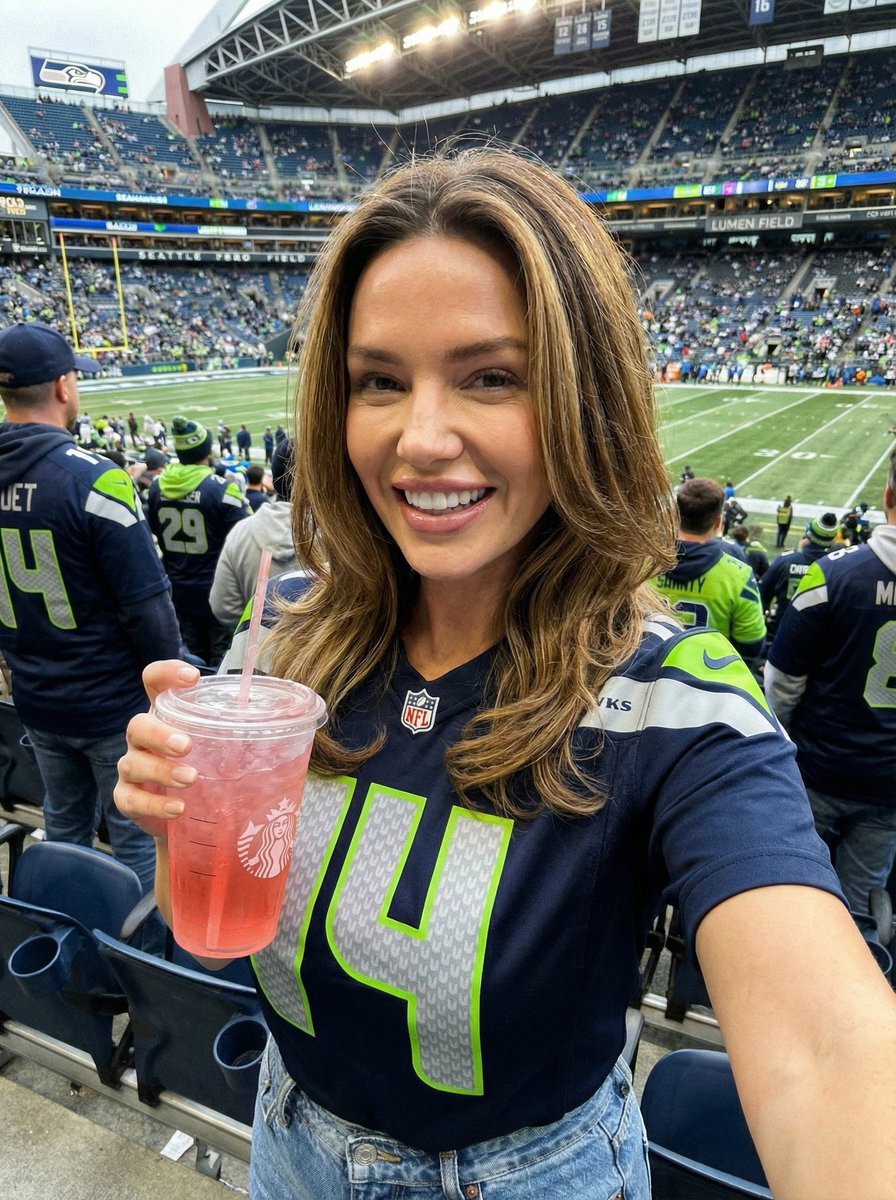
Seahawks Football Game Day Scene Prompt
Browse template categories
Neon Studio Fitness Influencer questions
How do I use the Neon Studio Fitness Influencer template?
Add your photo if the template asks for one, edit the prompt if you like — the template's model and format are already selected — and press Generate. Your version opens in PicX Studio.
Can I customize the Neon Studio Fitness Influencer template?
Yes. You can change the subject, setting, lighting, mood, format, and available model controls before creating your image.
Is the Neon Studio Fitness Influencer template free?
Opening and editing this template is free. Generating uses credits, shown on the Generate button when you are signed in.
Which AI model should I use?
Choose a compatible model in PicX Studio based on the style, speed, and output controls your project needs.
Looking for something else? Browse all templates.

Your photo, any look
Thousands of ready templates for every top image and video model, from one credit balance.