
Reference Character Painting Self-Portrait in Oil Style
A complex, multi-section prompt for Nano Banana Pro that instructs the AI to use a reference image to lock the character's identity (face, clothing, colors) and then generate a scene where this character is painting…
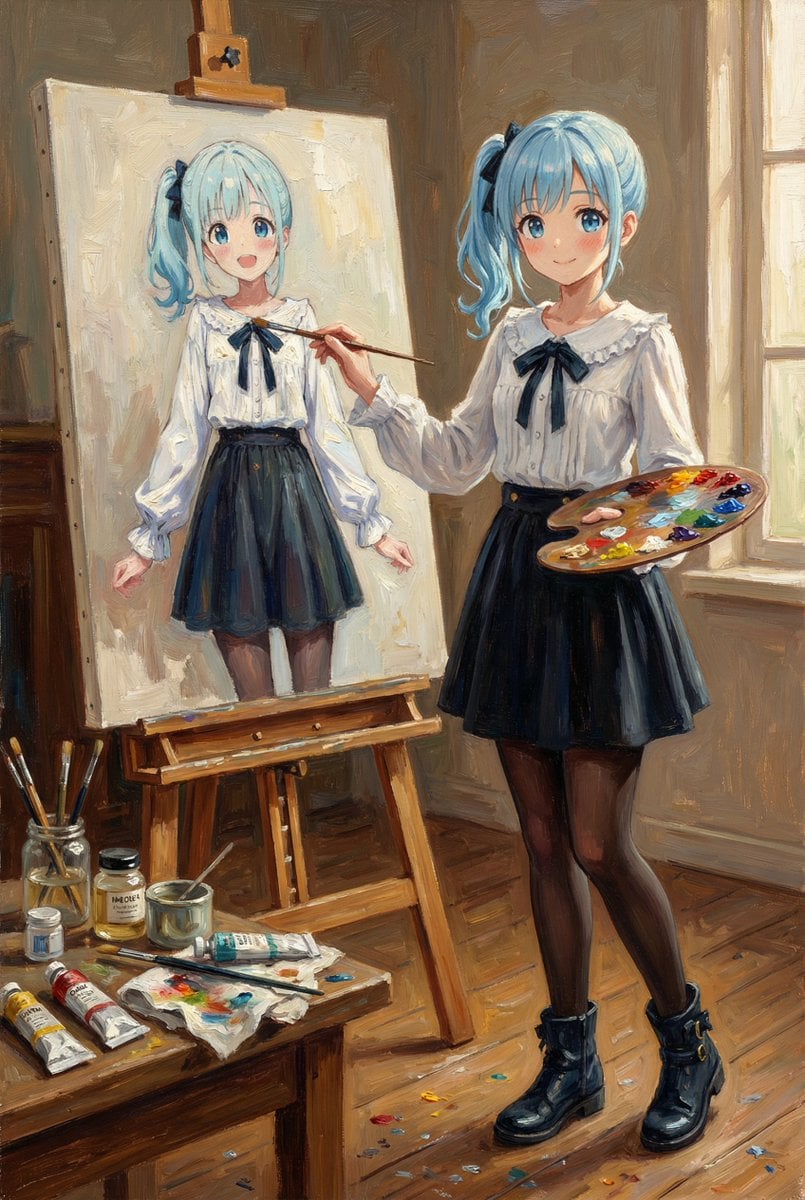
- Prompt included
- Model and format preset
- Free template
The prompt behind this image
Copy the exact prompt behind Reference Character Painting Self-Portrait in Oil Style, or open it in the studio and make it yours.
【入力画像】 画像1:参照キャラクター(このキャラクターの外見を絶対に変えないこと) 【最優先ルール:Identity Lock(外見固定)】 - 参照画像のキャラクターの「顔」「髪型」「髪色」「目の形/色」「肌色」「体型比率」「服装」「アクセサリー」「模様」「色配置」を100%一致させる。 - 表情も画像1と同じに保つ(※どうしても変える必要がある場合でも“ごく僅か”に)。 - 新しい小物・服・装飾を勝手に追加しない。髪を伸ばす/短くする等の改変禁止。年齢・性別・体格・種族感を変えない。 - 変更してよいのは「ポーズ」「背景(場所)」「ライティング」「画角」「画材(筆/パレット/イーゼル等の小道具)」のみ。 【生成したいシーン】 画像1のキャラクターが、絵画アトリエでイーゼルの前に立ち、油絵で“自分自身の肖像画”を描いている。 - 右手に筆、もう片方の手にパレット。 - 机に油絵具のチューブ、溶き油、筆洗い瓶、布、汚れたパレット、床に少し散った絵具跡。 - キャンバスには「描きかけの自画像」があり、画像1と“同じキャラクター”だと一目で分かる(同じ顔・同じ髪・同じ服・同じ配色)。描きかけなので少しラフな筆致でOK。 【画風(全体の表現)】 - 作品全体をクラシックな油絵として描写。キャンバス地の目、厚塗り(インパスト)筆致、絵具の盛り上がり、グレージングの深み。 - ただしキャラクターデザイン(線/形/色/特徴)は画像1から絶対に崩さない。油彩の質感は“上塗り”として付与するイメージ。 【構図・カメラ】 - 3/4アングルのミディアムワイド(上半身〜膝くらいまで)。キャラクター+イーゼル+キャンバスが同時に見える。 - 暖かい午後の斜光が窓から入り、顔とキャンバスに当たる。背景はやや暗めで主役が浮き立つ。 【出力指定】 - 1枚の画像。縦長 2:3 - 画像内に文字は入れない。
How to use Reference Character Painting Self-Portrait in Oil Style in 3 steps
- 1
Open
The prompt is already in the box next to the preview, with the template's model and format selected.
- 2…a portrait of your subject in softgolden-hour light, 85mm…
Personalize
Edit the subject and creative details for your destination.
- 3Generate
Generate
Press Generate — your image is created in PicX Studio, so you can compare it with the original and refine one variable at a time.
More like this
Templates with the same subject, style or setup. Open one to see its prompt.
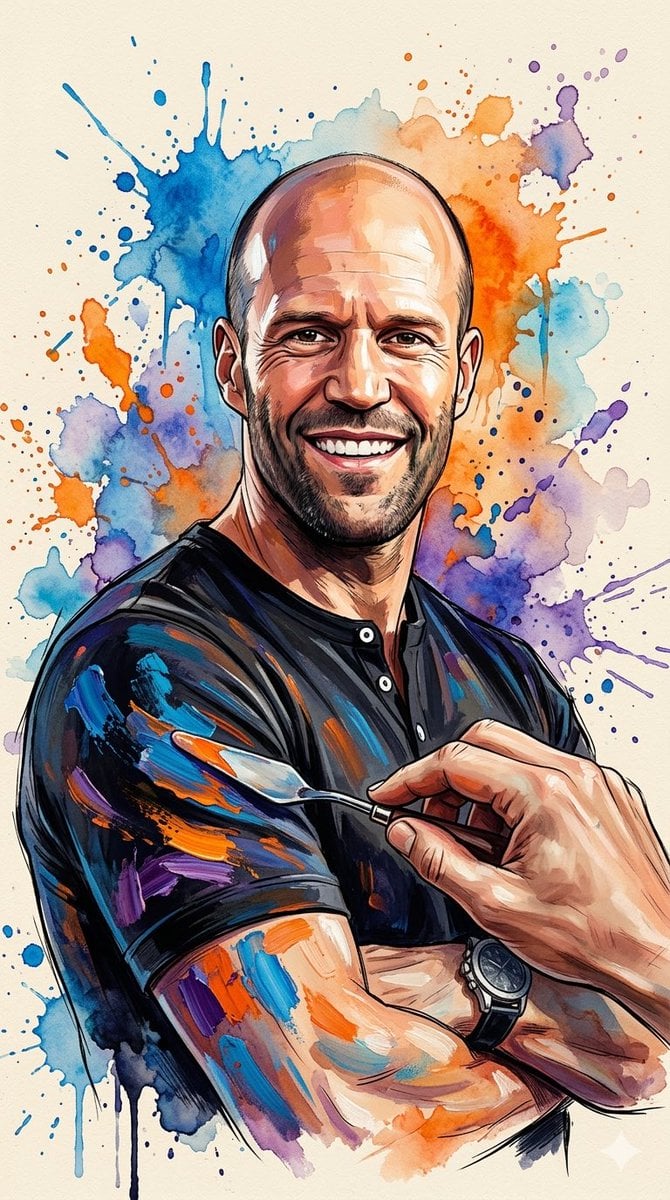
Oil Painting Style Portrait Prompt with Reference
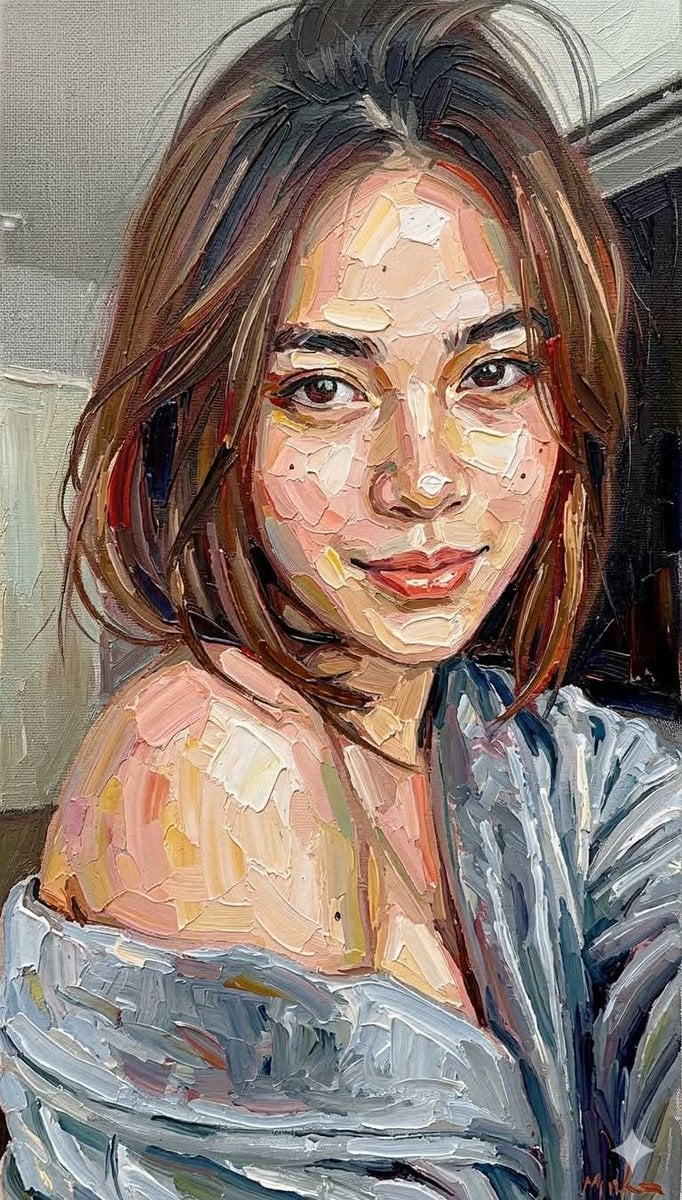
Impasto Oil Painting Portrait Style
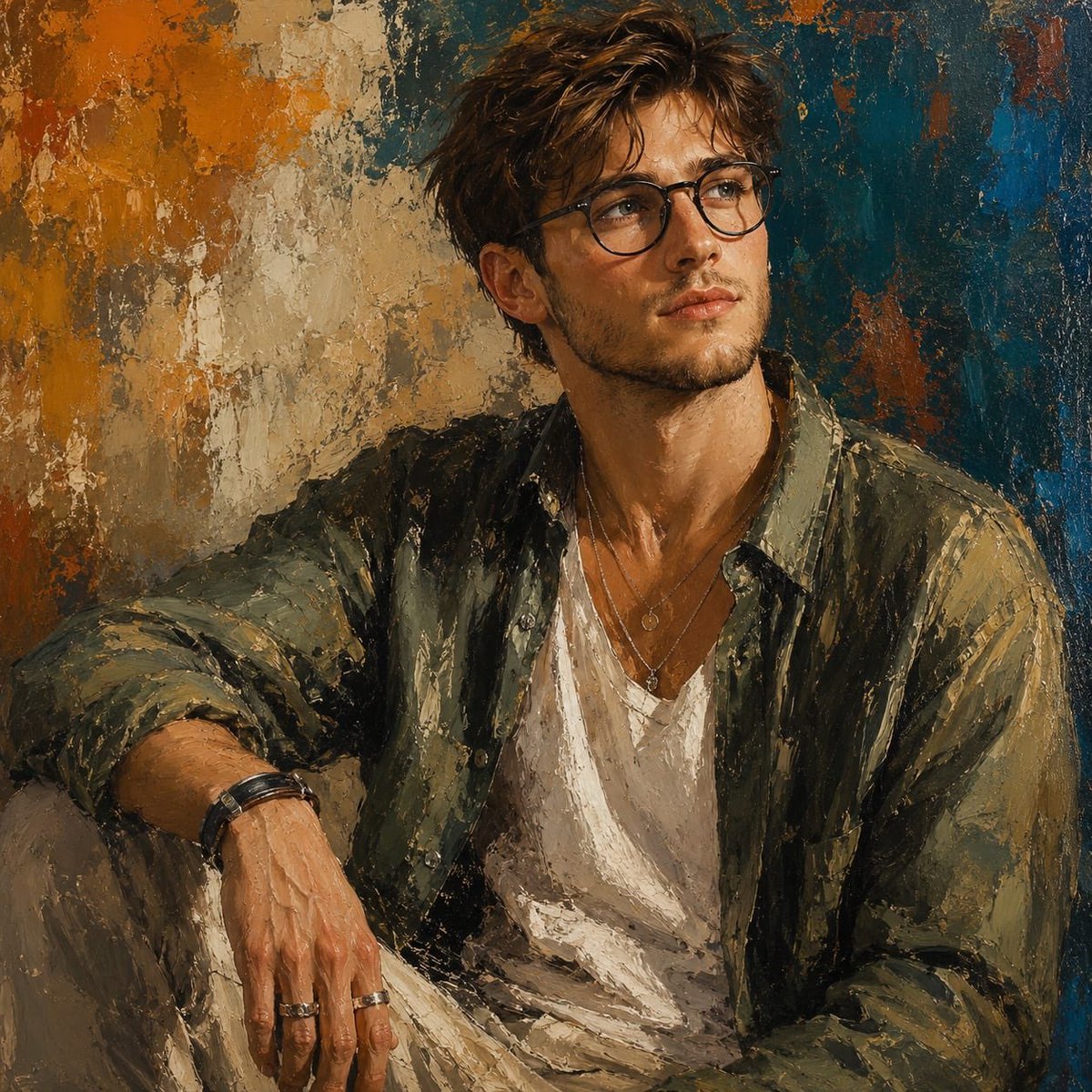
Expressive Oil Painting Portrait
Classical Realism Oil Painting Portrait Prompt
Selfie with Sydney Sweeney and Ana De Ar

Found Photograph: Us, 1970

80s Couple Studio Portrait

80s Bollywood Star

80s Golden Hour Cinema

Me in 1985

1985 Studio Portrait
Impasto Oil Architectural Painting
Make it yours
Reference Character Painting Self-Portrait in Oil Style works as-is. These are the safest ways to change it without losing the look.
Change one field
Copy a single group, rewrite it, and generate again so you can see what that field is doing.
Keep the frame, change the subject
Hold the composition and light of Reference Character Painting Self-Portrait in Oil Style, then swap wardrobe, props or the person for a new take.
| If the result… | Why | Fix |
|---|---|---|
| The result drifts from the preview | Too many fields changed at once. | Reuse Reference Character Painting Self-Portrait in Oil Style as-is first, then change one group — subject, light, or setting. |
| The model over-stylizes the scene | The prose prompt leaves finish and camera underspecified. | Add one camera or lighting sentence and stay on Nano Banana 2. |
More Nano Banana 2 templates
Other prompts made for Nano Banana 2.

Photorealistic Leaf Shaped Like a Dragon

K-Pop Idol Portrait Grid for Rapid Selection

Poetic Rain Forest Portrait During Golden Hour

Urban Street Portrait with Cartoon Inner Self Duo

Candid Nighttime Photo with Cat Prompt

High-Concept 3D Diorama Generation Prompt

Cinematic Futuristic Studio Portrait Template

Skincare Editorial Photography Collage Prompt

Hyper-Realistic Commercial Product Photography (Splash Effect)

Hyper-Realistic Nightclub Portrait Prompt
More image prompts
Fresh picks from across the catalog.
Pastel Anime Kimono by Lotus Pond
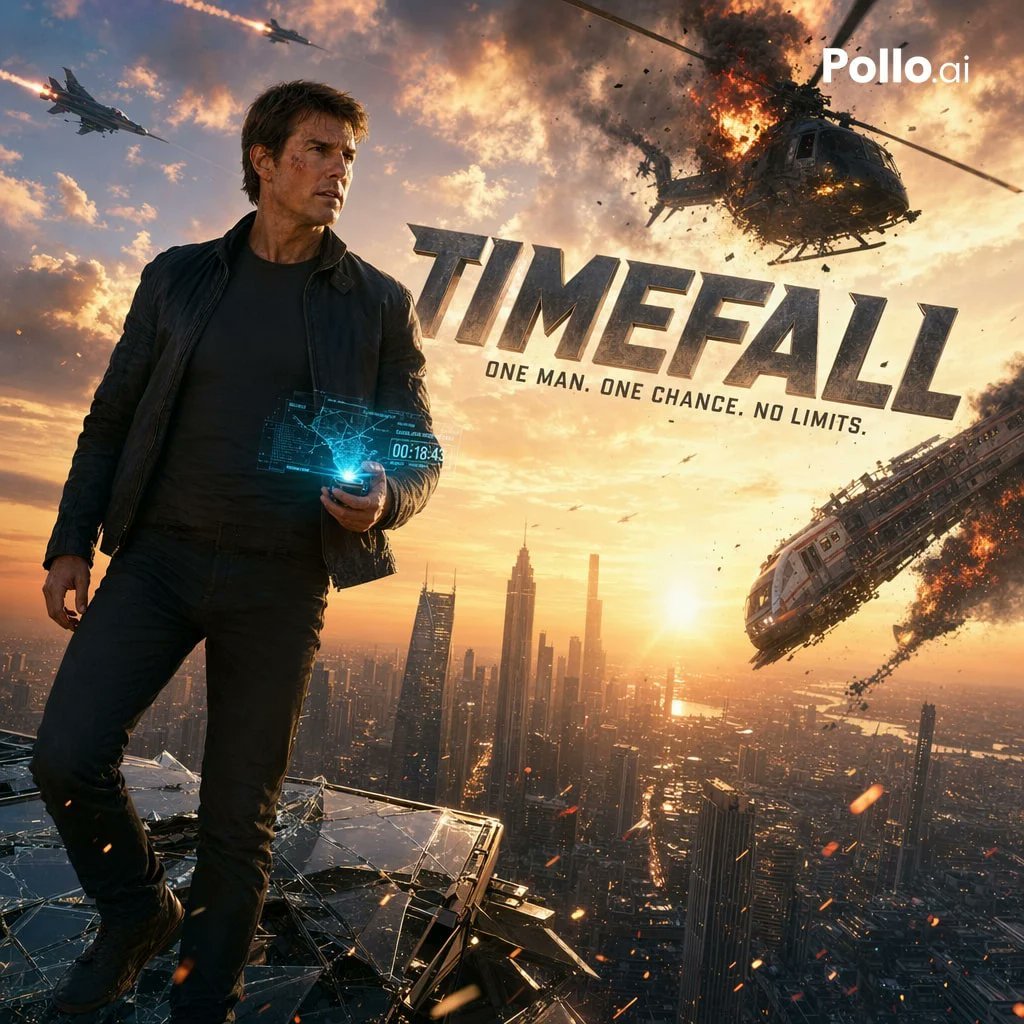
Cinematic Sci-Fi Action Poster
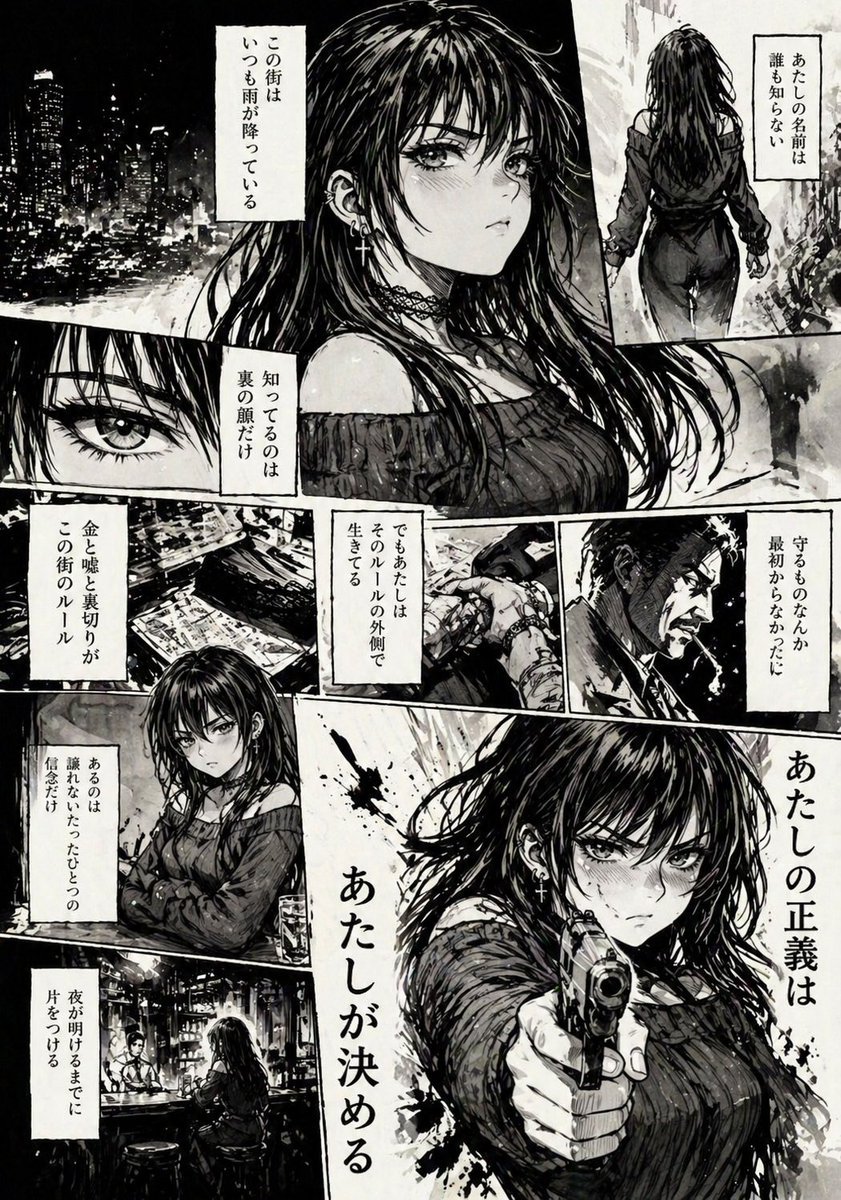
Hard-Boiled Noir Manga Woman Page
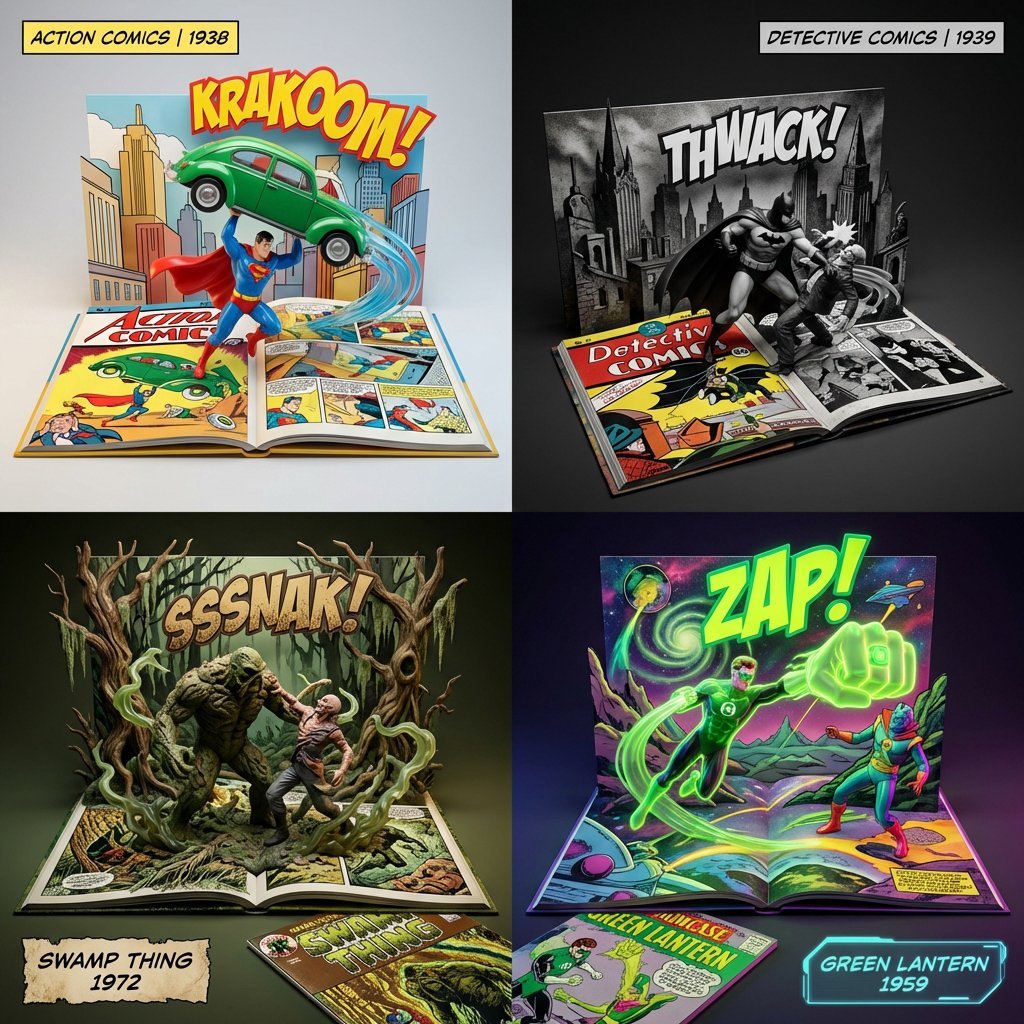
3D Diorama of Comic Book Covers and Toys
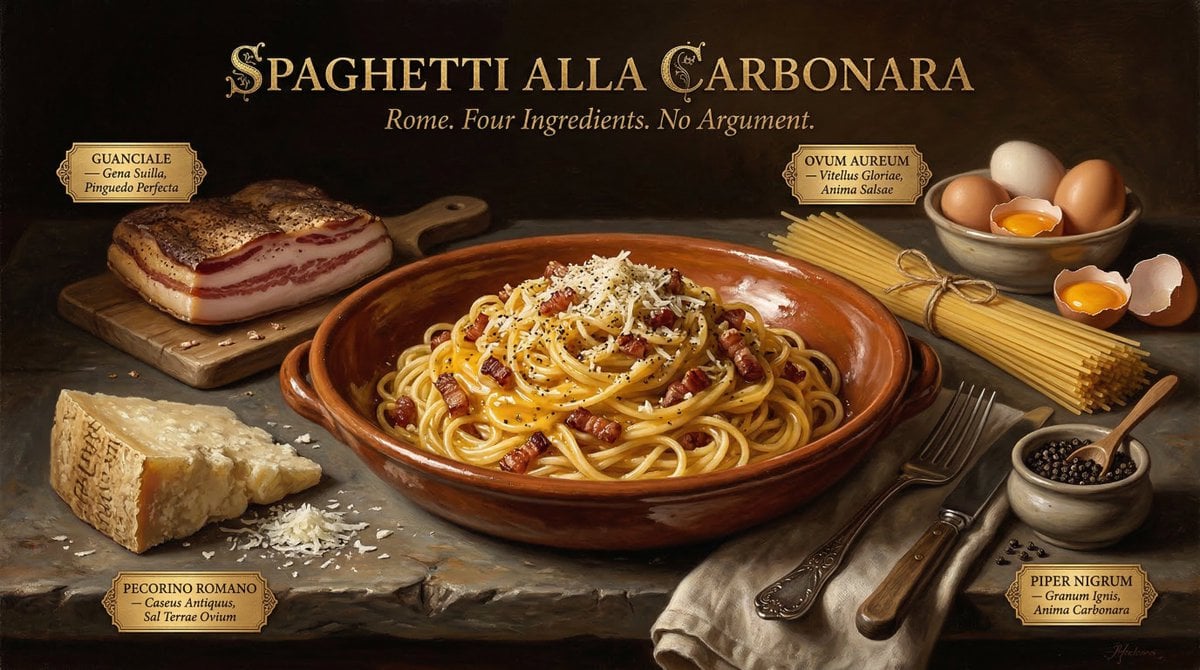
Dutch Golden Age Food Photography
Bone to Spaceship Transition Image
Surreal Fujifilm Vintage Film Portrait
Dunhuang Mural Artistic Template
Lu Xun Literature Themed Illustration
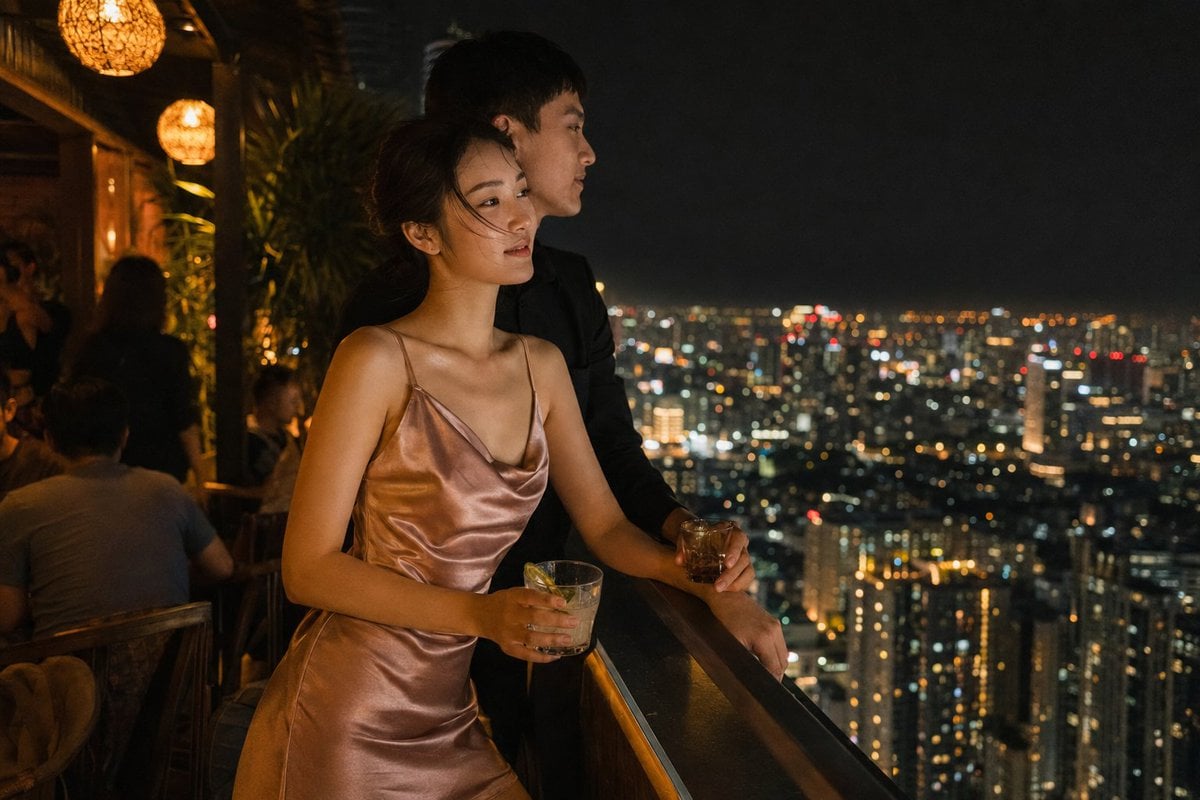
Rooftop Bar Night Cityscape Couple
Browse template categories
Reference Character Painting Self-Portrait in Oil Style questions
How do I use the Reference Character Painting Self-Portrait in Oil Style template?
Add your photo if the template asks for one, edit the prompt if you like — the template's model and format are already selected — and press Generate. Your version opens in PicX Studio.
Can I customize the Reference Character Painting Self-Portrait in Oil Style template?
Yes. You can change the subject, setting, lighting, mood, format, and available model controls before creating your image.
Is the Reference Character Painting Self-Portrait in Oil Style template free?
Opening and editing this template is free. Generating uses credits, shown on the Generate button when you are signed in.
Which AI model should I use?
Start with Nano Banana 2, which is the model associated with this template. You can compare another compatible model for a different finish.
Looking for something else? Browse all templates.

Your photo, any look
Thousands of ready templates for every top image and video model, from one credit balance.