How do I use the Dutch Golden Age Food Photography template?
Edit the prompt in the box under the preview — the template's model and format are already selected — and press Generate. Your version appears right on this page.
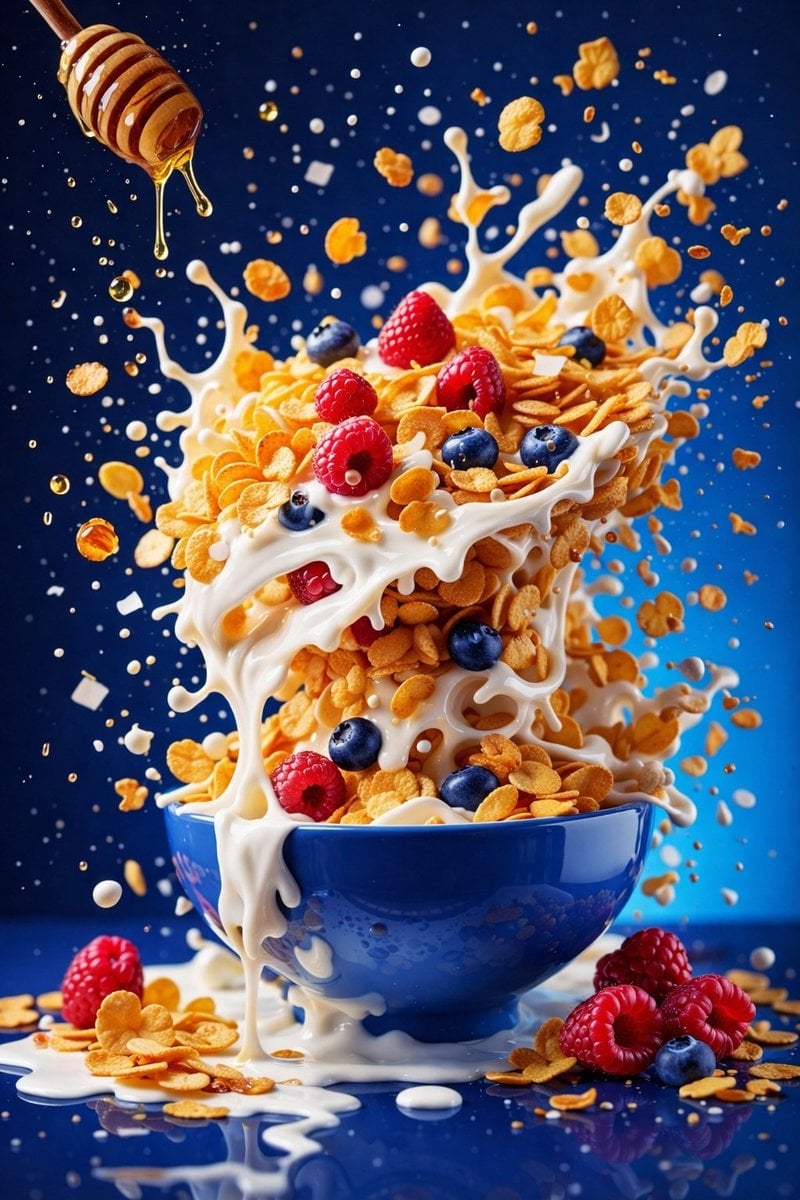
A sophisticated prompt that transforms food photography into a Dutch Golden Age or Italian Renaissance oil painting, featuring dramatic chiaroscuro lighting and ornate typography.

Render {argument name="dish" default="DISH"} as a Dutch Golden Age or Italian Renaissance oil painting, hyperrealistic with dramatic chiaroscuro lighting. Place the hero dish front and center on dark velvet or stone, ingredients arranged in a baroque composition all around it. One strong light source from upper-left reveals every texture: glistening proteins, translucent sauces, jewel-bright vegetables, rustic bread, scattered fresh herbs. Label each ingredient with a small ornate gold cartouche in copperplate script: "{argument name="ingredient" default="[INGREDIENT]"} [poetic Latin or French descriptor]". Add the dish name in gilded ornate typography at the top: "{argument name="dish name" default="[DISH NAME]"}". Subtitle: "[TAGLINE]". Mood: Caravaggio meets Rembrandt meets the most craveable food photo ever shot. Deep rich shadows, jewel-tone colors, extraordinary museum-quality, utterly craveable.
Render {argument name="dish" default="DISH"} as a Dutch Golden Age or Italian Renaissance oil painting, hyperrealistic with dramatic chiaroscuro lighting. Place the hero dish front and center on dark velvet or stone, ingredients arranged in a baroque composition all around it. One strong light source from upper-left reveals every texture: glistening proteins, translucent sauces, jewel-bright vegetables, rustic bread, scattered fresh herbs. Label each ingredient with a small ornate gold cartouche in copperplate script: "{argument name="ingredient" default="[INGREDIENT]"} [poetic Latin or French descriptor]". Add the dish name in gilded ornate typography at the top: "{argument name="dish name" default="[DISH NAME]"}". Subtitle: "[TAGLINE]". Mood: Caravaggio meets Rembrandt meets the most craveable food photo ever shot. Deep rich shadows, jewel-tone colors, extraordinary museum-quality, utterly craveable.
Edit the prompt in the box under the preview — the template's model and format are already selected — and press Generate. Your version appears right on this page.
Yes. You can change the subject, setting, lighting, mood, format, and available model controls before creating your image.
Opening and editing this template is free. Generating uses credits, shown on the Generate button when you are signed in.
Start with GPT Image 2, which is the model associated with this template. You can compare another compatible model for a different finish.
Follow a topic to a crawlable collection of related PicX Studio templates.