
High-impact editorial studio portrait using the person from the attached
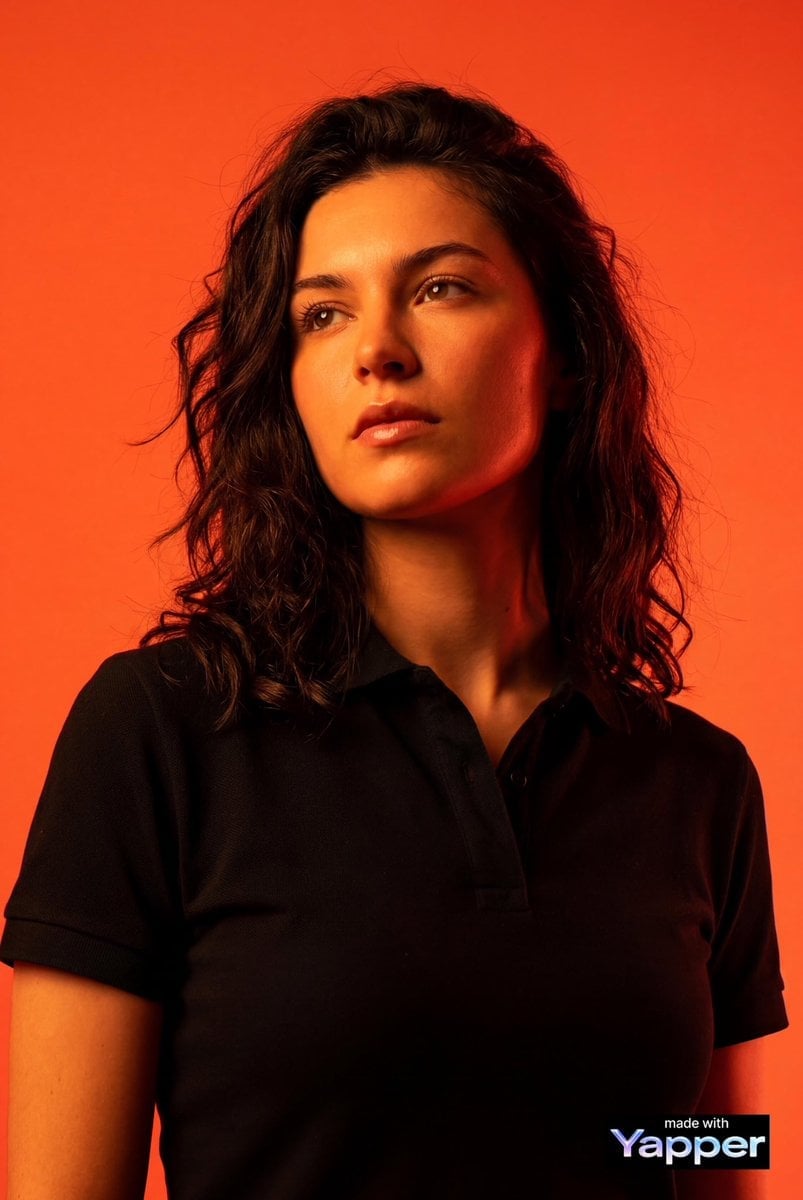
Create a high-impact editorial studio portrait using the person from the attached reference photo as the only identity source.
- Prompt included
- Model and format preset
- Free template
The prompt behind this image
Copy the exact prompt behind High-impact editorial studio portrait using the person from the attached, or open it in the studio and make it yours.
Create a high-impact editorial studio portrait using the person from the attached reference photo as the only identity source. Preserve the subject’s facial structure, skin tone, proportions, hairstyle, age, and overall likeness exactly as in the reference image. Do not modify, enhance, reshape, beautify, or reinterpret any facial features. Absolute identity accuracy is required. The subject is framed in a medium close-up (head and shoulders), photographed from a low-angle perspective looking slightly upward to create a powerful, dominant presence. The subject’s gaze is directed off-camera, upward into space, with a serious, focused, intense expression. Wardrobe: premium black pique polo shirt with visible cotton mesh texture. The fit is sharp and tailored, deep matte black fabric, structured and clean silhouette. Background: solid vibrant orange-red studio backdrop with smooth, seamless color gradients. No patterns or texture — only rich, intense color creating a heated, dramatic atmosphere. Lighting: bold, high-contrast studio lighting dominated by orange and deep red tones. Strong directional key light creates dramatic chiaroscuro shadows that emphasize facial structure and jawline. Add a powerful rim light or edge glow separating the shoulders and head from the background. Maintain depth and dimensionality. Mood: heroic, intense, commanding, cinematic studio aesthetic. Technical quality: ultra-photorealistic, highly detailed, sharp focus on the face, visible natural skin texture and pores, no smoothing. Background gradients smooth and clean. High resolution, studio-grade quality, professional editorial finish
How to use High-impact editorial studio portrait using the person from the attached in 3 steps
- 1Upload ImagePNG, JPG or paste
Add your photo
Upload the photo the template builds on. The prompt, model and format are already set.
- 2…a portrait of your subject in softgolden-hour light, 85mm…
Personalize
Edit the subject and creative details for your destination.
- 3Generate
Generate
Press Generate — your image is created in PicX Studio, so you can compare it with the original and refine one variable at a time.
More like this
Templates with the same subject, style or setup. Open one to see its prompt.
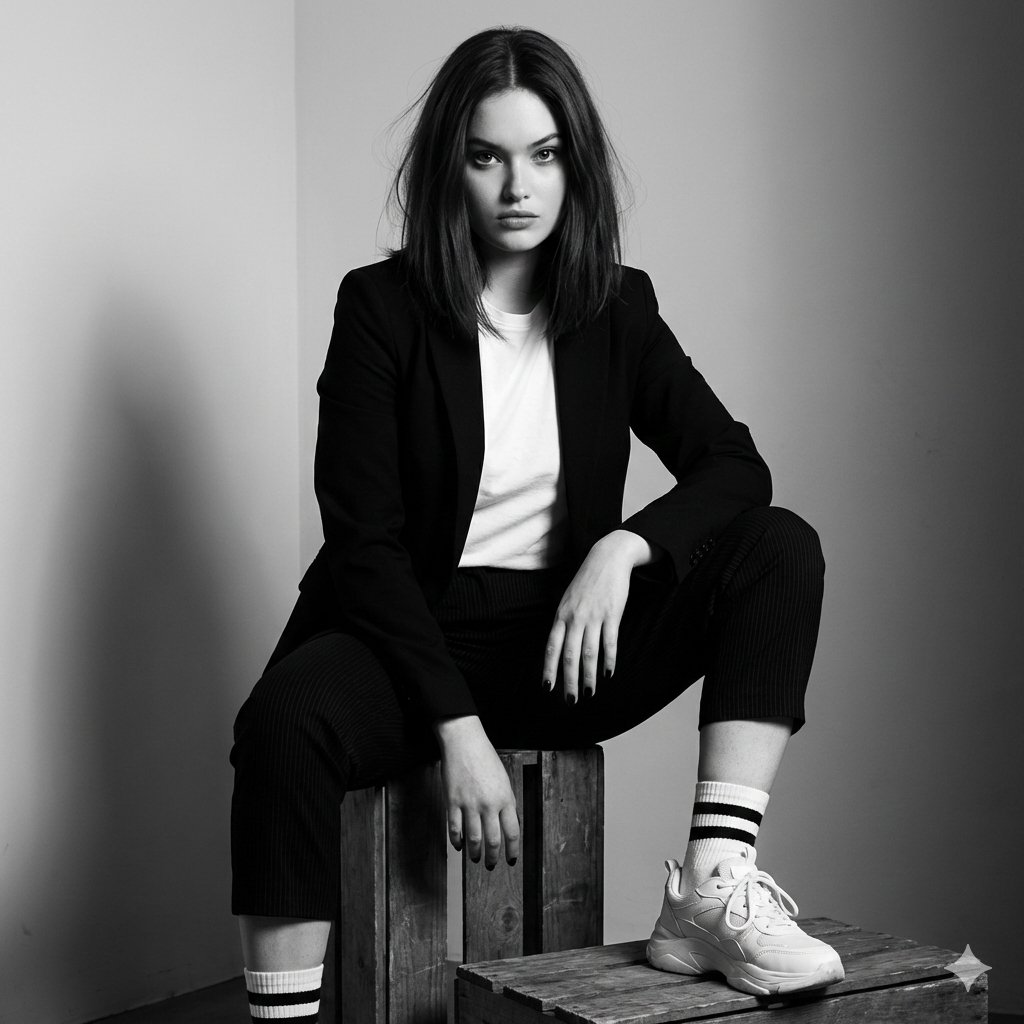
Realistic portrait 100 identical face, no editing allowed
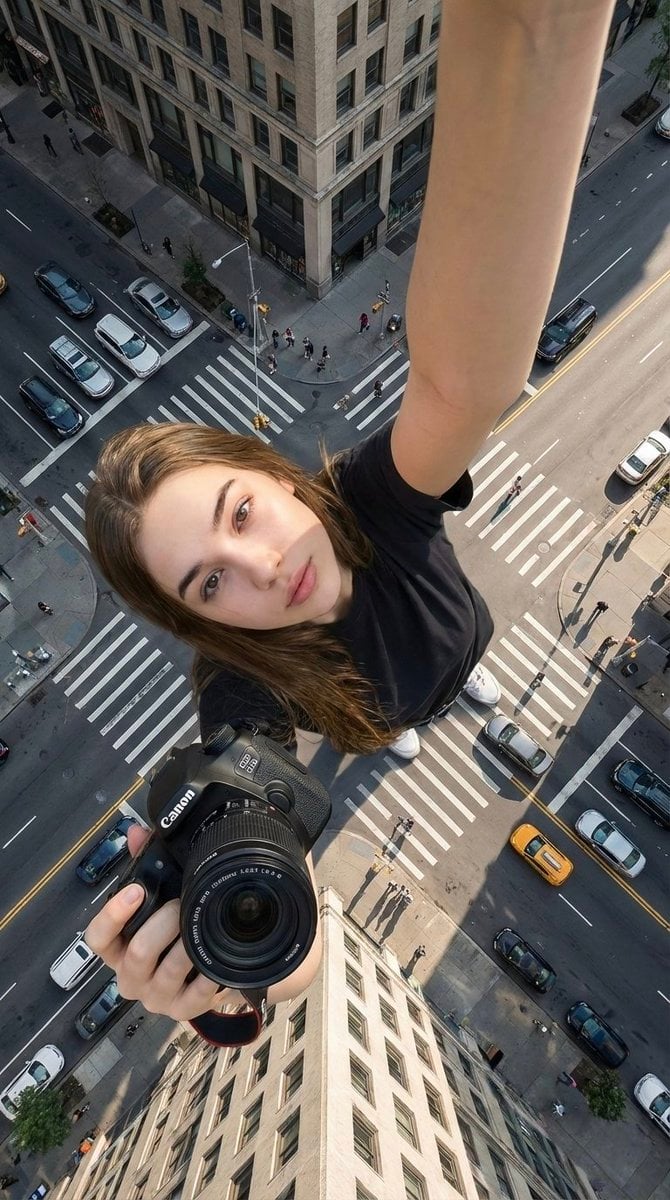
Hyper-realistic cinematic selfie image of a woman using her exact

80s Couple Studio Portrait

1985 Studio Portrait
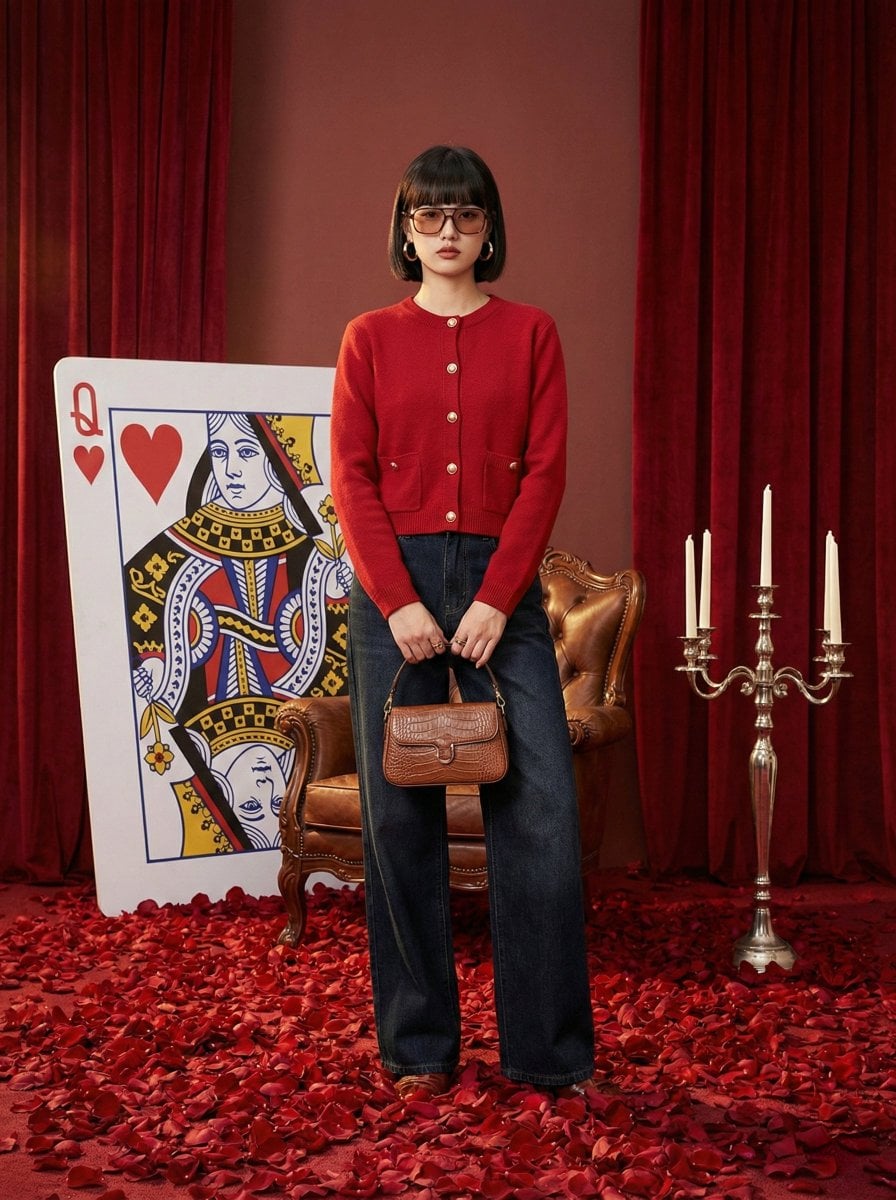
Photography Prompt #982
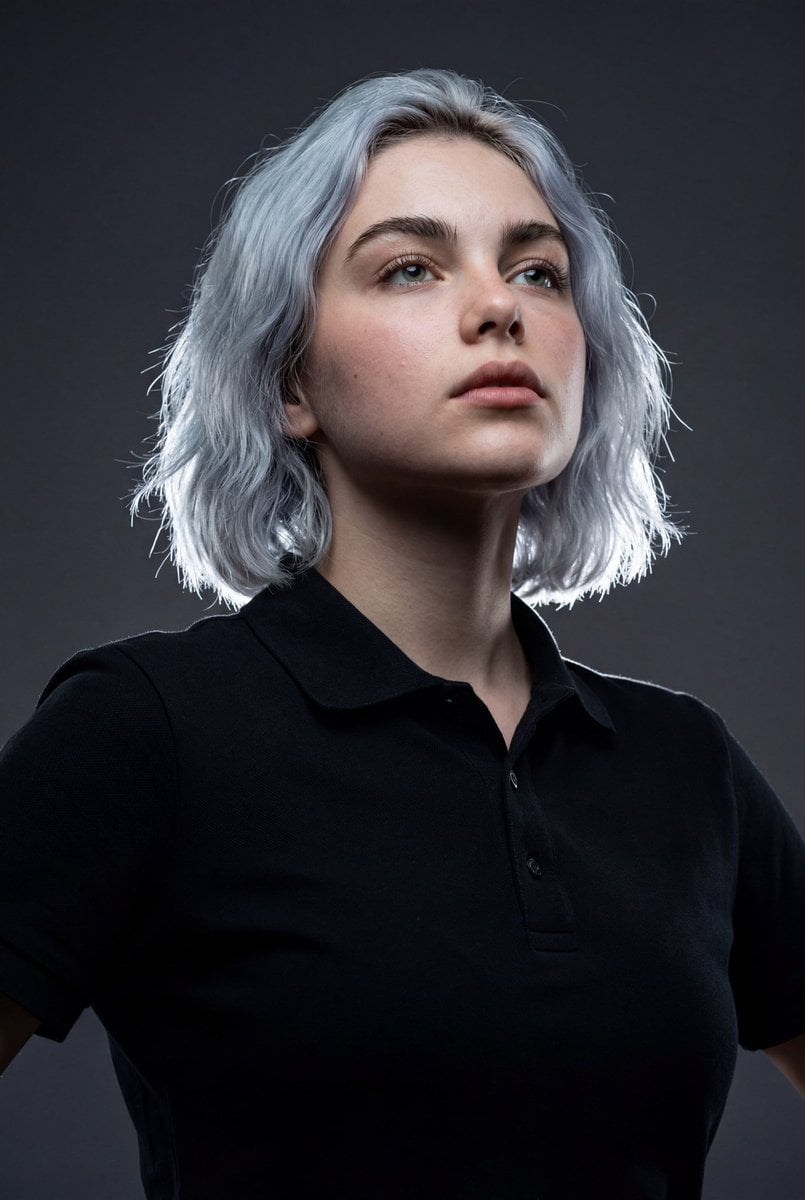
High-Impact Editorial Studio Portrait with Identity Lock
untitled

Studio Quality Portrait Generation Using
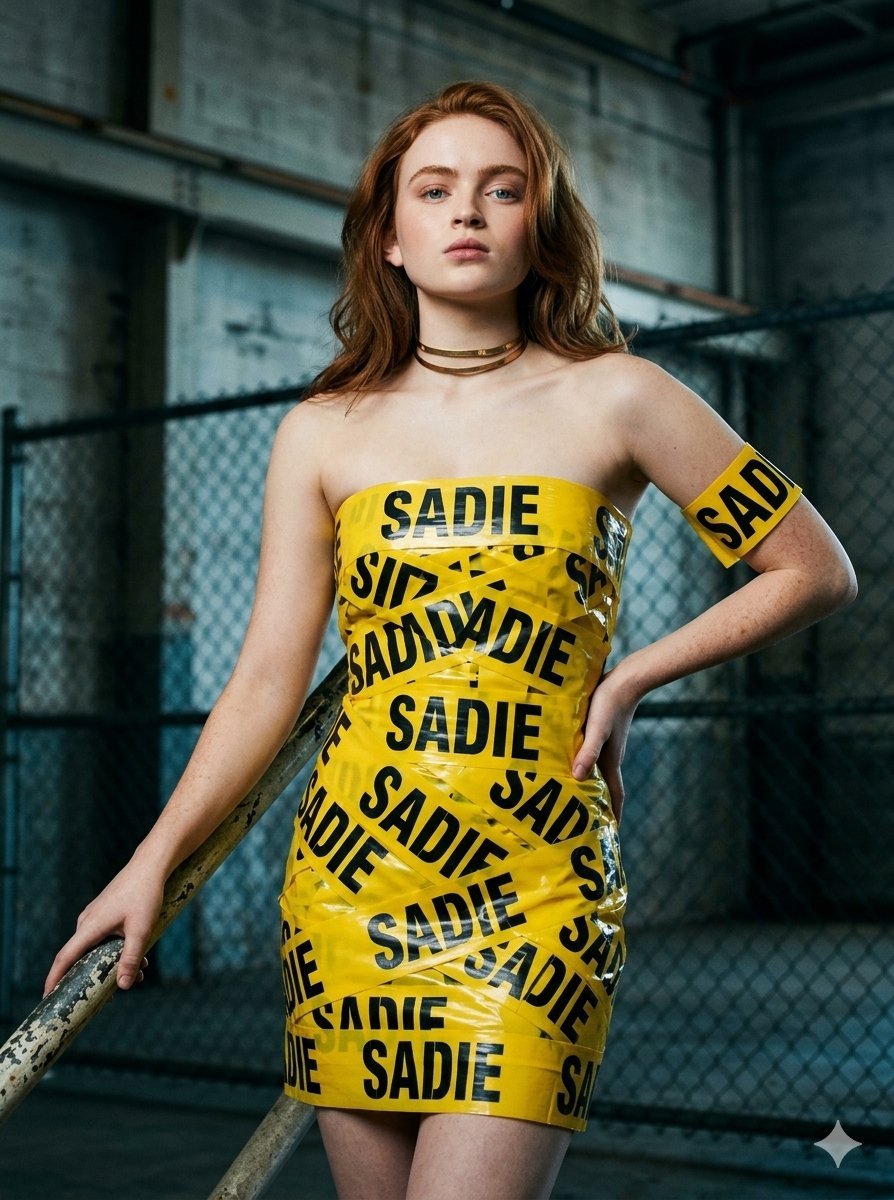
Caution Tape Fashion — Industrial Editorial
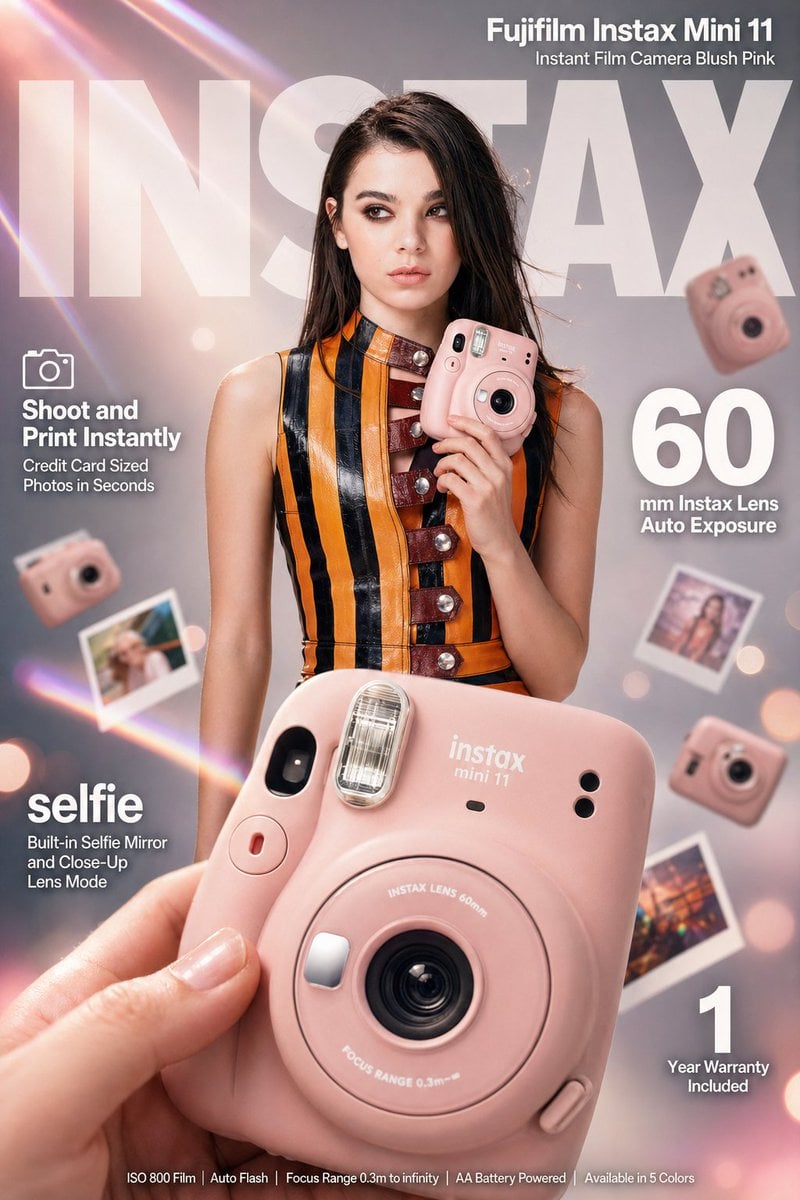
High-impact e-commerce infographic advertisement for Fujifilm Instax
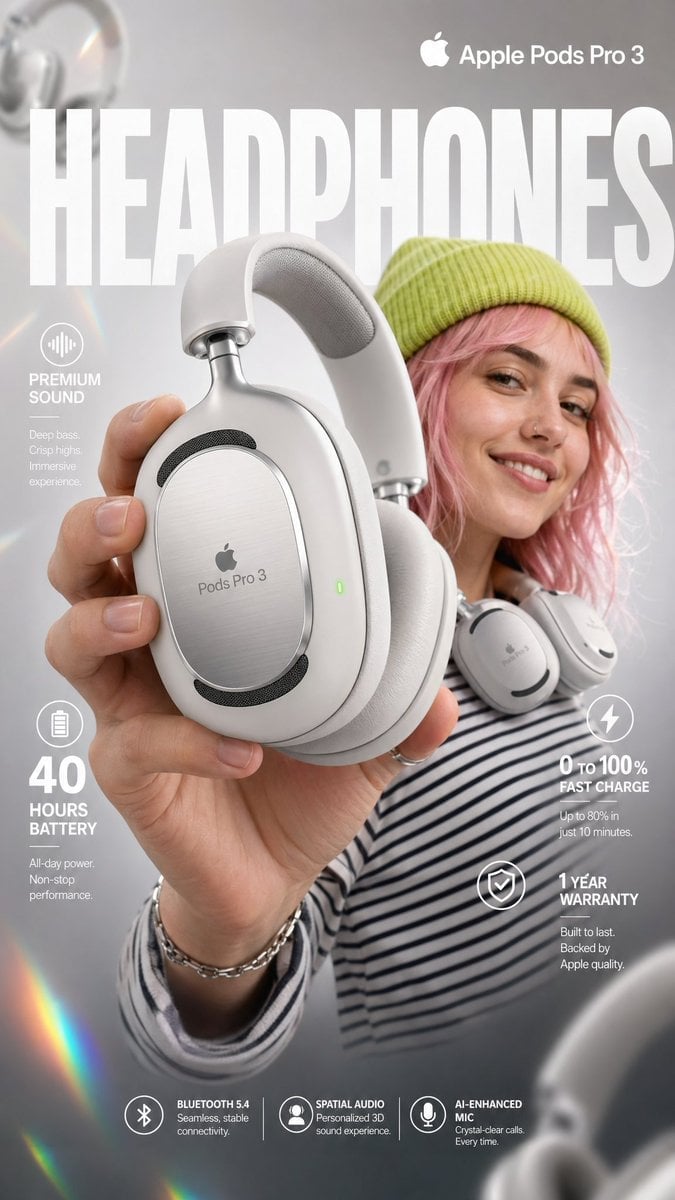
High-impact e-commerce infographic for Apple Pods Pro 3

Bold, intense, premium, cinematic, high-impact food commercial aesthetic
Make it yours
High-impact editorial studio portrait using the person from the attached works as-is. These are the safest ways to change it without losing the look.
Change one field
Copy a single group, rewrite it, and generate again so you can see what that field is doing.
Keep the frame, change the subject
Hold the composition and light of High-impact editorial studio portrait using the person from the attached, then swap wardrobe, props or the person for a new take.
| If the result… | Why | Fix |
|---|---|---|
| The result drifts from the preview | Too many fields changed at once. | Reuse High-impact editorial studio portrait using the person from the attached as-is first, then change one group — subject, light, or setting. |
| The model over-stylizes the scene | The prose prompt leaves finish and camera underspecified. | Add one camera or lighting sentence and stay on Nano Banana 2. |
More Nano Banana 2 templates
Other prompts made for Nano Banana 2.

Photorealistic Leaf Shaped Like a Dragon

K-Pop Idol Portrait Grid for Rapid Selection

Poetic Rain Forest Portrait During Golden Hour

Urban Street Portrait with Cartoon Inner Self Duo

Candid Nighttime Photo with Cat Prompt

High-Concept 3D Diorama Generation Prompt

Cinematic Futuristic Studio Portrait Template

Skincare Editorial Photography Collage Prompt

Hyper-Realistic Commercial Product Photography (Splash Effect)

Hyper-Realistic Nightclub Portrait Prompt
More image prompts
Fresh picks from across the catalog.
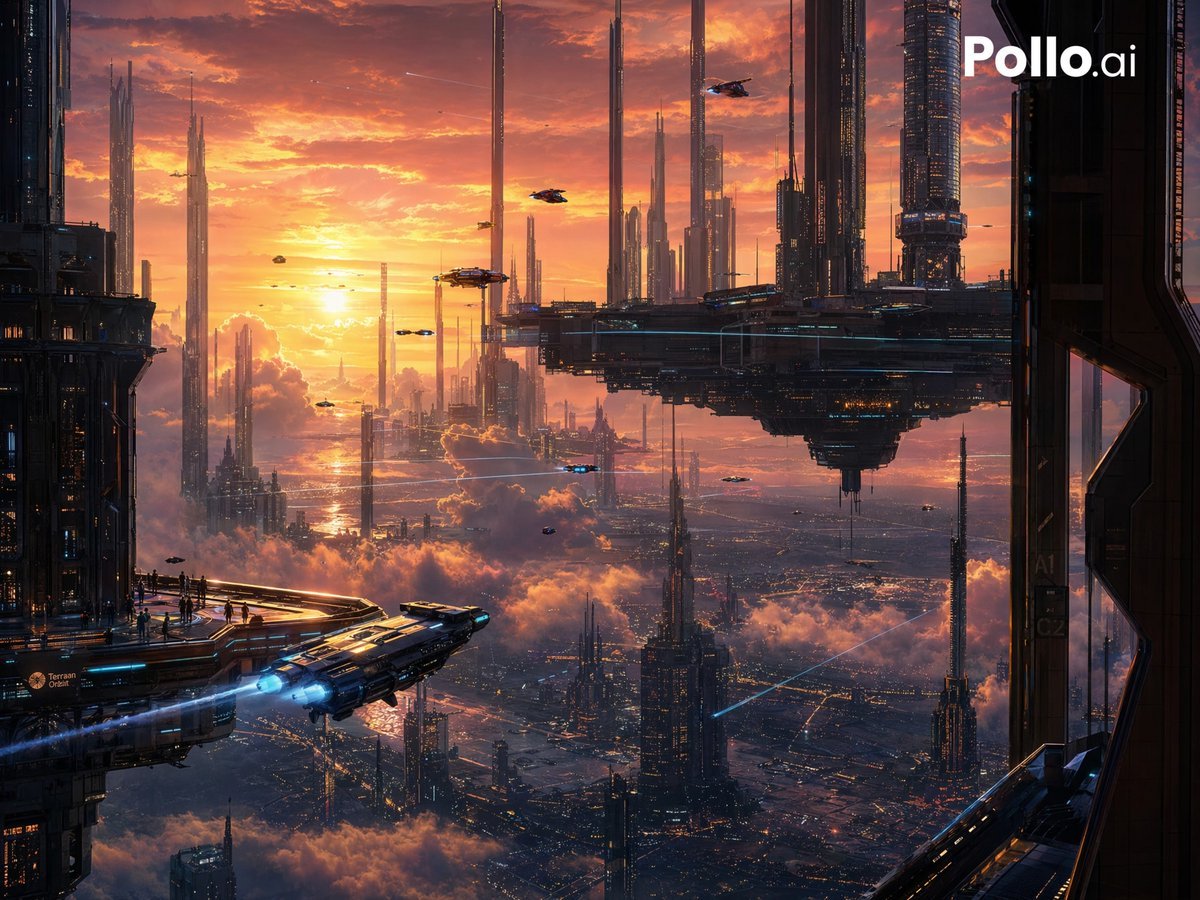
Sunset Futuristic Megacity Panorama
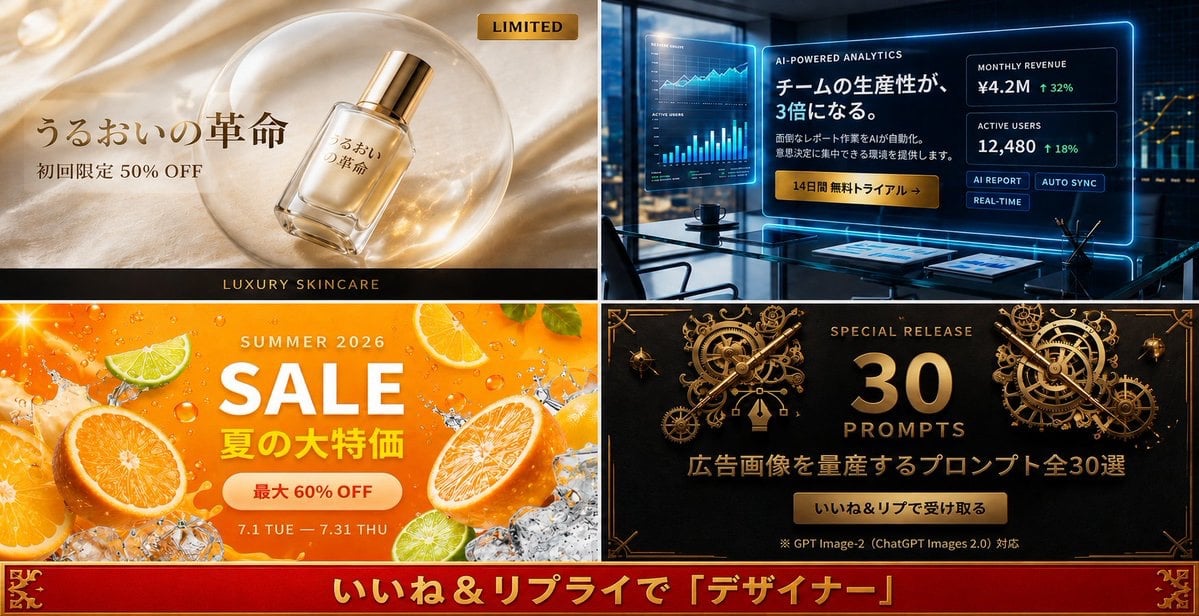
Four-Panel Japanese Ad Prompt Giveaway
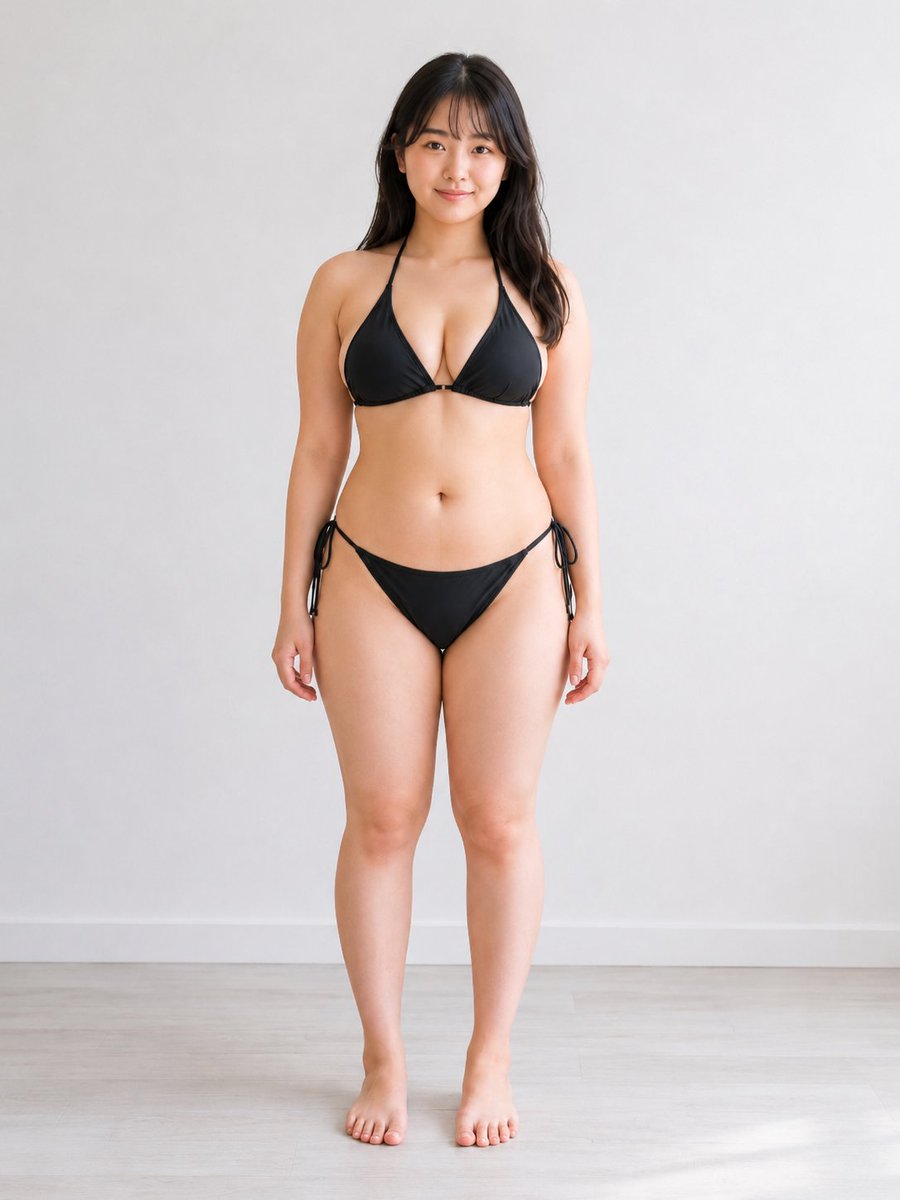
Consistent Character Multi-Angle Studio Shot
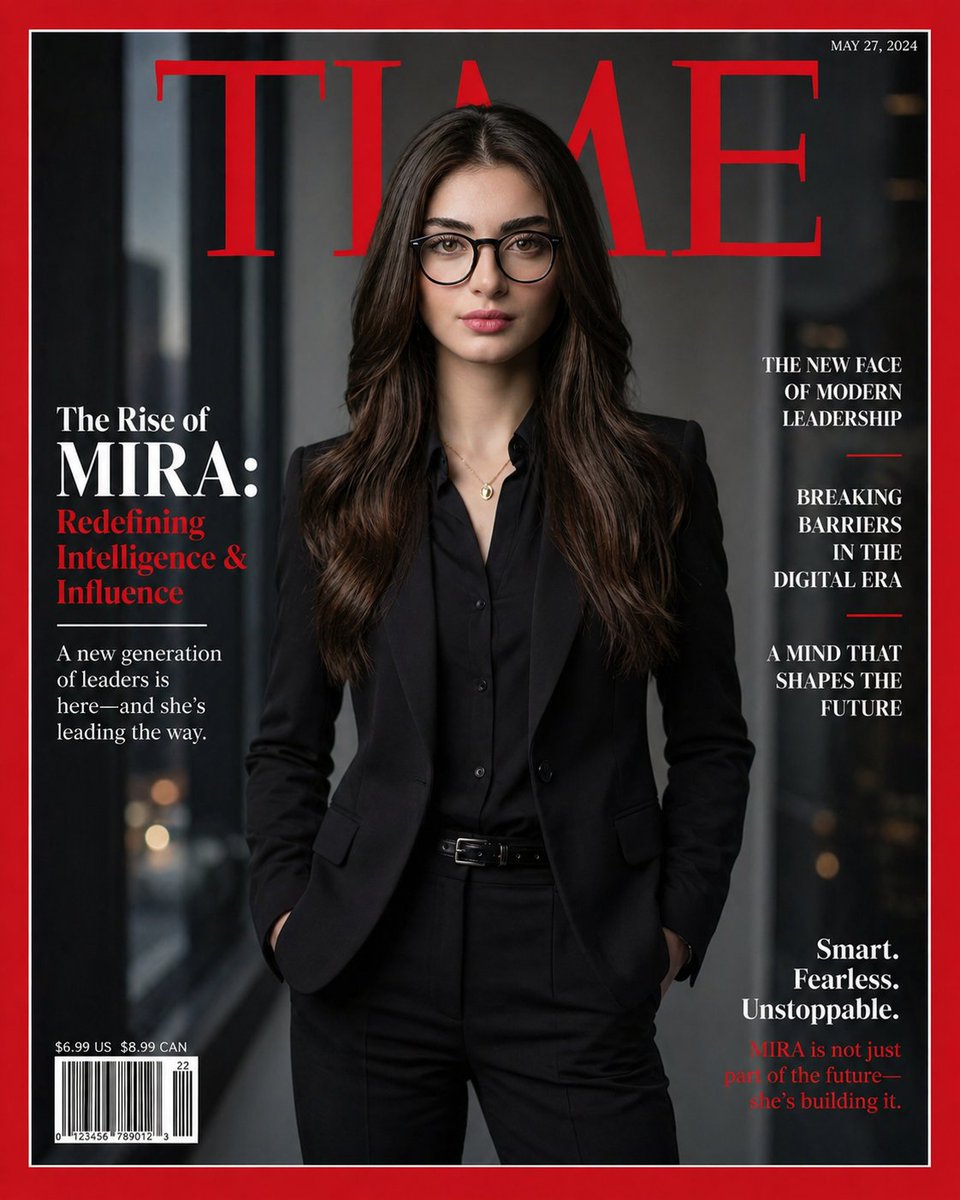
Personalized TIME magazine cover
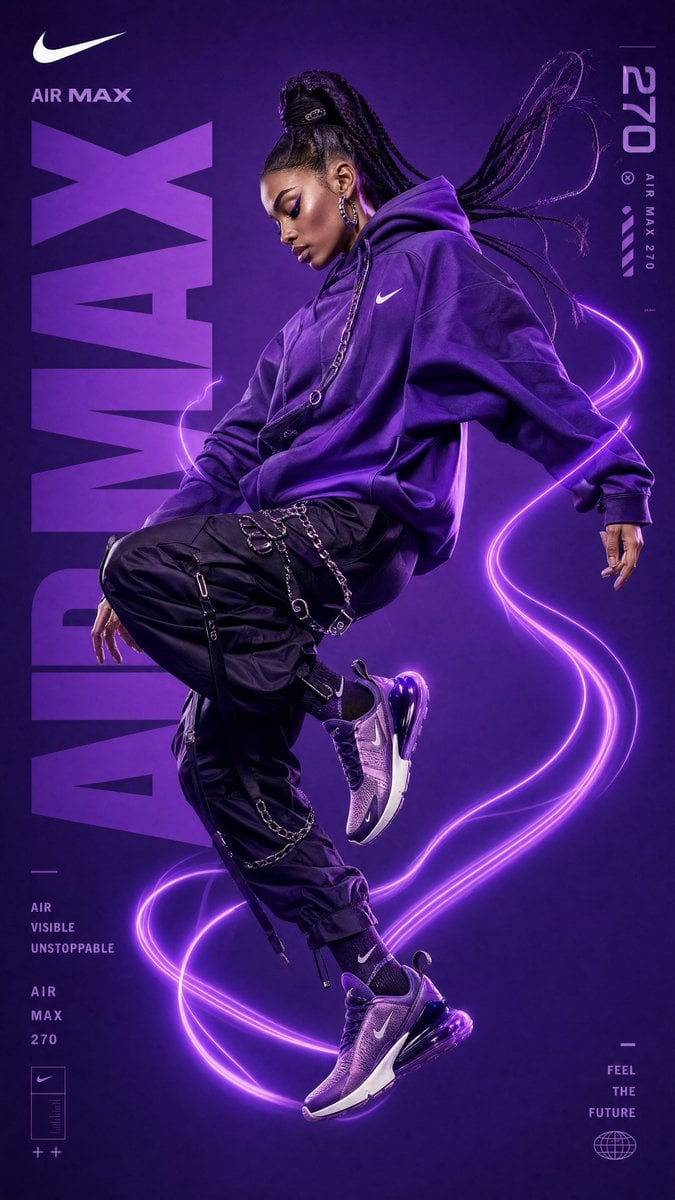
Futuristic Nike Sportswear Campaign
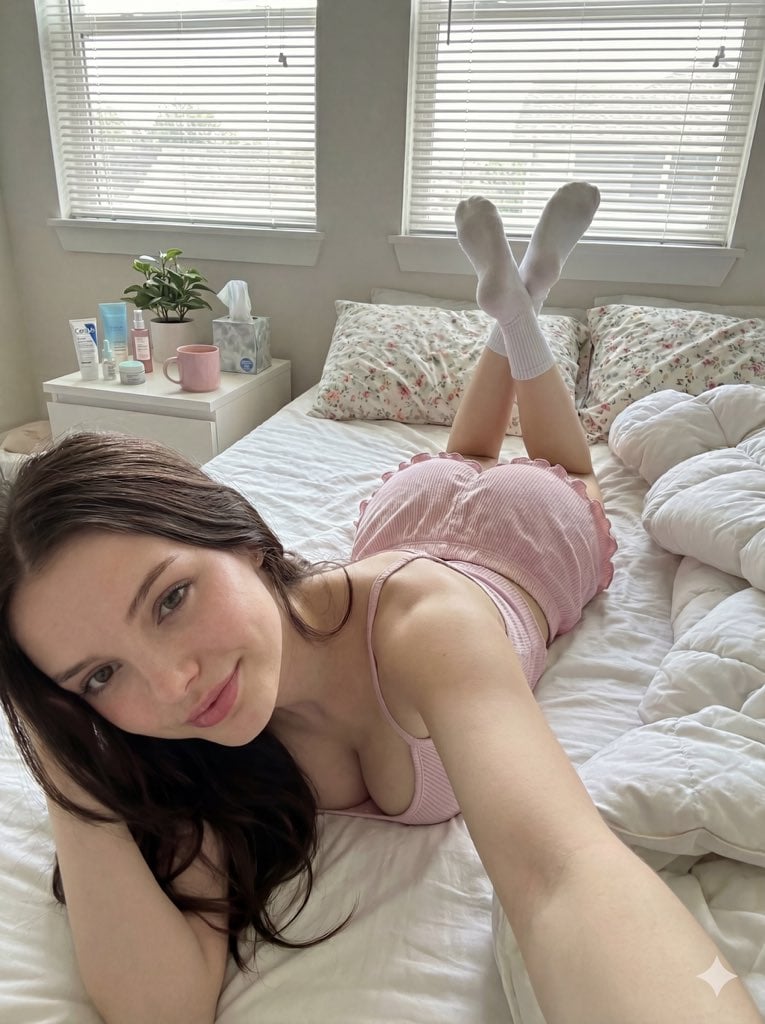
Cozy Bedroom Selfie Prompt
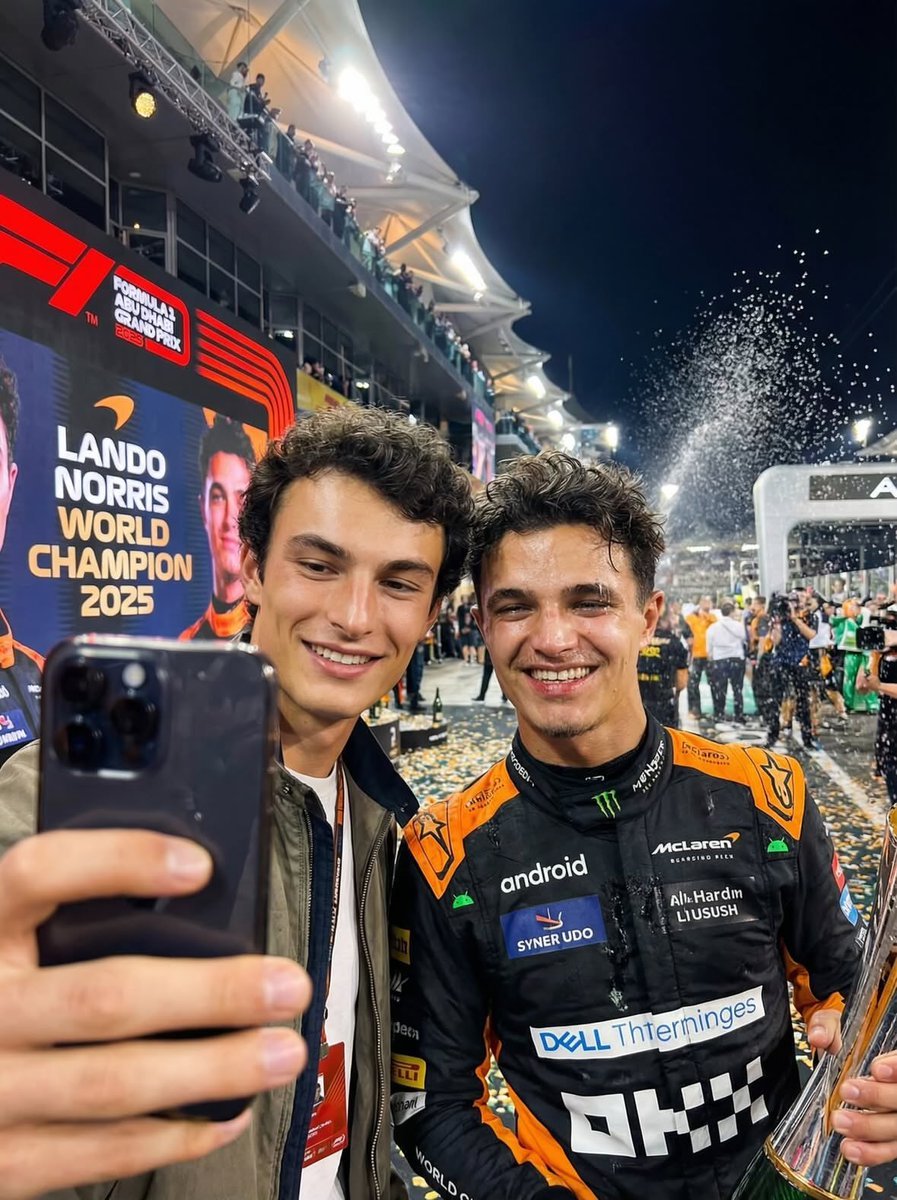
Ultra-realistic selfie with F1 champion Lando Norris
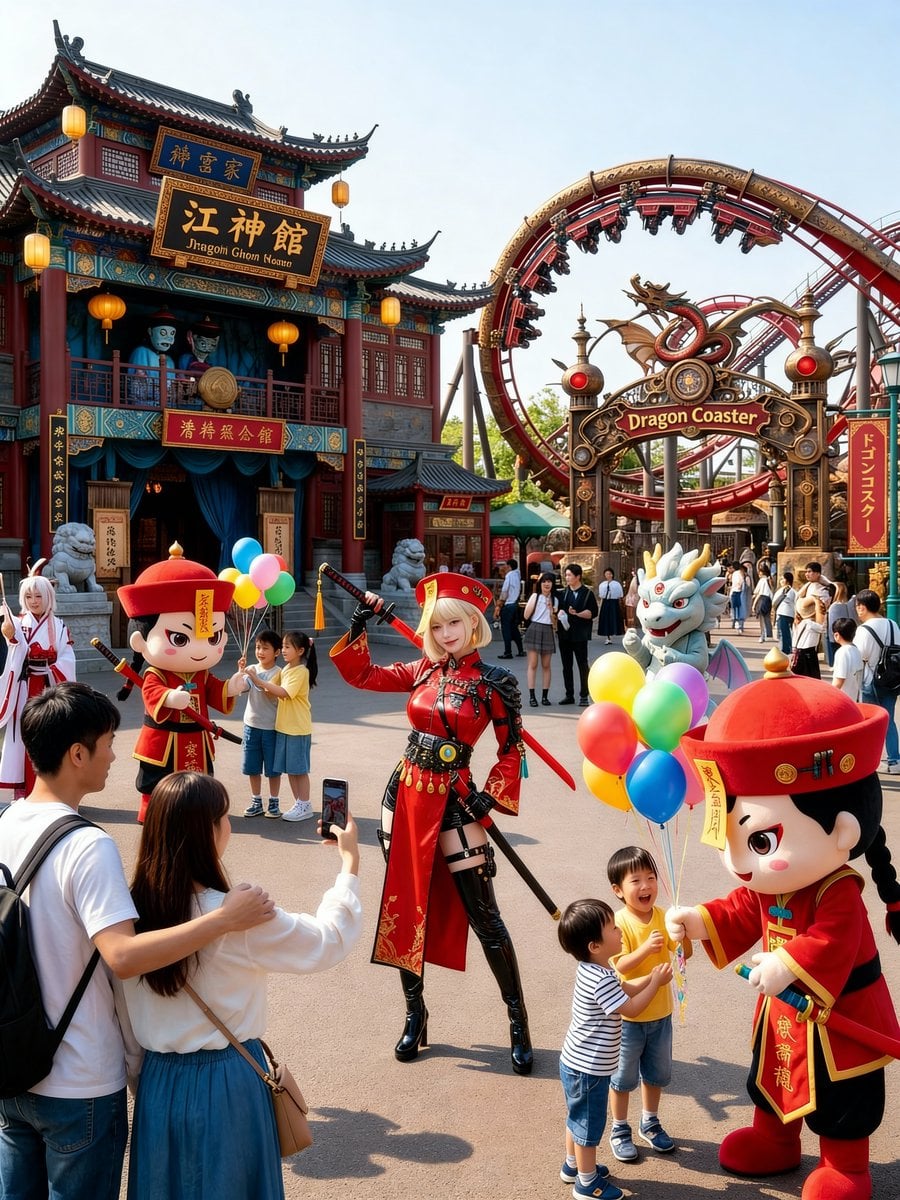
Amusement Park Prompt Template for Character Placement
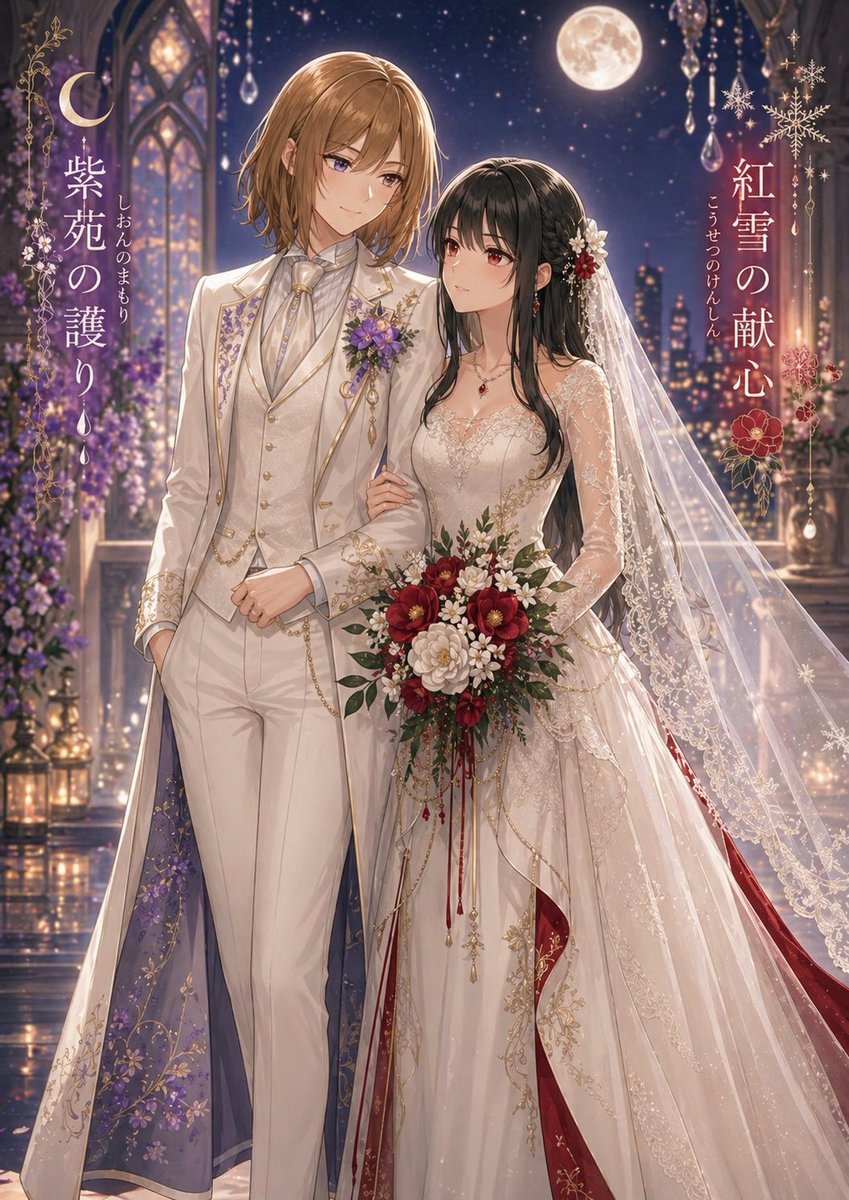
Moonlit Yuri Wedding Poster
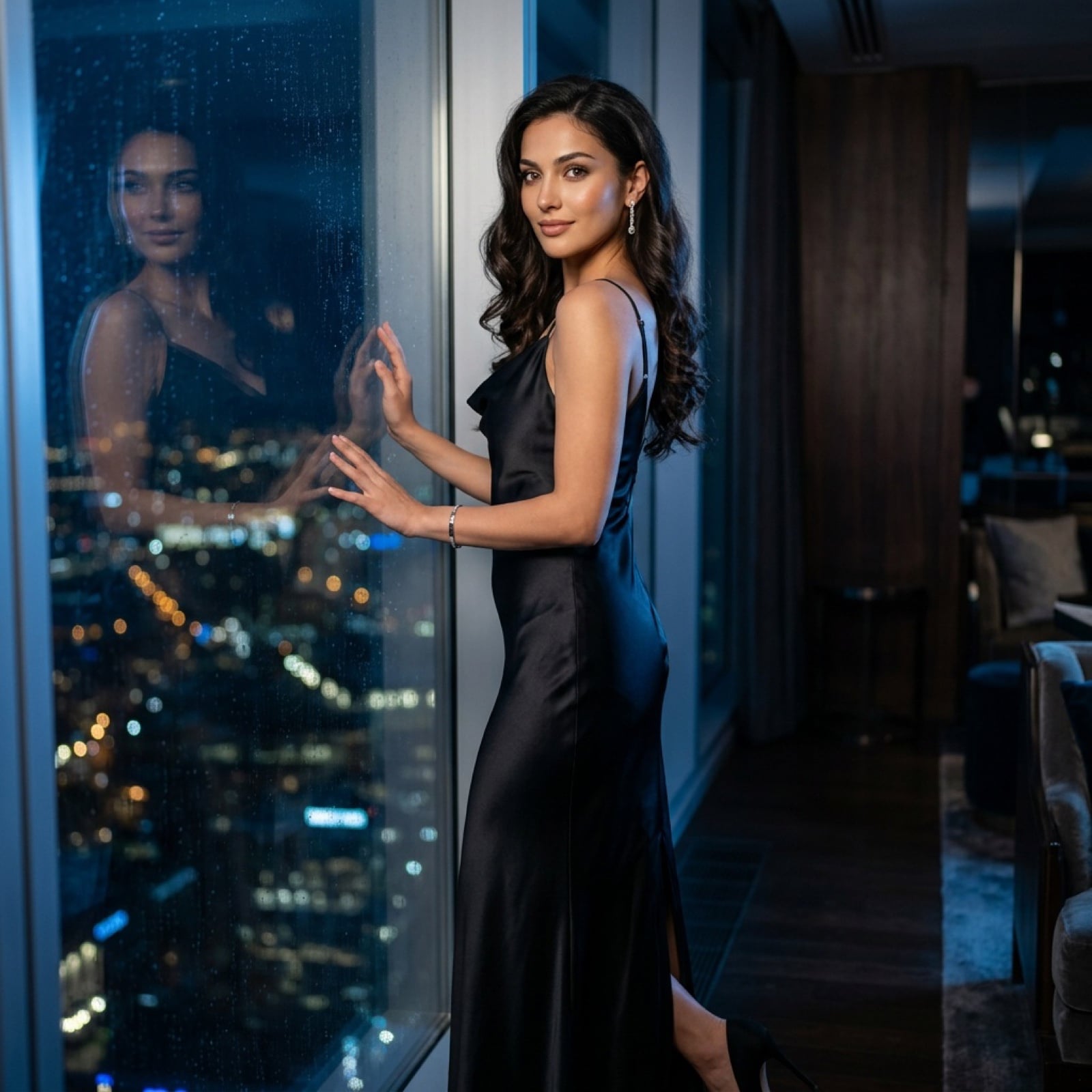
Cinematic Evening Fashion Portrait with Identity Lock
Browse template categories
High-impact editorial studio portrait using the person from the attached questions
How do I use the High-impact editorial studio portrait using the person from the attached template?
Add your photo if the template asks for one, edit the prompt if you like — the template's model and format are already selected — and press Generate. Your version opens in PicX Studio.
Can I customize the High-impact editorial studio portrait using the person from the attached template?
Yes. You can change the subject, setting, lighting, mood, format, and available model controls before creating your image.
Is the High-impact editorial studio portrait using the person from the attached template free?
Opening and editing this template is free. Generating uses credits, shown on the Generate button when you are signed in.
Which AI model should I use?
Start with Nano Banana 2, which is the model associated with this template. You can compare another compatible model for a different finish.
Looking for something else? Browse all templates.

Your photo, any look
Thousands of ready templates for every top image and video model, from one credit balance.