
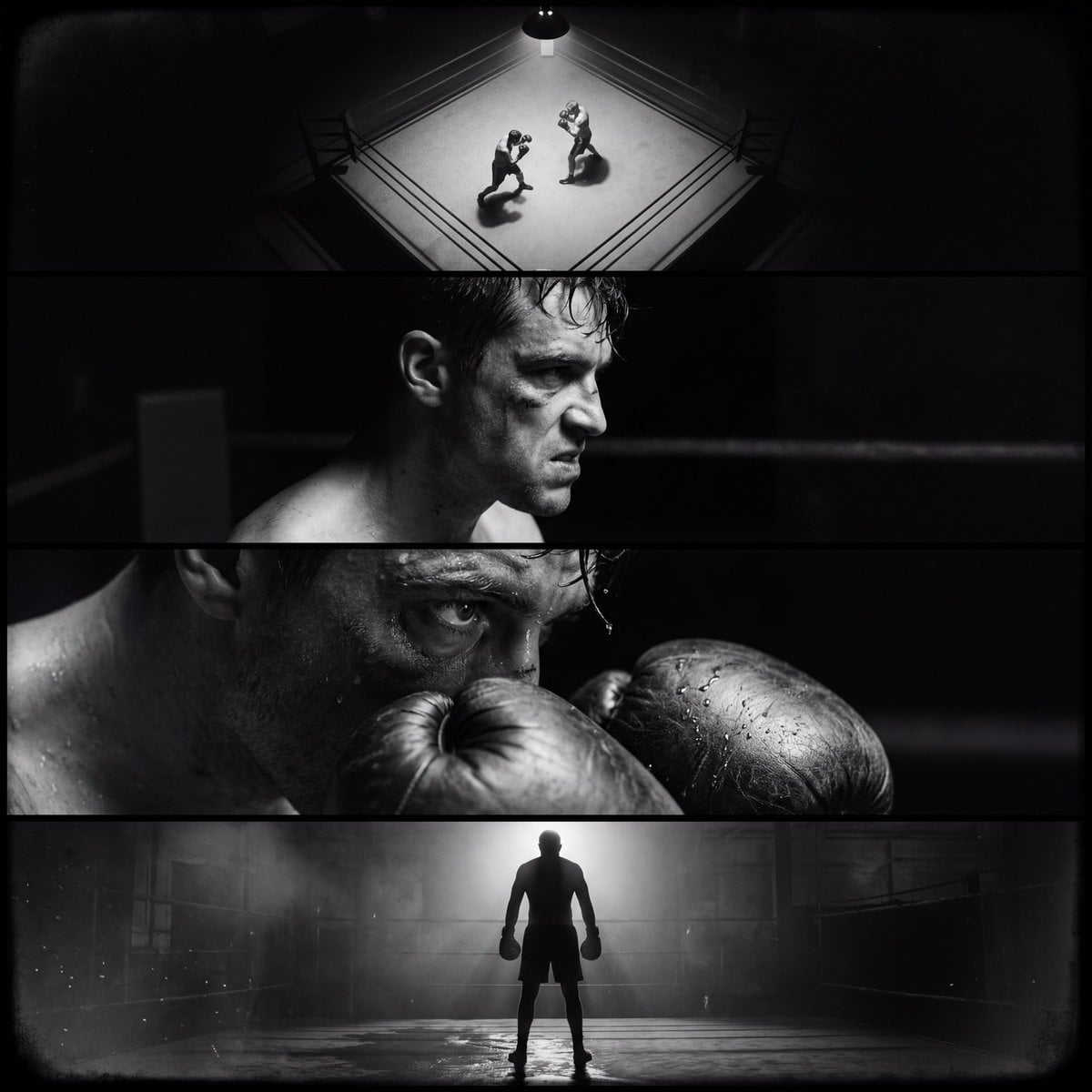
Single film noir style cinematic image divided into four horizontal
Create a single film noir–style cinematic image divided into four horizontal panels, all depicting the same boxer and the same boxing ring environment, unified by lighting, atmosphere, and narrative progression across…
- Prompt included
- Model and format preset
- Premium template
The prompt behind this image
Copy the exact prompt behind Single film noir style cinematic image divided into four horizontal, or open it in the studio and make it yours.
Create a single film noir–style cinematic image divided into four horizontal panels, all depicting the same boxer and the same boxing ring environment, unified by lighting, atmosphere, and narrative progression across four stages of a fight. Overall style: Vintage Film Noir Lighting, Low Key Lighting, Hard Shadows Lighting, Split Lighting, moody and tense atmosphere, minimal fill light, deep blacks, sharp contrast, visible film grain, slight vignetting, subtle haze in the air from sweat and dust. Industrial warehouse boxing gym setting, night atmosphere, light beams cutting through darkness, damp canvas reflecting highlights. Clean horizontal separation between panels, cinematic split-screen composition, consistent character identity across all panels. Top panel – ROUND 1, BIRD’S-EYE SHOT: Bird’s Eye View of the boxing ring. Stark top-down composition, ropes forming geometric frames. Two boxers circling each other. Our main subject slightly forward in stance, gloves raised. Overhead spotlight creating strong geometric shadows across the canvas. Sweat barely visible. Light slicing through darkness, corners of the ring fading into black. Second panel – ROUND 2, SIDE CLOSE-UP SHOT: Side-profile close-up of the main boxer mid-fight. From Side, intense expression, jaw clenched. One side of the face sharply lit by a hard key light, the other completely swallowed in shadow. Sweat and minor bruising beginning to appear. Split Lighting carving the facial structure in classic noir sculpting. Background dissolves into darkness, only faint ring ropes visible. Third panel – ROUND 3, EXTREME CLOSE-UP: Extreme Close-Up on a critical detail, eye behind a battered glove or sweat dripping from brow to canvas. Heavy shadow dominance. Light catching only the iris and the texture of the glove leather. Micro cuts, swelling, fine skin texture visible. Film grain pronounced. The rest of the frame nearly pure black. Bottom panel – FINAL ROUND, MEDIUM WIDE BACK SHOT: Medium Wide Shot from behind the boxer. From Behind perspective. The subject standing alone in the ring after a decisive moment, shoulders rising with breath. Opponent down or barely visible in shadow. Rim Lighting outlining the silhouette. Wet canvas reflecting fragmented light. Light haze in the air enhancing depth. The ring fading into darkness beyond the ropes. High detail, High Quality, Photorealism Style, cinematic composition, cohesive identity across all four panels, dramatic storytelling progression within a single unified noir frame.
How to use Single film noir style cinematic image divided into four horizontal in 3 steps
- 1
Open
The prompt is already in the box next to the preview, with the template's model and format selected.
- 2…a portrait of your subject in softgolden-hour light, 85mm…
Personalize
Edit the subject and creative details for your destination.
- 3Generate
Generate
Press Generate — your image is created in PicX Studio, so you can compare it with the original and refine one variable at a time.
More like this
Templates with the same subject, style or setup. Open one to see its prompt.
ONE single ultra-photoreal cinematic editorial image as a three-strip

青蛇小青写真大片,绿色紧身蛇鳞裙,湿发红唇,妖娆妩媚

A double exposure, long exposure editorial photograph of a man Use image

Portrait of a young woman in her early 20s walking calmly on a beautiful

Artistic portrait of an elegant Asian woman wearing a black silk

A high-quality photo collage featuring the same person with identical

LIGHTING each element still lit by its original source, windows casting

A 3x3 grid storyboard contact sheet comprised of nine candid, cinematic

A high-definition cinematic portrait of a sophisticated woman sitting
Lifestyle photography, cinematic color grading, shallow depth of field

Dramatic motion blur trails, long-exposure photography effect, dynamic

A luxury brand advertisement featuring three stylish arranged
Make it yours
Single film noir style cinematic image divided into four horizontal works as-is. These are the safest ways to change it without losing the look.
Change one field
Copy a single group, rewrite it, and generate again so you can see what that field is doing.
Keep the frame, change the subject
Hold the composition and light of Single film noir style cinematic image divided into four horizontal, then swap wardrobe, props or the person for a new take.
| If the result… | Why | Fix |
|---|---|---|
| The result drifts from the preview | Too many fields changed at once. | Reuse Single film noir style cinematic image divided into four horizontal as-is first, then change one group — subject, light, or setting. |
| The model over-stylizes the scene | The prose prompt leaves finish and camera underspecified. | Add one camera or lighting sentence and stay on Nano Banana 2. |
More Nano Banana 2 templates
Other prompts made for Nano Banana 2.

Photorealistic Leaf Shaped Like a Dragon

K-Pop Idol Portrait Grid for Rapid Selection

Poetic Rain Forest Portrait During Golden Hour

Urban Street Portrait with Cartoon Inner Self Duo

Candid Nighttime Photo with Cat Prompt

High-Concept 3D Diorama Generation Prompt

Cinematic Futuristic Studio Portrait Template

Skincare Editorial Photography Collage Prompt

Hyper-Realistic Commercial Product Photography (Splash Effect)

Hyper-Realistic Nightclub Portrait Prompt
More image prompts
Fresh picks from across the catalog.
LZA Prime

Japanese Breaking News Broadcast Generator
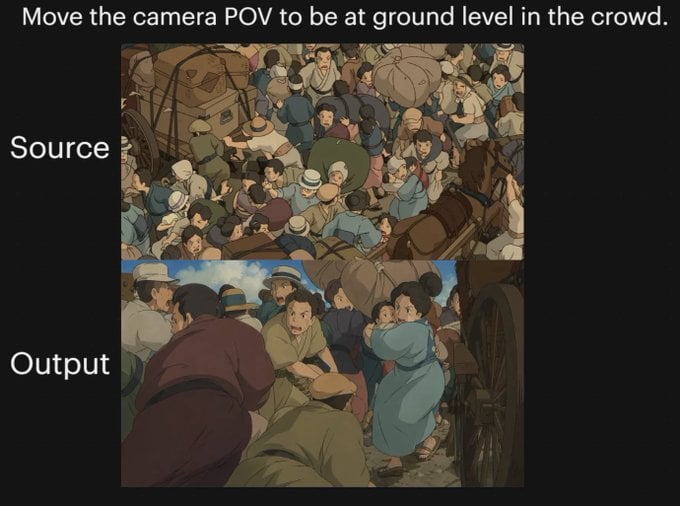
Anime Crowd POV Comparison
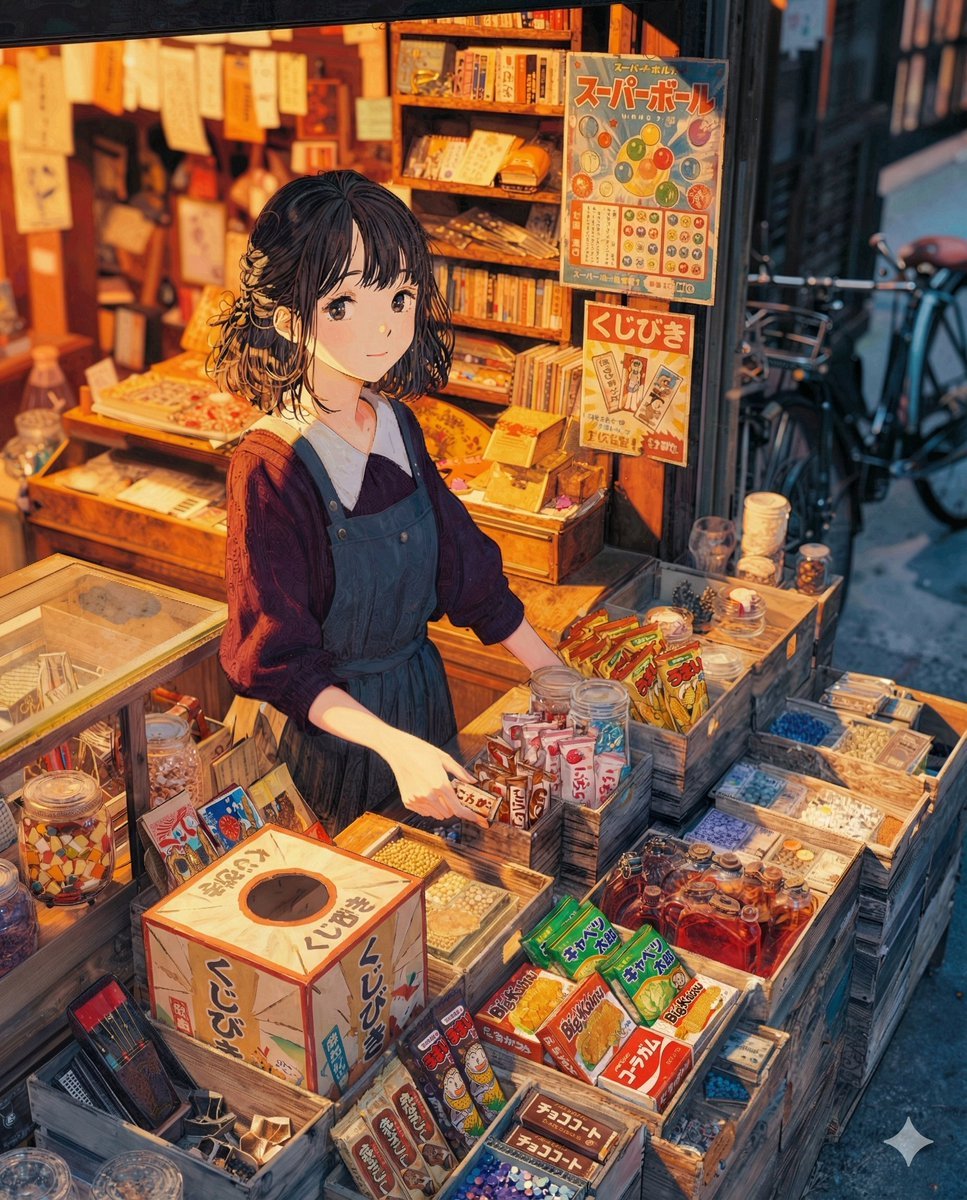
To the Candy Shop Image Generation
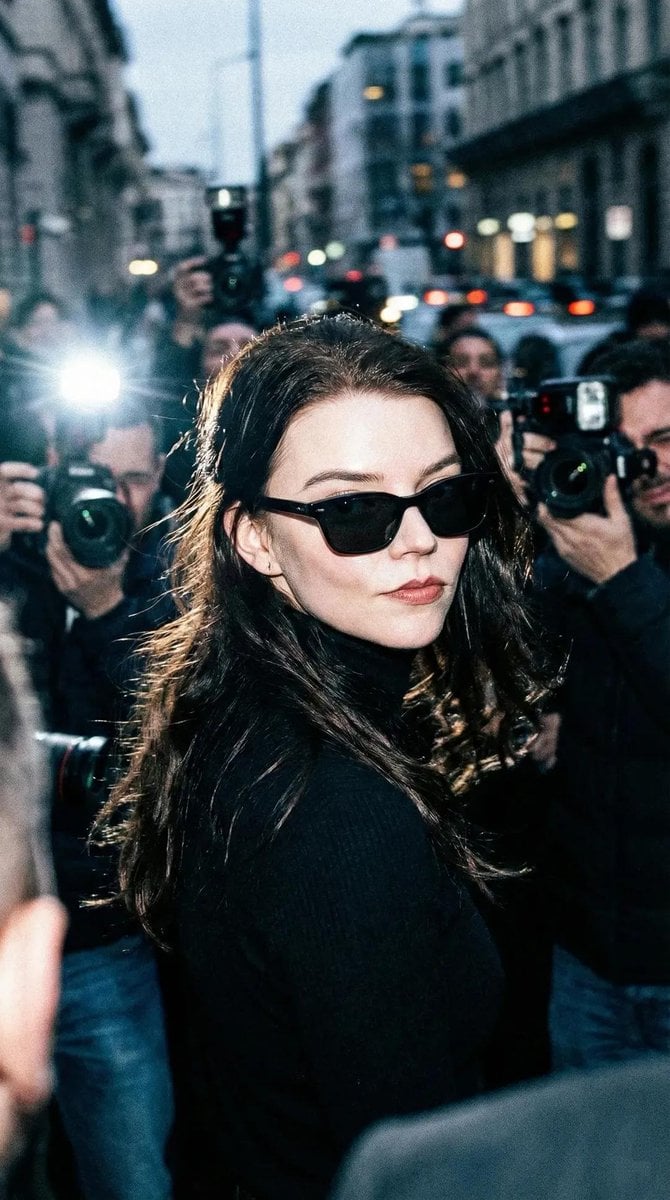
Unplanned Paparazzi-Style Portrait Prompt

Summer Anime Girl Portrait
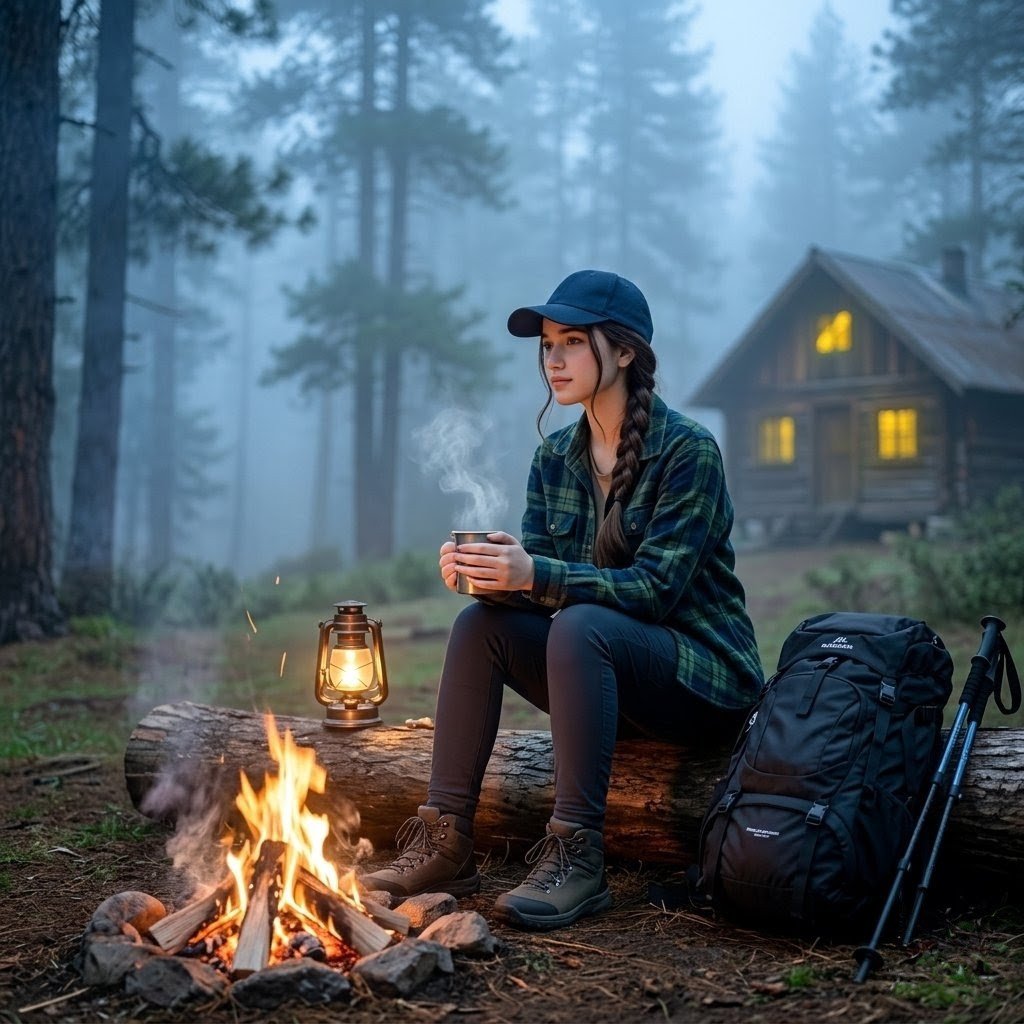
Misty Forest Camping Portrait
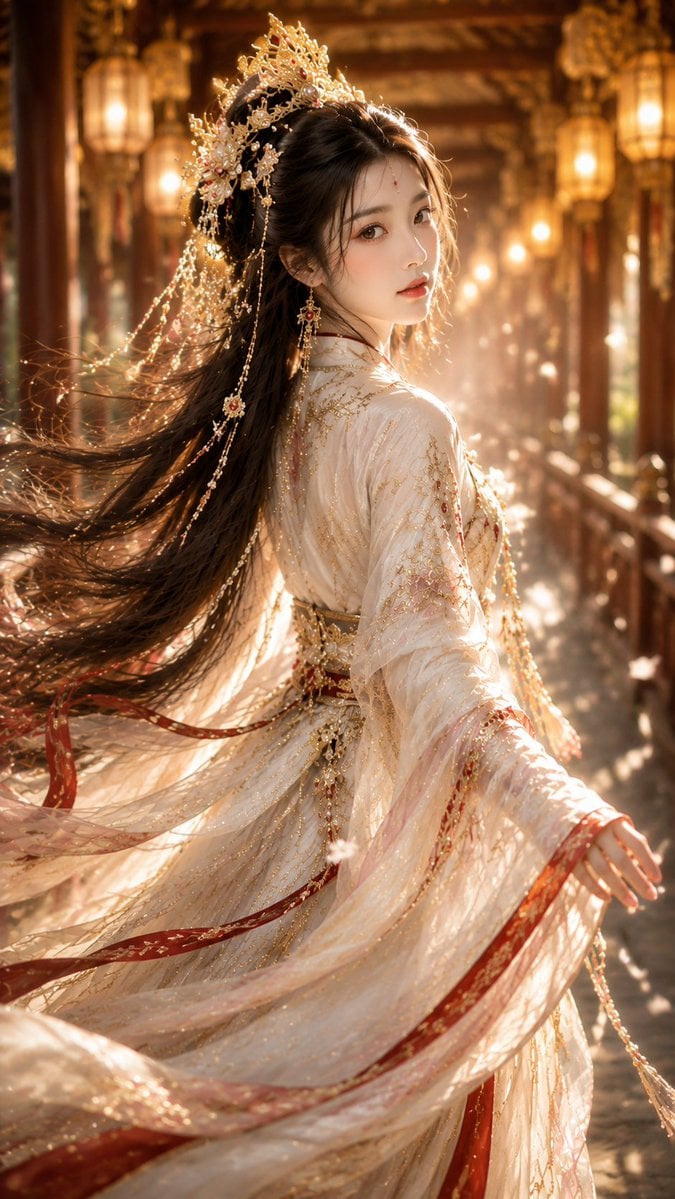
Ancient Chinese Fantasy Female Portrait

Line Art Animal Listening to Music
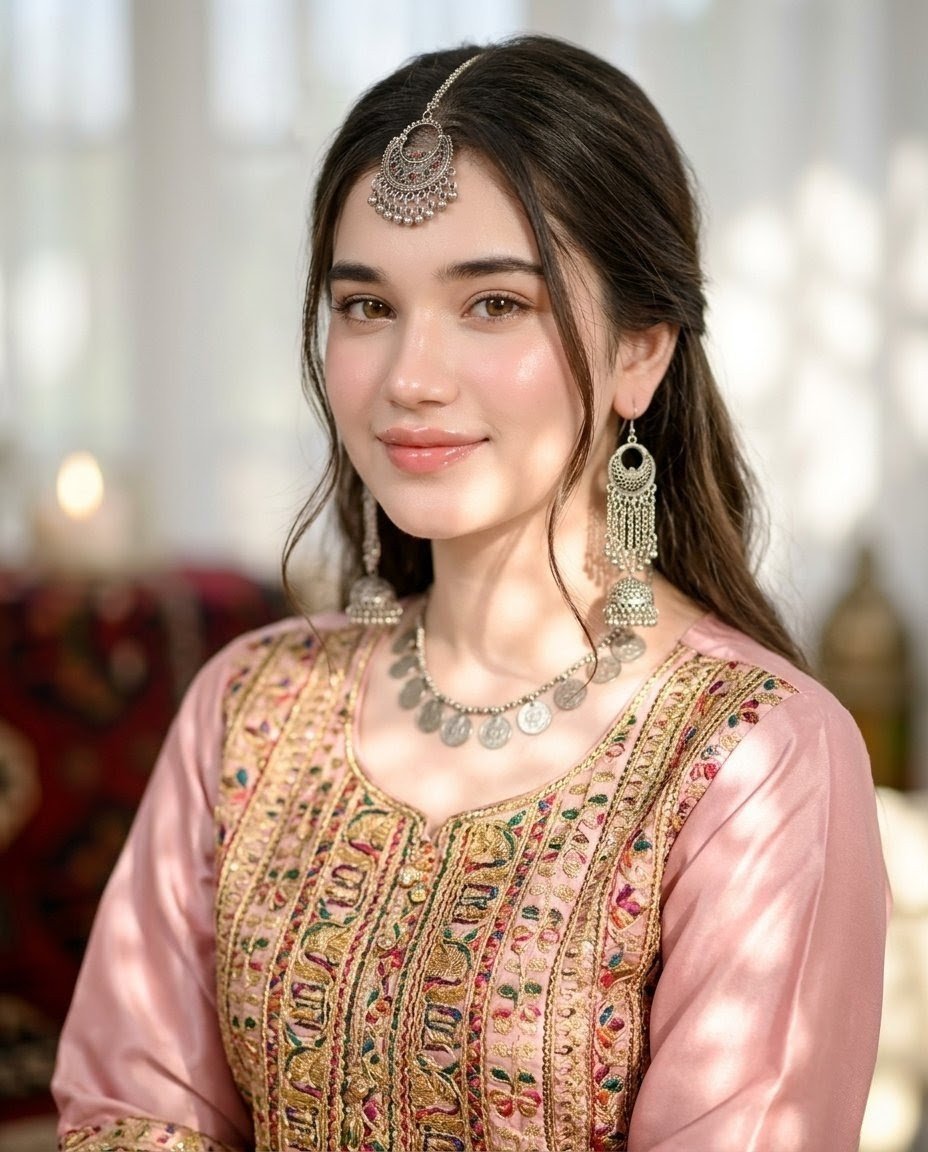
Pashtoon Dress Portrait with Obscured Face
Browse template categories
Single film noir style cinematic image divided into four horizontal questions
How do I use the Single film noir style cinematic image divided into four horizontal template?
Add your photo if the template asks for one, edit the prompt if you like — the template's model and format are already selected — and press Generate. Your version opens in PicX Studio.
Can I customize the Single film noir style cinematic image divided into four horizontal template?
Yes. You can change the subject, setting, lighting, mood, format, and available model controls before creating your image.
Is the Single film noir style cinematic image divided into four horizontal template free?
Opening and editing this template is free. Generating uses credits, shown on the Generate button when you are signed in.
Which AI model should I use?
Start with Nano Banana 2, which is the model associated with this template. You can compare another compatible model for a different finish.
Looking for something else? Browse all templates.

Your photo, any look
Thousands of ready templates for every top image and video model, from one credit balance.