
Anime Crowd POV Comparison
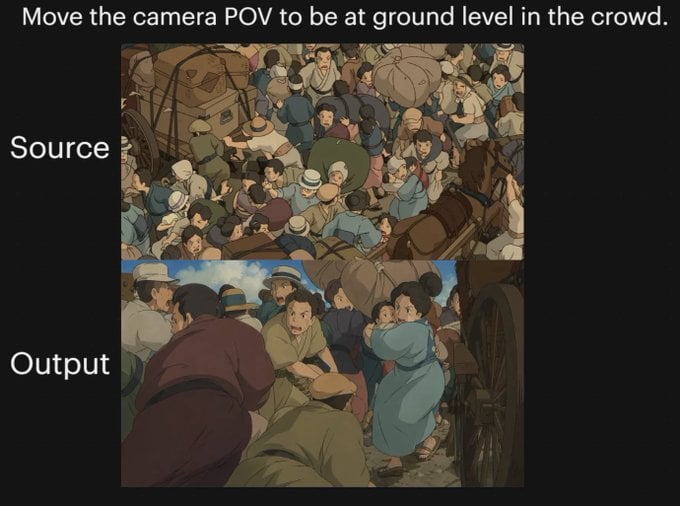
A black-background comparison graphic showing a source anime crowd scene and a transformed ground-level point-of-view version, useful for demonstrating complex camera-angle changes.
- Prompt included
- Model and format preset
- Free template
The prompt behind this image
Copy the exact prompt behind Anime Crowd POV Comparison, or open it in the studio and make it yours.
- Type
- comparison graphic
- Style
- anime cinematic demonstration image on a black presentation background
- Canvas › Aspect Ratio
- 4:3
- Canvas › Background
- solid black
- Text Elements › 0 › Text
- {argument name="headline text" default="Move the camera POV to be at ground level in the crowd."}
- Text Elements › 0 › Position
- top center
- Text Elements › 0 › Style
- large white sans-serif
- Text Elements › 1 › Text
- Source
- Text Elements › 1 › Position
- left of upper image
- Text Elements › 1 › Style
- large white sans-serif
- Text Elements › 2 › Text
- Output
- Text Elements › 2 › Position
- left of lower image
- Text Elements › 2 › Style
- large white sans-serif
- Layout › Sections › 0 › Title
- Source
- Layout › Sections › 0 › Position
- upper center
- Layout › Sections › 0 › Count
- 1
- Layout › Sections › 0 › Labels
- overhead crowd scene
- Layout › Sections › 1 › Title
- Output
- Layout › Sections › 1 › Position
- lower center
- Layout › Sections › 1 › Count
- 1
- Layout › Sections › 1 › Labels
- ground-level crowd POV scene
- Layout › Image Frames
- 2
- Images › 0 › Role
- source image
- Images › 0 › Composition
- busy top-down view of a densely packed historical street crowd, seen from above
Raw JSON
{"type":"comparison graphic","style":"anime cinematic demonstration image on a black presentation background","canvas":{"aspect_ratio":"4:3","background":"solid black"},"text_elements":[{"text":"{argument name=\"headline text\" default=\"Move the camera POV to be at ground level in the crowd.\"}","position":"top center","style":"large white sans-serif"},{"text":"Source","position":"left of upper image","style":"large white sans-serif"},{"text":"Output","position":"left of lower image","style":"large white sans-serif"}],"layout":{"sections":[{"title":"Source","position":"upper center","count":1,"labels":["overhead crowd scene"]},{"title":"Output","position":"lower center","count":1,"labels":["ground-level crowd POV scene"]}],"image_frames":2},"images":[{"role":"source image","composition":"busy top-down view of a densely packed historical street crowd, seen from above","scene":"a chaotic crowd gathered around a wagon and a horse-drawn carriage, people pressed shoulder to shoulder, many wearing caps and muted early-20th-century or old-European clothing, bundles and sacks visible, one brown horse at the right edge, wooden wagon wheel and cart structure partially visible","camera":"high overhead bird's-eye angle looking down into the crowd","lighting":"soft daylight","color_palette":"muted earthy browns, dusty blues, beige, olive, warm gray","rendering":"hand-painted anime film still, detailed crowd illustration, slightly soft shading"},{"role":"output image","composition":"the same crowded historical street reimagined from inside the mass of people at near-ground height","scene":"view from within the crowd beside a carriage wheel, bodies filling the foreground and midground, a person in dark maroon clothing bent forward at left, a crouched figure in green near the bottom center, a woman in a light blue dress at right-center turning back, tightly packed figures, horse and cart implied nearby, dramatic sense of compression and closeness","camera":"very low ground-level POV from inside the crowd, upward and forward through people, emphasizing complex occlusion and depth","lighting":"soft daylight with warm cinematic shadows","color_palette":"muted earthy browns, dusty blues, beige, olive, warm gray","rendering":"hand-painted anime film still, cinematic perspective shift, detailed character crowding, soft painterly shading"}],"overall_goal":"show a before-and-after camera angle transformation of the same anime crowd scene, with the output moving from an overhead view to a low immersive POV inside the crowd"}How to use Anime Crowd POV Comparison in 3 steps
- 1Upload ImagePNG, JPG or paste
Add your photo
Upload the photo the template builds on. The prompt, model and format are already set.
- 2…a portrait of your subject in softgolden-hour light, 85mm…
Personalize
Edit the subject and creative details for your destination.
- 3Generate
Generate
Press Generate — your image is created in PicX Studio, so you can compare it with the original and refine one variable at a time.
More like this
Templates with the same subject, style or setup. Open one to see its prompt.
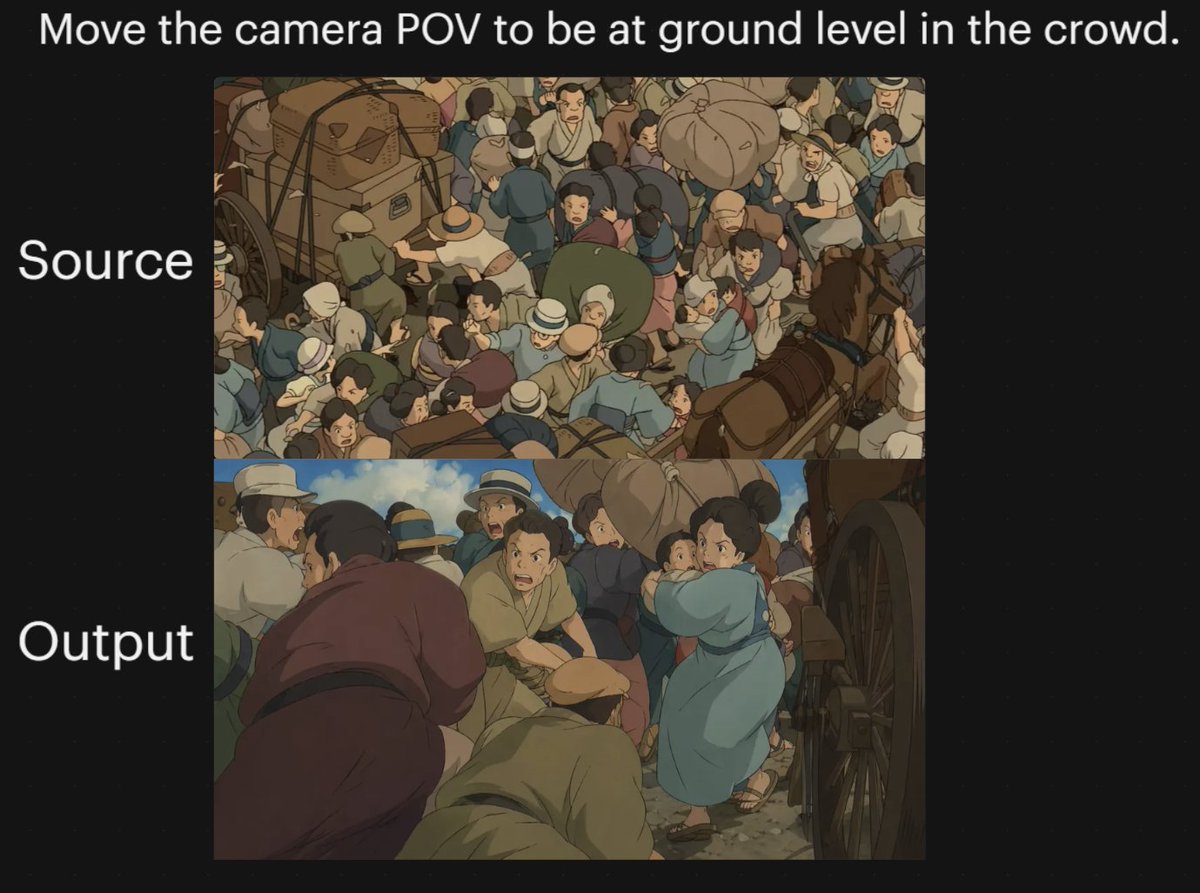
Anime Crowd Camera POV Comparison

Hyper-Realistic Minecraft POV Portrait
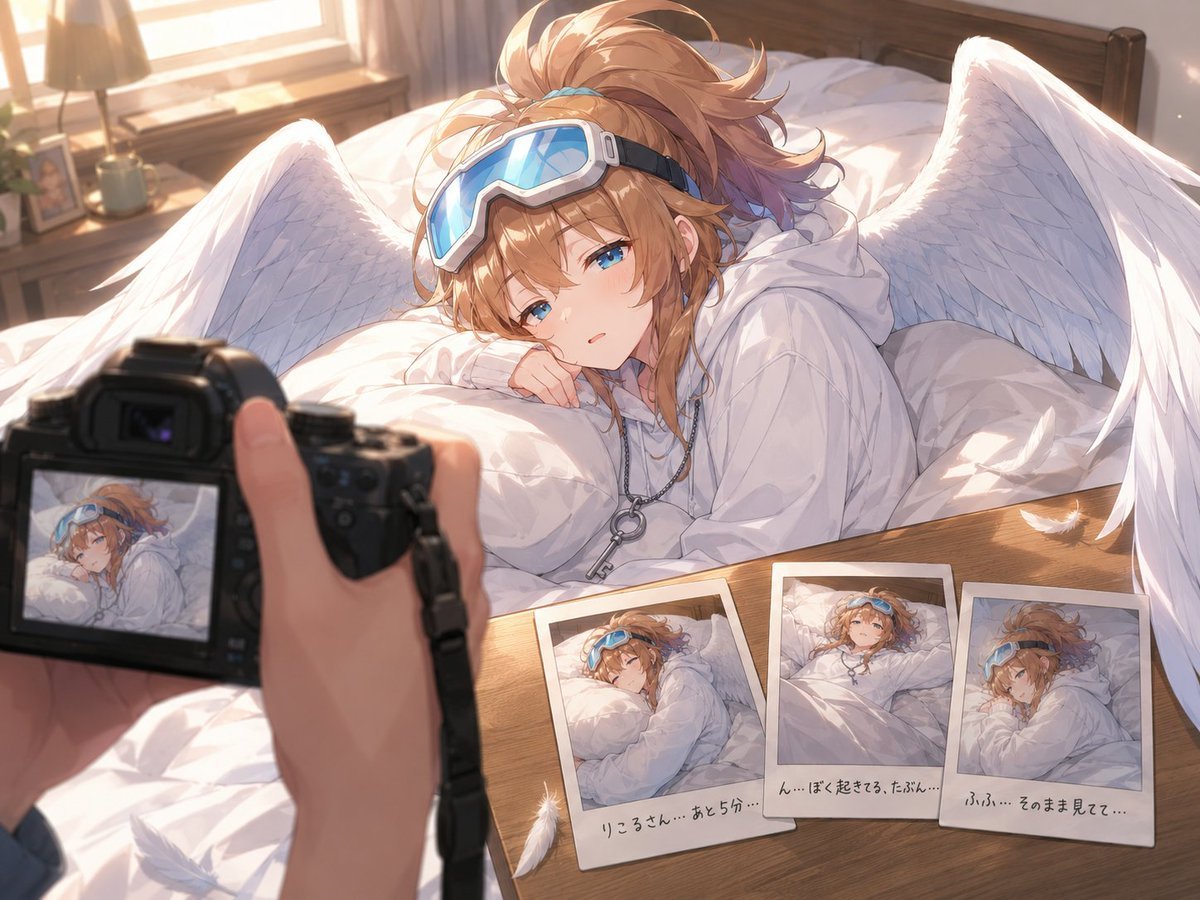
Anime Character Waking Up POV

Four-Panel Anime Face Comparison
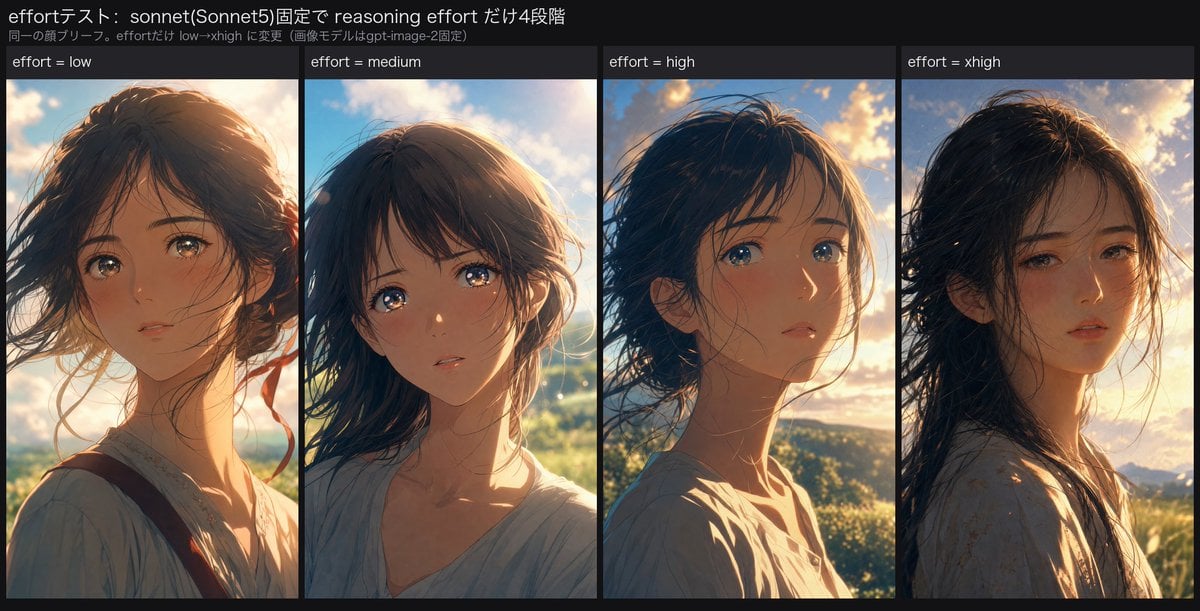
Reasoning Effort Anime Comparison
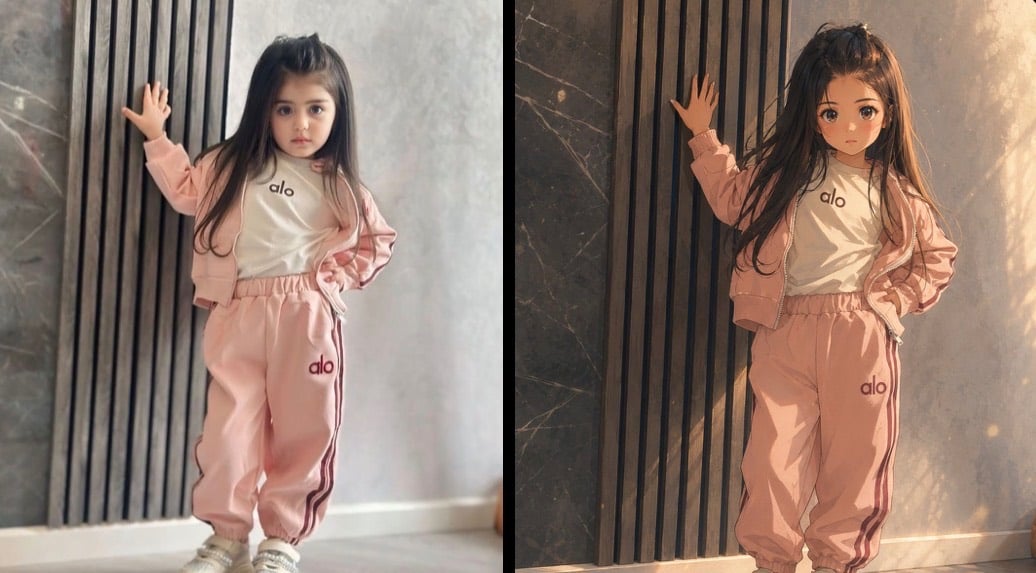
Cinematic Anime Photo Comparison

Cel 2D Finale Fireworks

Cel 2D Garden Maze

Cel 2D Rooftop Concert

Cel 2D Bicycle Coast

Cel 2D Castle Gate

Cel 2D Kitchen Chaos
Make it yours
Anime Crowd POV Comparison works as-is. These are the safest ways to change it without losing the look.
Swap the setting
Keep the rest of the prompt and replace the location block. The current setting is “solid black”.
Swap the light
One lighting change is enough to compare takes. Current light: “soft daylight”.
Change one field
Copy a single group, rewrite it, and generate again so you can see what that field is doing.
| If the result… | Why | Fix |
|---|---|---|
| The result drifts from the preview | Too many fields changed at once. | Reuse Anime Crowd POV Comparison as-is first, then change one group — subject, light, or setting. |
| GPT Image 2 ignores part of the JSON | Some models flatten or skip nested keys. | Keep the same values and paste them as a short paragraph instead. |
More GPT Image 2 templates
Other prompts made for GPT Image 2.

Six VTuber Japanese Logo Sheet

Realistic Portrait of Woman and Deer

The Vista Modular Condo Poster

AI Model Routing Comparison Infographic

2.5D Anime Art Board

Isometric Productivity Desk Scene

New York Double Exposure Poster

Four-Panel AI Landscape Comparison

Japanese Tatami Lifestyle Magazine Cover

NESCAFÉ Coffee Map Poster
More image prompts
Fresh picks from across the catalog.

Glass Skin Beauty Portrait — Soft Pastel Nano Banana

Amateur Smartphone Selfie Black Cat
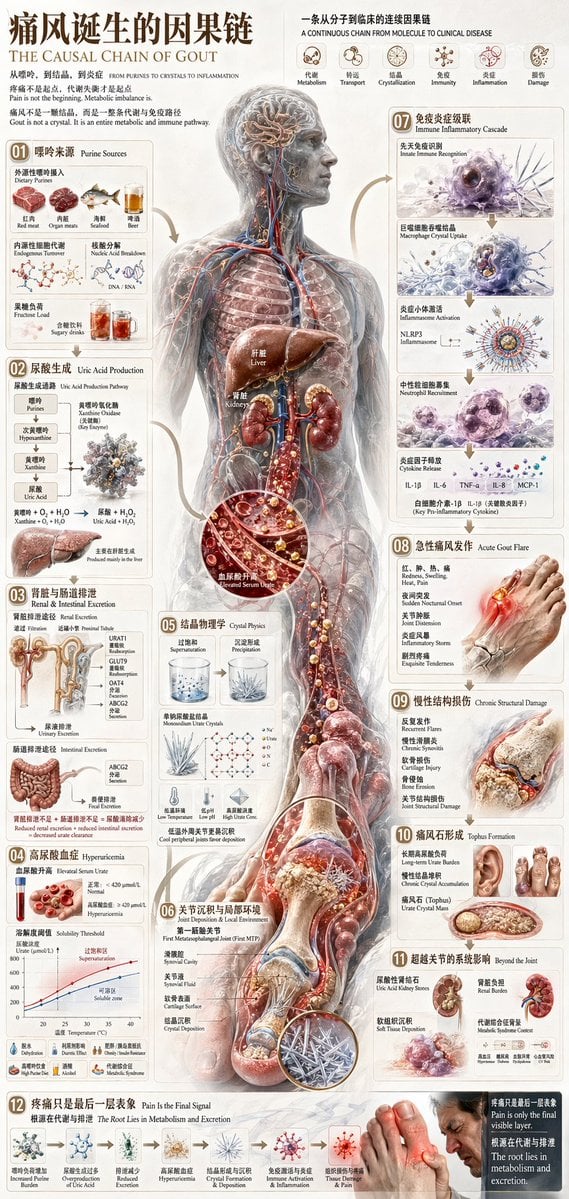
Chinese Medical Gout Infographic Poster
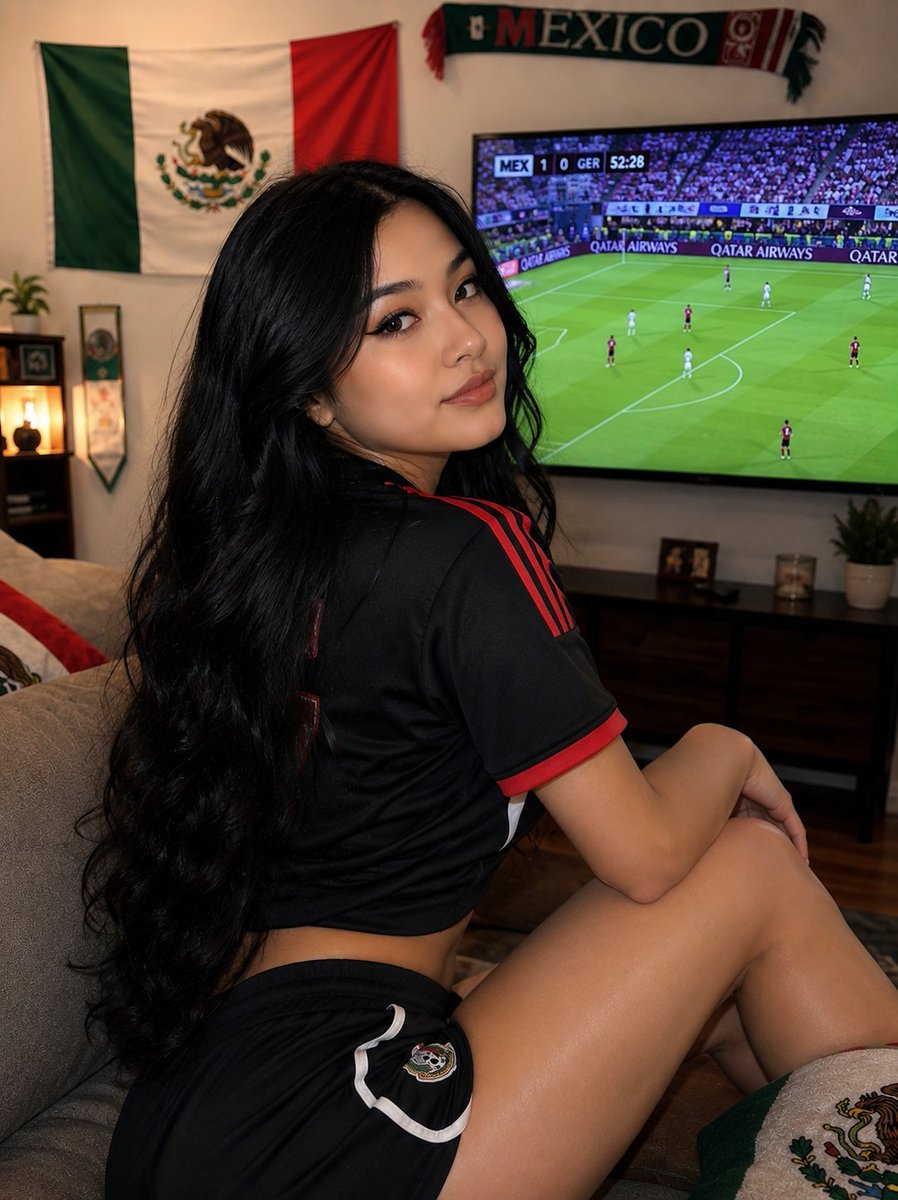
Mexico Fan Home Viewing Retouch

Soft 3D App Feature Icon Grid
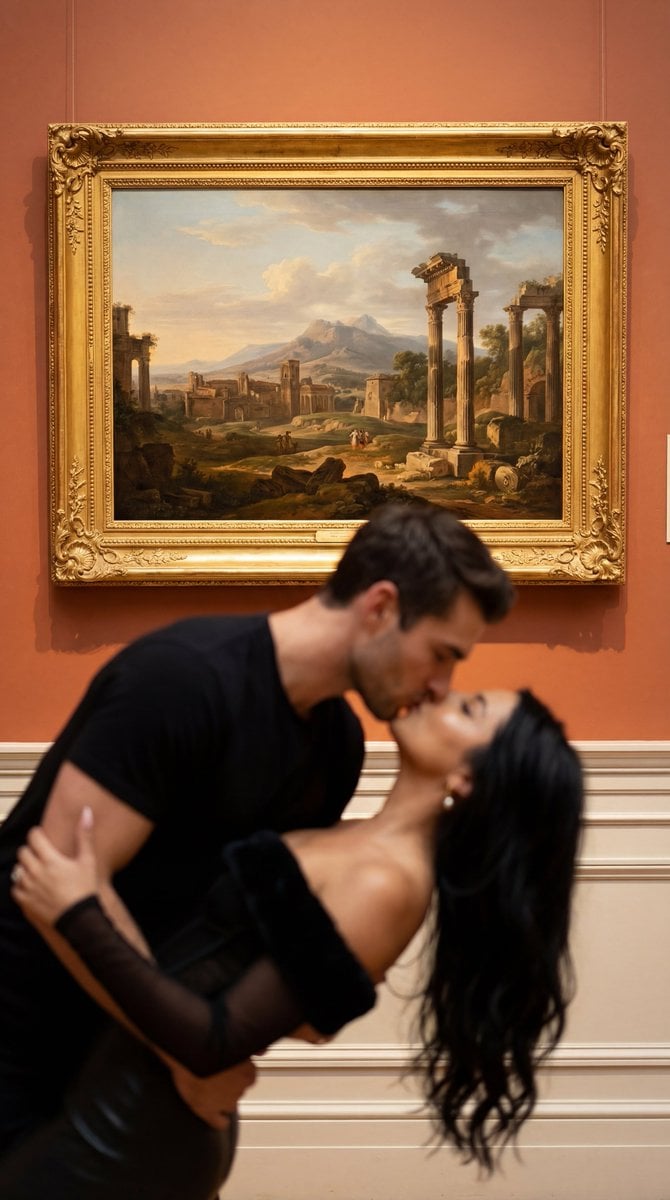
Cinematic Museum Romance Dip-Kiss Editorial Prompt
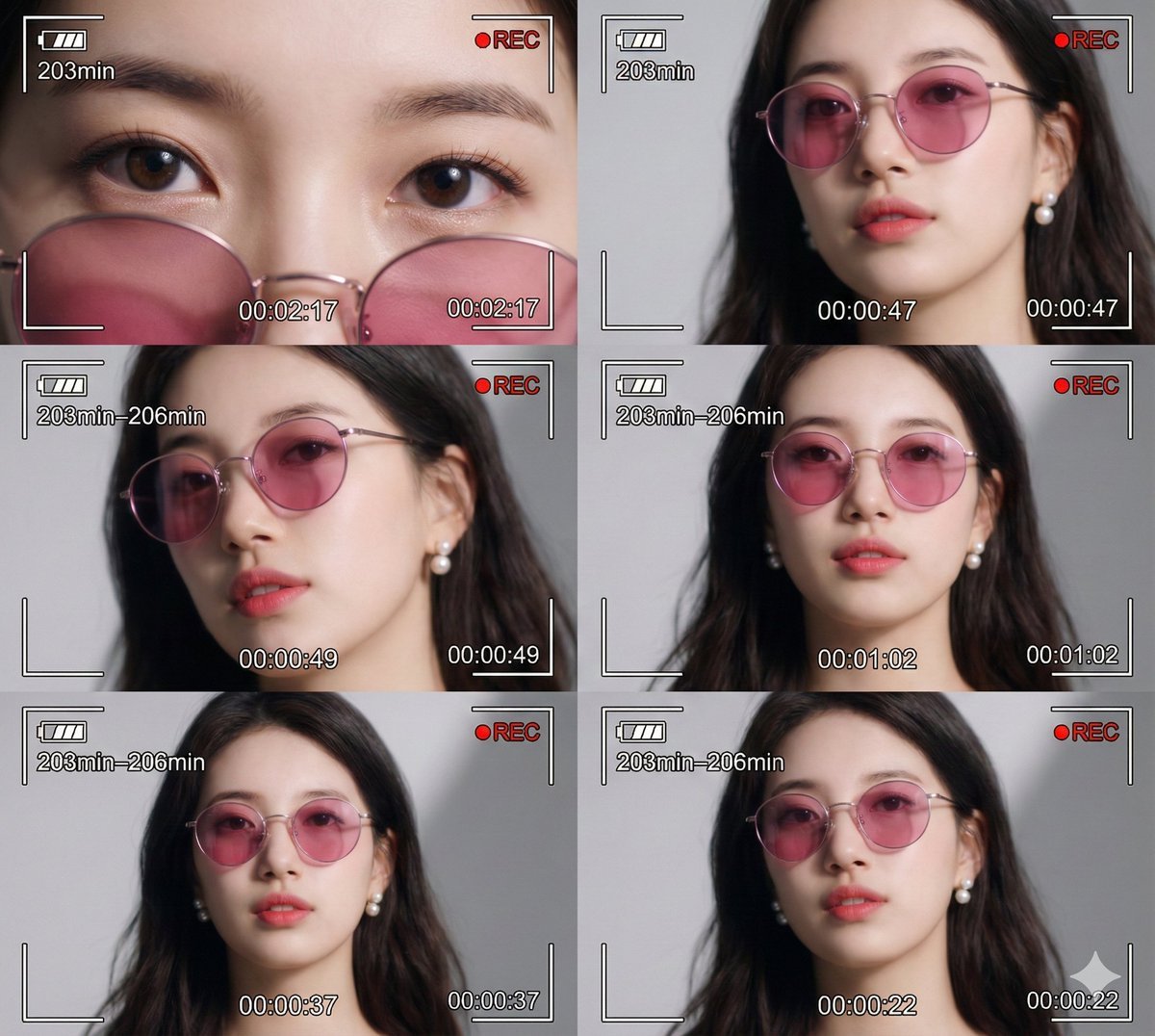
Ultra-Photorealistic 6-Panel Collage Prompt for Nano Banana Pro
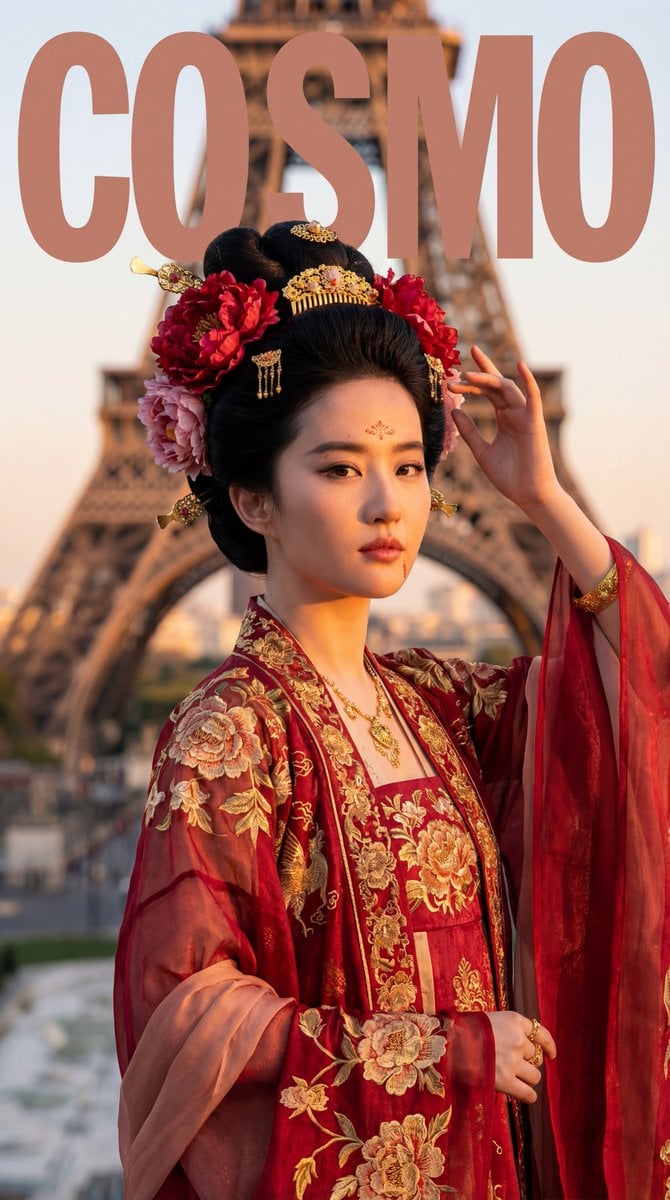
Tang Dynasty Empress in Paris Fashion Magazine Cover Prompt
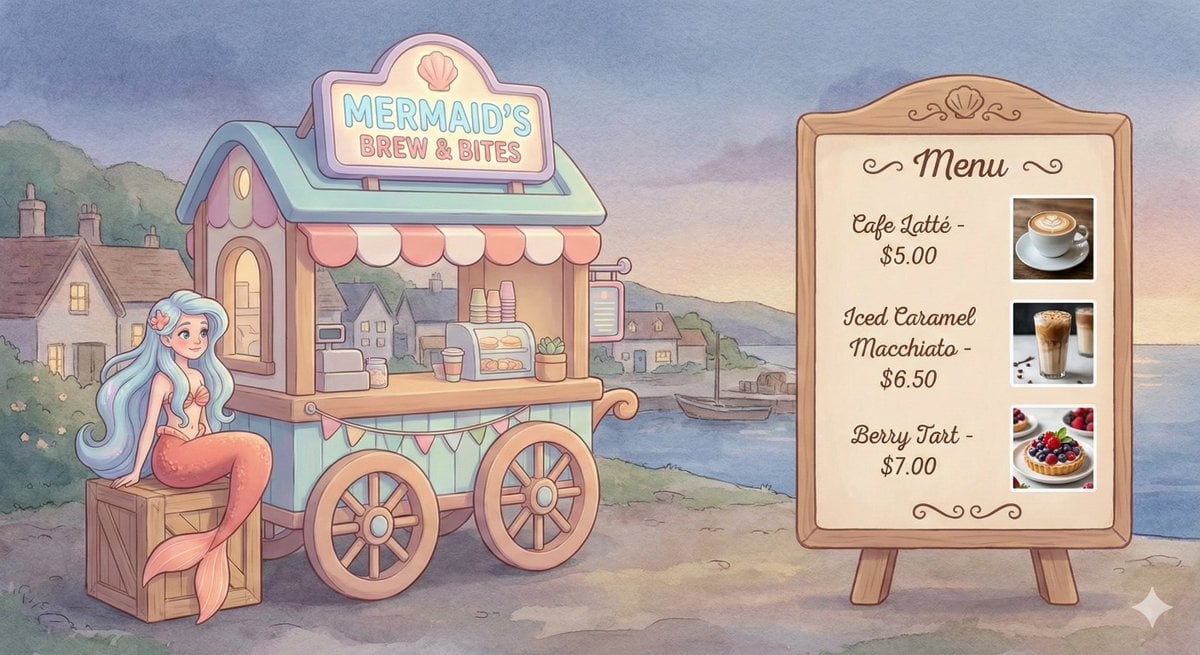
Dreamy Mermaid Café Illustration with Menu Display
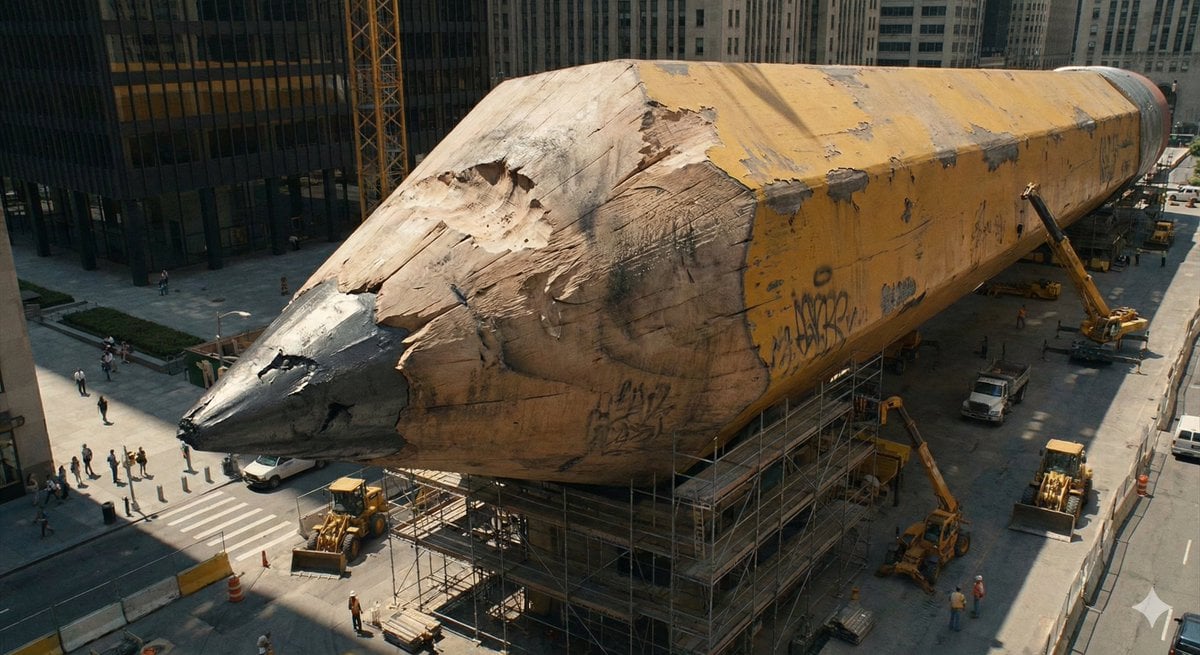
Ordinary Object to Massive Monument Transformation
Browse template categories
Anime Crowd POV Comparison questions
How do I use the Anime Crowd POV Comparison template?
Add your photo if the template asks for one, edit the prompt if you like — the template's model and format are already selected — and press Generate. Your version opens in PicX Studio.
Can I customize the Anime Crowd POV Comparison template?
Yes. You can change the subject, setting, lighting, mood, format, and available model controls before creating your image.
Is the Anime Crowd POV Comparison template free?
Opening and editing this template is free. Generating uses credits, shown on the Generate button when you are signed in.
Which AI model should I use?
Start with GPT Image 2, which is the model associated with this template. You can compare another compatible model for a different finish.
Looking for something else? Browse all templates.

Your photo, any look
Thousands of ready templates for every top image and video model, from one credit balance.