
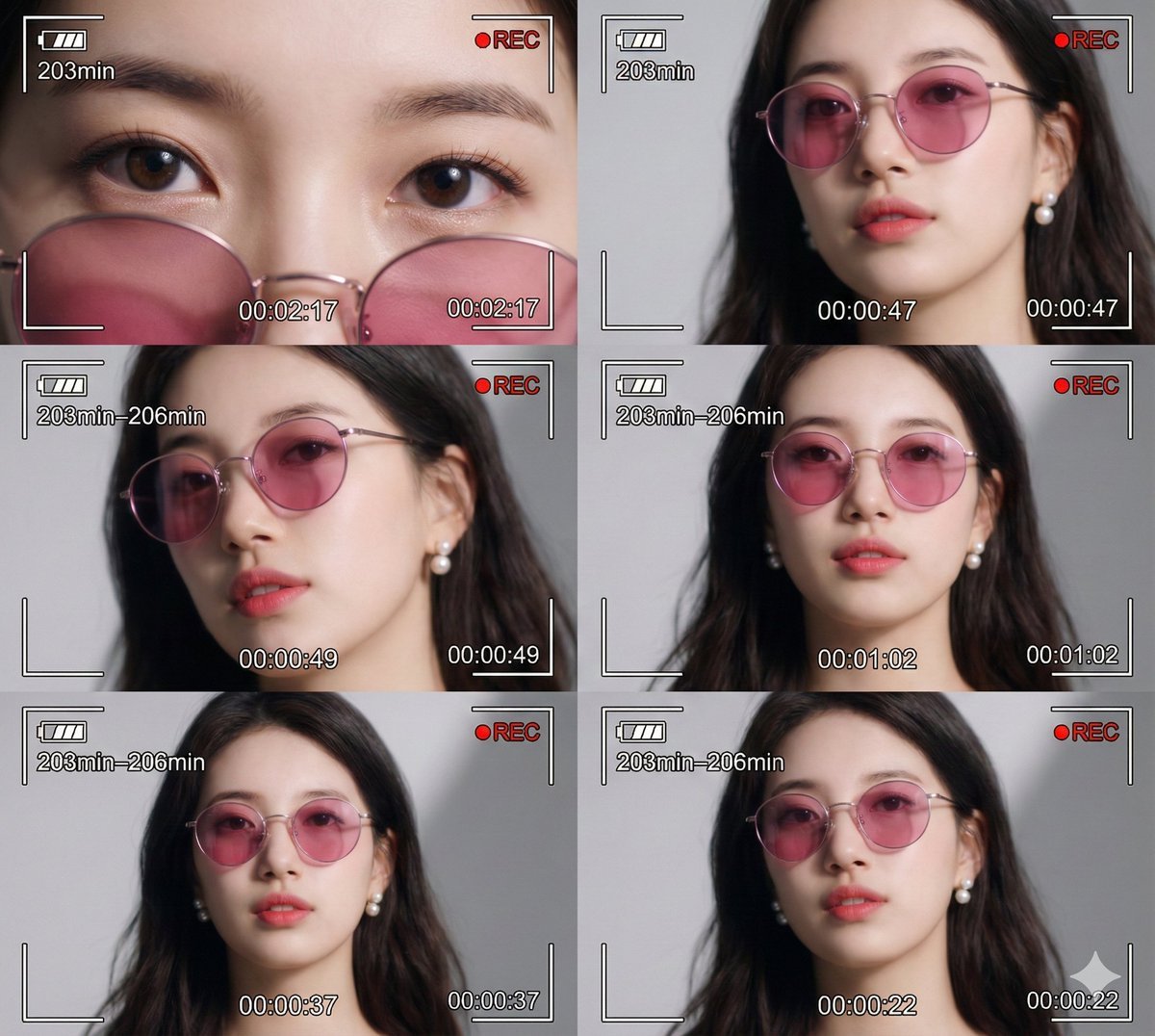
Ultra-Photorealistic 6-Panel Collage Prompt for Nano Banana Pro
A detailed image generation prompt for Nano Banana Pro to create a 6-panel collage (contact sheet style) with ultra-photorealistic, cinematic quality.
- Prompt included
- Model and format preset
- Premium template
The prompt behind this image
Copy the exact prompt behind Ultra-Photorealistic 6-Panel Collage Prompt for Nano Banana Pro, or open it in the studio and make it yours.
一幅电影感拼贴,由六幅特写和中景肖像组成,描绘同一位[{argument name="人物描述" default="参考图中的特定人物,保持面部特征、五官构造及神态与参考图100%完全一致"}],佩戴粉色圆镜片太阳镜与珍珠耳环,整体呈现Z世代未来美学,梦幻空灵且带轻微晃动模糊。每帧设计为数码摄像机录制界面,叠加电池图标、红色“REC”字样、白色计时器(00:02:17、00:00:47、00:00:49、00:01:02、00:00:37、00:00:22)及分钟计数(203min–206min)。六帧中模特姿势与表情各异:眼部极特写、紧致面部肖像、正面中景肖像。采用干净影棚布光,中性浅灰背景带柔和阴影。时尚大片摄影美学,复古数码摄像机/VHS界面,超写实电影质感,模特极度锐利对焦,同时保持梦幻超现实氛围。禁止重复帧:每帧姿势、表情、机位皆唯一,每帧计时数值不同。
How to use Ultra-Photorealistic 6-Panel Collage Prompt for Nano Banana Pro in 3 steps
- 1
Open
The prompt is already in the box next to the preview, with the template's model and format selected.
- 2…a portrait of your subject in softgolden-hour light, 85mm…
Personalize
Edit the subject and creative details for your destination.
- 3Generate
Generate
Press Generate — your image is created in PicX Studio, so you can compare it with the original and refine one variable at a time.
More like this
Templates with the same subject, style or setup. Open one to see its prompt.

Tiny Man Macro Survival Six-Panel Collage

Woman in Mall with Chanel Bag - Heart Gesture
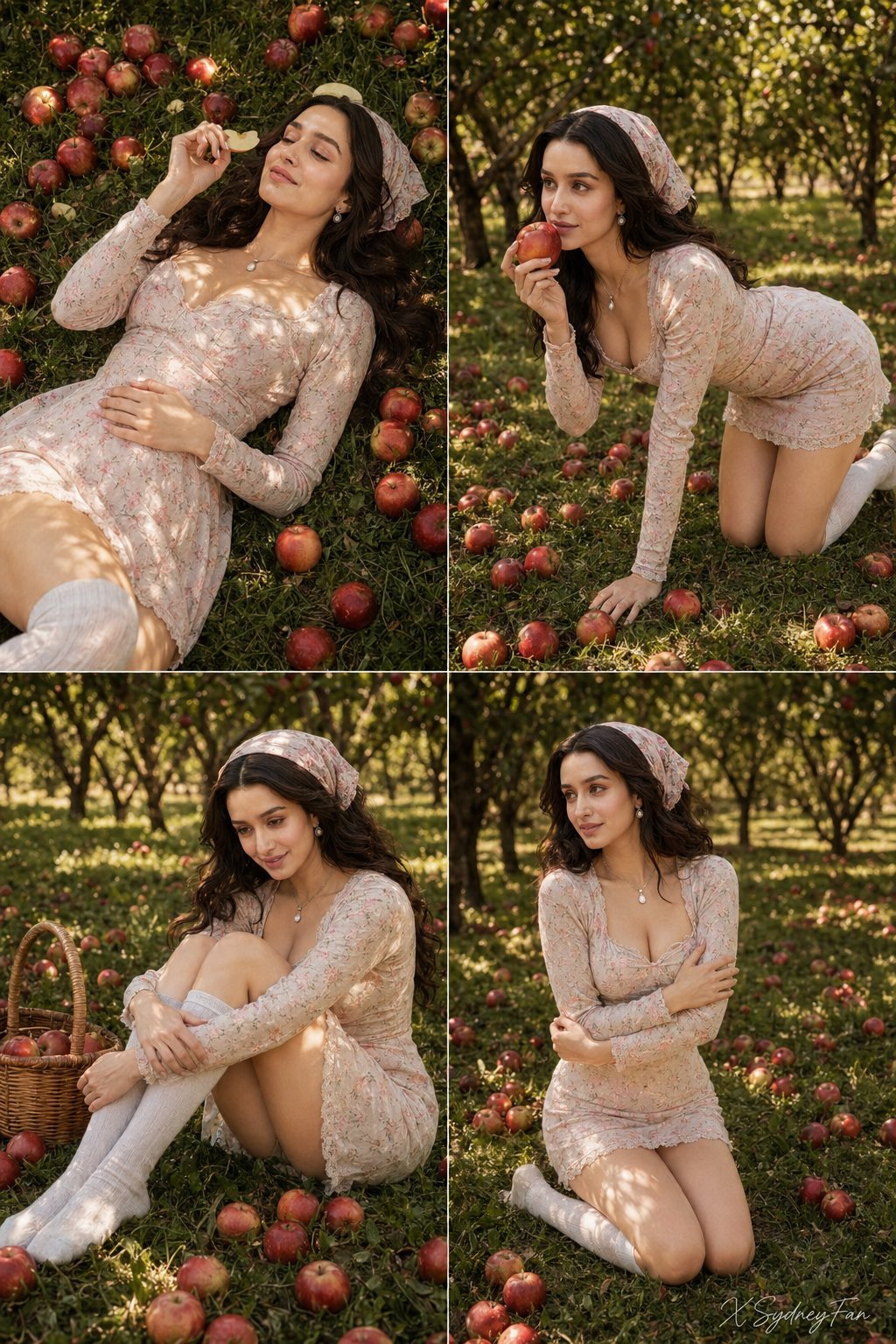
Nano Banana Apple Orchard Collage
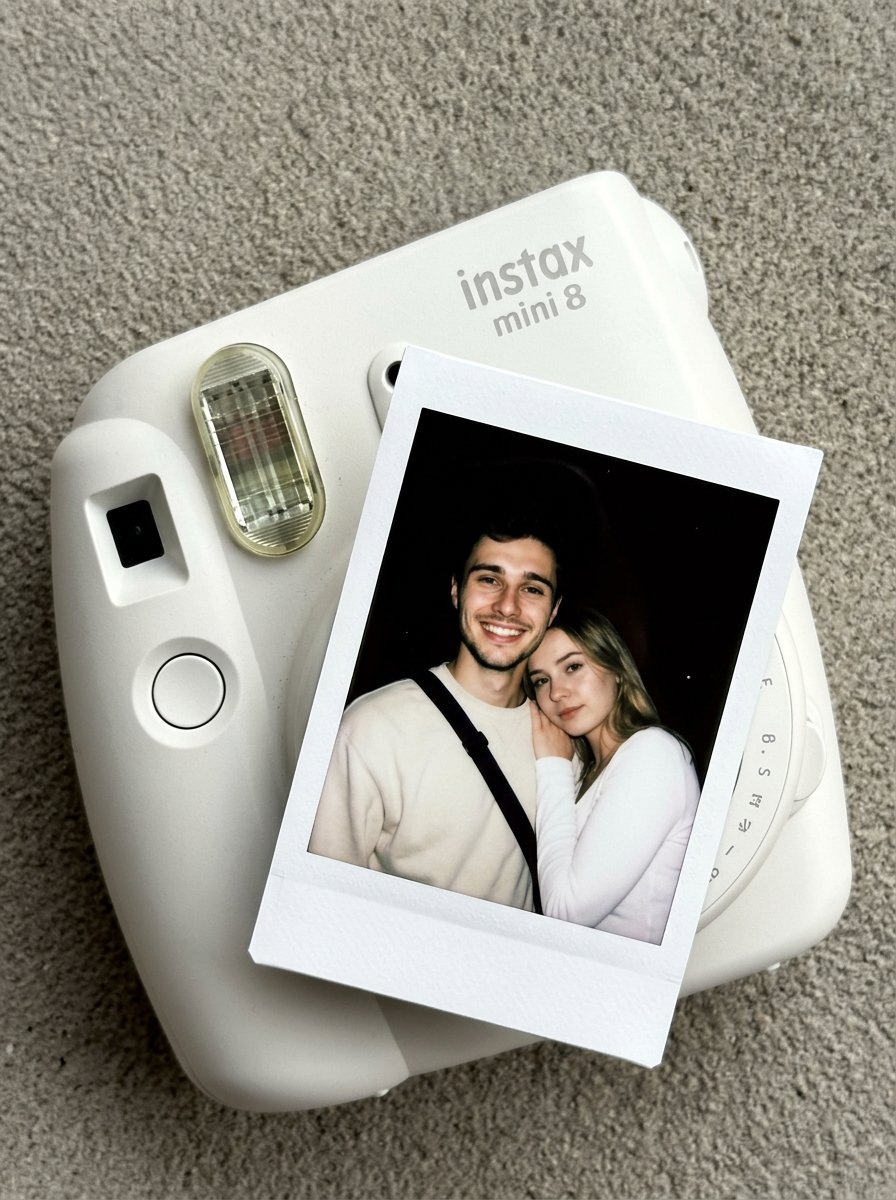
Nano Banana Pro Instax Mini 8
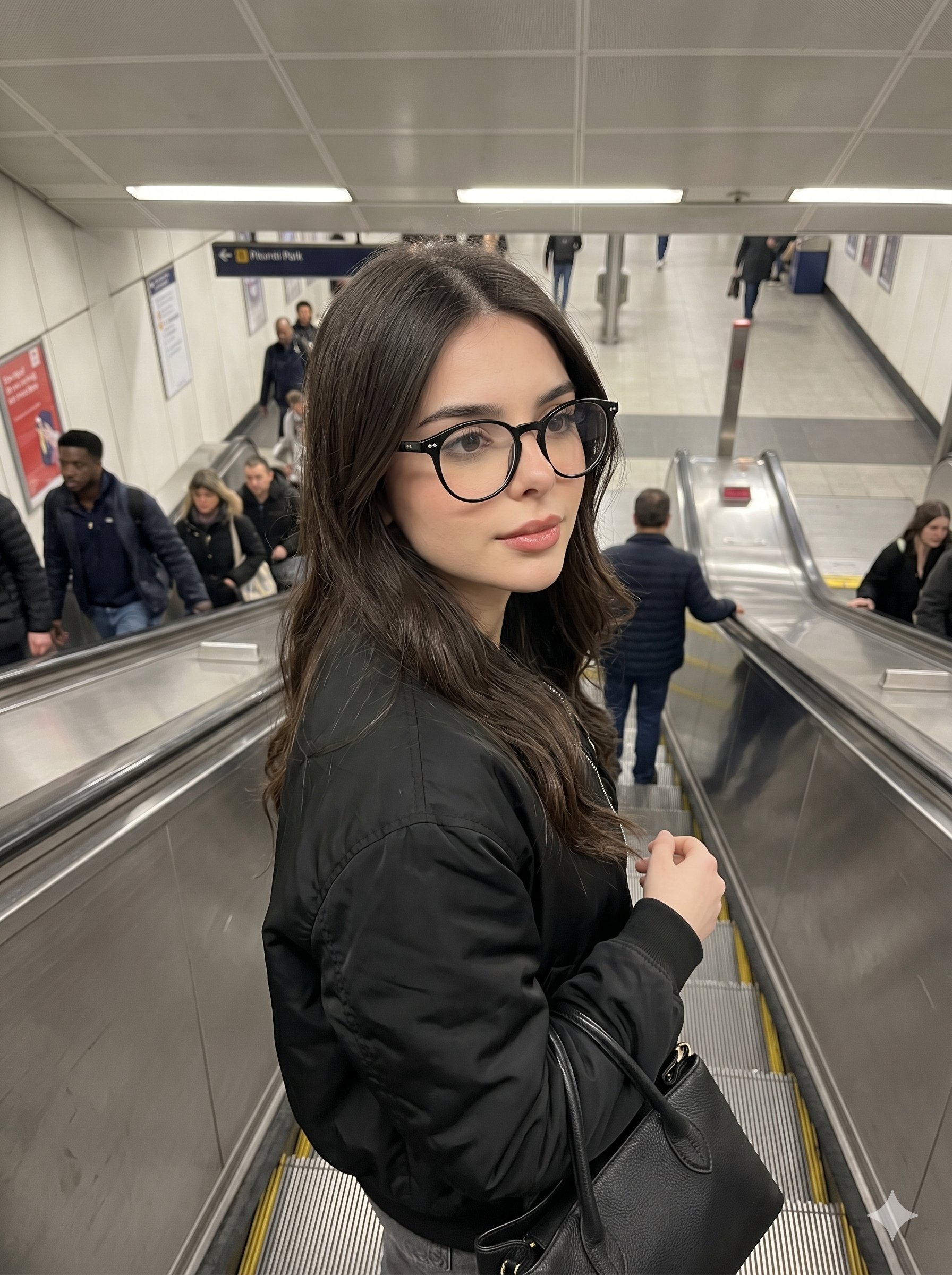
Nano Banana Pro Candid Escalator

Nano Banana 2 Higgsfield

Nano Banana - Cozy Cafe Night

Cinematic Destination Letter Panel Poster

Panel Mirror Selfie Collage

Cozy Six-Panel Bedtime Stages Collage

Six-Panel Retro Japanese Poster Collage

Mountain Lake Sunset Landscape
Make it yours
Ultra-Photorealistic 6-Panel Collage Prompt for Nano Banana Pro works as-is. These are the safest ways to change it without losing the look.
Change one field
Copy a single group, rewrite it, and generate again so you can see what that field is doing.
Keep the frame, change the subject
Hold the composition and light of Ultra-Photorealistic 6-Panel Collage Prompt for Nano Banana Pro, then swap wardrobe, props or the person for a new take.
| If the result… | Why | Fix |
|---|---|---|
| The result drifts from the preview | Too many fields changed at once. | Reuse Ultra-Photorealistic 6-Panel Collage Prompt for Nano Banana Pro as-is first, then change one group — subject, light, or setting. |
| The model over-stylizes the scene | The prose prompt leaves finish and camera underspecified. | Add one camera or lighting sentence and stay on Nano Banana 2. |
More Nano Banana 2 templates
Other prompts made for Nano Banana 2.

Photorealistic Leaf Shaped Like a Dragon

K-Pop Idol Portrait Grid for Rapid Selection

Poetic Rain Forest Portrait During Golden Hour

Urban Street Portrait with Cartoon Inner Self Duo

Candid Nighttime Photo with Cat Prompt

High-Concept 3D Diorama Generation Prompt

Cinematic Futuristic Studio Portrait Template

Skincare Editorial Photography Collage Prompt

Hyper-Realistic Commercial Product Photography (Splash Effect)

Hyper-Realistic Nightclub Portrait Prompt
More image prompts
Fresh picks from across the catalog.
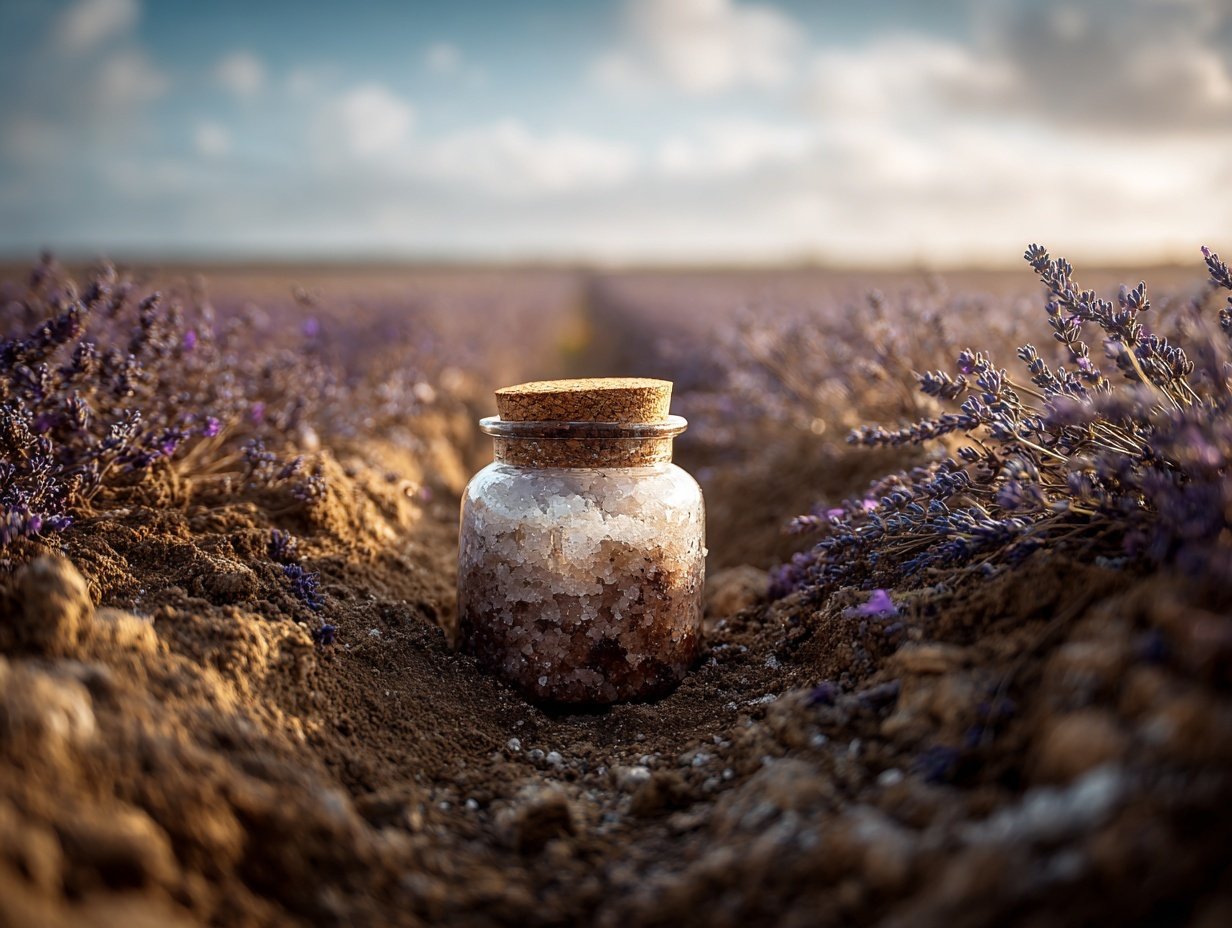
Product Elemental Lifestyle - Midjourney v7/v8
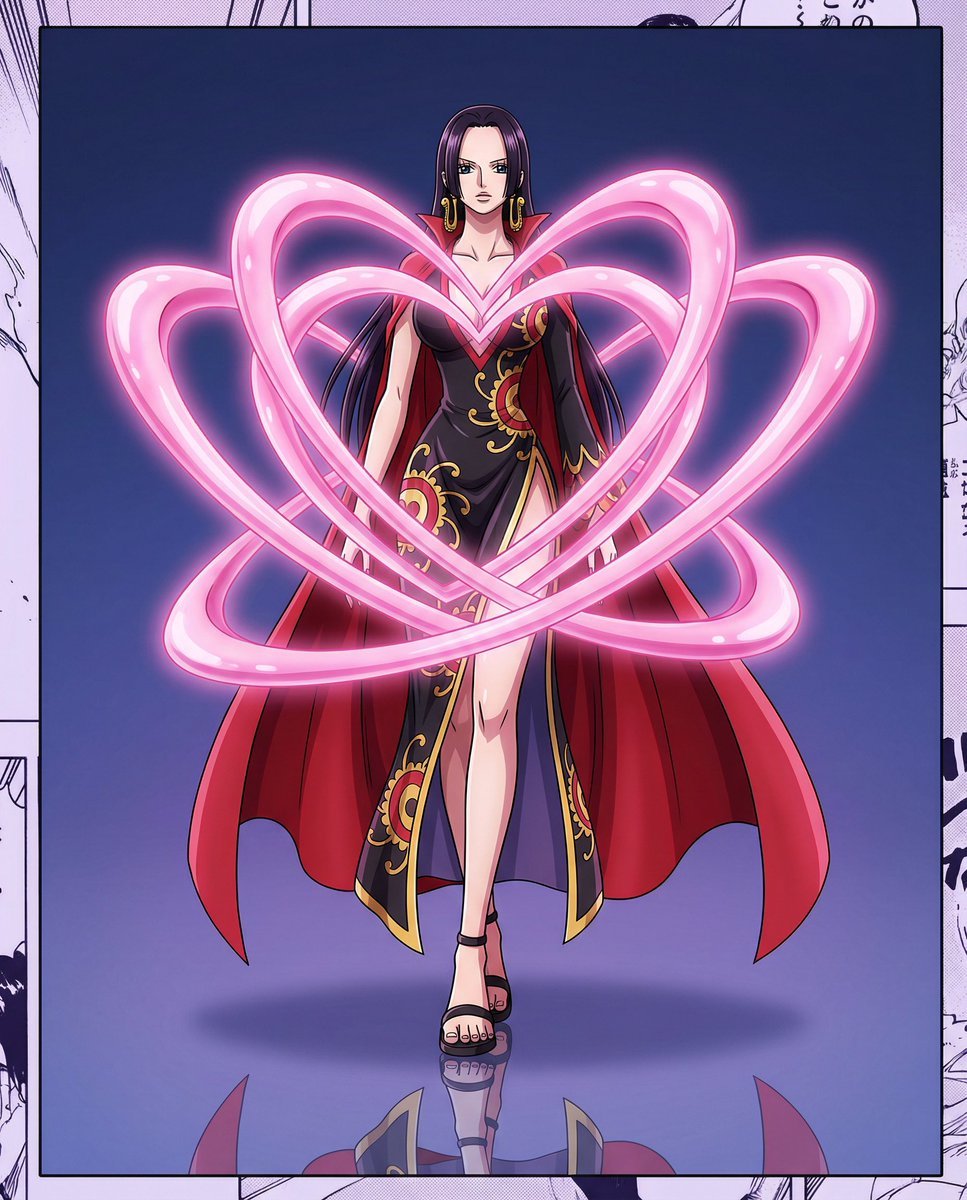
One Piece Anime Character Portrait Template
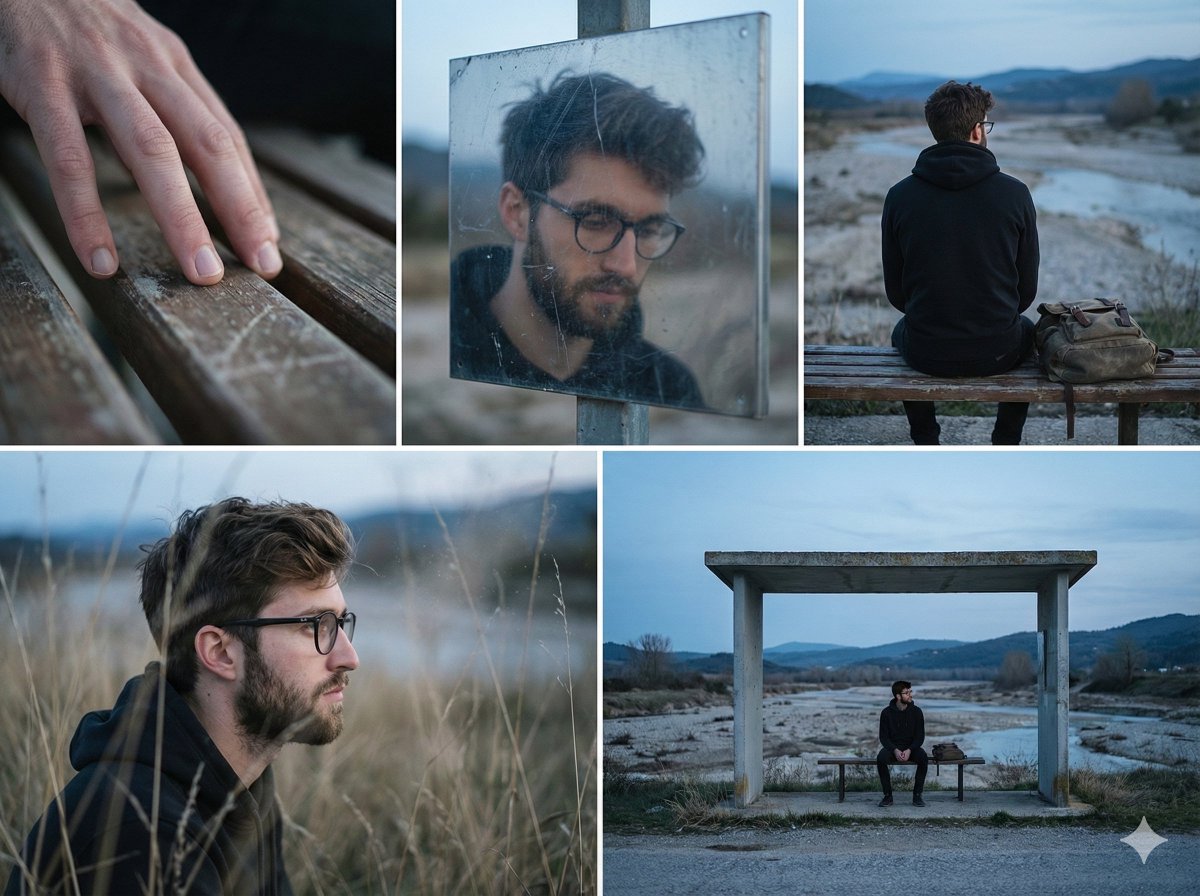
Nostalgic Memory Narrative Grid Prompt
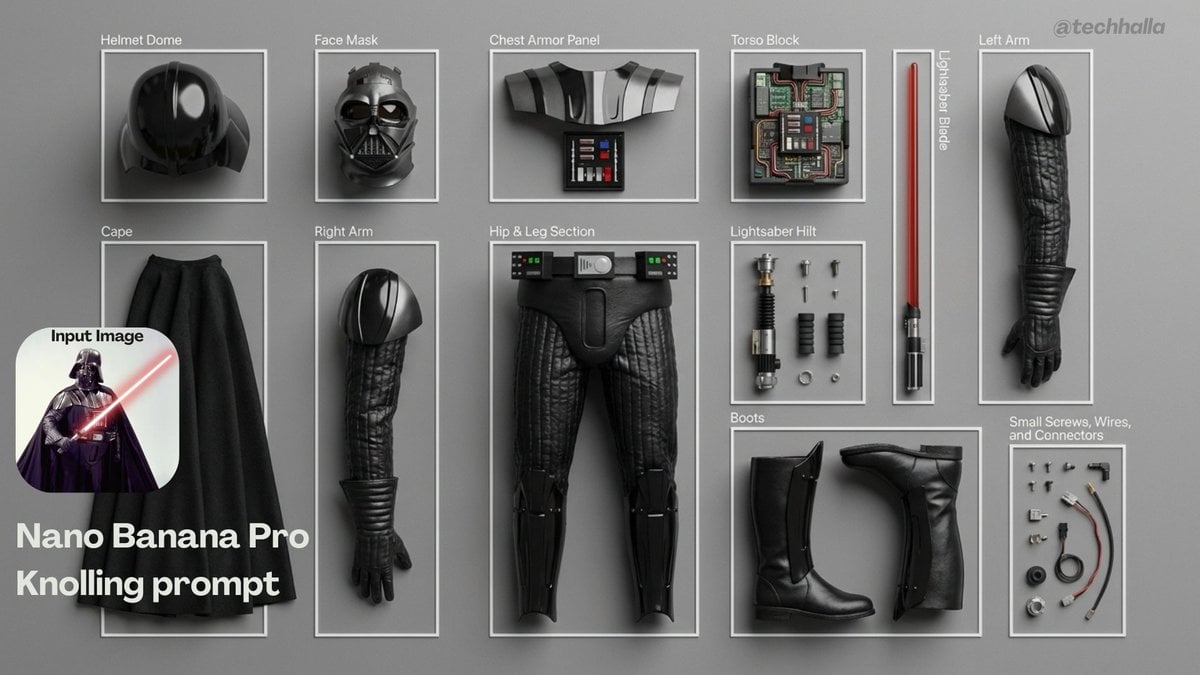
Knolling-style exploded flat-lay photo
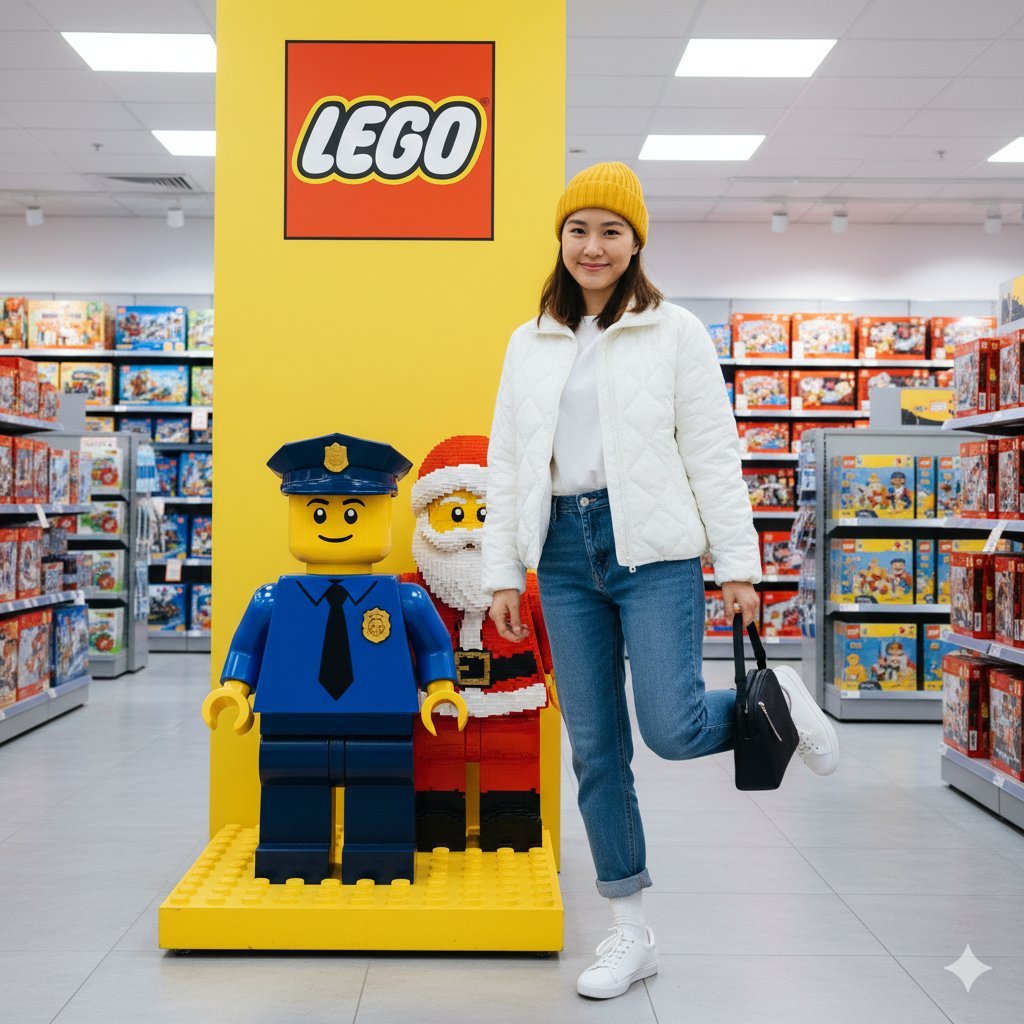
Lego Store Candid Lifestyle Photo Prompt
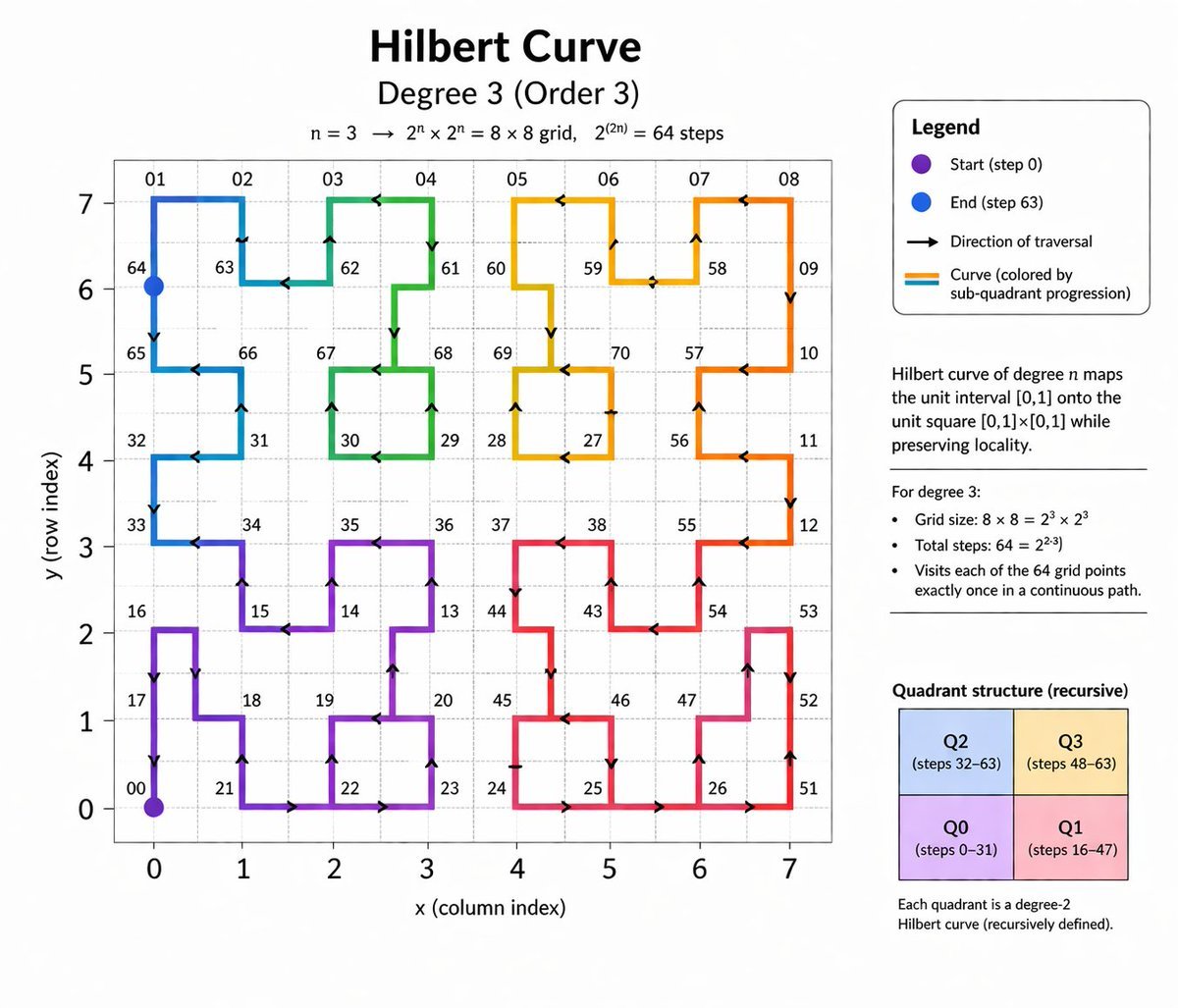
Hilbert Curve Infographic

Cute Daily Anime Desk Calendar
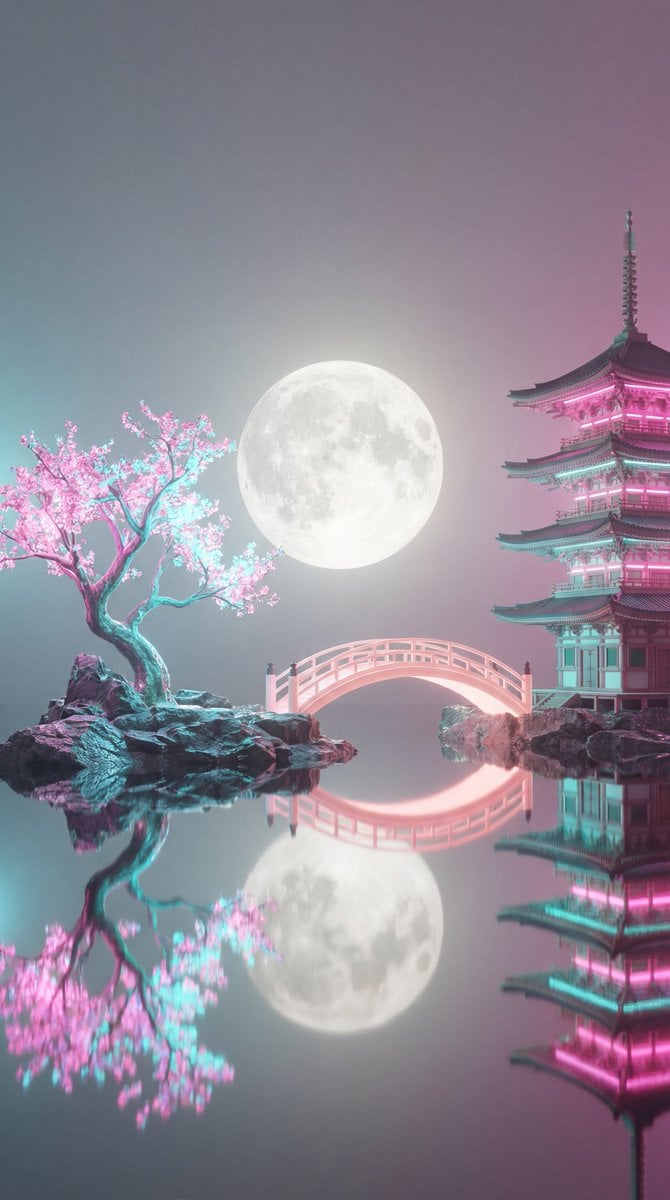
Surreal Vaporwave Night Landscape

Difficulty Resizing Text in Nano Banana Pro
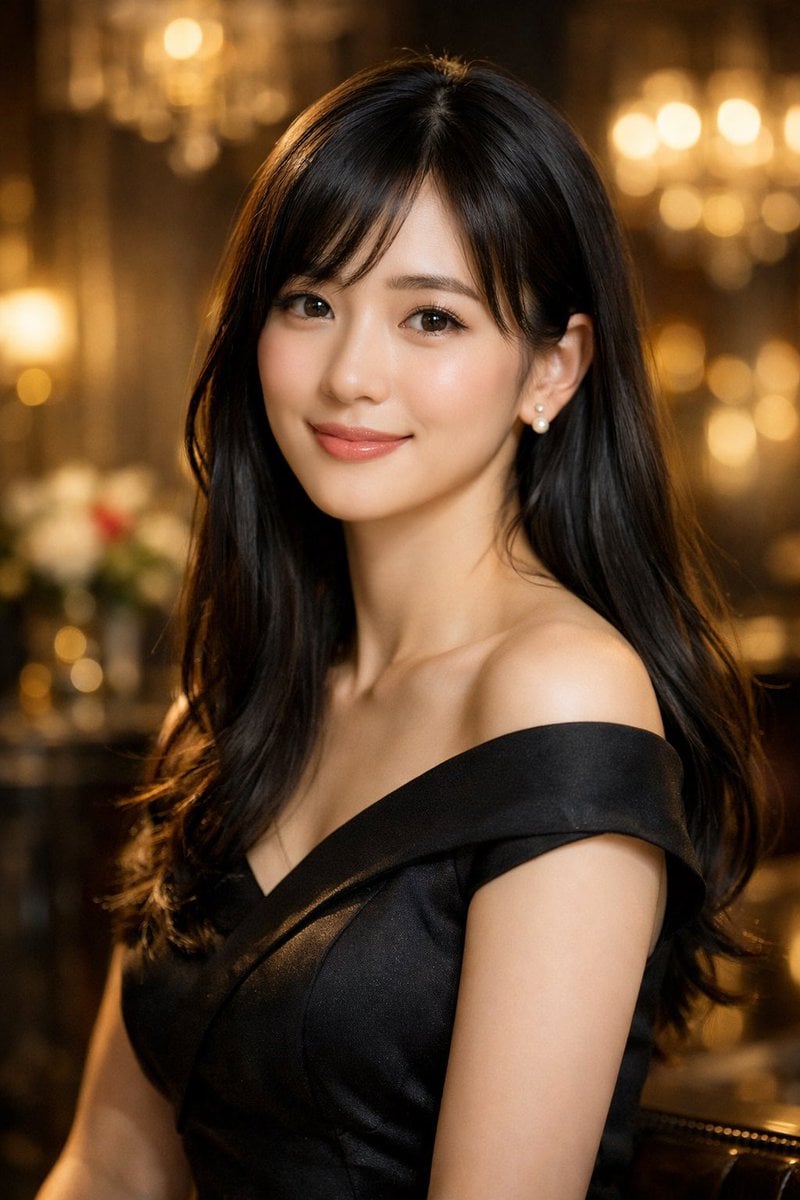
Elegant Photorealistic Female Portrait
Browse template categories
Ultra-Photorealistic 6-Panel Collage Prompt for Nano Banana Pro questions
How do I use the Ultra-Photorealistic 6-Panel Collage Prompt for Nano Banana Pro template?
Add your photo if the template asks for one, edit the prompt if you like — the template's model and format are already selected — and press Generate. Your version opens in PicX Studio.
Can I customize the Ultra-Photorealistic 6-Panel Collage Prompt for Nano Banana Pro template?
Yes. You can change the subject, setting, lighting, mood, format, and available model controls before creating your image.
Is the Ultra-Photorealistic 6-Panel Collage Prompt for Nano Banana Pro template free?
Opening and editing this template is free. Generating uses credits, shown on the Generate button when you are signed in.
Which AI model should I use?
Start with Nano Banana 2, which is the model associated with this template. You can compare another compatible model for a different finish.
Looking for something else? Browse all templates.

Your photo, any look
Thousands of ready templates for every top image and video model, from one credit balance.