
Japanese Breaking News Broadcast Generator
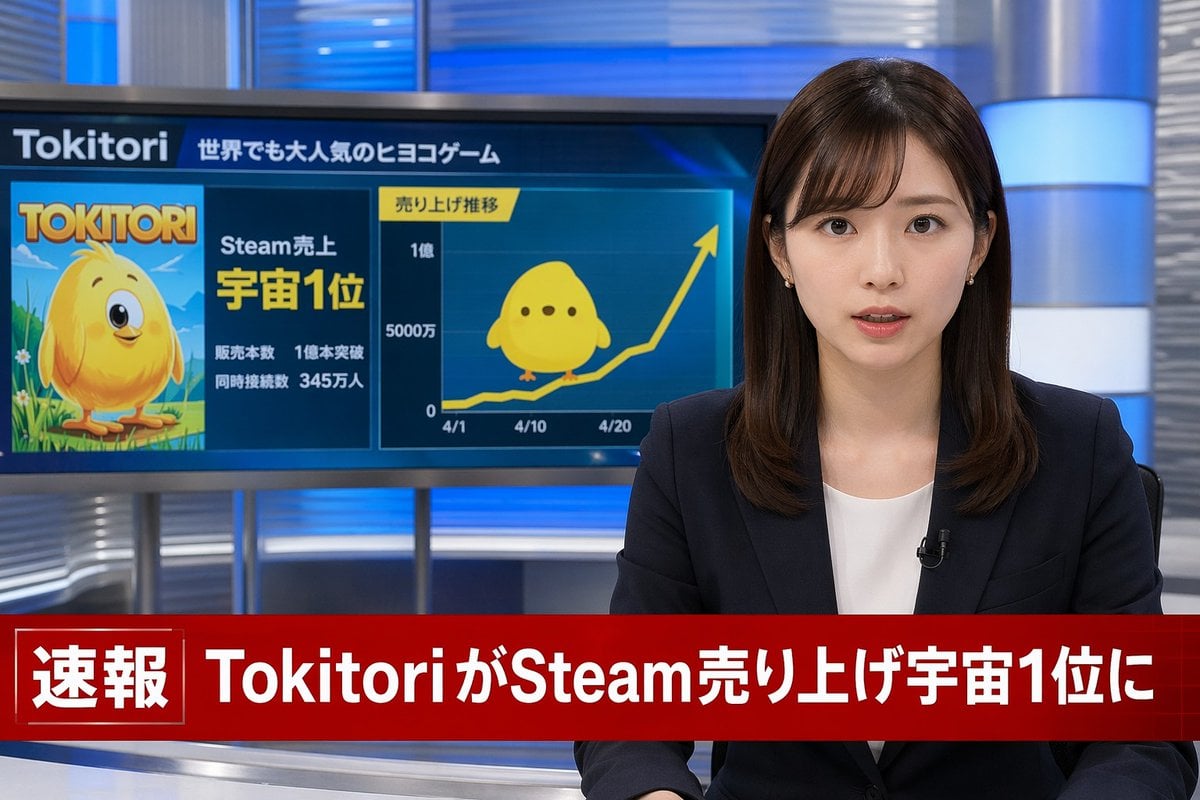
Generates a photorealistic television news broadcast scene featuring an anchor, a customizable background monitor graphic, and a lower-thirds breaking news banner.
- Prompt included
- Model and format preset
- Free template
The prompt behind this image
Copy the exact prompt behind Japanese Breaking News Broadcast Generator, or open it in the studio and make it yours.
A photorealistic television news broadcast scene. On the right, a young Japanese female news anchor with shoulder-length dark brown hair and bangs looks directly at the camera with a professional expression. She wears a dark navy blazer over a white top, small earrings, and a lavalier microphone. The studio background features modern blue and silver illuminated panels. On the left, a large monitor displays a news graphic. The top of the monitor reads "{argument name="game name" default="Tokitori"}" followed by "{argument name="monitor top text" default="世界でも大人気のヒヨコゲーム"}". The left side of the monitor shows game cover art featuring a {argument name="character description" default="round, yellow chick character with big eyes"} on a green field, with the title "{argument name="game name" default="Tokitori"}" and text reading "{argument name="monitor achievement text" default="Steam売上 宇宙1位"}", "販売本数 1億本突破", and "同時接続数 345万人". The right side of the monitor displays a line graph titled "売り上げ推移" with an upward-trending yellow arrow, y-axis labels "0", "5000万", and "1億", and 3 x-axis dates "4/1", "4/10", and "4/20". A flat 2D version of the yellow chick sits on the graph line. Across the bottom of the screen is a prominent red lower-thirds breaking news banner. The left side of the banner has a box reading "速報" and the main text reads "{argument name="breaking news headline" default="TokitoriがSteam売り上げ宇宙1位に"}".
How to use Japanese Breaking News Broadcast Generator in 3 steps
- 1Upload ImagePNG, JPG or paste
Add your photo
Upload the photo the template builds on. The prompt, model and format are already set.
- 2…a portrait of your subject in softgolden-hour light, 85mm…
Personalize
Edit the subject and creative details for your destination.
- 3Generate
Generate
Press Generate — your image is created in PicX Studio, so you can compare it with the original and refine one variable at a time.
More like this
Templates with the same subject, style or setup. Open one to see its prompt.
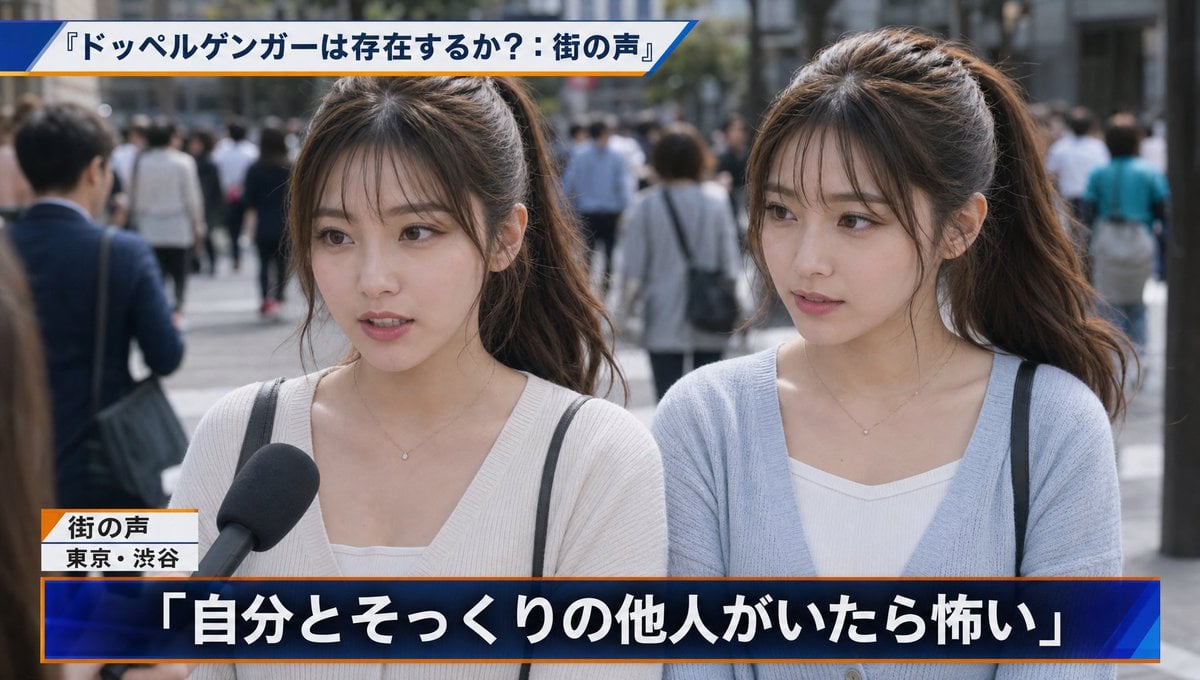
Japanese News Interview Broadcast
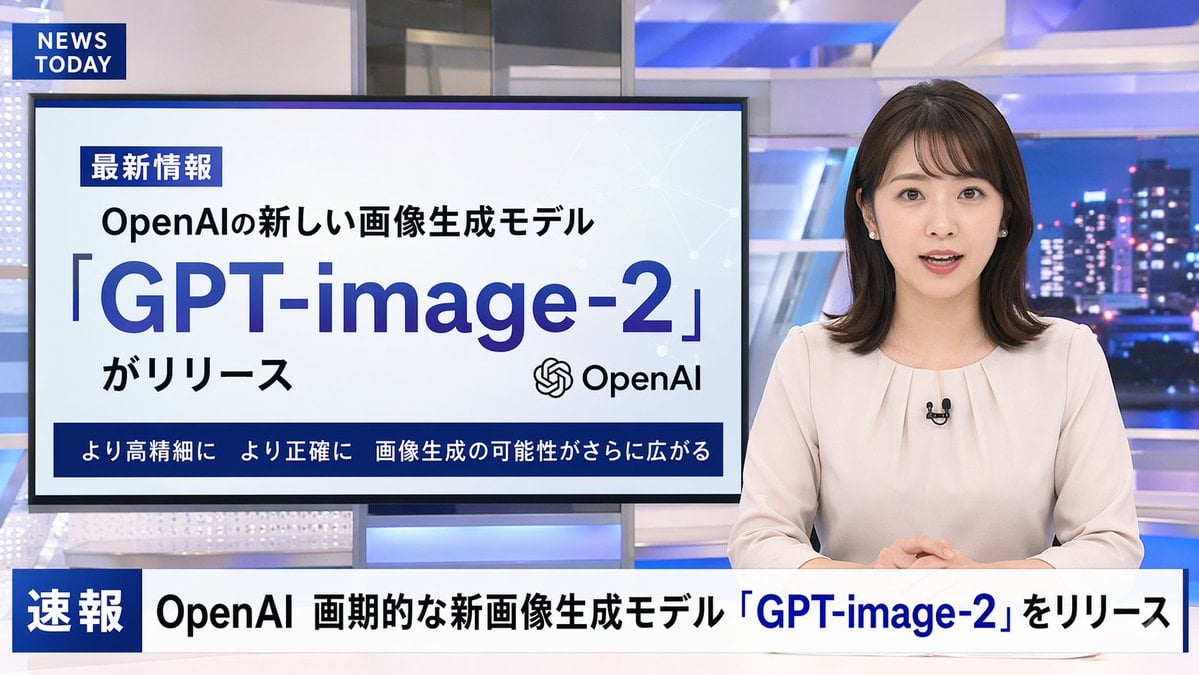
Japanese News Broadcast Mockup
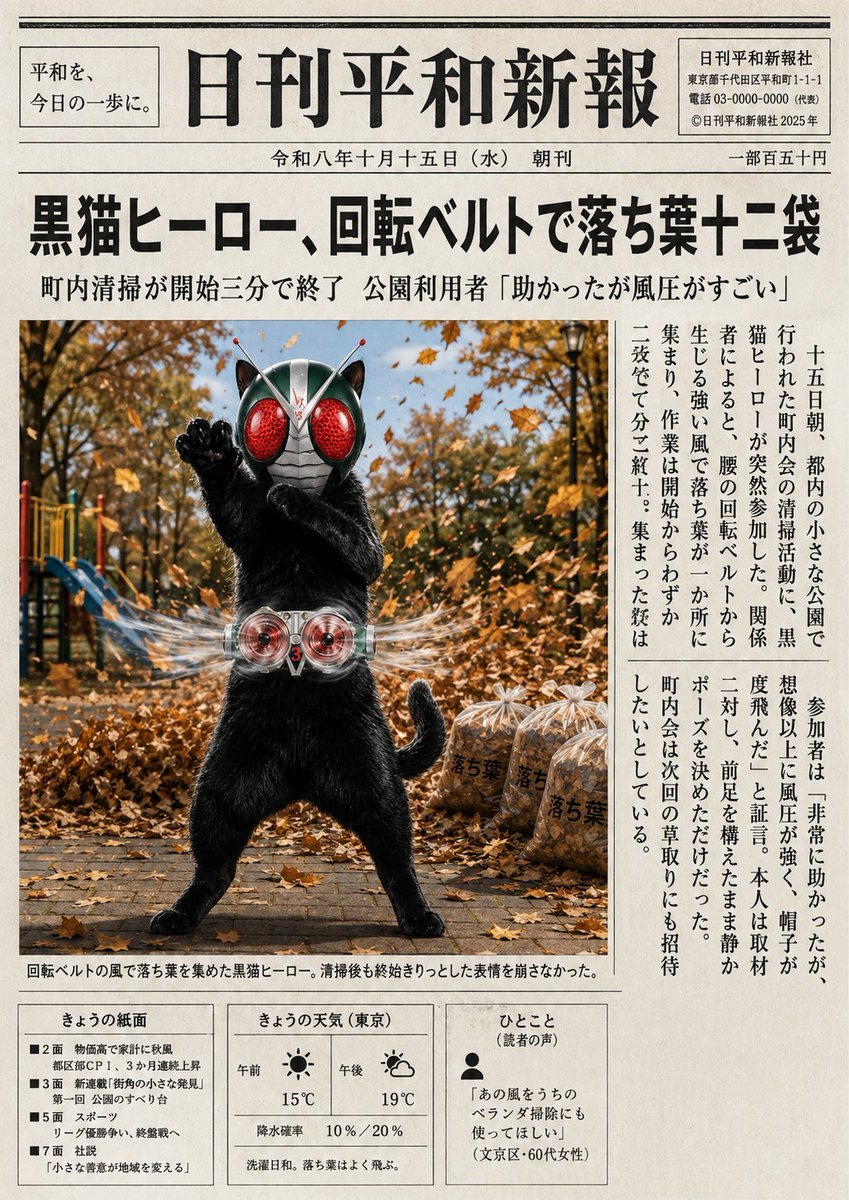
Japanese Newspaper Cat Hero Front Page

Minecraft Japanese Research Lab Exploration
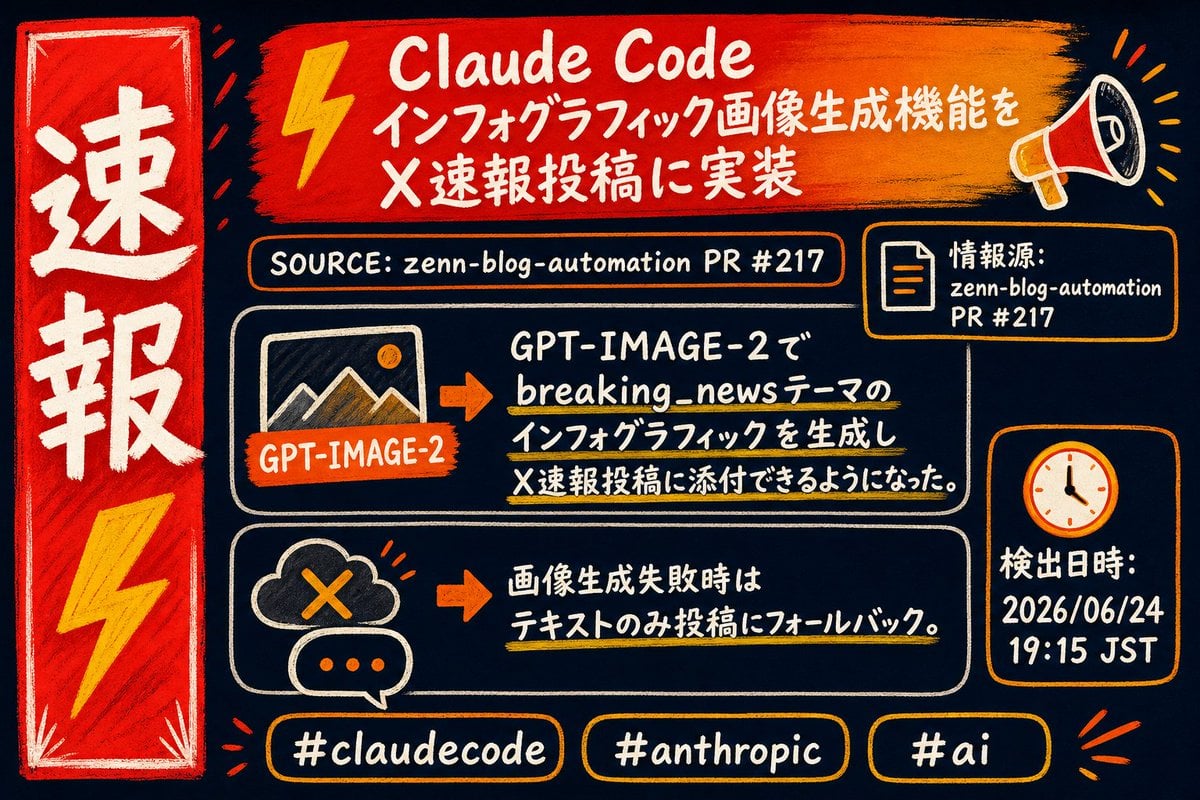
Claude Code Breaking News Infographic

Japanese Architectural Concrete Studio Fashion Campaign

Japanese Minimalist Concrete Studio Fashion Editorial

Blue Backdrop Luxury Fashion Portrait Campaign
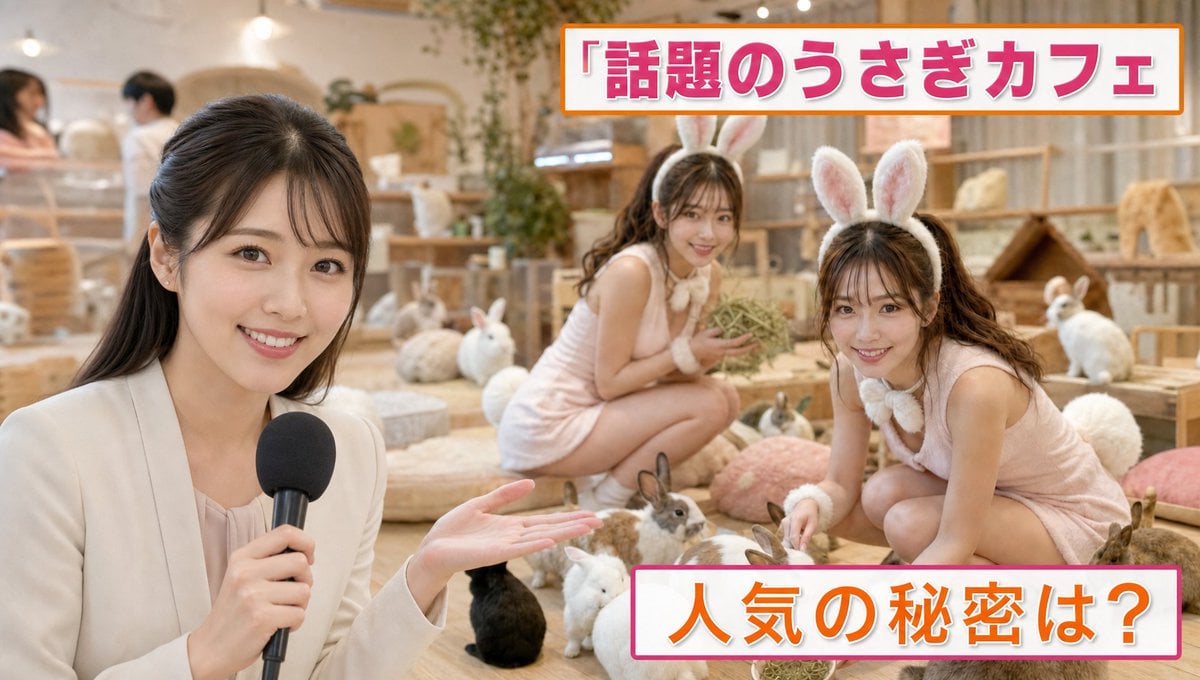
Japanese TV News Rabbit Cafe
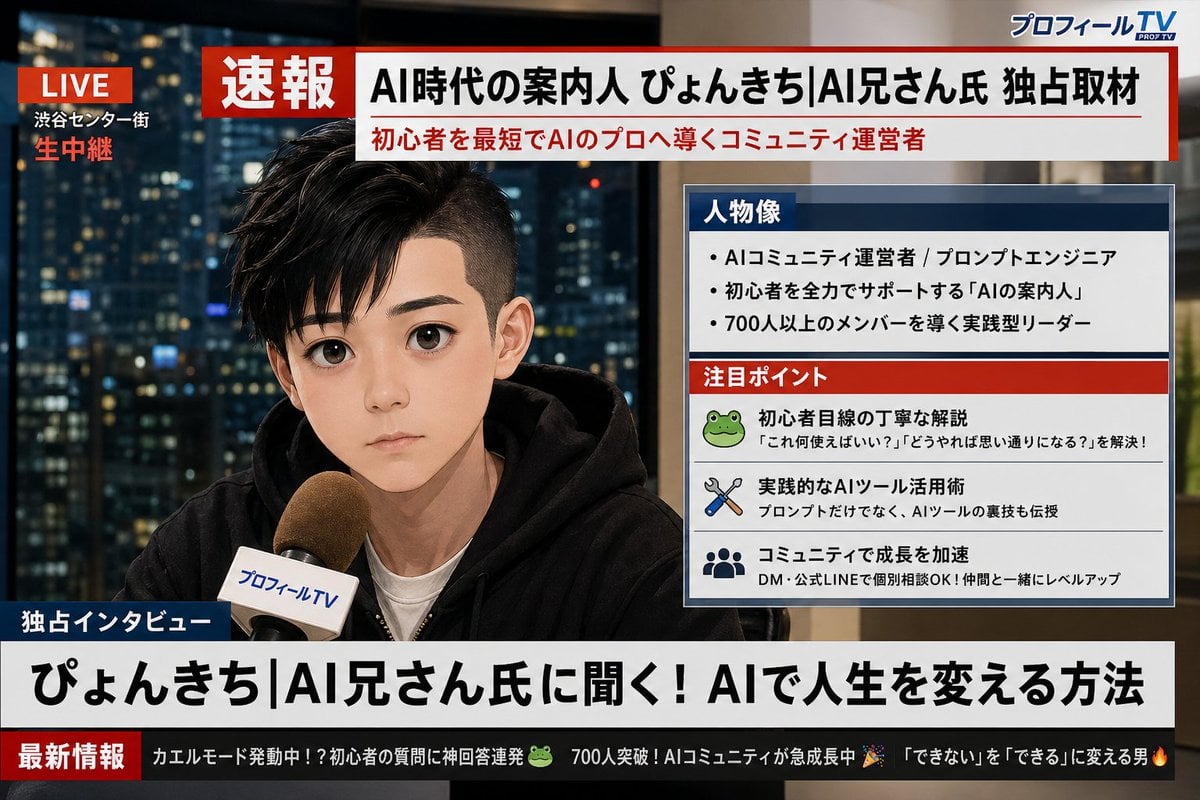
Social Media Profile News Broadcast Transformation
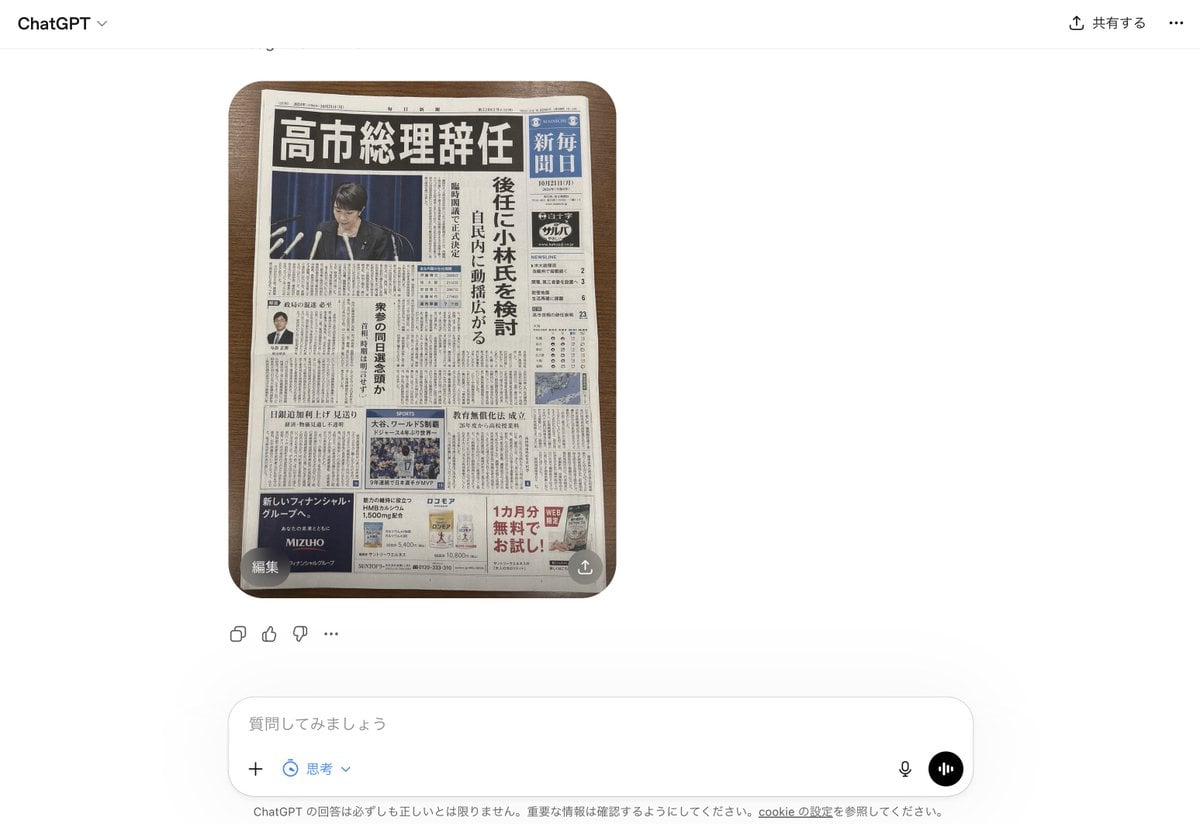
Fake Japanese Newspaper in ChatGPT UI
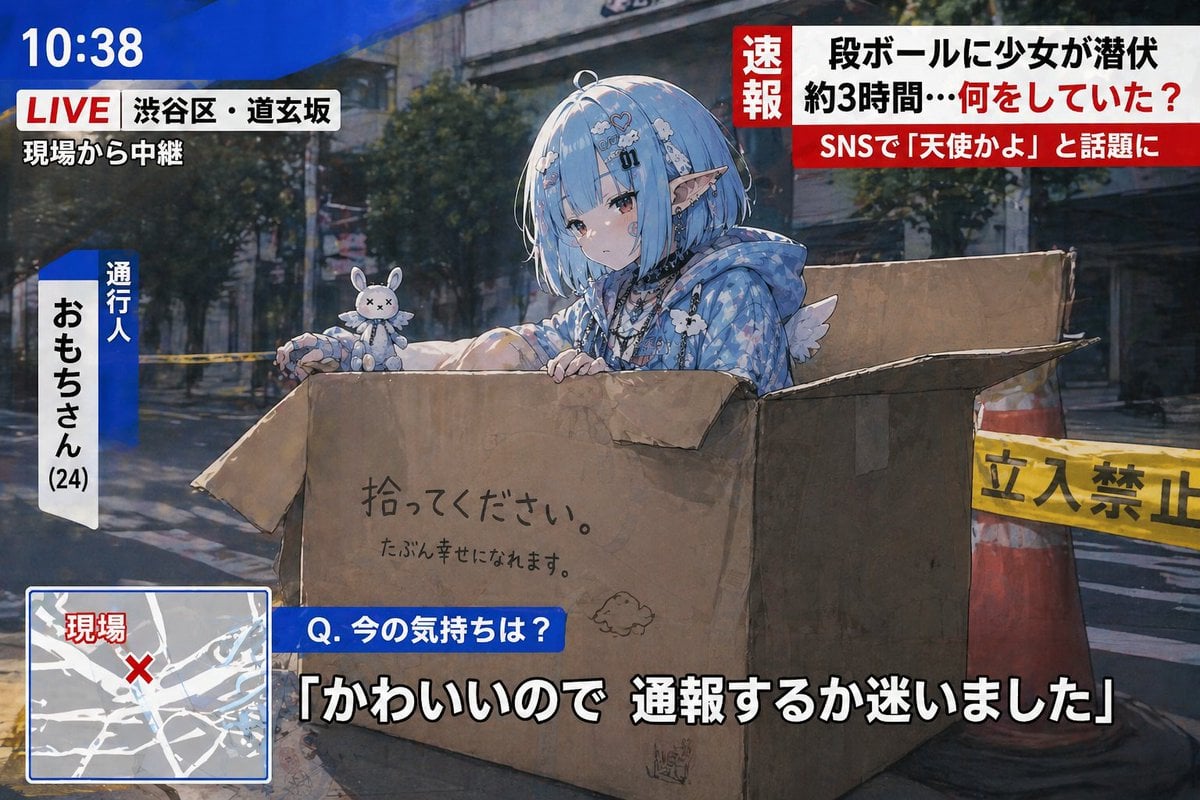
Breaking News Style Character Art
Make it yours
Japanese Breaking News Broadcast Generator works as-is. These are the safest ways to change it without losing the look.
Change one field
Copy a single group, rewrite it, and generate again so you can see what that field is doing.
Keep the frame, change the subject
Hold the composition and light of Japanese Breaking News Broadcast Generator, then swap wardrobe, props or the person for a new take.
| If the result… | Why | Fix |
|---|---|---|
| The result drifts from the preview | Too many fields changed at once. | Reuse Japanese Breaking News Broadcast Generator as-is first, then change one group — subject, light, or setting. |
| The model over-stylizes the scene | The prose prompt leaves finish and camera underspecified. | Add one camera or lighting sentence and stay on GPT Image 2. |
More GPT Image 2 templates
Other prompts made for GPT Image 2.

Realistic Portrait of Woman and Deer

The Vista Modular Condo Poster

AI Model Routing Comparison Infographic

2.5D Anime Art Board

Isometric Productivity Desk Scene

New York Double Exposure Poster

Four-Panel AI Landscape Comparison

NESCAFÉ Coffee Map Poster

Brutalist Cogito Chinese Typography Poster

Cinematic Luxury Terrace Portrait
More image prompts
Fresh picks from across the catalog.
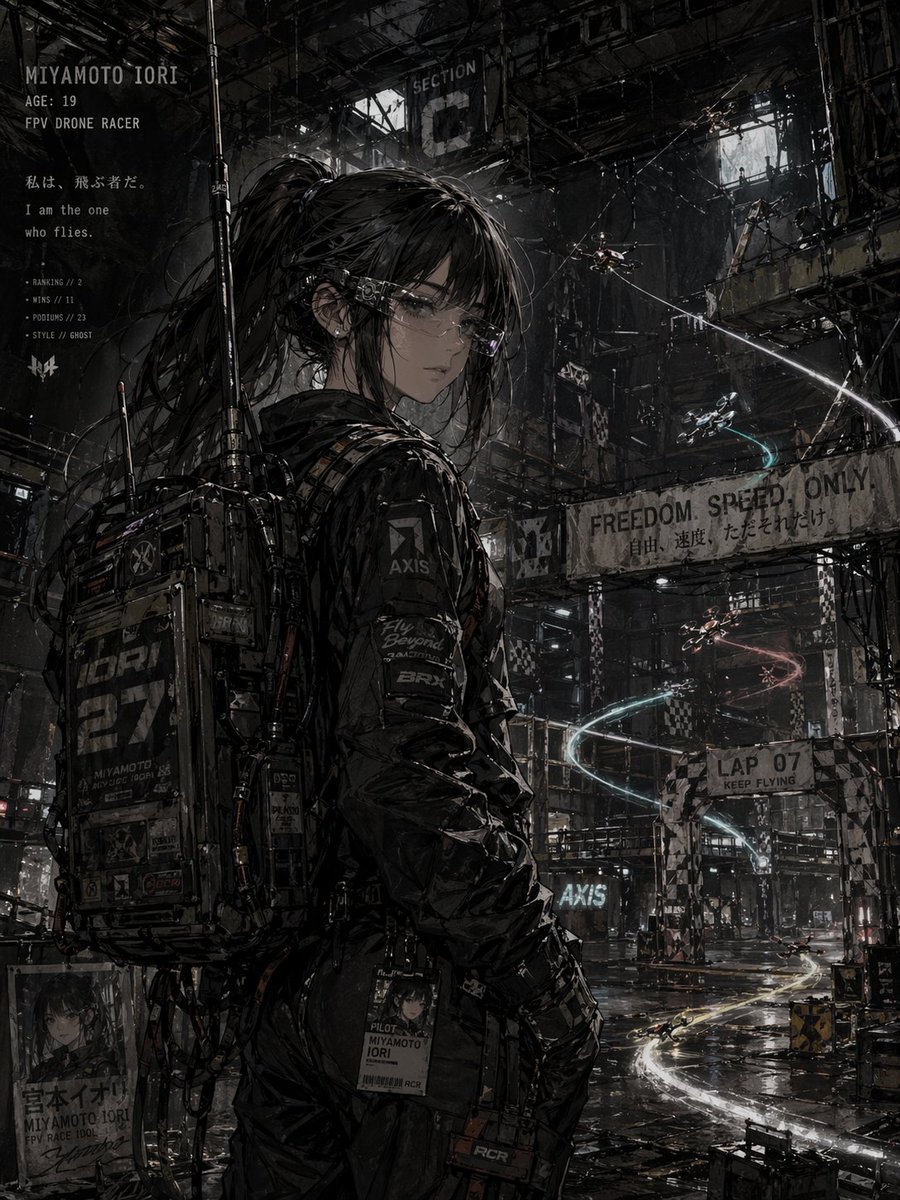
Cyberpunk FPV Drone Racer Poster
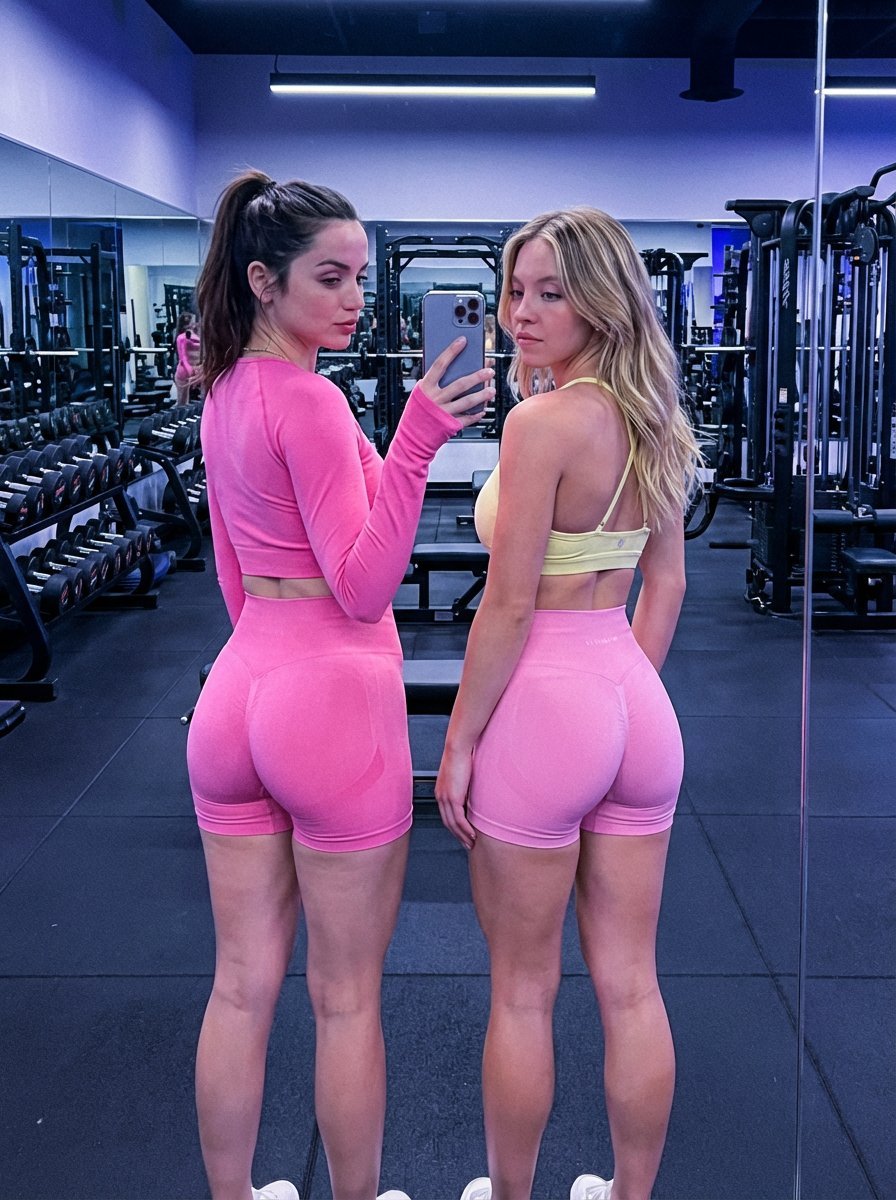
Dual Gym Mirror Selfie with Identity Lock Prompt
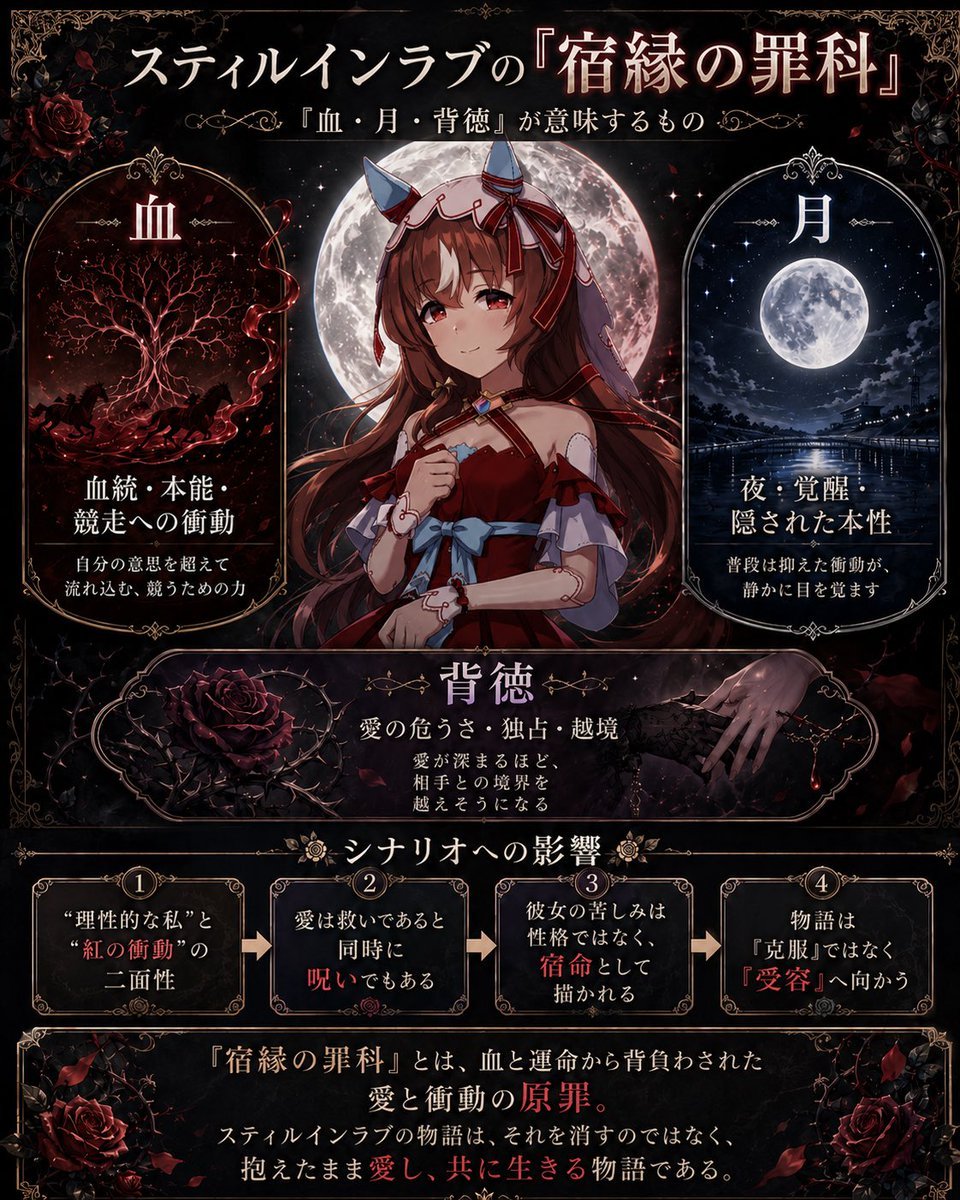
Gothic Anime Symbolism Infographic
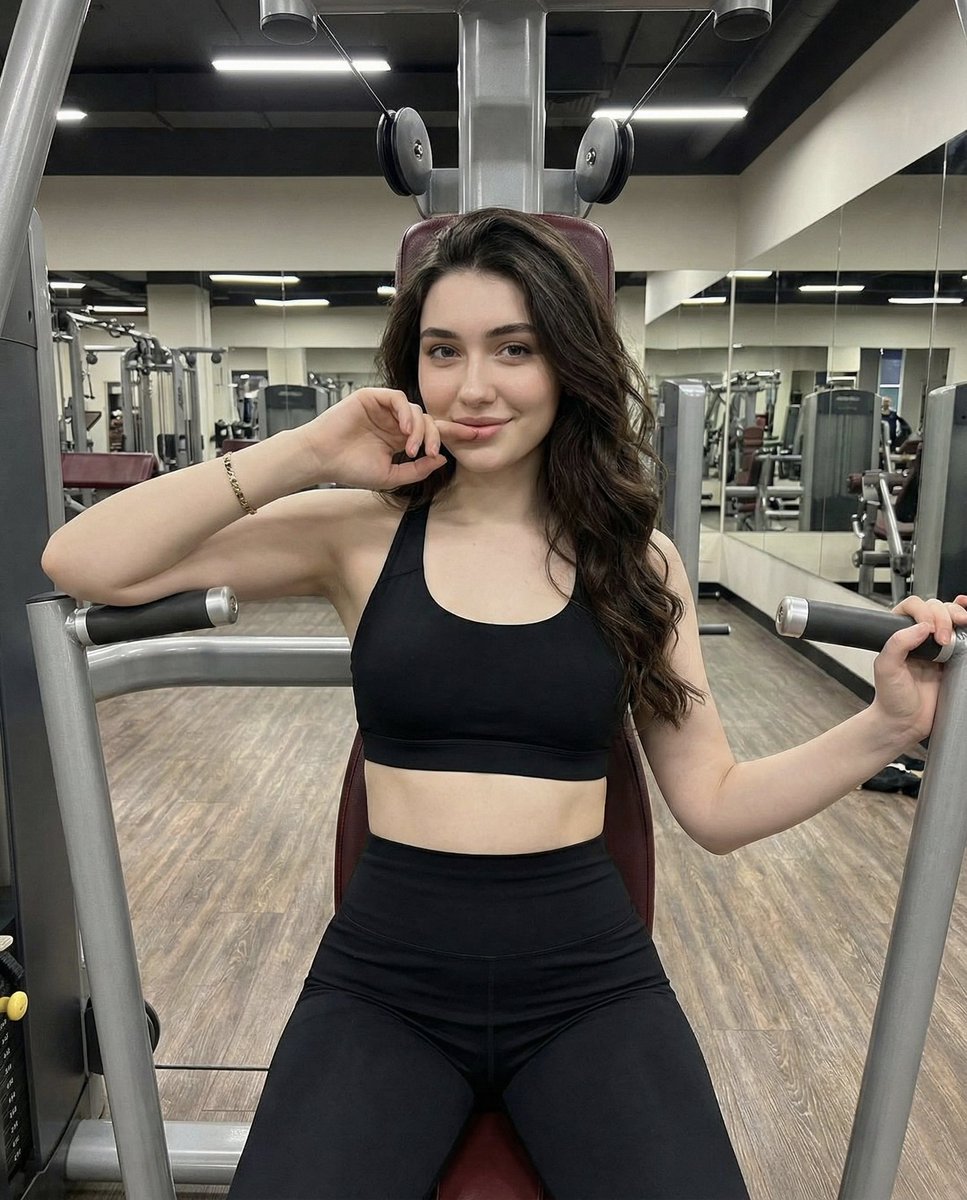
Lifestyle Fitness Portrait on Gym Machine
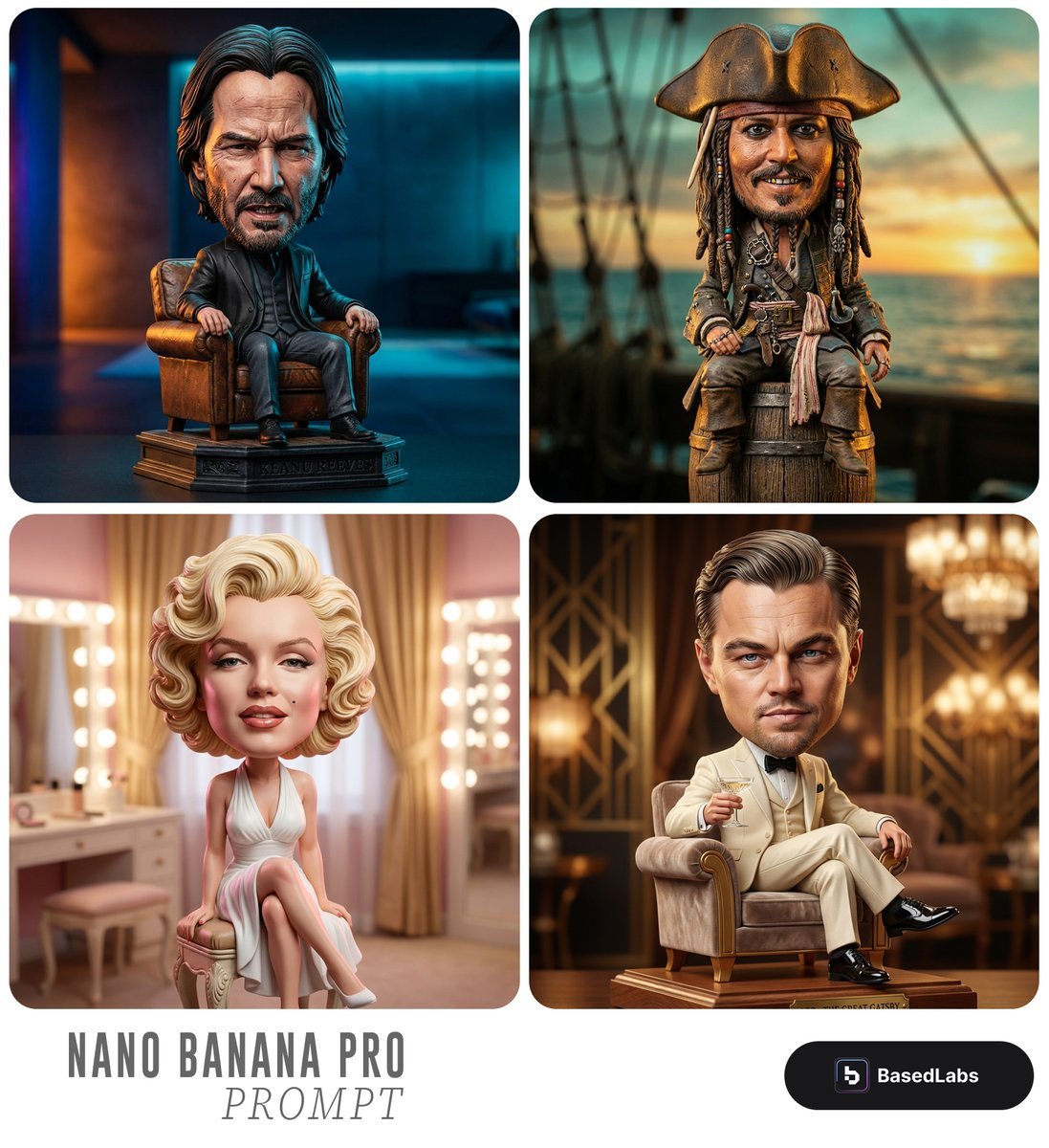
Caricature Bobblehead Figurine Prompt
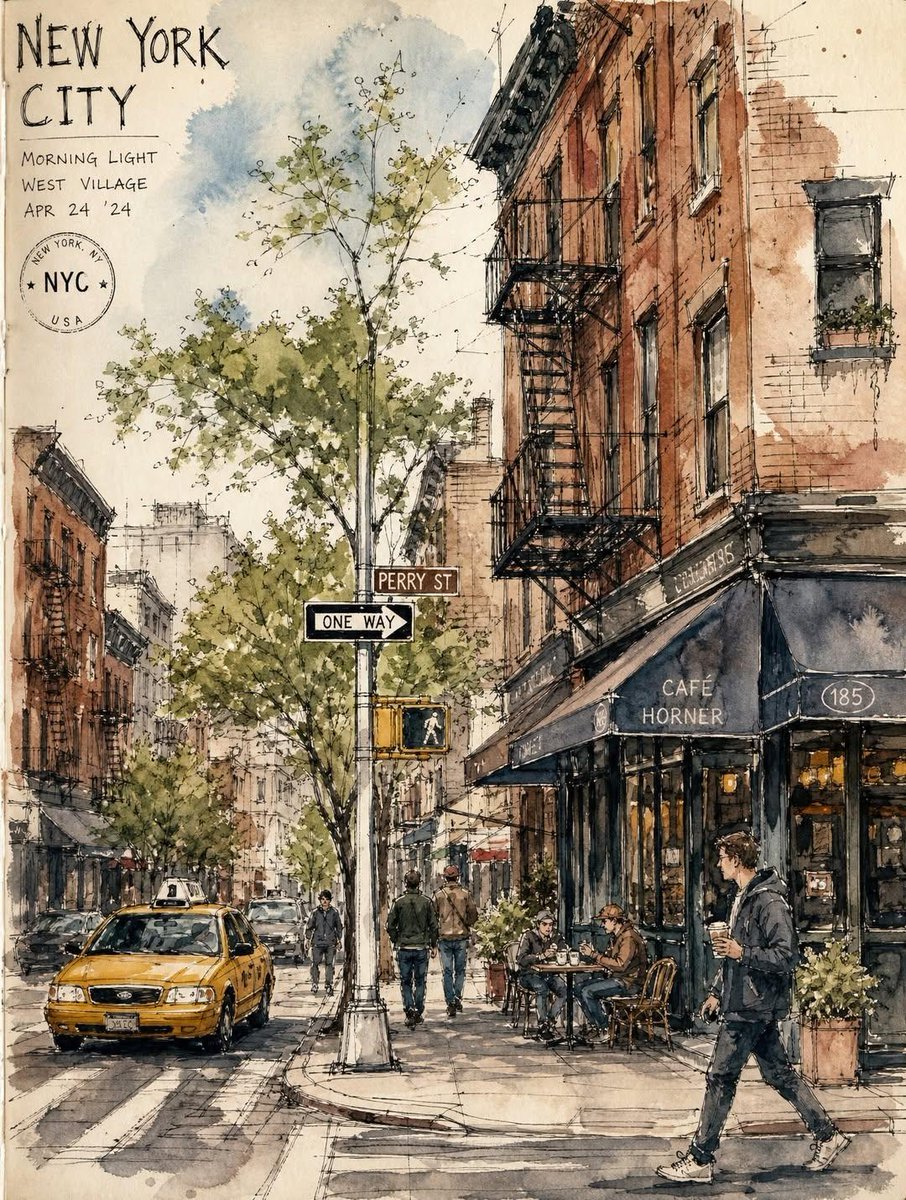
Vintage European Travel Sketchbook
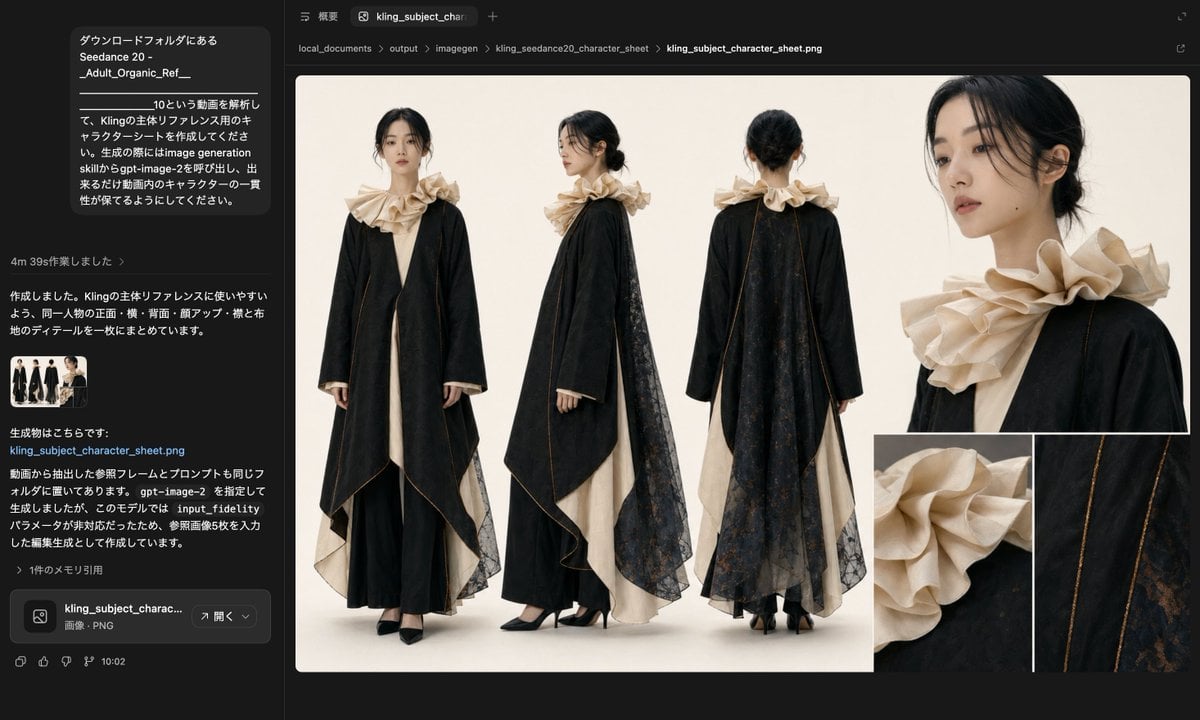
Avant-Garde Black and Cream Fashion Sheet
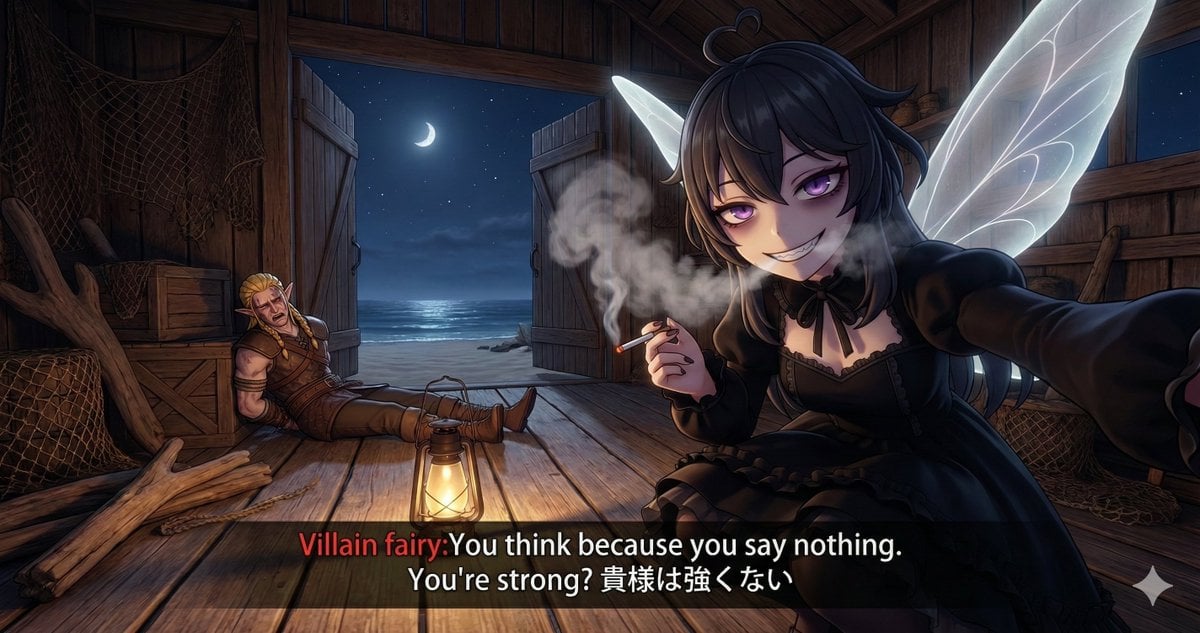
Villain Fairy Quote Generation
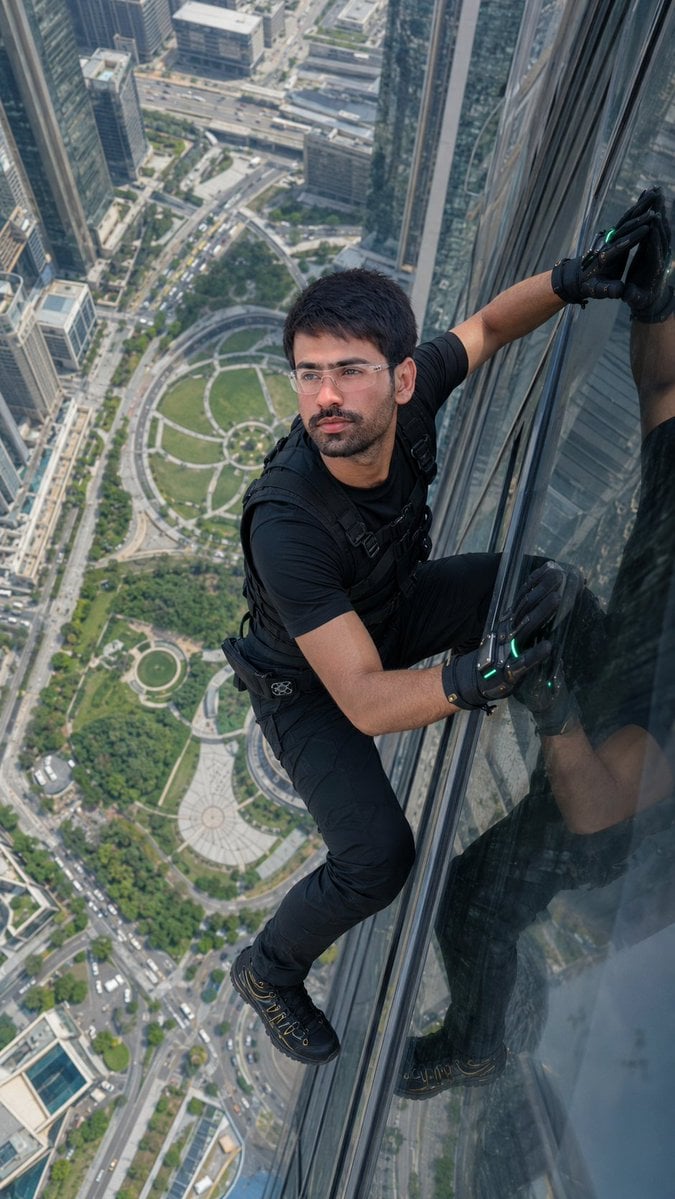
Skyscraper Climbing Action Shot

Monika Anime Banner Illustration
Browse template categories
Japanese Breaking News Broadcast Generator questions
How do I use the Japanese Breaking News Broadcast Generator template?
Add your photo if the template asks for one, edit the prompt if you like — the template's model and format are already selected — and press Generate. Your version opens in PicX Studio.
Can I customize the Japanese Breaking News Broadcast Generator template?
Yes. You can change the subject, setting, lighting, mood, format, and available model controls before creating your image.
Is the Japanese Breaking News Broadcast Generator template free?
Opening and editing this template is free. Generating uses credits, shown on the Generate button when you are signed in.
Which AI model should I use?
Start with GPT Image 2, which is the model associated with this template. You can compare another compatible model for a different finish.
Looking for something else? Browse all templates.

Your photo, any look
Thousands of ready templates for every top image and video model, from one credit balance.