
Fake Japanese Newspaper in ChatGPT UI
This generates a photorealistic screenshot of the ChatGPT interface displaying a fabricated but convincing Japanese newspaper front page, useful for mockups about AI-generated fake news.
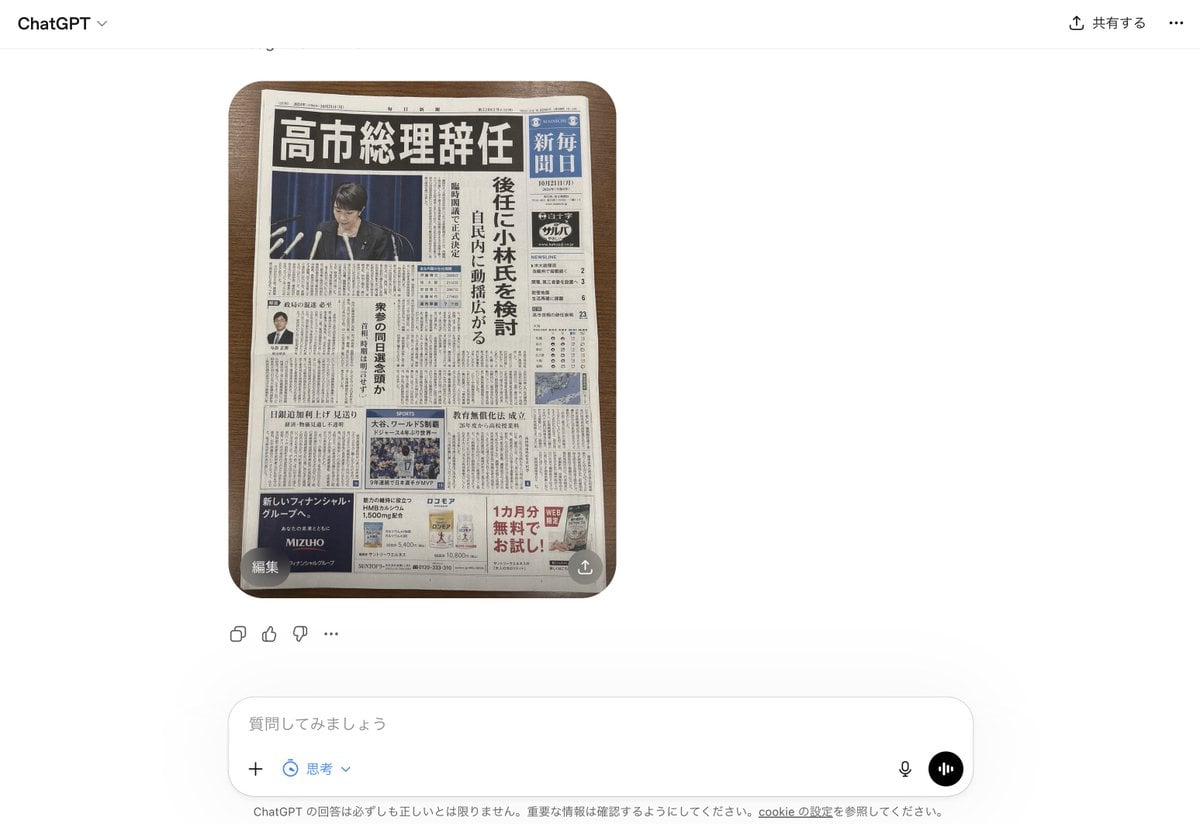
- Prompt included
- Model and format preset
- Free template
The prompt behind this image
Copy the exact prompt behind Fake Japanese Newspaper in ChatGPT UI, or open it in the studio and make it yours.
A realistic smartphone screenshot of the ChatGPT web interface in Japanese, shown on a clean white background. Centered in the chat is a single generated image: a top-down photo of 1 Japanese newspaper placed neatly on a medium-dark wooden tabletop with rounded table corners visible. The newspaper dominates the image and looks highly believable, like a fake but convincing breaking-news front page. The masthead area is dense and traditional, with a huge bold black Japanese headline across the top reading 「高市総理辞任」. Beneath it is a large main photo of 1 politician at a press conference podium with multiple microphones, face intentionally blurred or obscured, in front of a dark blue curtain. Along the right side is 1 vertical blue newspaper nameplate area with white Japanese text resembling a major national daily. A tall vertical subheadline column in Japanese runs beside the main image, suggesting discussion of a successor candidate. The front page includes exactly 4 visible advertisement blocks near the bottom and lower side areas, 1 small portrait photo of a suited man in a left-side article, 1 sports photo block in the lower middle, 1 weather or data box on the right, and many tightly packed columns of Japanese body text throughout. The newspaper should feel authentic, serious, and editorial, with realistic print texture, slight page curl, subtle shadows, and credible Japanese typography. Around the image, include the visible ChatGPT UI chrome: top-left “ChatGPT”, top-right Japanese sharing controls, a small circular overlay button labeled 「編集」 at the lower-left corner of the image, a small share-style overlay icon at the lower-right corner of the image, reaction/action icons beneath the image, and a bottom input bar with Japanese placeholder text 「質問してみましょう」 plus microphone and voice buttons. Overall style: photorealistic screenshot, modern web app interface, fake-news newspaper front page, crisp legible layout, natural lighting, minimal perspective distortion.
How to use Fake Japanese Newspaper in ChatGPT UI in 3 steps
- 1Upload ImagePNG, JPG or paste
Add your photo
Upload the photo the template builds on. The prompt, model and format are already set.
- 2…a portrait of your subject in softgolden-hour light, 85mm…
Personalize
Edit the subject and creative details for your destination.
- 3Generate
Generate
Press Generate — your image is created in PicX Studio, so you can compare it with the original and refine one variable at a time.
More like this
Templates with the same subject, style or setup. Open one to see its prompt.
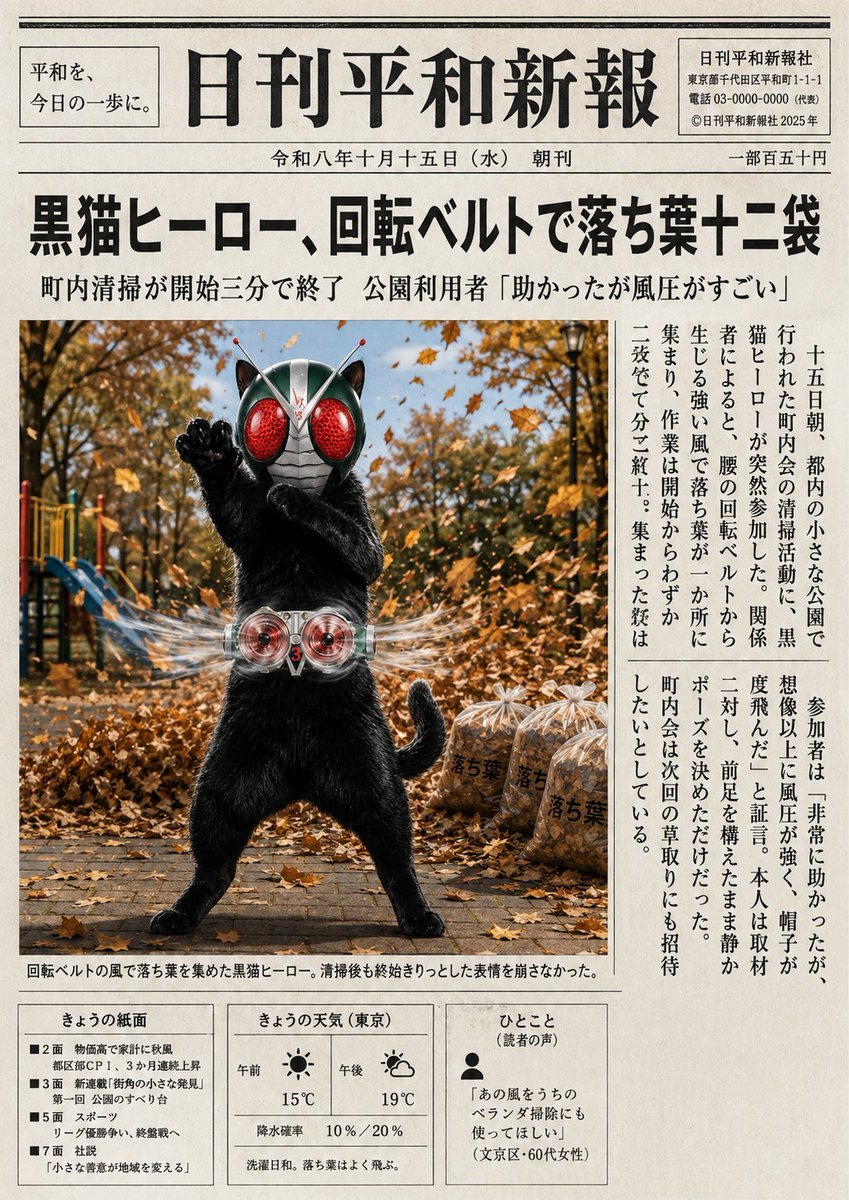
Japanese Newspaper Cat Hero Front Page

Minecraft Japanese Research Lab Exploration
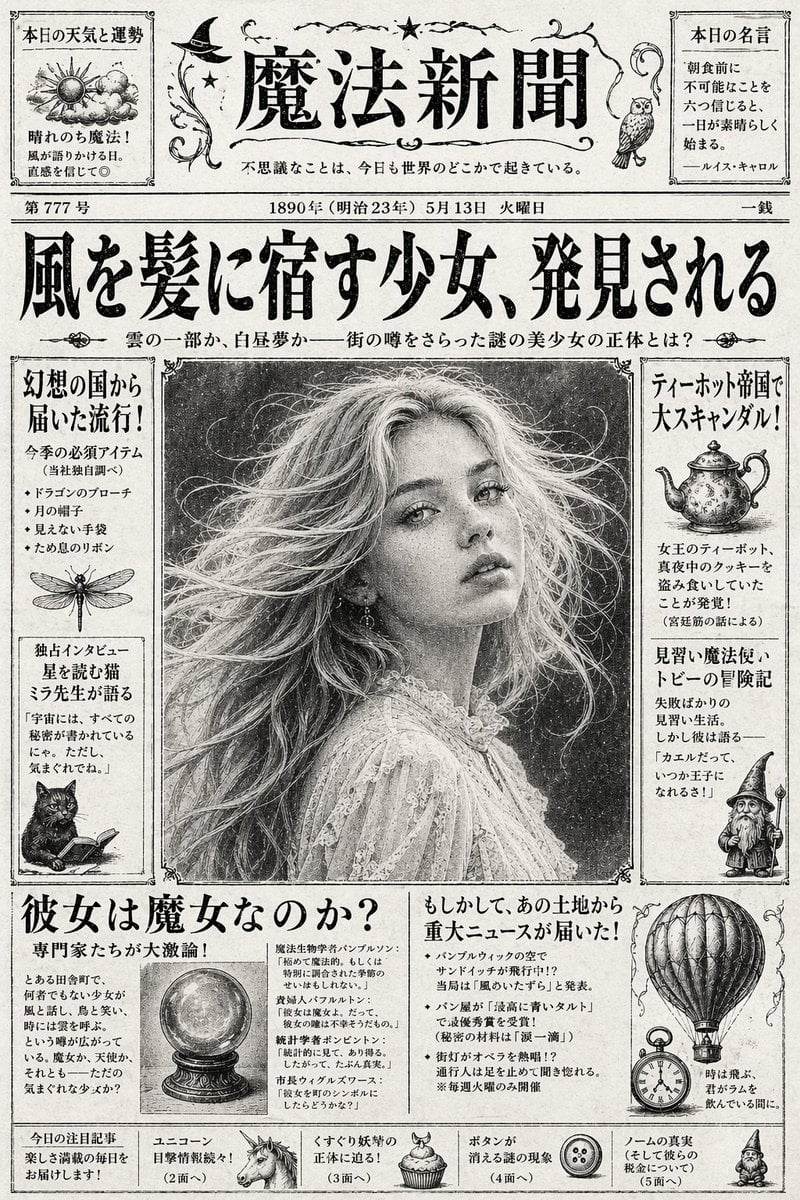
Vintage Japanese Fantasy Magic Newspaper

Floraverse Botanical Fusion

FLORAVERSE BOTANICAL FUSION

Bold Red Contrast Fashion Editorial Newspaper Room

Japanese Architectural Concrete Studio Fashion Campaign

Japanese Minimalist Concrete Studio Fashion Editorial

Blue Backdrop Luxury Fashion Portrait Campaign

Face-Locked Train Window Lifestyle Portrait

Female Chef Chicken Biryani Luxury Kitchen
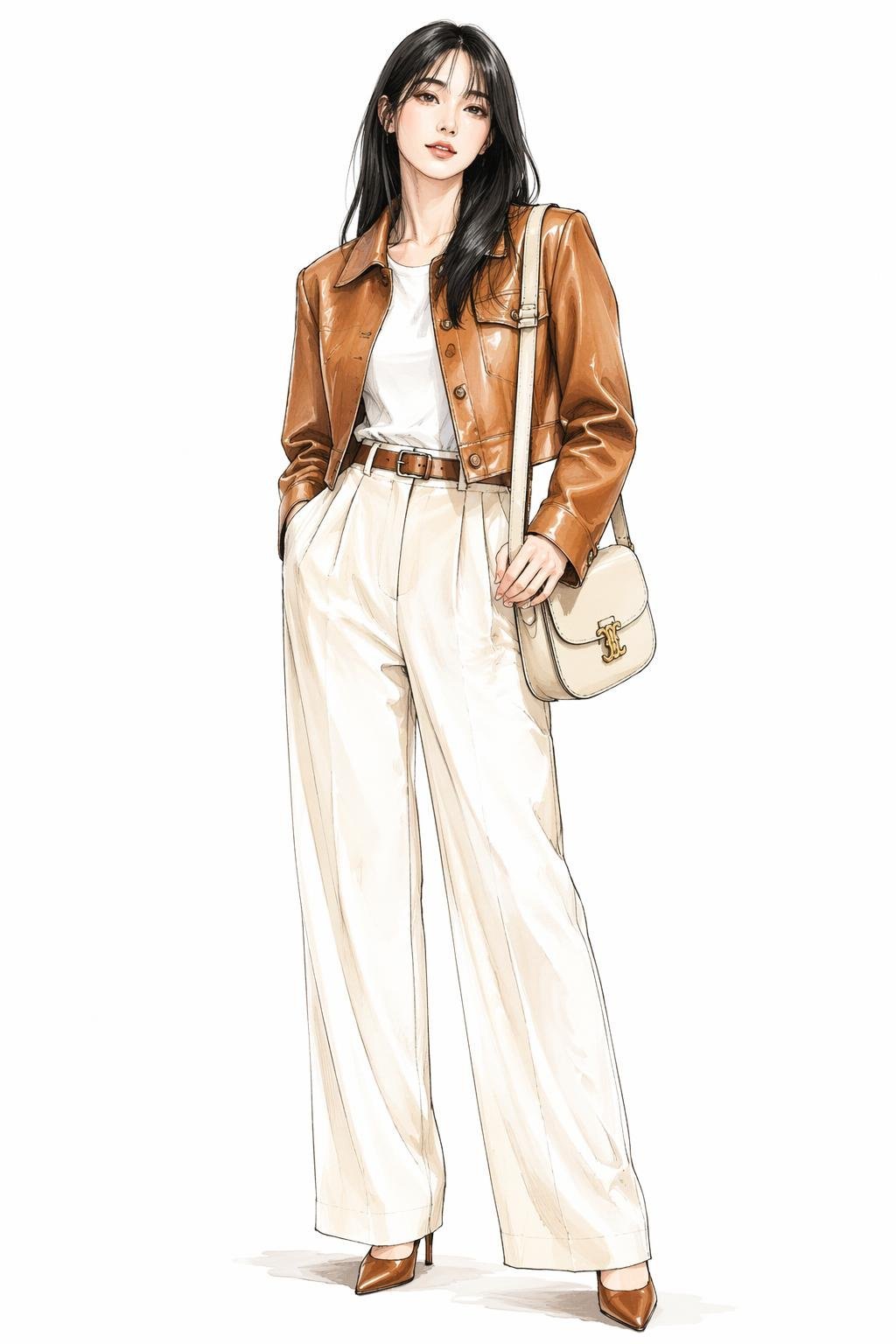
Leather Jacket Cream Trousers Fashion Sketch
Make it yours
Fake Japanese Newspaper in ChatGPT UI works as-is. These are the safest ways to change it without losing the look.
Change one field
Copy a single group, rewrite it, and generate again so you can see what that field is doing.
Keep the frame, change the subject
Hold the composition and light of Fake Japanese Newspaper in ChatGPT UI, then swap wardrobe, props or the person for a new take.
| If the result… | Why | Fix |
|---|---|---|
| The result drifts from the preview | Too many fields changed at once. | Reuse Fake Japanese Newspaper in ChatGPT UI as-is first, then change one group — subject, light, or setting. |
| The model over-stylizes the scene | The prose prompt leaves finish and camera underspecified. | Add one camera or lighting sentence and stay on GPT Image 2. |
More GPT Image 2 templates
Other prompts made for GPT Image 2.

Six VTuber Japanese Logo Sheet

Realistic Portrait of Woman and Deer

The Vista Modular Condo Poster

AI Model Routing Comparison Infographic

2.5D Anime Art Board

Isometric Productivity Desk Scene

New York Double Exposure Poster

Four-Panel AI Landscape Comparison

Japanese Tatami Lifestyle Magazine Cover

NESCAFÉ Coffee Map Poster
More image prompts
Fresh picks from across the catalog.
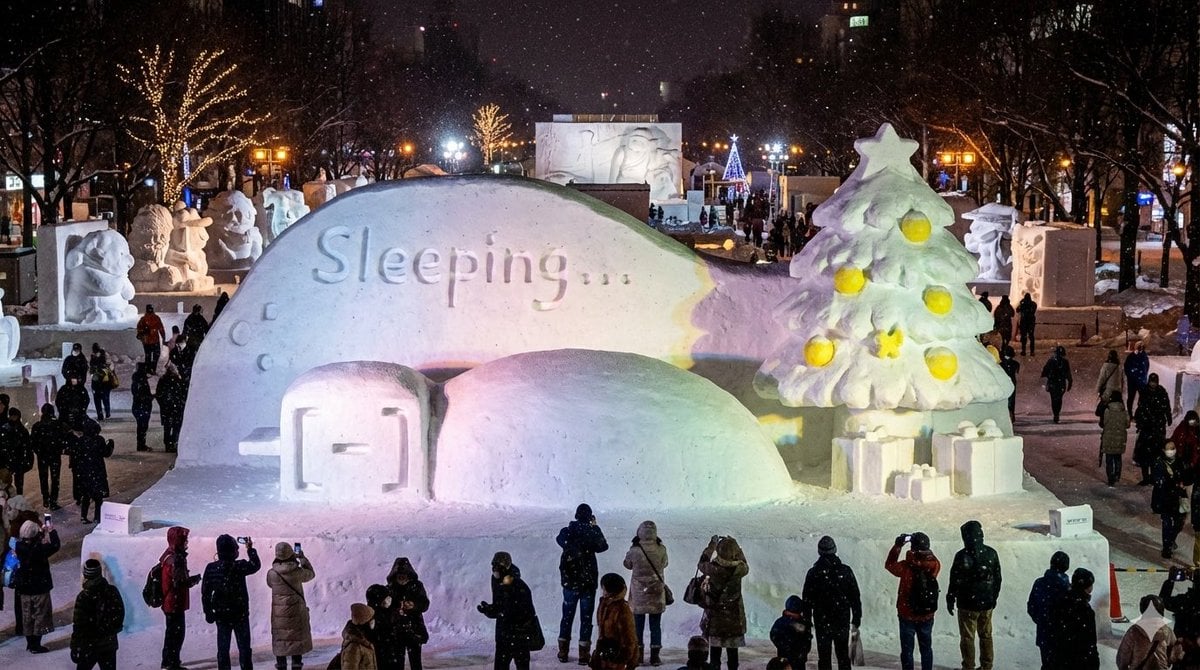
Snow Statue of Not Wanting to Leave the Futon
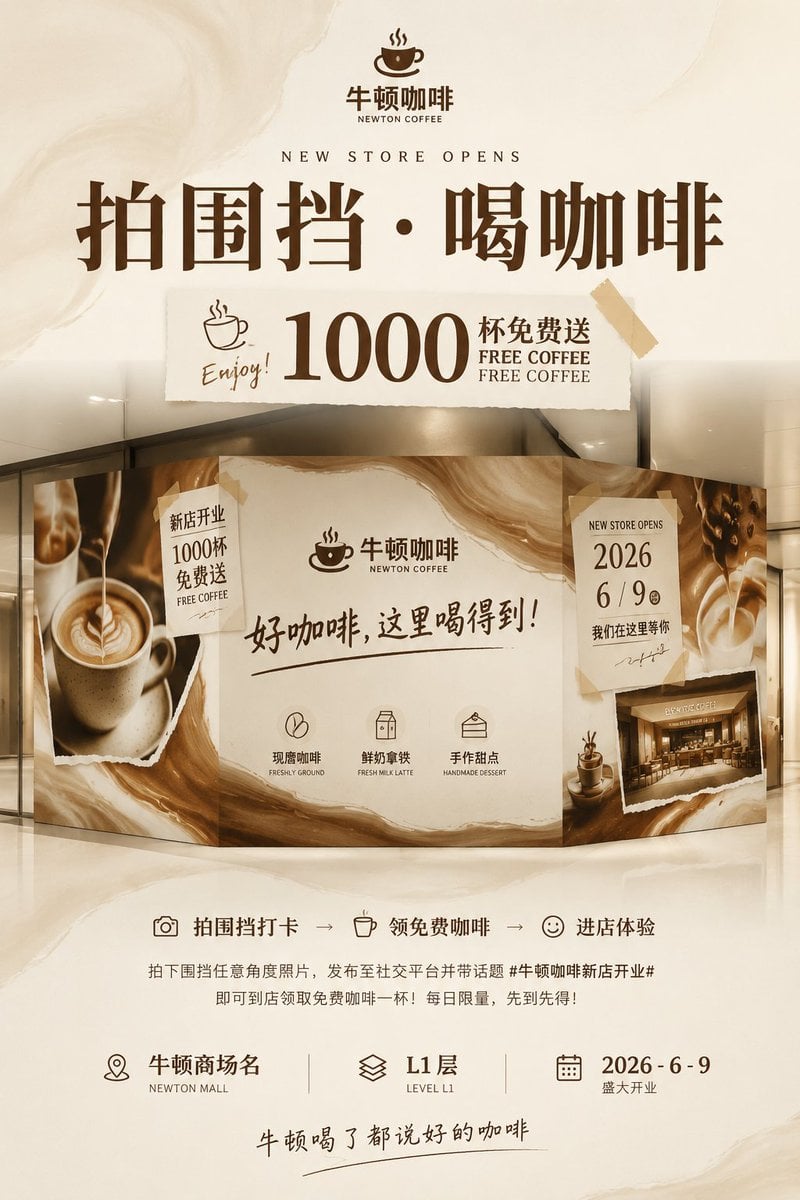
Newton Coffee Opening Poster
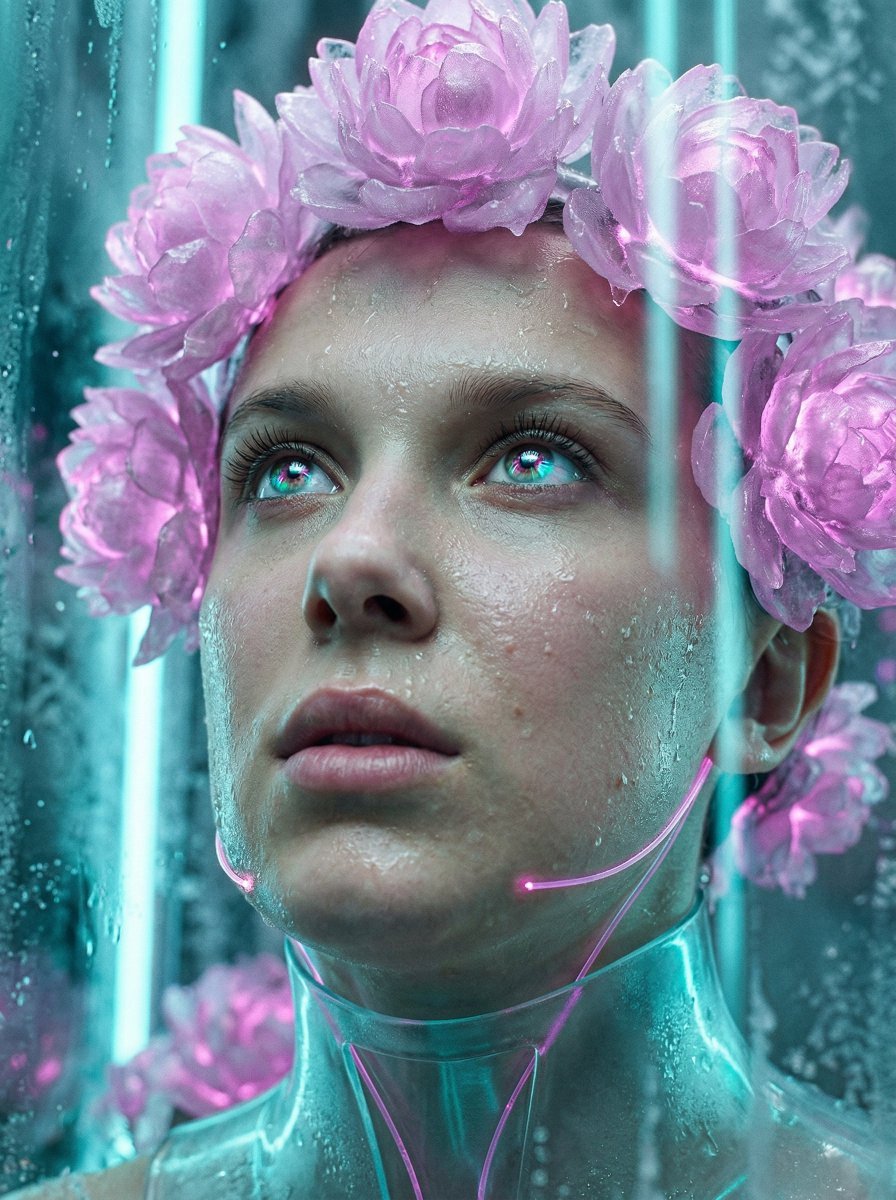
Synthetic Flora Prophecy (Sci-Fi Portrait)
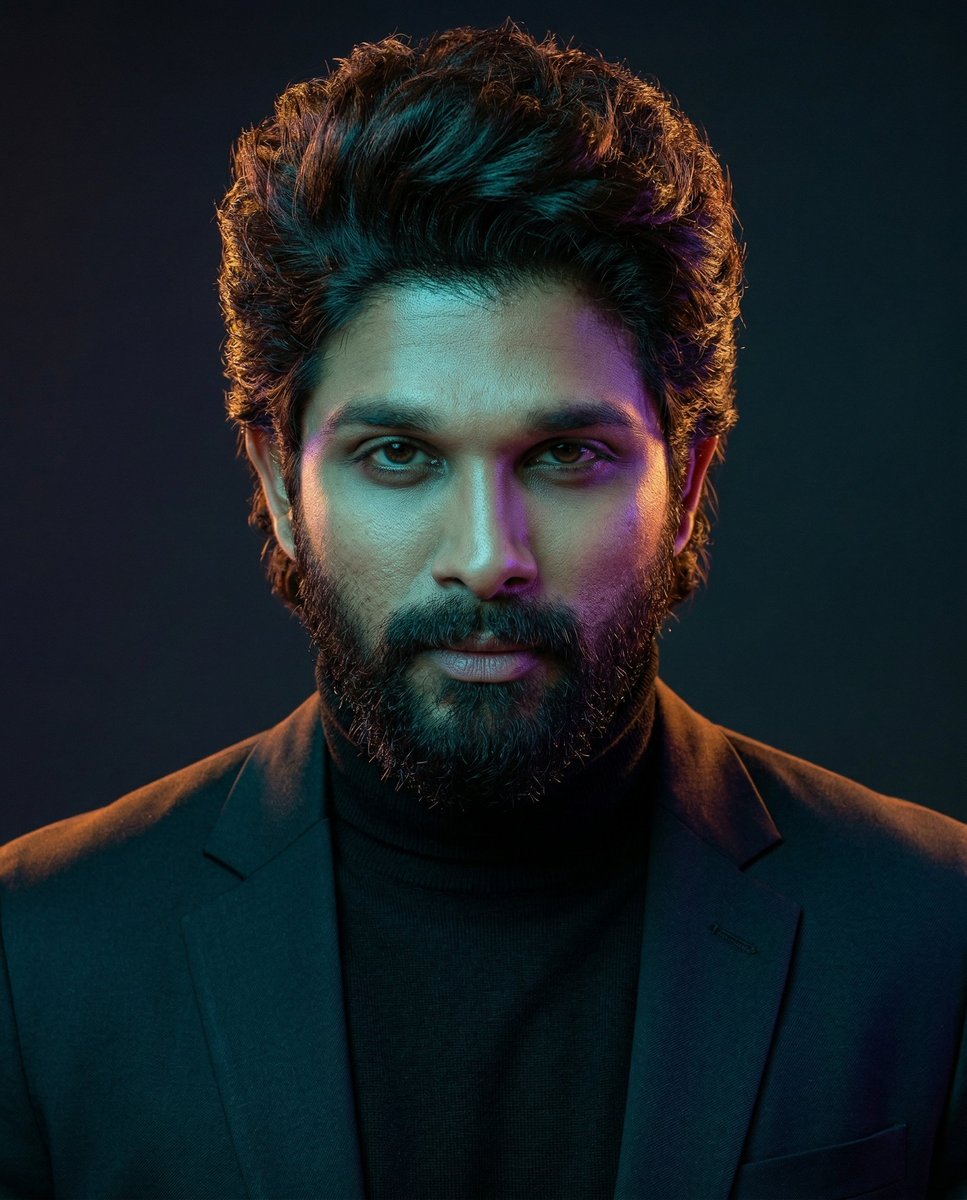
Cinematic Dual-Color Studio Portrait

B&W Photobooth Expression Grid 4x4 — Nano Banana
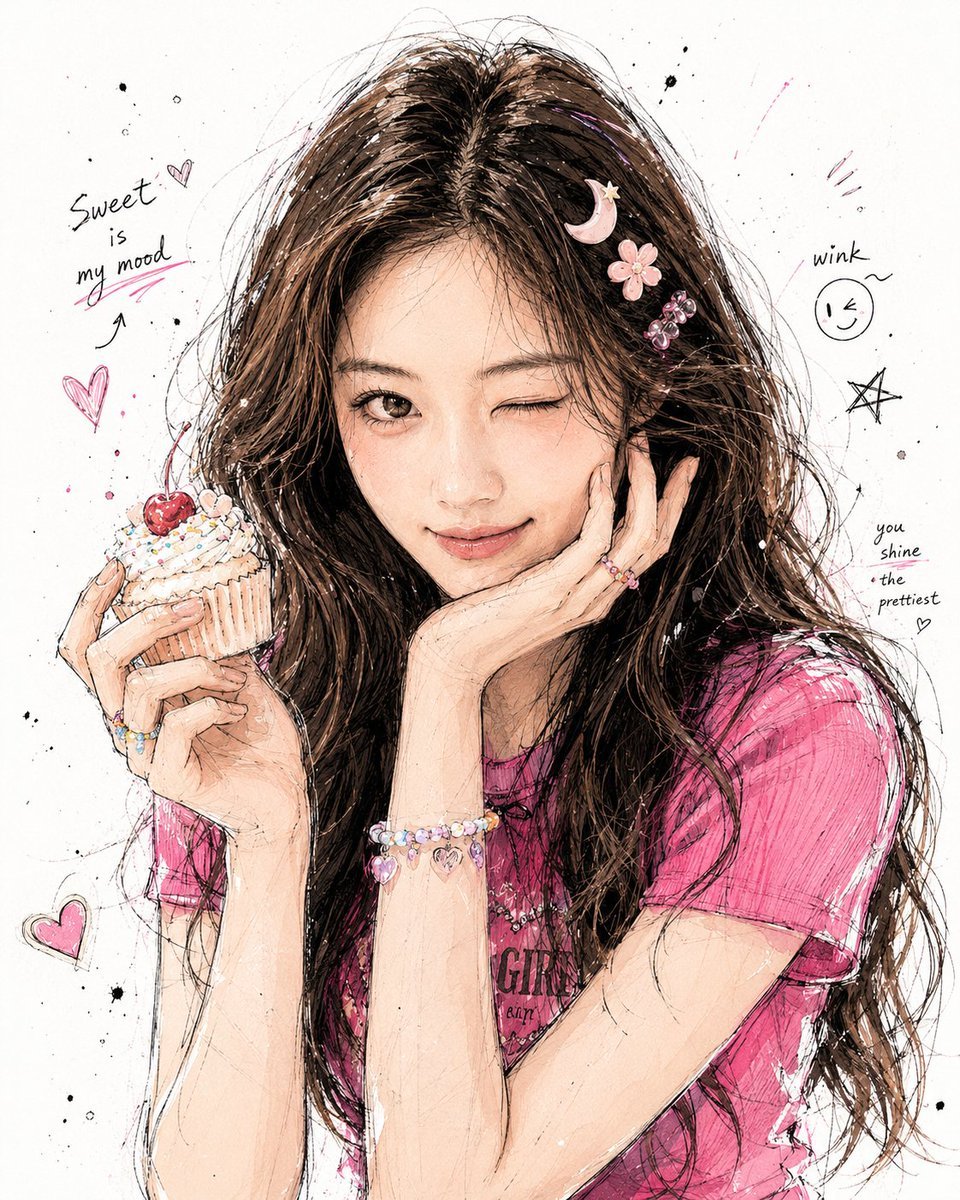
Korean Graffiti Illustration Portrait
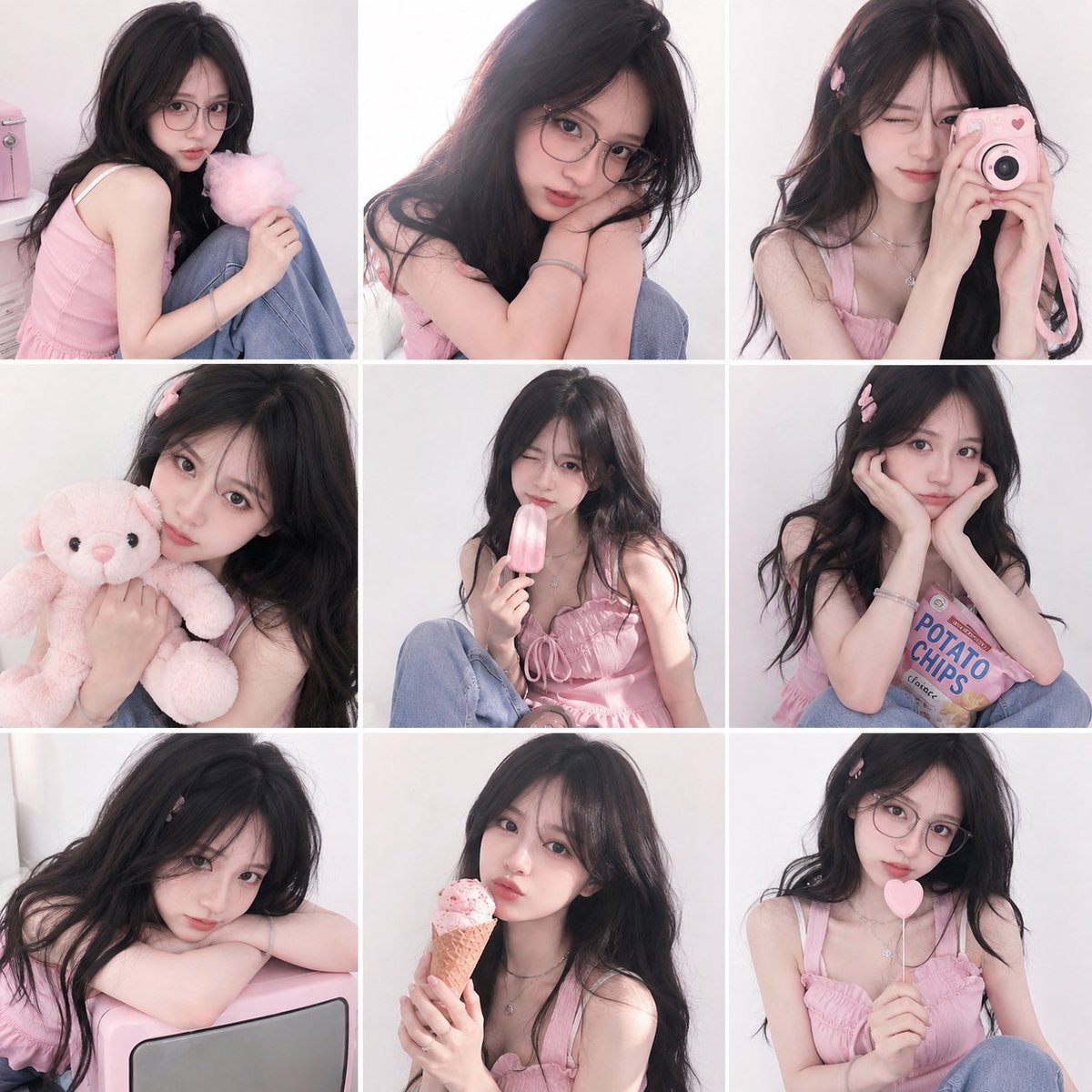
Dreamy Y2K Soft Girl Magazine Grid

Photorealistic Surreal Scene of a Man Reclining on a Floating Cloud
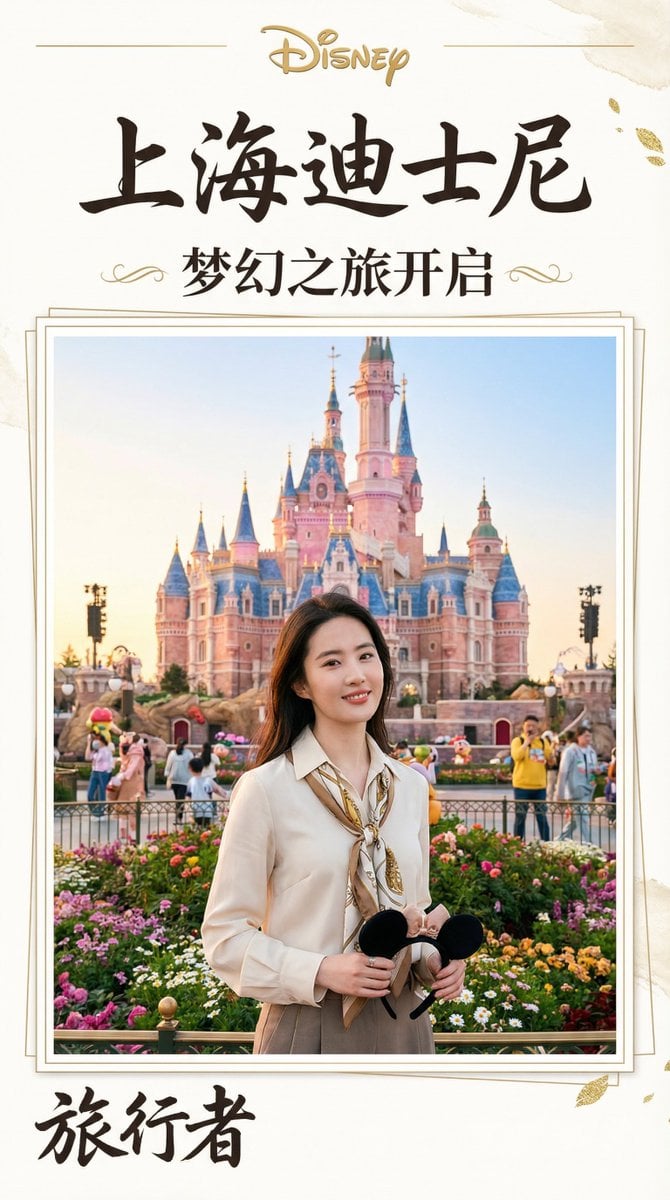
Magazine-Style Travel Photo Collection Generation
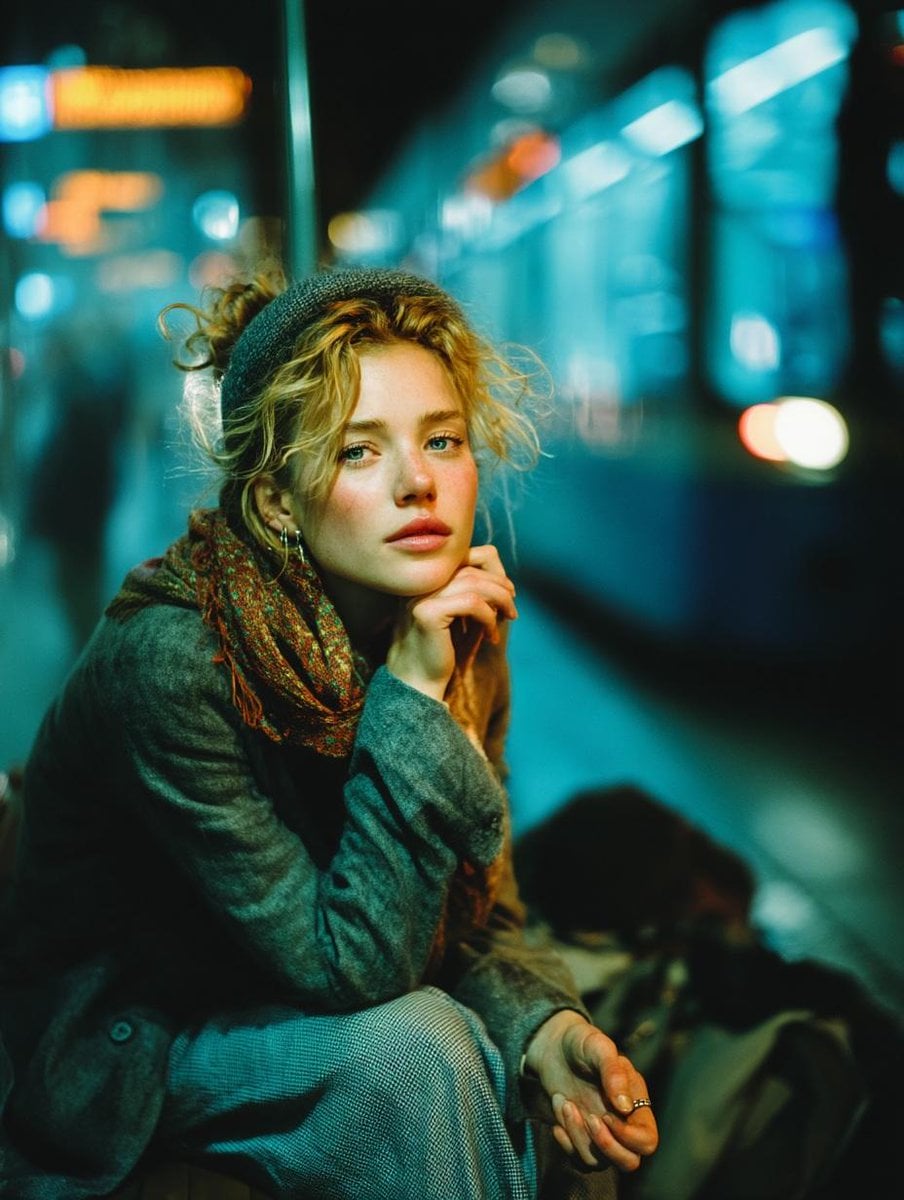
Cinematic Low-Light Subway Portrait
Browse template categories
Fake Japanese Newspaper in ChatGPT UI questions
How do I use the Fake Japanese Newspaper in ChatGPT UI template?
Add your photo if the template asks for one, edit the prompt if you like — the template's model and format are already selected — and press Generate. Your version opens in PicX Studio.
Can I customize the Fake Japanese Newspaper in ChatGPT UI template?
Yes. You can change the subject, setting, lighting, mood, format, and available model controls before creating your image.
Is the Fake Japanese Newspaper in ChatGPT UI template free?
Opening and editing this template is free. Generating uses credits, shown on the Generate button when you are signed in.
Which AI model should I use?
Start with GPT Image 2, which is the model associated with this template. You can compare another compatible model for a different finish.
Looking for something else? Browse all templates.

Your photo, any look
Thousands of ready templates for every top image and video model, from one credit balance.