
Magazine-Style Travel Photo Collection Generation
A set of two prompts for generating magazine-style travel photos based on a specified location and an uploaded character image.
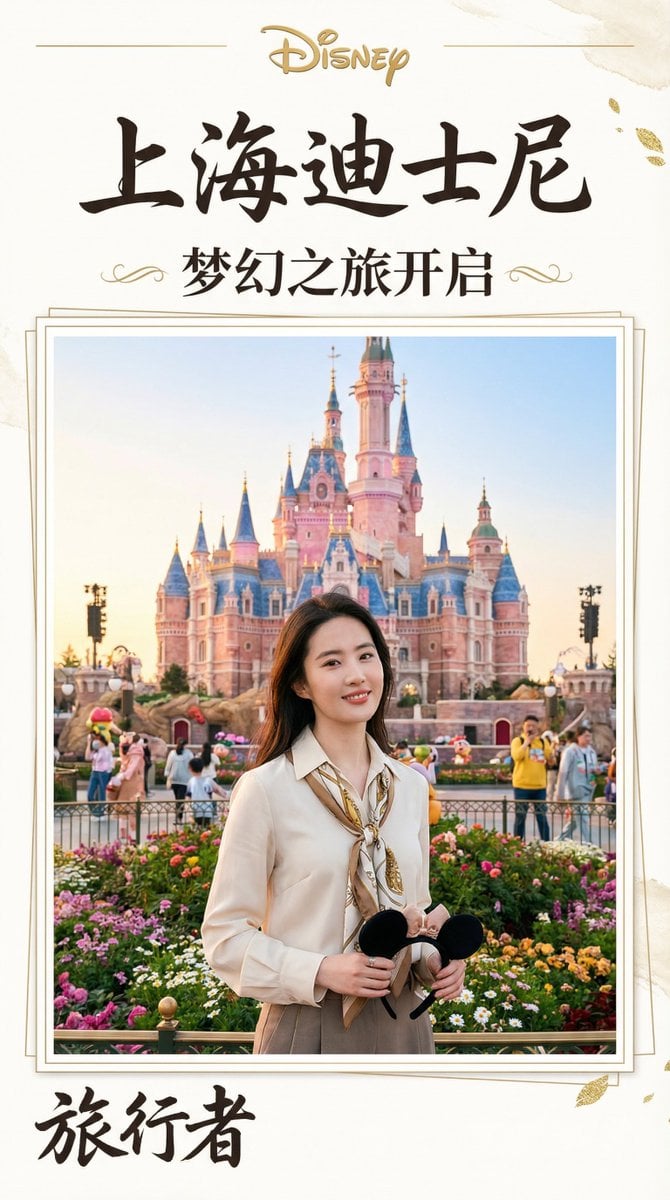
- Prompt included
- Model and format preset
- Free template
The prompt behind this image
Copy the exact prompt behind Magazine-Style Travel Photo Collection Generation, or open it in the studio and make it yours.
提示词(封面版) 请将指定角色融入到位于 [{argument name="地点" default="上海迪士尼"}] 的实景中,呈现他们在此地观光的场景。务必确保角色本人脸部特征(包括五官、比例等)100% 保留且完整一致。整体排版需如同摄影集般精致,充分利用9:16的画面比例,制作成杂志封面。以“这是能影响游客数量的重要页面”为心态进行打造。 提示词(特辑页面版) 请将指定角色融入到位于 [{argument name="地点" default="上海迪士尼"}] 的实景中,呈现他们在此地观光的场景。务必确保角色本人脸部特征(包括五官、比例等)100% 保留且完整一致。整体排版需如同摄影集般精致,充分利用9:16的画面比例,制作成日本杂志的特辑内容页。以“这是能影响游客数量的重要阅读页面”为心态进行打造,并加入丰富的资讯与细节。
How to use Magazine-Style Travel Photo Collection Generation in 3 steps
- 1
Open
The prompt is already in the box next to the preview, with the template's model and format selected.
- 2…a portrait of your subject in softgolden-hour light, 85mm…
Personalize
Edit the subject and creative details for your destination.
- 3Generate
Generate
Press Generate — your image is created in PicX Studio, so you can compare it with the original and refine one variable at a time.
More like this
Templates with the same subject, style or setup. Open one to see its prompt.

Japan Travel Brochure Poster

Miniature Travel Diorama Postcard

Boardwalk Fashion Portrait

Open Magazine Luxury Fashion Editorial Layout

Monochrome Halftone Editorial Fashion Poster

Korean Model Floating Magazine Pages Campaign

Blue Hour Editorial Fashion Portrait

Clay Miniature Landmark Travel Diorama

Travel Poster Graphic Collage

untitled
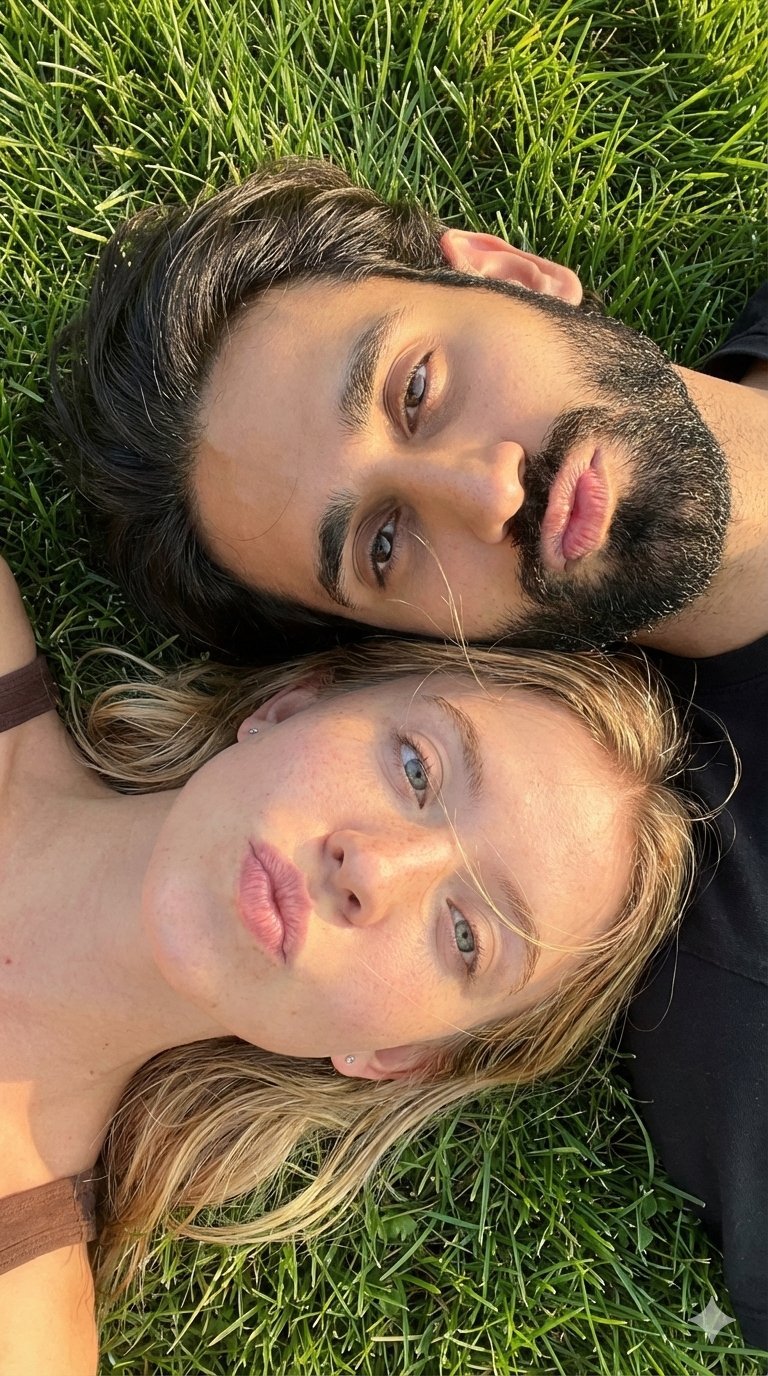
9 Grid Travel Profile Photo Series
![Nano Banana — One Day In [CITY] Travel Route](https://cdn.picxstudio.com/cdn-cgi/image/format=auto,quality=85,fit=scale-down,onerror=redirect,width=3840,metadata=none/uploads/ai_gezgini_travel_d9a86f2e-c1f5-41a8-a4ef-5d96a8a7a023.jpg)
Nano Banana — One Day In [CITY] Travel Route
Make it yours
Magazine-Style Travel Photo Collection Generation works as-is. These are the safest ways to change it without losing the look.
Change one field
Copy a single group, rewrite it, and generate again so you can see what that field is doing.
Keep the frame, change the subject
Hold the composition and light of Magazine-Style Travel Photo Collection Generation, then swap wardrobe, props or the person for a new take.
| If the result… | Why | Fix |
|---|---|---|
| The result drifts from the preview | Too many fields changed at once. | Reuse Magazine-Style Travel Photo Collection Generation as-is first, then change one group — subject, light, or setting. |
| The model over-stylizes the scene | The prose prompt leaves finish and camera underspecified. | Add one camera or lighting sentence and stay on Nano Banana 2. |
More Nano Banana 2 templates
Other prompts made for Nano Banana 2.

Photorealistic Leaf Shaped Like a Dragon

K-Pop Idol Portrait Grid for Rapid Selection

Poetic Rain Forest Portrait During Golden Hour

Urban Street Portrait with Cartoon Inner Self Duo

Candid Nighttime Photo with Cat Prompt

High-Concept 3D Diorama Generation Prompt

Cinematic Futuristic Studio Portrait Template

Skincare Editorial Photography Collage Prompt

Hyper-Realistic Commercial Product Photography (Splash Effect)

Hyper-Realistic Nightclub Portrait Prompt
More image prompts
Fresh picks from across the catalog.
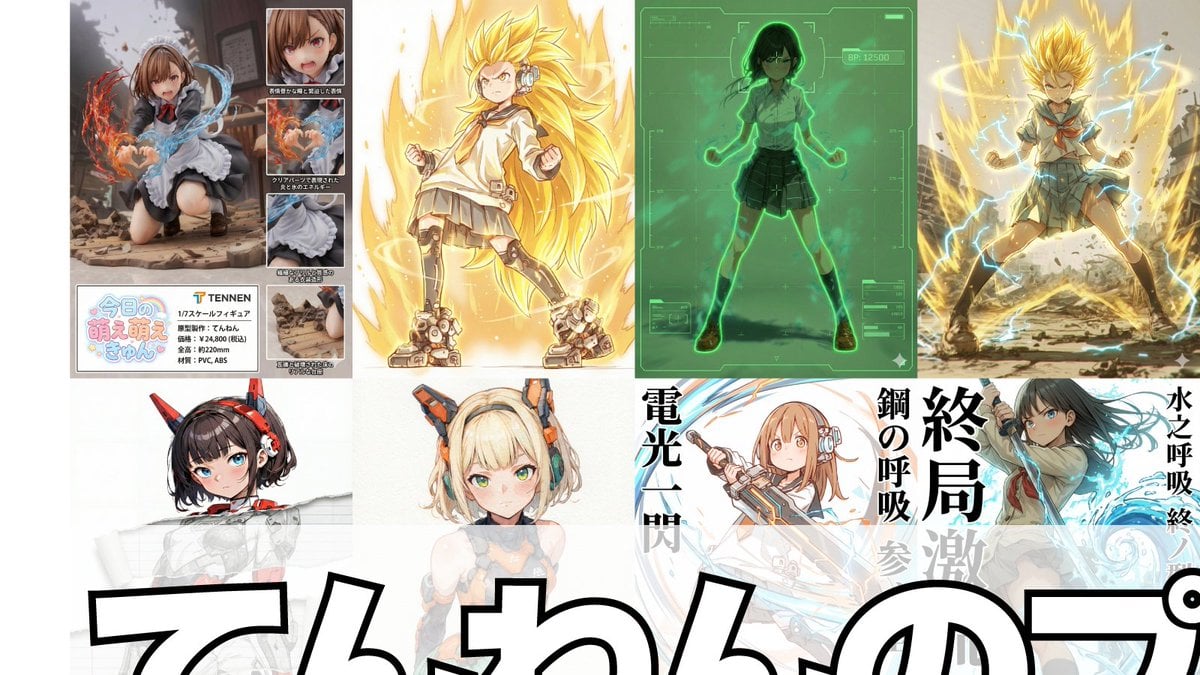
Compilation of 18 Nano Banana Pro Prompts (Tennen's Prompt Festival)
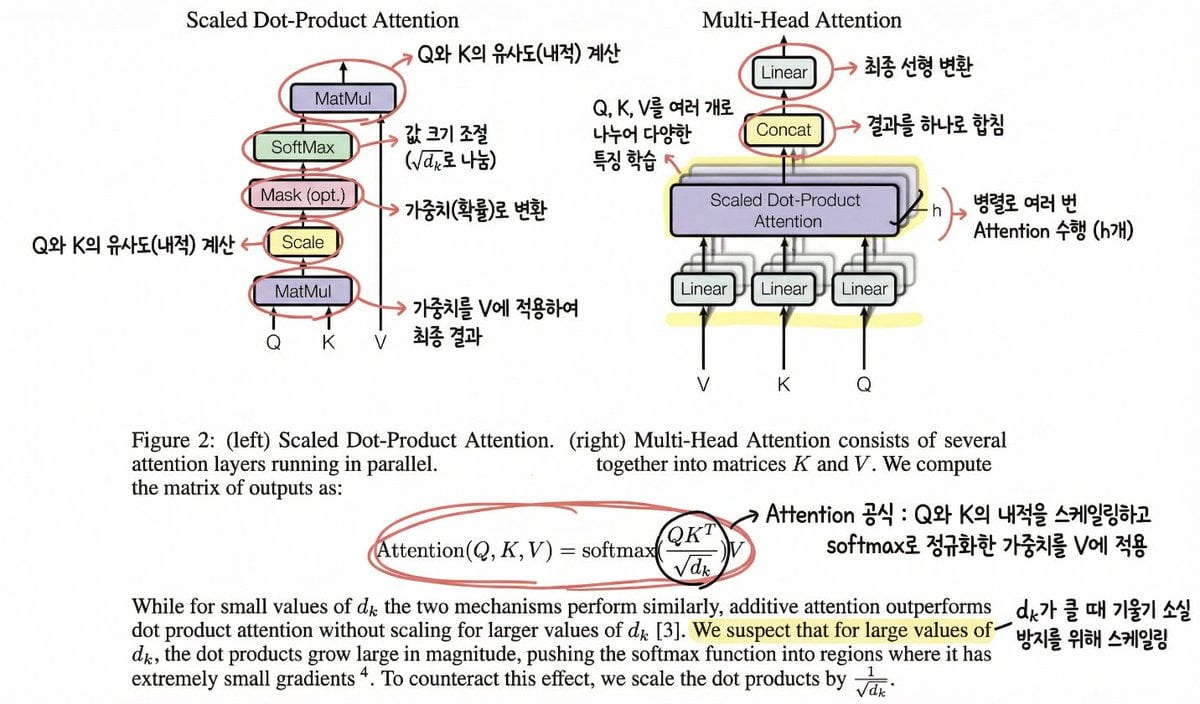
Annotating the 'Attention Is All You Need' Paper
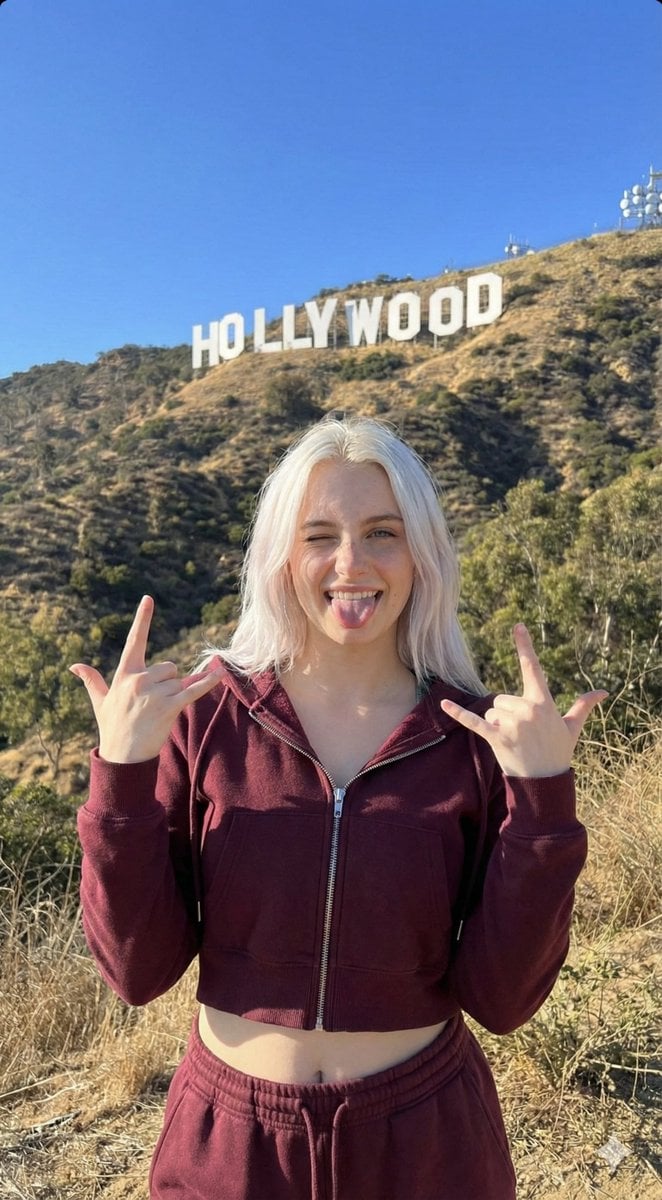
Hollywood Hills Influencer Lifestyle Photo
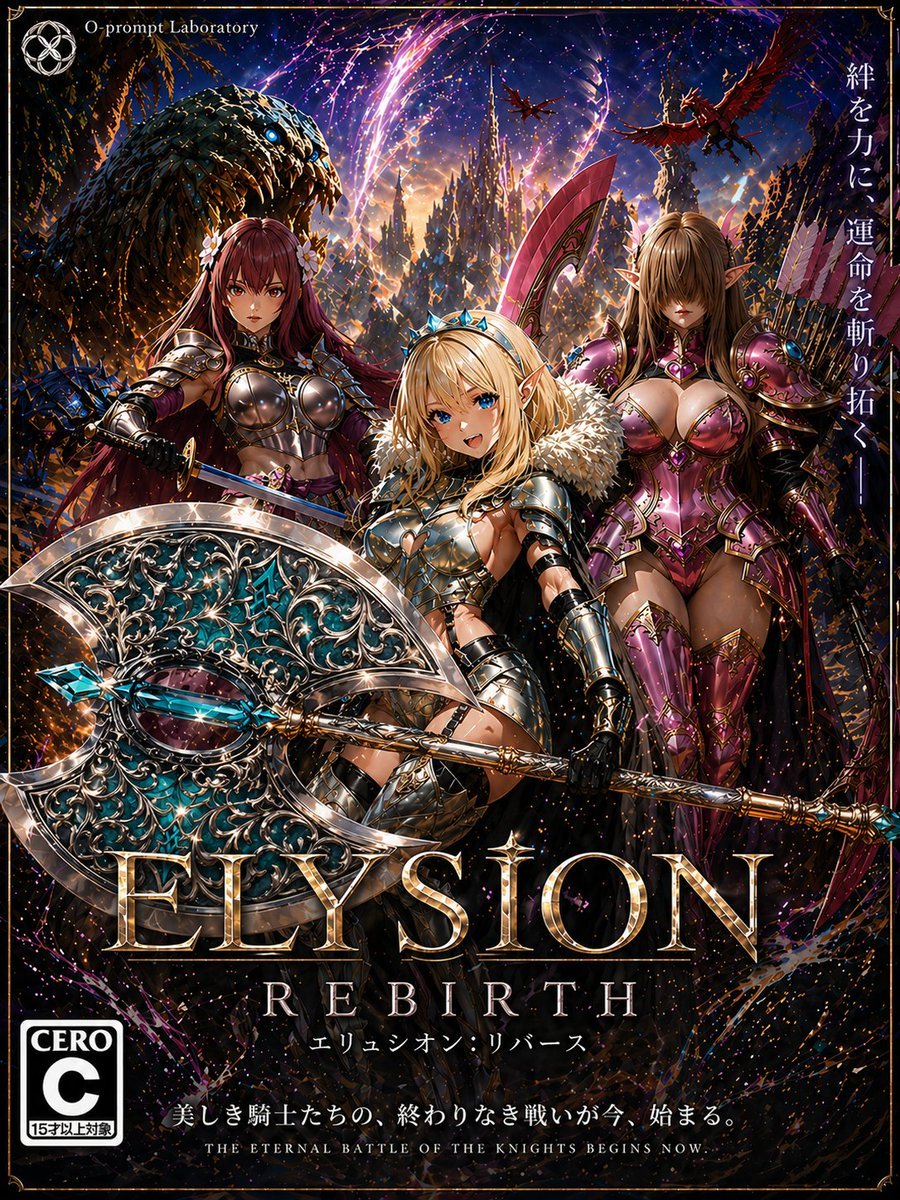
Fantasy RPG Game Cover with Three Knight Women
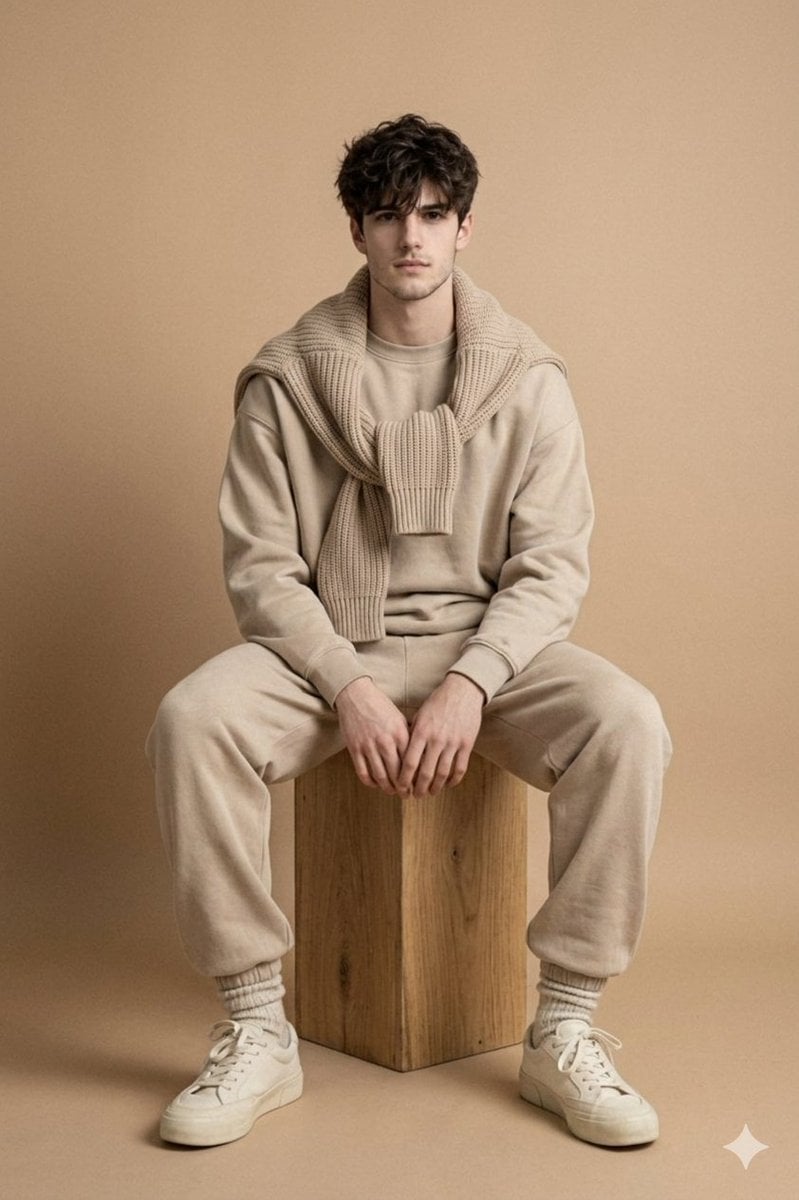
Minimalist Studio Fashion Photo of Young Man
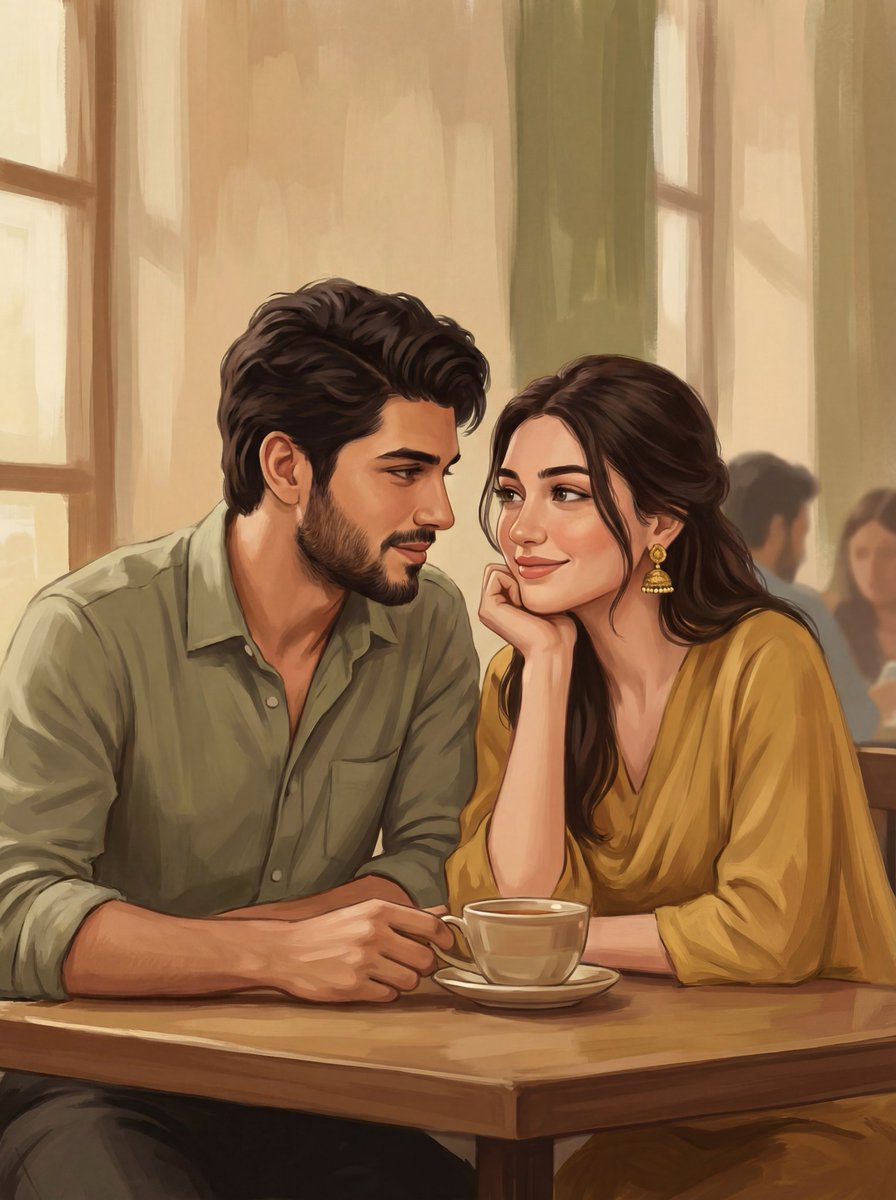
2D Digital Painting Prompt for Intimate Cafe Scene
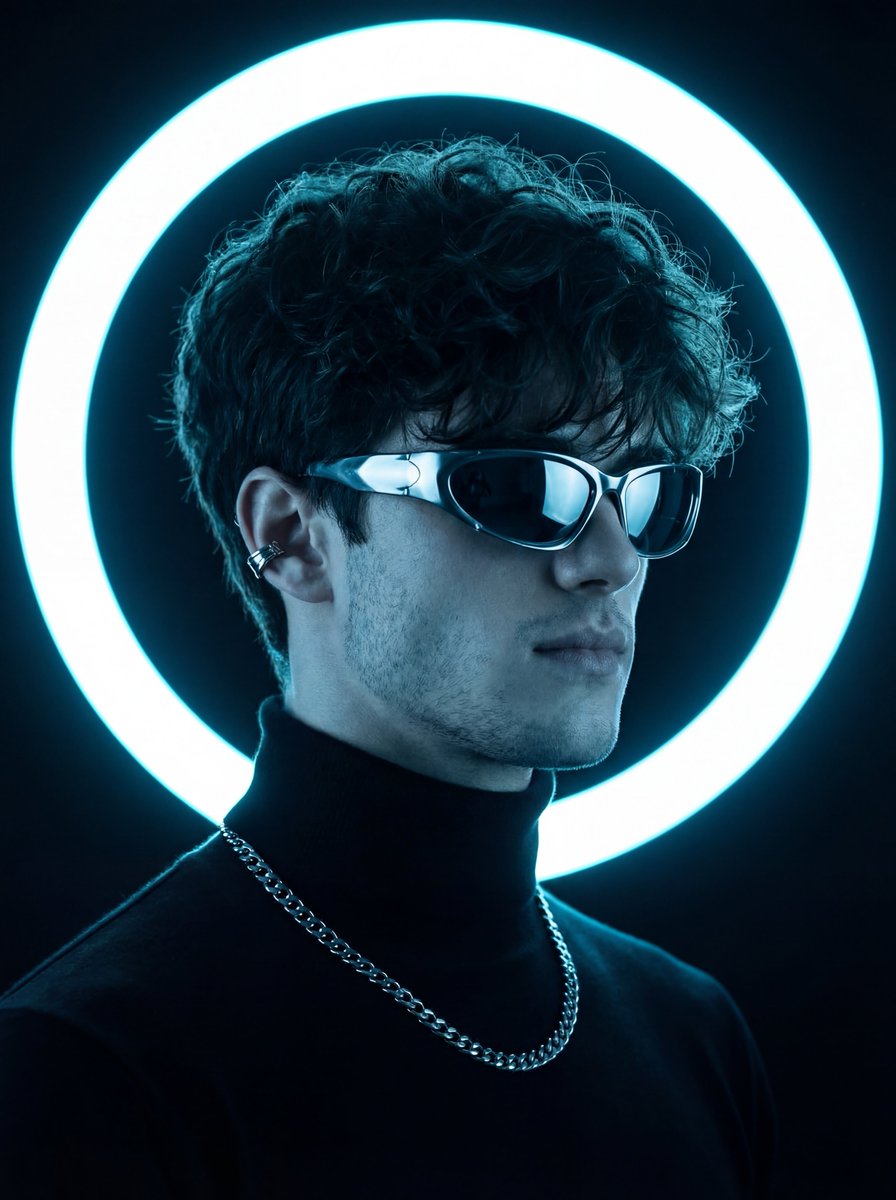
Futuristic Neon Portrait Prompt
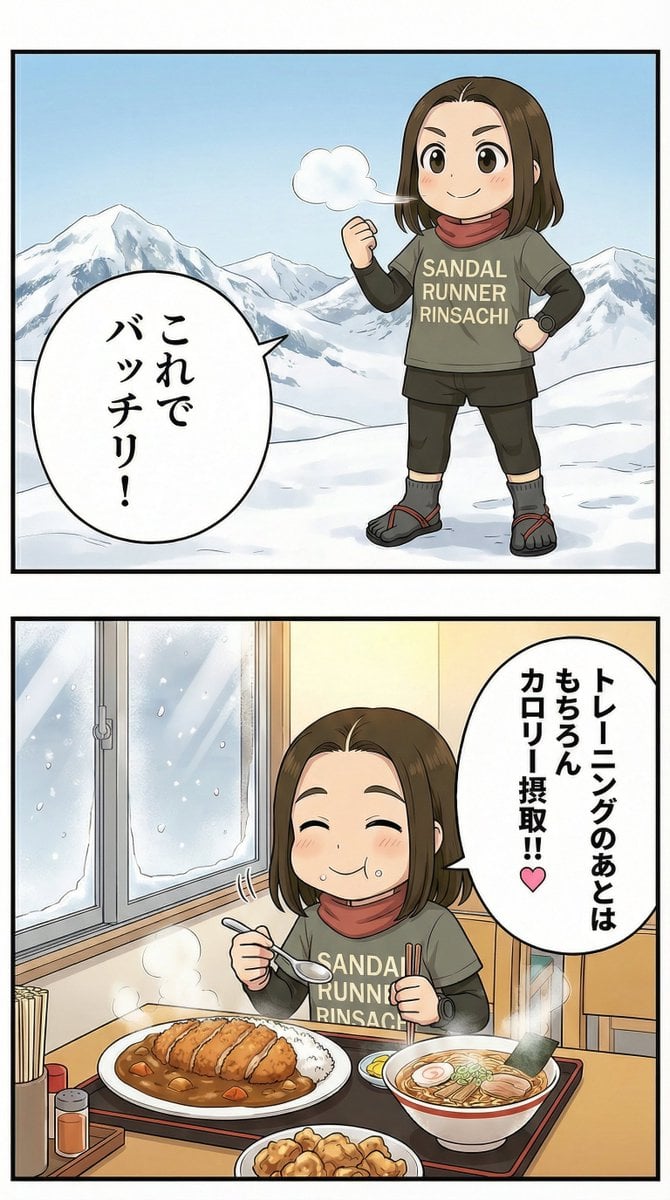
Manga Panel Image Editing Prompt: Katsu Curry Scene
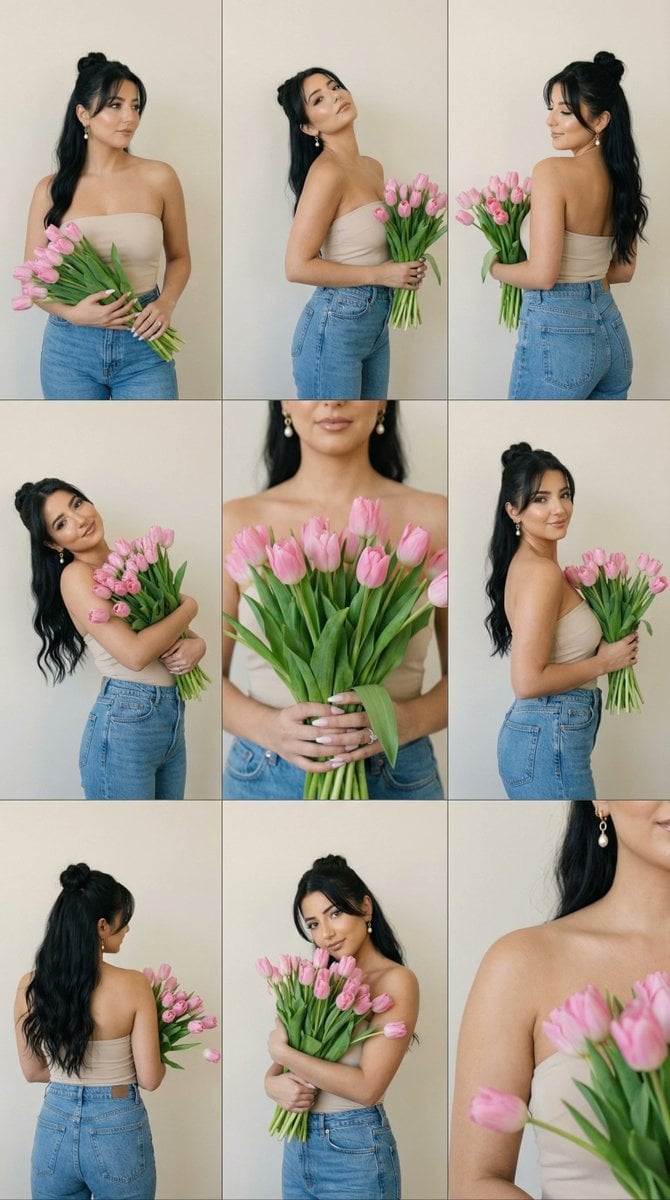
Editorial Contact Sheet Prompt: Woman with Pink Tulips
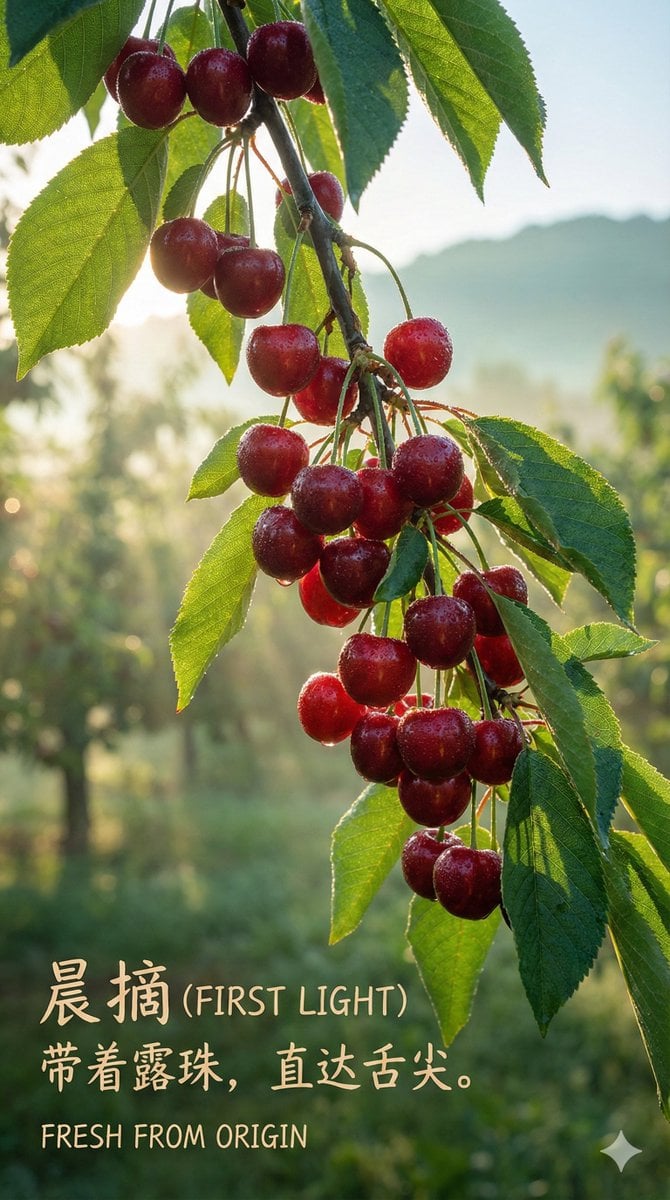
Luxury Cherry Product Photography Prompt (Black Diamond)
Browse template categories
Magazine-Style Travel Photo Collection Generation questions
How do I use the Magazine-Style Travel Photo Collection Generation template?
Add your photo if the template asks for one, edit the prompt if you like — the template's model and format are already selected — and press Generate. Your version opens in PicX Studio.
Can I customize the Magazine-Style Travel Photo Collection Generation template?
Yes. You can change the subject, setting, lighting, mood, format, and available model controls before creating your image.
Is the Magazine-Style Travel Photo Collection Generation template free?
Opening and editing this template is free. Generating uses credits, shown on the Generate button when you are signed in.
Which AI model should I use?
Start with Nano Banana 2, which is the model associated with this template. You can compare another compatible model for a different finish.
Looking for something else? Browse all templates.

Your photo, any look
Thousands of ready templates for every top image and video model, from one credit balance.