
2D Digital Painting Prompt for Intimate Cafe Scene
A highly detailed, structured prompt designed for 2D digital painting, focusing on an intimate, warm, and contemplative scene between two people sharing tea in an indoor cafe setting.
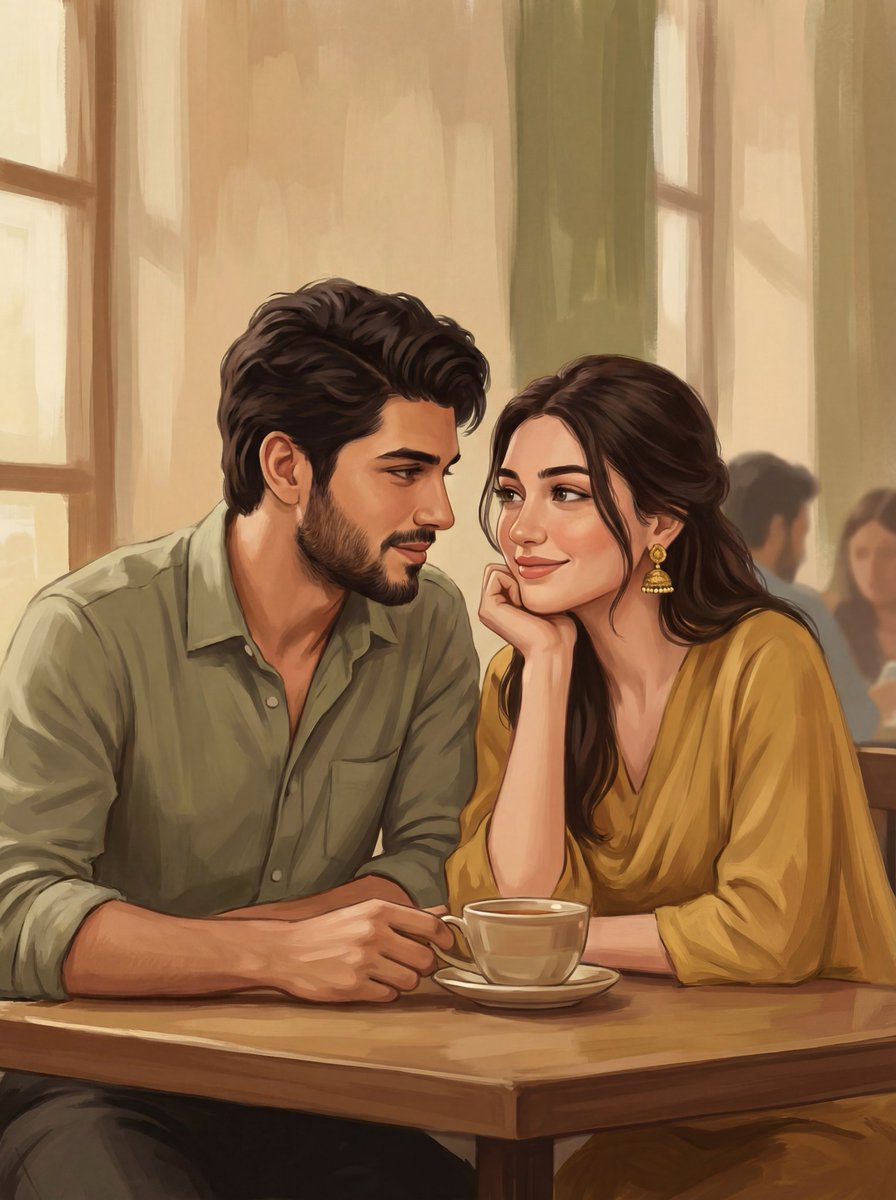
- Prompt included
- Model and format preset
- Free template
The prompt behind this image
Copy the exact prompt behind 2D Digital Painting Prompt for Intimate Cafe Scene, or open it in the studio and make it yours.
{ "scene_overview": { "setting": "{argument name="setting" default="indoor cafe or tea shop"}", "mood": "intimate, warm, romantic, contemplative", "narrative": "a quiet, affectionate moment between two people sharing tea and conversation" }, "composition": { "framing": "medium close-up, waist-up", "orientation": "vertical portrait", "subject_placement": "two subjects seated closely, centered slightly left, faces angled toward each other", "depth": "shallow depth of field with soft, simplified background silhouettes", "foreground_elements": "tea cup and saucer placed centrally at bottom edge", "balance": "asymmetrical balance created by contrasting clothing colors and opposing gazes" }, "subjects": { "left_subject": { "gender_presentation": "male", "age_range": "late 20s to mid 30s", "appearance": { "hair": "short, thick, wavy, dark", "facial_hair": "full beard and mustache", "skin_tone": "medium warm brown" }, "clothing": { "type": "casual button-up shirt", "color": "muted olive green", "texture": "soft fabric with minimal folds" }, "expression_pose": { "expression": "calm, attentive, affectionate", "gaze": "looking at the female subject", "posture": "slightly leaned in, relaxed shoulders" } }, "right_subject": { "gender_presentation": "female", "age_range": "mid 20s to early 30s", "appearance": { "hair": "long, dark, loosely styled with slight wave", "skin_tone": "light to medium warm brown" }, "clothing": { "type": "flowy traditional-inspired top or dress", "color": "{argument name="right subject clothing color" default="warm mustard yellow"}", "details": "soft pleats and gathered sleeves" }, "accessories": { "earrings": "gold jhumka-style earrings with dangling details" }, "expression_pose": { "expression": "gentle smile, thoughtful", "gaze": "looking toward the male subject", "pose": "chin resting on hand, elbow on table" } } }, "objects": { "tea_cup": { "type": "ceramic cup and saucer", "color": "off-white", "content": "tea", "placement": "center foreground on wooden table" }, "table": { "material": "wood", "finish": "matte, slightly textured" } }, "background": { "style": "simplified, painterly silhouettes", "elements": "blurred figures suggesting other patrons, vertical window frames", "detail_level": "low detail to maintain subject focus", "color_palette": "muted beige, tan, and olive tones" }, "lighting": { "type": "soft ambient lighting", "direction": "diffuse, likely from window side", "contrast": "low to moderate", "highlights": "gentle highlights on faces and clothing folds", "shadows": "soft, minimal harsh shadows" }, "color_palette": { "dominant_colors": [ "mustard yellow", "olive green", "warm beige", "dark brown", "soft tan" ], "temperature": "warm", "saturation": "moderate, slightly muted for a cozy feel" }, "art_style": { "medium": "digital illustration", "style": "{argument name="art style" default="semi-realistic painterly illustration"}", "line_work": "clean, controlled outlines with organic variation", "shading": "soft gradient "}
How to use 2D Digital Painting Prompt for Intimate Cafe Scene in 3 steps
- 1
Open
The prompt is already in the box next to the preview, with the template's model and format selected.
- 2…a portrait of your subject in softgolden-hour light, 85mm…
Personalize
Edit the subject and creative details for your destination.
- 3Generate
Generate
Press Generate — your image is created in PicX Studio, so you can compare it with the original and refine one variable at a time.
More like this
Templates with the same subject, style or setup. Open one to see its prompt.

Cat Photobomb Selfie — 0.5x Wide Angle Café Chaos

Trendy Cafe Drink Promo Poster

Nostalgic Digicam Café Afternoon Portrait

Delicate Japanese Café Lifestyle Illustration

Cozy Café Ice Cream Hands Close-Up

Korean Cafe Courtyard Gold Frame Mirror Selfie
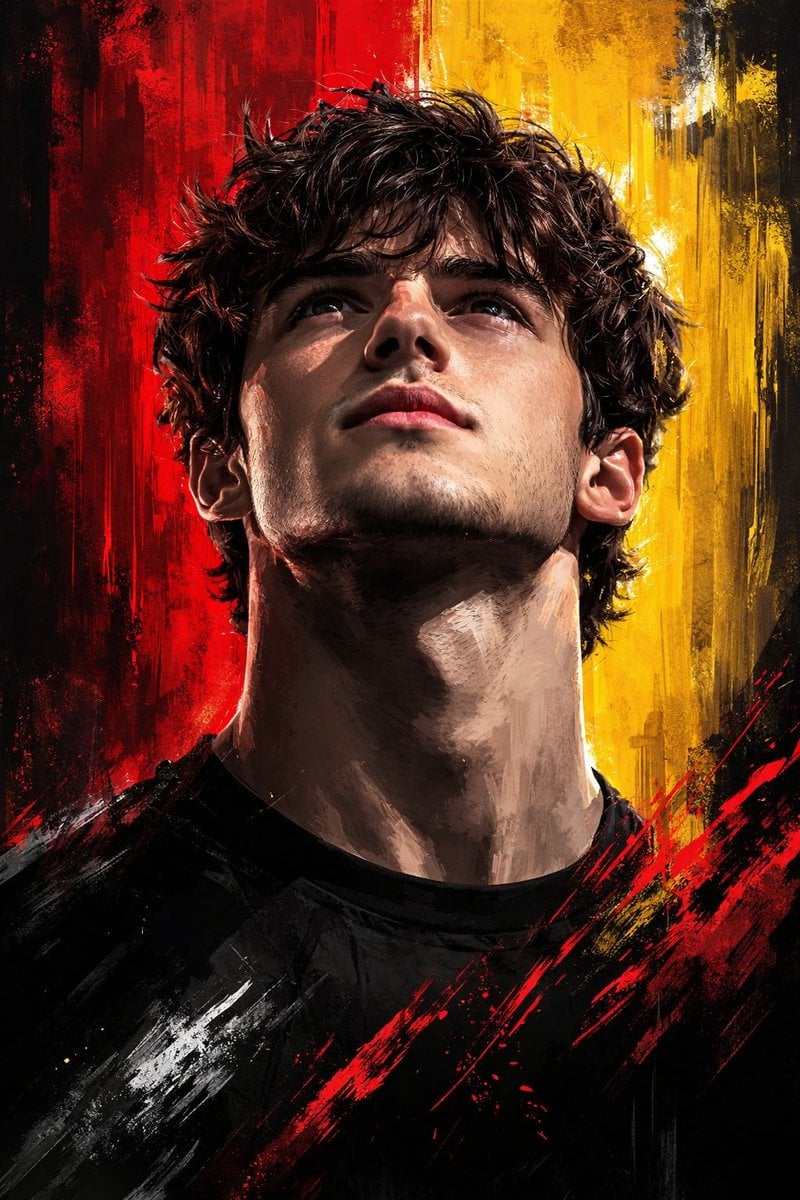
Dramatic Digital Painting Portrait with Limited Palette
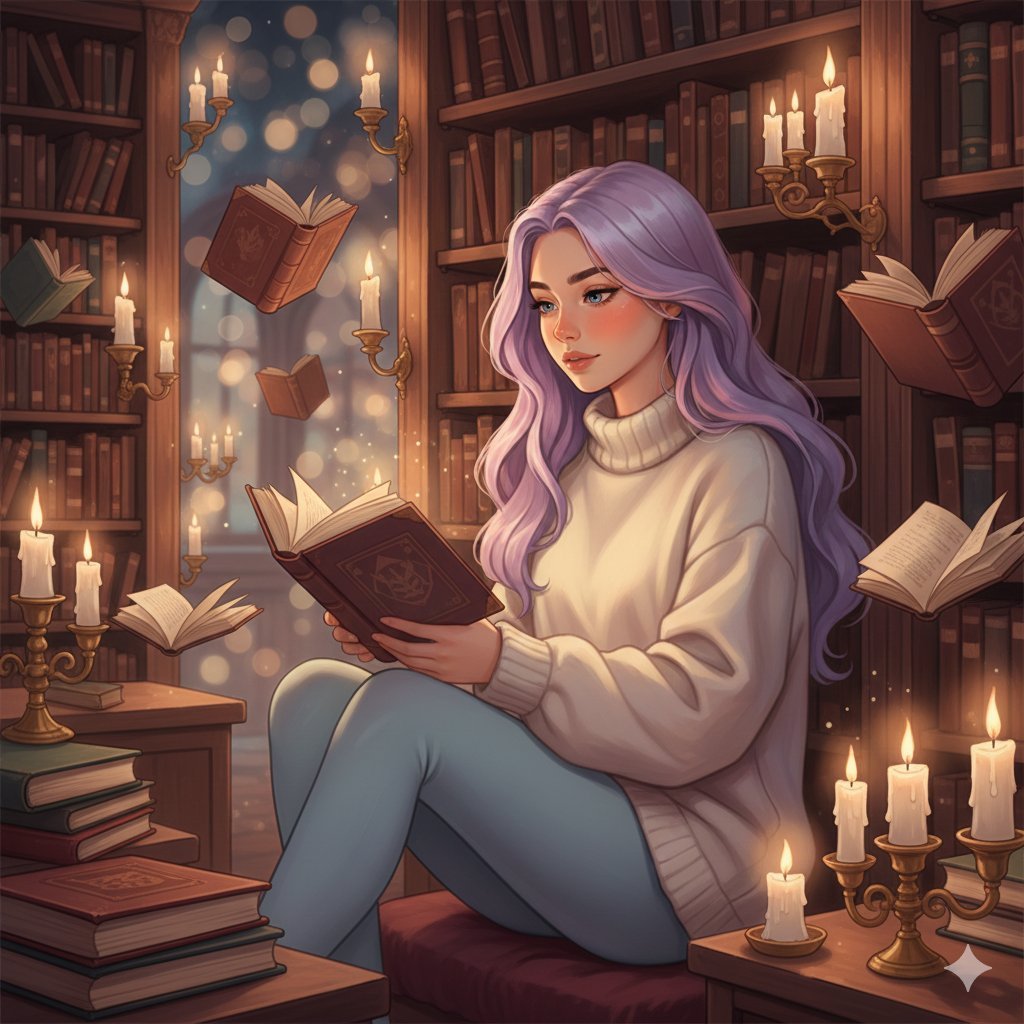
Whimsical Magical Library Digital Painting Prompt

Outdoor Cafe Portrait — White Ruched Top Nano Banana

Nano Banana - Cozy Cafe Night

Nano Banana - Paris Cafe Editorial
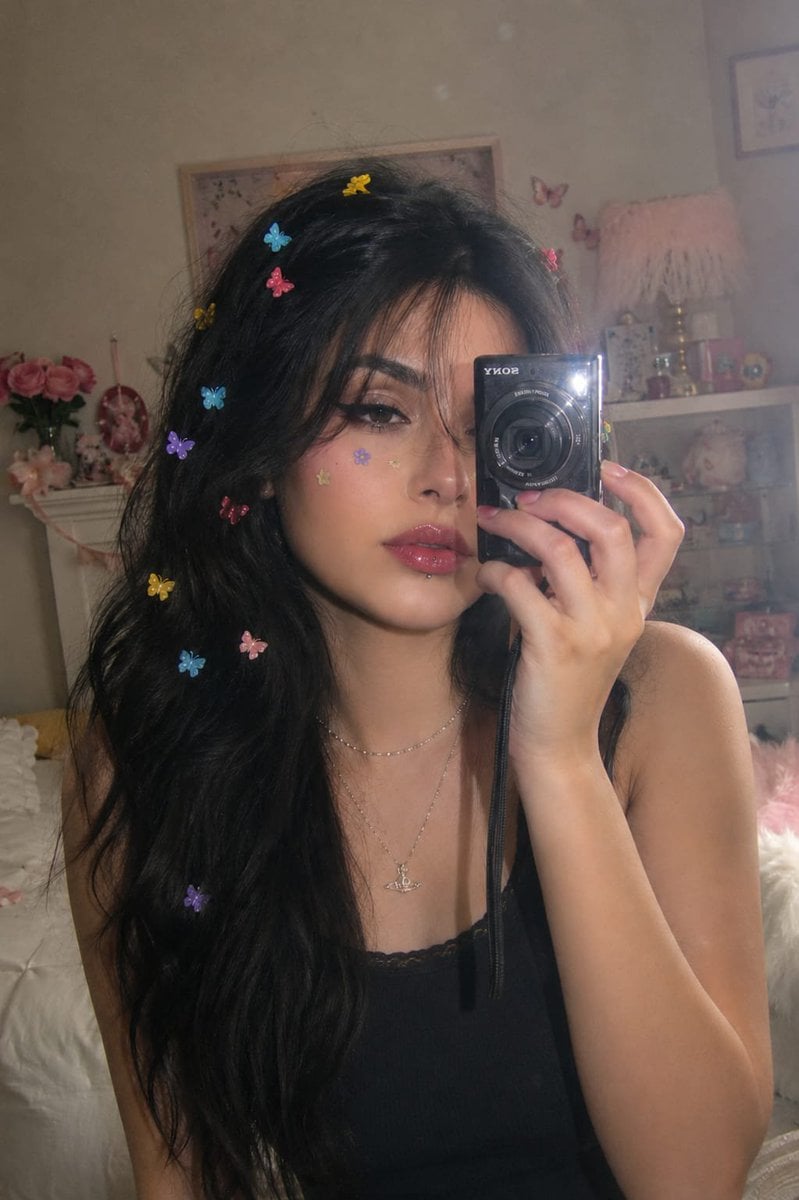
Dreamy Y2K Digital Camera Mirror Selfie
Make it yours
2D Digital Painting Prompt for Intimate Cafe Scene works as-is. These are the safest ways to change it without losing the look.
Change one field
Copy a single group, rewrite it, and generate again so you can see what that field is doing.
Keep the frame, change the subject
Hold the composition and light of 2D Digital Painting Prompt for Intimate Cafe Scene, then swap wardrobe, props or the person for a new take.
| If the result… | Why | Fix |
|---|---|---|
| The result drifts from the preview | Too many fields changed at once. | Reuse 2D Digital Painting Prompt for Intimate Cafe Scene as-is first, then change one group — subject, light, or setting. |
| The model over-stylizes the scene | The prose prompt leaves finish and camera underspecified. | Add one camera or lighting sentence and stay on Nano Banana 2. |
More Nano Banana 2 templates
Other prompts made for Nano Banana 2.

Photorealistic Leaf Shaped Like a Dragon

K-Pop Idol Portrait Grid for Rapid Selection

Poetic Rain Forest Portrait During Golden Hour

Urban Street Portrait with Cartoon Inner Self Duo

Candid Nighttime Photo with Cat Prompt

High-Concept 3D Diorama Generation Prompt

Cinematic Futuristic Studio Portrait Template

Skincare Editorial Photography Collage Prompt

Hyper-Realistic Commercial Product Photography (Splash Effect)

Hyper-Realistic Nightclub Portrait Prompt
More image prompts
Fresh picks from across the catalog.
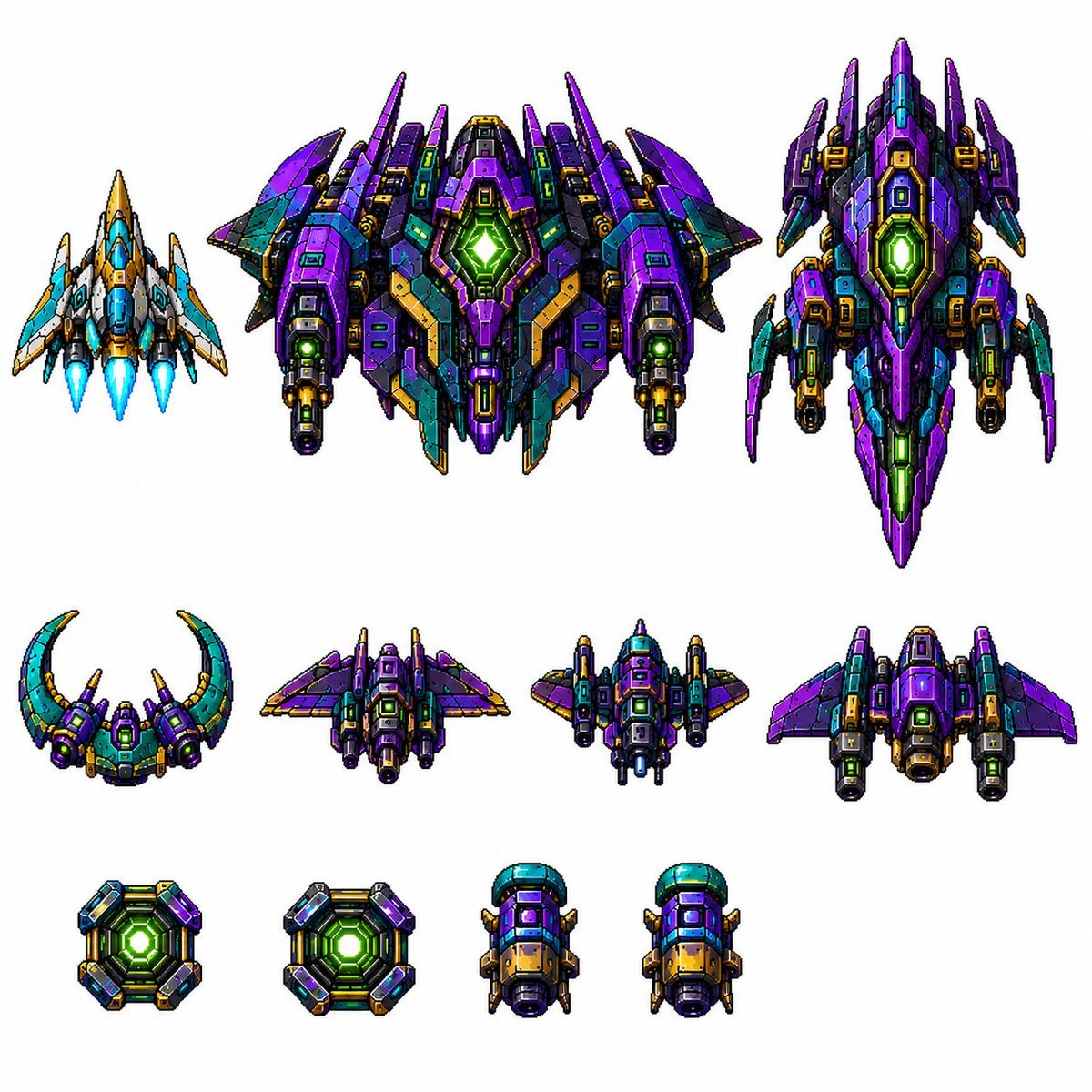
Retro Pixel Space Shooter Sprites
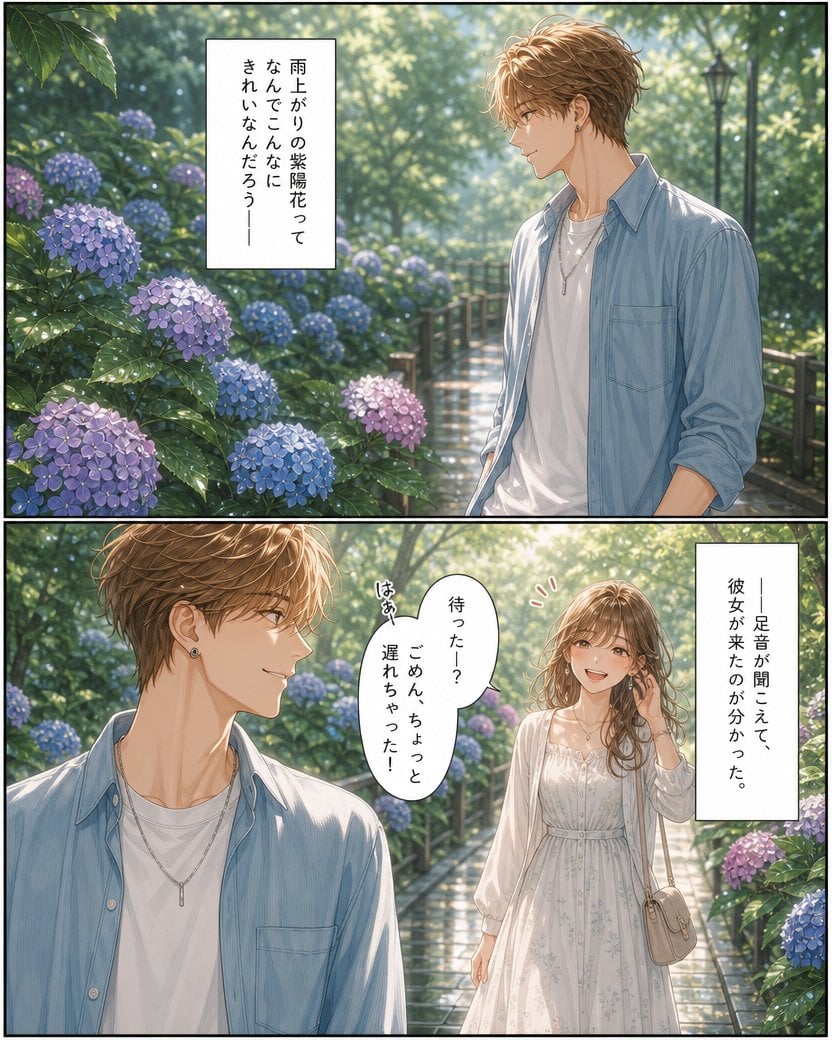
Rainy Hydrangea Romance Manga
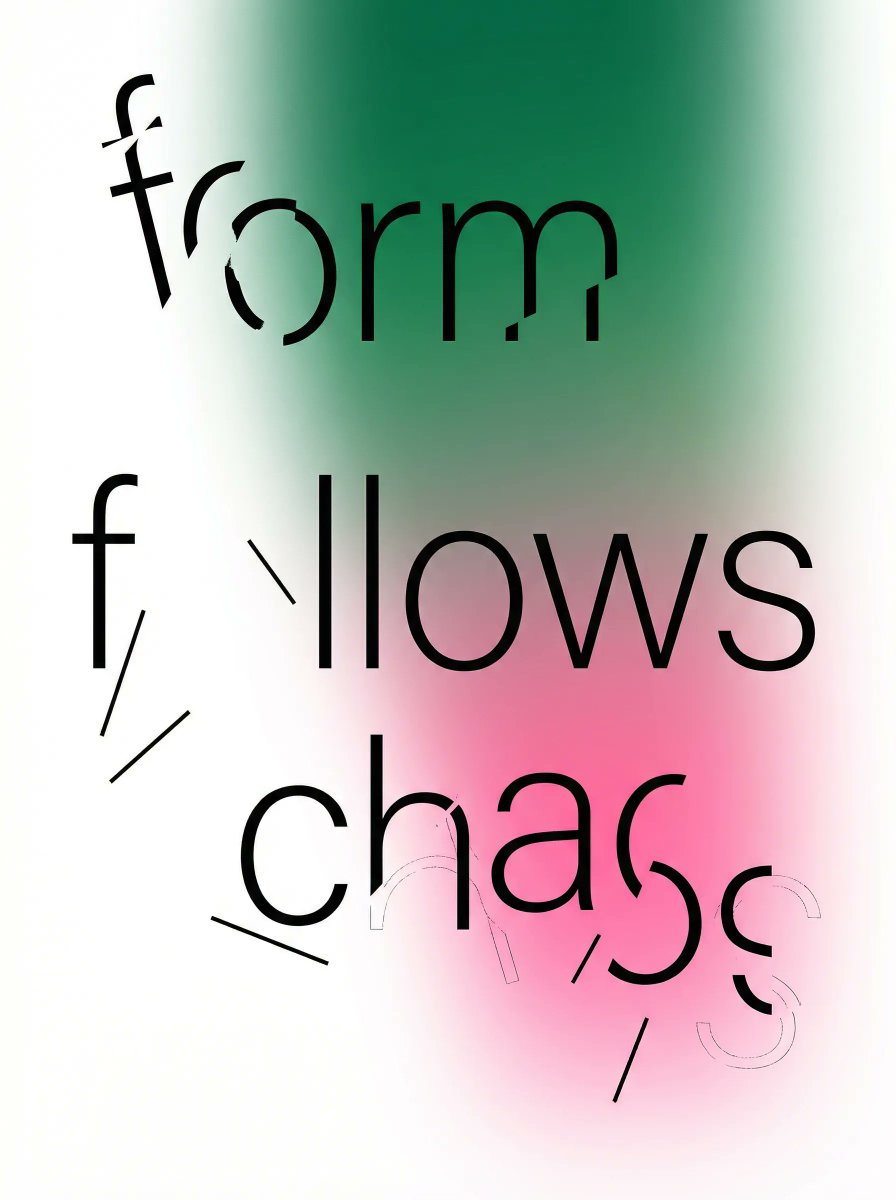
Fragmented Typography Poster Prompt (Minimalist Chaos)
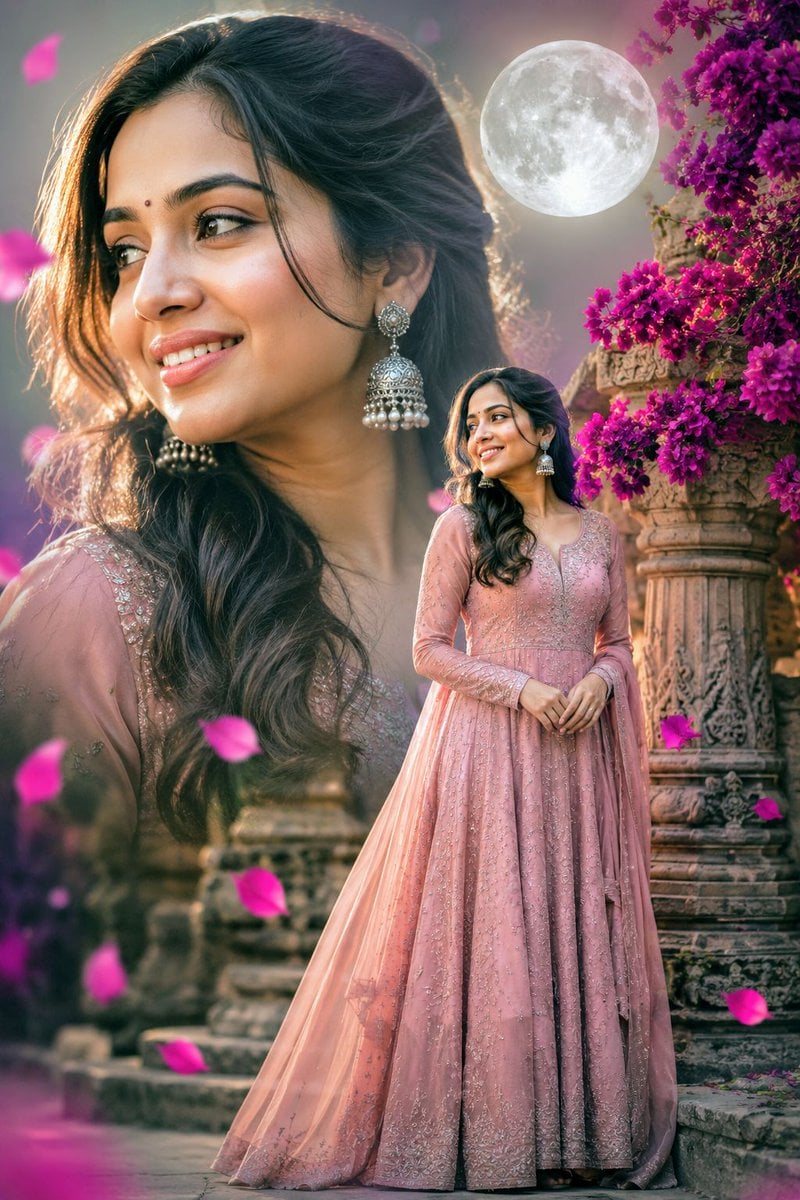
Double Exposure Indian Woman Portrait
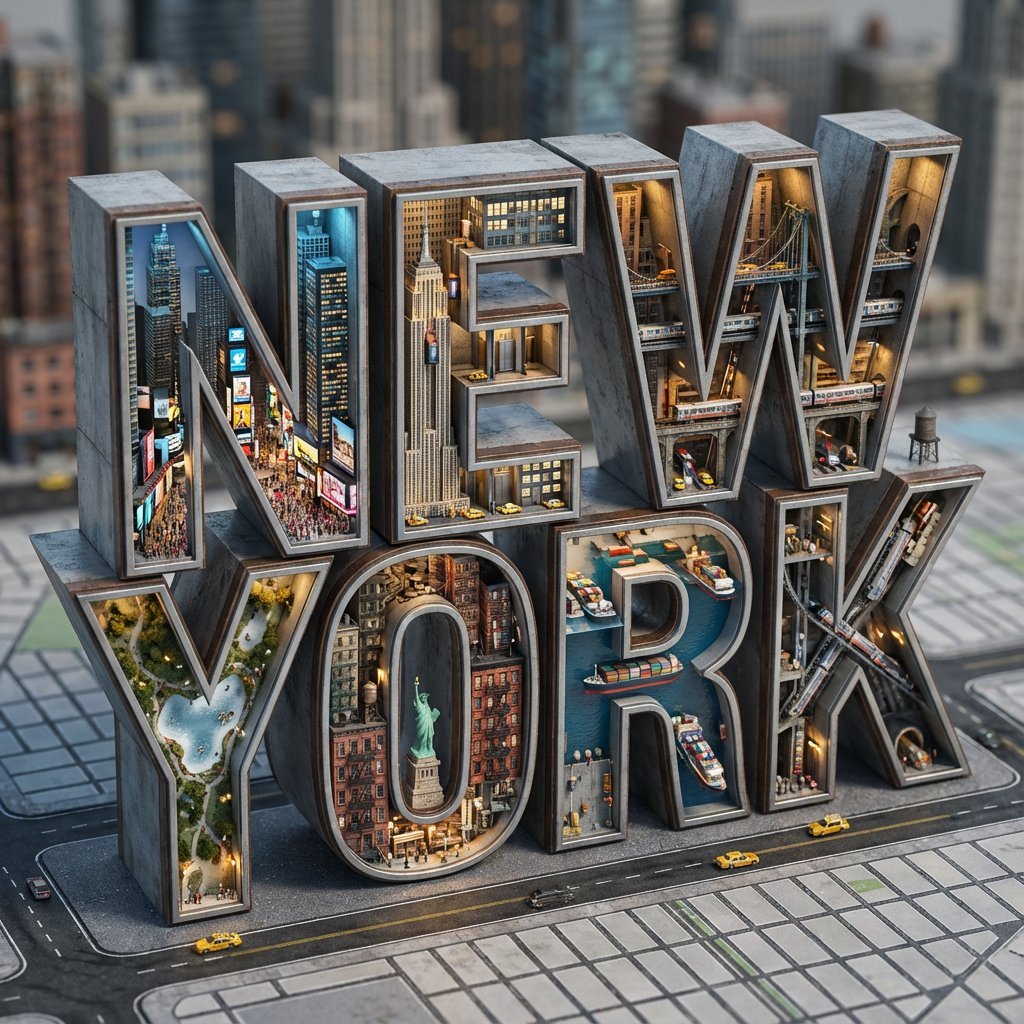
Architectural Typography Micro-World Render Prompt (New York)

Kawaii Bento Inspired by Futures Trading Debacle
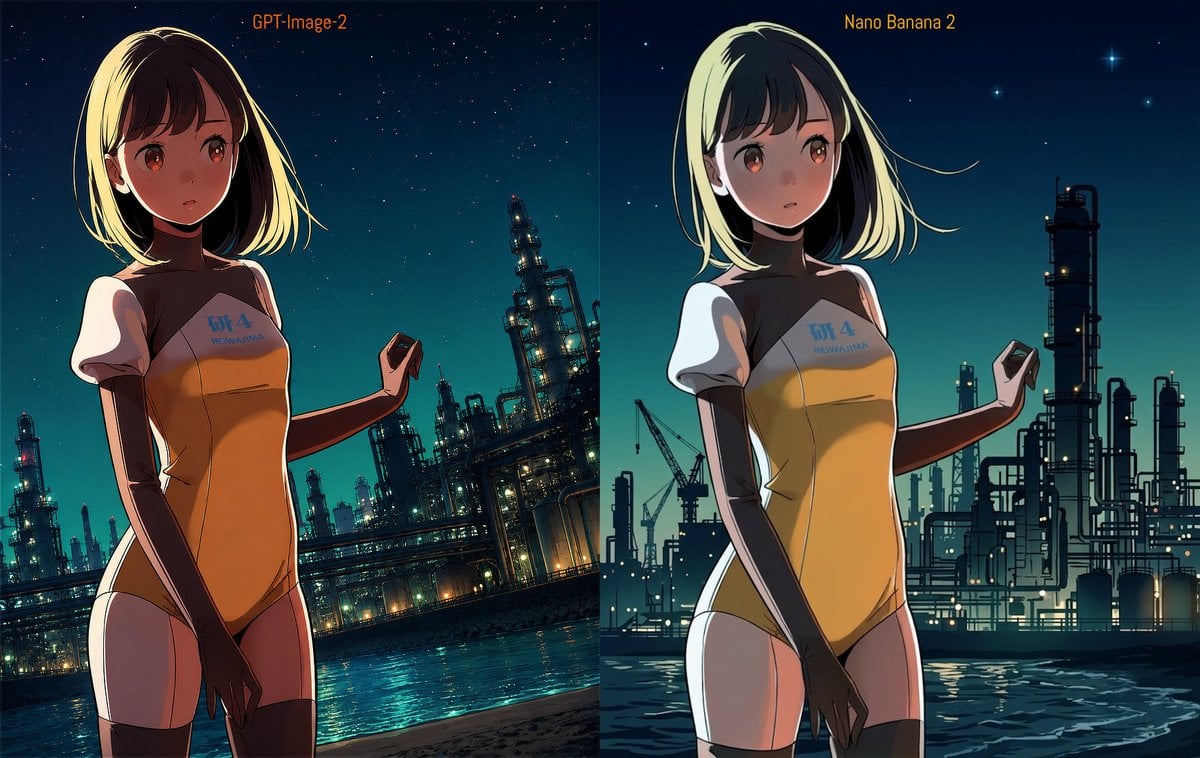
Industrial Night Background Replacement

Nano Banana Pro Battle Entry Screen Prompt
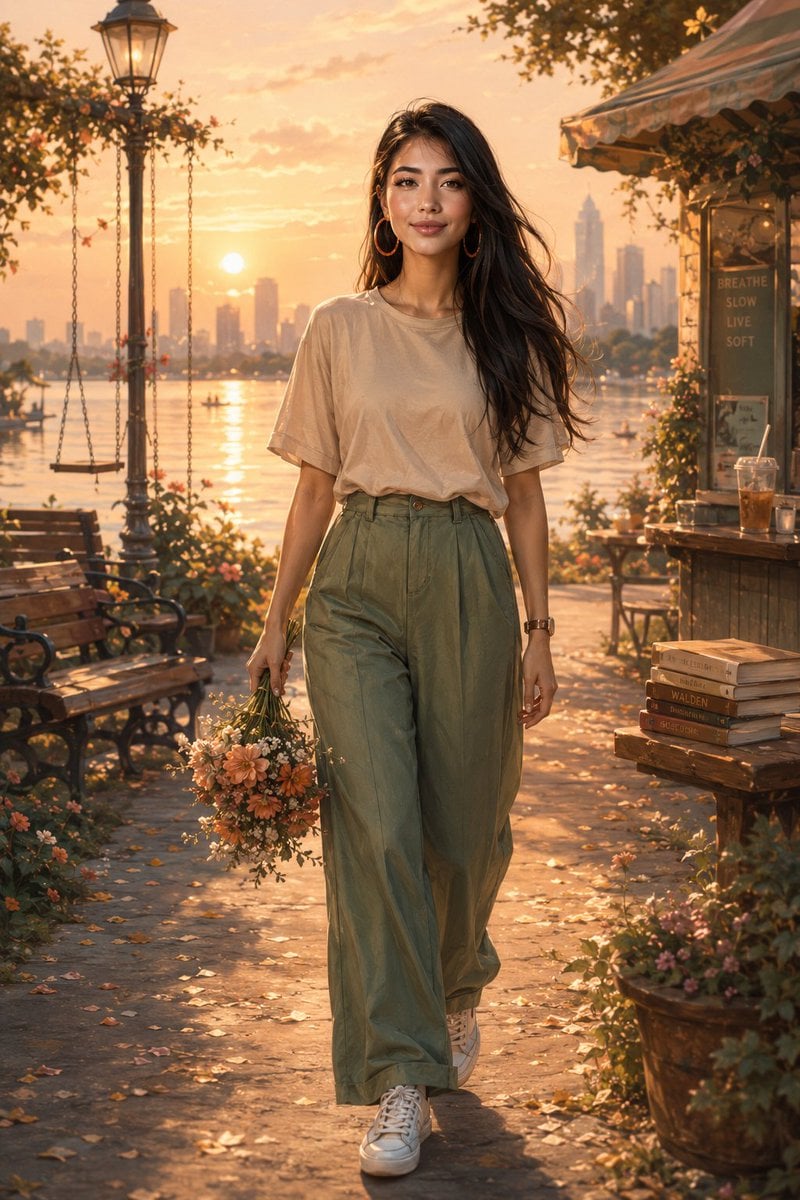
Golden Hour Lakeside Stroll
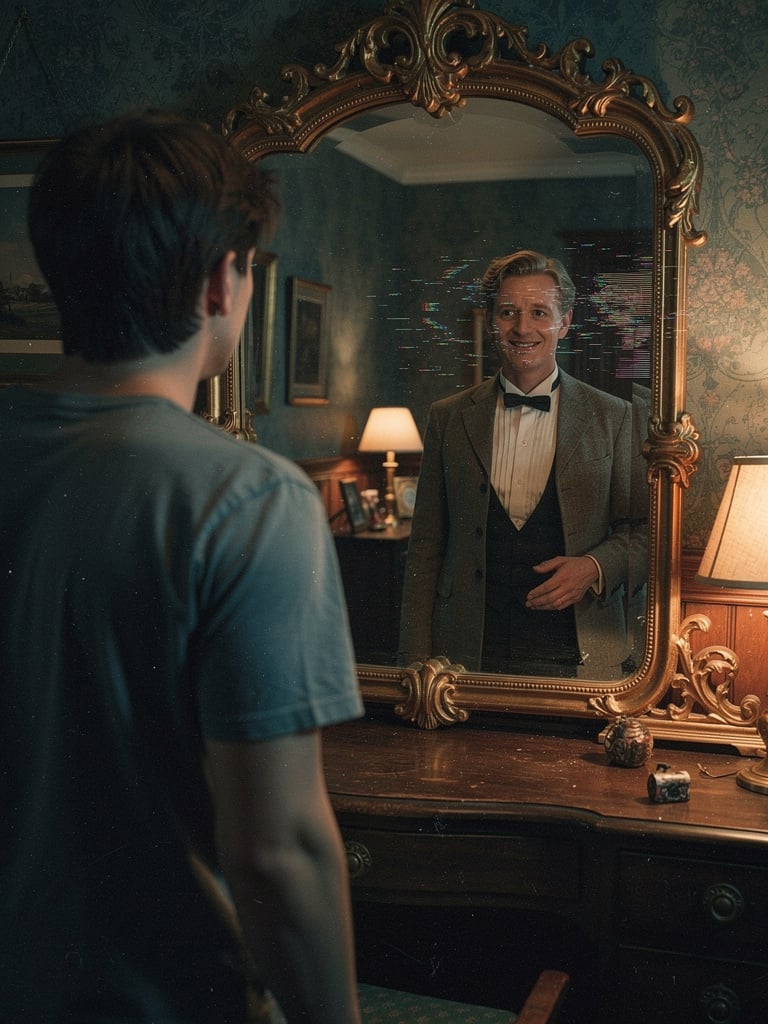
Body Swap Mirror Reflection
Browse template categories
2D Digital Painting Prompt for Intimate Cafe Scene questions
How do I use the 2D Digital Painting Prompt for Intimate Cafe Scene template?
Add your photo if the template asks for one, edit the prompt if you like — the template's model and format are already selected — and press Generate. Your version opens in PicX Studio.
Can I customize the 2D Digital Painting Prompt for Intimate Cafe Scene template?
Yes. You can change the subject, setting, lighting, mood, format, and available model controls before creating your image.
Is the 2D Digital Painting Prompt for Intimate Cafe Scene template free?
Opening and editing this template is free. Generating uses credits, shown on the Generate button when you are signed in.
Which AI model should I use?
Start with Nano Banana 2, which is the model associated with this template. You can compare another compatible model for a different finish.
Looking for something else? Browse all templates.

Your photo, any look
Thousands of ready templates for every top image and video model, from one credit balance.