
Rainy Hydrangea Romance Manga
A two-panel Japanese romance manga scene showing a faceless couple meeting on a rain-washed hydrangea garden path.
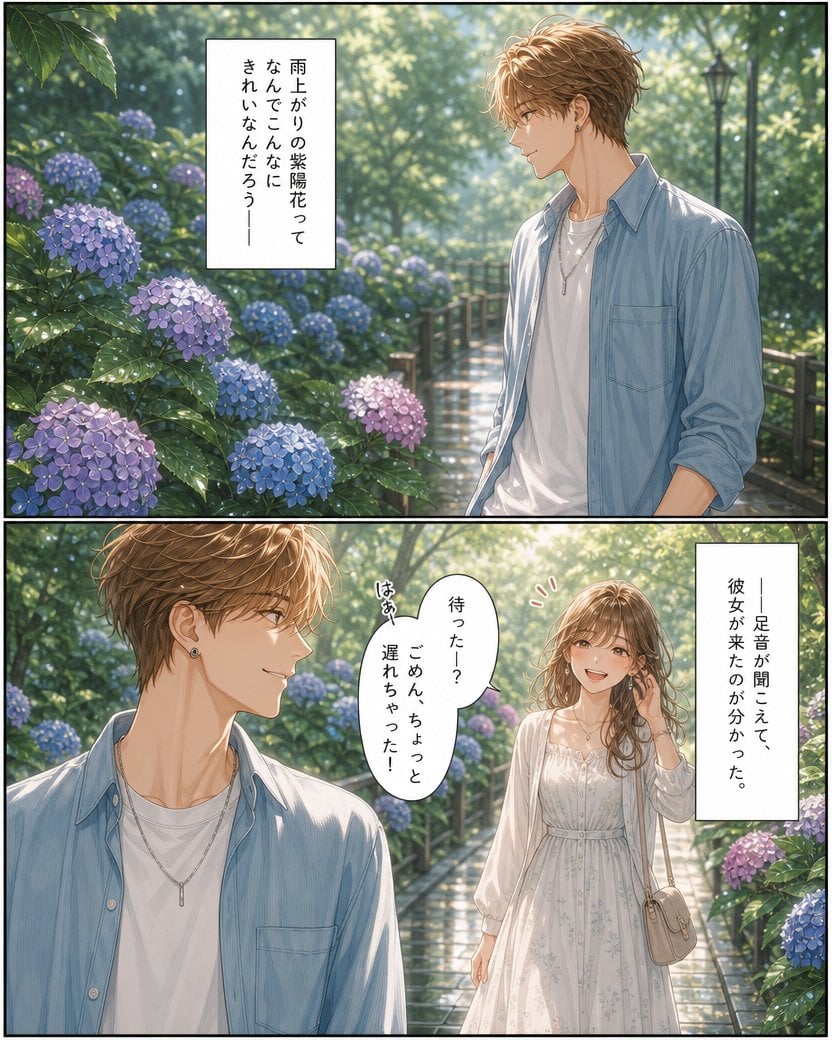
- Prompt included
- Model and format preset
- Free template
The prompt behind this image
Copy the exact prompt behind Rainy Hydrangea Romance Manga, or open it in the studio and make it yours.
Goal: Create a polished two-panel romantic shoujo manga page set in a rainy hydrangea garden, with cinematic lighting and delicate semi-realistic anime rendering. Canvas: Vertical page, approximately 4:5 aspect ratio, divided into exactly 2 horizontal panels with thin black borders and a narrow gutter between them. Use soft sunlight after rain, sparkling wet leaves, and a dreamy atmospheric depth of field. Panel 1: A young man, {argument name="male character" default="a stylish young Japanese man with wavy light brown hair"}, stands on the right side of a wet garden path, shown from about mid-thigh upward. His face is intentionally left as a smooth blurred/blank skin-tone rectangle with no facial features. He wears a pale blue open button-up shirt over a white T-shirt, a slim silver necklace, and small earrings. On the left and foreground, show many blooming hydrangeas in blue, purple, and pink, with glossy rain droplets on the leaves. The path recedes into a lush green park with a wooden fence and a black lamppost in the distance. Include exactly 1 vertical white narration box near the upper left containing Japanese text: {argument name="top narration text" default="雨上がりの紫陽花って\nなんでこんなに\nきれいなんだろう—"}. Panel 2: A wider romantic encounter on the same wet hydrangea path. On the left foreground, show a close-up side view of the same young man from chest up, his head turned toward the arriving woman; keep his face featureless/blurred in the same way. On the right midground, show {argument name="female character" default="a young Japanese woman with long softly curled brown hair"} walking toward him in a white, airy, long-sleeved summer dress with subtle floral embroidery and a light beige shoulder bag. Her face is also softly blurred/blank with no facial features. She lifts one hand near her hair as if apologetically greeting him. The path is wet and reflective, surrounded by blooming hydrangeas and backlit green trees. Include exactly 1 oval speech bubble between the characters containing Japanese dialogue: {argument name="speech bubble text" default="待った—?\nごめん、ちょっと\n遅れちゃった!"}. Include exactly 1 vertical white narration box on the right containing Japanese text: {argument name="right narration text" default="—足音が聞こえて、\n彼女が来たのが分かった。"}. Include exactly 1 small handwritten sound effect near the speech bubble reading 「はあ」 and exactly 3 small red emphasis marks near the woman’s head. Visual style: High-quality Japanese romance manga illustration, soft watercolor-like coloring, refined line art, luminous highlights, rain-washed atmosphere, detailed hydrangea blossoms, realistic fabric folds, gentle romantic mood. Keep the faces deliberately obscured as smooth blurred rectangles while the hair, clothes, and environment remain detailed. Element count requirements: exactly 2 panels; exactly 2 recurring characters; exactly 3 main text containers total consisting of 2 vertical narration boxes and 1 oval speech bubble; exactly 1 handwritten sound effect; no extra dialogue boxes, no extra characters, no logos or watermarks.
How to use Rainy Hydrangea Romance Manga in 3 steps
- 1Upload ImagePNG, JPG or paste
Add your photo
Upload the photo the template builds on. The prompt, model and format are already set.
- 2…a portrait of your subject in softgolden-hour light, 85mm…
Personalize
Edit the subject and creative details for your destination.
- 3Generate
Generate
Press Generate — your image is created in PicX Studio, so you can compare it with the original and refine one variable at a time.
More like this
Templates with the same subject, style or setup. Open one to see its prompt.









Make it yours
Rainy Hydrangea Romance Manga works as-is. These are the safest ways to change it without losing the look.
Change one field
Copy a single group, rewrite it, and generate again so you can see what that field is doing.
Keep the frame, change the subject
Hold the composition and light of Rainy Hydrangea Romance Manga, then swap wardrobe, props or the person for a new take.
| If the result… | Why | Fix |
|---|---|---|
| The result drifts from the preview | Too many fields changed at once. | Reuse Rainy Hydrangea Romance Manga as-is first, then change one group — subject, light, or setting. |
| The model over-stylizes the scene | The prose prompt leaves finish and camera underspecified. | Add one camera or lighting sentence and stay on GPT Image 2. |
More GPT Image 2 templates
Other prompts made for GPT Image 2.

Six VTuber Japanese Logo Sheet

Realistic Portrait of Woman and Deer

The Vista Modular Condo Poster

AI Model Routing Comparison Infographic

2.5D Anime Art Board

Isometric Productivity Desk Scene

New York Double Exposure Poster

Four-Panel AI Landscape Comparison

Japanese Tatami Lifestyle Magazine Cover

NESCAFÉ Coffee Map Poster
More image prompts
Fresh picks from across the catalog.
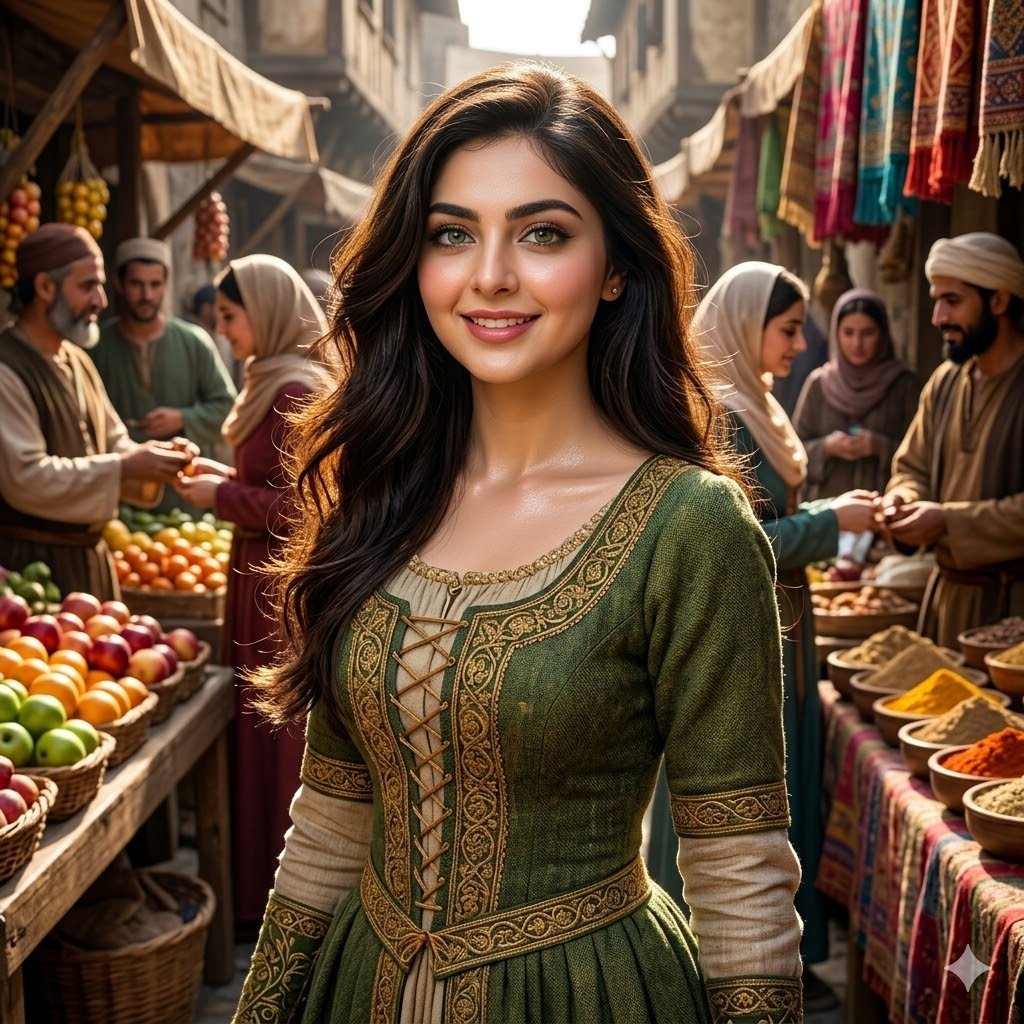
Medieval Market Girl Portrait
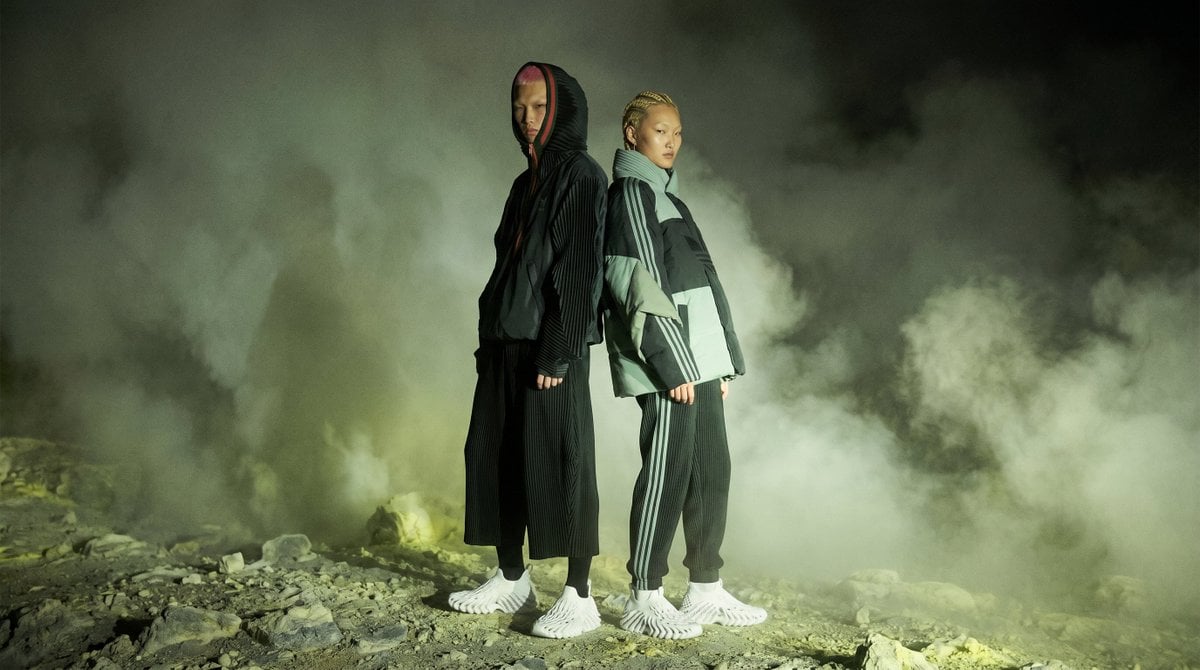
Volcanic Streetwear Fashion Editorial
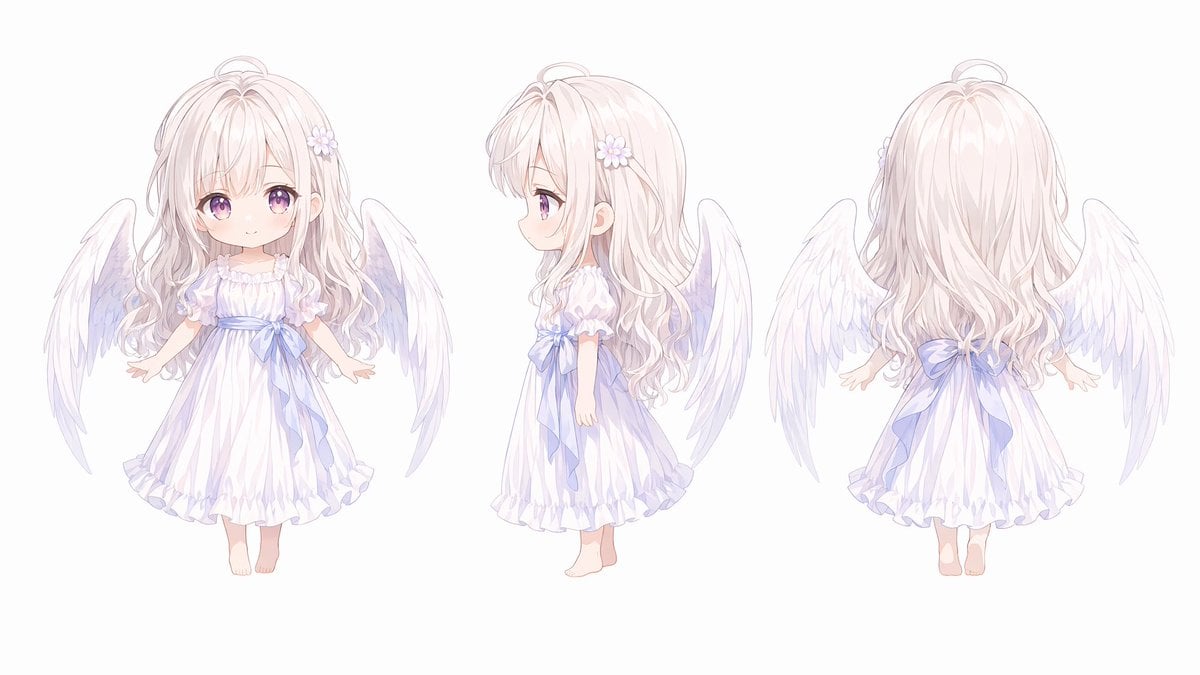
Chibi Angel Three-View Turnaround
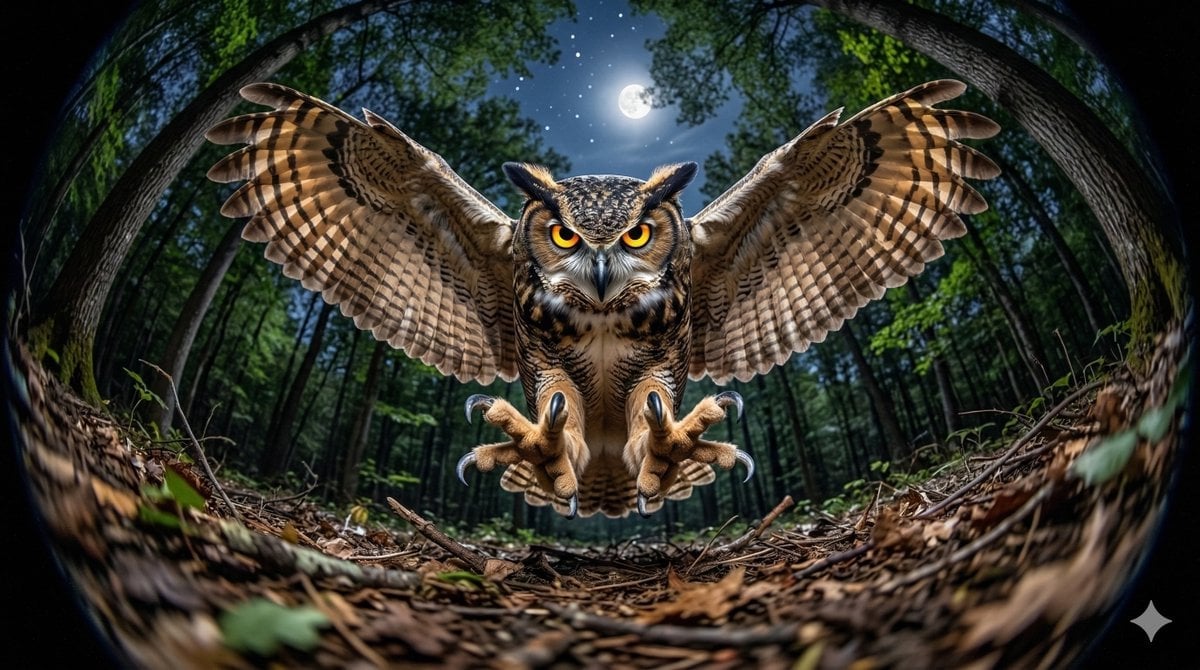
Fisheye Perspective of a Mouse and Owl
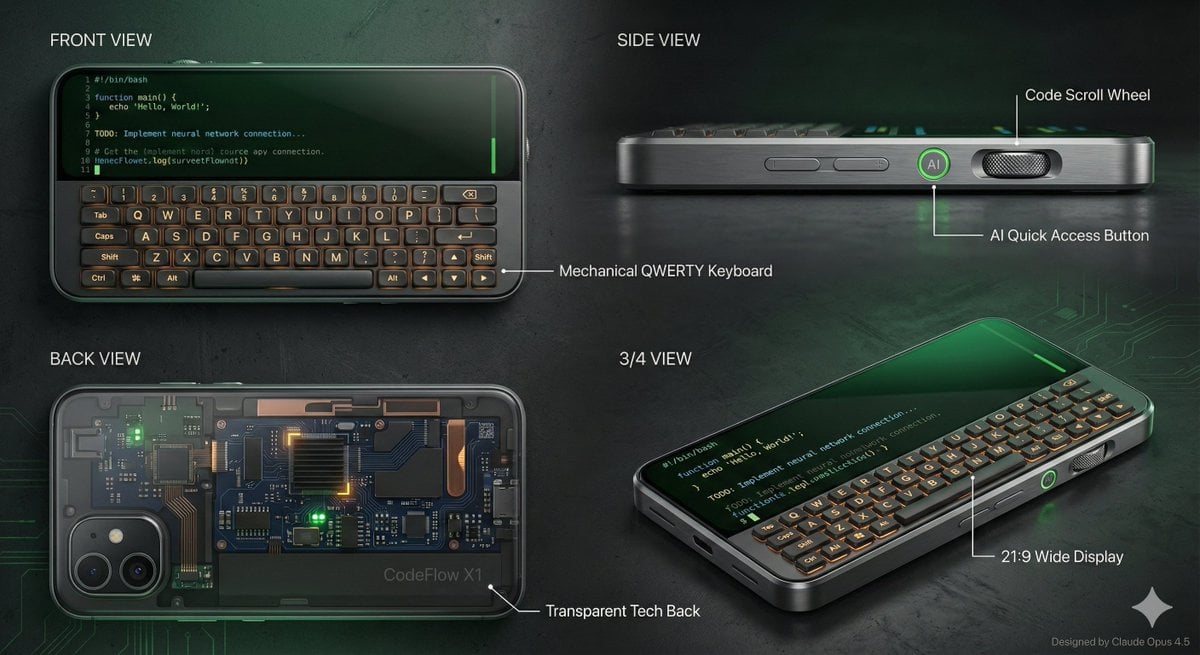
Vibe Coder Keyboard Phone Design Task
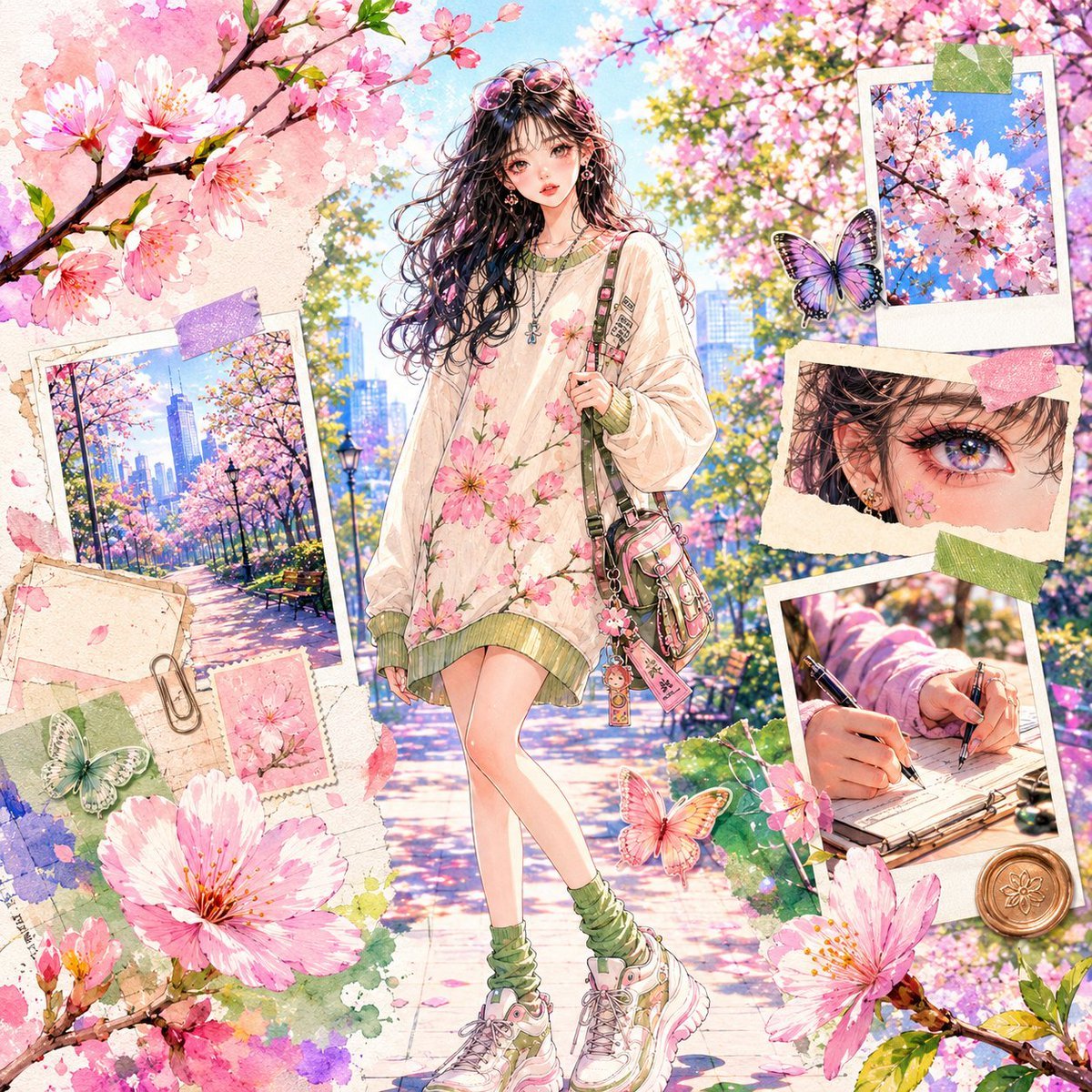
Watercolor Anime Fashion Collage
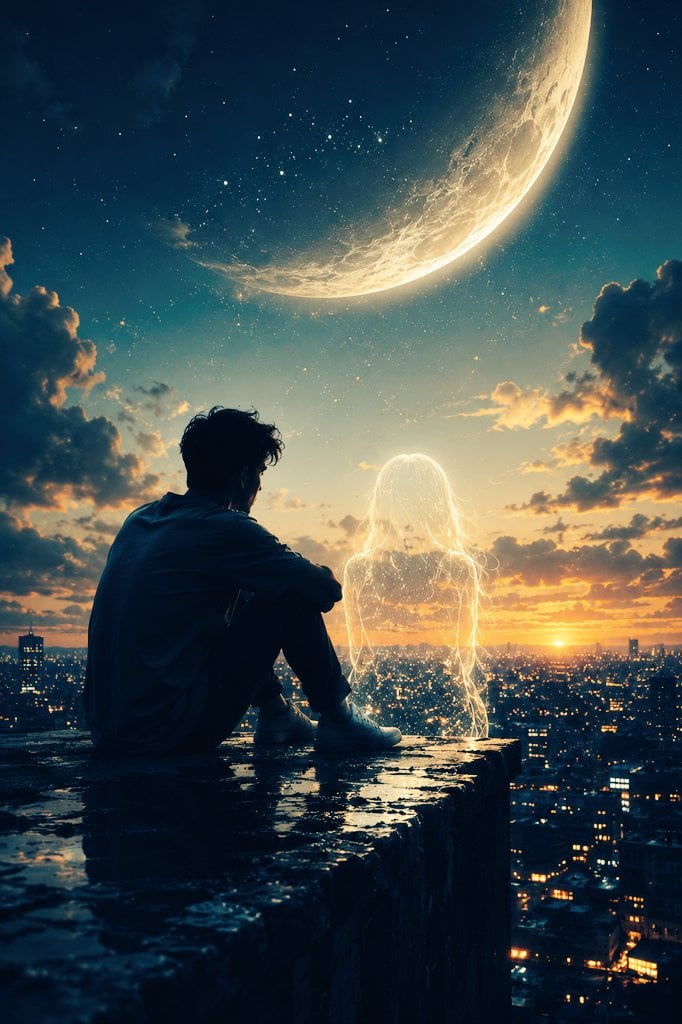
Ethereal Silhouette on a Rooftop Edge
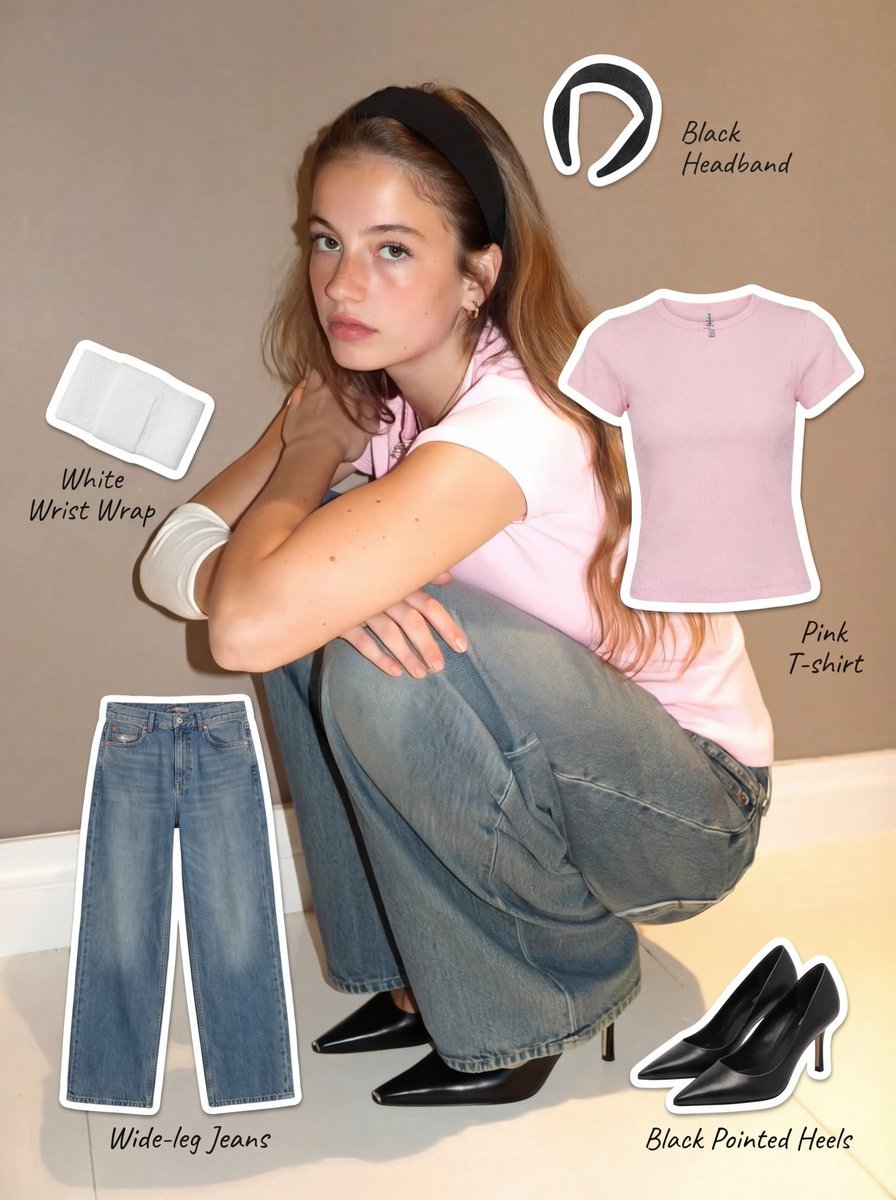
Clothing Item Cut-Out Sticker Prompt
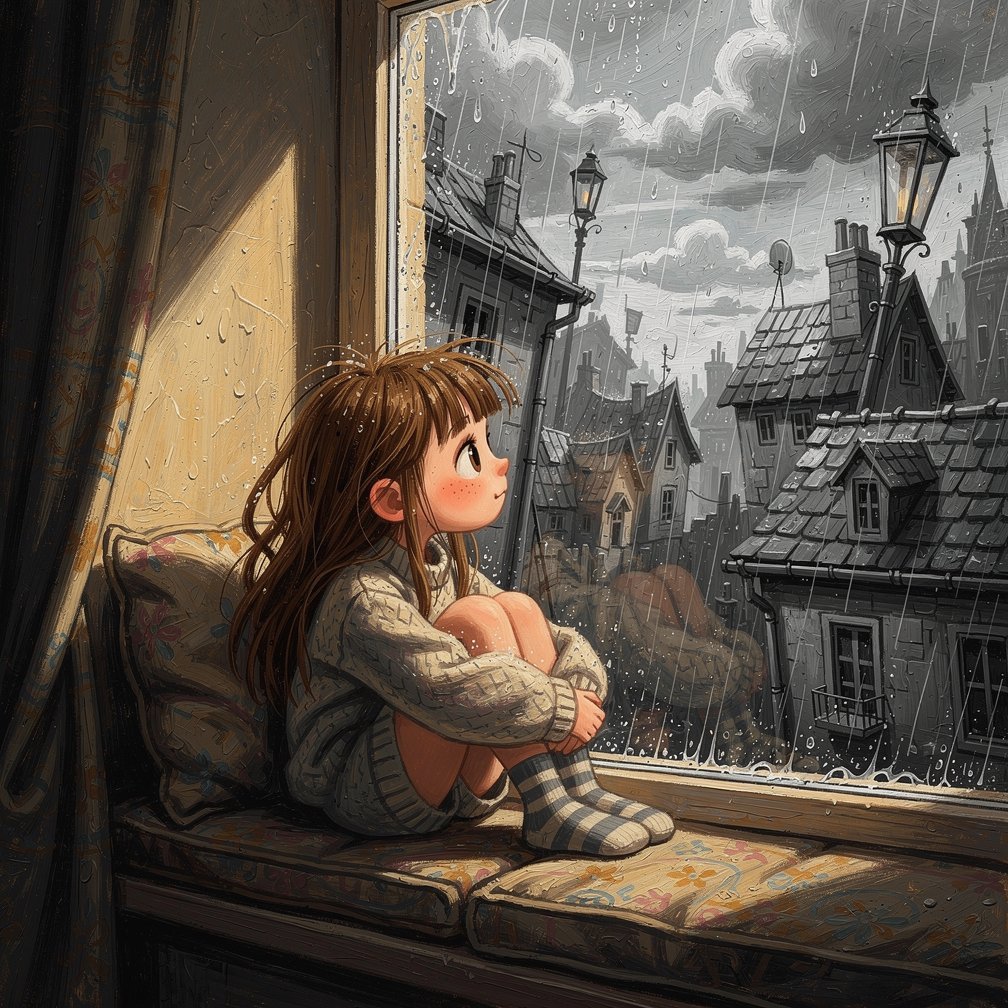
Girl on Window Seat in Rain
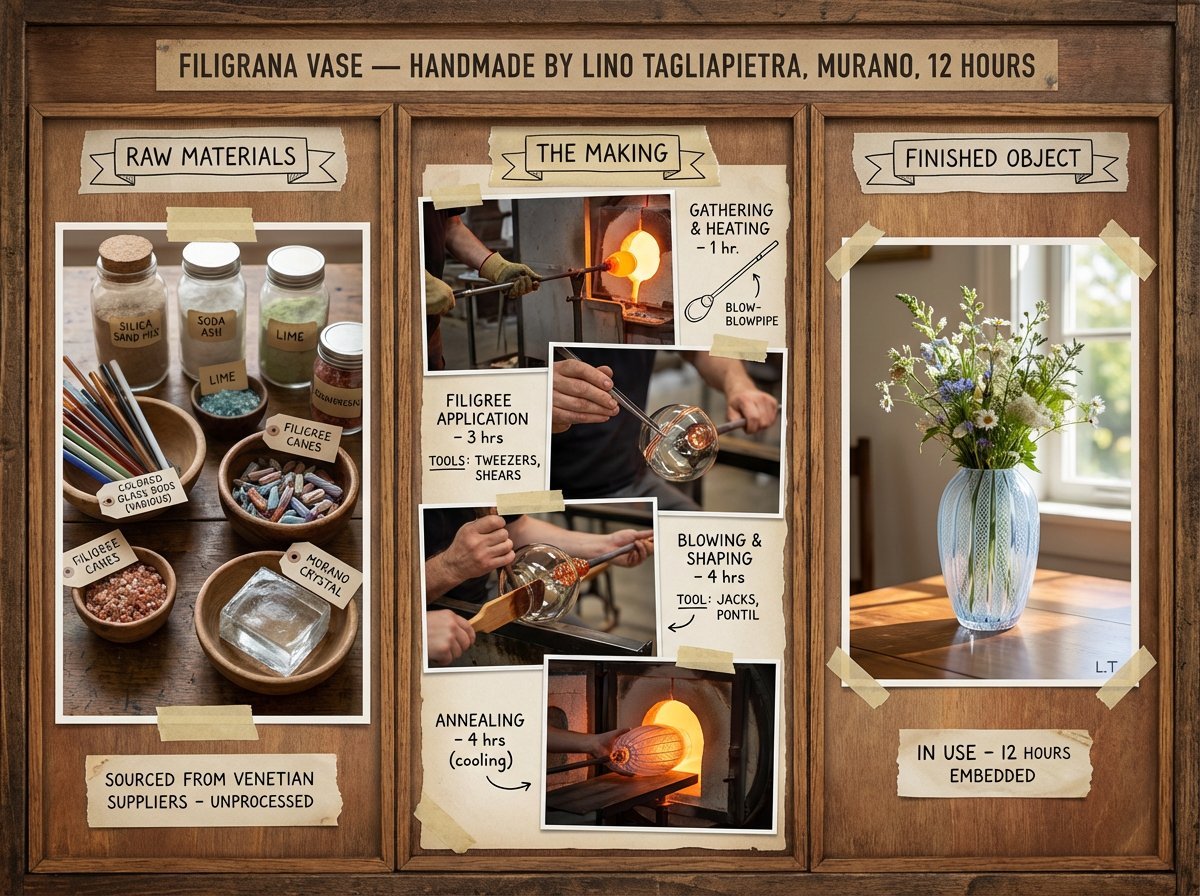
Artisan Craft Process Board for Handmade Objects
Browse template categories
Rainy Hydrangea Romance Manga questions
How do I use the Rainy Hydrangea Romance Manga template?
Add your photo if the template asks for one, edit the prompt if you like — the template's model and format are already selected — and press Generate. Your version opens in PicX Studio.
Can I customize the Rainy Hydrangea Romance Manga template?
Yes. You can change the subject, setting, lighting, mood, format, and available model controls before creating your image.
Is the Rainy Hydrangea Romance Manga template free?
Opening and editing this template is free. Generating uses credits, shown on the Generate button when you are signed in.
Which AI model should I use?
Start with GPT Image 2, which is the model associated with this template. You can compare another compatible model for a different finish.
Looking for something else? Browse all templates.

Your photo, any look
Thousands of ready templates for every top image and video model, from one credit balance.