
Girl on Window Seat in Rain
This prompt generates a cozy yet melancholic painterly scene of a child watching a rainstorm over old European rooftops, ideal for storybook art or atmospheric concept illustration.
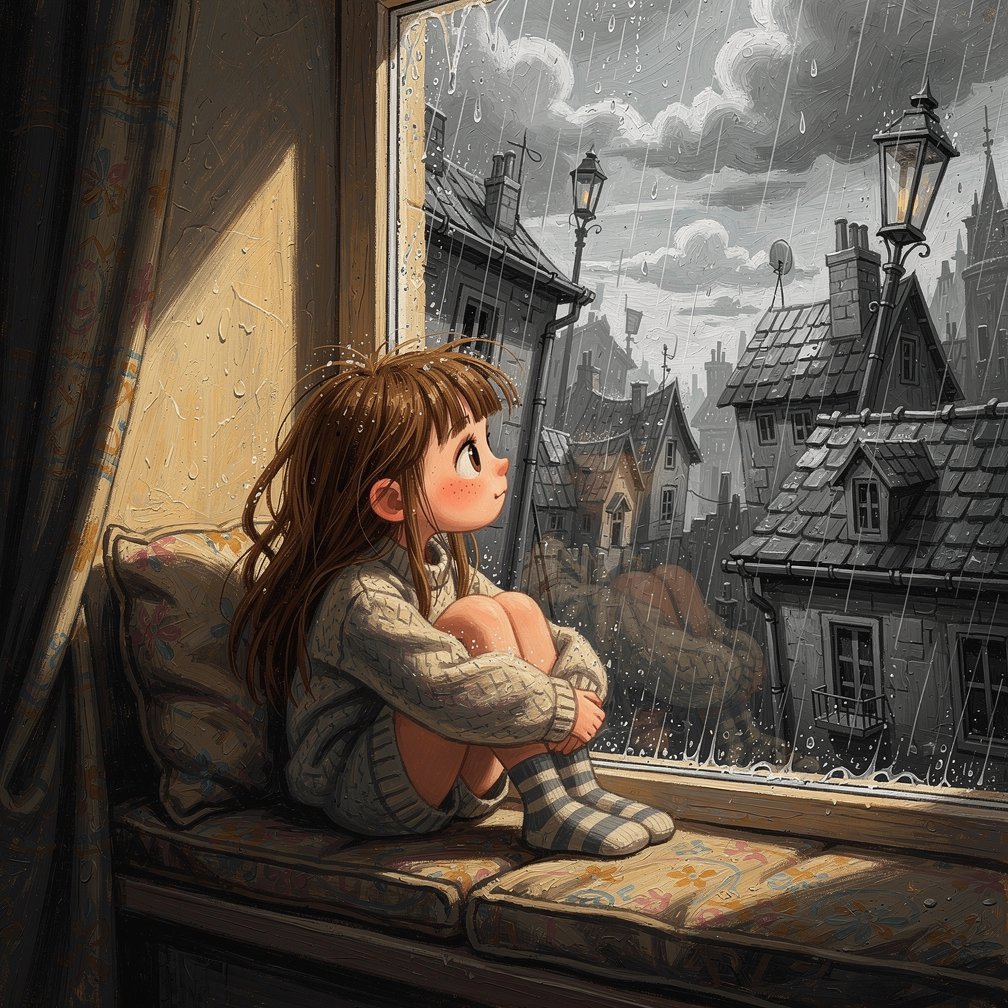
- Prompt included
- Model and format preset
- Free template
The prompt behind this image
Copy the exact prompt behind Girl on Window Seat in Rain, or open it in the studio and make it yours.
A moody storybook-style digital painting of a {argument name="character age" default="young girl"} sitting sideways on a cushioned window seat inside an old European attic room, hugging her knees and gazing out through a large rain-streaked window. She has {argument name="hair color" default="chestnut brown"} slightly messy shoulder-length hair, a cozy oversized cable-knit sweater, and soft striped socks, with bare legs tucked close to her body. The composition is intimate and contemplative, viewed from inside the room at a slight angle, with the child placed in the lower left foreground and the rainy city filling the right side and background. Outside the window is a dense cluster of steep-roofed old town houses, chimneys, crooked rooftops, and 2 tall vintage street lamps visible near the window, all under a dramatic overcast sky with heavy layered storm clouds and visible falling rain. The glass is covered with raindrops, rivulets, and wet reflections, and the rooftops outside are mostly muted gray, while the interior glows with warm amber light from the left, creating a strong contrast between the cozy room and the cold storm outside. Include a patterned cushion behind her, a worn upholstered bench with subtle floral fabric, dark curtains framing the left edge, and soft painterly textures with detailed brushwork on wood, fabric, hair, and rain. Color palette: warm browns, beige, muted gold, slate gray, charcoal, and soft silver. Atmosphere: melancholic, quiet, nostalgic, cinematic, whimsical, and emotionally tender. Highly detailed, painterly illustration, children’s book fantasy realism, dramatic lighting, depth through layered rooftops, no text, no watermark.
How to use Girl on Window Seat in Rain in 3 steps
- 1Upload ImagePNG, JPG or paste
Add your photo
Upload the photo the template builds on. The prompt, model and format are already set.
- 2…a portrait of your subject in softgolden-hour light, 85mm…
Personalize
Edit the subject and creative details for your destination.
- 3Generate
Generate
Press Generate — your image is created in PicX Studio, so you can compare it with the original and refine one variable at a time.
More like this
Templates with the same subject, style or setup. Open one to see its prompt.
Manor Window Seat Rain

Rainy Café Window Moody Portrait

Meet Me When It Rains

Teen Girl Alpine Lake Mountain View
Rainy Schoolgirl Photo Diary Collage

Rainy Night Android Cyberpunk Portrait
Spider-Man Noir Detective Rain Alley
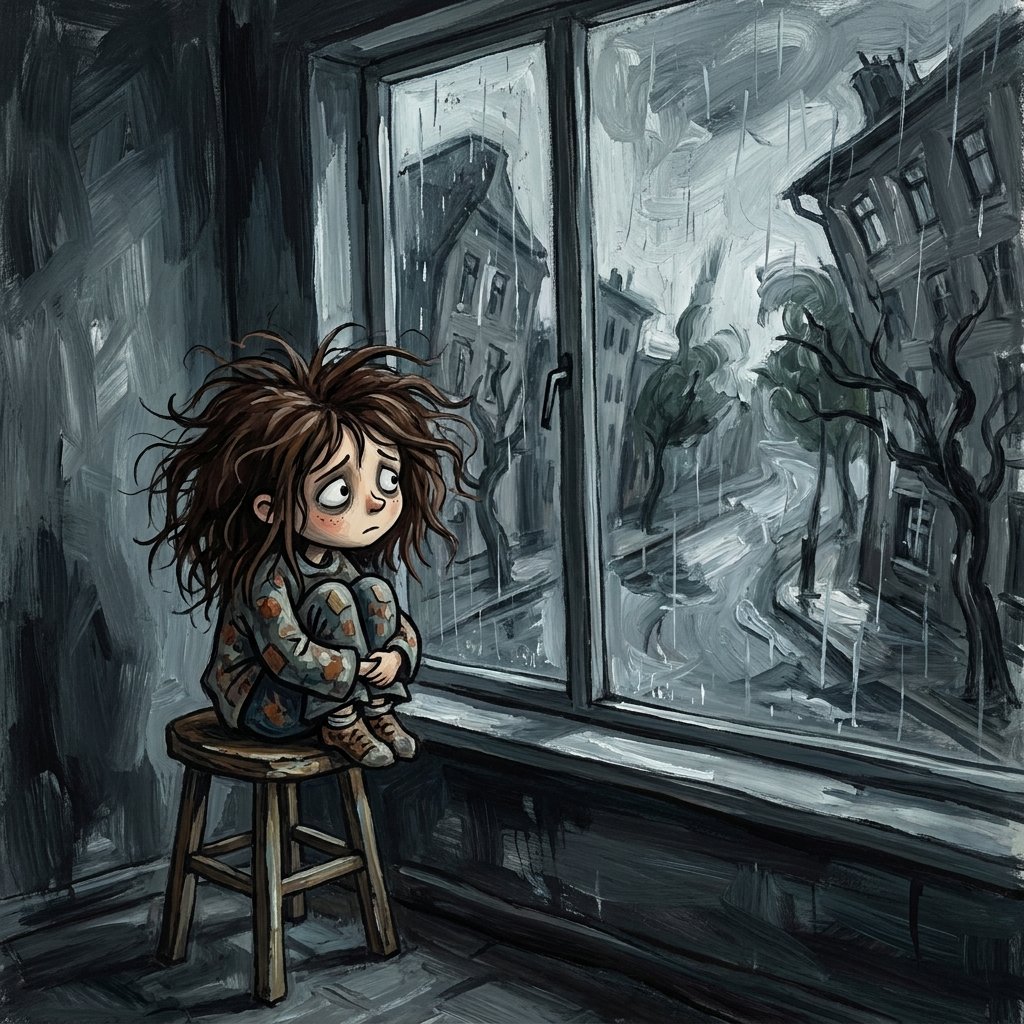
Sad Child by Rainy Window
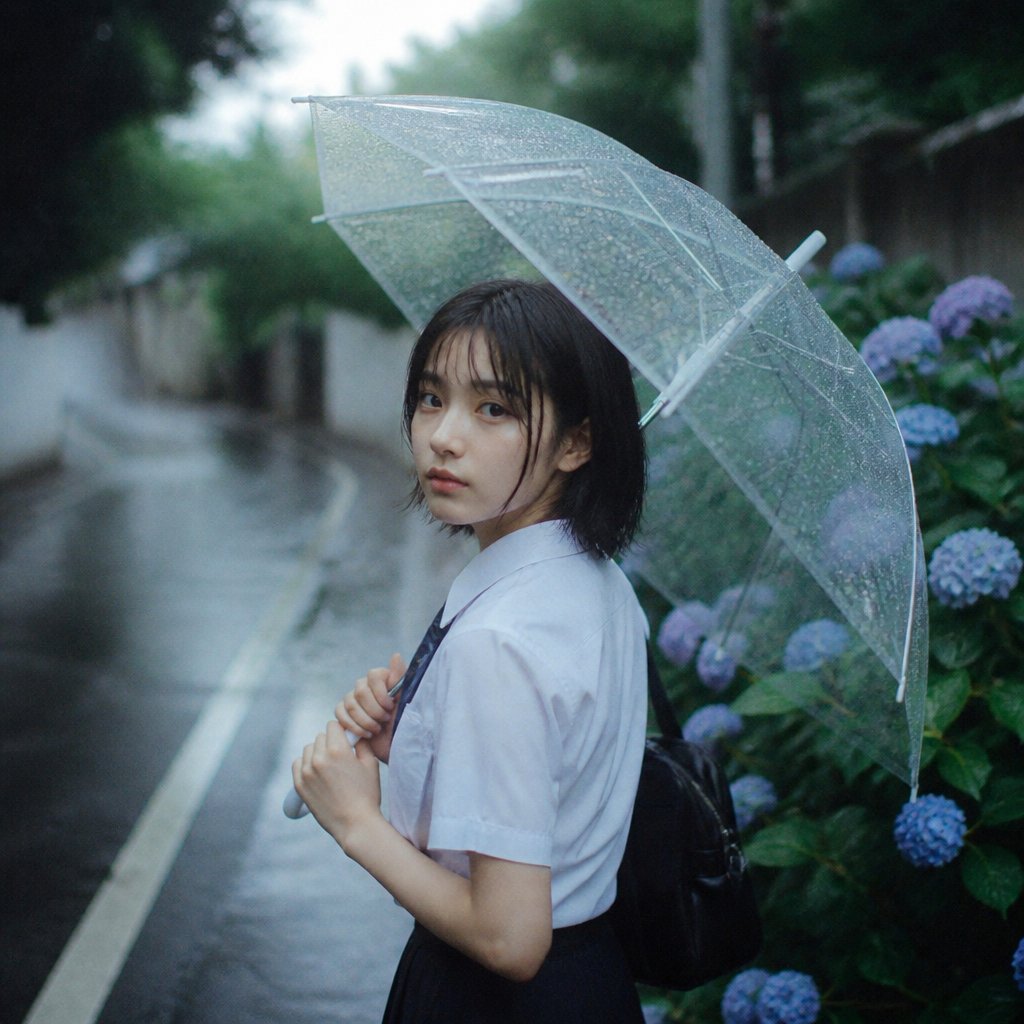
Rainy Schoolgirl With Transparent Umbrella

Surreal Train Window Scenery
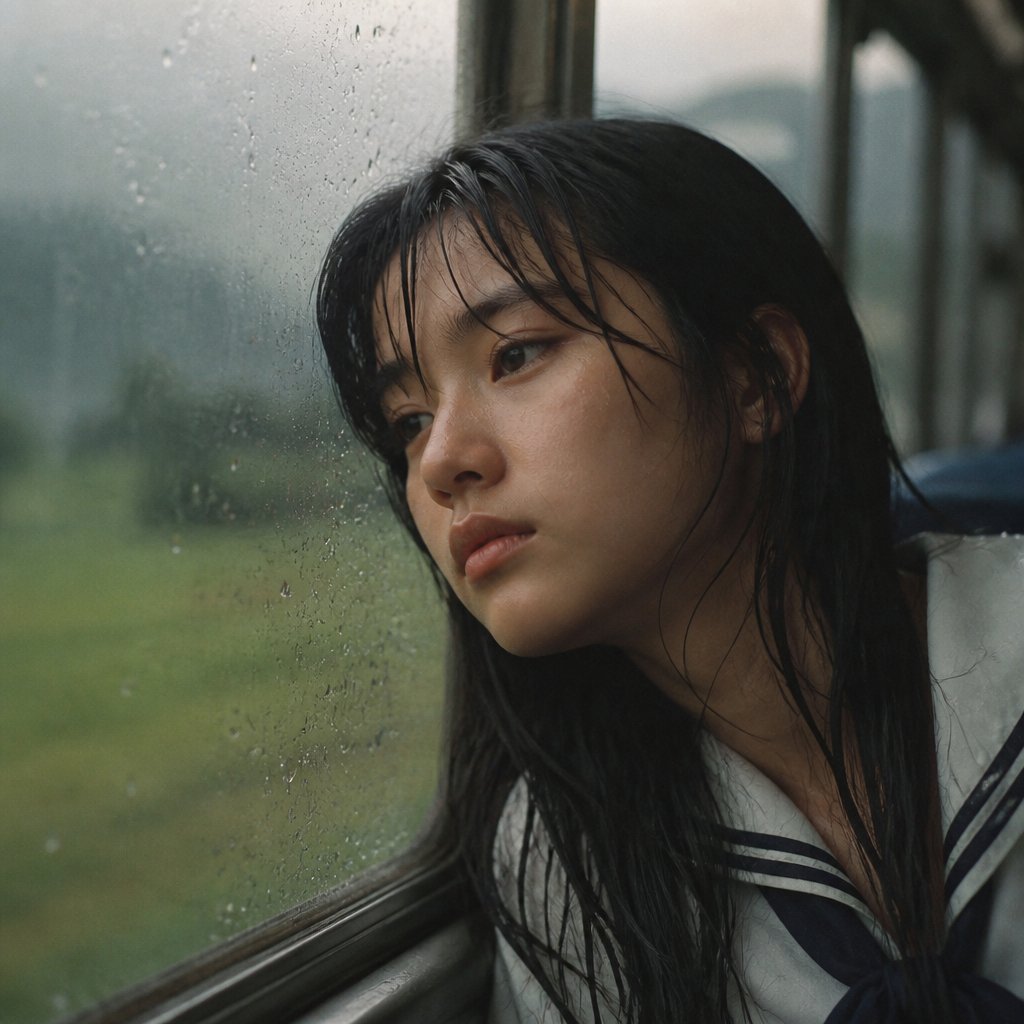
Rainy Train Schoolgirl Portrait
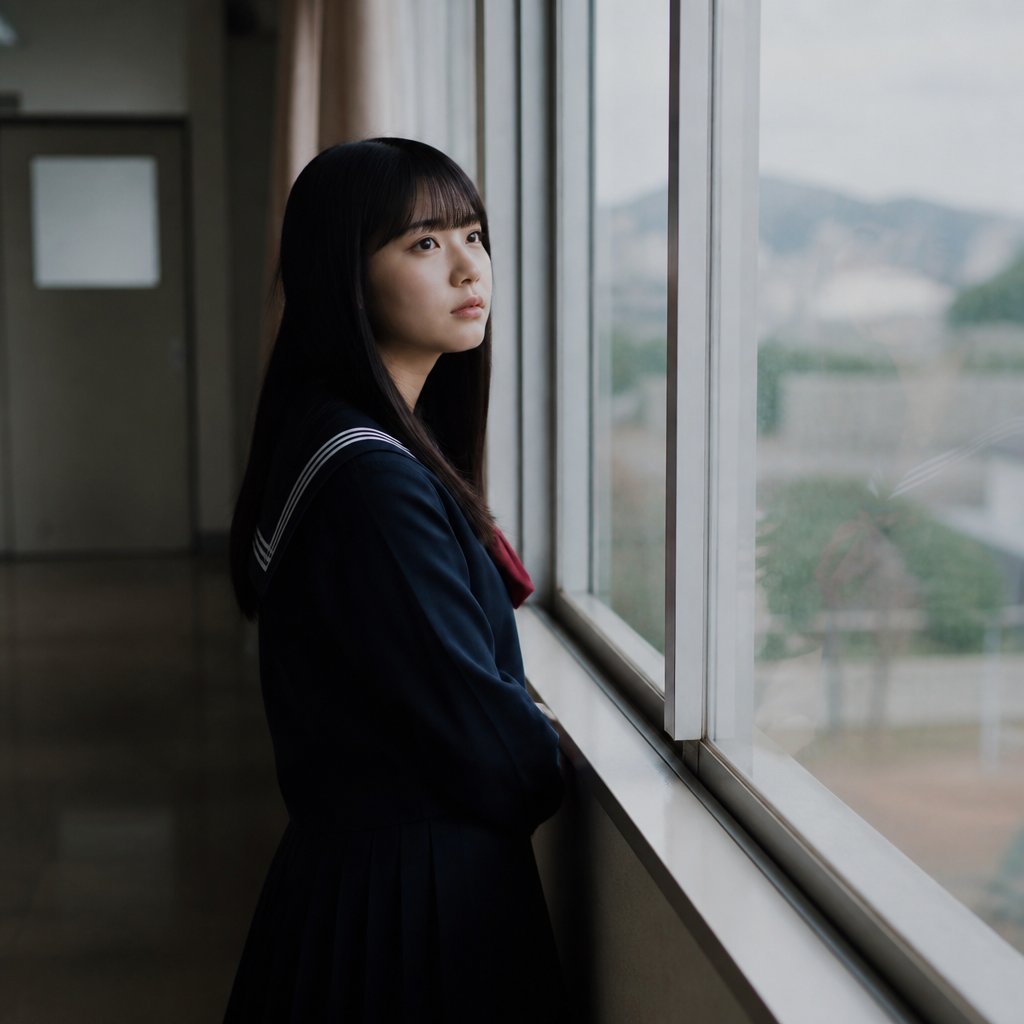
Anonymous Schoolgirl by Window
Make it yours
Girl on Window Seat in Rain works as-is. These are the safest ways to change it without losing the look.
Change one field
Copy a single group, rewrite it, and generate again so you can see what that field is doing.
Keep the frame, change the subject
Hold the composition and light of Girl on Window Seat in Rain, then swap wardrobe, props or the person for a new take.
| If the result… | Why | Fix |
|---|---|---|
| The result drifts from the preview | Too many fields changed at once. | Reuse Girl on Window Seat in Rain as-is first, then change one group — subject, light, or setting. |
| The model over-stylizes the scene | The prose prompt leaves finish and camera underspecified. | Add one camera or lighting sentence and stay on GPT Image 2. |
More GPT Image 2 templates
Other prompts made for GPT Image 2.

Six VTuber Japanese Logo Sheet

Realistic Portrait of Woman and Deer

The Vista Modular Condo Poster

AI Model Routing Comparison Infographic

2.5D Anime Art Board

Isometric Productivity Desk Scene

New York Double Exposure Poster

Four-Panel AI Landscape Comparison

Japanese Tatami Lifestyle Magazine Cover

NESCAFÉ Coffee Map Poster
More image prompts
Fresh picks from across the catalog.

Cinematic Portrait Prompt for Google Nano Banana Pro
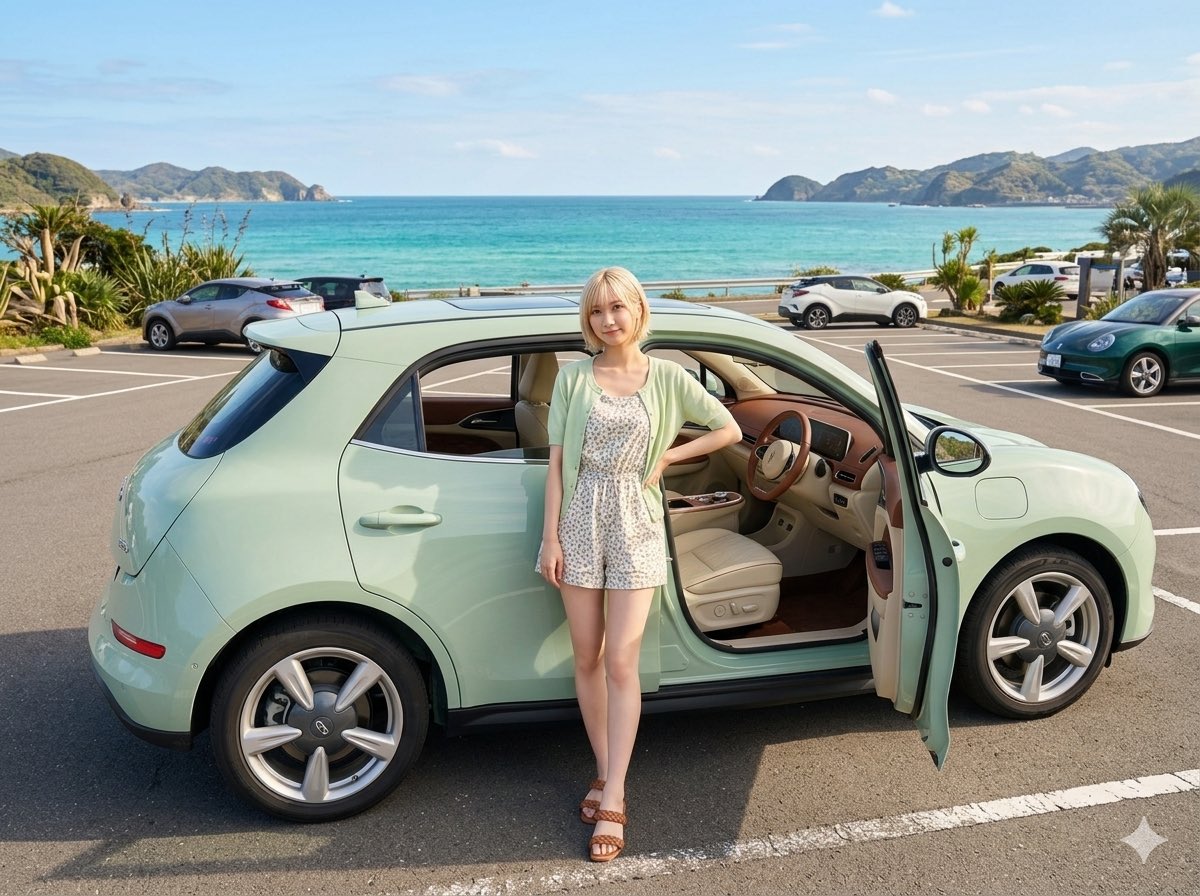
Mint Green Coastal Car Portrait

Glamorous High-Fashion Portrait with Gradient Sequin Dress
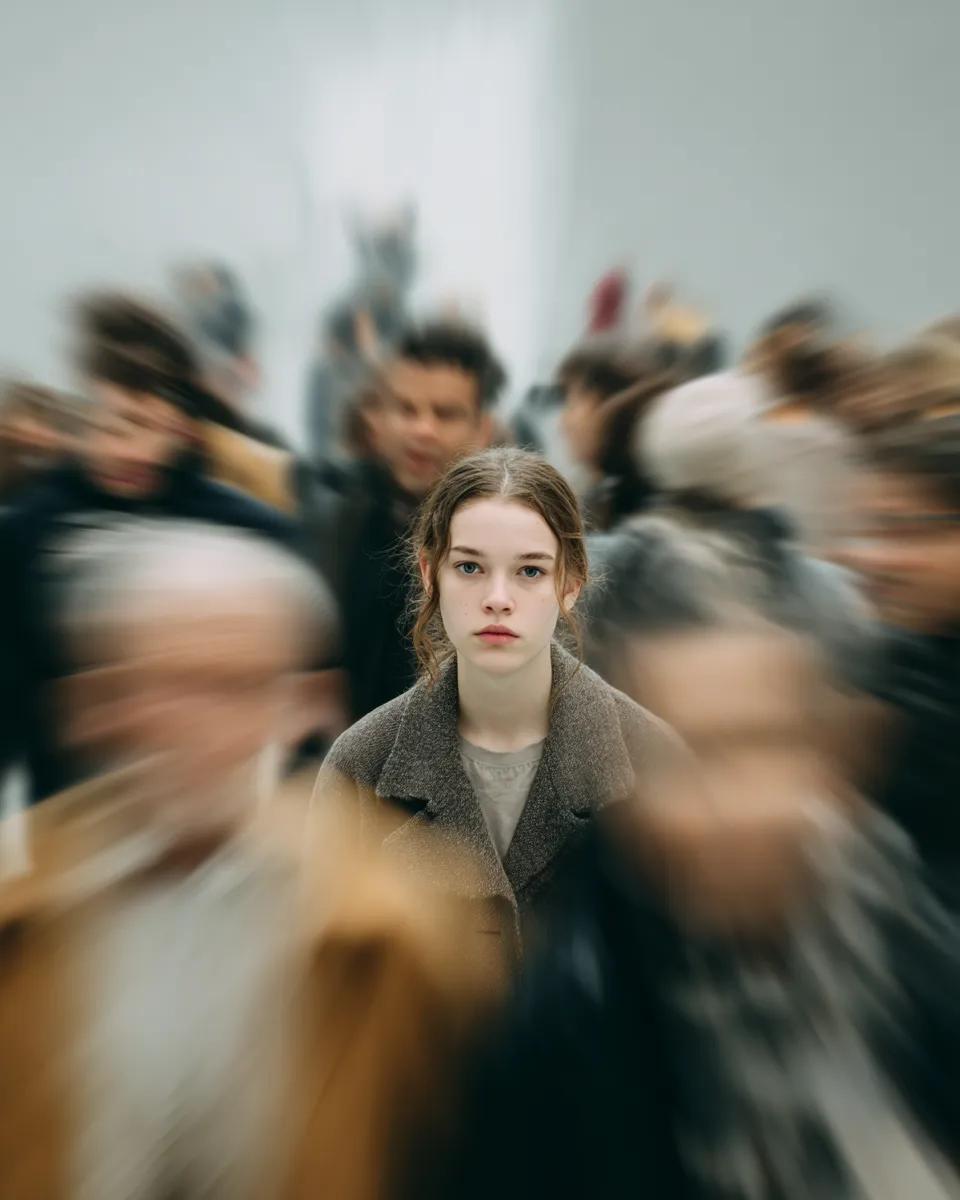
Cinematic Portrait with Radial Motion Blur
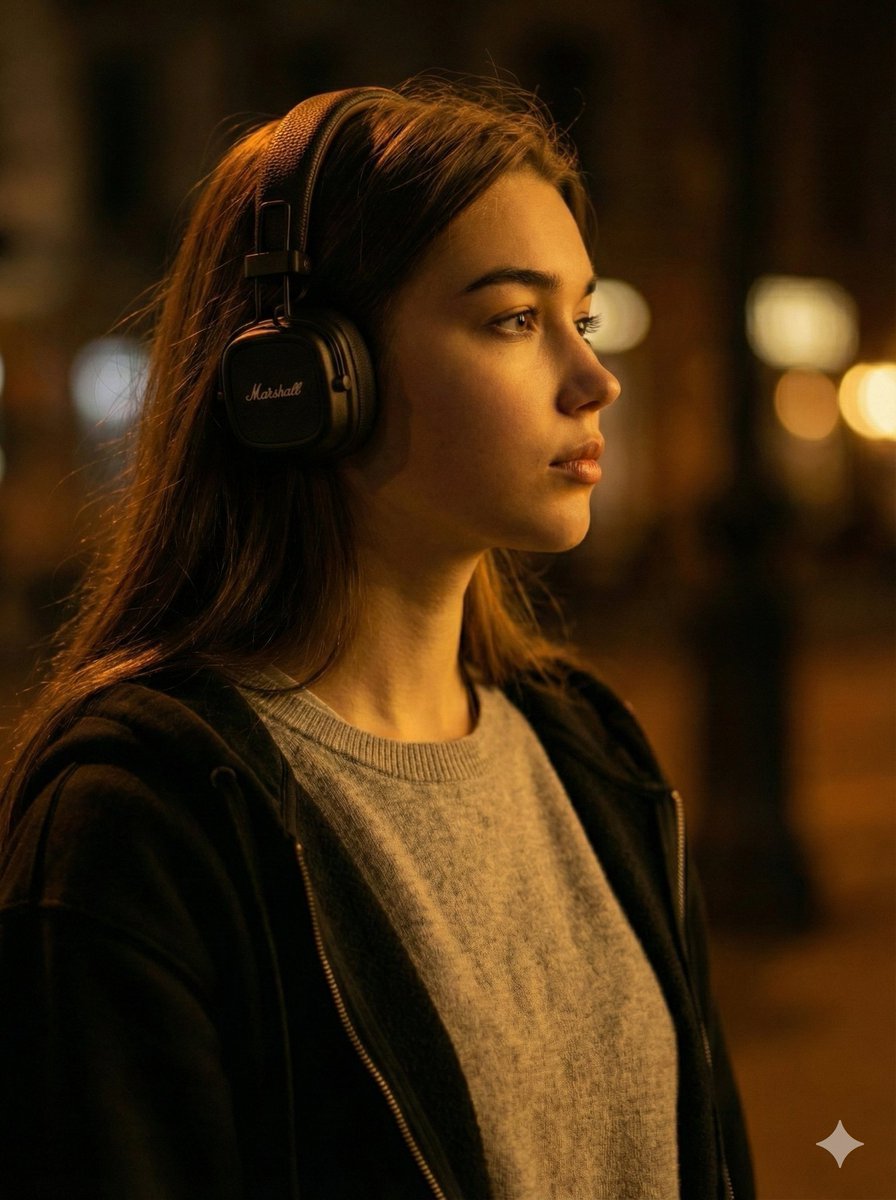
Moody Cinematic Profile Portrait Prompt
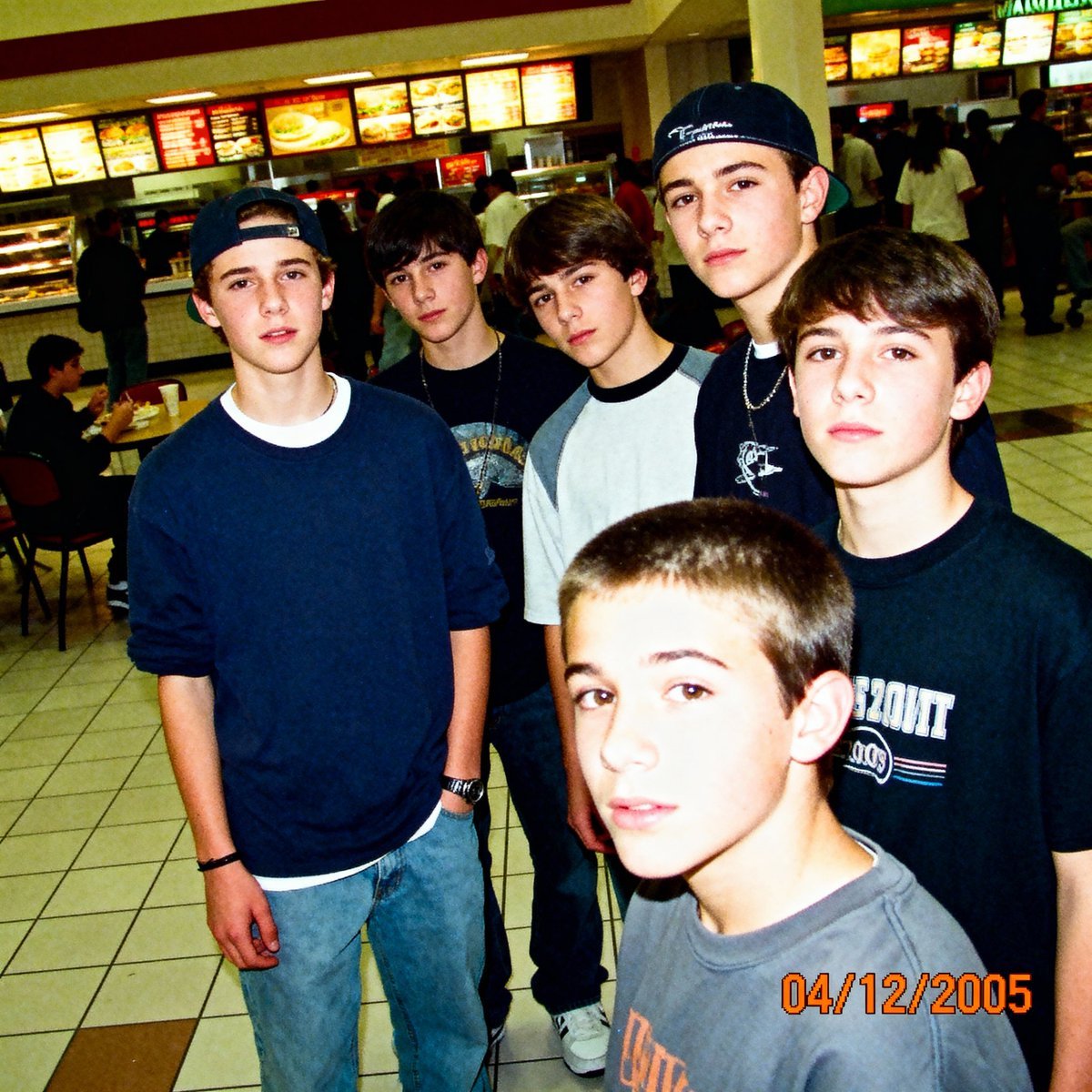
2005 Sony CyberShot mall food court snapshot prompt
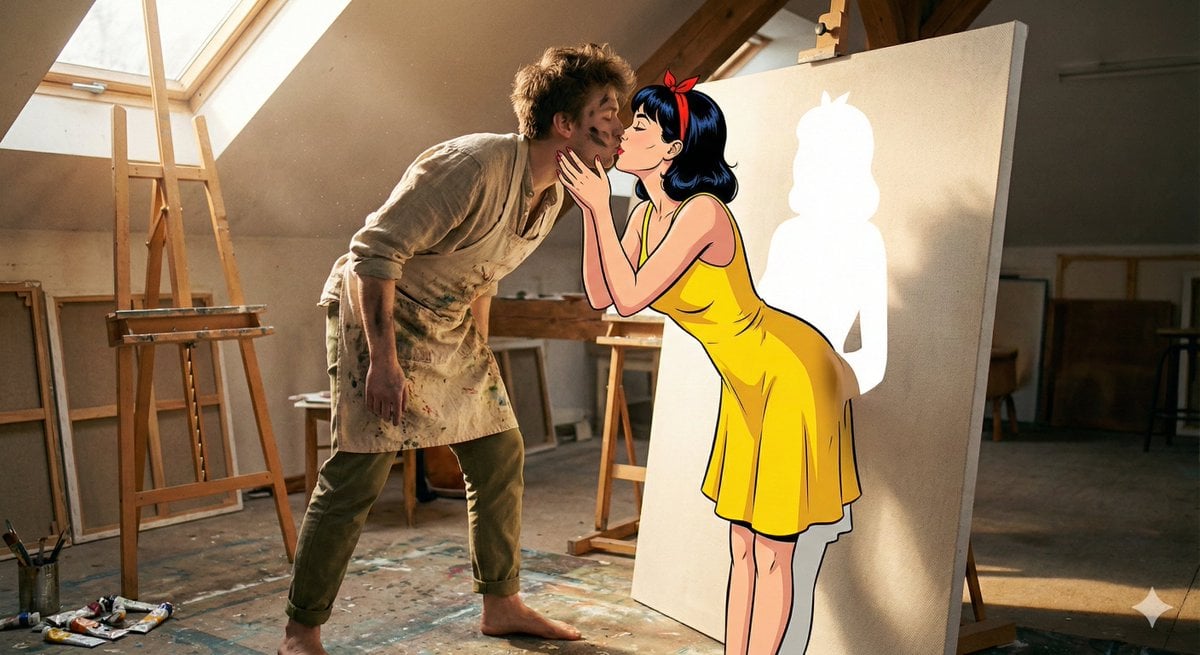
Surreal 2D to 3D Transition Kiss Prompt for Gemini 3
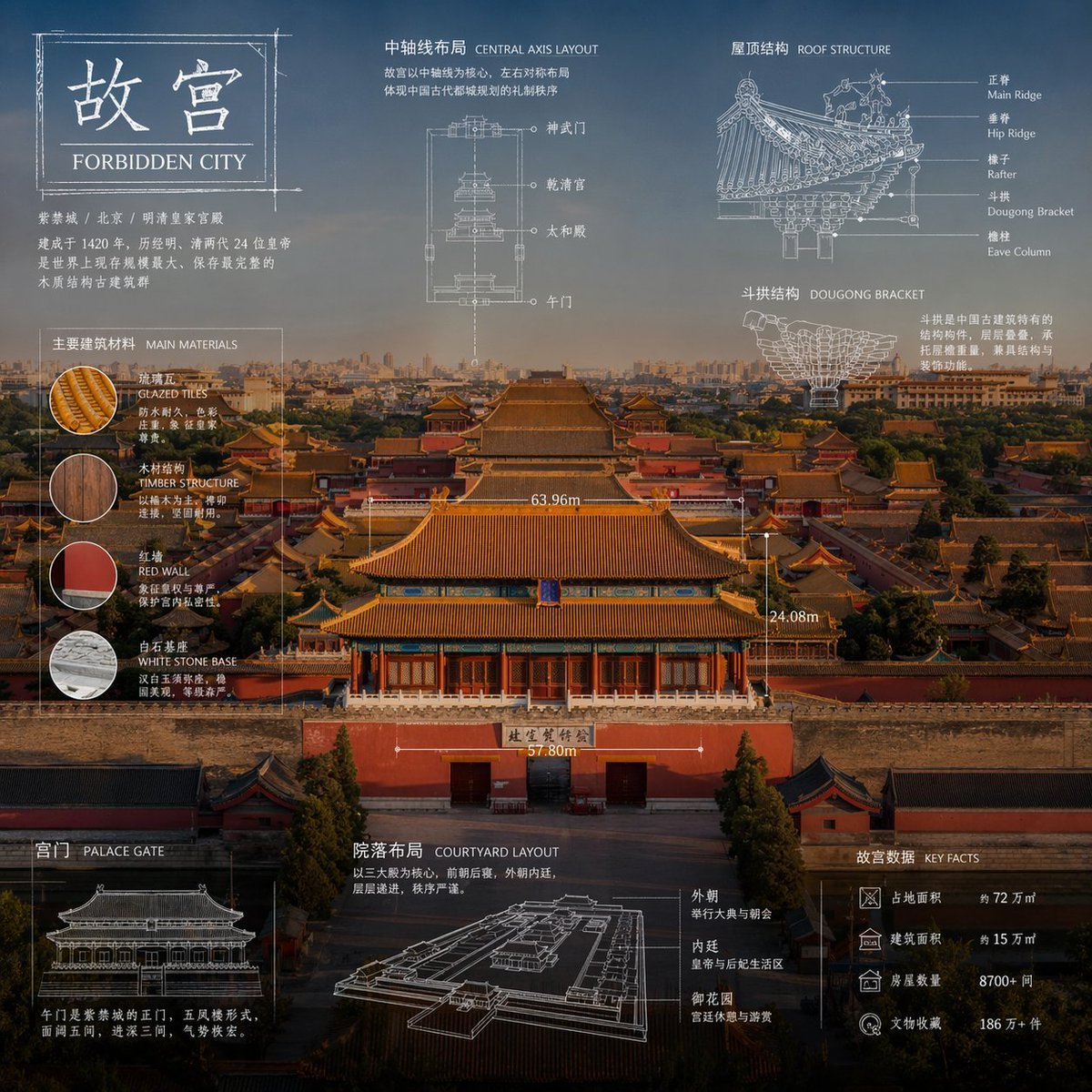
Technical Blueprint Infographic Style
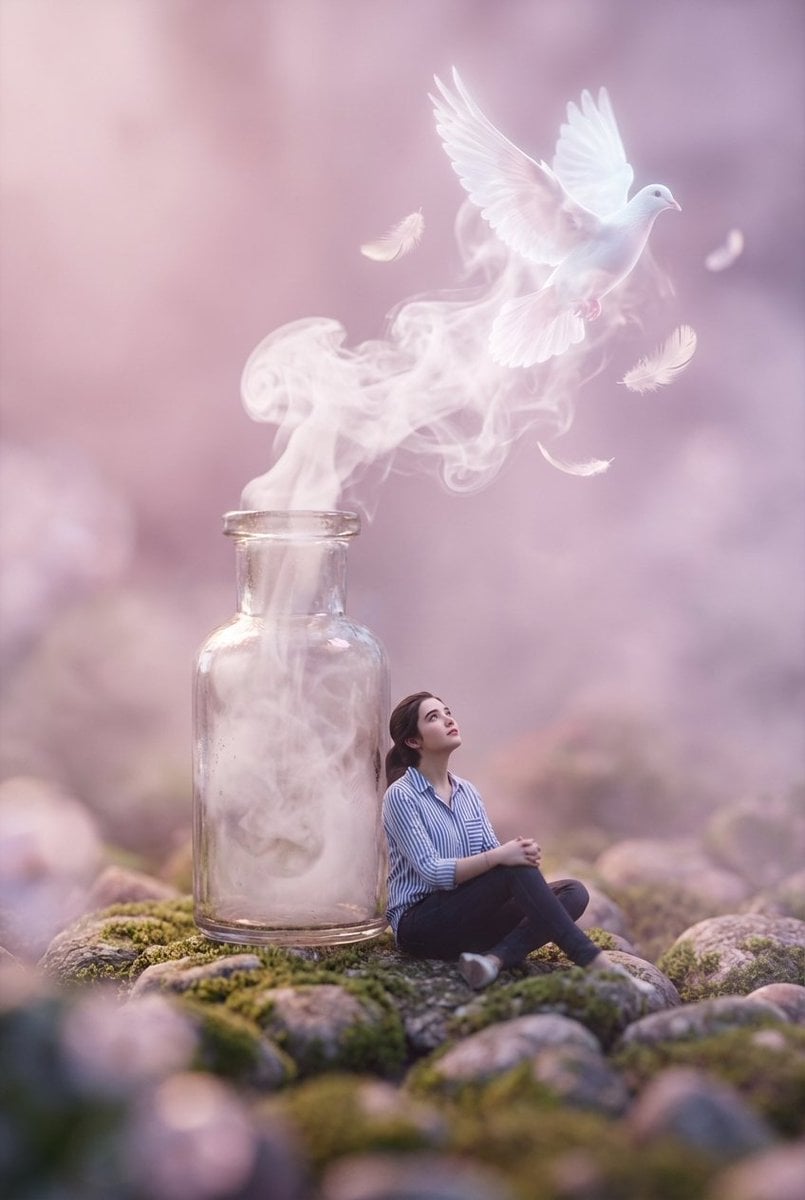
Surreal Macro Masterpiece with Miniature Figure
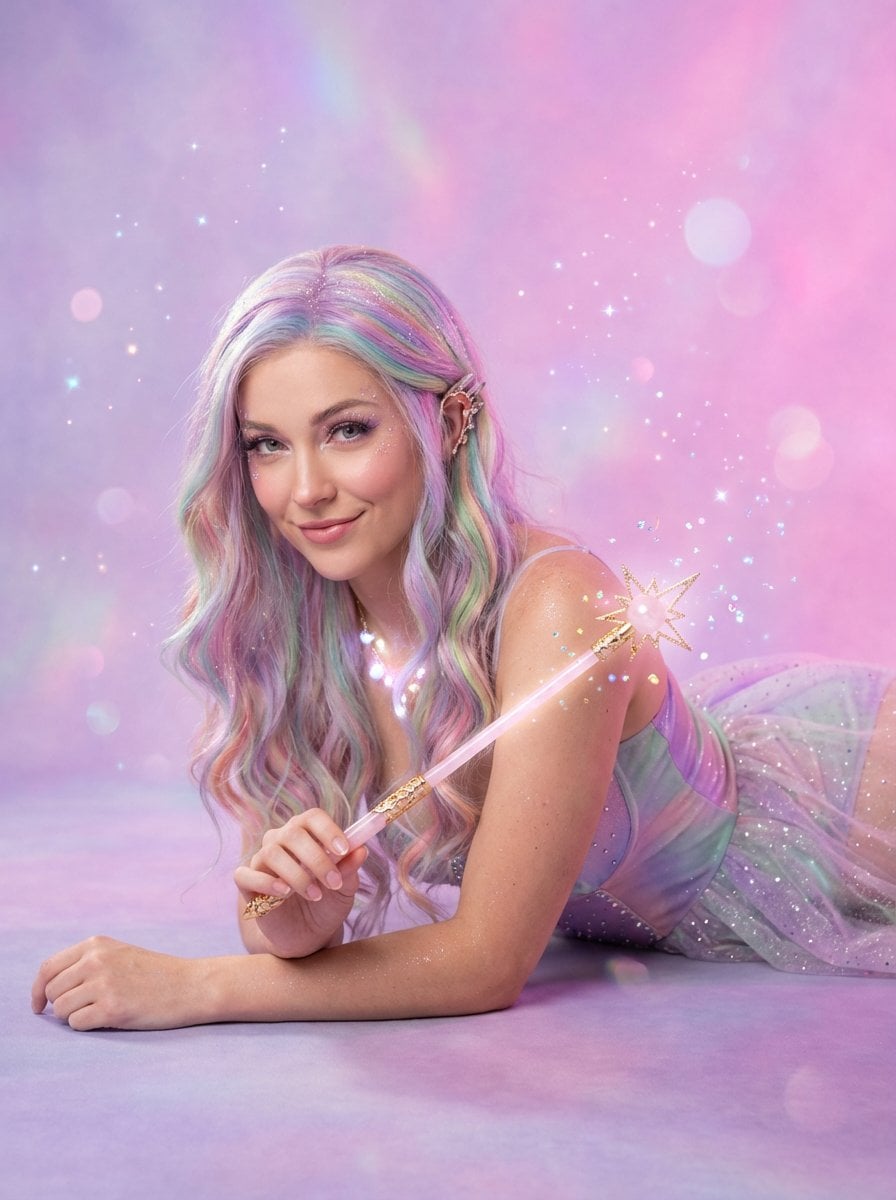
Ethereal Fairy Queen Product Shot
Browse template categories
Girl on Window Seat in Rain questions
How do I use the Girl on Window Seat in Rain template?
Add your photo if the template asks for one, edit the prompt if you like — the template's model and format are already selected — and press Generate. Your version opens in PicX Studio.
Can I customize the Girl on Window Seat in Rain template?
Yes. You can change the subject, setting, lighting, mood, format, and available model controls before creating your image.
Is the Girl on Window Seat in Rain template free?
Opening and editing this template is free. Generating uses credits, shown on the Generate button when you are signed in.
Which AI model should I use?
Start with GPT Image 2, which is the model associated with this template. You can compare another compatible model for a different finish.
Looking for something else? Browse all templates.

Your photo, any look
Thousands of ready templates for every top image and video model, from one credit balance.