
Ethereal Fairy Queen Product Shot
A detailed JSON prompt for generating an ultra-photorealistic, high-end fantasy fashion editorial image.
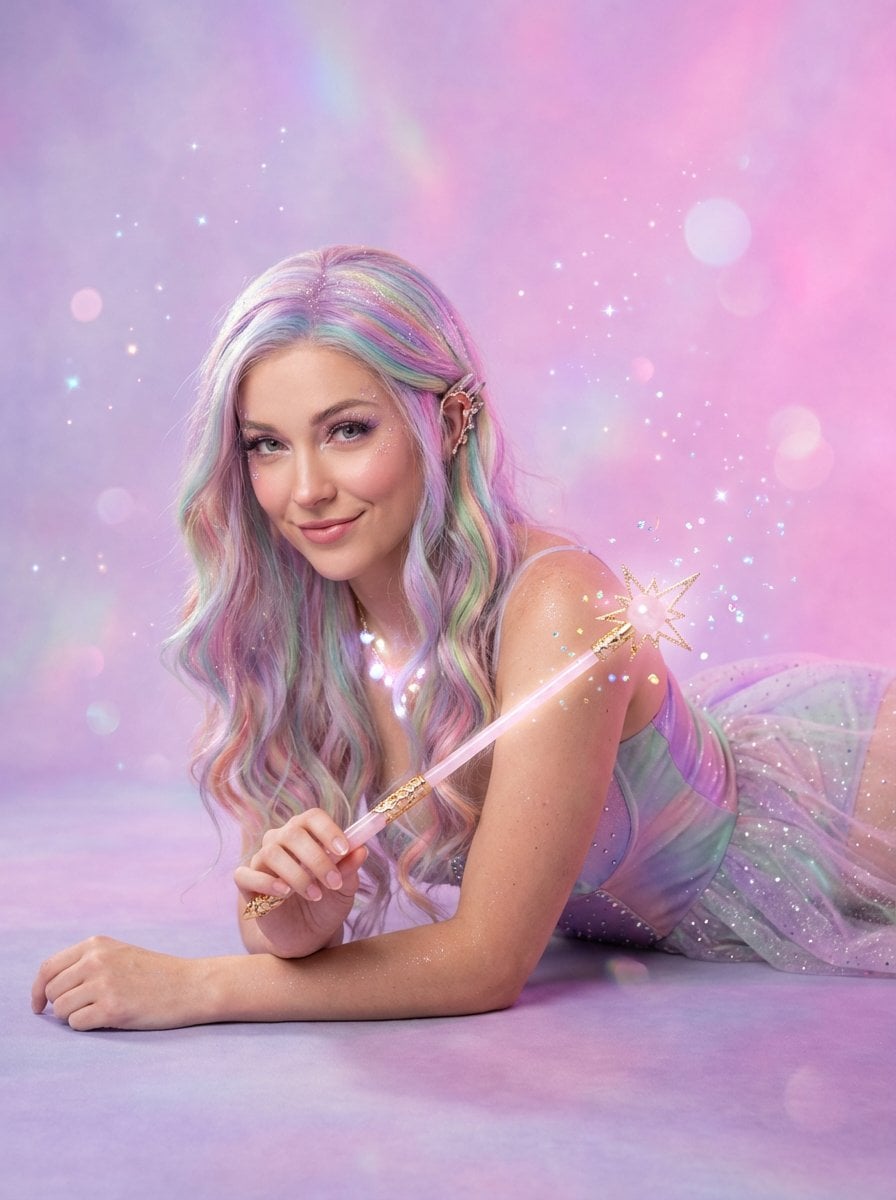
- Prompt included
- Model and format preset
- Free template
The prompt behind this image
Copy the exact prompt behind Ethereal Fairy Queen Product Shot, or open it in the studio and make it yours.
{ "scene": { "type": "enchanted studio_photoshoot", "background": { "color": "dreamy gradient of lavender mist fading into cotton-candy pink with tiny floating sparkles", "texture": "velvety seamless backdrop with subtle iridescent sheen", "style": "whimsical, ethereal, high-fashion fairy tale" } }, "subject": { "type": "female model", "pose": "gracefully lying on stomach, propped on elbows like a mischievous fairy queen, head tilted with playful charm toward camera", "expression": "soft mischievous smile, twinkling eyes, subtle magical confidence", "hair": { "style": "long flowing waves with delicate pastel rainbow highlights", "finish": "silky, glowing, as if dusted with pixie shimmer" }, "wardrobe": { "outfit_type": "sparkling fairy-princess bodysuit", "color": "iridescent blend of soft lilac, mint, and rose quartz that shifts in the light", "material": "glistening stretch tulle layered over matte satin with scattered micro-crystals", "fit": "form-fitting yet floaty, magical, modern fantasy" }, "accessories": { "glasses": "none", "jewelry": "delicate crystal ear cuffs and a tiny glowing necklace" } }, "product": { "type": "magical fairy wand", "model": "slender crystal wand with glowing star tip", "color": "translucent rose-quartz crystal shaft with soft pastel rainbow glow and gold filigree", "details": "gentle inner light, floating micro-sparkles inside the crystal, delicate starburst at the tip that emits tiny holographic sparkles", "finish": "ethereal, luminous, looks like it actually works" }, "interaction": { "action": "model delicately holding the glowing fairy wand in both hands, tip pointed playfully toward camera as if about to cast a spell", "grip": "light and elegant, fingers wrapped gently around the crystal shaft", "focus": "wand clearly visible, glowing, unobstructed, stealing the spotlight" }, "lighting": { "setup": "soft enchanted studio lighting with fairy-dust rim light", "key_light": "large diffused softbox with faint pastel pink-lavender tint from front-left", "fill_light": "gentle mint fill from right plus subtle rim light that makes hair and wand sparkle", "shadows": "ultra-soft, dreamy, almost none", "skin_tone": "dewy, luminous, sprinkled with magic" }, "camera": { "lens": "50mm prime", "aperture": "f/2.0", "angle": "slightly low eye-level, looking up at her like she’s about to grant a wish", "depth_of_field": "buttery shallow, background melts into fairy mist, subject and wand tack-sharp" }, "style": [ "ultra photorealistic yet undeniably magical", "high-end fantasy fashion editorial", "whimsical commercial enchantment", "dewy natural skin with subtle glow", "floating sparkles and soft bokeh orbs", "accurate glowing wand proportions" ], "resolution": { "}
How to use Ethereal Fairy Queen Product Shot in 3 steps
- 1
Open
The prompt is already in the box next to the preview, with the template's model and format selected.
- 2…a portrait of your subject in softgolden-hour light, 85mm…
Personalize
Edit the subject and creative details for your destination.
- 3Generate
Generate
Press Generate — your image is created in PicX Studio, so you can compare it with the original and refine one variable at a time.
More like this
Templates with the same subject, style or setup. Open one to see its prompt.
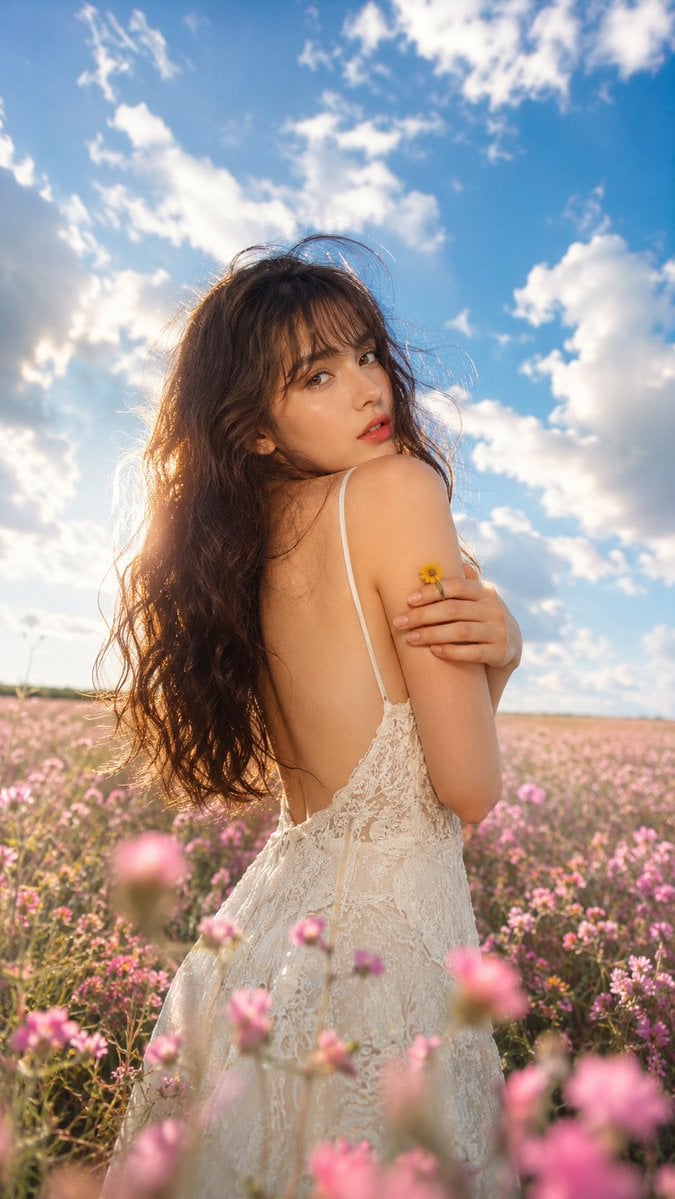
Ethereal Fairycore Flower Meadow Portrait

A k.pop idol on the stage with mic

Trendy Cafe Drink Promo Poster

Minimalist Skincare Product Water Stone Still

Giant Forced Perspective Street Product Selfie

Playful Futuristic Brand Kit Board

Headphones Lifestyle Nine Panel Grid

Cappuccino Bottle Splash Product Ad

Luxury Toothpaste Commercial Storyboard

Parle Hide and Seek Cookie Campaign Poster

Moss Logo Minimalist Brand Flat Lay
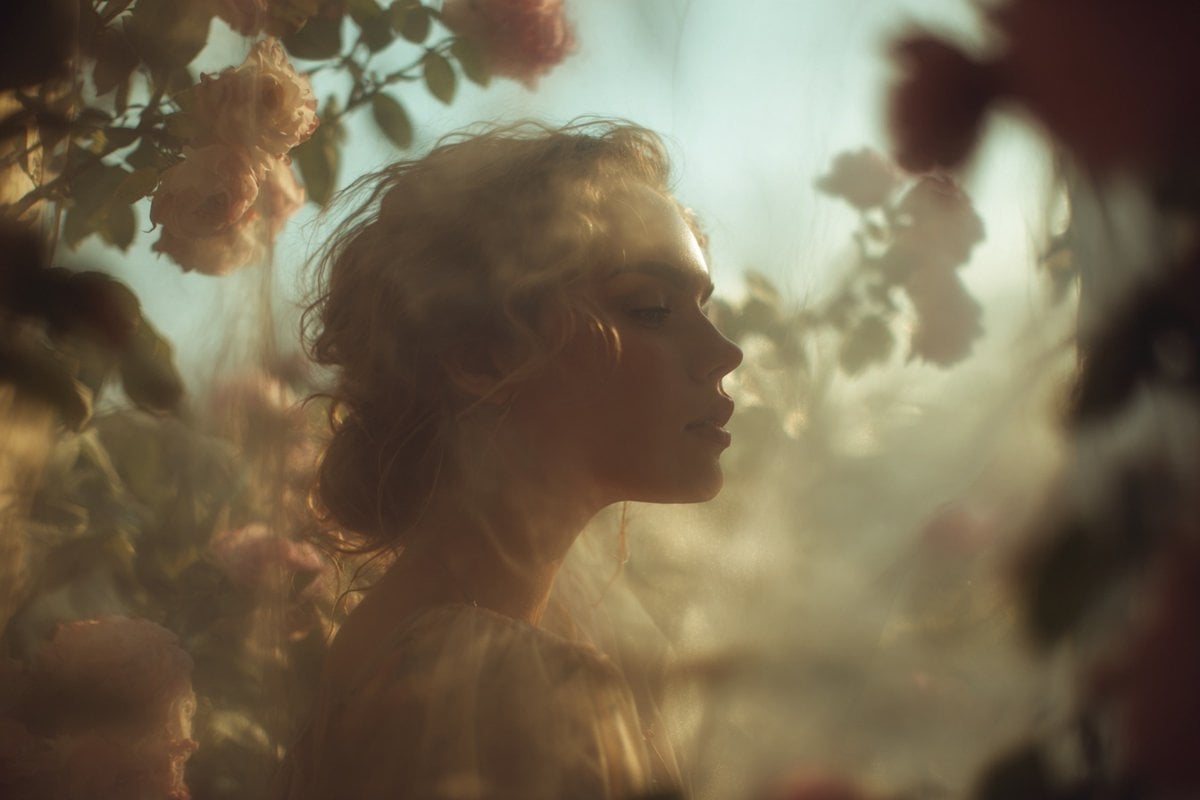
Ethereal Dream Editorial Through Fabric Portrait
Make it yours
Ethereal Fairy Queen Product Shot works as-is. These are the safest ways to change it without losing the look.
Change one field
Copy a single group, rewrite it, and generate again so you can see what that field is doing.
Keep the frame, change the subject
Hold the composition and light of Ethereal Fairy Queen Product Shot, then swap wardrobe, props or the person for a new take.
| If the result… | Why | Fix |
|---|---|---|
| The result drifts from the preview | Too many fields changed at once. | Reuse Ethereal Fairy Queen Product Shot as-is first, then change one group — subject, light, or setting. |
| The model over-stylizes the scene | The prose prompt leaves finish and camera underspecified. | Add one camera or lighting sentence and stay on Nano Banana 2. |
More Nano Banana 2 templates
Other prompts made for Nano Banana 2.

Photorealistic Leaf Shaped Like a Dragon

K-Pop Idol Portrait Grid for Rapid Selection

Poetic Rain Forest Portrait During Golden Hour

Urban Street Portrait with Cartoon Inner Self Duo

Candid Nighttime Photo with Cat Prompt

High-Concept 3D Diorama Generation Prompt

Cinematic Futuristic Studio Portrait Template

Skincare Editorial Photography Collage Prompt

Hyper-Realistic Commercial Product Photography (Splash Effect)

Hyper-Realistic Nightclub Portrait Prompt
More image prompts
Fresh picks from across the catalog.
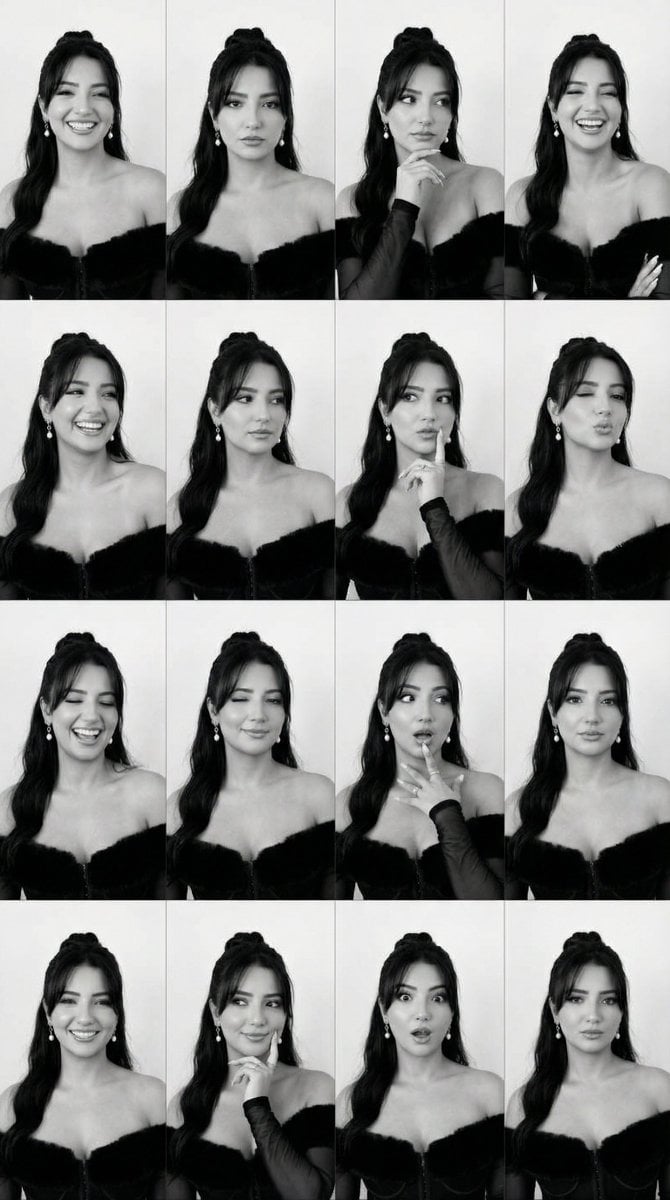
Identity Swap on Expression Grid (4x4)
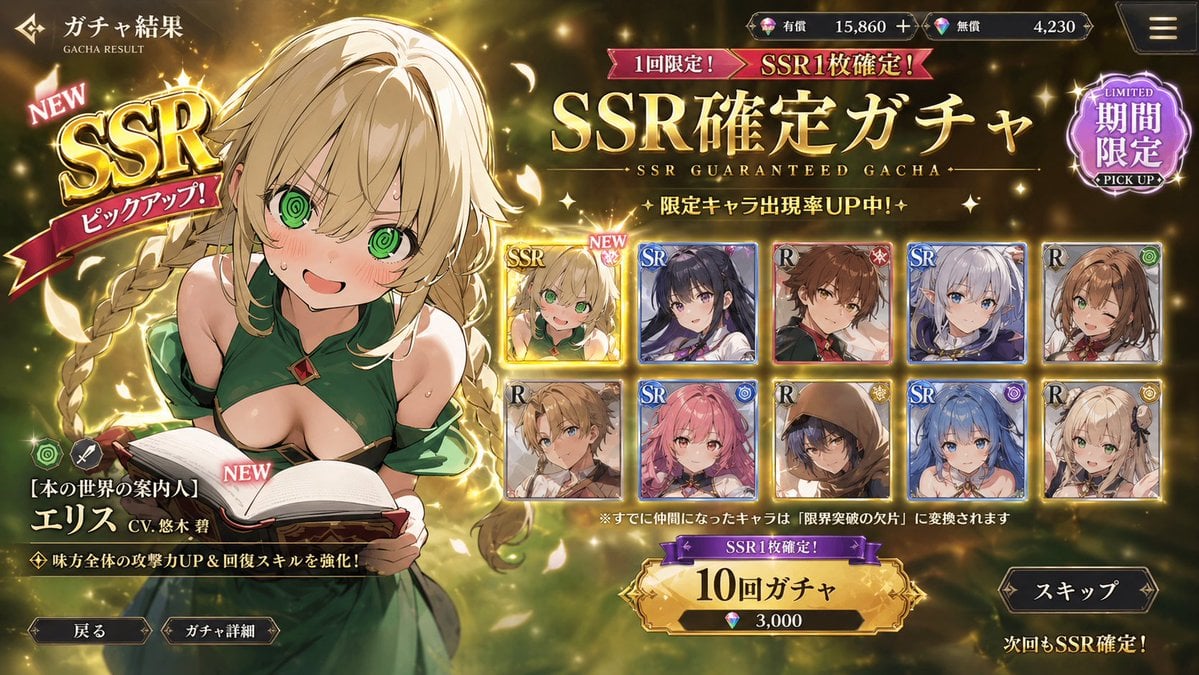
Mobile Game Gacha UI Design
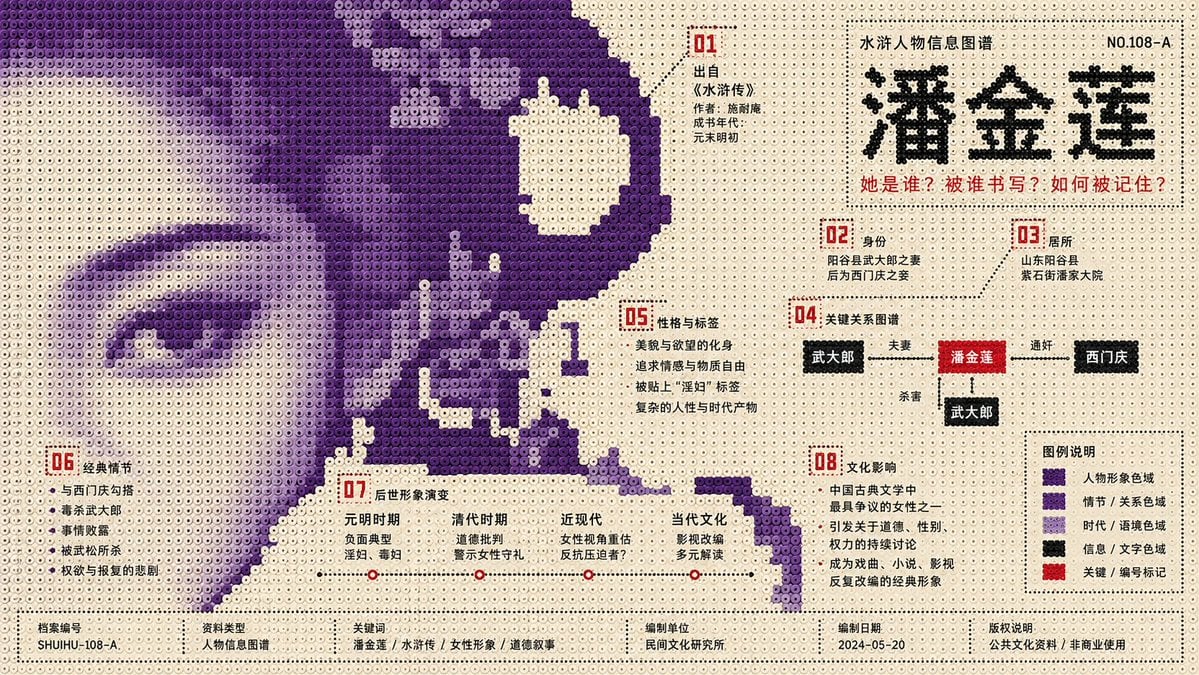
Perler Beads Style Structural Poster

Emoji-Based Creative Image Generation
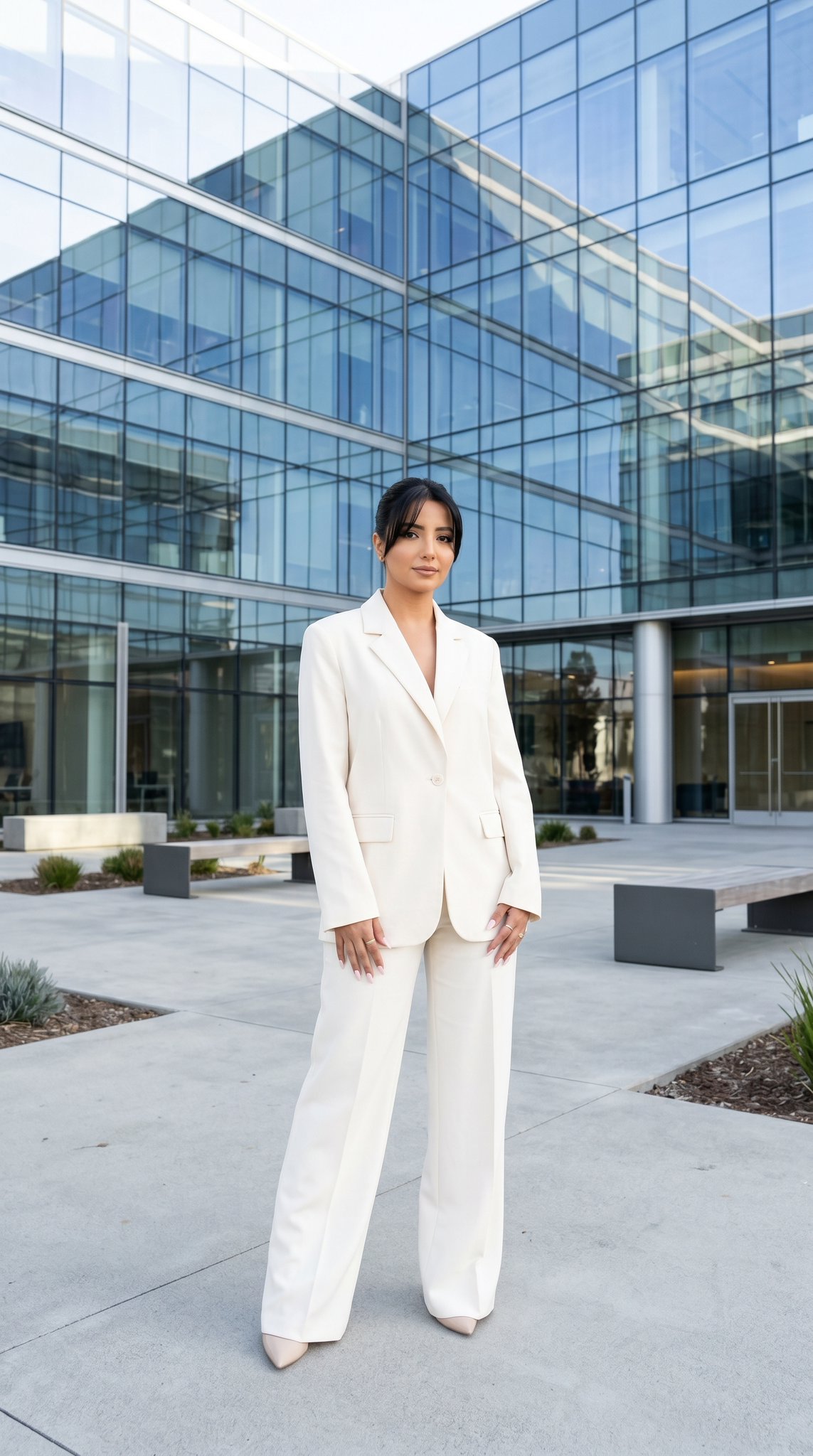
10 Modern Glass HQ Building — California Series
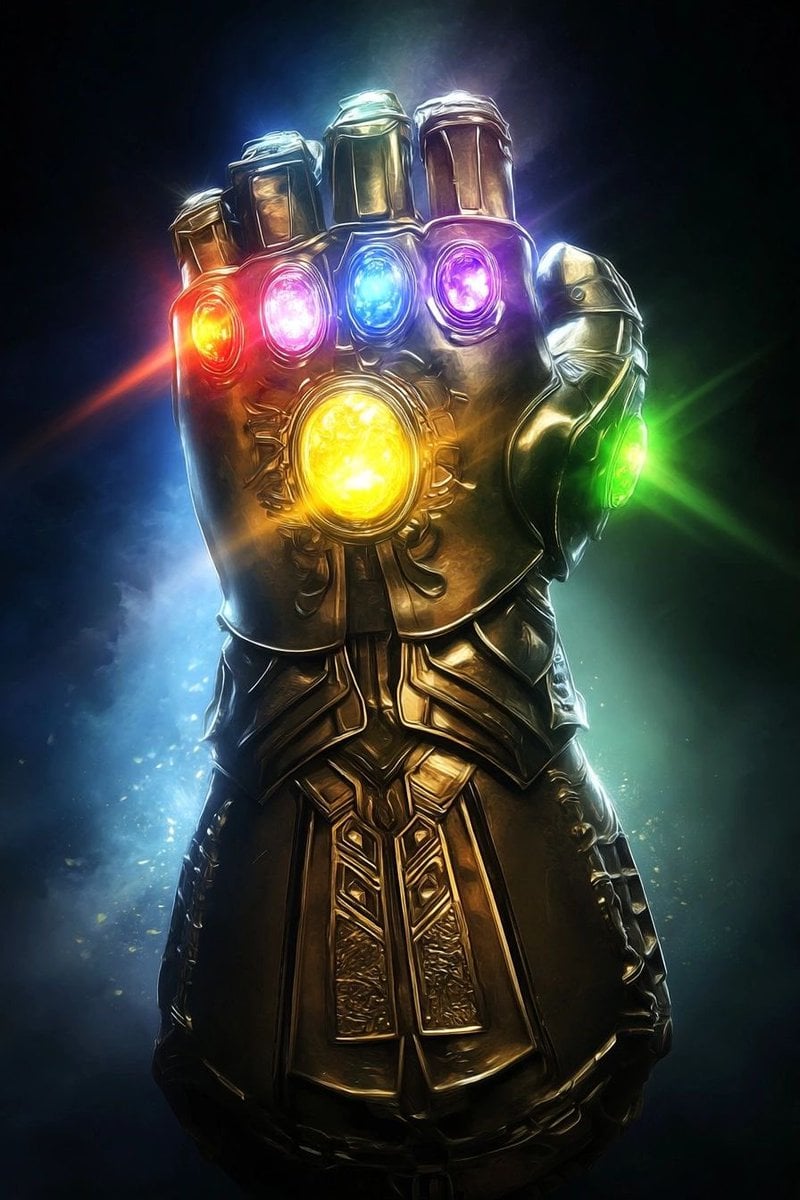
Industrial Blueprint Generation Prompt
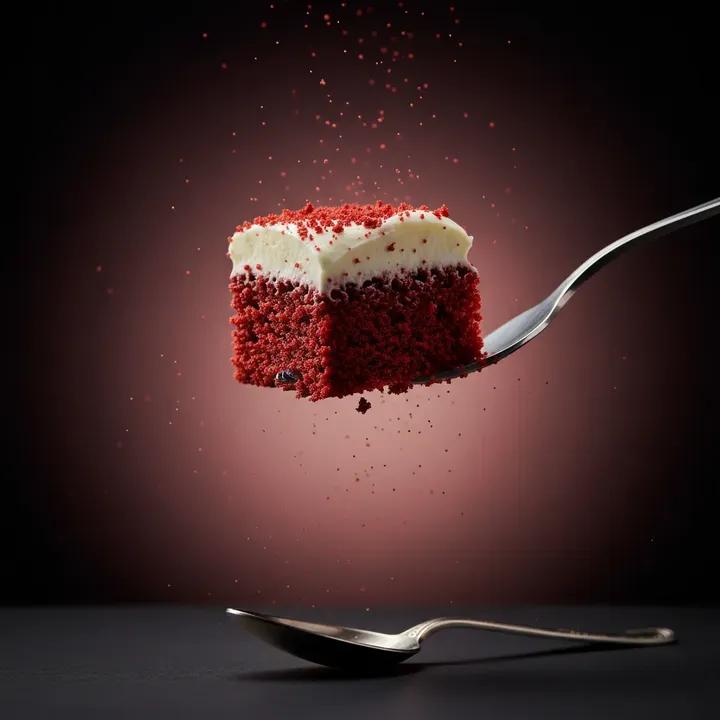
Ultra-Realistic Beverage Product Photography (Lemonate)
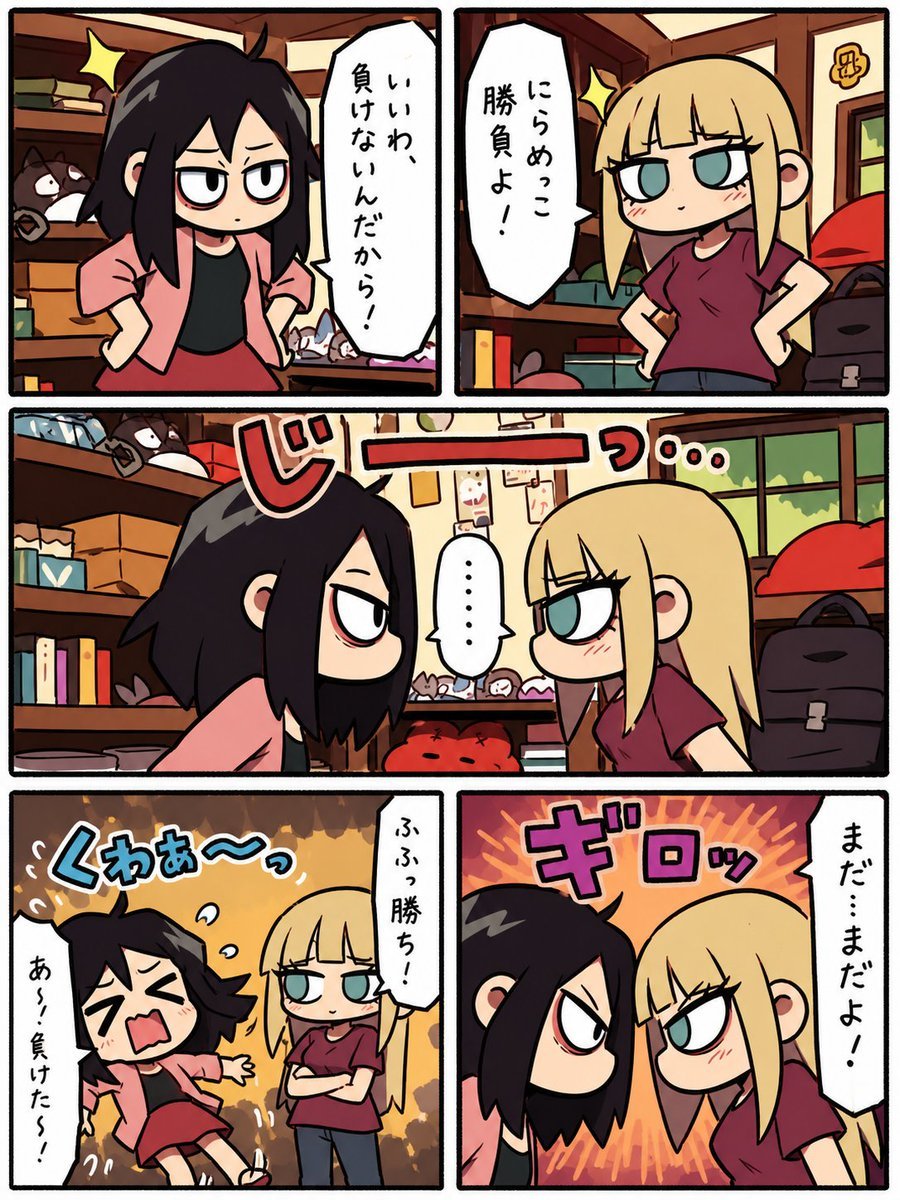
Chibi Staring Contest Manga Page
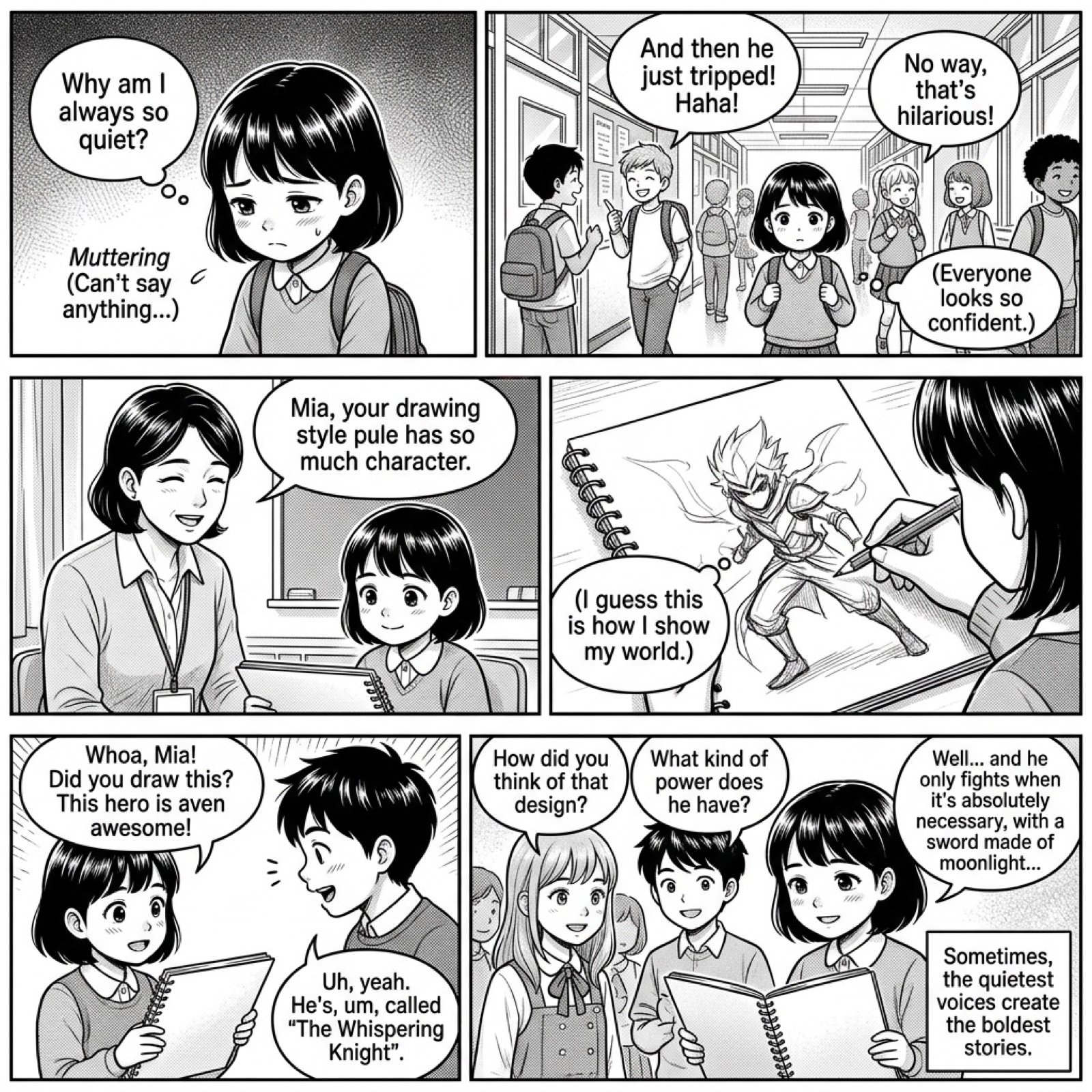
Add dialogue to a manga based on its content
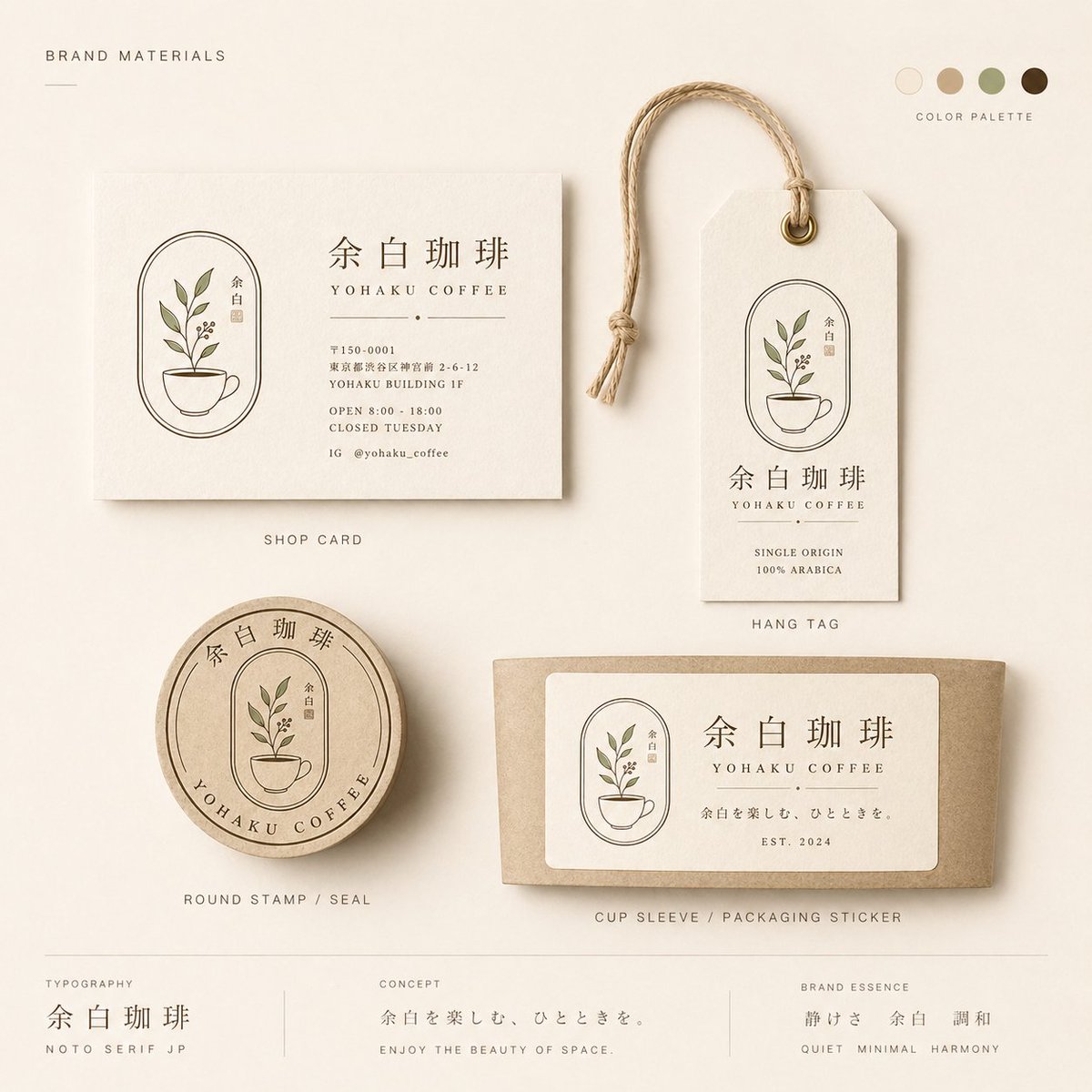
Yohaku Coffee Brand Materials Board
Browse template categories
Ethereal Fairy Queen Product Shot questions
How do I use the Ethereal Fairy Queen Product Shot template?
Add your photo if the template asks for one, edit the prompt if you like — the template's model and format are already selected — and press Generate. Your version opens in PicX Studio.
Can I customize the Ethereal Fairy Queen Product Shot template?
Yes. You can change the subject, setting, lighting, mood, format, and available model controls before creating your image.
Is the Ethereal Fairy Queen Product Shot template free?
Opening and editing this template is free. Generating uses credits, shown on the Generate button when you are signed in.
Which AI model should I use?
Start with Nano Banana 2, which is the model associated with this template. You can compare another compatible model for a different finish.
Looking for something else? Browse all templates.

Your photo, any look
Thousands of ready templates for every top image and video model, from one credit balance.