
Ethereal Fairycore Flower Meadow Portrait
A comprehensive prompt for an ethereal portrait in a pink flower meadow, focusing on pose, lace attire, and warm golden hour lighting for a fairy-tale aesthetic.
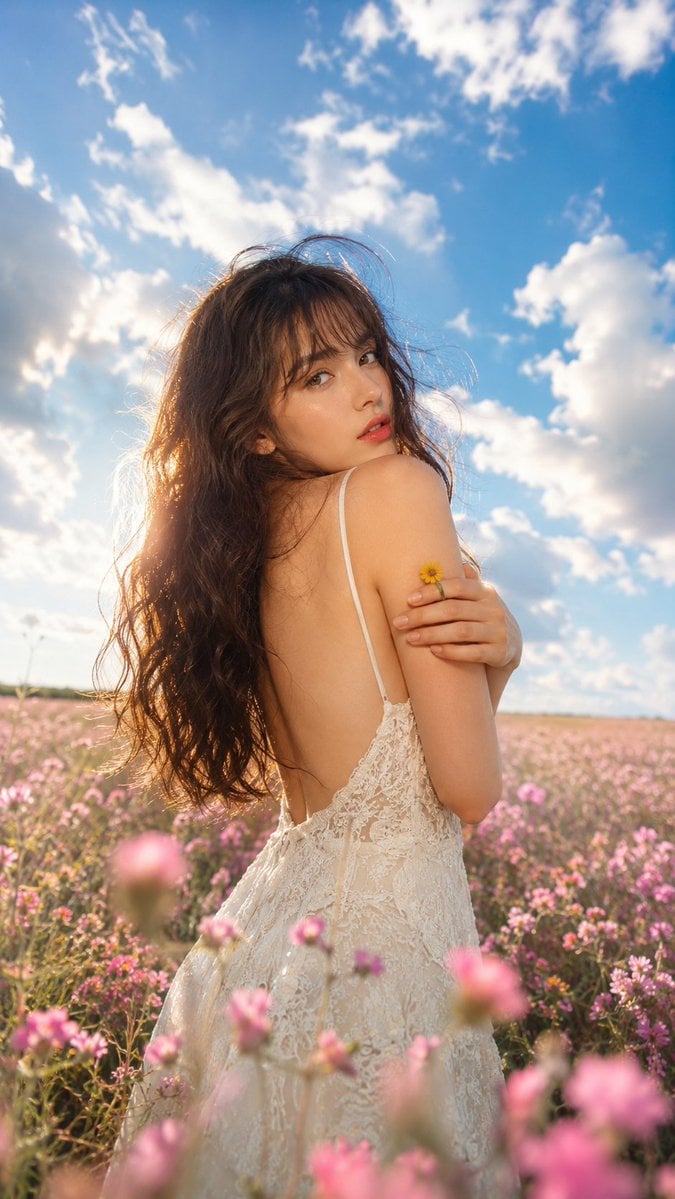
- Prompt included
- Model and format preset
- Premium template
The prompt behind this image
Copy the exact prompt behind Ethereal Fairycore Flower Meadow Portrait, or open it in the studio and make it yours.
Composition: A low-angle medium shot in the middle of a {argument name="meadow type" default="vibrant pink flower meadow"}. Capture a vast blue sky to create a bright, open atmosphere. The subject stands in a perfect 90-degree side profile. Body Position: The subject faces away from the camera with her back visible while turning her head over her left shoulder to make direct eye contact with the camera. Her right hand gently wraps around her left shoulder, holding a {argument name="prop" default="tiny yellow flower"} between her fingers. Expression: Dreamy, soft, deep eye contact with the camera. Slightly parted glossy lips create a delicate, mysterious, and ethereal expression. Outfit: Light cream ivory embroidered lace slip dress with an elegant backless design. Thin shoulder straps emphasize a graceful silhouette. Accessories: A small fresh yellow flower ring on the right ring finger. The surrounding pink wildflowers naturally frame the subject throughout the foreground and background. Hair: Long, voluminous dark brown wavy hair falling below the shoulders with soft natural bangs. Fine loose strands gently blow in the breeze. Makeup: Radiant glowing skin under sunlight. Soft neutral eye makeup with subtle eyeliner. Glossy orange-pink coral lips with a hydrated finish. Light Source: Warm late-afternoon direct sunlight coming from the rear-left side. Lighting Effect: Golden rim lighting illuminates the hair, creating a beautiful halo through strong backlighting. Soft diffused frontal light brightens the skin while minimizing harsh shadows, producing a dreamy cinematic atmosphere. Colour Palette: {argument name="aesthetic" default="Fairycore aesthetic"} featuring vibrant blue skies, white clouds, soft ivory fabric, and endless pink wildflowers. Texture: Highly detailed embroidered lace, soft flower petals, silky flowing hair, realistic skin texture, and natural outdoor elements layered with cinematic depth. Angle: Low-angle composition emphasizing the expansive sky and flower field. Lens: Premium prime lens with an ultra-shallow depth of field. Pink flowers in the foreground melt into dreamy foreground bokeh while the subject's face and eyes remain razor-sharp. Location: A vast outdoor meadow stretching to the horizon, completely covered with blooming pink wildflowers. Background: A brilliant blue sky filled with large dramatic white clouds, enhancing the openness and magical fairy-tale atmosphere. Ultra-realistic photography, 8K, RAW, HDR, natural skin texture, cinematic colour grading, photorealistic, premium fashion editorial Aspect ratio 9:16
How to use Ethereal Fairycore Flower Meadow Portrait in 3 steps
- 1
Open
The prompt is already in the box next to the preview, with the template's model and format selected.
- 2…a portrait of your subject in softgolden-hour light, 85mm…
Personalize
Edit the subject and creative details for your destination.
- 3Generate
Generate
Press Generate — your image is created in PicX Studio, so you can compare it with the original and refine one variable at a time.
More like this
Templates with the same subject, style or setup. Open one to see its prompt.
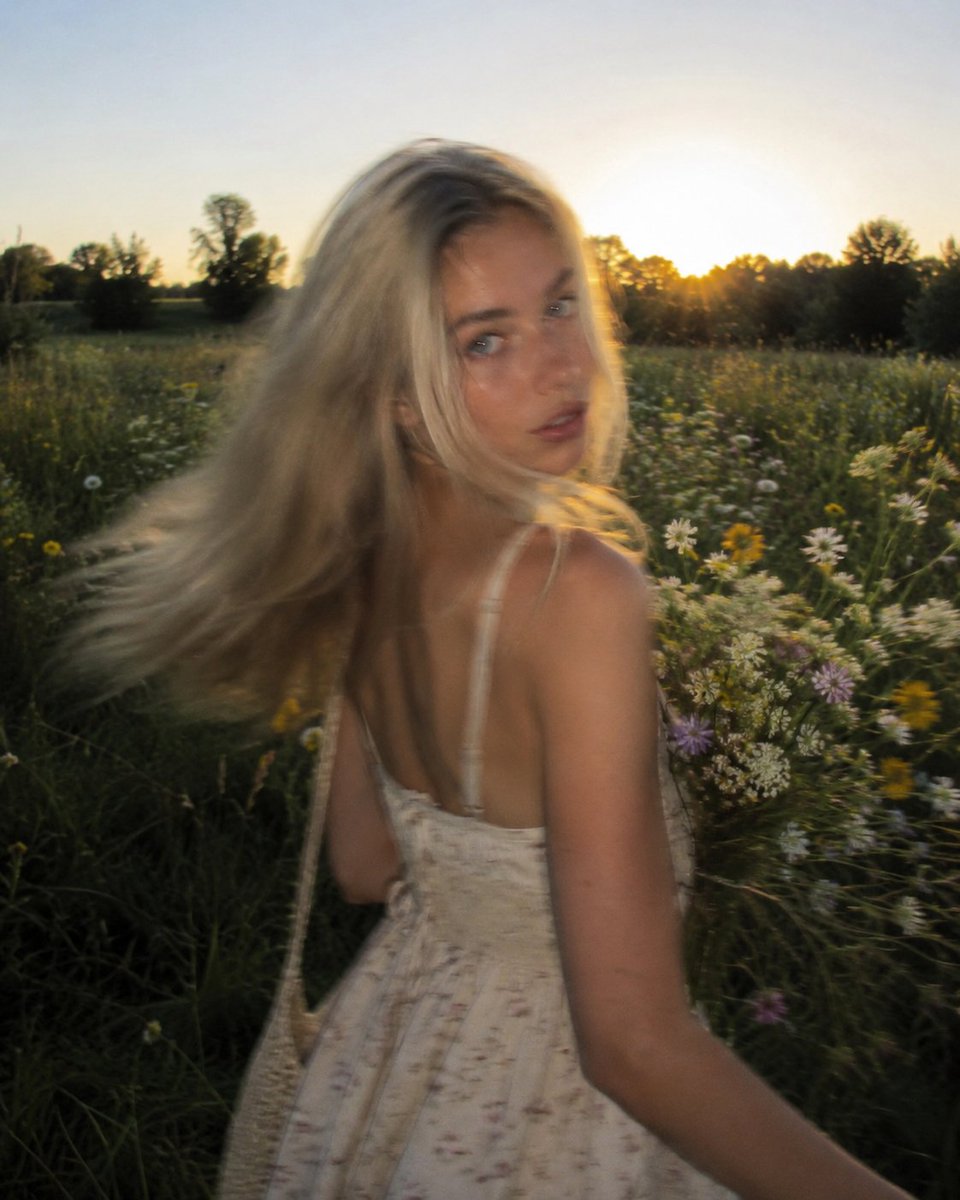
Golden Hour Wildflower Meadow Portrait
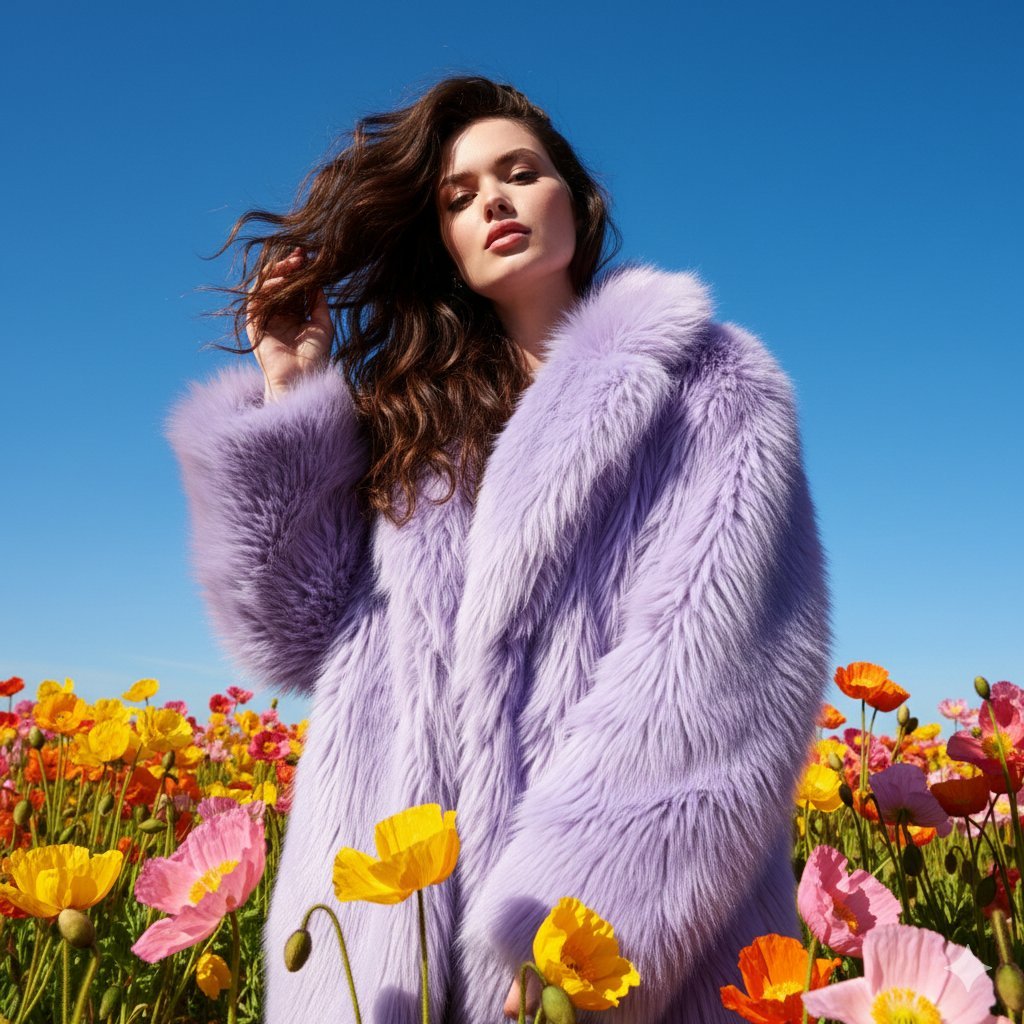
Outdoor Fashion Portrait in Flower Meadow Prompt
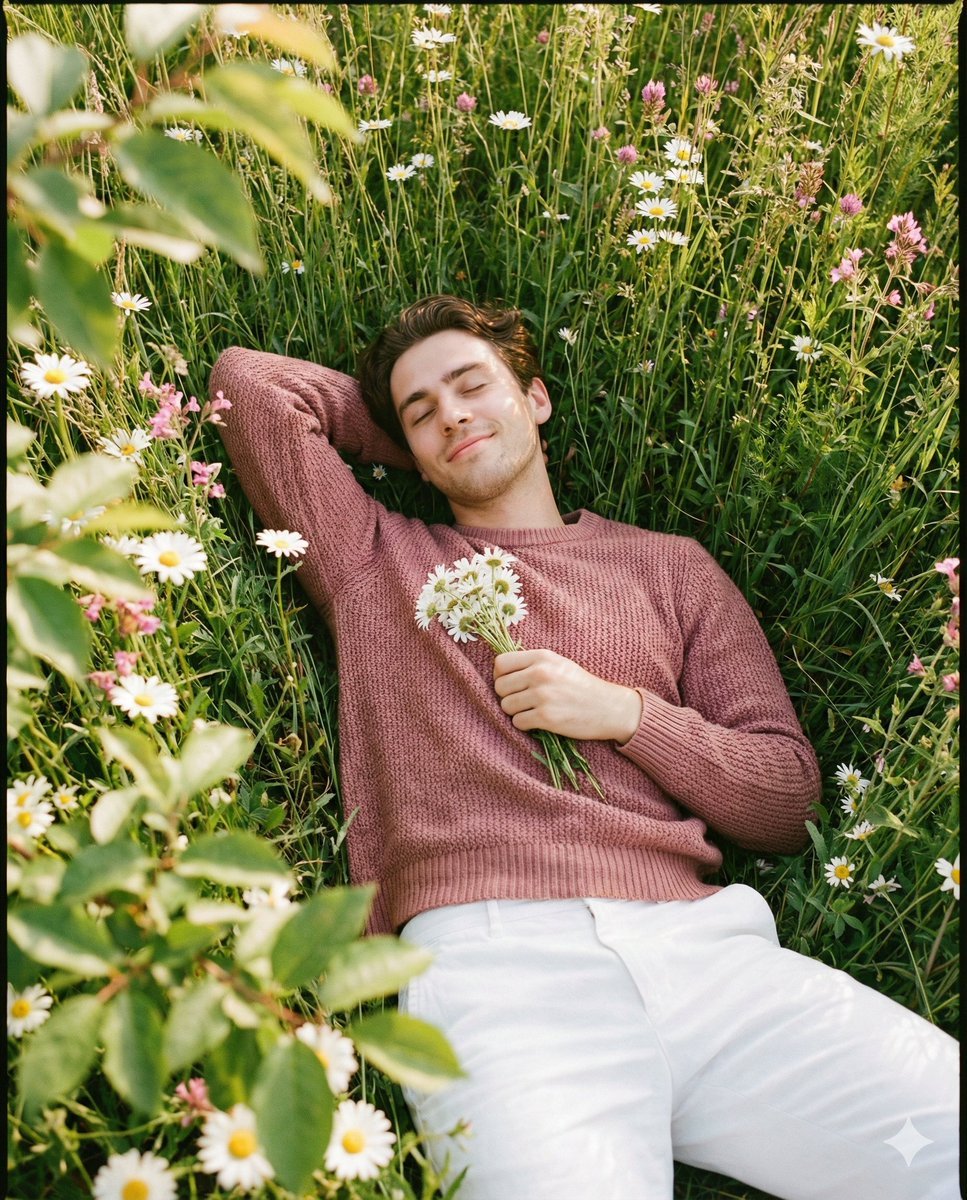
Romantic Top-Down Portrait in a Wildflower Meadow

Found Photograph: Us, 1970

80s Couple Studio Portrait

80s Bollywood Star

80s Golden Hour Cinema

Me in 1985

1985 Studio Portrait

Hyper-Realistic Minecraft POV Portrait

Rooftop Fisheye — Cat-Ear Balaclava at Golden Hour
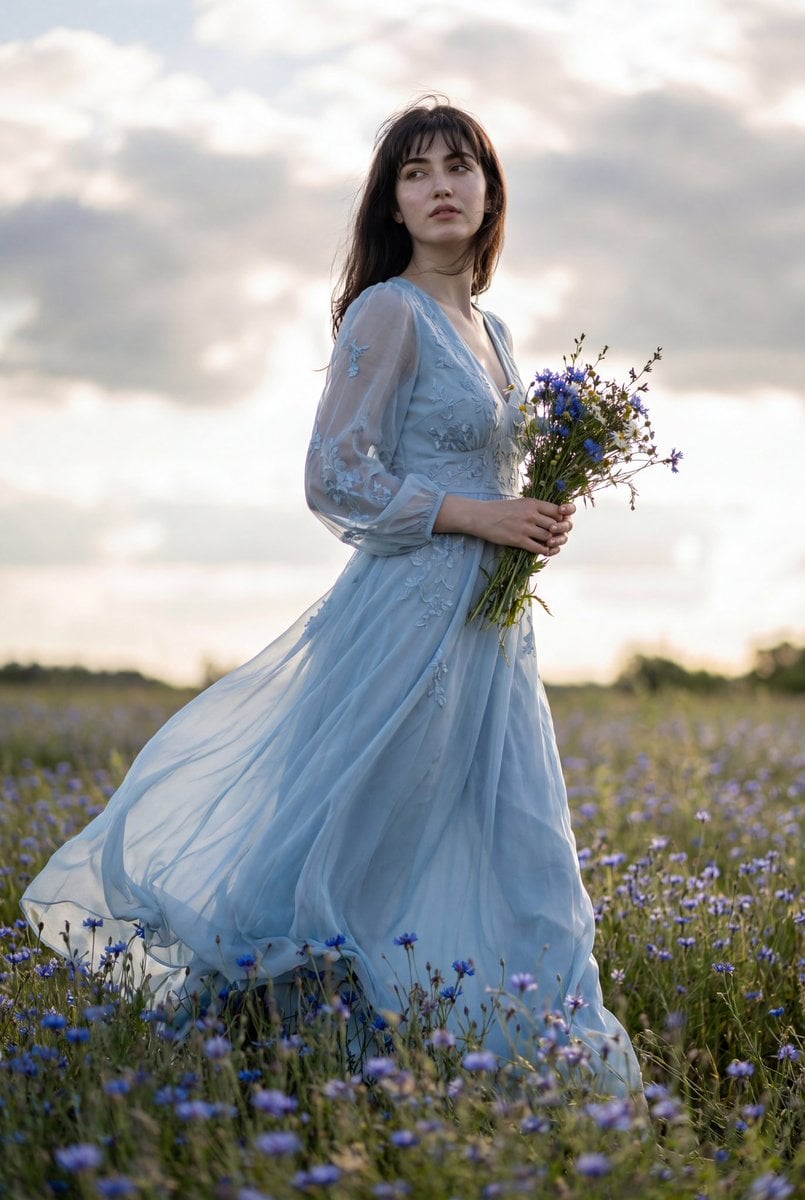
Flowing Gown Wildflower Meadow
Make it yours
Ethereal Fairycore Flower Meadow Portrait works as-is. These are the safest ways to change it without losing the look.
Change one field
Copy a single group, rewrite it, and generate again so you can see what that field is doing.
Keep the frame, change the subject
Hold the composition and light of Ethereal Fairycore Flower Meadow Portrait, then swap wardrobe, props or the person for a new take.
| If the result… | Why | Fix |
|---|---|---|
| The result drifts from the preview | Too many fields changed at once. | Reuse Ethereal Fairycore Flower Meadow Portrait as-is first, then change one group — subject, light, or setting. |
| The model over-stylizes the scene | The prose prompt leaves finish and camera underspecified. | Add one camera or lighting sentence and stay on GPT Image 2. |
More GPT Image 2 templates
Other prompts made for GPT Image 2.

Six VTuber Japanese Logo Sheet

Realistic Portrait of Woman and Deer

The Vista Modular Condo Poster

AI Model Routing Comparison Infographic

2.5D Anime Art Board

Isometric Productivity Desk Scene

New York Double Exposure Poster

Four-Panel AI Landscape Comparison

Japanese Tatami Lifestyle Magazine Cover

NESCAFÉ Coffee Map Poster
More image prompts
Fresh picks from across the catalog.
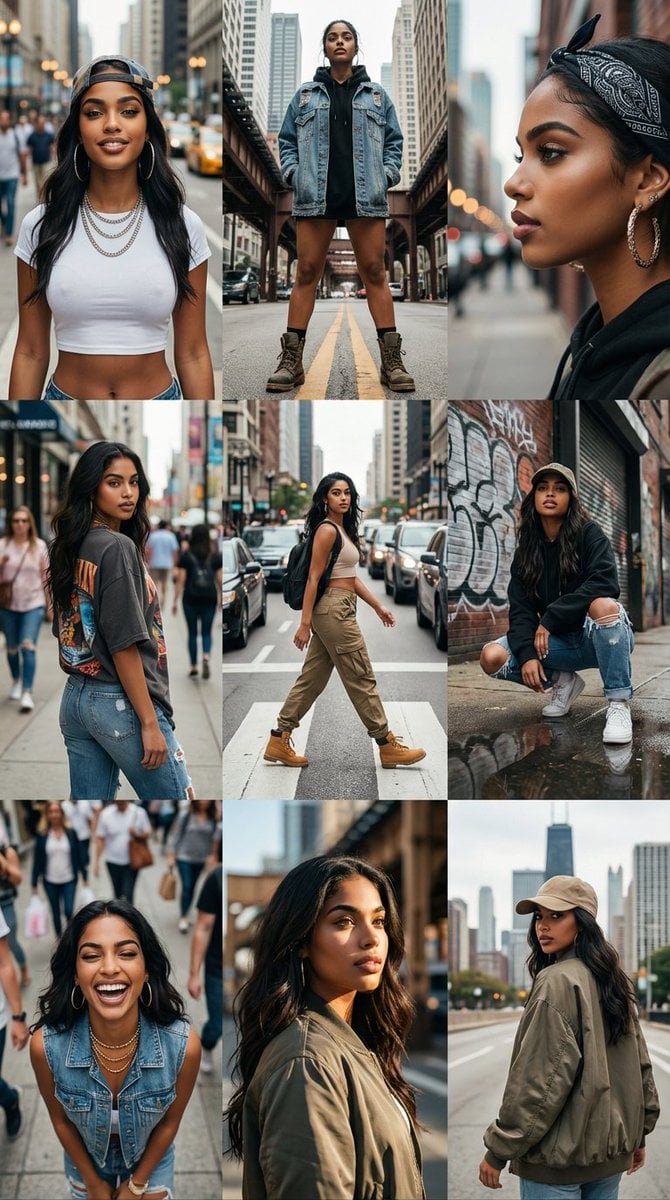
3x3 Cinematic Profile Grid with Identity Lock

Handwritten Graffiti Message for Favorite Idol

Typographic Sculpture of Historical Inventions
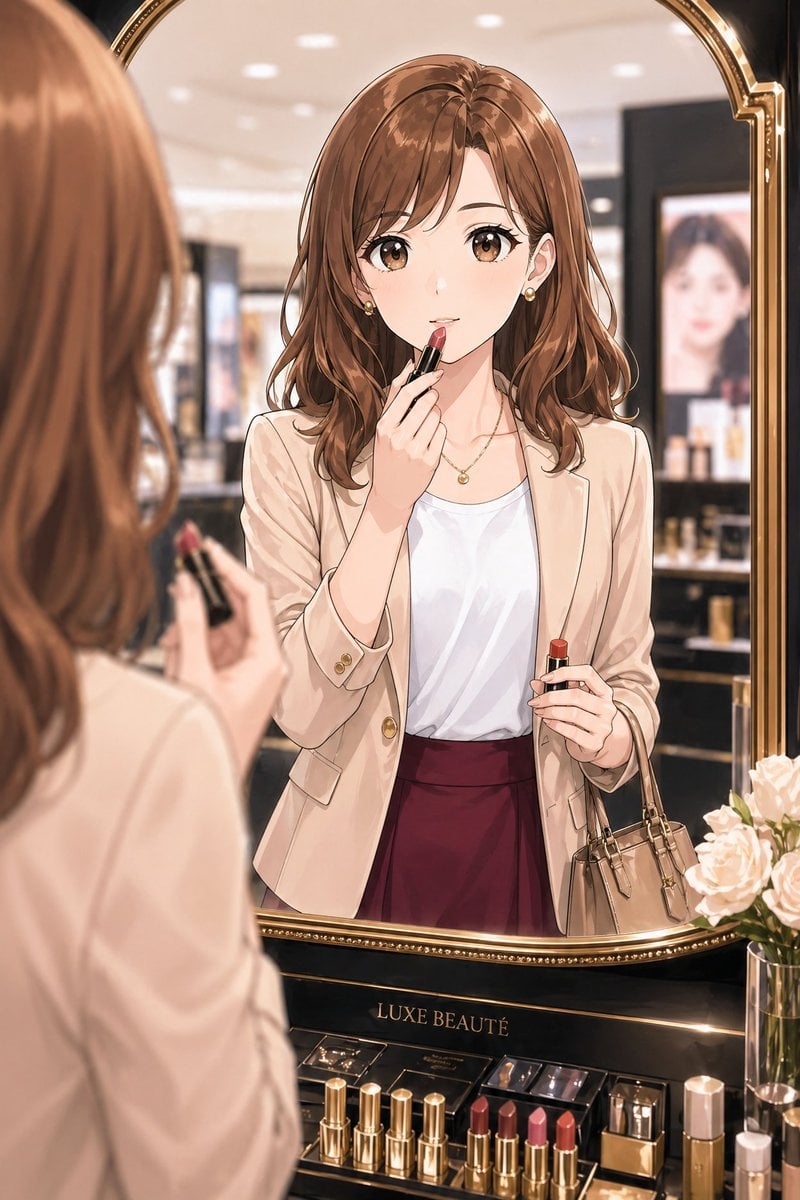
Elegant Office Lady at Beauty Counter
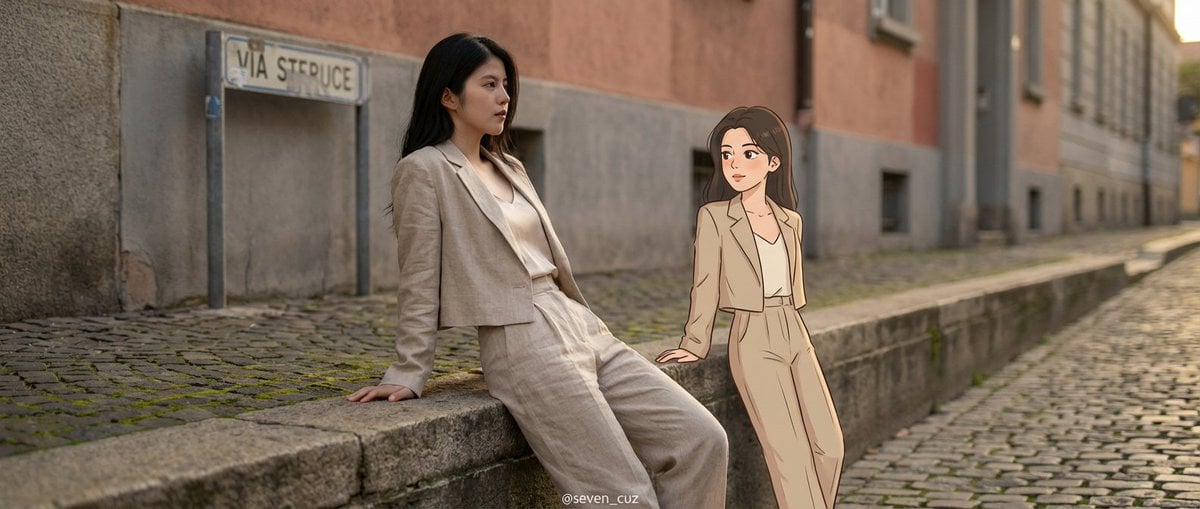
Mixed-Media Crossover Portrait (Real and Cartoon)
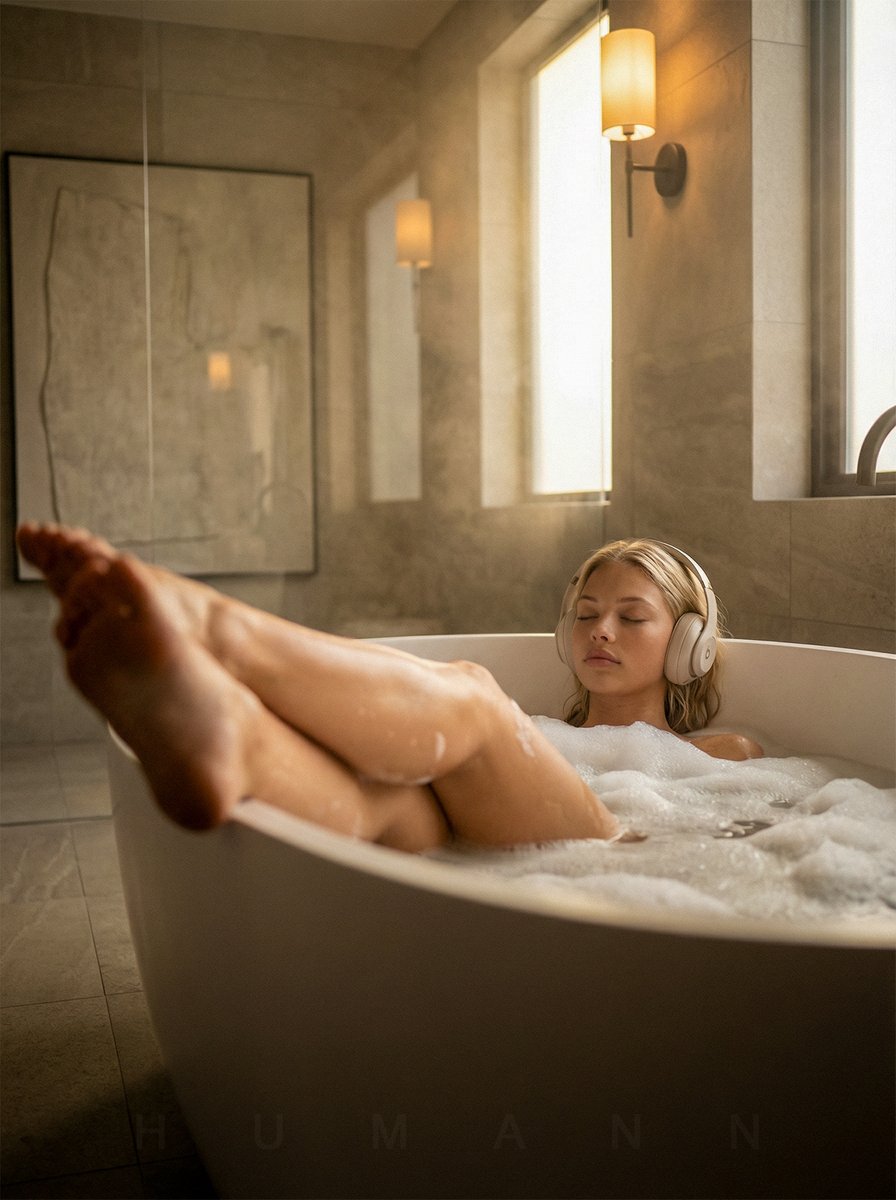
Luxurious Self-Care Moment in a Bathtub with Identity Lock
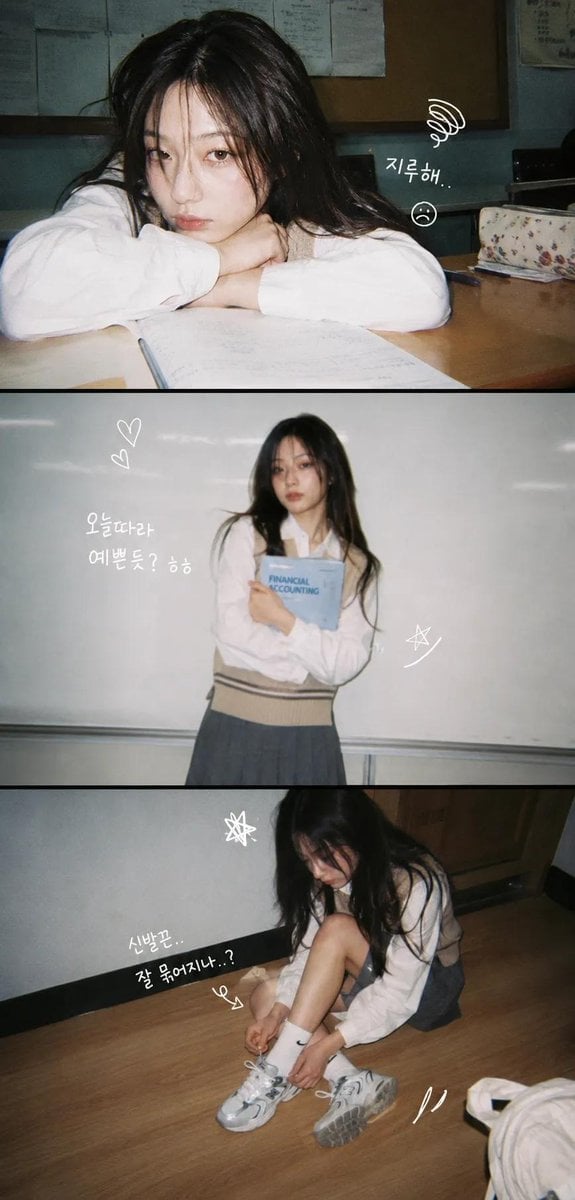
Korean Y2K Photo Strip Aesthetic

Kawaii Vegetable Food Sculptures

Dynamic Japan Soccer Poster
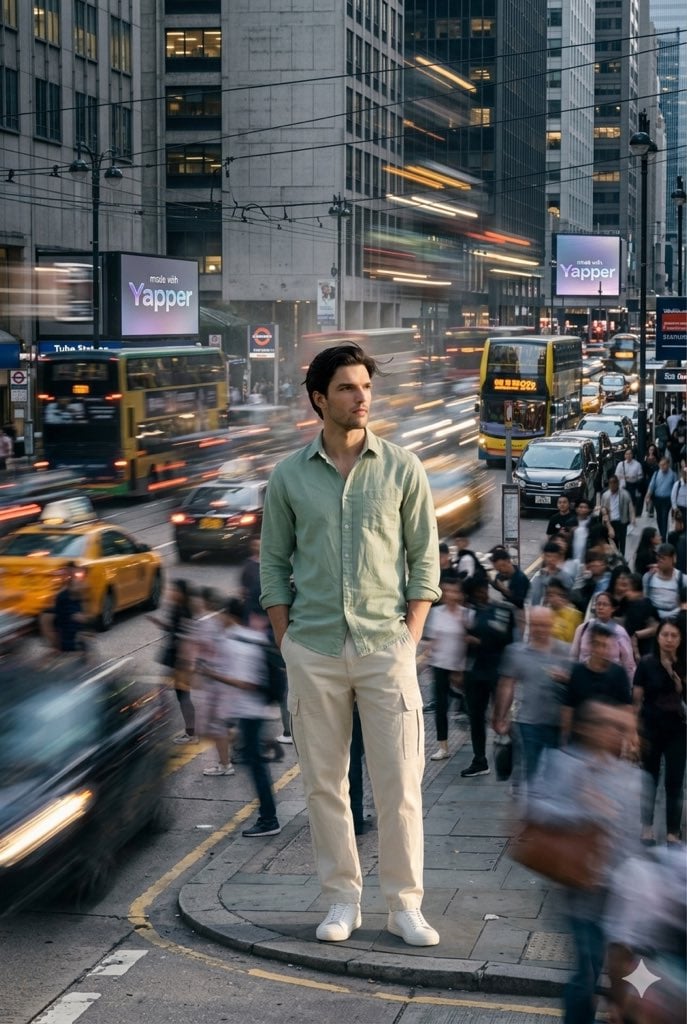
X Iamrealsnow Cinematic Motion Blur Photography Editorial
Browse template categories
Ethereal Fairycore Flower Meadow Portrait questions
How do I use the Ethereal Fairycore Flower Meadow Portrait template?
Add your photo if the template asks for one, edit the prompt if you like — the template's model and format are already selected — and press Generate. Your version opens in PicX Studio.
Can I customize the Ethereal Fairycore Flower Meadow Portrait template?
Yes. You can change the subject, setting, lighting, mood, format, and available model controls before creating your image.
Is the Ethereal Fairycore Flower Meadow Portrait template free?
Opening and editing this template is free. Generating uses credits, shown on the Generate button when you are signed in.
Which AI model should I use?
Start with GPT Image 2, which is the model associated with this template. You can compare another compatible model for a different finish.
Looking for something else? Browse all templates.

Your photo, any look
Thousands of ready templates for every top image and video model, from one credit balance.