
Dynamic Japan Soccer Poster
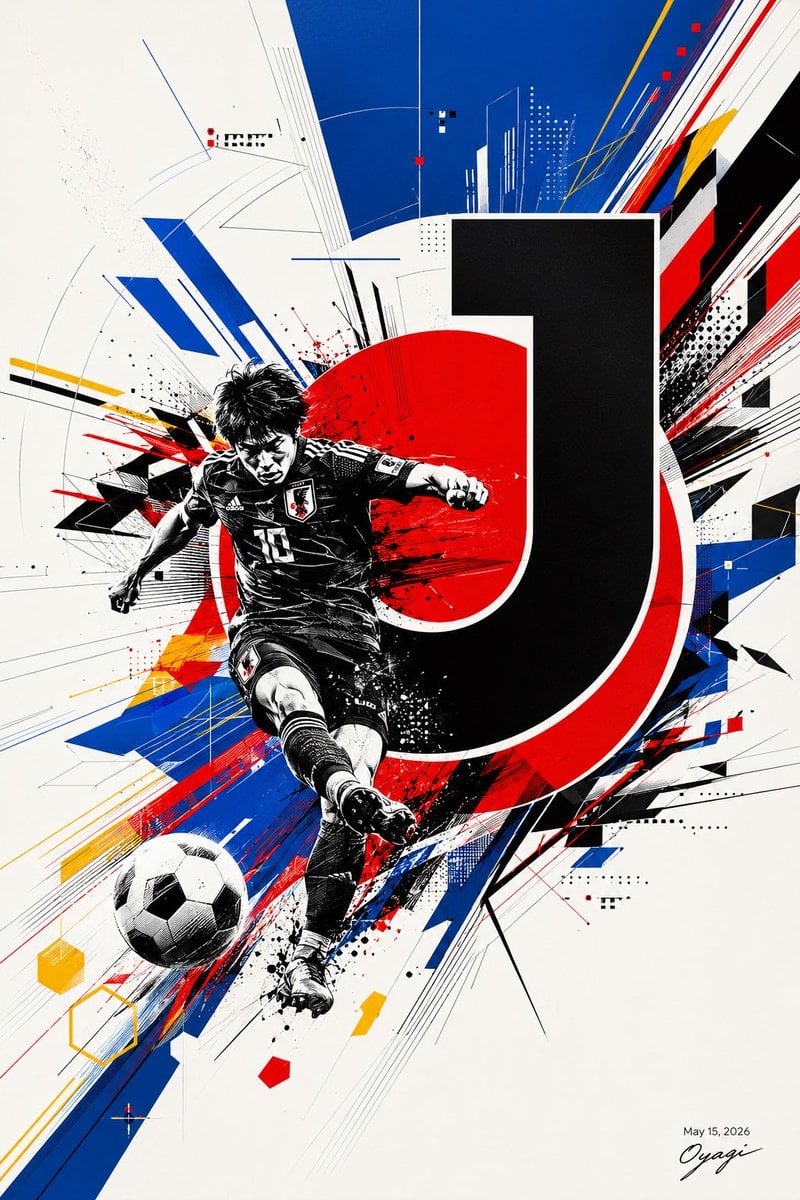
A high-energy vertical football campaign poster featuring a Japanese player, bold typography, and abstract red-blue graphic motion.
- Prompt included
- Model and format preset
- Free template
The prompt behind this image
Copy the exact prompt behind Dynamic Japan Soccer Poster, or open it in the studio and make it yours.
Create a dynamic vertical sports poster in a sharp Japanese football graphic-design style. Canvas: portrait 2:3 ratio, off-white paper background with slight grain. Main subject: exactly 1 black-and-white illustrated soccer player in Japan national team kit, jersey number {argument name="jersey number" default="10"}, captured mid-kick with one leg extended toward the viewer, dramatic ink splatter shading, messy black hair, and a soft square gray blur obscuring the face. Add exactly 1 black-and-white soccer ball in the lower-left foreground, flying outward with perspective. Behind the player, place exactly 1 huge bold black letter {argument name="main letter" default="J"} with a white outline and red offset shadow, partially covering exactly 1 large red sun circle centered behind the athlete. Surround the figure with explosive abstract geometry: diagonal blue speed bars, red and black streaks, yellow accent lines, thin technical drafting lines, halftone dot clusters, small square pixels, splatter marks, and angular shards radiating from lower left to upper right. Use a limited palette of black, white, deep royal blue, vivid red, and small yellow accents. Composition should feel like a modern Japan soccer campaign poster, high contrast, energetic, urban, and print-ready. Bottom right contains small date text {argument name="date text" default="May 15, 2026"} above a handwritten signature {argument name="signature" default="Oyagi"}. No extra logos, no extra players, no additional readable text.
How to use Dynamic Japan Soccer Poster in 3 steps
- 1Upload ImagePNG, JPG or paste
Add your photo
Upload the photo the template builds on. The prompt, model and format are already set.
- 2…a portrait of your subject in softgolden-hour light, 85mm…
Personalize
Edit the subject and creative details for your destination.
- 3Generate
Generate
Press Generate — your image is created in PicX Studio, so you can compare it with the original and refine one variable at a time.
More like this
Templates with the same subject, style or setup. Open one to see its prompt.
Victory Aura Superhero Neon Poster

Panning Motion Soccer Kick Poster

Japan Neon Speed City Racing Poster

Captain Tsubasa Anime World Cup Poster
Brazil Versus Japan Knockout Split Rivalry Poster

Japan Travel Brochure Poster
Dynamic J.League Soccer Poster

Dynamic Anime Battle Poster with Japanese Text
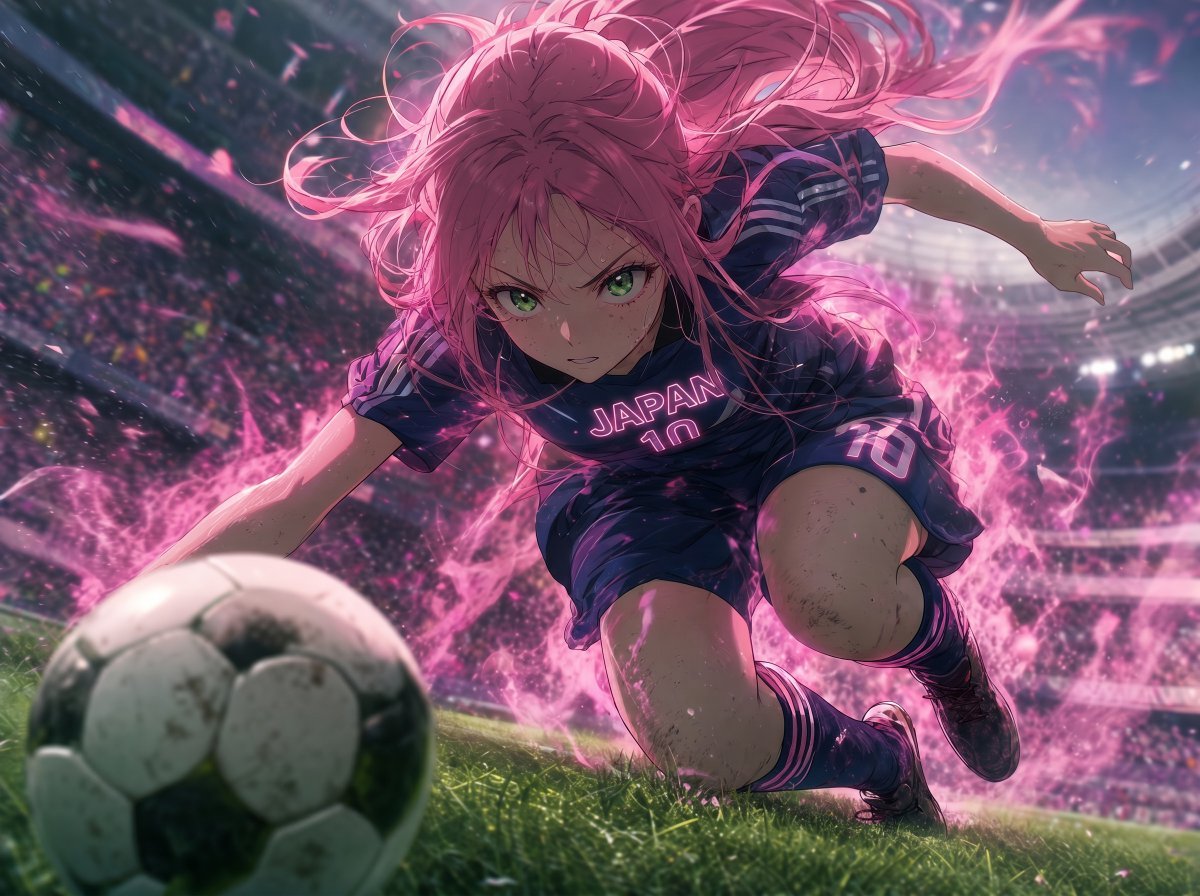
Anime Japan Soccer Power Shot

Japanese Soccer Cheer Cake Ad

Cartoon TV Show Poster Pack

Trendy Cafe Drink Promo Poster
Make it yours
Dynamic Japan Soccer Poster works as-is. These are the safest ways to change it without losing the look.
Change one field
Copy a single group, rewrite it, and generate again so you can see what that field is doing.
Keep the frame, change the subject
Hold the composition and light of Dynamic Japan Soccer Poster, then swap wardrobe, props or the person for a new take.
| If the result… | Why | Fix |
|---|---|---|
| The result drifts from the preview | Too many fields changed at once. | Reuse Dynamic Japan Soccer Poster as-is first, then change one group — subject, light, or setting. |
| The model over-stylizes the scene | The prose prompt leaves finish and camera underspecified. | Add one camera or lighting sentence and stay on GPT Image 2. |
More GPT Image 2 templates
Other prompts made for GPT Image 2.

Six VTuber Japanese Logo Sheet

Realistic Portrait of Woman and Deer

The Vista Modular Condo Poster

AI Model Routing Comparison Infographic

2.5D Anime Art Board

Isometric Productivity Desk Scene

New York Double Exposure Poster

Four-Panel AI Landscape Comparison

Japanese Tatami Lifestyle Magazine Cover

NESCAFÉ Coffee Map Poster
More image prompts
Fresh picks from across the catalog.

Neo-noir psychological thriller movie poster
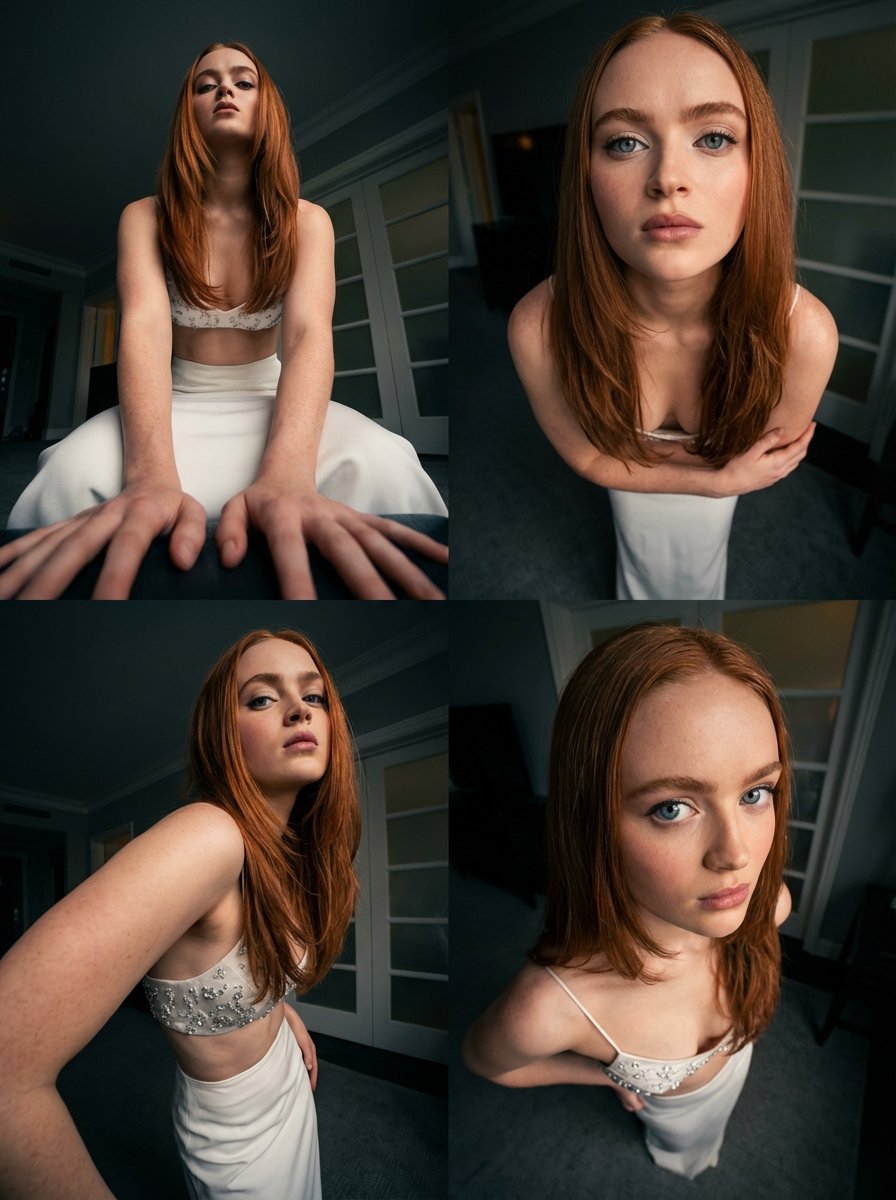
Dynamic Multi-Angle Portrait Grid Generation
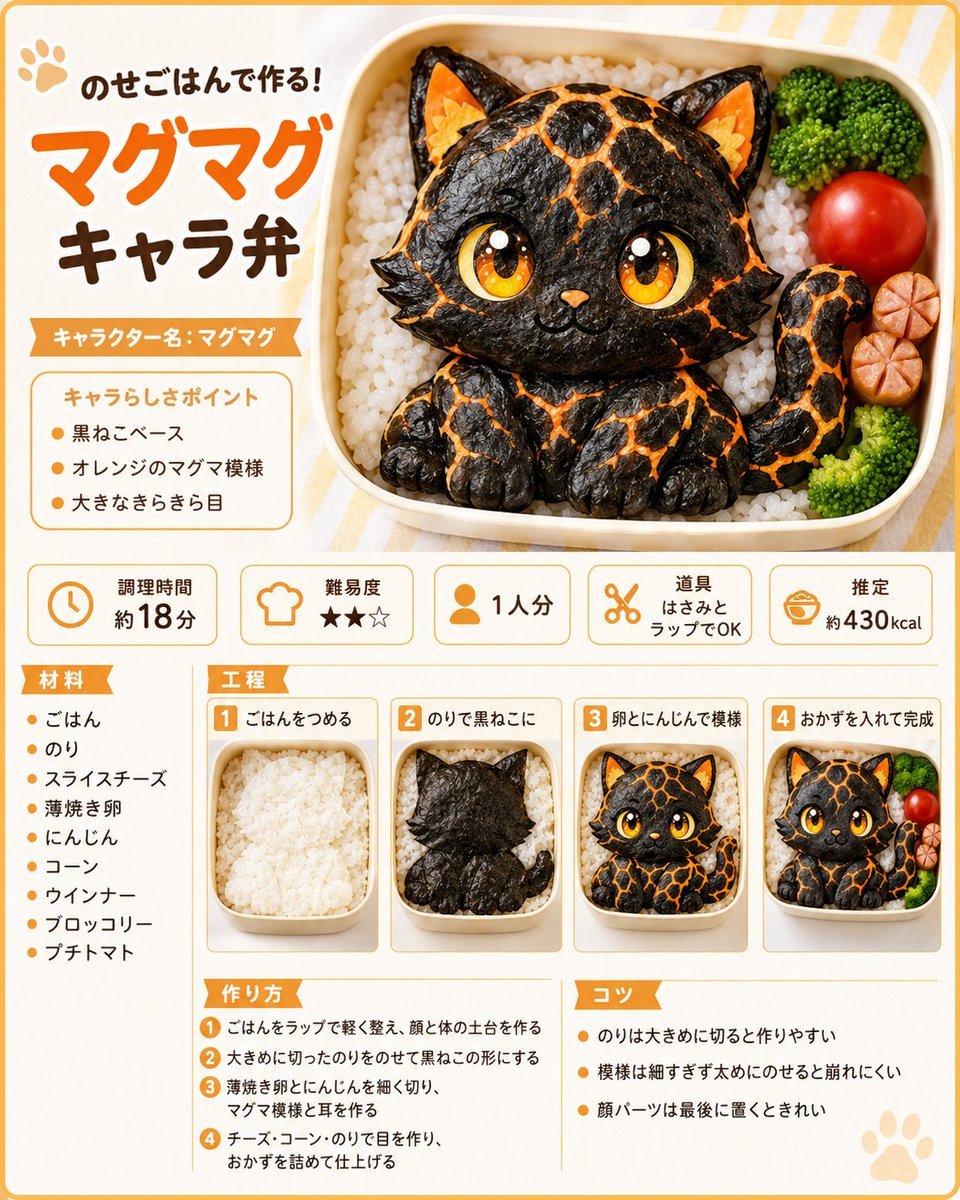
Magma Cat Bento Recipe Infographic

Industrial Studio Fashion Portrait
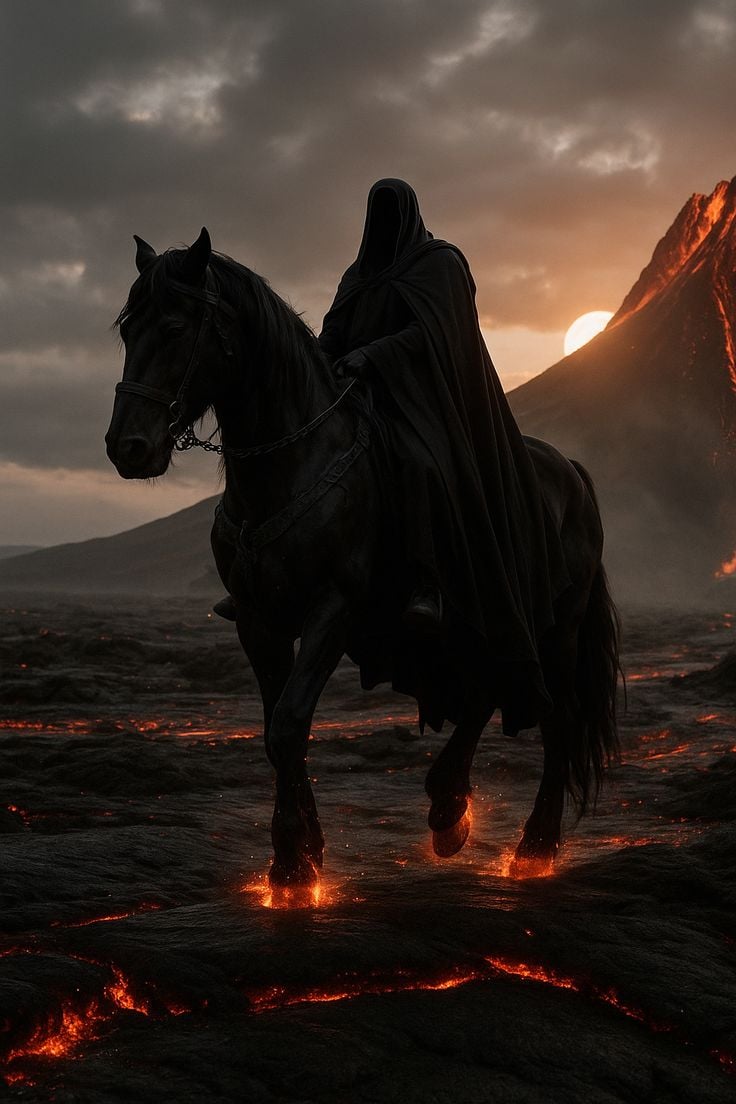
Faceless Rider Volcanic Keyframe
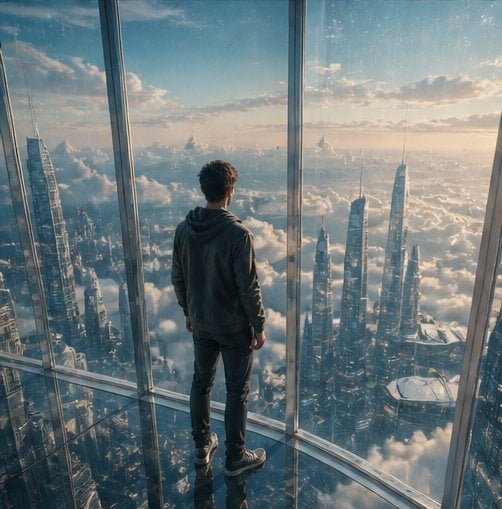
Futuristic Glass Skyscraper City

Avant-Garde Coquette Bunny Editorial

Surreal Molten Gold Liquid Portrait

Anime/Manga to Ultra-Realistic Human Conversion

Faceless Lady of Red Poppies
Browse template categories
Dynamic Japan Soccer Poster questions
How do I use the Dynamic Japan Soccer Poster template?
Add your photo if the template asks for one, edit the prompt if you like — the template's model and format are already selected — and press Generate. Your version opens in PicX Studio.
Can I customize the Dynamic Japan Soccer Poster template?
Yes. You can change the subject, setting, lighting, mood, format, and available model controls before creating your image.
Is the Dynamic Japan Soccer Poster template free?
Opening and editing this template is free. Generating uses credits, shown on the Generate button when you are signed in.
Which AI model should I use?
Start with GPT Image 2, which is the model associated with this template. You can compare another compatible model for a different finish.
Looking for something else? Browse all templates.

Your photo, any look
Thousands of ready templates for every top image and video model, from one credit balance.