How do I use the Futuristic Glass Skyscraper City template?
Edit the prompt in the box under the preview — the template's model and format are already selected — and press Generate. Your version appears right on this page.
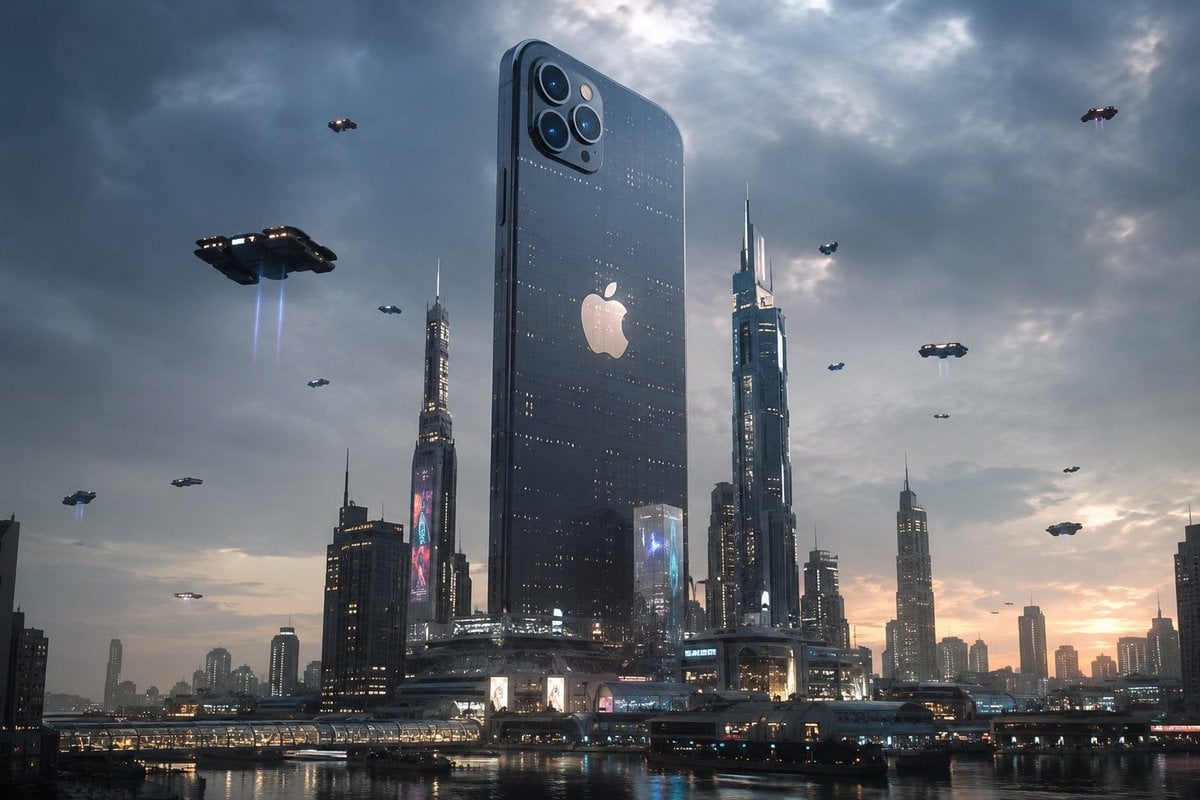
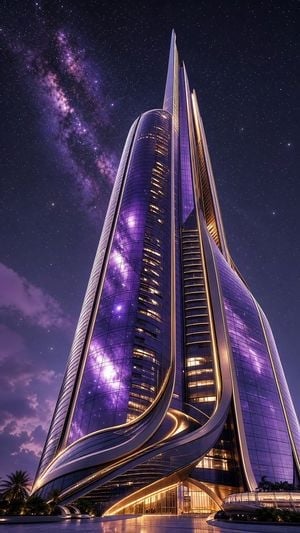
A prompt for generating a hyper-realistic cinematic scene of a modern glass skyscraper city floating above the clouds, featuring elegant reflections and a minimal sci-fi aesthetic.

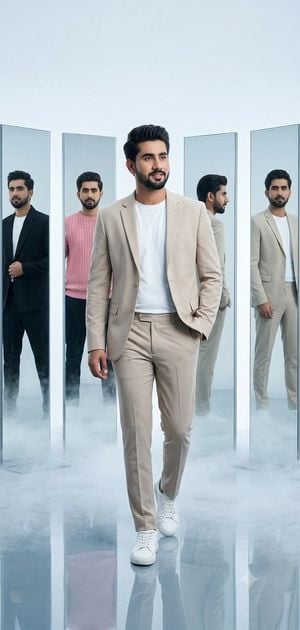
A hyper-realistic cinematic scene of a {argument name="subject" default="man"} standing inside a futuristic glass skyscraper city floating above the clouds. The environment is built entirely from transparent glass architecture, with massive reflective towers, bridges, and layered sky platforms stretching into the horizon. Soft natural daylight fills the scene, creating elegant reflections and refractions across every surface. The man stands calmly near a glass railing, looking out over the endless floating city below him. His posture is relaxed yet powerful, wearing a modern minimal outfit with clean lines and neutral tones, blending perfectly with the futuristic environment. Style: ultra-detailed, cinematic lighting, {argument name="style" default="minimal sci-fi aesthetic"}, high-end architectural visualization, shallow depth of field, 35mm film look, realistic skin texture, clean composition, futuristic luxury atmosphere.
A hyper-realistic cinematic scene of a {argument name="subject" default="man"} standing inside a futuristic glass skyscraper city floating above the clouds. The environment is built entirely from transparent glass architecture, with massive reflective towers, bridges, and layered sky platforms stretching into the horizon. Soft natural daylight fills the scene, creating elegant reflections and refractions across every surface. The man stands calmly near a glass railing, looking out over the endless floating city below him. His posture is relaxed yet powerful, wearing a modern minimal outfit with clean lines and neutral tones, blending perfectly with the futuristic environment. Style: ultra-detailed, cinematic lighting, {argument name="style" default="minimal sci-fi aesthetic"}, high-end architectural visualization, shallow depth of field, 35mm film look, realistic skin texture, clean composition, futuristic luxury atmosphere.
Edit the prompt in the box under the preview — the template's model and format are already selected — and press Generate. Your version appears right on this page.
Yes. You can change the subject, setting, lighting, mood, format, and available model controls before creating your image.
Opening and editing this template is free. Generating uses credits, shown on the Generate button when you are signed in.
Start with GPT Image 2, which is the model associated with this template. You can compare another compatible model for a different finish.
Follow a topic to a crawlable collection of related PicX Studio templates.