
Magma Cat Bento Recipe Infographic
Generates a kawaii Japanese recipe poster for a black magma-pattern cat character bento with ingredients, steps, tips, and nutrition-style info cards.
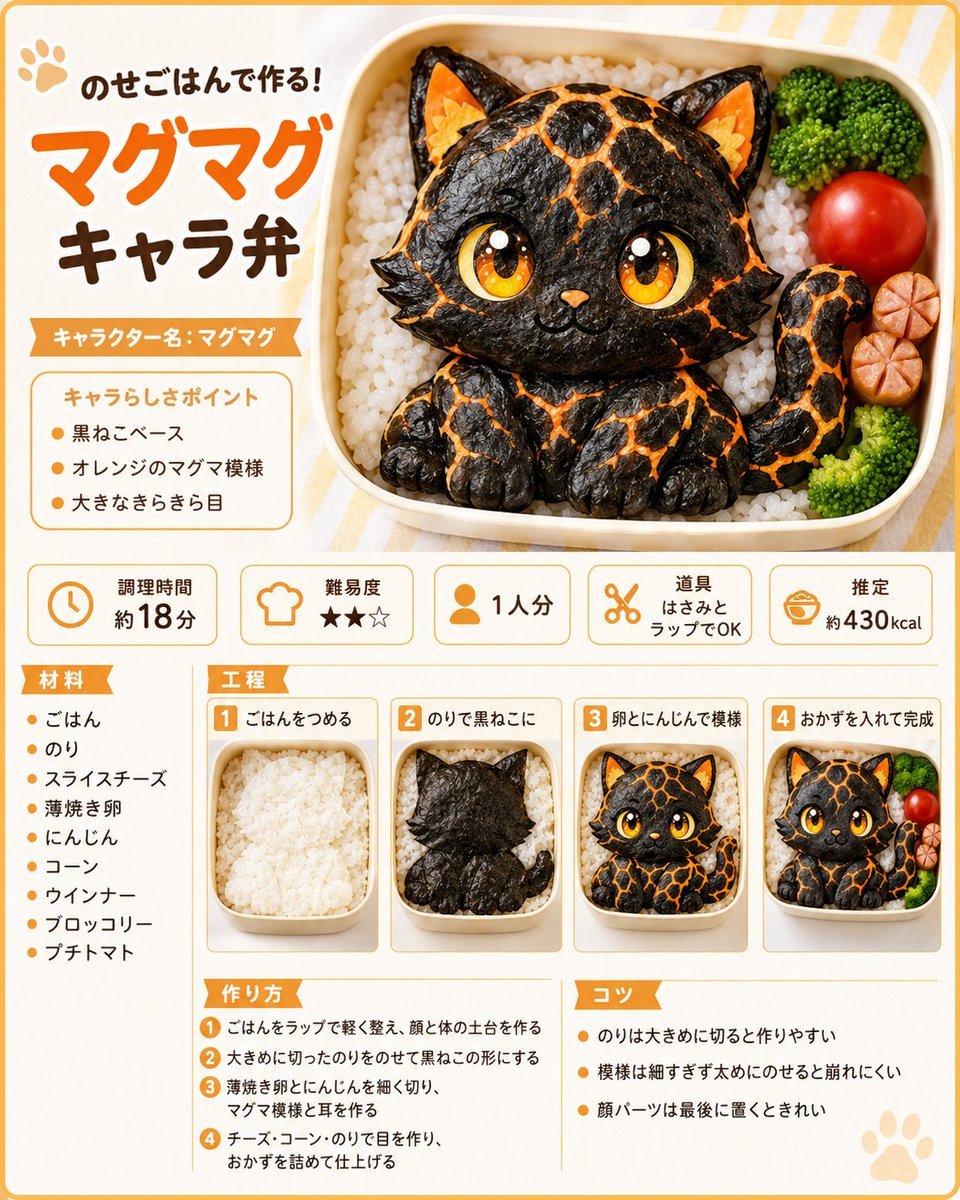
- Prompt included
- Model and format preset
- Free template
The prompt behind this image
Copy the exact prompt behind Magma Cat Bento Recipe Infographic, or open it in the studio and make it yours.
{"type":"cute Japanese recipe infographic poster for a character bento","style":"bright kawaii food magazine layout, clean vector-and-photo hybrid, rounded orange border, cream background with pale yellow stripes, playful rounded Japanese typography, warm studio lighting, appetizing realistic bento photography with illustrated sparkle accents","main_subject":{"dish":"magma-pattern black cat character bento made from rice and seaweed","character_name":"{argument name=\"character name\" default=\"マグマグ\"}","description":"a chibi black cat sitting inside a rectangular lunch box on a bed of white rice, made with glossy black seaweed, orange magma cracks, large golden sparkling eyes, small orange nose, pointed ears with orange cheese-like inner ears, tiny paws, curled tail, cute smile","bento_contents":{"count":4,"items":["white rice base","black cat seaweed character","green broccoli florets","red cherry tomato and sliced sausage flower"]}},"layout":{"format":"single-page vertical recipe card, 4:5 aspect ratio","top_section":{"position":"top half","count":3,"elements":["left title block with paw icon and headline","large right bento hero image","orange ribbon character-name label"]},"visible_text":{"headline":"{argument name=\"headline text\" default=\"のせごはんで作る!マグマグキャラ弁\"}","character_label":"キャラクター名:マグマグ","point_box_title":"キャラらしさポイント"},"character_points":{"count":3,"items":["黒ねこベース","オレンジのマグマ模様","大きなきらきら目"]},"info_cards":{"position":"middle row","count":5,"cards":[{"icon":"clock","label":"調理時間","value":"約18分"},{"icon":"chef hat","label":"難易度","value":"★★☆"},{"icon":"person","label":"1人分","value":"1人分"},{"icon":"scissors","label":"道具","value":"はさみとラップでOK"},{"icon":"bento bowl","label":"推定","value":"約430kcal"}]},"lower_section":{"columns":3,"left_column":{"title":"材料","count":9,"items":["ごはん","のり","スライスチーズ","薄焼き卵","にんじん","コーン","ウインナー","ブロッコリー","プチトマト"]},"center_top":{"title":"工程","count":4,"steps":[{"number":1,"label":"ごはんをつめる","image":"plain white rice packed in the lunch box"},{"number":2,"label":"のりで黒ねこに","image":"black seaweed silhouette of cat placed on rice"},{"number":3,"label":"卵とにんじんで模様","image":"cat face completed with eyes and orange magma markings"},{"number":4,"label":"おかずを入れて完成","image":"finished bento with broccoli, tomato, and sausage garnish"}]},"center_bottom":{"title":"作り方","count":4,"steps":["ごはんをラップで軽く整え、顔と体の土台を作る","大きめに切ったのりをのせて黒ねこの形にする","薄焼き卵とにんじんを細く切り、マグマ模様と耳を作る","チーズ・コーン・のりで目を作り、おかずを詰めて仕上げる"]},"right_bottom":{"title":"コツ","count":3,"tips":["のりは大きめに切ると作りやすい","模様は細すぎず太めにのせると崩れにくい","顔パーツは最後に置くときれい"]}},"design_details":{"colors":"orange, cream, brown, black, white, green, red","decorations":"small paw prints, orange section ribbons, thin rounded dividers, numbered orange squares, soft drop shadows","typography":"large orange headline for マグマグ, dark brown secondary text, clean legible Japanese body text","camera":"top-down three-quarter product view for the bento, consistent miniature photos for process steps","quality":"high-resolution, crisp print-ready recipe sheet, no clutter, all Japanese text sharp and readable"}}
How to use Magma Cat Bento Recipe Infographic in 3 steps
- 1Upload ImagePNG, JPG or paste
Add your photo
Upload the photo the template builds on. The prompt, model and format are already set.
- 2…a portrait of your subject in softgolden-hour light, 85mm…
Personalize
Edit the subject and creative details for your destination.
- 3Generate
Generate
Press Generate — your image is created in PicX Studio, so you can compare it with the original and refine one variable at a time.
More like this
Templates with the same subject, style or setup. Open one to see its prompt.

Isometric Process Educational Diorama
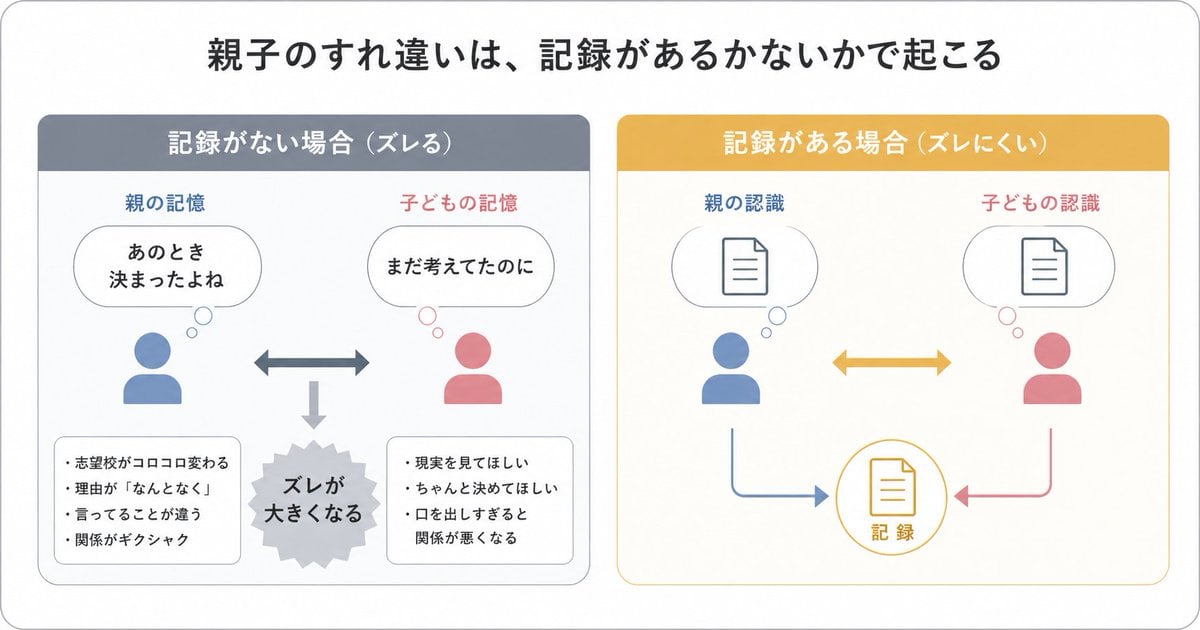
Gpt2 Infographic Edu Visual Parent Child Miscommunication Infographic

Japan Travel Brochure Poster
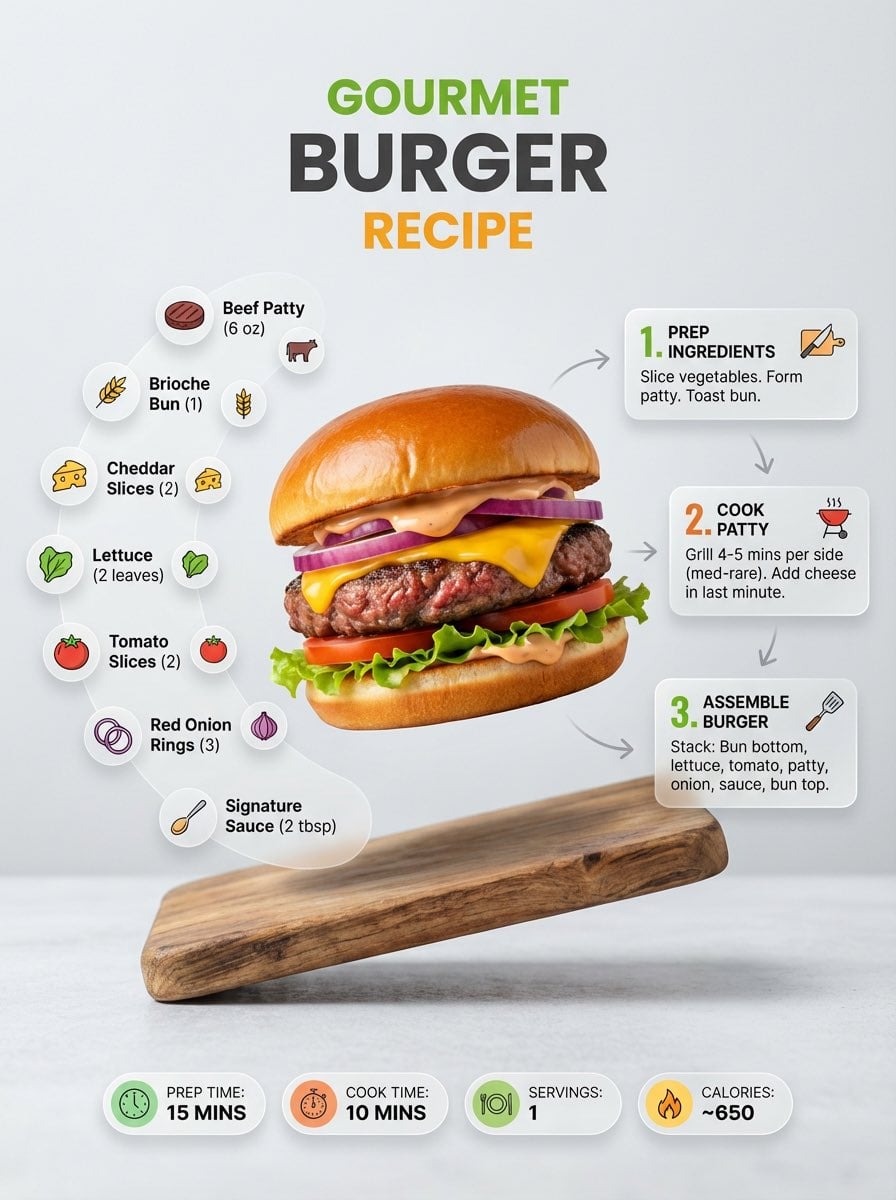
Ultra-clean modern recipe infographic
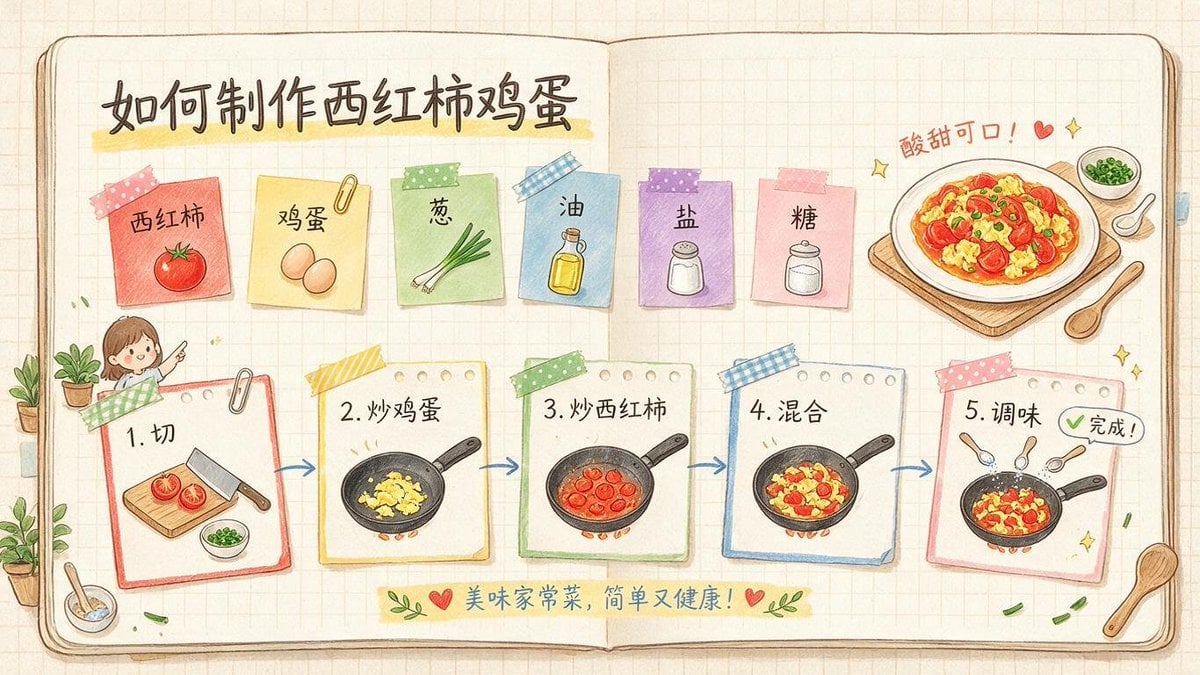
Hand-Drawn Tomato Egg Recipe Infographic
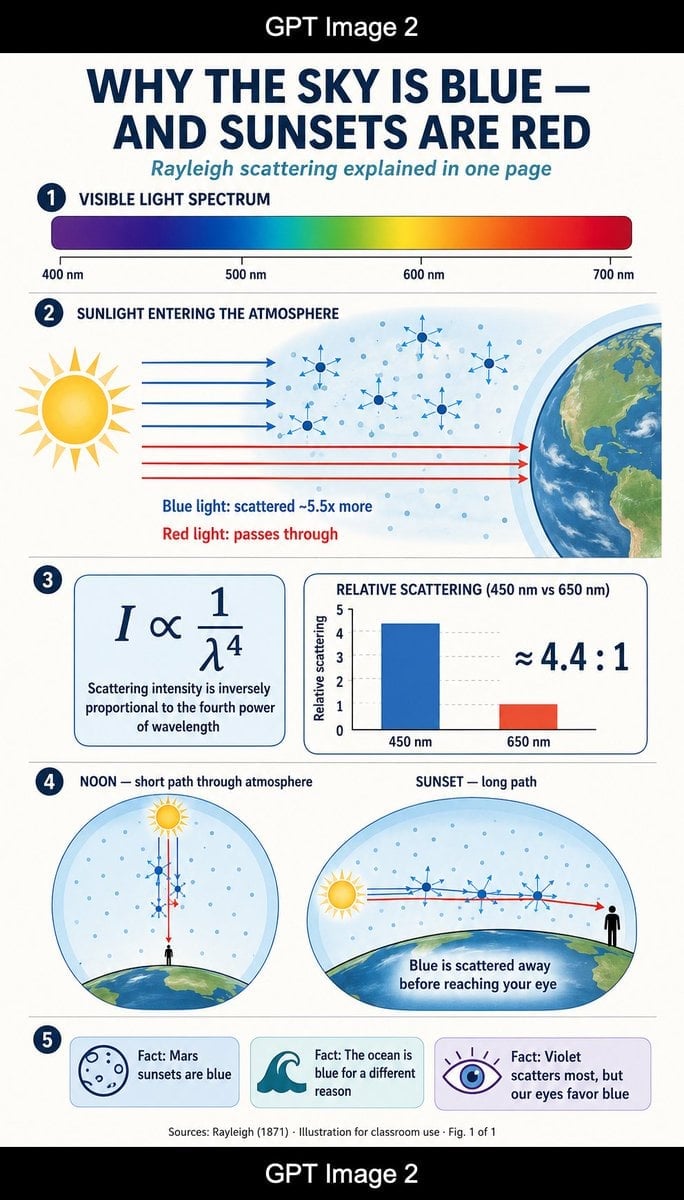
Rayleigh Scattering Infographic

Cat Photobomb Selfie — 0.5x Wide Angle Café Chaos

Surreal Cat Astronaut — Humanoid Face Freefall

Low Angle Floor Selfie With Upside Down Cat

Isometric Vehicle Teardown Infographic Template
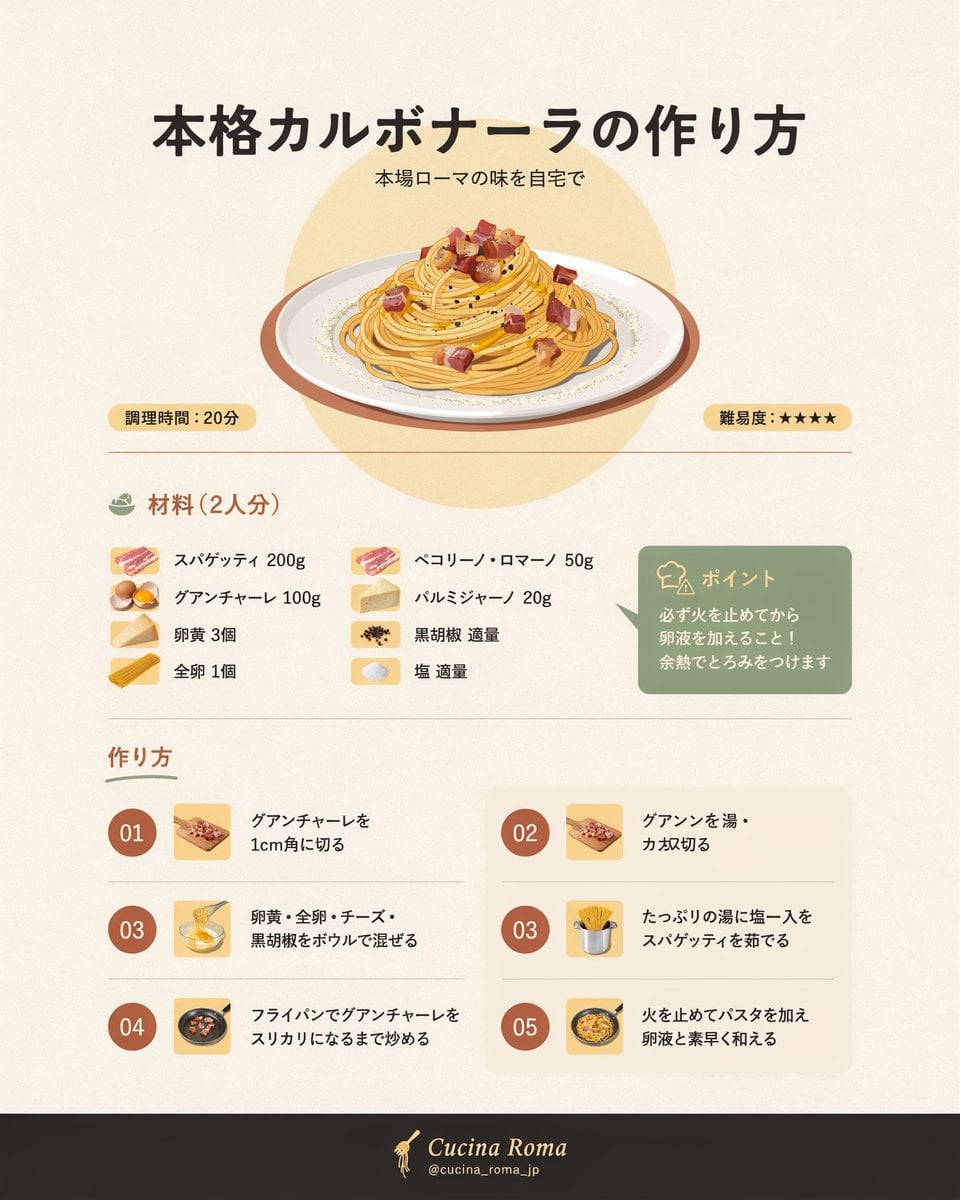
Japanese Carbonara Recipe Infographic
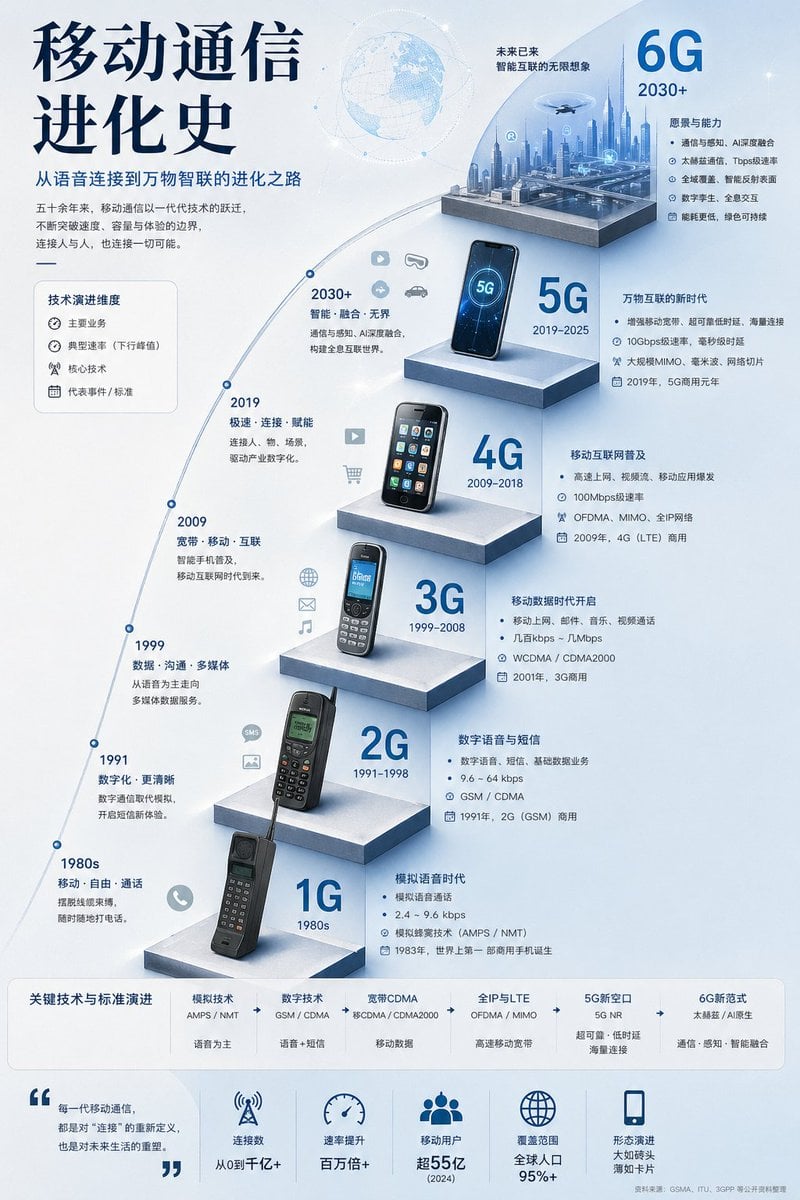
Mobile Communication Evolution Infographic
Make it yours
Magma Cat Bento Recipe Infographic works as-is. These are the safest ways to change it without losing the look.
Change one field
Copy a single group, rewrite it, and generate again so you can see what that field is doing.
Keep the frame, change the subject
Hold the composition and light of Magma Cat Bento Recipe Infographic, then swap wardrobe, props or the person for a new take.
| If the result… | Why | Fix |
|---|---|---|
| The result drifts from the preview | Too many fields changed at once. | Reuse Magma Cat Bento Recipe Infographic as-is first, then change one group — subject, light, or setting. |
| The model over-stylizes the scene | The prose prompt leaves finish and camera underspecified. | Add one camera or lighting sentence and stay on GPT Image 2. |
More GPT Image 2 templates
Other prompts made for GPT Image 2.

Six VTuber Japanese Logo Sheet

Realistic Portrait of Woman and Deer

The Vista Modular Condo Poster

AI Model Routing Comparison Infographic

2.5D Anime Art Board

Isometric Productivity Desk Scene

New York Double Exposure Poster

Four-Panel AI Landscape Comparison

Japanese Tatami Lifestyle Magazine Cover

NESCAFÉ Coffee Map Poster
More image prompts
Fresh picks from across the catalog.
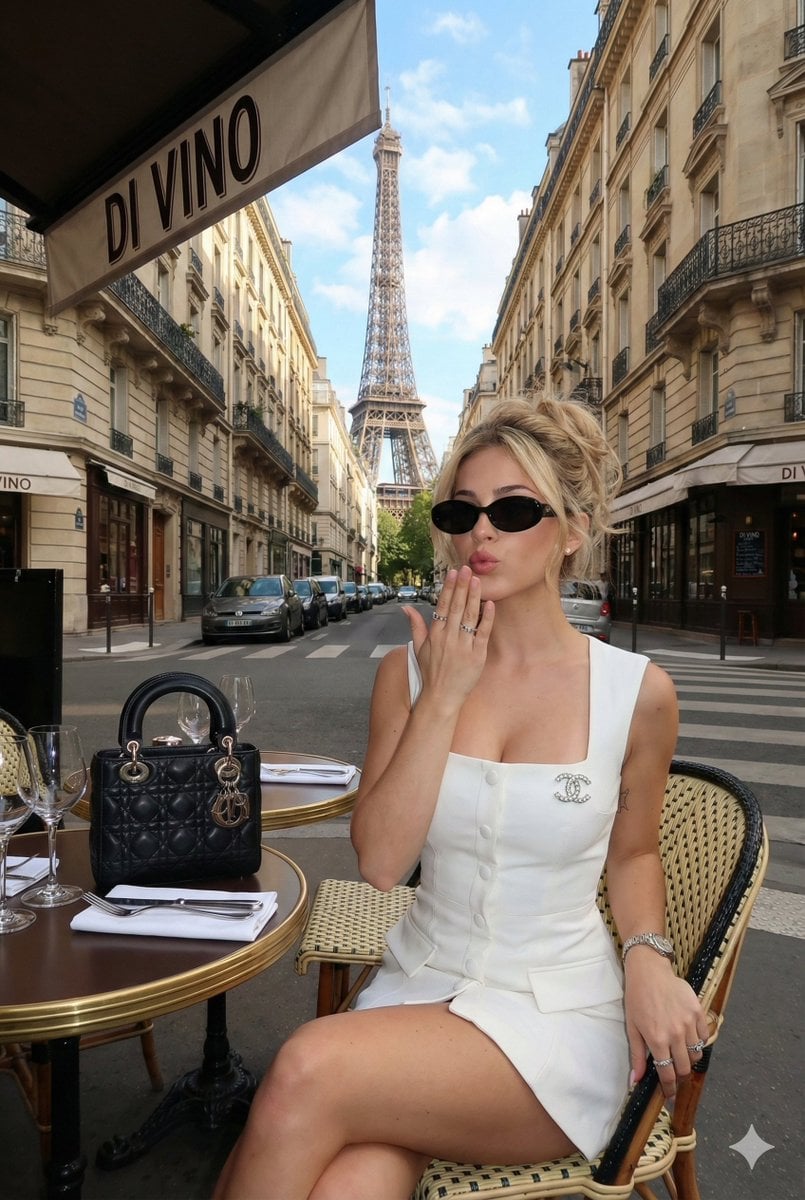
Ultra-Photorealistic Parisian Lifestyle Photography Prompt
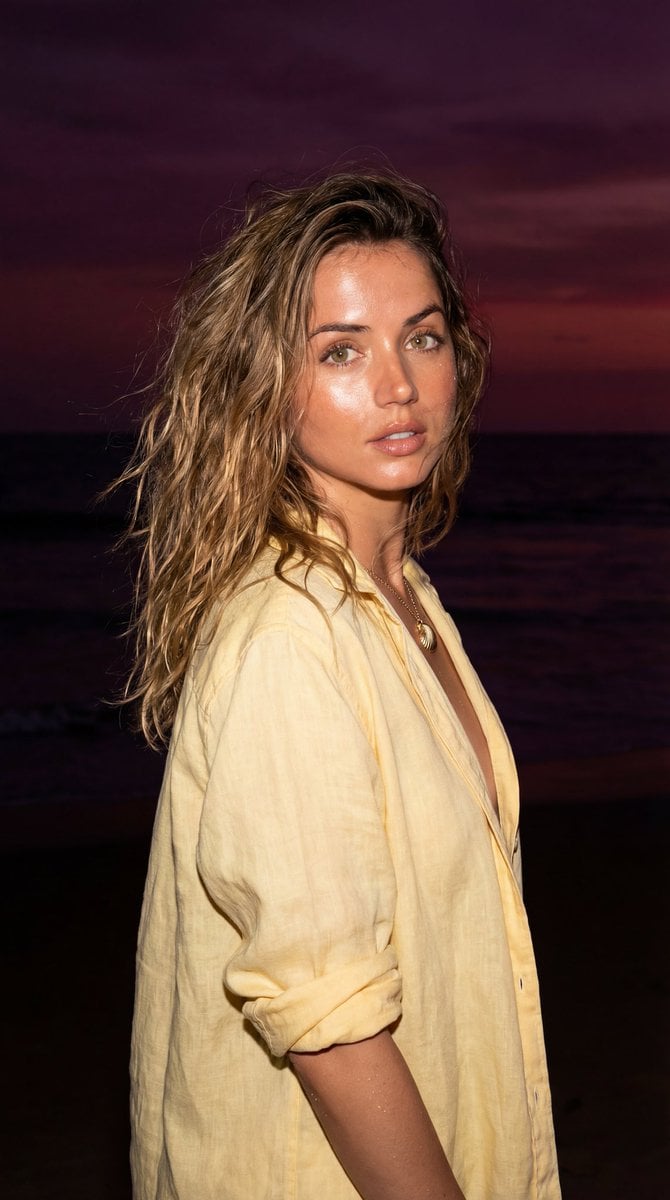
Late-Night Coastal Portrait with Flash and Sunset Glow
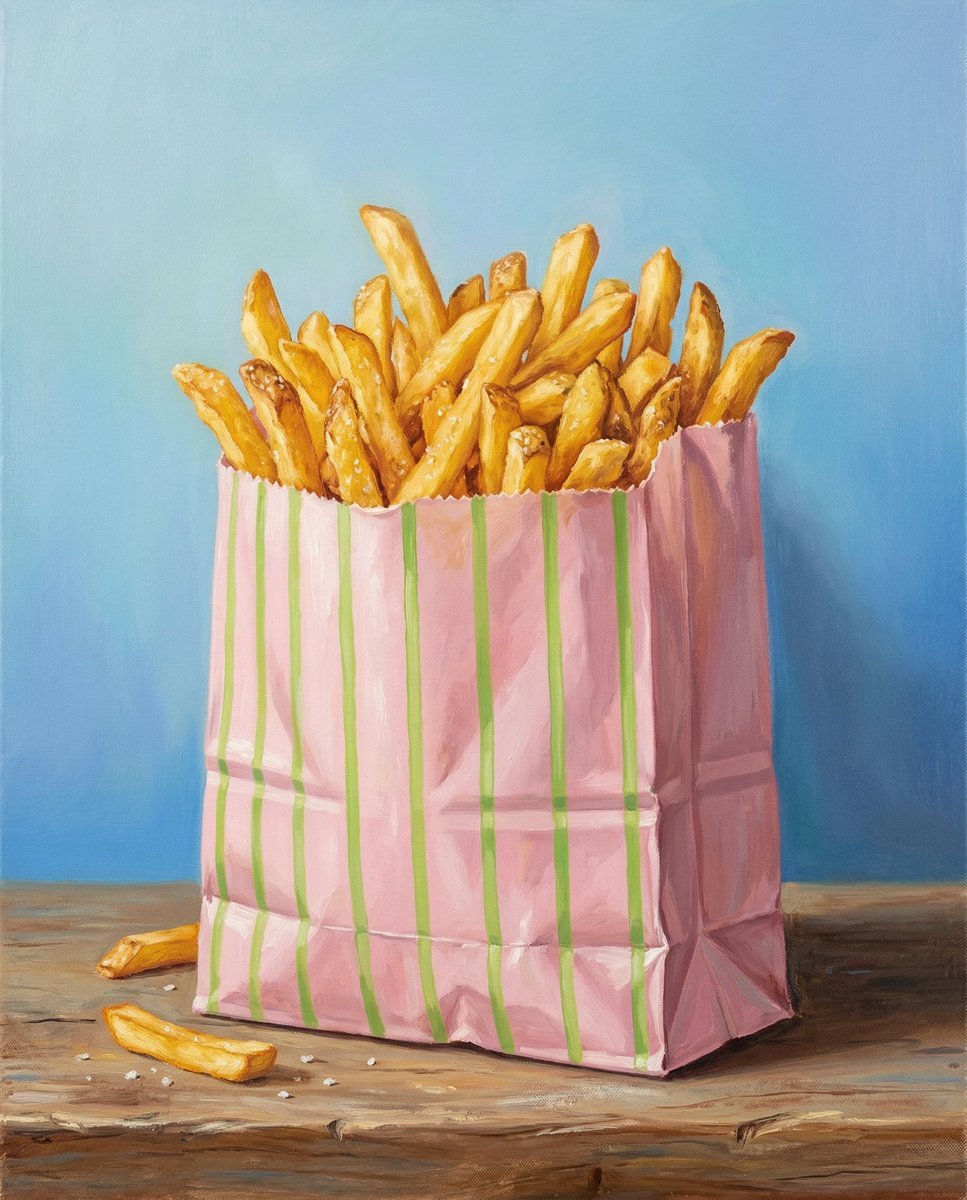
Hand-Painted Still Life of French Fries
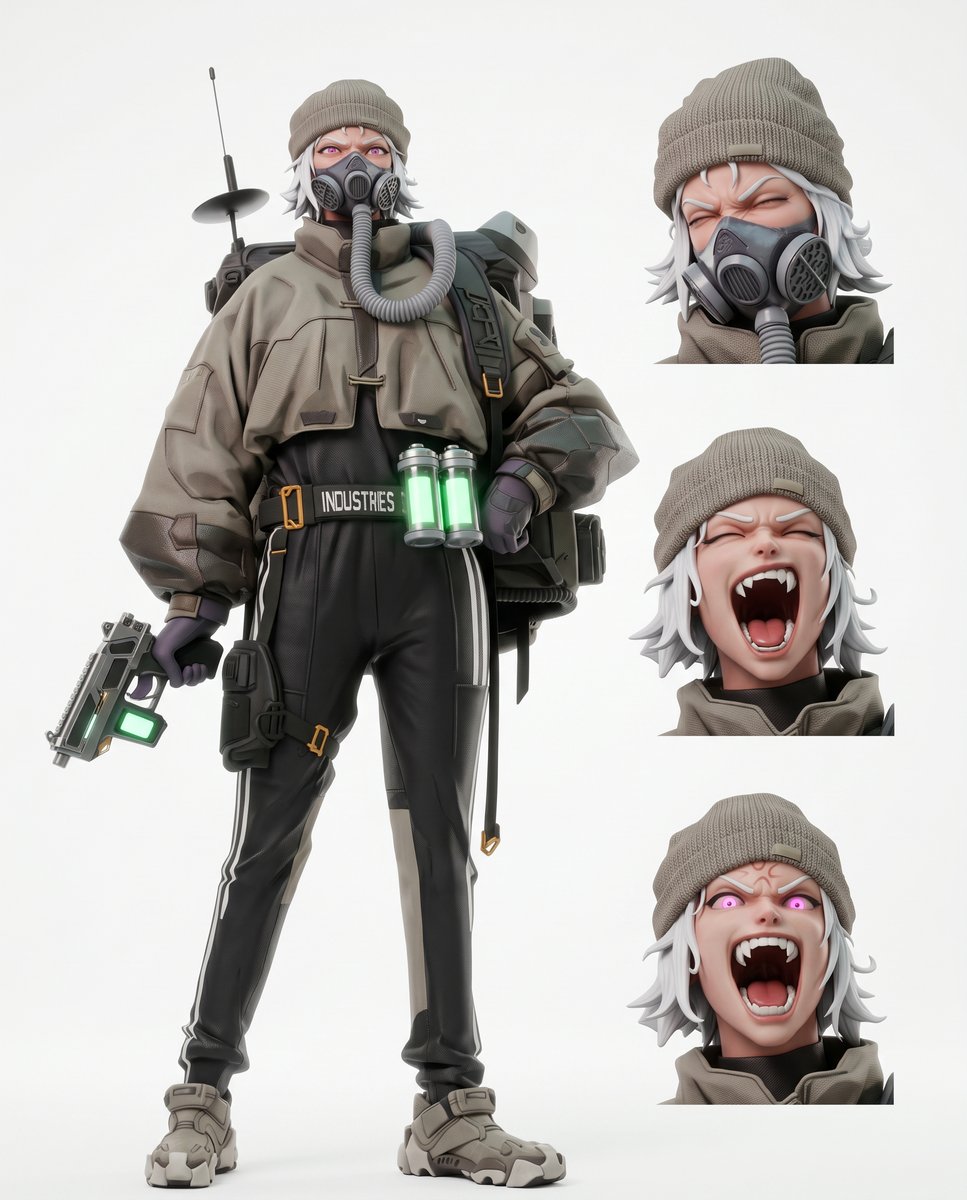
Futuristic Tactical Character Sheet
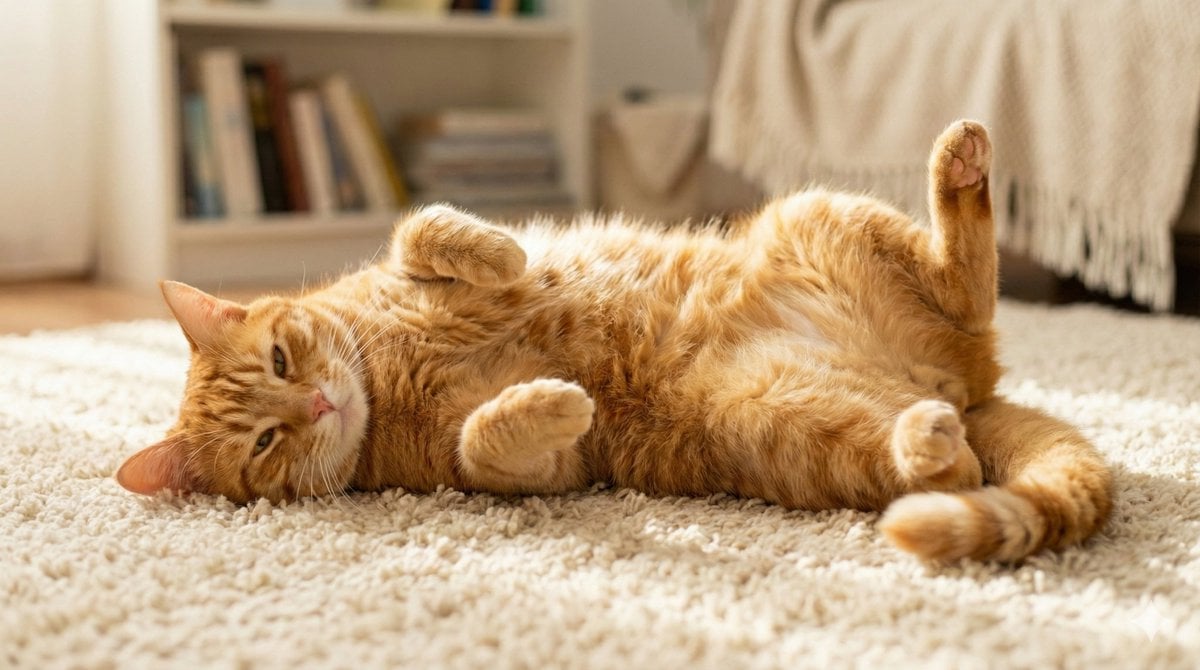
Cute Cat Photo Prompt
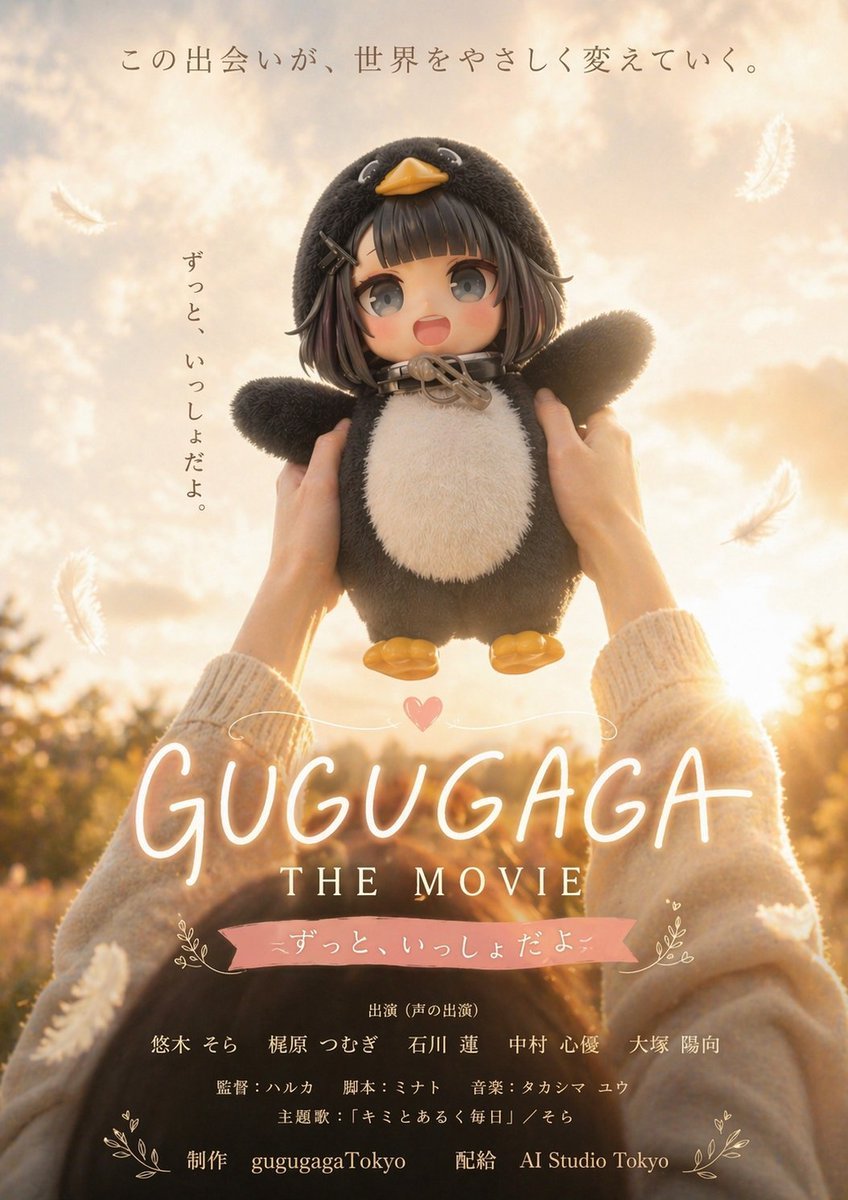
Warm Penguin Fantasy Movie Poster

Vlog-Style Fashion Video Prompt

Serene Winter Ferry Portrait
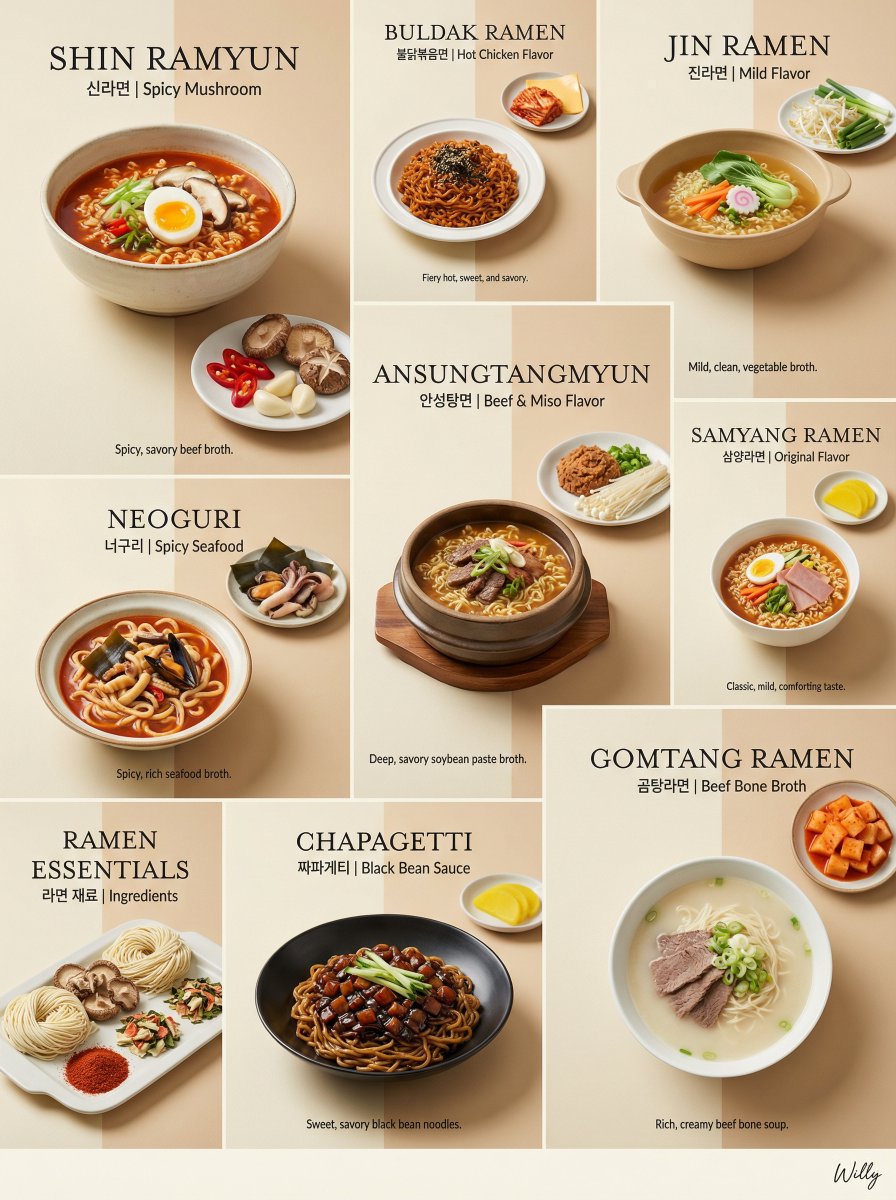
Luxury Minimalist Bento Grid of Korean Ramen Collection
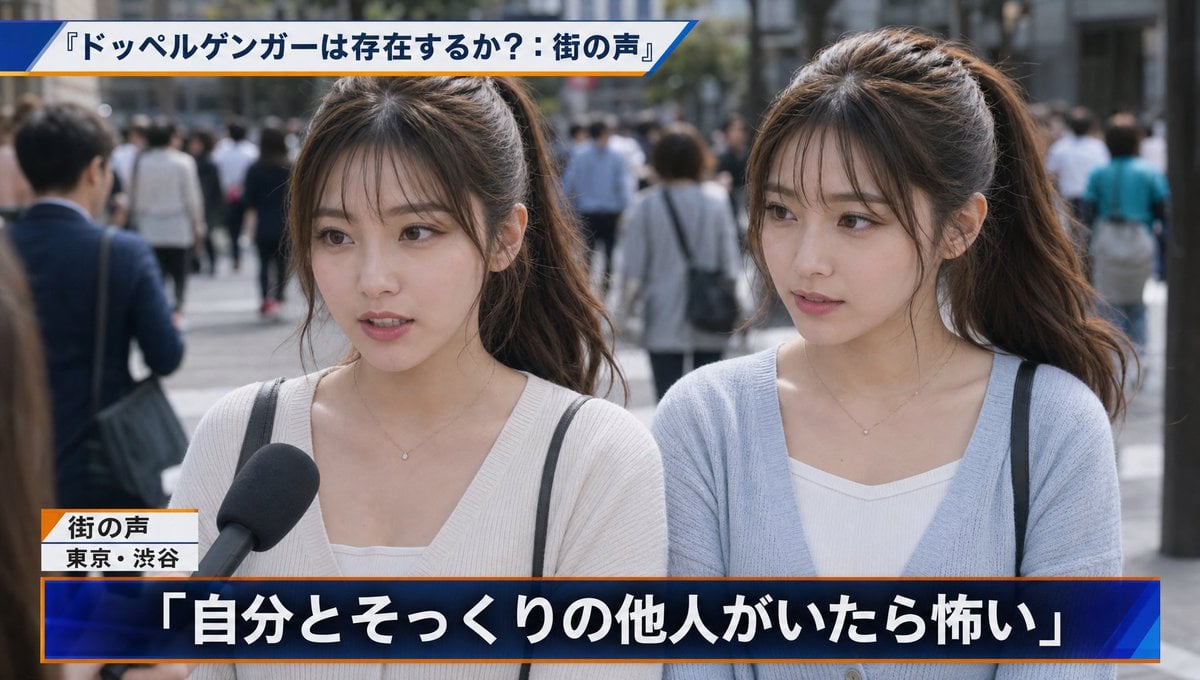
Japanese News Interview Broadcast
Browse template categories
Magma Cat Bento Recipe Infographic questions
How do I use the Magma Cat Bento Recipe Infographic template?
Add your photo if the template asks for one, edit the prompt if you like — the template's model and format are already selected — and press Generate. Your version opens in PicX Studio.
Can I customize the Magma Cat Bento Recipe Infographic template?
Yes. You can change the subject, setting, lighting, mood, format, and available model controls before creating your image.
Is the Magma Cat Bento Recipe Infographic template free?
Opening and editing this template is free. Generating uses credits, shown on the Generate button when you are signed in.
Which AI model should I use?
Start with GPT Image 2, which is the model associated with this template. You can compare another compatible model for a different finish.
Looking for something else? Browse all templates.

Your photo, any look
Thousands of ready templates for every top image and video model, from one credit balance.