
Surreal Train Window Scenery
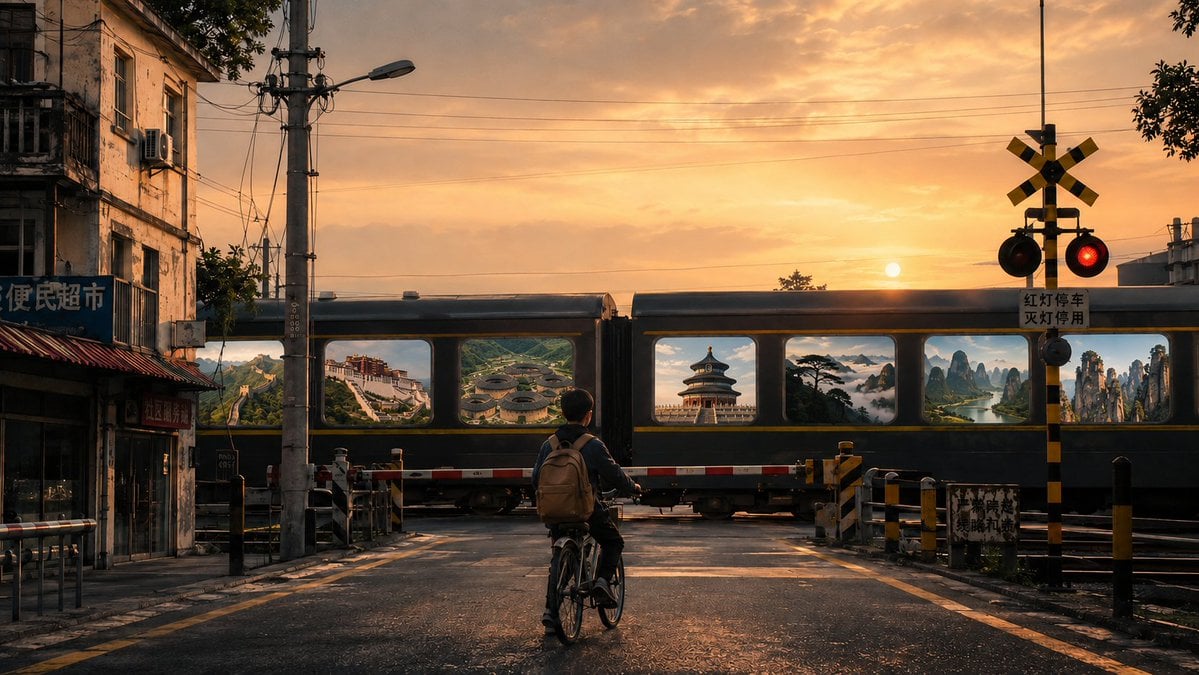
A poetic and surreal prompt depicting a boy at a railway crossing watching a train pass, where every window reveals a famous Chinese landscape.
- Prompt included
- Model and format preset
- Free template
The prompt behind this image
Copy the exact prompt behind Surreal Train Window Scenery, or open it in the studio and make it yours.
A street in a small Chinese city, at a level crossing where a road meets a railway; a young boy on a bicycle stands with his back to the camera in front of the crossing gate, waiting for a train to pass, his silhouette full of cinematic and narrative feeling. Around him is an urban streetscape with old residential buildings, small shops, utility poles, street lamps, traffic signs, and a railway crossing gate, all rich with a genuine sense of everyday life. A train slowly passes by, and each of its windows shows a scene of {argument name="landscape" default="a famous Chinese scenic landmark"}, such as: the Great Wall, the Potala Palace, the Fujian Tulou clusters, the Temple of Heaven in Beijing, the Guest-Greeting Pine amid a sea of clouds on Mount Huangshan, the landscapes of Guilin, Zhangjiajie, the Forbidden City, and so on. These scenes look as if they are truly inside the windows. The mood is romantic, strange, and poetic. Surrealism, cinematic composition, soft morning or dusk light, high-end art photography, richly detailed, 4K 16:9
How to use Surreal Train Window Scenery in 3 steps
- 1
Open
The prompt is already in the box next to the preview, with the template's model and format selected.
- 2…a portrait of your subject in softgolden-hour light, 85mm…
Personalize
Edit the subject and creative details for your destination.
- 3Generate
Generate
Press Generate — your image is created in PicX Studio, so you can compare it with the original and refine one variable at a time.
More like this
Templates with the same subject, style or setup. Open one to see its prompt.
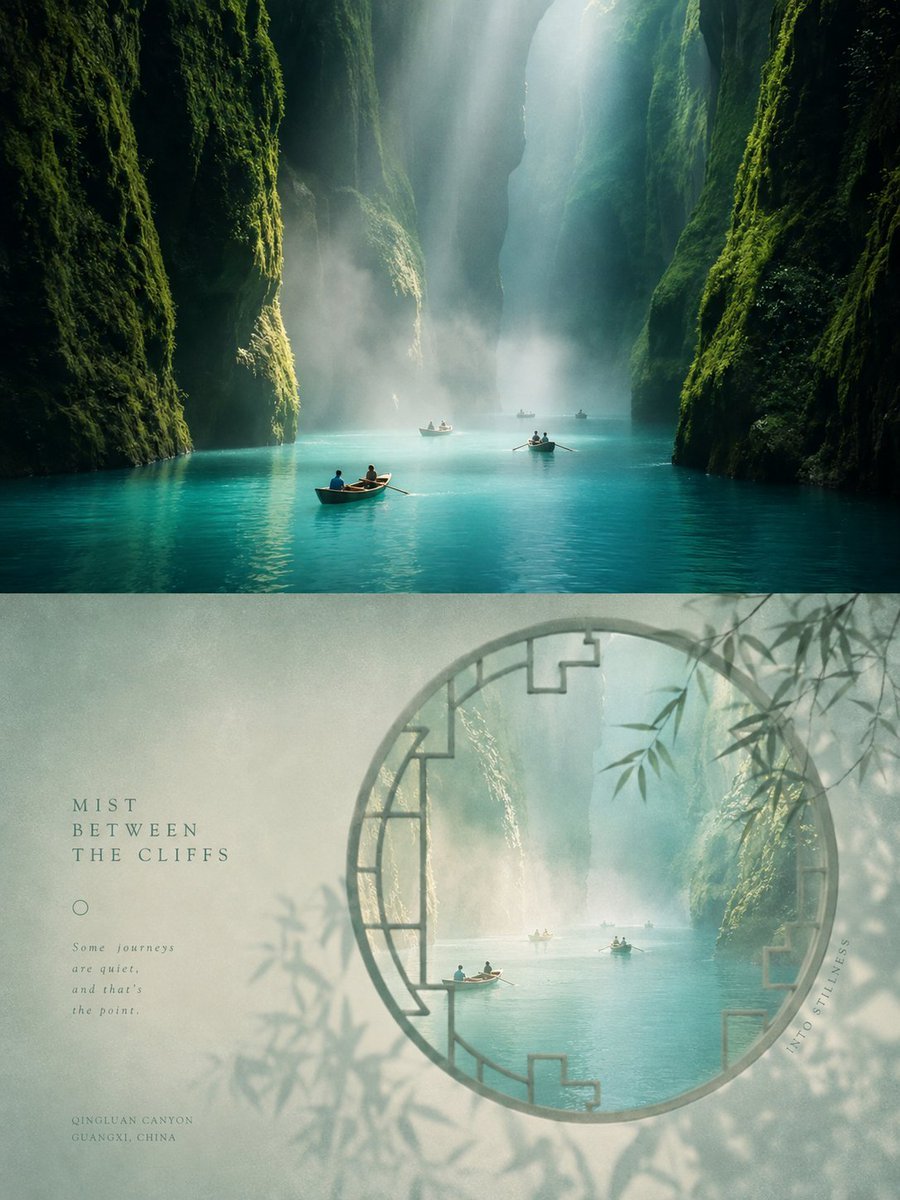
Chinese Aesthetic Window Scenery Poster

Surreal Cat Astronaut — Humanoid Face Freefall

Toon Cartoon Train Window
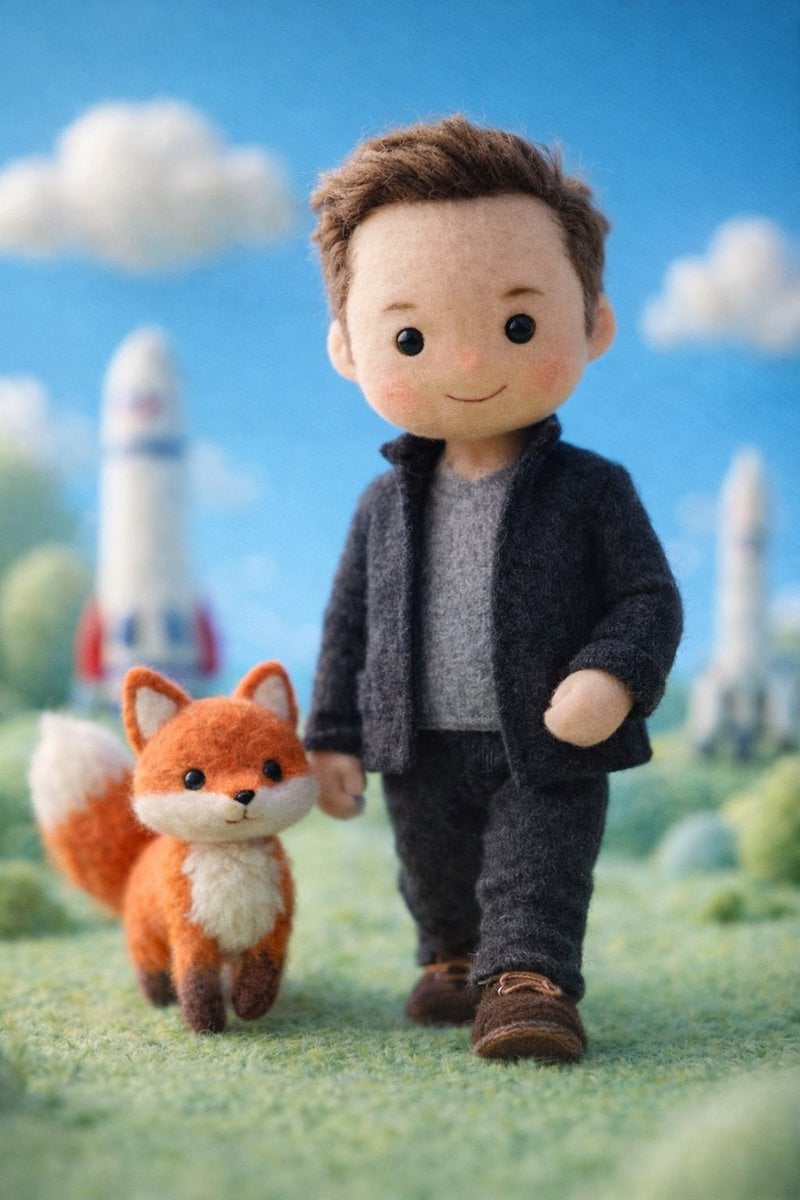
Paper Cut Train Window
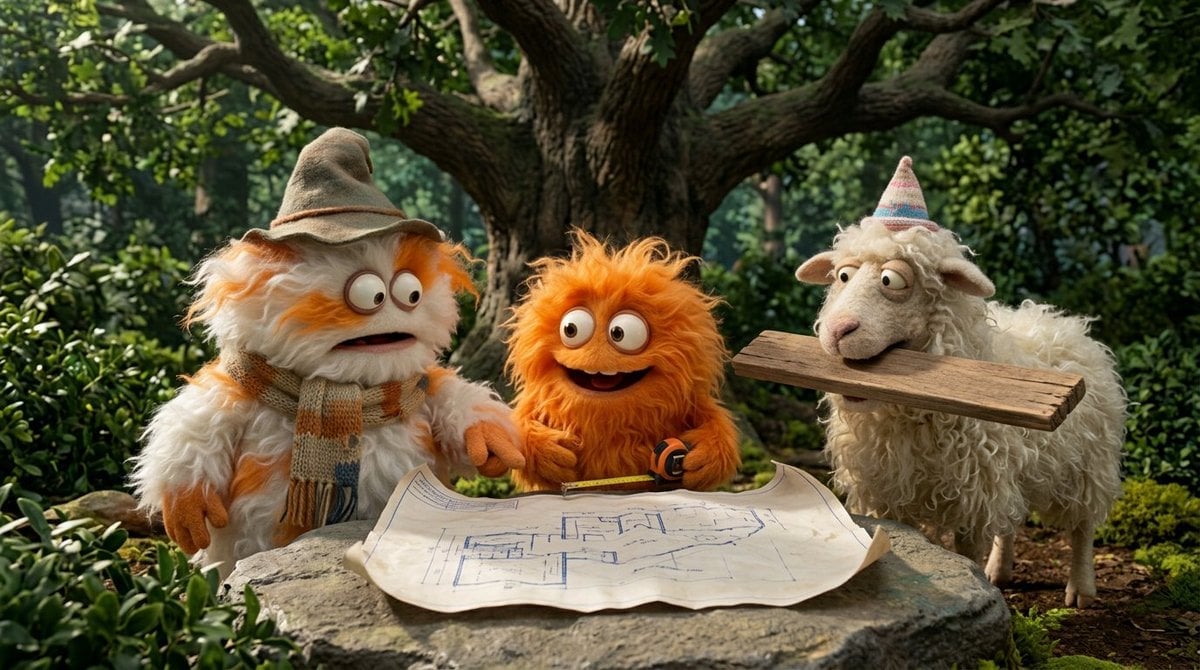
Pixel Limited Train Window

Watercolor Anim Train Window

Motion Graphics Train Window

Stop Motion Train Window

Bold Red Contrast Fashion Editorial Newspaper Room

Stylized Fashion Portrait Bold Color Contrast Editorial

Rainy Café Window Moody Portrait

Face-Locked Train Window Lifestyle Portrait
Make it yours
Surreal Train Window Scenery works as-is. These are the safest ways to change it without losing the look.
Change one field
Copy a single group, rewrite it, and generate again so you can see what that field is doing.
Keep the frame, change the subject
Hold the composition and light of Surreal Train Window Scenery, then swap wardrobe, props or the person for a new take.
| If the result… | Why | Fix |
|---|---|---|
| The result drifts from the preview | Too many fields changed at once. | Reuse Surreal Train Window Scenery as-is first, then change one group — subject, light, or setting. |
| The model over-stylizes the scene | The prose prompt leaves finish and camera underspecified. | Add one camera or lighting sentence and stay on GPT Image 2. |
More GPT Image 2 templates
Other prompts made for GPT Image 2.

Six VTuber Japanese Logo Sheet

Realistic Portrait of Woman and Deer

The Vista Modular Condo Poster

AI Model Routing Comparison Infographic

2.5D Anime Art Board

Isometric Productivity Desk Scene

New York Double Exposure Poster

Four-Panel AI Landscape Comparison

Japanese Tatami Lifestyle Magazine Cover

NESCAFÉ Coffee Map Poster
More image prompts
Fresh picks from across the catalog.
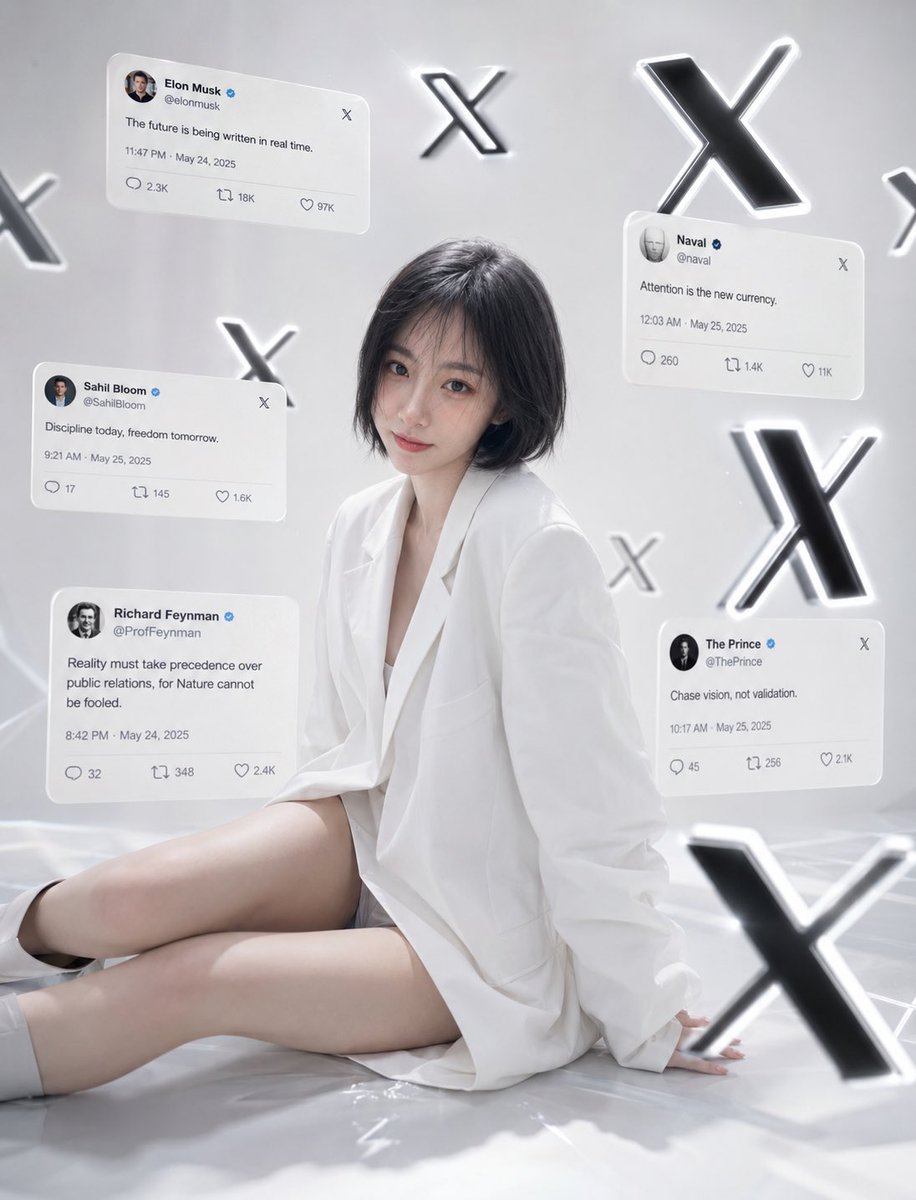
Minimalist Luxury Social Media Portrait
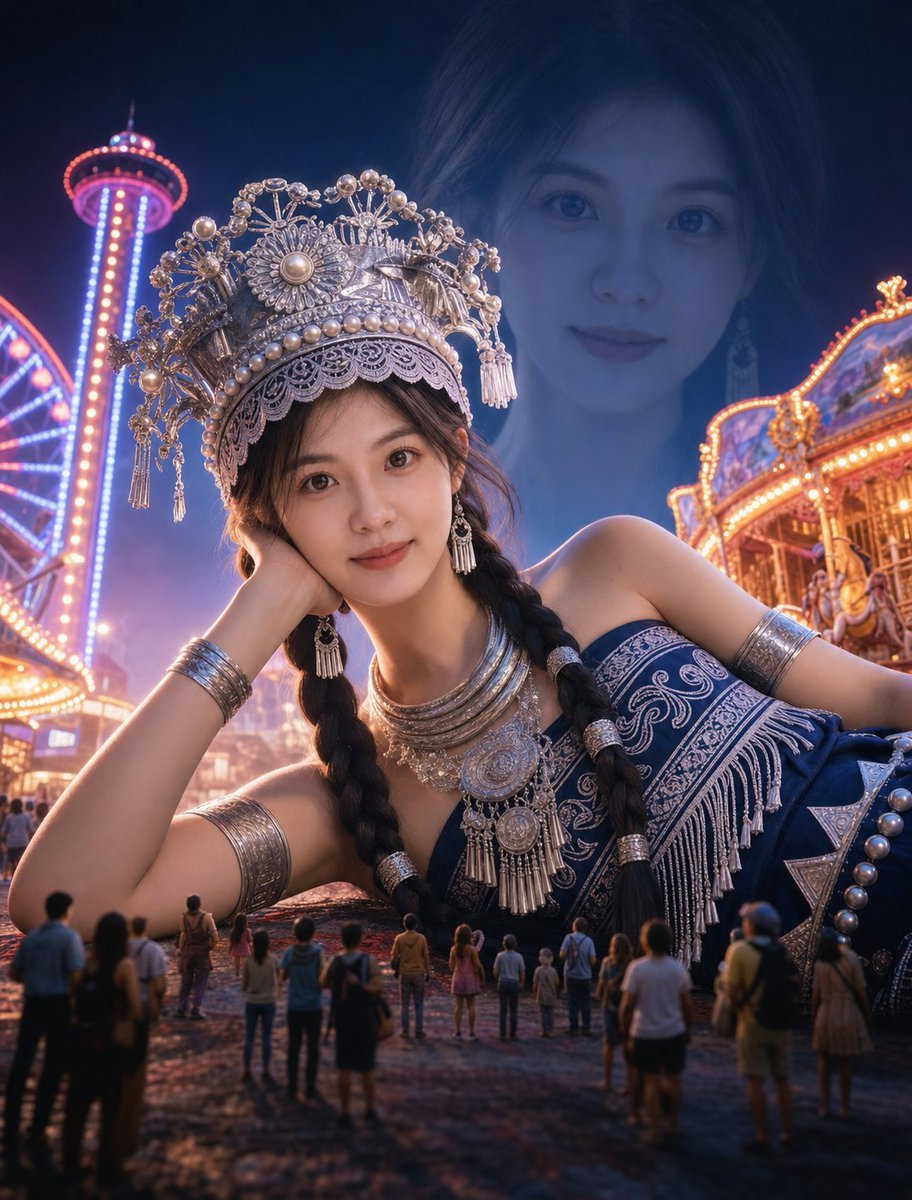
Surreal Giantess Neon Park Portrait
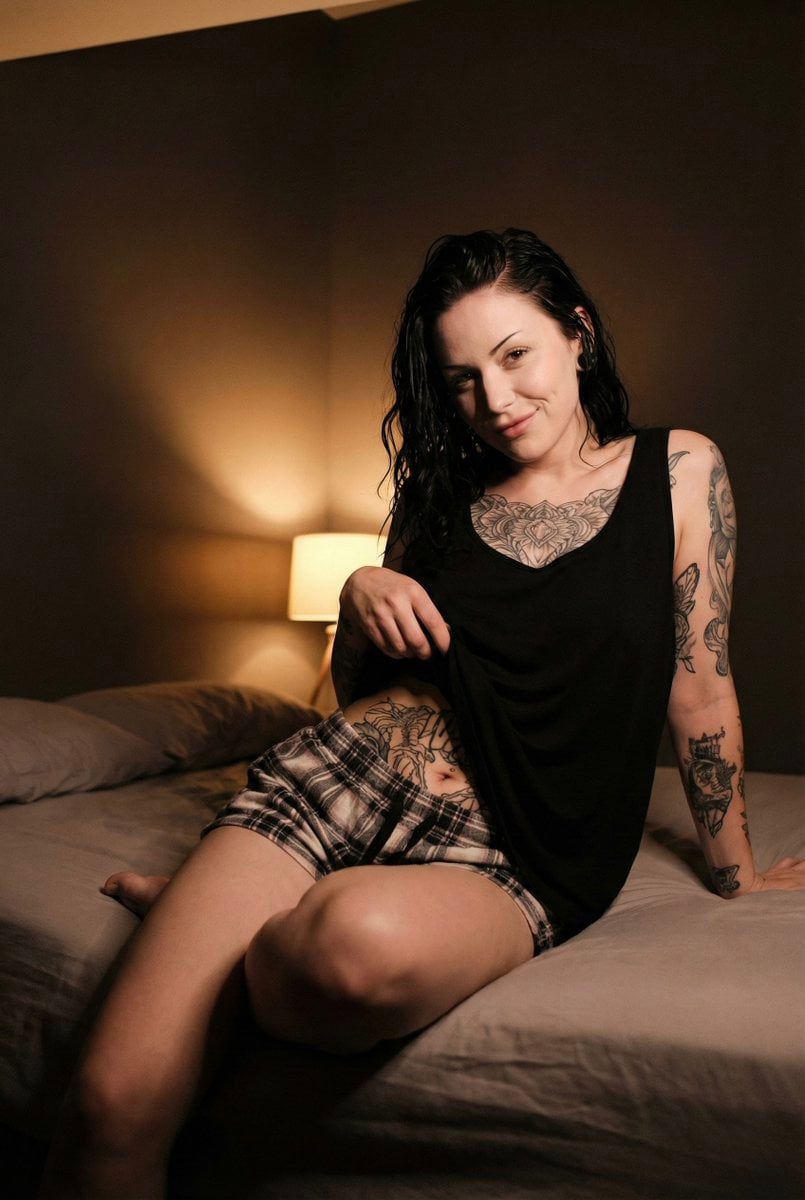
Low Light iPhone Realism Portrait

Monumental Monster Energy Can in the Arctic
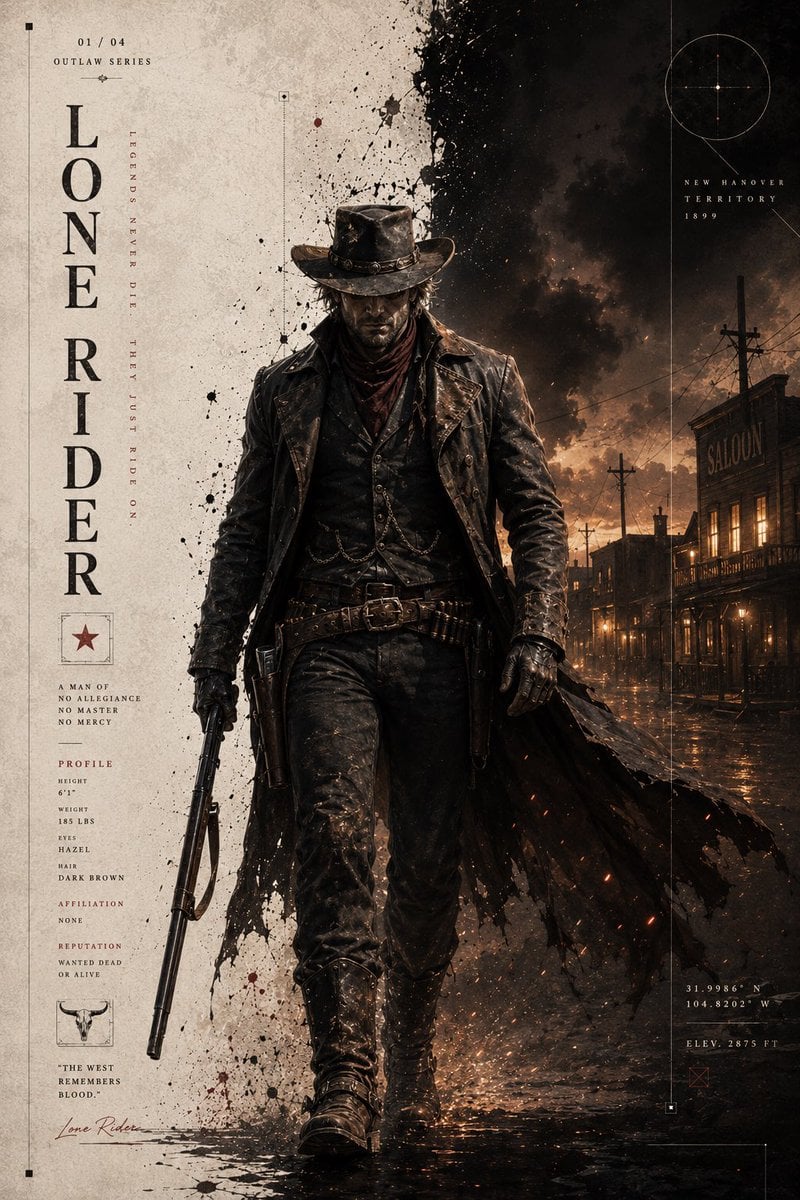
Dark Western Outlaw Poster
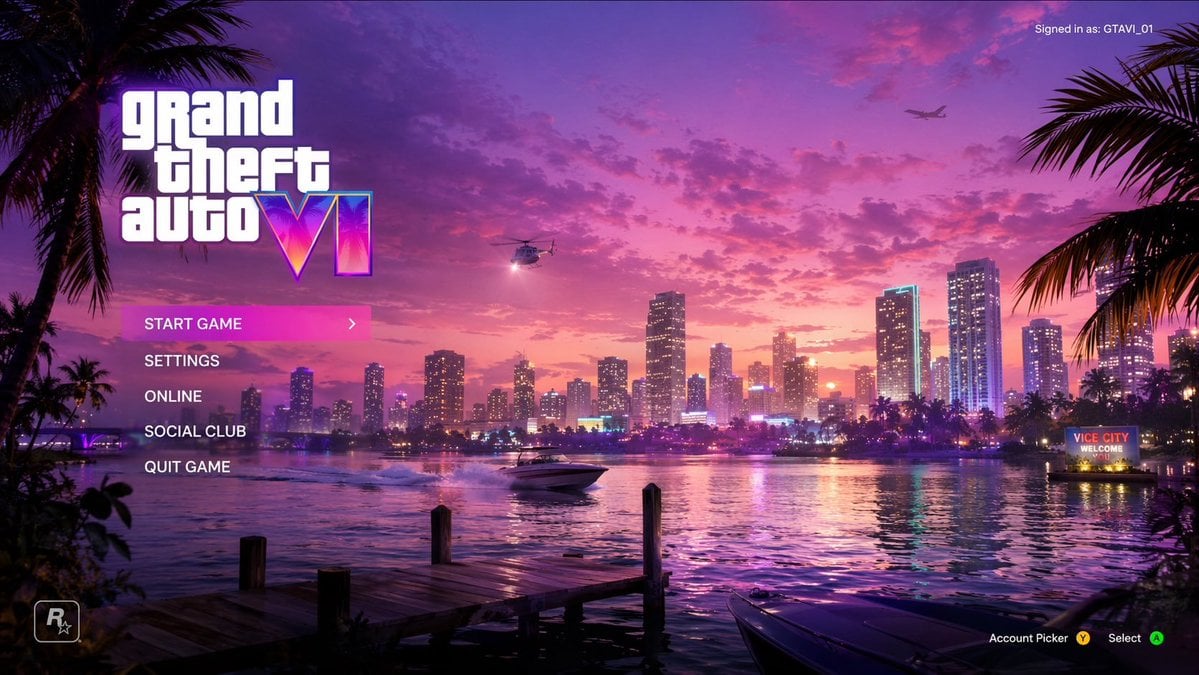
Video Game Main Menu UI Mockup
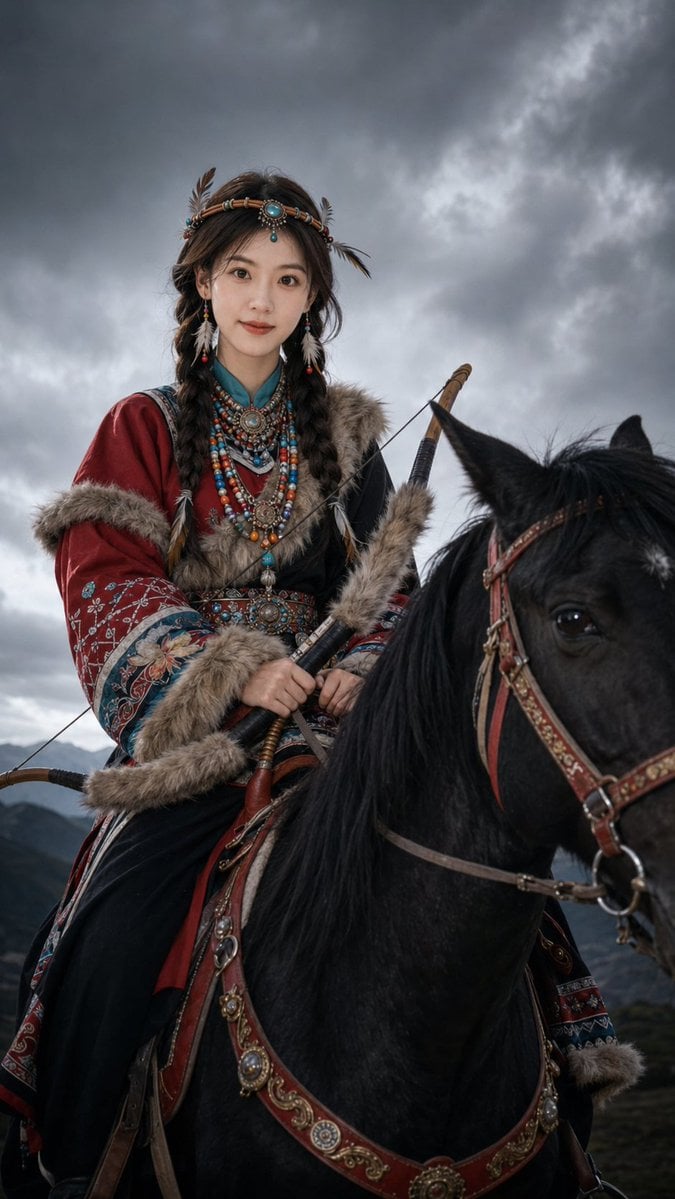
Nomadic Archer Cinematic Editorial Portrait
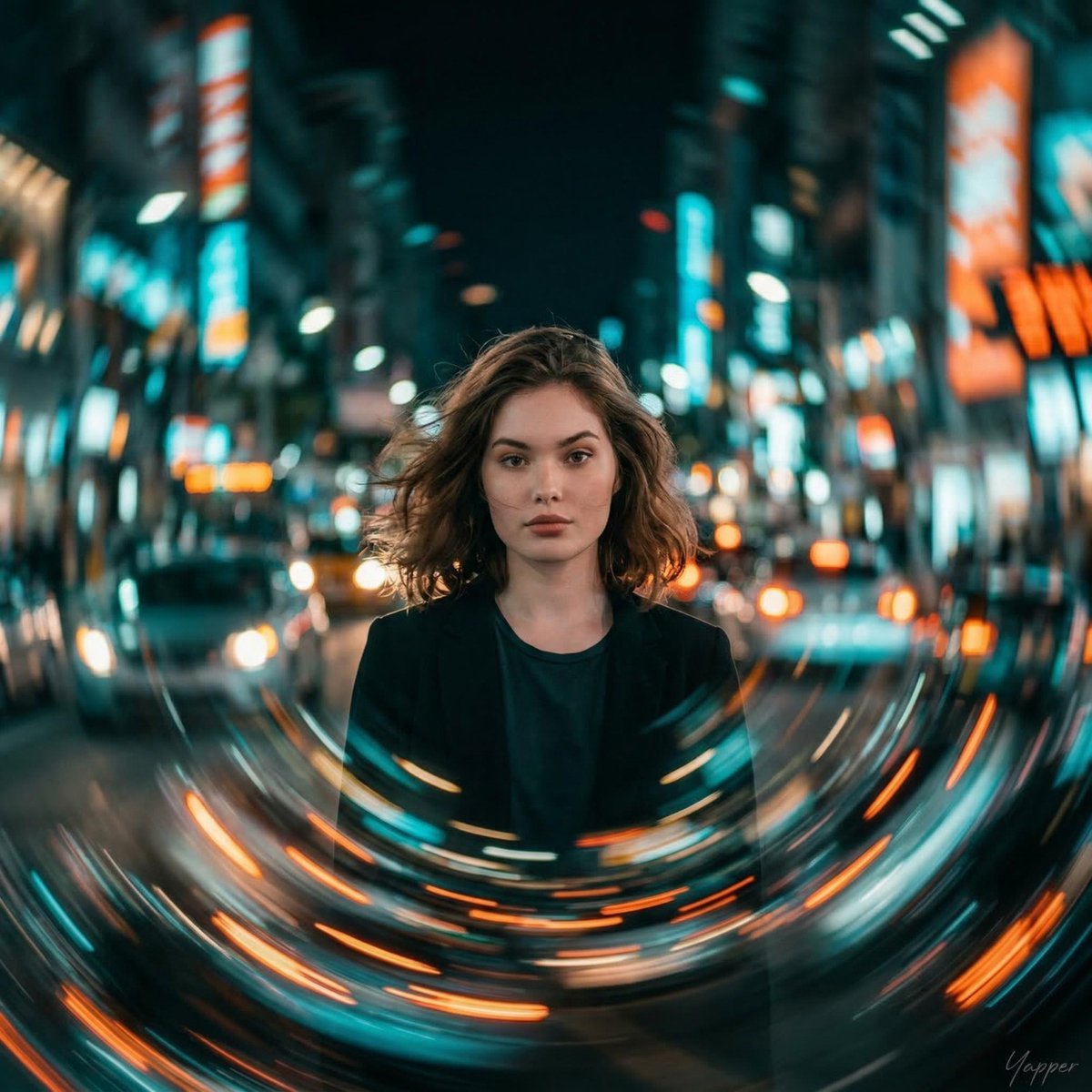
Cinematic Portrait with Motion Blur Cityscape
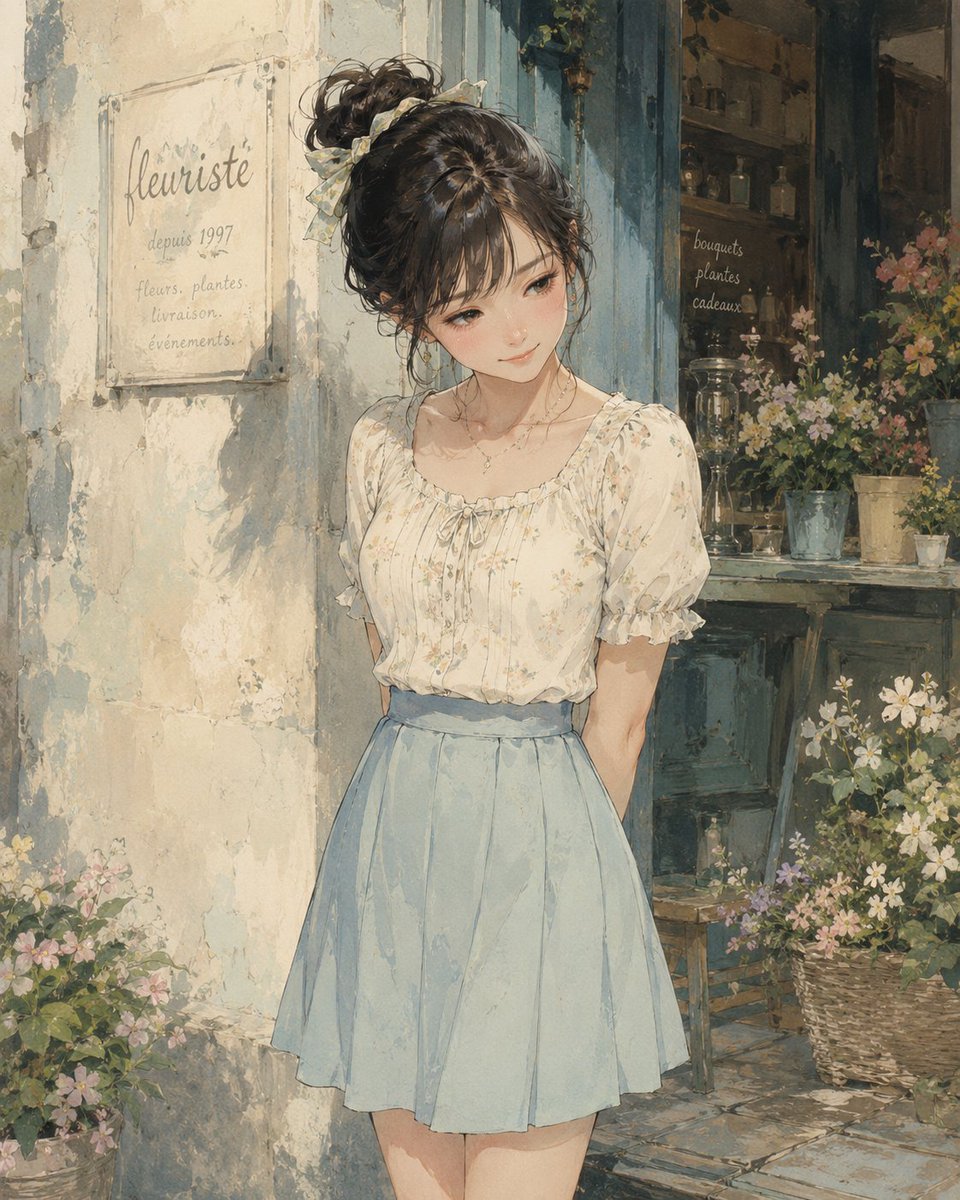
Watercolor Flower Shop Portrait
Golden Hour Selfie Portrait
Browse template categories
Surreal Train Window Scenery questions
How do I use the Surreal Train Window Scenery template?
Add your photo if the template asks for one, edit the prompt if you like — the template's model and format are already selected — and press Generate. Your version opens in PicX Studio.
Can I customize the Surreal Train Window Scenery template?
Yes. You can change the subject, setting, lighting, mood, format, and available model controls before creating your image.
Is the Surreal Train Window Scenery template free?
Opening and editing this template is free. Generating uses credits, shown on the Generate button when you are signed in.
Which AI model should I use?
Start with GPT Image 2, which is the model associated with this template. You can compare another compatible model for a different finish.
Looking for something else? Browse all templates.

Your photo, any look
Thousands of ready templates for every top image and video model, from one credit balance.