
Dark Western Outlaw Poster
Generates a cinematic, dark Western-themed game character poster with vintage parchment textures and dramatic storm lighting.
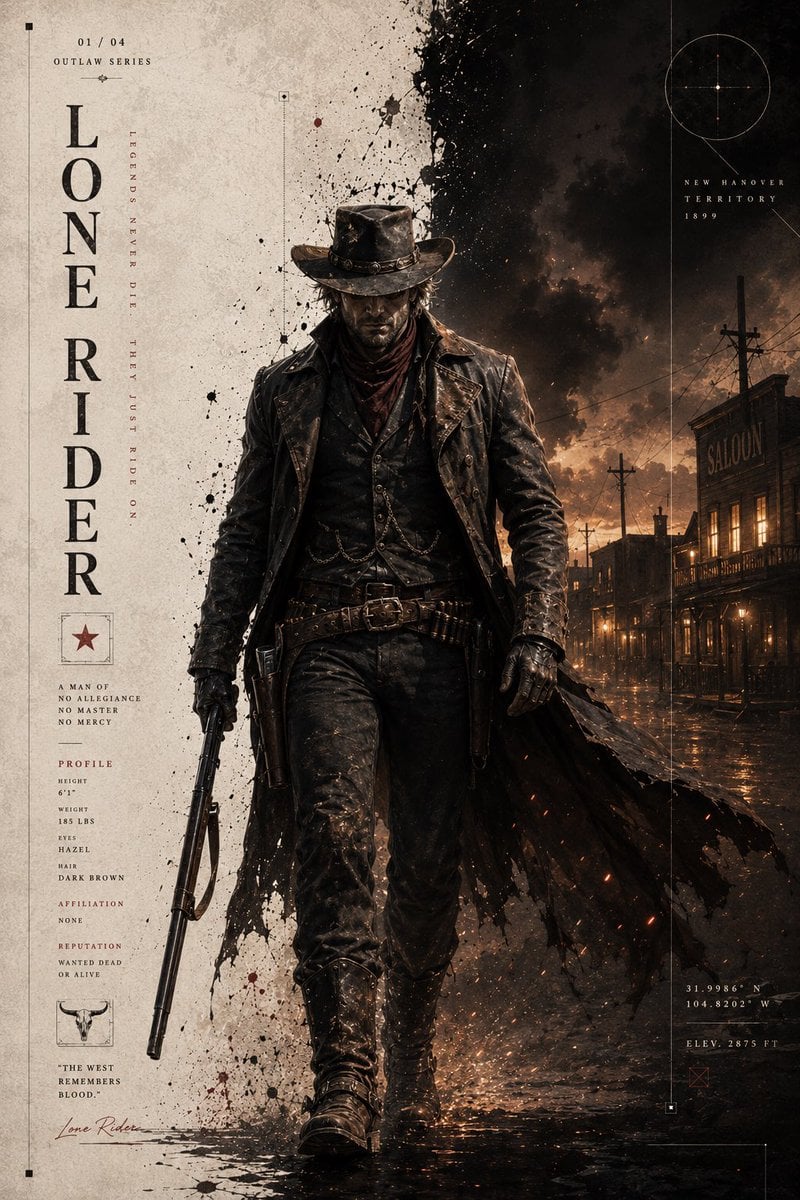
- Prompt included
- Model and format preset
- Free template
The prompt behind this image
Copy the exact prompt behind Dark Western Outlaw Poster, or open it in the studio and make it yours.
A premium, cinematic {argument name="character" default="Western outlaw"} poster, vertical 2:3 composition, in the style of a dark-western video-game character concept poster. A mysterious masked cowboy stands with a black horse at the edge of a desert wasteland, the figure shown full-body and facing forward, a wide-brimmed cowboy hat pulled low, a patterned bandana covering the lower half of the face, dark long hair, black leather gloves, a black western jacket with multiple layers of leather gear, a bullet bandolier, a revolver holster, a metal belt buckle, heavy long boots, and a reddish-brown geometric-patterned blanket draped over one shoulder with its edges tattered and flowing. The figure's posture is calm and dangerous, one hand resting near the holster. On the right, the black horse appears in a half-body shot, with a white blaze marking on its forehead and clearly detailed reins. The background is a desert wasteland in a storm, with lightning, dark clouds, distant canyon cliffs, dead trees, dust, smoke, sparks, and reflections on the muddy ground, giving an oppressive, epic atmosphere. The left side of the image is left blank in a vintage-parchment style, while the right side shows the dark storm scene, creating a strong light-dark division. Add premium poster-layout elements such as a large vertical English title, wanted-poster information, a character dossier, coordinates, a map grid, thin line frames, a circular compass graphic, small red markers, and a signature stamp. Style: splattered black ink, old-paper texture, cinematic-level realism, dark western, strong light-dark contrast, extremely detailed leather and metal, dust, mud spots, scratches, smoke, sparks, rim lighting on the edges, a premium collector's-edition game-poster feel, a Red Dead Redemption-like atmosphere, an art-concept-book texture, 8K, high detail.
How to use Dark Western Outlaw Poster in 3 steps
- 1
Open
The prompt is already in the box next to the preview, with the template's model and format selected.
- 2…a portrait of your subject in softgolden-hour light, 85mm…
Personalize
Edit the subject and creative details for your destination.
- 3Generate
Generate
Press Generate — your image is created in PicX Studio, so you can compare it with the original and refine one variable at a time.
More like this
Templates with the same subject, style or setup. Open one to see its prompt.

Selective Color Monochrome Football Poster
Western Outlaw Revolver Poster

Japan Travel Brochure Poster

Cartoon TV Show Poster Pack

Trendy Cafe Drink Promo Poster

Urban Fashion Editorial Collage Streetwear Poster

Premium Fashion Editorial Cover Layout System

Polo Ralph Lauren Luxury American Heritage Fashion Campaign

Monochrome Halftone Editorial Fashion Poster

Retro Mirror Luxury Fashion Campaign Poster

Luxury Fashion Campaign Typography Poster System

Premium Fashion Editorial Campaign Poster System
Make it yours
Dark Western Outlaw Poster works as-is. These are the safest ways to change it without losing the look.
Change one field
Copy a single group, rewrite it, and generate again so you can see what that field is doing.
Keep the frame, change the subject
Hold the composition and light of Dark Western Outlaw Poster, then swap wardrobe, props or the person for a new take.
| If the result… | Why | Fix |
|---|---|---|
| The result drifts from the preview | Too many fields changed at once. | Reuse Dark Western Outlaw Poster as-is first, then change one group — subject, light, or setting. |
| The model over-stylizes the scene | The prose prompt leaves finish and camera underspecified. | Add one camera or lighting sentence and stay on GPT Image 2. |
More GPT Image 2 templates
Other prompts made for GPT Image 2.

Six VTuber Japanese Logo Sheet

Realistic Portrait of Woman and Deer

The Vista Modular Condo Poster

AI Model Routing Comparison Infographic

2.5D Anime Art Board

Isometric Productivity Desk Scene

New York Double Exposure Poster

Four-Panel AI Landscape Comparison

Japanese Tatami Lifestyle Magazine Cover

NESCAFÉ Coffee Map Poster
More image prompts
Fresh picks from across the catalog.

Hollywood Haute Couture Fantasy Seedance
Republic Day Photo Prompt for Gemini Nano Banana
Girlfriend Portrait on Vintage CRT TV Wall
Modern Korean Streetwear Portrait
Miniature Fashionable Girl on Soccer Ball
Conceptual Fashion Portrait Prompt
Cute Subscription Celebration Illustration
Structured Prompt for Automated Manga Generation
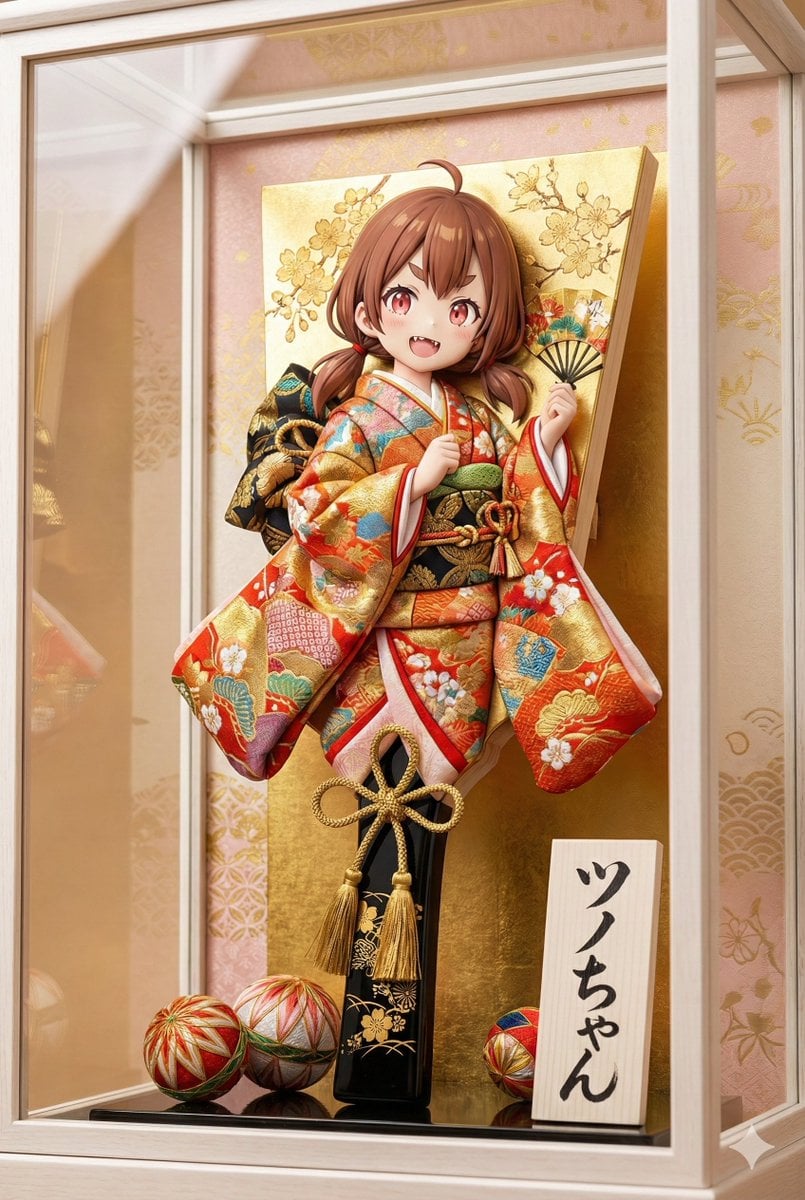
3D Hagoita (Battledore) Prompt for Nano Banana Pro
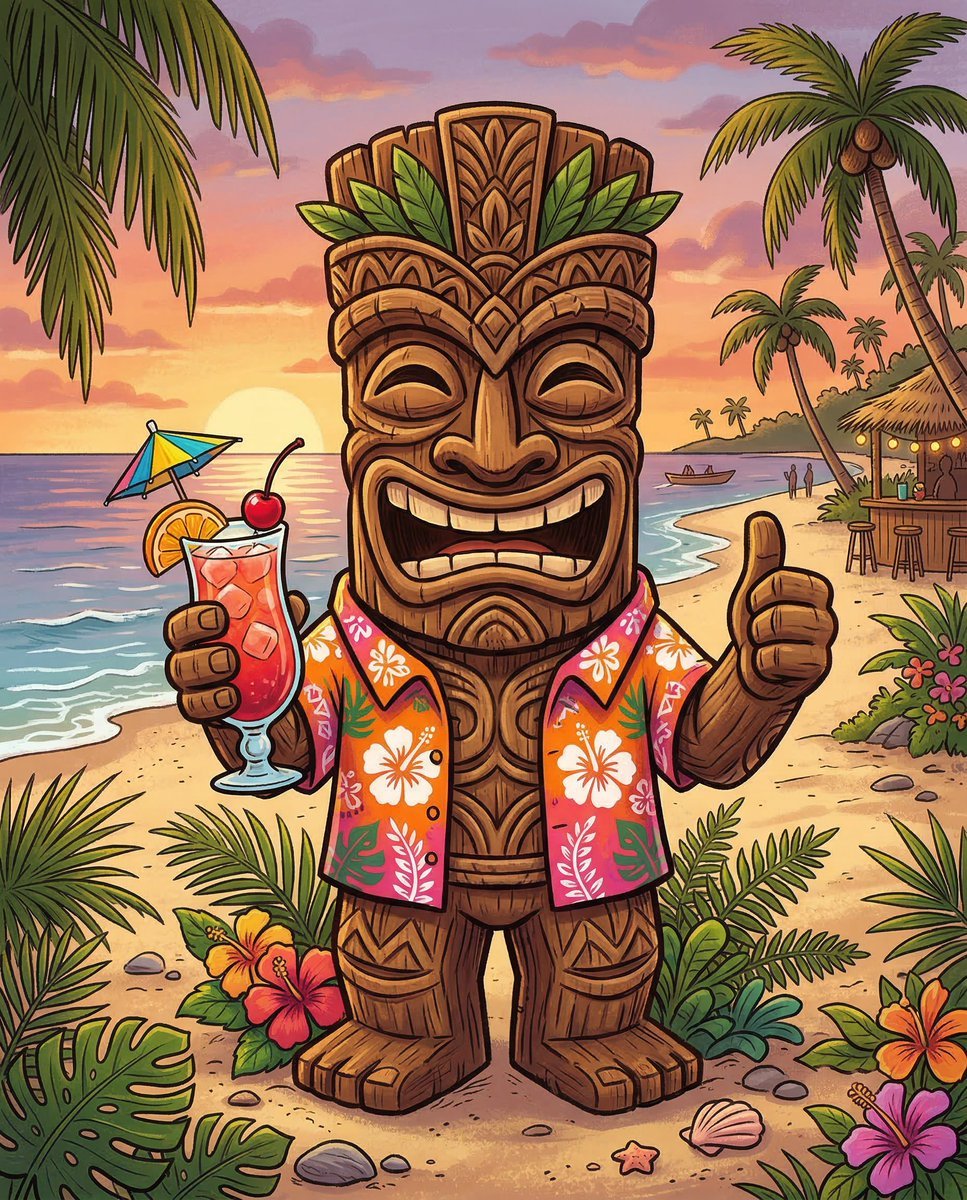
Cartoon Tiki Statue Prompt for Nano Banana 2
Browse template categories
Dark Western Outlaw Poster questions
How do I use the Dark Western Outlaw Poster template?
Add your photo if the template asks for one, edit the prompt if you like — the template's model and format are already selected — and press Generate. Your version opens in PicX Studio.
Can I customize the Dark Western Outlaw Poster template?
Yes. You can change the subject, setting, lighting, mood, format, and available model controls before creating your image.
Is the Dark Western Outlaw Poster template free?
Opening and editing this template is free. Generating uses credits, shown on the Generate button when you are signed in.
Which AI model should I use?
Start with GPT Image 2, which is the model associated with this template. You can compare another compatible model for a different finish.
Looking for something else? Browse all templates.

Your photo, any look
Thousands of ready templates for every top image and video model, from one credit balance.