
Western Outlaw Revolver Poster
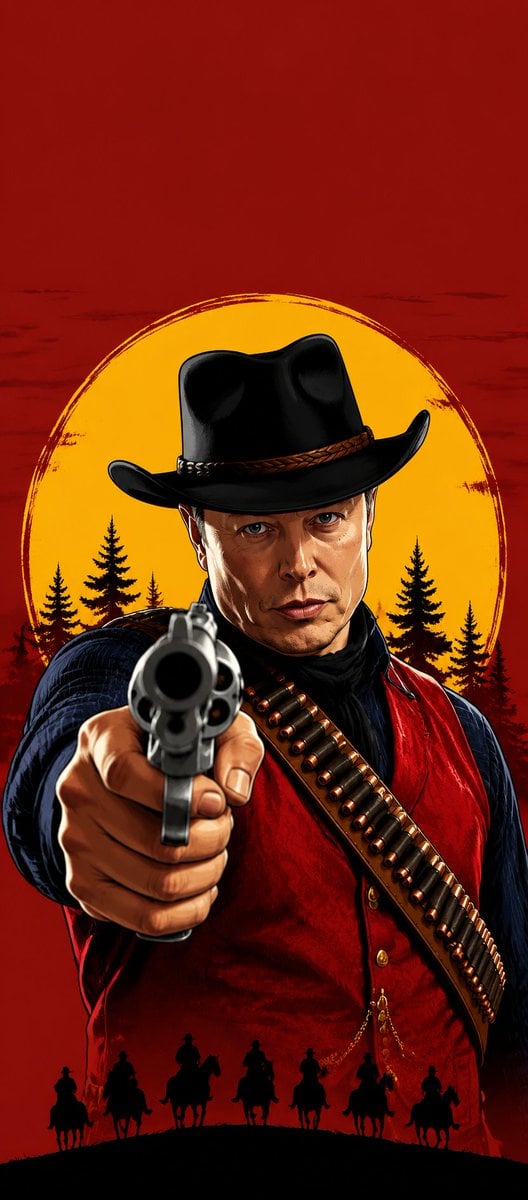
A vertical Rockstar-inspired graphic novel western poster featuring a masked cowboy aiming a revolver at the viewer.
- Prompt included
- Model and format preset
- Free template
The prompt behind this image
Copy the exact prompt behind Western Outlaw Revolver Poster, or open it in the studio and make it yours.
Create a vertical hard-boiled western outlaw poster in polished Rockstar Games official concept art style, dramatic graphic-novel rendering with crisp inked edges, high contrast, painterly highlights, and gritty cinematic shading. A single cowboy gunslinger occupies the lower 75% of the frame while the top 25% remains strictly empty solid blood-red background. The character is centered and viewed from the waist up, looming forward in a confrontational pose, aiming a large silver revolver directly at the viewer with strong foreshortening so the gun barrel dominates the foreground and the hand is large and detailed. The face is intentionally obscured by a centered rectangular censor block with a dark-to-brown vertical gradient, covering the face from below the hat brim to the upper chest. The outlaw wears a glossy black wide-brim cowboy hat, dark blue long-sleeve shirt, deep red waistcoat, black neck scarf, and a brown diagonal bandolier loaded with individual brass bullets across the chest. Behind him is a large rough-edged golden-yellow circular sunset disk with black pine tree silhouettes at its lower edge, set against a deep red grunge sky. Along the bottom foreground, add exactly seven black silhouettes of mounted riders on horseback crossing a curved ridge line. No text, no logo, no watermark, no extra characters besides the main gunslinger and the seven rider silhouettes. Use {argument name="background color" default="solid blood-red"}, {argument name="sun disk color" default="golden yellow"}, {argument name="weapon" default="large silver revolver"}, {argument name="outfit accent color" default="deep red waistcoat"}, and {argument name="face covering" default="centered dark-to-brown rectangular censor block"}.
How to use Western Outlaw Revolver Poster in 3 steps
- 1Upload ImagePNG, JPG or paste
Add your photo
Upload the photo the template builds on. The prompt, model and format are already set.
- 2…a portrait of your subject in softgolden-hour light, 85mm…
Personalize
Edit the subject and creative details for your destination.
- 3Generate
Generate
Press Generate — your image is created in PicX Studio, so you can compare it with the original and refine one variable at a time.
More like this
Templates with the same subject, style or setup. Open one to see its prompt.
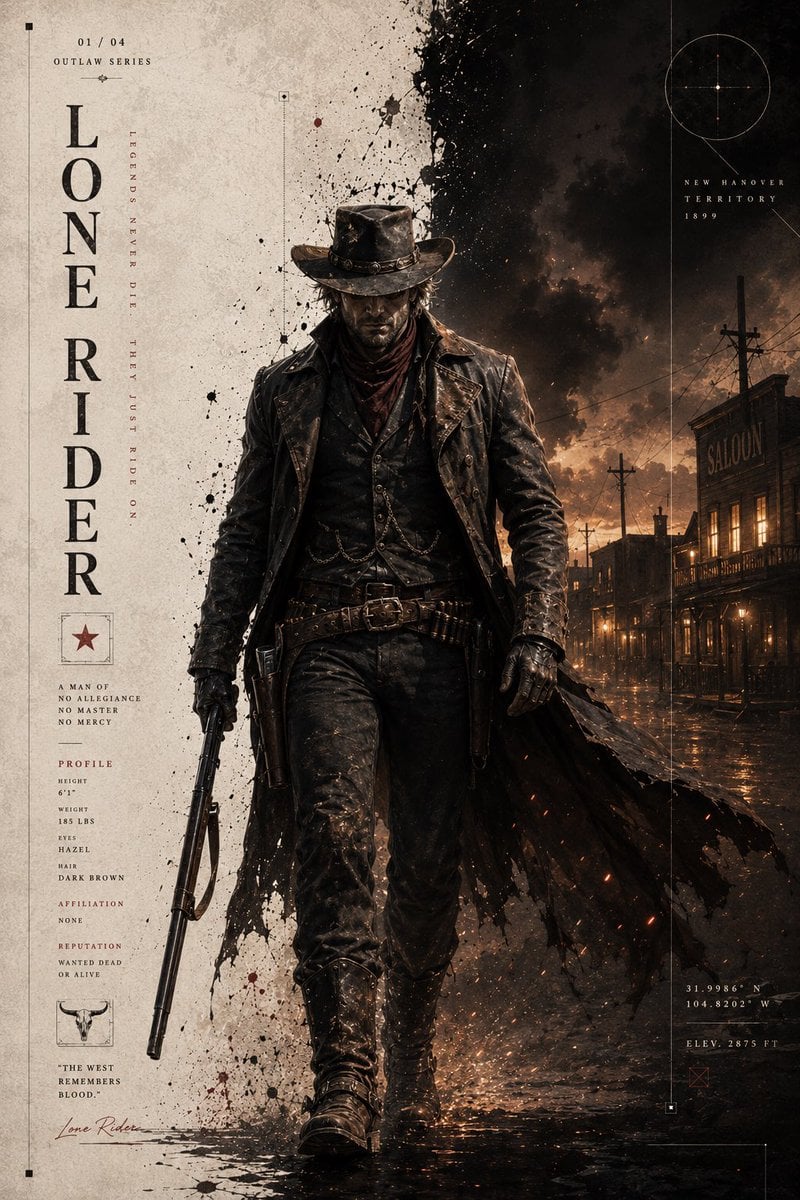
Dark Western Outlaw Poster

Japan Travel Brochure Poster

Cartoon TV Show Poster Pack

Trendy Cafe Drink Promo Poster

Urban Fashion Editorial Collage Streetwear Poster

Premium Fashion Editorial Cover Layout System

Polo Ralph Lauren Luxury American Heritage Fashion Campaign

Monochrome Halftone Editorial Fashion Poster

Retro Mirror Luxury Fashion Campaign Poster

Luxury Fashion Campaign Typography Poster System

Premium Fashion Editorial Campaign Poster System

Ultra-Stylized High-Fashion Streetwear Poster
Make it yours
Western Outlaw Revolver Poster works as-is. These are the safest ways to change it without losing the look.
Change one field
Copy a single group, rewrite it, and generate again so you can see what that field is doing.
Keep the frame, change the subject
Hold the composition and light of Western Outlaw Revolver Poster, then swap wardrobe, props or the person for a new take.
| If the result… | Why | Fix |
|---|---|---|
| The result drifts from the preview | Too many fields changed at once. | Reuse Western Outlaw Revolver Poster as-is first, then change one group — subject, light, or setting. |
| The model over-stylizes the scene | The prose prompt leaves finish and camera underspecified. | Add one camera or lighting sentence and stay on GPT Image 2. |
More GPT Image 2 templates
Other prompts made for GPT Image 2.

Six VTuber Japanese Logo Sheet

Realistic Portrait of Woman and Deer

The Vista Modular Condo Poster

AI Model Routing Comparison Infographic

2.5D Anime Art Board

Isometric Productivity Desk Scene

New York Double Exposure Poster

Four-Panel AI Landscape Comparison

Japanese Tatami Lifestyle Magazine Cover

NESCAFÉ Coffee Map Poster
More image prompts
Fresh picks from across the catalog.
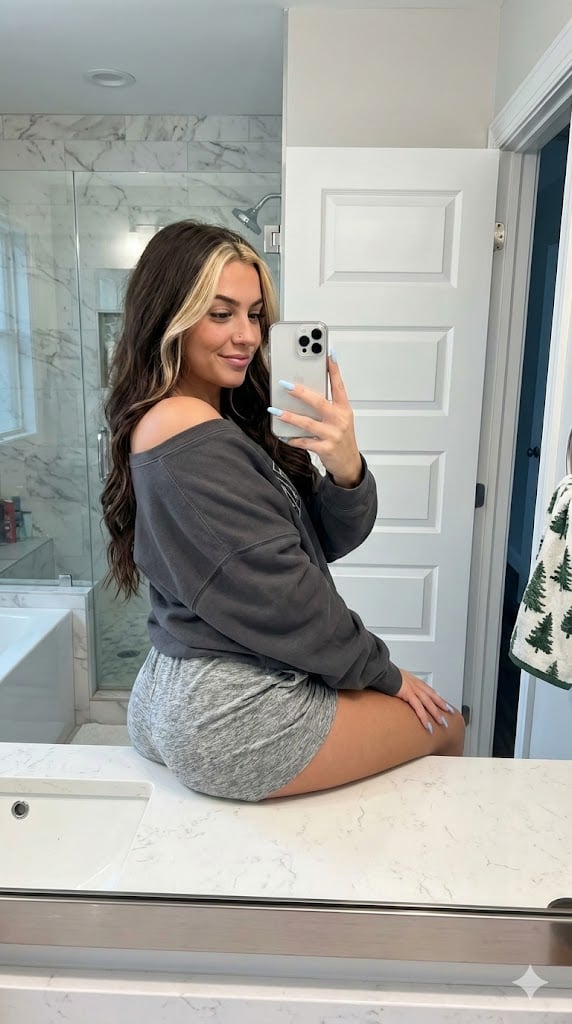
Photorealistic Bathroom Mirror Selfie with Money Piece Highlights
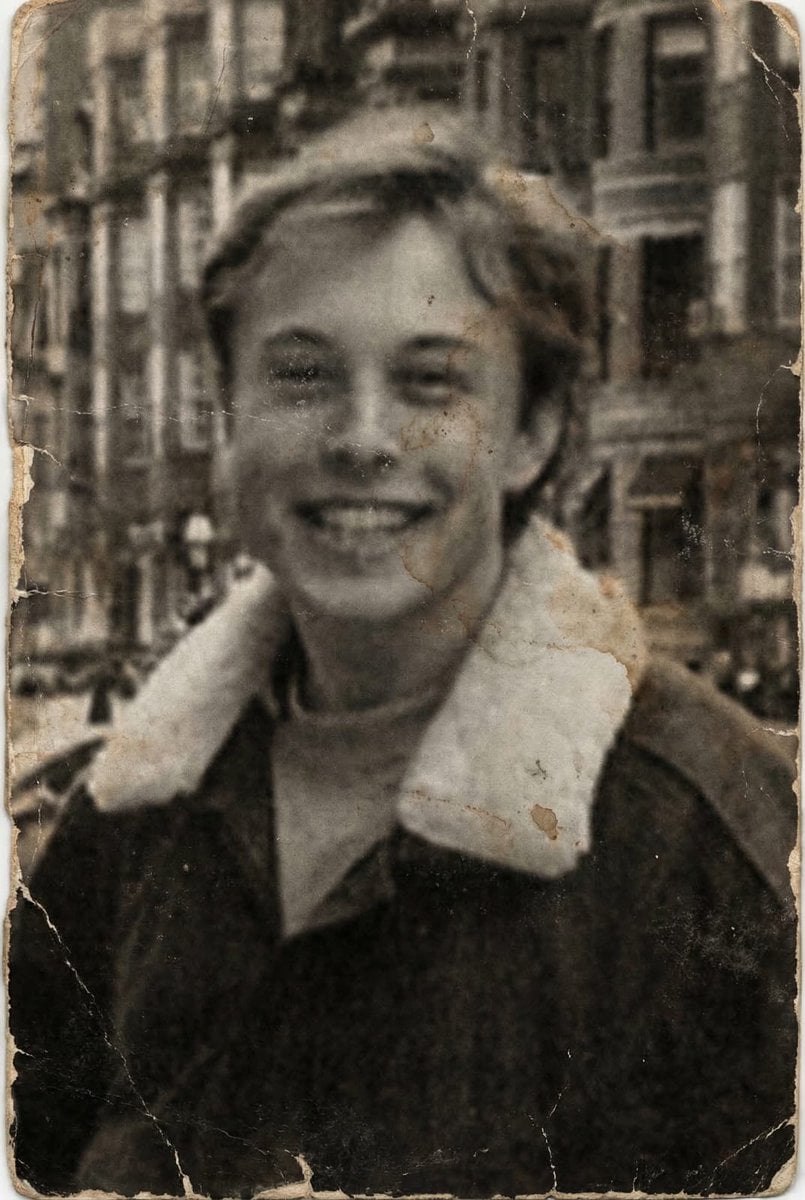
Professional Photo Restoration and Upscaling
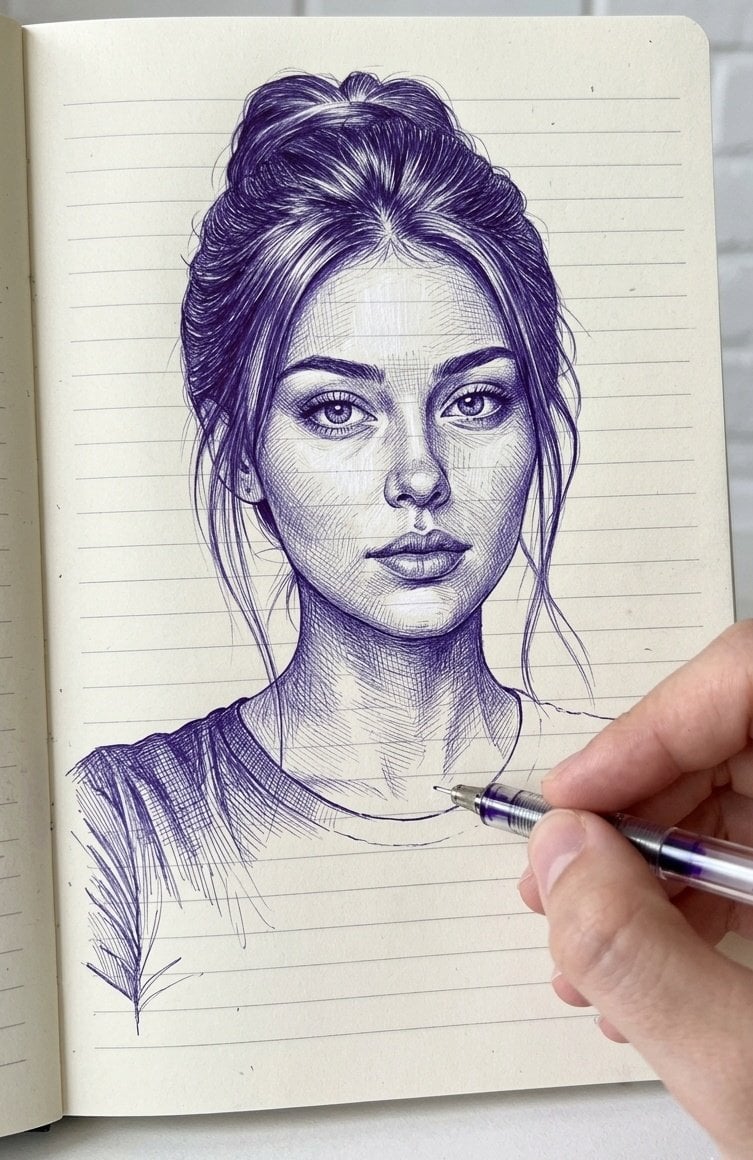
Notebook Ink Sketch Transformation
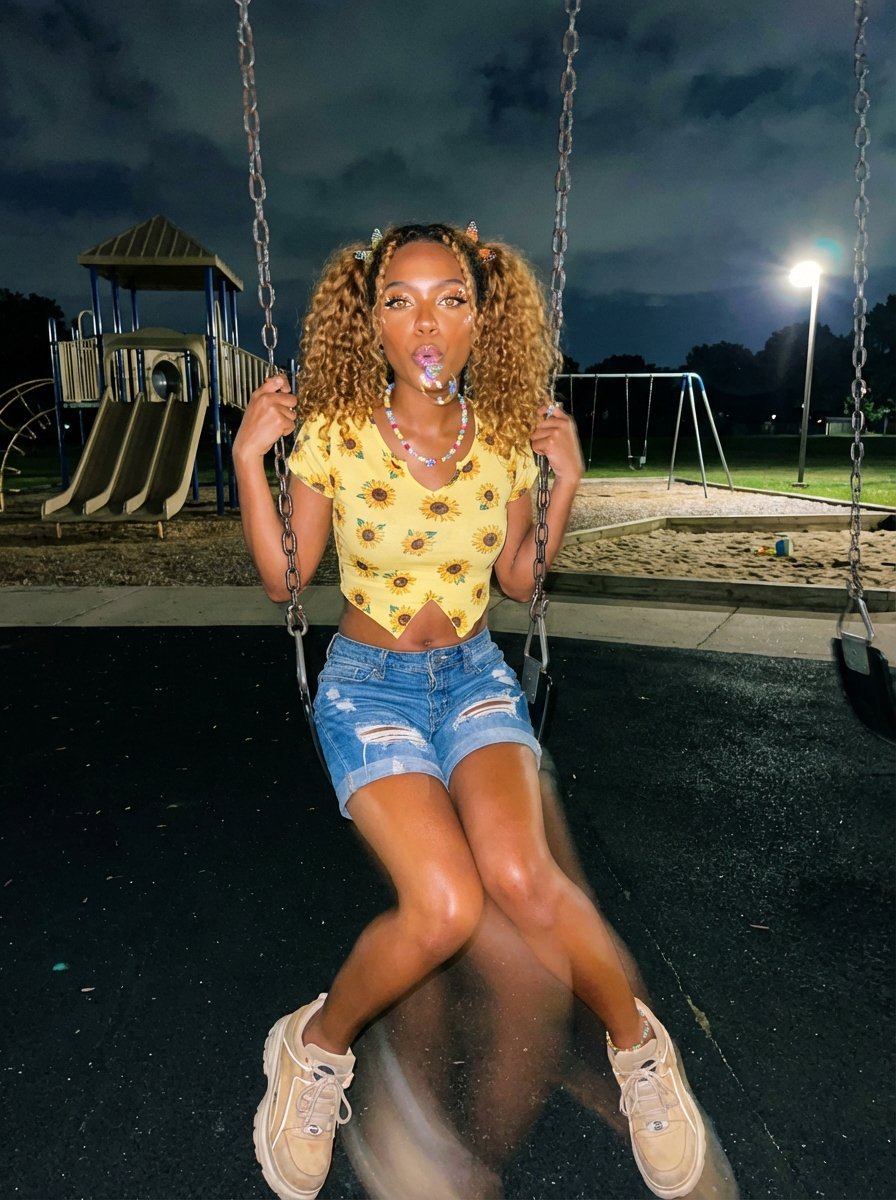
Y2K Grunge Night Playground Portrait Prompt
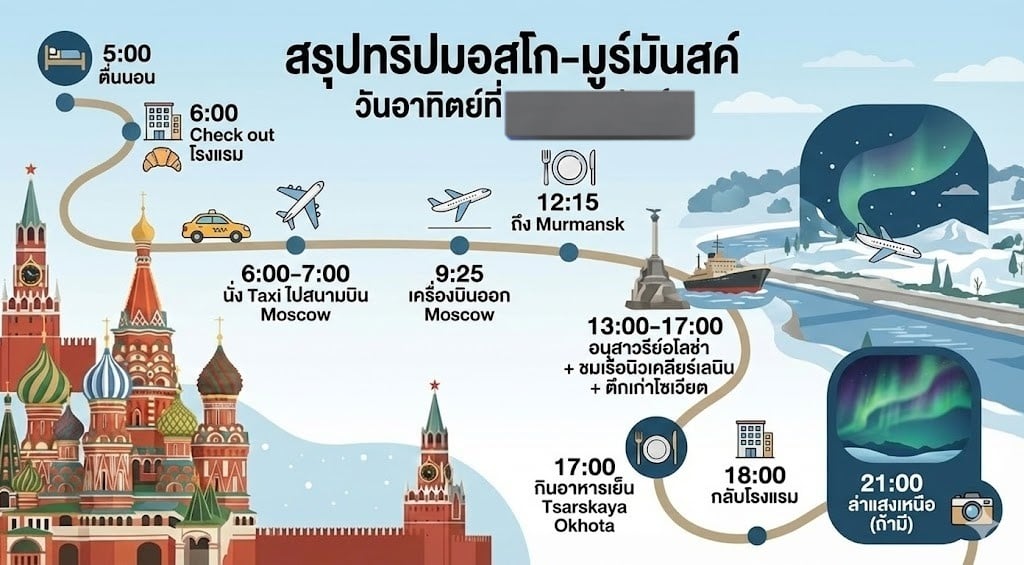
LLM Prompt for Summarizing and Reviewing Travel Plans
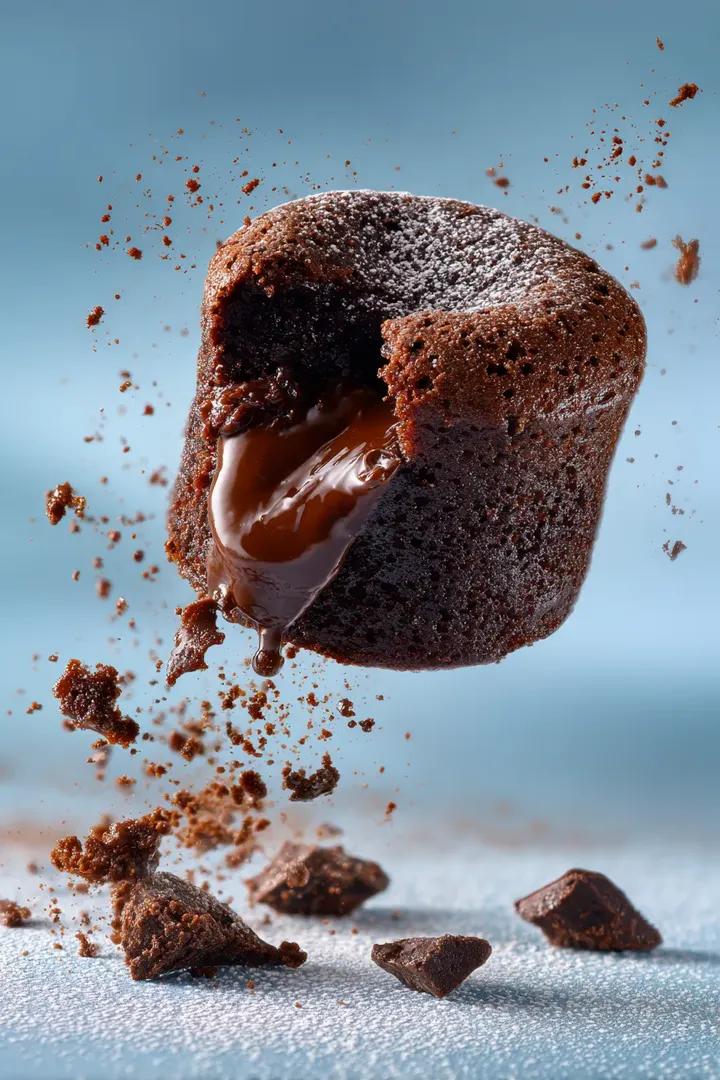
Chocolate Cinematic Ad Prompt
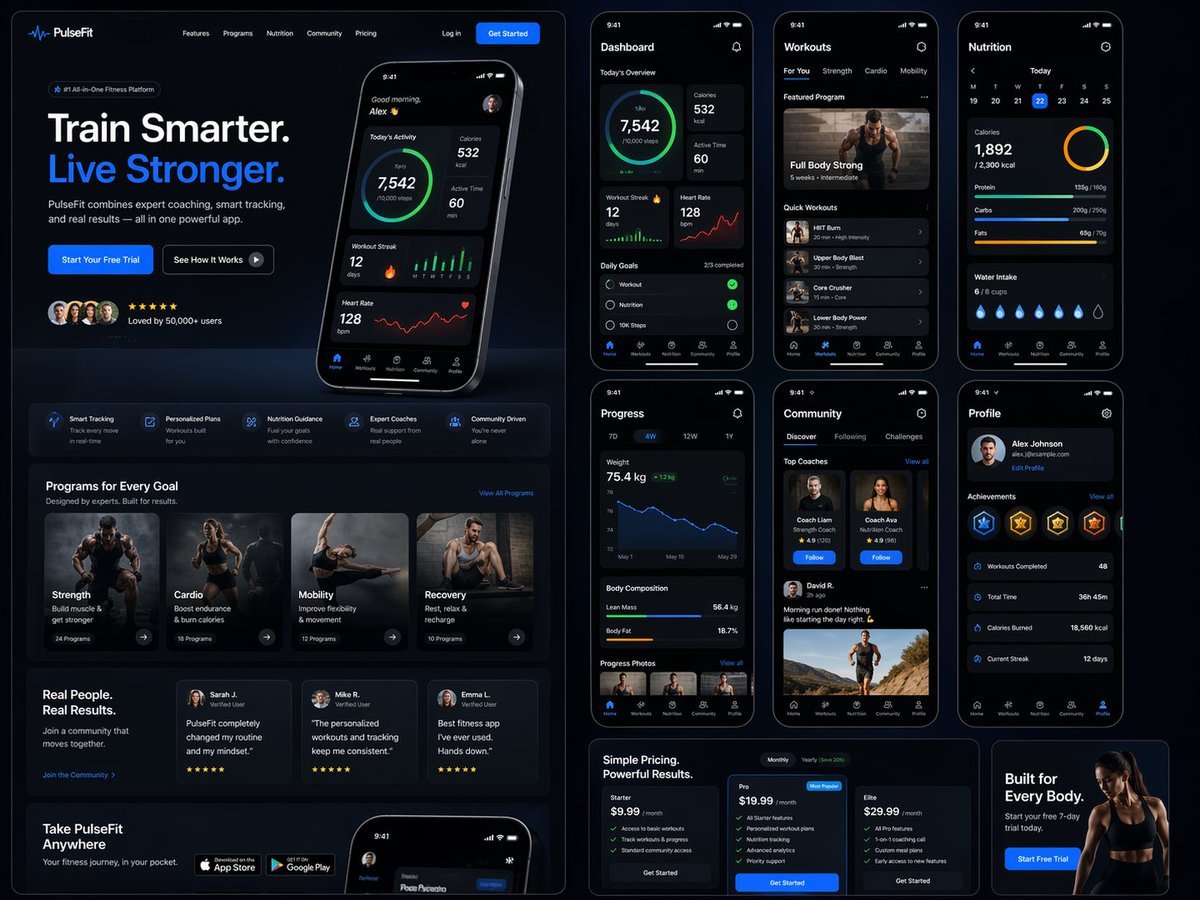
Fitness SaaS Landing Page UI
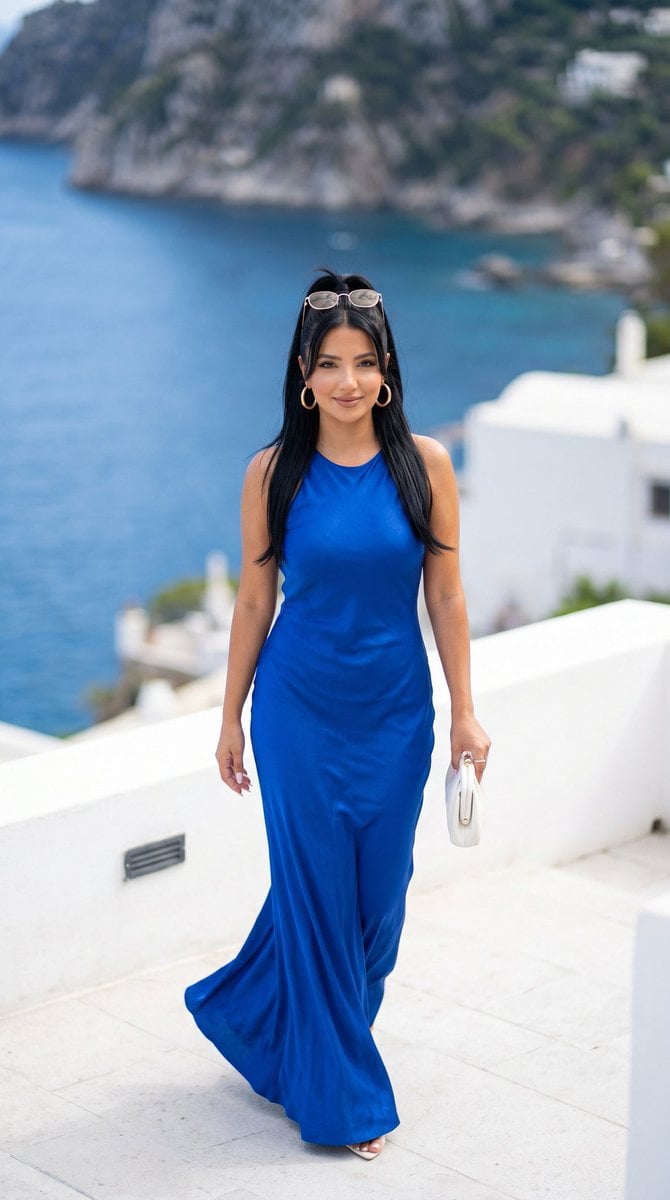
Mediterranean Luxury Editorial
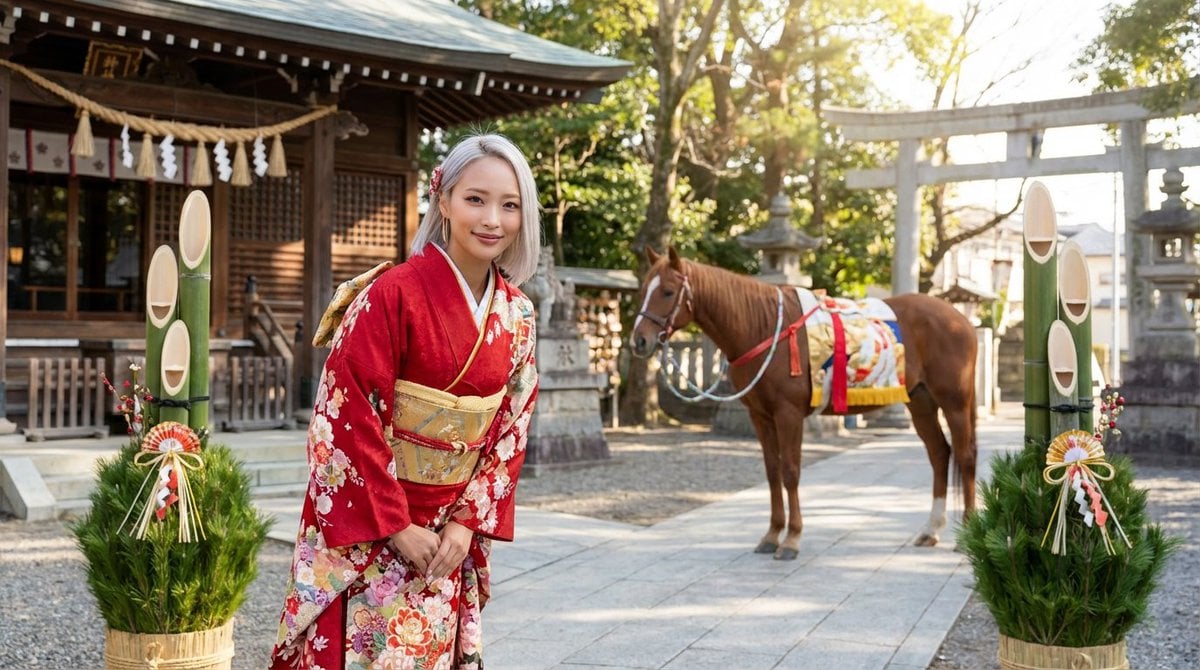
New Year's Greeting Prompt (Year of the Horse)
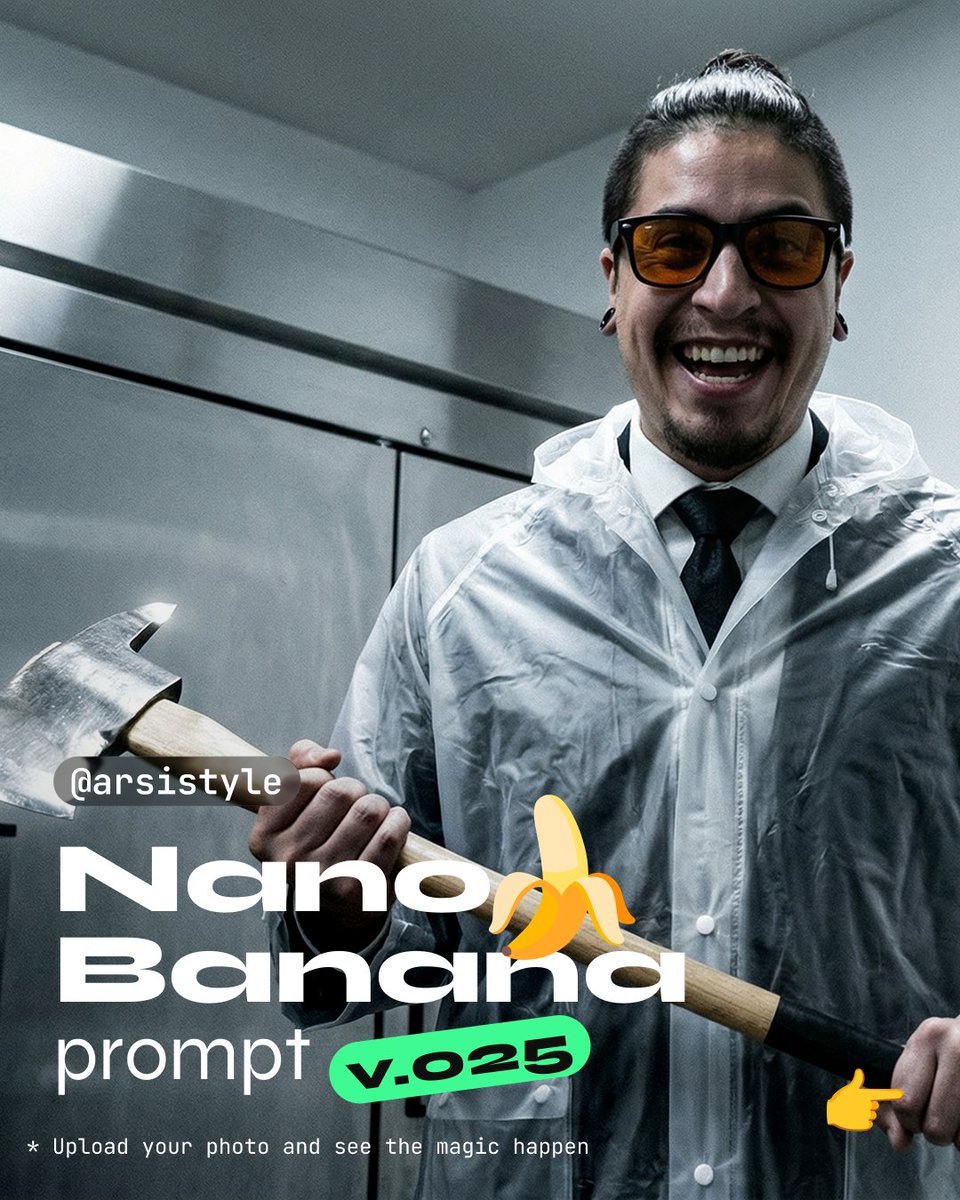
Clinical, High-Contrast Portrait with Axe and Raincoat Prompt
Browse template categories
Western Outlaw Revolver Poster questions
How do I use the Western Outlaw Revolver Poster template?
Add your photo if the template asks for one, edit the prompt if you like — the template's model and format are already selected — and press Generate. Your version opens in PicX Studio.
Can I customize the Western Outlaw Revolver Poster template?
Yes. You can change the subject, setting, lighting, mood, format, and available model controls before creating your image.
Is the Western Outlaw Revolver Poster template free?
Opening and editing this template is free. Generating uses credits, shown on the Generate button when you are signed in.
Which AI model should I use?
Start with GPT Image 2, which is the model associated with this template. You can compare another compatible model for a different finish.
Looking for something else? Browse all templates.

Your photo, any look
Thousands of ready templates for every top image and video model, from one credit balance.