
Synthetic Flora Prophecy (Sci-Fi Portrait)
A highly detailed, complex prompt for generating a hyper-realistic, extreme close-up portrait with a cinematic sci-fi aesthetic.
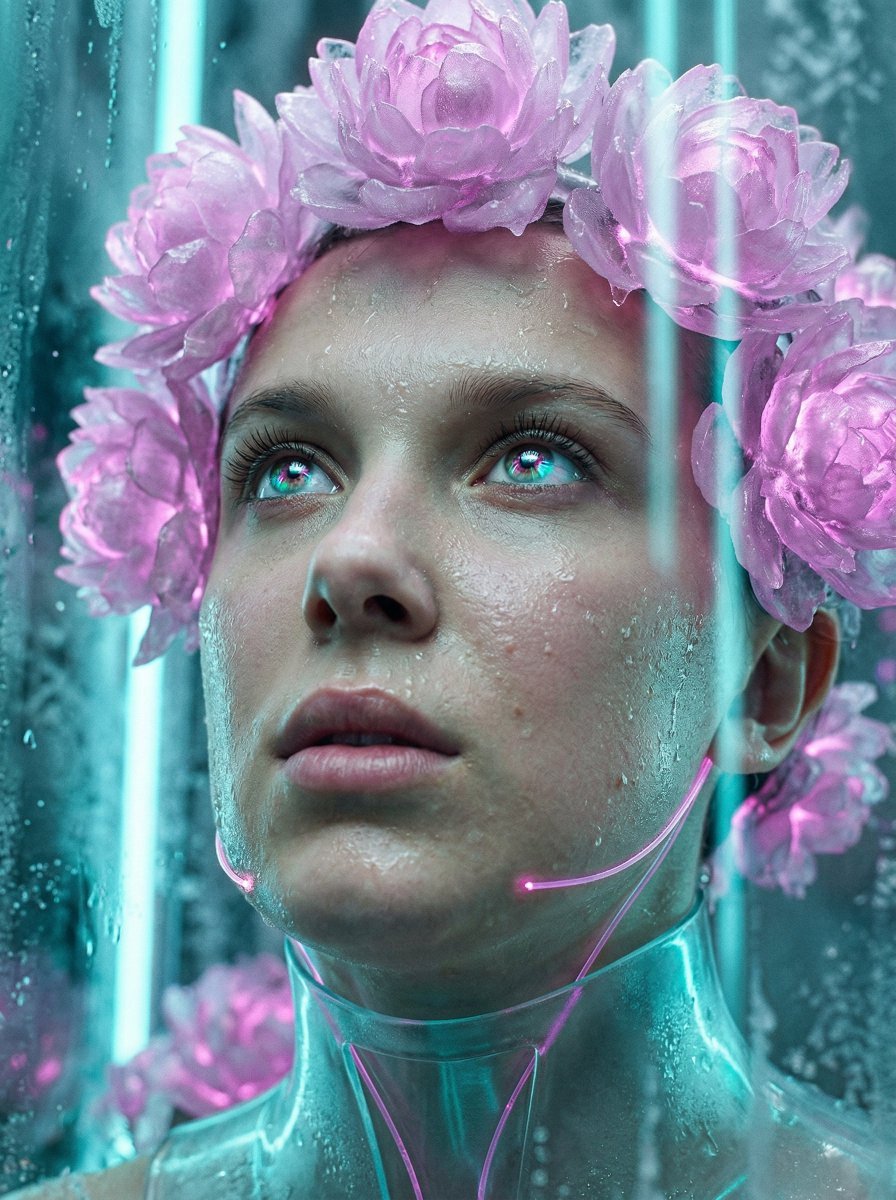
- Prompt included
- Model and format preset
- Free template
The prompt behind this image
Copy the exact prompt behind Synthetic Flora Prophecy (Sci-Fi Portrait), or open it in the studio and make it yours.
{ "vibe_title_en": "Synthetic Flora Prophecy", "master_prompt": "A hyper-realistic extreme close-up of The Visionary in a Cryogenic Floral Archive. The subject looks slightly upward with a hopeful, determined expression, catching the light of a distant bio-reactor. To mirror the surreal inspiration, the subject is crowned by a practical-effect halo of frozen, crystalline peonies emitting a soft magenta phosphorescence, replacing natural hair with a sculpture of ice and light. Vertical shafts of cyan light slice through the humid air, creating prismatic reflections in the subject's wide eyes. The skin texture is raw and porous, glistening with thawing condensation droplets. The scene eschews digital flatness for physical depth, treating the glowing flowers as tangible fiber-optic props. Shot on a Hasselblad H6D-100c with a 120mm Macro lens at f/2.8 to isolate the eyelashes and iris. The lighting is a mix of cool cathode cyan rim lights and warm organic magenta fill, creating a high-budget cinematic sci-fi aesthetic. Emulate Cinestill 800T film stock for subtle red halation around the glowing flora.", "meta": { "intent": "Surrealist Editorial Portrait", "priorities": "Texture Fidelity, Lighting Atmosphere, Emotional Resonance", "device_profile": "High-End Photography Workflow" }, "frame": { "aspect": "2:3", "composition": "Extreme Close-Up (Macro)", "layout": "Golden Spiral centered on the dominant eye", "camera_angle": "Eye Level, slight upward tilt", "tilt_roll_degrees": "0" }, "subject": { "gender": "Female", "identity": "The Visionary Protagonist", "demographics": "Ageless, Universal", "face": "Hyper-detailed skin pores, thawing frost droplets on cheekbones, prismatic reflection in iris", "hair": "Replaced by a surreal halo of frozen, glowing magenta peony petals", "body": "Only neck and face visible due to macro framing", "expression": "Hopeful, determined, gazing upward toward a light source", "pose": "Head tilted back slightly, chin lifted in anticipation" }, "wardrobe_accessories": { "garments": [ { "item": "High-Collar Exosuit Shell", "material": "Translucent Polymer", "color": "Frosted Clear with Cyan sheen", "fit": "Form-fitting, rigid structure" } ], "accessories": [ { "item": "Bio-Luminescent Facial Accents", "color": "Magenta Neon", "material": "Fiber Optic Strands", "brand_style": "Cyber-Couture" } ] }, "environment": { "setting": "Cryogenic Floral Archive", "surfaces": "Frost-covered glass, condensation, bioluminescent petals", "depth": "Extremely shallow depth of field (Macro)", "atmosphere": "Sub-zero humidity, glowing haze, sterile yet organic", "lens_interaction": "Macro focus breathing, chromatic aberration on light edges" }, "lighting": { "key":
How to use Synthetic Flora Prophecy (Sci-Fi Portrait) in 3 steps
- 1
Open
The prompt is already in the box next to the preview, with the template's model and format selected.
- 2…a portrait of your subject in softgolden-hour light, 85mm…
Personalize
Edit the subject and creative details for your destination.
- 3Generate
Generate
Press Generate — your image is created in PicX Studio, so you can compare it with the original and refine one variable at a time.
More like this
Templates with the same subject, style or setup. Open one to see its prompt.

Floraverse Botanical Fusion

Found Photograph: Us, 1970

80s Couple Studio Portrait

80s Bollywood Star

80s Golden Hour Cinema

Me in 1985

1985 Studio Portrait

Hyper-Realistic Minecraft POV Portrait

Rooftop Fisheye — Cat-Ear Balaclava at Golden Hour

Rainy Café Window Moody Portrait

untitled

2025 Aesthetic Photography
Make it yours
Synthetic Flora Prophecy (Sci-Fi Portrait) works as-is. These are the safest ways to change it without losing the look.
Change one field
Copy a single group, rewrite it, and generate again so you can see what that field is doing.
Keep the frame, change the subject
Hold the composition and light of Synthetic Flora Prophecy (Sci-Fi Portrait), then swap wardrobe, props or the person for a new take.
| If the result… | Why | Fix |
|---|---|---|
| The result drifts from the preview | Too many fields changed at once. | Reuse Synthetic Flora Prophecy (Sci-Fi Portrait) as-is first, then change one group — subject, light, or setting. |
| The model over-stylizes the scene | The prose prompt leaves finish and camera underspecified. | Add one camera or lighting sentence and stay on Nano Banana 2. |
More Nano Banana 2 templates
Other prompts made for Nano Banana 2.

Photorealistic Leaf Shaped Like a Dragon

K-Pop Idol Portrait Grid for Rapid Selection

Poetic Rain Forest Portrait During Golden Hour

Urban Street Portrait with Cartoon Inner Self Duo

Candid Nighttime Photo with Cat Prompt

High-Concept 3D Diorama Generation Prompt

Cinematic Futuristic Studio Portrait Template

Skincare Editorial Photography Collage Prompt

Hyper-Realistic Commercial Product Photography (Splash Effect)

Hyper-Realistic Nightclub Portrait Prompt
More image prompts
Fresh picks from across the catalog.

Generating Images from Song Titles: Japanese Constitution
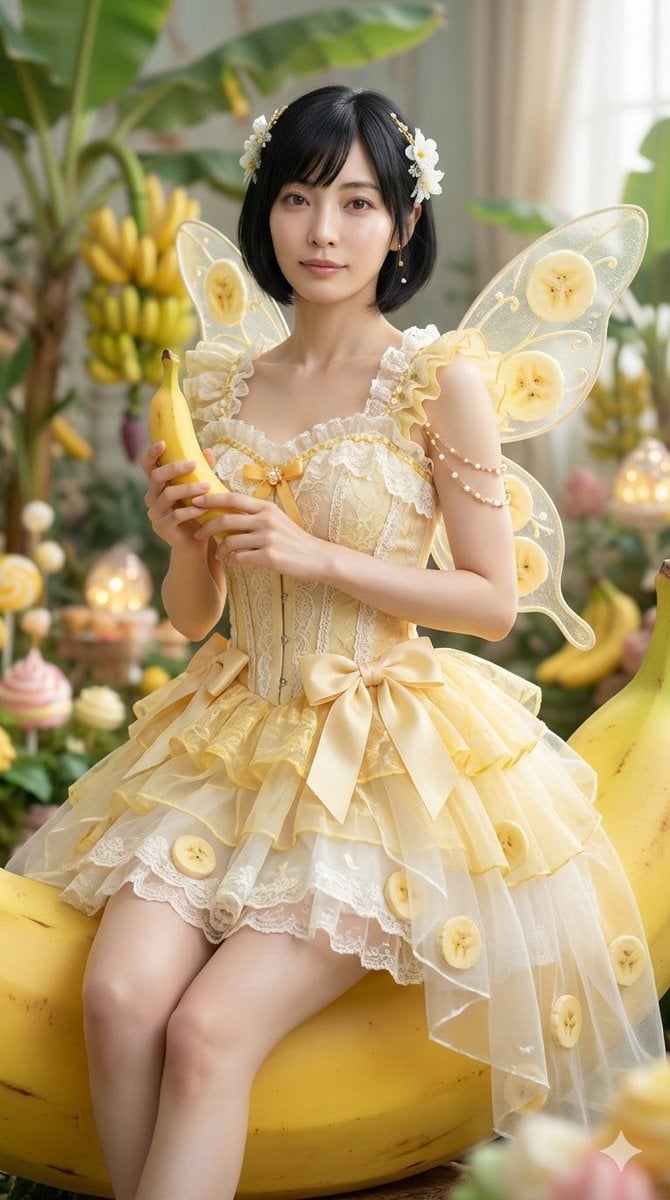
Cinematic Action Video Prompt: Banana Fairy vs. Zombies
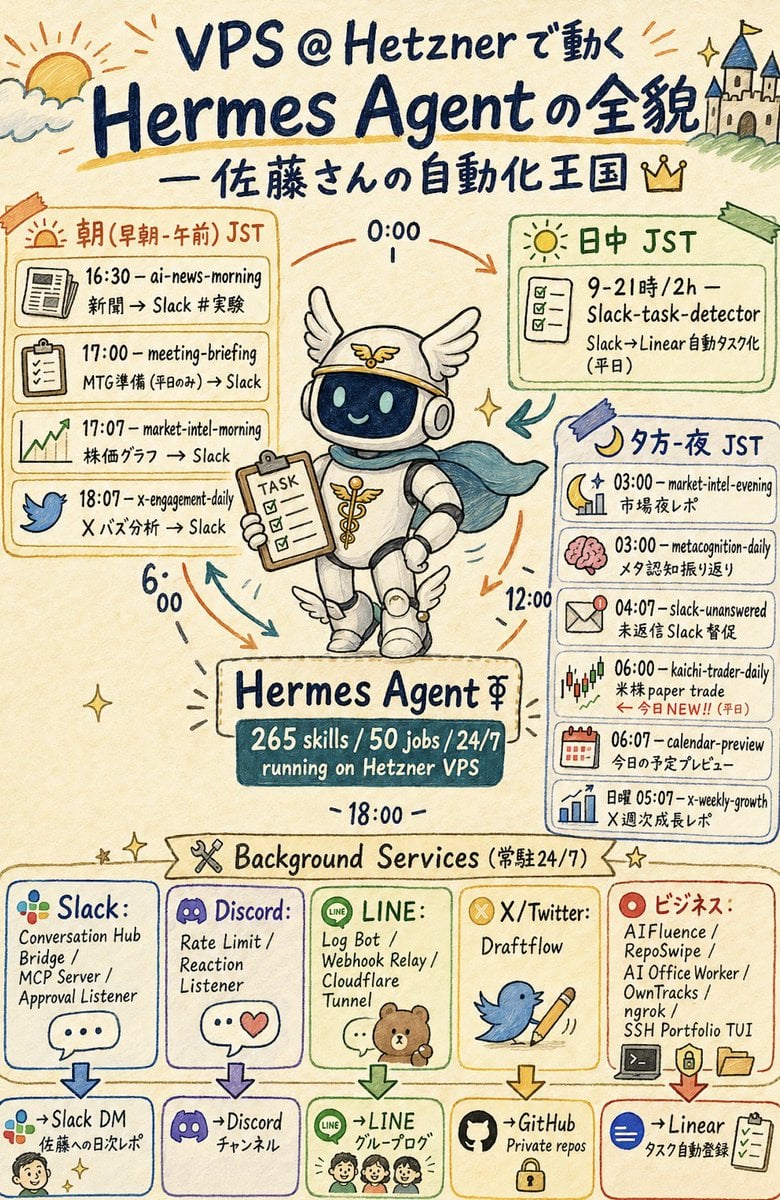
Hermes Agent Sketchnote Infographic

Soccer Event Poster Redesign
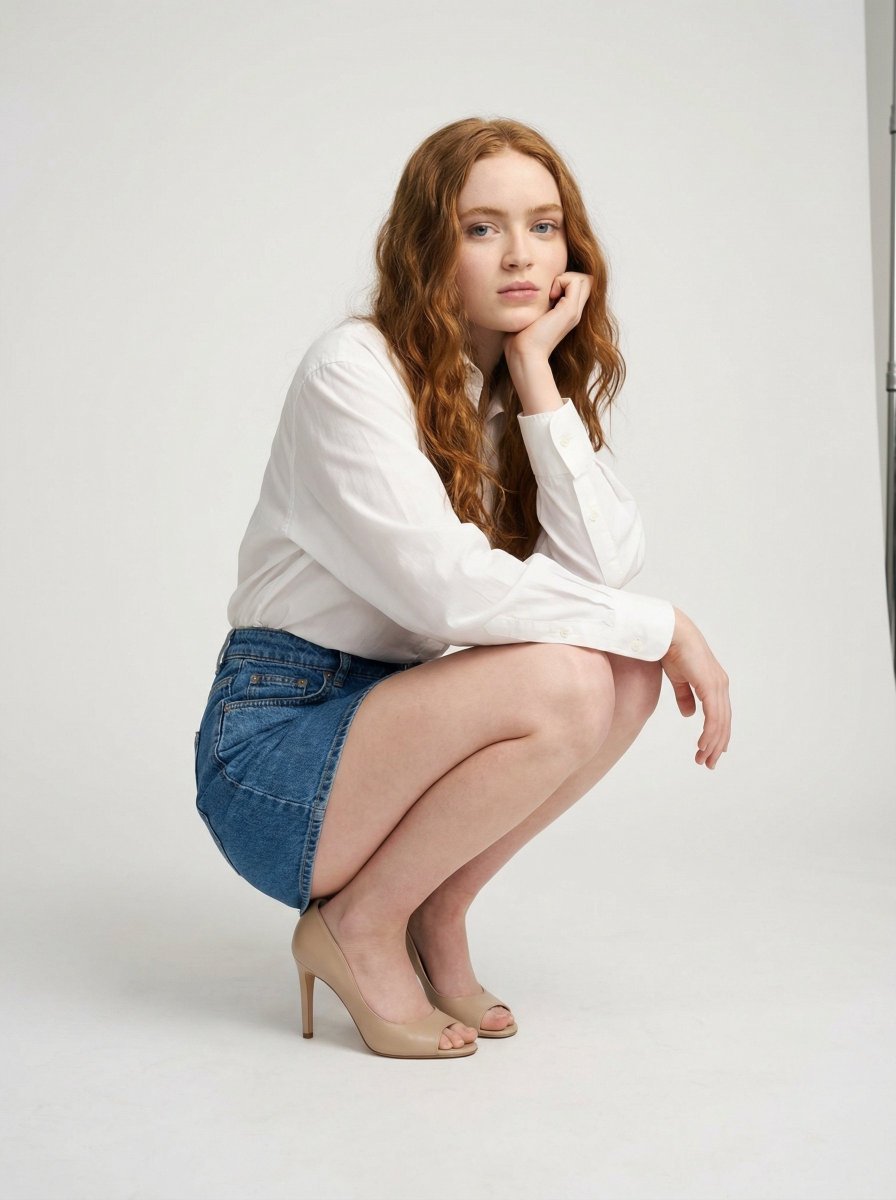
High-End Studio Fashion Editorial of Crouching Woman

Bold Double Cheeseburger Ad Poster
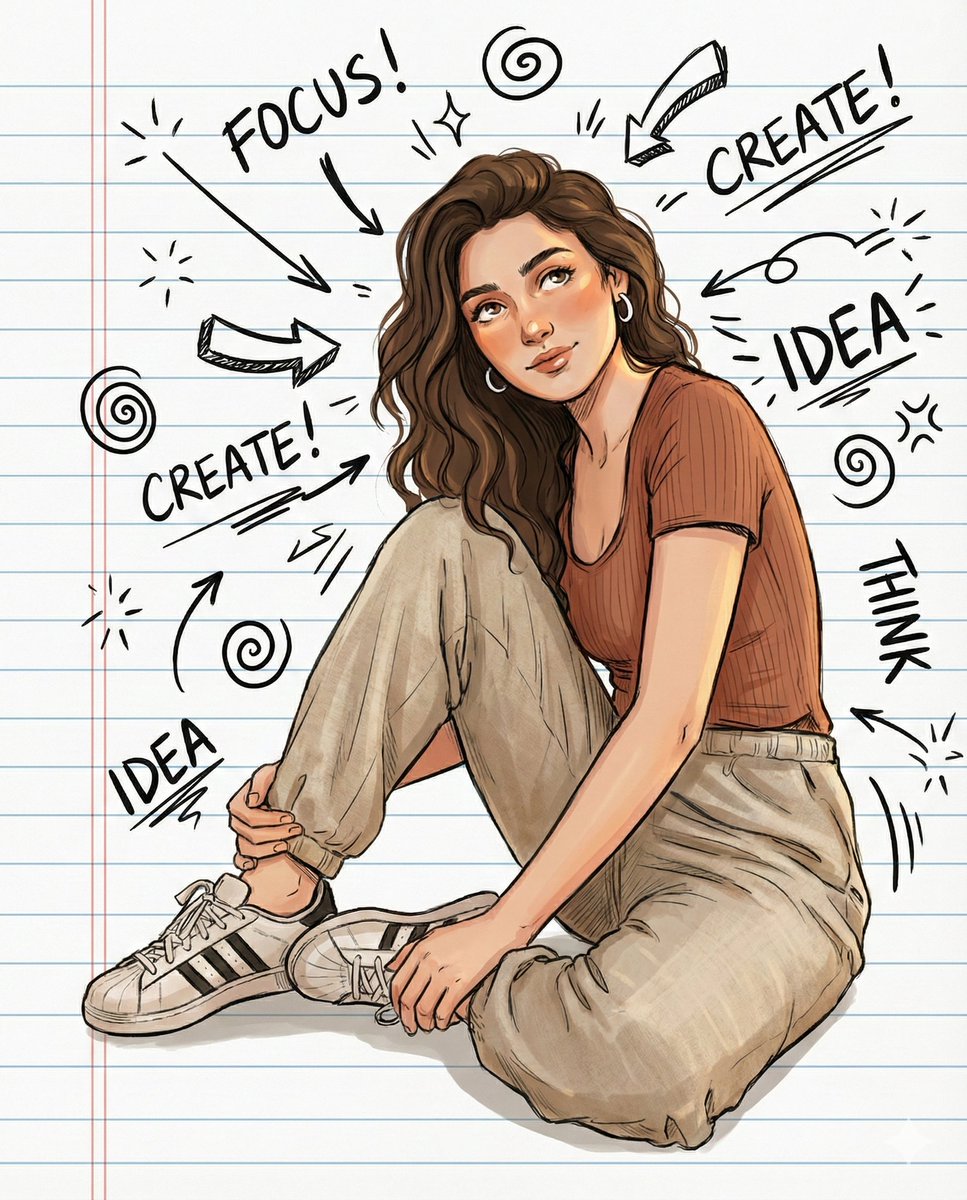
Illustrated Portrait on Ruled Notebook Background
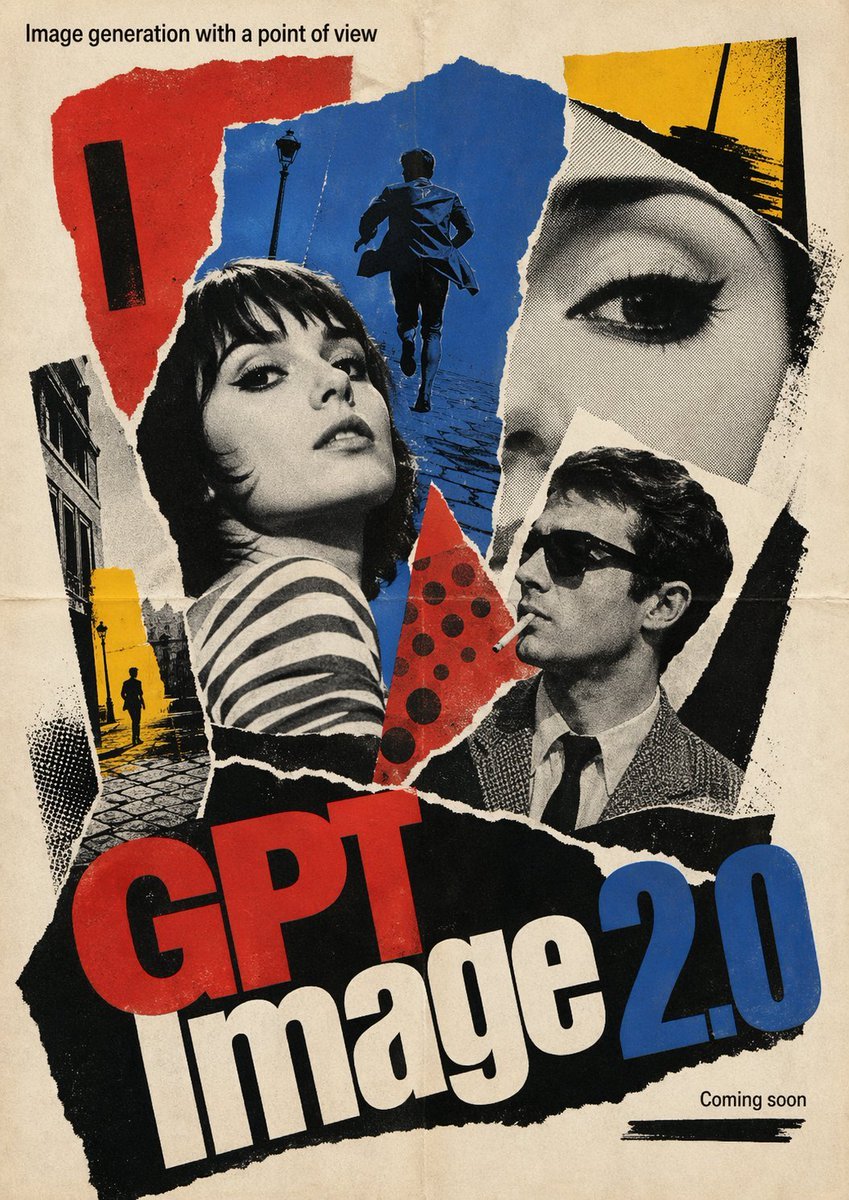
1960s French New Wave Movie Poster
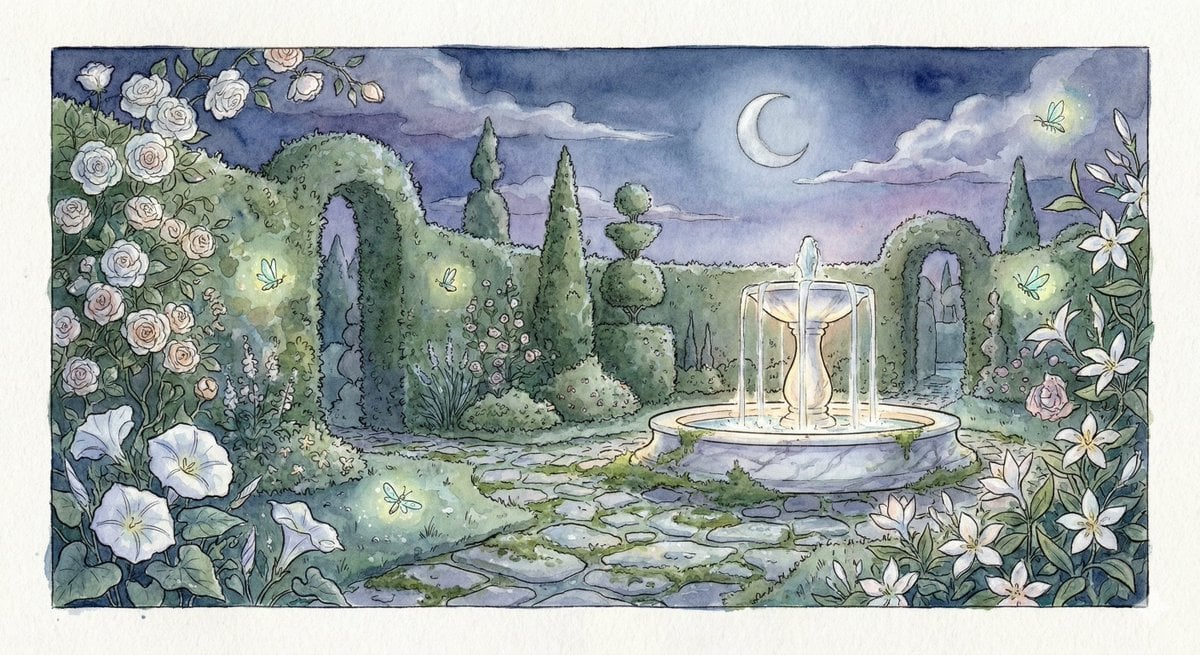
Watercolor Illustration of a Magical Garden at Midnight
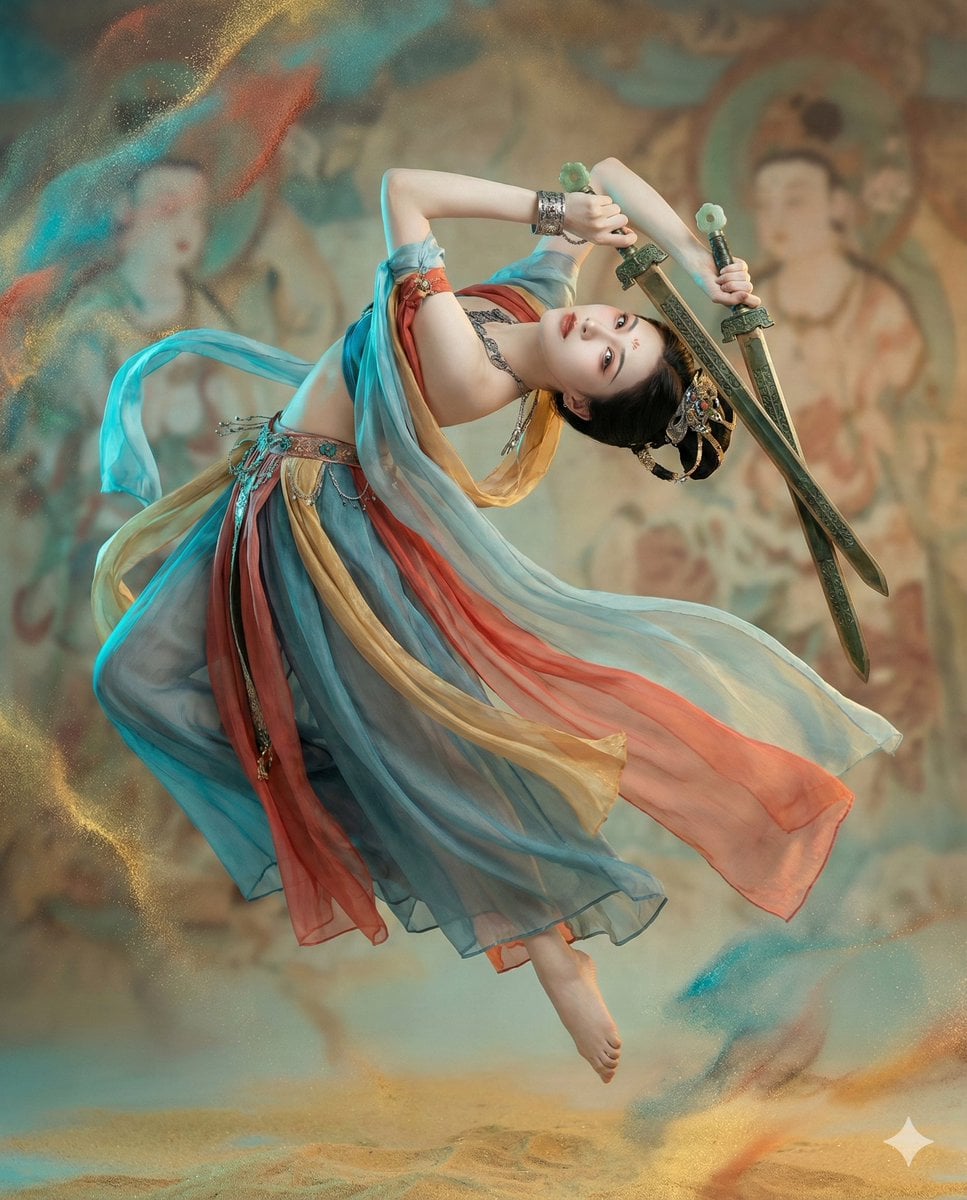
Structured JSON Prompt for Controlling Aesthetic Elements in Nano Banana Pro
Browse template categories
Synthetic Flora Prophecy (Sci-Fi Portrait) questions
How do I use the Synthetic Flora Prophecy (Sci-Fi Portrait) template?
Add your photo if the template asks for one, edit the prompt if you like — the template's model and format are already selected — and press Generate. Your version opens in PicX Studio.
Can I customize the Synthetic Flora Prophecy (Sci-Fi Portrait) template?
Yes. You can change the subject, setting, lighting, mood, format, and available model controls before creating your image.
Is the Synthetic Flora Prophecy (Sci-Fi Portrait) template free?
Opening and editing this template is free. Generating uses credits, shown on the Generate button when you are signed in.
Which AI model should I use?
Start with Nano Banana 2, which is the model associated with this template. You can compare another compatible model for a different finish.
Looking for something else? Browse all templates.

Your photo, any look
Thousands of ready templates for every top image and video model, from one credit balance.