
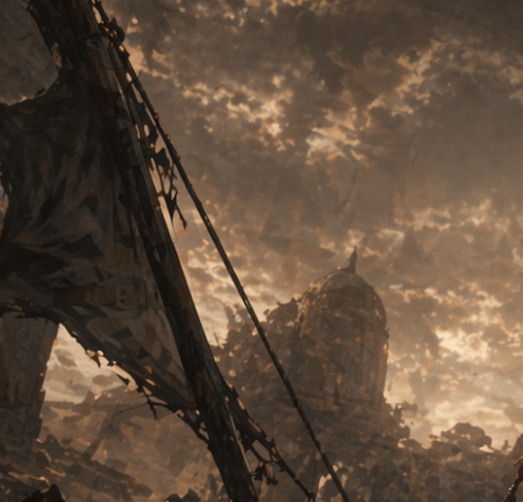
Post-Apocalyptic Ruins at Dusk
A cinematic ruined cityscape with a collapsed foreground structure and a distant domed tower, suitable for concept art, matte painting, or dystopian worldbuilding imagery.
- Prompt included
- Model and format preset
- Free template
The prompt behind this image
Copy the exact prompt behind Post-Apocalyptic Ruins at Dusk, or open it in the studio and make it yours.
A moody post-apocalyptic cinematic landscape at dusk, painted in a dark sepia and amber palette, showing the ruins of an industrial or urban structure beneath a turbulent sky filled with dense, glowing clouds. In the left foreground, a large diagonal collapsed metal beam or crane arm rises from the bottom left toward the upper left, draped with torn fabric or shredded sheeting and tangled cables. A single long cable stretches diagonally downward across the frame toward the center. In the hazy midground, slightly right of center, stands a damaged domed tower or observatory-like building, partially obscured by dust, smoke, and drifting debris. The ground is filled with jagged rubble, broken structures, and silhouetted wreckage. Use dramatic backlighting from the cloud breaks near the horizon, soft volumetric haze, atmospheric perspective, painterly textures, and a ruined-world epic tone. The composition should feel vertical, solemn, desolate, and cinematic, with no people visible.
How to use Post-Apocalyptic Ruins at Dusk in 3 steps
- 1Upload ImagePNG, JPG or paste
Add your photo
Upload the photo the template builds on. The prompt, model and format are already set.
- 2…a portrait of your subject in softgolden-hour light, 85mm…
Personalize
Edit the subject and creative details for your destination.
- 3Generate
Generate
Press Generate — your image is created in PicX Studio, so you can compare it with the original and refine one variable at a time.
More like this
Templates with the same subject, style or setup. Open one to see its prompt.

Ancient Temple Portrait — White Dress Nano Banana
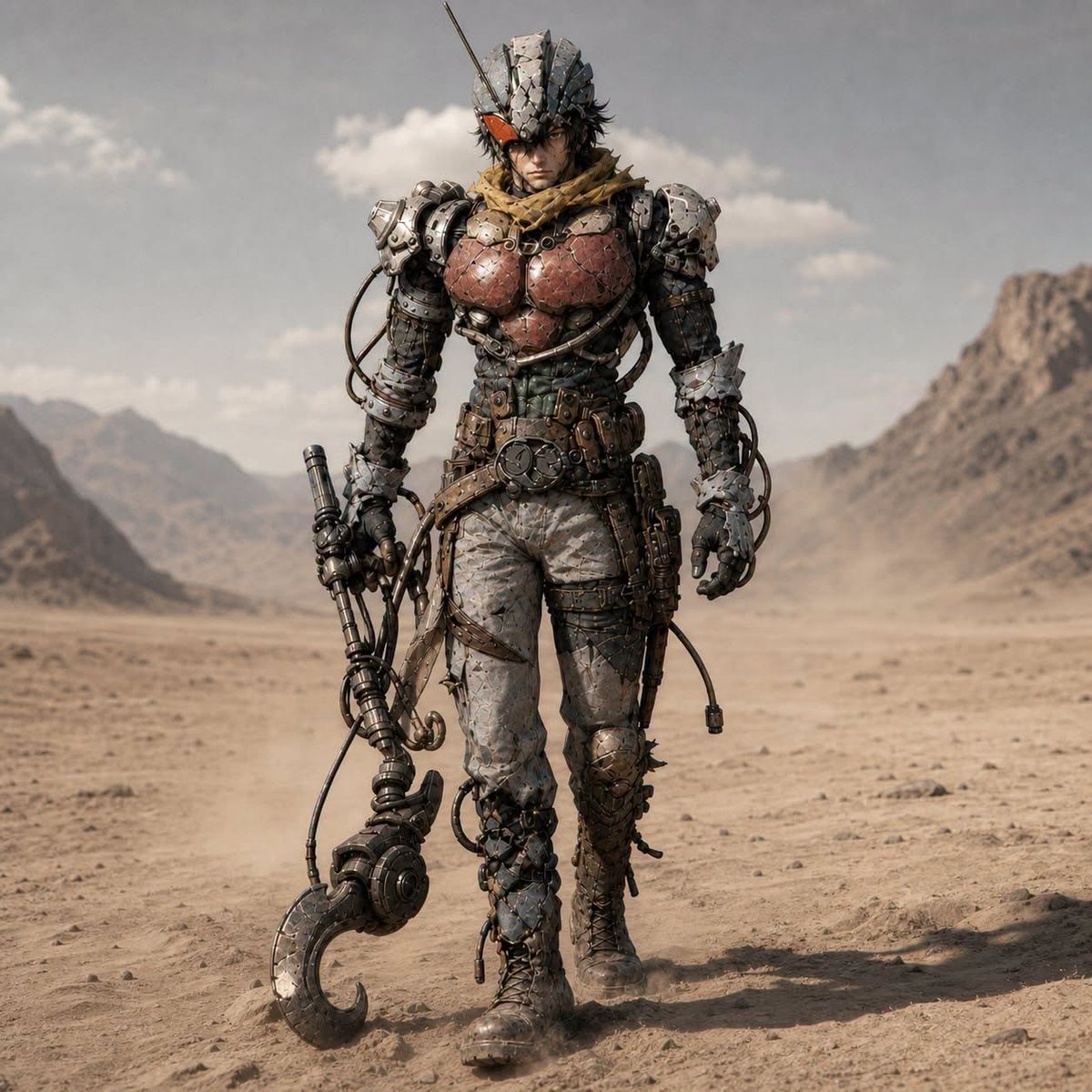
Post-Apocalyptic Riderman Cyborg
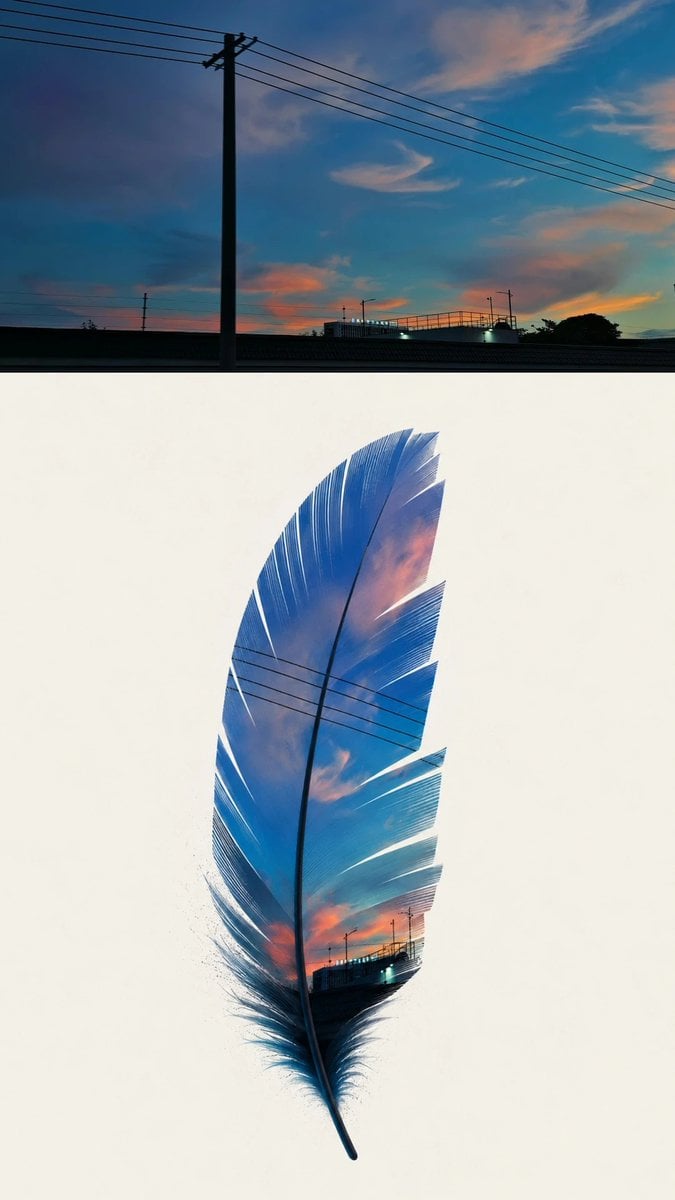
Dusk Sky Feather Poster
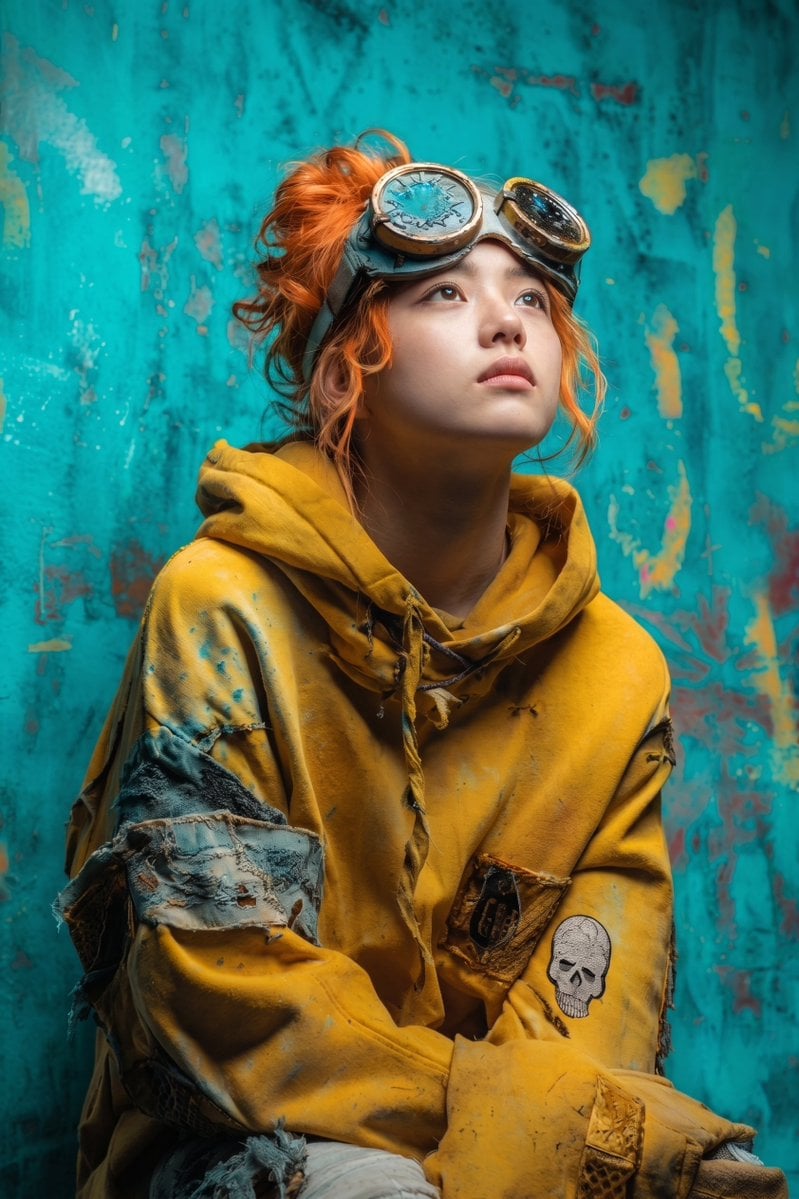
Post-Apocalyptic Girl with Welding Goggles
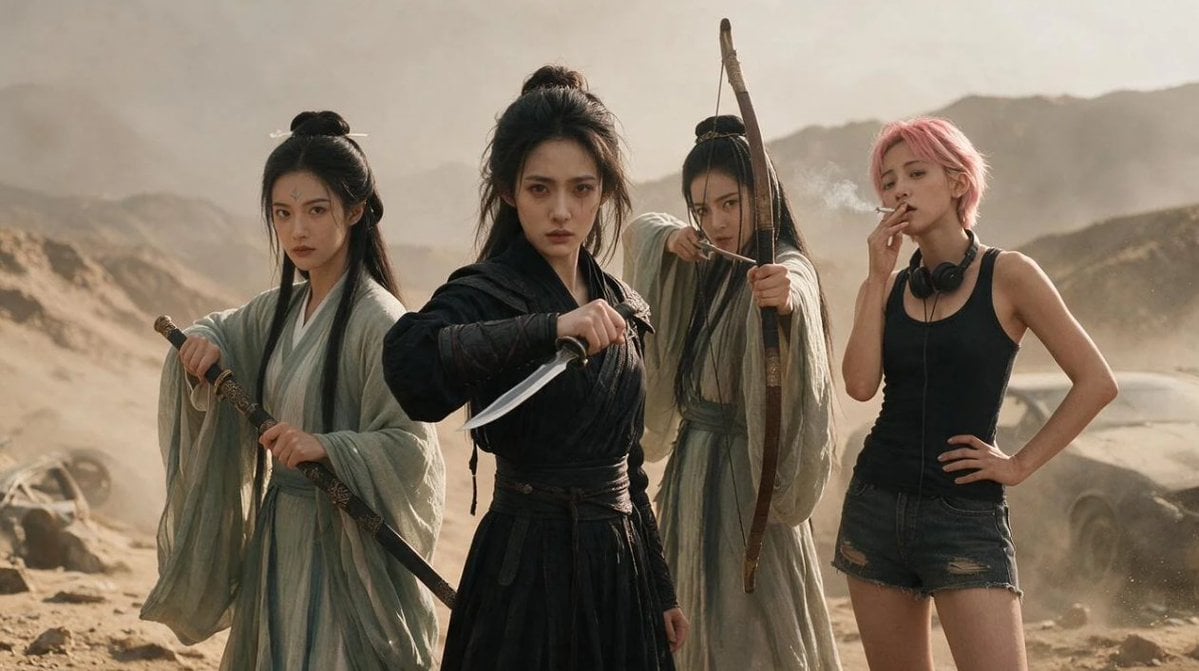
Post-Apocalyptic Wuxia Standoff
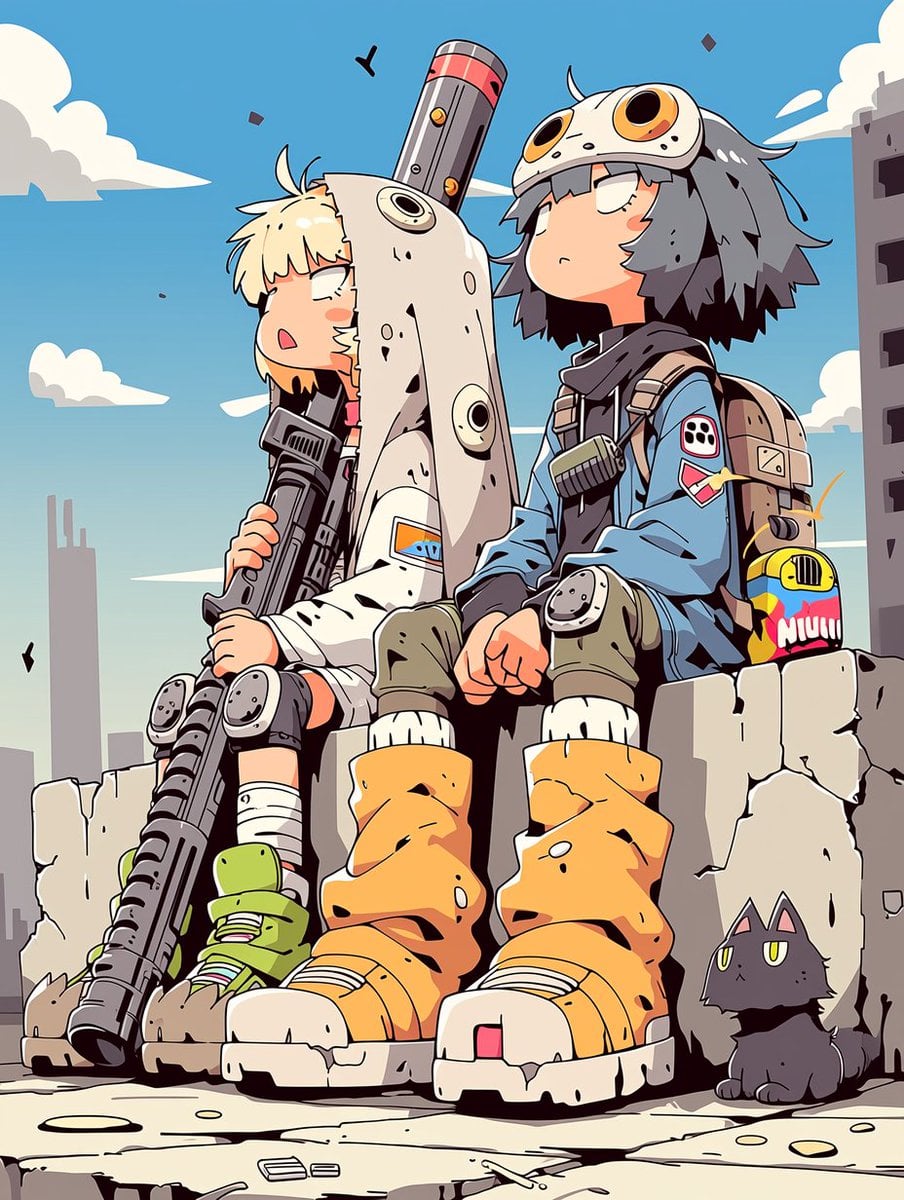
Anime Post-Apocalyptic Scavenger Kids
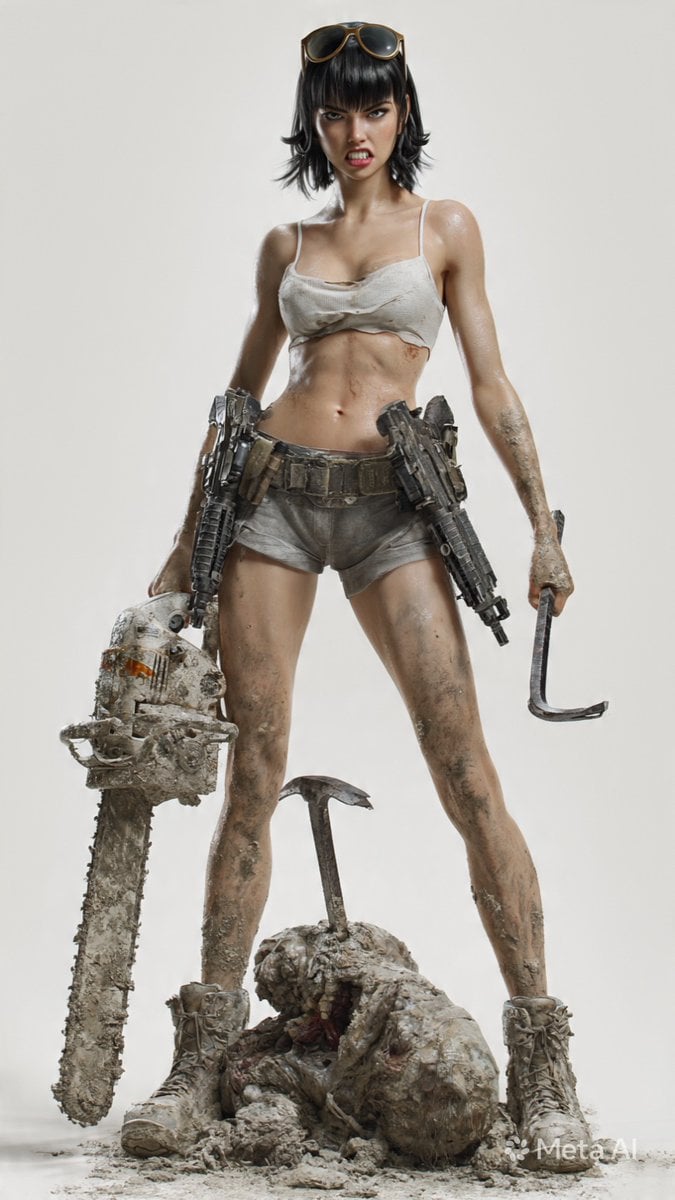
Post-Apocalyptic 3D Zombie Survivor

Post-Apocalyptic Desert Night Scene
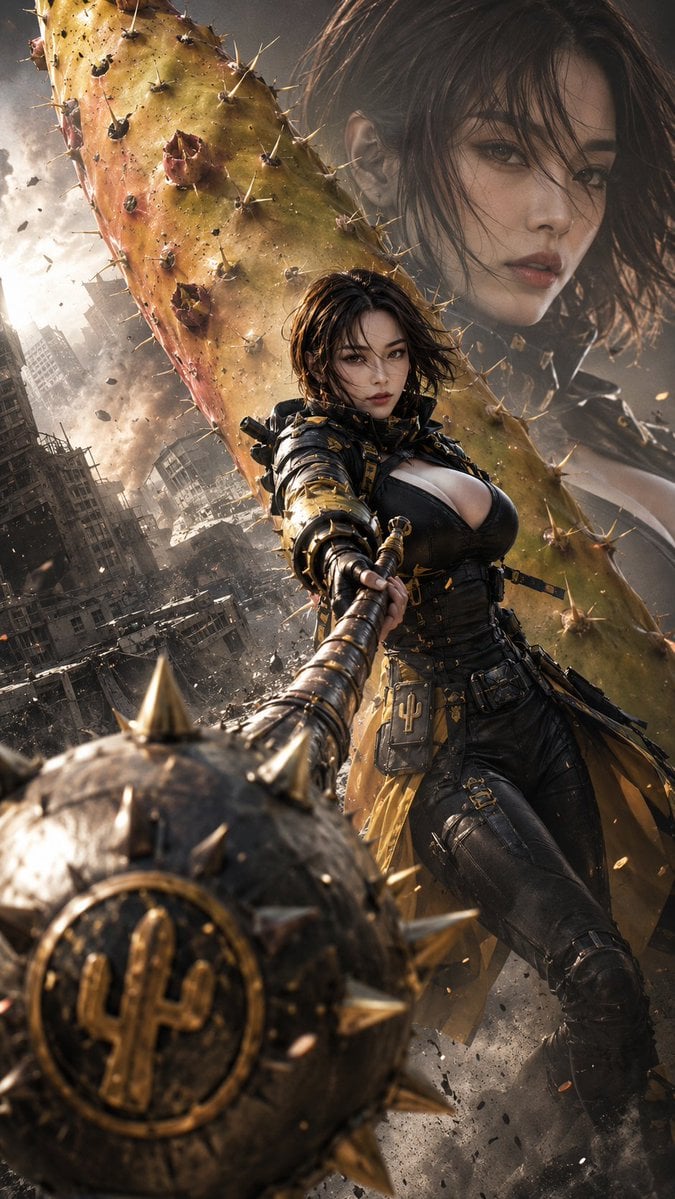
Post-Apocalyptic Cactus Warrior
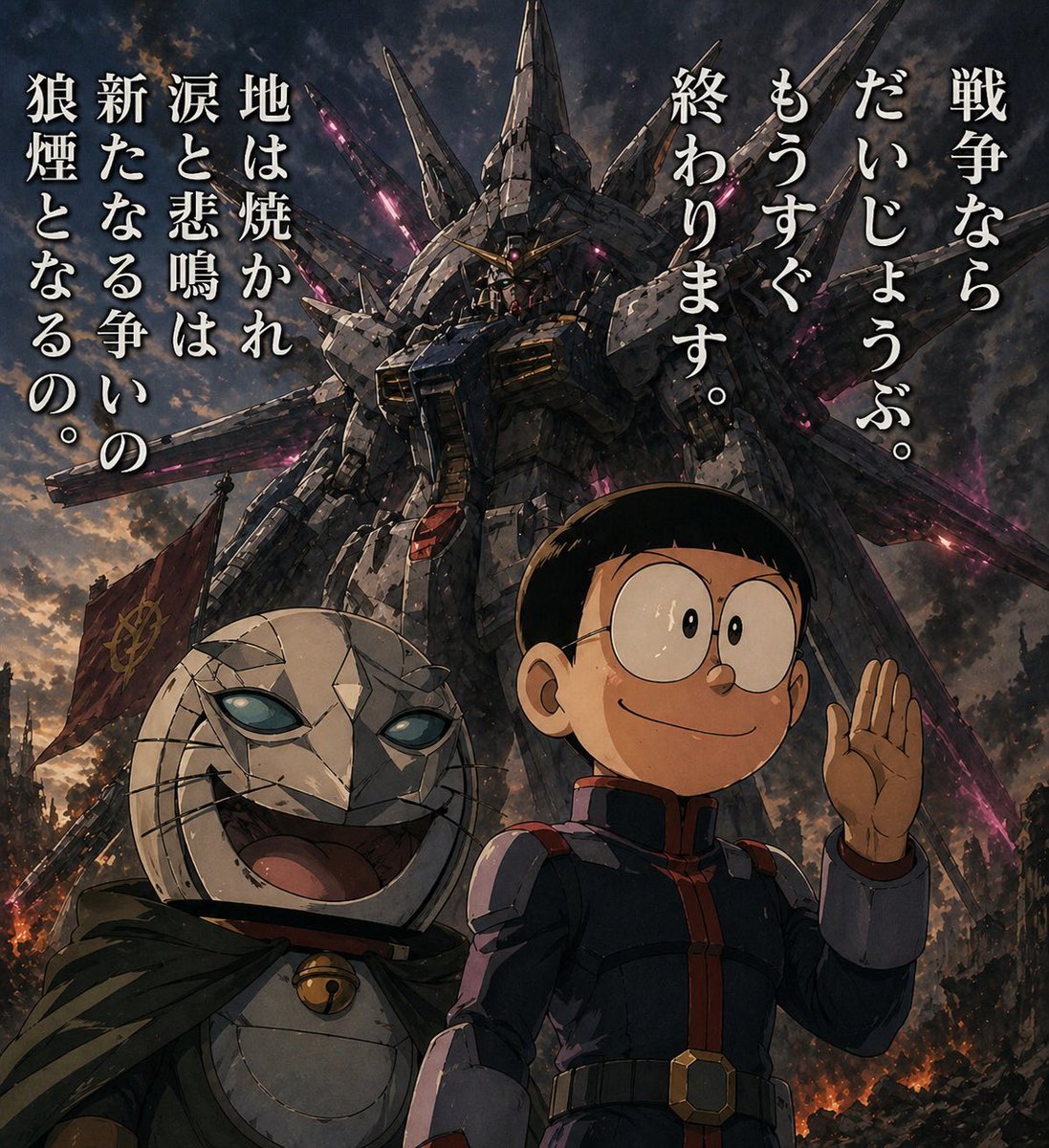
Manga Panel to Apocalyptic Mecha Poster
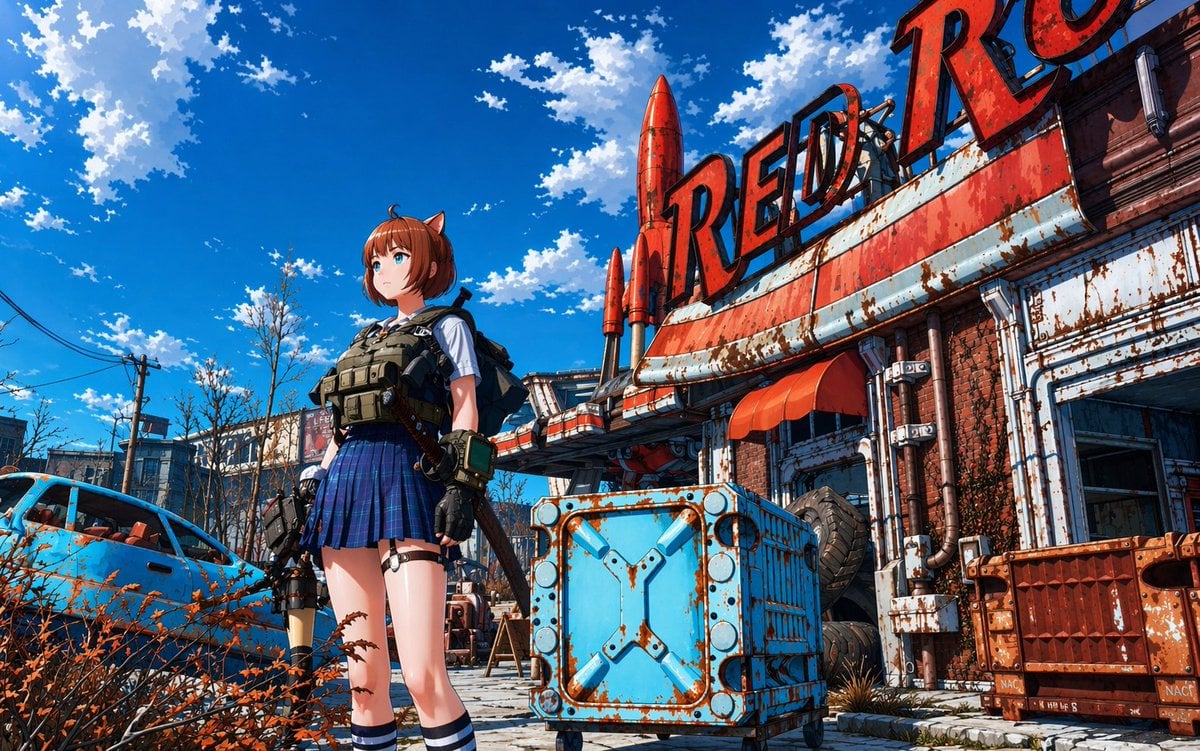
Post-Apocalyptic Tactical Anime Girl
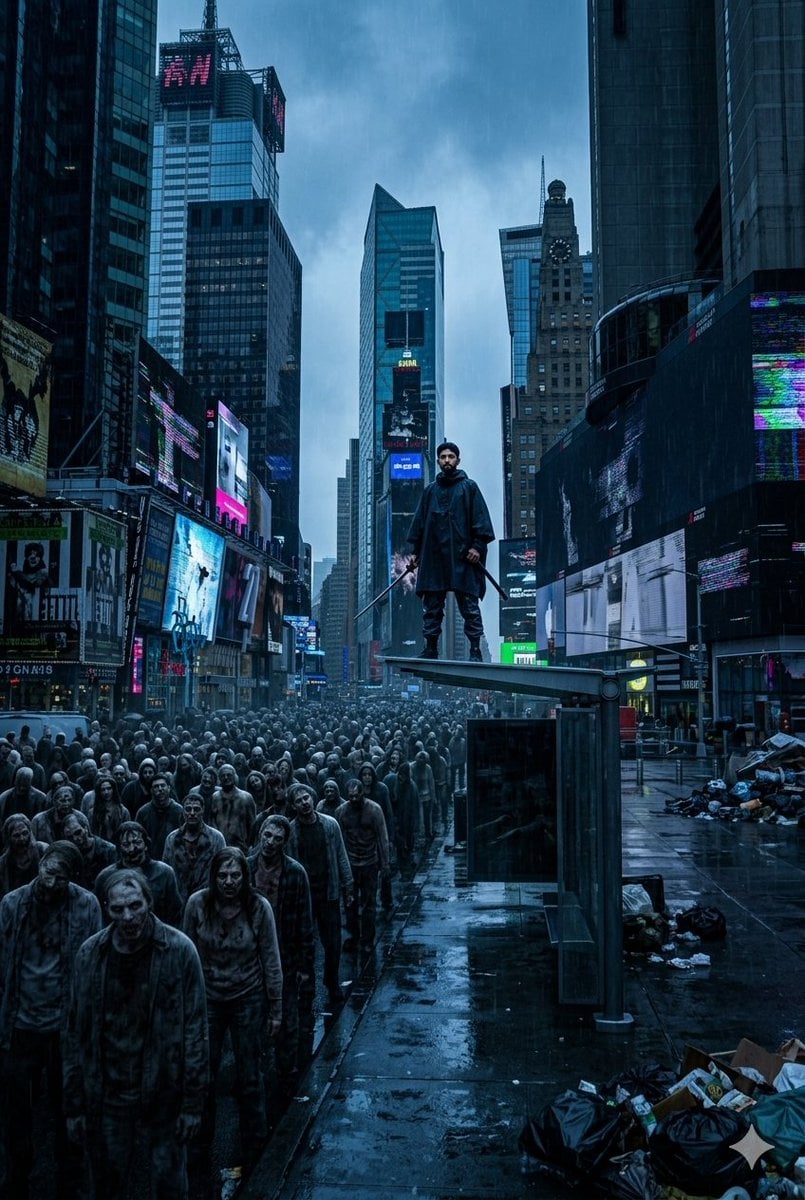
Post-Apocalyptic Times Square Horde
Make it yours
Post-Apocalyptic Ruins at Dusk works as-is. These are the safest ways to change it without losing the look.
Change one field
Copy a single group, rewrite it, and generate again so you can see what that field is doing.
Keep the frame, change the subject
Hold the composition and light of Post-Apocalyptic Ruins at Dusk, then swap wardrobe, props or the person for a new take.
| If the result… | Why | Fix |
|---|---|---|
| The result drifts from the preview | Too many fields changed at once. | Reuse Post-Apocalyptic Ruins at Dusk as-is first, then change one group — subject, light, or setting. |
| The model over-stylizes the scene | The prose prompt leaves finish and camera underspecified. | Add one camera or lighting sentence and stay on GPT Image 2. |
More GPT Image 2 templates
Other prompts made for GPT Image 2.

Six VTuber Japanese Logo Sheet

Realistic Portrait of Woman and Deer

The Vista Modular Condo Poster

AI Model Routing Comparison Infographic

2.5D Anime Art Board

Isometric Productivity Desk Scene

New York Double Exposure Poster

Four-Panel AI Landscape Comparison

Japanese Tatami Lifestyle Magazine Cover

NESCAFÉ Coffee Map Poster
More image prompts
Fresh picks from across the catalog.
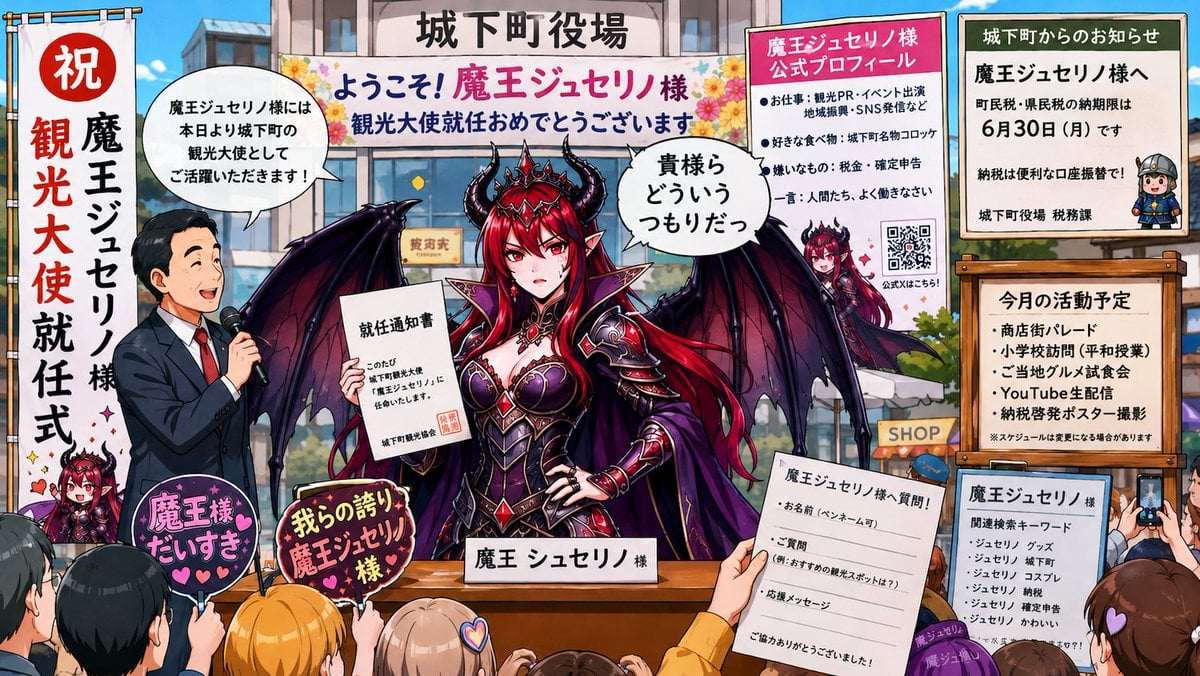
Surreal Social Adaptation Character Prompt
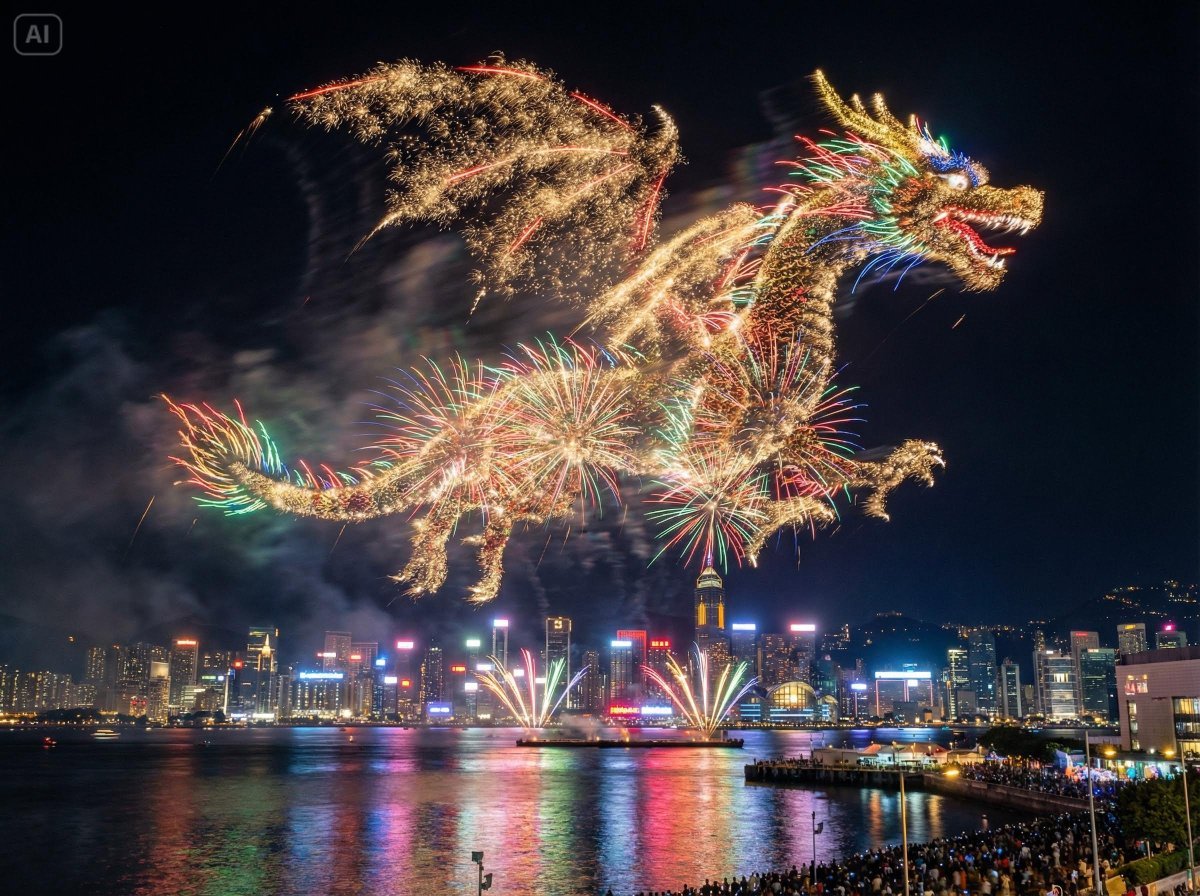
Photorealistic Fireworks Display Prompt for Dreamina AI

Fantasy GPTImage2 Skill Banner
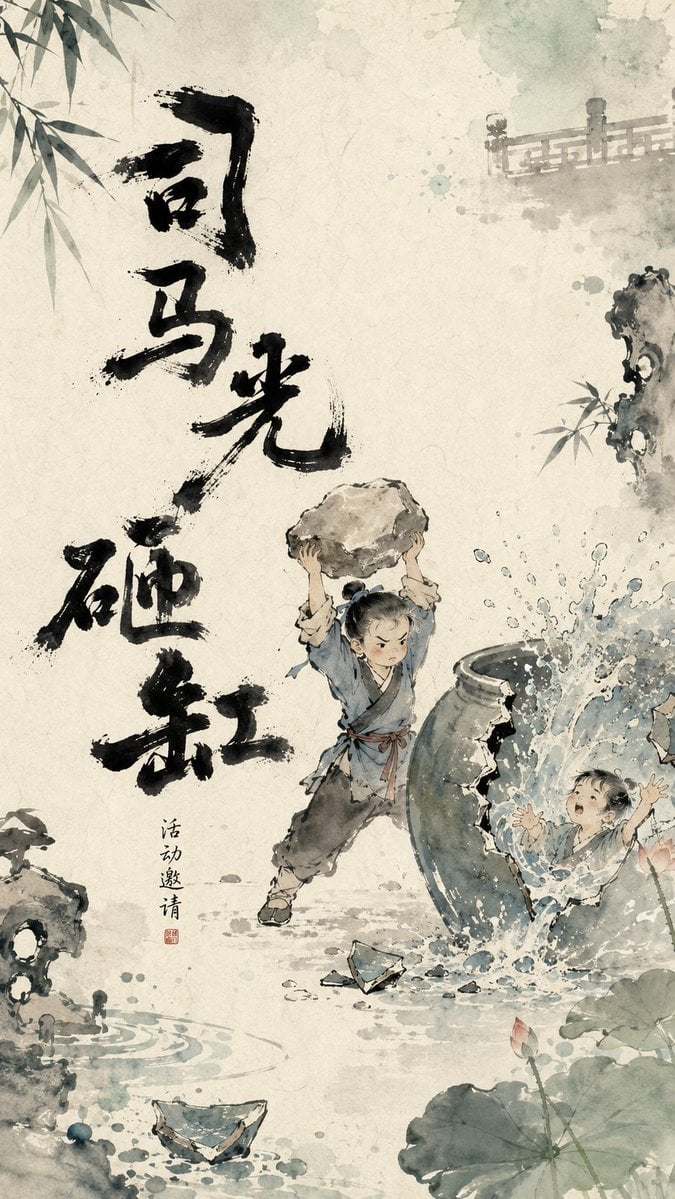
Chinese Ink Animation Poster Style
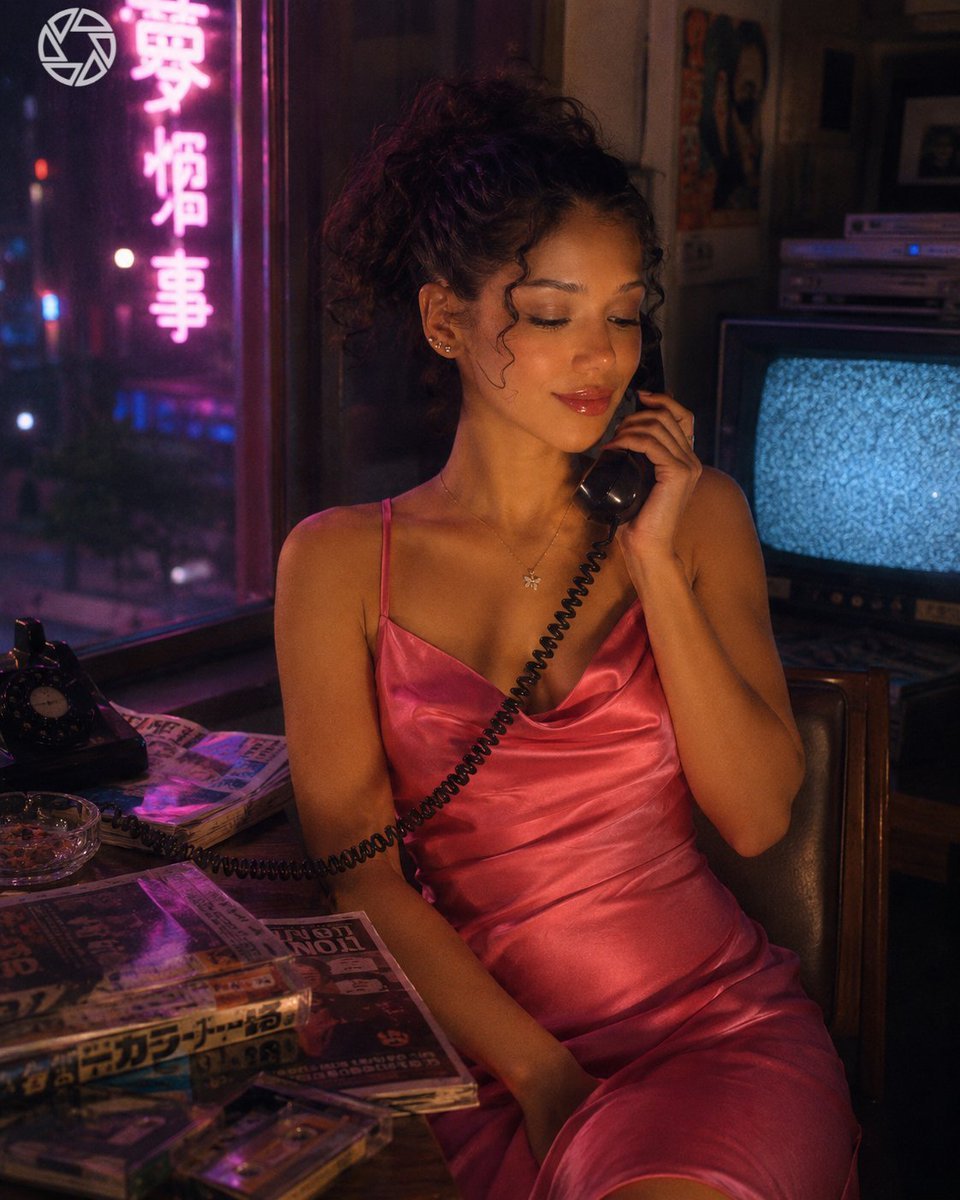
Retro Neon Night Phone Portrait
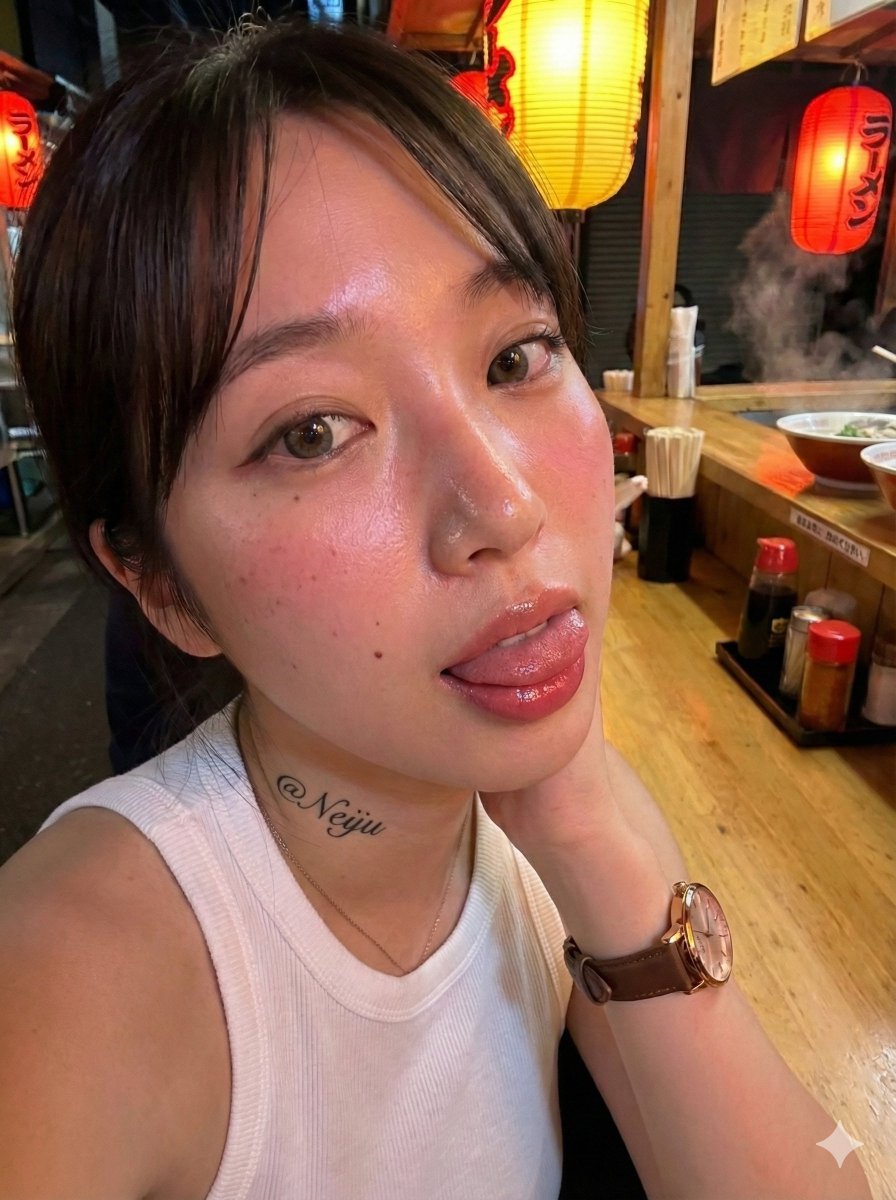
Realistic Izakaya Selfie with Intentional Imperfection
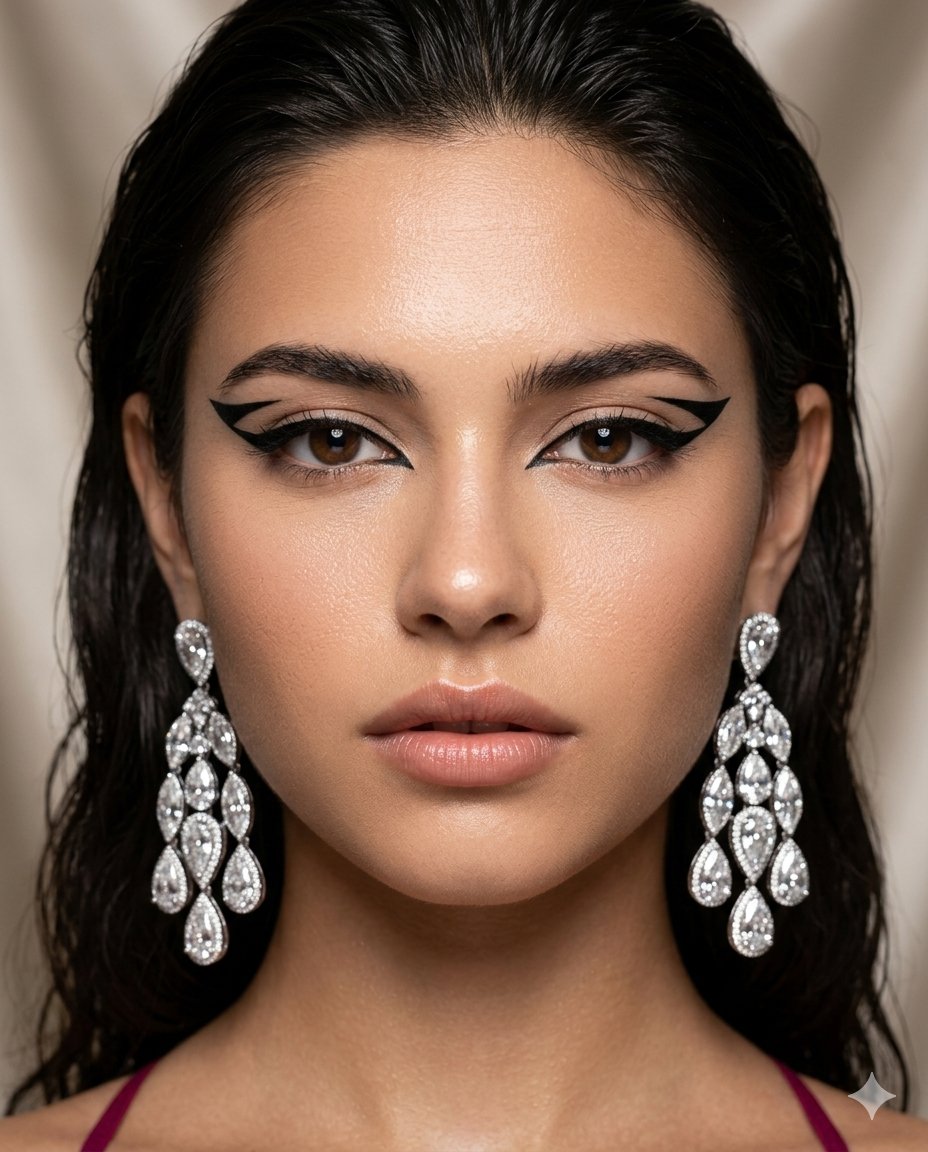
Vogue-Style Beauty Editorial Portrait

Flashy suspicious info-product style thumbnail

Korean Convenience Store Portrait
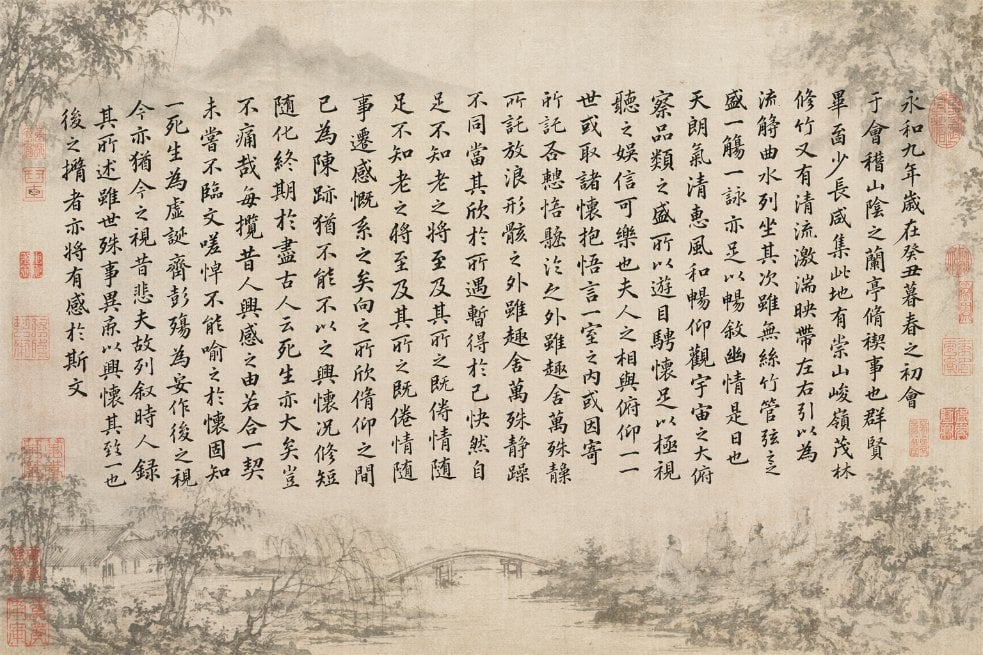
Classical Calligraphy Scroll Prompt
Browse template categories
Post-Apocalyptic Ruins at Dusk questions
How do I use the Post-Apocalyptic Ruins at Dusk template?
Add your photo if the template asks for one, edit the prompt if you like — the template's model and format are already selected — and press Generate. Your version opens in PicX Studio.
Can I customize the Post-Apocalyptic Ruins at Dusk template?
Yes. You can change the subject, setting, lighting, mood, format, and available model controls before creating your image.
Is the Post-Apocalyptic Ruins at Dusk template free?
Opening and editing this template is free. Generating uses credits, shown on the Generate button when you are signed in.
Which AI model should I use?
Start with GPT Image 2, which is the model associated with this template. You can compare another compatible model for a different finish.
Looking for something else? Browse all templates.

Your photo, any look
Thousands of ready templates for every top image and video model, from one credit balance.