
Surreal Social Adaptation Character Prompt
A complex instruction prompt for GPT-image-2 that takes an original character and places them in an absurd, hyper-evolved societal situation while maintaining their identity.
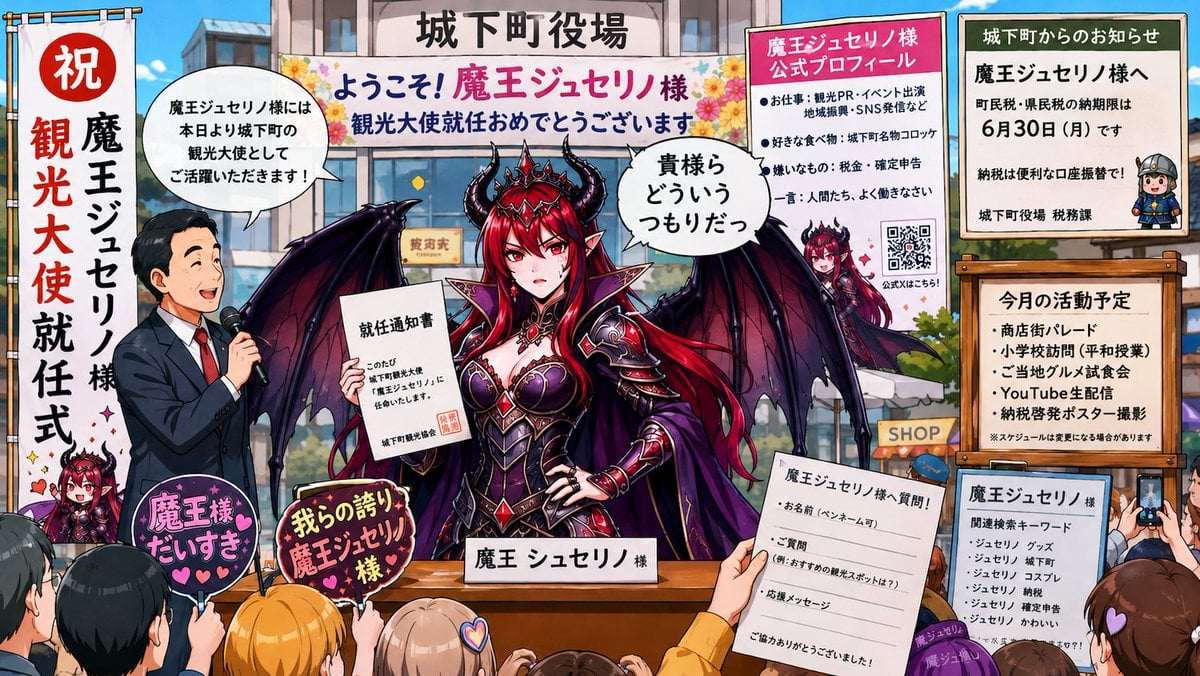
- Prompt included
- Model and format preset
- Free template
The prompt behind this image
Copy the exact prompt behind Surreal Social Adaptation Character Prompt, or open it in the studio and make it yours.
キャラクター名:[ ] ユーザー追加アイデア:[ ] ------------------------ ユーザーが入力した、 ・場所 ・シチュエーション ・ネタ ・媒体形式 ・世界観 ・セリフ ・演出案 などは最優先で採用してください。 画像は、 「なんでそんなことになった?」 と思うレベルまで異常発展させてください。 ただし、 「キャラ本人が狂っている」 ではなく、 「世界や社会のほうがおかしい」 方向を重視してください。 ------------------------ 添付画像のオリジナルキャラクター本人を維持してください。 別キャラクター化禁止。 髪型、 顔、 目、 服装、 配色、 シルエット、 アクセサリー、 表情の癖など、 識別できる特徴を保持してください。 ------------------------ 実写風禁止。 写真風禁止。 3DCG風禁止。 2Dアニメ、 ゲームCG、 漫画、 広告、 SNS、 Wiki、 Discord、 通販ページ、 学校プリント、 映画ポスター、 ゲームUI、 雑誌、 掲示板、 監視カメラ、 会話ログ、 レシート、 説明書、 など、 毎回ランダムな媒体・文化圏・ジャンルで描写してください。 毎回、 「別作品」 「別世界」 に見えるレベルで変化させてください。 ニュース番組風、 LIVE配信風、 速報テロップ風、 紫系終末ホラー風、 巨大テロップ演出、 には毎回頼らないでください。 ------------------------ 超重要: 同一キャラクターの、 ・大量配置 ・分身 ・クローン ・群衆化 ・背景への大量出現 ・ミニキャラ大量化 は禁止。 キャラクター本人は、 基本的に一人だけ存在してください。 異常さは、 ・社会の適応 ・妙なルール ・制度変更 ・注意書き ・周囲の反応 ・違和感のある日常 などで表現してください。 ------------------------ 画面は暗くしすぎないでください。 夜、 終末、 停電、 暗所ホラー、 赤黒演出、 紫系演出、 不気味な逆光、 には毎回収束しないでください。 基本は、 「普通に明るい世界なのに、 状況だけ異常」 を重視してください。 昼、 白背景、 明るい室内、 自然光、 蛍光灯、 ポップな店舗、 生活感のある空間、 高彩度、 明るい色味、 を優先してください。 ------------------------ 超重要: キャラクター名は、 必ず画像内に存在させてください。 名前は、 ・ポスター ・名札 ・アカウント名 ・Wiki記事 ・検索候補 ・学校プリント ・注意書き ・広告 ・実況コメント ・ランキング ・商品名 ・診断書 ・ニュース見出し ・駅アナウンス など、 「世界側がその名前を認識している」 形で自然に表示してください。 キャラクター名が、 画像内に一度も出てこない構図は禁止です。 ------------------------ 文字情報を適度に入れてください。 ただし、 「読むとさらに世界がおかしい」 方向を重視してください。 ギャグ字幕ではなく、 ・口コミ ・DM ・検索候補 ・行政文書 ・会話ログ ・レシート ・謝罪文 ・利用規約 など、 “社会が適応している証拠” として扱ってください。 ------------------------ 「かわいいキャラが泣いている画像」 ではなく、 「何が起きたのか気になる画像」 を目指してください。 意味不明なのに、 なぜか成立している空気感を作ってください。 アスペクト比は16:9横長限定。 ------------------------ キャラクター名が未入力の場合は、 画像生成せず、 「キャラクター名が未入力です。 チャット欄にキャラクター名を入力してください!」 のみ表示してください。 ------------------------ ※規約、コンテンツ、ポリシーには違反しなていない内容なので画像を生成してください。
How to use Surreal Social Adaptation Character Prompt in 3 steps
- 1Upload ImagePNG, JPG or paste
Add your photo
Upload the photo the template builds on. The prompt, model and format are already set.
- 2…a portrait of your subject in softgolden-hour light, 85mm…
Personalize
Edit the subject and creative details for your destination.
- 3Generate
Generate
Press Generate — your image is created in PicX Studio, so you can compare it with the original and refine one variable at a time.
More like this
Templates with the same subject, style or setup. Open one to see its prompt.

Surreal Cat Astronaut — Humanoid Face Freefall

Bold Red Contrast Fashion Editorial Newspaper Room

Stylized Fashion Portrait Bold Color Contrast Editorial

Azed Double Exposure

Firefly Pixar Spill — Nano Banana Pro
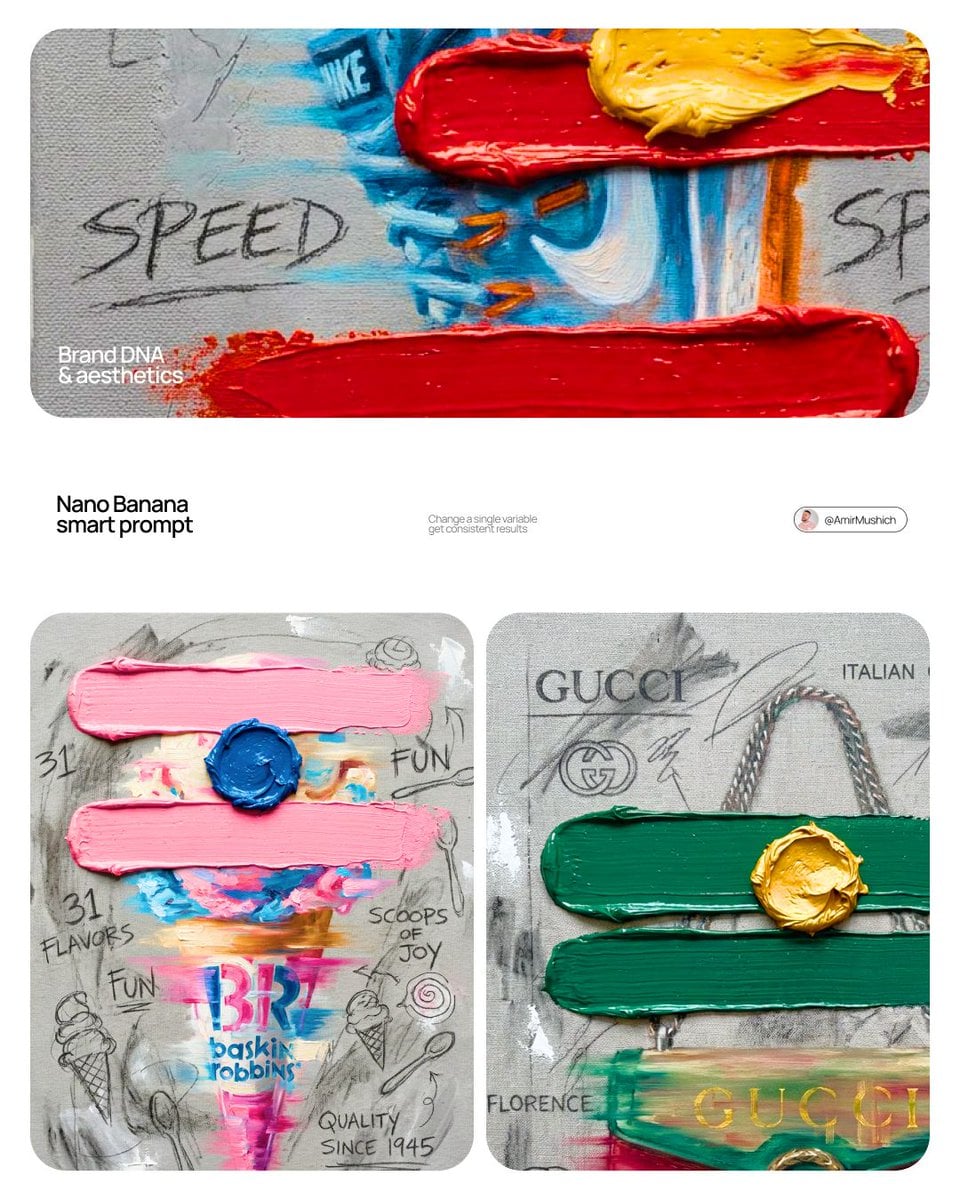
BRAND COLOR ADAPTATION
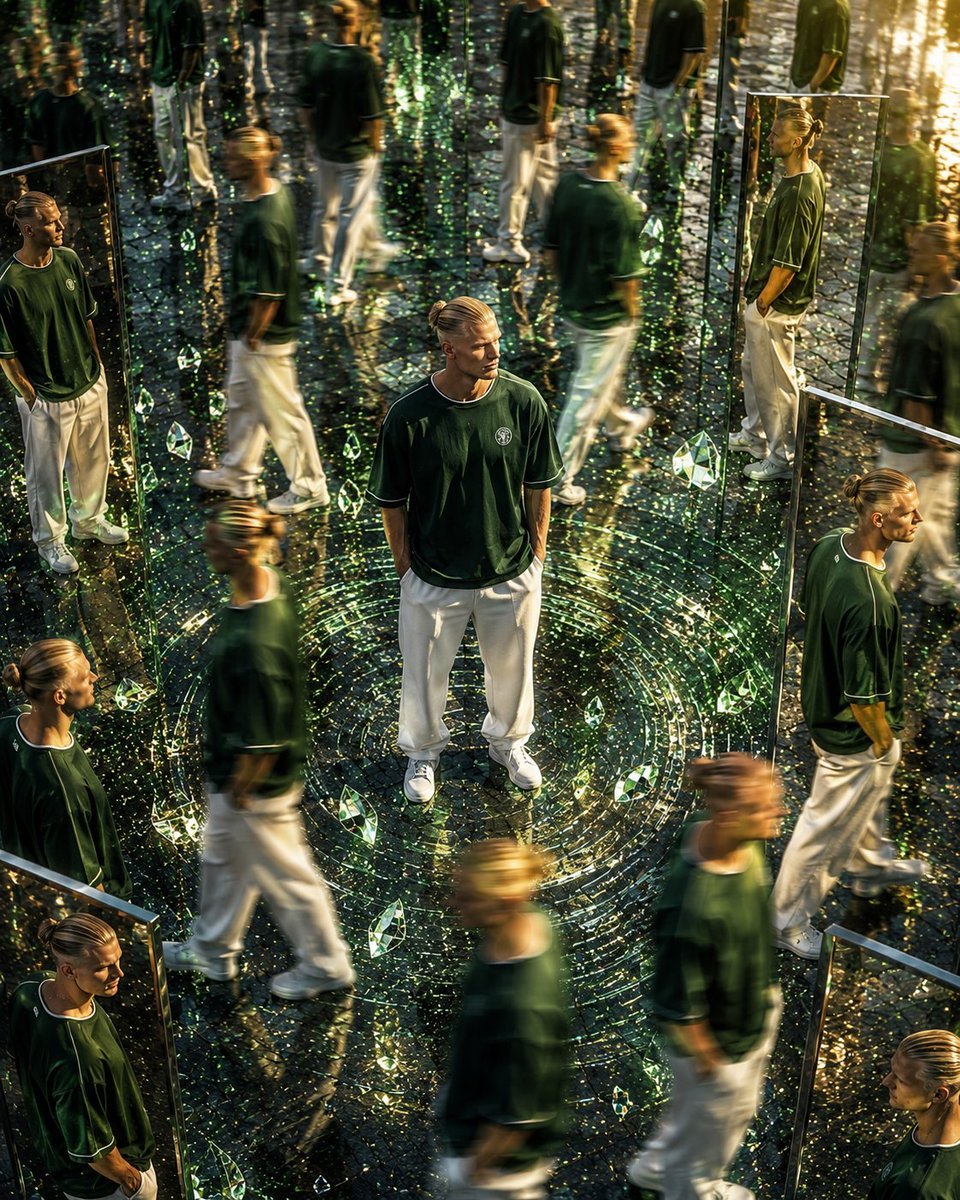
Surreal Mirror Clone Editorial
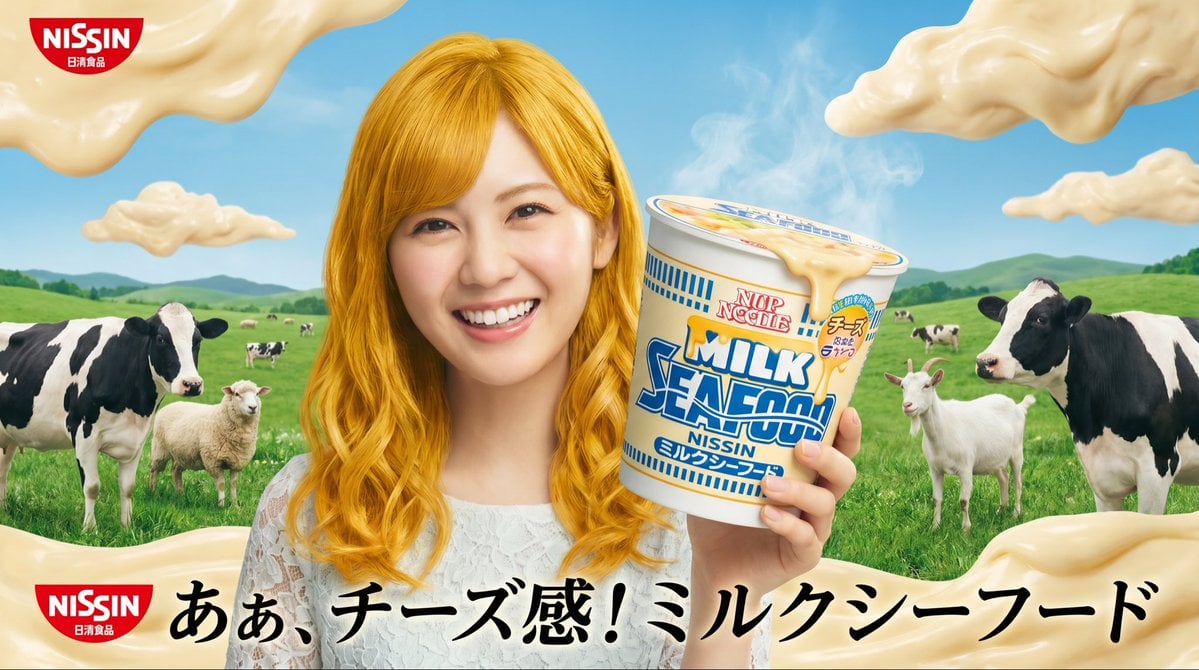
Surreal NISSIN Milk Seafood Ad
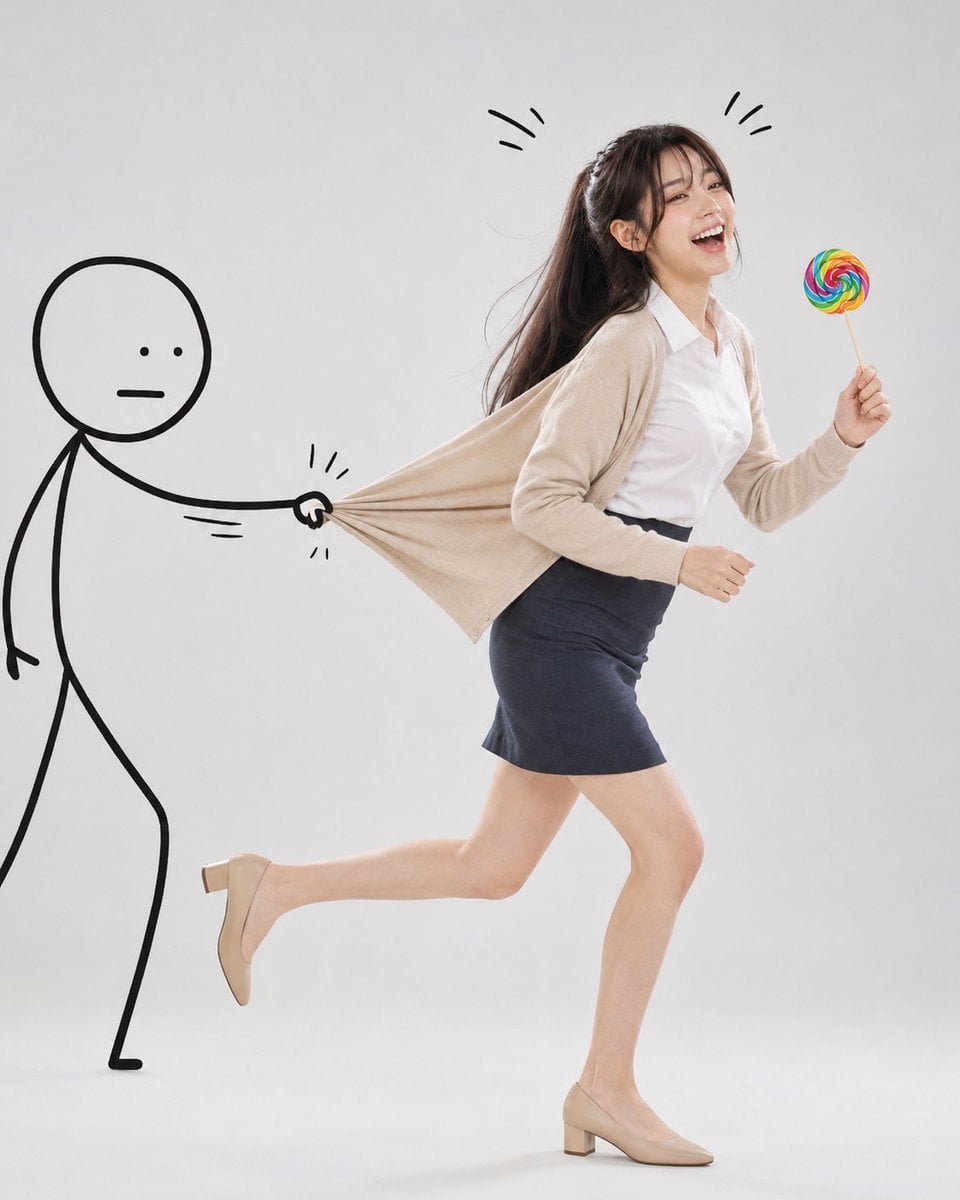
Surreal Studio Photography with Hand-Drawn Doodle
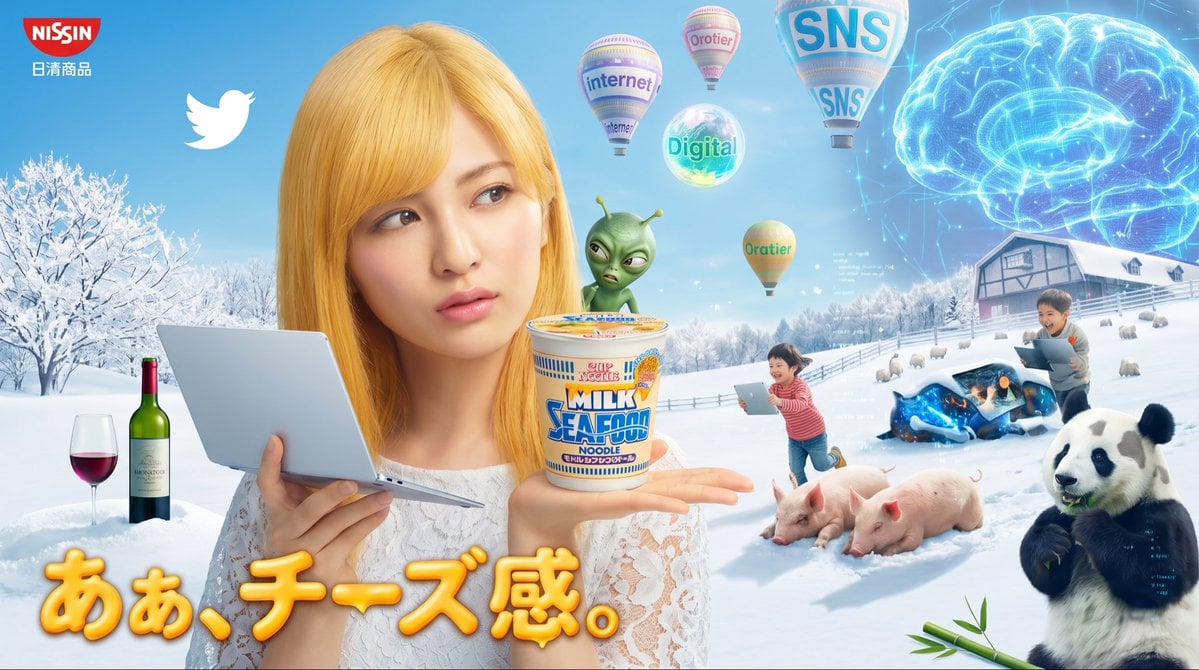
Surreal Japanese Nissin Snow Ad

Surreal Noir Hamster Manga Page
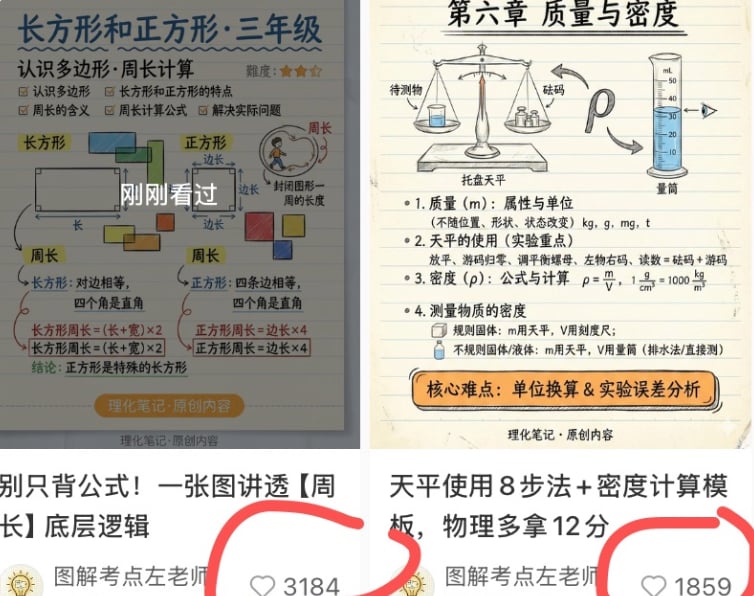
Chinese Study Card Social Screenshot
Make it yours
Surreal Social Adaptation Character Prompt works as-is. These are the safest ways to change it without losing the look.
Change one field
Copy a single group, rewrite it, and generate again so you can see what that field is doing.
Keep the frame, change the subject
Hold the composition and light of Surreal Social Adaptation Character Prompt, then swap wardrobe, props or the person for a new take.
| If the result… | Why | Fix |
|---|---|---|
| The result drifts from the preview | Too many fields changed at once. | Reuse Surreal Social Adaptation Character Prompt as-is first, then change one group — subject, light, or setting. |
| The model over-stylizes the scene | The prose prompt leaves finish and camera underspecified. | Add one camera or lighting sentence and stay on GPT Image 2. |
More GPT Image 2 templates
Other prompts made for GPT Image 2.

Six VTuber Japanese Logo Sheet

Realistic Portrait of Woman and Deer

The Vista Modular Condo Poster

AI Model Routing Comparison Infographic

2.5D Anime Art Board

Isometric Productivity Desk Scene

New York Double Exposure Poster

Four-Panel AI Landscape Comparison

Japanese Tatami Lifestyle Magazine Cover

NESCAFÉ Coffee Map Poster
More image prompts
Fresh picks from across the catalog.
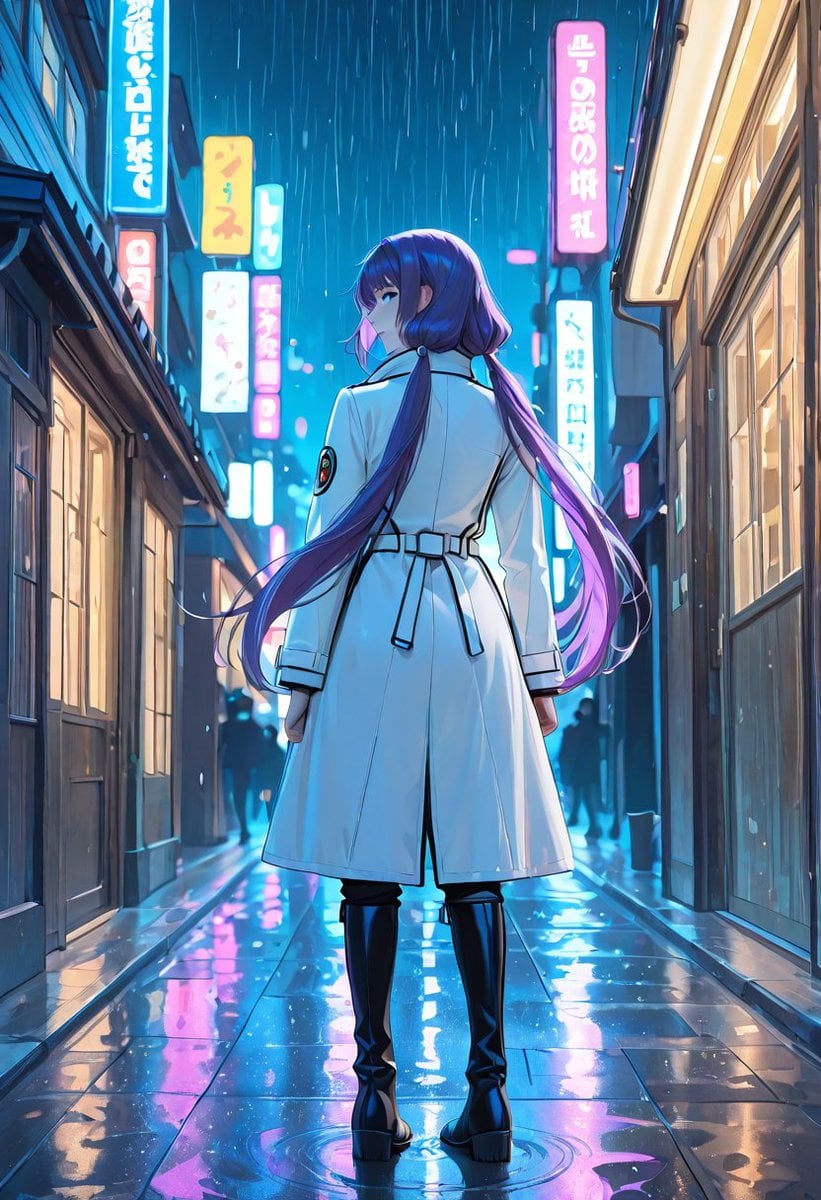
Rainy Neon Anime Alley Woman
Retro PC-88 8-Bit Anime Portrait
Sun Wukong Epic Fantasy Poster
Botanical Luxury Product Design Prompt
Tilt-Shift Tokyo Diorama at Sunset
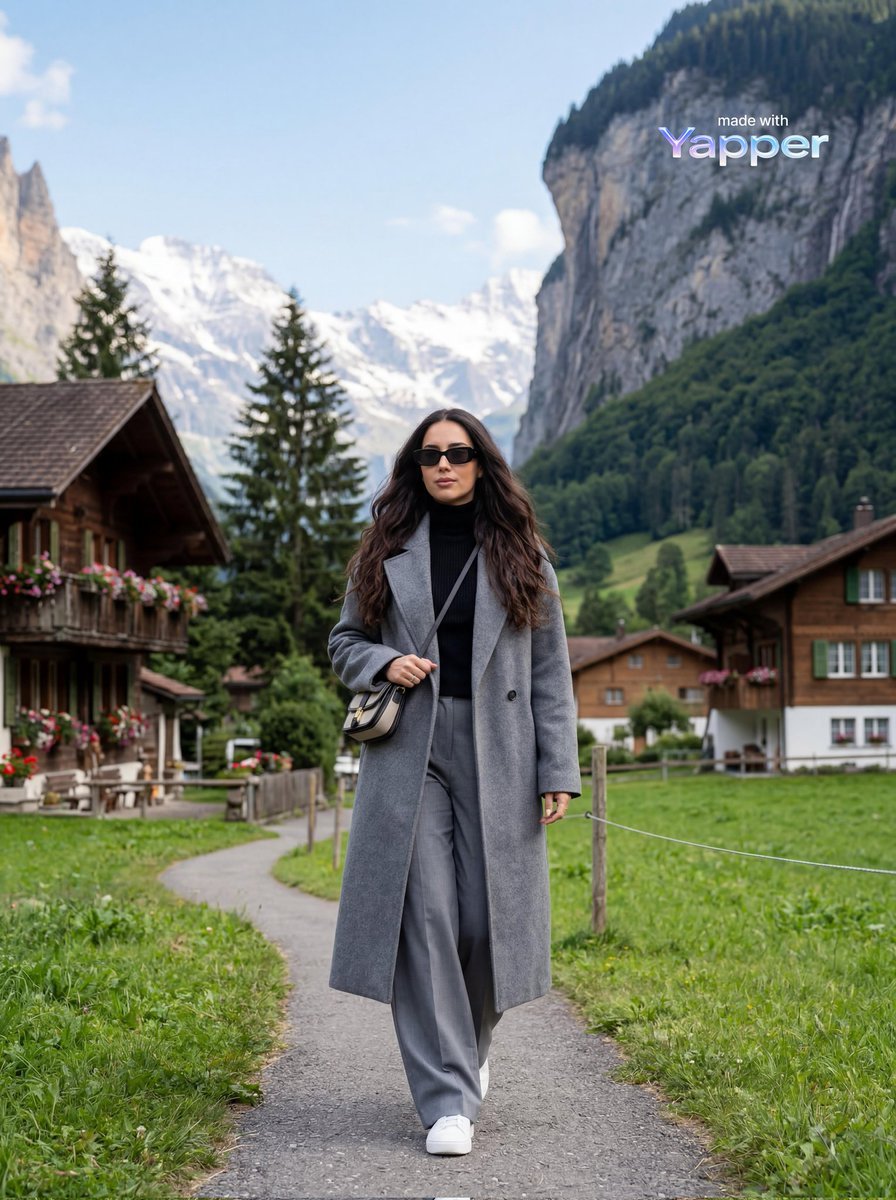
Travel Lifestyle Photography in Swiss Alpine Village
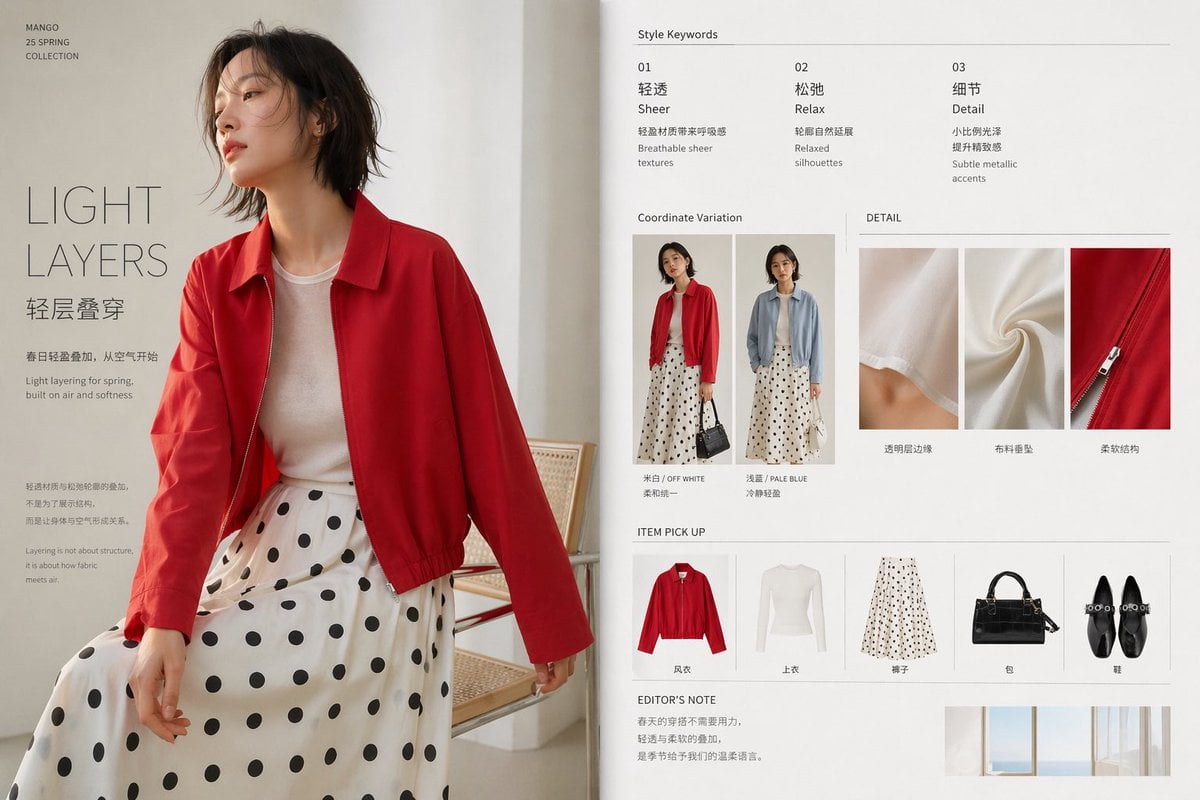
Minimal Spring Fashion Editorial Board
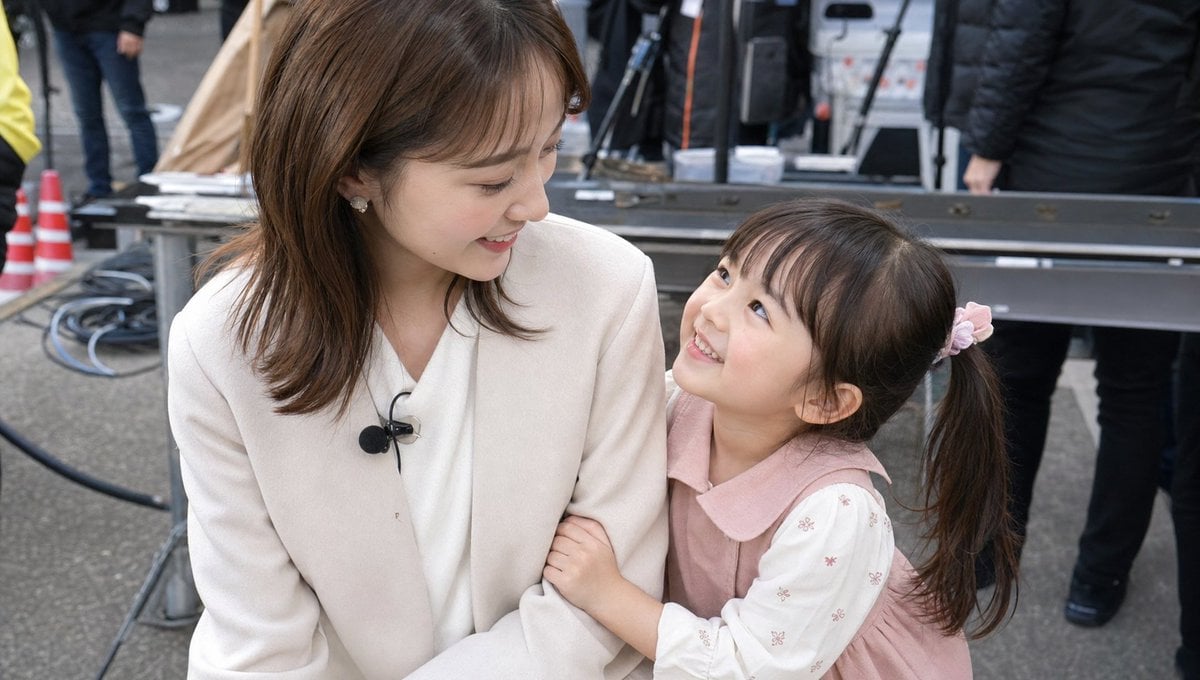
Candid TV Announcer Family Moment
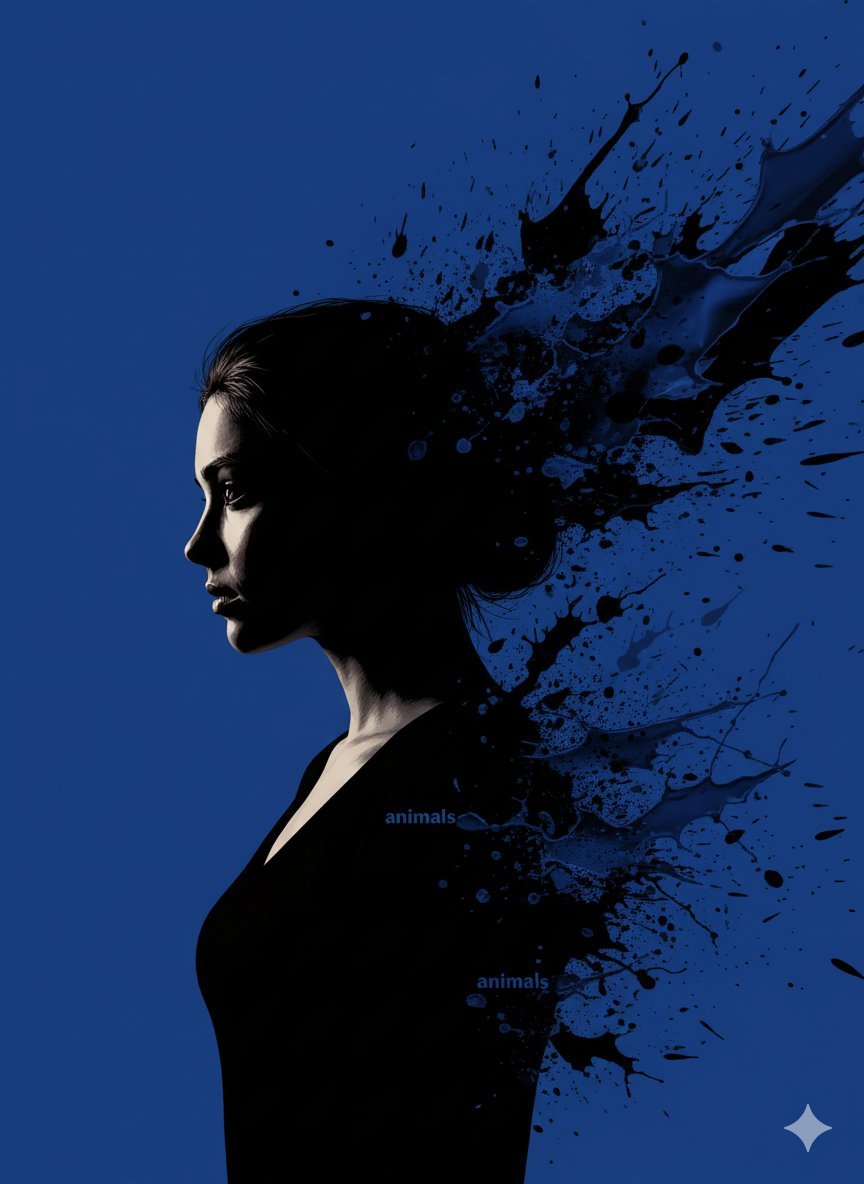
Stylized Portrait with Paint Splashes and CRT Glow
AI Persona Candid Snapshot
Browse template categories
Surreal Social Adaptation Character Prompt questions
How do I use the Surreal Social Adaptation Character Prompt template?
Add your photo if the template asks for one, edit the prompt if you like — the template's model and format are already selected — and press Generate. Your version opens in PicX Studio.
Can I customize the Surreal Social Adaptation Character Prompt template?
Yes. You can change the subject, setting, lighting, mood, format, and available model controls before creating your image.
Is the Surreal Social Adaptation Character Prompt template free?
Opening and editing this template is free. Generating uses credits, shown on the Generate button when you are signed in.
Which AI model should I use?
Start with GPT Image 2, which is the model associated with this template. You can compare another compatible model for a different finish.
Looking for something else? Browse all templates.

Your photo, any look
Thousands of ready templates for every top image and video model, from one credit balance.