
BRAND COLOR ADAPTATION
[BRAND NAME].
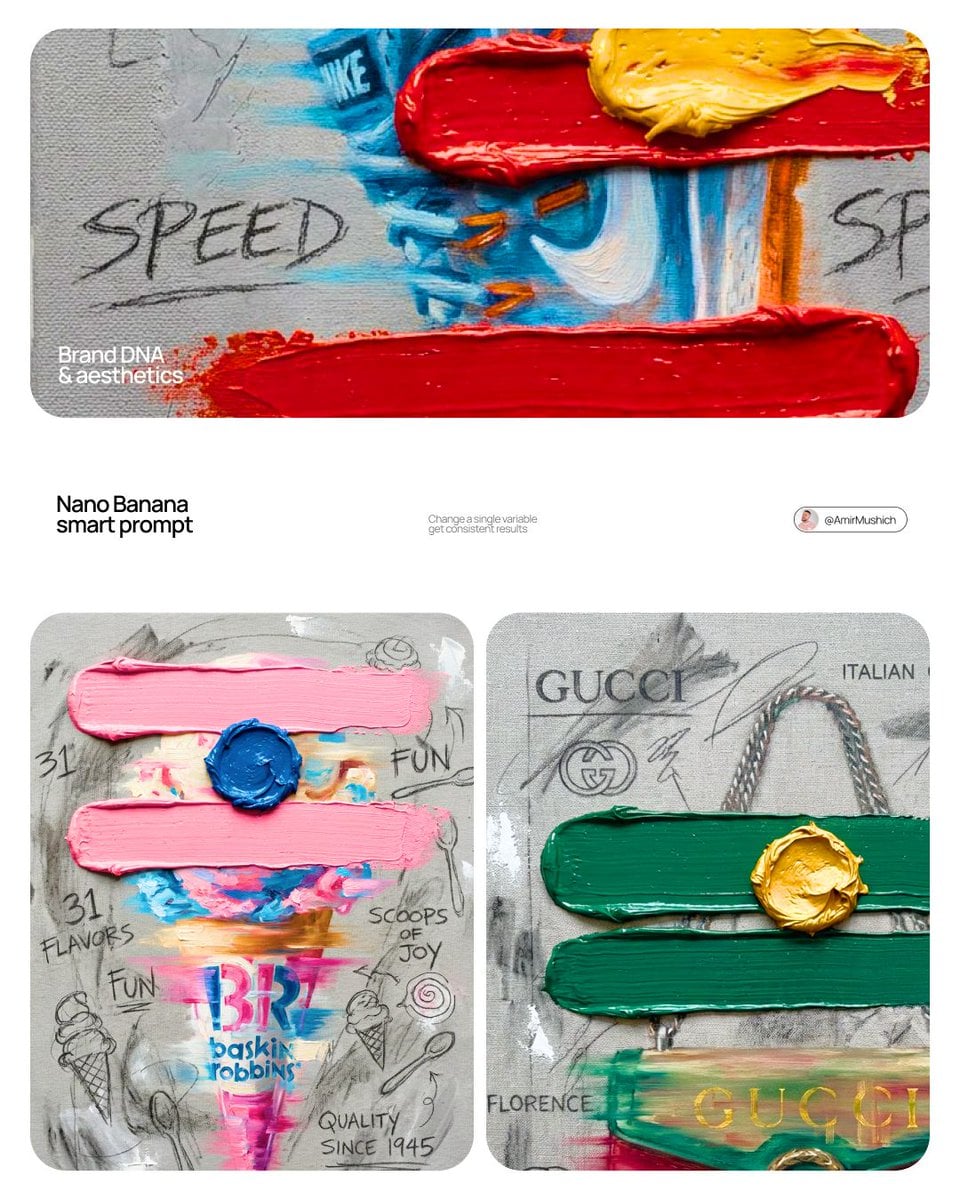
- Prompt included
- Model and format preset
- Premium template
The prompt behind this image
Copy the exact prompt behind BRAND COLOR ADAPTATION, or open it in the studio and make it yours.
[BRAND NAME]. Goal: Generate a professional mixed-media oil painting on textured canvas where the color palette and graphics are dynamically adapted to the brand identity. 1. BRAND COLOR ADAPTATION - Analyze the visual identity of [BRAND NAME]. - Use the primary brand color for the two main horizontal impasto strokes. - Use a contrasting secondary brand color for the thick, raised central dollop of paint. - Replace the original red and yellow with this new adaptive color scheme. 2. PAINTED SUBJECT & MOTION - Object: A central, vertically oriented product related to [BRAND NAME], rendered as a cohesive OIL PAINTING directly on the canvas. - Technique: Apply a "motion blur" oil painting effect with visible horizontal brushstrokes to create a sense of dynamic movement. - Integration: The object must be part of the painted layer, sharing the same heavy-grain canvas texture as the background, not an overlay. - Branding: Paint the "[BRAND NAME]" logo using distressed, semi-transparent oil paint layers within the object's silhouette. 3. ADAPTIVE IMPASTO & TEXTURE - Primary Strokes: Two thick, physical, horizontal impasto oil paint strokes applied over the painted object in the brand's primary color. - Detail: One heavily textured, raised dollop of the brand's secondary color oil paint placed precisely on the center stroke. - Surface: Background is a raw, heavy-grain grey textured canvas with visible weave, charcoal smudges, and gesso dabs. 4. BRAND-CENTRIC GRAPHICS - Handwriting: Use charcoal and graphite to scribble keywords, slogans, and values associated with [BRAND NAME] across the canvas. - Symbols: Replace the original $ and doodles with hand-drawn, messy abstract icons representing [BRAND NAME]. - Execution: All text and symbols must look like they were scratched or drawn with graphite over the dried oil paint layers. 5. STYLE - Contemporary mixed-media pop-art. 8K macro photography focusing on the physical thickness of oil paint and the raw canvas grain.
How to use BRAND COLOR ADAPTATION in 3 steps
- 1
Open
The prompt is already in the box next to the preview, with the template's model and format selected.
- 2…a portrait of your subject in softgolden-hour light, 85mm…
Personalize
Edit the subject and creative details for your destination.
- 3Generate
Generate
Press Generate — your image is created in PicX Studio, so you can compare it with the original and refine one variable at a time.
More like this
Templates with the same subject, style or setup. Open one to see its prompt.

Premium 4 3 presentation cover slide introducing Chronicle

Act as a 3D Product Visualization Artist

A trendy, high-end Sticker Sheet set
UI & Graphic Prompt #299

Brand Sticker Sheet Monoline Vector
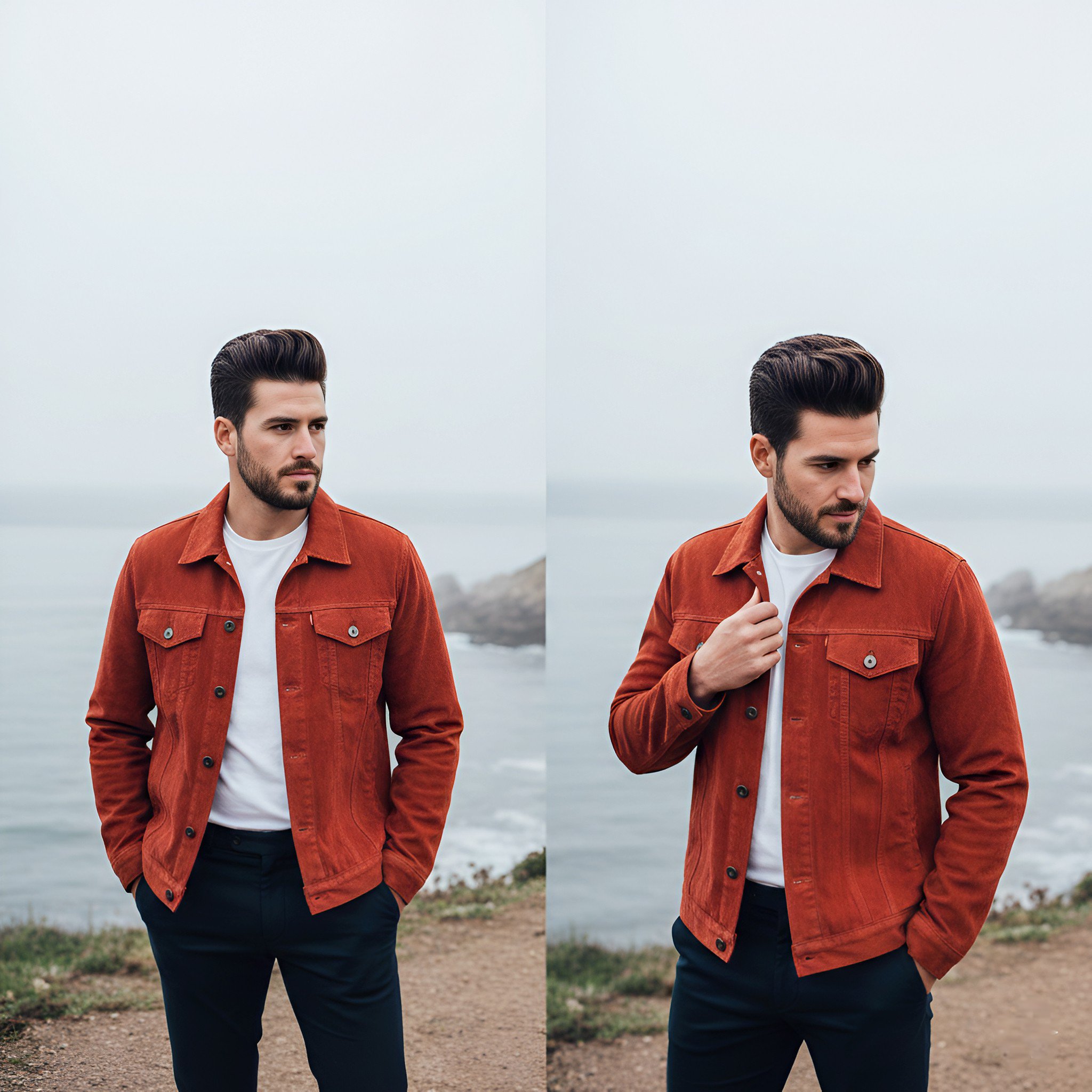
Lifestyle photography, cinematic color grading, shallow depth of field

A luxury brand advertisement featuring three stylish arranged
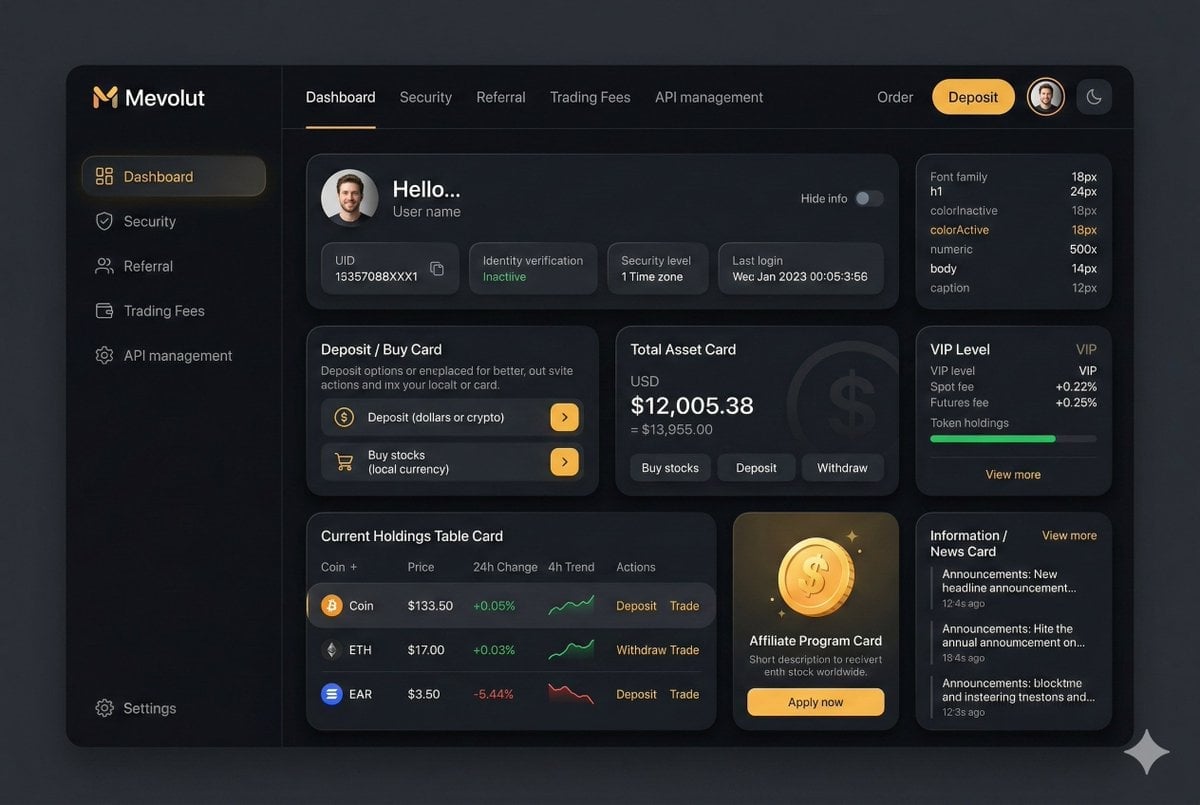
Fintech Crypto Dashboard UI Design

青蛇小青写真大片,绿色紧身蛇鳞裙,湿发红唇,妖娆妩媚
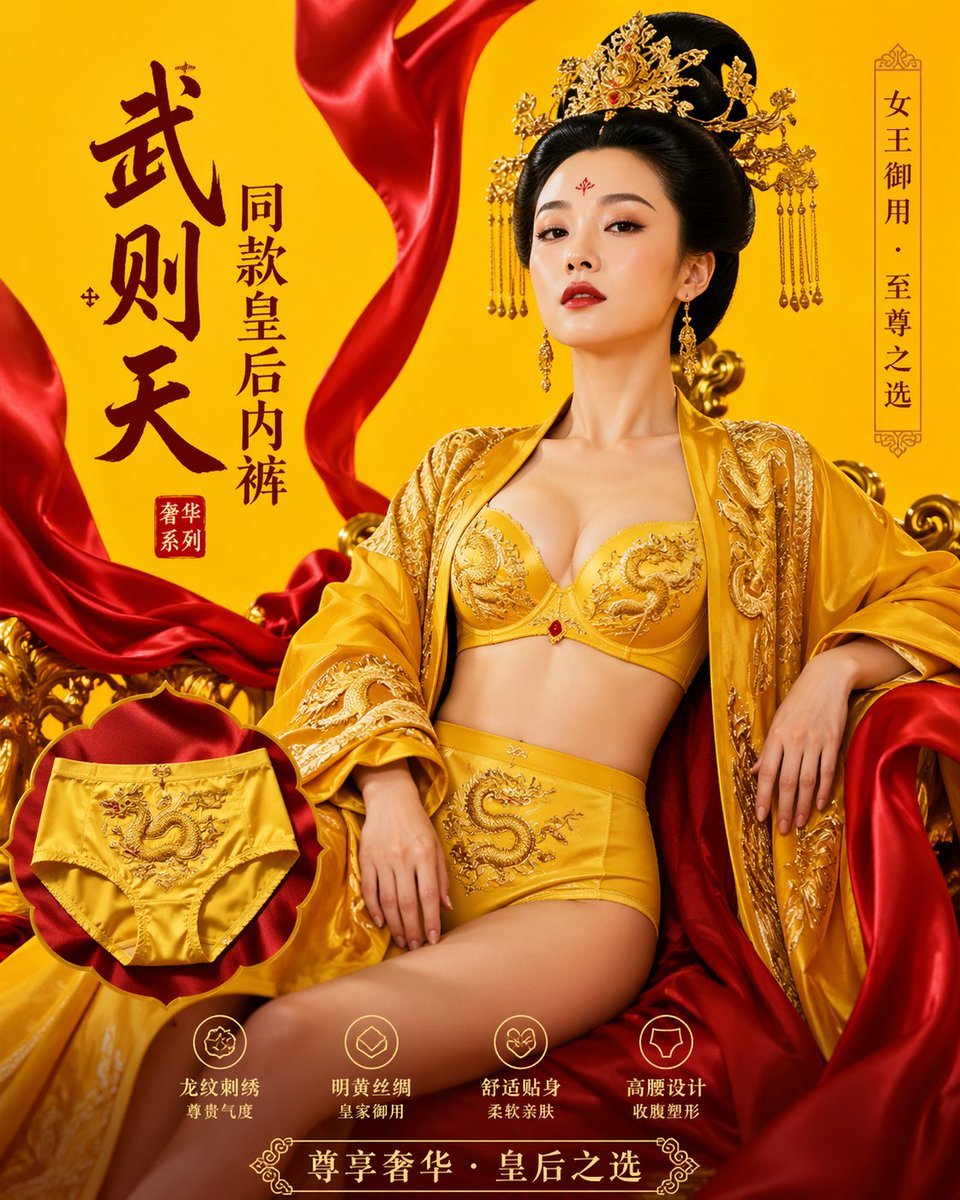
武则天同款皇后内衣广告大片,明黄底色龙纹刺绣,大红丝绸飘带衬托
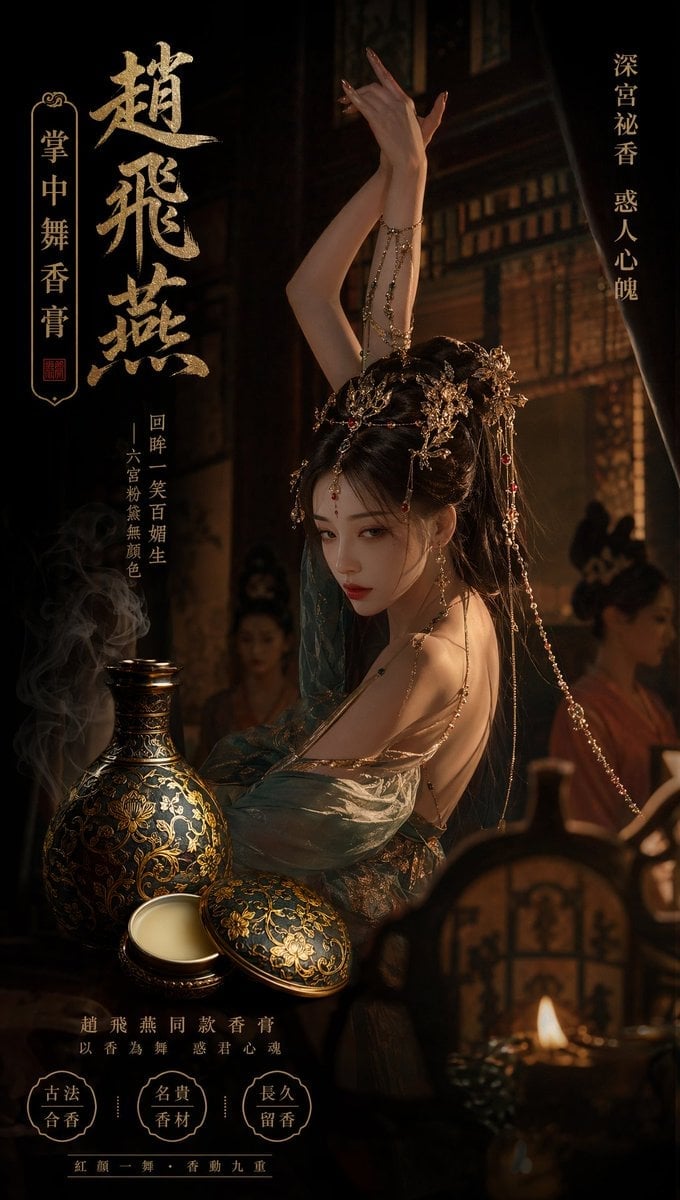
赵飞燕同款掌中舞香膏广告,错金缠枝莲铜瓶,冷艳诡谲深宫氛围感,竖屏9 16
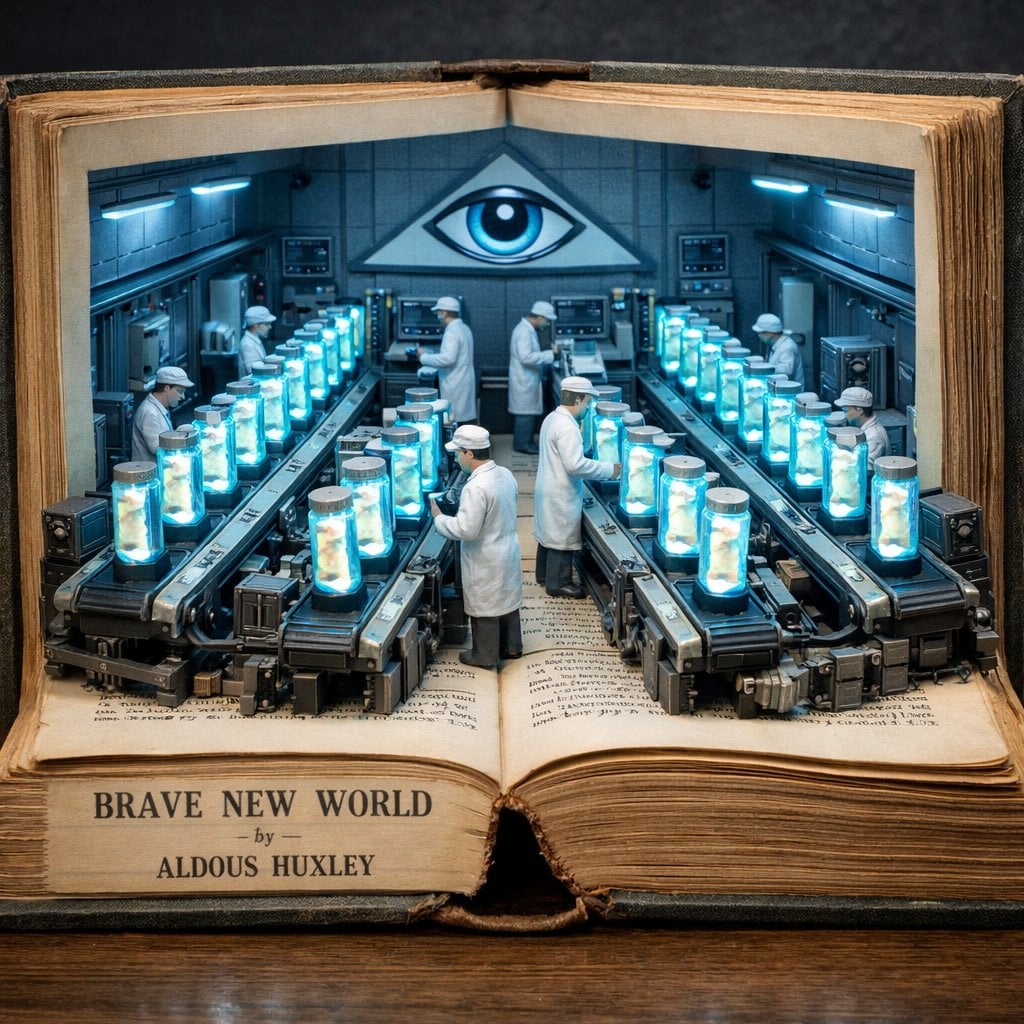
Surreal diorama emerging from an open vintage book of Brave New World
Make it yours
BRAND COLOR ADAPTATION works as-is. These are the safest ways to change it without losing the look.
Change one field
Copy a single group, rewrite it, and generate again so you can see what that field is doing.
Keep the frame, change the subject
Hold the composition and light of BRAND COLOR ADAPTATION, then swap wardrobe, props or the person for a new take.
| If the result… | Why | Fix |
|---|---|---|
| The result drifts from the preview | Too many fields changed at once. | Reuse BRAND COLOR ADAPTATION as-is first, then change one group — subject, light, or setting. |
| The model over-stylizes the scene | The prose prompt leaves finish and camera underspecified. | Add one camera or lighting sentence and stay on Nano Banana 2. |
More Nano Banana 2 templates
Other prompts made for Nano Banana 2.

Photorealistic Leaf Shaped Like a Dragon

K-Pop Idol Portrait Grid for Rapid Selection

Poetic Rain Forest Portrait During Golden Hour

Urban Street Portrait with Cartoon Inner Self Duo

Candid Nighttime Photo with Cat Prompt

High-Concept 3D Diorama Generation Prompt

Cinematic Futuristic Studio Portrait Template

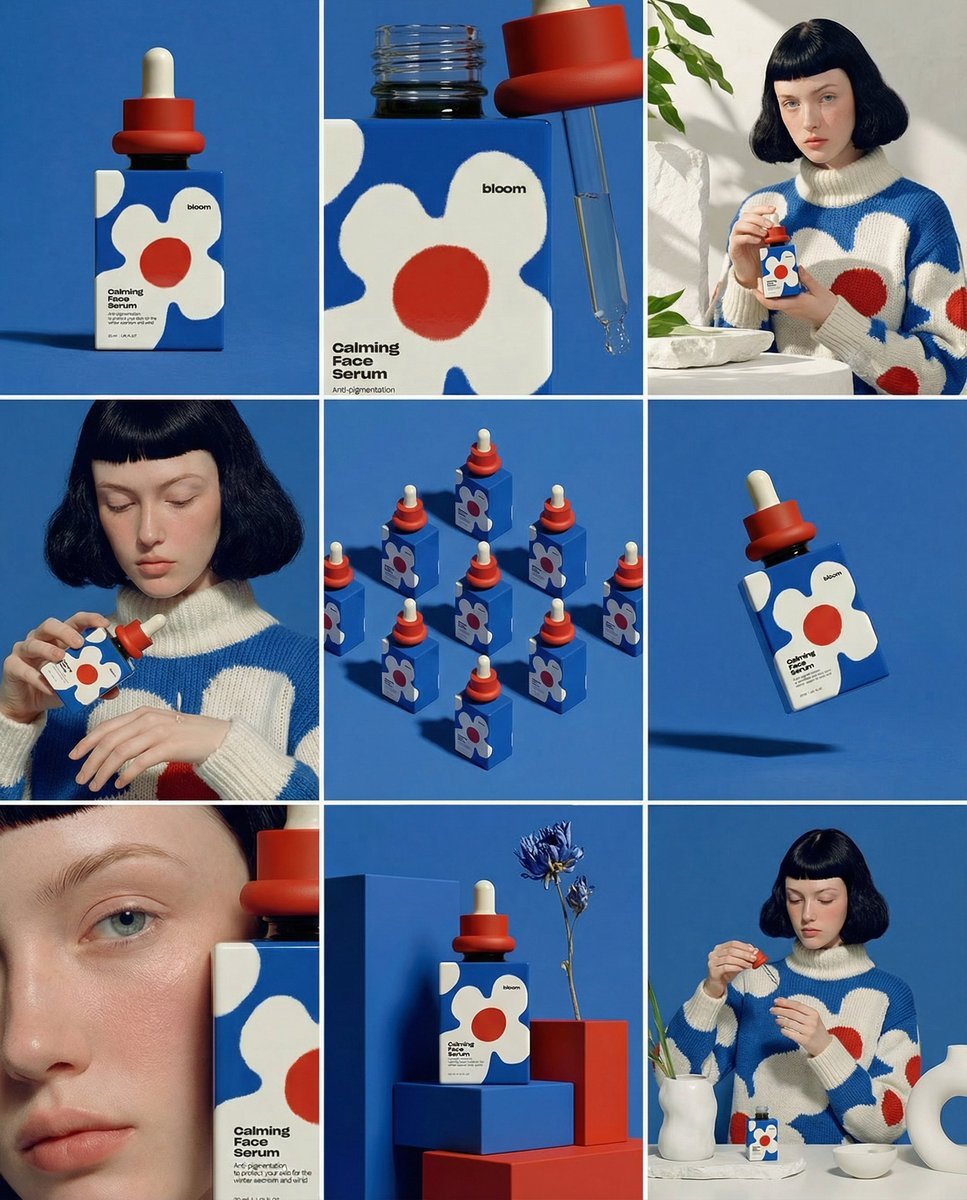
Skincare Editorial Photography Collage Prompt

Hyper-Realistic Commercial Product Photography (Splash Effect)

Hyper-Realistic Nightclub Portrait Prompt
More image prompts
Fresh picks from across the catalog.
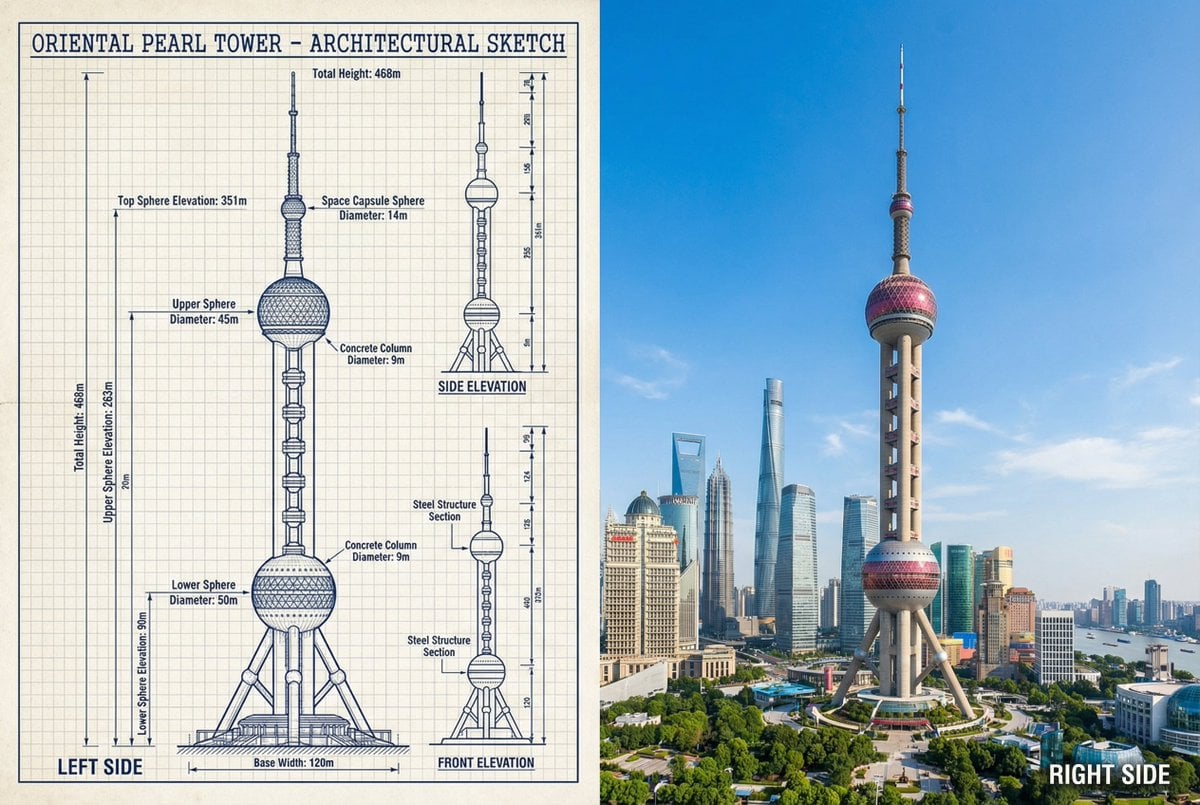
JSON Prompt for Side-by-Side Architectural Comparison of Oriental Pearl Tower
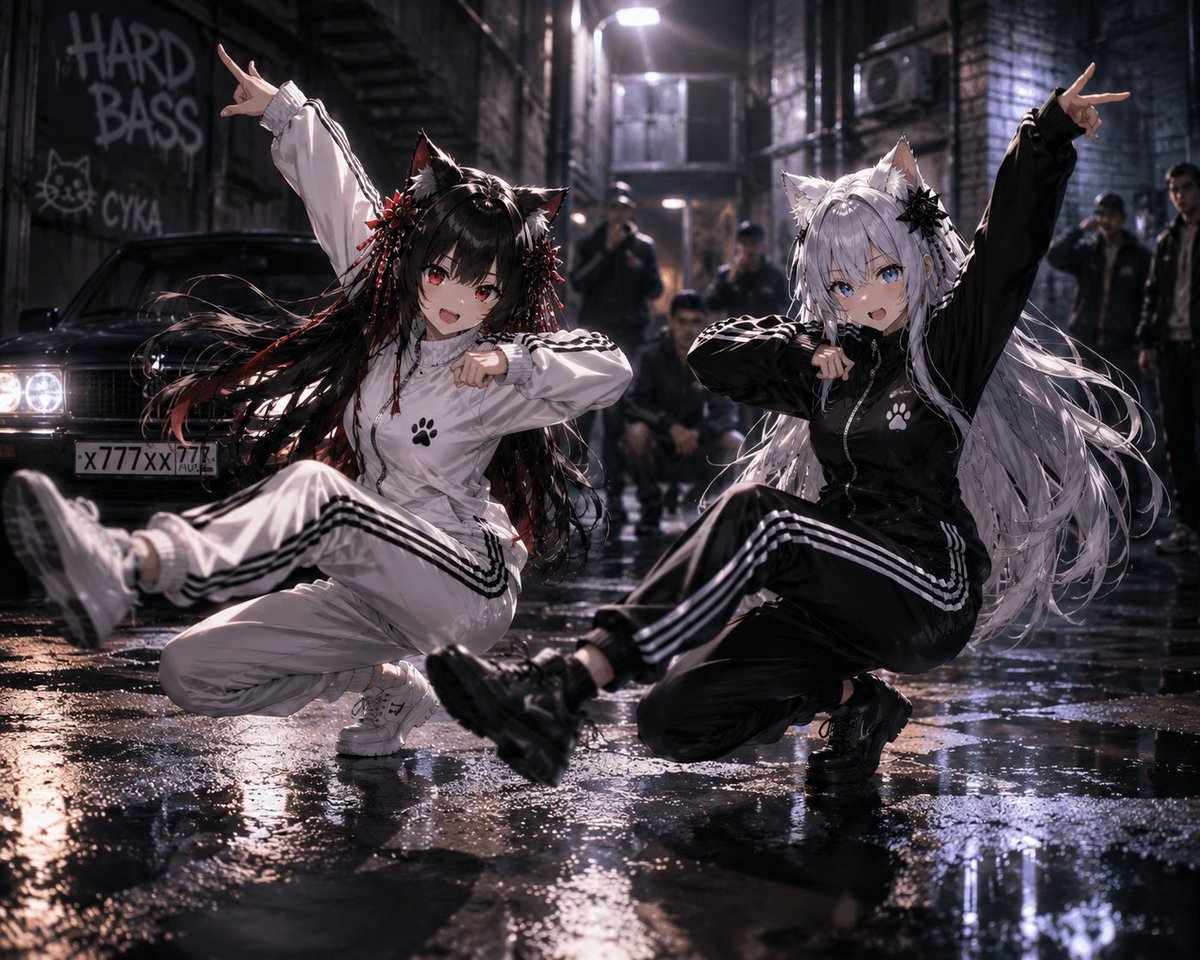
Catgirl Hardbass Alley Dancers
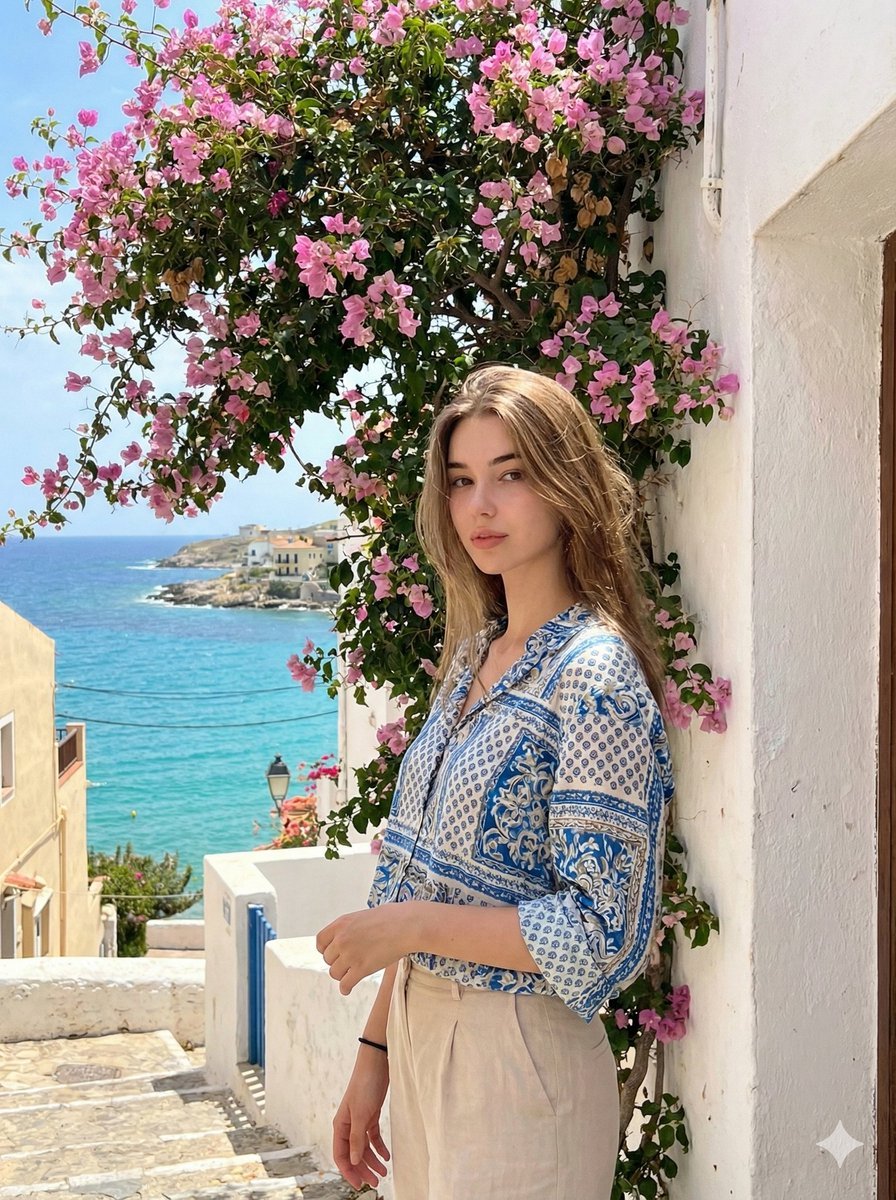
Mediterranean Identity Preservation Prompt
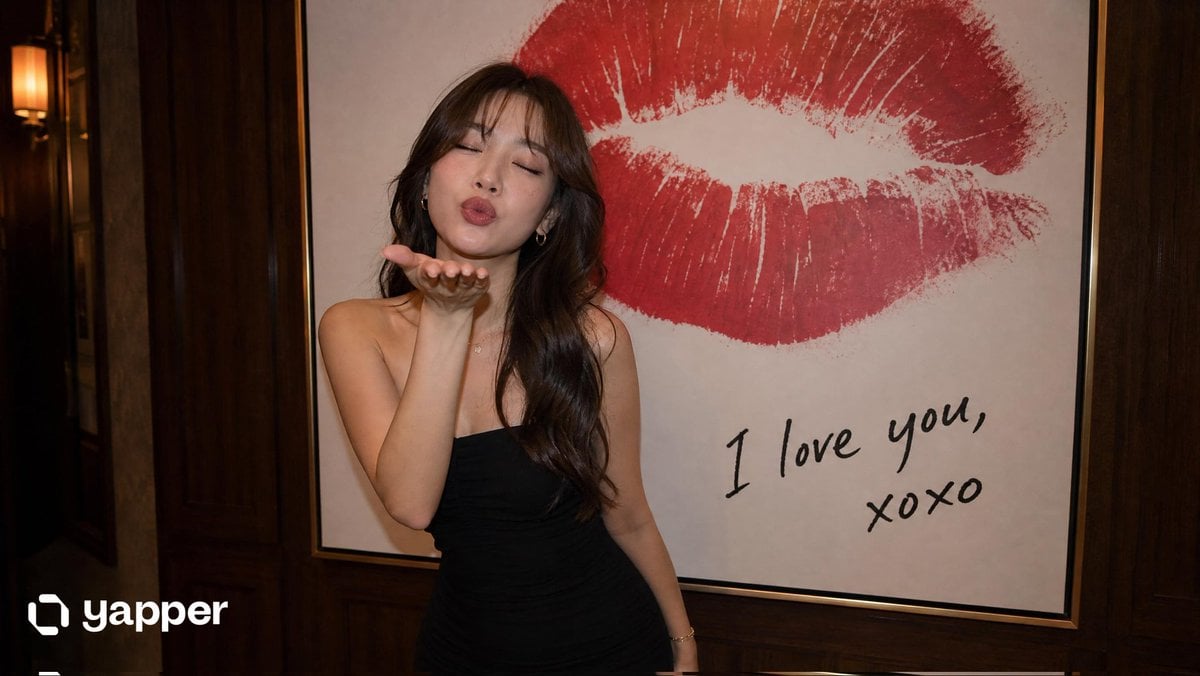
Elegant Woman Blowing a Kiss Portrait
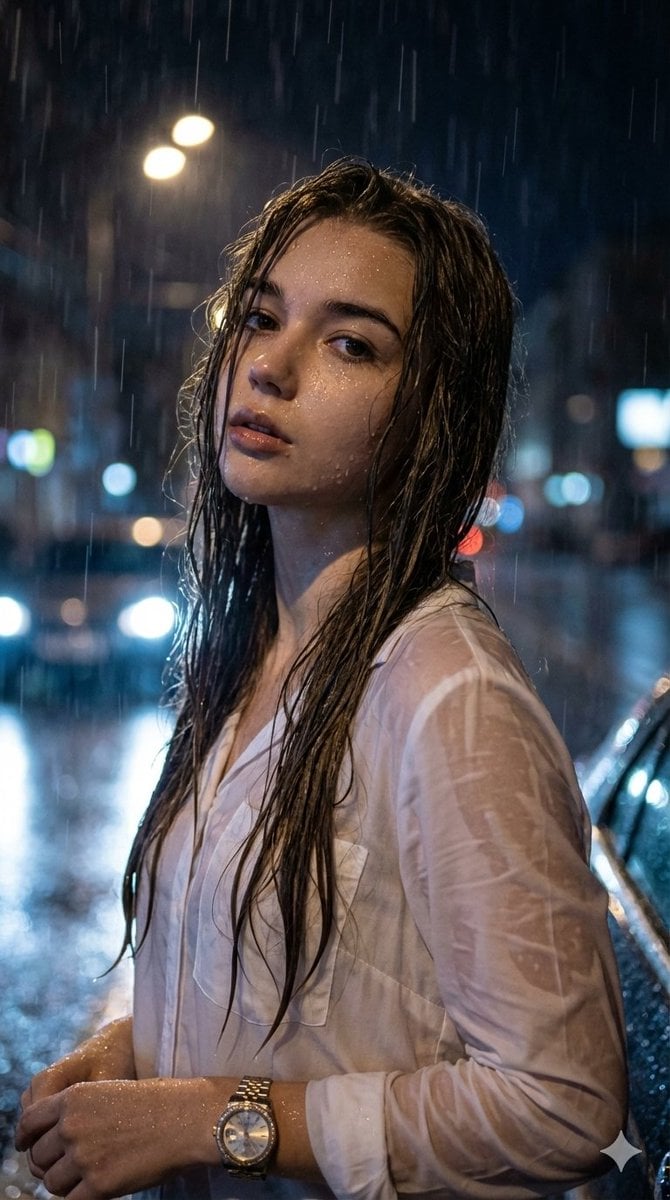
Hyper-Realistic Cinematic Night Portrait in Rain
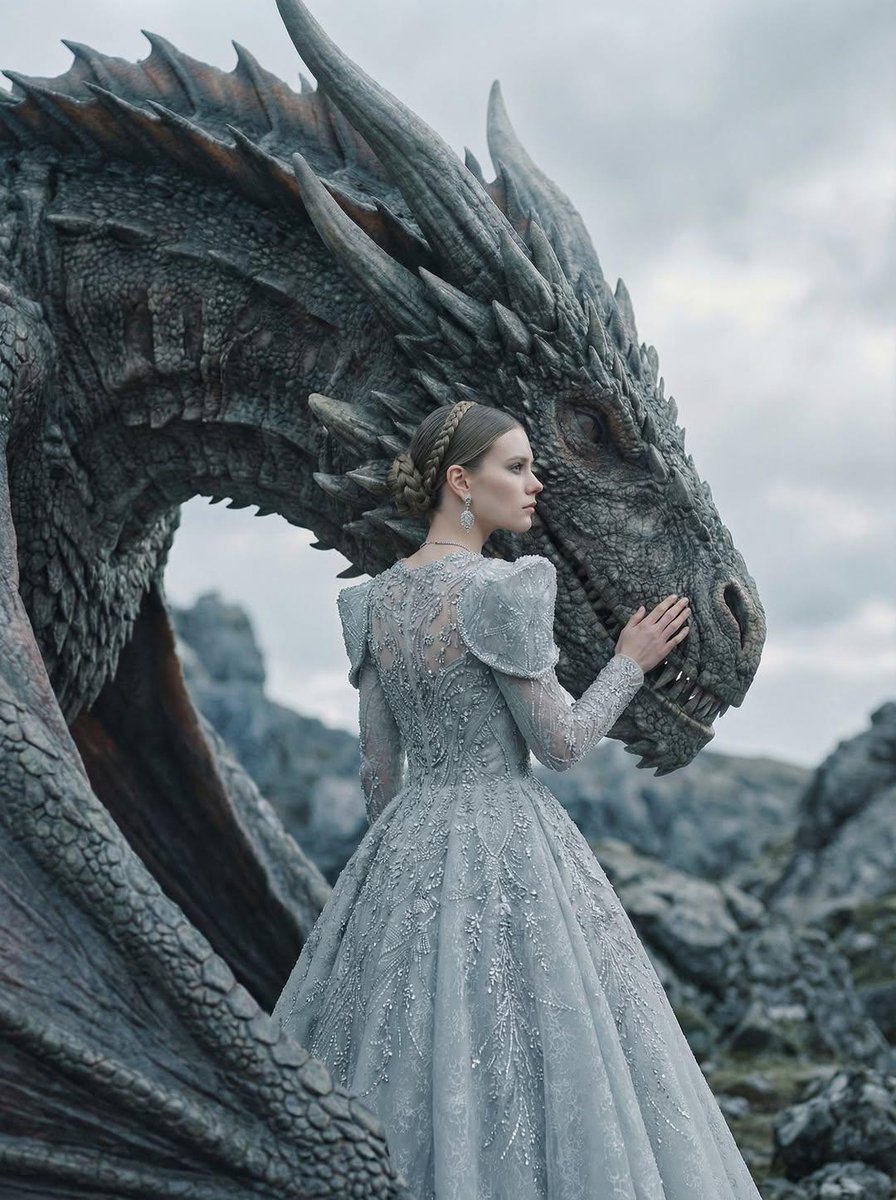
Couture Woman and Majestic Dragon Portrait
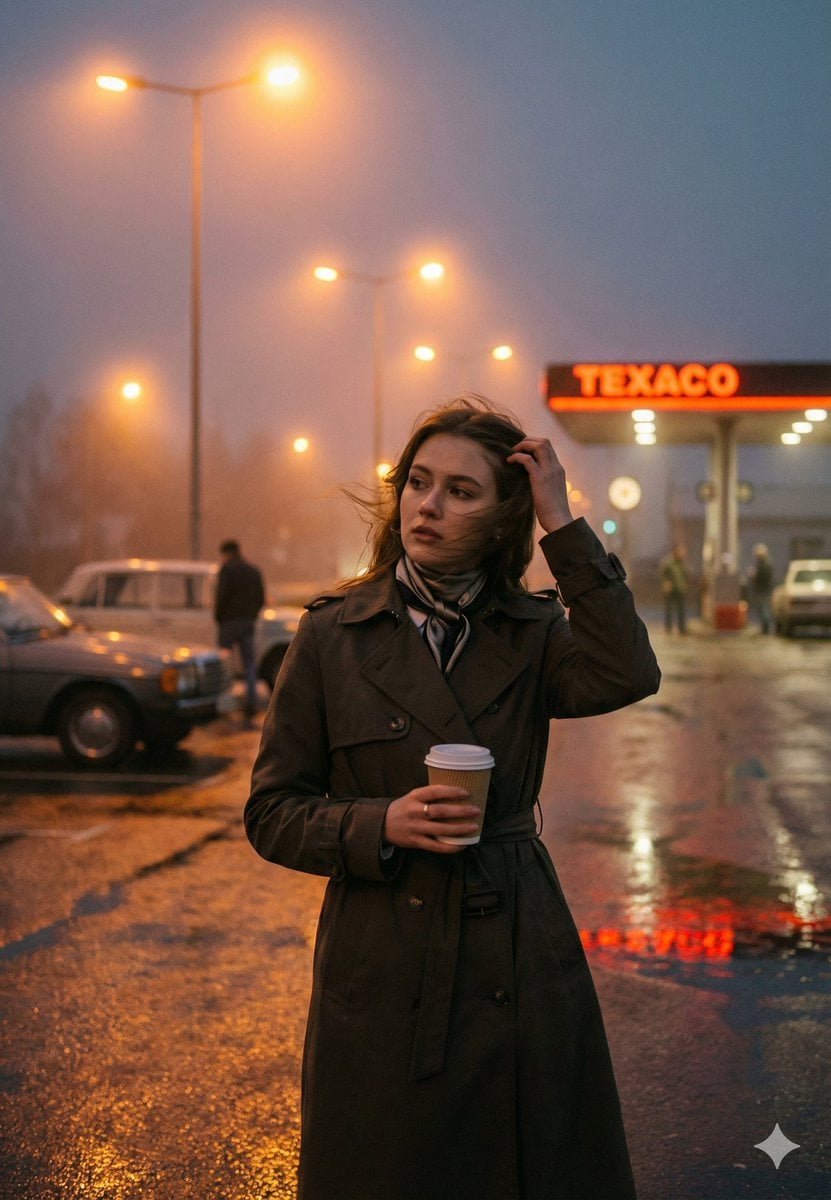
Cinematic Roadside Realism at a Gas Station
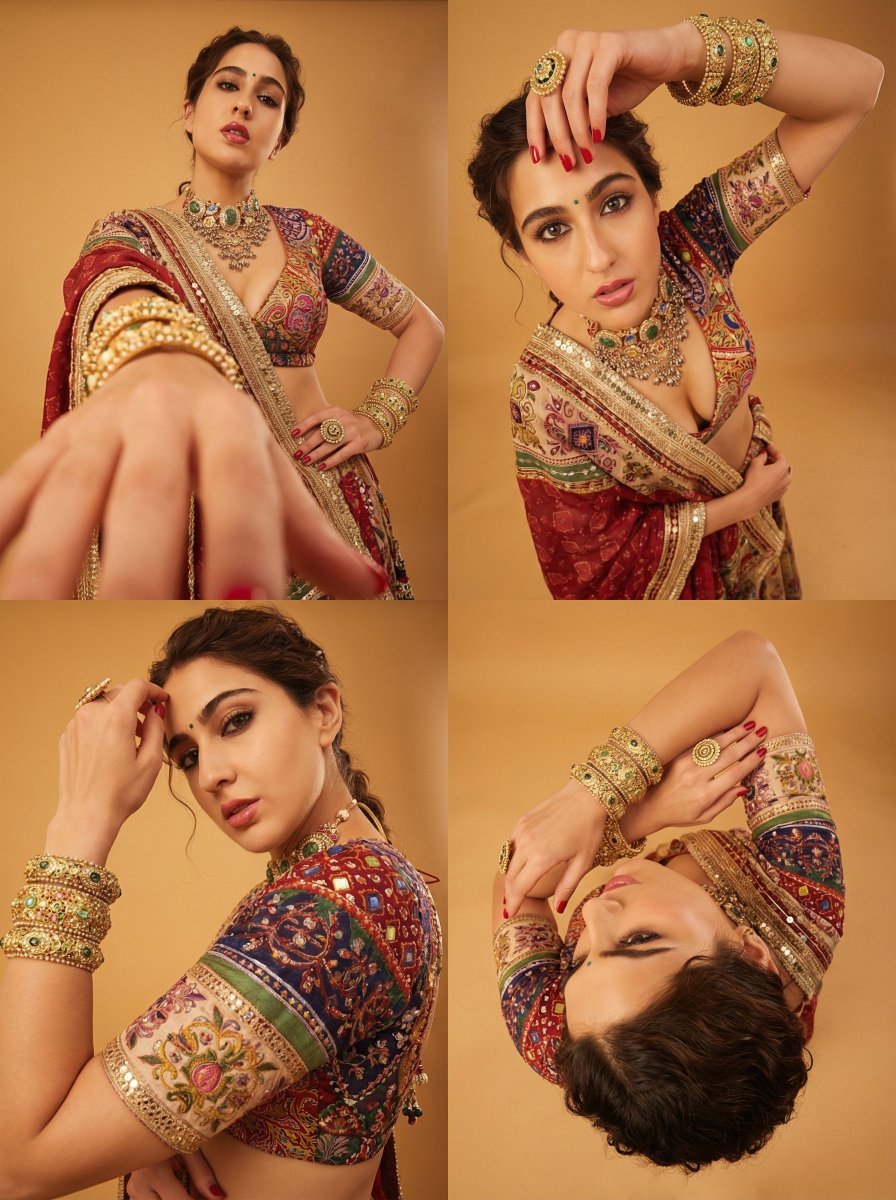
Dramatic Photorealistic Portrait with Lens Emphasis
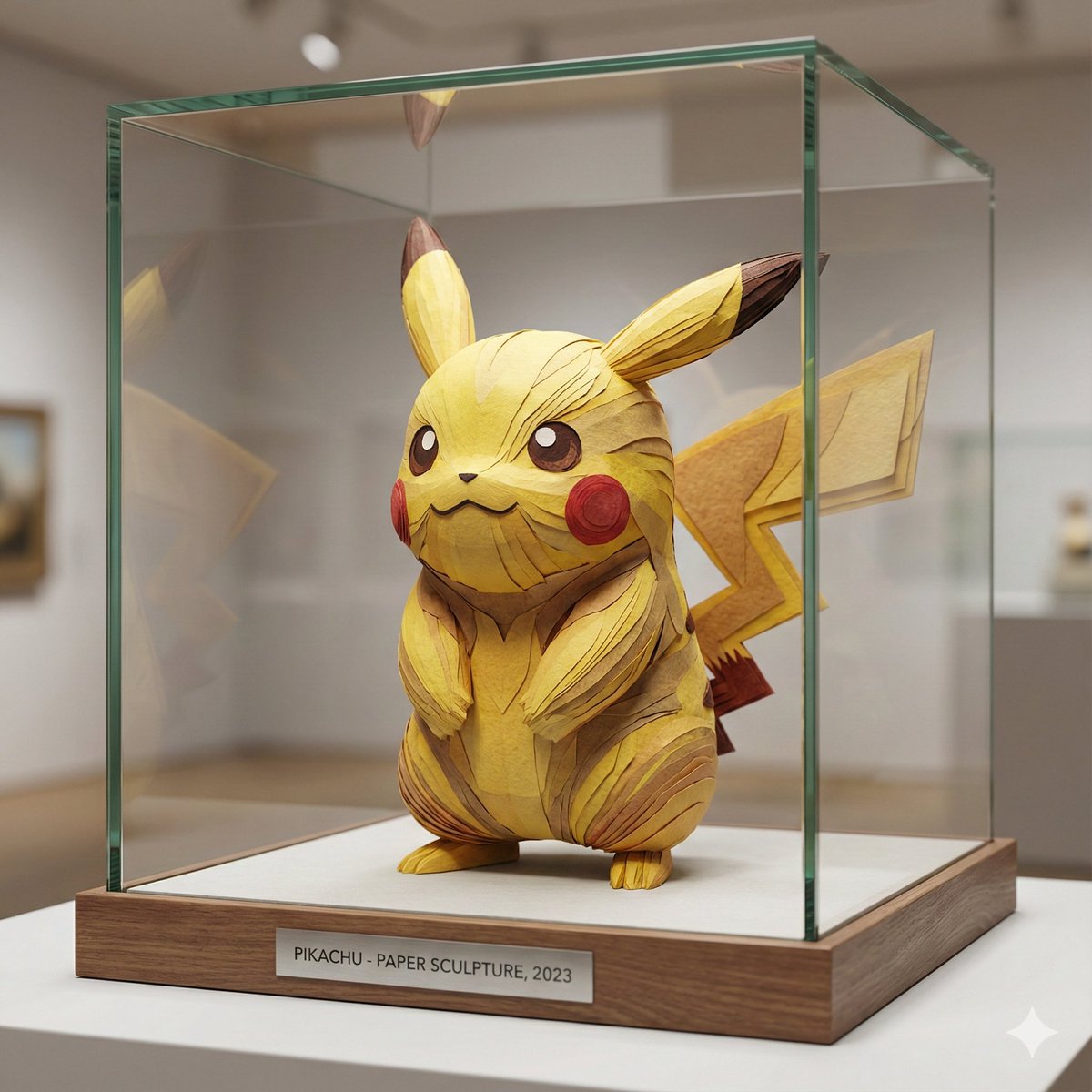
Cartoon Character Paper Sculpture Museum Display
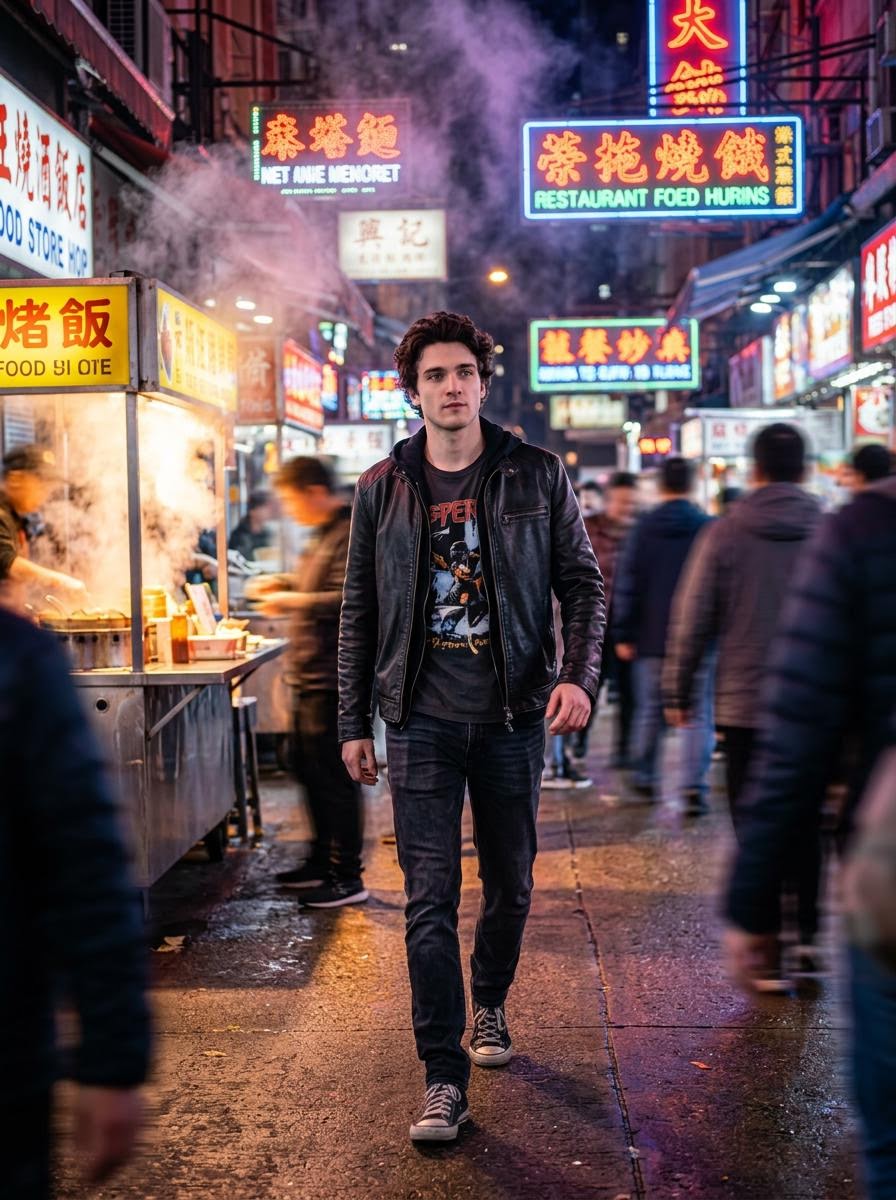
Cinematic Hollywood-Style Street Market Walk
Browse template categories
BRAND COLOR ADAPTATION questions
How do I use the BRAND COLOR ADAPTATION template?
Add your photo if the template asks for one, edit the prompt if you like — the template's model and format are already selected — and press Generate. Your version opens in PicX Studio.
Can I customize the BRAND COLOR ADAPTATION template?
Yes. You can change the subject, setting, lighting, mood, format, and available model controls before creating your image.
Is the BRAND COLOR ADAPTATION template free?
Opening and editing this template is free. Generating uses credits, shown on the Generate button when you are signed in.
Which AI model should I use?
Start with Nano Banana 2, which is the model associated with this template. You can compare another compatible model for a different finish.
Looking for something else? Browse all templates.

Your photo, any look
Thousands of ready templates for every top image and video model, from one credit balance.