
Cinematic Roadside Realism at a Gas Station
A detailed prompt for generating a cinematic, melancholic portrait of a young woman at a Texaco gas station at dusk.
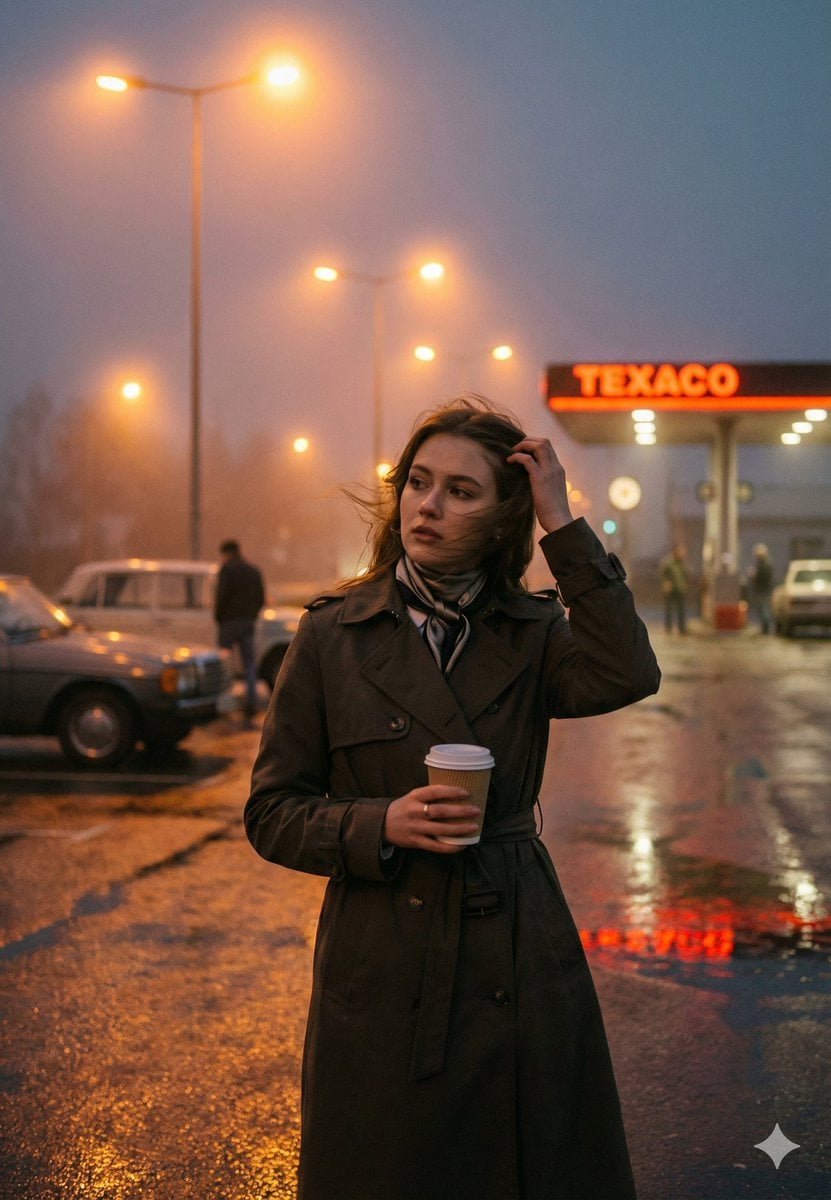
- Prompt included
- Model and format preset
- Premium template
The prompt behind this image
Copy the exact prompt behind Cinematic Roadside Realism at a Gas Station, or open it in the studio and make it yours.
{ "genre": "cinematic roadside realism", "mood": ["melancholic", "quiet", "nostalgic", "late-night solitude"], "theme": "a fleeting moment of reflection at a gas station, caught between movement and pause" }, "subject": { "description": "young woman standing alone at a roadside gas station", "face": { "expression": "thoughtful, distant gaze, slightly guarded", "skin": "natural texture, visible pores, soft imperfections, no retouching", "emotion": "subtle introspection, calm with underlying tension" }, "hair": { "style": "loose, shoulder-length hair", "motion": "slightly wind-blown strands crossing the face", "detail": "natural texture, not styled or glossy" }, "pose": { "body_language": "relaxed but inward, weight slightly shifted", "hands": "one hand holding a takeaway {argument name="drink type" default="coffee"} cup, other adjusting hair", "gesture": "casual, unposed, caught mid-moment" } }, "wardrobe": { "outerwear": "long dark trench coat, structured but worn-in", "accessories": "simple scarf wrapped close to the neck", "styling_notes": "timeless, understated, no visible logos or fashion trends" }, "environment": { "location": "{argument name="gas station brand" default="Texaco"} gas station at dusk", "weather": "cold evening with light mist in the air", "ground": "wet asphalt reflecting streetlights and neon signage", "background_elements": [ "vintage cars parked nearby", "soft silhouettes of distant people", "gas pumps glowing under canopy lights" ], "atmosphere": "quiet roadside stop, faint urban noise, cinematic stillness" }, "cinematography": { "shot_type": "medium-full portrait", "framing": "subject slightly off-center for narrative tension", "camera_angle": "eye-level", "lens": { "focal_length": "35mm", "look": "cinematic environmental portrait", "distortion_control": "natural perspective, straight verticals" }, "depth_of_field": { "aperture": "f/2.8", "focus": "sharp on subject’s face", "background": "softly blurred lights and figures, readable context" } }, "lighting": { "primary_source": "warm gas station canopy lights", "secondary_source": "cool ambient dusk sky", "contrast": "balanced warm-cool interplay", "highlights": "soft glow on hair and coat edges", "shadows": "gentle shadow falloff, no crushed blacks", "notes": "lighting should feel practical and naturally motivated" }, "color_grade": { "style": "cinematic dusk grade", "palette": "warm amber highlights against cool blue-gray sky", "saturation": "restrained, film-like", "contrast": "medium, natural roll-off", "black_levels": "slightly lifted for softness" }, "texture_details": { "skin": "realistic micro-texture", "fabric": "coat weave visible, soft folds", "environment": "wet asphalt reflections, subt
How to use Cinematic Roadside Realism at a Gas Station in 3 steps
- 1
Open
The prompt is already in the box next to the preview, with the template's model and format selected.
- 2…a portrait of your subject in softgolden-hour light, 85mm…
Personalize
Edit the subject and creative details for your destination.
- 3Generate
Generate
Press Generate — your image is created in PicX Studio, so you can compare it with the original and refine one variable at a time.
More like this
Templates with the same subject, style or setup. Open one to see its prompt.
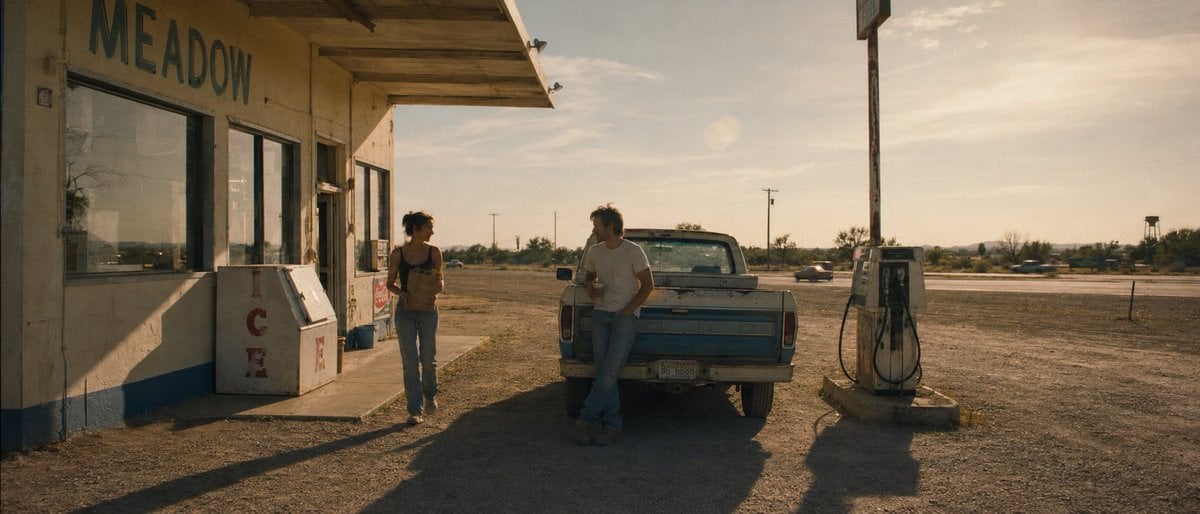
Desert Gas Station Road Movie Still
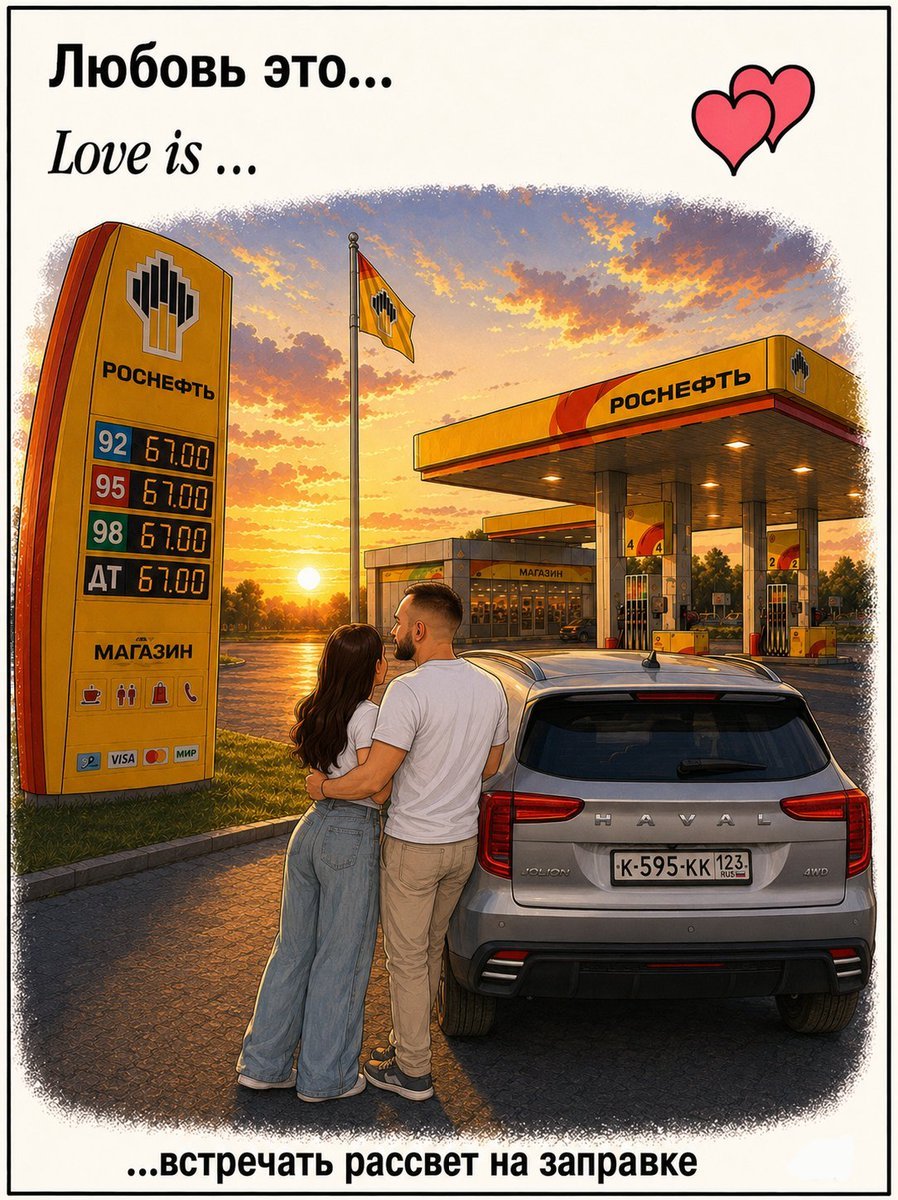
Love Is Gas Station Sunrise Poster
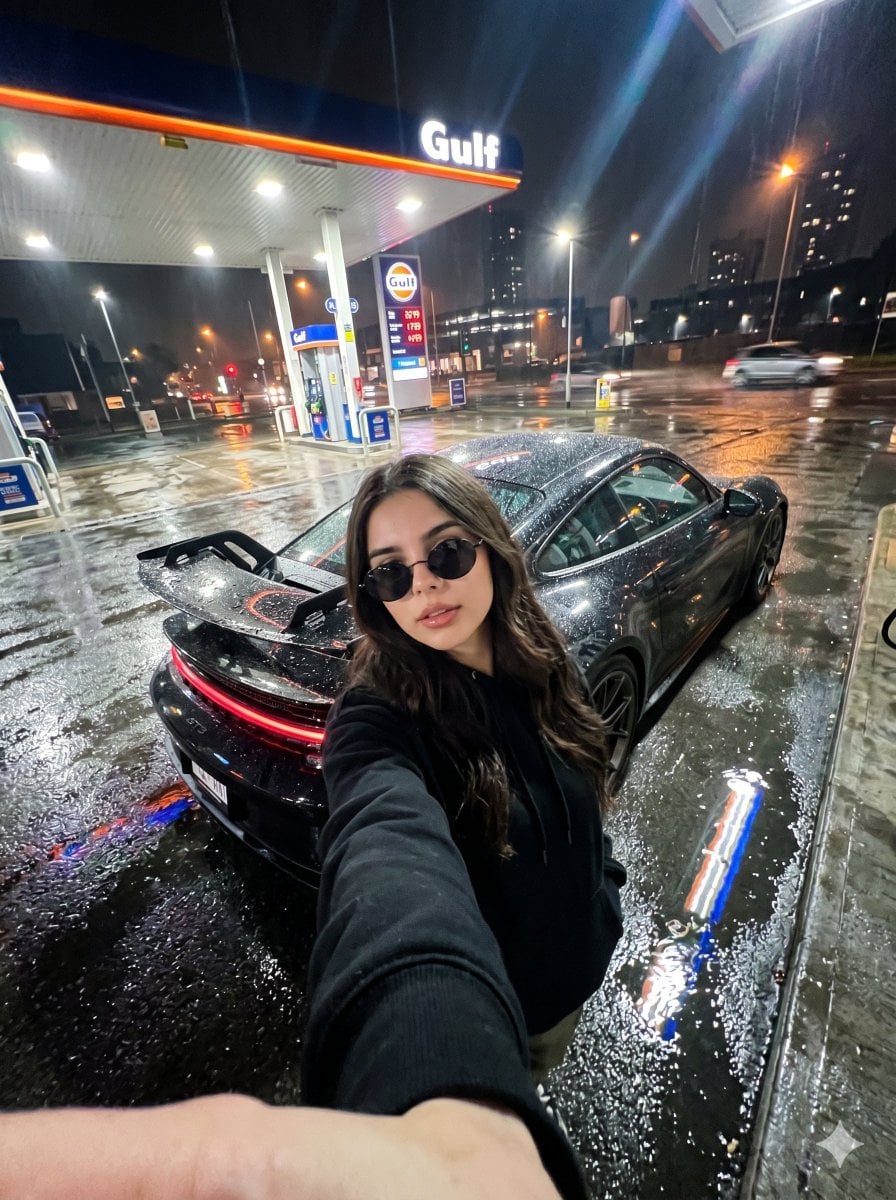
Urban Night Gas Station Portrait
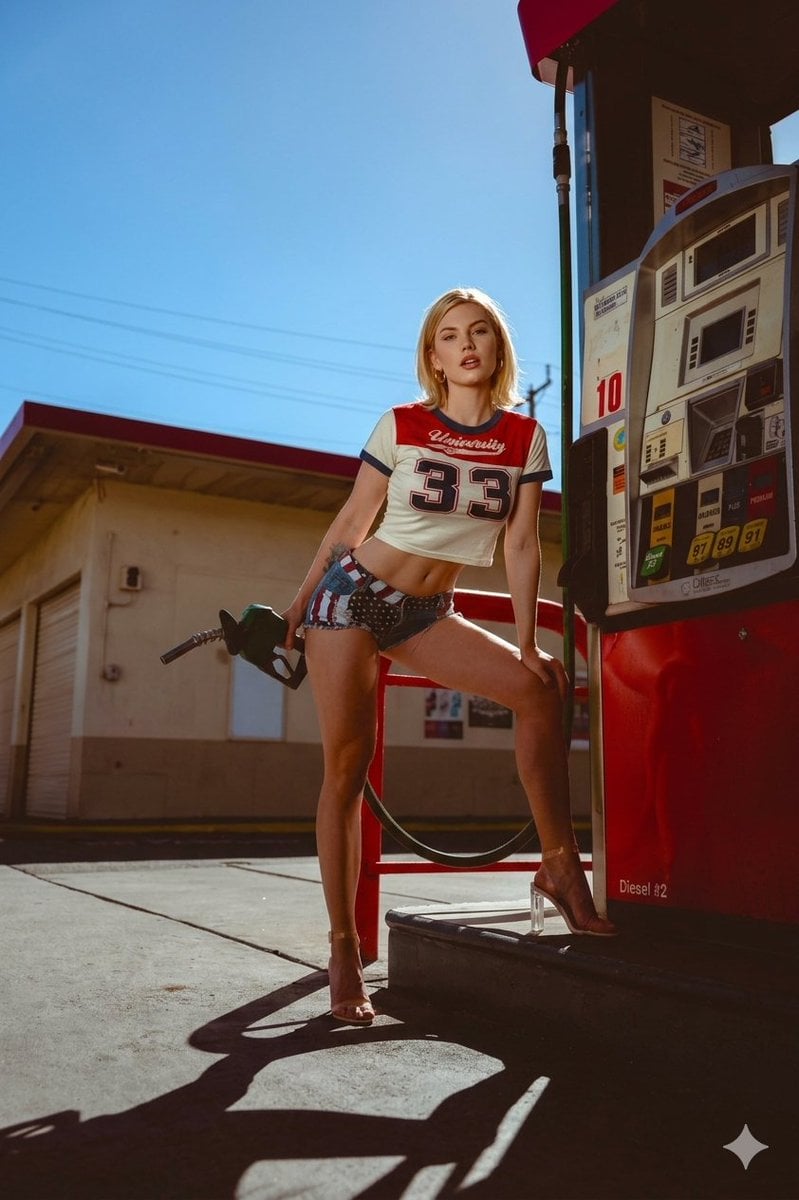
Retro Americana Gas Station Editorial
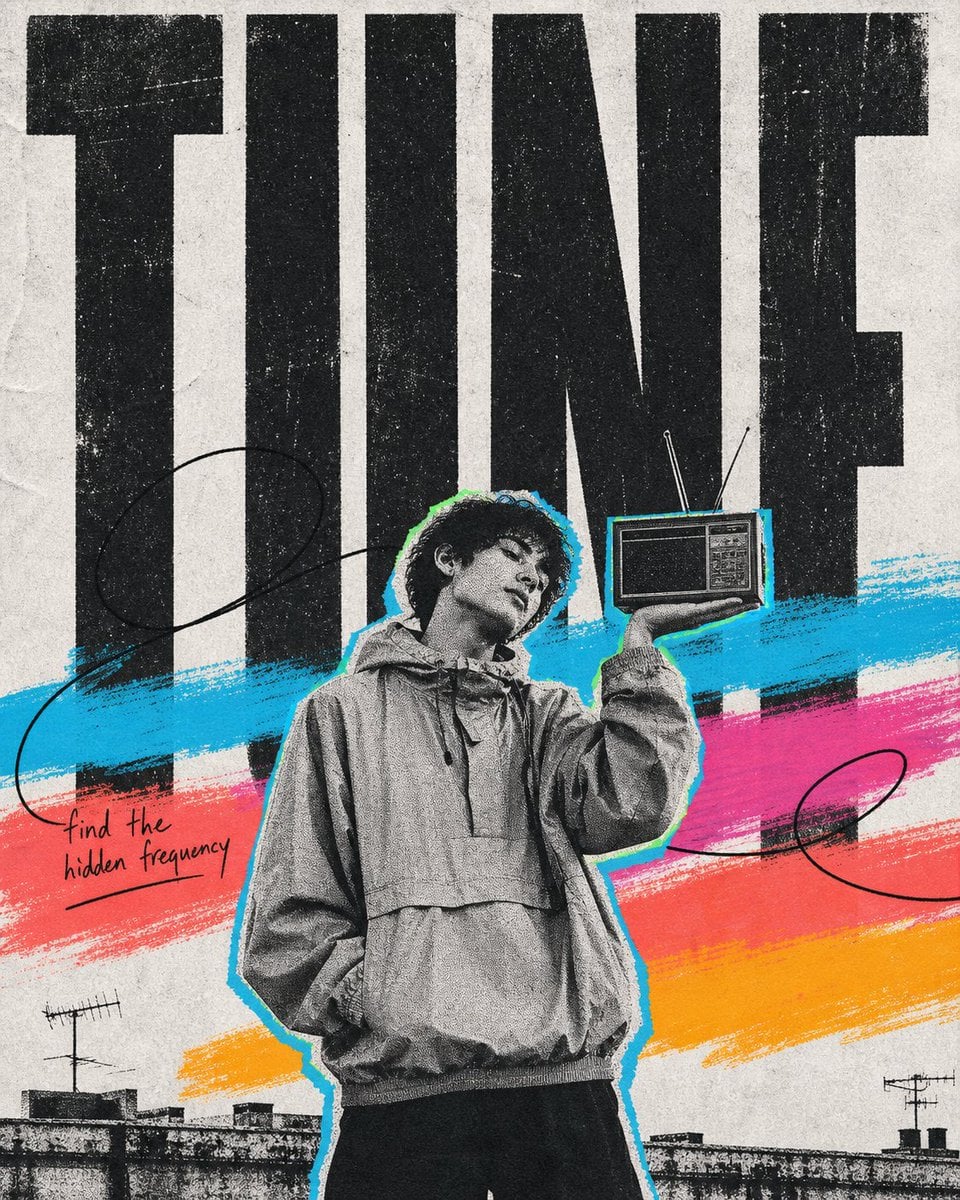
Gas Station Attendant 60s
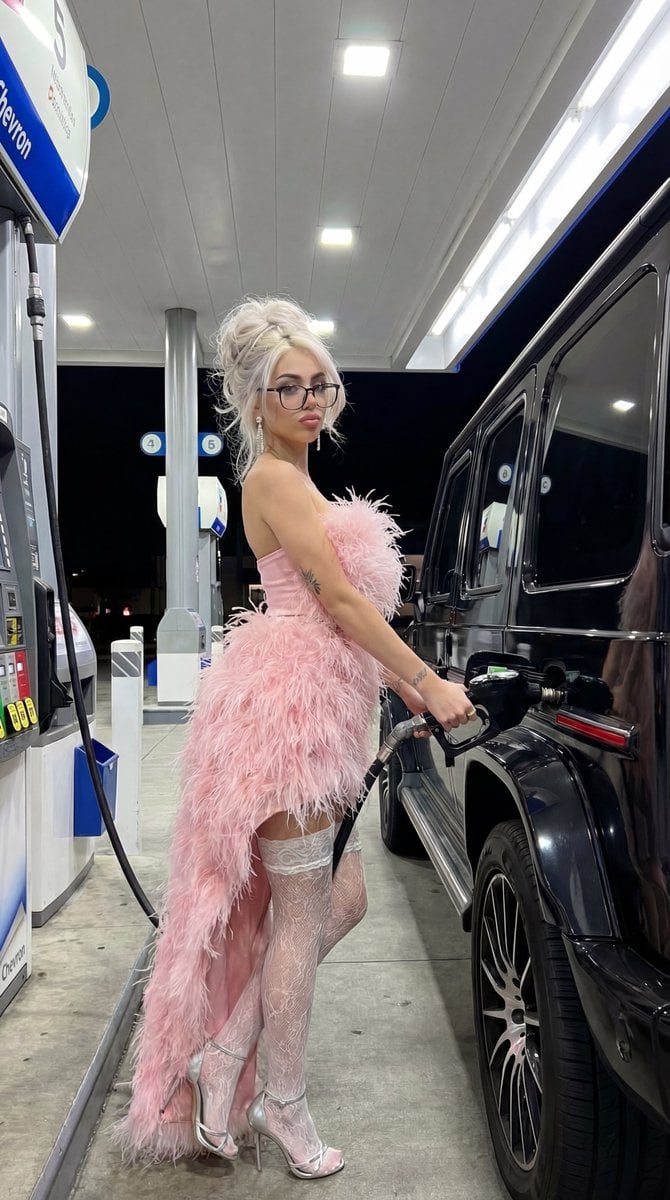
Campy High-Fashion Editorial at a Gas Station
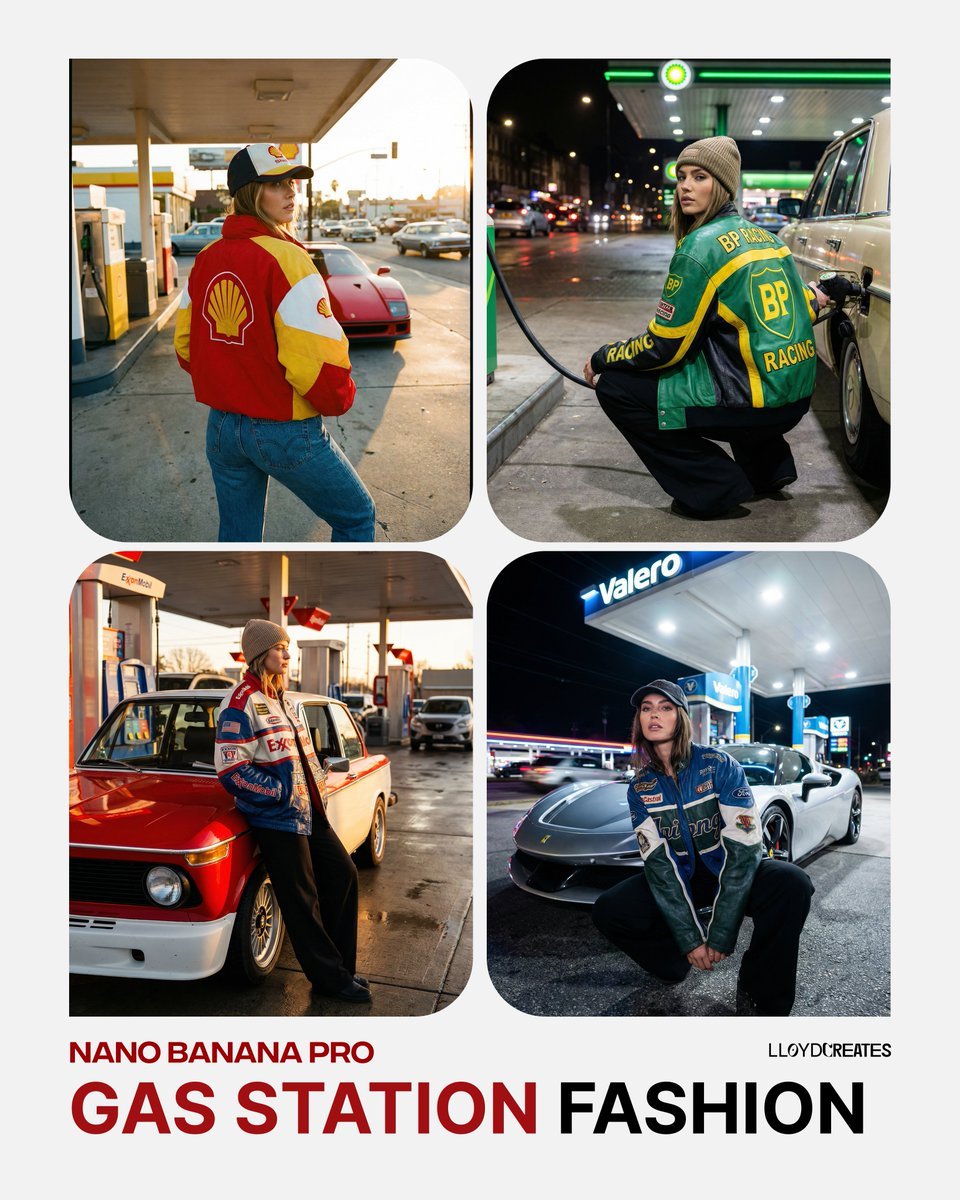
Gas Station Streetwear Fashion Photoshoot Template
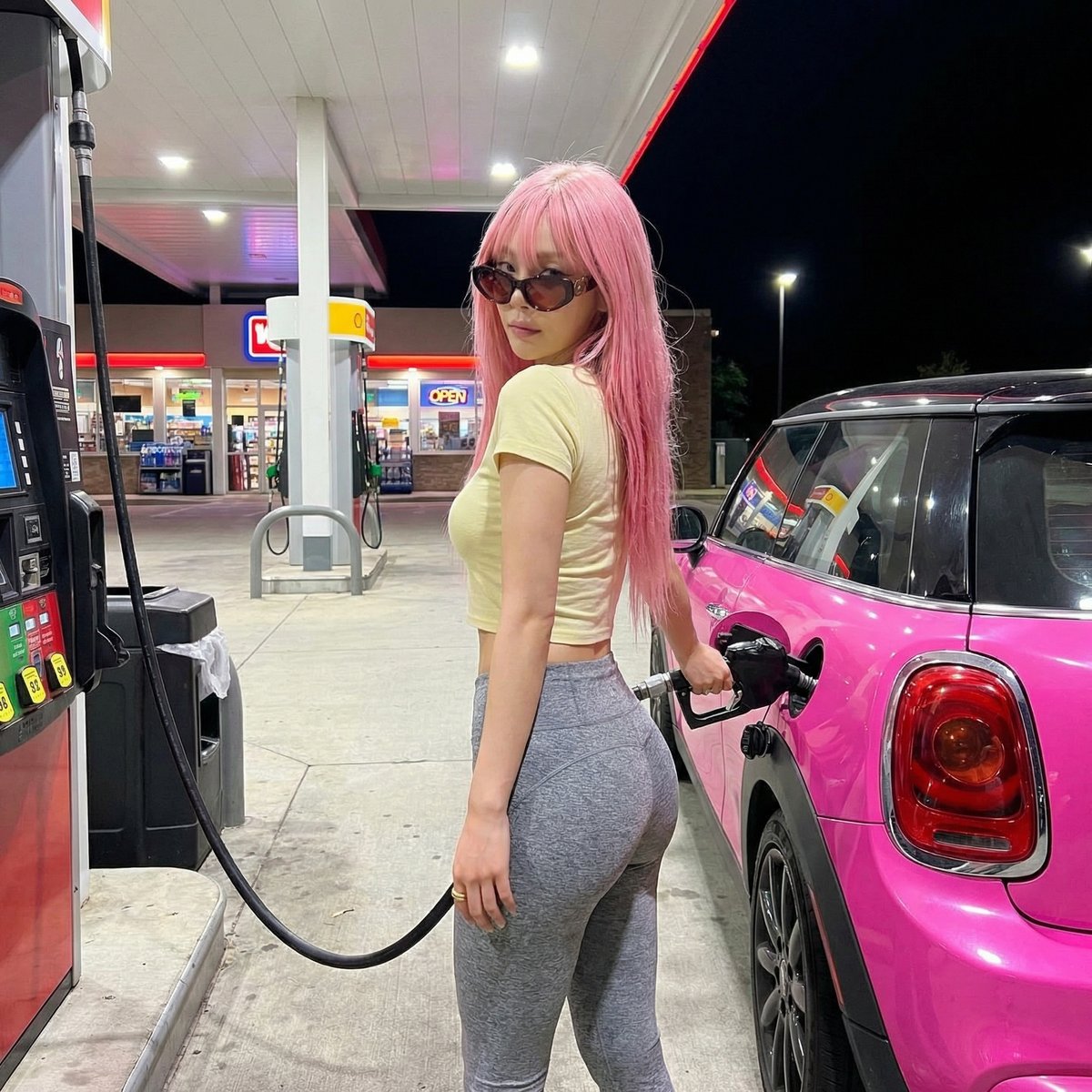
Exaggerated Curvy Figure at Gas Station
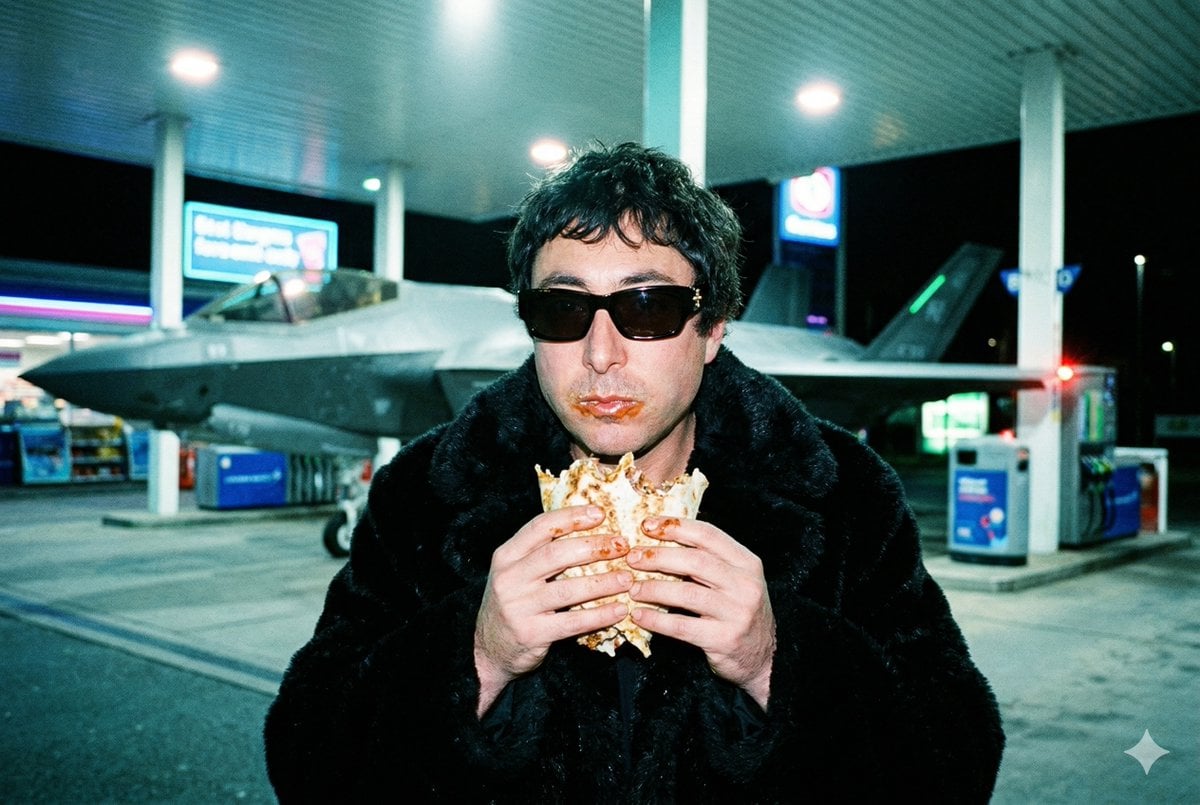
Grainy Paparazzi Snapshot of Man Eating Kebab at Gas Station with F-35 Jet

Fantasy Realism and Art Nouveau Fusion

AI-edited, hyper-detailed, photorealistic with stylized realism
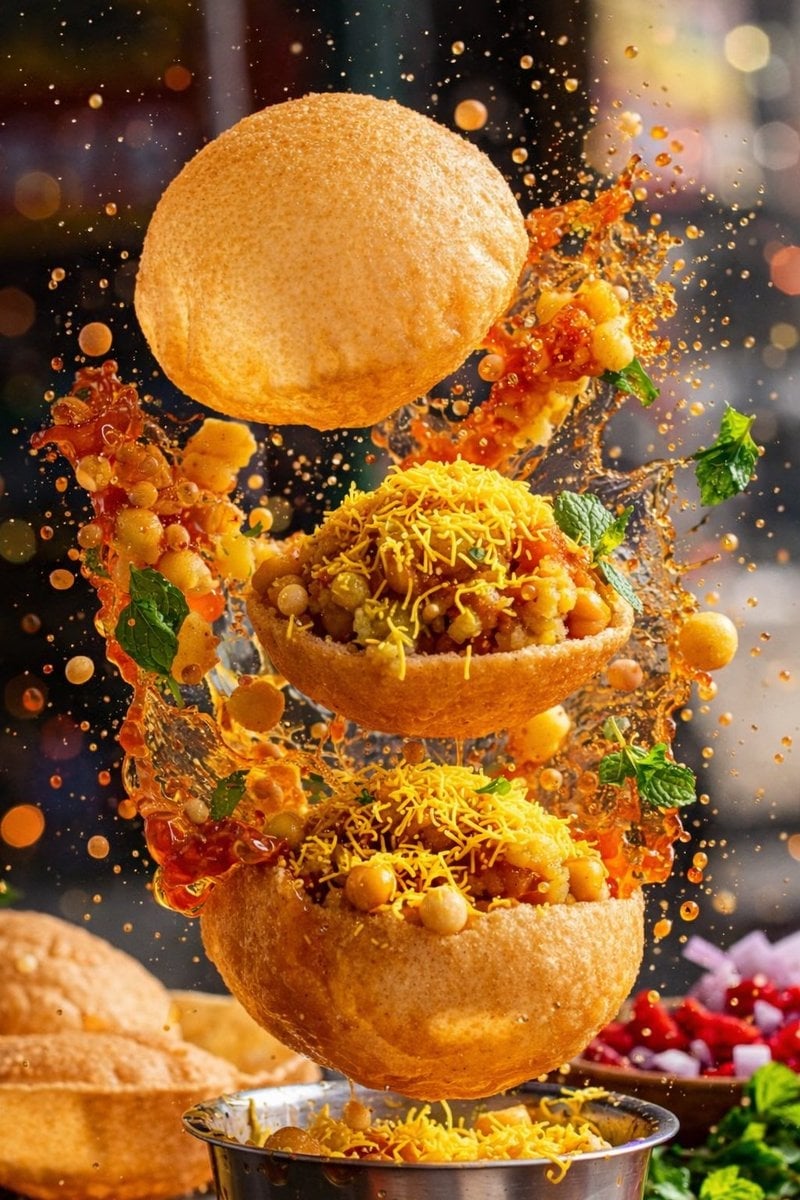
Enhanced realism, minimal alteration from original composition
Make it yours
Cinematic Roadside Realism at a Gas Station works as-is. These are the safest ways to change it without losing the look.
Change one field
Copy a single group, rewrite it, and generate again so you can see what that field is doing.
Keep the frame, change the subject
Hold the composition and light of Cinematic Roadside Realism at a Gas Station, then swap wardrobe, props or the person for a new take.
| If the result… | Why | Fix |
|---|---|---|
| The result drifts from the preview | Too many fields changed at once. | Reuse Cinematic Roadside Realism at a Gas Station as-is first, then change one group — subject, light, or setting. |
| The model over-stylizes the scene | The prose prompt leaves finish and camera underspecified. | Add one camera or lighting sentence and stay on Nano Banana 2. |
More Nano Banana 2 templates
Other prompts made for Nano Banana 2.

Photorealistic Leaf Shaped Like a Dragon

K-Pop Idol Portrait Grid for Rapid Selection

Poetic Rain Forest Portrait During Golden Hour

Urban Street Portrait with Cartoon Inner Self Duo

Candid Nighttime Photo with Cat Prompt

High-Concept 3D Diorama Generation Prompt

Cinematic Futuristic Studio Portrait Template

Skincare Editorial Photography Collage Prompt

Hyper-Realistic Commercial Product Photography (Splash Effect)

Hyper-Realistic Nightclub Portrait Prompt
More image prompts
Fresh picks from across the catalog.
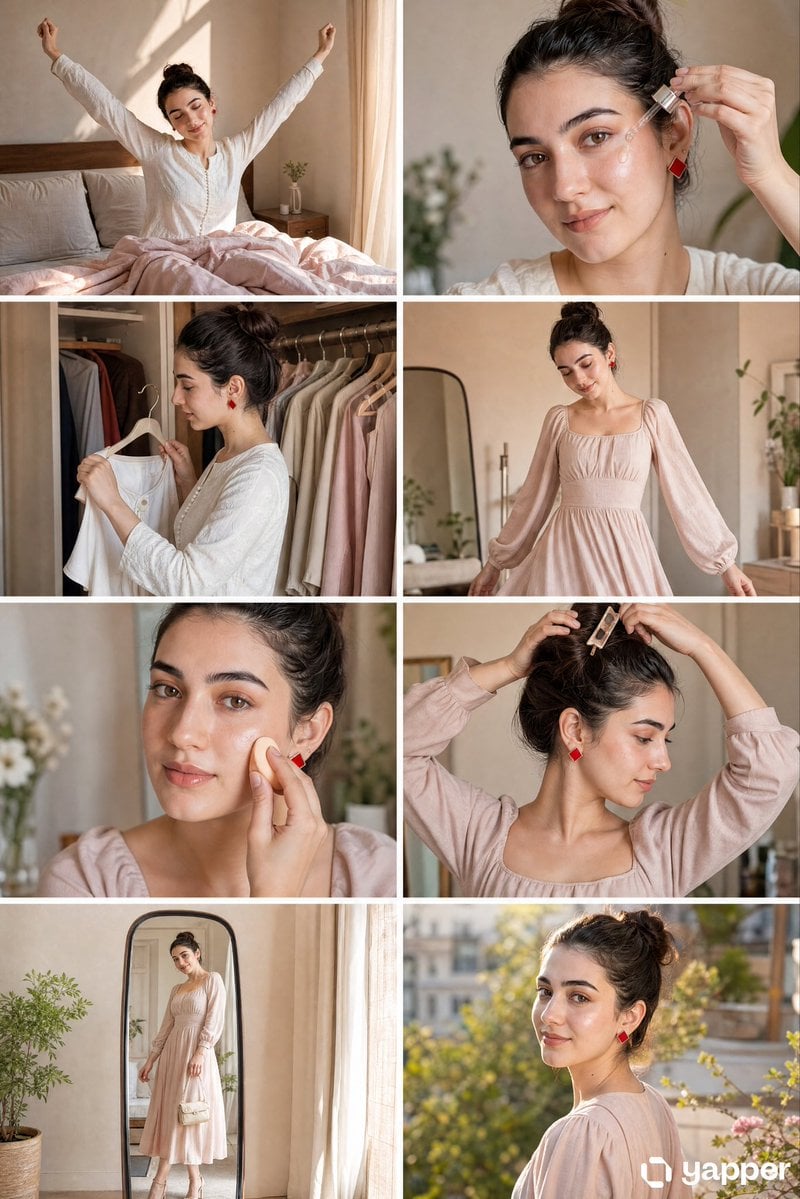
Panel GRWM Storyboard
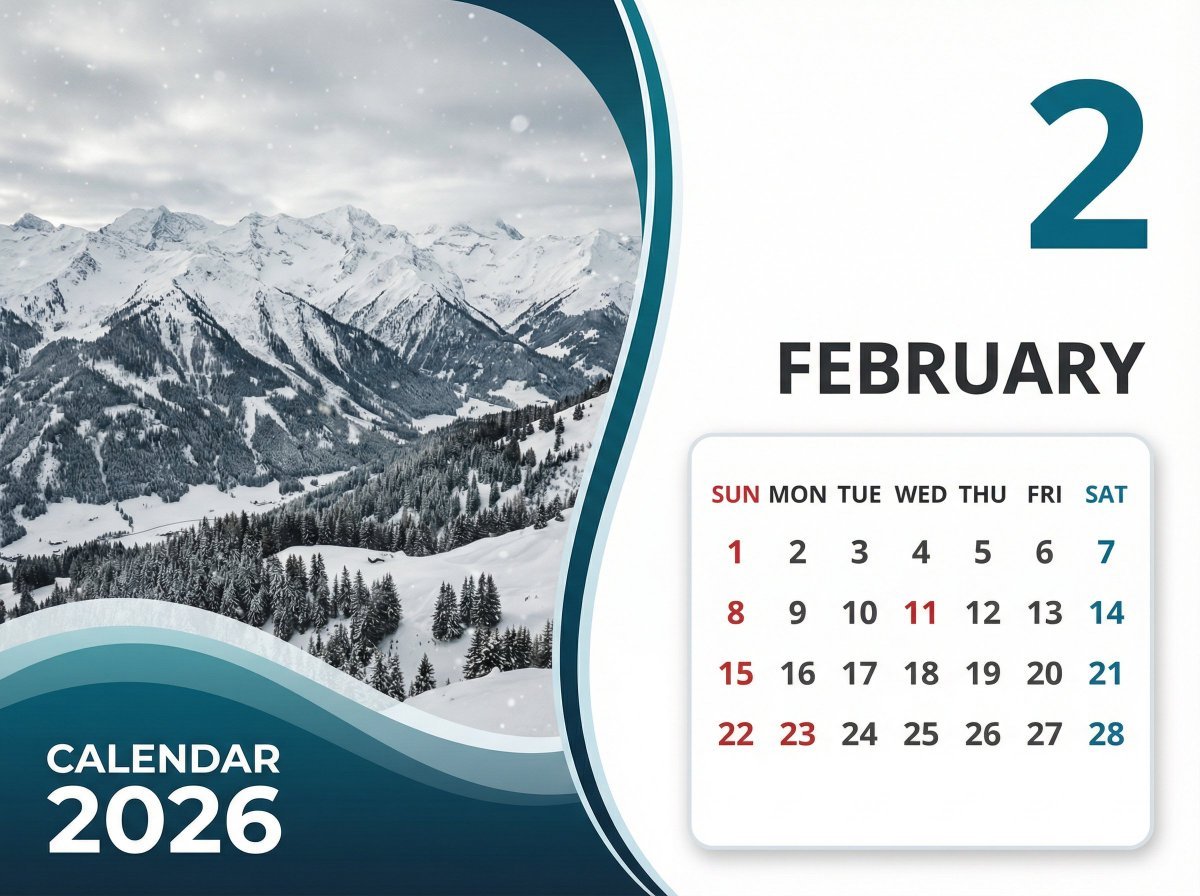
Detailed Calendar Design Prompt for Nano Banana Pro

Tokaido Anime Travel Poster
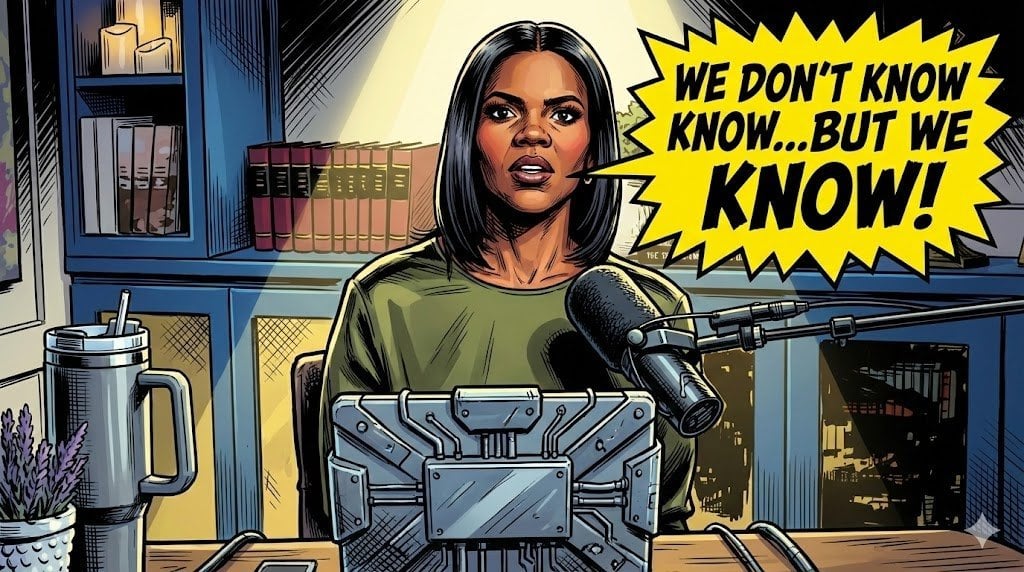
Comic Art Style Prompt
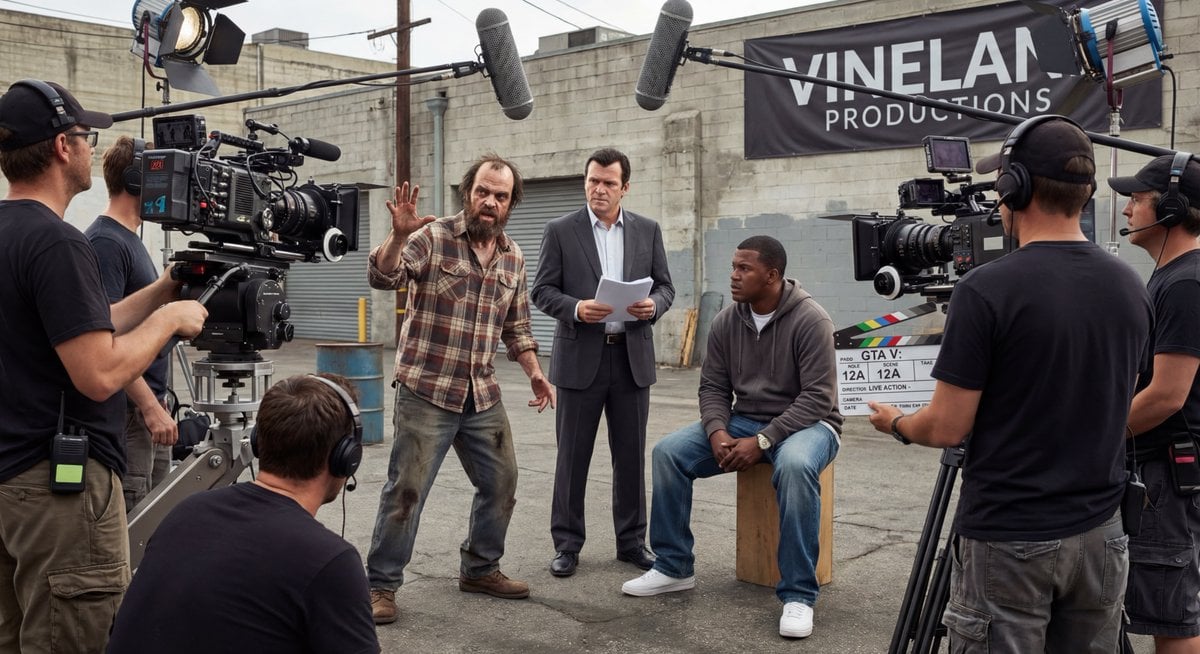
Live-action video game BTS scene
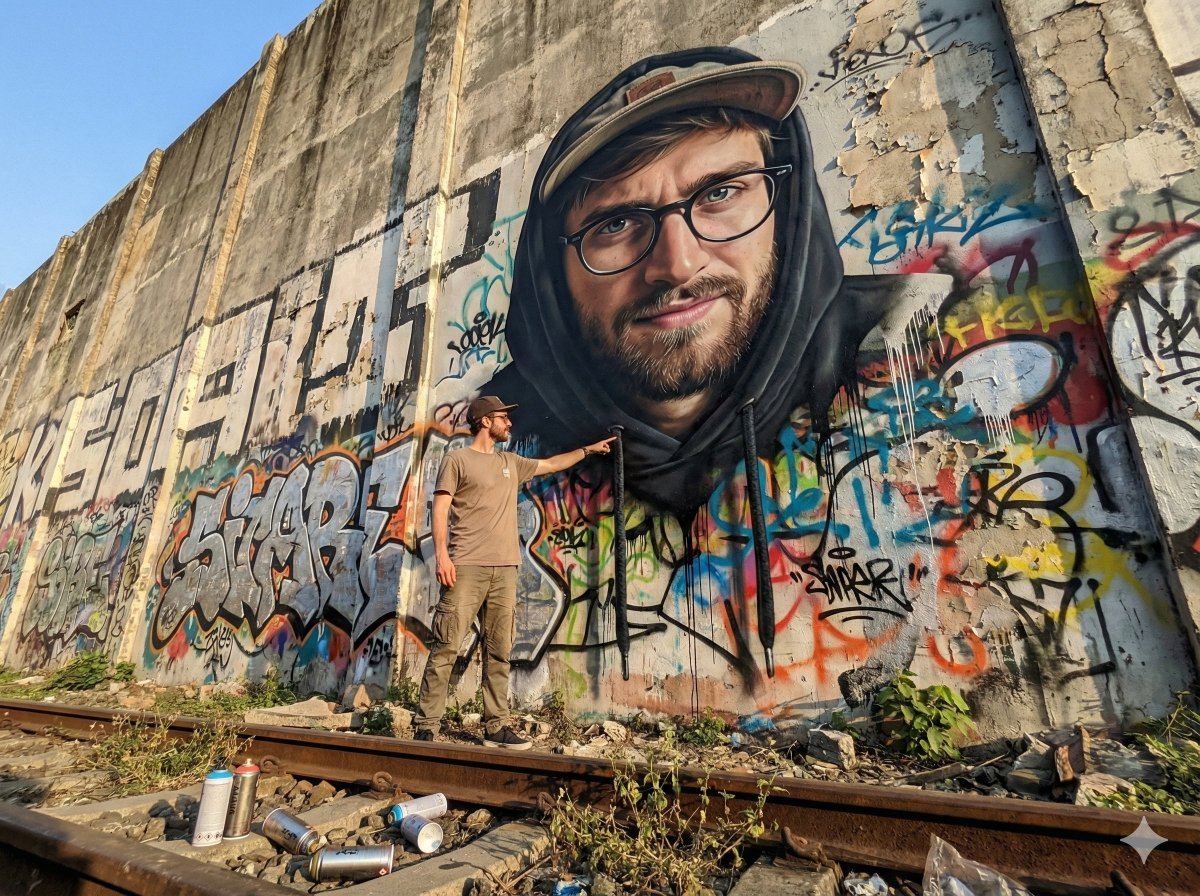
2D Mural to 3D Reality Street Art Prompt
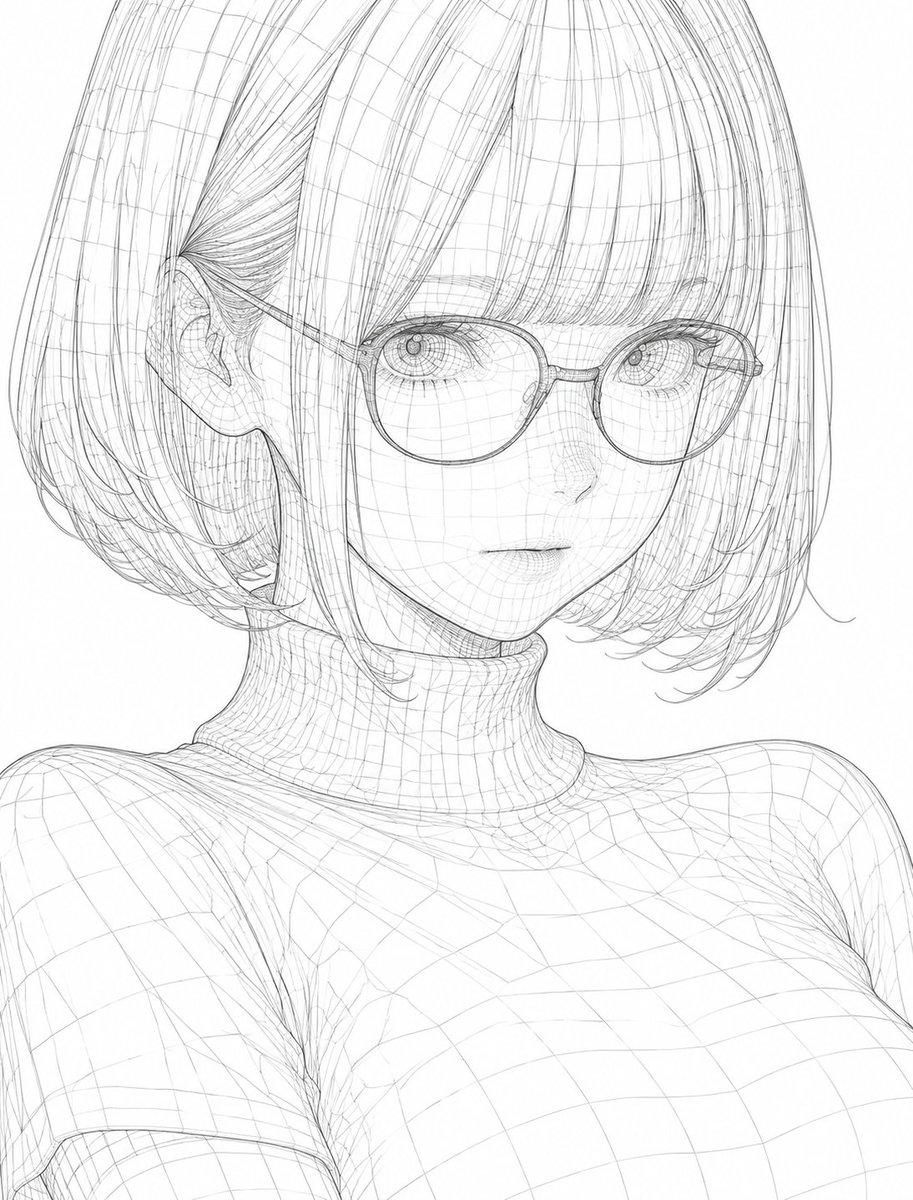
3D Wireframe Illustration Transformation
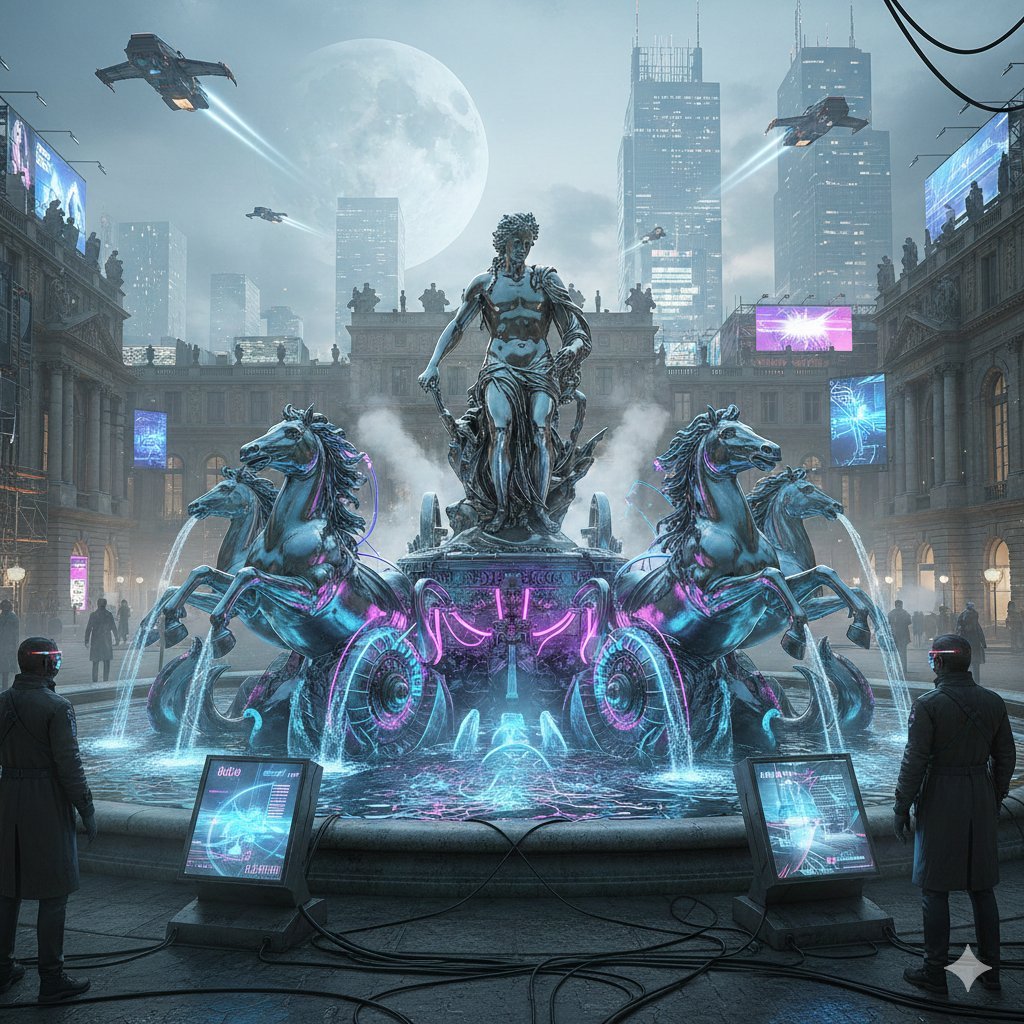
Cyberpunk Apollo's Fountain Generation
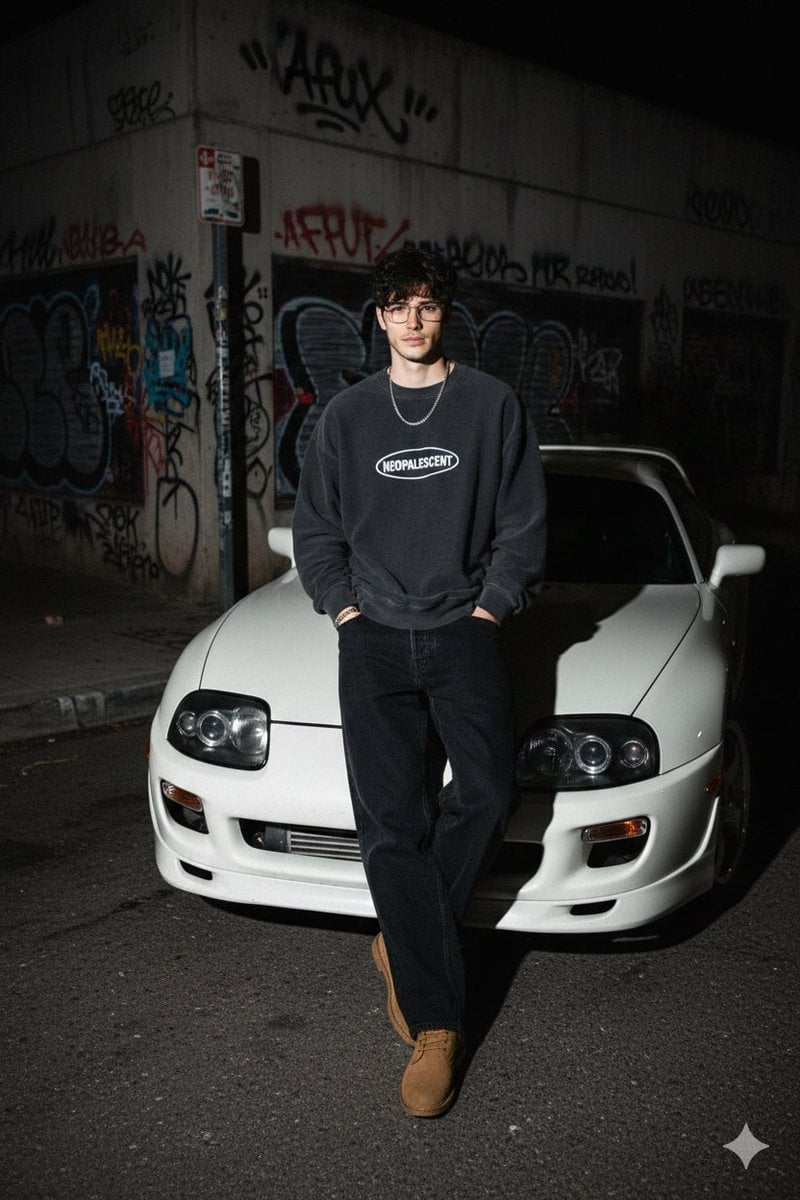
90s Streetwear Car Portrait Prompt
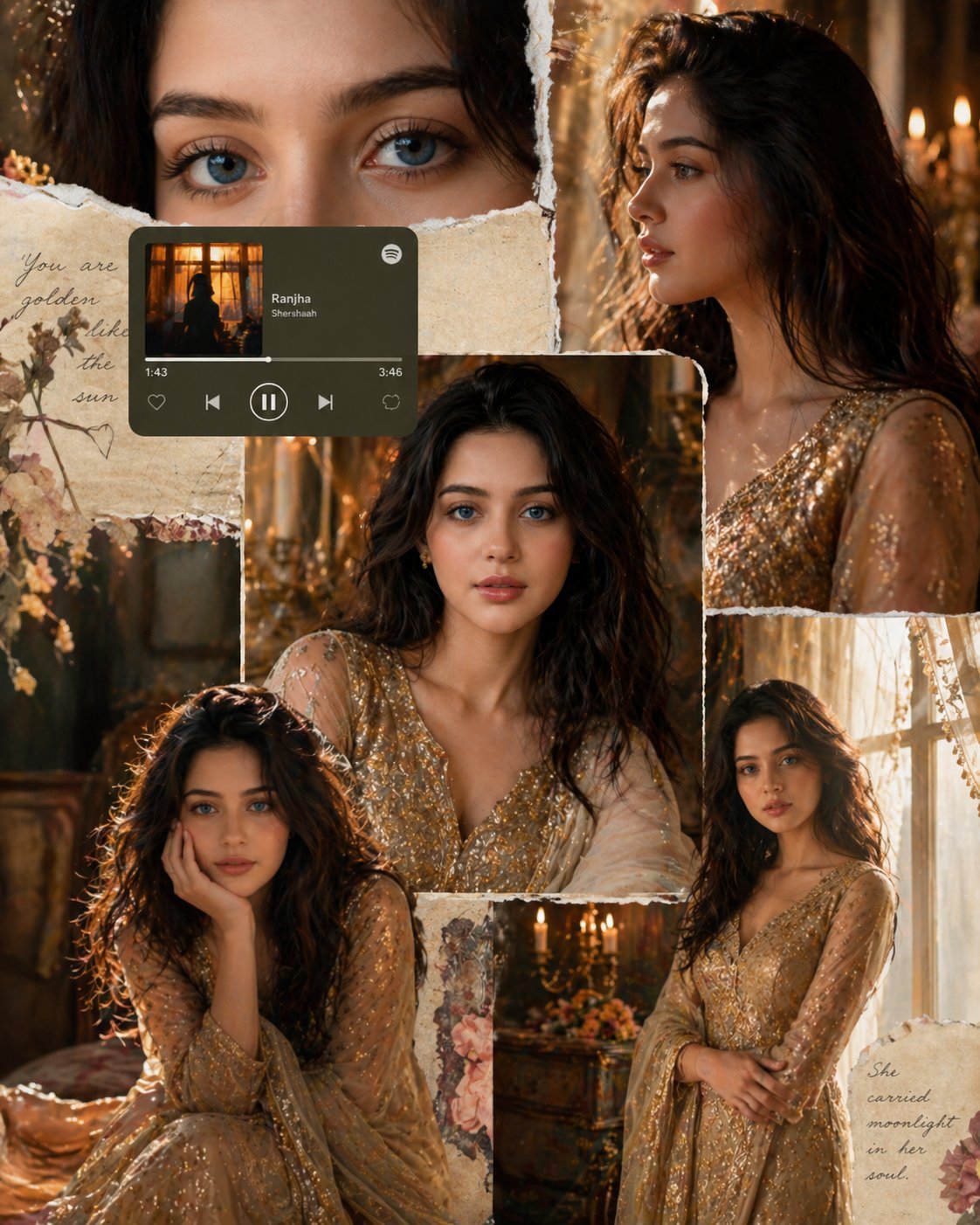
X Imgopaltiwari Golden Memories in Soft Light Chatgptapp
Browse template categories
Cinematic Roadside Realism at a Gas Station questions
How do I use the Cinematic Roadside Realism at a Gas Station template?
Add your photo if the template asks for one, edit the prompt if you like — the template's model and format are already selected — and press Generate. Your version opens in PicX Studio.
Can I customize the Cinematic Roadside Realism at a Gas Station template?
Yes. You can change the subject, setting, lighting, mood, format, and available model controls before creating your image.
Is the Cinematic Roadside Realism at a Gas Station template free?
Opening and editing this template is free. Generating uses credits, shown on the Generate button when you are signed in.
Which AI model should I use?
Start with Nano Banana 2, which is the model associated with this template. You can compare another compatible model for a different finish.
Looking for something else? Browse all templates.

Your photo, any look
Thousands of ready templates for every top image and video model, from one credit balance.